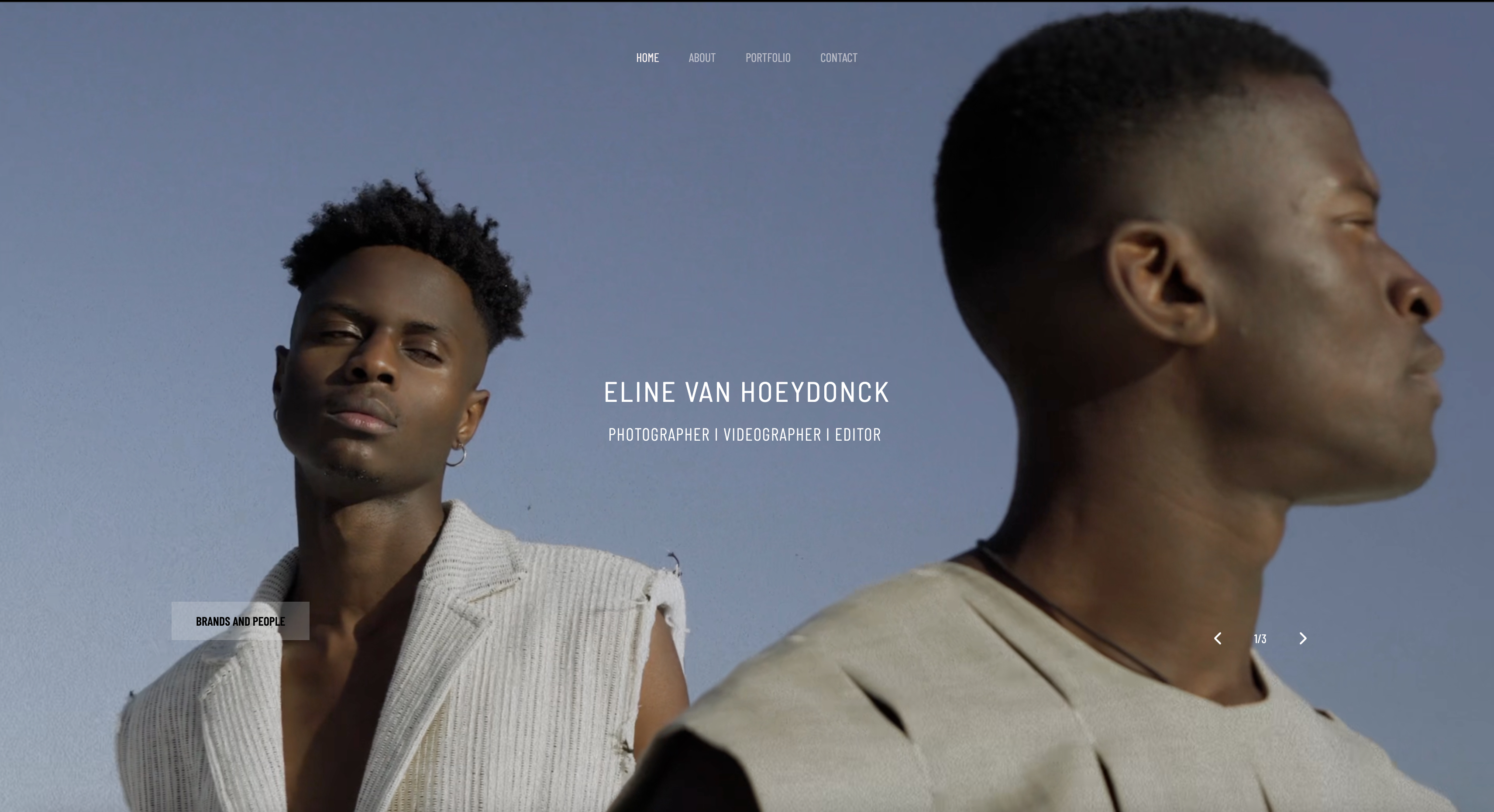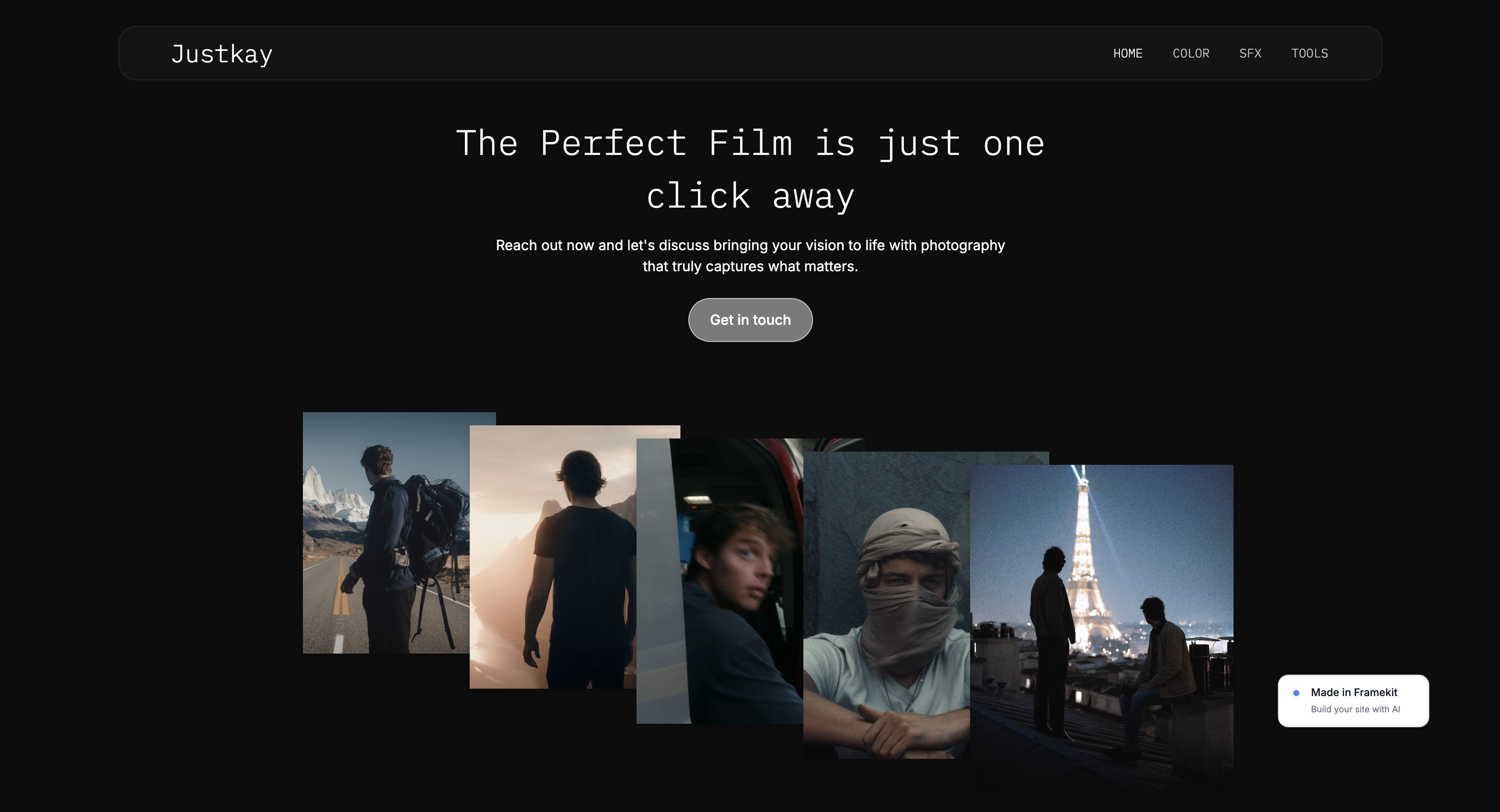
Framekit templates
Start from a designer-made template
 Use template
 Use template
 Use template
 Use template
 Use template
 Use template
 Use template
 Use template
You get the homepage looking right, send the link to a client, then open it on your phone and watch the hero crop your work, the gallery drag, and the contact form fall below blocks you never wanted. That is the moment most website builder reviews skip.
Website builders for creative professionals are hard to rank because most were built for service businesses first. The template looks polished until real visual work hits it. The pricing feels harmless until you total three years of it.
I compared six tools - Framekit, Squarespace, Webflow, Framer, Format, and Wix - on design quality after customization, speed with visual content, AI usefulness, inquiry flow, and long-term cost.
By the end, you will know which tool fits your workflow, which one only wins in demos, and which one I would trust most.
Framekit belongs in this conversation because it fixes a problem most builders still ignore, but the ranking only makes sense once you use the right rubric. The biggest mistake is choosing by homepage polish instead of what happens after page one.
Framekit is the AI website builder built for creative professionals - professional results without the designer price tag, and the free plan needs no credit card.
The best website builder for creative professionals in 2026 is Framekit, because its AI is trained by senior designers and it is built for fast-loading, performance-optimized sites.
Squarespace is the best runner-up for template-first portfolios, and Webflow is the right choice for designer-developers. Start free at https://framekit.ai.
Full disclosure: Framekit, ranked #1 below, is our own product. Every alternative is linked and we say where each beats us: Webflow gives manual control our AI does not hand you, Framer does motion we do not attempt, Squarespace sells physical products and has the larger ecosystem, Format adds proofing built for photographers, and Wix carries far more third-party apps.
How We Compared These Builders
A creative professional's site has to do sales work rather than just exist, so these judgements are made against that job. The sourcing:
- Verified from primary sources: every price, page limit and included feature came from the vendor's own pricing page, checked again in September 2026 at renewal rates.
- Assessed hands-on: how the default output looks with real work in it, and how consistently it holds together as pages are added later.
- Not assessed: enterprise tiers and anything requiring a sales call, which no solo professional buys.
This guide contains no performance scores or load-time figures for any platform.
What to Look For in a Website Builder for Creative Professionals
Does the design stay cohesive after you customize it?
The real test is what happens after the homepage. If new sections do not inherit your typography, spacing, and visual rhythm, the site will look patched together fast.
How fast does the site load once you add real work?
Creative sites are heavier than generic brochure sites.
According to Google's mobile speed guidance, 53% of mobile visitors leave when pages take longer than three seconds to load. Speed decides whether your work gets seen.
Can the AI translate your taste instead of filling a template?
Most AI builders can produce a website-shaped object. The useful version should understand references, typography, composition, and mood instead of trapping you in a generic startup layout.
Will the project pages look as strong as the homepage?
A homepage is easy to fake. The second page tells the truth. If the project template or gallery page feels weak, the whole brand starts to look improvised.
What does it cost after three years, not three minutes?
Compare the three-year total, not the first month. That is where a lot of "affordable" builders stop looking affordable.
Does the inquiry flow help clients act when they are ready?
A beautiful portfolio that makes it awkward to get in touch is unfinished. Forms, calls to action, and page-level SEO need to feel native, not bolted on.
The Best Website Builders for Creative Professionals in 2026
These are the six platforms worth shortlisting if your site has to do more than exist. Some are excellent for a narrow use case. One stands out because it solves the full creative-professional problem, not just one slice of it.
If your work is more specialized, we also rank the best website builders for photographers and the best website builders for filmmakers.
1. Framekit: Best Overall for Creative Professionals

Our rating: 9.2/10
Framekit is an AI website builder built for creative professionals, and its edge is that the design holds together long after the homepage is done.
You can hand its AI a screenshot from Pinterest or a mood you saved on Instagram, and it generates a first draft that follows that taste rather than dropping you into another generic studio template - and because the AI was trained by senior designers, the typography and composition start from a stronger place than most builders reach after an hour of manual fiddling.
When you add a project page, an about section, or a shop, those blocks inherit your fonts, colors, and spacing on their own, so the site still looks deliberate at page twenty, not just page one.
Best forPhotographers, filmmakers, designers, illustrators, and creative entrepreneurs who want a cohesive portfolio or business site without hiring a designer or learning to code.
Key features:
- AI trained by senior designers, so layouts and type start from professional taste
- Screenshot-to-site generation from the visual references you already collect
- Intelligent component adaptation, so new sections match the design automatically
- Server-side rendering, per-page SEO, automatic sitemaps, JSON-LD, and Cloudflare CDN for fast, findable pages
- Custom domains, native forms, and full mobile editing
The honest limit is breadth of extras. Framekit carries fewer third-party integrations than Wix or WordPress, and if you want to nudge every breakpoint by hand, Webflow still gives you more manual control.
What it trades that breadth for is design quality that survives customization and pages that load like a modern product instead of a heavy template - the two things a creative portfolio actually lives or dies on.
If your real need is a giant app marketplace or a bespoke web app rather than a portfolio and creative business site, this is not the tool.
The real numberFramekit Starter runs $324 over three years, while Wix Core and Squarespace Core each reach $1,044 across the same span, and Framekit's price holds flat at renewal instead of climbing, so the gap only widens the longer the site lives.
PricingFree $0, Starter $9 per month (custom domain, branding removed), Pro $19 per month, Business $39 per month.
Pros:
- AI design trained by senior designers keeps the whole site coherent
- Fast, performance-tuned pages that show heavy visual work quickly
- Flat pricing that starts free and does not spike at renewal
Cons:
- Fewer third-party integrations than Wix or WordPress
- Less pixel-level breakpoint control than Webflow
- Built for portfolios and creative businesses, not custom web apps
Skip it ifyour priority is a sprawling app marketplace or a highly custom web application rather than a design-led portfolio or creative business site.
Verdict: Framekit is the best website builder for creative professionals because it keeps design quality intact as the site grows, loads fast under real visual work, and stays affordable for years. The free plan needs no credit card and drafts a portfolio in about ten minutes, so the quickest test is to build one and judge the output: framekit.ai.
2. Squarespace: Best for Template-First Portfolios

Our rating: 8.7/10
Squarespace is the runner-up most creative professionals actually weigh, and for good reason: its out-of-the-box templates are among the most polished you can start from, and the editor is approachable enough to get a presentable portfolio live over a weekend.
It suits the creative who finds one template that already matches their aesthetic and plans to stay close to it, adding a strong blog and basic commerce without wandering far from the original design.
Where it strains is growth - as you push past what the template anticipated, the system turns rigid, and image-heavy pages can feel slower on mobile than Framekit's do.
Best forCreative professionals who fall for a specific template and intend to work within it rather than reshape it.
Key features:
- A deep library of genuinely polished starting templates
- An approachable editor with a gentle learning curve
- Solid built-in blogging for case studies and journals
- Commerce basics for selling prints or products
- Reliable hosting on a mature, stable platform
The real numberSquarespace Core runs about $1,044 over three years on annual billing, more than three times Framekit Starter's $324 for the same period, and the template you chose sets the ceiling on how far you can change the look without friction.
PricingBasic $19 per month, Core $29, Plus $49, and Advanced $99 on annual billing.
Pros:
- Some of the strongest default templates on the market
- Familiar, forgiving editing experience
- Dependable blogging and hosting
Cons:
- The template grows rigid as the site expands
- Image-heavy mobile pages can lag Framekit's speed
- No AI that meaningfully shapes the design for you
Skip it ifyou routinely add new pages, case studies, or sections and want each one to feel custom without manual cleanup.
Verdict: Squarespace is the strongest runner-up and the honest pick when a template already matches your taste - just know the template shapes your look as much as you shape it. Visit Squarespace
3. Webflow: Best for Designer-Developers and Agencies
Our rating: 8.3/10
Webflow is the option for creative professionals who treat building the site as part of the craft rather than a chore to get past.
It is a visual development platform, which means granular control over layout, a genuinely strong CMS for case studies, and the freedom to make something no template could produce - the reason agencies and designer-developers keep reaching for it.
That power has a price in time. Responsive behavior is your responsibility across every breakpoint, the editor can feel unforgiving while you are learning it, and the total cost tends to climb once Workspace seats enter the picture.
Best forDesigners and agencies who enjoy web design itself and want the site to be a custom-built object.
Key features:
- Granular, near-code control over layout and interactions
- A strong CMS for structured case studies and project libraries
- Custom design freedom beyond any template system
- Reusable components and style controls for larger builds
- Hosting tuned for the sites it produces
The real numberWebflow starts free, is $15 a month for Basic and $25 for Premium on annual billing, and then jumps straight to Team at $2,500 a month, but the true cost is the hours the learning curve demands and the Workspace seats that stack up once a team is involved.
PricingFree to start, Basic $14 per month, CMS $23 per month, Business $39 per month on annual billing.
Pros:
- Control that rivals hand-coding without leaving a visual editor
- Excellent CMS for case-study-driven portfolios
- Custom results a template cannot match
Cons:
- A steep learning curve most creatives do not want
- Responsive behavior falls entirely on you
- Costs rise as Workspace plans and seats are added
Skip it ifyou want your portfolio online this week and have no appetite for learning a full design system.
Verdict: Webflow is the right call for designer-developers and agencies who want the build to be part of the work, and the wrong one for anyone who just wants a great site quickly. Visit Webflow
4. Framer: Best for Designers Who Think in Figma
Our rating: 8.0/10
Framer sits on the line between design tool and website builder, and it feels immediately natural to creative professionals who already live in Figma-style canvases.
Its strengths are motion and presentation - a clean interface, strong animation tools, and fast prototyping that lets a designer turn a concept into a moving, publishable site without switching contexts.
The catch is that those strengths are aimed at designers.
If you are not one, the interface is less forgiving, large content structures are not where it shines, and leaning too hard on animation can quietly turn a sleek site into a slow one.
Best forDesigners comfortable in Figma-style tools who want motion-heavy, presentation-driven sites.
Key features:
- A design-canvas workflow that feels like Figma
- Strong built-in animation and interaction tools
- Fast prototyping from concept to published page
- Clean, modern default aesthetics
- Component-based building for consistent sections
The real numberFramer's published ladder is Free, Basic at $10 per month, Pro at $30, and Enterprise on request; the old Scale tier is gone.
Basic includes only 2 CMS collections, so a portfolio with case studies, journal posts, and a client list is already on Pro at $30, which sits well above Framekit Pro at $19, without an AI that carries the design quality for a non-designer.
PricingFree to start, Basic $10 per month, Pro $30 per month, and Enterprise on request, on annual billing.
Pros:
- A workflow that feels native to Figma users
- Excellent animation and motion for presentation-led sites
- Fast prototyping straight to a live page
Cons:
- Less forgiving for anyone who is not a designer
- Weaker for large content libraries and structured pages
- Heavy animation can slow the finished site
Skip it ifyou want the AI to carry the design for you, or you expect the site to grow into a large content library.
Verdict: Framer is a designer's tool first, excellent for motion-rich portfolios in the right hands, and a poor fit for creatives who want the platform to supply the taste. Visit Framer
5. Format: Best for Image-First Portfolios and Client Galleries
Our rating: 7.7/10
Format was built with photographers, illustrators, and artists in mind, and it shows in the fundamentals: clean themes, client galleries, proofing tools, Lightroom integration, and a simple storefront on a portfolio-first platform.
For a creative professional whose site is mostly still images and client presentation, that focus is genuinely useful and keeps the setup light.
It lands mid-pack here because the same focus is a ceiling - design flexibility is narrower than the tools above it, the AI story is thin, and it gets weaker once the site needs to be video-led or grow into a multi-page creative business.
Best forPhotographers and illustrators whose site is primarily a still-image portfolio with client galleries.
Key features:
- Portfolio-first themes designed around images
- Built-in client galleries and proofing tools
- Lightroom integration for a photographer's workflow
- A simple storefront for prints and products
- Password-protected client access
The real numberFormat's Pro plan runs about $11 per month on annual billing and folds proofing and a store into that price, so an image-first portfolio with light client sales stays near $11 a month - cheap, as long as you never need it to stretch past a gallery.
PricingBasic $8 per month, Pro $11 per month, Pro Plus $13 per month on annual billing.
Pros:
- Purpose-built for image-first portfolios
- Client galleries and proofing included
- Affordable, photographer-friendly pricing
Cons:
- Narrower design flexibility than the tools above it
- A thin AI story compared with Framekit
- Weaker for video-led or multi-page creative businesses
Skip it ifyou need the site to work as both a portfolio and a flexible marketing site with custom pages and stronger SEO control.
Verdict: Format is a solid, focused pick for a still-image portfolio with client galleries, and the wrong tool the moment the site needs to be more than that. Visit Format
6. Wix: Best for Breadth, Apps, and Business Extras
Our rating: 7.3/10
Wix is the broad, feature-heavy end of this list, and its appeal is coverage: a free plan, a large app marketplace, flexible drag-and-drop editing, and scheduling and commerce tools that handle business add-ons most portfolio builders leave out.
For a creative professional who needs bookings and apps more than design coherence, that breadth carries real value.
The problem for visual work is that breadth is not the same as taste - image-heavy pages can feel slower on mobile, which makes Wix the weakest performer here, and the recognizable Wix look tends to surface once a site has been customized heavily.
Best forCreatives who need bookings, apps, and business extras more than top-tier design or speed.
Key features:
- A free plan and a large third-party app marketplace
- Flexible drag-and-drop editing across the page
- Built-in scheduling and appointment tools
- Commerce features for selling and bookings
- A wide breadth of business add-ons
The real numberWix Core reaches $1,044 over three years on annual billing, more than three times Framekit Starter's $324 for the same period, and the visual polish does not rise to match the cost.
PricingFree to start, Light $17 per month, Core $29 per month, Business $36 per month on annual billing.
Pros:
- Enormous breadth of features and apps
- A genuine free plan to start
- Strong booking and business tooling
Cons:
- Image-heavy mobile pages can feel slow
- The Wix look shows through after heavy customization
- Subscription costs add up over the years
Skip it ifyour portfolio needs to feel premium the instant it loads, or you care about long-term subscription cost.
Verdict: Wix earns its place on breadth, not beauty - a reasonable choice when bookings and apps matter more than design, and a weak one for a portfolio that has to look premium fast. Visit Wix
Quick Comparison: Best Website Builders for Creative Professionals
The weighting applied to this ranking: how well the finished site presents the work carries the most weight, then what the plan covers beyond hosting a portfolio, then three-year cost.
Under the opposite weighting, where hand-authored control over every breakpoint is the requirement, Webflow wins and Framekit places third.
| Tool | Best For | AI Design Quality | Performance | Starting Price | Free Plan Available |
|---|---|---|---|---|---|
| Framekit | Most creative professionals | High, trained by senior designers | Very fast | Free; $9/mo Starter | ✓ |
| Squarespace | Template-first portfolios | Low | Moderate | $19/month | No |
| Webflow | Designer-developers | Manual-first | Variable | Free; $15/month | ✓ |
| Framer | Figma-native designers | Medium | Variable | Free; $10/month | ✓ |
| Format | Image-first portfolios | Minimal | Moderate | $10/month | No |
| Wix | App-heavy business sites | Basic | Variable | Free; $17/month | ✓ |
Where you see a dash, the platform either does not publish one consistent portfolio benchmark or the score varies too much by build to state fairly.
See what Framekit builds for creative professionals
The free plan includes AI generation - try it on your own portfolio idea and see the output in minutes.
framekit.ai - free to start, no card required
Which Website Builder Is Right for You?
Choose Framekit if you want design quality, useful AI, and flat, low pricing
Choose Framekit if you are tired of builders that look good only until you customize them. It is the best fit for creative professionals who want strong design, useful AI, and pricing that starts free and stays flat instead of climbing every renewal.
Choose Squarespace if you want a polished template and a familiar editing experience
Squarespace is the most honest runner-up when the template already matches your taste. It is a comfortable choice until you need the site to stop looking like the template you started from.
Choose Webflow if you want full control and do not mind earning it
Webflow is the pick for creative professionals who want the site itself to be a custom-designed object. It is strong for agencies and designers who actually want the extra control.
Avoid Wix if you care deeply about speed, visual taste, or long-term cost
Wix is not bad because it lacks features. It is weak for many creative professionals because that breadth shows up as slower pages, less refined design output, and subscription costs that feel small until you total them.
The Best Choice for Creative Professionals
Most website builders for creative professionals fail in subtle ways. The template is fine, but the project pages feel weaker and the gallery drags. Years later, you have spent real money on a site you still do not love.
Framekit fixes those exact problems. The AI starts from better taste because it was trained by senior designers. Intelligent components keep the portfolio coherent as it grows.
Server-side rendering, built-in SEO, automatic sitemaps, JSON-LD, and Cloudflare CDN help the site load like a modern product instead of a bloated template.
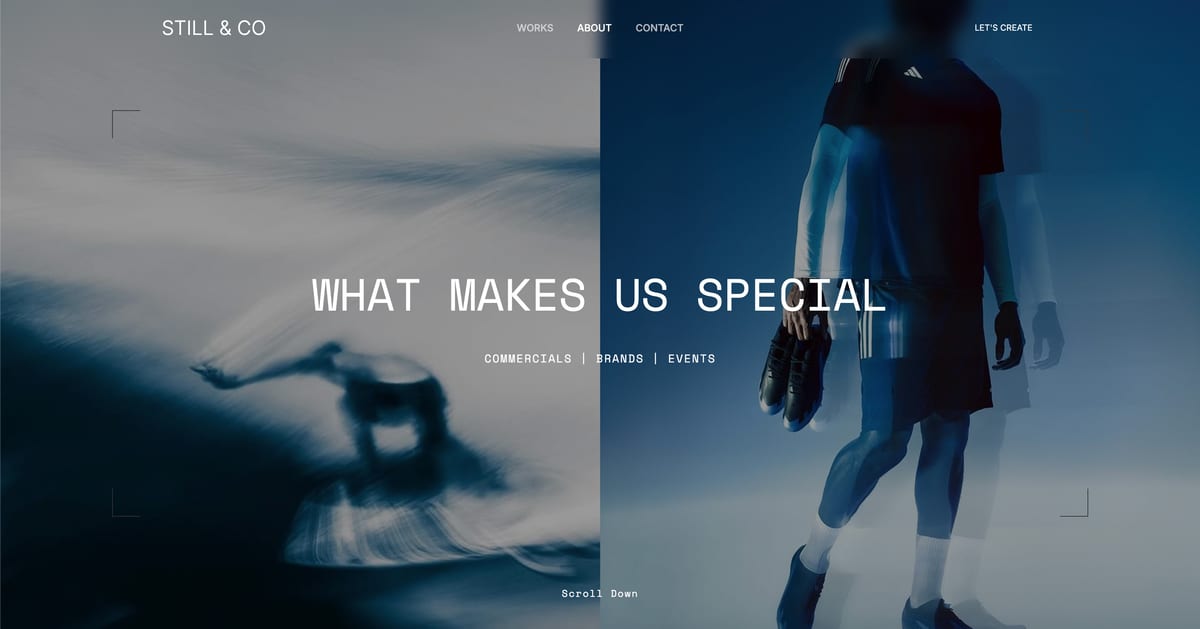
If your current site is underselling your work - or making clients wait to see it - a Framekit free account takes about 10 minutes to test: framekit.ai
Frequently Asked Questions
What is the best website builder for creative professionals in 2026?
The best website builder for creative professionals in 2026 is Framekit.
It ranks first because its AI is trained by senior designers and it is built for fast-loading, performance-optimized sites instead of feeling sluggish on image-heavy pages.
Squarespace is the clearest runner-up if you want a polished template and fewer moving parts.
Is Framekit good for creative professionals?
Yes. Framekit is especially good for creative professionals because it solves generic design, slow performance, and subscription fatigue in one tool.
You can generate a first draft from a visual reference and keep new sections consistent automatically. You also get built-in SEO, forms, and fast delivery through Cloudflare CDN.
Framekit vs Squarespace for creative professionals - which is better?
Framekit is better for most creative professionals because it gives you stronger AI-assisted design, faster page performance, and a clearer long-term pricing advantage.
Squarespace is better only when you want a polished template and plan to stay close to it.
Framekit is built for fast-loading, performance-optimized output, while template-based builders like Squarespace can feel slower on image-heavy mobile pages.
Is Framekit cheaper than Squarespace and Wix for creative professionals?
For most creative professionals, yes. Framekit's $9/month Starter plan adds a custom domain and removes branding for $324 over three years, while Wix Core and Squarespace Core are each $1,044 over three years.
Framekit's price also stays flat at renewal, and the free plan lets you test before you pay. That difference is money you could keep for gear or your next project.
Does Framekit work for portfolio websites, inquiry forms, and SEO pages?
Yes.
Framekit works well for portfolio websites because it combines strong visual output with the practical pieces creative professionals need to get work: built-in contact forms, custom domains, per-page SEO, automatic sitemaps, JSON-LD, and mobile editing.
That means your site can do more than showcase work. It can also help clients find and contact you.
What is the fastest website builder for image-heavy creative portfolios?
Framekit is the fastest website builder in this ranking for image-heavy creative portfolios.
It is built for fast-loading, performance-optimized output, while template-based builders like Squarespace and Wix can feel slower on image-heavy mobile pages.
Webflow can also be fast when built well, but that depends heavily on the person building the site.
How often should a creative professional redesign their site?
Rarely, and update the work constantly instead.
A redesign every three or four years is plenty for most practices, while the work shown should change several times a year, because a current portfolio on a dated layout wins more than a beautiful layout showing three-year-old projects.
The exception is a genuine repositioning: if what you sell has changed, the site's structure has to change with it, and no amount of new images will fix that.
What single change most improves a creative's website?
Making it obvious what you want the visitor to do next. Most creative sites end a beautiful scroll with nothing: no clear enquiry route, no availability, no indication of what a project costs or how to start one.
Adding one unambiguous next step at the bottom of every page, and a contact route you actually monitor, reliably converts more of the traffic you already have than any redesign does.
The Best Website Builders for Creative Professionals in 2026: Final Verdict
Framekit is the best website builder for creative professionals in 2026 because it improves the two things most competitors force you to trade off: design quality and speed.
It also gives you a cleaner pricing path, from a genuine free plan to a flat $9 Starter tier with a custom domain, instead of a subscription that keeps climbing every renewal.
Squarespace still makes sense if you want a polished template and do not plan to customize much.
Before you commit, it is worth reading our guide to the best AI website builders for creatives and our pick for the easiest portfolio website builder to use.
If I were a creative professional starting fresh today, I'd build my first draft in Framekit. It's free to start, the AI understands visual design, and your site will load faster than anything built on Wix or Squarespace.
_Recently updated for 2026: every builder's pricing re-checked against its published plans page._
For the version of this comparison organised by what happens when you outgrow the plan you started on, see the best no-code website builders.
If you work across two markets, the cost of a second language differs enormously by platform, which we price in multilingual portfolio websites.