Framekit templates
Start from a designer-made template
 Use template
 Use template
 Use template
 Use template
 Use template
 Use template
 Use template
 Use template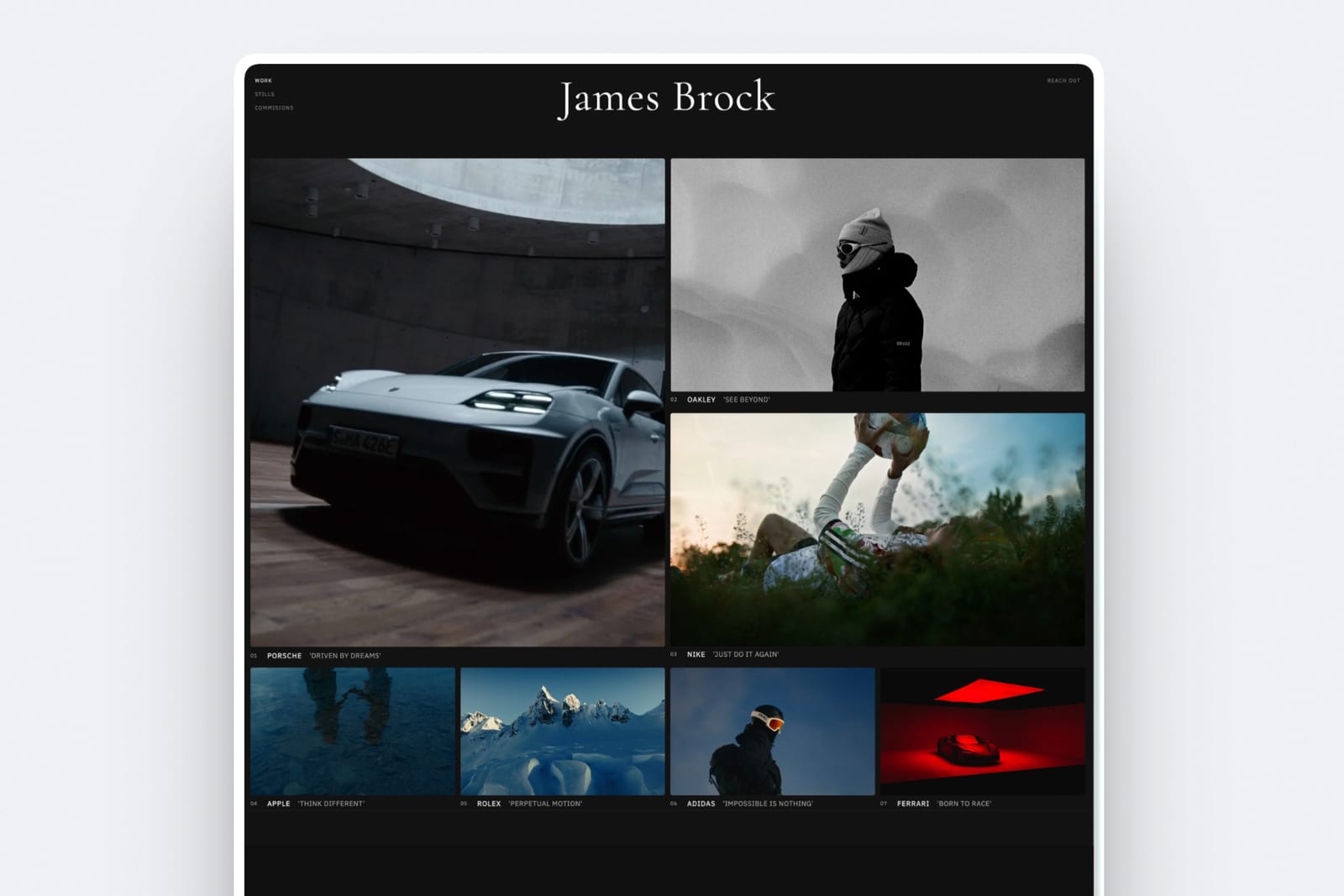
You already pay Adobe every month, so when you noticed a website builder sitting inside your Creative Cloud plan at no extra cost, building there felt like the obvious move.
It looked clean, Lightroom albums flowed straight onto the page, and the invoice did not change. Then the work grew.
A client asked where to download the wedding, a follower asked how to buy your preset pack, and a producer wanted the cut on a link they could comment on. The bundled site had no answer to any of the three.
That is the real shape of Framekit vs Adobe Portfolio in 2026. One is a presentation tool you already own; the other is a paid platform built to run the delivering, reviewing and selling that happen around the presentation.
Which one wins depends on how much of that surrounding work you do, and on whether Creative Cloud is a bill you would pay anyway.
Adobe Portfolio is a website builder included with most paid Creative Cloud plans that turns Lightroom albums and Behance projects into a themed portfolio site.
Framekit is an AI website builder that also holds client galleries for photo and video, frame-accurate video review, Slides for decks and treatments, and a digital-download store in one account.
Adobe Portfolio is the better choice for a Creative Cloud subscriber who only needs to show work, because it costs nothing extra, syncs from Lightroom and Behance, and allows up to five sites per account.
Framekit is the better choice for photographers, filmmakers and designers who also deliver client galleries, send cuts for review or sell downloads, because Adobe Portfolio has no store, no client delivery and no review, while Framekit includes all three from its free plan and adds a custom domain from $7 a month billed yearly.
Full disclosure: Framekit is our product. Adobe facts come from Adobe's own plan comparison and the Adobe Portfolio Help Center, read on 12 October 2026. We describe both tools by what their makers publish and do not claim a hands-on build on either.
What changed in this October 2026 update: we re-verified which Creative Cloud plans include Adobe Portfolio and what they cost, removed an earlier claim that we had built the same site on both tools, corrected a line that said Framekit buyers never leave your domain (Framekit checkout runs on a hosted framekit.ai page), and added worked costs for four creatives, a limits table and a switching checklist; a later pass the same day counted card processing in those costs and corrected a line that promised badge-free galleries.
How This Comparison Was Built
This comparison rests on published facts and arithmetic you can redo, because what you are really choosing between is a bundled perk and a separate subscription, and the plan pages say more about that trade than any first impression of either editor.
Sources. For Adobe: the Adobe Portfolio pricing and plans article, the What is Adobe Portfolio? overview, Adobe's help pages on cancelling, video renditions and multiple sites, and Adobe's photography plan comparison for prices.
For Framekit: its pricing page and product pages. For the services a Portfolio user adds beside it: the pricing pages of Pixieset, Frame.io and Gumroad. Everything was read on 12 October 2026.
Five questions. What each tool costs you on top of what you already pay; how far the design goes; whether you can deliver work to clients; whether you can sell; and what happens to the site when a subscription changes.
What we do not claim. No timed builds, no design scores, no quotes from users. Where Adobe does not publish a figure, the tables say so rather than guess.
Framekit vs Adobe Portfolio at a Glance
Adobe Portfolio is the cheaper and simpler presentation site for anyone already paying Adobe, while Framekit is the broader creative-business account, and the table below shows the published facts behind each half of that sentence.
| Framekit | Adobe Portfolio | |
|---|---|---|
| What it costs | Free plan; custom domain from $7 a month yearly ($9 monthly) | Included with most paid Creative Cloud plans; no stand-alone subscription |
| How a site starts | AI drafts sections and copy, or rebuilds a reference screenshot; designer-trained templates | Themes you fill with Lightroom albums, Behance projects and uploads |
| Sites per account | One site per website plan; a second site is a second plan | Up to five sites |
| Custom domain | Starter and up | Yes, connect one or buy through Namecheap |
| Client galleries | Unlimited on every plan, photo and video together | None; password-protected pages only |
| Video review | Frame-accurate comments on every plan | None |
| Store | Digital downloads, 5%, 5%, 3% or 0% fee by plan | None built in |
| Decks and treatments | Slides on every plan | None |
| Lightroom and Behance sync | No | Yes, both directions with Behance |
| If you stop paying | Falls back to the permanent Free plan | Site stays live 14 days, then goes offline |
Where Adobe Portfolio Wins
Adobe Portfolio wins whenever the site's only job is to present finished work and you already pay for Creative Cloud, because then it costs nothing extra, plugs into the apps you edit in every day, and lets one account run up to five separate sites.
It is already paid for. Adobe's help centre says Portfolio is included in most Creative Cloud plans, including All Apps, Single App, Photography and Behance Pro, and that there is no stand-alone Portfolio subscription.
If you keep Lightroom or Photoshop for the editing alone, the site is a genuine extra at no cost.
Framekit's free plan is also $0, but your own domain on Framekit starts at $84 a year, and that is money a Creative Cloud subscriber does not have to spend for a presentation site.
The Adobe workflow is the editor. Photos sync directly from Lightroom Classic or Lightroom, Behance projects import and can be published back, and Adobe Stock contributors can show their collections with a buy-on-Stock button.
For a photographer who culls and grades in Lightroom, publishing a new album without exporting anything is a real time saver, and Framekit has no Lightroom or Behance sync.
Five sites from one login. Adobe lets a single Portfolio account publish and manage up to five sites, handy for separating a commercial book from personal projects.
On Framekit, website plans attach to a site, so a second website is a second plan, even though galleries, review, Slides and the store all sit on the same account.
Privacy at page level. You can set an Adobe Portfolio site to public, private or password-protected, and lock individual pages with their own password. That covers a simple private proofing page for a client who only needs to look.
Verdict: if Creative Cloud is a bill you would pay anyway and your site only has to show work, Adobe Portfolio is the right call, and paying for another builder would be spending on capability you will not use. Is Adobe Portfolio worth it goes deeper on that case.
Where Framekit Wins

Framekit is an AI website builder that also delivers client galleries, runs frame-accurate video review, builds decks and sells digital downloads from one account, so it wins for the creative whose site has to handle the business around the work rather than only display it.
Delivery, review and selling are built in. Adobe's own overview suggests looking at other platforms if your site needs online stores, blogging tools or extensive third-party integrations.
Framekit includes unlimited client galleries, video review, unlimited Slides decks and a download store on every plan, Free included, sharing one storage pool: 10GB on Free, 50GB on Starter, 300GB on Pro and 2TB on Business.
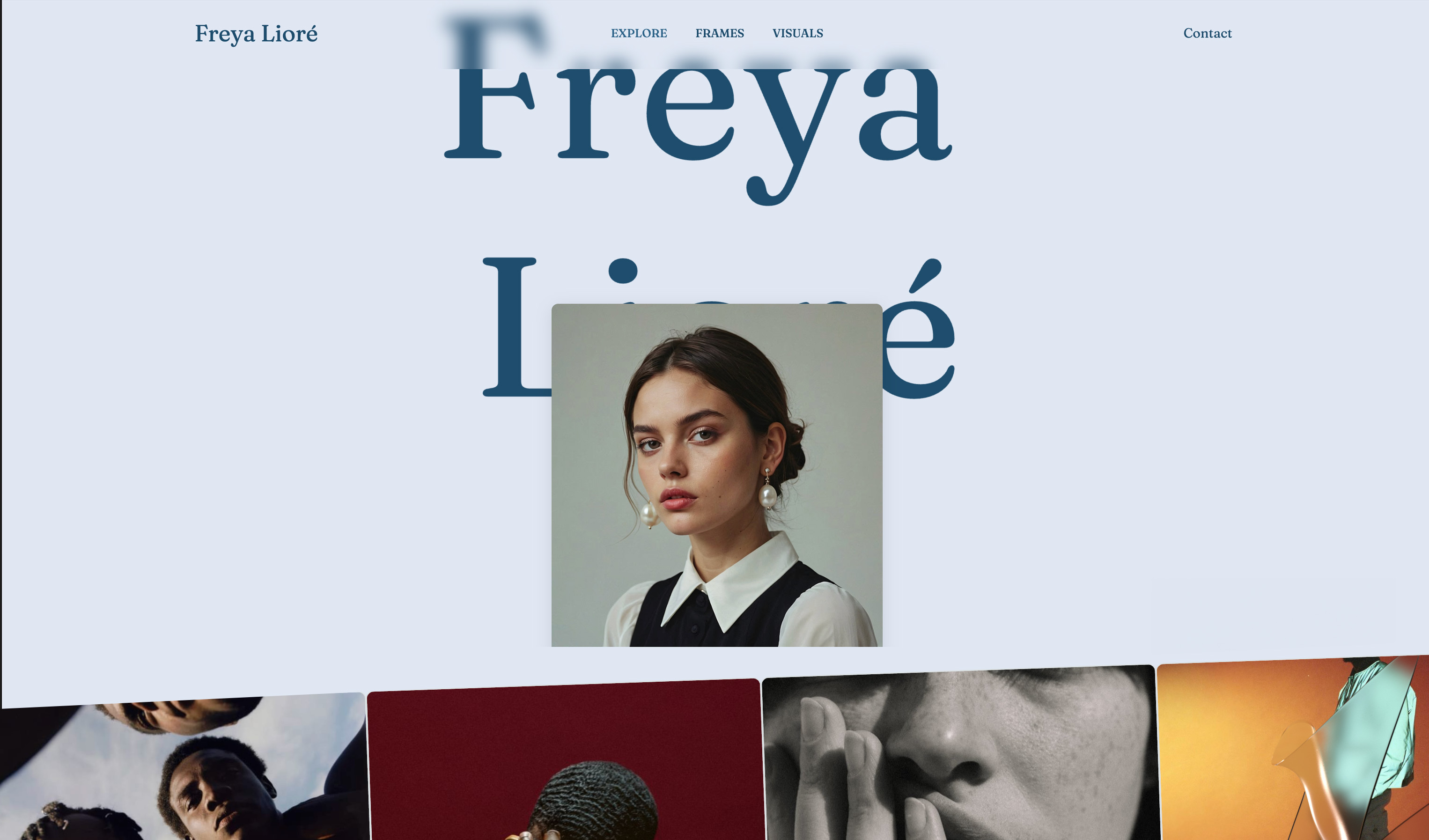
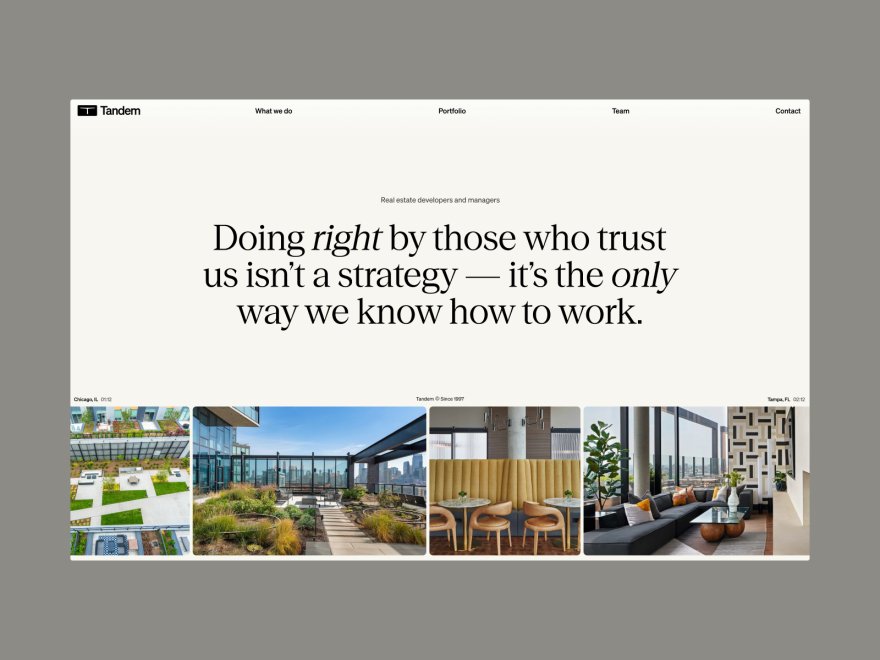
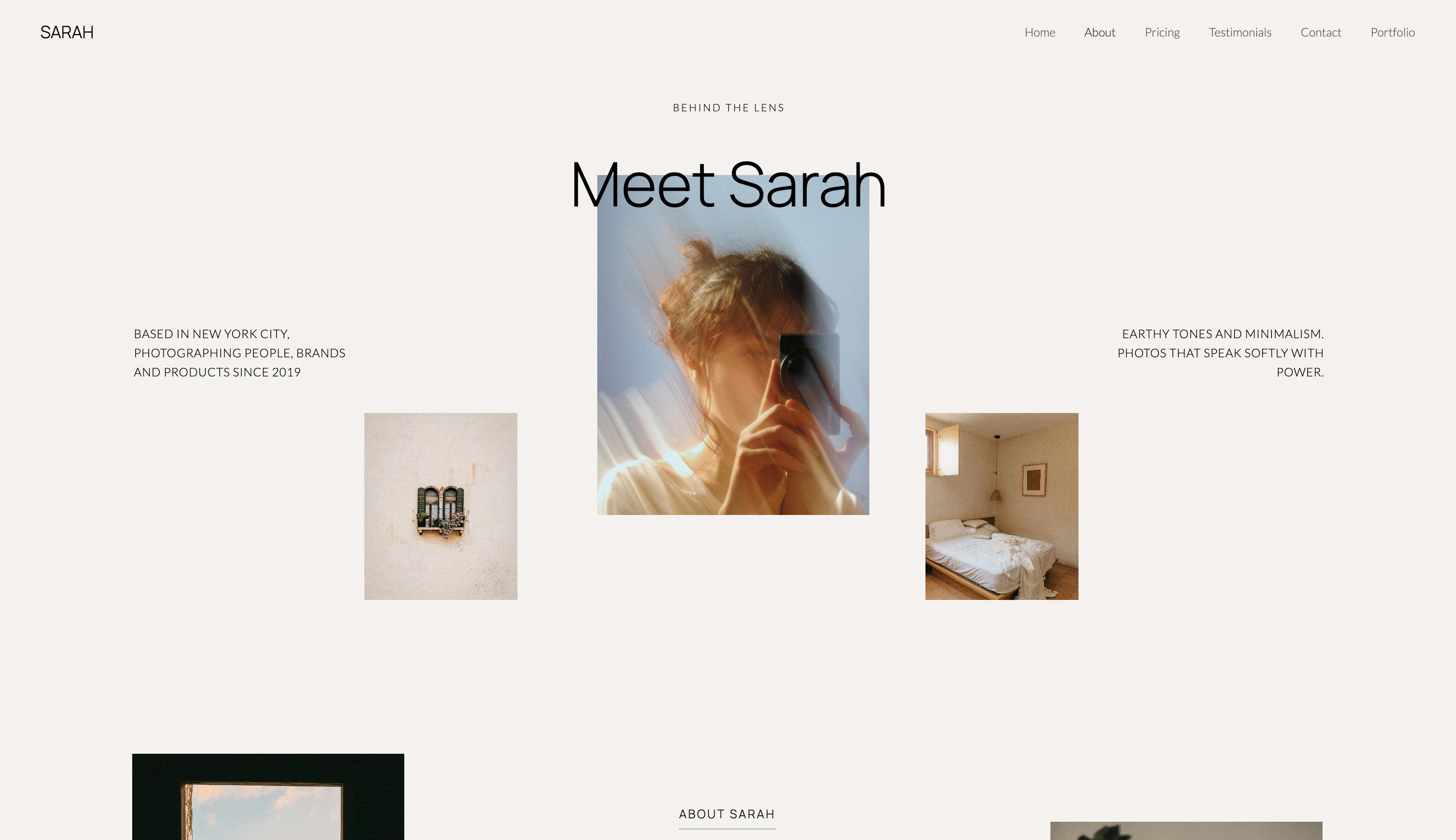
A site that starts closer to finished. Templates are built with AI and trained by senior designers, the AI writes copy and generates whole sections in your site's style, and it can rebuild a layout from a screenshot you upload.
Framekit's own models, Cadence for premium output and Score for fast drafts, do that work. You then edit every block by hand, which never draws on the monthly AI allowance every plan carries.
It does not disappear with another subscription. If you cancel Creative Cloud, Adobe keeps a Portfolio site live for a 14-day grace period and then takes it offline until you resubscribe.
A lapsed paid Framekit plan falls back to the permanent Free plan on a framekit.ai address, with 10 pages, 10GB of storage and a small badge.
The basics every site needs. Hosting with SSL and a global CDN, per-page titles and descriptions, a sitemap, social previews, visitor analytics, contact and booking forms and a cookie banner are on every plan.
Form submissions run 500 a month on Free, 1,000 on Starter, 5,000 on Pro and unlimited on Business.
Verdict: a working creative who delivers, reviews or sells gets that work done in one Framekit account, while an Adobe Portfolio user needs a separate service for each job.
The Creative Cloud Question: What Free Really Means
Adobe Portfolio is free only in the sense that you have already paid for something else, so the honest cost comparison depends on whether your Creative Cloud plan is an editing expense you would keep without the website.
Adobe's photography comparison page, read in October 2026, lists Adobe Portfolio among the features of three plans billed annually and charged monthly: Lightroom (1TB) at US$11.99 a month, Photography (1TB) at US$19.99 a month, and Creative Cloud Pro at US$69.99 a month, with a lower introductory rate for new Pro subscribers.
None of those matches the "about $10 a month" figure that circulates in older comparisons, including the one this page used to carry.
That gives three honest readings of the price:
- You edit in Lightroom or Photoshop anyway. Adobe Portfolio's marginal cost is $0. Framekit Starter, at $84 a year billed yearly, is a real extra, and it only earns its place if you use the galleries, review or store.
- You do not need Adobe's apps. The cheapest plan that lists Portfolio is US$143.88 a year (US$11.99 times 12). Framekit Starter is $84 a year for the site with your domain, and the Free plan is $0 on a framekit.ai address.
- You would downgrade Creative Cloud one day. The site goes with it. That matters most to photographers who might move editing to another app, because the portfolio quietly becomes the reason to keep paying Adobe.
Run it yourselfwrite down what you pay Adobe a year and ask whether you would keep that plan if it did not include the website. If yes, Portfolio is free to you. If no, compare US$143.88 with Framekit Starter at $84 and add whatever you pay elsewhere for galleries, review and selling.
The Work Around the Site
Most of the difference between Framekit and Adobe Portfolio sits outside the website itself, in four jobs Adobe Portfolio does not attempt: handing a shoot to a client, collecting notes on a cut, sending a deck, and selling a file.
Client galleries
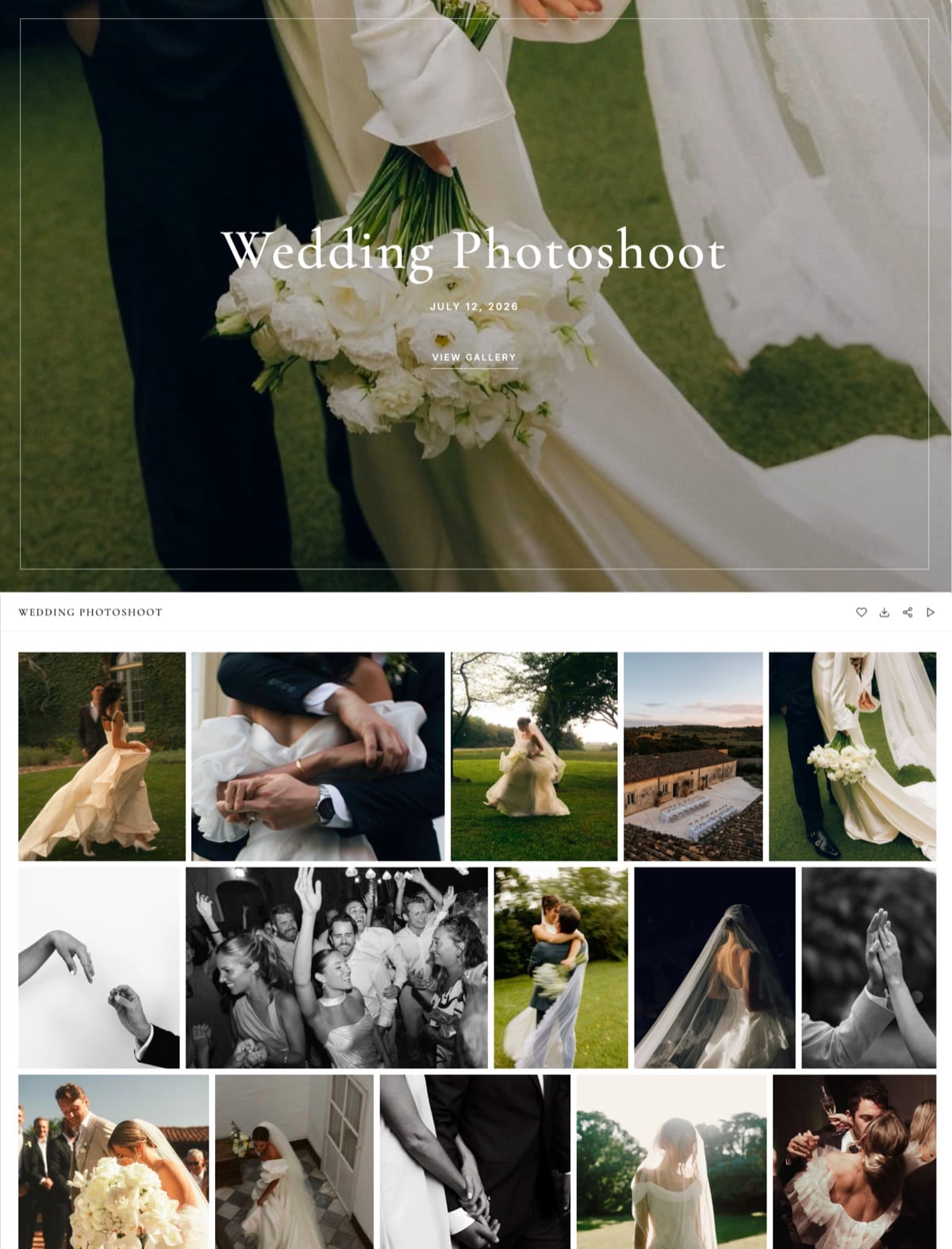
A Framekit gallery holds photos and video together under one link per shoot.
Clients tap a heart to favourite images, filter to their favourites, and download the full set or only the favourites, with an optional PIN on downloads that is separate from the gallery password.
Photos can carry your watermark; videos never do. Photo files go up to 100MB on every plan, and video files to 500MB on Free, 1GB on Starter, 2GB on Pro and 3GB on Business.
Paid plans serve galleries from your own domain with your own fonts, and a small Made with Framekit line stays in the gallery footer on every plan.
An Adobe Portfolio password page can show a client their images, but Adobe publishes no favourites, download sets or download PIN for it. Not offered on Framekit either: print ordering, lab fulfilment, client uploads into a gallery or a native mobile gallery app.
Video review
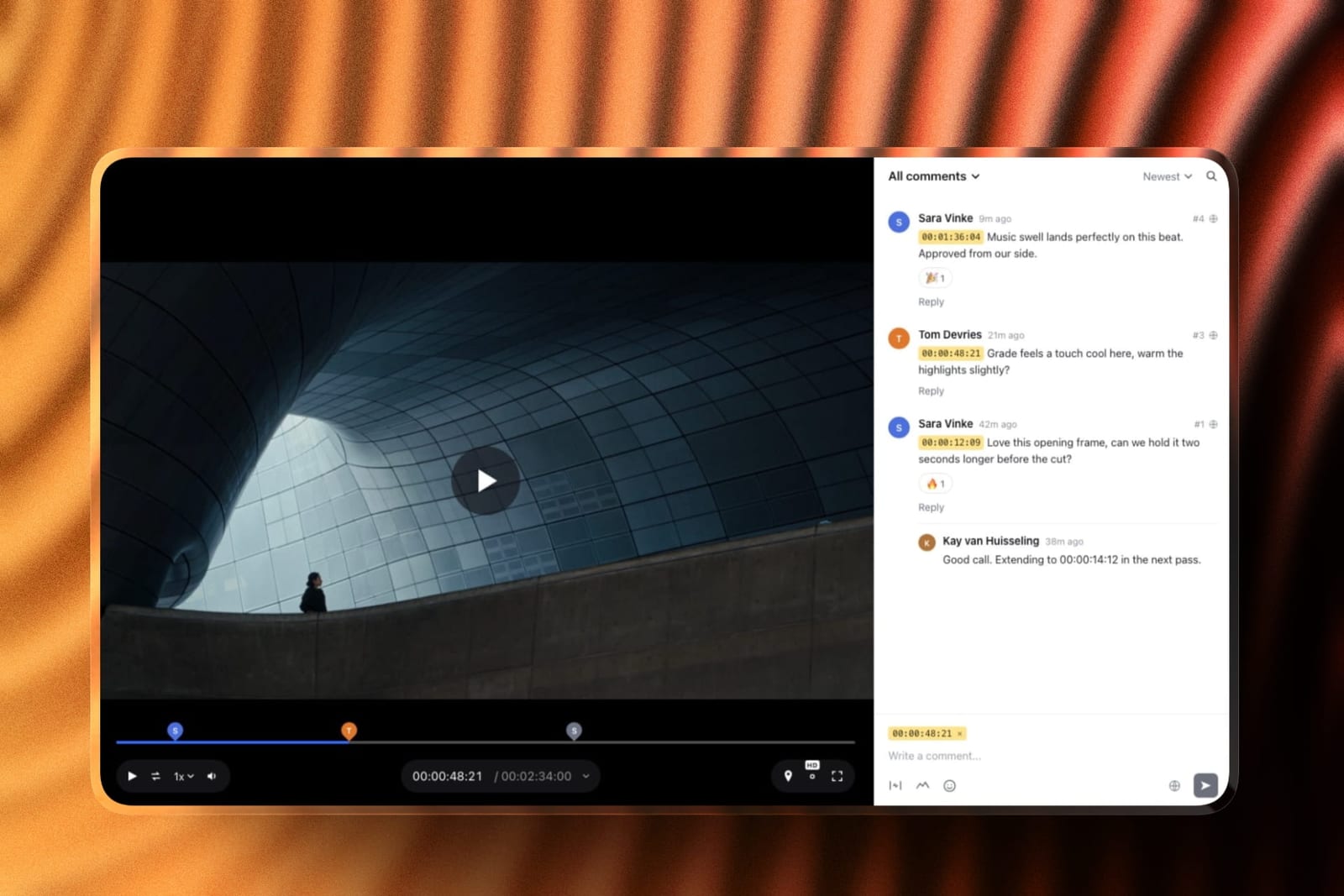
Upload a cut, share a link, and the client comments at the exact frame, draws on the image and replies in threads, with no account needed.
Upload v2 and v3 into the same version stack and the older cuts keep their notes; approval statuses run from needs review to approved. Videos can be up to 2 hours long, and files on comments open on Pro.
What Framekit review does not do: editing-suite panels, camera-to-cloud, side-by-side version compare, or proofing for stills and PDFs.
Slides
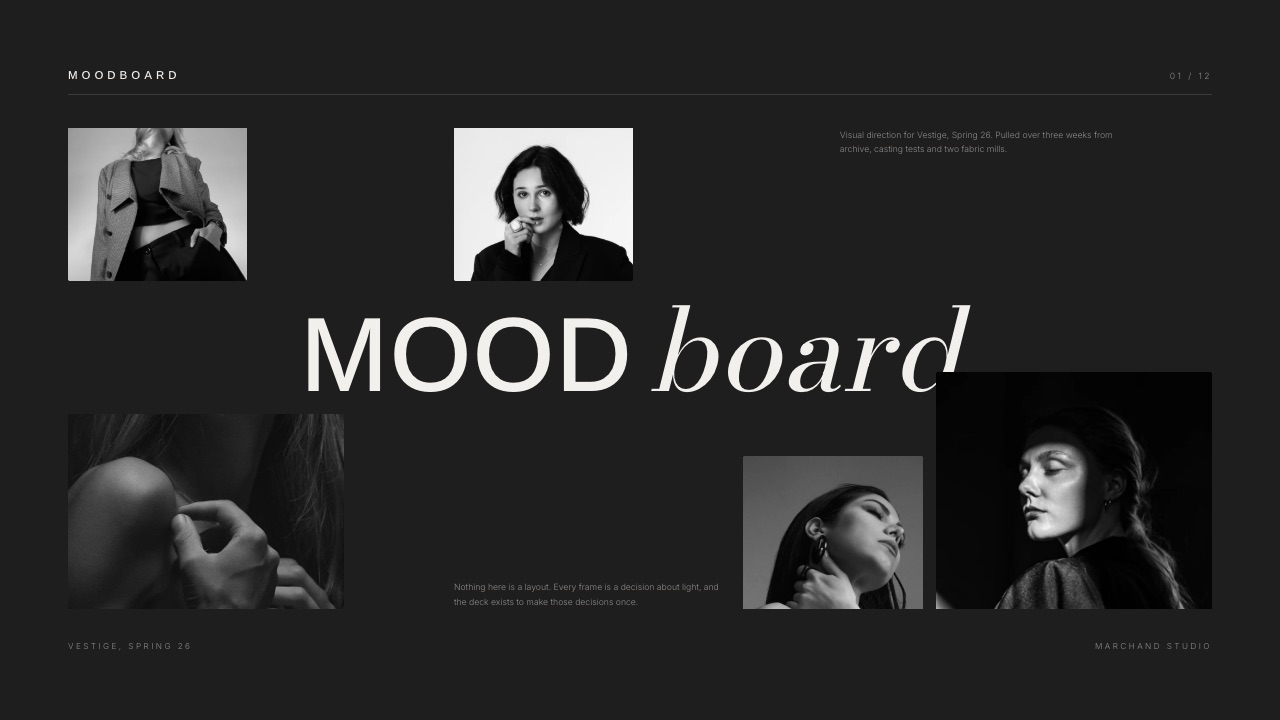
Decks, treatments, lookbooks and moodboards live in the same account.
Describe the deck you need and the AI asks up to three quick questions, picks a style and colour theme, asks you to paste real facts such as credits and budget lines, proposes a titled outline for your approval, and then builds the slides a few at a time with speaker notes, marking anything you did not supply as a placeholder.
Present full screen, share a link or export a PDF on every plan; PowerPoint export, picture-based and up to 60 slides, opens on Pro. Free decks carry a "Made with Framekit" badge on the link.
Store
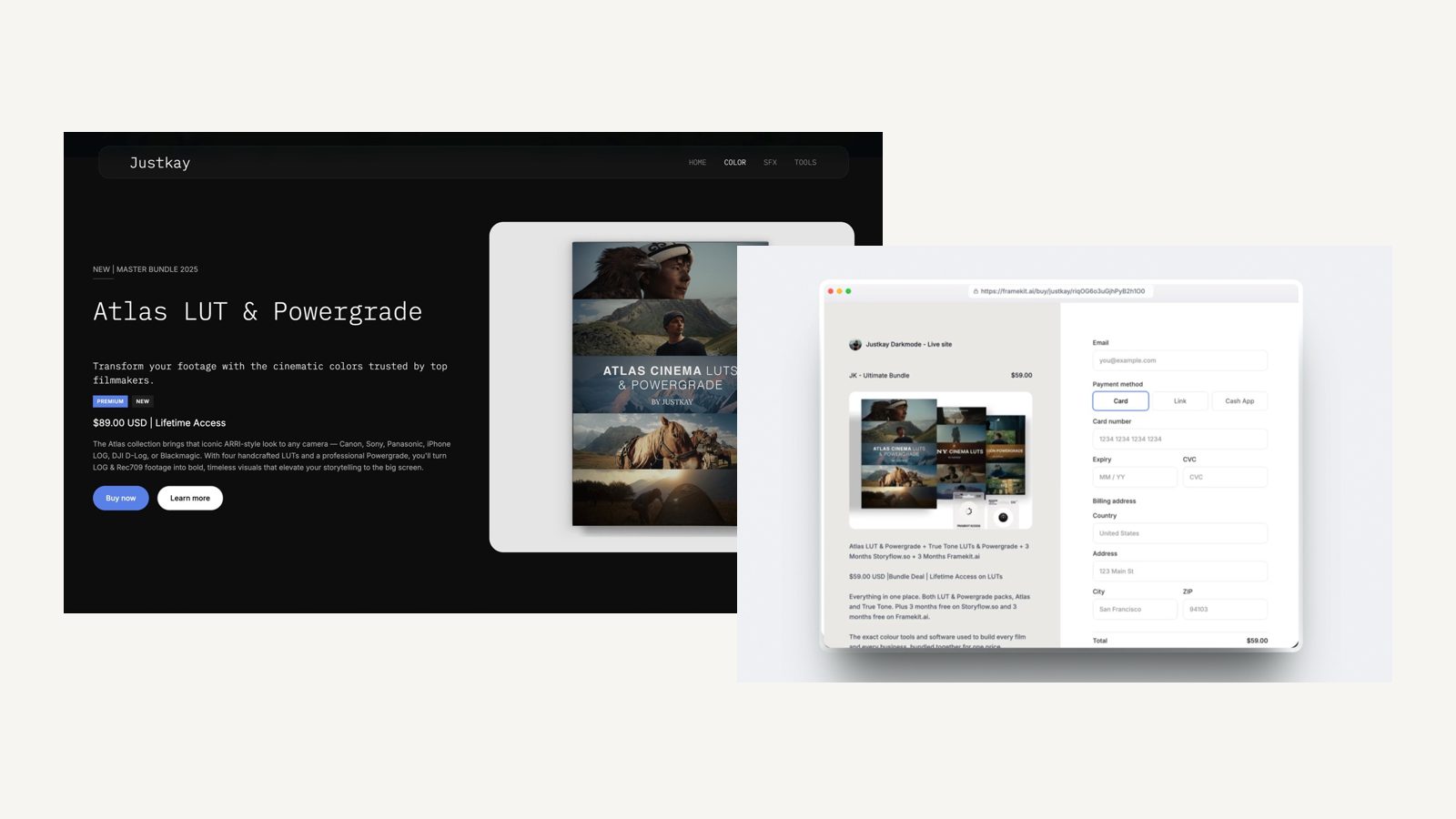
Sell presets, LUTs, brushes, templates or guides as instant downloads, from your site or from a buy link that works anywhere without a site.
Payments run through Stripe Connect into your own Stripe account, which makes you the merchant of record, so VAT and sales tax are yours to handle.
The fee is 5% on Free and Starter, 3% on Pro and 0% on Business, charged on the post-discount price, kept on refunds, with Stripe's processing on top.
Checkout is a hosted framekit.ai page carrying your name and logo with a "Powered by Framekit" line. Not offered: physical products, subscriptions or memberships, courses, license keys, pay-what-you-want or order bumps.
What Each Setup Costs in Year One and by Year Three
Adobe Portfolio is cheaper for a Creative Cloud subscriber who sells and delivers nothing and roughly level for a designer who only sells, while Framekit is cheaper for every creative below who also delivers galleries or runs client review, by about $60 to $720 a year once card processing is counted.
Assumptions you can change: yearly billing, US prices read on 12 October 2026, prices held flat for three years, domain registration left out on both sides, and card processing left out of the cells and added in the note under the table.
The Creative Cloud plan is left out of the Adobe column because each of these creatives keeps it for editing either way, so Portfolio's own cost is $0.
For selling beside Adobe Portfolio we use Gumroad, which charges 10% plus $0.50 per direct sale according to its pricing page.
| Creative | Framekit setup | Framekit year one | Framekit by year three | Adobe Portfolio setup | Adobe year one | Adobe by year three |
|---|---|---|---|---|---|---|
| Illustrator on Creative Cloud, portfolio only, nothing sold | Starter for a custom domain | $84 | $252 | Portfolio with a custom domain | $0 | $0 |
| Designer selling 50 brush packs at $40 ($2,000) | Starter ($84) plus 5% fee ($100) | $184 | $552 | Portfolio plus Gumroad, 10% plus $0.50 a sale ($225) | $225 | $675 |
| Photographer, about 80GB of galleries live, 40 preset sales at $25 | Pro, 300GB ($180), plus 3% fee ($30) | $210 | $630 | Portfolio plus Pixieset Plus, 100GB ($192), plus Gumroad ($120) | $312 | $936 |
| Studio of 3, review on every job, 100 template sales at $50 | Business, 2TB ($372), 0% fee | $372 | $1,116 | Portfolio plus Frame.io Pro for 3 ($540) plus Gumroad ($550) | $1,090 | $3,270 |
Where the outside prices come from, each read on its vendor's page in October 2026: Pixieset's client gallery plans run Basic $8, Plus $16 and Pro $24 a month billed yearly, with 10GB, 100GB and 1TB of storage.
Frame.io's pricing page lists Pro at $15 per member a month on monthly billing and says annual billing saves 13%, which would bring the studio's review line to about $470.
Card processing changes one row. Framekit sales also pay Stripe's standard 2.9% plus 30 cents a sale, about $73 a year for the designer, $41 for the photographer and $175 for the studio, which takes their Framekit year-one totals to $257, $251 and $547.
Gumroad's pricing page lists 10% plus $0.50 a sale without saying whether card processing comes on top.
If it does not, the designer who only sells pays about $32 a year less on Portfolio plus Gumroad than on Framekit Starter; if it does, Framekit stays about $41 cheaper.
The photographer and the studio stay cheaper on Framekit either way, by about $60 to $720 a year.
What the totals do not show. Gumroad is a merchant of record that handles sales tax for you, which Framekit does not, so part of its 10% buys a real service.
Frame.io Pro includes 2TB of storage plus 2TB per extra member and features Framekit review lacks, such as passphrase-protected shares and link expiry. Pixieset sells prints from galleries, which Framekit does not.
On Framekit the studio's reviews, galleries and decks belong to the account holder, who uploads every cut, while the other two edit the website as team members and clients comment from the link without an account; Frame.io's per-member price buys each of the three their own uploads.
The studio could also run on Framekit Pro at $180 plus a 3% fee of $150 if 150GB of video storage is enough; Pro and Business cost the same at about $667 a month in sales on monthly billing, or $533 on yearly billing.
Run it yourselftake last year's download sales and their count, multiply the total by 10% and add $0.50 per sale to see what Gumroad keeps, then add any gallery and review subscriptions you pay beside your Portfolio site. Compare that with your Framekit plan plus its fee.
Which Tool for Which Job
Adobe Portfolio and Framekit overlap on the portfolio page and split on almost everything else, so the clearest way to choose is to list the jobs in your week and give each one to the tool that does it natively rather than through an extra subscription.
| Job | Better tool | Why |
|---|---|---|
| Publishing a Lightroom album as a portfolio page | Adobe Portfolio | Direct sync from Lightroom Classic or Lightroom |
| Running separate sites for commercial and personal work | Adobe Portfolio | Up to five sites on one account at no extra cost |
| A portfolio built from a brief or a screenshot | Framekit | AI drafts sections and copy in your site's style |
| Delivering a shoot with favourites and download PINs | Framekit | Unlimited galleries, photo and video together |
| Getting a cut approved by a client | Framekit | Frame-accurate review links, no reviewer account |
| Selling presets, LUTs or templates | Framekit | Built-in download store, 5% to 0% fee by plan |
| A treatment, lookbook or pitch deck | Framekit | Slides in the same account, PDF on every plan |
| Showing Behance projects on your own domain | Adobe Portfolio | Behance import and publish-back |
A sensible split for many photographers is to keep Adobe Portfolio for a Lightroom-fed showcase and use Framekit for galleries, review and the store, since Framekit gallery and review links stand on their own. That works, but it means two places to keep on brand.
Limits and Specs That Decide Daily Use
These are the published limits you will meet in the first months on either tool, taken from Framekit's pricing page and Adobe's Portfolio help centre in October 2026, and marked "not published" where Adobe gives no figure.
| Limit | Framekit | Adobe Portfolio |
|---|---|---|
| Plan needed | Free, then $7, $15 or $31 a month yearly | A paid Creative Cloud plan that includes Portfolio |
| Sites | One site per website plan | Up to five per account |
| Pages | 10 Free, 30 Starter, 200 Pro, unlimited Business | Single-page or multi-page; no cap published |
| Storage | 10GB, 50GB, 300GB, 2TB pooled across site, galleries and review | Not published |
| Site video | 15MB uploads on Free, 100MB on paid, plus Vimeo and YouTube embeds | Uploads rendered at up to 720p; Adobe recommends YouTube or Vimeo embeds for more control |
| Gallery and review video | 500MB to 3GB per file by plan, up to 2 hours per review video | Not offered |
| Privacy | Gallery password plus a separate download PIN | Site or page passwords |
| Selling | Digital downloads, 5%, 5%, 3%, 0% | No built-in store |
| Team | 3 team members on Pro, unlimited on Business, for website editing only; galleries, reviews and decks stay with the account holder | No team seats published |
| Redirects, RSS, robots.txt | No redirect manager, no RSS, robots.txt not editable | Not published |
| AI | Monthly allowance on every plan; manual edits never use it | None described in Adobe's Portfolio help centre |
What Happens When Something Changes
These are the situations that catch people a few months after choosing, answered from what each company publishes, so you can plan around them before a client or a buyer finds the edge first.
You cancel or downgrade Creative Cloud. Adobe's cancellation help says the site stays live for 14 days, then goes offline; you can still edit it and republish later with a paid plan.
On Framekit the website is its own subscription, so nothing in your Adobe plan affects it.
You stop paying for Framekit. The site can fall back to the Free plan on a framekit.ai address with a badge, 10 pages and 10GB of storage, so anything beyond those limits needs trimming first.
A client has no account. Framekit gallery and review links open without one. On Adobe Portfolio a client sees a password page; delivery and notes happen in whatever third tool you add.
Your video is bigger than the page allows. On Framekit, anything over 100MB goes on the site as a Vimeo or YouTube embed, or into a gallery or review link where files can reach 3GB.
On Adobe Portfolio, uploads play at up to 720p, so a reel usually goes in as an embed anyway.
A buyer asks for a refund. Framekit keeps its fee, charged on the post-discount price, and Stripe's processing applies on top; on Business that fee is 0%. Adobe Portfolio has no checkout, so the refund rules are those of the store you link to.
A buyer loses the download. Framekit order emails carry links valid for 7 days, buyers can return for their files, and you can resend fresh links. Updated files are not pushed to past buyers automatically.
Moving From Adobe Portfolio to Framekit
Moving from Adobe Portfolio to Framekit is a rebuild rather than an import, because the two tools structure pages differently, so the job is choosing what to keep, recreating the pages that bring enquiries, and moving the tools around the site in a safe order.
- Decide whether you need to move at all. If you only want galleries, review or a store, keep Portfolio and link to Framekit for those jobs.
- Keep your originals. Export the images and video you want from Lightroom or your drives; do not rely on downloading them back from the live site.
- List the URLs that matter. Note the page addresses that bring traffic and enquiries; Framekit has no redirect manager, so keep those slugs identical where you can.
- Draft on Framekit. Upload a screenshot of your Portfolio homepage and let the AI rebuild the structure, or start from a template, then refine by hand.
- Add what Portfolio could not do. Create galleries for active clients, open review links for cuts in progress, and list your downloads in the store with Stripe connected.
- Point the domain. Connect your domain on Starter or above. If you bought it through Namecheap from inside Portfolio, it stays registered with Namecheap and only its settings change.
- Overlap, then switch off. Run both for a week, test every form and checkout, then unpublish the Portfolio site; your Creative Cloud plan carries on unaffected.
For other routes out, the best Adobe Portfolio alternatives ranks the field and Squarespace vs Adobe Portfolio covers the other common move.

Which One Should You Pick?
This decision path puts the questions in the order that settles Framekit vs Adobe Portfolio fastest, starting with whether you would pay for Creative Cloud even without the website, because that one answer decides the price side for most readers.
1. Would you keep paying for Creative Cloud if it had no website builder? If no, compare the cheapest plan with Portfolio at US$143.88 a year against Framekit Free or Starter at $84, then go to question 3. If yes, go to question 2.
2. Does your site only need to show finished work? If yes, use Adobe Portfolio; it is already paid for and syncs with Lightroom and Behance. If no, go to question 3.
3.
Do you deliver galleries, send cuts for review or sell downloads? If yes, Framekit does all three in one account and, in our worked examples, costs less than Portfolio plus the services you would add whenever galleries or review are involved; for selling alone the two land close together.
If no, either works; pick the editor you prefer.
4. Do you need several separate sites? If yes, Adobe Portfolio's five sites per account are hard to beat; on Framekit each website is its own plan.
5. Do you need the platform to handle sales tax? If yes, neither does it natively; pair Portfolio with a merchant-of-record store such as Gumroad, or handle tax yourself through your Stripe account on Framekit.
Frequently Asked Questions
Is Framekit or Adobe Portfolio better in 2026?
Adobe Portfolio is better for Creative Cloud subscribers who only need to present work, because it costs nothing extra and syncs from Lightroom and Behance.
Framekit is better for creatives who also deliver galleries, run client review or sell downloads, because it includes all three on every plan, where Adobe Portfolio has none of them.
Is Adobe Portfolio really free?
Adobe Portfolio is free only with a paid Creative Cloud plan; Adobe says there is no stand-alone Portfolio subscription.
Its photography comparison lists Portfolio on Lightroom (1TB) at US$11.99 a month, Photography (1TB) at US$19.99 and Creative Cloud Pro at US$69.99, each billed annually and charged monthly, as read in October 2026.
What happens to my Adobe Portfolio site if I cancel Creative Cloud?
Your Adobe Portfolio site stays live for a 14-day grace period after you cancel, then goes offline, according to Adobe's help centre. You can still edit it in the Portfolio editor and republish when you resubscribe.
A Framekit site is a separate subscription and, if you stop paying, falls back to the permanent Free plan.
Can you sell products on Adobe Portfolio?
Adobe Portfolio has no built-in store, cart or checkout, and Adobe's own overview points people who need online stores to other platforms. Adobe Stock contributors can show collections with a buy-on-Stock button.
Framekit sells digital downloads on every plan at a 5% fee on Free and Starter, 3% on Pro and 0% on Business.
Does Adobe Portfolio have client galleries?
Adobe Portfolio has no client-gallery system; you can password-protect a site or a page, but Adobe publishes no favourites, download sets or download PINs for it.
Framekit includes unlimited client galleries on every plan, with photos and video together, favourites, full or favourites-only downloads, watermarks on photos and a separate download PIN.
Framekit vs Adobe Portfolio: which is better for photographers?
Framekit is better for photographers who deliver to clients or sell presets, because galleries and a store come in the same account as the site, on 50GB to 2TB of pooled storage.
Adobe Portfolio is better for photographers who edit in Lightroom and only need a showcase, since albums sync straight onto the page at no extra cost.
Is Framekit cheaper than Adobe Portfolio?
Framekit is not cheaper for a Creative Cloud subscriber who only needs a portfolio, because Adobe Portfolio costs that person nothing extra and Framekit Starter is $84 a year.
Framekit is cheaper once you count galleries or review: in our examples it saves about $60 to $720 a year against Portfolio plus Pixieset, Frame.io and Gumroad, card processing included.
For a designer who only sells downloads, Framekit Starter and Portfolio plus Gumroad land within about $40 a year of each other.
Can I use my own domain on both?
Yes. Adobe Portfolio connects a domain you own or sells one through Namecheap from inside the editor. Framekit connects a domain registered anywhere from the Starter plan, $7 a month billed yearly, and its Free plan runs on a framekit.ai address.
How many websites can I have on Adobe Portfolio and on Framekit?
Adobe Portfolio lets one account publish and manage up to five sites. On Framekit, website plans attach to a site, so each extra website needs its own plan; galleries, review, Slides and the store are shared across the account rather than tied to a site.
Does Adobe Portfolio handle video as well as Framekit?
Adobe Portfolio renders uploaded video at up to 720p and recommends YouTube or Vimeo embeds for more control.
Framekit site pages take video uploads up to 15MB on Free and 100MB on paid plans, plus Vimeo and YouTube embeds, while its galleries and review links take files from 500MB to 3GB by plan.
Does Framekit work with Lightroom or Behance?
Framekit has no Lightroom or Behance sync, so images are exported and uploaded.
That is a genuine advantage for Adobe Portfolio, whose albums can publish directly from Lightroom Classic or Lightroom and whose pages can import from and publish to Behance.
Photographers who live in Lightroom should weigh that workflow before switching.
Can I keep Adobe Portfolio and use Framekit for galleries and review?
Yes. Framekit gallery and review links work on their own, so you can keep an Adobe Portfolio site and link to Framekit for client delivery, review rounds, decks and a download store.
On paid Framekit plans those pages run on your own domain with your branding, though galleries keep a small Made with Framekit footer line. You pay for both, so compare that with moving the site too.
Does Framekit use AI credits?
Yes. Every Framekit plan, Free included, carries a monthly AI allowance that grows with the plan, and AI generation for sites and decks draws on it.
Manual edits to pages and slides cost nothing from that allowance, and there is no cap on decks. Adobe's Portfolio help centre describes no AI site generation for comparison.
The Verdict: Framekit vs Adobe Portfolio in 2026
Choose Adobe Portfolio if you keep Creative Cloud for editing and your site only needs to show work: it is already paid for, it syncs from Lightroom and Behance, and one account runs five sites.
Choose Framekit if your site sits beside client galleries, review rounds, decks and downloads you sell, because one account does all of it, for less than Portfolio plus the services it needs once galleries or review are part of the work.
Where Framekit loses: it costs a Creative Cloud subscriber money that Adobe Portfolio does not, it has no Lightroom or Behance sync, and each website is its own plan where Adobe allows five.
Its checkout runs on a hosted framekit.ai page rather than your domain, and it does not handle sales tax for you. For a pure showcase fed from Lightroom, Adobe Portfolio is the better fit.
For everyone whose work does not end at the portfolio page, the cheapest test is to rebuild your homepage on Framekit's free plan and deliver one real client gallery from it.
Related reading: Framekit vs Format compares the other photographer-first builder, Framekit vs Pixieset covers the gallery side in detail, Gumroad vs Framekit prices the store side, and Framekit vs Frame.io does the same for review.