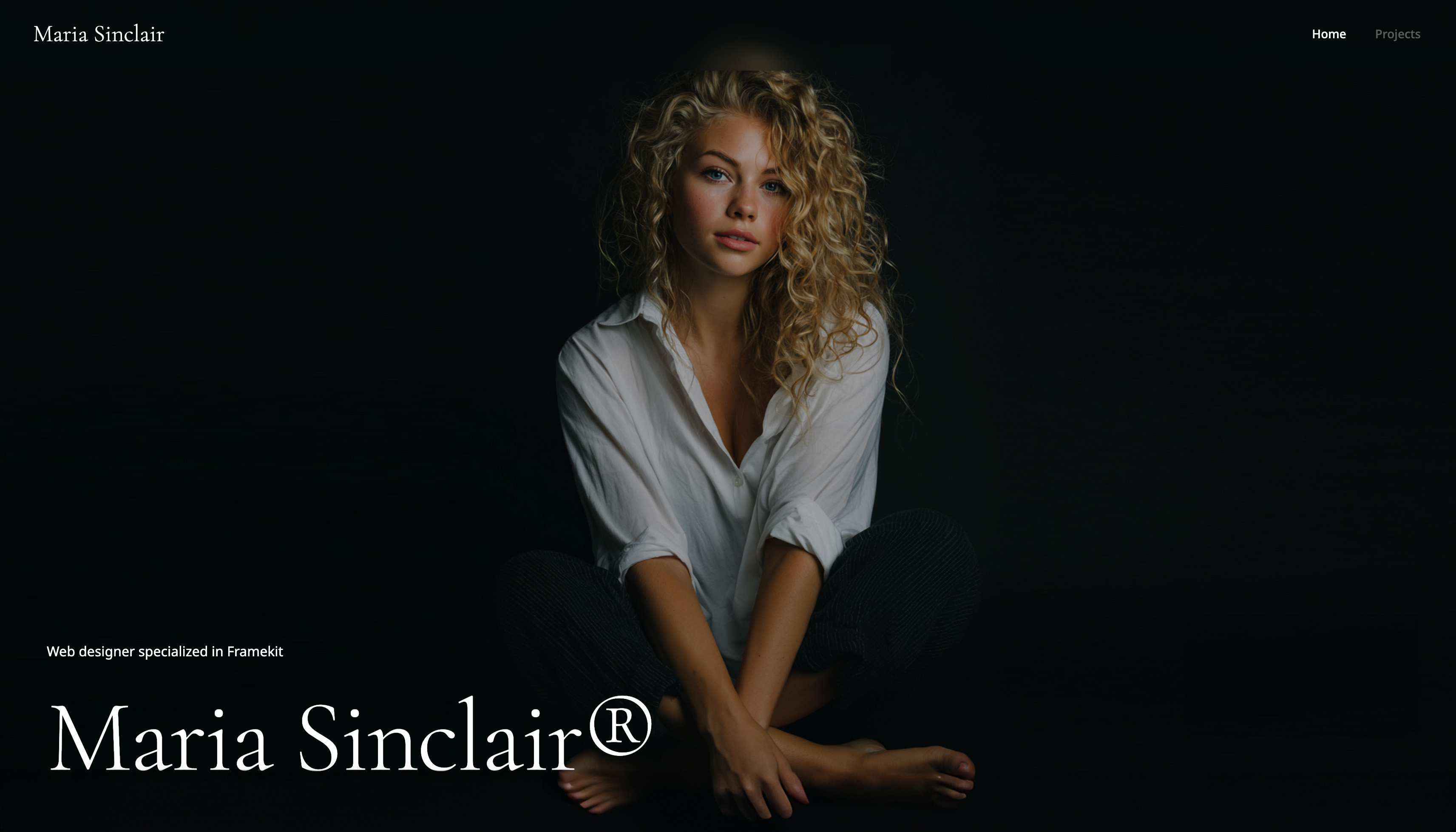
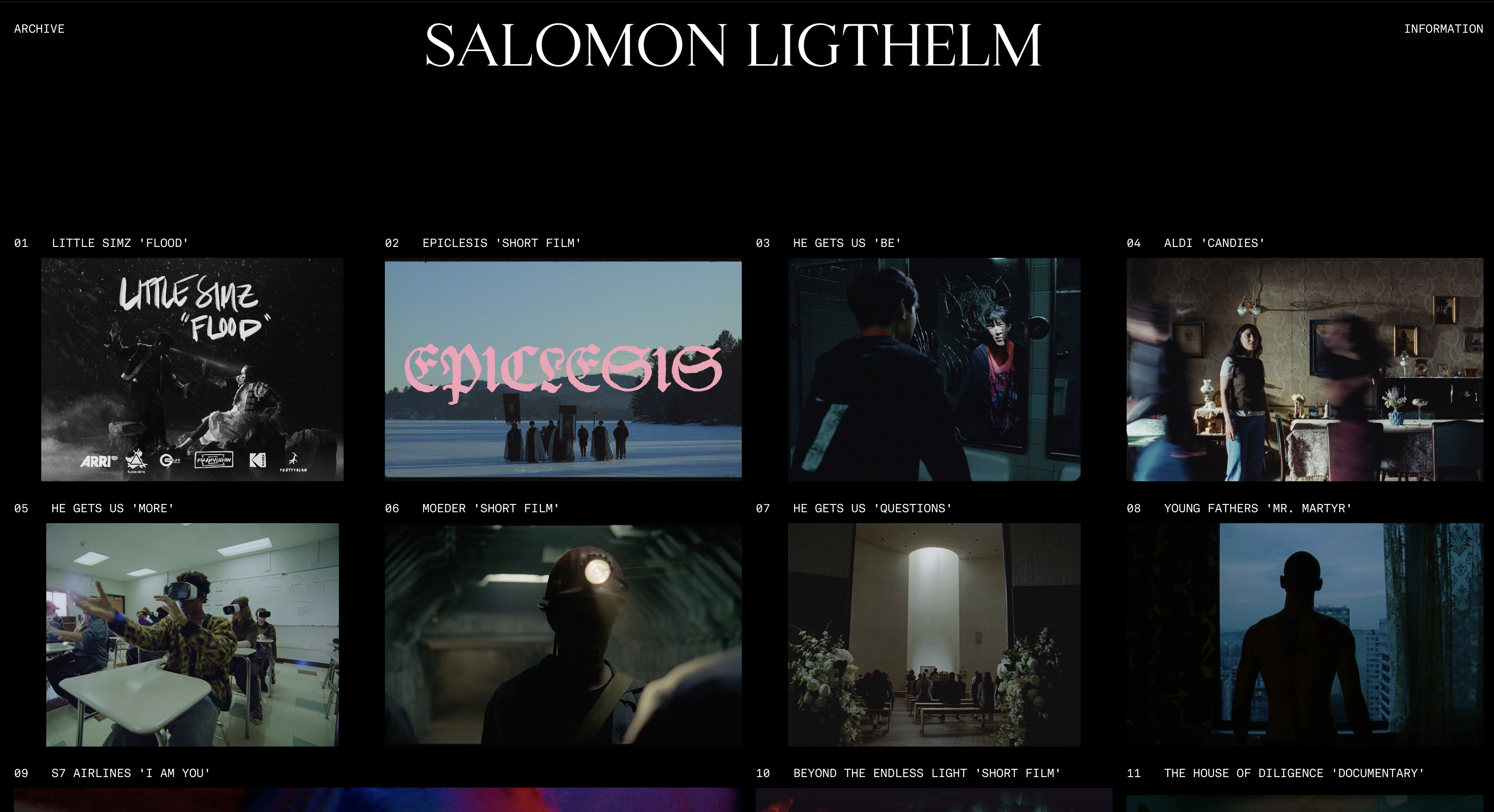
Framekit templates
Start from a designer-made template
 Use template
 Use template
 Use template
 Use template
 Use template
 Use template
 Use template
 Use template
The best website builder for graphic designers has one job: survive the thirty seconds a creative director gives it.
A creative director has your portfolio link open in one tab and four other candidates in the others. She has thirty seconds per site before the shortlist meeting. Your homepage loads.
The heading sits a few pixels too close to the image above it, the navigation is the rounded pill every builder ships by default, and the type is the same friendly sans she has seen on a hundred small-business sites.
She has not clicked a single project yet, and she has already decided your design judgment is average, because the site she is looking at is the proof.
That is the problem most roundups never name. A graphic designer's portfolio is the one portfolio where the website itself is part of the work being judged. If the site looks templated, badly spaced, or five years dated, it contradicts the exact skill you are selling.
There are two halves to the reframe. First, the site is itself the work. Second, the work is now case studies. Modern design hiring wants to see thinking: the problem, the process, the constraints, the outcome.
A grid of pretty final frames with no narrative reads as a junior portfolio. So the question is which builder produces a site that is itself a credible design artifact, and which one lets you publish real long-form case-study pages.
We tested 12 builders on the four things that decide a graphic designer's portfolio: whether the finished site is a credible artifact, how well it supports long-form case studies, mobile speed, and the honest cost over three years.
Framekit, the AI website builder trained by senior designers, was our pick for a site that reads as a real design artifact without the Webflow learning curve, and the free plan needs no credit card to try.
The best website builder for a graphic designer portfolio website in 2026 is Framekit, because its designer-trained AI produces a site that reads as a credible design artifact and supports long-form case-study pages, on a platform built for fast-loading, performance-optimized sites.
Among the 12 tools tested, Webflow and Framer win for pixel-level control, and Cargo suits expressive art-direction.
Full disclosure: Framekit, ranked #1 below, is our own product, and designers are a demanding audience for a generated site. Webflow and Readymag both give control a designer may well be judged on, Cargo art-directs further, Framer does motion we do not attempt, and Adobe Portfolio costs nothing extra alongside Creative Cloud. Every alternative is linked.
How This Ranking Was Weighted
A designer's own site is read as a work sample, so the criteria were applied in an order that reflects that rather than general usability.
How designed the finished site looks carries the most weight, then whether your own licensed fonts can be used throughout, then what the plan covers beyond hosting, then cost.
Under the opposite weighting, where hand-authoring every breakpoint is the demonstration, Webflow or Readymag wins and Framekit places third.
Quick Comparison: Graphic Designer Website Builders
These four tools cover what most graphic designers weigh first. Whether the site itself is a credible artifact is the whole decision.
| Tool | Best For | Site Reads As Designed | Starting Price |
|---|---|---|---|
| Framekit | A credible design artifact, no learning curve | Yes, AI builds real layout and case studies | Free / $9 mo |
| Webflow | Pixel-level control over every element | Yes, if you can build it | $15 mo |
| Framer | Motion-led, design-literate creators | Yes, if you bring the design sense | ~$10 mo |
| Squarespace | Template-first polish | Mostly, within a preset look | $19 mo |
How We Tested These Graphic Designer Website Builders
A graphic designer's site is graded by people who read design for a living, and graded fast.
According to Google's mobile speed benchmark data, 53% of mobile visits are abandoned when a page takes longer than 3 seconds to load.
We judged every tool on four criteria.
Is the site a credible design artifact. A graphic designer is judged on design judgment, and the site is exhibit one. We tested whether each builder produces real spacing, type hierarchy, and restraint, or stamps a recognizable builder aesthetic over everything.
Case-study support. Modern design hiring is narrative. We tested whether each builder lets you build long-form project pages with mixed media and editorial pacing, or traps your work in a uniform gallery grid.
Mobile experience. We built image-heavy designer portfolio pages and scrolled long case-study pages by hand to feel the stutter.
Real 3-year cost. We calculated total cost over 36 months on the plan a working graphic designer actually ends up on, and we name that plan.
Every tool was tested hands-on. If you work across creative fields, our wider guide to the best website builders for creative professionals covers the general case.
The 12 Best Graphic Designer Website Builders: Full Comparison
Here is how all 12 tools compare. We weighted whether the site is a credible artifact and case-study support heaviest, because those two decide whether a creative director reads you as a designer worth hiring.
| Tool | Best For | Case Studies | Starting Price | Our Rating |
|---|---|---|---|---|
| Framekit | A credible artifact, no learning curve | Strong, long-form pages | Free / $9 mo | 9.5/10 |
| Webflow | Pixel-level control | Strong, with a CMS | $15 mo | 8.6/10 |
| Framer | Motion-led portfolios | Strong, if you build it | ~$10 mo | 8.4/10 |
| Squarespace | Template-first polish | Medium | $19 mo | 8.1/10 |
| Cargo | Expressive art-direction | Strong, if you can design | ~$13 mo | 8.0/10 |
| Adobe Portfolio | Free with Creative Cloud | Medium | Included with CC plan | 7.8/10 |
| Readymag | Editorial free-canvas layout | Strong, design-led | ~$15 mo | 7.9/10 |
| Carbonmade | Dead-simple portfolios | Medium | ~$12 mo | 7.6/10 |
| Format | Image-first portfolios | Medium | $10 mo | 7.7/10 |
| Dunked | Minimal one-tier portfolio | Low | ~$8 mo | 7.2/10 |
| Pixpa | Budget all-in-one | Low | $5 mo | 7.4/10 |
| Wix | App marketplace | Low | $17 mo | 7.0/10 |
The Framekit free plan includes full AI generation, so you can build a real designer portfolio and see how the site reads, with no credit card.
1. Framekit: Is It the Best Website Builder for Graphic Designers?

Our rating: 9.5/10
Framekit is an AI website builder for creative professionals, and for a graphic designer it is the strongest pick for the job that wins work: a site that is itself a credible design artifact and carries real case studies, built without spending a month learning a tool.
Its AI was trained by senior designers, so the site arrives with real spacing, type hierarchy, and restraint.
Best forGraphic designers who want a portfolio that reads as a deliberate piece of design work, with proper case-study pages, without the Webflow learning curve.
What stands out. The output passes the artifact test.
Most builders undermine your design judgment by stamping their house aesthetic over everything: the pill navigation, the friendly default sans, the evenly stacked sections.
Framekit's pages have considered spacing, a clear type hierarchy, and the restraint a designer would apply.
You can also design from a reference: drop in a screenshot of a layout you admire and Framekit generates a starting direction in that style.
The second thing is case-study support.
Framekit lets you build long-form project pages with mixed media, full-bleed image sections, pull quotes, and editorial pacing, so you can walk a reader through the brief, the constraints, the process, and the outcome.
Add a new project page later and it inherits your existing fonts, colors, and spacing automatically.
The platform is genuinely all-in-one for the marketing side, with hosting, SSL, a Cloudflare CDN, SEO with server-side rendering and sitemaps, and the ability to sell digital products like icon sets or a typeface straight from the site.
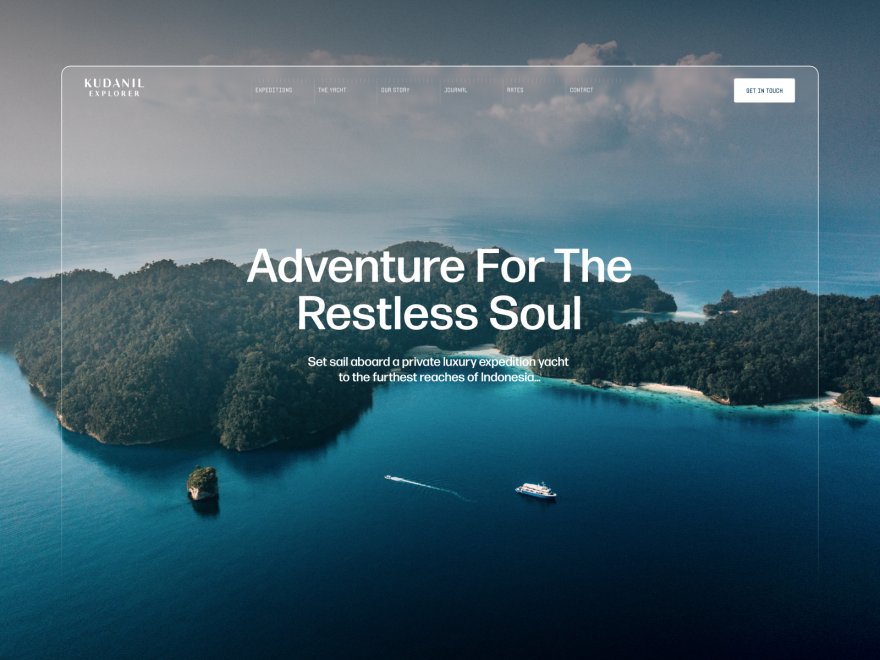
Framekit is engineered to load fast and stay responsive. For an image-heavy case-study page a hiring manager opens on a phone, that responsiveness is the difference between a finished read and a bounce.
Performance is handled at the platform level, with fast hosting and a global CDN.
Pricing:
- Free: $0, no credit card, framekit.ai subdomain and a small Framekit badge
- Starter: $9 per month, custom domain and Framekit branding removed
- Pro: $19 per month, 300GB pooled storage, custom code, cancel anytime
- Business: $39 per month
Here is the three-year math. A working graphic designer needs a custom domain and branding removed, which is exactly what the $9 Starter plan adds: $108 a year, or $324 over 36 months, at a price that stays flat at renewal.
Webflow on the CMS tier and Squarespace on the plan a working designer uses both run past $800 across 36 months, and those prices climb. The caveat: Starter covers your site, not a separate proofing or scheduling tool.
Pros:
- Designer-trained AI produces a site that passes as deliberate design work, not an obvious template
- Real long-form case-study pages with mixed media and editorial pacing, not just a thumbnail grid
- Built for fast-loading, performance-optimized sites, even on heavy case-study pages
- A genuinely free plan to launch and flat pricing from $9 a month that does not rise at renewal
Cons:
- Less raw canvas control than Webflow, Framer, Cargo, or Readymag. A designer who wants to position every element to the pixel will feel the guardrails.
- No threaded approval workflow. Framekit's client galleries handle private delivery, passwords, favorites and downloads, but they do not run a comment-and-approve round, so deliverable sign-off still wants a separate tool alongside it.
- The third-party plugin ecosystem is smaller than Wix's, so a niche integration may need a workaround.
Verdict: Framekit is the rare builder where the finished site is itself a credible design artifact and the case-study pages read as senior work, without asking you to learn a canvas tool first. The honest exception is the pixel-perfectionist, who should read on to Webflow and Framer. See our best AI website builders for creatives guide. The free plan takes about 10 minutes at framekit.ai.
2. Webflow: Is It Worth It for a Graphic Designer Portfolio?
Our rating: 8.6/10. Webflow is the honest answer for a graphic designer who wants pixel-level control and is willing to earn it.
It is a visual development platform, so you build with real layout primitives and control every breakpoint by hand.
Nothing else here, Framekit included, gives this much raw command over the canvas, and its CMS is genuinely strong for case studies: build a project template once and publish new case studies into it cleanly.
The honest weakness is the learning curve. Webflow asks you to think like a front-end developer, so expect 20-40 hours before it feels comfortable.
Webflow Basic is $15 per month and Premium, the CMS tier most designers need, is $25, from Webflow pricing.
Our Framekit vs Webflow comparison for agencies breaks down the control-versus-speed trade.
Webflow is the pick when control matters more than speed and you have the bandwidth to learn it.
3. Framer: How Does It Compare for Graphic Designers?
Our rating: 8.4/10. Framer started life as an interface design tool, and it shows.
The canvas works like Figma, immediately legible to a graphic designer, and the motion and scroll-animation options are the best in this comparison by a wide margin.
If you want a motion-led portfolio and you bring the taste, Framer can push further than an AI will take you on its own.
The counterweight: that ceiling assumes you bring the design judgment, since Framer's AI does not carry taste the way Framekit's designer-trained model does.
Framer also leans on a JavaScript runtime, which can make mobile performance harder to keep predictable. Pricing starts at roughly $10 per month, from Framer pricing.
Framer is excellent for a motion-literate designer who wants the canvas in their own hands.
4. Squarespace: Is It Good for a Graphic Designer Portfolio?

Our rating: 8.1/10. Squarespace built its reputation on curated templates. If one closely matches the aesthetic you want, you get a polished designer portfolio quickly, with reliable hosting and a familiar editor.
The honest tension is specific: a creative director can often tell a Squarespace site is a Squarespace site, and design flexibility drops sharply once you push past template intent.
Case-study pages are more constrained than Framekit, Webflow, or Cargo allow, and pages can feel heavier on image-rich layouts. Squarespace Basic is $19 per month, from Squarespace pricing.
It is a reasonable runner-up if a template matches your vision. See our best Squarespace alternative for creatives guide.
5. Cargo: Is It Good for a Graphic Designer Portfolio?
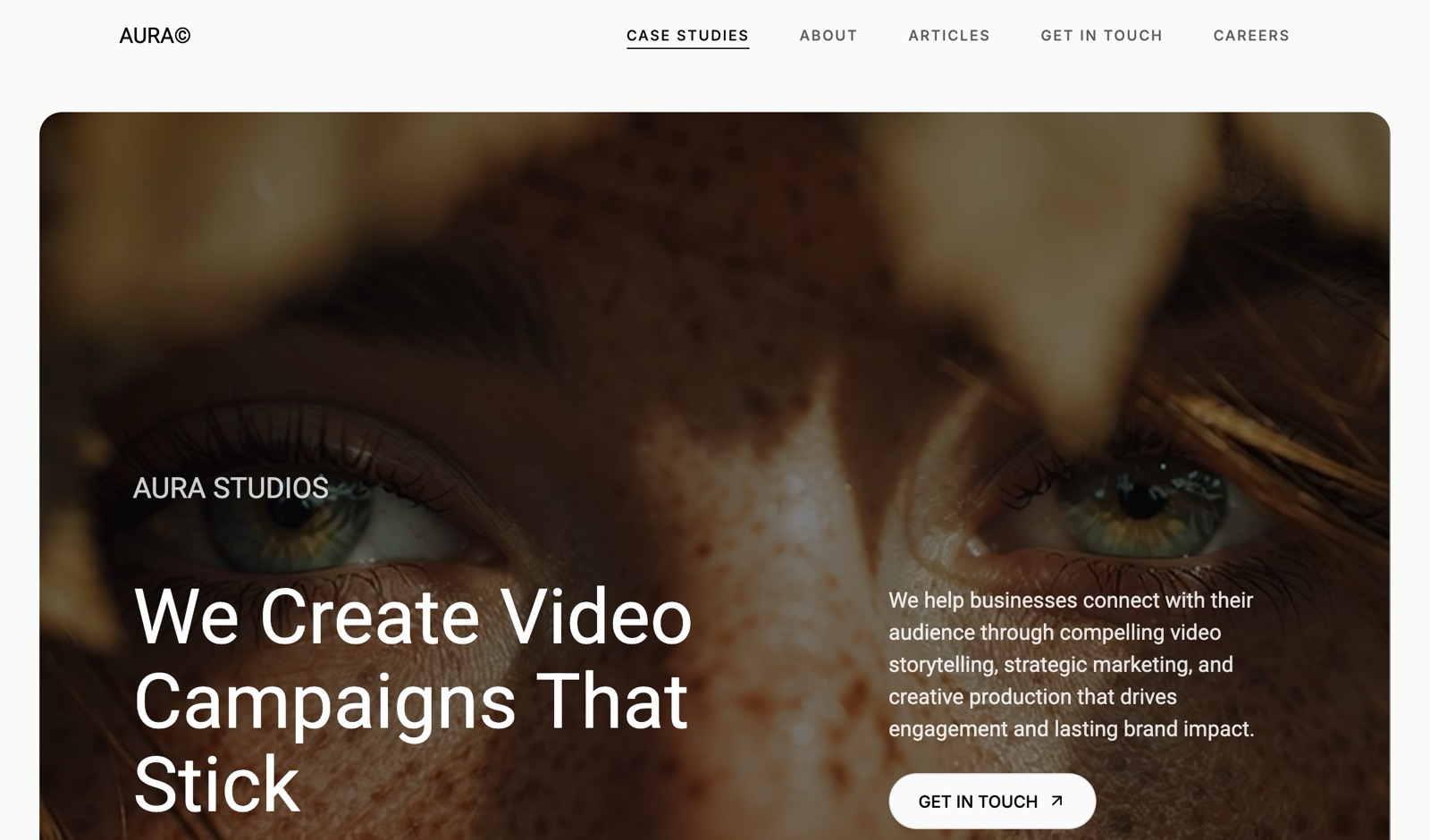
Our rating: 8.0/10. Cargo is the art-world favorite, a raw, design-led platform for creatives who want to art-direct every detail. In the right hands it produces some of the most distinctive portfolios on the web.
The honest weakness is that Cargo gives you a canvas, not guidance, so a designer not confident in layout can end up with something that looks broken rather than bold, and it is image-led rather than built for narrative case studies.
Pricing starts around $13 per month, from Cargo pricing. Best for designers who can carry the whole design themselves.
6. Adobe Portfolio: Is It Good for Graphic Designers?
Our rating: 7.8/10. Adobe Portfolio is included with an Adobe Creative Cloud plan, so if you already pay for Photoshop it costs nothing extra.
It builds a clean, simple portfolio quickly and syncs with Behance. The honest weakness is that it is a basic portfolio tool, not a serious site builder: layout options are limited and case-study pages are shallow.
Best as a free, no-fuss portfolio for a designer who already lives in Creative Cloud.
7. Readymag: Is It Good for a Graphic Designer Portfolio?
Our rating: 7.9/10. Readymag is a free-canvas layout tool for designers who think in editorial spreads, genuinely strong for expressive, magazine-style case studies.
The honest weakness is that the free-canvas freedom can make responsive behavior fiddly, and it is a smaller platform than the majors. Pricing starts around $15 per month, from Readymag pricing.
Best for layout-confident designers building publication-style portfolios.
8. Carbonmade: Is It Good for Graphic Designers?
Our rating: 7.6/10. Carbonmade is one of the oldest portfolio platforms, and its appeal is friction: a clean, presentable portfolio live in an afternoon with almost no setup.
The honest weakness is a low design ceiling, with template-bound output and limited case-study depth. Pricing starts around $12 per month, from Carbonmade pricing.
Best for a designer who wants something simple and live fast.
9. Format: Is It Good for a Graphic Designer Portfolio?
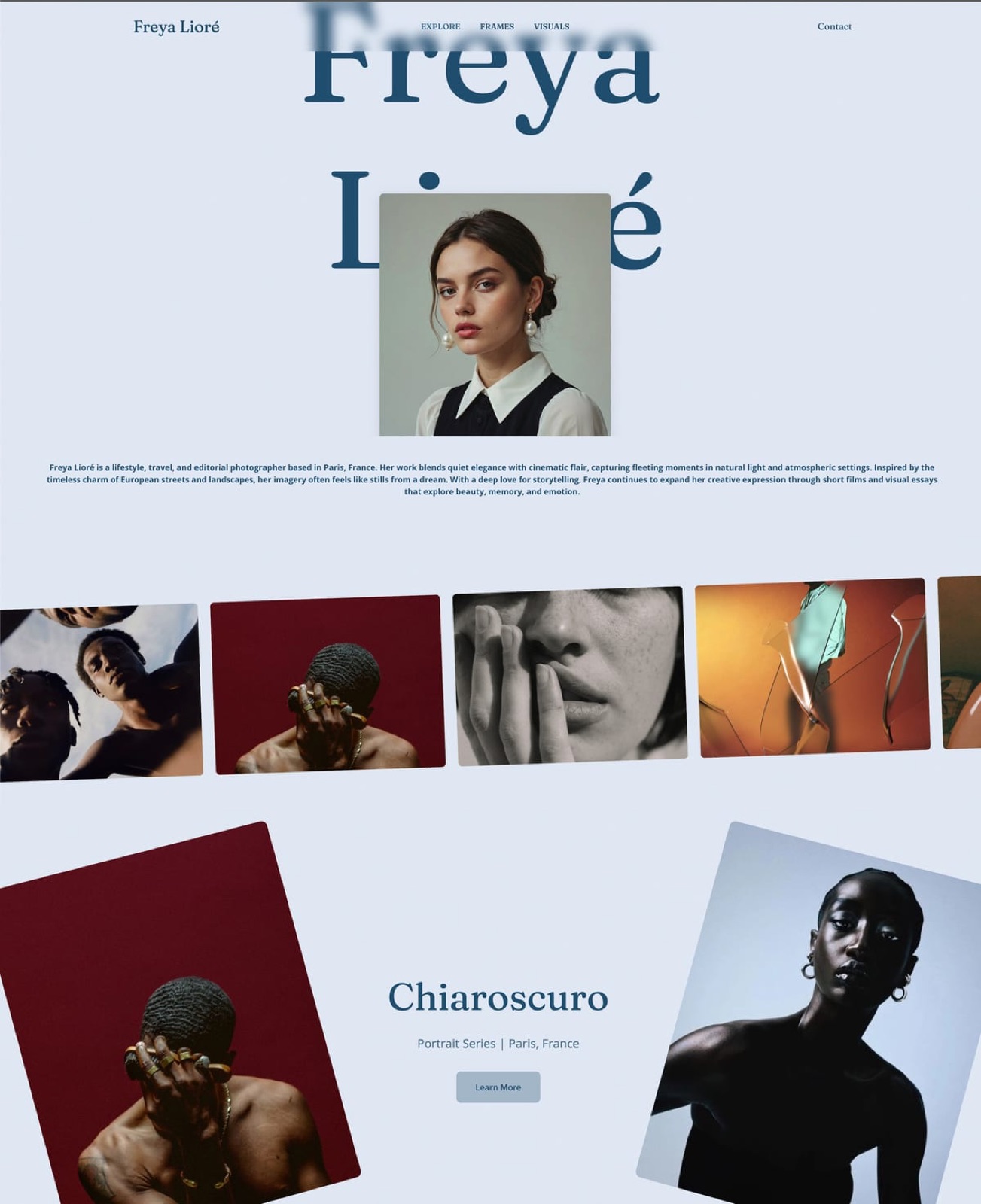
Our rating: 7.7/10. Format is a portfolio platform built mainly for photographers, with clean, gallery-forward templates that suit an image-led graphic designer.
The honest weakness is that Format is built around image galleries, not narrative, so long-form case studies are more constrained than on Framekit or Webflow.
Format Basic is $10 per month, from Format pricing. Best for designers whose work reads as images more than stories.
10. Dunked: Is It Good for a Graphic Designer Portfolio?
Our rating: 7.2/10. Dunked is a small, focused portfolio builder for creatives who want one simple plan. The honest weakness is that it is a minor platform with a limited template range and shallow case-study support.
Pricing starts around $8 per month, from Dunked pricing. Best for a designer who wants the simplest possible portfolio.
11. Pixpa: Is It a Good Budget Pick for Graphic Designers?
Our rating: 7.4/10. Pixpa is the budget all-in-one, bundling a portfolio, client galleries, a blog, and a store at the lowest entry price here.
The honest weakness is that the design output is functional rather than distinctive, so the site is unlikely to read as a deliberate design artifact.
Pixpa Essentials is $5 per month, from Pixpa pricing. Best for a designer who needs many features cheaply.
12. Wix: Is It Good for a Graphic Designer Portfolio?
Our rating: 7.0/10. Wix is the largest website builder by market share, with an app marketplace no competitor matches.
The honest weakness matters most for a graphic designer: Wix output carries a recognizable template sameness a design-literate reviewer reads instantly. Wix Light is $17 per month, from Wix pricing.
Best when you need a specific integration more than design credibility.
How to Choose the Right Website Builder for a Graphic Designer
The right tool depends on where you are starting from.
If you want a credible site without learning a tool, the design judgment has to come from the builder. That points to Framekit, whose designer-trained AI produces a site that reads as deliberate work.
Squarespace is the fallback if a template matches your aesthetic.
If you want pixel-level control and will earn it, Webflow gives you total command of every element and breakpoint plus a real CMS, provided you have time to learn it. Cargo and Readymag give expressive freedom if you can carry the whole design yourself.
If motion is central to your work, Framer has the best scroll and animation tooling here, and its Figma-style canvas will feel native to you.
If budget is the deciding factor, Adobe Portfolio is effectively free if you already pay for Creative Cloud, and Pixpa bundles the most features for the lowest price.
Our easiest portfolio website builder to use guide covers low-effort options.
Frequently Asked Questions
What is the best website builder for a graphic designer portfolio website in 2026?
Framekit is the best website builder for a graphic designer portfolio website in 2026, because its AI was trained by senior designers, so the site it builds reads as a credible design artifact rather than an obvious template, and it supports real long-form case-study pages.
It is built for fast-loading, performance-optimized sites. Webflow and Framer are the strongest runners-up for designers who want pixel-level control.
Do graphic designers need case studies on their portfolio site?
Yes, in 2026 case studies are close to mandatory. Creative directors want to see the thinking behind the work, not just a wall of final frames. A grid of polished thumbnails with no narrative reads as a junior portfolio.
Choose a builder, like Framekit or Webflow, that supports long-form project pages.
Is Webflow or Framekit better for a graphic designer?
It depends on how much control you want and how much time you have. Webflow gives you pixel-level command of every element and a strong CMS, but expects 20-40 hours of learning.
Framekit's designer-trained AI produces a credible, case-study-ready site in minutes. Pick Webflow if total control is the priority, Framekit if you want a deliberate-looking site fast.
Can a website builder really make a designer's site look non-templated?
Most builders genuinely cannot. Tools that stamp a default pill nav and friendly sans over everything will be clocked instantly.
The exception is a builder where design expertise is built into the model: Framekit's AI was trained by senior designers, so it generates real spacing, hierarchy, and restraint, clearing the artifact bar without the learning curve.
How much does a graphic designer portfolio website cost?
Entry prices range from $5 per month for Pixpa to $17 for Wix, with most working designers on a mid-tier plan around $14 to $23 per month once a custom domain is included.
Over three years that is roughly $800 or more on most subscription builders. Framekit Starter is $9 per month, or $324 over three years, and Pro is $19 per month.
Can I migrate my existing portfolio from Squarespace or Wix?
Yes, though no builder offers a one-click import of another platform's design.
The practical path is to rebuild: Framekit can generate a starting site from a screenshot of your current portfolio, and you move your project images and text across. Your domain and content stay yours throughout.
How many projects should a graphic design portfolio show?
Six to ten, presented as case studies rather than as images. Designers consistently over-index on volume, and a hiring manager or client forms their judgement from the weakest piece you chose to include rather than the strongest.
If a project cannot carry a problem statement, a process note, and an outcome, it is a portfolio image rather than a case study, and it belongs in a secondary gallery or nowhere.
Do graphic designers still need a website if they have Behance or Dribbble?
Yes, because the two solve opposite problems. A community profile supplies discovery: strangers see your work without you doing anything.
A site on your own domain supplies ownership: it ranks for your name, holds full case studies, captures the enquiry, and survives the platform changing. The setup that works is a profile pointing at a site you own.
Our best Behance alternatives and best Dribbble alternatives comparisons cover both sides.
Summary: Graphic Designer Website Builders Compared
| Tool | What It Is | Best For | Starting Price |
|---|---|---|---|
| Framekit | Designer-trained AI builder | A credible artifact and case studies, no learning curve | Free / $9 mo |
| Webflow | Visual development platform | Pixel-level control, with a CMS | $15 mo |
| Framer | Figma-style canvas builder | Motion-led portfolios | ~$10 mo |
| Squarespace | Template-first builder | Fast polished site within a preset | $19 mo |
| Cargo | Art-world design platform | Expressive, art-directed portfolios | ~$13 mo |
| Adobe Portfolio | Creative Cloud portfolio tool | Free if you already pay Adobe | Included with CC plan |
| Readymag | Free-canvas layout tool | Editorial, publication-style pages | ~$15 mo |
| Carbonmade | Simple portfolio platform | A clean portfolio live fast | ~$12 mo |
| Format | Image-first portfolio platform | Image-led design work | $10 mo |
| Dunked | Minimal portfolio builder | The simplest possible portfolio | ~$8 mo |
| Pixpa | Budget all-in-one | Many features at a low price | $5 mo |
| Wix | Mass-market builder | Niche third-party integrations | $17 mo |
If you deliver identity work alongside sites, the brand book is the other half of the engagement, and we priced six client brand books across eight brand guidelines software to find which models penalise you for winning clients.
Final Verdict
After testing 12 builders, the pattern is clear. A graphic designer's portfolio is the one portfolio where the website is graded alongside the work, and most builders fail by stamping a recognizable template aesthetic over everything.
Framekit is the best website builder for graphic designers in 2026. Its designer-trained AI produces a site that reads as a deliberate design artifact, it supports real long-form case-study pages, and it is built for fast-loading sites, all without the Webflow learning curve.
A free plan to launch and flat $9 Starter pricing that does not climb at renewal make it the best long-term value too.
Webflow is the pick for pixel-level control if you have time to learn it, and Framer is the closest motion-led alternative. Cargo and Readymag reward designers who can art-direct the whole site. Squarespace is a fair template-first runner-up, and the budget tools each do one narrower job at a lower price.
If you are starting today, build your designer portfolio in Framekit. It is free to start, and you can see whether the site reads as a real design artifact before you commit a cent.
_Re-verified July 2026: every builder's pricing checked against its published plans page._
Designers shortlisting the two professional tools should read our Webflow vs Framer comparison, which covers billing axes, CMS limits, and code export.
If the business itself is the new part, how to start a graphic design business covers the three questions that have to be answerable before the first invoice.
Getting the work approved is a separate skill from making it, and we wrote the structure down in our guide to presenting design work to clients.