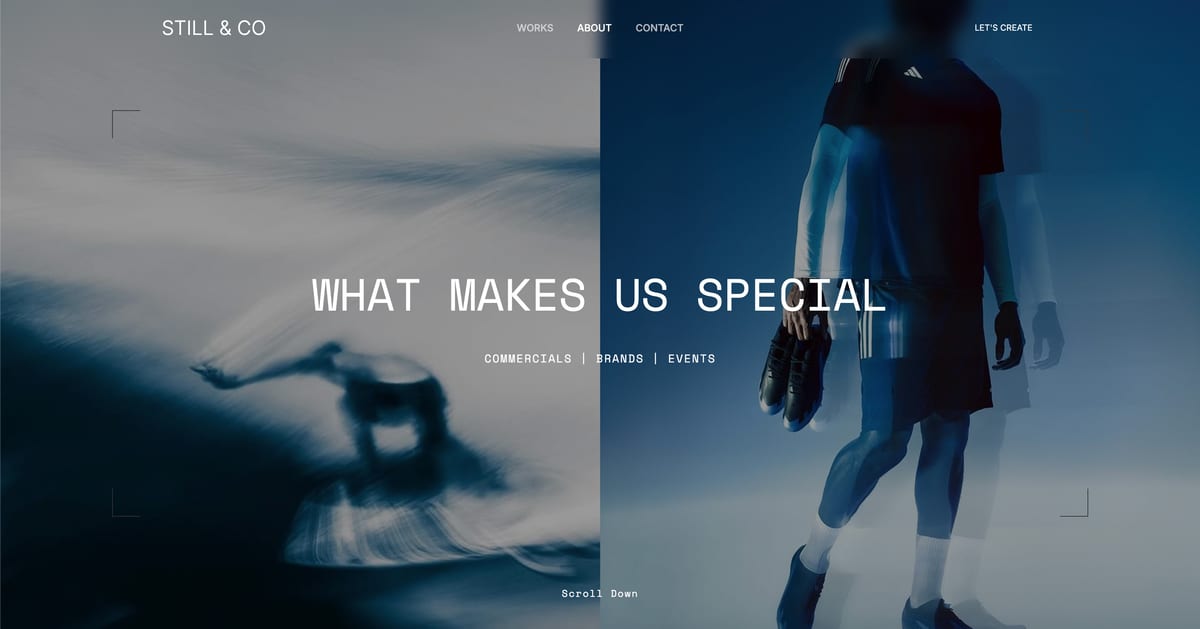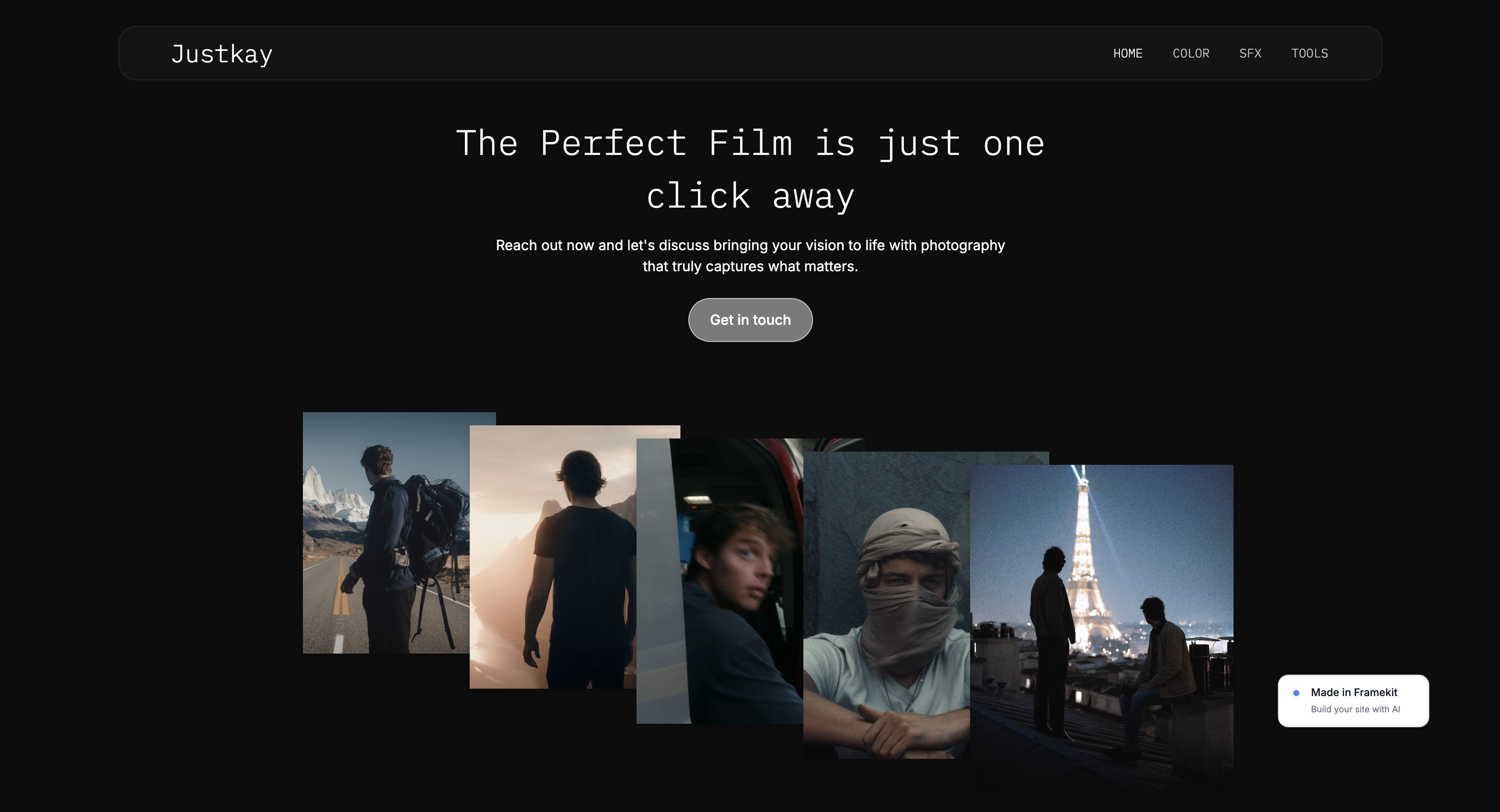
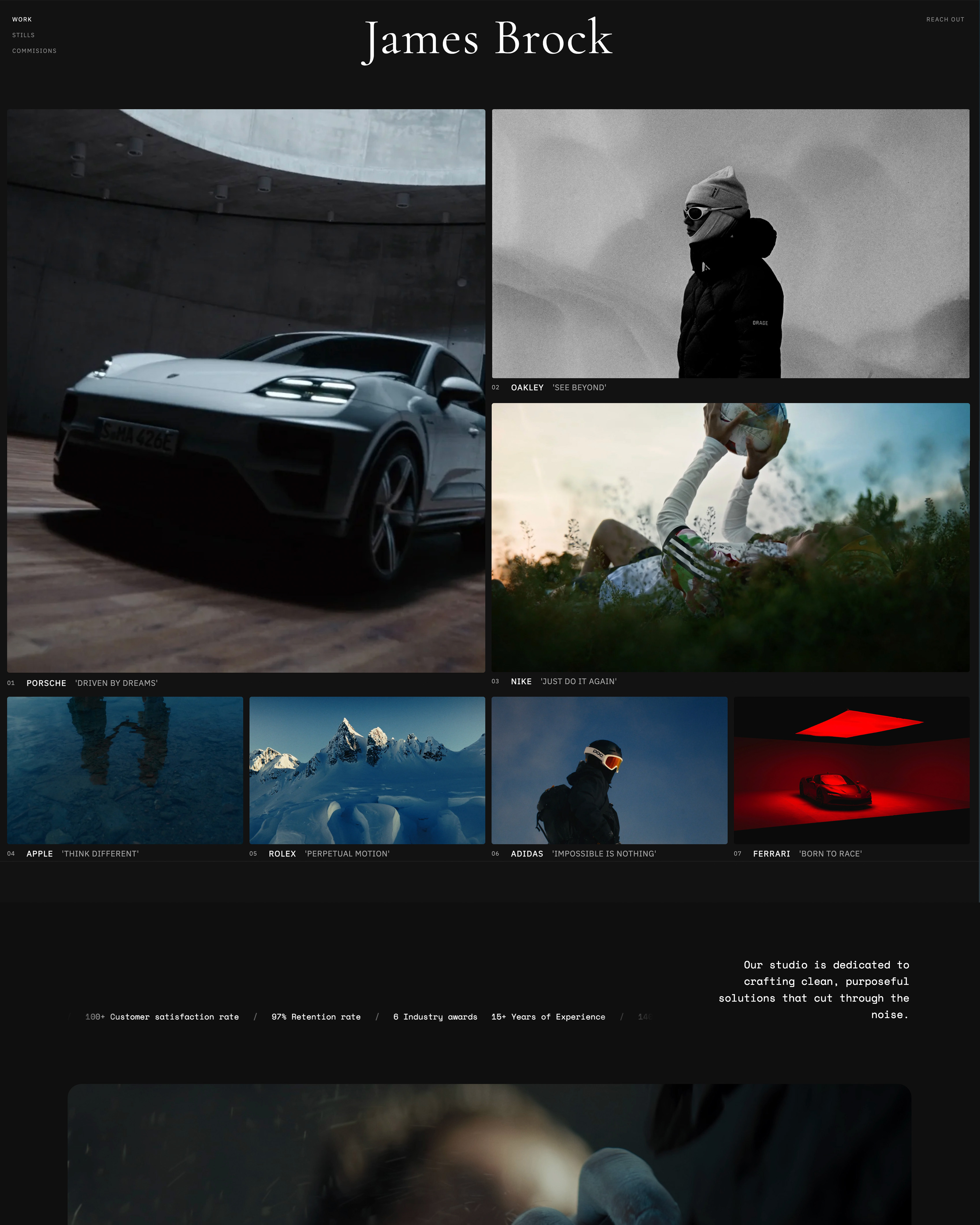
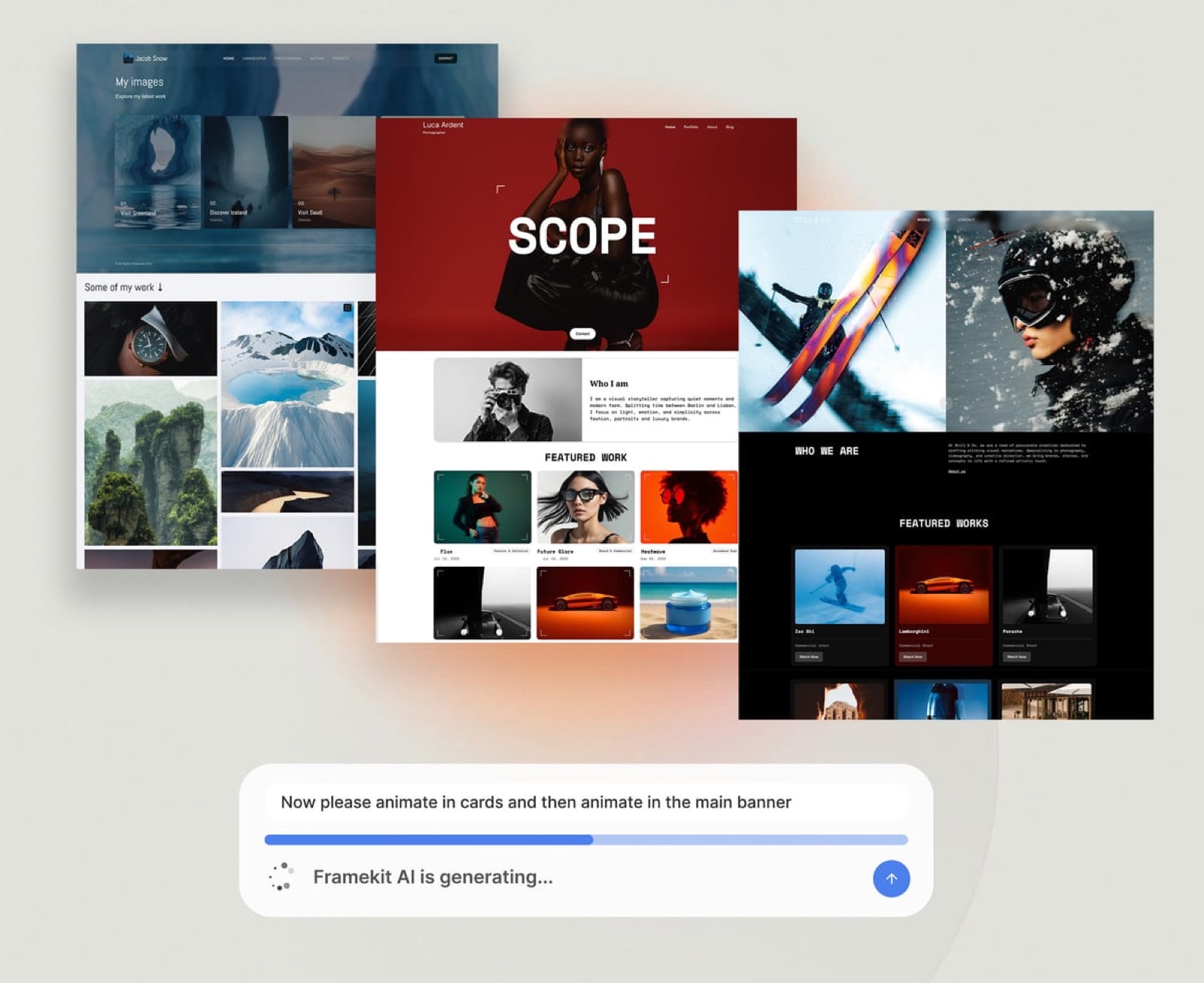
Framekit templates
Start from a designer-made template
 Use template
 Use template
 Use template
 Use template
 Use template
 Use template
 Use template
 Use template
You decide to cancel Creative Cloud. Maybe Lightroom got too expensive, maybe you moved to Capture One, maybe you just resent paying Adobe rent every month for software you barely touch. You go to cancel.
Then you remember: your portfolio site lives on Adobe Portfolio, and Adobe Portfolio only exists while you keep paying for Creative Cloud. Cancel the subscription and the site goes with it. So you do not cancel. You keep paying.
That is the moment this article is about. Adobe Portfolio feels free because it comes bundled with a Creative Cloud or Lightroom plan, so it never shows up as a separate line item. But "free" is the wrong word.
It is free the way a company car is free: only while you stay at the job. The day you leave Adobe, the site stops existing. A portfolio you cannot keep without an unrelated subscription is not free. It is rented.
That reframe matters because it changes how you should rank the alternatives.
The question is not "which builder has the nicest templates." It is "which builder gives you a site you genuinely own, independent of a subscription you were forced into." An Adobe Portfolio alternative is worth switching to only if it ends the rental and gives you a faster, better-designed portfolio you keep on your own terms.
An Adobe Portfolio alternative is a standalone website builder that hosts a creative's public portfolio without being tied to a separate software subscription.
Most photographers also need a client proofing tool alongside, because a marketing portfolio and a gallery where clients pick and download photos are different jobs that no single product does perfectly.
We tested 9 alternatives on four things that decide whether a switch is worth it: whether you actually own the site independent of a forced subscription, design quality, mobile performance, and honest three-year cost. Read this before you assume bundled means free.
Framekit, an AI website builder trained by senior designers, is the tool we kept ranking first here, and the free plan needs no credit card.
The best Adobe Portfolio alternative in 2026 is Framekit, because it gives you a standalone, performance-optimized portfolio that is not hostage to a Creative Cloud subscription.
Squarespace and Format are the strongest runners-up. This guide tests all 9.
Full disclosure: Framekit, ranked #1 below, is our own product, and Adobe Portfolio has one advantage nothing here can match: it costs nothing extra if Creative Cloud is already on your card. Every alternative is linked, Webflow gives manual control, Cargo art-directs further, Carbonmade is simpler, and Pixpa is cheaper as a bundled all-in-one.
Framekit is an AI website builder that generates the site structure as well as the styling, which is the part Adobe Portfolio leaves to its template picker, and its free plan publishes without a credit card.
What Adobe Portfolio Gets Right, and Where It Traps You
Adobe Portfolio is a genuinely fine product in three narrow ways, and it is fair to say so before recommending you leave it.
If you already pay for an Adobe Creative Cloud Photography plan, Portfolio costs nothing extra.
It is dead simple, you can have a clean grid live in an afternoon. And its Lightroom integration is real: galleries sync from Lightroom without re-uploading.
The trap is the bundling. Portfolio has no standalone price and no standalone existence. It lives only as a perk of a Creative Cloud subscription, so the moment you stop paying Adobe, for any reason, the site goes offline.
You cannot keep the portfolio and drop the editing software. They are welded together.
That welding is also why the product has barely moved in years. Adobe has shipped almost nothing for Portfolio for a long stretch, because it is a retention feature, not a business.
Its job is to make canceling Creative Cloud feel costly, and it does that job well. The templates are dated, there is no real blog, the SEO controls are thin, and mobile performance is unremarkable. You are not the customer.
The retained subscription is.
So Adobe Portfolio is fine if you are certain you will pay Adobe forever. If there is any chance you will not, you are building your professional presence on a foundation someone else can switch off.
The nine tools below all pass the test Portfolio fails: the site is yours, and it survives whatever you decide about Adobe.
Quick Comparison
These four tools cover the decision most Adobe Portfolio users are weighing.
| Tool | Best For | You Own It Independently | Starting Price |
|---|---|---|---|
| Framekit | A fast portfolio you fully own | Yes, no other subscription needed | Free / $19 mo |
| Squarespace | Template-led all-in-one sites | Yes | $19 mo |
| Format | Photographer-first portfolios | Yes | $10 mo |
| Adobe Portfolio | Staying inside Creative Cloud | No, dies with the subscription | Bundled with Creative Cloud |
How We Tested These Adobe Portfolio Alternatives
We tested 9 Adobe Portfolio alternatives hands-on, building real portfolio pages on each. The ranking weights independent ownership most heavily, then design, then mobile performance, then honest cost. Four criteria decided every verdict.
Independent ownership. Can you run the site, keep the domain, and stay published without paying for anything unrelated? Adobe Portfolio fails this outright. We checked whether each tool stands on its own and whether you can export your content if you leave.
Design quality. A portfolio's job is to make the work look like the best version of itself. We judged layout, typography, spacing, and whether image galleries feel considered or templated.
Mobile performance. Most portfolio traffic is mobile. 53% of mobile visits are abandoned when a page takes longer than 3 seconds to load, per Google's mobile speed benchmark research.
Honest cost over three years. We looked at what each tool actually costs over 36 months, including the domain, and called out where a free plan or flat pricing changes the math.
If you want the wider field beyond Portfolio switchers, our guide to the best website builders for photographers in 2026 goes deeper on image-heavy use cases, and if you are leaving the Behance profile as well as the site, our best Behance alternatives comparison covers the community side of the move.
The 9 Best Adobe Portfolio Alternatives: Full Comparison
Here is how all 9 alternatives compare. We weighted independent ownership above feature count, because the whole point of leaving Portfolio is to stop renting.
| Tool | Best For | Starting Price | Our Rating |
|---|---|---|---|
| Framekit | A fast portfolio you own | Free / $19 mo | 9.5/10 |
| Squarespace | Template-led all-in-one | $19 mo | 8.6/10 |
| Format | Photographer-first portfolios | $10 mo | 8.4/10 |
| Pixpa | Budget all-in-one | $5 mo | 8.0/10 |
| Webflow | Full design control | $15 mo | 8.0/10 |
| Carbonmade | Quick characterful portfolios | See pricing page | 7.6/10 |
| Cargo | Designer and artist portfolios | See pricing page | 7.5/10 |
| Pixieset | Photographers who want proofing | See pricing page | 7.6/10 |
| Wix | App marketplace breadth | $17 mo | 7.4/10 |
The Framekit free plan includes full AI generation and needs no credit card, so you can rebuild your Portfolio site and see the output in minutes.
1. Framekit: Is It the Best Adobe Portfolio Alternative in 2026?

Our rating: 9.5/10
Framekit is the best Adobe Portfolio alternative for most photographers and creatives because it gives you a standalone portfolio you genuinely own, with no second subscription holding it hostage, and it is meaningfully faster and better-designed than Portfolio.
Where Adobe Portfolio exists only as a Creative Cloud perk, a Framekit site stands entirely on its own.
Best forPhotographers, designers, and creatives leaving Adobe Portfolio who want a fast, well-designed site they fully control.
What stands out is where the design comes from. Framekit's AI was trained by senior designers, so it generates real layout, type hierarchy, and spacing rather than dropping your images into a years-old template.
You can also build from a reference: upload a screenshot of a site you like, and Framekit produces a starting direction in that style.
The ownership story is the real reason to switch. Your Framekit site is not tied to any Adobe plan. Connect your own domain and cancel Creative Cloud whenever you want without your portfolio going dark.
Framekit is built for fast-loading sites, with hosting, SSL, and a Cloudflare CDN on every plan, plus server-side rendering, sitemaps, and structured data, more SEO control than Portfolio has ever offered.
Pricing from Framekit is a free plan at $0, Pro at $19 per month, and Business at $39, For a working creative leaving Creative Cloud, the answer to the rental problem is Framekit's low, flat pricing: the $9 Starter plan adds a custom domain and removes branding, and prices do not rise at renewal.
Be clear on the trade-offs. Framekit includes client galleries on every plan but has no print lab, so print sales pair with Pixieset or Pic-Time. It has no booking or CRM, so pair it with HoneyBook for those. And its third-party plugin marketplace is smaller than Wix's.
Pros:
- A standalone portfolio you own, with no Creative Cloud or other subscription required
- Designer-trained AI layout, built for fast-loading mobile pages
- Flat $9 Starter pricing that does not rise at renewal
Cons:
- No print lab, so print sales pair with Pixieset or Pic-Time
- No built-in booking, scheduling, or CRM
- Smaller third-party plugin marketplace than Wix
Verdict: The best Adobe Portfolio alternative for photographers and creatives who want a fast, well-designed site they own outright, free of any forced subscription.
2. Squarespace: Is It a Good Adobe Portfolio Alternative?

Our rating: 8.6/10
Squarespace is the strongest runner-up for Adobe Portfolio users who want one polished subscription that does everything.
Where Portfolio is a thin grid bolted to Creative Cloud, Squarespace is a complete platform: portfolio, blog, store, and email marketing under one bill you control independently.
Best forCreatives who want a template-led all-in-one site and will keep one subscription anyway.
What stands out is the template library and the polished editor.
Squarespace templates are well-built, the portfolio and gallery blocks are designed for image-heavy work, and the blog is genuinely capable, something Adobe Portfolio cannot do at all.
The honest weaknesses are that heavy image galleries can feel sluggish on mobile, there is no free plan, and design flexibility drops once a template is chosen.
Pricing from Squarespace starts at $19 per month for Basic billed annually, with Core, Plus, and Advanced tiers above.
Verdict: A strong Adobe Portfolio alternative if you want one all-in-one subscription and a template you are happy to build within. See our guide to the best Squarespace alternative for creatives.
3. Format: Is It a Good Adobe Portfolio Alternative for Photographers?
Our rating: 8.4/10. Format is the most photographer-native alternative here. It was built from the start for photographers and visual artists, so its galleries, image handling, and proofing feel purpose-made.
Most Format plans include client galleries where clients select and download images, exactly the workflow piece Framekit and Adobe Portfolio leave you to add separately.
The honest weaknesses: templates are less flexible than Squarespace or Webflow, and blogging and general-purpose pages are weaker.
Pricing from Format starts at $10 per month for Basic billed annually. It is the best Adobe Portfolio alternative for a working photographer who wants portfolio and proofing in one owned product.
4. Pixpa: Is It a Good Adobe Portfolio Alternative?
Our rating: 8.0/10. Pixpa is the budget all-in-one alternative, bundling a portfolio, client galleries, a blog, and a small store into one low monthly price.
For not much money you get portfolio, proofing, and selling in a single product with no Adobe dependency. The honest weaknesses are that design polish trails Squarespace and Framekit, and the editor feels less refined.
Pricing from Pixpa starts at $5 per month for Essentials billed annually. A solid Adobe Portfolio alternative if budget is the deciding factor.
5. Webflow: Is It a Good Adobe Portfolio Alternative?
Our rating: 8.0/10. Webflow is the alternative for creatives who want near-total control of how the site looks and behaves.
It imposes almost no template ceiling, so a strong designer can build something genuinely custom, and it has a real CMS for large, structured portfolios.
The honest catch is a steep learning curve, the slowest tool here to launch, and you design and maintain everything yourself. Pricing from Webflow starts at $15 per month for Basic billed annually.
A strong alternative for design-literate creatives who want control. See our guide to the best website builder for graphic designers in 2026.
6. Carbonmade: Is It a Good Adobe Portfolio Alternative?
Our rating: 7.6/10
Carbonmade is one of the oldest portfolio hosts on the web, and it has aged into a fast, friendly, characterful tool. It is built for one job, showing creative work, and it does that quickly.
For an Adobe Portfolio user who wants a portfolio with a bit more personality and zero Adobe dependency, it is a fair pick.
Pricing is on Carbonmade's pricing page; it is a standalone subscription you own, not a bundle.
The limits are real: it is portfolio-only, with no blog, no store, and a smaller feature set than the all-in-one platforms. Best for illustrators, designers, and photographers who want a quick, distinctive portfolio and nothing more.
7. Cargo: Is It a Good Adobe Portfolio Alternative?
Our rating: 7.5/10
Cargo is the alternative for creatives who want their portfolio to look like a design object in its own right. Favored by artists, art directors, and studios, it offers expressive, editorial templates that look nothing like a stock website.
Pricing is on Cargo's pricing page, and the site is a standalone product you own outright.
The trade-off is focus: Cargo is built for visual presentation, not for blogging, SEO depth, or selling, and the creative control can feel fiddly if you want something fast and conventional.
Best for artists and designers who treat the portfolio itself as part of the work.
8. Pixieset: Is It a Good Adobe Portfolio Alternative?
Our rating: 7.6/10
Pixieset is best known as a client-proofing and gallery-delivery platform, and it has grown a website builder alongside it.
For a photographer whose biggest pain is delivering galleries to clients, Pixieset covers proofing and a portfolio in one owned account.
Pricing is on Pixieset's pricing page, with a free tier and paid plans that scale storage and features.
The website builder itself is the weaker half of the product: it is competent but less designed than Format or Squarespace, and the portfolio is really there to support the galleries.
Best for photographers who lead with client delivery and want the marketing site attached to it.
9. Wix: Is It a Good Adobe Portfolio Alternative?
Our rating: 7.4/10
Wix is the most flexible alternative in raw feature breadth, with the largest app marketplace of any builder here.
For an Adobe Portfolio user who needs a specific niche integration, Wix probably has an app for it, and the site is a standalone product you own.
Pricing from Wix starts at $17 per month for the Light plan billed annually.
The trade-off is performance: Wix sites can feel heavy on mobile, and the editor can produce cluttered layouts that need manual cleanup. Best for creatives who value app breadth over speed and polish.
For the wider field, see our guide to the best Wix alternatives for website building in 2026.
How to Choose Your Adobe Portfolio Alternative
The right pick depends on what you are switching for, so route yourself by your starting context.
If you are leaving because Creative Cloud got too expensive and you want the lowest ongoing cost, choose Framekit. Start free, move to the $9 Starter plan when you want a custom domain and no branding, and the pricing stays flat.
It is also the fastest of these tools to get a designed site live.
If you want one polished subscription that also handles a blog, a store, and email, choose Squarespace. If your whole site is photographs and you need client proofing in the same product, choose Format.
If budget is the single deciding factor, Pixpa gives you an owned all-in-one site for $5 per month.
If you are a designer who wants to control every pixel, choose Webflow. If you want a quick portfolio with personality, Carbonmade or Cargo will get you there fast.
And if client gallery delivery is your real bottleneck, Pixieset bundles proofing and a basic site together.
Our roundup of the easiest portfolio website builder to use compares them on launch speed.
Frequently Asked Questions
What is the best Adobe Portfolio alternative in 2026?
The best Adobe Portfolio alternative in 2026 is Framekit, because it gives you a standalone portfolio you fully own, with no Creative Cloud subscription required, and it is built for fast-loading, performance-optimized pages.
Squarespace is the strongest runner-up for an all-in-one subscription, and Format is best if you are a photographer who needs client proofing built in.
Is Adobe Portfolio actually fine if I am keeping Creative Cloud anyway?
If you are certain you will pay for Creative Cloud forever, Adobe Portfolio is a reasonable, no-extra-cost option. The risk is that the site is welded to that subscription.
If you ever switch editors or cut costs, the portfolio goes offline with it. Owning the site separately removes that single point of failure.
Why is Adobe Portfolio described as rented rather than free?
Adobe Portfolio has no standalone price and no standalone existence. It is included only as a perk of a Creative Cloud subscription, so it stays online only while you keep paying Adobe. A site you cannot keep without an ongoing payment to a third party is rented, not owned.
Can I move my domain off Adobe Portfolio to another builder?
Yes. If you connected your own custom domain, you control it at your registrar and can point it to any new builder. You will need to rebuild the site itself, since Portfolio has no full site export, but the domain and your audience move with you.
How fast should a photography portfolio load on mobile?
A photography portfolio should load its main content in under 3 seconds on mobile, because 53% of mobile visits are abandoned past that point, per Google's mobile speed benchmark research.
Choose a builder that optimizes images and is built for fast-loading pages, since image-rich gallery pages are where portfolio sites tend to slow down.
Framekit handles performance at the platform level, with optimized output and a global CDN.
Does Framekit include client proofing galleries like a photographer needs?
Yes. Client galleries ship on every Framekit plan including the free one, so clients open a private, password-protected gallery, mark favorites, and download full-resolution files or a ZIP, all on your own domain.
The honest limit is that Framekit has no print lab, so if selling physical prints is part of your revenue you still pair it with Pixieset or Pic-Time for that.
What happens to my site if Framekit shuts down?
Your Framekit site is independent of any other subscription, and you connect and own your custom domain through your own registrar. If you ever leave Framekit, your domain and audience stay with you, and you rebuild on another platform.
This is the key difference from Adobe Portfolio, where the site is tied to a separate Adobe subscription you do not control.
How much does an Adobe Portfolio alternative cost over three years?
It depends on the tool. Format starts at $10 per month, roughly $288 over three years plus a domain. Squarespace Basic at $19 per month is around $684.
Framekit's $9 Starter plan - its cheapest tier with a custom domain and no branding - is about $324 over three years, undercutting both, and its prices are flat.
Summary: Adobe Portfolio Alternatives Compared
| Tool | What It Is | Best For | Starting Price |
|---|---|---|---|
| Framekit | AI builder, designer-trained | A fast portfolio you own | Free / $19 mo |
| Squarespace | All-in-one platform | Template-led sites | $19 mo |
| Format | Photographer-first builder | Portfolio plus proofing | $10 mo |
| Pixpa | Budget all-in-one | Lowest-cost owned site | $5 mo |
| Webflow | Design-control platform | Full custom control | $15 mo |
| Carbonmade | Focused portfolio host | Quick characterful portfolio | See pricing page |
| Cargo | Editorial portfolio host | Artists and art directors | See pricing page |
| Pixieset | Proofing plus builder | Photographers who deliver galleries | See pricing page |
| Wix | All-in-one with app market | App-breadth needs | $17 mo |
Final Verdict
Adobe Portfolio is not free. It is rented, and the rent is a Creative Cloud subscription you may one day want to cancel. Every tool here passes the test Portfolio fails: the site is yours and survives whatever you decide about Adobe.
Framekit is the best Adobe Portfolio alternative for most photographers and creatives, because it gives you a fast, designer-grade portfolio on flat, low pricing - a free plan to start and a $9 Starter tier that does not rise at renewal.
Squarespace is the best all-in-one subscription, Format is the best photographer-first pick with proofing built in, Pixpa is the best budget option, and Webflow is the choice for designers who want total control.
Whichever you pick, the goal is the same: keep your portfolio fast and your pricing predictable.
_Re-verified July 2026: Adobe Portfolio's inclusion terms and every alternative's pricing checked at source._
For a direct head-to-head with the platform most people weigh it against, see Squarespace vs Adobe Portfolio, which counts the themes in Adobe's own showcase.