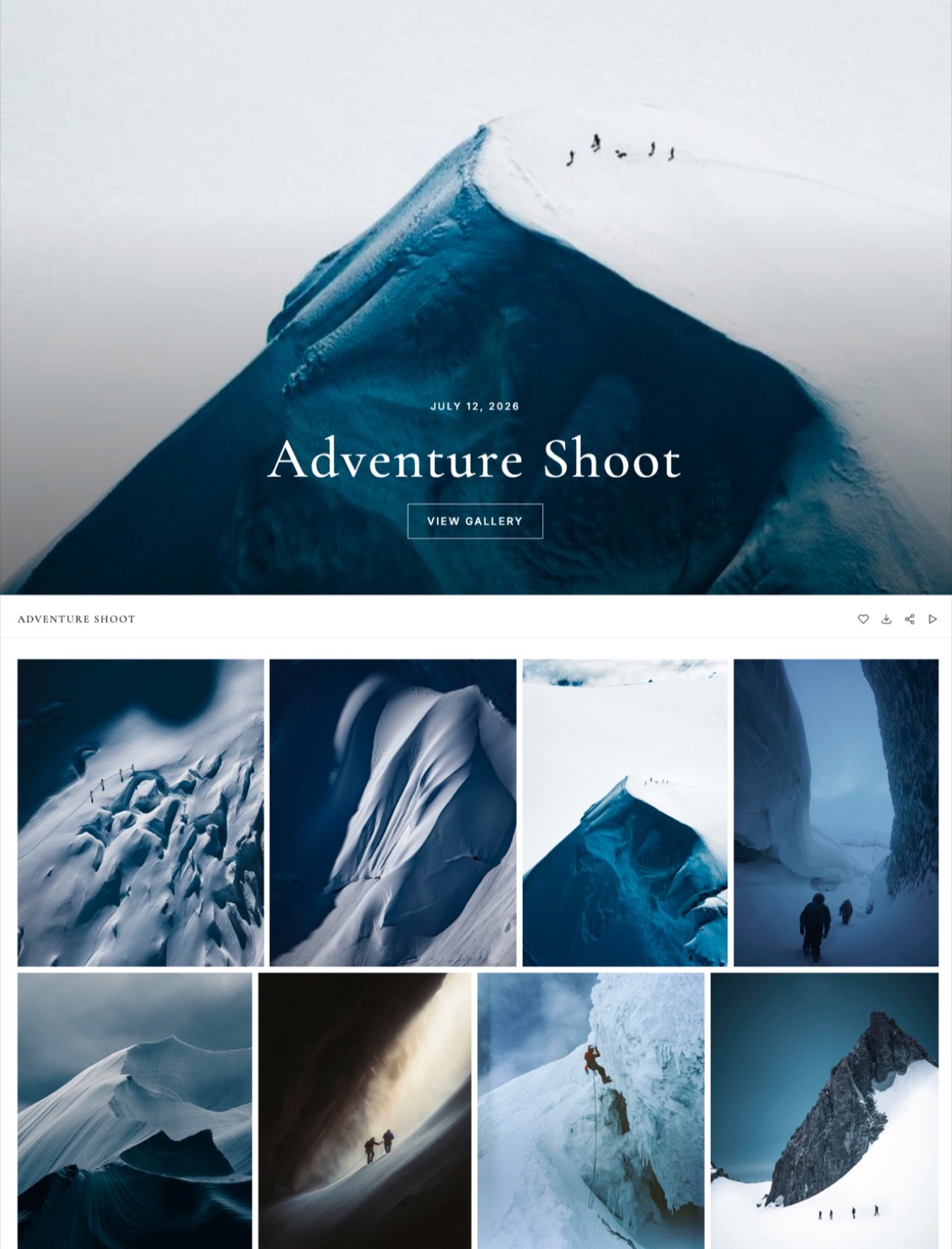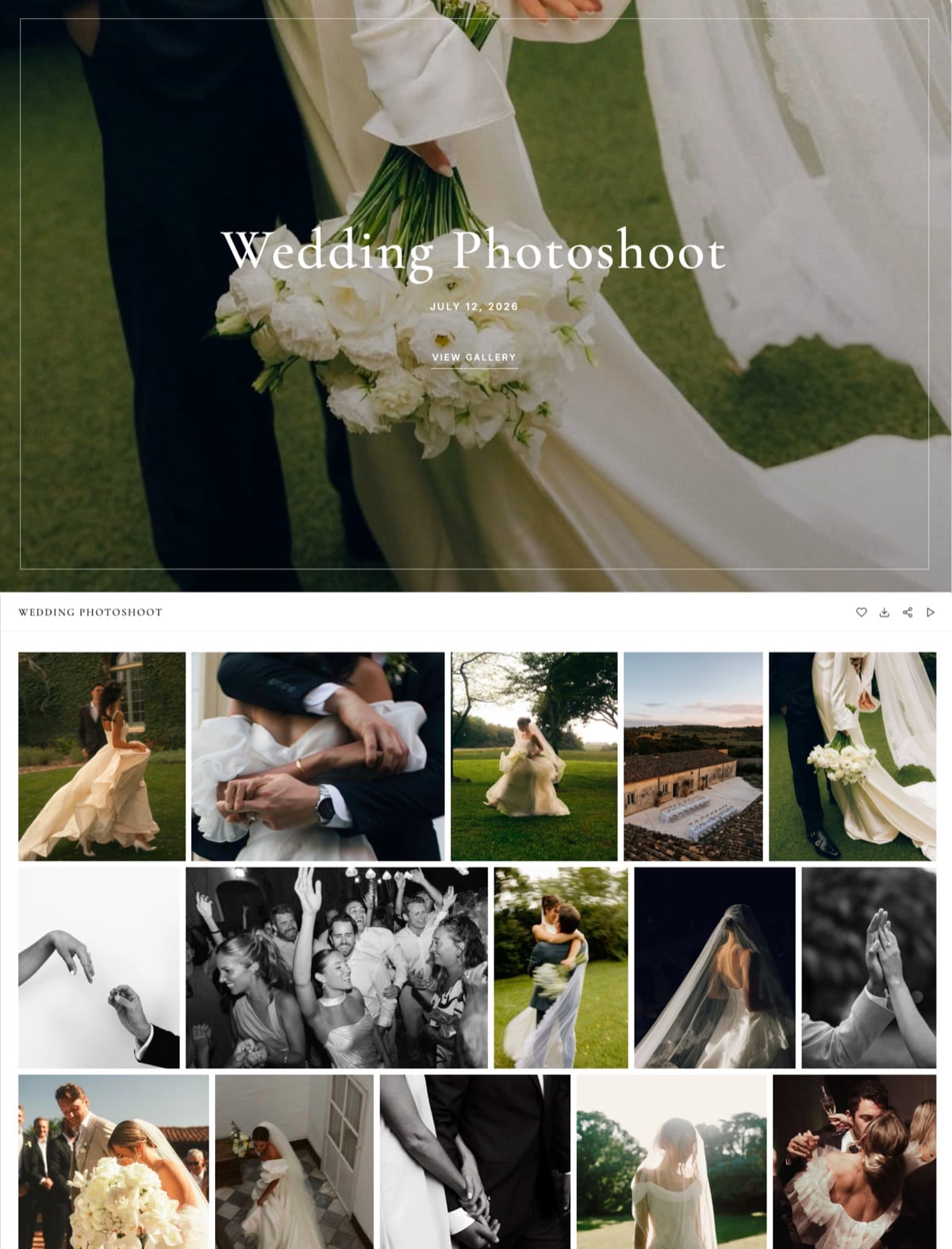
Framekit templates
Start from a designer-made template
 Use template
 Use template
 Use template
 Use template
 Use template
 Use template
 Use template
 Use template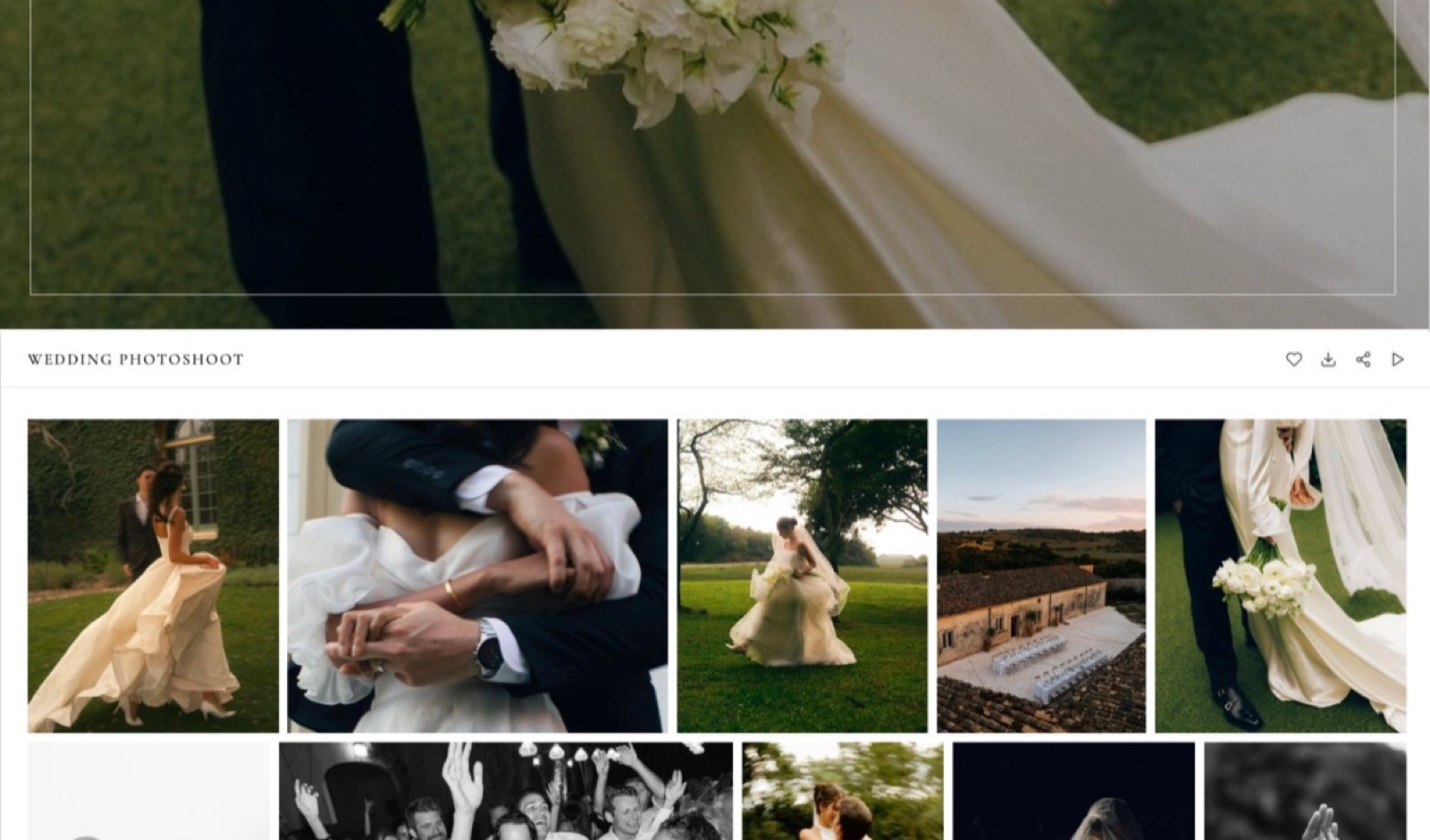
Your first paid session is a $250 family shoot. You deliver 45 edited full-resolution JPEGs, which is about 1.1 gigabytes, and you do it on a free gallery plan because nobody spends money before the first invoice clears.
Then the second booking arrives, and the third, and somewhere in there a screen says you are out of space.
That moment is the one worth planning for, and it is why a list of tools for photographers just starting out begins with arithmetic, not features.
The free tiers in this category are sized on two different axes: some cap gigabytes, some cap the number of galleries. Which axis binds first is the difference between delivering two paid jobs before a card is required and delivering nine.
A photographer's starting toolkit is the short set of software that covers five handovers: editing the files, delivering them privately, being findable online, getting paid, and selling anything extra afterwards.
Framekit is the pick for a photographer just starting out, because its free plan gives unlimited client galleries against 10GB of pooled storage, so the only thing that limits you is total size, not a gallery counter, and the same account carries the website, decks and a digital store as the work grows.
Adobe Lightroom is the answer for the editing itself and Framekit does not compete with it at all.
Pixieset is the category default and has the print store Framekit lacks entirely; Pic-Time is the better choice if selling prints and wall art is central to your business; darktable is the free raw developer if the Adobe subscription is out of reach this month.
Full disclosure: Framekit is our product and this post ranks it first, which is a reason to check every number in it against the pages we link. Each competitor price was read on that vendor's own pricing page on 22 September 2026, with the euro figures reported as listed and not converted. Pixieset, Pic-Time and ShootProof all run print labs and Framekit runs none, HoneyBook does the contracts and CRM that Framekit does not do at all, and Aftershoot culls raw files in a way nothing we make attempts.
How these tools were compared, and what is not claimed here
Anyone can list twelve applications, so the useful part is saying which numbers were read at a source, which were worked out, and which are missing because a vendor would not serve them.
Read at the source. Plan names, prices, storage ceilings and commission rates come from each vendor's published pricing page, read on 22 September 2026 and linked at the point it is used.
Two pages served European pricing to us and appear in euros, unconverted, because inventing an exchange rate would put a wrong number in a money table.
Calculated. The gallery arithmetic is ours. One carried example runs through the whole guide: a $250 family session delivered as 45 full-resolution JPEGs at roughly 25MB each, which is about 1.1GB per gallery.
Every "jobs that fit" figure below is that 1.1GB divided into a published free allowance.
Not available. Aftershoot's site returns a 403 to automated requests, so this guide names it as the culling specialist without quoting a price.
No review scores from software directories appear anywhere here, because none of them could be verified at a primary source.
Starting-out photography software by the numbers
Six figures carry most of the decision, and each one is on a page you can open and check before you trust a word of the ranking.
- 3GB is the free storage on Pixieset, with unlimited galleries and a 15% commission on store sales while you stay free.
- 5GB but only 3 client galleries is the free tier on CloudSpot, which is the clearest example of a gallery counter binding before storage does.
- 10GB that shrinks to 3GB after six months is Pic-Time's free allowance, a detail worth knowing before you build a delivery habit on it.
- 10GB pooled, unlimited galleries is the Framekit free plan, shared across the website, the galleries and video review instead of partitioned.
- US$11.99 a month is the Adobe Lightroom plan with 1TB of cloud storage, rising to US$19.99 for the Photography plan that adds Photoshop.
- $99 a year buys unlimited Backblaze computer backup, which is the only line in this guide that protects work you cannot reshoot.
Gigabytes or galleries: the axis nobody advertises
In one lineFree gallery plans are limited either by total storage or by the number of galleries you may keep open at once, and because the two limits behave completely differently over a first year, the same 1.1GB shoot buys you two jobs on one service and nine on another.
A storage cap is elastic. You can compress, you can deliver web-sized files alongside full-resolution ones, you can archive an old gallery and free the space.
A gallery counter is not elastic at all: three galleries means three, and the fourth booking forces you to take a client's delivery offline while they might still want it.
Here is the same shoot run against every free tier in this guide.
| Service | Free allowance | Limited by | 1.1GB jobs before you pay | What happens next |
|---|---|---|---|---|
| Framekit | 10GB pooled, unlimited galleries | Storage only | 9 | Starter at $7 per month billed yearly for 50GB |
| Pic-Time | 10GB, dropping to 3GB after six months | Storage, then a smaller storage | 9, then 2 | Beginner at $7 per month billed yearly for 20GB |
| CloudSpot | 5GB, maximum 3 client galleries | Gallery count | 3 | Entry at $7 per month for 15 galleries |
| Pixieset | 3GB, unlimited galleries | Storage only | 2 | Basic at $8 per month billed yearly for 10GB |
| Format | No free plan, 14-day trial | Not applicable | 0 | Basic at $10 per month billed yearly |
| HoneyBook | No free plan, 30-day trial | Not applicable | 0 | Starter at $29 per month billed yearly |
Two things fall out of that table. The first is that Pic-Time's free tier is the most generous for exactly six months, which is long enough to build a workflow on and short enough to be a surprise.
The second is that CloudSpot's counter is the harshest constraint in the group even though its storage is not the smallest, which is the whole argument for reading the axis and not the headline number.
What the free tiers take when you sell something
In one lineFour of the services here sell from a free gallery and two of them take a flat 15% of every sale, which on a first year of modest print sales is a larger number than any subscription in this guide.
Commission is the part of a free plan that costs money. Pixieset states a 15% commission fee on free accounts, with commission-free selling on every paid plan. CloudSpot applies 15% on its Free and Entry tiers and drops it on Lite and above, where card processing is quoted at 2.5%. Pic-Time charges commission on markups and not on production costs, reduced on the Professional and Advanced plans, with no commission on self-collected payments at those tiers.
Framekit's fee works differently and is narrower in scope: 5% on Free and Starter, 3% on Pro and 0% on Business, charged on the post-discount amount, and it applies to digital files only because Framekit has no print lab. That is a smaller percentage attached to a smaller job.
| Service | Free-tier cut | What you can sell | Where the cut goes to zero |
|---|---|---|---|
| Pixieset | 15% | Prints, wall art, digital files | Any paid plan |
| CloudSpot | 15% on Free and Entry | Prints and digital files | Lite at $17 per month and above |
| Pic-Time | Commission on markup, varies by plan | Prints, wall art, albums | Self-collected payments on Professional and Advanced |
| Framekit | 5% | Digital files only, no prints | Business at $39 per month |
Read that table as a warning and not as a sales pitch. If print sales are how you intend to make money, the 15% is the cost of a print lab you do not have to run, and Framekit's lower percentage is irrelevant because Framekit cannot fulfil a print at all.
1. Framekit: Best Free Plan for Delivering a Paid Job

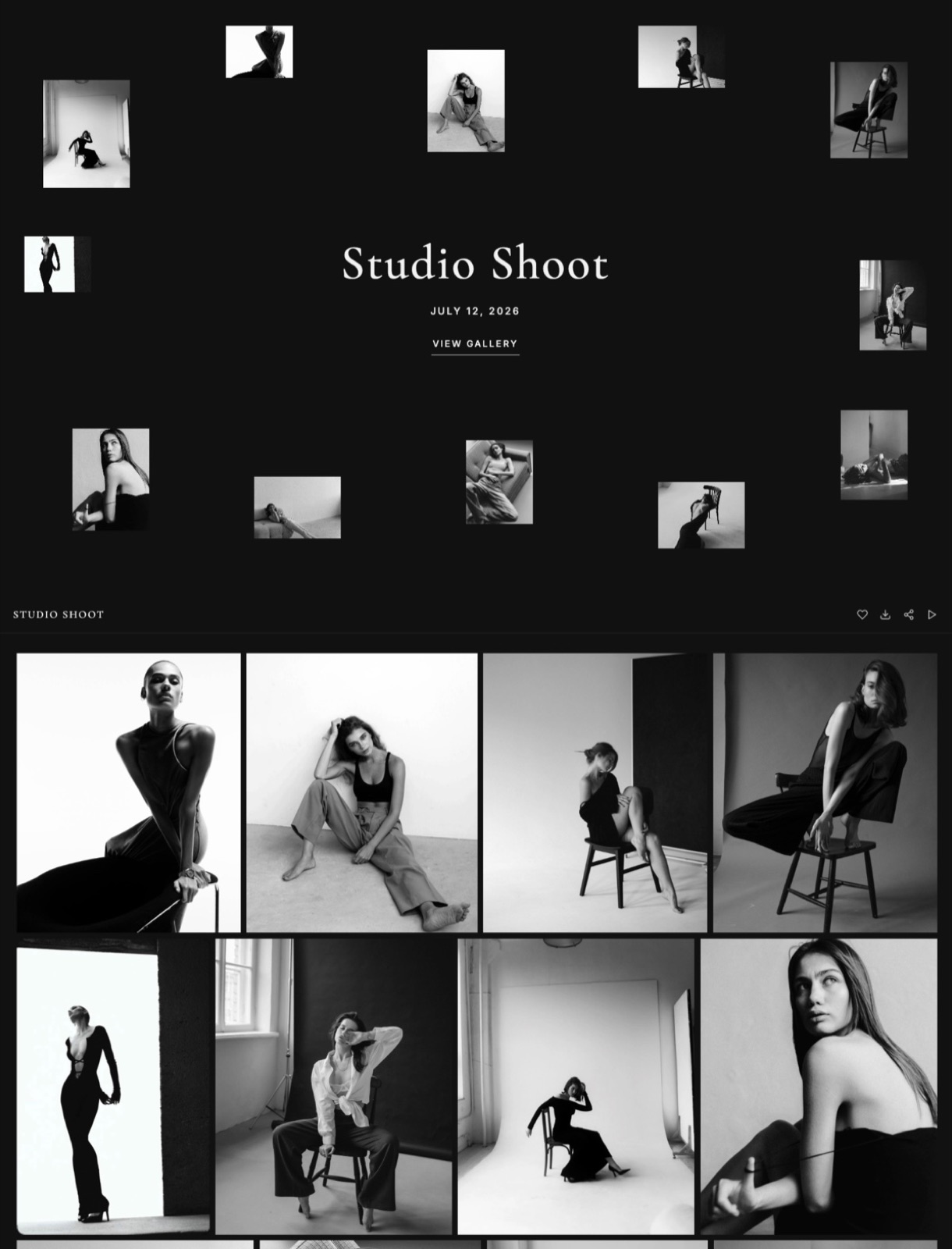
Framekit is an AI website builder whose client galleries, Slides and digital store are billed on the same subscription as the site, which is why a photographer can take a booking, deliver it and show it off without paying a second vendor.
The client is never asked to register for anything: a gallery opens with a password and a separate download PIN, with email capture optional.
Best forSomeone who wants the first paid job delivered properly before a subscription exists.
The texture. The free plan here is not a trimmed demonstration of the paid one.
Watermarking, a gallery password, a separate download PIN, client favourites, slideshows, full-resolution and ZIP downloads, email registration before viewing, auto expiry and client-exclusive sets are all present at $0.
What upgrading buys is your own domain, removal of the Framekit badge, your own uploaded fonts and more room, which is a different proposition from the usual pattern of holding the useful features one tier up.
The number. Nine deliveries of the carried $250 family session fit inside the 10GB free allowance at 1.1GB each, and because galleries are unlimited on every plan the count is the only thing you have to watch.
The pooling matters too: a quiet month for video turns into gallery space instead of sitting unused in a separate video quota.
The detail nobody writes. Galleries carry video as well as stills, so a photographer who is starting to be asked for a short reel does not need a second service for it.
The per-file ceiling on Free is 500MB with a two-hour maximum length, which comfortably covers a highlights cut and does not cover a full ceremony.
The gotcha in week three. The free plan puts a Framekit badge on public pages and gives you no custom domain, so galleries live on a Framekit address until you move to Starter at $7 a month billed yearly.
If you are pitching corporate clients in month one, budget for that upgrade sooner than the storage forces it.
Who should skip it. A portrait or family photographer whose income plan is wall art and albums should not start here.
Framekit has no print lab, no album fulfilment and no way to route an order to a professional printer, and pretending otherwise would waste your year.
Verdict: The most complete free plan in this guide for delivering, showing and being paid for digital work, and a poor fit for anyone whose revenue depends on prints. Start here if your first year is sessions and files.
2. Pixieset: Best Free Tier With a Print Store Attached
Pixieset is the service most new photographers have already heard of, and the reason is that it solved gallery delivery for portrait and wedding photographers years before the rest of the category caught up.
The texture. A Pixieset gallery looks like a Pixieset gallery, and for a beginner that is a feature, not a criticism: the cover styles, the favourites flow and the download prompts are patterns your clients have very likely seen before, so you spend no time explaining them.
The store sits inside the same gallery, so a client browsing their photographs can order a print without leaving the page they are already on.
The number. The free plan gives 3GB with unlimited galleries and takes a 15% commission on store sales.
Basic is $10 a month or $8 billed annually for 10GB, Plus is $20 or $16 for 100GB, Pro is $30 or $24 for 1TB, and Ultimate is $50 or $40 for unlimited storage.
The detail nobody writes. The commission disappears entirely on every paid plan, which turns the upgrade decision into arithmetic instead of a preference.
At 15% on the free tier, $640 of print sales in a year costs you $96, which is exactly what Basic costs, so anyone selling more than roughly $53 of prints a month is paying for the paid plan whether they buy it or not.
The gotcha in week three. Three gigabytes is two of the carried 1.1GB deliveries, and the third one will not fit.
That is a fast ceiling for a photographer who delivers full-resolution files, and the usual workaround of delivering smaller JPEGs is the wrong habit to learn in month one.
Who should skip it. A photographer who mostly delivers video, or who wants the gallery, the portfolio site and a deck on one bill, is buying a specialist and will still need two more services.
Verdict: The safest default in the category and the fastest free tier to outgrow. Take it if prints are the plan and you accept the 15% as a lab fee. The plan-by-plan detail lives in the Pixieset pricing breakdown, and the client gallery comparison covers the wider field.
3. Adobe Lightroom: Best Editing and Catalogue
Lightroom is the answer to the editing half of this list, and no gallery service in this guide competes with it, which is worth stating before anyone reads a ranking as a claim otherwise.
The texture. What a beginner actually buys with Lightroom is not sliders, it is the catalogue.
Keywords, collections, virtual copies and the ability to find the one frame from two years ago that a returning client suddenly wants are the things that make a photography business possible at volume, and they are the things free editors handle least well.
The number. Adobe's photography page lists the Lightroom plan at US$11.99 a month with 1TB of cloud storage covering Lightroom and Lightroom Classic, and the Photography plan at US$19.99 a month with the same 1TB plus Photoshop on desktop and iPad.
Over a year that is $143.88 or $239.88.
The detail nobody writes. The 1TB of cloud storage in the cheaper plan is the part beginners underuse.
Synced collections mean you can cull on an iPad on the train home from a session, and the edits arrive on the desktop catalogue, which turns dead time into culling time.
The gotcha in week three. Cancelling the subscription leaves your raw edits as instructions that nothing else can read.
The develop settings live in Adobe's catalogue format, so the practical lock-in is not the files, it is the work you did to them. Export finished JPEGs as you go instead of relying on being able to re-render later.
Who should skip it. A photographer shooting JPEG for social work and nothing else is paying $143.88 a year for a raw developer they do not open.
Verdict: Worth the money for anybody shooting raw and keeping an archive, and the one recurring subscription in this guide that is genuinely hard to avoid. If you want the alternatives properly compared, read the photo editing software guide.
4. Pic-Time: Best for Selling Prints, Albums and Wall Art
Pic-Time is built around the idea that a gallery is a sales surface, and for a portrait, family or wedding photographer that framing is closer to how the money actually works than anything else in this list.
The texture. The sales automations are the product. Pic-Time will run a timed campaign against a delivered gallery, put a wall-art preview into the client's room photograph, and chase the order without you writing an email.
A beginner who finds selling awkward gets most of the benefit of a skilled sales conversation without having to have one.
The number. Pic-Time's free plan gives 10GB of photo storage that reduces to 3GB after six months, plus 1GB of video.
Beginner is $7 a month billed yearly or $8 monthly for 20GB, Professional is $21 or $25 for 100GB, and Advanced is $42 or $50 with unlimited photo storage under its terms.
Commission is charged on markups and not on production costs, is reduced on the upper plans, and disappears on self-collected payments at Professional and Advanced.
The detail nobody writes. That six-month storage reduction is the most consequential small print in this category.
It means the free plan is generous enough to build a delivery habit on and then halves its usefulness at exactly the point you have stopped thinking about it. Diary the date.
The gotcha in week three. Commission on markup only is genuinely fair, and it also means the headline number is hard to compare against the flat 15% that Pixieset and CloudSpot charge on the free tier.
You have to price a real product to know what you are paying, so do that once before committing.
Who should skip it. A commercial or product photographer who never sells a print is carrying a store they will never open, and would be better served by a plain delivery tool.
Verdict: The best sales engine attached to a gallery, and overkill for anyone delivering digital files to businesses. The full pricing walk-through is in the Pic-Time pricing explainer, and if prints are the point, the print fulfilment comparison is the page to read next.
5. CloudSpot: Best Gallery With a Studio Manager Attached
CloudSpot's pitch is that delivery and the admin around delivery belong in the same place, and its middle plans bundle a studio manager instead of treating it as a separate purchase.
The texture. The free plan is where CloudSpot is most honest and most restrictive at the same time.
Email capture, custom watermarks and video links are all present at $0, which is more capability than most free tiers, but the gallery counter sits at three and that number does the deciding.
The number. CloudSpot's pricing page lists Free at $0 with 5GB and up to 3 client galleries, Entry at $7 a month for 15GB and up to 15 galleries, Lite at $17 for 100GB and unlimited galleries, Pro at $34 for 500GB and Unlimited at $50.
Commission is 15% on Free and Entry and disappears on Lite and above, where card processing is quoted at 2.5%.
The detail nobody writes. The jump that matters is Entry to Lite, because it takes you from 15 galleries to unlimited and removes the commission at the same time.
That is a $10 a month step that changes two constraints at once, which is unusual and makes the middle tier better value than its position in the list suggests.
The gotcha in week three. Three galleries on the free plan is fewer deliveries than most beginners expect to make in a first quarter, and archiving a gallery to make room means taking a client's photographs away from them. Clients notice.
Who should skip it. A photographer with a single busy month and nine deliveries in it will burn through the free tier in that month, so treat CloudSpot as a paid product you trial, not a free one you settle on.
Verdict: Good value from Lite upwards and the tightest free tier in the comparison. If you want to see where it sits against the rest, the free client gallery software roundup puts the counters side by side.
6. darktable: Best Free Raw Developer
darktable is the answer when the Adobe subscription is not happening this month, and it is a genuine raw developer, not a filter app with a raw importer bolted on.
The project describes itself as an open source photography workflow application and raw developer, released under the GPL 3.0, with a digital asset manager, non-destructive editing and colour management built in.
The price is zero and there is no account.
The detail worth knowing is that darktable's module list is ordered by the pixel pipeline and not by how much you reach for a module, which is why it feels alien for a fortnight and then makes more sense than the alternative.
Scene-referred workflow with the filmic and sigmoid modules is the part to learn first, and it is also the part that most tutorials written before 2022 will teach you wrongly.
The gotcha is interchange. darktable writes its edits into sidecar XMP files that other applications will not interpret, so a darktable archive is portable in the sense that the raws move and the edits do not.
Export full-quality JPEGs or TIFFs of anything a client might ask for again.
Skip it if your hourly rate is high enough that a fortnight of learning costs more than $143.88, which is the annual Lightroom figure it is competing against.
Verdict: The best free raw developer available and a real saving in a first year, provided you accept a steeper start and an archive that only darktable can reopen.
7. Squarespace: Best Template-First Website

Squarespace is the builder a new photographer is most likely to be recommended by another photographer, and the recommendation is about the templates, not the platform.
The pricing page served European figures when it was read: Basic at EUR 15 a month monthly or EUR 11 billed annually, Core at EUR 24 or EUR 17, and Advanced at EUR 42 or EUR 29.
The transaction fees are the part photographers miss: the online store fee is 2% on Basic and 0% above it, while the digital content fee is 7% on Basic, 5% on Core and 0% on Advanced.
If you plan to sell presets or a guide, the cheapest plan is the most expensive one.
What Squarespace does better than almost anything else is give a beginner a coherent-looking site in an evening without a single design decision going badly.
The gotcha is that image-heavy galleries on a general-purpose builder are not client delivery: there is no download PIN, no favourites list and no expiry, so you still need a gallery service alongside it.
Skip it if your site is one page with a contact form, because a one-page builder costs a fraction of this.
Verdict: A good-looking site at a fair price and a poor substitute for a delivery tool. Compared against the field in the photographer website builder ranking.
8. Format: Best for a Large Image-Count Portfolio
Format is a portfolio host built for people whose work is the images and not the copy, and its plans are priced by the number of photographs you want online instead of by features.
Format's pricing lists Basic at $10 a month billed annually with 10 pages and 70 high-resolution images, Pro at $12 with unlimited pages and 1,500 images, and Pro Plus at $15 with unlimited images.
There is no free plan, only a 14-day trial with no card required.
The interesting line is Basic to Pro: two dollars a month takes you from 70 images to 1,500, which makes Basic almost impossible to recommend. Seventy images is roughly one and a half portfolio sets, and any photographer who is actually working will pass it inside a season.
The gotcha is that an image cap is counted across the whole site and not per page, so the archive you never deleted is competing with the new series you want to publish. Prune deliberately instead of upgrading by accident.
Skip it if you want a store, a blog and a gallery from the same subscription, because Format is a portfolio and stays one.
Verdict: Clean, fast to set up, and worth $144 a year on the Pro tier and not $120 on Basic. Buy the second plan or none.
9. Backblaze: Best Insurance for Files You Cannot Reshoot
Backblaze is the least exciting entry in this guide and the one whose absence ends careers, because a family session cannot be re-photographed and a wedding certainly cannot.
Computer Backup is $99 a year for one computer with unlimited data and no restriction on file type or size. Against the carried $250 session, that is 40% of one job for a year of protection on every job.
The detail that matters to photographers is external drive handling: connected external drives are included in the backup set, which is how most photography archives actually live.
The gotcha is the same rule read backwards, because a drive left disconnected for an extended period drops out of the set, and the drive most likely to be disconnected is the archive one holding work you can never recreate.
Connect each drive monthly and let it catch up.
Skip it only if you already run three copies with one offsite and test a restore occasionally, which almost nobody starting out does.
Verdict: Buy it before your second paid job. The wider comparison, including versioned and hybrid options, is in the photo backup roundup.
10. Wave: Best Free Invoicing
Wave is the answer to the least glamorous question a new photographer has, which is how to send something that looks like a real invoice without paying a monthly fee to do it.
Wave's Starter plan is free and includes unlimited estimates, invoices, bills and bookkeeping records, with online card payments at 2.9% plus $0.60 per transaction and 3.4% plus $0.60 for Amex.
Pro is $19 a month or $190 a year and adds automated bank imports, receipt scanning, branded invoicing and payment reminders.
The number worth holding is the processing rate, not the plan price. On the carried $250 session, a card payment through Wave's free tier costs $7.85, which is 3.1% of the job.
Pro waives the 60 cent portion on the first ten transactions a month, so its best possible saving is $72 across a year against a $190 price, which means you buy Pro for the bookkeeping automation and never for the card fee.
The gotcha is that free bookkeeping is only free if you do it, and an unreconciled year in April is more expensive than any subscription here.
Skip Wave if you already have an accountant who has given you a system, because fighting their workflow costs more than the software saves.
Verdict: The best zero-cost way to look professional about money in year one. If you want the alternatives, the invoicing comparison for creatives covers them.
11. HoneyBook: Best Full Back Office When You Are Ready
HoneyBook is what a photography business buys when the admin stops fitting in the evenings: enquiries, proposals, contracts, payments and scheduling in one place, with automations linking them.
HoneyBook publishes no free plan, only a 30-day trial.
On annual billing, Starter is $29 a month with invoices, payments, proposals, contracts and a calendar, Essentials is $49 and adds the scheduler, automations and up to 2 team members, and Premium is $109 with unlimited team members and priority support.
Card processing is 2.7% plus 10 cents, with bank transfers at 1.5%.
The detail that justifies the price is the contract, not the CRM.
A signed agreement with a cancellation clause is the thing that protects a beginner from a client who moves a wedding date twice, and cobbling one together from a template you found online is exactly how that protection fails.
The gotcha is the annual commitment shape: $348 a year at Starter is real money against a first-year income, and the automations that make Essentials worth $588 only pay off at a booking volume most beginners do not have yet.
Skip it in year one if you shoot fewer than a couple of jobs a month. Come back when the enquiries outnumber the evenings.
Verdict: The right destination and the wrong starting point. Contracts matter from job one, but $348 a year does not have to.
12. Instagram: Best for Being Found, Worst for Delivering

Instagram is on this list because it is where most new photographers' first three clients come from, and it is last on this list because of what happens after that.
The cost is zero and the reach is real, particularly for local work where a location tag does more than any keyword ever will. Treat it as the top of the funnel and nothing else.
What it must not become is your portfolio of record. The platform compresses your files, crops your compositions into its grid, reorders your work by its own logic, and can suspend an account without a route of appeal that you control.
A photographer whose entire body of work exists only inside somebody else's application has a business with a single point of failure and no backup.
The gotcha specific to beginners is the enquiry thread. Booking details agreed in direct messages are unsearchable, unexportable and legally thin, which is a problem the first time a date or a price is disputed.
Skip the idea that posting more fixes a slow month. Move the audience somewhere you own, which is what the guide to moving from Instagram to your own website is for.
Verdict: Excellent discovery, unacceptable as the only copy of your work or the only record of an agreement.
What a first year actually costs, in dollars
In one lineA new photographer's first year of software is decided by four line items out of the twelve on this page, and the only one that is genuinely unavoidable is the raw developer, which is the item most beginners try hardest to avoid paying for.
The table below uses dollar-priced tools only so nothing is converted, and picks the tier a working photographer would actually choose instead of the cheapest one on each page. Lightroom appears in both columns because the edit is the same job either way.
| Job | Specialist route | Year one | One-account route | Year one |
|---|---|---|---|---|
| Raw editing and catalogue | Adobe Lightroom plan, US$11.99 a month | $143.88 | Adobe Lightroom plan | $143.88 |
| Client delivery | Pixieset Basic, $8 a month billed yearly | $96 | Framekit galleries | included |
| Portfolio site | Format Pro, $12 a month billed yearly | $144 | Framekit website | included |
| Decks and price guides | A separate deck tool | not counted | Framekit Slides | included |
| Invoicing | Wave Starter | $0 | Wave Starter | $0 |
| Offsite backup | Backblaze | $99 | Backblaze | $99 |
| Total | Four vendors plus Adobe | $482.88 | Framekit Starter at $84 plus Adobe | $326.88 |
That is $156 of difference in year one, which is not a dramatic saving and should not be sold as one.
The more useful reading is the free-plan version of the same row: on Framekit Free the client-facing column is $0, so a first year that is Lightroom plus Backblaze costs $242.88 and everything the client sees costs nothing.
The test to run on your own numbers. Add up the annual price of every subscription you currently pay that the client never sees the inside of, then divide by your average session fee. That is the number of shoots a year you work purely to keep the software on.
Four jobs Framekit will not do for you
In one lineRanking a product first is only worth reading if the same page says where it stops, so here are the four things a new photographer needs that Framekit does not do and is not planning to fake.
Printing. There is no print lab, no album fulfilment, no framing partner and no way to route an order to a professional printer. Pixieset, Pic-Time and ShootProof all do this properly. If prints are the plan, one of them is your gallery and Framekit is not.
Culling. Framekit has no AI culling, no duplicate detection and no eyes-closed rejection.
Aftershoot is the specialist most photographers name here, though its site would not serve a price to our fetch, so check it yourself.
The wider field is in the culling software comparison.
Raw editing. Framekit does not develop raw files or apply a preset. Lightroom and darktable do that, and the ranking above puts Lightroom third for exactly that reason.
Invoicing, contracts, CRM and booking. None of these exist in Framekit in any form.
Wave covers invoices for nothing, HoneyBook covers the full set from $29 a month, and the contract and proposal comparison covers the paperwork properly.
The decision guide
In one lineFour questions in order will get a new photographer to the right stack faster than any feature table, because the answers depend on what you sell and not on which application has the longest list of capabilities.
Question one: will you sell prints, albums or wall art at all? If yes, your gallery is Pixieset or Pic-Time, full stop, and Framekit is not in the conversation for delivery. If no, go to question two.
Question two: how many jobs will you deliver in your first three months? If it is three or fewer, every free tier here works and you should pick on how the gallery looks.
If it is more, a gallery counter will bite before a storage cap does, which rules out CloudSpot's free plan and makes Framekit's unlimited galleries against 10GB the more forgiving shape.
Question three: do you also need a website, and do you want it on the same bill? If yes, Framekit Starter at $7 a month billed yearly covers galleries, the site, decks and a digital store with a custom domain.
If you want a template-led site and are happy paying separately, Squarespace or Format is the better-looking answer.
Question four: do you shoot raw? If yes, budget $143.88 a year for the Lightroom plan or a fortnight of learning for darktable, and treat that as the first fixed cost of the business and not the last.
Frequently Asked Questions
What software do photographers just starting out actually need?
A photographer starting out needs four things: a raw developer, a private delivery gallery, somewhere to be found online, and a way to invoice.
Adobe's Lightroom plan at US$11.99 a month or the free darktable covers the first, Framekit's free plan or Pixieset's covers the second and third, and Wave's free Starter plan covers invoicing.
Everything else, including a CRM, a culling tool and a print store, is a second-year decision that depends on what you sell.
Which client gallery free plan gives the most deliveries?
Framekit and Pic-Time both allow roughly nine deliveries of a 1.1GB gallery on their free plans, but only Framekit keeps that allowance: Pic-Time's 10GB drops to 3GB after six months.
Pixieset's free plan holds 3GB, which is two such galleries, and CloudSpot's free plan caps you at three client galleries regardless of the 5GB it provides.
Count in galleries as well as gigabytes before choosing, because the counter is the limit you cannot work around.
Can I sell prints through Framekit?
No. Framekit has no print lab, no album fulfilment and no print store of any kind, and its digital store sells downloadable files only, such as presets, LUTs, guides and templates.
Photographers whose income depends on wall art should use Pixieset, Pic-Time or ShootProof, all of which route orders to professional labs. This is the clearest case in this guide where a competitor is simply the right answer.
Is Lightroom worth it for a beginner, or should I use darktable?
Lightroom is worth US$11.99 a month for a beginner who shoots raw and expects to keep an archive, mostly for the catalogue and not the editing tools. darktable is a genuine free alternative under the GPL 3.0 with non-destructive editing and colour management, and it costs a steeper learning fortnight and an archive whose edits only darktable can reopen.
If your time is worth more than $143.88 a year, pay Adobe; if it is not yet, darktable is not a compromise on image quality.
How much commission do photography gallery services take on the free plan?
Pixieset takes 15% on store sales while your account is free and removes it on every paid plan. CloudSpot takes 15% on Free and Entry and removes it from Lite upwards.
Pic-Time charges commission on markup and not on production cost, reduced on its upper plans. Framekit charges 5% on Free and Starter, 3% on Pro and 0% on Business, on digital files only.
At 15%, roughly $640 of annual print sales costs the same as a year of Pixieset Basic.
Framekit vs Pixieset for a new photographer: which is better?
Pixieset is better if you will sell prints, because it has a print store and Framekit has none.
Framekit is better if your deliverables are digital and you also need a website, decks and a place to sell files, because its free plan carries unlimited galleries against 10GB pooled and all of those surfaces sit on one subscription.
On storage alone the free plans are 3GB against 10GB. The honest split is prints to Pixieset, everything else to Framekit.
Do I need a website if I already have Instagram?
Yes, and the reason is control, not reach. Instagram compresses your files, reorders your work, holds your client conversations in an unsearchable inbox and can suspend an account without a route of appeal you control.
A site you own keeps the full-resolution work, the contact form and the search traffic. Framekit's free plan includes a ten-page site with hosting, SSL and a CDN, with a Framekit badge until you upgrade.
What should I do about backups in my first year?
Buy unlimited Backblaze Computer Backup at $99 a year before your second paid job, and keep at least one local copy on a separate drive.
Connected external drives are included in the Backblaze set, which suits the way photography archives normally live, but a drive left unplugged for a long period drops out of the backup, so connect every drive monthly.
This is the only spending in this guide that protects work which cannot be recreated.
When should a beginner photographer pay for HoneyBook or Dubsado?
Pay for a full back office when enquiries start outnumbering the evenings you have to answer them, which for most photographers is somewhere past two jobs a month.
HoneyBook's Starter plan is $29 a month on annual billing, which is $348 a year, and it includes contracts and proposals as well as invoices.
Before that point, Wave's free invoicing plus a properly reviewed contract template covers the same ground for a fraction of the cost.
What happens to my galleries if I stop paying?
That depends on the service and it is worth checking before you upload a client's wedding.
On Framekit, dropping to the free plan keeps your galleries and puts you back under the 10GB pooled limit and the Framekit badge, with data export available on every plan.
Pixieset, Pic-Time and CloudSpot each publish their own downgrade behaviour, and Pic-Time's free storage specifically falls to 3GB after six months. Export finished deliveries locally regardless of platform.
Final Verdict
For a photographer just starting out, Framekit is the pick on the client-facing half of the job, because the free plan is a working plan and not a trial: unlimited galleries against 10GB of pooled storage, watermarking, passwords, download PINs, favourites and expiry all at $0, and the website, decks and digital store on the same subscription when the work grows.
Nine deliveries of a 1.1GB session fit before anything is required from a card.
Adobe Lightroom is second in usefulness and first in unavoidability if you shoot raw, and no gallery service replaces it. Pixieset remains the right default for anyone whose income will come from prints.
Where Framekit losesit has no print lab, no album fulfilment, no AI culling, no raw editing and no invoicing, contracts, CRM or booking calendar at all, and each of those is a real gap and not a roadmap item.
A family or portrait photographer building a business on wall art is better served by Pic-Time or Pixieset from day one, and a photographer who needs one system for enquiries, contracts and payments should be looking at HoneyBook.
Framekit is not for you if prints are the product.
The shortest honest summary: pay Adobe or learn darktable, back up with Backblaze, invoice with Wave, and put everything the client touches in one place.
Related readinghow to start a photography business, how to get your first photography clients, how to price photography, how to deliver photos to clients and how to build a photography website.
Two more worth bookmarking once the first gallery goes out: how to password protect a client gallery and how to start selling digital products, which is where presets and guides turn into income between bookings.