Framekit templates
Start from a designer-made template
 Use template
 Use template
 Use template
 Use template
 Use template
 Use template
 Use template
 Use template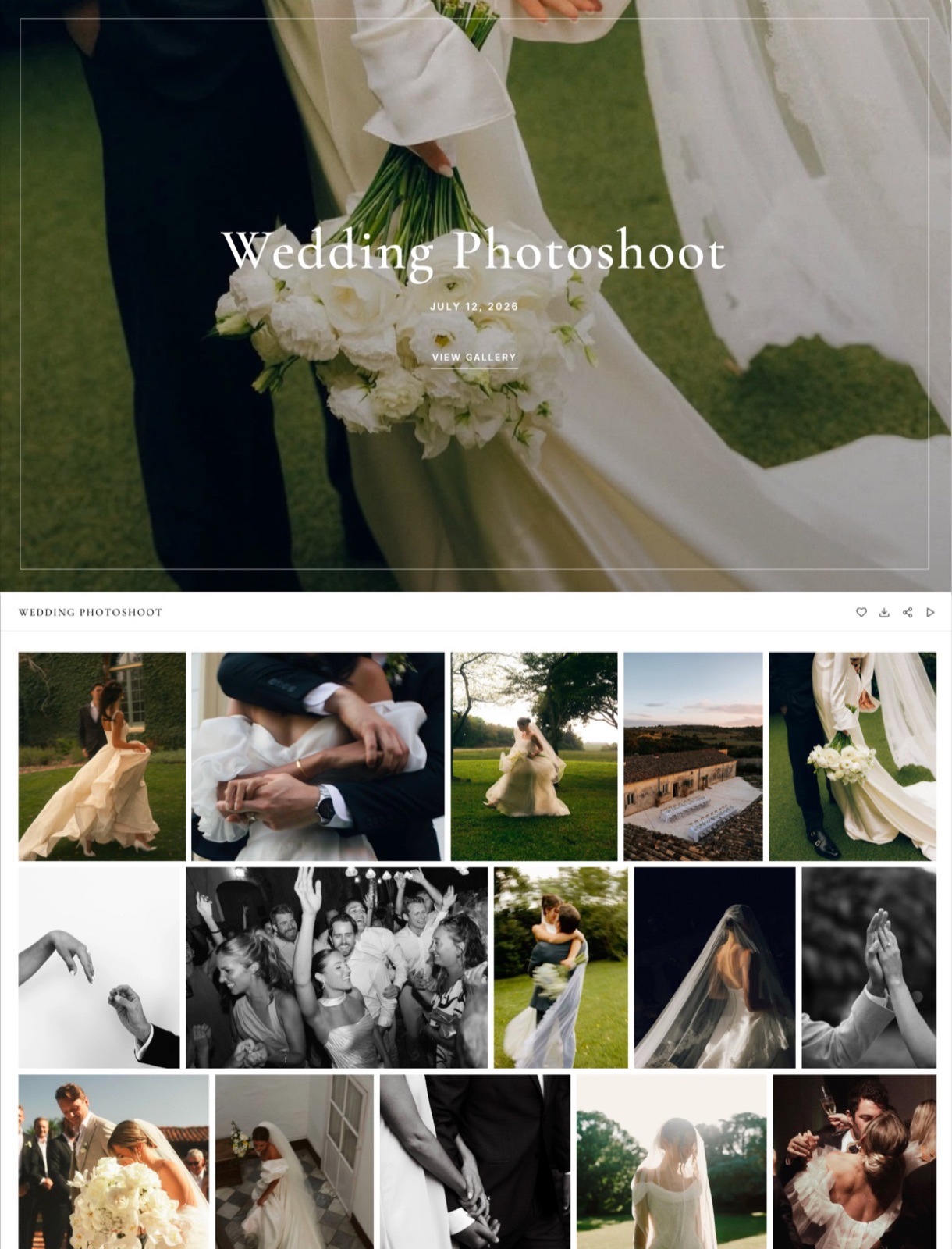
A wedding photographer sells a $300 canvas and album bundle from a Pic-Time gallery.
The lab's production and shipping come to $90, so the profit is $210, and that is the number Pic-Time's commission is taken from: 15% on the Beginner plan is $31.50, 8% on Professional is $16.80, and on Professional with her own Stripe account it is nothing at all.
That sliding rate is the heart of Pic-Time pricing.
The subscription runs from $0 to $42 a month billed yearly, but for a photographer who sells prints the plan fee is only half the bill, and the right plan is usually the one where the commission you stop paying covers the upgrade.
A print-sales gallery is a client gallery with a shop built in, where the people in the photos can order prints, albums and downloads without leaving the page.
Pic-Time is built around one for professional photographers: it delivers galleries, runs a built-in store connected to more than 30 partner labs, and automates the marketing that sells prints and albums after a session.
Every figure below was read on Pic-Time's pricing pages and help centre on 19 September 2026.
Pic-Time costs $0, $7, $21 or $42 a month billed yearly (Free, Beginner, Professional, Advanced), or $8, $25 and $50 billed monthly.
Its real advantage is print-sales machinery, and its commission is charged only on your markup: 15% on Free and Beginner, 8% on Professional and 6% on Advanced when Pic-Time collects payment, and 0% on Professional and Advanced if you collect payment yourself.
The trade-off is the free plan, whose 10GB falls to 3GB three months after sign-up, with older galleries deleted.
Pixieset is simpler (0% on any paid plan), ShootProof prices by photo count, and Framekit fits photographers who deliver video and do not sell prints.
Full disclosure: Framekit is our product and it appears in the alternatives section. It does not sell prints, so on the thing Pic-Time is best at, Framekit is not a competitor. We did not open a Pic-Time account for this piece: we read its three pricing pages and seven help and blog articles, worked through one print order and three photographer profiles with its published rates, and linked each source.
How We Priced Pic-Time
This guide rebuilds Pic-Time's costs from its own published rules, because the plan table alone hides the two numbers that decide a working photographer's bill: the commission on each order and the storage that survives after a downgrade.
Read at the source. Pic-Time's Client Delivery Suite pricing, its video storage add-ons and Art Store pricing; the help articles on commission rates, who collects payments, the free plan's 3GB limit and downgrading; and Pic-Time's 2023 blog post announcing the free-plan change.
Calculated. The carried order (a $300 print sale with $90 of lab costs), the commission at each plan, the break-even points and the three profile costs are our arithmetic.
The $90 lab figure is an assumption for illustration; replace it with the base price on your own price sheet.
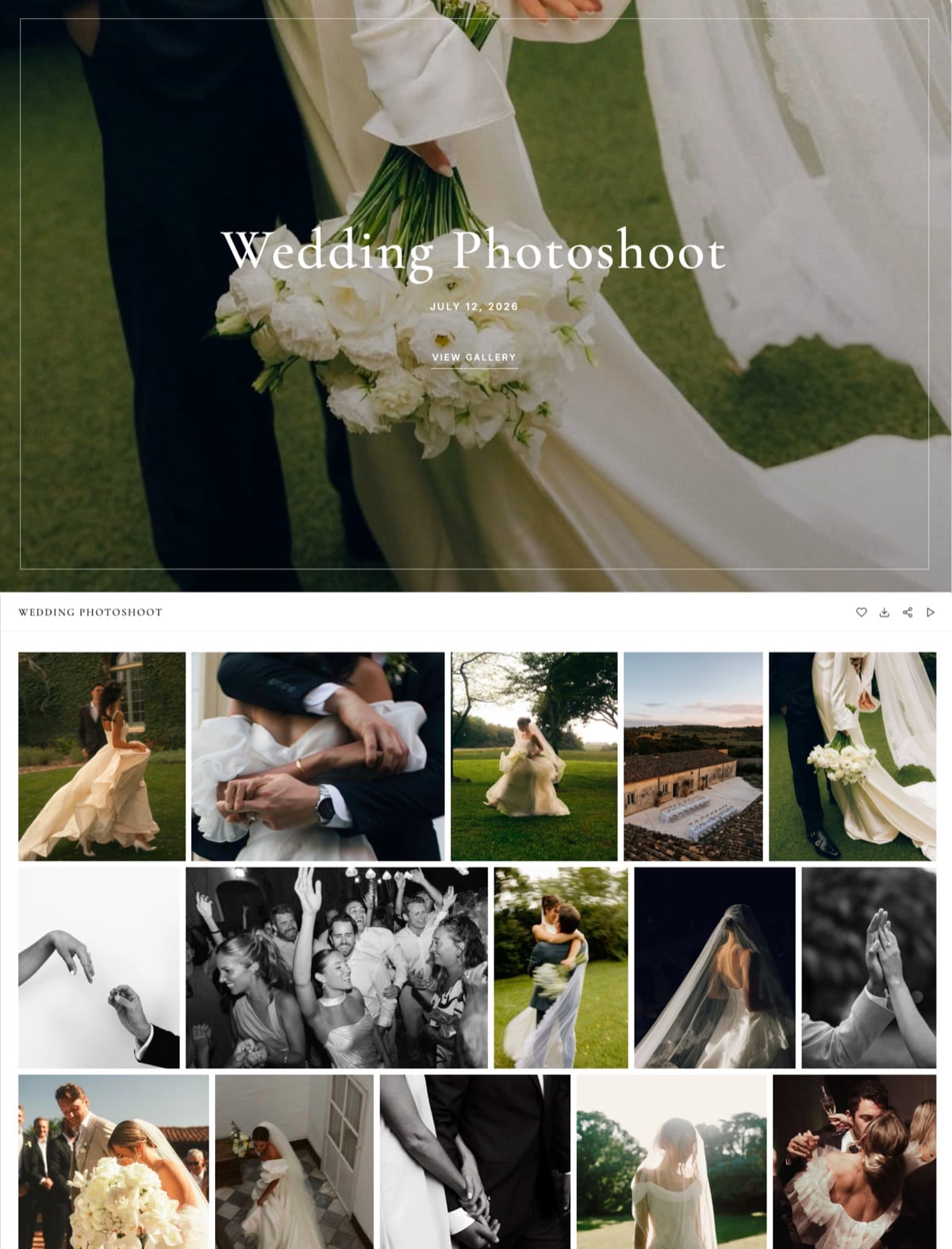
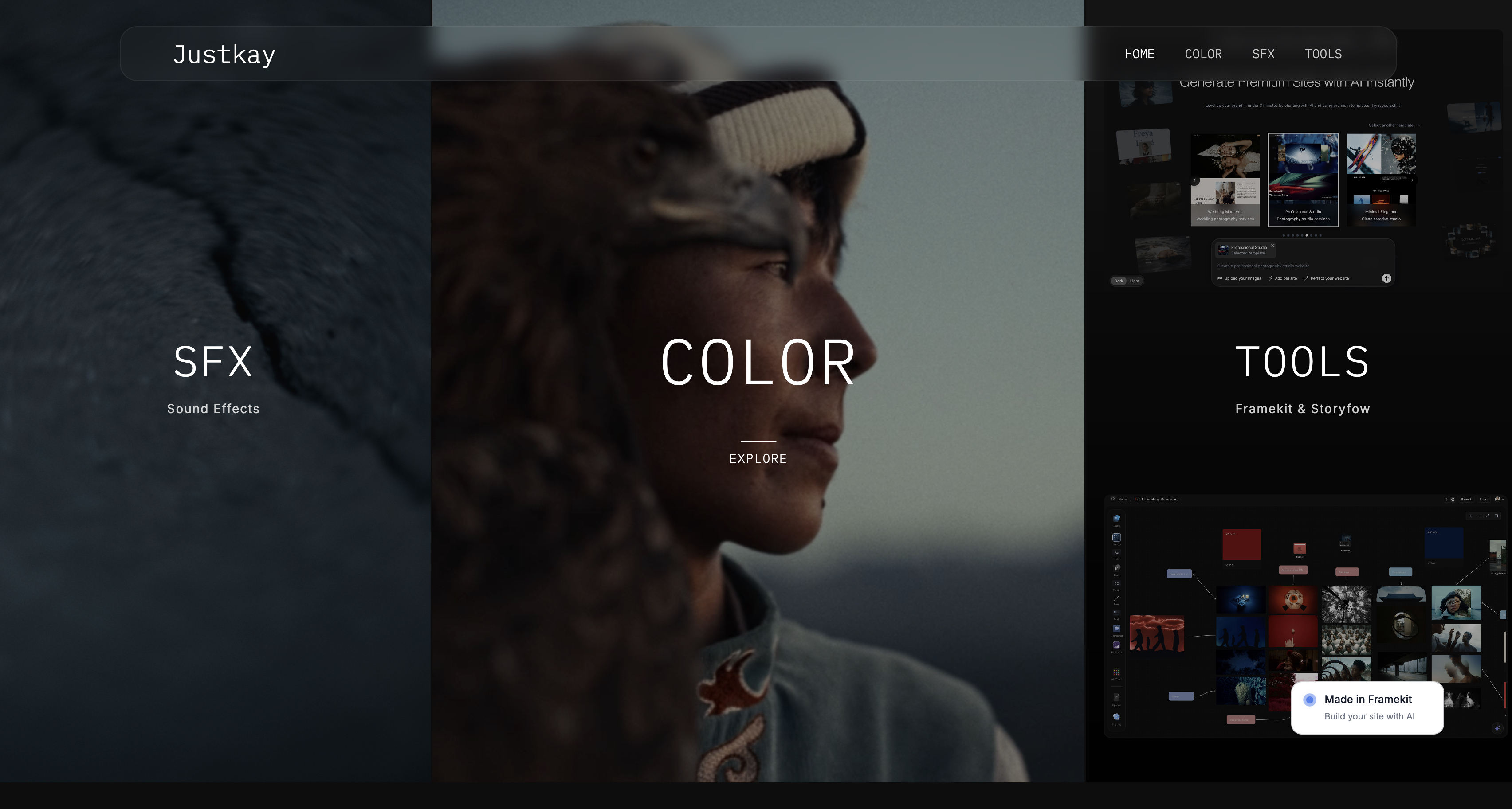
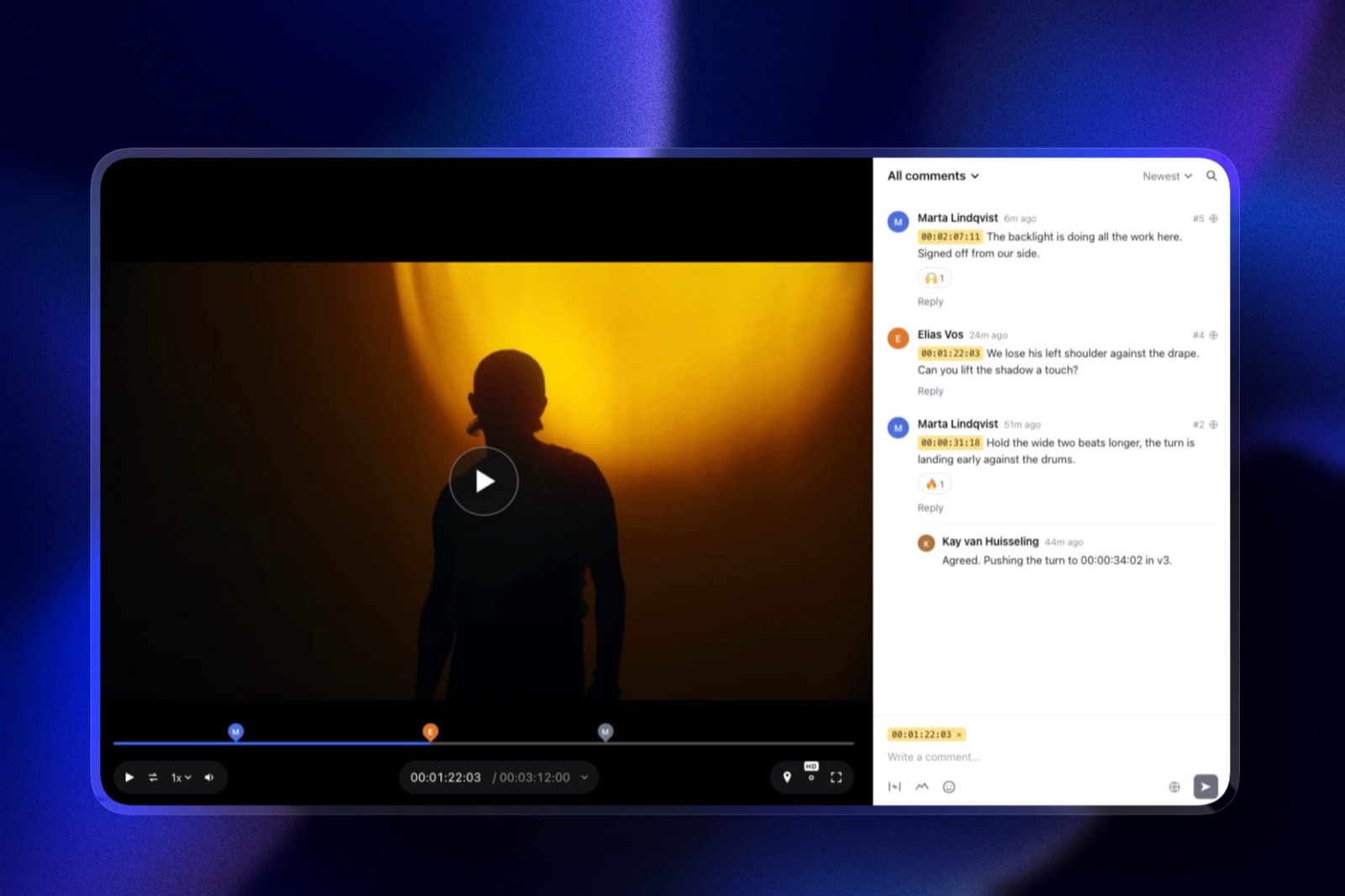
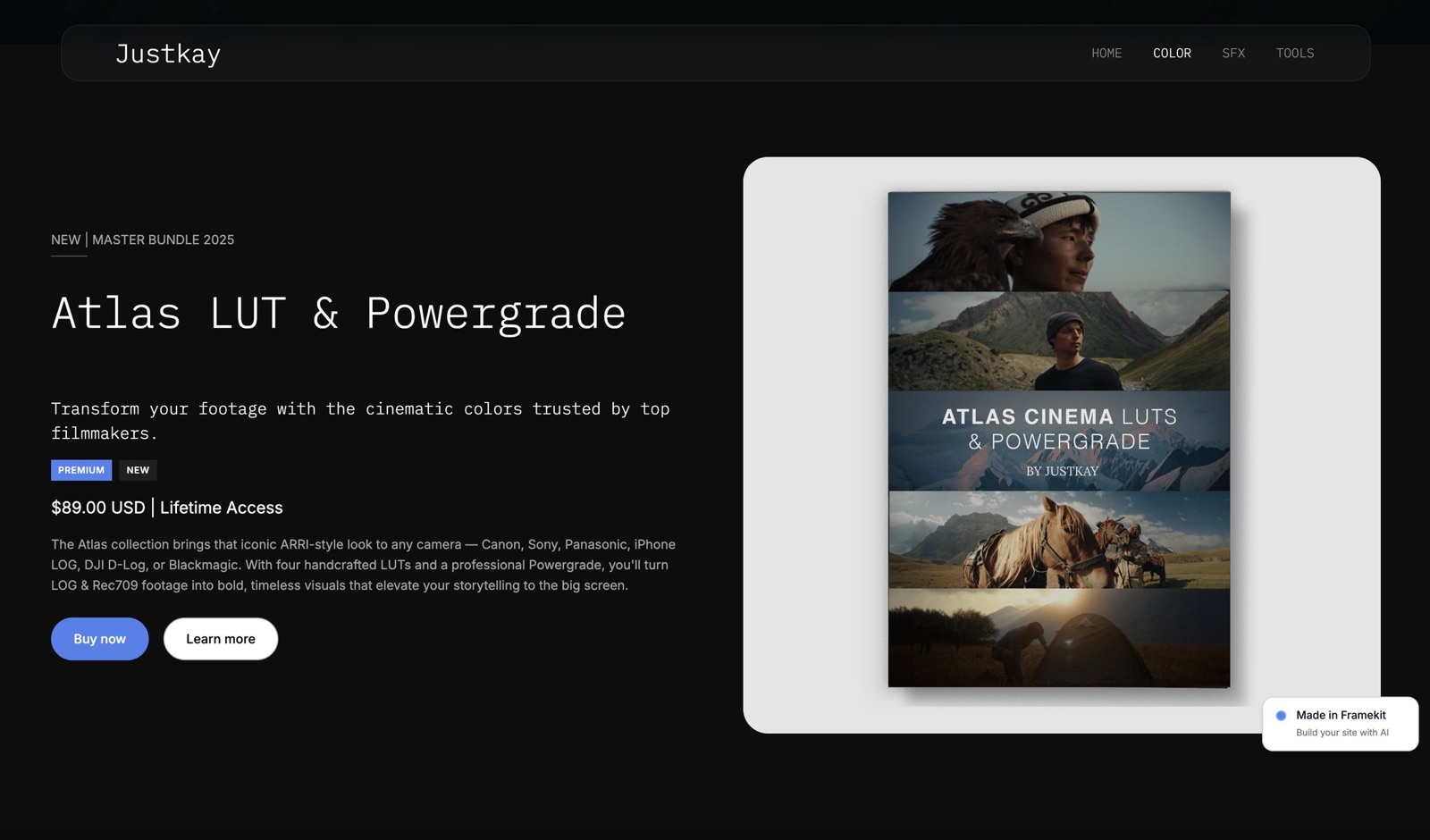
Not claimed. We did not sell anything through Pic-Time, time any uploads or measure gallery performance, and the images on this page show Framekit, not Pic-Time.
Pic-Time Pricing by the Numbers
Six numbers do most of the work in a Pic-Time budget, and each one is either printed on a Pic-Time page or follows from one in a single line of arithmetic you can check.
- $7, $21, $42 a month billed yearly for Beginner, Professional and Advanced ($84, $252 and $504 a year). Billed monthly: $8, $25 and $50.
- 15% / 8% / 6% / 0% is the commission ladder on your order profit: Free and Beginner, Professional, Advanced, and Professional or Advanced with self-collected payments.
- 3 months after you sign up, the free plan's 10GB becomes 3GB, and galleries over the limit are permanently deleted a week later, oldest first.
- $2,400 of print profit a year is where Professional at 8% becomes cheaper than Beginner at 15% with Pic-Time collecting payment; collecting it yourself on Professional brings that point down to about $1,600.
- 60GB of video on Advanced, about 6 hours by Pic-Time's estimate; video add-ons start at $10 a month billed yearly for an extra 100GB.
- 45 days is the grace period after a paid downgrade before galleries above the new storage limit are permanently deleted.
Pic-Time Plans and Prices in 2026
Pic-Time's main product, the Client Delivery Suite, has four plans, and the gap between them is less about gallery features than about storage, video, branding and how much of each print order Pic-Time keeps.
| Plan | Billed yearly | Billed monthly | Cost per year (yearly / monthly) | Photo storage | Video storage | Commission on profit (Pic-Time collects / you collect) |
|---|---|---|---|---|---|---|
| Free | $0 | $0 | $0 | 10GB, then 3GB after 3 months | 1GB | 15% / 15% |
| Beginner | $7/mo | $8/mo | $84 / $96 | 20GB (about 6,000 photos) | 5GB (about 30 min) | 15% / 15% |
| Professional | $21/mo | $25/mo | $252 / $300 | 100GB (about 30,000 photos) | 30GB (about 3 hours) | 8% / 0% |
| Advanced | $42/mo | $50/mo | $504 / $600 | Unlimited (terms apply) | 60GB (about 6 hours) | 6% / 0% |
Sources: Pic-Time pricing and the commission-rates article, read 19 September 2026.
Photo and video estimates are Pic-Time's own. Every plan includes the mobile app, 24/7 support and a portfolio page.
Yearly billing saves $12 on Beginner, $48 on Professional and $96 on Advanced, between 12% and 16% against paying monthly. That is a smaller discount than the 20% Pixieset gives on its gallery plans, so the case for yearly billing on Pic-Time is convenience more than savings.

What each Pic-Time plan actually unlocks
Pic-Time's downgrade article is the clearest map of the ladder, because it lists what you lose on the way down, which is exactly what you gain on the way up.
Free to Beginner adds your logo and watermarks on galleries and emails, and live chat support for your clients and gallery visitors. The free plan shows "Taken by" and your business name instead of a logo.
Beginner to Professional is the big step.
It adds a custom domain, removal of Pic-Time branding, client selections and album proofing, gallery templates, published blogs and slideshows visible to clients, custom products, shipping to yourself first, self-fulfilment through outside labs, sales in currencies other than US dollars, and the commission-free option when you collect payments yourself.
Professional to Advanced adds unlimited photo storage, the AI album designer in wedding galleries, AI photo search for clients (keyword, face and selfie search) and additional brands, and lowers the Pic-Time-collected commission from 8% to 6%.
The standout detailBeginner is cheaper than it looks useful. At $7 a month it keeps Pic-Time branding, has no custom domain and cannot turn off the 15% commission, so for anyone who sells regularly it is a stepping stone, not a home.
A contradiction to checkthe pricing table lists 5GB of video on Beginner, while the downgrade article says new videos cannot be added to galleries after moving to Beginner. If video delivery matters on a small budget, confirm in the dashboard before relying on Beginner for it.
The Free Plan's 3GB Drop, and What It Deletes
In one linePic-Time's free plan gives 10GB for the first three months of an account's life, counted from sign-up and including the 30-day trial, then drops to 3GB and permanently deletes the oldest galleries over that limit one week later.
This rule has already changed once, which is why figures quoted around the web disagree. Pic-Time's 2023 announcement set the drop at six months.
The current help article, updated 11 June 2026, and the top of the pricing table both say three months.
A lower block on the same pricing page still says six, so plan around three.
The mechanics are unforgiving. The clock runs from the account creation date, not from when you downgrade, so a photographer who pays for a year and then drops to free goes straight to 3GB.
Galleries over the limit are removed oldest first, and after a week the high-resolution files cannot be restored. Pic-Time sends email and dashboard warnings before this happens.
| Situation | Storage you keep | What happens to the rest |
|---|---|---|
| Free account, first 3 months (includes 30-day trial) | 10GB | Nothing yet |
| Free account after 3 months | 3GB | Oldest galleries over 3GB deleted 1 week after the change |
| Paid plan downgraded to Free, account older than 3 months | 3GB | Oldest galleries over the limit deleted 45 days after the change |
| Advanced downgraded to Professional | 100GB | Oldest galleries over 100GB deleted 45 days after the change |
| Professional downgraded to Beginner | 20GB | Oldest galleries over 20GB deleted 45 days after the change |
Sources: Pic-Time help articles on the 3GB limit and downgrading, read 19 September 2026.
The test you can runopen the Storage tab in your Pic-Time settings and note the total. If it is above 3GB and you are on or heading to the free plan, download the galleries you need to keep now, because the deletion is automatic and permanent.
Our guide on how long client galleries should stay online helps decide which ones matter.
Pic-Time Commission, Worked on One $300 Order
In one linePic-Time takes its commission from the profit on each order rather than the sale price, so on a $300 print order with $90 of lab costs the fee ranges from $31.50 on Beginner to $12.60 on Advanced, and to zero when you collect payment yourself on a higher plan.
The commission-rates article spells out the ladder, and the payments article explains the other half: when Pic-Time collects payment it also covers card processing fees, and when you collect payment through your own Stripe, PayPal or Square account, you pay the processing and Pic-Time takes no commission on Professional or Advanced.
| Plan and who collects | Commission on $210 profit | Card processing | You keep from the $210 profit |
|---|---|---|---|
| Free or Beginner (15% whoever collects) | $31.50 | Covered by Pic-Time when it collects | $178.50 |
| Professional, Pic-Time collects (8%) | $16.80 | Covered by Pic-Time | $193.20 |
| Advanced, Pic-Time collects (6%) | $12.60 | Covered by Pic-Time | $197.40 |
| Professional or Advanced, you collect via Stripe (0%) | $0 | $9.00 (2.9% + $0.30 on $300) | $201.00 |
The Stripe figure uses the standard US card rate of 2.9% plus $0.30 as quoted in Pixieset's help centre; your rate depends on country and card. Lab costs are our $90 assumption.
Two things stand out. First, because Pic-Time's commission is on profit, a photographer with thin markups pays very little: on a print sold at $20 above lab cost, 15% is $3.
Second, when Pic-Time collects, the 8% and 6% rates include card processing, so the real gap between Pic-Time collecting and you collecting on Professional is $16.80 against $9.00 on this order, $7.80, not the full $16.80.
What collecting payment yourself changes. You become the seller, so sales tax is your job, refunds are yours to issue, the money lands in your own gateway immediately and you can price in currencies other than US dollars.
When Pic-Time collects, it is the selling entity: it handles sales tax, sells in US dollars only, puts its name on the client's card statement and order emails, and pays your profit to PayPal on the 1st and 15th of each month once the balance is over $20 and the sale is at least 7 days old.
Which Pic-Time Plan Pays for Itself: The Break-Even Maths
In one linefor a photographer who sells prints, Professional beats Beginner once yearly print profit passes about $2,400 with Pic-Time collecting, or about $1,600 when you collect payment yourself, and Advanced is justified by storage and AI features rather than its 2-point commission cut.
| Move | Extra yearly cost (billed yearly) | Commission saved per $1,000 of profit | Break-even yearly profit |
|---|---|---|---|
| Beginner to Professional, Pic-Time collects both | $168 | $70 (15% to 8%) | $2,400 |
| Beginner to Professional, you collect on Professional | $168 | About $107 after card fees, on orders like the carried one | About $1,600 |
| Professional to Advanced, Pic-Time collects both | $252 | $20 (8% to 6%) | $12,600 |
| Professional to Advanced, you collect on both | $252 | $0 | Never, on commission alone |
The last row is the useful one. If you collect payments yourself, Advanced saves nothing on commission, so its $252 a year buys unlimited photo storage, 30GB more video, the AI album designer, client face and selfie search and extra brands.
That is worth it for a wedding studio past 100GB; it is not worth it for the commission.
The run-it-yourself testadd up last year's print and album profit (sale price minus lab and shipping). Multiply by 0.07. If the answer is above $168, Professional would have cost you less than Beginner even with Pic-Time collecting every payment.
If print sales are new to you, our guide on how to sell prints from a client gallery covers price sheets and markups, and print fulfilment options for photographers compares the labs behind them.
What Pic-Time Costs at Your Volume: Three Photographers
In one linepriced on Pic-Time's published plans and commission, a part-time family photographer pays about $309 a year all-in on Beginner, a wedding photographer about $870 to $984 on Advanced, and a hybrid shooter who never sells prints $252 on Professional.
The storage assumptions are stated so you can change them: a family session is about 0.5GB delivered, a wedding about 8.4GB, a commercial job about 1.5GB, and galleries stay online through the year.
| Profile | A year of work | Plan that fits | Subscription (yearly) | Commission and card fees | All-in yearly cost |
|---|---|---|---|---|---|
| Part-time family photographer | 20 sessions, 10GB, $1,500 print profit on $2,500 of sales | Beginner (20GB) | $84 | $225 (15% of profit; card fees covered) | $309 |
| Wedding photographer, Pic-Time collects | 25 weddings, 210GB, $8,000 profit on $12,000 of sales, 25 short films | Advanced (unlimited) | $504 | $480 (6% of profit) | $984 |
| Wedding photographer, collects own payments | As above, 60 orders through Stripe | Advanced | $504 | About $366 (2.9% of $12,000 plus $0.30 x 60) | About $870 |
| Hybrid commercial shooter, no print sales | 60 jobs, 90GB, 20 short brand films | Professional (100GB, 30GB video) | $252 | $0 | $252, then Advanced in year two |
The family photographer. Beginner is the cheapest home even with $225 of commission, because Professional would cost $252 in subscription alone before any commission, or $252 plus about $80 of card fees if she collected payments herself.
The catch is what Beginner lacks: no custom domain, Pic-Time branding on galleries and no client selections for proofing.
The wedding photographer. Only Advanced holds 210GB a year. Collecting payments herself saves about $114 a year on these numbers, in exchange for handling sales tax and refunds.
Twenty-five five-minute films fit comfortably in 60GB in year one; by year three she may want a video add-on.
The hybrid shooter. Pic-Time's commission never applies because nothing is sold, so the bill is pure storage: Professional's 100GB fits one year of this work, and Advanced at $504 is the next step.
This is the profile where Pic-Time's store, its strongest feature, goes unused.
Add-Ons: Video Storage, Extra Brands and the Art Store
In one lineoutside the four plans, Pic-Time sells video storage from $10 a month billed yearly, extra brands at $6 a month each, and a separate Art Store for fine-art sales from $10 a month, and each is billed on top of the main plan.
| Add-on | Billed yearly | Billed monthly | Notes |
|---|---|---|---|
| Video storage 100GB (about 10 hours) | $10/mo | $16/mo | Active paid plans only |
| Video storage 1TB (about 100 hours) | $25/mo | $42/mo | |
| Video storage 2.5TB (about 250 hours) | $40/mo | $66/mo | |
| Video storage 5TB (about 500 hours) | $60/mo | $100/mo | |
| Extra brand | $6/mo per brand | Separate branding under one account | |
| Art Store Professional | $10/mo | $12/mo | 15% commission on Pic-Time-collected and self-collected sales |
| Art Store Advanced | $17/mo | $20/mo | 8% commission when Pic-Time collects; 0% when you do |
Sources: video storage pricing, Art Store pricing and the commission-rates article, read 19 September 2026.
The video page also advertised 30% off yearly video plans as a launch offer.
The video add-on is the one hybrid photographers should price early.
Advanced's 60GB is about six hours of film; a photographer delivering 50 ten-minute films a year needs roughly eight hours in the first year alone, which means Advanced plus the 100GB add-on at $120 a year, or $624 in total.
The Fine Print on Pic-Time Billing
In one linePic-Time downgrades take effect at the end of the paid period, storage over the new limit is deleted after 45 days, Beginner and Free always pay 15% commission, and Pic-Time-collected sales are US dollars only.
- Downgrades wait for the period to end. The new, smaller plan starts when the current one ends, and galleries above the new limit are permanently deleted 45 days after that, oldest first.
- Beginner cannot escape the 15%. Self-collecting payments removes commission only on Professional and Advanced; on Free and Beginner, 15% of profit is taken whoever collects.
- Self-fulfilment needs Professional. Using your own lab outside Pic-Time, custom products and shipping to yourself first are Professional and Advanced features.
- Currency. Pic-Time-collected stores sell in US dollars. Self-collected stores can use another currency, but only one at a time.
- Refunds. When Pic-Time collects, its support can refund a client for a product or delivery problem after advising you; when you collect, every refund is yours to issue.
- Payout timing. Pic-Time-collected profits go to PayPal on the 1st and 15th, once the balance tops $20 and the sale is at least 7 days old.
- Blogs on downgrade. Blogs are unpublished when you drop below Professional unless you pay for a blog retention add-on.
The standout detailwhen Pic-Time collects payment it acts as the seller on print orders, collecting and filing the sales tax and sending year-end tax documents, which saves a US photographer real accounting time. Pixieset and Framekit both leave tax to you.
Cheaper or Better-Fit Pic-Time Alternatives
Pic-Time is hard to beat for photographers whose income depends on prints, albums and automated sales campaigns, so the alternatives below win only when the job is different: simpler commission rules, photo-count pricing, a full studio suite, or video delivery without a print store.
Framekit: for video delivery and a website without a print store
Framekit is an AI website builder whose client galleries hold photos and video side by side and share one storage pool with the portfolio site, a Frame.io-style review tool for films, a digital-download store and Slides.
The free plan includes 10GB (3GB of it for video) with no time limit and no commission on anything, because there is no print store to take one from.
Paid plans are Starter at $7 a month billed yearly (50GB), Pro at $15 (300GB, 150GB of it for video) and Business at $31 (2TB, 750GB for video).
Galleries on every plan include favourites, a gallery password plus a separate download PIN, watermarks, and full-resolution or ZIP downloads of everything or favourites only.
For the hybrid shooter above, Pro is $180 a year against Pic-Time Professional's $252, with three times the storage.
Where it losesFramekit sells no prints or albums, has no lab network, no album designer, no sales campaigns and no face or selfie search. A photographer whose income is print sales should stay on Pic-Time. More in Framekit vs Pic-Time.
Pixieset: for simpler commission rules and a bundled suite
Pixieset's gallery plans run $8, $16, $24 and $40 a month billed yearly, with 10GB, 100GB, 1TB and unlimited photo storage, and every paid plan takes 0% commission on store sales.
The free plan charges 15%, calculated on the sale subtotal rather than on profit, which makes it more expensive than Pic-Time's free plan per order.
On the carried $300 order, a paid Pixieset plan leaves the photographer $201 of the $210 profit after Stripe's $9, the same as Pic-Time Professional with self-collected payments; Pixieset reaches it on the $8 Basic plan, where Pic-Time needs Professional at $21.
Pixieset's Suite adds a website and studio manager (contracts, invoices, booking) from $28 a month. Compare them directly in Pic-Time vs Pixieset.
ShootProof: for pricing by photo count
ShootProof's plans are named by how many photos they store: free for 100 photos, then 1,500 photos at $8.33 a month billed yearly, 5,000 at $16.67, 25,000 at $26.67 and unlimited at $50.
Every plan, free included, lists commission-free sales, and the paid plans from 1,500 photos add invoicing, contracts and video.
It suits photographers who deliver curated sets rather than huge galleries, and it has no equivalent of Pic-Time's profit-based commission to calculate. Our ShootProof vs Pic-Time comparison covers the sales tools side by side.
CloudSpot: for a gallery plus studio suite on one bill
CloudSpot's pricing page lists a free plan (5GB, 3 galleries, 15% commission), Entry at $7 a month (15GB, 15% commission), Lite at $17 (100GB, commission-free), and the full-suite Pro at $34 (500GB) and Unlimited at $50, which add contracts, invoicing, scheduling and questionnaires.
In September 2026 the page was running a promotion that cut the first months to $3 a month.
It is the closest alternative for a photographer who wants print sales and studio management together without paying for Pic-Time's automation. See Pic-Time vs CloudSpot for the full comparison.
Verdict: stay on Pic-Time if print and album sales are a real share of your income; pick Pixieset for 0% commission on any paid plan and a bundled website; ShootProof for photo-count pricing; CloudSpot for studio paperwork on the same bill; and Framekit if you deliver video and sell digital files rather than prints.
How to Pick a Pic-Time Plan: A Decision Guide
Take these questions in order and stop at the first answer that settles it, because Pic-Time's ladder is decided by storage and print profit far more than by any single feature on the comparison chart.

- Will you sell prints or albums through your galleries? If no, Pic-Time's commission ladder never applies and you are buying storage and presentation; compare its Professional plan with a gallery platform priced for delivery, such as those in our Pic-Time alternatives guide. If yes, go on.
- Is your yearly print profit under about $1,600? If yes, Beginner at $84 a year is the cheapest home, as long as you can live without a custom domain and with Pic-Time branding. If no, go on.
- Do you want Pic-Time to handle sales tax and refunds? If yes, let Pic-Time collect payments and take Professional once profit passes about $2,400 a year (8% instead of 15%). If you are happy to handle tax yourself, collect payments on Professional and pay 0% commission.
- Will your galleries pass 100GB within the year? If yes, you need Advanced at $504 a year for unlimited photo storage, whatever your sales. If no, Professional is enough.
- Do you deliver more than about 6 hours of film a year? If yes, add video storage from $10 a month billed yearly, or look at a platform whose storage pool covers video too.
- Are you on the free plan today? If yes, check your account age: after three months your storage drops to 3GB and the oldest galleries over that are deleted a week later, so export or upgrade first.
Frequently Asked Questions
How much does Pic-Time cost per month in 2026?
Pic-Time costs $0 on the Free plan, $7 a month on Beginner, $21 on Professional and $42 on Advanced when billed yearly, or $8, $25 and $50 billed monthly.
Those are the Client Delivery Suite prices on Pic-Time's pricing page on 19 September 2026. Video storage add-ons start at $10 a month billed yearly, and extra brands cost $6 a month each.
Is Pic-Time free?
Pic-Time has a free plan, but its storage shrinks. New accounts get 10GB for the first three months, counted from sign-up and including the 30-day trial, then 3GB. Galleries over 3GB are permanently deleted a week later, oldest first.
The free plan also removes your logo and watermarks and always charges 15% commission on print profit.
What commission does Pic-Time take on print sales?
Pic-Time takes commission only on the profit from each order, meaning the sale price minus lab production and shipping.
The rate is 15% on Free and Beginner, 8% on Professional and 6% on Advanced when Pic-Time collects payment, which also covers card processing.
On Professional and Advanced, collecting payments through your own Stripe, PayPal or Square account removes the commission entirely.
Is Pic-Time cheaper than Pixieset?
Pic-Time is cheaper than Pixieset at the entry level ($7 against $8 a month billed yearly, with 20GB against 10GB), but Pixieset is cheaper for print sellers, because every paid Pixieset plan takes 0% commission while Pic-Time's Beginner always takes 15% of profit.
Pic-Time only matches Pixieset's 0% on Professional at $21 a month with self-collected payments.
What happens to my galleries if I downgrade my Pic-Time plan?
Pic-Time starts the smaller plan when your current paid period ends, and any galleries above the new storage limit are permanently deleted 45 days later, oldest first.
Moving from Professional to Beginner also removes your custom domain, client selections, album proofing, published blogs and the option to remove Pic-Time branding. Download anything you need before the 45 days are up.
How much video can I store on Pic-Time?
Pic-Time includes 1GB of video on Free, 5GB on Beginner (about 30 minutes), 30GB on Professional (about 3 hours) and 60GB on Advanced (about 6 hours), up to 4K.
Extra video storage costs $10 a month billed yearly for 100GB, rising to $60 a month for 5TB, and is only available on active paid plans.
Does Pic-Time handle sales tax on print orders?
Pic-Time handles sales tax when it collects payment: it acts as the selling entity, collects and files the tax on each order, sells in US dollars, and sends year-end tax documents.
When you collect payment yourself through Stripe, PayPal or Square, you become the seller and sales tax, refunds and currency are your responsibility.
Is Pic-Time worth it if I do not sell prints?
Pic-Time is rarely the best value if you do not sell prints, because its commission-based sales tools, lab network and marketing automations go unused and you pay mainly for storage.
Professional at $252 a year buys 100GB and 30GB of video; Framekit Pro at $180 a year includes 300GB shared by galleries, video and a website, and Pixieset's gallery Plus gives 100GB for $192.
When does Pic-Time pay out store profits?
Pic-Time pays out store profits to your PayPal account on the 1st and 15th of each month when it collects payments, provided the balance is over $20, the sale was made at least 7 days before the payout date, and your account details are complete.
When you collect payments yourself, the money goes straight to your own payment gateway.
Final Verdict
Pic-Time pricing makes sense once you stop reading it as a subscription and start reading it as a share of print profit.
Beginner at $7 a month is the right start for a part-time photographer selling under about $1,600 of profit a year; Professional at $21 is the plan most print-selling professionals should be on, especially with payments collected themselves at 0%; and Advanced at $42 is a storage decision for busy wedding studios.
The free plan is the part to treat with caution. Its 10GB lasts three months from sign-up, then becomes 3GB with the oldest galleries deleted a week later, so it is a trial with a deadline rather than a free tier to stay on.
Where Framekit loses is the whole print business: it does not sell prints or albums, has no lab network and no sales automations, so a photographer whose income depends on print orders should choose Pic-Time or Pixieset.
Framekit is a better fit for hybrid photographers and filmmakers who deliver video, want the website and galleries on one storage pool, and sell digital files rather than prints.
Related readingfor the wider field, see the best Pic-Time alternatives and how much client galleries cost; for the head-to-heads, Pic-Time vs Pixieset and ShootProof vs Pic-Time go deeper on sales tools.
The closest rival's plan ladder is in Pixieset pricing, and the all-in-one platforms for photographers guide prices Pic-Time against a full five-tool stack.