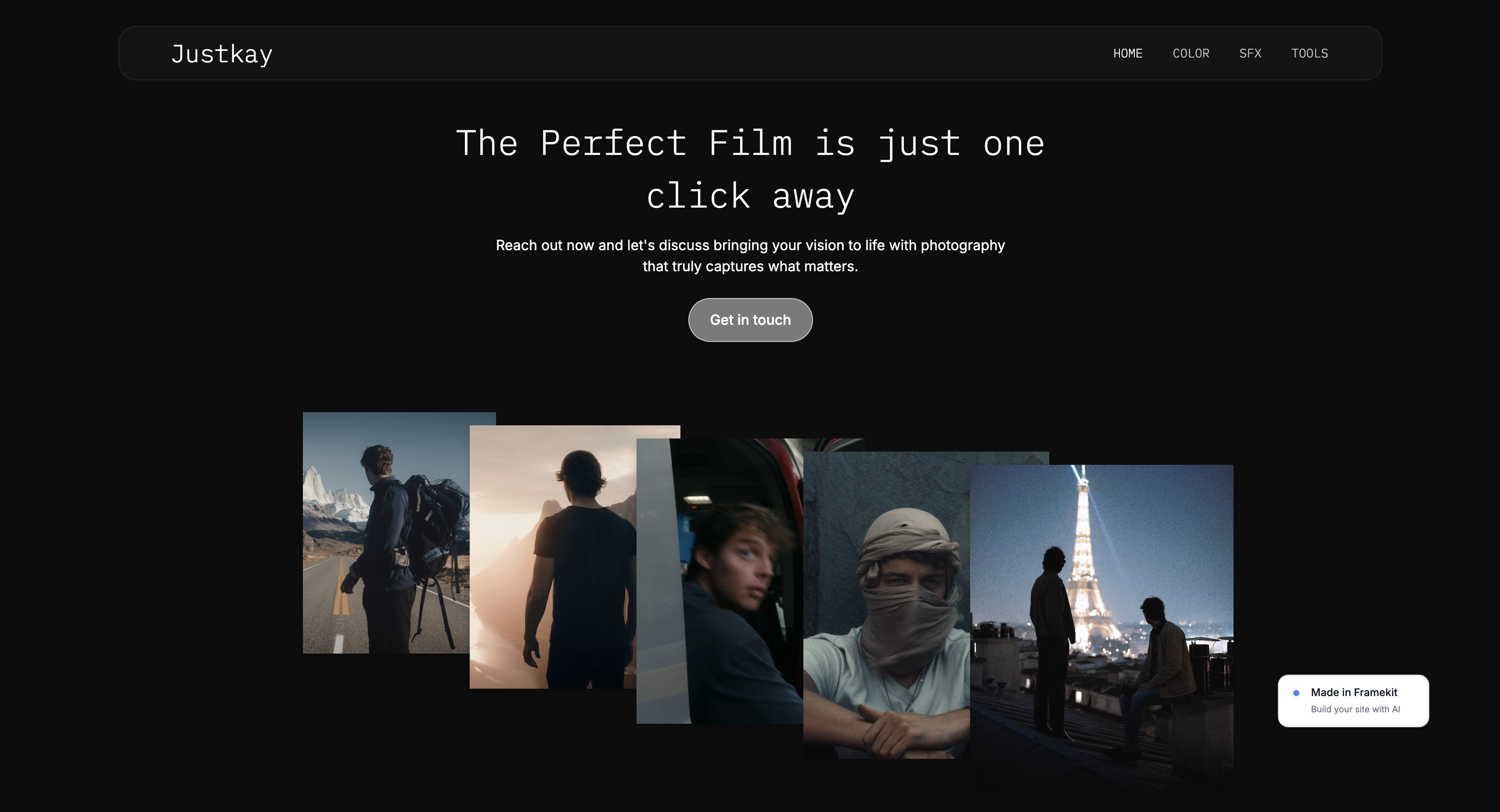
Framekit templates
Start from a designer-made template
 Use template
 Use template
 Use template
 Use template
 Use template
 Use template
 Use template
 Use template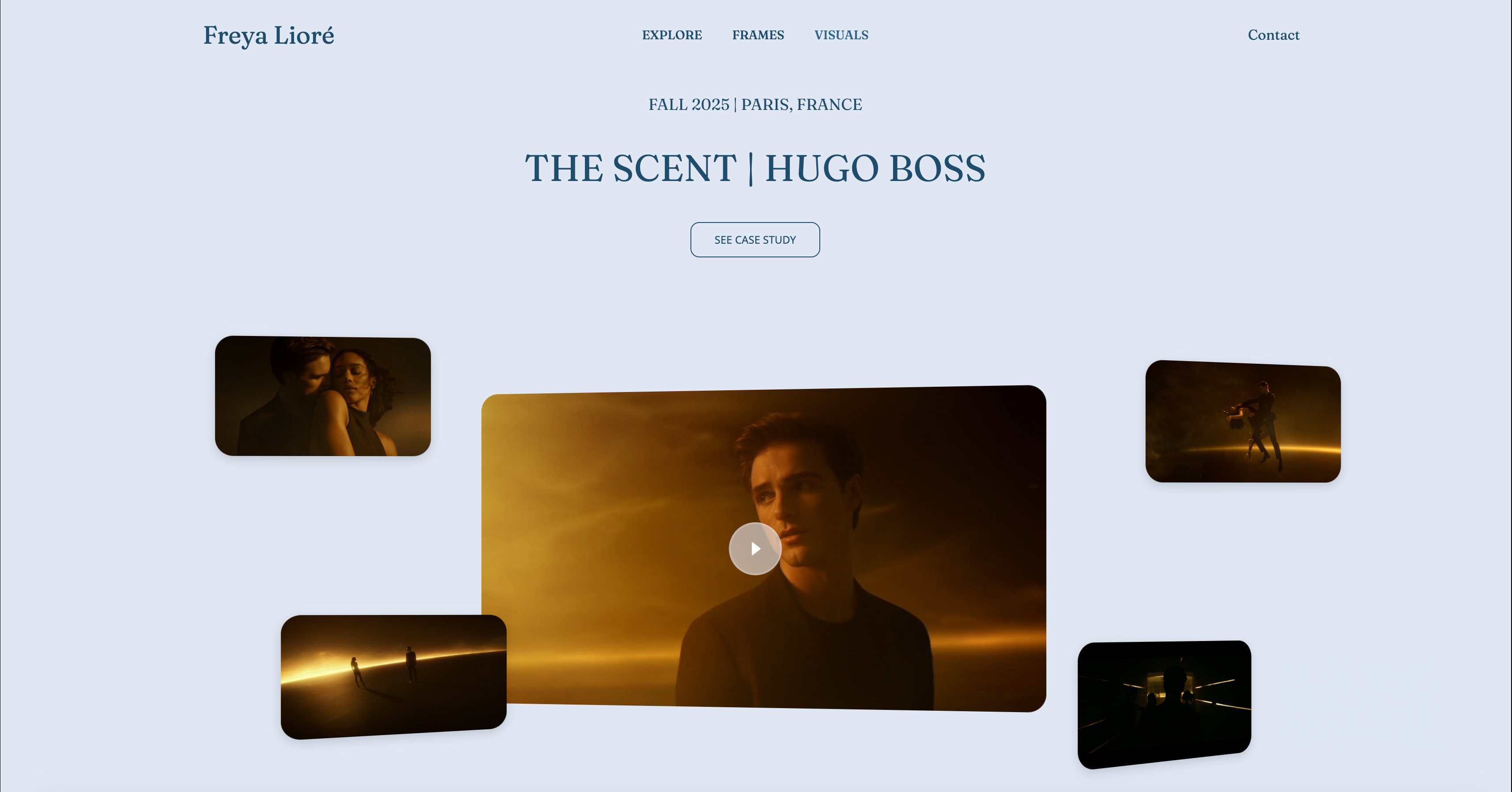
You spend three weeks animating a thirty-second spot, render it at the highest quality you can, and then upload it to Behance.
The platform transcodes it, drops the bitrate, adds its own player chrome, and surrounds your work with a sidebar of other people's projects.
The motion you obsessed over now stutters on someone's phone, and the viewer is one click from leaving your page for a stranger's. This guide ranks the best website builder for motion designers, where your work plays on your terms.
That is the real problem with hosting a motion design career on someone else's platform. Behance and Dribbble are fine for discovery, but they are not your site.
They compress your reels, they rank you against everyone else, and they can change the rules whenever they want.
A motion designer portfolio website that you own solves all three: full-quality playback, no competing thumbnails, and a URL that is yours.
A motion designer portfolio website is a self-hosted site that showcases your animation reels, loops, and case studies, with fast video playback and a layout that puts the motion first.
Most motion designers also keep a Behance or Dribbble profile alongside it for reach, because discovery platforms and a portfolio site do different jobs.
We tested six website builders on the criteria that actually matter for motion work: how cleanly they handle embedded and hosted video, how fast pages load with heavy media, how good the design looks without a developer, and what they cost over time.
This guide is the shortcut past a weekend of trial and error.
The best website builder for a motion designer portfolio website in 2026 is Framekit, because its designer-trained AI builds reel-led layouts that load fast on mobile without manual tuning.
Webflow is the runner-up for hands-on control, and Framer is closest on motion polish. Start free at framekit.ai.
Full disclosure: Framekit, ranked #1 below, is our own product, and this is a category where a competitor beats us on the defining feature. Framer's scroll-linked transitions and micro-interaction tooling are better than anything we offer, and for a motion designer whose portfolio should demonstrate motion that is a real argument against us. Webflow and Cargo also give manual control our AI does not.
How We Compared These Builders
Motion is the whole point here, so here is what each judgement is based on and which areas we left to others.
- Verified from primary sources: plan limits, seat pricing and video handling were read from each vendor's published pages, re-checked in September 2026.
- Assessed hands-on: how each builder handles embedded reels and heavy media, and how much motion capability is available without writing code.
- Not assessed: custom code implementations, which put every builder here on roughly equal footing.
No load times or performance scores appear anywhere below, for any builder.
Framekit is an AI website builder that treats motion work as the subject rather than as an embed, so reels and loops sit in a layout designed around them, and the free plan publishes a real site.
What to Look For in a Motion Design Website Builder
Motion design portfolios fail in specific ways. A builder that is great for a text-heavy blog can choke on a page full of autoplaying loops. Judge these four things before you commit.
How well does it handle video and reels?
Your reel is the product. The builder needs to embed Vimeo and YouTube cleanly, support background and autoplay loops without jank, and let you set poster frames so a project does not show a black box before it plays.
Builders that treat video as an afterthought force you into clumsy embeds that break the layout.
Does it stay fast with heavy media?
A motion portfolio is one of the heaviest kinds of site you can build. Three or four loops on a homepage will crush a slow builder.
Look for a platform that handles image compression, lazy loading, and a global CDN at the platform level, so visitors on mobile do not bounce before your work loads.
Can it produce a design-led layout without a developer?
Recruiters and creative directors judge a motion designer on taste in the first five seconds. The site itself is part of the reel.
You want a builder that produces real spacing, type hierarchy, and grid rhythm, not a generic template that signals you did not care about the frame around your work.
What does it actually cost to run?
Entry prices hide the real number. A custom domain, branding removal, and the storage a video-heavy site needs usually push you onto a mid-tier plan. Calculate the three-year cost on the plan you will actually use, not the cheapest tier.
Quick Comparison: Motion Design Website Builders
The weighting to read this with: how well the site presents finished motion work carries the most weight, then what the plan includes beyond hosting, then cost.
Under the opposite weighting, where the site itself must demonstrate interaction design, Framer wins outright and Framekit places third, because we do not attempt scroll-linked motion at all.
| Tool | Best For | Video Handling | Starting Price |
|---|---|---|---|
| Framekit | Designer-grade reel sites, fast | Strong, clean embeds | Free / $9 Starter / $19 mo |
| Webflow | Hands-on custom control | Strong, manual | $15 mo |
| Framer | Motion-heavy interactive sites | Strong, animation-led | $10 mo |
| Squarespace | Template-led portfolios | Good, template-bound | $19 mo |
| Wix | App integrations | Good, needs cleanup | $17 mo |
| Cargo | Art-directed experimental sites | Good, design-first | $13 mo |
1. Framekit: Best Overall for Motion Designers

Framekit is the best website builder for a motion designer portfolio website because its AI was trained by senior designers, so it builds reel-led layouts with real hierarchy and spacing, and pages stay fast on mobile because performance is handled at the platform level.
You get a designed site without becoming a web designer first.
The core difference is where the intelligence comes from. Most builders bolt a prompt box onto an old template engine.
Framekit's AI understands how to frame moving work: where the hero reel sits, how much breathing room a loop needs, how project tiles should scan in a grid. You can also design from a reference.
Drop in a screenshot of a motion studio site you admire, and Framekit generates a starting direction in that style instead of from a blank template.
It holds together as the portfolio grows. Add a new case study or a showreel section and Framekit inherits your existing fonts, colors, and spacing automatically, so the tenth project page still looks like the first.
Video embeds from Vimeo and YouTube drop in cleanly, and the SEO basics ship by default, with server-side rendering, automatic sitemaps, and JSON-LD structured data, so your name and studio actually surface in search.
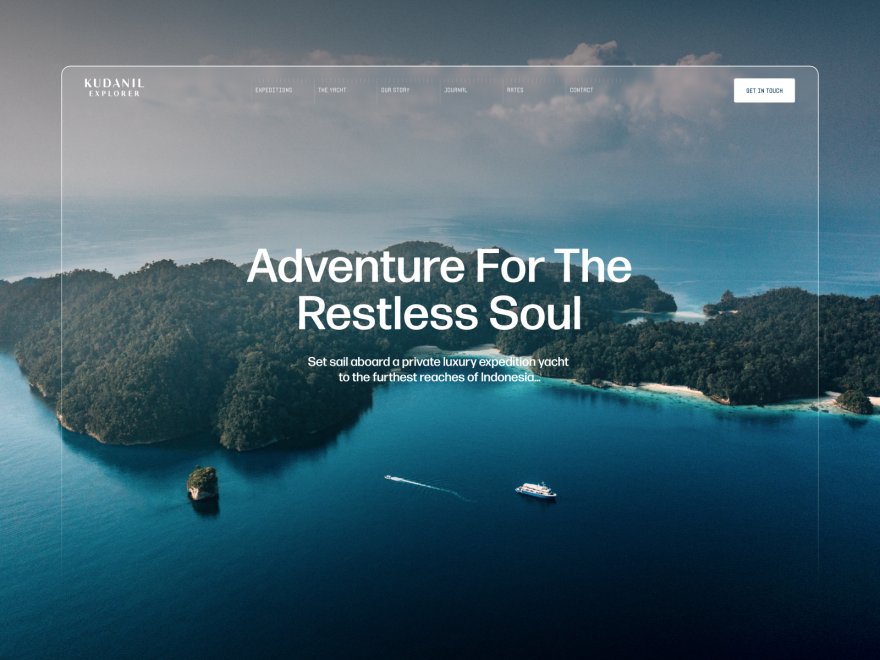
Performance is the part most motion designers underestimate. A page with four loops is heavy, and a slow host turns your best work into a loading spinner.
Framekit handles compression, lazy loading, and a global Cloudflare CDN at the platform level, so you are not hand-optimizing every asset.
Be clear on the limits. Framekit hosts and showcases your portfolio, but it does not host raw video files the way Vimeo does, so you still embed your reels from a video host.
It includes private client galleries but no revision-approval workflow with timecoded comments, and the third-party plugin marketplace is smaller than Wix. For showcasing motion and winning work, none of that matters.
For a deeper look at video-led sites, see our guide to the best portfolio website builder for videographers.
PricingFree ($0, no credit card, framekit.ai subdomain and a small badge), Starter $9 per month (custom domain, no branding), Pro $19 per month, Business $39 per month. Paid plans are month to month and you can cancel anytime.
ProsDesigner-trained AI builds real reel-led layouts, new sections stay style-consistent automatically, fast mobile performance handled at the platform level, flat pricing that does not rise at renewal.
ConsNot a video host, so reels still embed from Vimeo or YouTube; no revision-approval workflow with timecoded comments; smaller plugin marketplace than Wix.
Verdict: Framekit is the clear winner for motion designers who want a fast, genuinely designed portfolio without hiring a developer.

2. Webflow: Best for Hands-On Control
Webflow is the strongest pick for motion designers who want to control every breakpoint and interaction themselves.
It is a visual development platform, so you can build custom scroll effects, precise grid layouts, and detailed responsive behavior, backed by a real CMS for case studies.
The trade-off is time. Webflow asks for 20 to 40 hours of practice before its learning curve flattens out. Its AI features are light, so the design thinking is on you.
For a motion designer who already thinks structurally and wants total control, it is excellent. For someone who wants the site done this weekend, it is a heavy lift.
Pricing (annual billing) from Webflow pricing: Basic $15 per month, Premium $25 per month (the CMS tier, renamed in 2026), then a jump to Team at $2,500 per month.
ProsNear-total design control, strong CMS for project pages, clean exported code.
ConsSteep learning curve, manual-first workflow, overkill for a solo portfolio.
Verdict: Webflow is the best choice if you want full control and have the time to learn it.
3. Framer: Closest on Motion Polish
Framer is the one builder here that genuinely competes on the thing motion designers care about most, which is on-page motion itself.
It started as an interface design tool, the canvas works like Figma, and the scroll and animation effects are the best in this comparison by a wide margin.
The honest counterweight is that the ceiling assumes you bring the design judgment.
Framer's AI helps with rough layout and copy, but it does not carry taste the way Framekit's designer-trained model does, so a non-designer tends to end up with a site that looks unfinished.
Framer also leans on a JavaScript runtime for its interactivity, which makes mobile performance less predictable once you stack the animations on.
Pricing (annual billing) from Framer pricing: plans start at $10 per month.
ProsBest on-page motion and scroll effects in this group, Figma-style canvas, large template community.
ConsNeeds real design skill to look finished, mobile performance varies with heavy animation, AI is shallow on design.
Verdict: Framer is excellent if you already think like a designer and want direct control of motion.
4. Squarespace: Best Template-Led Option

Squarespace is a solid template-first choice for motion designers who want a polished site quickly and are happy working inside a preset structure. Its templates are genuinely well-designed, and video backgrounds and galleries are supported out of the box.
The limits show up fast. The AI features are minimal despite the marketing, so you customize templates by hand, and design flexibility drops sharply once you push past what a template intended.
Performance on media-heavy pages also trails the faster builders here. It is a safe, reliable pick, just not a design-leading one.
Pricing (annual billing) from Squarespace pricing: Basic $19 per month, Core $29 per month.
ProsWell-designed templates, reliable hosting, easy to learn.
ConsMinimal real AI, flexibility drops past template intent, slower on heavy media.
Verdict: Squarespace works if a template matches your vision and you will not push it hard.
5. Wix: Best for App Integrations
Wix is the right pick when your motion portfolio needs specific third-party tools, because its app marketplace is the largest of any builder. If you want a particular booking widget, CRM, or niche integration alongside your reels, Wix probably supports it.
The downsides matter for motion work.
Wix AI output has a recognizable template sameness, new sections often need manual spacing cleanup, and performance is the platform's weak point, which is a real problem for a page carrying several loops.
It is a capable generalist, not a specialist for design-led media sites. We compare the two platforms in detail in our Framekit vs Wix breakdown.
Pricing (annual billing) from Wix pricing: Light $17 per month, Core $29 per month.
ProsLargest app marketplace, familiar drag-and-drop editor, broad feature coverage.
ConsTemplate sameness in AI output, manual cleanup needed, weak performance on heavy media.
Verdict: Wix is fine if integrations matter more than speed and design refinement.
6. Cargo: Best for Experimental Art-Directed Sites
Cargo is a builder favored by designers who want an unconventional, art-directed site rather than a clean grid.
It gives you more raw layout freedom than most template builders and a community of experimental designs to start from, which suits motion designers who treat the portfolio itself as a creative statement.
That freedom comes at a cost. Cargo expects you to make the design decisions, there is no meaningful AI assistance, and the result can look broken rather than bold if you do not have a strong eye. It is a niche tool for a specific kind of designer, not a general recommendation.
Pricing from Cargo pricing: plans start at $13 per month.
ProsStrong layout freedom, art-directed aesthetic, experimental community.
ConsNo design AI, easy to make it look broken, niche audience only.
Verdict: Cargo suits designers who want an experimental site and bring their own taste.
Which Motion Design Website Builder Is Right for You?
The right tool depends on how much design and technical work you want to do yourself.
Choose Framekit if...
You want a fast, genuinely designed motion portfolio without spending a weekend learning a tool. The AI handles layout, hierarchy, and spacing, your reels embed cleanly, and pages stay quick on mobile.
It is the default pick for most motion designers, and the free plan needs no credit card.
Choose Webflow or Framer if...
You already think like a designer and want direct control. Webflow gives you total structural control if you have 20 to 40 hours to learn it. Framer gives you the best on-page motion if you bring the taste yourself.
Choose Squarespace, Wix, or Cargo if...
You have a specific narrow need. Squarespace if a template fits your vision, Wix if you need a particular integration, Cargo if you want an experimental art-directed statement and have a strong eye.
Also in this series2D animation software, tested on the same six-second scene in twelve programs.
Frequently Asked Questions
What is the best website builder for a motion designer portfolio website in 2026?
Framekit is the best website builder for a motion designer portfolio website in 2026 because its designer-trained AI builds reel-led layouts with real hierarchy, and pages stay fast on mobile without manual tuning.
Webflow is the runner-up for full hands-on control, and Framer is closest on on-page motion polish.
Should I use Behance or my own website as a motion designer?
Use both, for different jobs. Behance and Dribbble are discovery platforms that help people find you, but they compress your reels and surround your work with competitors.
Your own website gives full-quality playback, no competing thumbnails, and a URL you control. Most working motion designers keep a Behance profile that links out to their real portfolio site.
Can a website builder host my motion reels directly?
Most website builders, Framekit included, are not video hosts. You upload your reels to Vimeo or YouTube and embed them, which keeps playback smooth and your pages light.
A good builder makes those embeds clean and lets you set poster frames so projects do not show a black box before they play.
How much does a motion designer portfolio website cost?
Framekit has a free plan with no credit card, a $9 per month Starter plan that adds a custom domain and removes branding, and a $19 per month Pro plan.
Competing builders run roughly $14 to $29 per month on the tiers most motion designers actually need.
Across three years, a mid-tier subscription usually runs past $1,000, whereas Framekit Starter totals about $324 and does not rise at renewal.
Do I need design skills to build a motion design portfolio?
Not with the right tool. Framekit's AI was trained by senior designers, so it handles spacing, type hierarchy, and grid rhythm for you. You supply the reels and the project context. Builders with shallow AI, like Wix and Squarespace, leave most of the design work to you.
Will a video-heavy portfolio load slowly?
It can on a slow builder, because a homepage with several loops is heavy. The fix is a platform that handles compression, lazy loading, and a global CDN automatically. Framekit does this at the platform level, so a media-heavy motion portfolio still loads quickly on mobile.
Is Framekit cheaper than other motion portfolio builders?
For most motion designers, yes on total cost. Subscription builders typically cost $1,000 or more over three years on a mid-tier plan, and their prices rise at renewal.
Framekit's $9 Starter plan is among the lowest-priced website-builder tiers that add a custom domain and remove branding, at $324 over three years, and it stays flat while delivering the strongest design output in this comparison.
Should a motion designer autoplay their reel on the homepage?
Autoplay the reel muted and looping if it is short, and use a poster frame with a play control if it is longer than about fifteen seconds.
The failure case is a heavy reel that starts loading before the page has drawn, which costs you the visitor you were trying to impress.
Compress the hero loop hard, keep the full-quality version behind the click, and always test on a phone over mobile data rather than studio wifi.
Final Verdict: The Best Motion Design Website Builder
After testing six builders, the pattern is clear. Behance and Dribbble are for discovery, but a motion design career deserves a site you own, with full-quality playback and no competing thumbnails.
Framekit is the best website builder for a motion designer portfolio website in 2026.
Its designer-trained AI builds reel-led layouts that look genuinely designed, new sections stay style-consistent as the portfolio grows, and pages stay fast on mobile without manual tuning.
Webflow is the pick for hands-on control if you have the hours, and Framer is closest on raw motion polish if you bring the design judgment yourself.
If you are starting today, build your first draft in Framekit.
For related reading, see our guides to the best AI website builders for creatives, the easiest portfolio website builder to use, the best website builder for video editors, and the best website builders for creative professionals.
_Re-verified July 2026: pricing for every builder below confirmed against its own plans page._