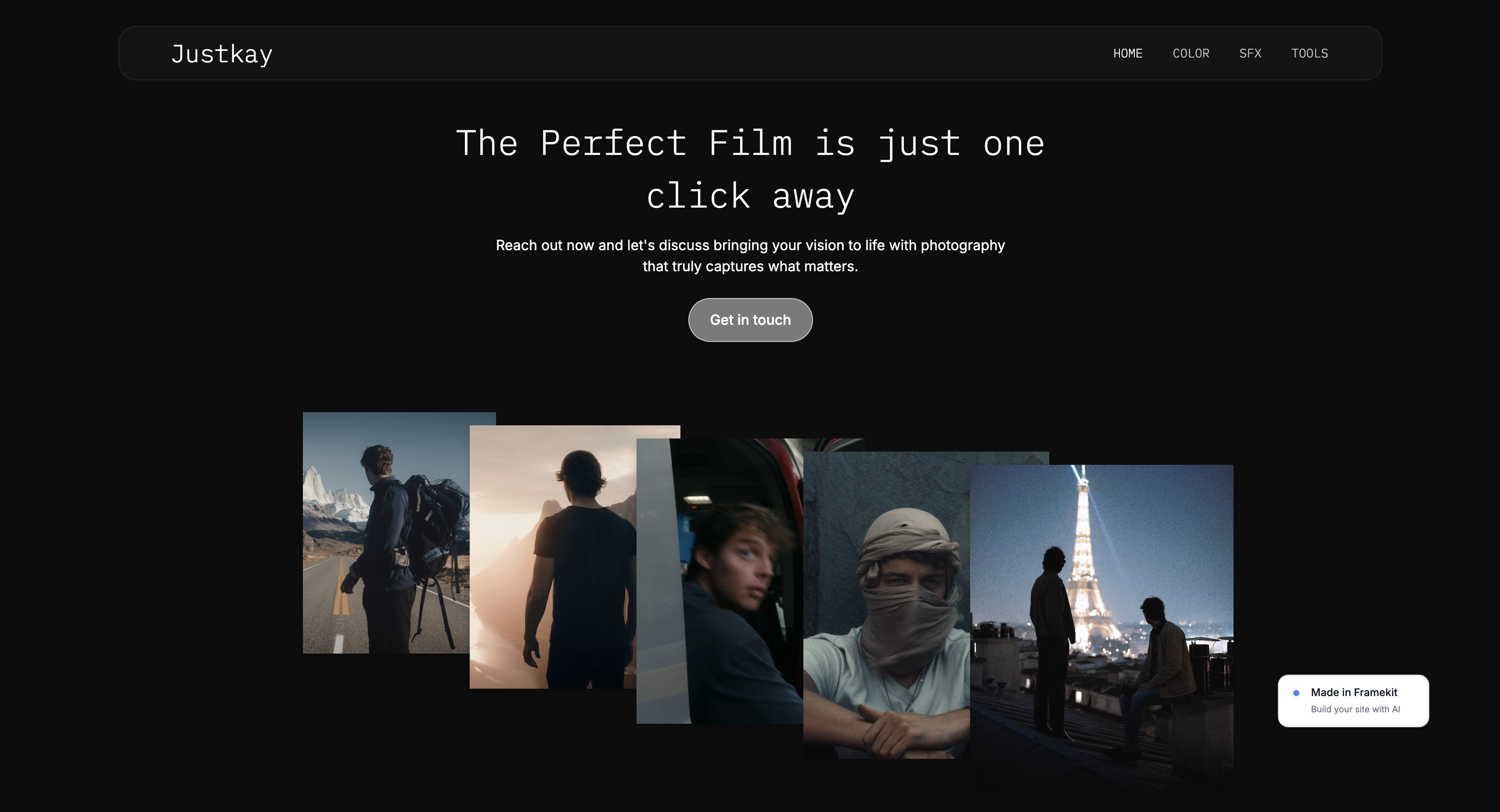
Framekit templates
Start from a designer-made template
 Use template
 Use template
 Use template
 Use template
 Use template
 Use template
 Use template
 Use template
A recent graduate sends her portfolio site to a firm she wants to work for. The studio project that got her the degree, a timber community library with a section drawing she is genuinely proud of, sits in a tidy grid of square thumbnails.
The concept sketch, the site plan, the structural section, and the final model photo all read as the same thing: nice pictures, evenly spaced. The reviewer, an associate at the firm, opens it on a phone between meetings.
She sees a lifestyle gallery. She cannot find the thinking. She closes the tab.
That is the quiet failure most architecture portfolio sites share. The work is good. The builder flattened it.
Here is the real problem, and it is not the one most builder reviews name. An architecture portfolio is not judged by clients or recruiters in the way a wedding photographer's site is.
It is judged by other architects, and other architects judge harshly. They are not looking at how pretty the renders are.
They are looking for rigour: the concept, the drawings, the plans, the process, the built result, in that order, as an argument. A photo grid cannot make an argument. It can only display. So a generic builder fails an architect twice.
It cannot tell a project as a process narrative, concept to drawings to built work, and it makes serious technical work look like an interiors lookbook.
The stakes are highest for architecture students and recent graduates, because for them the portfolio site is the job application. It is often paired with a downloadable PDF portfolio, and the two are read together by hiring panels.
For a practising architect or a small firm, the site does a different job: it wins commissions and signals the kind of work the practice wants more of. Both need project-as-narrative layout. Neither is served by a render dump.
We ranked 6 website builders on the criteria that decide an architecture portfolio: whether they support project-as-narrative layouts, whether they suit the student and job-seeker case, the quality of any free tier, mobile speed, and honest cost over three years.
Framekit, an AI website builder trained by senior designers, builds fast portfolio sites and has a genuine free plan with no credit card required.
Re-verified September 2026: an earlier version said Framekit could not produce a PDF, which stopped being true when its Slides tool shipped, so the PDF advice below now reflects that.
The best architecture portfolio website builder in 2026 is Framekit, because its designer-trained AI builds fast, project-as-narrative pages instead of flattening drawings into a photo grid, and its Slides tool exports a portfolio deck as PDF from the same account.
Squarespace and Format are strong runners-up, and Archifolio is the specialist pick for job-seekers who want the PDF generated automatically from the site. Six tools compared.
Full disclosure: Framekit, ranked #1 below, is our own product. Every alternative is linked and we name where each beats us: Archifolio is built specifically for architects and does that narrow job well, Webflow gives hand-built control an AI draft does not, Cargo art-directs further, and Squarespace carries the broader ecosystem a practice usually needs.
What an Architecture Portfolio Website Actually Needs
An architecture portfolio website builder is a tool that hosts an architect's public body of work as a set of projects, each one shown as a narrative rather than a single image.
Most architects, especially students and graduates, need a downloadable PDF portfolio alongside the site, because hiring panels read the two together. This guide tests both the website and, where a tool offers it, the PDF.
The thing other reviews miss is what "shown well" means for architecture. A project is not one render.
It is a sequence: the concept idea, the site analysis, the plans and sections, the process and iteration, and the built or modelled result.
The builder has to let you stack image, drawing, and text in a deliberate order down the page, with captions that carry technical language.
If every project collapses into a square thumbnail grid, the builder has failed the brief no matter how clean it looks.
Squarespace, Format, and Framekit are general portfolio and website builders that can be shaped into an architecture site. Archifolio is a specialist built specifically for architecture and interior design portfolios.
Webflow is a visual development platform for people who want to design every detail by hand. Cargo is a design-led builder favoured by art and architecture schools.
The right choice depends less on features than on whether you are a student assembling a job application or a practice presenting built work.
Quick Comparison: Architecture Portfolio Builders
These four cover the decision most architects are weighing.
| Tool | Best For | Process Narrative | Starting Price |
|---|---|---|---|
| Framekit | Fast, designed portfolio sites | Strong, AI-built page layouts | Free / $9 Starter / $19 mo |
| Squarespace | Template-led practice sites | Good with manual layout work | $19 mo |
| Format | Simple creative portfolios | Decent, gallery-leaning | $10 mo |
| Archifolio | Students who need a matching PDF | Built for it, plus PDF export | Free tier / paid plans |
How We Tested These Architecture Portfolio Builders
We tested 6 website builders, building a sample architecture project page on each. Each tool was judged on five criteria, weighted toward narrative and speed over feature count.
Project-as-narrative layout. Can you build a project page that moves through concept, drawings, plans, process, and built result, in a deliberate order? Or does the tool push everything into a uniform thumbnail grid?
This separates an architecture portfolio from a photo gallery.
Student and job-seeker fit. For students the site is the job application, often paired with a PDF. We checked whether each tool suits a graduate assembling a first portfolio fast, and whether it helps with the PDF side.
Free tier quality. We judged whether the free plan is genuinely usable for a real portfolio or just a trial.
Mobile performance. Hiring associates open portfolio links on phones.
According to Google's mobile speed benchmark data, 53% of mobile visits are abandoned when a page takes longer than 3 seconds to load.
Honest cost over three years. We calculated total cost on the plan an architect actually ends up on.
If your work sits closer to spatial styling than structural design, our guide to the best website builder for interior designers covers that audience.
The 6 Best Architecture Portfolio Builders: Full Comparison
Here is how all six compare. We weighted process-narrative layout most heavily, because that is the thing that decides whether an architecture portfolio reads as rigour or as a render dump.
| Tool | Best For | Starting Price | Our Rating |
|---|---|---|---|
| Framekit | Fast, designed architecture sites | Free / $9 Starter / $19 mo | 9.4/10 |
| Squarespace | Template-led practice sites | $19 mo | 8.3/10 |
| Format | Simple low-cost portfolios | $10 mo | 8.0/10 |
| Archifolio | Students needing a PDF portfolio | Free tier / paid | 8.2/10 |
| Webflow | Hand-built design control | $15 mo | 8.1/10 |
| Cargo | Design-school editorial look | Paid plans | 7.6/10 |
The free plan includes full AI generation, so you can build a real project page and see how your drawings read before paying anything.
1. Framekit: Is It the Best Website Builder for Architects in 2026?

Our rating: 9.4/10
Framekit is an AI website builder built for creative professionals, and for architects its strength is layout intelligence.
Its AI was trained by senior designers, so when you give it a project it builds a real page with hierarchy, spacing, and type, the elements that turn a set of drawings into a narrative instead of a grid.
Best forArchitects and graduates who want a designed, fast portfolio site without spending a weekend fighting a template.
What stands out. Framekit builds the page, not just the gallery.
Drop in your concept sketch, site plan, a structural section, process images, and the final built photo, and it lays them out as a sequence down the page with room for captions, instead of forcing every image into one uniform thumbnail.
You can also design from a reference: upload a screenshot of a practice site whose restraint you admire, and Framekit generates a starting direction in that spirit.
It also holds together as the portfolio grows. Add a second or third project and Framekit carries your existing type, spacing, and colour relationships across. The SEO basics ship by default, with server-side rendering, sitemaps, and structured data.
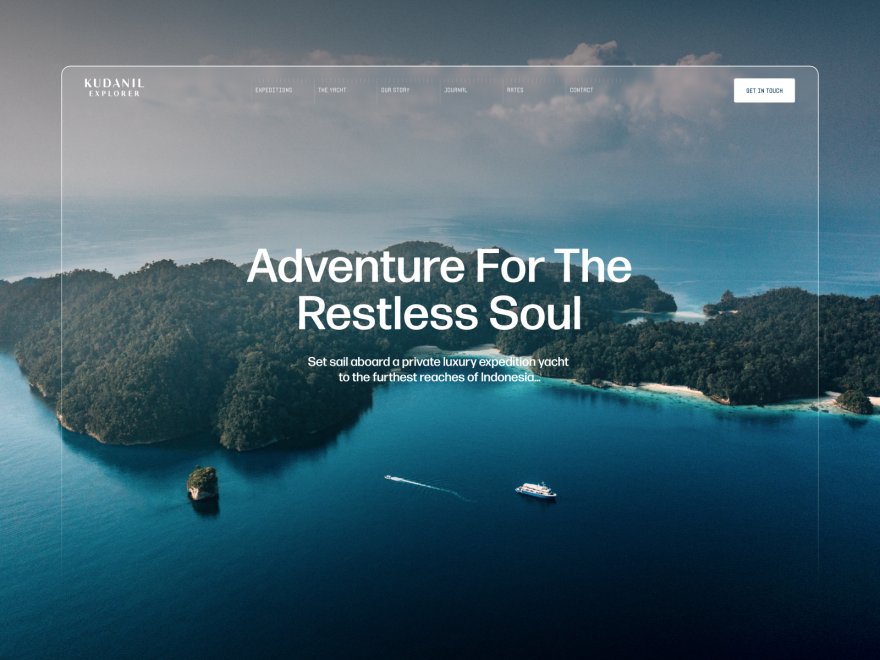
Framekit is built for fast-loading sites, with performance handled at the platform level through fast hosting, a global CDN, and optimized output. For a drawing-heavy architecture page, that speed is the difference between a reviewer seeing your work and closing the tab.
Pricing from Framekit pricing: Free at $0 with a framekit.ai subdomain and a small Framekit badge, Starter at $9 per month (the cheapest plan that adds a custom domain and removes Framekit branding), Pro at $19 per month, and Business at $39 per month.
Here is the three-year math. A subscription builder on a mid-tier plan, around $23 per month, runs roughly $828 over 36 months and keeps charging after that, usually at a higher renewal rate.
Framekit's $9 Starter plan, one of the cheapest tiers among full builders that adds a custom domain and removes branding, is $108 a year, or $324 over three years, and the price stays flat at renewal.
For a graduate who will keep the portfolio live for years while moving between jobs, that is the lowest ongoing cost of any full builder here.
Pros:
- AI builds genuine project-as-narrative page layouts, not a uniform thumbnail grid
- Built for fast-loading mobile pages, so drawing-heavy projects load quickly
- A genuinely usable free plan with no credit card, which fits a student budget
- New projects inherit your existing styling, so a multi-project portfolio stays coherent
- Flat pricing that does not rise at renewal, so a long-lived portfolio stays cheap to keep
Cons:
- No threaded approval workflow, so a practice that needs formal sign-off on images needs a separate tool
- No built-in booking, scheduling, or CRM, so a firm running consultations will pair it with something like Calendly or HoneyBook
- Smaller third-party plugin ecosystem than Wix, so a rare niche integration may not exist
- Framekit does not generate the PDF from your site pages. The PDF comes from a separate Slides deck you lay out yourself, so the site and the PDF are two documents to keep in step, where Archifolio produces a matching PDF from the same content
The PDF side. Framekit Slides, in the same account, is the answer to the downloadable portfolio.
Pick a portfolio deck template or describe the deck and let the AI lay out each project, then edit every slide by hand: a plan and section beside the built photo, a process spread, a caption per drawing.
It exports to PDF on every plan including free, shares as a link, and PowerPoint export (picture-based slides) arrives on Pro.
What it will not do is pull your site's project pages into the deck for you, so budget an evening per application to assemble it.
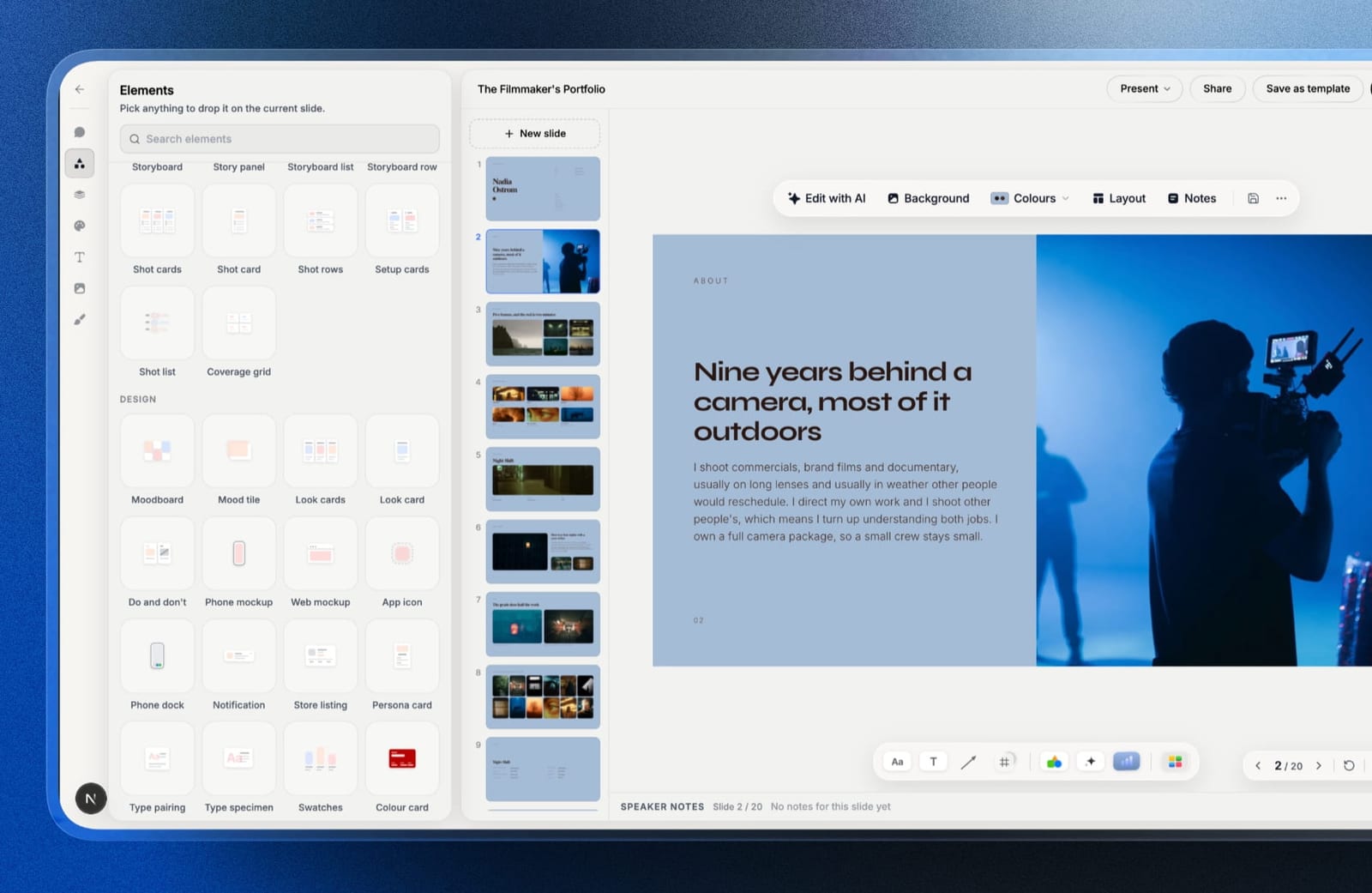
Verdict: Framekit is the best website builder for architects who want a designed, fast portfolio site that presents projects as arguments rather than galleries. The honest caveat is the PDF: Framekit Slides exports a portfolio deck as PDF on every plan, but it is a second document you assemble, not one generated from the site. For the website itself, it is the clear pick. The free plan builds a first project page in about 10 minutes at framekit.ai.
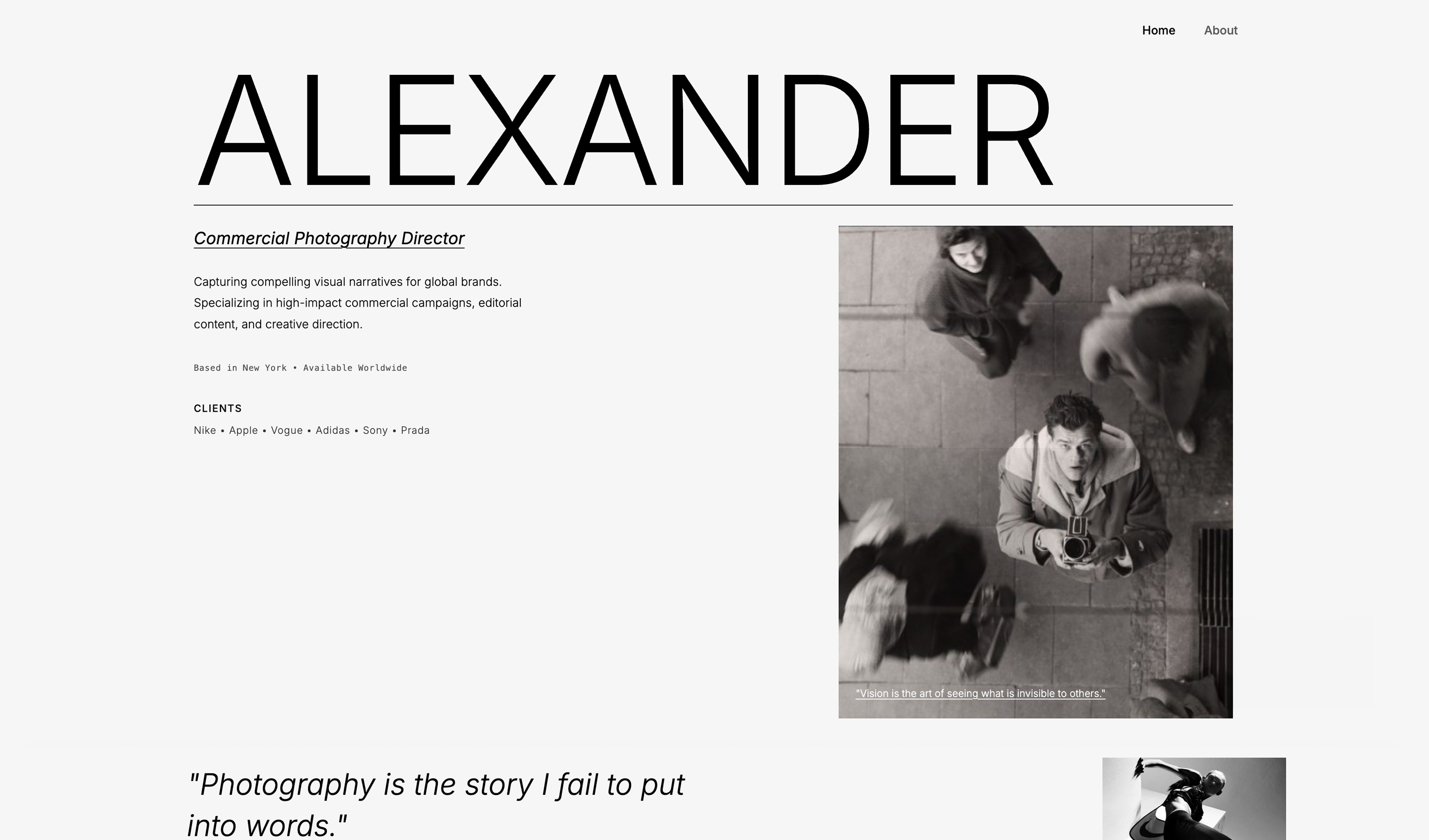
2. Squarespace: Is It Good for an Architecture Portfolio?

Our rating: 8.3/10. Squarespace is a strong runner-up for practising architects and small firms who want a polished, template-led site and are willing to do the layout work themselves.
Its templates are well crafted, and its page editor lets you build long, mixed image-and-text project pages if you arrange them by hand. Built-in blogging supports practice news.
The honest weaknesses: the narrative layout is on you, drawing-heavy pages can feel slow on mobile, and there is no free plan or PDF portfolio.
Pricing is Basic $19 per month, Core $29, on annual billing, from Squarespace pricing. It is the right pick for an established practice with time to lay out projects properly.
See our best Squarespace alternative for creatives guide.
3. Format: Is It a Good Builder for Architects?
Our rating: 8.0/10. Format is a portfolio builder aimed at creatives who want a clean, low-cost site without much setup.
Its templates are clean and quiet, which suits architecture, and the editor gets you from sign-up to a shareable portfolio quickly, with a basic client proofing feature included.
The honest weaknesses: layouts lean gallery-first, so building a concept-to-built narrative takes pushing against the grain, and there is no AI layout help or PDF portfolio.
Pricing starts at $10 per month on Basic, from Format pricing. A solid, affordable pick for a graduate who wants a clean project gallery.
4. Archifolio: Is It Worth It for Architecture Students?
Our rating: 8.2/10. Archifolio is the one specialist here, built specifically for architecture and interior design portfolios, and its standout feature is genuinely useful: it generates a matching PDF portfolio alongside your website, from the same content.
Its templates are designed for architecture projects, with layouts that expect drawings, plans, and process images. For a graduate, removing the separate InDesign step is a real saving.
The honest weakness is that it is narrow by design, a portfolio tool, not a general website builder, so a practice wanting services pages and a blog will find it limiting.
Check the Archifolio pricing page for free and paid tiers. It is the specialist pick if your application is website plus PDF.
5. Webflow: Is It Good for an Architecture Portfolio?
Our rating: 8.1/10. Webflow is a visual development platform that gives you near-total control over every section of a project page, which means you can build the exact concept-to-built narrative you want, pixel by pixel.
The cost is time: expect 20-40 hours to get comfortable, and the workflow is manual-first with no AI layout help.
A Webflow site built well is fast and fully bespoke, but for most architects, who would rather design buildings than learn a web tool, it is more platform than the job needs.
Pricing starts at $14 per month from Webflow pricing. Choose it if hand-built control matters more than speed and you have the hours.
6. Cargo: Is It a Good Fit for Architects?
Our rating: 7.6/10. Cargo is a design-led builder with a following in art and architecture schools, known for an editorial, experimental aesthetic that suits a portfolio meant to look like a considered object.
Its strength is that distinctive look, and it gives you real freedom to compose pages unconventionally.
The weaknesses: it has a steeper, less guided learning curve than Format or Squarespace, performance is moderate rather than fast, and it offers no PDF portfolio for job-seekers.
Cargo frames its pricing per plan on its pricing page. Pick Cargo if the design-school look is the point and you are confident composing pages yourself.
How to Choose the Right Architecture Portfolio Builder
The right tool depends on which kind of architect you are. A student needs a site that doubles as a job application, often alongside a PDF. A practising architect needs large, fast-loading images and project case studies.
A studio needs a site that scales as the portfolio grows. Match the builder to that stage rather than to a feature list.
If you are a student or recent graduate, the portfolio site is your job application, and many hiring panels still want a PDF.
If the PDF matters as much as the site and you want it generated for you, Archifolio is the strongest fit.
If you want the best-looking, fastest website and are happy to assemble the PDF as a Slides deck in the same account, Framekit gives you the stronger site on a free plan. Format is the budget fallback.
If you are a practising architect building a personal portfolio, your site needs to present built work as a narrative and load fast. Framekit handles the layout and the speed without a weekend of template wrestling.
Squarespace works if you will do the layout by hand.
If you are a small firm, you need a marketing site: services, an about page, practice news, and project pages. Framekit covers the full site with fast pages and built-in SEO, and Squarespace is the template-led alternative.
Webflow is the option if you have a designer in-house. See our roundup of the best website builders for creative professionals.
Frequently Asked Questions
What is the best architecture portfolio website builder in 2026?
Framekit is the best architecture portfolio website builder in 2026 for most architects, because its designer-trained AI builds project pages as a narrative, concept to drawings to built work, and they are built for fast-loading mobile performance.
Archifolio is the specialist pick for students who also need a matching PDF portfolio for job applications.
How is an architecture portfolio different from a photography portfolio?
An architecture portfolio is judged by other architects, who look for rigour rather than pretty images. It has to show a project as a process, the concept, the drawings, the plans, and the built result, in a deliberate sequence.
A photography portfolio can work as a gallery of finished images, but an architecture portfolio that collapses into a thumbnail grid loses the thinking that makes the work credible.
Do architecture students need a PDF portfolio as well as a website?
Usually yes. Many architecture hiring panels still ask for a downloadable PDF portfolio alongside a website link, and they read the two together. Archifolio generates a matching PDF from the same content as the site.
Framekit takes a different route: its Slides tool builds a portfolio deck in the same account and exports it as PDF on every plan, including free, but the deck is laid out separately from the site rather than generated from it, so you keep the two in step yourself.
Does Framekit have a free plan for architecture students?
Yes. Framekit has a genuine free plan at $0 with no credit card required, which builds and previews a real portfolio with Framekit branding. It is enough for a student to assemble project pages and share a live link.
Upgrading to the $9 Starter plan removes branding and adds a custom domain when you are ready to apply for work.
Why does mobile speed matter for an architecture portfolio?
Hiring associates and prospective clients usually open portfolio links on a phone. Architecture pages are drawing-heavy, with high-resolution plans and sections, which makes them slow on a weak builder.
According to Google's mobile speed benchmark data, 53% of mobile visits are abandoned past 3 seconds, so a slow page means a reviewer never sees your work.
Is Framekit actually better than a tool built specifically for architects?
It depends on what you need. Archifolio is purpose-built for architecture and produces a matching PDF portfolio, which is a real advantage for students applying for jobs.
Framekit is a general builder, but its layout AI and performance-optimized output make a stronger, faster website. If a PDF generated automatically from the site is essential, Archifolio wins.
If the website is the priority and you will assemble the PDF in Slides, Framekit does.
What happens to my portfolio if Framekit shuts down?
No builder can promise it will exist forever. What protects you is portability. A Framekit site is a standard, fast website, and your content, images, and domain stay yours.
If the worst happened you would have time to point your domain elsewhere and rebuild rather than losing the site overnight.
How much does an architecture portfolio website cost over three years?
On a subscription builder at a typical mid-tier rate of around $23 per month, an architecture portfolio costs roughly $828 over three years and keeps charging after that.
Framekit's $9 Starter plan, which adds a custom domain and removes branding, is $108 a year or $324 over three years, the lowest ongoing cost here, and it stays flat at renewal.
Format is the lowest monthly option at $10, and Archifolio offers a free tier with paid plans for the PDF and a custom domain.
Summary: Architecture Portfolio Builders Compared
| Tool | What It Is | Best For | Starting Price |
|---|---|---|---|
| Framekit | AI builder with designer-trained layout | Fast, designed architecture portfolios | Free / $9 Starter / $19 mo |
| Squarespace | Template-led website builder | Practices that will do the layout work | $19 mo |
| Format | Simple low-cost portfolio builder | Budget graduate galleries | $10 mo |
| Archifolio | Architecture-specific portfolio tool | Students who need a matching PDF | Free tier / paid |
| Webflow | Visual development platform | Hand-built design control | $15 mo |
| Cargo | Design-led editorial builder | The design-school aesthetic | Paid plans |
Visualisation now starts earlier and cheaper than it used to, and our comparison of eleven AI interior design tools covers which of them connect to real geometry from SketchUp, Revit, AutoCAD and Rhino rather than guessing from a photograph.
Final Verdict
After testing six builders, the pattern is clear. Most of them treat an architecture project as a set of images to display, when an architect needs it presented as an argument: concept, drawings, plans, process, built result.
The builders that flatten that into a grid make serious work look like an interiors lookbook.
Framekit is the best website builder for architects in 2026. Its designer-trained AI builds genuine project-as-narrative pages, sites are built for fast mobile performance so drawing-heavy pages load before a reviewer leaves, and the free plan plus flat $9 Starter pricing that never rises at renewal fit how long an architecture portfolio stays live.
The honest gap is that the PDF portfolio is a separate Slides deck job-seekers assemble themselves, not one generated from the site.
Archifolio is the specialist runner-up, and the right pick for a student whose application needs a website and a matching PDF together. Squarespace suits an established practice willing to do manual layout, Format is the budget option for a simple gallery, Webflow is for hand-built control, and Cargo is for the design-school look.
If you are building your portfolio today, start a project page in Framekit and see how your drawings read as a narrative. It is free, and your site will load faster than anything on a slower builder.
For more, see the easiest portfolio website builder to use and our guide to the best website builder for graphic designers.
_Re-verified September 2026: pricing for every platform in this guide confirmed on its own page, and Framekit's PDF route updated for Slides._
Where Framekit losesit does not turn your site into a matching PDF.
The PDF is a Slides deck you build and export yourself, which architecture students and job applicants need alongside the site; Archifolio generates one natively from the same content, and that saves real time in an application season.