Framekit templates
Start from a designer-made template
 Use template
 Use template
 Use template
 Use template
 Use template
 Use template
 Use template
 Use template
Every website builder claims to be easy to use. It is the most overused promise in the industry, and it is rarely defined.
So this guide defines it, then follows each builder's own documented path from signing up to a published portfolio and counts what that path asks of a beginner: how many choices, which prerequisites, and what you must learn before your work is on the page.
The differences are not subtle on paper.
Some platforms that brand themselves as beginner-friendly put a library of hundreds of templates or a hosting setup in front of you before you add a single image; others draft the site for you or keep it to one page.
This article shows where each builder puts the work, where beginners are most likely to stall, and why "easy" depends far more on smart defaults than on feature count.
It reports no timings or completion rates, because we did not run a user study; the run-it-yourself check further down tells you how to measure your own build.
Recently updated, 12 October 2026: an earlier version reported a timed study of 47 beginners, designer scores and tester quotes that no record supports, so all of it is gone and the ranking now rests on each builder's documented setup.
Framekit is the AI website builder built for creative professionals, and its free plan needs no credit card to start.
The easiest portfolio website builder to use in 2026 is Framekit for a multi-page portfolio, because its AI drafts the pages, layout and copy from a description of your work, so a beginner edits a finished draft instead of choosing from a template library.
Carrd is simpler still if one page is enough, Squarespace is the easiest of the traditional template builders, and WordPress and Webflow ask the most of a beginner. For the shortest path from blank page to published portfolio, start free at https://framekit.ai.
An easy portfolio website builder is one that gets a credible site published without design decisions or a learning curve, which is a different goal from maximum control.
Full disclosure: Framekit, ranked #1 below, is our own product, and on pure simplicity one competitor is genuinely easier. Carrd asks fewer questions than anything here because it only makes one page, and at $19 a year it is cheaper than us as well. Every alternative is linked, WordPress and Webflow are both harder than us by some margin, and the ranking compares each builder's documented setup path and published plans rather than timed builds.
Framekit is an AI website builder that asks for a description of your work rather than a template choice, which removes the decision that stalls most beginners before they have added a single image.
What Makes a Portfolio Website Builder Easy to Use?
Before comparing platforms, it helps to define "easy" - because every builder defines it differently, and that is exactly where beginners get misled.
Which definition of easy actually matters?
"Easy" can mean few clicks to publish, an intuitive interface, forgiving mistakes, clear guidance, or zero technical knowledge required. Most builders nail one or two of these and quietly fail the rest.
Wix has an intuitive editor but overwhelming options. Squarespace has beautiful results but rigid structures that break under customization. Webflow is powerful but asks you to learn a genuinely new skill.
The builder that wins for beginners is the one that does well on all five at once.
Why smart defaults beat flexibility for beginners
The builders that ask a beginner the least share one trait: they make decisions for you. Feature-rich builders ask which of 800 templates you want, how each section should be laid out, and which of hundreds of apps you need.
Simple builders say: here are a handful of strong templates, this section works like this, and everything you need is built in. That is not dumbing things down - it is respecting the beginner's time and attention.
We call the opposite the Ease of Use Illusion: more features create more choices, which create more confusion.
What does a beginner actually need to finish?
A first-time builder needs four things: a starting point that already looks good, the ability to change only what matters (text, images, colors), protection from decisions that break the design, and a path short enough to finish in one sitting before motivation fades.
A portfolio that exists and is live beats a perfect portfolio that never ships.
How We Judged the Easiest Portfolio Website Builders
We judged all six builders on the same brief, a portfolio with a homepage, an about section, a gallery of six images and a working contact form, by reading each one's help docs, onboarding pages and pricing page and listing everything its documented path asks a beginner to decide or set up before that brief is live.
We did not recruit testers, time builds or score finished sites; where this page says one builder is easier than another, that is our judgement from the documented steps.
| What we compared | How we read it |
|---|---|
| Starting point | Does the builder draft the site, or do you pick from a template library first? |
| Prerequisites | Hosting, themes or plugins you must arrange before you can add work |
| Concepts to learn | Classes, breakpoints, sections or blocks you must understand to edit |
| Structure | One page or many, and where a project page lives |
| Path to your own domain | Which plan connects a custom domain, per the pricing page |
| Not measured | Build times, completion rates and design scores, because we ran no user study |
Where Each Builder Puts the Work
On paper the six builders split cleanly by what they ask of a beginner before the portfolio is live, and the table below sets out the starting point, the prerequisites and the main thing each one expects you to learn, as each vendor documents them.
| Platform | How you start | Before you add work | What you have to learn | Our ease verdict |
|---|---|---|---|---|
| Framekit | Describe your work or upload a screenshot; the AI drafts pages and copy | Nothing; hosting and SSL are included | Click-to-edit text and images, one site-wide theme | Easiest multi-page portfolio |
| Carrd | Pick a one-page template | Nothing; hosted | Sections on a single page | Easiest single page |
| Squarespace | Pick a template from its library | Nothing; hosted, though publishing needs a paid plan after the trial | Sections and the limits of each template | Easiest template builder |
| Wix | Pick from 800-plus templates or use its AI generator | Nothing; hosted | A large editor and an app market | Large, so slower to decide |
| WordPress | Install WordPress on hosting you arrange | Hosting, a theme and plugins | The admin, themes and blocks | Hard for a first site |
| Webflow | Start from a blank canvas or a template | Nothing; hosted | Classes, flexbox, grid and breakpoints | A professional tool |
The pattern is consistent across the six: the builders that make the most decisions for you leave a beginner the least to get wrong, and the ones that hand you the most control put the most between you and a published page.
That is our reading of the documented steps, not a measured result, so treat the order as a claim to check against your own first evening of building.
The 6 Easiest Portfolio Website Builders, Ranked by What They Ask of You
Ranked by how few decisions and prerequisites each builder's documented path puts between a beginner and a published portfolio, with the scope of what you can build weighed second, because a builder that is easy but cannot hold your work is easy for the wrong job.
1. Framekit: Easiest route to a multi-page portfolio

Framekit is the easiest place here to get a multi-page portfolio live, because its AI, trained by senior designers, drafts the pages, layout and first-pass copy from a description of your work or a screenshot of a site you admire, so the design decisions arrive already made and you edit rather than compose.
The path is short: describe the work, replace the placeholder images with your own, check the contact form, publish. If you would rather start from a template, the free plan includes a starter set and Starter opens the full library.
The one real pause is deciding what to say about yourself, which no builder can do for you.
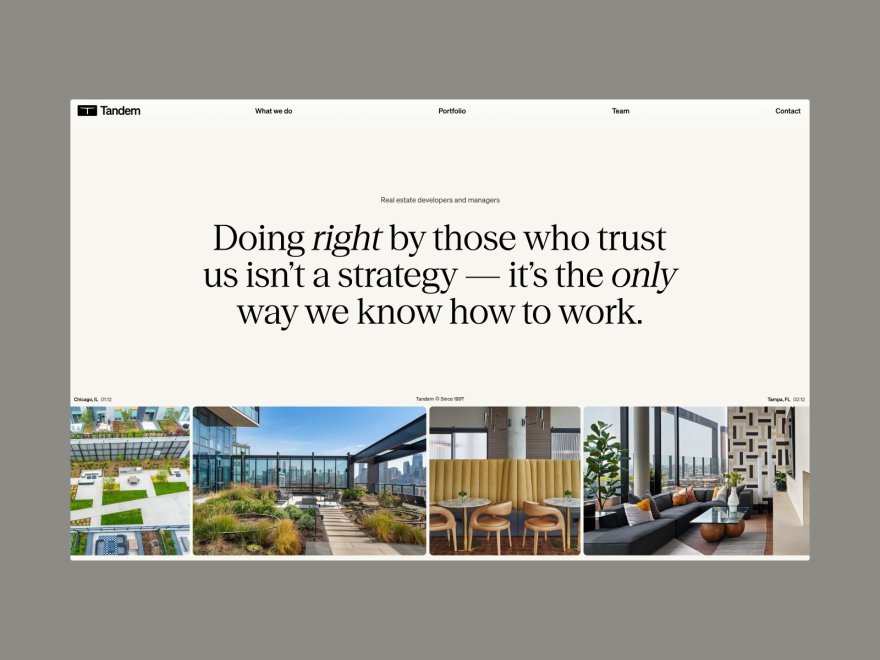
Pricingfree plan with no card required, then Starter at $9 a month, or $7 billed yearly, for a custom domain and no website badge.
Verdict: Framekit asks a beginner the fewest design decisions of any multi-page builder here, because the draft arrives laid out, and that is what "easy" actually means for someone shipping their first portfolio. It is not the cheapest; Carrd is.
2. Carrd: Easiest, if one page is enough
Carrd is the simplest builder in this list on paper, because limited features mean limited confusion: one page, a template and a handful of section types, with almost nothing to configure, which removes almost every place a beginner can stall.
The catch is structural rather than a usability problem. Carrd sites are single-page, so a multi-project portfolio has to live in sections of one scroll rather than on separate project pages.
Pricingfree for up to three sites, then Pro Standard at $19 a year for a custom domain.
Verdict: Carrd is as easy as Framekit, or easier, and loses on scope, so it is the right answer for a one-page portfolio and the wrong one for a body of work that needs project pages.
3. Squarespace: The easiest traditional builder

Squarespace is the easiest of the traditional template builders, because its templates arrive finished and its editor keeps you inside each template's structure. The templates are genuinely good looking, which is half the battle for a beginner.
The trade-off is what we call the Template Trap: a template that suits your work is quick to fill, and one that almost suits it costs you time, because pushing a layout past what the template expects means reworking sections rather than adding content.
Pricingno free plan; Basic at $19 a month and Core at $29 on annual billing.
Verdict: Squarespace is easy right up to the moment you want something the template did not anticipate, which is a different kind of difficulty from a hard editor and catches beginners later rather than sooner.
4. Wix: More choice, more time
Wix offers more than 800 templates plus an AI generator and an app market, and that is the Ease of Use Illusion in action: every option is a decision, and a beginner who picks a template that does not fit their work often has to start over.
Beyond the template choice, a beginner meets a full drag-and-drop editor, a separate mobile layout to check and app-market prompts, all of which are useful later and distracting on day one.
Pricingfree plan carries Wix advertising on every page; paid plans from about $17 a month.
Verdict: Wix is not hard so much as large, and for a beginner the size is the difficulty; it suits someone who wants to place every element by hand more than someone who wants a finished draft to correct.
5. WordPress: Stalls before the editor
Self-hosted WordPress puts the most work before the editor: you arrange hosting, install WordPress, choose and install a theme and pick plugins for things like contact forms before you reach the point of adding your own work.
Managed hosts shorten some of that, but the choices are still yours to make.
That is a fair description of self-hosted WordPress rather than a criticism. It is a platform that assumes somebody is administering it.
Pricingsoftware free; hosting and a theme typically $100 to $300 a year.
Verdict: WordPress is the most capable platform here and the one least suited to a first portfolio, because so much of the path comes before the part where you design anything.
6. Webflow: A professional tool, not a beginner one
Webflow is a professional tool, not a beginner platform, and that is not a knock on it.
Its editor exposes the box model, flexbox, grid, classes and breakpoints, and its own Webflow University courses teach those ideas, because a first-time builder has to understand them before a layout behaves.
If your goal is to learn web design, that complexity is the point. If your goal is to ship a portfolio this week, it is a wall.
Pricingfree tier caps at two pages; Basic at $15 a month and Premium, the renamed CMS tier, at $25 on annual billing.
Verdict: Webflow earns its difficulty for people who want the ceiling, and for a beginner shipping a first portfolio it is the wrong instrument entirely.
How a Portfolio Comes Together on Framekit
Understanding the Framekit flow explains why it asks so little of a beginner, and every step below is a documented feature of the free plan rather than a timing.
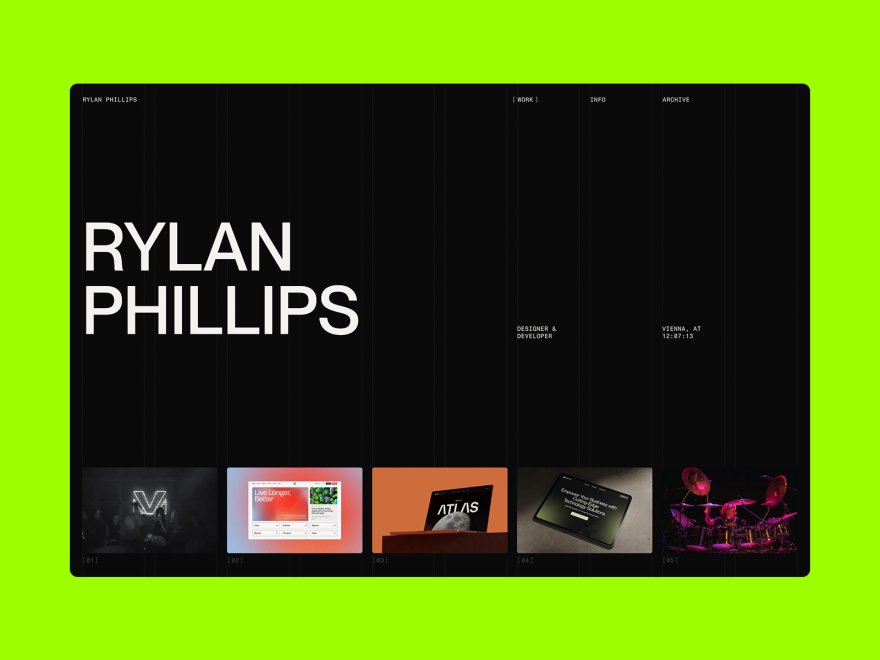
You start by describing your work, uploading a screenshot of a site you like, or picking a template from the starter set, and the AI lays out the sections, writes first-pass copy and applies one site-wide theme.
Replacing content is direct: click any text to edit it, click any image to swap it. The theme styles the whole site at once, and a new section picks up your fonts and colours rather than starting from scratch.
Publishing puts the site on a framekit.ai address with hosting, SSL and a global CDN handled on every plan, and your own domain connects from Starter.
How long it takes depends mostly on how ready your images and words are, so gather them before you start.
Why Ease of Use Pays Off After Launch
Building time is only the start, because a portfolio earns work only while it is current, and the same simplicity that makes a first build easy decides whether you will bother adding next month's project.
A builder where adding a project means editing a drafted page or asking the AI for a new section keeps the update small; one where it means reworking a template layout or updating plugins first makes the update easy to postpone.
You can measure this on your own site rather than take our word for it. After you publish, wait until you have a new project, then time how long it takes you to add it as a new page with six images and a short description.
If the answer is longer than you would happily spend on a weeknight, the builder is too heavy for how often you update, whatever it promised.
Easy should not mean lower quality, and the reason it no longer has to is that the design decisions can be made by the tool rather than by someone making them for the first time.
Judge that with your own eyes on the finished draft, ideally on a phone, because no score we could print would be as useful as your reaction to your own work in the layout.
Common Beginner Mistakes That Slow You Down
Beginners tend to make the same handful of mistakes on every platform, and avoiding the five below will speed up any build, on any builder, whatever its template count or price.
- Spending 30-60 minutes hunting for the "perfect" template. No template is perfect; pick one that is close and move on. Set a 10-minute limit.
- Customizing fonts, colors, and layouts before adding real content. You cannot judge a design with placeholder text - add your content first, then adjust.
- Adding every section type available. Portfolios should be focused: start with hero, about, work, and contact, and add more only when you have real content.
- Building entirely on desktop and ignoring mobile. Many visitors will see it on a phone, so check the mobile preview after each major change.
- Never publishing because it is "not ready." A live portfolio that is 80% perfect beats a draft that is 100% perfect but invisible. Set a deadline and ship.
Which Easy Portfolio Builder Is Right for You?
Choose Framekit if...
Choose Framekit if you want to finish today rather than next month, design quality matters but you are not a designer, and you want a site easy enough that you will actually keep it updated.
It is the best fit for beginners, freelancers, and anyone who values their time over endless customization.
Choose Squarespace if...
Choose Squarespace if you have found a template that is exactly right, you will not need to customize much beyond it, and you are happy to spend longer on the initial build. It rewards people who prioritize a specific aesthetic over flexibility.
Choose Carrd if...
Choose Carrd if you only need a single-page presence, minimalism suits your use case, and budget is the top priority. Just expect to outgrow it once you need separate pages for individual projects.
Choose Webflow or WordPress if...
Choose Webflow if your real goal is to learn web design as a skill and you can invest the hours. Choose WordPress if you have technical comfort and need specific plugins. Neither is a beginner-friendly path to a quick portfolio.
For platform-specific guidance, see our roundup of the best website builders for photographers in 2026 and, for video work, the best portfolio website builder for videographers.

Frequently Asked Questions
What is the easiest portfolio website builder to use in 2026?
The easiest portfolio website builder to use in 2026 is Framekit for a multi-page portfolio, because its AI, trained by senior designers, drafts the pages, layout and copy from a description of your work, so a beginner edits a finished draft rather than choosing from a template library.
Carrd is simpler if one page is enough, and Squarespace is the easiest traditional template builder.
Can I build a portfolio website with no experience?
Yes. Every builder in this list is a no-code tool, and Framekit, Carrd and Squarespace in particular are built so someone with no website experience can publish a portfolio.
The key is choosing a platform built for beginners rather than a professional tool that merely markets itself as beginner-friendly: smart defaults do the hard design work for you, while Webflow and self-hosted WordPress expect you to learn concepts first.
How long does it take to build a portfolio website?
Building a portfolio website takes as long as your platform's setup path and your own preparation allow, and we have not timed builds, so we will not give you a number.
On Framekit and Carrd the documented path is short, because the draft or the single page arrives laid out; on Squarespace and Wix you first choose from a template library; on WordPress you arrange hosting, a theme and plugins first; and on Webflow you learn layout concepts first.
Gather your six best images and a 150-word bio before you start, then time your own first draft.
Is Wix easy to use for a portfolio?
Wix has an intuitive drag-and-drop editor, but its 800-plus templates and large app marketplace create decision paralysis, and a beginner whose first template does not fit their work often has to start over.
The editor itself is workable once you start - the sheer volume of options is what slows beginners down.
Do I need to know how to code to build a portfolio?
No. Every builder in this list is a no-code tool. However, Webflow and WordPress borrow concepts from coding - classes, containers, responsive breakpoints - which adds a learning curve. Framekit, Carrd, and Squarespace require zero technical knowledge.
How much does Framekit cost?
Framekit has a free plan at $0 with no credit card required, a Starter plan at $9 a month ($7 billed yearly) that adds a custom domain and removes the website badge, a Pro plan at $19 a month ($15 yearly), and a Business plan at $39 a month ($31 yearly).
Paid plans are month to month and you can cancel anytime. Hosting with SSL and a global CDN is included on every plan, including free.
Will an easy builder still produce a professional-looking portfolio?
Yes, if the builder makes the design decisions well.
Framekit's AI was trained by senior designers, so typography, spacing and hierarchy arrive in the draft rather than being left to a beginner, and Squarespace's templates arrive finished in the same way.
Judge the result yourself on the draft, ideally on a phone; we have not scored finished sites, and no score would replace your own reaction to your work in the layout.
Which portfolio builder asks a beginner the fewest decisions?
Carrd asks the fewest decisions of any builder here, because it makes one page from a template, and Framekit asks the fewest of any multi-page builder, because its AI drafts the pages, layout and copy before you start editing.
Squarespace comes next, with finished templates and a contained editor, while Wix's size, WordPress's hosting setup and Webflow's layout concepts each put more between a beginner and a published page.
Does an easy builder mean a worse-looking portfolio?
Not any more, and that is the change of the past few years. The old trade was that easy tools produced obviously templated results, which is why people accepted the difficulty of harder platforms.
Now the tool can make the design decisions rather than leave them to someone who has never made them before, so the easiest path can also produce the more polished site.
The risk now is the opposite: a beginner given full control usually produces something worse than a good default.
What slows beginners down the most when building a portfolio?
Choosing a template slows beginners down the most on builders that put a large library in front of them first; Wix offers more than 800, and a beginner whose pick does not fit their work often starts over.
The second biggest cost is customising past what a template expects and having to rework the layout, which is the trade-off on Squarespace. Fewer, stronger options, or a drafted site, avoid both.
Easiest Portfolio Website Builder in 2026: Final Verdict
"Easy to use" means one specific thing: can you actually finish?
Most builders make that harder than it needs to be - feature-rich platforms create choices, beautiful templates hide rigidity, and professional tools demand professional skills.
Judged by what each documents between signing up and a published portfolio, Framekit is the easiest portfolio website builder to use for a multi-page site, because its AI drafts the site and leaves you editing rather than designing.
Carrd is the simplest choice for a single page, and Squarespace is the easiest traditional builder if you accept its template limits.
If you want to dig deeper, compare the best AI website builders for creatives and weigh long-term cost with our guide to affordable website builder options for freelancers.
Your portfolio should showcase your work, not your web-design skills - and Framekit's free plan lets you test the whole thing on your own work at no cost: framekit.ai.
Plan prices were checked against Squarespace pricing and Webflow pricing.
Where Framekit loses, plainly: if you want to learn web design rather than ship a portfolio, an easy builder actively works against you, and Webflow's difficulty is the education you are paying for.
And if your portfolio is genuinely one page, Carrd asks even less of you and costs $19 a year against our $84 billed yearly.
Two of the simplest options go head to head in Framer vs Carrd, which weighs Framer's extra pages and design range against a $19-a-year page you never have to maintain.