Framekit templates
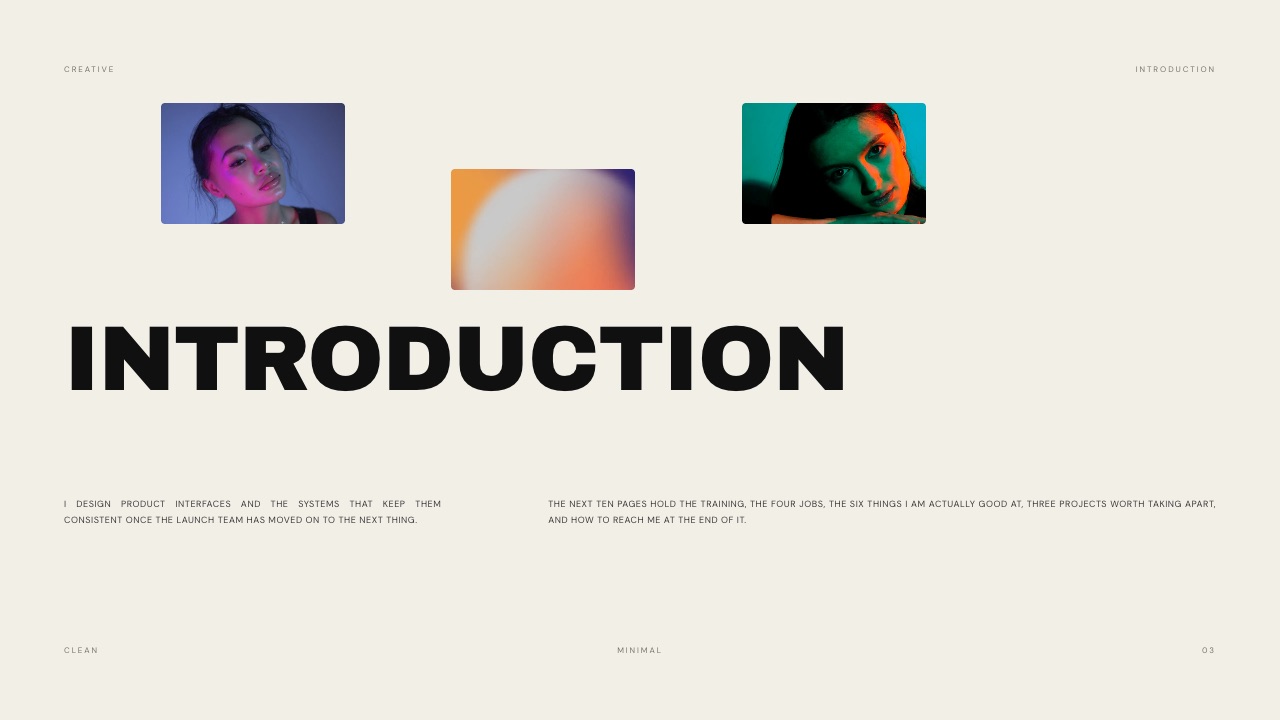
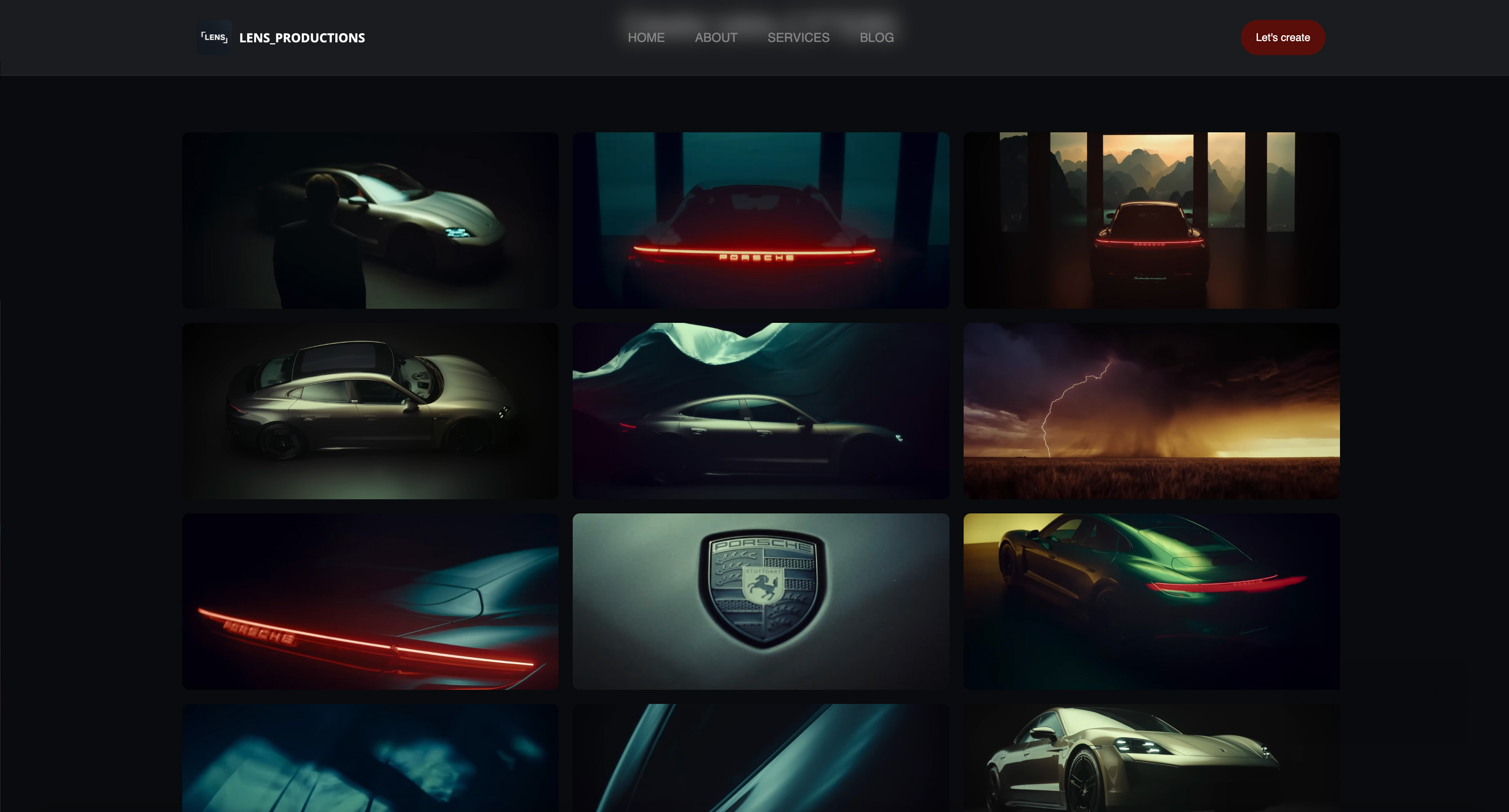
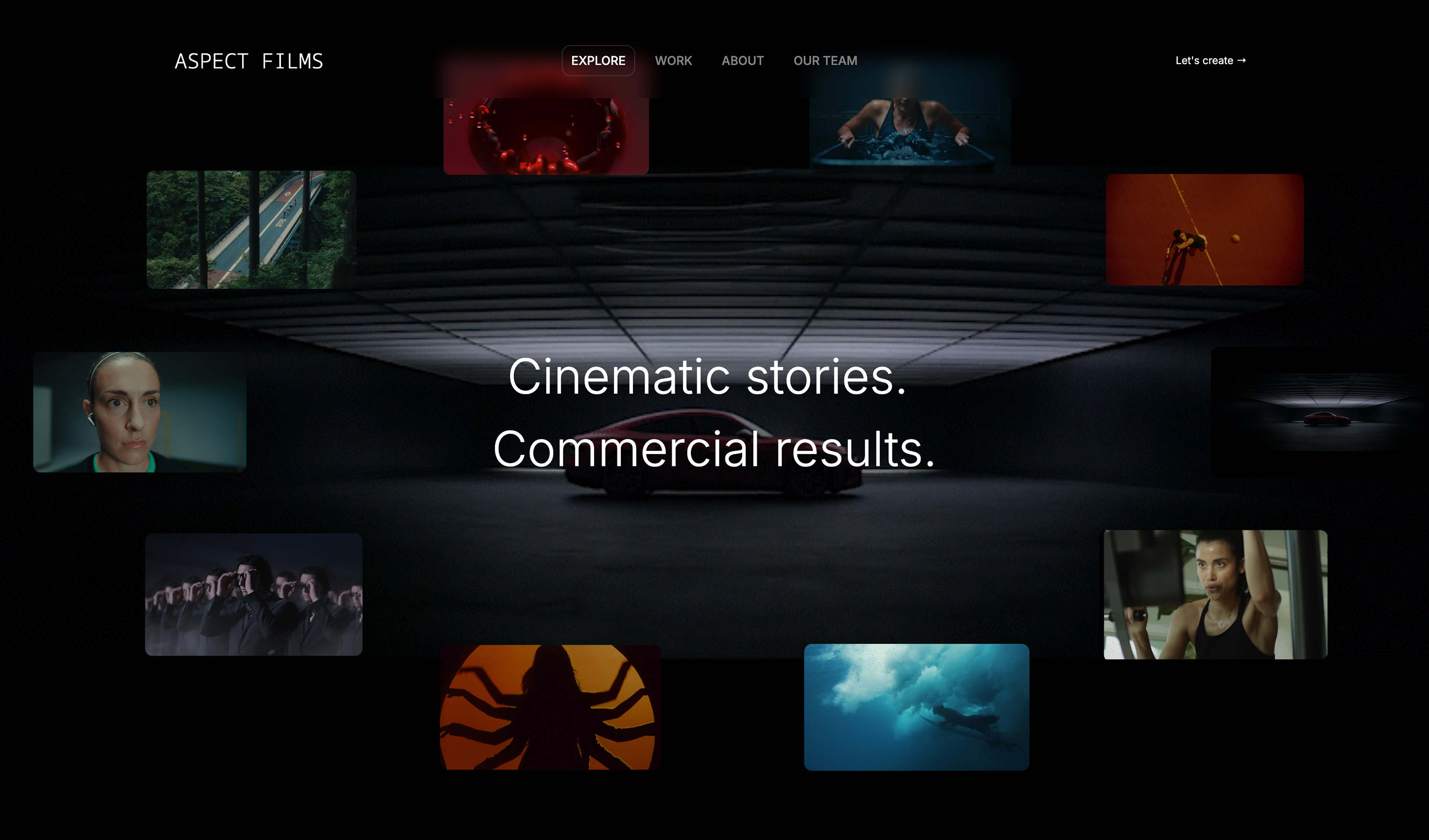
Start from a designer-made template
 Use template
 Use template
 Use template
 Use template
 Use template
 Use template
 Use template
 Use template
A potential client asks to see your work. You send a Vimeo link. They open it, see a wall of unlabeled clips with no context, no idea which ones you cut versus shot, and no sense of who you are. They close the tab.
You never hear back, and you assume the work was not good enough. It probably was. The presentation was the problem. This guide ranks the best website builder for video editors, so presentation stops costing you the work.
That is the trap most freelance video editors fall into. Your reel lives on Vimeo or YouTube, your before/after examples live in a Dropbox folder, and your contact details live in an email signature. None of it is a portfolio.
A client cannot scan it in thirty seconds, cannot tell a narrative cut from a corporate edit, and cannot book you without three more emails.
A video editor portfolio website pulls all of that into one place: your reel at the top, projects grouped by type, before-and-after examples that show your actual craft, and a clear way to hire you.
We tested five website builders on what matters for that job, and Framekit, the AI website builder trained by senior designers, is the one we recommend first. The free plan needs no credit card.
A website builder for video editors is a platform for presenting a reel and edited work as a fast, professional portfolio site. It is where a potential client judges your edit and reaches you.
The best website builder for video editors in 2026 is Framekit, because its designer-trained AI builds a fast, reel-first portfolio without design work; Squarespace is the runner-up for template-led sites and Vimeo is best as a reel host you embed rather than a full site.
Start free at framekit.ai.
Full disclosure: Framekit, ranked #1 below, is our own product. Every alternative is linked and we name where each beats us: Vimeo hosts and streams video properly where we cap a site upload at 100MB, Squarespace carries a broader ecosystem and sells physical goods, Wix has more third-party apps, and Pixpa is cheaper as a bundled all-in-one.
How We Compared These Builders
An editor's site is mostly a frame around a video host, so the comparison has to be honest about which part each tool actually does. Here is the basis for it.
- Verified from primary sources: plan pricing, page limits and video upload caps were read from each vendor's published pages during September 2026.
- Assessed hands-on: how each builder presents an embedded reel, how the site looks on a phone, and how much work a new project page takes.
- Not assessed: video hosting itself, which none of these builders does well and which belongs on a dedicated host.
Nothing in this guide quotes a load time or a performance score for any platform.
What to Look For in a Video Editor Portfolio Website Builder
A video editor's site has a specific job. These four criteria separate a site that books gigs from one that does not.
A reel that plays instantly, front and center
Your reel is the most important ninety seconds on the site. The builder must let you place it at the top of the homepage and play it without buffering. Slow video embeds kill the first impression, so the platform needs fast hosting and a CDN behind it.
Clean embeds from Vimeo and YouTube
You will host finished work on Vimeo or YouTube, so the builder has to embed those players cleanly, without breaking the page layout or dragging down load time. Good embed handling lets you keep your view counts and host where you already are.
Project organization by type
Narrative editing, corporate work, social cutdowns, and music videos are different selling points to different clients. The builder needs clean navigation so a brand looking for a social editor is not scrolling through wedding films to find proof you can do the job.
A fast, professional design that loads on mobile
Clients open links on phones. A video-heavy site that takes five seconds to load loses the gig before the reel plays. The builder should produce a fast, designer-quality layout without you hand-tuning every image and embed.
Quick Comparison: Website Builders for Video Editors
The weighting to read this with: how well the site frames a reel carries the most weight, then what the plan includes beyond a portfolio, then cost.
Under the opposite weighting, where hosting and streaming the video itself is the priority, Vimeo wins outright and Framekit does not place, because we are not a video host and do not try to be.
| Builder | Best For | Video Handling | Free Plan | Starting Price |
|---|---|---|---|---|
| Framekit | Designer-quality reel-first site | Fast embeds, CDN | Yes, no card | Free / $19 mo |
| Squarespace | Template-led video portfolios | Good galleries | No | $19 mo |
| Wix | Flexibility and video apps | Strong, app-based | Yes, branded | $17 mo |
| Pixpa | Budget all-in-one portfolios | Decent | No | $5 mo |
| Vimeo | Hosting your reel | Best player | Yes, limited | $20 mo |
How We Tested These Video Editor Portfolio Builders
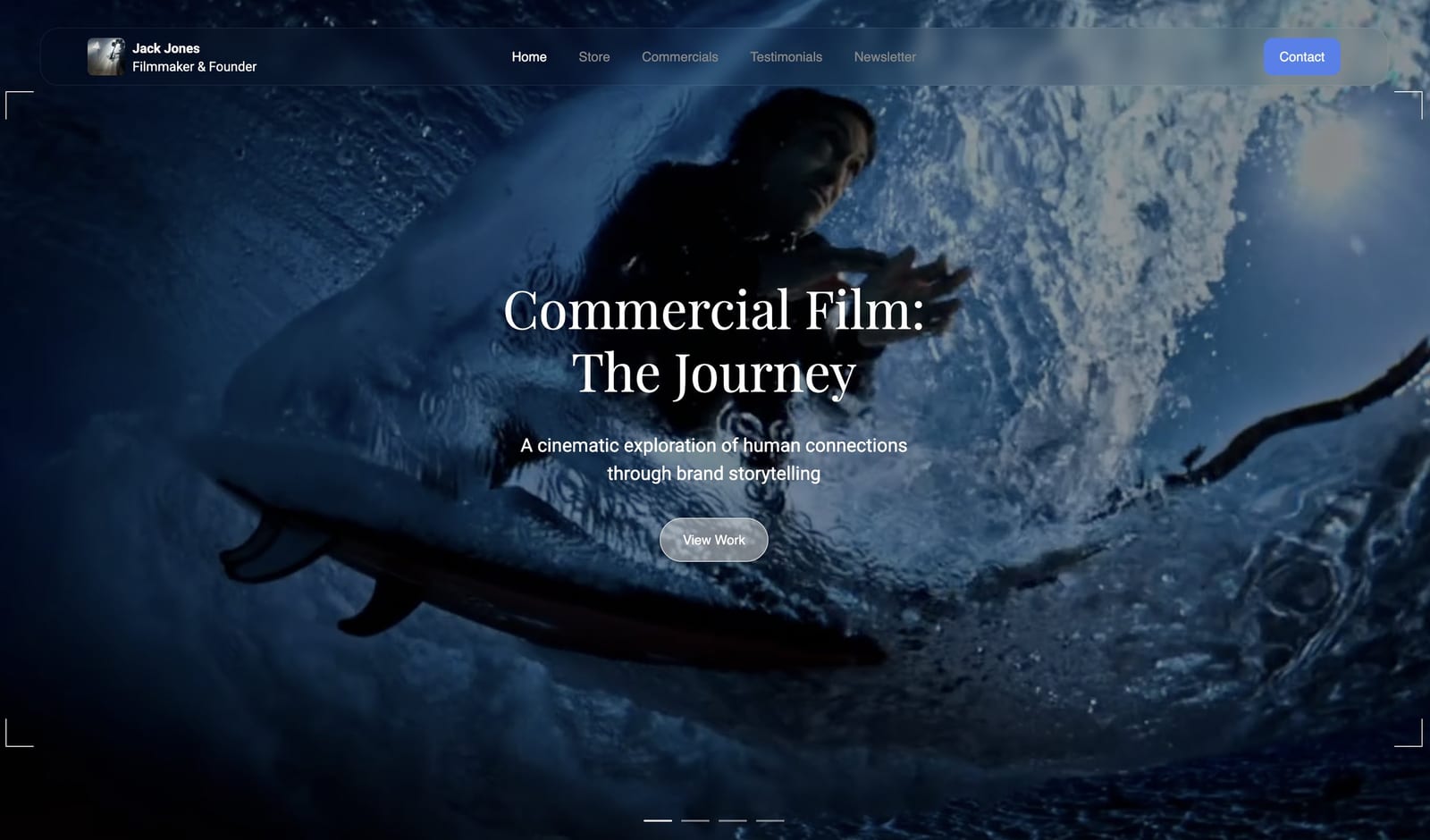
We built a freelance editor portfolio on each platform from the same brief: a homepage reel, three project categories, a couple of before-and-after examples, and a hire-me page.
We judged design quality, how fast video-heavy pages loaded, how cleanly Vimeo and YouTube embeds behaved, and real annual cost.
According to Google research on mobile speed, most visitors abandon a page that takes longer than three seconds, so a slow reel page is a lost client.
Competitor prices link to current pricing pages.
1. Framekit: Best Overall Website Builder for Video Editors

Our rating: 9.2/10
Framekit is an AI website builder, and a freelance editor's reel-first portfolio plays straight to what its design engine does well.
The difference from other builders is where the design comes from: Framekit's AI was trained by senior designers, so it generates real layout, hierarchy, and type rather than dropping your clips into a stock template.
For an editor that shows up as a homepage where the reel sits front and center with confident framing, project sections split into narrative, corporate, and social cuts, and before-and-after blocks that read as craft instead of a jumble of thumbnails.
Describe the site you want or upload a screenshot of an editor portfolio you admire, and it builds a starting point in that direction.
Best forFreelance video editors who want a fast, reel-first portfolio that looks professionally designed without doing the design work themselves.
Key features:
- Designer-trained AI that builds a reel-first homepage from a prompt or an uploaded screenshot
- Clean Vimeo and YouTube embeds that keep a video-heavy page quick to load
- Project sections you can group by narrative, corporate, social, and music-video work
- Fast hosting, SSL, and a global Cloudflare CDN behind every page
- An optional store to sell LUT packs or presets, with a sale fee that drops from 5% on Free and Starter to 3% on Pro and 0% on Business
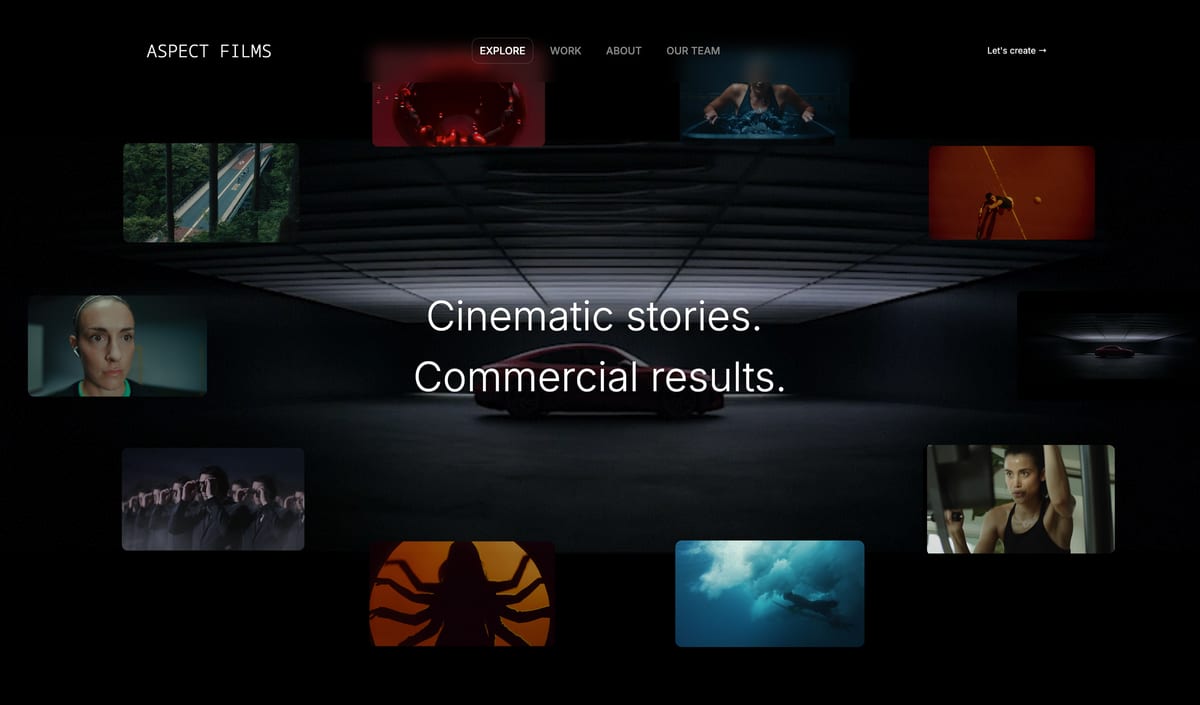
Framekit is upfront about where it stops.
There is no booking or invoicing, no threaded approval workflow for cuts, and the plugin marketplace is smaller than Wix's, so an editor running a full shoot-and-deliver business will still pair it with other tools.
What you do get is the part editors usually pay a designer for: a site that looks intentional, loads fast on a phone, and stands a real chance of surfacing for a search of your name and city thanks to built-in server-side rendering, sitemaps, and structured data.
The real numberFramekit starts free at $0 with no credit card, and the $9-per-month Starter plan is the value pick here, because a template subscription tends to charge more for the equivalent tier and raise it at renewal, while Framekit's price stays flat.
PricingFree $0 (no card, Framekit branding), Starter $9 per month, Pro $19 per month, Business $39 per month.
Pros:
- Designer-quality layout without hiring a designer or buying a theme
- Fast video embeds and a CDN that hold up on mobile
- A flat, predictable price that does not jump at renewal
Cons:
- No booking or invoicing, and no threaded approval workflow
- A smaller plugin marketplace than Wix
- The free plan carries Framekit branding until you upgrade
Skip it ifyou need proofing, booking, or invoicing inside the same tool; Framekit builds the portfolio, not the back office of a studio.
Verdict: Framekit is the best website builder for video editors because its designer-trained AI builds a fast, reel-first portfolio that looks designed, with no design skills required. See the wider field in our best website builders for filmmakers guide, or start free at framekit.ai.
2. Squarespace: Best for Template-Led Editor Sites

Our rating: 8.6/10
Squarespace has well-designed templates, and several handle video portfolios cleanly with grid and slideshow galleries, so if one of them already matches the look you are after, you get a polished editor site quickly on top of reliable managed hosting.
The catch is that the styling stays yours: Squarespace's AI features are light, so you customize the template by hand to make it feel like an editor's reel site rather than a generic portfolio, and video-heavy pages tend to load a little slower than a leaner platform, which costs you on the mobile-first side where clients actually open your link.
Best forEditors who have found a Squarespace video template they like and are happy to do the styling by hand.
Key features:
- A library of designer templates, several suited to reel and video portfolios
- Grid and slideshow galleries for organizing project work by type
- Reliable managed hosting with little maintenance on your side
- Built-in commerce if you later sell a preset or LUT pack
- A large template and support ecosystem to lean on
The real numberSquarespace starts at $19 per month on the Basic plan billed annually, per Squarespace pricing, with no free plan, so there is no permanent no-cost way to keep a reel site live once the trial ends.
PricingBasic from $19 per month billed annually; no free plan, trial only.
Pros:
- Strong, polished templates straight out of the box
- Reliable hosting that you rarely have to think about
- A mature ecosystem with plenty of help and add-ons
Cons:
- Light AI, so styling the template is on you
- Video-heavy pages tend to load slower on mobile
- No free plan to keep a build live for nothing
Skip it ifyou want the tool to make the design decisions for you rather than hand-customizing a template; our Framekit vs Squarespace comparison goes deeper on that split.
Verdict: Squarespace is the runner-up if a template already fits your vision and you will do the styling yourself. Visit Squarespace
3. Wix: Best for Flexibility and Video Apps
Our rating: 8.1/10
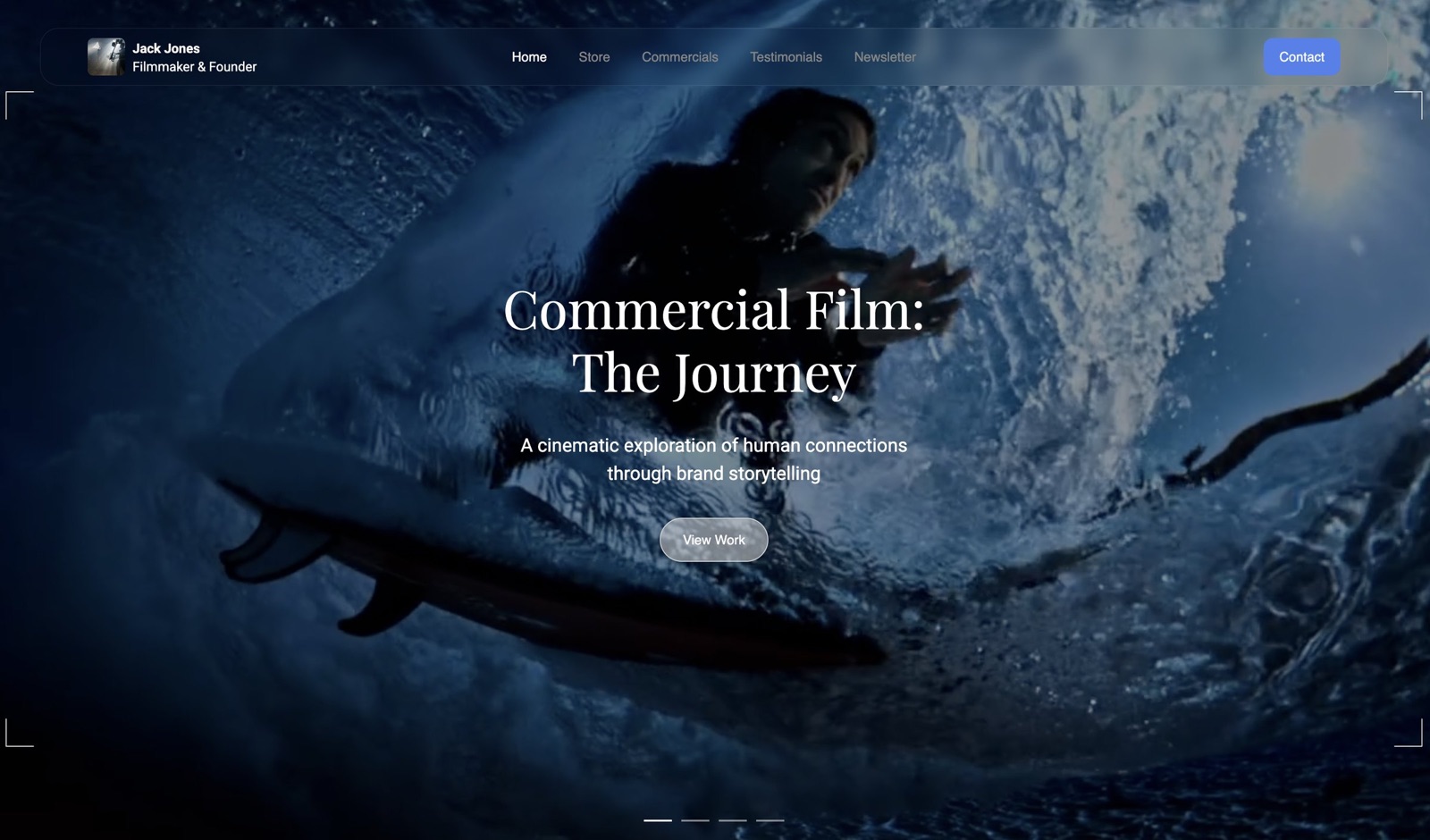
Wix is the most flexible builder here, with a large app marketplace that includes dedicated video players, masked video boxes, and dynamic backgrounds, so if you want a specific playback trick for your reel there is probably an app that does it.
The trade is design control: the drag-and-drop canvas makes it easy to build an editor site that looks slightly amateur, with uneven spacing and inconsistent type, because every judgment call is on you, and video-heavy pages are the platform's known performance weak spot when a client is loading your work over a phone connection.
Best forEditors who want maximum flexibility and niche video apps, and are willing to do the design cleanup afterward.
Key features:
- A large app marketplace with dedicated video players and effects
- Masked video boxes and dynamic backgrounds for a cinematic hero section
- A free plan with Wix branding and a subdomain to test a build
- Drag-and-drop control over every element on the page
- Broad third-party integrations beyond video
The real numberWix has a free plan with branding and a subdomain, and paid plans start at $17 per month on the Light plan, per Wix pricing, so you can test a reel site for nothing before committing.
PricingFree with Wix branding and a subdomain; Light plan from $17 per month.
Pros:
- The most flexible builder here, with a deep app store
- Specific video apps for niche playback needs
- A free plan to try a build before paying
Cons:
- Design judgment is on you, so a site can look amateur
- Video-heavy pages are its performance weak spot
- Wix AI output has a recognizable sameness
Skip it ifyou want a site that looks designed by default; the flexibility only pays off if you can art-direct it yourself.
Verdict: Wix suits an editor who wants flexible video apps and is willing to do the design cleanup. Visit Wix
4. Pixpa: Cheapest Builder for an Editor Portfolio
Our rating: 7.6/10
Pixpa is an all-in-one builder for visual creators and the cheapest serious option in this roundup, bundling galleries, basic e-commerce, and client tools into a low monthly price while still embedding video well enough for a straightforward reel page.
What you give up at that price is currency of design: the editor feels dated, the templates need hands-on work before an editor site looks current, and there is no design AI to carry the layout for you, so the cheap plan buys function rather than the finished, art-directed feel a newer platform hands you.
Best forEditors on a tight budget who want an inexpensive, functional portfolio and will accept a dated editor to get it.
Key features:
- Galleries, basic e-commerce, and client tools in one low-cost plan
- Adequate video embed handling for a straightforward reel page
- Password-protected client galleries for sharing private work
- An all-in-one feature set aimed at visual creators
- Low annual pricing across the range
The real numberPixpa starts at $5 per month on the Essentials plan billed annually, per Pixpa pricing, with no free plan, making it the lowest running cost of any full builder here.
PricingEssentials from $5 per month billed annually; no free plan.
Pros:
- The cheapest serious portfolio option in this list
- An all-in-one set of galleries, store, and client tools
- Handles video embeds fine for a basic reel page
Cons:
- A dated editor and templates that need manual work
- No design AI to carry the layout
- No free plan, only a trial
Skip it ifyou want a current, designed look without hands-on tuning; the low price comes bundled with a dated editor.
Verdict: Pixpa is the budget pick if price is the deciding factor and you accept a dated editor. Visit Pixpa
5. Vimeo: Best as a Reel Host, Not a Full Site
Our rating: 7.4/10
Vimeo is not a website builder in the same sense as the others, but it earns a place on this list because nearly every editor already uses it, and its player is the cleanest in the industry, with no ads and crisp playback that flatters a graded reel.
Where it falls short is everything around the video: its showcase and basic site features are thin, give you little design control, and never build the project organization, before-and-after layouts, or hire-me flow a client expects, so treating Vimeo as your whole portfolio leaves the reel doing all the work with nothing around it to convert a visit into a booking.
Best forEditors who want the cleanest possible playback and will embed that reel into a real portfolio built elsewhere.
Key features:
- The cleanest video player in the industry, with no ads
- Crisp, reliable playback for a color-graded reel
- Privacy and password controls for sharing work in progress
- Review and collaboration tools for client feedback
- Near-universal familiarity, since most editors already host here
The real numberVimeo's paid plans start at $20 per month, per Vimeo pricing, with a limited free tier, so it is a hosting cost you layer under a real portfolio rather than a replacement for one.
PricingLimited free tier; paid plans from $20 per month.
Pros:
- The best video player and playback quality here
- Strong embed, privacy, and review controls
- A limited free tier to host a reel
Cons:
- Thin site and showcase features with little design control
- No project organization, before-and-after, or hire-me flow
- Not a portfolio on its own
Skip it ifyou need an actual portfolio site; Vimeo hosts the reel beautifully but does not present the rest of the work or turn a visit into a hire.
Verdict: Use Vimeo to host your reel, then embed it into a proper portfolio built on a real website builder. Visit Vimeo
Which Video Editor Portfolio Website Builder Is Right for You?
Choose Framekit if you want a designer-quality reel site without design work
If you are an editor, not a designer, and the site still has to look professional, the design has to come from the tool.
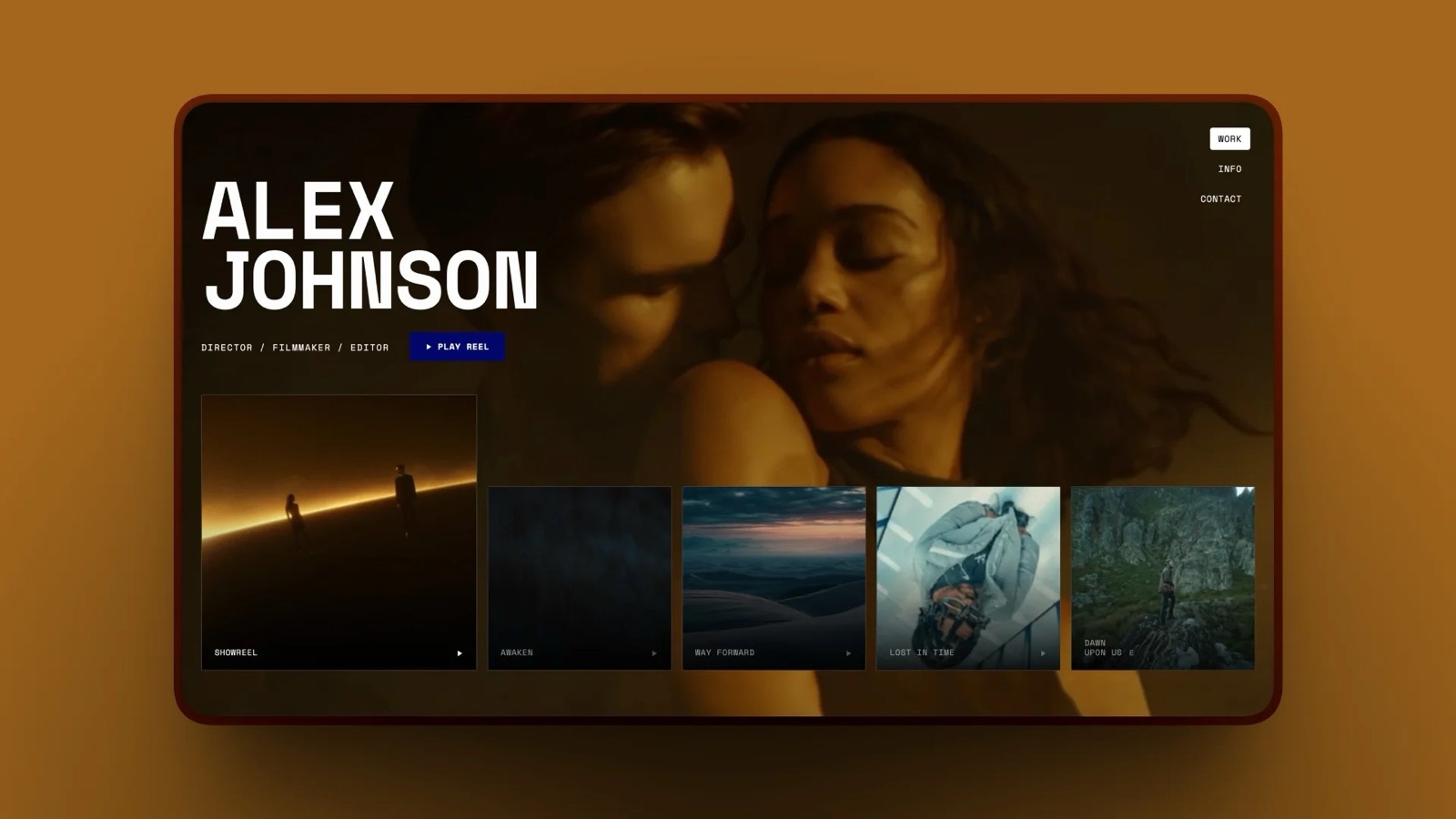
Framekit's AI builds the reel-first homepage, the project sections, and the before-and-after layouts for you, and it stays fast on mobile. It is the right default for most freelance editors.
Choose Squarespace if a template already matches your vision
If you have found a Squarespace video template that looks right and you do not mind customizing it by hand, Squarespace gives you a polished, reliable site from a strong starting point.
Choose Vimeo plus a builder if hosting is your priority
If your main concern is the cleanest possible playback, host your reel and projects on Vimeo, then embed them into a Framekit or Squarespace site. You get Vimeo's player and a real portfolio around it.
See our guide to the best portfolio website builder for videographers.
Frequently Asked Questions
What is the best website builder for video editors in 2026?
The best video editor portfolio website is built with Framekit, because its designer-trained AI creates a fast, reel-first site without design skills.
Squarespace is the strongest runner-up for template-led portfolios, and Vimeo is best used to host your reel rather than as a full website.
Do video editors need a portfolio website?
Yes. A Vimeo link is a wall of clips with no context, and a Dropbox folder is not something a client will scan. A video editor portfolio website organizes your reel, your project types, and your before-and-after work into one page a client can review and act on in under a minute.
How much does a video editor portfolio website cost?
Framekit is free to start with no credit card, with paid plans from $9 per month. Competitors range from around $5 per month for Pixpa to $17 to $20 per month for Wix, Squarespace, and Vimeo.
The $9 Starter plan usually beats the equivalent subscription tier over three years, and its price is flat.
Should I host my reel on Vimeo or directly on my site?
Hosting on Vimeo and embedding into your site is the common approach, because Vimeo's player is clean and you keep your view counts. A good builder like Framekit embeds Vimeo and YouTube cleanly without slowing the page, so you get the best of both.
What should a video editor portfolio include?
It should include a reel at the top of the homepage, projects grouped by type such as narrative, corporate, and social, a few before-and-after examples that show your craft, an about section, and a clear way to hire you. Speed on mobile matters as much as the content.
Can I build an editor portfolio without design skills?
Yes, with the right builder. Framekit's AI handles the layout, spacing, and type decisions that normally need a designer, so you supply your reel and projects and get a professional site back. Template-led builders still leave most of the styling to you.
Does Framekit replace the back office of an editing business?
No. There is no proofing workflow, no booking calendar and no invoicing, so an editor running a studio still needs a separate tool for the paperwork.
Framekit builds the portfolio and the reel-first site, starting free at $0 with no credit card, with Starter at $9 a month adding your own domain and removing the branding.
The reason that price is the value pick here is not the headline number but the renewal: a template subscription typically charges more for the equivalent tier and raises it at renewal, while this one stays flat.
Final Verdict
A video editor portfolio website is the difference between sending a client a wall of unlabeled clips and sending them a site they can act on.
After testing five builders, the pattern holds: most of them leave the design and presentation to you, which is the exact part that decides whether your reel lands.
Framekit is the best website builder for video editors in 2026, because its designer-trained AI builds the reel-first portfolio for you and keeps it fast on mobile.
Squarespace is the runner-up for template-led sites, while Vimeo is best as a reel host you embed.
For more, read our roundup of the best website builders for filmmakers, the best AI website builder for filmmakers, and our guide to the easiest portfolio website builder to use.
Start building your reel-first portfolio free, with no credit card, and have a first draft live within an hour.
_Pricing and information accurate as of May 18, 2026._