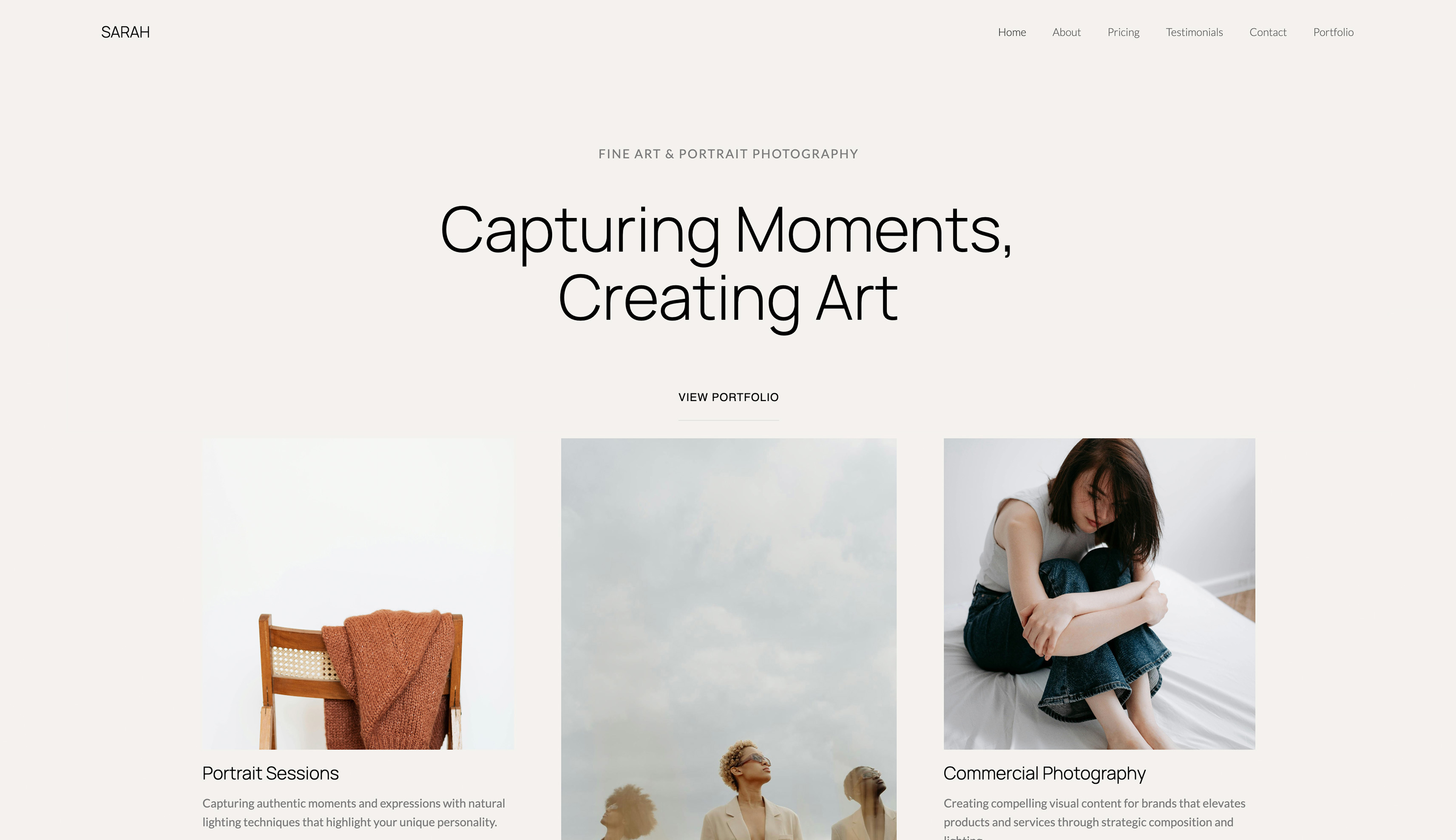
Framekit templates
Start from a designer-made template
 Use template
 Use template
 Use template
 Use template
 Use template
 Use template
 Use template
 Use template
Carrd got you online for nineteen dollars a year, and for a link-in-bio or a launch page that is close to unbeatable. Then the site started to work.
You wanted a second page for your services, then a real shop instead of a lone PayPal button, then a gallery to show a client the work - and you discovered that a one-page tool is very good at exactly one page and cannot follow you past it.
The thing that made Carrd cheap is the thing that makes you rebuild somewhere else the moment you grow.
That is the honest shape of Carrd, and the reason people start hunting for Carrd alternatives: a brilliant scalpel that was never meant to be a workshop.
Cheap and single-page is a great place to start. It is a bad place to get stuck.
A Carrd alternative is a website builder you use instead of Carrd to build a simple site - a landing page, a link-in-bio, or a small portfolio - ideally one you can grow past a single page and own on your own domain, with room to add a real store when you need one.
This guide compares the best Carrd alternatives for exactly that moment.
Recently updated: on 12 October 2026 we removed claims that we built the same page on all nine tools, which we cannot document; the ranking now says plainly that it rests on published plans, fees and features.
The best Carrd alternative in 2026 is Framekit, because it generates a full, multi-page site you own from a prompt - with a real store and client galleries built in - so the site can grow from a one-pager into a whole creative business without a rebuild.
The honest trade-off: for a single static page on a custom domain, Carrd at $19 a year is cheaper and simpler than any monthly plan, so if one page is genuinely all you will ever need, keep Carrd. Best design-forward pages: Framer.
Best pure link-in-bio: Linktree, though its free plan takes a 12% cut of sales.
Framekit turns a description of your site into a real, multi-page site you own, and the free plan needs no credit card.
Full disclosure: Framekit, ranked #1 below, is our own product, so we have a stake in this. We compared each tool's published plans, fees and features rather than building a page on each, verified every price against each platform's published pricing in July 2026, and we say plainly where each beats us: Carrd is cheaper for a single page, Framer has more design polish, and Linktree and Beacons are simpler for a pure link-in-bio. Read the ranking knowing that. Linktree's fee table was re-read on 12 October 2026: it still lists 12% on Free and 9% on Starter and Pro, but its Pro plan card now claims 0%, and the Linktree lines below say so.
How We Compared These Carrd Alternatives
People reach for Carrd for two different reasons - it is cheap, and it is simple - and the best alternative depends on which one you are unwilling to give up, plus what you want to grow into.
We rated each tool on five criteria, each with its own section below, using its published plans and features.
Price. The real yearly cost of a usable site on your own domain, not a teaser tier.
Ease and speed. How fast you get a clean page live, and whether a beginner can do it.
Room to grow. Can the site become multi-page, add a blog, a store, or galleries - or is it a dead end at one page?
Ownership. Does the site live on your own domain with content you can keep, or on the platform's subdomain?
Selling. Can you sell a product properly, and what does the platform take when you do?
Every tool was held against the same brief on paper: a one-page portfolio with links, an about section, and one $25 digital download for sale.
The creator we carry through this guide is a musician-designer with a link-in-bio who wants to add a shop and a second page without starting over.
Three kinds of finding, kept separate. Editorial judgement: our rating of each tool's published features and templates, labelled as ours.
Verified from primary sources: every price and fee, checked against each platform's pricing in July 2026 and linked inline, with Framekit checked against its shipped product.
Community sentiment, flagged as such: recurring reviewer themes we did not measure ourselves.
What Comparing 9 Carrd Alternatives Showed
These are the figures behind the ranking, each verified against the platform's own pricing page in July 2026 and worked through on the same $25 download, with no hands-on build behind any of them.
- Carrd is the cheapest way to a custom-domain page here: about $19 a year on Pro Standard, less than most tools charge in a single month, per its published pricing.
- 3 of 9 generate a full multi-page site for you rather than starting from one page or a link list (Framekit, Framer, Dorik).
- Linktree's free plan takes a 12% cut of anything you sell through it, dropping to 9% on paid tiers and 0% only on its $35-a-month Premium plan, per its published pricing, though the Pro plan card on that page says 0% and contradicts the table.
- 1 of 9 puts a digital-download store and client galleries on the same site you build (Framekit); a $25 download nets about $23.75 on its free plan versus about $22 after Linktree's 12%.
- Every tool here except Carrd bills monthly; Carrd is annual-only, which is what makes its yearly number so low.
For a pick tailored to how much site you need, jump to the decision tree. First, the full comparison.
The 9 Best Carrd Alternatives in 2026: Full Comparison
How the ratings work: each tool is scored on the five criteria above, weighted by what a growing creator actually needs - room to grow 25%, ownership 20%, ease 20%, price 20%, selling 15%. Each score is our rating of the tool's published features, not a test result.
Room to grow is weighted highest because the reason people leave Carrd is almost always that they outgrew one page.
So Framekit's 9.1 is not a clean sweep - it takes a 10 on room to grow and selling but only a 7 on price for a single page, because at the very low end Carrd's $19 a year genuinely undercuts any monthly plan. No tool won every column.
| Tool | Best For | Free Plan | Starting Price | Our Rating |
|---|---|---|---|---|
| Framekit | Growing past one page and selling | Yes | $9/mo | 9.1/10 |
| Framer | Design-forward pages | Yes | $10/mo | 8.6/10 |
| Squarespace | Polished all-in-one | Trial | $19/mo | 8.4/10 |
| Webflow | Deep control and a CMS | Trial | $15/mo | 8.3/10 |
| Dorik | Simple AI site building | Yes | High-teens/mo | 8.2/10 |
| Wix | Flexible drag-and-drop | Yes | $17/mo | 8.0/10 |
| Linktree | Pure link-in-bio | Yes | $8/mo | 7.6/10 |
| Beacons | Creator link-in-bio with a store | Yes | ~$10/mo | 7.5/10 |
| Universe | Building a site on your phone | Yes | ~$4/mo | 7.2/10 |
Prices are entry plans, verified against each platform's pricing page in July 2026. Carrd is billed annually; the rest are monthly. Confirm current numbers before deciding.
One page vs. a site that grows at a glance
The split that decides this category: the cheap one-page and link-in-bio tools cap you at what they do best, and the site builders cost more but grow with you.
| Tool | Multi-page site | Custom domain | Real store built in | Bills annually |
|---|---|---|---|---|
| Framekit | Yes | Yes (paid plan) | Yes | Optional |
| Carrd | One page | Yes (Pro Standard) | PayPal/Stripe buttons | Yes, annual only |
| Framer | Yes | Yes (paid plan) | Basic | Optional |
| Linktree | No, link list | Higher tiers | Simple, with a fee | Optional |
| Squarespace | Yes | Yes | Yes | Optional |
See a full site built from one prompt. The free plan turns a description into a multi-page site with a store and galleries - the version of your Carrd page that can actually grow.
1. Framekit: Best Overall

Our rating: 9.1/10
Framekit is an AI website builder that generates a full, multi-page site you own from a prompt, with a store and client galleries built in.
Where Carrd gives you one page you hand-assemble, Framekit gives you a whole site drafted for you - home, about, work, and a shop - that you then edit, connect to your domain, and grow.
The point is the ceiling you never hit.
You describe a musician-designer's site and the AI drafts several pages, and a store section, a second service page or a client gallery is added inside the same account rather than through a migration.
It is more tool than a pure one-pager, and that is the point: it is the version of a Carrd site that never makes you rebuild.
Best forCreators who started on a one-page site and now need more pages, a real store, or galleries without starting over.
Key features:
- Generate a full, multi-page site from a written prompt or an uploaded screenshot
- A built-in store for digital products, with a fee that starts at 5% and drops to 0%
- Client galleries with passwords and downloads on every plan, including free
- Portfolio, store, and galleries on one site you own
- Built by Cadence, Framekit's premium model for real creative sites, with Score as the fast option

The difference from Carrd is the ceiling. Carrd is superb at one page and stops there; Framekit starts where Carrd stops, so the same site that began as a link-in-bio can become a portfolio, a shop, and a client-delivery hub without moving platforms.
The real numbera $25 digital download sold from a Framekit store nets about $23.75 on the free plan (5% fee) and the full $25 minus processing on the $39-a-month Business plan (0% fee).
Sell the same download through a Linktree free page and the 12% cut leaves you about $22 - the store you own keeps more from the first sale.
Pricing:
- Free: $0 (Framekit subdomain, 10GB of pooled storage, 5% product fee)
- Starter: $9 per month (custom domain, no site badge, 50GB, 5% fee)
- Pro: $19 per month (300GB, 3% fee)
- Business: $39 per month (2TB, 0% product fee)
Pros:
- A full multi-page site generated from a prompt, not a single page you build by hand
- A real store and client galleries built in
- Grows from a one-pager into a whole business without a rebuild
Cons:
- More than you need for a single static page - Carrd is cheaper and simpler at the very low end
- Monthly billing, where Carrd is a low annual fee
- A custom domain starts on the $9 Starter plan
Skip it ifone clean page is genuinely all you will ever need. If you will never add a second page, a real store, or galleries, Carrd at $19 a year is the cheaper, simpler tool and we will say so.
Verdict: Framekit is the best pick the moment a one-page site stops being enough - when you need more pages, a proper store, or client galleries, and you would rather grow than migrate. You pay monthly instead of Carrd's yearly pittance and get a site that never dead-ends. See how creators pair a portfolio with a shop, or start free at framekit.ai.
2. Framer: Design-forward pages
Our rating: 8.6/10
Framer is the pick when you want a Carrd-simple start with far more design polish - a genuinely good free tier, beautiful templates, and smooth animations that make a landing page feel designed rather than assembled.
For a creator who cares how the page moves and looks, Framer raises the ceiling well past Carrd.
The trade is the design-tool learning curve and the credit metering: Framer's free plan runs on a framer.website subdomain with 500 monthly credits, and a custom domain arrives on the $10-a-month Basic plan, per its published pricing.
Best forCreators who want a design-forward page or small site and will spend a little time in a design tool.
Key features:
- A strong free tier and polished templates
- Smooth animations and interactions
- Multi-page sites and a basic CMS
- Clean, modern output
The real numberFramer's Basic plan is about $10 a month for a custom domain, a mid-range price that buys real design polish - the trade is a steeper learning curve than a one-pager and AI metered in credits.
Pricingfree plan on a framer.website subdomain; Basic about $10 a month, Pro about $30 (annual).
Pros:
- The best design polish among cheap-to-start tools
- A usable free tier
- Grows to multiple pages
Cons:
- A design-tool learning curve
- AI metered in monthly credits
- Selling is basic
Skip it ifyou want the simplest possible page or a real store. Framer is a design tool first.
Verdict: Framer is the pick when the look of the page is the point and you will invest a little time. If you want that polish without the canvas, an AI builder drafts it for you - see our best Framer alternatives. Visit Framer
3. Squarespace: Polished all-in-one

Our rating: 8.4/10
Squarespace is the step up for a creator who wants a finished-looking, multi-page site with a store, blog, and email under one subscription and does not want to design anything.
It is a lot more than Carrd, at a lot more than Carrd's price, and for a growing creative business that trade often makes sense.
There is no permanent free plan, only a trial, and it renamed its tiers to Basic, Core, Plus, and Advanced in late 2025, per its published pricing.
Best forCreators who want a polished all-in-one site and store and will pay annually.
Key features:
- Tasteful templates and a forgiving editor
- Store, blog, email, and scheduling in one platform
- Multi-page sites with real structure
- Mature commerce
The real numberSquarespace runs from about $19 a month (Basic) to $99 a month (Advanced) on annual billing - many times Carrd's yearly cost, for a full all-in-one rather than a page.
PricingBasic about $19 a month, Core about $29, Plus about $49, Advanced about $99 (annual); trial only.
Pros:
- Polished, all-in-one, low-effort
- A capable store and blog
- Reliable and widely supported
Cons:
- Far pricier than Carrd
- No free plan
- Recognizable templates
Skip it ifyou want cheap and simple, or a free start. Squarespace is a full platform, priced like one.
Verdict: Squarespace is the pick for a creator who wants a polished all-in-one and will pay yearly. If you want that all-in-one on a site an AI drafts and you own, that is Framekit's lane. Eyeing it? See our best Squarespace alternatives for creatives. Visit Squarespace

4. Webflow: Deep control and a CMS
Our rating: 8.3/10
Webflow is the opposite end from Carrd: near-code control over layout and interactions and a real CMS, for a creator who wants power and will learn the tool. If you left Carrd because you wanted to shape everything, Webflow gives you the most room of anything here.
That power is the steepest learning curve in this list, and in May 2026 Webflow simplified to Basic and Premium site plans, per its published pricing.
Best forDesigners who want maximum control and a CMS and will invest the time.
Key features:
- Fine control over layout and interactions
- A real CMS for dynamic content
- Clean, standards-based output
- A large template community
The real numberWebflow's Basic plan is about $15 a month and Premium about $25 (annual), with Ecommerce priced separately - a real jump from Carrd for real control.
PricingBasic about $15 a month, Premium about $25 (annual), plus Ecommerce to sell.
Pros:
- The deepest control short of code
- A genuine CMS
- Developer-grade output
Cons:
- The steepest learning curve here
- Overkill for a simple page
- Selling needs a separate plan
Skip it ifyou want simple or fast. Webflow rewards the hours you give it.
Verdict: Webflow is the control pick when you have outgrown simple and want power. If you want capability without the curve, an AI builder is faster - see our best website builders for creative professionals. Visit Webflow
5. Dorik: Simple AI site building
Our rating: 8.2/10
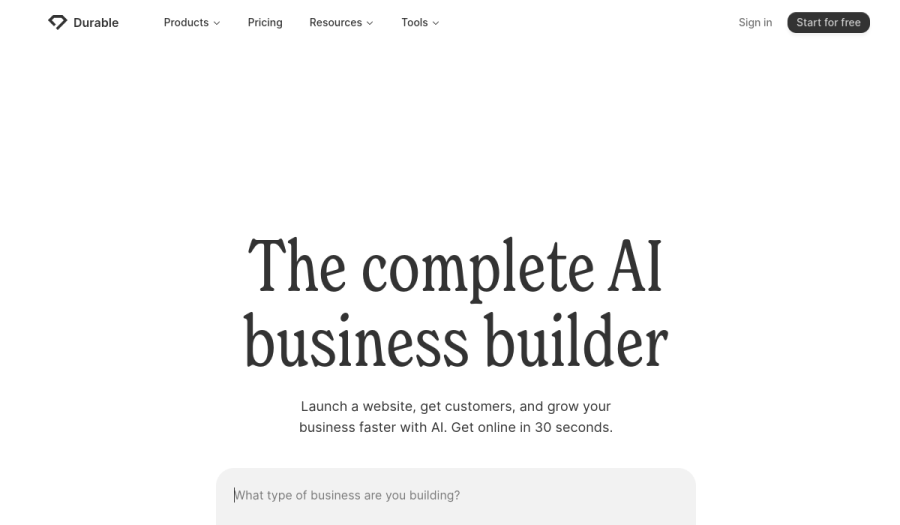
Dorik is a clean, approachable site builder with an AI generator, aimed at people who want a simple multi-page site without a design-tool learning curve.
It sits between Carrd's simplicity and a full builder's power, which makes it a natural step up for someone who wants more than one page but not a lot more tool.
It is less specialized than the all-in-ones for selling and galleries, so it is a strong general site builder rather than a creator-commerce platform.
Best forCreators who want a simple, clean multi-page site with a bit of AI help.
Key features:
- An AI site generator and clean templates
- Simple multi-page building
- Custom domains and hosting included
- A gentle learning curve
The real numberDorik's paid plans run in the high-teens per month depending on tier, a mid-range price for a simple multi-page builder with AI - more than Carrd, for room to grow.
Pricingfree tier to start; paid plans from the high-teens per month (confirm current pricing at dorik.com).
Pros:
- Simple and clean, with AI generation
- Real multi-page sites
- Approachable for beginners
Cons:
- Lighter selling and gallery features
- A smaller ecosystem than the big builders
- Less design ceiling than a design tool
Skip it ifyou need a strong store, galleries, or deep design control. Dorik is a tidy general builder.
Verdict: Dorik is a good middle step for a creator who wants a simple multi-page site without a learning curve. If you want more commerce and delivery built in, an all-in-one wins - see our best Dorik alternatives. Visit Dorik
6. Wix: Flexible drag-and-drop
Our rating: 8.0/10
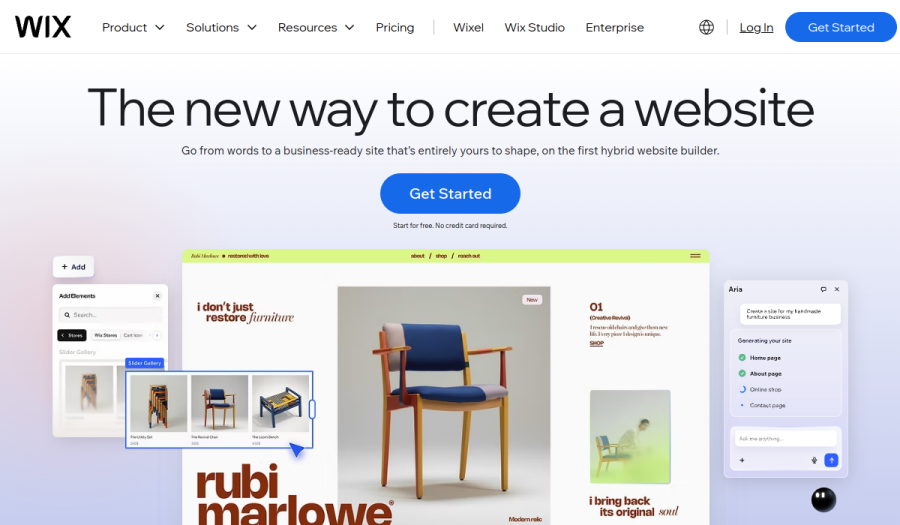
Wix is the flexible generalist - drag-and-drop anything, a huge app market, an AI generator, and a store - so it grows far past one page for a creator who wants freedom. It does nearly everything Carrd cannot, if not always elegantly.
The Wix trade is familiar: the free plan runs on a Wix subdomain with ads, and a clean custom-domain site needs a premium plan from about $17 a month.
Best forCreators who want maximum flexibility and a big app ecosystem.
Key features:
- Drag-and-drop freedom and an AI generator
- A store and a large app market
- Multi-page sites and templates for any niche
- A free tier to start
The real numberWix premium plans start around $17 a month for a clean custom-domain site, so the ad-free version is a mid-teens monthly cost rather than the free tier.
Pricingfree plan on a Wix subdomain with ads; premium from about $17 a month.
Pros:
- Very flexible, grows well past one page
- AI generation and a store built in
- A huge app market
Cons:
- Free plan carries Wix ads
- The ecosystem feels busy
- Can look generic without care
Skip it ifyou want the cleanest ownership or a minimal editor. Wix is capable but rarely quiet.
Verdict: Wix is a flexible way to grow past a one-pager if you like its ecosystem. If the ads and upsells wear on you, a cleaner builder helps - see our best Wix alternatives. Visit Wix
7. Linktree: Pure link-in-bio
Our rating: 7.6/10
Linktree is the link-in-bio default, and if all you actually want from Carrd is a tidy list of links from your social bios, Linktree does that one job with the least effort. It is fast, familiar, and free to start.
But Linktree is a link list, not a site - you do not own a real page, there is no multi-page growth, and its selling comes with a fee that stings: the free plan takes a 12% cut of anything you sell, per its published pricing.
Best forCreators who want a pure link-in-bio and nothing more.
Key features:
- The fastest link-in-bio setup
- A familiar format audiences recognize
- Basic selling and email collection on paid tiers
- A free plan
The real numberLinktree's free plan takes 12% of every sale, dropping to 9% on the $8-a-month Starter and $15 Pro plans in its fee table (the Pro plan card claims 0%) and 0% only on the $35-a-month Premium - so the cheaper you stay, the bigger the cut on what you sell.
PricingFree ($0, 12% sales fee); Starter about $8 a month, Pro about $15 (both 9%), Premium about $35 (0%).
Pros:
- The simplest link-in-bio
- Familiar and fast
- Free to start
Cons:
- A link list, not a site you own
- No multi-page growth
- A 12% cut on the free plan's sales
Skip it ifyou want a real page you own or you sell more than occasionally. Linktree is a bio link, not a business.
Verdict: Linktree is fine as a pure link-in-bio, and a poor place to sell because of the fee. If you want a real owned page instead of a link list, see our best Linktree alternatives. Visit Linktree
8. Beacons: Creator link-in-bio with a store
Our rating: 7.5/10
Beacons is the creator-focused link-in-bio: a bio page with a store, an email tool, and media-kit features aimed at influencers and content creators who monetize.
It does more than Linktree out of the box, which makes it a reasonable step up for a creator who sells small digital products from their bio.
It is still a bio-page platform rather than a full owned site, and its free tier, like most, takes a cut of sales that its paid plans reduce.
Best forContent creators who want a bio page with light selling and a media kit.
Key features:
- A bio page with a store and email tools
- Media-kit and creator monetization features
- Templates aimed at influencers
- A free tier
The real numberBeacons offers a free tier and paid plans from about $10 a month, with the free plan taking a percentage of sales that paid plans lower - useful for small bio-page sales, not a full store.
Pricingfree tier; paid plans from about $10 a month (confirm current fees at beacons.ai).
Pros:
- More built-in monetization than Linktree
- Media-kit features for creators
- A free tier
Cons:
- Still a bio page, not an owned site
- Sales fees on the free tier
- Less a real store than a builder's
Skip it ifyou want a full site you own or a proper store. Beacons is a monetizing bio page.
Verdict: Beacons is a fair pick for a creator monetizing from a bio page. When you want a real store on a site you own, a builder wins - see our best free product-selling software. Visit Beacons
9. Universe: Building a site on your phone
Our rating: 7.2/10
Universe is the outlier: a builder designed to make a real site entirely on your phone, with a block-based editor that works by touch and a simple store. For a creator who lives on mobile and wants to build and edit on the go, nothing else here is as thumb-friendly.
It is a niche strength. Universe is less powerful than a desktop builder and its ecosystem is smaller, so it is a mobile-first convenience pick rather than an all-rounder.
Best forMobile-first creators who want to build and edit a site from their phone.
Key features:
- A touch-based, mobile-first editor
- A block system that works on a phone
- A simple built-in store
- Custom domains on paid plans
The real numberUniverse runs from about $4 a month on its entry paid tier, a low price for a mobile-first builder - the trade is less power than a desktop tool.
Pricingfree tier; paid plans from about $4 a month (confirm current pricing at onuniverse.com).
Pros:
- The best phone-only building experience
- Cheap entry pricing
- A simple store
Cons:
- Less powerful than desktop builders
- A smaller ecosystem
- Niche by design
Skip it ifyou build on a computer or need real power. Universe is a mobile-first specialist.
Verdict: Universe is the pick if you genuinely want to build on your phone and keep it simple. For a full site you grow on a desktop, a builder like Framekit fits better. Visit Universe
What Carrd's One Page Actually Costs
In one lineCarrd's price is real and so is its ceiling - $19 a year buys the best single page in the business and nothing beyond it, so the true cost shows up as a rebuild the day you need a second page, a real store, or a gallery.
Carrd is genuinely the cheapest good option for one page, and that is exactly why the cost is easy to miss. Here is where it lands later.
The second page. Carrd is built around a single page, so the moment your work needs a real services page, a blog, or a portfolio section, you are either cramming it into one long scroll or rebuilding on a multi-page tool. The cheap page becomes a migration.
The store. Carrd can place PayPal and Stripe buttons on Pro Plus, which is fine for one product and thin for a real shop - no proper product pages, no cart, no digital delivery system. Selling more than a couple of things means bolting on another tool or moving.
The delivery. If you are a creator who hands work to clients, Carrd has no galleries, no proofing, no downloads - so client delivery lives somewhere else entirely, which is another subscription and another brand.
Run the test on your own plan. Add up what you would pay for Carrd plus whatever you bolt on to sell and to deliver - a store tool, a gallery tool.
If that stack is more than a single builder that does all three, the cheap page was the expensive choice. Our website builder renewal-price guide shows how those add-ons compound.
The Link-in-Bio Fee Trap
In one linethe free link-in-bio tools that feel like the cheapest way to sell are often the most expensive, because they take a percentage of every sale - Linktree's free plan keeps 12% - where a store you own keeps that money.
This one is worth doing the math on, because it is invisible until you sell. A link-in-bio's free plan looks free, and then it quietly taxes your sales.
The mechanism.
Linktree's free plan takes 12% of every product you sell through it, and its fee table charges 9% on the paid tiers until the $35-a-month Premium plan, per its published pricing, whatever the Pro plan card says.
Beacons and other bio tools use the same free-plus-percentage model. The cut is on top of payment processing, so a $25 sale can lose $3 to the platform before Stripe's fee.
The compounding. A percentage never stops. Sell $2,000 of downloads in a year on a Linktree free page and 12% is $240 gone; on a store you own at 5% it is $100, and at 0% on a flat plan it is nothing but processing. The gap grows with every sale you make.
The test. Take what you expect to sell in a year and multiply by the bio tool's rate (12% free, 9% paid). If that number is bigger than a year of a builder with a 5%-to-0% owned store, the free link-in-bio is the pricier way to sell.
See the full field in our best free product-selling software.
How to Choose a Carrd Alternative: A Decision Tree
Most people overthink this. Three questions in order, and the first fit is usually your answer.
Start here: will one clean page genuinely be enough, forever?
- Yes, one page is all I need. Stay on Carrd - at $19 a year it is the cheapest good single page, and nothing here beats it for that. Or use Linktree if you only want a link list. Stop here.
- No, I will need more than one page. Go to the next question.
Do you want to sell products or deliver client work from the site?
- Yes, a store or galleries matter. Choose Framekit - a full multi-page site with a store and client galleries, generated from a prompt, on your own domain. This is the pick for a growing creator.
- No, I just need a bigger brochure site. Go to the last question.
What matters most?
- Design polish and animation: Framer.
- A polished all-in-one I will pay yearly for: Squarespace.
- Maximum control and a CMS: Webflow.
- Simple multi-page with AI help: Dorik.
- Building it all on my phone: Universe.
Frequently Asked Questions
What is the best Carrd alternative in 2026?
The best Carrd alternative in 2026 is Framekit, because it generates a full, multi-page site you own from a prompt, with a store and client galleries built in, so a site that started as a one-pager can grow into a whole creative business without a rebuild.
The honest trade-off is price at the very low end: for a single static page on a custom domain, Carrd at about $19 a year is cheaper and simpler than any monthly plan.
Framekit wins the moment you need a second page, a real store, or galleries.
Is there a cheaper alternative to Carrd?
Not really for a single custom-domain page - Carrd's roughly $19 a year is about as cheap as a real page gets, because it bills annually and does one thing.
Free tiers on Framekit, Framer, Wix, and Universe cost nothing but put you on a subdomain until you upgrade, and their paid plans are monthly, so over a year they cost more than Carrd for one page.
The honest answer: if one page is all you need, Carrd is the cheapest; if you need more, the extra cost buys room to grow.
Why do people outgrow Carrd?
People outgrow Carrd because it is built for one page and a creative business rarely stays one page.
The common walls are a second page for services or a portfolio, a real store instead of a single PayPal button, and client delivery Carrd cannot do at all.
Carrd is excellent at what it does; it just does not follow you when your needs grow past a single scroll, which is when a multi-page builder earns its higher price.
Can I sell products on a Carrd alternative?
Yes, and how well varies a lot.
Framekit includes product pages, a direct buy link per product and instant digital delivery, Squarespace and Wix include fuller stores with carts, while link-in-bio tools like Linktree and Beacons sell but take a cut - Linktree's free plan keeps 12%.
Carrd itself only places PayPal or Stripe buttons on its top tier, which suits one product, not a shop. If selling is central, choose a builder with a real store rather than a page with a payment button.
See our best free product-selling software.
Carrd vs Linktree: which is better?
They do different jobs. Carrd builds an actual single-page website on your own domain, so it is better when you want a real page with sections, a form, and a custom look.
Linktree builds a link list from your social bios, so it is better when you only want a tidy set of links and do not care about owning a page.
For selling, both are weak - Carrd offers only payment buttons, and Linktree takes 12% of sales on its free plan - so a creator who sells should look at a builder with a real store instead.
Do Carrd alternatives include a custom domain?
Most include a custom domain on a paid plan, not the free tier. Carrd itself unlocks a custom domain on Pro Standard at about $19 a year; Framekit on the $9 Starter plan; Squarespace, Webflow, Wix, and Framer on their respective paid plans.
Free tiers put you on the platform's subdomain with light branding. The custom domain is what makes the site read as yours rather than the platform's, so budget for at least the entry paid plan of whichever tool you pick.
Which Carrd alternative is easiest for beginners?
For a true beginner, an AI builder like Framekit or Dorik is easiest, because you describe the site and get a finished draft to edit rather than building every block yourself.
Squarespace is close behind with its forgiving, template-first editor. Carrd is simple too, but its simplicity comes from doing only one page - the moment you want more, that simplicity becomes a limit.
If you want easy and room to grow, an AI builder gives you both.
Are Carrd alternatives free?
Several have genuine free plans - Framekit, Framer, Wix, Dorik, Linktree, Beacons, and Universe all let you start free - but each puts the free site on a subdomain and holds the custom domain and full features behind a paid plan.
Carrd has a free plan too, for up to three sites on a .carrd.co subdomain with a small badge.
The honest way to compare is by the plan you will actually run: a custom domain and any store features usually mean the entry paid tier, so price that, not the free teaser.
What is the best free way to make a one-page site?
The best free one-page site depends on whether you will grow: Carrd's free plan is the cleanest pure one-pager, Framer's free plan gives the most design polish, and Framekit's free plan gives you a full multi-page site and store on a subdomain so you never hit a one-page ceiling.
All three cost nothing to start and put you on a subdomain until you connect a custom domain on a paid plan.
If you are fairly sure you will want more than one page, start on a builder that grows rather than a one-pager you will migrate off. See our guide to a free portfolio website.
Framekit vs Carrd: when is Carrd's $19 a year the better buy?
When one clean page really is all you will ever need. If you will never add a second page, a store or client galleries, Carrd is cheaper, simpler and we will not pretend otherwise.
Framekit earns the difference when the page has to sell something or grow: a $25 download sold from a Framekit store nets about $23.75 on the free plan at a 5 percent fee, and the full $25 minus processing on the $39 Business plan at 0 percent.
Sold through a free link-in-bio page taking 12 percent, the same download leaves you about $22, so the store you own keeps more from the very first sale.
Final Verdict: The Best Carrd Alternative in 2026
Across the nine tools' published plans, the split is simple: the cheap one-page and link-in-bio tools win on price and cap you at one thing, and the builders cost more and grow with you.
Framekit is the best Carrd alternative in 2026 for a creator who has outgrown, or expects to outgrow, a single page - a full multi-page site generated from a prompt, with a digital-download store and client galleries built in, on your own domain from Starter, that never makes you rebuild.
Who should not use Framekit: if one clean page is genuinely all you will ever need, Carrd at about $19 a year is cheaper and simpler, and we will not pretend a monthly plan beats it for that.
And if you only want a link list from your bios, Linktree does that one job - just do not sell through its free plan and its 12% cut.
Framer is the design-forward pick, Squarespace the polished all-in-one, Webflow the control pick, and Linktree the pure link-in-bio. But if you want a site that starts simple and grows into a business you own, build it on something that can grow.
For more, read our best easy-to-use AI website builders, the best Linktree alternatives, our best Framer alternatives, and if you want a free start, how to make a free portfolio website.
And if a one-page site is what you are comparing, see our best Strikingly alternatives.
Two related comparisons: the best one-page website builders ranks the wider field, and Carrd vs Linktree takes the most common head-to-head.
For the head-to-head against the design-led option, including the bandwidth ceiling that decides it for image-heavy sites, see Framer vs Carrd.