Framekit templates
Start from a designer-made template
 Use template
 Use template
 Use template
 Use template
 Use template
 Use template
 Use template
 Use template
You wanted a website, and somewhere along the way you became an IT department.
WordPress gave you a powerful platform, and with it a plugin that broke after an update, a login page probing for weak passwords, a backup you are not totally sure is running, and a load time that a caching plugin only half-fixed.
Maybe you paid a developer to sort it out, and maybe the same thing happened three months later. For a developer who enjoys the control, that is a fair trade.
For a creator who just wants a professional site that works, it is a part-time job you did not apply for. A WordPress alternative is what gets you the owned site without the second career maintaining it.
WordPress runs a huge share of the web because it can do anything, and doing anything means you assemble and maintain the pieces yourself. That is power for some and a burden for most creators.
The site is supposed to work for you, not the other way around.
A WordPress alternative is a website builder you use instead of self-hosted WordPress to run a site without managing the hosting, updates, security, and plugins yourself - a hosted platform that maintains the plumbing so you can focus on the work.
This guide compares the best WordPress alternatives for creators who want owned and low-maintenance at once.
Recently updated, 12 October 2026: this guide no longer says we rebuilt a site on every tool, because it is a comparison of published plans and upkeep, and the Framekit free-plan line now says your own domain starts on Starter; WordPress.com's plugins are now shown from its $4 Personal plan, where its pricing page puts them.
The best WordPress alternative in 2026 for creators is Framekit, because it gives you an owned, fully-maintained site from a prompt - no hosting, updates, security, or plugins to manage - with a portfolio, client galleries, and a store built in.
The honest trade-off: WordPress wins on raw flexibility and its plugin ecosystem, so if you are a developer or need a highly custom, extensible platform, WordPress or Webflow is the more powerful choice.
Best polished all-in-one: Squarespace. Easiest way to stay in the WordPress world: WordPress.com.
Framekit gives you a maintained, owned site from a prompt, and the free plan needs no credit card.
Full disclosure: Framekit, ranked #1 below, is our own product, so we have a stake in this. We compared each tool from its own pricing page and help docs, confirmed every price in July 2026, did not rebuild a site on any of them, and we say plainly where WordPress wins: for maximum flexibility, a plugin for everything, and total control, self-hosted WordPress goes further than any hosted builder, and we do not pretend otherwise. Read the ranking knowing that.
How We Compared These WordPress Alternatives
People leave WordPress for one of two reasons - the maintenance burden or the technical learning curve - and the best alternative depends on how much control you are willing to trade for a site that maintains itself.
We rated each tool, from what it publishes, on the five things a creator leaving WordPress actually cares about, one section each below.
Ease and maintenance. How much you have to manage - hosting, updates, security, backups - versus how much the platform handles for you.
Ownership. Whether the site and content are yours on your own domain, the thing WordPress does get right.
Design and flexibility. How good and how customizable the result is without writing code or wiring plugins.
Built-in features. Whether a portfolio, store, blog, or galleries come included, or need plugins.
Real cost. The full cost - plan or hosting plus plugins and maintenance - not just the entry price.
We priced the same brief on each: a portfolio, a blog, and one $30 product for sale. The creator we follow through this guide inherited a slow, plugin-heavy WordPress site and wants a professional site that works without the upkeep.
Two kinds of finding, kept separate. Read at the source: each price and plan, taken from every platform's own pricing in July 2026 and linked inline.
Our judgement, labelled as such: how much setup and upkeep each platform's documented workflow leaves with you, since none of these sites was built for this guide.
What Comparing 7 WordPress Alternatives Showed
By the numbers, checked against each platform's July 2026 pricing.
- Self-hosted WordPress software is free, but a real site means hosting from about $5 to $30 a month, plus a domain, often paid plugins and a theme, and the maintenance is yours, per the WordPress.org project.
- 6 of 7 are fully hosted, so updates, security, and backups are handled for you rather than your responsibility.
- 1 of 7 drafts the whole site from a prompt and includes a portfolio, galleries, and a store without a single plugin (Framekit).
- Self-hosting puts plugin conflicts, security patching and performance tuning on the site owner, and those are exactly the jobs a hosted builder takes over.
- The real WordPress cost is rarely the software - it is the hosting, the paid plugins, and the hours or developer fees the upkeep takes.
For the pick that matches how technical you want to be, jump to the decision tree. First, the full comparison.
The 7 Best WordPress Alternatives in 2026: Full Comparison
How the ratings work: each tool is scored on the five criteria above, weighted for a creator leaving WordPress - ease and maintenance 25%, ownership 20%, design and flexibility 20%, built-in features 20%, real cost 15%.
Ease and maintenance is weighted highest because escaping the upkeep is the number-one reason creators leave WordPress.
So Framekit's 9.1 is not a clean sweep - it takes a 10 on ease and features but only a 7 on flexibility, because WordPress's plugin ecosystem genuinely extends further than any hosted builder.
No tool won every column, and the one that beats Framekit on flexibility is WordPress itself.
| Tool | Best For | Free Plan | Starting Price | Our Rating |
|---|---|---|---|---|
| Framekit | An owned site that maintains itself | Yes | $9/mo | 9.1/10 |
| Squarespace | A polished all-in-one | Trial | $19/mo | 8.6/10 |
| Webflow | Deep design control, no plugins | Trial | $15/mo | 8.3/10 |
| Framer | A design-forward site | Yes | $10/mo | 8.2/10 |
| Wix | Flexible drag-and-drop | Yes | $17/mo | 8.1/10 |
| WordPress.com | Staying in the WordPress world | Yes | $4/mo | 7.8/10 |
| Carrd | A cheap single page | Yes | $19/yr | 7.4/10 |
Prices taken from each platform's own pages in July 2026; confirm the latest before buying.
Self-hosted vs. maintained at a glance
The reason to leave self-hosted WordPress is almost always to stop maintaining it - here is which tools hand the plumbing to the platform.
| Tool | You maintain it | Hosting included | Plugins needed | Own your domain |
|---|---|---|---|---|
| Framekit | No | Yes | None | Yes (paid plan) |
| WordPress (.org) | Yes, fully | No, you arrange it | Yes, many | Yes |
| Squarespace | No | Yes | No | Yes |
| Webflow | No | Yes | No | Yes |
| WordPress.com | Mostly no | Yes | Fewer, plan-based | Yes |
See a full site drafted from one prompt. The free plan gives you a portfolio, a blog, galleries, and a store on a framekit.ai address, fully maintained, and Starter adds your own domain - the WordPress result without the WordPress upkeep.
1. Framekit: Best Overall

Our rating: 9.1/10
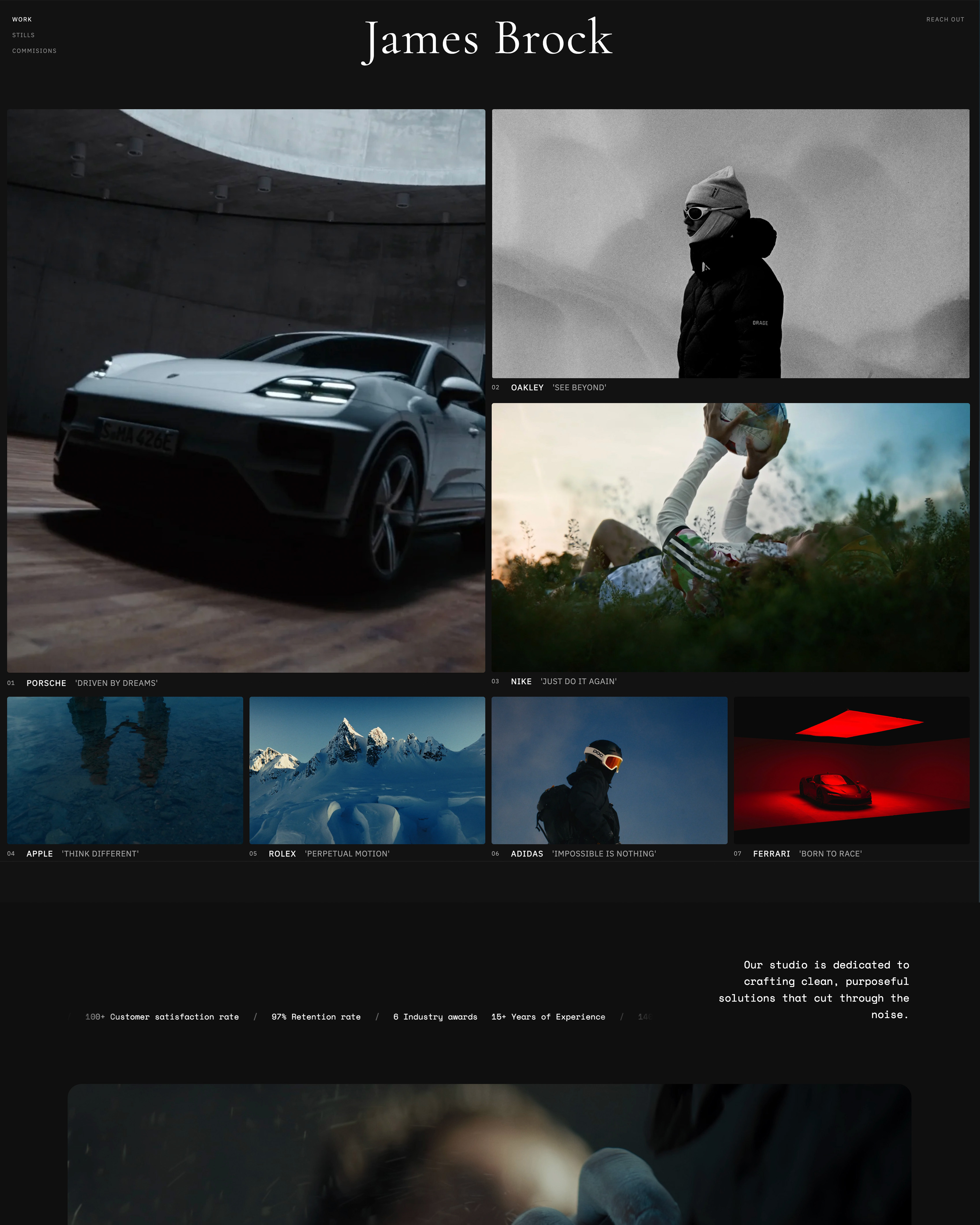
Framekit is an AI website builder that gives you an owned, maintained site from a prompt - no hosting, plugins, or updates to manage - where WordPress hands you a powerful platform you run yourself.
You describe the site, Framekit drafts it, and the hosting, security, backups, and updates are simply handled, so the thing that made WordPress a part-time job disappears.
The contrast shows in the setup each one asks of you.
A self-hosted WordPress site exists after you choose a host, install a theme, wire several plugins, and set up backups; a Framekit site exists after you describe it, with hosting, SSL and updates handled, and galleries and a store in the same account.
You give up WordPress's infinite extensibility and get your evenings back.
Best forCreators who want a professional, owned site with a portfolio, galleries, and a store, and never want to touch hosting or plugins.
Key features:
- Drafts a full site - portfolio, blog, galleries, store - from a prompt, fully hosted and maintained
- No hosting, updates, security patching, or plugins to manage, ever
- Client galleries and a digital store built in, no add-ons
- Your own domain, with the platform handling the plumbing
- Sites are generated by Cadence, Framekit's model for creative work, with a faster option called Score
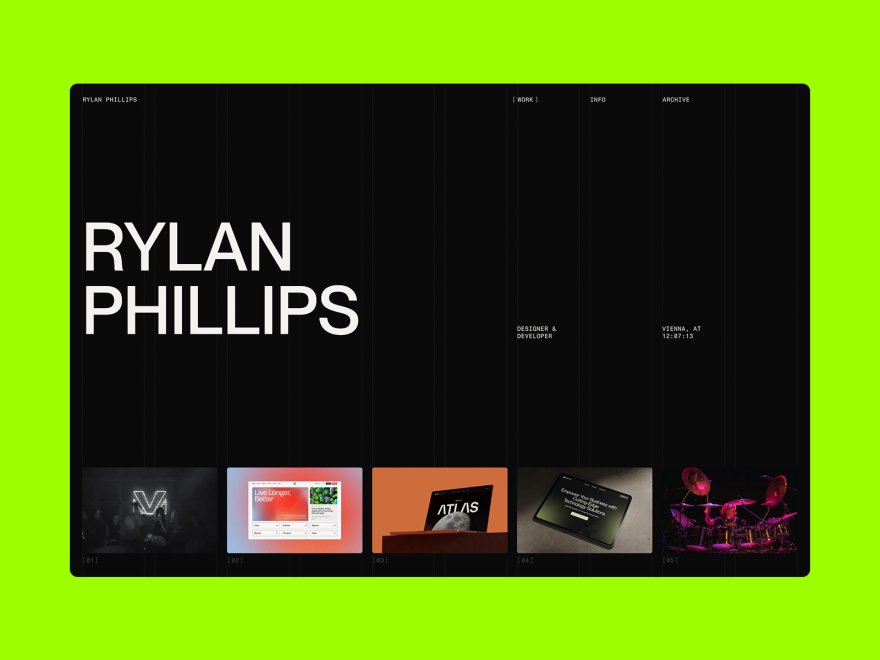
The difference from WordPress is who does the upkeep.
WordPress gives you total control and makes the maintenance, security, and performance your job; Framekit takes those off your plate entirely and drafts the site for you, in exchange for the deep extensibility a creator rarely uses.
For most creators, that is the trade they wanted the day the plugin broke.
The real numbera WordPress site's true cost is hosting (about $5 to $30 a month) plus paid plugins plus the hours or developer fees the upkeep takes; Framekit is a flat $9 a month on Starter for a maintained site with a custom domain, and a store fee that starts at 5% and drops to 0%.
The flat, all-in price is the point - no surprise plugin renewals or emergency developer bills.
Pricing:
- Free: $0 (Framekit subdomain, 10GB shared storage, 5% product fee)
- Starter: $9 per month, or $7 billed yearly (custom domain, no website badge, 50GB, 5% fee)
- Pro: $19 per month (300GB, 3% fee)
- Business: $39 per month (2TB, 0% product fee)
Pros:
- A full, owned site drafted from a prompt, fully maintained
- No hosting, plugins, or updates to manage
- Portfolio, galleries, and a store built in, at a flat price
Cons:
- Far less flexible and extensible than WordPress's plugin ecosystem
- No plugin marketplace for niche, custom functionality
- A custom domain starts on the $9 Starter plan
Skip it ifyou are a developer, or you need a highly custom, extensible platform with a plugin for every niche need. WordPress or Webflow will take you further there, and we will not pretend a maintained builder matches WordPress's ceiling.
Framekit is for creators who want the result, not the plumbing.
Verdict: Framekit is the best pick for a creator who wants an owned, professional site that maintains itself - portfolio, galleries, and a store included - and never wants to be a sysadmin again. You trade WordPress's extensibility for a site that just works. See whether you should code your portfolio or use a builder, or start free at framekit.ai.
2. Squarespace: A polished all-in-one

Our rating: 8.6/10
Squarespace is where a lot of ex-WordPress users land when they decide they want finished and maintained over powerful and fiddly - tasteful templates, a store, a blog, and email under one hosted subscription, with none of the plugins, updates, or security to manage.
It does most of what a creator used WordPress for, without the upkeep.
The trade is control and a yearly commitment: Squarespace is template-level rather than infinitely extensible, and there is no permanent free plan, only a trial, per its published pricing.
For a creator who wants to stop maintaining a site, that trade is usually worth it.
Best forCreators who want a polished, maintained all-in-one and will pay annually.
The real numberSquarespace runs from about $19 a month (Basic) to $99 (Advanced) on annual billing, fully hosted with the store included - a flat, maintained cost versus WordPress's hosting-plus-plugins stack.
PricingBasic about $19 a month, Core about $29, Plus about $49, Advanced about $99 (annual); trial only.
Pros:
- Polished, fully maintained, all-in-one
- A store, blog, and email included
- No plugins or updates to manage
Cons:
- Template-level, not WordPress-extensible
- No free plan
- Recognizable templates
Verdict: Squarespace is the pick for an ex-WordPress user who wants finished and maintained over powerful and fiddly. If you want that on a site an AI drafts and you own, that is Framekit's lane. See our best Squarespace alternatives for creatives. Visit Squarespace
3. Webflow: Deep design control, no plugins
Our rating: 8.3/10
Webflow is the pick for a WordPress leaver who wants the control without the plugins - near-code design power and a real CMS, fully hosted, so you get WordPress-level flexibility over design and content without maintaining a server or wiring extensions.
For a designer who found WordPress powerful but fragile, Webflow is the controlled, maintained version.
The cost is the steepest learning curve here, and selling means a separate Ecommerce plan, per its published pricing. It rewards the time you invest.
Best forDesigners who want WordPress-level control without the maintenance and will learn the tool.
The real numberWebflow's Basic plan is about $15 a month and Premium about $25 on annual billing, fully hosted - real control without the server, at a real learning cost.
PricingBasic about $15 a month, Premium about $25 (annual), plus Ecommerce to sell.
Pros:
- WordPress-level design and CMS control, fully hosted
- No plugins, servers, or updates to manage
- Clean output
Cons:
- The steepest learning curve here
- Selling needs a separate plan
- Overkill for a simple site
Verdict: Webflow is the control pick for a WordPress leaver who wants power without the plumbing. If you want capability without the curve, an AI builder is faster - see our best Webflow alternatives. Visit Webflow
4. Framer: A design-forward site
Our rating: 8.2/10
Framer is the pick for a WordPress leaver who wants a distinctly designed, animated site without a theme marketplace or a page-builder plugin - a hosted design canvas with polish and a good free tier.
For a creator who wants the site to look designed and never wants to touch a plugin, it is a clean escape.
It is a design tool with a learning curve, gentler than WordPress-plus-a-page-builder but real, and AI metered in credits, per its published pricing.
Best forCreators who want a design-forward, maintained site.
The real numberFramer's Basic plan is about $10 a month for a custom domain, fully hosted, a single-plan price for real design polish without any maintenance.
Pricingfree plan on a framer.website subdomain; Basic about $10 a month, Pro about $30 (annual).
Pros:
- Modern, animated design, fully hosted
- No plugins or updates to manage
- A usable free tier
Cons:
- A design-tool learning curve, AI in credits
- A lighter CMS than WordPress
- Basic native selling
Verdict: Framer is the pick when you want a designed, maintained site with no plugins. If you want that drafted for you with a store, an AI builder fits - see our best Framer alternatives. Visit Framer
5. Wix: Flexible drag-and-drop
Our rating: 8.1/10
Wix is the flexible, fully-hosted generalist - drag-and-drop anything, a big app market, an AI generator, and a store - so a WordPress leaver who wants freedom without a server gets close to WordPress's do-anything feel, maintained for them.
Its app market even scratches the plugin itch, without the security burden.
Wix carries its familiar caveats: the free tier runs on a Wix subdomain with ads, and a clean site on your own domain needs a premium plan from about $17 a month.
Best forCreators who want maximum flexibility without maintaining a server.
The real numberWix premium plans start around $17 a month for a clean, hosted, custom-domain site, so the usable version is a mid-teens monthly cost with the maintenance handled.
Pricingfree plan on a Wix subdomain with ads; premium from about $17 a month.
Pros:
- Very flexible, fully hosted, with an app market
- An AI generator and a store
- A free tier to try
Cons:
- Free plan carries ads
- The app-and-upsell ecosystem can feel busy
- Can look generic without care
Verdict: Wix is a flexible, maintained way to get WordPress's do-anything feel without the server. If the ads and upsells wear on you, a cleaner builder helps - see our best Wix alternatives. Visit Wix
6. WordPress.com: Staying in the WordPress world

Our rating: 7.8/10
WordPress.com is the option for a leaver who likes WordPress but hates hosting it - the hosted, managed version run by Automattic, where updates, security, and backups are handled for you while you keep much of the familiar WordPress editor and ecosystem.
It is the smallest jump: same world, less maintenance.
The catch is that the lower plans are small on storage, and although WordPress.com's pricing FAQ, re-read on 12 October 2026, now allows plugins on every paid plan from Personal, every plugin you add is one more thing to keep updated, so the more WordPress-like freedom you take, the closer you drift back to managing things.
Best forCreators who want to stay in the WordPress ecosystem with the hosting handled.
The real numberWordPress.com has a free plan and paid plans from about $4 a month, and plugin installation comes with every paid plan, while Business at roughly $25 a month adds 50GB of storage and real-time backups, so full WordPress freedom is a low-to-mid-range hosted cost.
Pricingfree plan; paid from about $4 a month with plugins, and Business around $25 a month for 50GB and real-time backups.
Pros:
- Managed hosting, updates, and security
- Familiar WordPress editor and ecosystem
- The smallest jump from self-hosted
Cons:
- Lower plans are limited
- Storage is small below the $25 Business plan
- Still more to manage than a pure builder
Verdict: WordPress.com is the pick if you like WordPress and only want to escape the hosting. If you want a clean break from the whole ecosystem's upkeep, a builder goes further - see our best easy-to-use AI website builders. Visit WordPress.com
7. Carrd: A cheap single page
Our rating: 7.4/10
Carrd is the honest pick for a WordPress user who realizes their whole site could be one page - if a WordPress install with a theme and plugins was always overkill for a single landing page or link-in-bio, Carrd does that page for about $19 a year, fully hosted, with nothing to maintain.
It is the maximal downgrade in the best sense.
Its limit is the point: one page, no real CMS or store, so it is a landing page rather than a site that grows.
Best forEx-WordPress users whose real need is a single clean page.
The real numberCarrd's Pro Standard is about $19 a year for a custom-domain single page, fully hosted - a fraction of a WordPress stack, for those who never needed the stack.
Pricingfree tier; Pro plans from about $19 a year, billed annually.
Pros:
- By far the cheapest option
- Fully hosted, nothing to maintain
- Simple and fast
Cons:
- One page, no real CMS
- No proper store
- Not built to grow
Verdict: Carrd is the pick if WordPress was always overkill and one page is all you need. The moment you want more, you have outgrown it - see our best Carrd alternatives. Visit Carrd
What Running WordPress Actually Costs
In one lineWordPress software is free, and running it is not - hosting, paid plugins, a theme, and the hours or developer fees maintenance takes add up to a real, unpredictable cost that a flat hosted plan replaces with one number.
The word free does a lot of quiet work in WordPress, because the license is free and almost nothing else is. Here is where the money and the time actually go.
The hosting and plugins. A real WordPress site needs hosting (about $5 to $30 a month), usually a paid theme, and several plugins, some on their own annual subscriptions - for a store, forms, security, backups, SEO, caching.
Each is a renewal and a potential conflict, and together they often cost more per year than a flat all-in-one plan.
The maintenance time. This is the bigger cost and it is not on any invoice.
Updating plugins, testing that an update did not break the site, patching security, and tuning performance is ongoing work, and when it goes wrong it is a developer bill or a lost weekend. It is the part of the job a hosted builder removes.
The risk. A neglected WordPress site is a security target, and a hacked or broken site is downtime at the worst possible moment. A maintained builder makes that the platform's problem, not yours.
Run the test on your own site: add your hosting, every paid plugin and theme renewal, and a fair value for the hours you spend maintaining it, per year.
If that total beats a flat builder plan that includes hosting, security, and updates, the free software was the expensive choice.
Our website builder renewal-price guide covers the flat-plan side.
How to Choose a WordPress Alternative: A Decision Tree
Two questions, asked in order, and the first that fits you is your answer.
Start here: are you a developer, or do you need a highly custom, extensible platform with plugins for niche needs?
- Yes, I want maximum control and extensibility. Stay on WordPress, or move to Webflow for near-code control without the server maintenance. The ceiling is the point for you. Stop here.
- No, I want a professional site that maintains itself. Go to the next question.
Do you want the site drafted for you, with a portfolio, galleries, and a store included?
- Yes, drafted and all-in-one. Choose Framekit - it drafts the whole site from a prompt, includes galleries and a store, and never needs a plugin or an update, on your own domain.
- No, I want to build from a template or stay near WordPress. Choose Squarespace for a polished all-in-one, WordPress.com to keep the ecosystem with hosting handled, or Carrd if one page is all you need.
Frequently Asked Questions
What is the best WordPress alternative in 2026?
The best WordPress alternative in 2026 for creators is Framekit, because it gives you an owned, fully-maintained site from a prompt - no hosting, updates, security, or plugins to manage - with a portfolio, client galleries, and a store built in.
The honest trade-off is flexibility: self-hosted WordPress and its plugin ecosystem extend further than any hosted builder, so a developer or anyone needing a highly custom, extensible platform is better served by WordPress or Webflow.
For a polished all-in-one, Squarespace is the strongest alternative; to stay in the WordPress world with hosting handled, WordPress.com.
Why do people leave WordPress?
People leave self-hosted WordPress mainly for the maintenance and the technical burden: managing hosting, applying updates that sometimes break the site, patching security, running backups, and untangling plugin conflicts.
It is genuinely powerful, which is why developers stay, but for a non-developer creator it becomes a part-time job. The other common reason is cost creep - hosting plus paid plugins and themes and occasional developer fees add up.
Most leavers want the same owned site without the upkeep, which is what a hosted builder provides.
Is there an easier alternative to WordPress?
Yes - almost every hosted builder is easier than self-hosted WordPress because it handles the hosting, updates, security, and backups for you.
Framekit is the easiest for a full site, since it drafts the whole thing from a prompt and includes a portfolio, galleries, and a store with no plugins; Squarespace is close behind with template-first editing.
WordPress.com is the easier, managed version of WordPress itself if you want to stay in that ecosystem. The trade for easier is less low-level control, which most creators happily make.
Is WordPress or Framekit better?
For a creator who wants a professional, owned site without maintenance, Framekit is better, because it drafts the site from a prompt and handles all the hosting, updates, and security, with galleries and a store built in.
For a developer or anyone who needs maximum flexibility and a plugin for every niche need, WordPress is better, because its extensibility goes further than any hosted builder.
The split is control versus convenience: WordPress gives you everything and makes you maintain it; Framekit gives you a maintained, drafted site and gives up the deepest extensibility. Most creators want the second.
How much does WordPress really cost versus an alternative?
WordPress software is free, but a running site typically costs $5 to $30 a month for hosting, plus a domain, often a paid theme and several plugins on annual subscriptions, plus the maintenance time or developer fees - an unpredictable total that frequently exceeds a flat builder plan.
Alternatives like Framekit ($9 a month), Squarespace ($19 a month), or Webflow ($15 a month) are flat, hosted, and include the maintenance, so the cost is one predictable number.
Add up your real WordPress hosting, plugins, and upkeep for a year, and a maintained builder is often cheaper as well as easier.
Can I move my WordPress site to a builder?
You can move the content but not one-to-one. Text and images transfer, but WordPress themes and plugins do not port to a builder, so moving means rebuilding the pages in the new tool and pointing your domain at it.
This is faster than it sounds on an AI builder like Framekit, which drafts a site from a prompt or a screenshot, so you recreate the look quickly and drop in your content - and you gain a maintained site with galleries and a store instead of a plugin stack.
Export your WordPress content first, then rebuild on the new platform.
Is Webflow or Squarespace a better WordPress alternative?
It depends on how much control you want. Webflow is the better WordPress alternative for designers who want near-code control and a real CMS without maintaining a server, at the cost of a steep learning curve.
Squarespace is the better alternative for creators who want a polished, all-in-one site with little effort and no learning curve.
Both are fully hosted, so both escape WordPress's maintenance; the choice is control-with-a-curve (Webflow) versus finished-and-easy (Squarespace).
For a site drafted for you with galleries and a store included, an AI builder like Framekit sits between them on effort and ahead on built-in features.
Do I still own my site if I leave WordPress for a builder?
Yes, on the things that matter. With a hosted builder you use your own custom domain and keep your content, which you can export, so the site reads as yours and is portable in the ways most creators need.
WordPress offers deeper ownership - you control the database and files and can move hosts freely - which is real for developers but rarely used by creators, and it comes with the maintenance as the price.
For most creators, a custom domain plus exportable content on a maintained builder is the ownership they actually want, without the upkeep WordPress attaches to the rest.
Final Verdict: The Best WordPress Alternative in 2026
Set side by side on their plans and upkeep, the seven show a clear pattern: leaving WordPress is about trading extensibility you probably do not use for a site that maintains itself, and the hosted builders deliver that with different balances of ease and control.
Framekit is the best WordPress alternative in 2026 for a creator who wants an owned, professional site that just works - drafted from a prompt, with a portfolio, galleries, and a store included, and no hosting, plugins, or updates to ever manage.
Where Framekit loses: if you are a developer or need a highly custom, extensible platform, WordPress and its plugin ecosystem go further than any hosted builder, and Webflow gives you near-code control - we will not pretend a maintained builder matches WordPress's ceiling.
For maximum flexibility, WordPress is still the tool.
Squarespace is the polished all-in-one, Webflow the control pick, WordPress.com the stay-in-the-ecosystem option, and Carrd the cheap one-pager. But if you want an owned site with a portfolio, galleries, and a store that maintains itself, draft it and forget the plumbing.
For more, read our best Webflow alternatives, the best easy-to-use AI website builders, our guide to whether you should code your portfolio or use a builder, and the best website builders for creative professionals.
For the direct comparison against the other obvious candidate, including which plan each one hides its real entry price behind, see WordPress vs Squarespace.
The design-led alternative most people weigh it against is covered in Webflow vs WordPress, including what each platform's 25-dollar tier actually unlocks.