Framekit templates
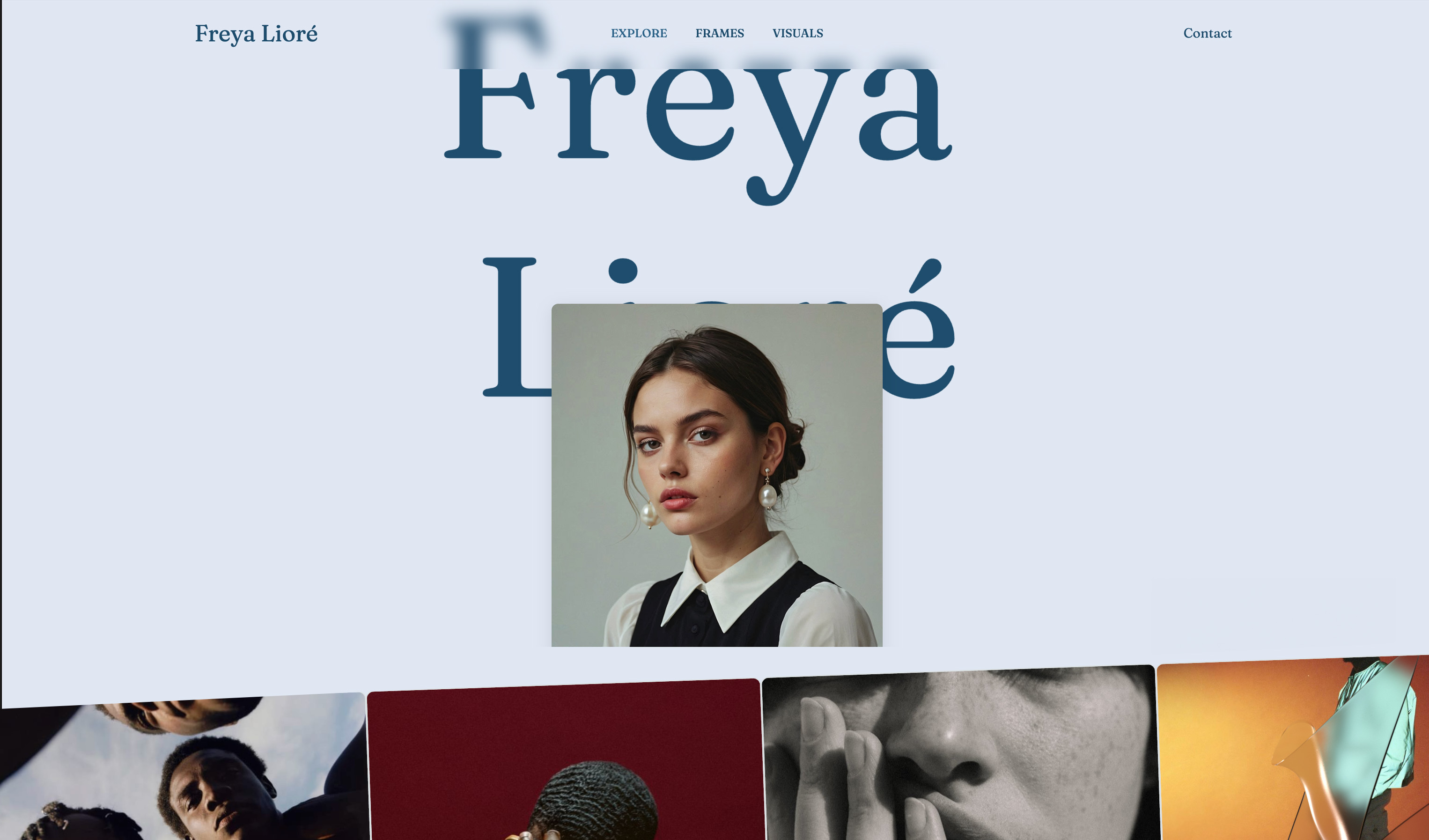
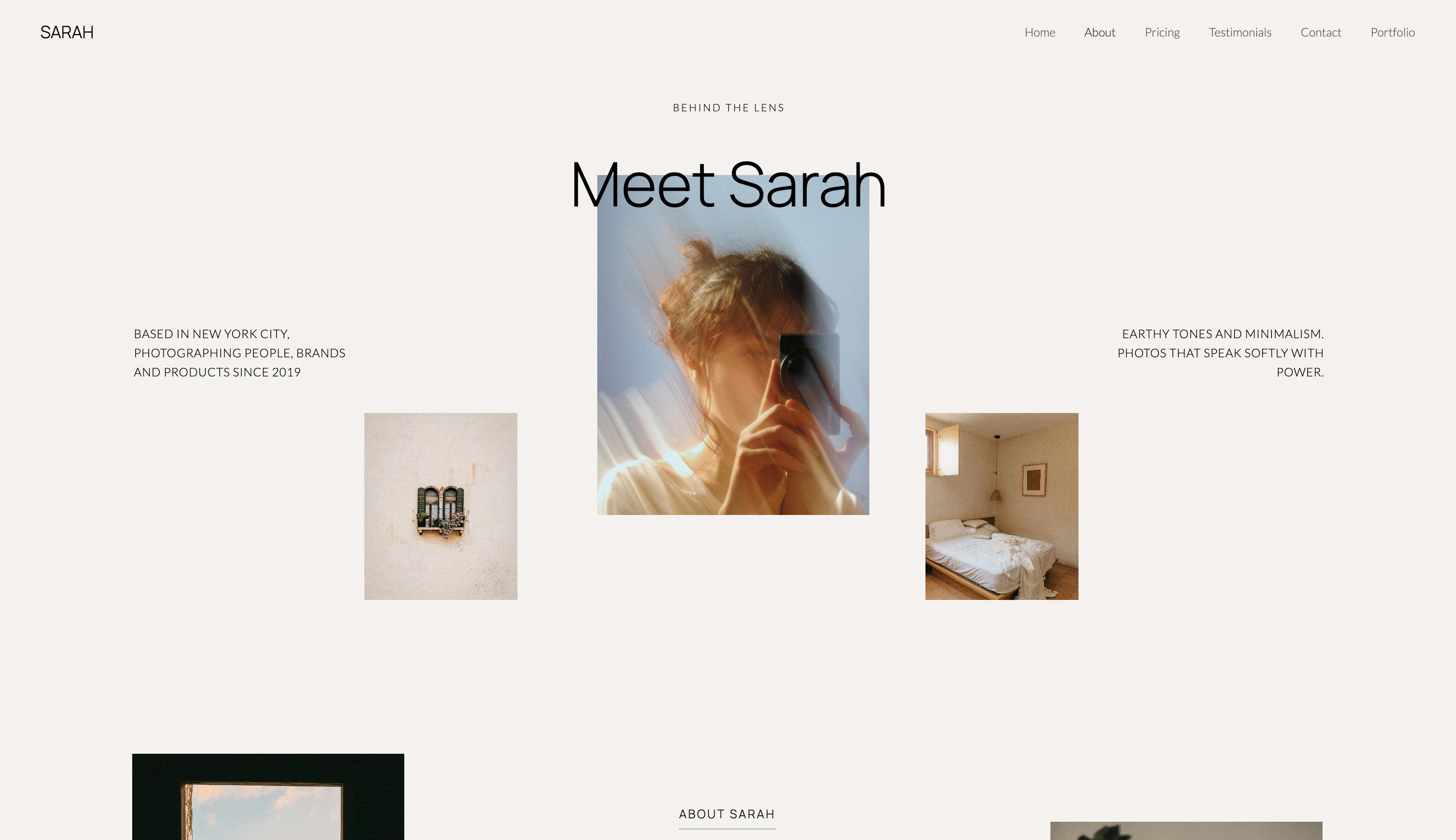
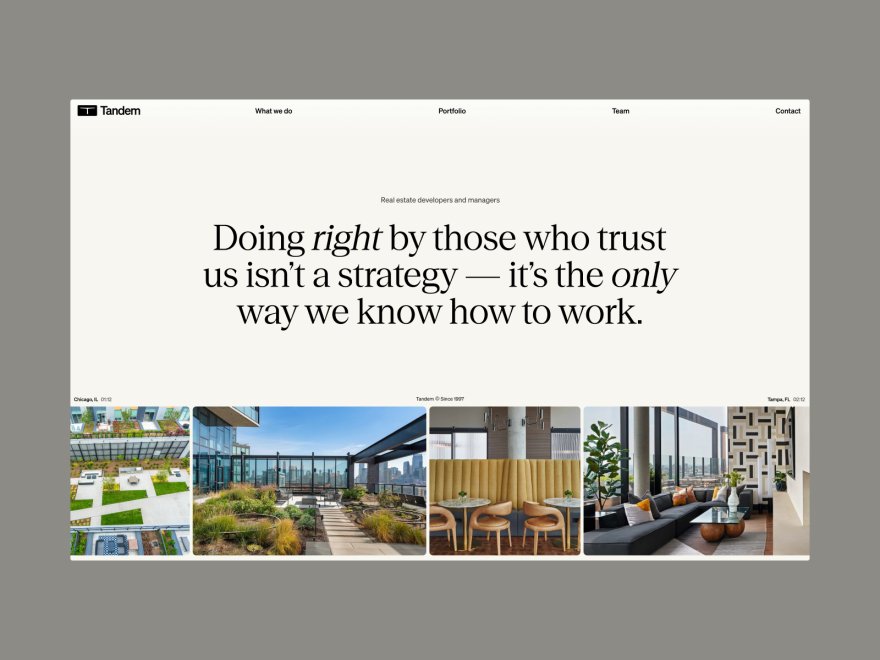
Start from a designer-made template
 Use template
 Use template
 Use template
 Use template
 Use template
 Use template
 Use template
 Use template
You picked Carbonmade years ago because it was friendly. The mascot, the playful copy, the no-fuss setup. It got your work online without a fight.
Then you opened your portfolio on a recruiter's phone last week and the layout felt dated, the type was generic, and the page took its time to load. The work is better than the website now.
This guide ranks the best Carbonmade alternatives worth moving to.
That is the quiet problem with Carbonmade in 2026. It is still a pleasant, simple way to put a designer's portfolio online, and the team relaunched it with a cleaner editor.
But the design templates have not kept pace with what a modern portfolio looks like, there is no real AI to do the layout thinking for you, and performance trails the builders that took speed seriously.
For a creative whose website is the pitch, "pleasant and simple" is no longer enough.
This guide tests 7 Carbonmade alternatives on the things that actually decide whether your portfolio wins work: design quality, mobile speed, how much the tool does for you, and real cost over time.
A portfolio website builder is a tool that hosts your public body of work and a contact path for clients, so the only fair test is whether the result looks like professional design and loads fast when someone important opens it.
The best Carbonmade alternative in 2026 is Framekit, an AI website builder trained by senior designers that produces portfolios with real layout and hierarchy instead of template filler.
Squarespace is the strongest runner-up for template-led design, and Adobe Portfolio is the budget pick for Creative Cloud subscribers. Start free at framekit.ai.
Full disclosure: Framekit, ranked #1 below, is our own product. We link to every alternative and state where each beats us: Adobe Portfolio costs nothing extra if Creative Cloud is already on your card, Behance brings an audience a new site does not have, Format adds proofing, and Webflow gives manual control an AI draft does not.
How We Compared These Tools
So that the ranking can be argued with properly, here is the basis for each claim and the parts we did not examine. Seven platforms were compared on the same brief: a creative portfolio with project pages and a contact route.
- Verified from primary sources: every figure comes from the vendor's published pricing page as read in September 2026, with the ongoing rate quoted rather than a first-year offer.
- Assessed hands-on: how current the default portfolio looks, the editing experience, and how each one handles a project page with many images.
- Not assessed: enterprise tiers, anything behind a sales call, and Behance's community features, which are not a website.
You will not find a load time or a performance score in this guide, for any platform on the list.
Framekit is an AI website builder aimed at the ceiling Carbonmade users hit, generating a full site with project pages rather than a single tidy gallery, and the free plan publishes immediately.
What to Look For in a Carbonmade Alternative
The reason to leave Carbonmade is rarely one missing feature. It is the sum of a dated design ceiling, shallow customization, and middling speed. A replacement has to fix all three at once, or you have just moved the same problem to a new login.
Does the design look current, or templated?
Carbonmade's output reads as a 2010s designer portfolio: serviceable, but instantly placeable in time.
The alternative you want produces layouts a 2026 art director would not flag, with deliberate spacing, a clear type hierarchy, and a hero that frames the work instead of crowding it. Generic is the enemy.
Your portfolio competes against every other portfolio in the inbox.
How much does the tool design for you?
Carbonmade hands you a template and leaves the arranging to you. Newer AI builders do the layout thinking themselves, which matters most for creatives who are brilliant at their craft but do not want a second job as a web designer.
The best alternatives generate a real first draft, then keep new sections consistent with what is already there.
Is it fast on mobile?
Most clients and recruiters open your portfolio on a phone. A slow first load costs you before they see a single project. Performance should be handled by the platform, with fast hosting and a global CDN, not left to you to chase.
What does it actually cost over three years?
Entry pricing hides the real number. A subscription builder at $15 to $25 a month is $540 to $900 over three years, and those prices tend to climb at renewal.
Framekit's $9 Starter plan, among the lowest-priced website-builder tiers with a custom domain and no branding, is $324 over three years and does not rise at renewal. Run the three-year total, not the monthly sticker.
Quick Comparison: Carbonmade Alternatives at a Glance
The weighting to read this with: how current the default output looks is weighted highest, because a dated portfolio is the usual reason for leaving, then whether the plan does more than host a site, then cost.
Under the opposite weighting, where reach matters more than ownership, Behance wins and Framekit places second.
| Tool | Best For | AI Design | Starting Price |
|---|---|---|---|
| Framekit | Designer-quality AI portfolios | Designer-trained, style-consistent | Free / $9 mo Starter |
| Squarespace | Template-first portfolios | Light AI, strong templates | $19 mo |
| Adobe Portfolio | Creative Cloud subscribers | None | Included with CC |
| Format | Photography-leaning portfolios | None | $10 mo |
| Webflow | Full manual design control | Manual-first | $15 mo |
| Pixpa | All-in-one creative portfolios | None | $5 mo |
| Behance | Free social discovery | None | Free |
1. Framekit: the Best Carbonmade Alternative Overall

Framekit is the best Carbonmade alternative for creatives who want a portfolio that looks professionally designed without hiring a designer.
Its AI was trained by senior designers, so it generates real layout, hierarchy, spacing, and type pairings rather than dropping your work into a fixed template. That is the exact gap Carbonmade leaves open.
The standout feature is inspiration-to-page. Drop in a screenshot of a portfolio or a Pinterest board you like, and Framekit generates a starting design in that direction.
As you add sections, a project grid, an about page, a contact form, the components inherit your existing fonts, colors, and spacing automatically, so the site stays coherent instead of degrading the way template sites do when you bolt on a page.
Framekit is also all-in-one. Fast hosting, SSL, and a global Cloudflare CDN ship on every plan, including the free one, so your portfolio loads quickly without you configuring anything.
SEO basics are built in too: server-side rendering, automatic sitemaps, and JSON-LD structured data, instead of living behind a plugin.
You can sell digital products straight from the site with a low platform fee that drops to 0% on the Business plan.
Be clear on the limits. Framekit includes client galleries on every plan, but it has no print lab, so a photographer selling physical prints still pairs it with Pixieset or Pic-Time. There is no built-in booking, scheduling, or CRM.
The third-party plugin marketplace is smaller than Wix's. None of those touch a designer portfolio, but confirm them if your workflow needs them.
Pricing is Free ($0, no credit card, a framekit.ai subdomain with a small badge), Starter at $9 per month (among the lowest-priced website-builder plans that add a custom domain and remove Framekit branding), Pro at $19 per month, and Business at $39 per month.
At $324 over three years, Starter undercuts a subscription builder that runs $1,000-plus over the same span, and the price does not climb at renewal.
Verdict: Framekit is the clear winner. It fixes Carbonmade's three weak points at once, dated design, no real AI, and middling speed, and its flat $9 Starter price stays put while subscriptions climb.
2. Squarespace: Best for Template-First Portfolios

Squarespace is the strongest runner-up. It built its name on genuinely well-designed templates, and if one matches your vision, you get an elegant portfolio quickly. Blogging, galleries, and commerce are all solid, and the platform is reliable and widely supported.
The catch is that Squarespace's AI is light despite the marketing, so the design work is still yours. You customize a template by hand, and flexibility drops sharply once you push past what the template intended.
Pricing from the Squarespace pricing page starts at $19 per month on the Basic plan billed annually, which is $684 over three years.
Verdict: A safe, polished upgrade from Carbonmade if a template fits your work. Just do not expect the AI to do the design heavy lifting.
3. Adobe Portfolio: Best for Creative Cloud Subscribers
Adobe Portfolio is included free with any paid Creative Cloud subscription, which makes it the obvious pick if you already pay for Photoshop or Lightroom. It is simple, integrates with Behance, and gets a clean portfolio online fast with no extra cost.
The trade-off is depth. Adobe Portfolio offers a small set of layouts and minimal customization, and it has seen little meaningful development in years. There is no AI and no commerce.
It is a competent portfolio shell, not a platform you grow with. For more options in this space, see our roundup of the best Adobe Portfolio alternatives.
Verdict: Hard to argue with free if you are already a Creative Cloud subscriber and your needs are simple. Limited if you want the site to evolve.
4. Format: Best for Photography-Leaning Portfolios
Format is a portfolio builder with a strong lean toward photographers and visual artists. It includes client-proofing galleries, which Framekit does not, and its templates are tuned for image-heavy work.
For a creative whose practice is mostly photography, that proofing feature is a genuine reason to look here.
Format has no AI design engine, so you arrange templates manually, and the customization ceiling is lower than a flexible builder. Pricing from the Format pricing page starts at $10 per month on the Basic plan billed annually.
Verdict: A solid pick for photographers who want proofing bundled in. Less compelling for designers and illustrators who want AI-driven layout.
5. Webflow: Best for Full Manual Design Control
Webflow is a visual development platform that gives you near-total control over layout, interactions, and responsive behavior. The CMS is excellent, the code output is clean, and a skilled user can build almost anything.
For a designer who wants to control every breakpoint, it is hard to beat.
The cost is time. Webflow has a steep learning curve, and most users need 20 to 40 hours before it feels comfortable. The AI is light, so the workflow is manual-first.
Pricing from the Webflow pricing page starts at $15 per month on the Basic plan.
If you run an agency, our Framekit vs Webflow comparison goes deeper.
Verdict: The right tool if control matters more than speed and you have the hours to learn it. Overkill for a solo portfolio.
6. Pixpa: Best All-in-One Budget Portfolio
Pixpa is an affordable all-in-one portfolio builder aimed at creatives, bundling galleries, a store, blogging, and client galleries into a low monthly price. For a creative who wants several tools in one inexpensive subscription, it is a reasonable value play.
Pixpa has no AI design engine, and its templates and editing experience feel a step behind the polished builders.
Pricing from the Pixpa pricing page starts at $5 per month on the Essentials plan billed annually.
See our best Pixpa alternatives guide for the wider field.
Verdict: Good value for a creative who wants an all-in-one bundle on a tight budget. Not the pick if design quality is the priority.
7. Behance: Best Free Social Discovery
Behance, owned by Adobe, is a free social platform where creatives post work and get discovered.
It is not a website builder, it is a network, and that is exactly its value: people browse Behance looking for talent, so a profile there is a discovery channel rather than a homepage.
Because it is a network, you do not own the page, you cannot use a custom domain, and every profile looks the same. Behance complements an owned site rather than replacing one.
Verdict: Worth keeping as a free discovery channel, but not a substitute for a portfolio you control. Pair it with a real site.
Which Carbonmade Alternative Is Right for You?
Framekit, Squarespace, Webflow, and Pixpa are website builders you own and control. Adobe Portfolio and Behance are Adobe-tied tools, and Format leans toward photographers.
The standard professional setup is one owned site plus Behance as a discovery feed, because a network and a homepage do different jobs.
Choose Framekit if
You want a portfolio that looks designed without becoming a web designer yourself, you care about mobile speed, and you want one of the lowest-priced custom-domain website-builder plans with no renewal creep.
It is the best fit for designers, illustrators, and multi-discipline creatives leaving Carbonmade for something current.
Choose Squarespace if
A specific Squarespace template closely matches your vision and you are comfortable customizing it by hand. It is the strongest template-first option and a reliable, polished platform.
Choose Adobe Portfolio or Format if
You already pay for Creative Cloud and want a simple free portfolio, choose Adobe Portfolio. If photography is your main practice and you need client proofing, choose Format.
Frequently Asked Questions
What is the best Carbonmade alternative in 2026?
The best Carbonmade alternative in 2026 is Framekit. Its AI was trained by senior designers, so it generates portfolios with real layout, hierarchy, and type rather than template filler, and fast hosting plus a CDN ship on every plan.
Squarespace is the strongest runner-up if a template matches your vision.
Why are designers leaving Carbonmade?
Most designers leave Carbonmade because its templates feel dated against 2026 portfolio standards, it has no AI to do the layout thinking, and performance trails builders that prioritized speed.
Carbonmade is still a friendly, simple tool, but for a creative whose website is the pitch, the design ceiling and speed are the common dealbreakers.
Is there a free Carbonmade alternative?
Yes. Framekit has a free plan with no credit card required that includes the AI editor, fast hosting, and SSL. Behance is free but is a social network rather than a website builder, and Adobe Portfolio is free if you already pay for a Creative Cloud subscription.
Can I move my Carbonmade portfolio to Framekit easily?
There is no one-click import, so you rebuild the portfolio in Framekit, but the AI does most of the work. Upload a reference or describe your style, and Framekit generates a designed first draft in minutes.
Most creatives find rebuilding faster than expected because they are not arranging a template by hand.
Does Framekit work for non-designers?
Yes. Framekit's AI handles spacing, type hierarchy, and color relationships, which is exactly the design expertise a non-designer lacks.
You supply your work and preferences and get a professional layout back, which makes it a strong fit for photographers, illustrators, and other creatives who are not web designers.
How much does Framekit cost over three years?
Framekit's $9 Starter plan, among the lowest-priced website-builder tiers with a custom domain and no branding, is $108 a year and $324 over three years, and the price does not rise at renewal.
A subscription portfolio builder runs $540 to $900 or more over the same span, which is the main reason Framekit tops this list on value. The free plan stays $0 if a framekit.ai subdomain and small badge are fine.
What happens to my site if Framekit shuts down?
No company can promise to exist forever, and a subscription is not an escrow account either. What protects you is portability: a Framekit site is a standard, fast, SEO-clean website, and your content, images, and domain remain yours.
If the worst happened you would have time to point your domain elsewhere and rebuild, so the practical risk is small.
What do people outgrow first on Carbonmade?
The URL and the case study, in that order.
Carbonmade's default address keeps the platform's name in it, which is the first thing a designer notices when a client asks for their website, and the second is that the format holds images comfortably and long-form project reasoning poorly.
Both are structural rather than fixable with settings, which is why the switch usually happens at the point someone starts charging properly for their work.
Carbonmade Alternatives in 2026: Final Verdict
Carbonmade earned its loyal users by being friendly and simple, and the relaunch kept that spirit. But friendly is not the same as competitive, and in 2026 the design ceiling, the absence of real AI, and middling mobile speed are reasons enough to switch.
Framekit is the best Carbonmade alternative.
It is the only tool here where the AI was trained by senior designers, so portfolios arrive publication-ready and stay consistent as they grow, and the flat $9 Starter price beats years of climbing subscription fees.
Squarespace is the strongest runner-up for template-led design, Webflow is the pick for full manual control, and Format is the one to consider if photography is your main practice.
If your portfolio looks older than your work, start a draft in Framekit.
For more, compare it directly in our Framekit vs Squarespace guide, see the wider field in the best AI website builders for creatives roundup, or read the easiest portfolio website builder comparison if simplicity is your priority.
_Re-verified July 2026: Carbonmade's price and the alternatives' plans checked against published pages._