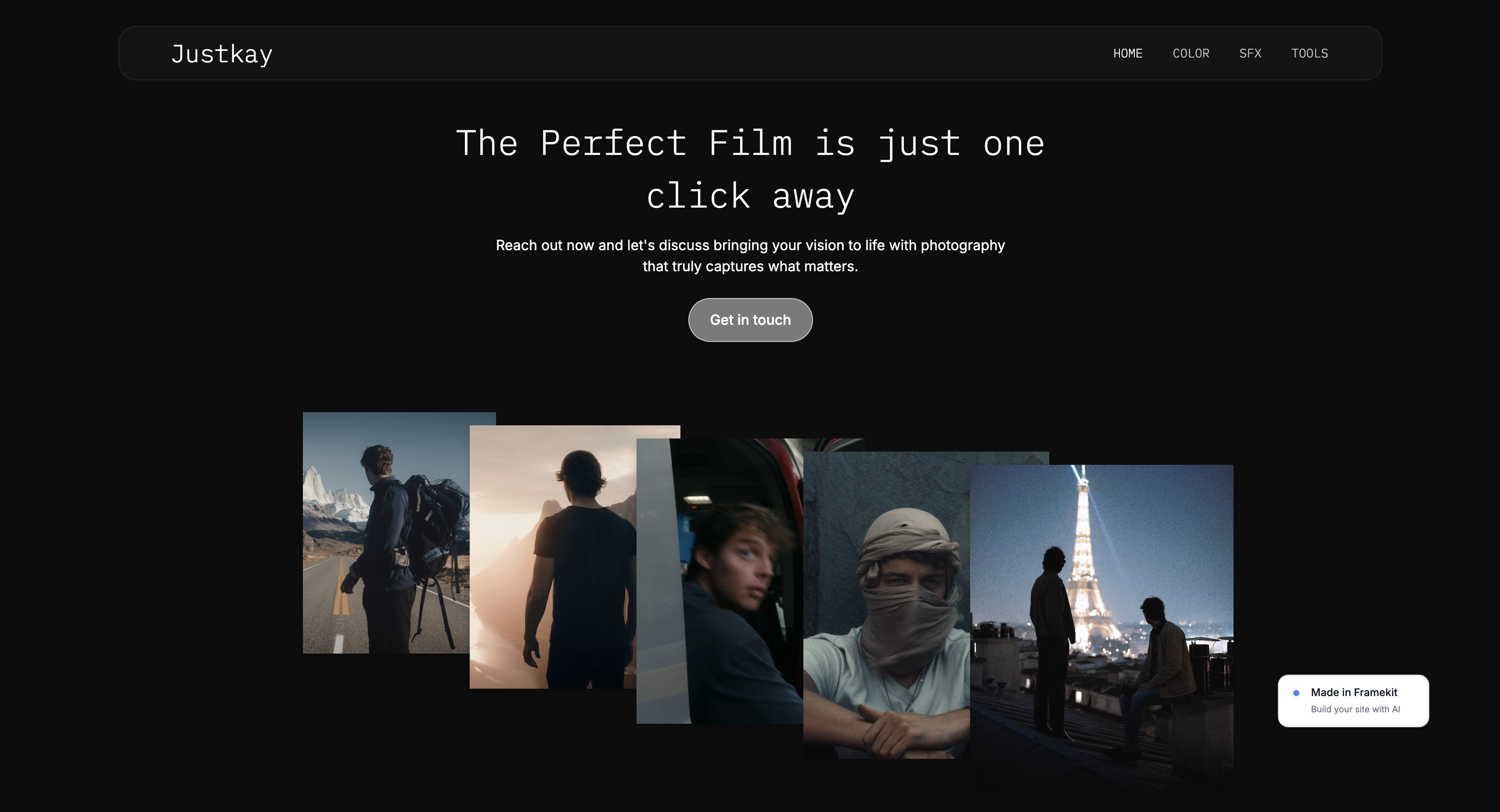
Framekit templates
Start from a designer-made template
 Use template
 Use template
 Use template
 Use template
 Use template
 Use template
 Use template
 Use template
Pixpa is one of the cheapest ways to get a creative portfolio, a store, client galleries, and a blog under one subscription. That bundle is the whole pitch, and for a few dollars a month it is a genuinely fair deal.
But low cost has a cost of its own. If you have built a site on Pixpa, you have probably felt it: the templates look generic, the editor is fiddly, and a heavy gallery page can drag on mobile.
At some point the question becomes whether the savings are worth the ceiling. This guide ranks the best Pixpa alternatives for when they are not.
For a lot of creatives, they are not. A portfolio is a sales tool, and a site that looks like a budget template undersells the work in front of it.
The good news is that the builder market has options now that look far better and load faster, some at a similar price, and one with a genuine free plan plus flat pricing that never rises at renewal.
A Pixpa alternative is any website builder a creative would switch to from Pixpa, usually for stronger design, faster pages, or a workflow that does not feel cramped.
The right one depends on whether you genuinely use Pixpa's bundled store and galleries, or mainly wanted a good-looking portfolio site.
We tested seven Pixpa alternatives hands-on, building real sites and judging them on design quality, performance, ease of use, and three-year cost. Here is what we found.
The best Pixpa alternative in 2026 is Framekit, because its designer-trained AI builds genuinely premium portfolios that load fast, instead of the generic budget-template look.
Squarespace is the runner-up for template-led design, and Webflow is best for full custom control. Start free at framekit.ai.
Full disclosure: Framekit, ranked #1 below, is our own product. Every alternative is linked and we name where each beats us: Zenfolio and Format both sell prints and we sell no physical products at all, Webflow gives deeper manual control, and Squarespace carries an ecosystem we do not match.
How We Compared These Tools
Rankings are worth little without their basis, so here is what each judgement rests on and where we stopped looking. Seven platforms were compared on the same brief: a photography portfolio with client delivery and a way to sell.
- Verified from primary sources: plan limits and pricing were read from each platform's own pages during September 2026, quoting renewal rather than promotional rates.
- Assessed hands-on: the portfolio output, the client-delivery flow where one exists, and how each platform handles a large image set.
- Not assessed: enterprise tiers, anything behind a sales call, and print lab fulfilment, which we have no equivalent of.
This guide contains no load-time claims or performance scores for any platform, ours included.
Framekit is an AI website builder that produces the site from a description of your practice, which is a different starting point from Pixpa's template-and-fill approach, and its free plan needs no credit card.
What to Look For in a Pixpa Alternative
The reasons creatives outgrow Pixpa are specific. Judge replacements against those reasons.
Does the design look premium?
Pixpa's weakest point is that its templates read as budget. A portfolio is judged on taste in seconds, so look for a builder that produces real hierarchy, spacing, and type, signalling craft rather than a cheap template.
Is it genuinely fast?
Pixpa pages can drag once a gallery fills up. A strong replacement handles image compression, lazy loading, and a global CDN at the platform level, so mobile visitors see your work before they leave.
Do you actually use the bundled store and galleries?
Pixpa's value is the all-in-one bundle. If you genuinely sell prints and run client galleries, your replacement needs those too. If you do not, you are paying for a cramped editor to keep features you never open, and a cleaner builder will serve you better.
What is the real cost over three years?
Pixpa is cheap up front, but the plan with a store, more storage, and the project count a working creative needs is not the headline price. Calculate the three-year cost on the plan you will actually use.
Quick Comparison: Pixpa Alternatives
The weighting to read this with: portfolio design quality carries the most weight, then whether client delivery is included rather than sold separately, then cost across three years.
Under the opposite weighting, where print and album revenue is the priority, Zenfolio wins outright and Framekit does not place, because we have no print store on any plan.
| Tool | Best For | Design Quality | Starting Price |
|---|---|---|---|
| Framekit | Designer-grade AI portfolios | Excellent | Free / $9 Starter / $19 mo |
| Squarespace | Template-led design | Strong | $19 mo |
| Webflow | Full custom control | Excellent | $15 mo |
| Wix | App integrations | Fair | $17 mo |
| Format | Portfolio-only with proofing | Good | $10 mo |
| Zenfolio | Volume photography sales | Good | $12 mo |
| Carbonmade | Simple portfolio-only sites | Good | $9 mo |
1. Framekit: Best Pixpa Alternative Overall

Framekit is the best Pixpa alternative in 2026 because its AI was trained by senior designers, so it builds portfolios with real layout, hierarchy, and spacing, instead of the generic budget-template look that pushes creatives off Pixpa.
Pages also stay fast because performance is handled at the platform level.
The core difference is where the intelligence comes from. Pixpa gives you a low-cost template and a cramped editor. Framekit generates a designed starting point and adapts it as you build. You can design from a reference, too.
Drop in a screenshot of a site you admire, and Framekit generates a direction in that style rather than starting from a blank template.
It holds together as the portfolio grows. Add a case study or a new gallery and Framekit inherits your existing fonts, colors, and spacing automatically, so the site stays coherent.
The SEO basics ship by default, with server-side rendering, automatic sitemaps, and JSON-LD structured data, so your work surfaces in search without a plugin.
Be honest about the trade-off. Framekit bundles client galleries on every plan, but not the print store and formal approval round Pixpa offers.
If you rely on Pixpa for recorded client sign-off or print sales, you will add a tool like Pixieset alongside Framekit. Framekit also has no built-in booking or CRM, and a smaller plugin marketplace than Wix.
For a portfolio site that looks premium and loads fast, it is the strongest pick here.

PricingFree ($0, no credit card, framekit.ai subdomain and a small badge), Starter $9 per month (custom domain, no branding), Pro $19 per month, Business $39 per month. Paid plans are month to month and you can cancel anytime.
ProsDesigner-trained AI builds premium layouts, fast performance handled at the platform level, new sections stay style-consistent automatically, flat pricing that does not rise at renewal.
ConsNo print store and no formal approval round, so pair it with a proofing tool if you need those; no built-in booking or CRM; smaller plugin marketplace than Wix.
Verdict: Framekit is the best Pixpa alternative for creatives who want a premium, fast portfolio.
2. Squarespace: Best Template-Led Alternative

Squarespace is the strongest Pixpa alternative if you want a template-first workflow and a noticeably more premium look than Pixpa offers. Its templates are genuinely well-designed, and the editing experience is reliable and widely supported.
The limits are familiar. The AI features are minimal despite the marketing, so you customize templates by hand, and design flexibility drops once you push past template intent.
Performance on image-heavy pages also trails the faster builders. It is a clear design upgrade from Pixpa, just not an AI-led one.
Pricing (annual billing) from Squarespace pricing: Basic $19 per month, Core $29 per month.
ProsWell-designed templates, reliable hosting, easy to learn.
ConsMinimal real AI, flexibility drops past template intent, slower on heavy media.
Verdict: Squarespace is a solid template-led upgrade from Pixpa.
3. Webflow: Best for Full Custom Control
Webflow is the pick for creatives who want total control over their portfolio. It is a visual development platform with near-total control over layout, interactions, and responsive behavior, plus a real CMS for case studies.
The cost is time. Webflow has a steep learning curve, and expect 20 to 40 hours before it feels comfortable. Its AI is light, so the design thinking is on you.
It is powerful for a creative who enjoys building, and a heavy lift for someone who just wants the site done.
Our Framekit vs Webflow comparison breaks down the difference.
Pricing (annual billing) from Webflow pricing: Basic $15 per month, CMS $25 per month.
ProsNear-total design control, strong CMS, clean code.
ConsSteep learning curve, manual-first, overkill for a simple portfolio.
Verdict: Webflow suits creatives who want full control and have time to learn it.
4. Wix: Best for App Integrations
Wix is the Pixpa alternative to pick when you need specific third-party tools, because its app marketplace is the largest of any builder. If your site needs a particular booking, CRM, or events integration, Wix probably supports it.
For portfolio design, Wix is a weaker fit. Its AI output has a recognizable template sameness, new sections need manual spacing cleanup, and performance is the platform's weak point. It is a capable generalist rather than a portfolio specialist.
Pricing (annual billing) from Wix pricing: Light $17 per month, Core $29 per month.
ProsLargest app marketplace, familiar editor, broad feature coverage.
ConsTemplate sameness, manual cleanup needed, weaker performance.
Verdict: Wix is fine if integrations matter more than portfolio design.
5. Format: Best Portfolio-Only Tool with Proofing
Format is a long-running portfolio builder aimed at photographers and creatives, and it bundles client-proofing galleries, which makes it a closer like-for-like swap for Pixpa's gallery features than most tools here.
The trade-off is design. Format's templates feel dated, similar in age to Pixpa's, so you are not really upgrading the look, just moving to a different bundle. If your reason for leaving Pixpa is the generic design, Format will not fix it.
We compare the field in our best Format alternatives guide.
Pricing (annual billing) from Format pricing: Basic $10 per month, with higher tiers for stores and proofing.
ProsBundles client-proofing galleries, photographer-focused, simple to set up.
ConsDated templates, shallow AI, not a design upgrade over Pixpa.
Verdict: Format is a fair swap if you mainly want bundled proofing galleries.
6. Zenfolio: Best for Volume Photography Sales
Zenfolio is built for photographers who sell at volume, pairing a portfolio site with galleries, print fulfilment, and client sales tools. For a wedding or event photographer pushing many galleries a year, that business tooling is genuinely useful.
The catch is that Zenfolio is a sales platform first and a design tool second. The website side is functional rather than design-leading, and a creative who mainly wants a beautiful portfolio is paying for sales features they may not need.
Pricing from Zenfolio pricing: plans start around $12 per month.
ProsStrong gallery and print-sales tooling, built for volume photography, client workflow included.
ConsWebsite design is secondary, geared to sales not portfolio craft, overkill for non-sellers.
Verdict: Zenfolio fits photographers selling at volume, less so design-led creatives.
7. Carbonmade: Best for Simple Portfolio-Only Sites
Carbonmade is a deliberately simple, long-running portfolio builder. If you will never sell prints, never run client galleries, and never blog, it is fast to set up and keeps the focus on your work.
The simplicity is also the ceiling. Carbonmade does not try to be all-in-one, the design ceiling is modest, and there is no real AI. It is a fine pick for a clean, no-fuss portfolio that will not need to grow.
Pricing from Carbonmade pricing: plans start around $9 per month.
ProsFast and simple to set up, focused on the work, low fuss.
ConsModest design ceiling, no store or galleries, no real AI.
Verdict: Carbonmade suits a simple, portfolio-only site and nothing more.
Which Pixpa Alternative Is Right for You?
The right replacement depends on why you are leaving Pixpa.
Choose Framekit if...
Your reason for leaving is the generic design or slow pages. Framekit's designer-trained AI builds premium layouts that load fast, with no budget-template feel. It is the best fit for a portfolio site, and the free plan needs no credit card.
Choose Format or Zenfolio if...
You depend on Pixpa's bundled galleries and sales tools. Format is the closer like-for-like swap for proofing, and Zenfolio is built for photographers selling at volume.
Choose Squarespace or Webflow if...
You want a template-led workflow with premium templates, choose Squarespace. If you want full custom control and have time to learn a tool, choose Webflow.
Frequently Asked Questions
What is the best Pixpa alternative in 2026?
The best Pixpa alternative in 2026 is Framekit, because its designer-trained AI builds genuinely premium portfolios that load fast, instead of the generic budget-template look.
Squarespace is the runner-up for a template-led workflow, and Webflow is best if you want full custom control of your portfolio.
Why do creatives switch away from Pixpa?
Most creatives leave Pixpa because the savings come with a ceiling. The templates read as generic, the editor feels cramped, and image-heavy gallery pages can drag on mobile.
A portfolio is a sales tool, so a budget-template look undersells the work, and several builders now look far better for a similar price.
Is Framekit cheaper than Pixpa?
It depends on how you count. Pixpa has a lower monthly entry price, while Framekit has a free plan and a $9 per month Starter plan that adds a custom domain and removes branding.
Over three years a mid-tier subscription typically costs $1,000 or more, while Framekit Starter is $324 and its price stays flat, so Framekit often works out cheaper overall.
Does Framekit include client galleries like Pixpa?
No. Pixpa bundles client-proofing galleries, and Framekit does not. If you rely on letting clients select and approve images, pair Framekit with a dedicated proofing tool like Pixieset, or choose a builder such as Format or Zenfolio that includes galleries directly.
Is there a free Pixpa alternative?
Framekit has a free plan with no credit card required, which lets you build and preview a real portfolio. Most other builders here are paid, ranging from roughly $8 to $17 per month on the tiers creatives actually need, though several offer free trials.
Which Pixpa alternative has the best design?
For design output without hiring a designer, Framekit leads, because its AI was trained by senior designers and produces real hierarchy and spacing. Webflow can match it in skilled hands but demands the time to learn it.
Squarespace is the strongest template-led option, while Pixpa, Format, and Carbonmade have more modest design ceilings.
Can I move my Pixpa site to a new builder?
Yes, though there is no one-click migration. You export your images and project text from Pixpa, then rebuild on the new platform.
With an AI builder like Framekit this is fast, because the AI generates the layout and you supply the content rather than placing every element by hand.
Is Pixpa's all-in-one bundle actually cheaper than separate tools?
Often yes on price and often no on outcome.
Pixpa's Lite plan at about $4.80 a month bundles a portfolio, galleries, a store, and a blog for less than most single-purpose tools charge, which is genuinely good value if you need all four adequately.
The comparison worth running is against the one tool you actually rely on: if galleries are your business, a dedicated gallery platform will beat a bundled one, and the saving stops being a saving.
Final Verdict: The Best Pixpa Alternative
After testing seven Pixpa alternatives, the pattern is clear. Pixpa is cheap and bundles a lot, but creatives outgrow it for generic design, a cramped editor, and slow gallery pages, and better options now exist.
Framekit is the best Pixpa alternative in 2026.
Its designer-trained AI builds genuinely premium portfolios that load fast on mobile, new sections stay style-consistent as the site grows, and its $9 Starter plan is among the lowest-priced website-builder tiers with a custom domain and no branding, at a price that stays flat.
Squarespace is the runner-up for a template-led workflow, and Webflow is the pick for full custom control.
If you are deciding today, build a first draft in Framekit and judge it from there.
For related reading, see our guides to the best AI website builders for creatives, the easiest portfolio website builder to use, the best website builders for photographers, and the best website builders for creative professionals.
_Re-verified July 2026: Pixpa's annual pricing and each alternative's plans confirmed on their own sites._
Where Framekit losesif you need a heavy print-sales engine or the deepest proofing workflow, Framekit will not cover it, and a specialist gallery or print platform is the better fit. We sell digital files, not physical prints.