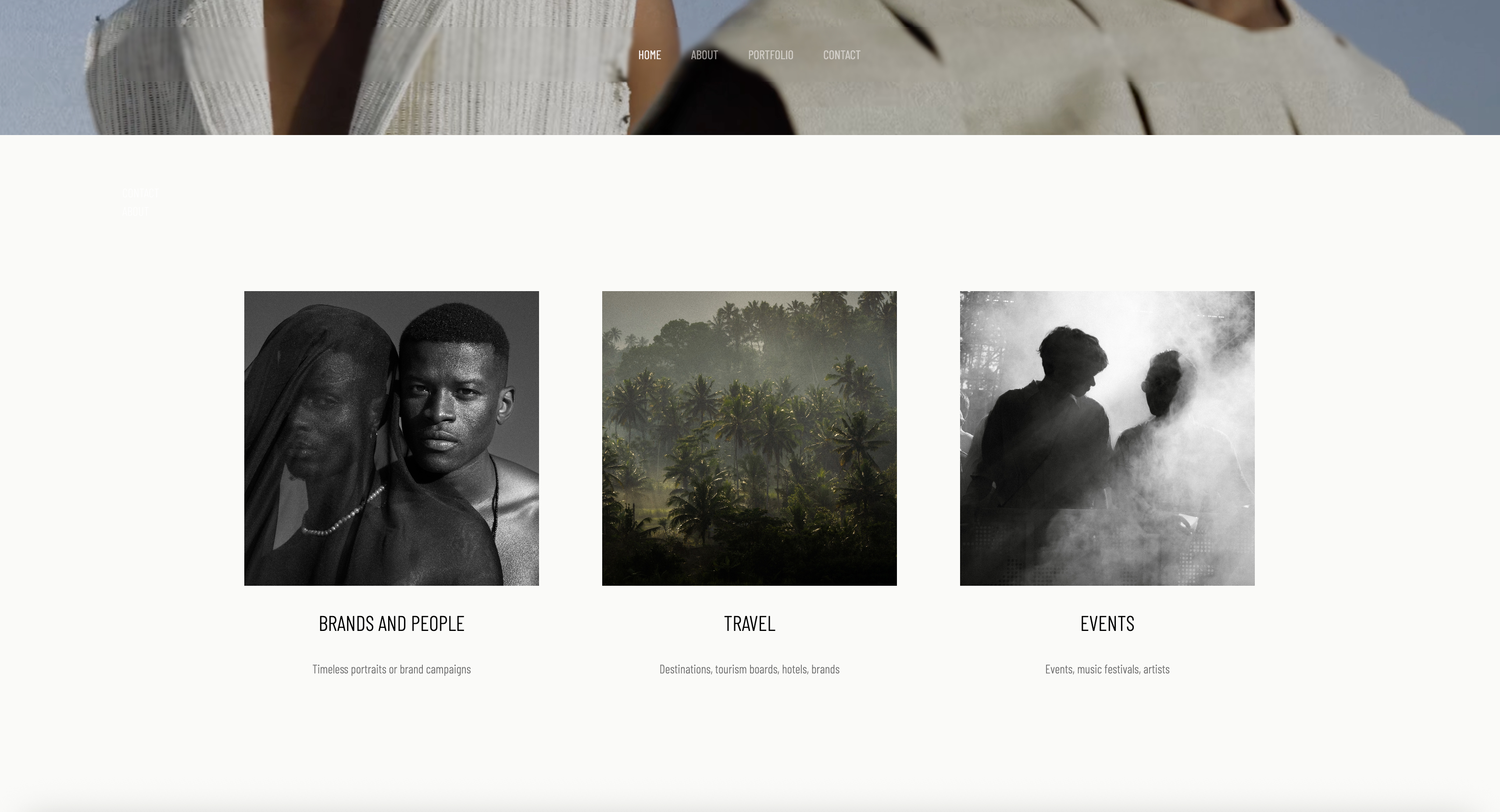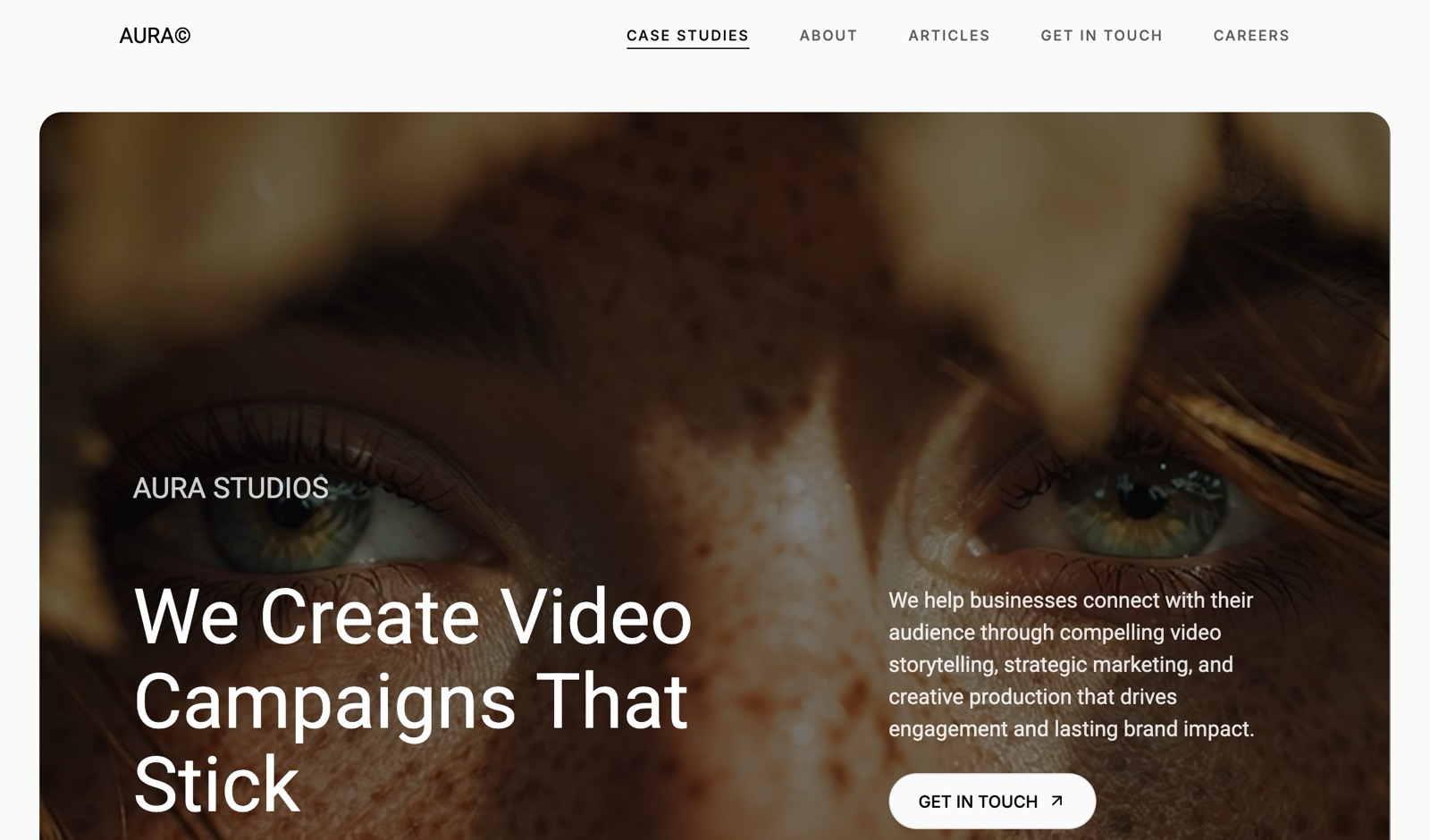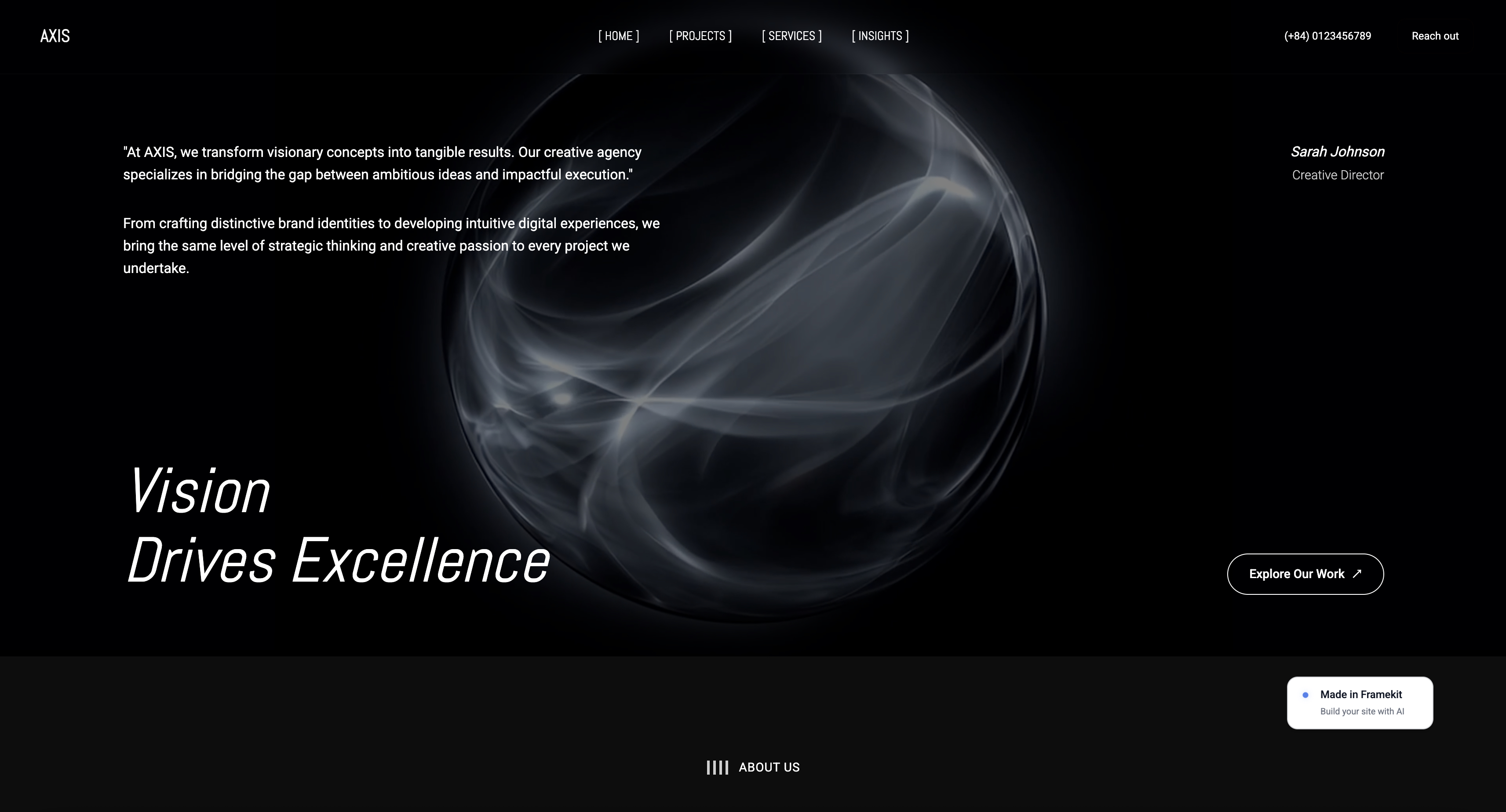
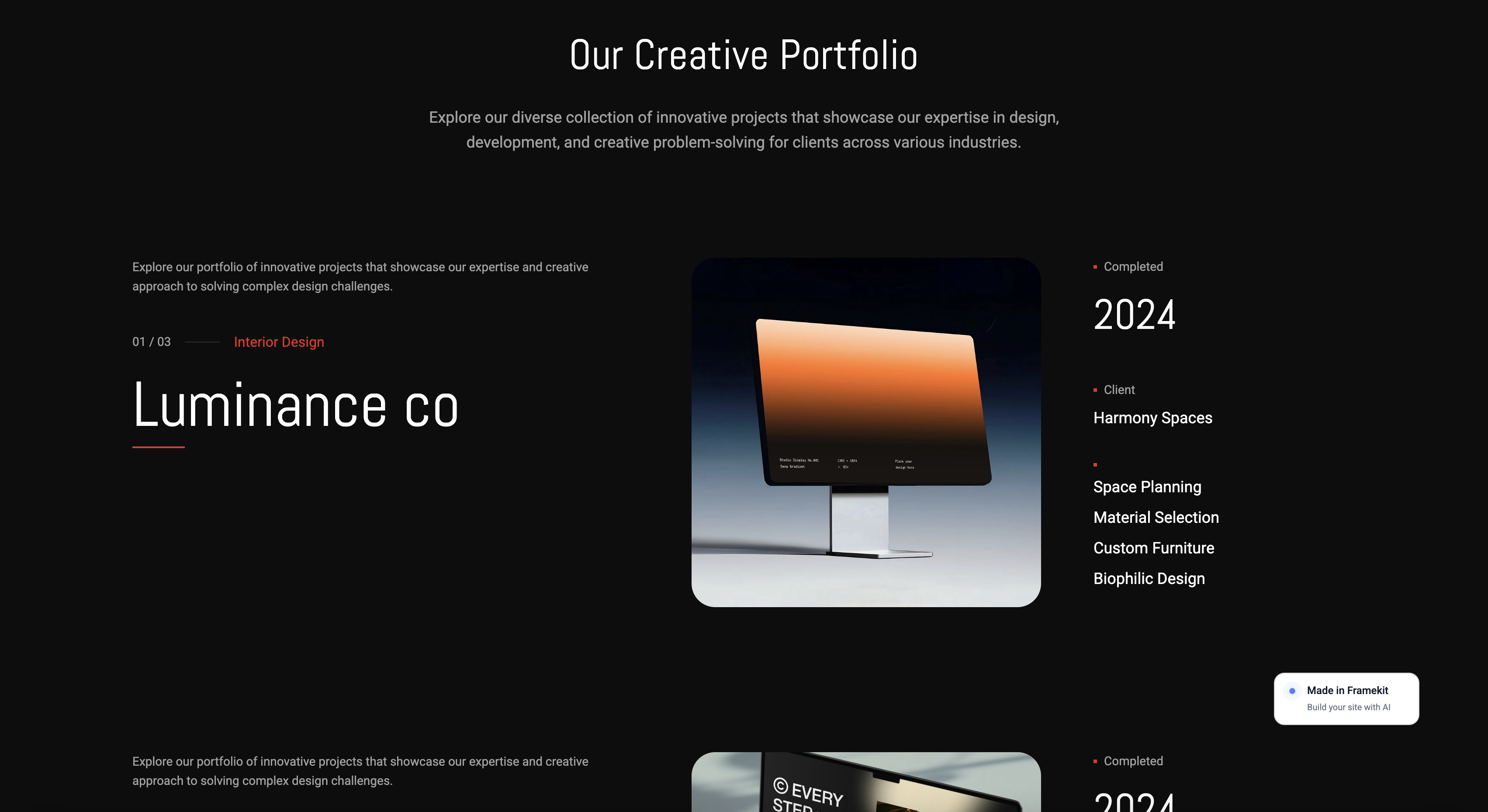
Framekit templates
Start from a designer-made template
 Use template
 Use template
 Use template
 Use template
 Use template
 Use template
 Use template
 Use template
A creative director types your name into Google. The first result is behance.net slash your name. They click, scroll your best project, reach the bottom, and find a neat grid of six other designers doing work like yours.
One of them is better at the exact thing this director needs. The tab closes. You never knew the visit happened, and you never got the email.
That is the trade every free portfolio profile asks you to make, and it is why designers start hunting for a Behance alternative in the first place. Behance is genuinely good at what it does.
It is also a page you do not own, at a URL you do not control, ending in a recommendation engine pointed at your competition. The best alternative for most working creatives turns out not to be another feed at all.
Free was never the price. The address was.
A Behance alternative is any platform that hosts your creative portfolio outside Adobe's network, ranging from a rival community profile like Dribbble or ArtStation to a real website on your own domain that you fully control.
The distinction matters more than the feature list: a profile rents you attention, a website builds an asset.
This page was corrected on 12 October 2026: the claim that we built the same portfolio on ten rival platforms is gone, the per-sale maths for the $24 download is fixed, and Framekit's store is described as digital-only.
Webflow's yearly cost in the comparison table now matches its $15 Basic rate.
The best Behance alternative in 2026 is Framekit, because your portfolio lives on a domain you own and ranks for your own name, with a real store attached so you can sell presets, templates, or other digital files from the same site.
The honest trade-off: Framekit has no built-in creative community, so it will not hand you strangers the way Behance's feed does.
Adobe Portfolio is the best free option if you already pay for Creative Cloud, Cargo is the best pick for art-directed and experimental layouts, and Dribbble is still the strongest source of inbound client leads if a profile is what you want.
Framekit is an AI website builder that turns a prompt and your project files into a portfolio site with a store, on your own domain from the $9 Starter plan, and the free plan needs no credit card.
Full disclosure: Framekit, ranked #1 below, is our own product. We did not build portfolios on the other ten platforms for this page; we rated them from their published pricing, feature pages and help docs, read in July 2026, rated Framekit from its shipped features and published plans, and we link to all of them. Where they beat us, we say so: Behance and ArtStation have discovery networks we cannot match, Dribbble generates inbound hiring leads we do not, Cargo pushes experimental layout further than our AI will take you, Webflow gives more manual control, and Adobe Portfolio is free if Creative Cloud is already on your card. Read the ranking knowing all of that.
How We Compared These Behance Alternatives
Portfolio platforms split into two species that get reviewed as if they were one, and that is why most comparisons are useless. Some are communities where you post work into a feed. Some are website builders where you publish a site.
We rated all eleven on five criteria from what each platform publishes, weighted by what actually changes whether a creative gets hired.
Ownership, weighted 25%. Does the portfolio live on a domain you control, and can you take the audience and the search authority with you if the platform changes? This is the criterion that compounds, so it carries the most weight.
Discovery, weighted 20%. Does the platform bring you strangers, or do you have to bring your own traffic? A community profile and an owned site are opposites here, and pretending otherwise is how these comparisons go wrong.
Design ceiling, weighted 20%. How good can the finished portfolio look, and how much skill does reaching that ceiling demand of you?
Selling and lead capture, weighted 20%. Can you take an enquiry directly, capture an email, and sell a product without sending the visitor somewhere else?
Real cost, weighted 15%. The annual number for the plan a working creative actually ends up on, not the headline tier.
The yardstick was the same everywhere: an eight-project brand and illustration portfolio with one long-form case study, a contact route, and, where the platform documents selling, a single paid download priced at $24.
We carry that $24 product through the whole guide so the fee math never switches examples on you.
Three kinds of finding, kept separate. What is our editorial judgement: layout control and design ceiling, read from each platform's published templates, feature pages and help docs rather than from portfolios we built.
What we verified from primary sources: every price and fee, checked against each platform's own pricing or help pages in July 2026 and linked inline.
What we report as community sentiment rather than as our finding: reputation effects like how much hiring traffic a profile generates, which no outside comparison can measure honestly.
What Comparing 11 Behance Alternatives Showed
Opinions are cheap, so here are the figures underneath the ranking, all verified against each platform's published pages in July 2026.
- 7 of 11 support a portfolio on your own custom domain (Framekit from Starter, Squarespace, Webflow, Framer, Cargo, Format and Adobe Portfolio). Carbonmade defaults to a platform subdomain, and the community platforms publish to a profile URL with the platform's name in it.
- 3 of 11 are communities rather than website builders (Behance itself, Dribbble, ArtStation, plus Cara as a fourth if you count it as a feed first and a portfolio second).
- 2 of 11 let you sell a digital product directly from the portfolio without a third-party checkout embedded (Framekit, Squarespace).
- 1 of 11 costs nothing on any plan and never takes a share of a sale, because it does not sell (Cara).
- Dribbble Pro Lite is $8 a month billed monthly and $48 billed for the year, which is the only plan in this comparison where paying annually halves the price instead of shaving 20% off it.
- The cheapest owned-domain portfolio in the set is Framekit Starter at $9 a month, or $108 a year, which is $120 a year less than Squarespace Basic.
For a pick tailored to what you make, jump to the decision tree. First, the full field.
The 11 Best Behance Alternatives in 2026: Full Comparison
How the ratings work: each platform is scored on the five weighted criteria above. Ownership carries the heaviest weight because it is the only cost that grows every year you keep working, and the only one you cannot undo later.
That weighting is also why our own product does not score a clean sweep.
Framekit takes 10 on ownership and 9 on selling, but only 5 on discovery, because we have no feed, no follower graph, and no way to put your work in front of a stranger who was not already looking for you.
Behance scores 10 on discovery and 3 on ownership. Those two numbers are the whole argument of this page.
| Platform | Best For | Own Domain | Discovery Network | Sell Direct | Our Rating |
|---|---|---|---|---|---|
| Framekit | A portfolio and store you own | Yes | No | Yes | 9.2/10 |
| Adobe Portfolio | Free site if you pay for Creative Cloud | Yes | Via Behance | No | 8.6/10 |
| Cargo | Art-directed, experimental layouts | Yes | Light | Basic | 8.5/10 |
| Squarespace | Template-led all-rounder | Yes | No | Yes | 8.4/10 |
| Dribbble | Inbound client and hiring leads | No | Yes | No | 8.2/10 |
| Webflow | Full manual control and CMS depth | Yes | No | Add-on | 8.0/10 |
| Framer | Motion-led design portfolios | Yes | No | Add-on | 7.9/10 |
| ArtStation | 3D, concept, and game art | No | Yes | Marketplace | 7.8/10 |
| Cara | Illustrators who want a human-only feed | No | Yes | No | 7.4/10 |
| Carbonmade | The cheapest simple portfolio | Partial | No | No | 7.1/10 |
| Format | Image-heavy work with client proofing | Yes | No | Basic | 7.0/10 |
Prices and fees verified against each platform's published pricing pages in July 2026. Payment processing of roughly 2.9% plus $0.30 applies to any sale wherever you connect a processor. Confirm current numbers before you commit.
Cost and ownership at a glance
The headline monthly price hides the two things that decide this category: what your portfolio URL says, and what you pay per year for the plan a working creative actually needs.
| Platform | Annual cost of the realistic plan | Portfolio URL | What you lose if you leave |
|---|---|---|---|
| Framekit | $0 free, $108 on Starter | yourname.com from Starter | The site itself, which you rebuild elsewhere; the domain and your files stay yours |
| Adobe Portfolio | $0 extra, but needs a paid Creative Cloud plan | yourname.com | The site, if the Creative Cloud plan lapses |
| Cargo | $168 billed yearly | yourname.com | Nothing, the domain moves with you |
| Squarespace | $228 on Basic | yourname.com | Nothing, the domain moves with you |
| Dribbble | $48 on Pro Lite, $96 on Pro Standard | dribbble.com/you | The followers, the shots, the leads |
| Webflow | $180 on Basic | yourname.com | Nothing, though rebuilding elsewhere is work |
| ArtStation | Free, Pro is a paid membership | artstation.com/you | The followers and the marketplace listing |
| Cara | $0 | cara.app/you | The followers and the feed placement |
| Carbonmade | About $120 | yourname.carbonmade.com | The subdomain and its links |
| Format | $120 on Basic | yourname.com | Nothing, the domain moves with you |
See what an owned portfolio looks like. Framekit's free plan builds a real multi-page portfolio site with a store attached, and you can point your own domain at it from the $9 Starter plan.
1. Framekit: Best Overall

Our rating: 9.2/10
Framekit is an AI website builder for creative people who want the portfolio to be an asset rather than a listing.
You describe your practice in a prompt, it generates a full multi-page site, and you replace the placeholder work with your projects.
The output is a real website on your own domain, with project pages, an about page, a contact form, and, if you want it, a store that sells digital files.
What the documented flow looks like: you write a short prompt about your practice, the AI drafts the pages, and replacing the sample projects with your own is the slow part, as it is on any builder, because uploading and cropping is uploading and cropping.
For case studies you can ask the AI for a section laid out as problem, process and results, which is the structure most designers know they should write and skip because a blank page is intimidating.
AI generation draws on a monthly allowance on every plan, while editing by hand costs nothing.
Best forDesigners, illustrators, photographers, and studios who want their name to be the address and who sell, or plan to sell, something alongside the work.
Key features:
- A full portfolio site on your own domain, not a profile on someone else's
- A built-in store for digital products, with the fee dropping to 0% on the $39 Business plan
- Project and case-study sections the AI can generate on request, then edited by hand
- Client galleries for delivering work privately, included on every plan
- Built by Cadence, Framekit's own premium model, with Score as the faster option for quick iterations
The real numberthe $24 product we carry through this guide nets you about $21.80 on Framekit's free plan after the 5% platform fee ($1.20) and roughly 2.9% plus $0.30 in Stripe processing (about $1.00).
On the $39 Business plan the platform fee is 0%, so the same sale nets about $23.00.
The crossover where a flat $39 beats the free plan's 5% cut is $780 a month in product sales, or $600 a month against Starter, which adds $9 to the same 5%, so below those figures the free or Starter plan is the correct choice, and we would tell you to stay there.
PricingFree $0, Starter $9 a month, Pro $19 a month, Business $39 a month, Enterprise $59 a month. Product-sale fees run 5% on Free and Starter, 3% on Pro, and 0% on Business and Enterprise.
Pros:
- The portfolio URL is your name, so your work builds your search authority instead of Adobe's
- A store, client galleries, and the portfolio live on one subscription instead of three
- The free plan is a real, publishable site rather than a time-limited trial
Cons:
- No community, no feed, and no follower graph, so it brings you zero strangers on day one
- No print fulfilment, so physical print sales need a separate service
- Newer than Squarespace or Webflow, so there is less third-party template and tutorial supply
Skip it ifdiscovery is the entire reason you use Behance. If you are early enough that the feed is your only source of eyeballs, keep posting to Behance and treat an owned site as the thing you point it at, not a replacement for it.
Framekit wins when people are already searching your name and landing somewhere you do not control.
Verdict: Framekit is the strongest Behance alternative for a creative building a practice rather than a following, because it converts a portfolio from a page you post on into a property you own, with selling attached. It will not put your work in front of strangers. Start free at framekit.ai, or read our best website builder for graphic designers comparison for the wider builder field.
2. Adobe Portfolio: Best free site if you already pay Adobe
Our rating: 8.6/10
Adobe Portfolio is the answer most Behance users never notice they already have.
It is included at no extra cost with any paid Creative Cloud plan, it connects a custom domain without an upcharge, and it syncs with your Behance projects so a portfolio site is a short job if your Behance is already tidy.
For a designer or photographer already paying Adobe every month, walking past this is leaving a free website on the table.
The templates are tasteful and restrained, which is both the appeal and the limit.
You get a small set of layouts, controlled typography, and password protection, and you will hit the edge of the customisation fairly quickly if you have strong opinions about grids.
What it does well it does cleanly, and the Behance sync means updating one updates the other.
Best forAnyone already on a paid Creative Cloud plan who wants a clean portfolio site on a custom domain without paying twice.
The real numberAdobe Portfolio adds $0 to a Creative Cloud subscription you already hold and connects a custom domain at no extra charge, per Adobe's Portfolio pricing page.
The catch is arithmetic, not policy: it is only free while the Creative Cloud plan is.
Cancel Adobe and the portfolio goes with it, which makes a nominally free site the most expensive one here for anyone who was planning to leave the ecosystem.
Pricingincluded with paid Creative Cloud plans; not sold separately.
Pros:
- No additional cost on top of Creative Cloud, including the custom domain
- Two-way sync with Behance projects, so the two stay current together
- Clean, restrained templates that are hard to make ugly
Cons:
- Tied to an active Creative Cloud subscription, so the site is only as permanent as the bill
- A small template set with a low customisation ceiling
- No store and no way to sell a product from the site
Skip it ifyou are leaving Adobe, or you want to sell anything. Adobe Portfolio has no commerce at all, and its whole value proposition assumes you are staying subscribed.
Verdict: Adobe Portfolio is the best free option in this comparison for anyone already inside Creative Cloud, and a trap for anyone planning to get out. If Adobe is your working software anyway, use it today. If you are reading this because you want out of Adobe's orbit, see our best Adobe Portfolio alternatives guide. Visit Adobe Portfolio
3. Cargo: Best for art-directed and experimental layouts
Our rating: 8.5/10
Cargo is the platform designers use when the portfolio is itself the portfolio piece.
Its layouts break the standard three-column-grid gravity that most builders pull you toward, and the type controls are deep enough that a designer with taste can produce something that reads as art direction rather than as a template selection.
Among working art directors and independent studios, a Cargo site is close to a signal in itself.
The pricing is refreshingly blunt. There are no tiers to compare: one price, one plan, everything included. That single decision removes the entire upgrade-anxiety loop that makes Squarespace and Webflow pricing pages exhausting.
Best forArt directors, independent studios, and designers who want an unusual layout and have the taste to drive it.
The real numberCargo is $14 a month billed yearly, or $19 billed monthly, with one custom domain included and additional domains at a small monthly add-on, per Cargo's rates page.
At $168 a year it sits between Framekit Starter at $108 and Squarespace Basic at $228, and unlike both, there is no higher tier to be upsold into later.
Pricing$14 a month billed yearly, $19 billed monthly, one plan.
Pros:
- Layout and typography control aimed at people with design opinions
- One flat plan with no tier ladder and no feature gating
- A custom domain included rather than sold as an upgrade
Cons:
- The freedom assumes taste, so a non-designer can produce something genuinely worse than a template
- Commerce is basic compared with a real store
- Smaller ecosystem, so fewer tutorials when you get stuck
Skip it ifyou are not a designer, or you want the platform to make the design decisions for you. Cargo hands you the controls and expects you to know what to do with them.
Verdict: Cargo is the best pick in this comparison for a designer whose portfolio needs to demonstrate art direction, and the wrong pick for anyone who wants a site to appear rather than be designed. Visit Cargo
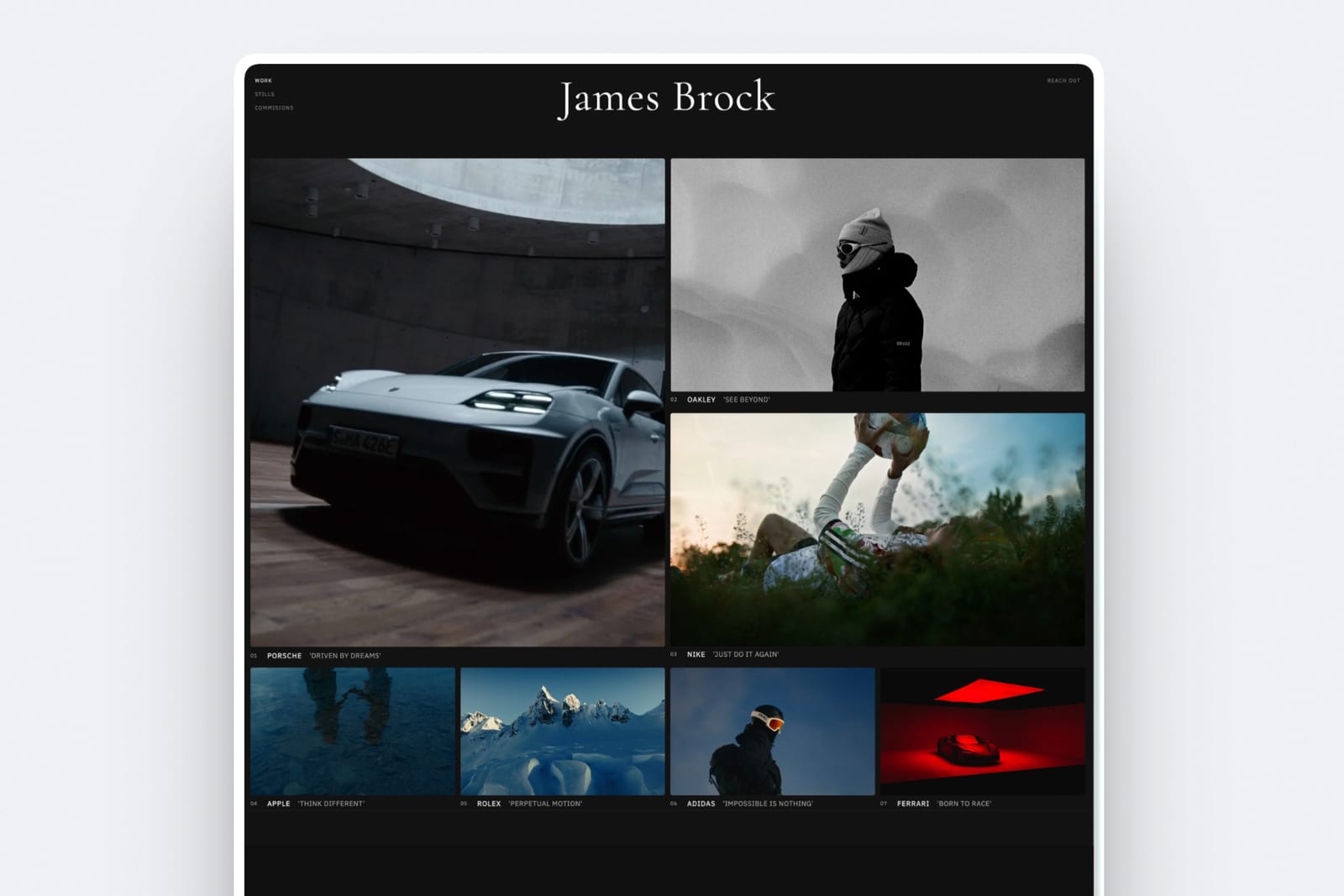
4. Squarespace: Best template-led all-rounder

Our rating: 8.4/10
Squarespace is the safe answer, and safe is worth something.
The templates are consistently well made, the editor is stable, commerce is genuinely built in rather than bolted on, and there are more tutorials and third-party plugins for it than for everything else on this list combined.
If a creative wants one subscription that handles a portfolio, a blog, a mailing list, and a shop with no drama, this is the default for good reason.
The cost of that safety is sameness. Squarespace sites are recognisable as Squarespace sites, and in a field where the portfolio is a design sample, looking like everyone else is a real if unmeasurable cost.
Best forCreatives who want a dependable portfolio plus shop from one well-supported subscription and do not need the site to look unusual.
What reviewers say elsewhereSquarespace holds a 4.4 out of 5 average across more than a thousand reviews on G2, the highest review volume of any platform in this comparison.
The real numberBasic is $19 a month on annual billing and Core is $29, per Squarespace pricing.
Basic is $228 a year, which is $120 more than Framekit Starter for a comparable portfolio, and selling anything meaningful pushes you to Core at $348 a year, where the store fee drops from 2% to 0% and the digital-content fee from 7% to 5%.
Pricing (annual billing)Basic $19 a month, Core $29 a month, Plus $49 a month, Advanced $99 a month.
Pros:
- Reliable, well-made templates and a stable editor
- Real commerce, email tools, and scheduling in one subscription
- The largest support and tutorial ecosystem here
Cons:
- Portfolios often read as visibly Squarespace
- No free plan, only a trial
- The portfolio-plus-shop combination lands on a higher tier than the headline price
Skip it ifthe portfolio is your design sample and looking distinctive matters, or you want a genuinely free plan. See our best Squarespace alternative for creatives guide if that is where you are.
Verdict: Squarespace is the dependable all-rounder and the right call when you want the site to stop being a project. It is the wrong call when the site has to prove you can art direct. Visit Squarespace
5. Dribbble: Best for inbound client leads
Our rating: 8.2/10
Dribbble is the closest thing to a direct Behance substitute, and for a certain kind of designer it is better.
The shot format rewards a tight crop of a single screen or mark rather than a full case study, the audience is heavily product and brand designers, and its hiring side genuinely produces inbound enquiries in a way Behance's does less reliably.
If what you want from Behance is leads, Dribbble is where the leads are.
It is still, unambiguously, a profile. Your URL is dribbble.com and your name, your followers belong to the platform, and the shot format quietly pushes you toward work that photographs well in a small square, which is not always your best work.
Best forProduct, UI, and brand designers who want inbound client and hiring enquiries from a community profile.
The real numberPro Lite is $8 a month billed monthly but $48 billed annually, per Dribbble's published pricing and payment terms.
That is a 50% discount for paying yearly, which is unusually steep and worth knowing before you subscribe monthly out of caution.
Pro Standard is $16 a month or $96 a year, and the Pro Plus tier is $199 a month, aimed at studios chasing platform-fee waivers rather than individuals.
PricingPro Lite $8 a month or $48 a year, Pro Standard $16 a month or $96 a year, Pro Plus $199 a month.
Pros:
- The most reliable source of inbound client and hiring enquiries among these communities
- A concentrated audience of product, UI, and brand designers
- Annual billing is genuinely half the monthly price on the entry tier
Cons:
- The shot format rewards polish over problem-solving, which flatters some work and hides other work
- Your profile, followers, and URL belong to Dribbble
- The hiring features that justify the price sit above the entry tier
Skip it ifyour work is long-form, editorial, or process-heavy. A shot crop is a bad container for a six-month rebrand, and you will find yourself designing for the crop.
Verdict: Dribbble is the best community profile here for generating actual client enquiries, which is a real and specific advantage no owned site can replicate on its own. Treat it as a lead source pointing at a site you own, not as the site. Visit Dribbble
6. Webflow: Best for full manual control
Our rating: 8.0/10
Webflow is what a designer picks when the answer to every layout question needs to be yes. It exposes the box model, flex and grid, breakpoints, and a real CMS in a visual canvas, so a portfolio can do things no template system will allow.
For a designer who also builds, or a studio maintaining client sites, the CMS alone justifies the tool.
The tax is time. Webflow expects you to understand how the web is put together, and that education is measured in evenings, not minutes. Plenty of portfolios never launch because their owner is still fixing a breakpoint.
Best forDesigners with front-end knowledge who want total layout control and a real CMS behind their case studies.
The real numberBasic is $15 a month on annual billing and Premium, the renamed CMS tier, is $25, per Webflow pricing.
The old $39 Business tier is gone: above Premium the next site plan is Team at $2,500 a month on an annual contract.
Basic is $180 a year, $12 more than Cargo, but a portfolio with a case-study CMS realistically sits on the $25 Premium tier, the renamed CMS plan, at $300 a year, which is the number to compare.
Pricing (annual billing)Basic $15 a month, Premium $25 a month, Business $39 a month.
Pros:
- The highest layout and interaction ceiling among the builders here
- A real CMS for structured case studies
- Clean, standards-based output you can hand to a developer
Cons:
- A learning curve measured in evenings, not minutes
- Commerce is an add-on rather than a native strength
- The plan you actually need is a tier above the advertised price
Skip it ifyou want to launch this week, or you do not enjoy building. Webflow rewards people who like the process and punishes people who just want the outcome.
Verdict: Webflow is the right pick when the portfolio is a build project you want to own completely, and the wrong one when it is a task standing between you and client work. For the shortcut, see our AI website builders for creatives comparison. Visit Webflow
7. Framer: Best for motion-led portfolios
Our rating: 7.9/10
Framer's canvas works like a design tool because it started as one, which makes it immediately legible to anyone who lives in Figma.
Its scroll animation and transition controls are the best here by a wide margin, and a motion-literate designer can build a portfolio that feels like a product demo rather than a document.
The same caveat as Cargo applies, twice as hard. Framer gives you motion, and motion is easy to overuse. A portfolio where every element slides in from somewhere is a portfolio nobody finishes scrolling.
Best forDesigners who think in Figma and want scroll-driven motion as part of how the work is presented.
The real numberFramer starts at roughly $10 a month, with the Pro tier at $30 a month, per Framer pricing. The entry tier at about $120 a year is competitive, but the tiers climb steeply once you need more pages or CMS records.
Pricingfrom about $10 a month, Pro $30 a month, higher tiers for scale.
Pros:
- The strongest motion and scroll-animation tooling in this comparison
- A canvas that is instantly familiar to Figma users
- Fast to a good-looking result if you already design
Cons:
- Motion is easy to overdo, and an over-animated portfolio reads as noisy
- Pricing climbs quickly above the entry tier
- Assumes design judgment rather than supplying it
Skip it ifyou are not a designer. Framer hands a motion toolkit to whoever opens it, and the results diverge sharply based on who that is.
Verdict: Framer is the best choice for a designer whose presentation is part of the argument, and a liability for anyone who cannot self-edit. Visit Framer
8. ArtStation: Best for 3D, concept, and game art
Our rating: 7.8/10
ArtStation is where the games, film, and animation industries actually recruit, and that makes it the single most valuable profile in this comparison for a concept artist, 3D modeller, or environment artist.
Studio recruiters browse it directly. No owned website replicates that, and pretending otherwise would be dishonest.
It also runs a marketplace where you can sell brushes, models, and tutorials to an audience that is already there to buy them, which is a genuinely different proposition from a store on your own site where you must supply every visitor yourself.
Best forConcept artists, 3D artists, and anyone whose target employer is a game, film, or animation studio.
The real numberArtStation's marketplace share depends on your membership tier and on whether you sent the buyer yourself, and it has moved more than once since Epic Games acquired the platform and cut marketplace commissions to 12% in 2021.
Because the exact split is tier-dependent and has changed, price your packs against the current terms on ArtStation itself rather than any comparison page, including this one.
Pricingfree membership with a paid Pro tier; marketplace terms vary by tier and referral source.
Pros:
- The recruiting channel for games, film, and animation studios
- A marketplace with buyers already present
- Portfolio presentation genuinely built for 3D turntables and breakdowns
Cons:
- Your profile and followers belong to the platform
- Marketplace terms are tier-dependent and have changed more than once
- Outside its industries, the audience is not yours
Skip it ifyou are a brand designer, illustrator for editorial, or photographer. ArtStation's audience is specific, and being on it does not help if your buyers are not.
Verdict: ArtStation is not really a Behance alternative so much as the correct primary platform for one set of disciplines. If you make game or film art, be there, and point it at a site you own. See our best website builder for 3D artists guide for the site half. Visit ArtStation
9. Cara: Best free community for illustrators
Our rating: 7.4/10
Cara is the most interesting entry here because its differentiator is a policy rather than a feature.
It is a portfolio and social platform built for human-made art, and it filters AI-generated images, which is the reason a large number of illustrators moved there rather than any layout advantage.
For an illustrator whose objection to the current landscape is exactly that, the platform's stance is the product.
Practically, it is a feed with portfolio profiles attached, supporting images, GIFs, video, and Sketchfab links, and the fundamentals are free. Treat it as a community you post into, not as a website.
Best forIllustrators and concept artists who want a human-made-art community and are not looking for a website.
The real numberposting, browsing, and maintaining a portfolio profile on Cara cost $0, and it takes no share of anything because there is nothing to sell through it.
Its own about page describes it as a platform for artists, by artists, and the AI-image policy is the reason most of its users cite for joining.
Pricingfree at the core, with optional paid extras.
Pros:
- Free, with an explicit human-made-art policy that its audience actively chose
- Supports images, GIFs, video, and 3D embeds
- Profiles read as portfolios rather than as social timelines
Cons:
- Not a website, so no custom domain and no control over the URL
- A smaller audience than Behance, Dribbble, or ArtStation
- No selling and no lead capture
Skip it ifyou need a website or you need to sell. Cara is a community, and a community is not a business address.
Verdict: Cara is the best free community in this comparison for illustrators who care where their work sits and next to what, and it is not a replacement for a site. For the site half of that pairing, see our best website builder for illustrators guide. Visit Cara
10. Carbonmade: Cheapest simple portfolio
Our rating: 7.1/10
Carbonmade has been quietly doing one job since before most of this list existed: getting a simple, cheerful portfolio online with minimal decisions.
It is fast to set up, the interface is friendly rather than professional-serious, and for a student, a junior, or anyone who needs a link by Friday, that is exactly the right shape.
The ceiling is low, and the platform is honest about that. You are not going to art direct here, and the default URL keeps the platform's name in it.
Best forStudents, juniors, and anyone who needs a tidy portfolio link quickly and cheaply.
What reviewers say elsewhereCarbonmade averages 4.2 out of 5 on G2, though from a much smaller review base than the mainstream builders here.
The real numberCarbonmade runs about $9.99 a month, roughly $120 a year, per Carbonmade pricing, with around a 20% discount for annual billing.
That is more than Framekit Starter at $108 for a portfolio that keeps the platform's name in the default URL, which is the comparison worth making before you subscribe.
Pricingabout $9.99 a month, with an annual discount.
Pros:
- Genuinely quick from signup to published
- Friendly, low-intimidation interface
- Cheap enough to be a rounding error for a student
Cons:
- A low design ceiling and limited layout control
- The default URL carries the platform's name
- No store, no CMS, and no real growth path
Skip it ifthe portfolio is a professional shopfront rather than a link to hand a lecturer. See our best Carbonmade alternatives guide if you have outgrown it. Visit Carbonmade
11. Format: Best for image-heavy work with proofing
Our rating: 7.0/10
Format is a portfolio builder aimed at photographers first, and it shows in the details that matter to image-heavy work: gallery layouts that respect aspect ratios, sensible image handling, and client proofing built into the same subscription.
For a photographer or an illustrator with a lot of full-bleed work, that combination is genuinely useful.
For a brand or product designer it is a slightly awkward fit. The layouts assume images carry the story, and a portfolio that needs long-form case studies has to fight the templates a little.
Best forPhotographers and image-led illustrators who want a portfolio plus client proofing in one subscription.
The real numberBasic is $10 a month on annual billing, per Format pricing, which is $120 a year and among the cheapest own-domain portfolios in this comparison, just above Framekit Starter at $108.
Proofing and higher storage sit on the tiers above, so price the plan that covers your actual gallery volume rather than the entry one.
Pricing (annual billing)Basic $8 a month, with higher tiers for proofing volume and storage.
Pros:
- One of the cheapest custom-domain portfolios here
- Image handling and gallery layouts built for photography
- Client proofing included in the same subscription
Cons:
- Templates assume images tell the story, which fights long-form case studies
- Trial rather than a permanent free plan
- Commerce is basic
Skip it ifyour work is typographic, editorial, or process-led. Format flatters photographs and fights essays. See our best Format alternatives guide if you are already there and feeling the ceiling.
Verdict: Format is the value pick for image-heavy portfolios that also need proofing, and the wrong shape for a designer whose case studies are mostly words. Visit Format
What a Free Behance Profile Actually Costs
In one lineBehance charges nothing and takes three things anyway - the search result for your own name, the visitor at the end of your project page, and any way of contacting the person who liked your work.
The bill arrives in attention, not dollars, which is why nobody adds it up. Here is the addition.
The search result. When a client Googles you, the strongest result is usually your Behance profile, and that page is on Adobe's domain.
Every link anyone ever makes to your best project builds Adobe's search authority, not yours. Two years of consistent posting later, the most authoritative page about your work is one you cannot edit the URL of, redirect, or take with you.
The related-projects rail. Scroll to the bottom of any Behance project and you find a grid of similar work by other people.
That grid exists because the platform's job is to keep the visitor on the platform, which is a perfectly reasonable business decision and directly opposed to yours.
You did the work that earned the visit, and the page ends by introducing your visitor to your competitors.
The missing contact. A profile view is anonymous. You cannot see who came, cannot follow up, and cannot capture an email.
On a site you own, the same visit can end in a contact form submission, a newsletter signup, or a $24 download. The visit was identical. What you kept was not.
Run the test on yourself. Search your own name in a private window and look at what ranks. If the top result is a profile on someone else's domain, that is the asset you have been building. It is worth asking whether that is the one you meant to build.
Discovery Versus Ownership: Why You Actually Need Both
In one linecommunities bring you strangers and websites keep them, so the correct answer for most creatives is not to leave Behance but to stop letting it be the only address.
The framing that ruins most of these comparisons is treating this as a switch. It is not.
Behance, Dribbble, ArtStation, and Cara solve a problem that owned websites genuinely cannot: they put your work in front of people who were not looking for you. That is real, and no amount of arguing about domains changes it.
An owned site solves the opposite problem. It converts a person who already knows your name into an enquiry, a subscriber, or a customer, and it accumulates search authority for you rather than for a platform. Those are different jobs, and a working creative needs both done.
The practical arrangement that works is boring and effective. Post to the community that matches your discipline, because that is where the strangers are. Make every profile bio link to your own domain.
Publish the full case study on your site and the crop on the feed, so the platform sends people to you rather than the reverse.
Then, over a year or two, the balance quietly shifts, and the searches that used to land on a profile start landing on your site instead.
That arrangement is also why the honest recommendation on this page is not to delete your Behance. It is to make it a doorway rather than a house.
The Fine Print: Domains, Exports, SEO, and Getting Out
In one linethe details that decide your second year are custom-domain support, whether your content can be exported, what happens to your links when you leave, and whether the platform has an AI-content policy you can live with.
Most comparisons stop at price. These are the clauses that bite later.
Custom domains and who holds them. Framekit, Squarespace, Webflow, Framer, Cargo, Format, and Adobe Portfolio all support a custom domain. Behance, Dribbble, ArtStation, and Cara do not, because they are profiles.
Carbonmade sits in between with a platform subdomain by default.
If you register the domain yourself at a registrar rather than through the platform, you keep the ability to point it anywhere later, which is the single cheapest piece of insurance in this whole category.
Exports and portability. Getting images out is easy everywhere.
Getting structure out is not: your case-study text, project ordering, and page layout generally do not export from any platform here in a form another one can read.
Budget a weekend for a real migration and keep your case-study copy in a document you own, not only in a platform's editor.
What happens to the links. When you leave a profile platform, links to your projects break, and any press coverage or client email pointing at them breaks with it.
When you leave a site on your own domain, you set up redirects on the new host and nothing breaks; Framekit itself has no redirect manager, so rename pages with care while you are on it.
This is the mechanical reason ownership scores highest in our rubric.
AI-content policy. This has become a real selection criterion rather than a talking point. Cara filters AI-generated images by policy. Other platforms take different positions, and they have shifted over the past two years.
If where your work sits, and what it sits next to, matters to you or your clients, read the current policy of any platform before you commit a portfolio to it.
Selling from the portfolio. Only Framekit and Squarespace among these let you sell a digital product natively from the portfolio itself, though Framekit's checkout step runs on a framekit.ai/buy page carrying your name and logo and a small Powered by Framekit line.
ArtStation sells through its marketplace with a platform share. Everywhere else you are embedding a third-party checkout, which works but sends the buyer to a different brand at the moment they hand over money.
If selling is part of the plan, see our guide to selling digital art online.
How to Choose a Behance Alternative: A Decision Tree
The choice comes down to three questions asked in order, and the first branch that matches you is usually your answer.
Start here: is your problem that nobody sees your work, or that the people who see it do not become clients?
- Nobody sees it. You need a community, not a website, at least first. Choose ArtStation if you make game, film, or animation art, Dribbble if you are a product or brand designer chasing inbound enquiries, or Cara if you are an illustrator who wants a human-made-art feed. Keep posting to Behance too. Then come back to the next question in six months.
- People see it and nothing happens. Go to the next question.
Do you want to sell anything from the portfolio, now or within a year?
- Yes, digital products such as presets or templates. Choose Framekit, where the store is native and the fee drops to 0% on the $39 Business plan, or Squarespace if you want the shop inside a more mainstream ecosystem and will pay for the higher tier. Framekit sells digital files only, so physical prints need a print service alongside it.
- No, the portfolio only needs to win client work. Go to the next question.
How much do you want to be involved in how it looks?
- I want to art direct it myself, and I have the taste: Cargo for layout, Framer for motion, Webflow for total control and a CMS.
- I want it to look designed without designing it: Framekit, or Squarespace if you prefer picking a template to writing a prompt.
- I already pay Adobe and just need something clean: Adobe Portfolio, today, for free.
- I need a link by Friday and cost is the whole issue: Carbonmade, or Format if the work is photographic.
Frequently Asked Questions
What is the best Behance alternative in 2026?
The best Behance alternative in 2026 is Framekit, because your portfolio lives on a domain you own, ranks for your own name, and can sell digital products from the same site, which no community profile can do.
The honest trade-off is discovery: Framekit has no feed and brings you no strangers, so if being found by browsing is what you value about Behance, Dribbble and ArtStation are the better direct substitutes and an owned site is what you point them at.
Is Behance still worth using in 2026?
Yes, as a discovery channel rather than as your portfolio. Behance still puts work in front of people who were not looking for you, which is genuinely valuable and which an owned website cannot do on its own.
What it does not do is give you the URL, the search authority, the visitor's contact details, or any way to sell, and its project pages end with a grid recommending other creatives. Use it as a doorway that links to a site you control.
What is the difference between Behance and a portfolio website?
Behance is a profile inside Adobe's network, so the URL, the audience, and the search authority belong to Adobe, while a portfolio website is a property on your own domain that belongs to you.
The practical differences: a website lets you capture contact details, sell products, control your layout completely, and redirect your links if you ever move, and a profile does none of those.
A profile gives you distribution you would otherwise have to build yourself, which is the reason to keep one.
Is Adobe Portfolio free?
Adobe Portfolio is included at no extra cost with any paid Adobe Creative Cloud plan, including single-app and Photography plans, and connecting a custom domain costs nothing additional.
It is not sold separately, so it is only free in the sense that it adds nothing to a bill you are already paying.
If you cancel Creative Cloud, the portfolio goes offline with it, which makes it a poor choice for anyone planning to leave Adobe's ecosystem.
Behance vs Dribbble: which is better for getting clients?
Dribbble is generally better for direct client and hiring enquiries, particularly for product, UI, and brand designers, because its hiring features and audience are oriented toward commissioning work.
Behance has broader reach across disciplines including photography, illustration, and motion, and it benefits from Adobe's search authority.
Neither gives you the client's contact details or the URL, so the strongest setup is to use whichever matches your discipline as a lead source pointing at a site you own.
Can I use Behance and my own website at the same time?
Yes, and that is the setup we recommend for most creatives. Post the crop or the highlight to the community feed, publish the full case study on your own site, and put your domain in every profile bio so the platform sends traffic to you.
Over time your own domain accumulates the search results for your name while the community keeps supplying strangers, which covers both jobs that a portfolio has to do.
Which Behance alternative lets me sell my work directly?
Framekit and Squarespace are the two platforms in this comparison that let you sell a digital product natively from the portfolio itself.
Framekit charges 5% on Free and Starter, 3% on Pro, and 0% on the $39 Business plan, so a $24 download nets about $21.80 on the free plan and about $23.00 on Business after roughly $1.00 of card processing.
ArtStation sells through its own marketplace with a platform share that varies by membership tier. Everywhere else you embed a third-party checkout, which sends the buyer to another brand at the moment of payment.
What is the cheapest way to get a portfolio on my own domain?
Framekit's free plan publishes a real portfolio site at $0, and its $9-a-month Starter plan adds a custom domain and removes the website badge, which is $108 a year and the cheapest owned-domain route in this comparison.
Format Basic at $10 a month billed annually, or $120 a year, is close behind but has no free tier and is built around photographic work. Squarespace Basic is $228 a year and Cargo is $168, both for a comparable portfolio.
Does having my portfolio on Behance hurt my SEO?
It does not penalise you, but it does mean the search authority goes to Adobe rather than to you.
Every link to your Behance project strengthens behance.net, and when someone searches your name the result they click is a page you cannot control, redirect, or extend.
Running your own domain in parallel and linking to it from your profile is how you gradually move the search result for your own name onto property you own.
What happened to Behance's competitors like Coroflot and Krop?
Several older portfolio communities have shrunk substantially or shifted focus as the category consolidated around Behance, Dribbble, and ArtStation, which is exactly the pattern that makes an owned domain worth having.
When a platform winds down, profile URLs stop resolving and every link anyone ever made to your work breaks with them. A portfolio on your own domain survives platform churn because you control the redirects.
Is Cara a good Behance alternative for illustrators?
Cara is a good community alternative for illustrators, particularly those who want a platform that filters AI-generated images, which is the main reason its users cite for joining.
What it is not is a website: there is no custom domain, no selling, and no lead capture, so it solves the discovery half of the problem and none of the ownership half.
Pair it with a site on your own domain if client work rather than community is the goal.
Should I delete my Behance profile if I build my own site?
No. Deleting the profile throws away the discovery it provides and breaks every existing link to your work for no gain.
The better move is to keep the profile, trim it to your strongest few projects, put your own domain prominently in the bio and in every project description, and publish the full case study on your site with only a summary on the profile.
That way the platform keeps sending you strangers while your own domain accumulates the authority.
Framekit vs Adobe Portfolio: which is the better Behance replacement?
Adobe Portfolio is the better deal if you already pay for Creative Cloud, because the site costs nothing extra and the Lightroom sync genuinely saves time.
Framekit is the better long-term home if the portfolio has to do more than display work: it generates a full multi-page site on your own domain from a prompt and attaches a store for digital files, with the sale fee dropping to 0 percent on the $39 Business plan.
The honest split is that Adobe Portfolio wins on price for existing Adobe subscribers, and Framekit wins when the site has to sell something or outlive an Adobe subscription.
Final Verdict: The Best Behance Alternative in 2026
Weigh the eleven platforms on what they publish about domains, discovery, selling and cost, and the split is clean: the communities are better at bringing you people, and the websites are better at keeping them.
Framekit is the best Behance alternative in 2026 for a creative building a practice rather than a following.
The portfolio lives on your domain, the search result for your name becomes yours instead of Adobe's, the store is native rather than embedded, and the free plan is a real published site rather than a trial.
Where Framekit loses, plainly: if what you actually want from Behance is a feed that shows your work to strangers, we do not have one and we will not pretend otherwise.
Go to Dribbble if you are a product or brand designer, ArtStation if you make game or film art, or Cara if you are an illustrator who cares about the AI policy.
And if you are already paying for Creative Cloud and only need something clean online this afternoon, use Adobe Portfolio, which costs you nothing extra.
Cargo is the pick for art direction, Webflow for control, Framer for motion, Squarespace for dependability, Format for photographic work, and Carbonmade for a link by Friday.
But if you want the searches for your own name to land somewhere you control, and the visitor at the bottom of your best project to reach a contact form rather than a competitor, build on a domain you own.
For more, read our best website builder for graphic designers, our best website builder for illustrators, our best Adobe Portfolio alternatives and best Dribbble alternatives comparisons, and if the feed is still your main channel, how to move from Instagram to your own website.
_All prices and platform terms re-verified against each platform's published pages, July 2026._