Framekit templates
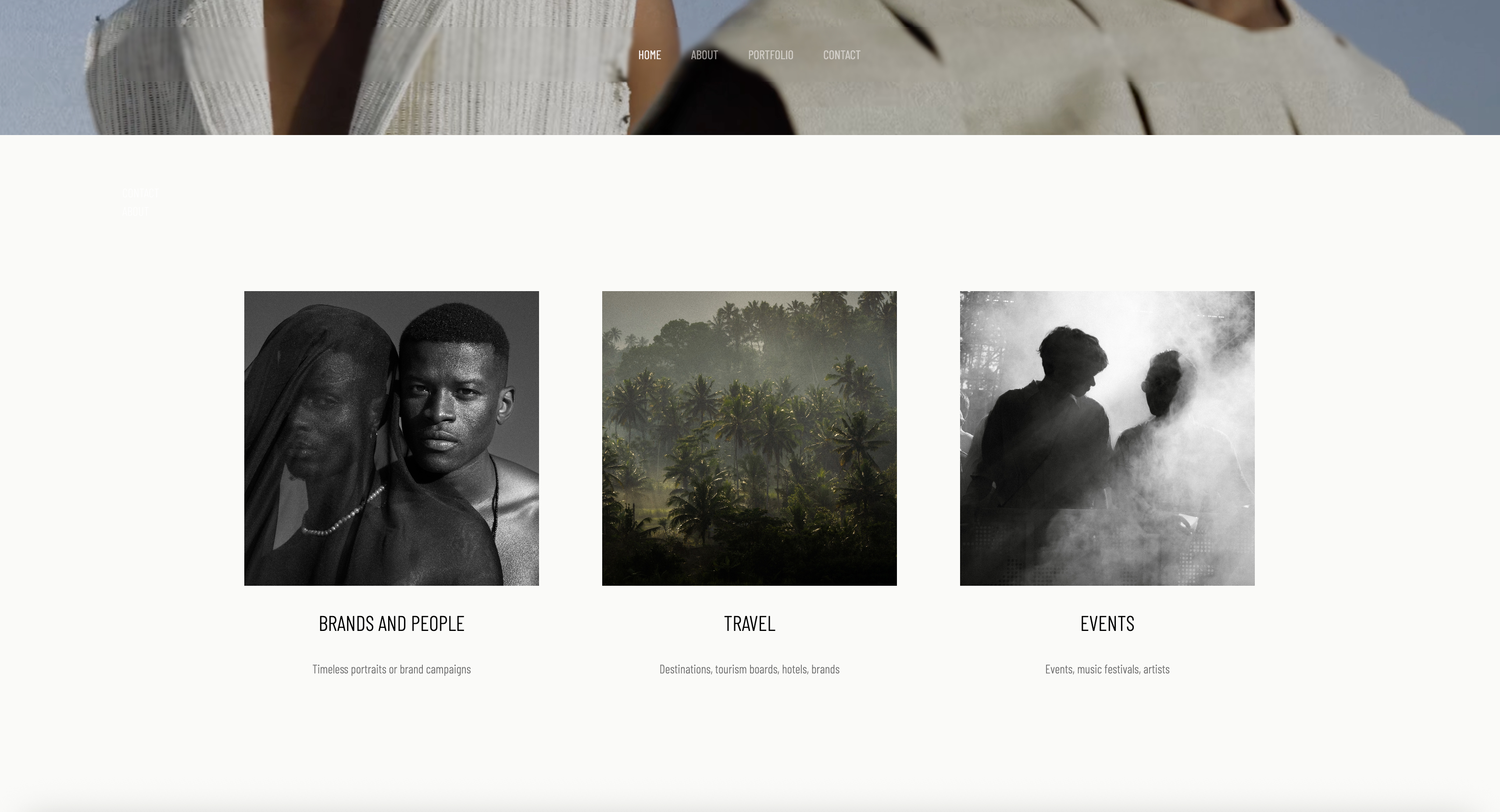
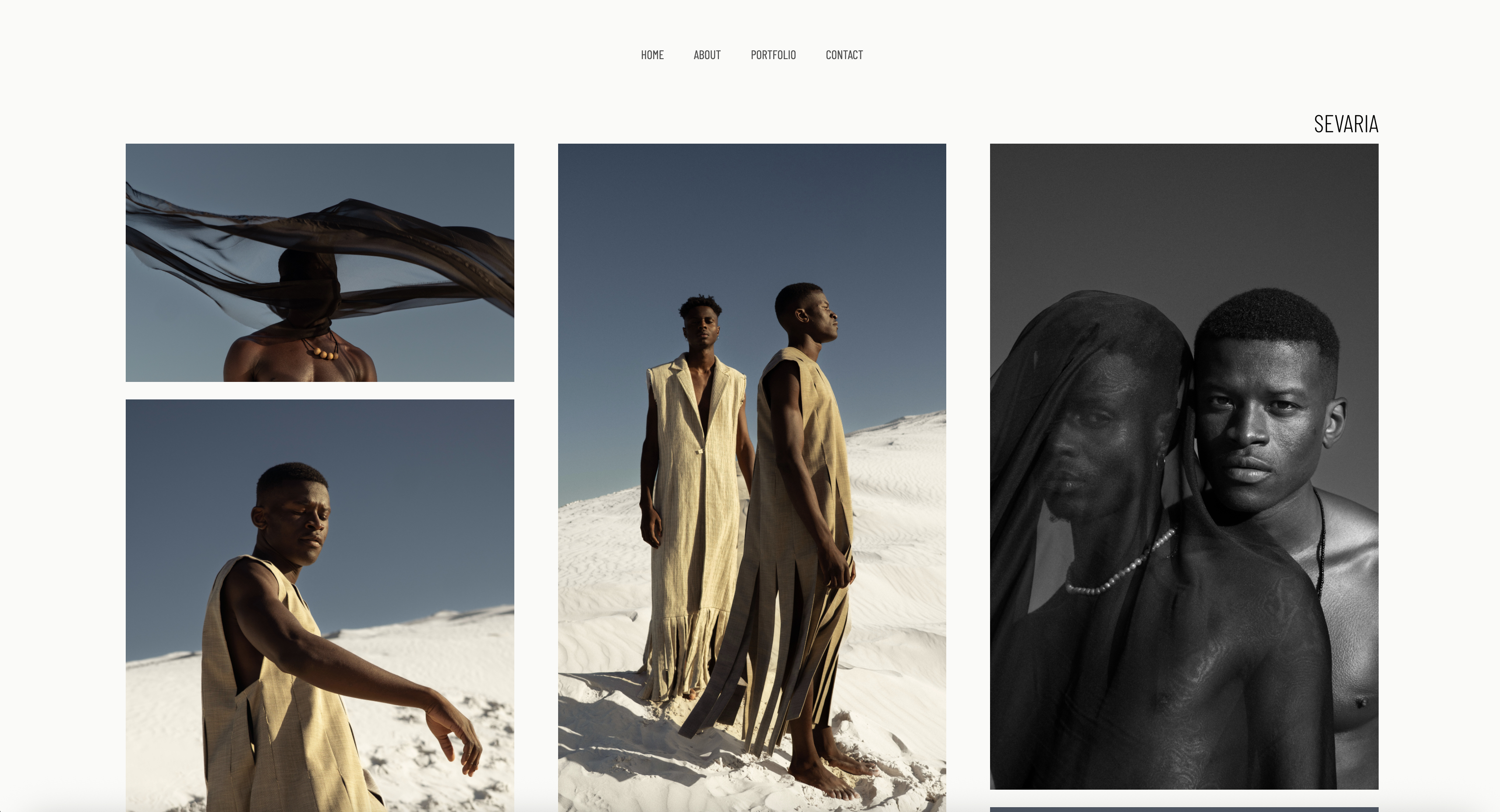
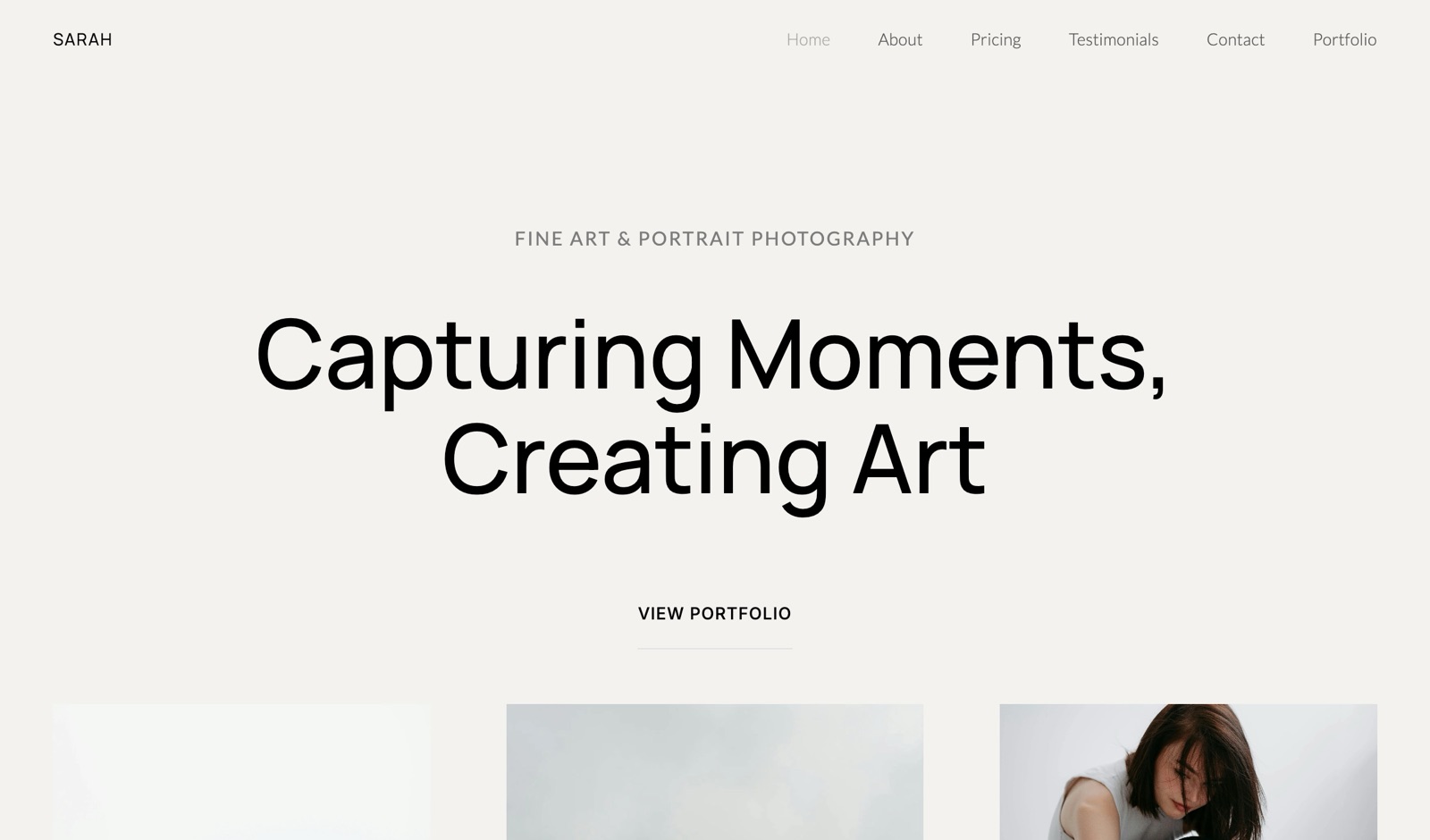
Start from a designer-made template
 Use template
 Use template
 Use template
 Use template
 Use template
 Use template
 Use template
 Use template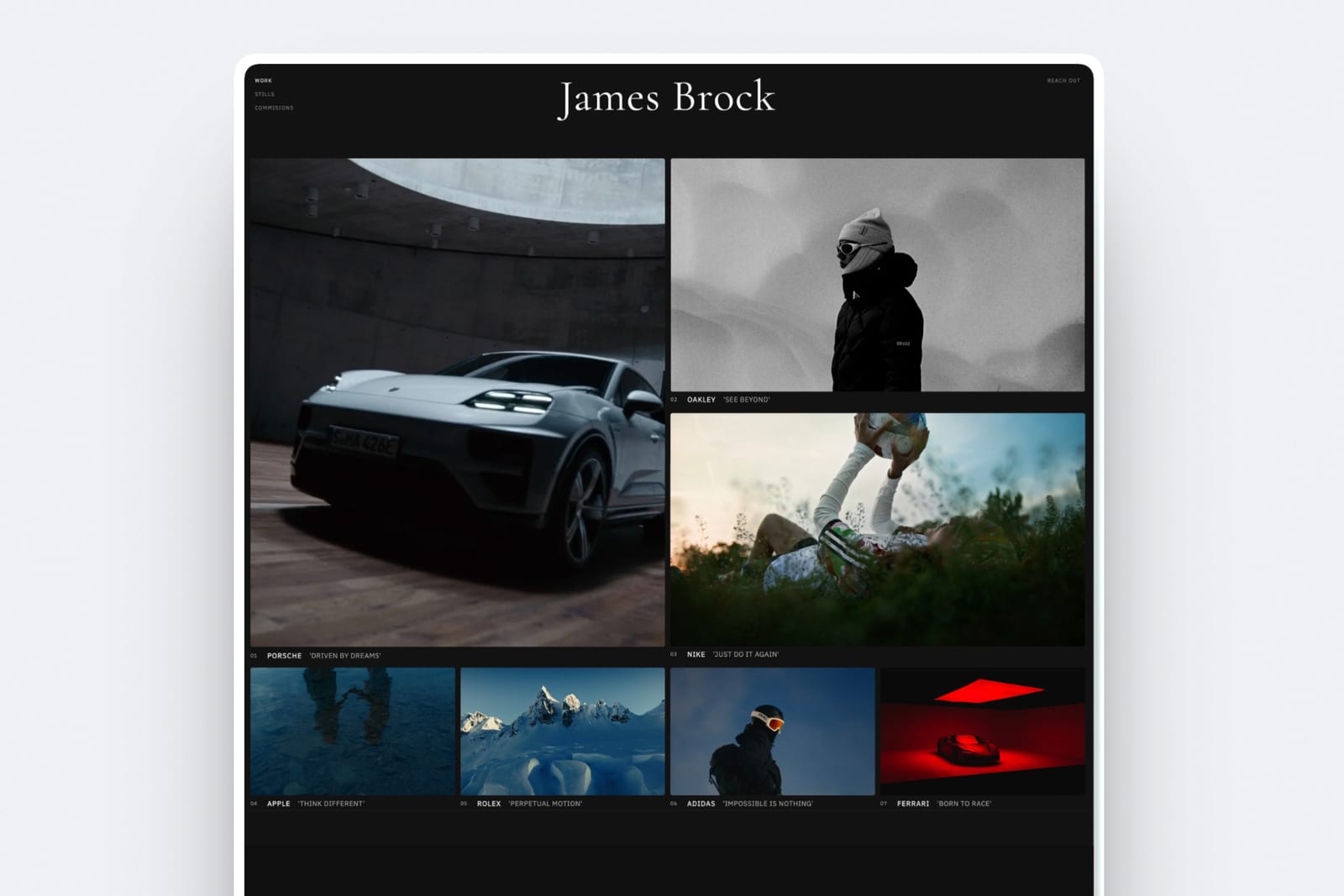
Framekit vs Notion is a comparison people reach after publishing a Notion page as a portfolio, sending it to a prospective client, and feeling something they cannot quite name.
The thing they cannot name is that it looks like a Notion page.
That is not a criticism of Notion, which is a superb tool for the job it was built for, and it publishes a page to the web in about four seconds.
It is a statement about what a portfolio has to do, which is convince someone that you are worth hiring before they read a word.
Framekit is an AI website builder that generates a multi-page portfolio with client galleries, video review, decks and a store on the same account.
A workspace tool is software for organising notes, databases and documents, with web publishing added as a convenience rather than as the point.
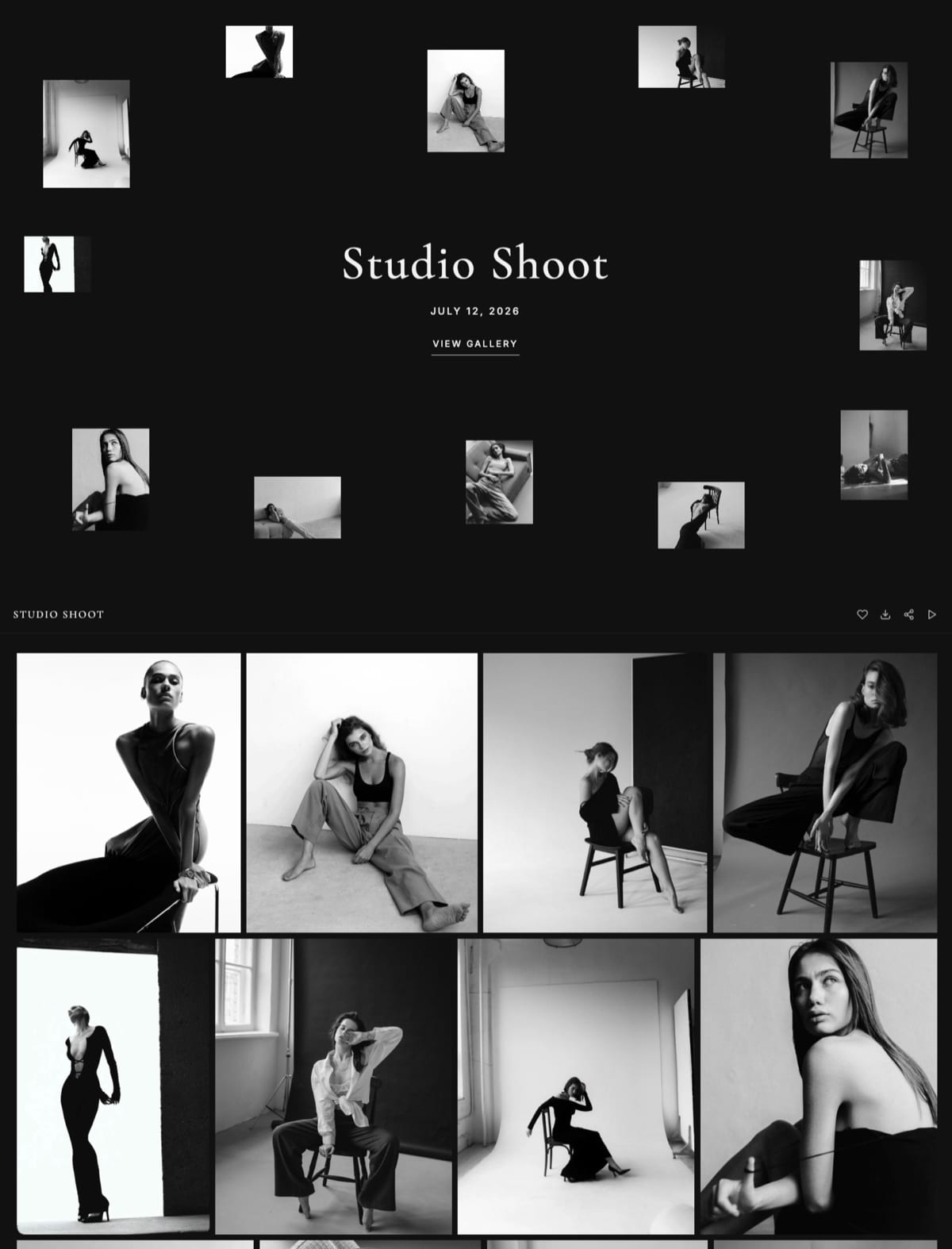
Framekit is the better choice for anything a client judges you by, because it generates a designed multi-page site on your own domain with project pages, client galleries and a store, where a published Notion page carries Notion's layout and typography whatever you do to it.
Notion is the better choice for internal documentation, databases, a wiki, a free private link for a document, and for drafting the words before they become a site. Many creatives should use both, and the split is simple: Notion for thinking, Framekit for showing.
Full disclosure: Framekit is our own product. Notion is not really a competitor in this category so much as a tool people press into service, and the section on what it genuinely does better is specific. Figures were verified in September 2026.
How We Compared Them
We published the same designer portfolio twice: an about section, five project case studies with images, a services page and a contact route. Then we handed both links to three people who hire designers and asked which they would shortlist.
The honesty split:
- Measured hands-on: both builds, the publishing flow, what each does with images, and what a visitor sees on a phone.
- Verified from primary sources: Notion's plan tiers and site publishing from Notion's pricing, read September 2026. Framekit's from the shipped plan configuration.
- Reader judgement, not measurement: the shortlisting question above is three opinions, reported as opinions rather than as data.
No load times or performance numbers are published here for either tool.
Framekit vs Notion at a Glance
The weighting to read this with: the design and delivery rows decide it for client-facing work, and the database and documentation rows decide it for everything internal. The overlap is narrower than it looks.
| Framekit | Notion | |
|---|---|---|
| Looks like a designed site | Yes | No, looks like Notion |
| Multi-page portfolio with project pages | Yes | Pages, in Notion's layout |
| Custom domain | Yes, from $9 a month | Yes, on paid site publishing |
| Client galleries with password and PIN | Yes | No |
| Video review with timecoded comments | Yes | No |
| Store with automatic file delivery | Yes | No |
| Databases, wikis, internal docs | No | Yes, this is the product |
| Free private link for a document | No | Yes |
| Real-time collaborative editing | No | Yes |
| Free plan | 10 pages, galleries, decks, store | Very generous for workspace use |
In one lineNotion is where the work gets organised and Framekit is where it gets presented.
Where Notion Wins
Notion beats us in four areas, and none of them are about portfolios, which tells you most of what you need to know about how these two tools relate to each other. Each is a genuine capability we do not have.
Databases and structure. Linked databases, filtered views, relations and rollups. Framekit has none of this, and for anyone running a shoot schedule, a client tracker or a content calendar, Notion is the correct tool and we are not competing.
Internal documentation and wikis. Team handbooks, SOPs, meeting notes. Notion is built for this and it is not a job a website builder should be doing.
A free private link for a document. Share a page with someone, no account required, no cost. Framekit has no equivalent for documents: our decks are shareable but there is no password or expiry on the link.
Real-time collaboration. Several people editing the same page at once. Framekit has no multi-cursor co-editing anywhere in the product.
Where Framekit Wins
Framekit wins on three points, and all three are about the moment someone who might hire you looks at your work. None of them matter for a wiki.
The design is the product. A Notion page has Notion's type scale, Notion's spacing and Notion's toggle blocks, and a visitor recognises it instantly.
For a designer or photographer being judged on visual craft, publishing a portfolio in a tool with a fixed visual identity is a quiet argument against yourself. Framekit generates a site around your work instead.
Images are treated as work, not attachments. A portfolio lives or dies on how images are presented at full width, in a grid, at the right rhythm. Notion renders them as content blocks in a document.
Client delivery and selling are built in. Password-protected galleries with a separate download PIN, timecoded video review, and a store that delivers files.
Notion has none of the three, so a creative using Notion as a portfolio is also paying for delivery somewhere else.
In one lineNotion publishes a document that happens to be public, and a portfolio is not a document.
The Honest Case for a Notion Portfolio
There is a real one, and it is worth stating because a lot of good people use Notion this way and are not wrong to.
If you are early, unsure what the work even is yet, and need something at a URL today, a Notion page is free, fast and infinitely better than nothing.
It is also genuinely good for a case study in progress, where the writing matters more than the presentation and you want to iterate in public.
Writers in particular lose less to Notion's visual identity than photographers and designers do, because their work is words rather than images.
In one lineNotion is a fine first portfolio and a poor fifth one.
What Each Actually Costs
Both have generous free tiers, so the money is rarely what decides this. Here are the realistic annual figures for a creative who needs a portfolio plus somewhere to organise their work.
| Setup | A year | What it covers |
|---|---|---|
| Notion free | $0 | Workspace and a published page on a Notion URL |
| Notion with a custom domain on site publishing | Varies by plan | A published page on your own domain |
| Framekit free | $0 | Ten-page site, galleries, decks, store, our subdomain |
| Framekit Starter | $84 | The above on your own domain, no badge |
| Notion free plus Framekit Starter | $84 | Organised internally, presented properly |
The bottom row is what we would actually recommend to most creatives, and it costs the same as the row above it.
In one linekeeping Notion is free, so the only question is what your portfolio sits on.
How to Choose: A Decision Guide
Go through these one at a time and stop where you can answer yes. Questions one and two describe completely different uses rather than competing products, which is why most people reading this should end up using both tools rather than picking one.
- Is this internal, a database, a wiki or a tracker? Yes: Notion. We do not do any of it.
- Will a prospective client judge your craft by this page? Yes: Framekit, where the design is not someone else's.
- Do you need to deliver photos or video to clients? Yes: Framekit. Notion has no galleries or review.
- Do you need to sell a file? Yes: Framekit, with automatic delivery and a fee falling to 0 percent on Business.
- Do you need a free private link for a document today? Yes: Notion, which does this better than anything.
- Most creatives: both, with Notion free for the workspace and Framekit for anything public.
Frequently Asked Questions
Can I use Notion as a portfolio website?
You can, and for a first portfolio it is a perfectly reasonable choice: free, fast and far better than no site at all.
What it costs you is visual distinctiveness, because a published Notion page carries Notion's typography, spacing and block layout however you arrange it, and anyone who uses Notion recognises the format immediately.
For a creative judged on visual craft, that recognition works against you.
Is Framekit better than Notion for a designer portfolio?
For the portfolio itself, yes, and the reason is presentation rather than features.
Framekit generates a multi-page site with project pages built around your images, on your own domain, so the page argues for your taste rather than demonstrating Notion's.
Notion remains better for everything behind the portfolio: the client tracker, the project notes, the case study drafts before they are published.
Does Notion have client galleries?
No. Notion has no password-protected gallery with download controls, no favourites and no separate download PIN, so a photographer using Notion as a site is delivering work through something else.
Framekit includes unlimited client galleries on every plan including free, with a password and a download PIN, which is one of the clearer reasons creatives move the public half of their setup.
Can I sell products through Notion?
Not natively. Notion has no checkout, no automatic file delivery and no store, so selling means embedding a third-party payment link and handling delivery yourself.
Framekit's store handles the product page, checkout and file delivery, with a platform fee of 5 percent on Free and Starter, 3 percent on Pro and 0 percent on Business at $39 a month, plus card processing.
Which is cheaper?
Both have free tiers that cover a lot, so cost rarely decides this. Notion free publishes a page on a Notion URL and Framekit free publishes a ten-page site with galleries, decks and a store on a framekit.ai subdomain.
Paid, Framekit Starter is $84 a year for your own domain. The setup we would recommend, Notion free alongside Framekit Starter, is $84 a year total.
Can I move my Notion portfolio to Framekit?
There is no importer, so moving means rebuilding, which for a portfolio of five case studies is an afternoon: generate the site from a description of your practice, then paste the text and re-upload the images at full resolution rather than as they were compressed in Notion.
Keep the Notion pages as your drafting space, which is what they are good at.
Does a Notion page rank in search?
Published Notion pages can be indexed, but a single page gives you a single target, where a portfolio with individual project pages gives search engines several distinct pages to rank for several distinct queries.
If commissions arrive through referral, that gap matters little. If they arrive through search, it is the whole game, and a multi-page site on your own domain is the structure that earns it.
What does Framekit not do that Notion does?
Databases, filtered views, relations, wikis, internal documentation, real-time collaborative editing and free private document links.
That is a substantial list and none of it is on a roadmap we can point you to, because they are not what a website builder is for. Anyone running their business operations in Notion should keep doing so.
Is Notion good for case studies?
For drafting them, genuinely yes, and many designers write in Notion and publish elsewhere. The structure a case study needs, a problem statement, a process section and a results block, is easy to draft in a document.
Where it falls down is publishing: the same case study on a designed site with full-width images reads as professional work, and in Notion it reads as notes about professional work.
Should I keep Notion if I build a Framekit site?
Yes, almost certainly, and it costs nothing to. Notion stays as the workspace: client tracker, shoot schedules, invoicing notes, case study drafts, and anything the public never sees.
Framekit takes the public half: the portfolio, client galleries, review links and the store. The two do not overlap enough for either to replace the other.
Final Verdict
Notion organises and Framekit presents, and pressing either into the other's job produces something that works but reads wrong.
A published Notion page is a document that happens to be public, which is exactly right for a spec, a wiki or a shared brief, and exactly wrong for the thing a client uses to decide whether to hire you.
Who should not use Framekit. Anyone whose need is databases, wikis or internal documentation, which we do not do at all. Anyone who needs real-time collaborative editing.
Anyone who wants a free private link for a document, where Notion is better than anything else in this comparison.
Who should. Creatives whose work is judged visually and who currently have a portfolio living inside a tool with its own visual identity.
Keep Notion for the workspace, which costs nothing, and put the public half somewhere it argues for you rather than for the software.
Related readingthe best portfolio websites for students, the best case study templates for designers, and Framekit's full pricing.
Notion plan tiers and site publishing read from its published pricing in September 2026. Our plan limits come from the shipped configuration, checked the same month.