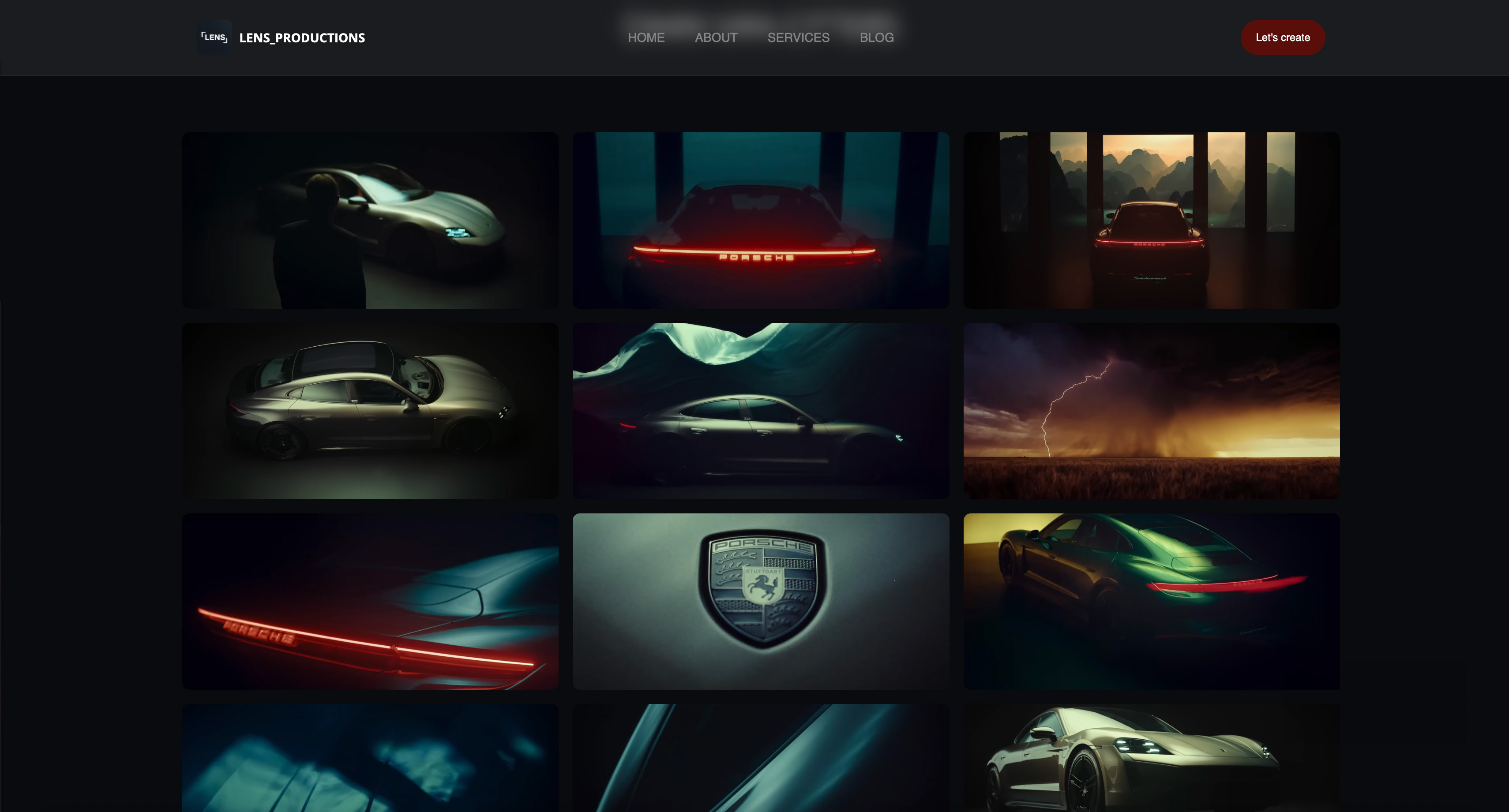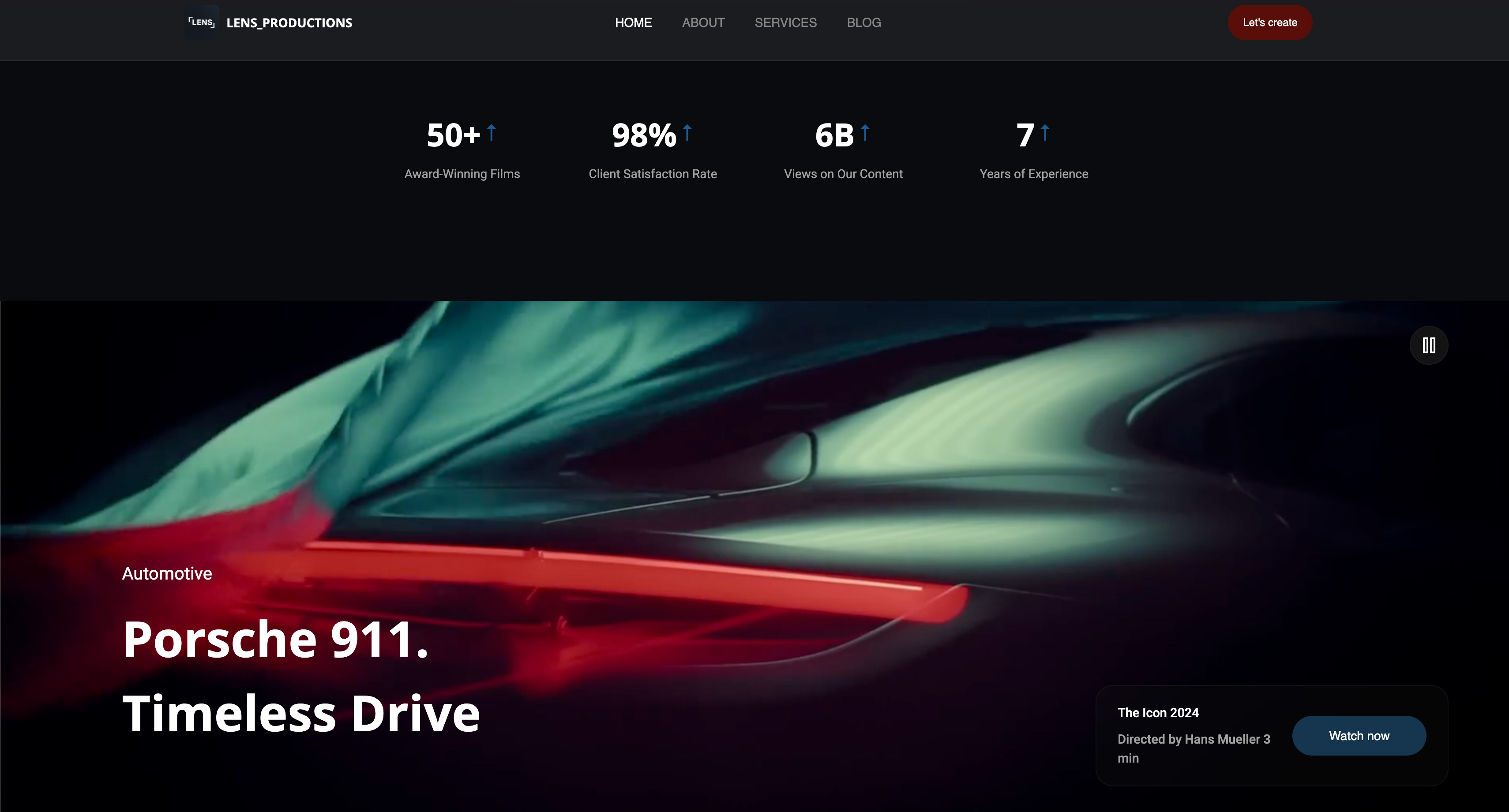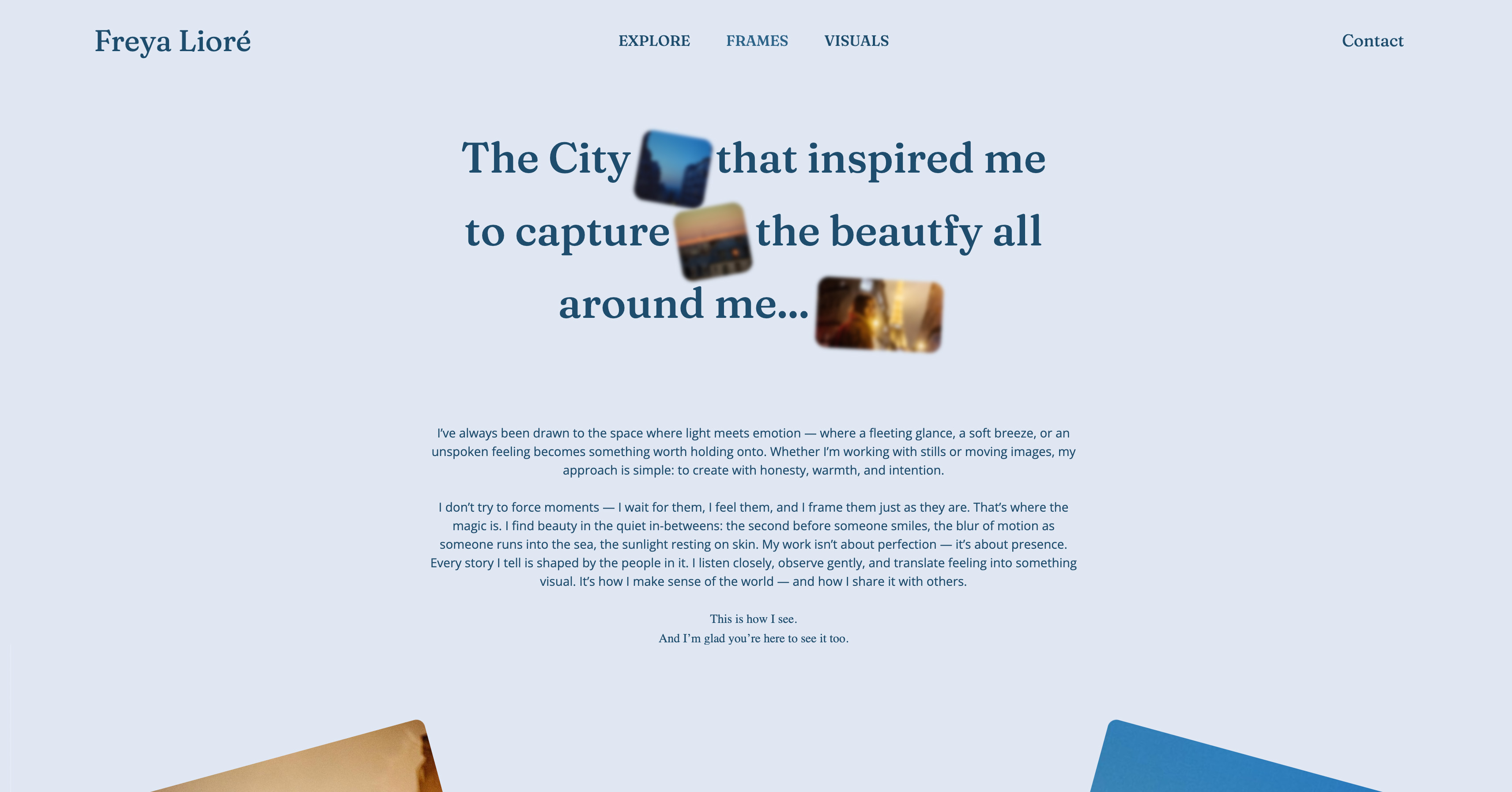
Framekit templates
Start from a designer-made template
 Use template
 Use template
 Use template
 Use template
 Use template
 Use template
 Use template
 Use template
A director is attaching a costume designer to their next feature, and they are looking at three portfolios side by side.
Your credits live on IMDb as a list of titles, your best looks are stills buried in a shared drive from a production two years ago, and the sketches that show how you think are in a PDF you email on request.
None of it is in one place a busy director can scan in two minutes and decide you are the one.
As a costume designer, the website builder you choose is what turns scattered stills and credits into a curated portfolio that gets you attached to the project.
Costume design is a hiring business built on trust and taste, and both are judged from a portfolio. IMDb proves you worked; an owned site proves how good the work was and how you think.
The credits list who hired you. The portfolio decides who hires you next.
A website builder for costume designers is the platform you use to build a professional costume portfolio - your sketches, finished looks, and production credits - ideally on a domain you own, so a director, producer, or costume supervisor finds a curated body of work instead of a scattered trail.
This guide compares the best website builders for costume designers on those jobs.
Recently updated, 12 October 2026: we removed the claim that we built a costume portfolio on each tool and timed a private pitch gallery, which no record supports, and clarified that Framekit's galleries are private, link-only pages for pitches rather than its public portfolio, and that its store sells digital files only.
Adobe Portfolio's Creative Cloud route is now priced at US$11.99 for Lightroom rather than about $10.
The best website builder for costume designers in 2026 is Framekit, because it turns a prompt into a curated costume portfolio on your own domain, with galleries for full looks and sketches, private galleries for production proposals, and a credits page - so a director sees your taste and your track record in one professional place.
The honest trade-off: your agent, IMDb, and industry network still drive hiring, and a site supports them rather than replacing them. For a single cheap page, Carrd is simpler; if you already pay for Creative Cloud, Adobe Portfolio is free.
Framekit builds a costume design portfolio from a prompt, on a framekit.ai address free or your own domain from $9 a month, with no credit card to start.
Full disclosure: Framekit, ranked #1 below, is our own product, so we have a stake in this. We compared each tool's published plans, templates and gallery features, confirmed every price against each platform's published pricing in July 2026, and we say plainly where each beats us: Carrd is cheaper for one page, Adobe Portfolio is free with Creative Cloud, and Squarespace has a larger template library. Read the ranking knowing that.
How We Compared These Costume Designer Website Builders
A costume designer's site has to show taste and range fast: finished looks on character, the sketches and boards behind them, and the productions that prove it.
We rated each tool, from its published features, on the five things that decide a costume design portfolio, one section each below.
Looks and presentation. How well the site shows finished costumes on character, in a way that conveys craft and mood.
Sketches and process. Whether you can present design sketches, mood boards, and fabric work as considered stories, with private galleries for pitching a production.
Credits and range. How easily you show your filmography and range across genres and periods, so a director can gauge fit.
Ownership. Whether the site is yours on your own domain, so it ranks for your name when a director searches you.
Ease and cost. How fast you get it live and what the plan you need costs.
The reference portfolio we judged each tool against: a portfolio of looks, a sketches-and-process section, and a credits page. The costume designer we follow through this guide works across film and theatre and wants one curated portfolio to send to directors and supervisors.
Two kinds of finding, kept separate. Pricing and features came from each platform's own pages: every plan, read in July 2026 and linked inline, with Framekit checked against its shipped product.
Community sentiment, and we say so: patterns across reviews. We did not build the reference portfolio on each tool.
What Comparing 6 Costume Designer Builders Showed
The figures under this ranking, read in July 2026.
- 2 of 6 pair the portfolio with a separate gallery system for sets of images (Framekit's password-protected client galleries and Format's proofing galleries).
- 1 of 6 turns a prompt into a curated costume portfolio with private galleries for pitching a production (Framekit).
- 3 of 6 put your site on the platform's subdomain until you pay for a custom domain, which is what a director finds when they search your name.
- Adobe Portfolio is free with a paid Creative Cloud plan, so a designer already paying for Photoshop to render sketches can build an owned portfolio for nothing more.
- None of these replaces your agent or IMDb - they present the work that agents and credits point directors toward.
For the pick that matches how you present your work, skip to the decision tree. First, the full comparison.
The 6 Best Website Builders for Costume Designers in 2026: Full Comparison
How the ratings work: each tool is scored on the five criteria above, weighted for a hiring portfolio - ownership 25%, looks and presentation 25%, sketches and process 20%, credits and range 15%, ease and cost 15%.
Presentation and ownership share half the score because a costume designer is judged on how the looks read and whether the site is a professional, owned body of work.
So Framekit's 9.0 takes a 10 on ownership and presentation but only a 7 on cost at the low end, because a single-page tool like Carrd is cheaper if all you need is a card. No tool won every column.
| Tool | Best For | Free Plan | Starting Price | Our Rating |
|---|---|---|---|---|
| Framekit | A curated portfolio that gets you hired | Yes | $9/mo | 9.0/10 |
| Squarespace | A polished all-in-one | Trial | $19/mo | 8.5/10 |
| Format | A gallery-forward portfolio | Trial | $10/mo | 8.1/10 |
| Wix | Flexible drag-and-drop | Yes | $17/mo | 7.9/10 |
| Adobe Portfolio | Free with Creative Cloud | With CC | Free with CC | 7.6/10 |
| Carrd | A cheap single-page card | Yes | $19/yr | 7.3/10 |
Prices read from each platform's own pages in July 2026; check the latest before buying.
What a director sees at a glance
A director deciding on a costume designer wants three things fast: taste, range, and track record. This is how the tools handle them.
| Tool | Full looks on character | Sketch and process galleries | Credits page | Own your name |
|---|---|---|---|---|
| Framekit | Yes, image-led sections | Yes, with private galleries | Yes | Yes (paid plan) |
| Squarespace | Image blocks | Basic | Yes | Yes |
| Format | Gallery-forward | Yes | Basic | Yes |
| Adobe Portfolio | Yes | Yes | Basic | Yes |
| Carrd | One page | Basic | One page | Yes (Pro) |
See your looks and sketches as a portfolio you own. The free plan turns a prompt into a costume portfolio with galleries for looks and sketches and private galleries for pitching - the curated home a director actually reviews.
1. Framekit: Best Overall

Our rating: 9.0/10
Framekit is an AI website builder that turns a prompt into a costume designer's portfolio - sketches, looks, and production credits - on a domain you own.
Instead of scattering your work across IMDb, PDFs, and shared drives, you describe yourself as a costume designer and Framekit generates the pages - a portfolio of looks, a sketches-and-process section, a credits page, and contact - which you then edit and connect to your own name.
Describe yourself as a working costume designer and the AI drafts an image-led site with sections for finished looks and sketch sets, and a separate password-protected gallery, reached only by its link and kept out of search, can hold references for a specific production pitch.
Because the pages present full looks and process as stories rather than lone images, a director reads your taste and range the way they would from a physical lookbook - which is exactly what gets you attached to a project.
Best forCostume designers who want a curated, professional portfolio they own that shows taste, range, and credits in one place.
Key features:
- Generate a costume portfolio from a prompt or a reference screenshot
- Image-led pages for finished looks and sketch sets, plus password-protected client galleries for pitching a production
- A credits page for your filmography and range across genres and periods
- Your looks, sketches, and credits on one owned domain
- Sites are generated by Cadence, Framekit's model for creative work, with a faster option called Score
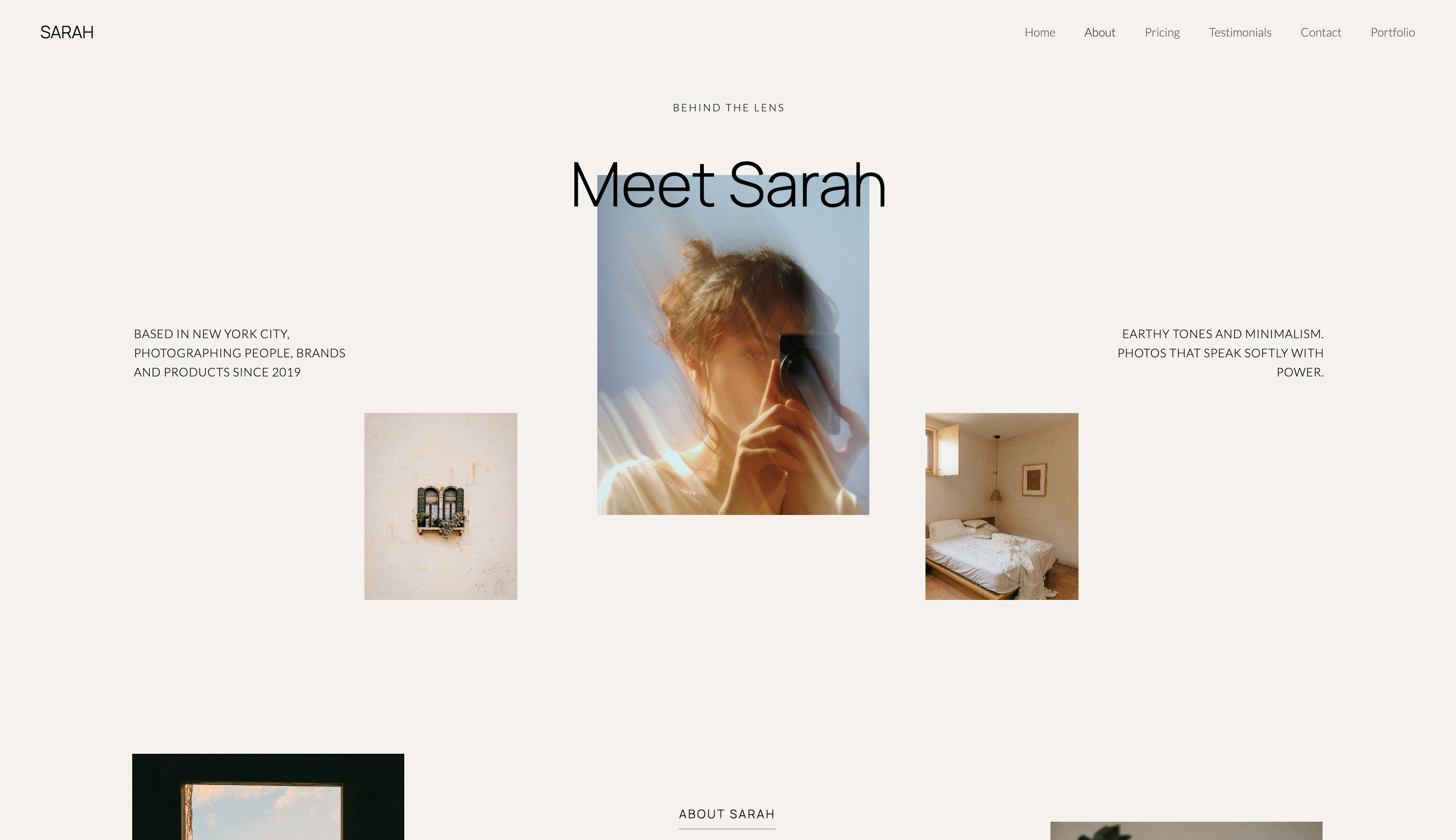
The difference from a scattered trail is curation and control.
IMDb lists what you worked on and a PDF holds a few sketches, but neither shows a director your taste at a glance; your Framekit site puts your strongest looks, the thinking behind them, and your credits in one professional place at your own name, so a searching director finds a designer they can confidently attach.
The real numbera costume designer is hired on the portfolio, not a product, so the site's job is landing the job - and one feature booking pays for years of the subscription.
A custom domain starts at $9 a month on Starter, and if you ever sell digital downloads, such as a PDF sketchbook of costume illustrations, you keep 95% before card processing on the free plan and the full price minus processing on Business; the store sells digital files only, so physical prints need another service.
Pricing:
- Free: $0 (Framekit subdomain, 10GB pooled storage)
- Starter: $9 per month (custom domain, site badge removed, 50GB)
- Pro: $19 per month (300GB)
- Business: $39 per month (2TB)
Pros:
- A curated costume portfolio generated from a prompt
- Real galleries for looks and sketches, with private galleries for pitches
- On your own domain, so it wins the search for your name
Cons:
- Not a hiring or representation service - agents and IMDb still drive the work
- Newer than the long-standing portfolio tools, so less workflow depth
- A custom domain starts on the $9 Starter plan
Skip it ifall you want is a single static card with a few stills and a contact line. Carrd does that for less, and if you already pay for Creative Cloud, Adobe Portfolio is free. Framekit wins when you want a real, curated, owned portfolio.
Verdict: Framekit is the best pick for a costume designer who wants a curated portfolio they control - looks, sketches, and credits at their own name - that supports the way productions actually hire. See our best website builders for filmmakers for the wider industry, or start free at framekit.ai.
2. Squarespace: A polished all-in-one

Our rating: 8.5/10
Squarespace is the tasteful default for a costume designer who wants a finished-looking portfolio without designing one - the templates present imagery well, a credits or about page is easy to build, and it all reads as professional out of the box.
For presenting looks cleanly with little effort, it delivers.
It offers a trial rather than a permanent free plan, and its design control stays template-level, per its published pricing. For a designer who wants polish over control, that trade is fair.
Best forCostume designers who want a polished, professional portfolio and will pay annually.
The real numberSquarespace runs from about $19 a month (Basic) on annual billing - a polished portfolio, priced as a yearly commitment, with galleries lighter than a dedicated tool.
PricingBasic about $19 a month, Core about $29, Plus about $49 (annual); trial only.
Pros:
- Templates that present looks cleanly
- Professional feel with little effort
- All-in-one with a blog
Cons:
- No free plan
- Template-level galleries
- Recognizable templates
Skip it ifyou want a free start or the deepest galleries for looks and sketches. Squarespace trades depth for a safe finish.
Verdict: Squarespace is the pick for a costume designer who wants polished and simple and will pay yearly. If you want that on a site an AI drafts and you own, with real galleries, that is Framekit's lane. See our best website builder for fashion stylists for an adjacent craft. Visit Squarespace
3. Format: A gallery-forward portfolio
Our rating: 8.1/10
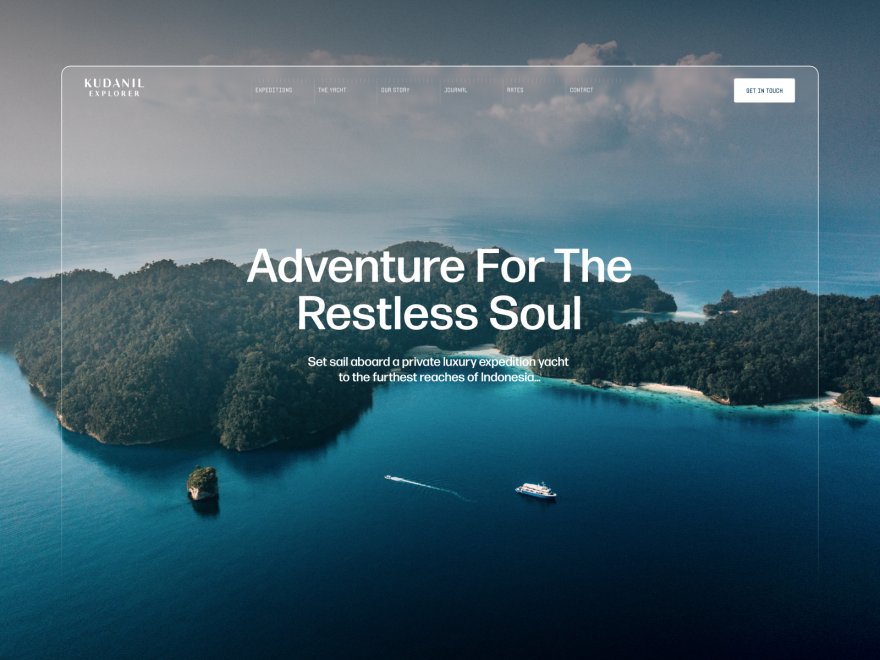
Format is a portfolio builder made for visual work, so it presents costume looks and sketch sets with real care - clean, gallery-forward layouts that let a full look fill the frame and a sketch series read as a sequence.
For a costume designer whose portfolio is the pitch, that presentation focus is worth something.
Its credits and general-site features are lighter than an all-in-one, so it leans portfolio-first, and there is no permanent free plan. For a designer who wants the looks to lead, it is a strong, focused choice.
Best forCostume designers who want looks and sketches in a tasteful, gallery-forward portfolio.
The real numberFormat runs from about $10 a month, a low price for gallery-forward presentation and a custom domain - the trade is lighter credits and general tools than an all-in-one.
Pricingfrom about $10 to $12 a month; trial rather than a permanent free plan.
Pros:
- Gallery-forward presentation of looks and sketches
- Real galleries for full sets
- Simple and affordable
Cons:
- Lighter credits and general features
- Portfolio-first
- No free plan
Skip it ifyou want private pitch galleries or a fuller all-in-one. Format is a gallery-forward portfolio.
Verdict: Format is the pick for a costume designer who wants the looks to lead in a tasteful portfolio. For private pitch galleries on the same site, an all-in-one wins. See our best Format alternatives. Visit Format
4. Wix: Flexible drag-and-drop
Our rating: 7.9/10
Wix is the flexible generalist, so a costume designer can arrange looks, sketches, and credits however they picture it, with a big template library and an AI generator to start. It does nearly anything, which suits a designer with a specific vision for the portfolio.
The Wix caveats you would expect: ads and a Wix subdomain on the free tier, and a premium plan from about $17 a month for a clean, custom-domain site.
Best forCostume designers who want maximum flexibility over the portfolio.
The real numberWix premium plans start around $17 a month for a clean, ad-free site, so the usable version is a mid-teens monthly cost rather than the free tier.
Pricingfree plan on a Wix subdomain with ads; premium from about $17 a month.
Pros:
- Very flexible layout
- An AI generator to start
- A free tier to try
Cons:
- Free plan carries ads
- The ecosystem upsells
- Can look busy without care
Skip it ifyou want the cleanest ownership or a restrained portfolio. Wix is capable but rarely minimal.
Verdict: Wix is a flexible pick for a costume designer who wants to design the portfolio their way. If the ads and upsells wear on you, a cleaner builder helps - see our best Wix alternatives. Visit Wix
5. Adobe Portfolio: Free with Creative Cloud
Our rating: 7.6/10
Adobe Portfolio is the value pick for a costume designer already paying for Creative Cloud - which many are, since they render sketches in Photoshop or Illustrator.
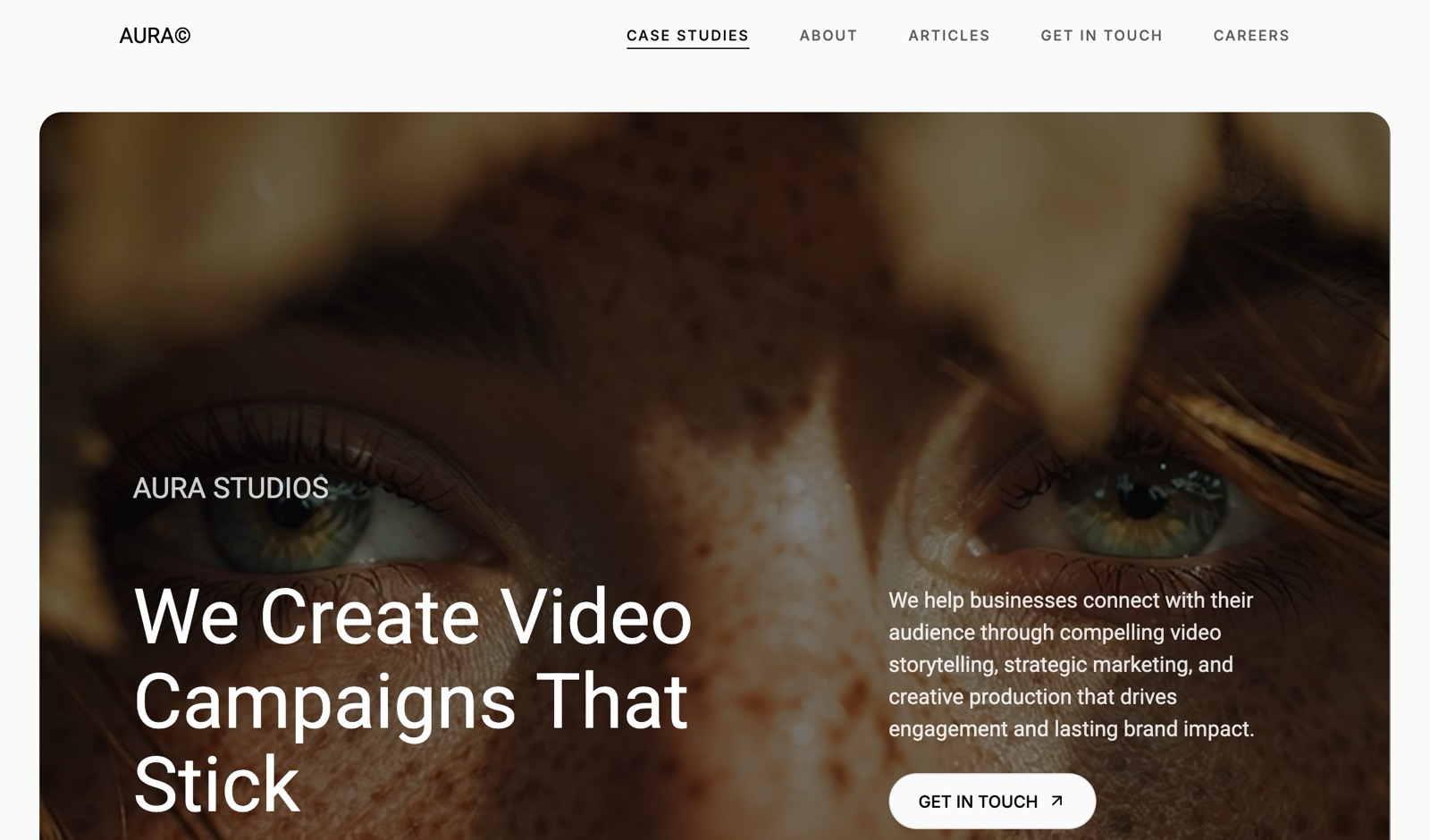
It is included free, gives a clean custom-domain portfolio, and handles galleries of looks and sketches simply. For presenting your work at no extra cost, it is a clean option.
It is deliberately simple, with limited templates and light credits tools, so it shows your looks and stops there.
Best forCostume designers on Creative Cloud who want a free, clean portfolio.
The real numberAdobe Portfolio is bundled into Creative Cloud, whose cheapest plan carrying it was Lightroom (1TB) at US$11.99 a month when we last read Adobe's page in September 2026 - so the portfolio is effectively free for existing subscribers, with light credits tools and no private pitch galleries.
Pricingincluded with any paid Creative Cloud plan; not sold separately.
Pros:
- Free with Creative Cloud
- Clean, custom-domain portfolio
- Simple galleries for looks and sketches
Cons:
- Limited templates
- Light credits tools, no private galleries
- Tied to a Creative Cloud subscription
Skip it ifyou want private pitch galleries or a fuller portfolio, or you do not subscribe to Creative Cloud. Adobe Portfolio is a clean, free presentation site.
Verdict: Adobe Portfolio is the easy free pick for a costume designer already in Adobe. When you want private galleries or more depth, you will move on - see our best Adobe Portfolio alternatives. Visit Adobe Portfolio
6. Carrd: A cheap single-page card
Our rating: 7.3/10
Carrd is the honest pick for a costume designer who wants the simplest possible thing - one clean page with a few standout looks, a short bio, and a contact line - for about $19 a year. If a single professional page is all you need to point a director to, nothing here is cheaper.
Its limit is the point: one page, with a basic contact link rather than real look galleries or a credits section, so it is a calling card rather than a full portfolio.
Best forCostume designers who want a single, cheap, professional page.
The real numberCarrd's Pro Standard is about $19 a year for a custom-domain single page - cheaper than any monthly builder, but a card rather than a full portfolio of looks and credits.
Pricingfree tier; Pro plans from about $19 a year, billed annually.
Pros:
- By far the cheapest owned page
- Fast and simple
- A usable free tier
Cons:
- One page, no real galleries
- No credits section
- Not built for a growing portfolio
Skip it ifyou want look galleries, sketches, or a credits page. Carrd is a calling card, not a portfolio.
Verdict: Carrd is the pick when a single professional page is all you need. The moment you want galleries or credits, you have outgrown it - see our best Carrd alternatives. Visit Carrd
Why a Costume Designer Needs an Owned Portfolio, Not Just IMDb
In one lineIMDb lists your credits and an agent opens doors, but neither shows a director your taste - an owned portfolio does, at your own name, which is why the strongest setup pairs your credits and representation with a site you control.
Concede the real point first: your agent and IMDb are central to a costume design career - representation gets you in the room and credits establish you worked. Keep both. But three things only an owned portfolio can do for hiring.
The taste judgment. A credit is a title; it does not show how a look was conceived or executed.
When a director is deciding between designers, they want to see finished looks and the sketches behind them, and an owned portfolio presents exactly that, curated to your strongest work.
The name search. When a director or producer vets you, they search your name. An owned site at your domain is the result you control - your portfolio and credits in one professional place - above scattered stills and third-party listings.
The pitch. For a specific production, a private gallery of references and initial looks, on your own site, is a professional way to pitch a direction, rather than a bulky email of attachments. It reads as a designer who is organized and ready.
Run the test on yourself: search your name and see whether a director would find a curated portfolio or a list of titles and a few tagged stills. If it is not a site you control, that is the gap an owned portfolio closes.
Our guide to choosing a domain name for your portfolio helps you claim your name.
How to Choose a Costume Designer Website Builder: A Decision Tree
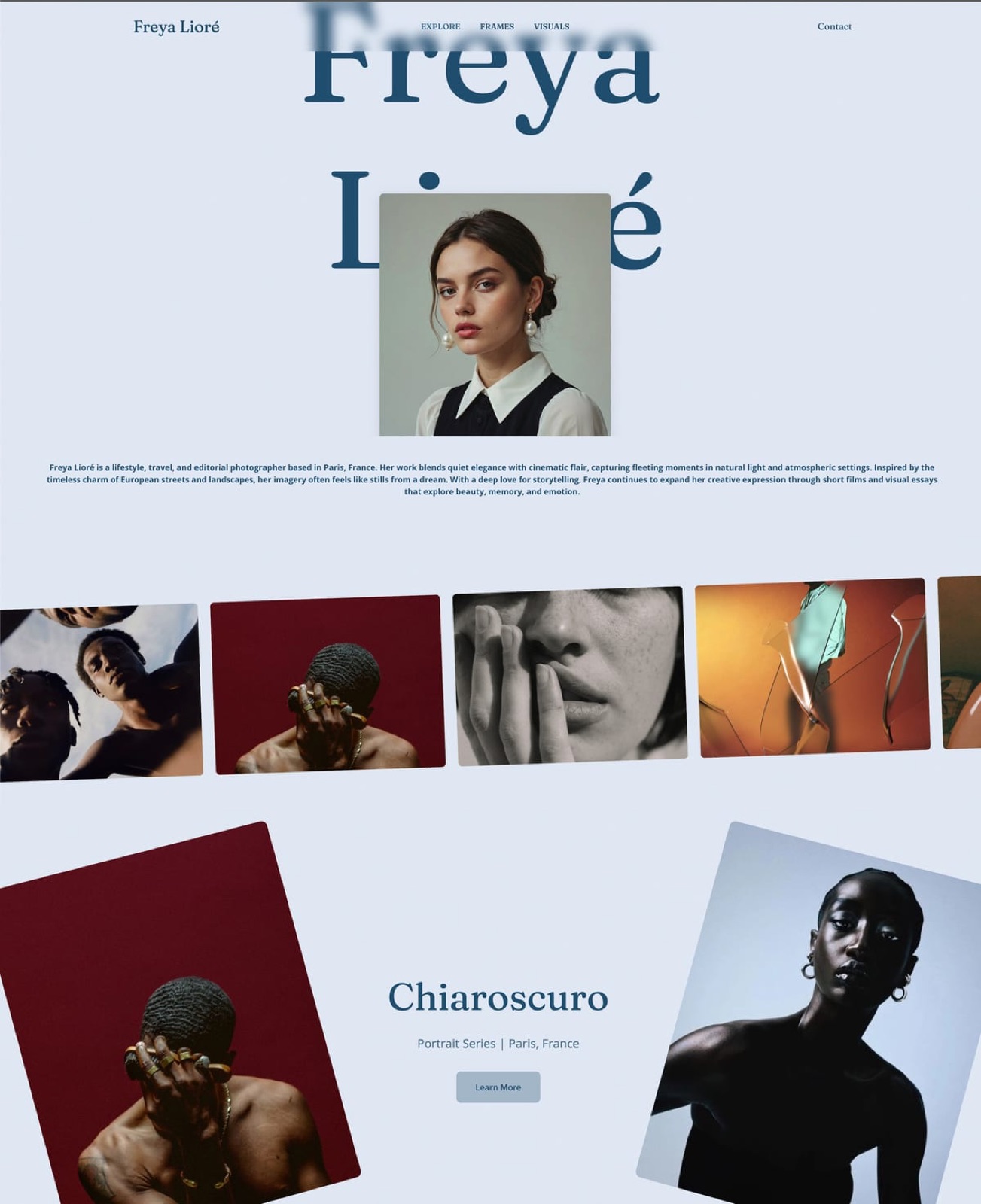
One question decides most of it, with a follow-up, and the first fit is your answer.
Start here: do you want a full portfolio with look galleries, sketches, and credits, or just a single card?
- A full portfolio. Choose Framekit for an AI-built costume portfolio with galleries and private pitch galleries on your own domain, or Squarespace for a polished all-in-one you build from a template. Go no further; you want a real home for the work.
- Just a clean single card. Choose Carrd for about $19 a year, or Adobe Portfolio if you already pay for Creative Cloud. Stop here.
If you chose a full portfolio, one more: do you pitch specific productions with private references and initial looks?
- Yes, I pitch privately. Choose Framekit - its private galleries let you share a direction with a director without a bulky email.
- No, a public portfolio is enough. Choose Framekit or Squarespace for the portfolio, or Format if the galleries should lead.
Frequently Asked Questions
What is the best website builder for costume designers in 2026?
The best website builder for costume designers in 2026 is Framekit, because it turns a prompt into a curated costume portfolio on your own domain, with galleries for finished looks and sketches, private galleries for pitching a production, and a credits page - so a director sees your taste and track record in one professional place.
The honest caveat is that your agent and IMDb still drive hiring; the site supports them. For a polished template-built portfolio, Squarespace is the strongest alternative, and for a single cheap page, Carrd is the value pick.
Do costume designers need a website?
Yes, as the curated portfolio that supports representation and credits. IMDb lists your titles and an agent opens doors, but neither shows a director your taste - the finished looks and the sketches behind them.
An owned website at your domain presents exactly that, ranks for your name when a director searches you, and lets you pitch a production privately.
Keep your agent and IMDb; add an owned site as the portfolio a director actually reviews when deciding who to attach. The two together are far stronger than either alone.
How should a costume designer present their portfolio online?
A costume designer should present finished looks on character in strong stills, paired with the sketches, mood boards, and fabric work that show the thinking, organized by production so range and period are clear.
Present each project as a gallery rather than scattered images, since a director judges taste from a considered set.
Framekit lays looks and sketch sets out as image-led sections and adds password-protected galleries for private sets, and Format is gallery-forward; plain image blocks flatten the work.
Lead with your strongest, most relevant looks for the kind of productions you want, keep a clear credits page, and consider private galleries for pitching specific projects.
How much does a costume designer website cost?
Entry pricing in 2026 is about $19 a year for Carrd's single page, free with Creative Cloud for Adobe Portfolio, then roughly $10 a month for Format, $9 for Framekit Starter, $17 for Wix, and $19 for Squarespace, with free tiers on Framekit and Wix.
Because a costume designer is hired on the portfolio rather than selling a product, the site is a career investment, and one feature booking pays for years of any of these.
Choose the cheapest plan that gives you a custom domain, real look galleries, and a credits page.
Can I keep my portfolio private when pitching a production?
Yes, on a builder with private galleries.
Framekit lets you create password-protected galleries, so you can share references and initial looks for a specific production with a director or producer without making them public or emailing bulky attachments.
This is a professional way to pitch a direction and keeps unreleased work protected. Most other builders here offer basic password protection on a page rather than a gallery system built for this.
If you pitch productions privately, a builder with real private galleries is worth prioritizing.
Is a website better than IMDb for costume designers?
They do different jobs, so it is not either-or. IMDb is essential for establishing your credits and being found in the industry database, but it is a list of titles that shows nothing of your taste or craft.
A website is where a director actually judges your work - curated looks, sketches, and range at your own name.
The strongest setup is both: IMDb and your agent for credits and access, and an owned portfolio for the visual case that gets you attached. If a director had to choose one to decide on you, it would be the portfolio, not the credit list.
Is Framekit or Squarespace better for costume designers?
For a costume designer, Framekit is better if you want real galleries for looks and sketches, private galleries to pitch a production, and a site drafted from a prompt, all on your own domain.
Squarespace is better if you want a polished template you fill in with the least effort and do not need private pitch galleries.
Both present a professional portfolio and both use a custom domain; the split is Framekit's deeper galleries and AI drafting versus Squarespace's template simplicity.
For a designer who pitches specific productions privately, Framekit's private galleries are the deciding feature.
Can I use a free website builder as a costume designer?
Yes. Framekit and Wix have free plans, Adobe Portfolio is free with any Creative Cloud subscription, and Carrd has a free single-page tier, so a costume designer can get a portfolio online for nothing.
The catch is the custom domain: free plans put you on the platform's subdomain, and a custom domain at your own name is what wins the search a director runs.
Start free to build the portfolio, then move to the entry paid plan for the domain when you are ready to send it to directors and supervisors under your own name.
Final Verdict: The Best Website Builder for Costume Designers in 2026
After comparing six tools, the pattern is clear: a costume designer is hired on taste and range judged from a portfolio, so presenting looks and sketches well and owning a professional site matter most, and none of these tools replaces your agent or IMDb.
Framekit is the best website builder for costume designers in 2026 who want a curated portfolio that gets them attached to projects - galleries for looks and sketches, private galleries for pitching, and a credits page, on a domain they own that wins the search for their name.
Who should not use Framekit: if all you want is a single static card with a few stills, Carrd does it for about $19 a year, and Adobe Portfolio is free if you already pay for Creative Cloud - for that, Framekit is more portfolio than you need, and we will not pretend otherwise.
And whatever you build, it supports your agent and IMDb rather than replacing them.
Squarespace is the polished all-in-one, Format the gallery-forward pick, Adobe Portfolio the Creative Cloud freebie, and Carrd the cheap card. But if you want a curated costume portfolio that shows taste, range, and credits and stays yours, build it and send it to every director.
For more, read our best website builders for filmmakers, the best website builders for creative professionals, our best website builders for actors, and best website builder for fashion stylists.
And if you design the space rather than the wardrobe, see our best website builders for set designers.