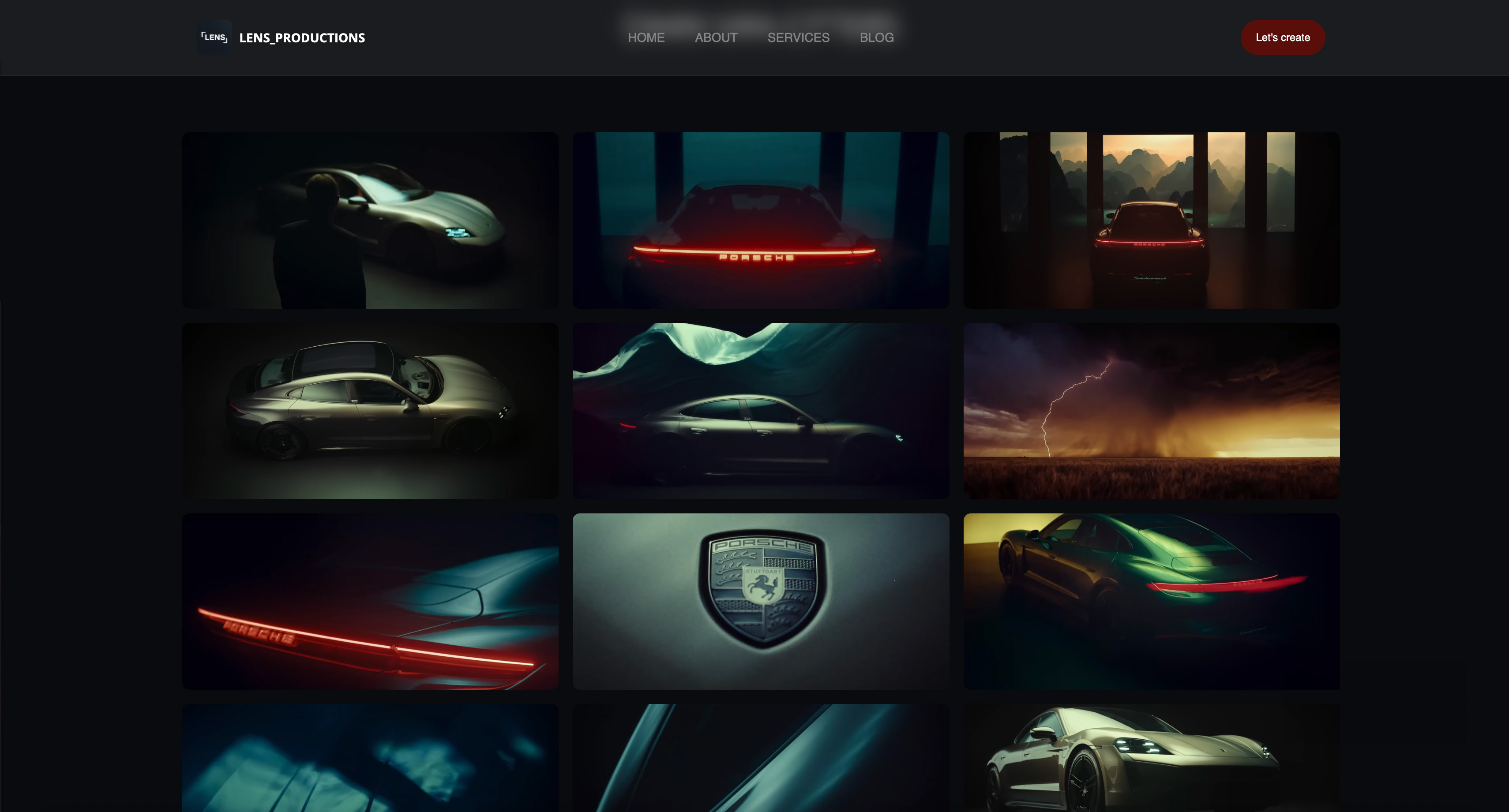
Framekit templates
Start from a designer-made template
 Use template
 Use template
 Use template
 Use template
 Use template
 Use template
 Use template
 Use template
For a set designer, the website builder you choose has to do something unusual: hold a whole production together - concept, drawings, renderings, and the built result - and keep the half still under NDA private.
A set is built, shot, and struck, and then it exists only where you keep it, which is the quiet problem in how most set and production designers show their work.
Your projects live in on-set photos on a phone, renderings in a folder, technical drawings in a PDF a production emailed back, and half of the best work sits under an NDA you cannot post at all.
When a director, a production company, or a brand's agency wants to see your range, you assemble a link from scraps and hope it reads like a body of work. It rarely does.
A set designer is hired on how completely a project reads - concept to rendering to built reality - and the website builder you choose is what decides whether that story holds together or arrives in pieces.
Built work is only as portable as the site that holds it. The production owns the footage, the studio owns the stage, and the one place your project reads as yours - concept, drawings, and the built result together - is a site you control.
The set came down the day after the wrap. The portfolio is where it keeps standing, for the next production deciding who designs their world.
A website builder for set designers is the platform you use to build a professional design portfolio - projects grouped by production, the process from concept to build shown in order, technical drawings and renderings presented cleanly, and private galleries for work still under wraps - ideally on a domain you own, so a director finds a curated body of work instead of a scattered folder.
This guide compares the best website builders for set and production designers on exactly those jobs.
Recently updated, 12 October 2026: this page no longer says we built a portfolio on all six tools, since no record of those builds exists, and two Framekit details were corrected: your own domain starts on the $9 Starter plan, and a markup-ready PDF comes from your CAD tool or a Slides deck rather than the site.
The best website builder for set designers in 2026 is Framekit, because it turns a prompt into a design portfolio on your own domain - projects grouped by production, the concept-to-build process shown in order, and unlimited password-protected galleries on every plan for work still under NDA.
The honest trade-off: Framekit is not a CAD or technical-drawing tool, so your plans still come from Vectorworks or AutoCAD, and for a single cheap page Carrd is simpler.
Framekit builds a design portfolio from a prompt, on your own domain from the $9 Starter plan, and the free plan needs no credit card.
Full disclosure: Framekit, ranked #1 below, is our own product, so we have a stake in this. We compared each tool's published plans, privacy options and project features, took every price from each platform's published pricing in July 2026, and we say plainly where each one beats us: Carrd is cheaper for one page, Adobe Portfolio is free with Creative Cloud, Squarespace ships more templates, and none of us draws your plans - that stays in your CAD tool. Read the ranking knowing that.
How We Compared These Set Design Website Builders
A set-design portfolio has a job most website builders never anticipated: carry a project from concept sketch through rendering to the built, photographed reality, and keep some of it private until a production clears it.
A tool that scatters those stages, or that has no way to lock a page, has failed the brief before the first client sees it.
We rated each tool, from what it publishes about its features, on the five things that decide whether a design portfolio earns the next production, one section each below.
The five criteria, weighted in this order:
- Project depth. Can you group a production into one page that reads concept, drawings, renderings, and final build in order, instead of a flat wall of images.
- Private galleries. Can you password-protect work still under NDA, so a new client sees a curated selection while an unreleased show stays locked.
- Presentation of drawings. Can you show renderings and technical sheets at full resolution, and offer a clean PDF a production can download and mark up.
- Ownership. A custom domain, a real export, and a portfolio that survives you switching tools between jobs.
- Speed to live. How fast you get from a drive full of production folders to a portfolio a director can browse.
What we verified from primary sources: current prices and privacy features, read off each platform's own pricing and help pages in July 2026, with Framekit checked against its shipped product.
What we report as community sentiment and label as such: recurring notes from working designers about template limits and export - context we pass along, not benchmarks we ran.
We did not build a portfolio on each tool, so no ranking below rests on a build.
Set Design Portfolios by the Numbers
Before the reviews, a few numbers frame the decision, because a design portfolio is judged as much on what it can keep private and hold together as on the work itself:
- Every plan on Framekit includes unlimited password-protected galleries, which matters more here than on any other creative site, because so much of a designer's best work sits under NDA until a production airs.
- 1 of the 6 costs nothing to start and still gives you unlimited private galleries: Framekit's free plan, with your own domain from the $9 Starter plan.
- $0 is what Adobe Portfolio adds if you already pay for Creative Cloud, and about $19 a year is Carrd's entry - the two cheapest ways onto this list.
- Zero of the six is a CAD program; each shows the drawings you export from your technical tool, none replaces it, and any post that implies otherwise is selling you something.
- None of the six replaces an agent, a production designer's roster, or word of mouth for how design jobs are actually assigned; a site wins the look, not the hire.
The Best Set Design Website Builders in 2026: Full Comparison
We weighted project depth and private galleries highest, because a design portfolio that cannot tell a full project or lock an unreleased one fails at the two things this role needs most, and price only broke ties.
| Tool | Best for | Deep project pages | Private NDA galleries | Entry price | Own domain |
|---|---|---|---|---|---|
| Framekit | An owned portfolio with private galleries | Yes, grouped in order | Yes, unlimited, every plan | Free, then $9/mo | Yes |
| Squarespace | Template variety and a blog | Manual arranging | Page passwords, limited | $19/mo | Yes |
| Format | Gallery-forward portfolios | Yes, ordered galleries | Client galleries | ~$10/mo | Yes |
| Adobe Portfolio | A free portfolio inside Creative Cloud | Basic project pages | Limited | Free with CC | Yes |
| Wix | Total layout control by hand | Manual arranging | Member-only pages | Free, then $17/mo | Paid plans |
| Carrd | A one-page contact card | One page only | One page only | Free, then ~$19/yr | Paid plans |
Prices are entry plans read from each platform's published pricing in July 2026, billed annually where that is the rate shown; Adobe Portfolio is included with any Creative Cloud subscription rather than sold separately.
1. Framekit: The Best Website Builder for Set Designers in 2026

You describe the portfolio - "set and production design, projects grouped by production, concept-to-build process, private galleries for unreleased shows" - and Framekit drafts the site: a home leading with your strongest build and project pages that carry concept, renderings, drawings, and final photos in order, with password-protected client galleries added alongside for the work you cannot show yet.
You are refining a design portfolio that already reads like one, not laying out a grid from scratch.
The detail that matters for this role specifically: unlimited password-protected galleries on every plan, including the free one.
A production designer's strongest recent work is often exactly the work still under NDA, and Framekit lets you show a prospective client a public selection while an unreleased show stays behind a password you control.
A gallery download hands a producer the full-resolution original of each rendering or sheet; for a markup-ready PDF set, export it from your CAD tool, or lay the boards out as a Framekit Slides deck, which exports to PDF on every plan.
The number that separates it: private galleries are unlimited on every plan, not gated behind a premium tier, and your own domain starts on the $9 Starter plan.
If you ever sell a resource - a rendering-asset pack, a set-design guide as a PDF - the store takes 5% falling to 0% on the Business plan, plus Stripe's card processing.
Framekit is an AI website builder that turns a prompt into a set designer's portfolio - built environments, renderings, and process, grouped by production - on a domain you own.
The honest gotcha: Framekit is a portfolio and gallery tool, not a CAD program. Your plans, sections, and technical drawings still come out of Vectorworks, AutoCAD, or SketchUp; Framekit presents them, it does not draft them.
It is also newer than Squarespace, so the template gallery is smaller.
Skip it if: all you need is a single static card with three renderings and an email - that is more site than the job requires, and Carrd does it for less.
Verdict: For a set or production designer who wants a portfolio that tells a full project, locks the NDA work, and stays on their own name, Framekit is the best pick in 2026 - and it starts free.
2. Squarespace: The Template-Rich All-Rounder

Squarespace is the handsome default, and for a designer who also blogs or wants a large template library, it is a real option. The editor is stable, the templates are well made, and a design portfolio built here looks professional.
Where it works against you is project depth and privacy.
Squarespace organizes by page and gallery, so building a production into one page that reads concept-to-build in order is manual arranging, and its privacy tools are page passwords rather than the flexible client galleries this role leans on.
For one showcase project it is fine; for a locked slate of unreleased work it is thin.
On price, Squarespace starts at $19 a month on the Basic plan billed annually (per Squarespace's published pricing), with no free tier beyond the trial.
Community sentiment we flag as such: designers like the look and want stronger private-gallery control.
Skip it if: a large share of your best work is under NDA and you need real per-gallery privacy, not a single page password.
Verdict: A polished generalist with shallow privacy tools for a role that lives on NDAs. Already committed? Our creative-professional builder guide covers where it fits.
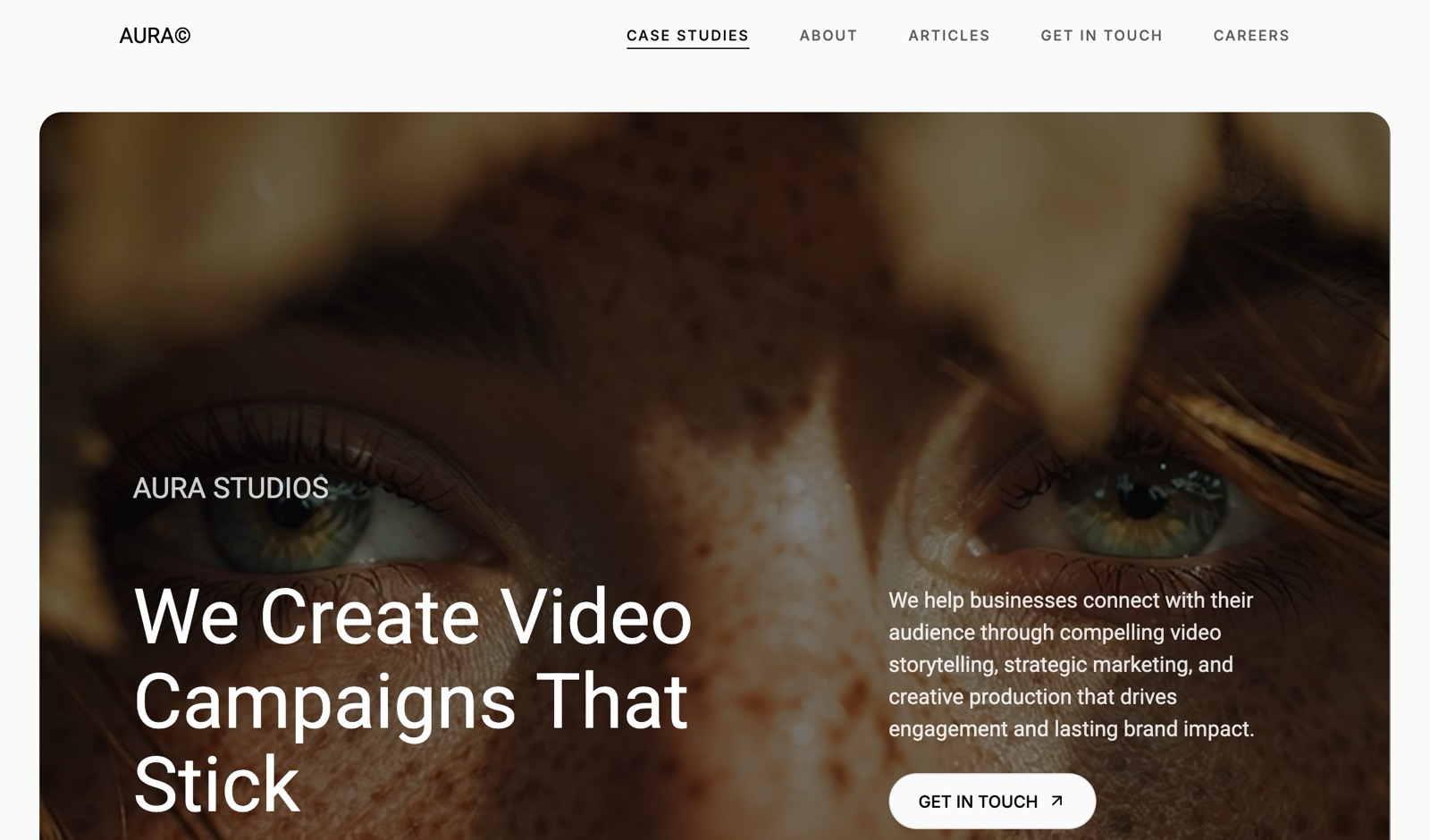
3. Format: The Gallery-Forward Portfolio
Format was built for visual portfolios, and it shows: galleries are clean and stay in order, and it includes client galleries, which puts it closer than the general builders to what a set designer needs for private work.
Presenting a project's photographed result is genuinely strong here.
Format starts around $10 a month billed annually, which is gentle, and its client-proofing tools are aimed at photographers but adapt to sharing work with a production.
The limit is depth: it shows a gallery of a finished build well, but carrying a full concept-to-build narrative with drawings on one project page is less native than on a builder designed around structured projects.
The honest note: Format is a portfolio host first, with a print-leaning store from its Pro plan (Basic has none) and no work-assignment network of its own.
Skip it if: your projects need to read as full narratives - concept, drawings, and build together - rather than as clean galleries of the finished result.
Verdict: The best of the gallery-first hosts for showing built work, lighter on deep project structure. Comparing directly? See our Format alternatives.
4. Adobe Portfolio: Free With Creative Cloud
If you already pay for Creative Cloud - and many designers do, for Photoshop and the rendering tools around it - Adobe Portfolio is included at no extra cost, which is its whole argument.
You get a clean, simple site builder, a custom domain, and a fast way to put a portfolio online without another subscription.
The number that defines it: $0 on top of the Creative Cloud plan already on your card. For a designer who just needs a presentable portfolio at a real domain, that is hard to beat on price.
What you give up: privacy tools are limited, project pages are basic, and there is no real client-gallery system for NDA work - it is a clean display case, not a portfolio built around structured, partly-private projects.
Skip it if: you need to lock unreleased productions or tell deep project stories - Portfolio is a gallery, not a private-work system.
Verdict: The best free option if Creative Cloud is already yours and you need a simple portfolio at your own domain. Outgrowing it? See our Adobe Portfolio alternatives.
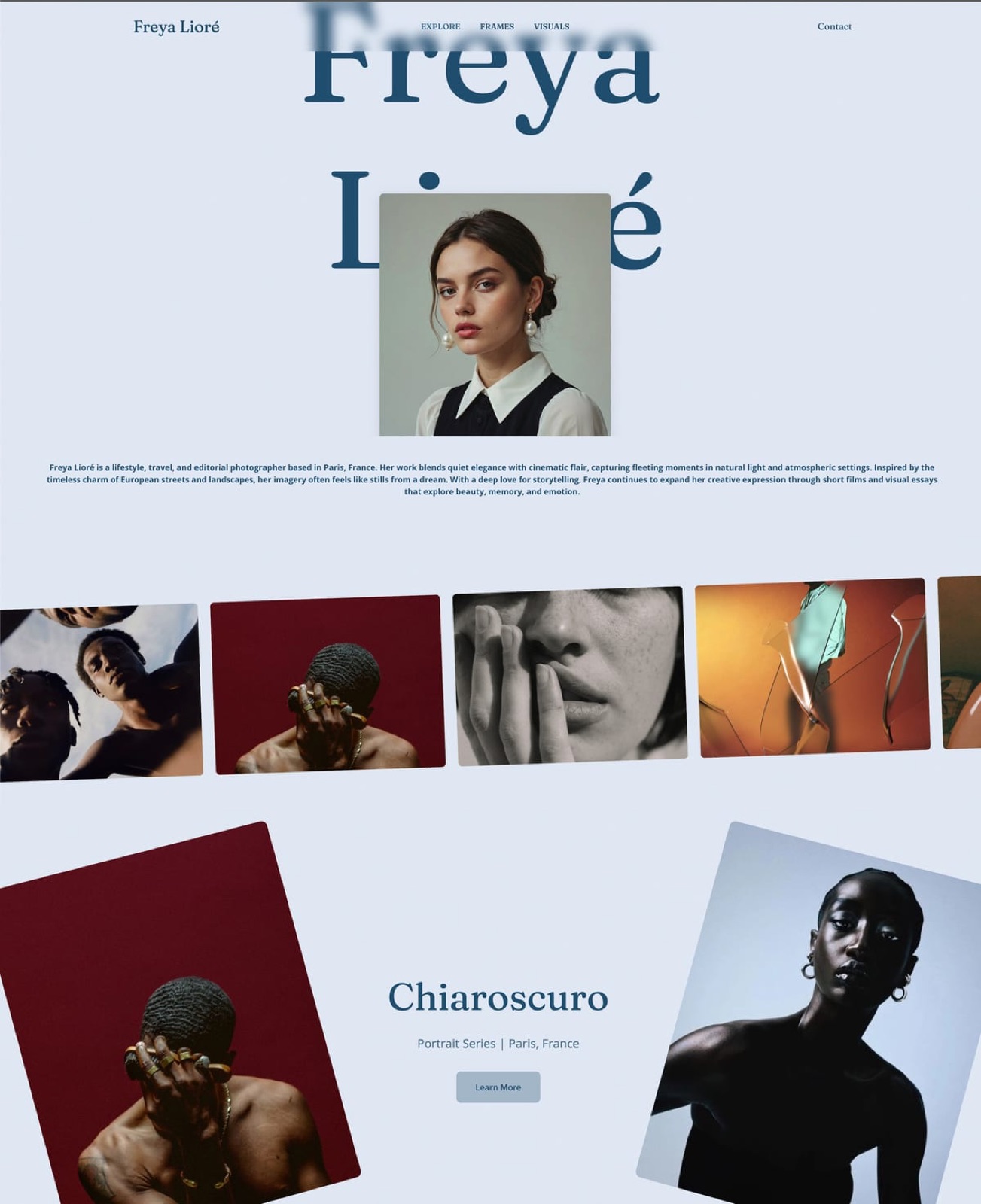
5. Wix: Maximum Control, Maximum Upkeep
Wix hands you a blank canvas and near-total control, plus member-only pages you can use to gate work. For a designer who wants to build a precise layout and does not mind the labor, that flexibility is real.
The cost is time. Arranging deep project pages by hand can take an evening, kept current by hand as your slate grows, and gating NDA work through member pages is more setup than a purpose-built private gallery.
Wix has a free plan with Wix branding and a subdomain, and custom-domain plans open around $17 a month on the Light plan billed annually.
The trade is familiar: a builder that drafts a structured portfolio from a prompt gets you sendable this week, while Wix gets you there when the building is done.
Skip it if: you would rather design sets than maintain a website - hand-building and hand-gating is the opposite of low-effort.
Verdict: The most flexible canvas here and the most maintenance, with privacy bolted on rather than built in. If the upkeep wears, our creative-professional guide lists lighter picks.
6. Carrd: The One-Page Calling Card
Carrd builds a single clean page fast and cheap, and for a designer who wants a name, a few hero renderings, a line about the work, and an email, it is efficient, and nothing here beats it on price.
Carrd's free tier covers a basic page, and Pro runs from about $19 a year, the lowest entry cost here. A domain, a headline, and a handful of images go up in an evening.
The ceiling is the point: it is one page. There is no room for a slate of productions, no private galleries for NDA work, and no way to tell a full concept-to-build project. It is a business card, not a design portfolio.
Skip it if: you have more than one production to show or any work to keep private - a single public page cannot do either.
Verdict: The cheapest, fastest professional one-pager, and only that. When one page runs out, our Carrd alternatives cover where to go.
Showing NDA and Unreleased Work Without Breaking It
The hardest part of a set designer's portfolio is that the best material is often the material you are not allowed to post.
A show has not aired, a brand's campaign has not launched, a film is under embargo - and yet that is the work that wins the next job.
The wrong answer is to leave it out or to post it and hope no one notices; the right answer is a private gallery.
A password-protected gallery lets you keep the public portfolio clean and safe while sending a prospective production a link and a password to the locked work, revoked when the conversation ends.
Framekit includes these on every plan, unlimited, which is why it fits this role better than a general builder whose privacy stops at a single page password.
Treat the public site as your cleared reel and the private galleries as the material you show under trust - our client gallery guide covers the mechanics in depth.
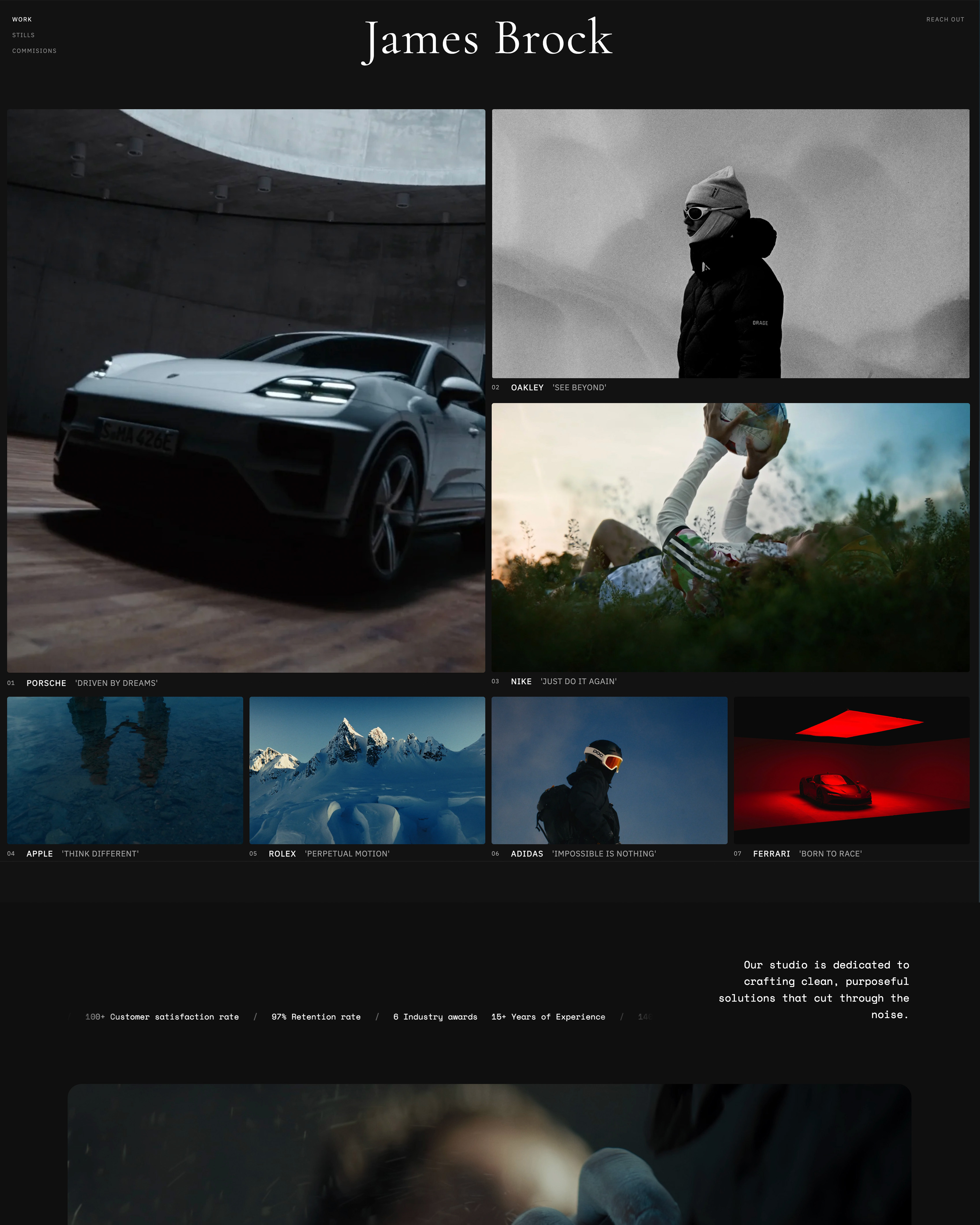
Do Set and Production Designers Need a Website?
If your work comes entirely through an agent or a few repeat production companies, a PDF and a phone number will carry you a long way.
But a site earns its keep in the gaps: the agency that found your name and searched it, the director comparing designers before a meeting, the brand vetting you for a launch.
In each, a custom-domain portfolio that tells full projects and can privately show the rest is the result you control, where a scattered folder is not.
The test is simple - when someone who might hire you searches your name, do they find a body of work or a broken link.
How to Choose Your Set Design Website Builder
The right tool depends on how much of your work is private and how deep your projects run, so answer these in order and stop at the first line that sounds like you:
- You want full project pages, unlimited private galleries for NDA work, and your own domain. Framekit, on the free plan to start.
- You already pay for Creative Cloud and just need a simple public portfolio. Adobe Portfolio.
- You need a single contact card with a few renderings and the lowest price. Carrd.
- You want the widest template library and will arrange projects and privacy by hand. Squarespace.
- Your best work is finished builds shown as clean galleries, with light privacy needs. Format.
Most working designers land on the first line: an owned portfolio that tells the full project and locks the work that is not public yet.
Frequently Asked Questions
What is the best website builder for set designers in 2026?
Framekit is our pick, because it turns a prompt into a design portfolio on your own domain, groups productions into full concept-to-build project pages, and includes unlimited password-protected galleries on every plan for work still under NDA.
The honest trade-offs: Framekit is not a CAD tool, so your drawings still come from Vectorworks or AutoCAD, Adobe Portfolio is free if you already pay for Creative Cloud, and Carrd is cheaper for a single page.
Framekit's free plan lets you build the whole portfolio, private galleries included, before you pay anything.
How do set designers show work that is under NDA?
With private, password-protected galleries.
Keep your public portfolio to cleared work, and put unreleased shows, embargoed films, or unlaunched campaigns behind a password you share with a prospective client and revoke when the conversation ends.
Framekit includes unlimited private galleries on every plan, including the free tier, which is why it suits this role better than a general builder whose privacy stops at a single page password.
Never post embargoed work publicly to fill a portfolio - a private gallery shows it without breaking the trust that got you hired.
Can a website builder replace my CAD or drafting software?
No, and any guide claiming otherwise is misleading you. Website builders present your work; they do not draft it.
Your plans, sections, elevations, and technical drawings still come out of Vectorworks, AutoCAD, SketchUp, or your tool of choice, and you export images or PDFs from there to show on the site.
Framekit displays those renderings and sheets, gallery downloads deliver the full-resolution originals, and a PDF set to mark up comes from your CAD export or a Slides deck, but the drawing itself belongs in your CAD program, full stop.
Do set designers need a custom domain?
For anyone being evaluated professionally, yes.
When an agency, a production company, or a brand searches your name, a portfolio at your own domain is the result you control - your projects, your credits, and a private-work link in one professional place - rather than a platform subdomain or a scattered folder.
A custom domain also makes an emailed portfolio read as a working designer rather than a hobbyist, and most builders here include one on their paid plans; Framekit connects your own domain from the $9 Starter plan, after you build on the free tier.
What is the cheapest way to get a set design portfolio online?
The two lowest-cost routes are Adobe Portfolio, included free if you already subscribe to Creative Cloud, and Carrd, whose paid tier starts around $19 a year for a single page.
Framekit's free plan is the cheapest way to get a real multi-project portfolio with private galleries, since it costs nothing to start, and $9 a month on Starter adds your own domain.
The catch on any free tier is the subdomain, so plan to move to an entry paid plan for your own domain once the portfolio is ready to be judged professionally.
How many projects should a set design portfolio show?
Show your four to eight strongest productions in full, not every job you have touched.
A director reads for range and for how completely you think a world through, so one film, one theatre production, one commercial, and one event - each told concept to build - say more than twenty thumbnail galleries.
Lead with your single strongest project, keep each production on its own page with its scope and credits, and put anything still under embargo in a private gallery rather than leaving it out.
Is Framekit or Squarespace better for a set designer?
Both build a professional portfolio, and the difference is project depth and privacy.
Squarespace has more templates and a polished blog, but it organizes by page and its privacy is a single page password, so telling a full concept-to-build project and locking a slate of NDA work is manual and limited.
Framekit groups full projects out of the box, includes unlimited private galleries on every plan, and starts free.
If much of your work is deep, partly-private productions, Framekit fits the role; if you want the widest template library and light privacy needs, Squarespace is reasonable.
Is Framekit or Format better for a production designer?
Format is a strong gallery host and includes client galleries, so for showing finished, photographed builds it is a real option and one of the closer competitors here.
The difference is project structure and where each is headed: Framekit is built around deep, grouped projects and unlimited private galleries on every plan, while Format leans toward clean galleries of finished work with a print-oriented store.
If your portfolio is mostly finished-build galleries, Format serves it well; if you want to carry each production from concept through drawings to build and lock the unreleased work, Framekit fits the production designer's job more completely.
Final Verdict: The Best Website Builder for Set Designers in 2026
Having compared all six, the pattern is clear: the tools differ mostly in whether they tell a full project, whether they can lock the work still under NDA, and how completely you own the result - and none of them draws your plans or hands you the job.
Framekit is the best website builder for set and production designers in 2026 who want a portfolio they own - productions told concept to build, renderings and drawings shown cleanly, unlimited private galleries for the work that is not public yet, and all of it on their own name - drafted from a prompt.
It tells the full project to the director who opens the link, it locks what has to stay private, and it stays yours between every production.
Who should not use Framekit: if all you want is a single static card with a few renderings, Carrd does it for about $19 a year, and if Creative Cloud is already on your card, Adobe Portfolio costs nothing extra - for a one-line calling card, Framekit is more than you need, and on price at the very low end it loses to them, plainly.
And whatever you build, it does not draft your drawings or replace your agent - it wins the look, not the hire.
Squarespace is the template-rich generalist, Format the gallery-forward pick, Adobe Portfolio the Creative Cloud freebie, Wix the hand-built canvas, and Carrd the cheap card.
But if you want a portfolio that tells the whole project, protects the work under wraps, and stays yours, build it and point every production link at it.
For more, read our best website builders for creative professionals, the best website builders for storyboard artists, our client gallery platform guide for the private-work mechanics, and website vs Instagram for creatives.
And if you dress the actors in that world, see our best website builders for costume designers.