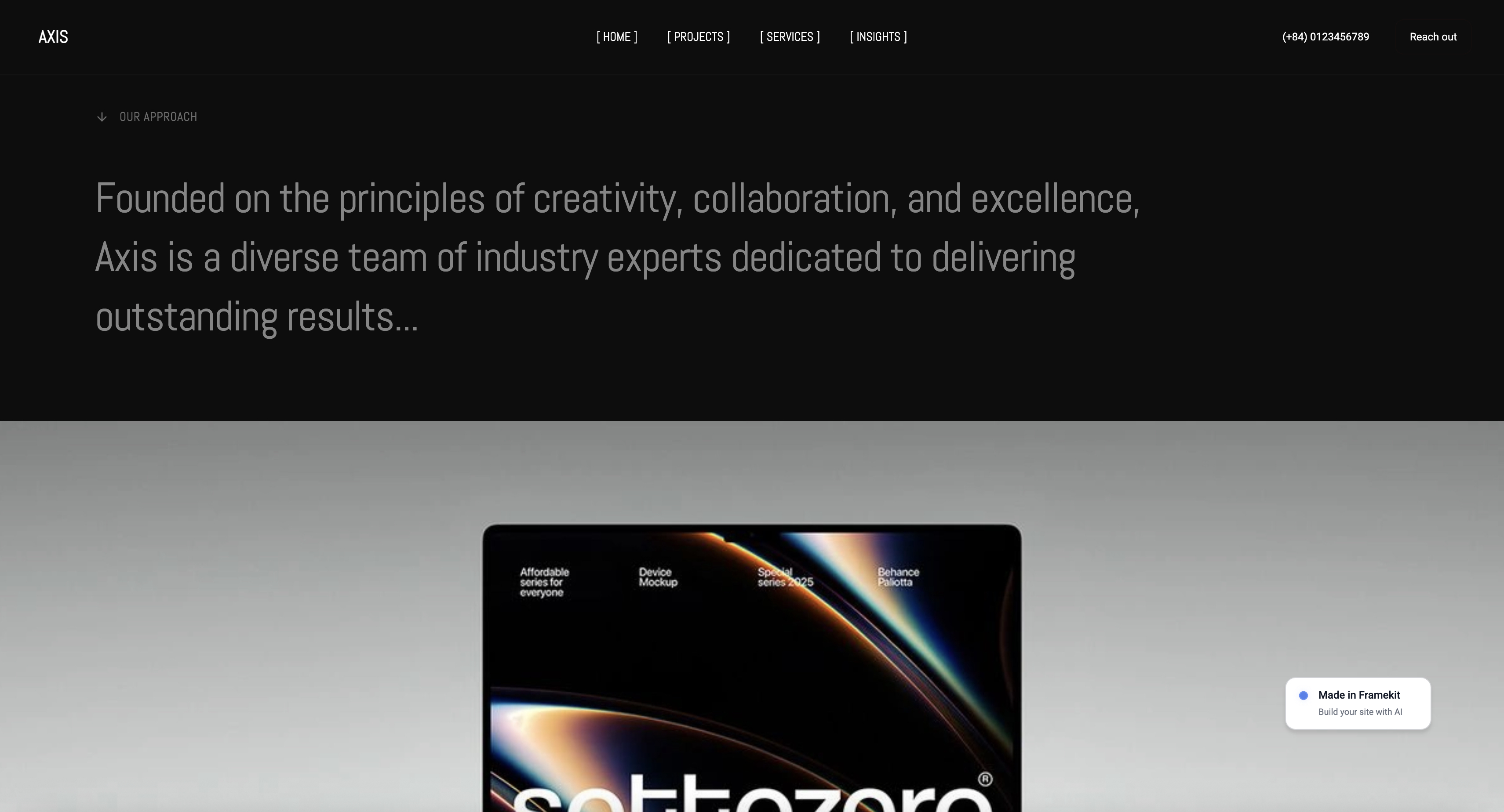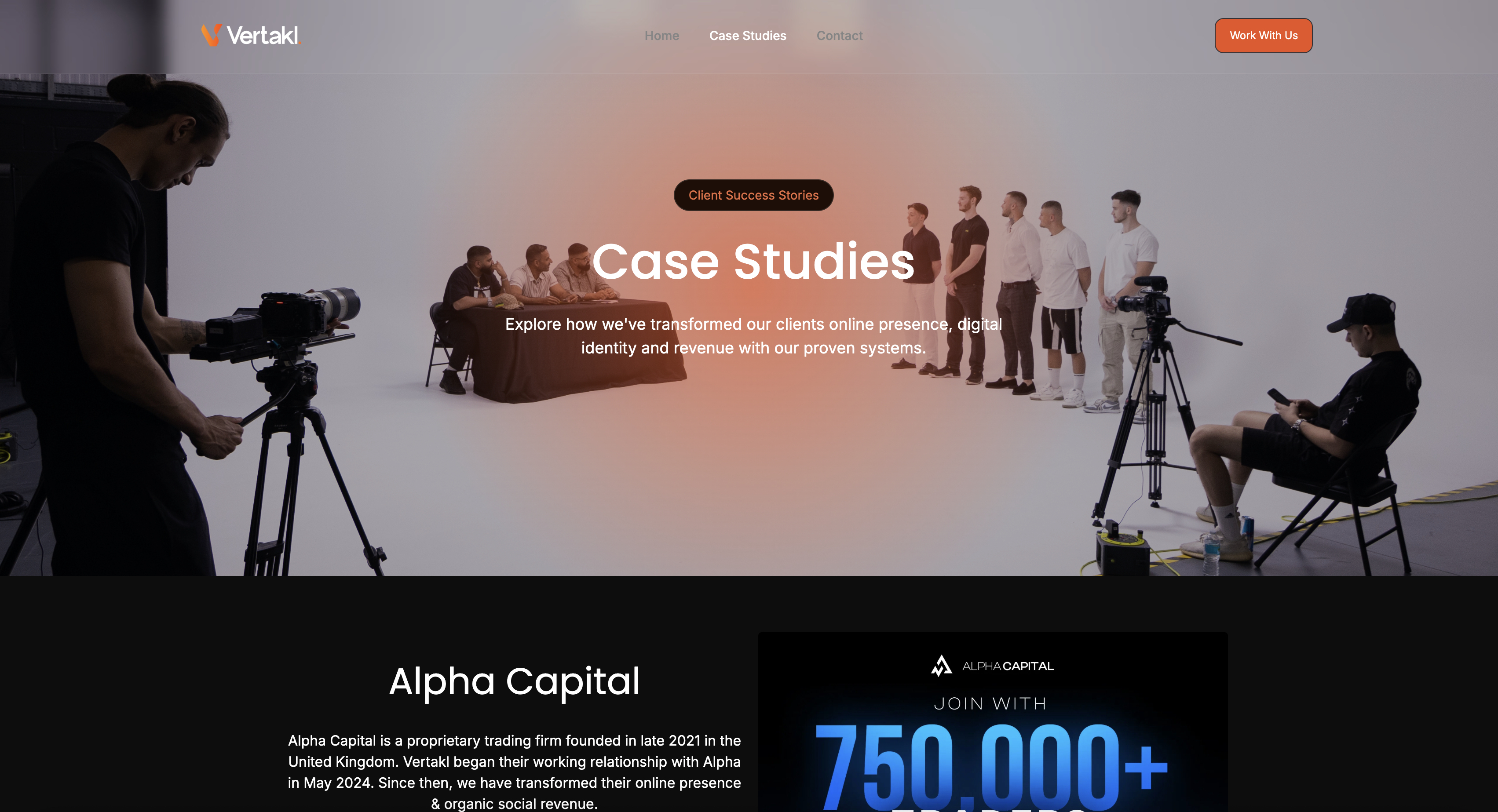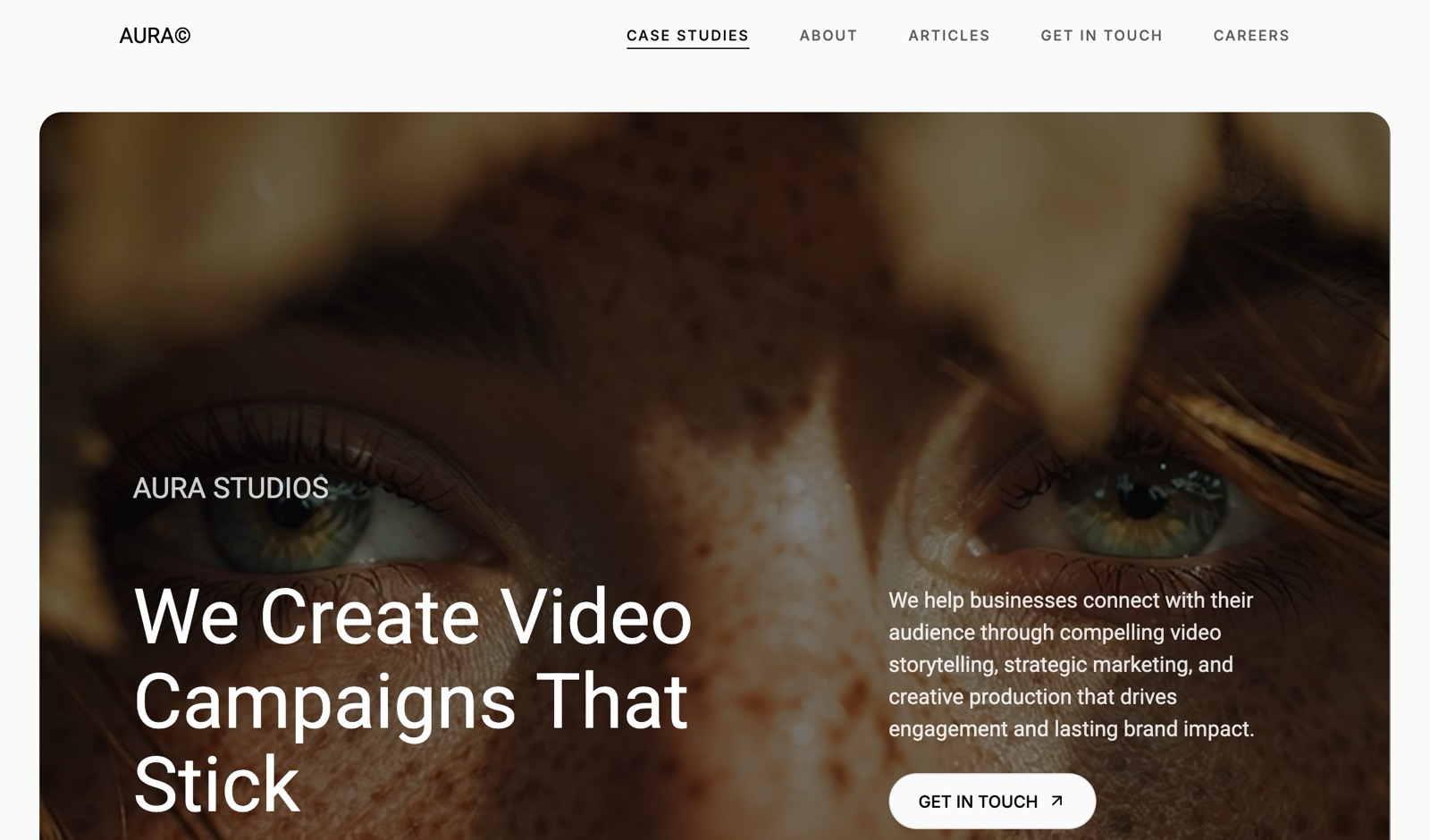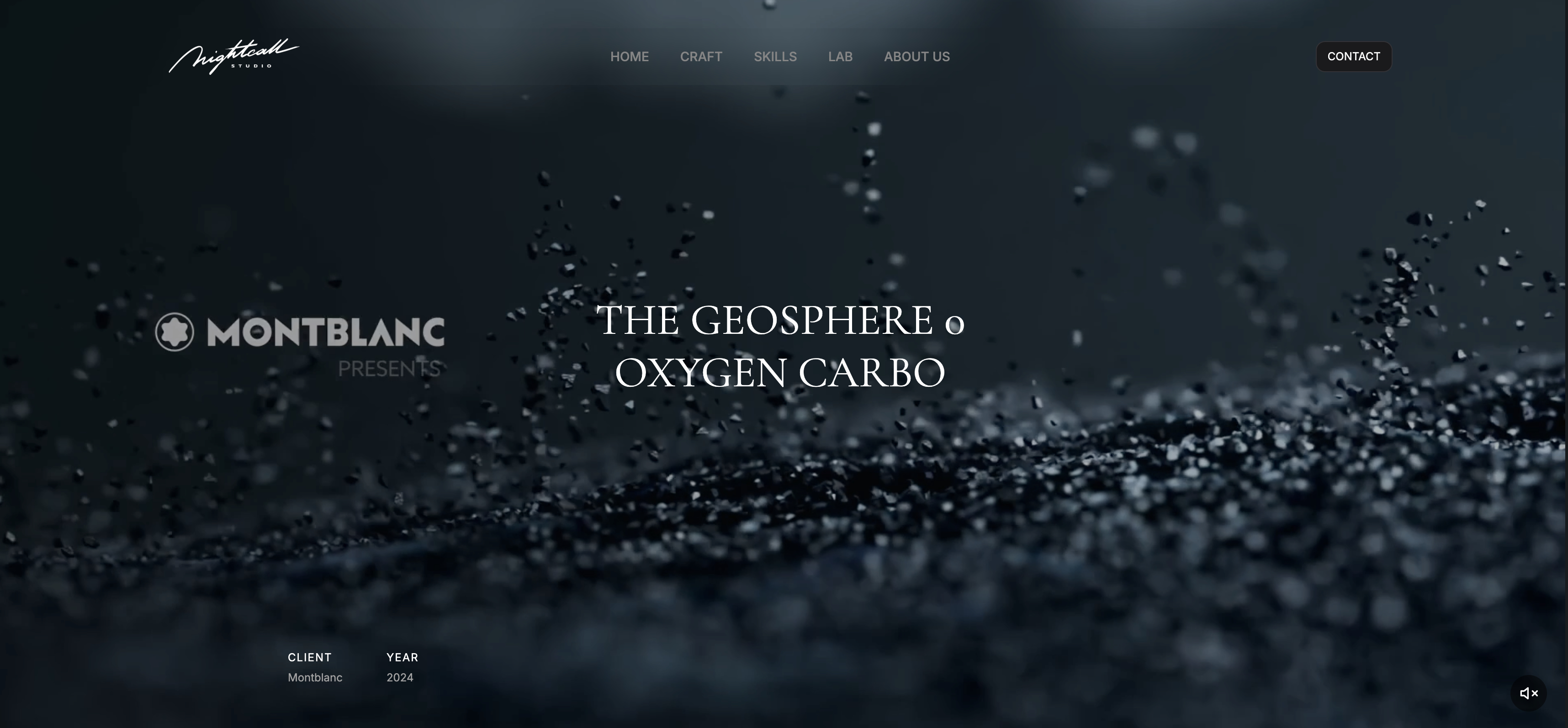
Framekit templates
Start from a designer-made template
 Use template
 Use template
 Use template
 Use template
 Use template
 Use template
 Use template
 Use template
It is week eleven, the deadline for graduate applications is Friday, and the form has a field marked Portfolio URL.
You have a Google Drive folder, an Instagram grid, and a university web space that will be deactivated roughly four months after you graduate, taking every link you are about to submit with it.
That last part is the one nobody warns students about. The site you build this week has to survive losing your student email, and most of the free options tied to your institution will not.
The good news is that a genuinely free, permanent portfolio site is easier to get in 2026 than at any point before it. The bad news is that half the tools marketed at students are trials.
A student portfolio website is a public site holding your best coursework, personal projects, and contact details, built to be linked from applications and CVs and to keep working after you leave the institution that hosted your first one.
Recently updated, 12 October 2026: we removed a claim that we built and timed the same portfolio on all eleven platforms, which we cannot document, and fixed this guide's Format price to the $10 a month its pricing page shows.
The best portfolio website for students in 2026 is Framekit, because its free plan publishes a real multi-page site with no advertising and no time limit, which is what an application link needs.
Carrd is the best option if one page genuinely covers your work, at $19 a year, and Google Sites is the only builder here that connects your own domain at no cost whatsoever.
The honest trade-off with Framekit's free plan: your address is a framekit.ai subdomain with a small badge until you pay $9 a month, so if a custom domain matters more than design quality, Google Sites wins on that single point.
Framekit is an AI website builder that turns a description of your work into a portfolio site in minutes, and the free plan needs no credit card.
Full disclosure: Framekit, ranked #1 below, is our own product. We compared all eleven on their published free-plan limits rather than building a portfolio on each, verified every price and free-plan limit against the vendor's own documentation in July 2026, and linked to all of them. Where they beat us: Google Sites and GitHub Pages both connect a custom domain for free and we do not, Behance brings you an audience we cannot, Adobe Portfolio costs nothing extra if you already pay for Creative Cloud, and Carrd is cheaper than anything we sell.
How We Compared These Student Portfolio Builders
Students have a different problem from professionals: no budget, a deadline, and a website that has to survive an institutional account being switched off. We rated eleven platforms, from their published plans and features, on five criteria weighted for that situation.
What the free plan actually publishes, weighted 30%. A complete live site or a trial with an upgrade wall. This carries the most weight because most students genuinely cannot pay.
Permanence, weighted 25%. Does the site keep working after graduation, without a university login, an institutional email, or a subscription you will cancel?
Steps to a link, weighted 20%. How much setup each platform's own flow asks for before you have a URL you can paste into an application form.
Presentation quality, weighted 15%. Whether the finished site helps or hurts you in front of a reviewer who has forty tabs open.
Cost to look professional, weighted 10%. What it takes to remove branding and add your own domain when you can afford it.
The carried example is a final-year design student with eight projects, no budget, and an application deadline on Friday. Every review is judged against that situation rather than against a working professional's.
Three kinds of finding, kept separate. Our judgement: how much setup each platform asks for and how the finished site presents, read from its own templates and docs rather than from a build we timed.
What we verified from primary sources: free-plan limits, branding rules, and upgrade prices, checked at each vendor in July 2026 and linked inline.
What we report as widely-reported practice rather than a universal rule: how long institutions keep student web space active after graduation, which varies by university and which you should check with your own IT service.
What Comparing 11 Student Portfolio Builders Showed
The figures behind the ranking, checked at each vendor in July 2026.
- 5 of 11 publish a genuinely permanent free site with no trial period: Framekit, Carrd, Google Sites, GitHub Pages, and Canva.
- 2 of 11 put their own advertising on a student's free site, which is the single fastest way to make coursework look unserious: Wix and WordPress.com.
- Only Google Sites and GitHub Pages connect a custom domain at zero cost; every other builder here charges between $19 and $204 a year for that.
- Adobe Portfolio is free only alongside Creative Cloud, which is $19.99 a month for students in year one and about $34.99 after it, so the "free" website costs roughly $240 in its first year and about $420 after.
- The cheapest route to your own domain with no builder badge on the site is Carrd at $19 a year for one page, or Framekit Starter at $108 for a full site.
- A domain itself is $10 to $15 a year from a registrar, which is the single best-value thing a student can buy for their career.
For a pick matched to your course and your deadline, jump to the decision tree. First, the field.
The 11 Best Portfolio Websites for Students in 2026: Full Comparison
How the scores work: each platform is measured against the five weights above, with free-plan reality and permanence carrying the most because those are the two things that actually constrain a student.
Our own score is not a clean sweep, and the gap is specific.
Framekit takes 10 on what the free plan publishes and 6 on cost-to-look-professional, because Google Sites and GitHub Pages give a custom domain for nothing and we charge $9 a month for one.
That is a real loss on a criterion students care about.
| Platform | Free plan publishes | Ads on your site | Custom domain free | Survives graduation | Our Rating |
|---|---|---|---|---|---|
| Framekit | A full multi-page site | No | No, $9 a month | Yes | 9.2/10 |
| Carrd | One page, up to three sites | No | No, $19 a year | Yes | 8.8/10 |
| Google Sites | A multi-page site | No | Yes | Yes, on a personal account | 8.5/10 |
| Adobe Portfolio | Yes, with Creative Cloud | No | Yes, with the plan | Only while you pay Adobe | 8.2/10 |
| Behance | A profile, not a site | No | No | Yes | 8.0/10 |
| GitHub Pages | Anything you can code | No | Yes | Yes | 7.8/10 |
| Canva Websites | Up to five sites | No | No, needs Pro | Yes | 7.5/10 |
| Notion Sites | A site from your workspace | No | No, paid add-on | Yes | 7.2/10 |
| Format | Trial, then paid | No | With the plan | Only while you pay | 7.0/10 |
| Cargo | Free tier, then paid | No | With the plan | Only while you pay | 6.9/10 |
| Wix | A full site | Yes, every page | No | Yes | 6.2/10 |
All limits and prices checked at the vendor in July 2026. Free-tier terms change more often than paid pricing, so confirm before you build eight project pages on one.
What it costs to look professional
Free gets the link live. This is what it costs on the day you want your own name in the URL and no builder branding.
| Platform | What removes the branding and adds your domain | Cost per year |
|---|---|---|
| Google Sites | Nothing, it is already free | $0 plus $10 to $15 for the domain |
| GitHub Pages | Nothing, but you write the site | $0 plus $10 to $15 for the domain |
| Carrd | Pro Standard | $19 |
| Framekit | Starter plan | $108 |
| Canva Websites | Canva Pro | $119.99 |
| Adobe Portfolio | Nothing extra, but Creative Cloud is required | About $240 in year one, then about $420 |
| Notion Sites | A paid plan plus the domain add-on | $96 for the add-on alone |
| Wix | A plan that removes the ads | About $204 |
Domain registration of $10 to $15 a year applies wherever you bring your own.
The thing worth doing before you build anything. Register yourname.com at a registrar for $10 to $15. It is the only part of this that is genuinely permanent, it works with almost every platform below, and it means every future move is a settings change rather than a new link on every application you have ever sent.
1. Framekit: Best free plan for students

Our rating: 9.2/10
Framekit is an AI website builder whose free plan publishes a complete multi-page site rather than a preview.
You describe your course and your work in a prompt, it generates a site with a home page, project pages, an about section and a contact route, and you replace the placeholder projects with your own.
What matters for students specifically is what the free plan does not do: no advertising, no page cap you hit on project four, no countdown, and no requirement for a card.
You can also ask the AI to lay out each project page as brief, process and outcome, which is the structure tutors keep asking for and students keep skipping.
Best forAny student who needs a real, complete portfolio site online this week without paying anything.
Key features:
- A full multi-page portfolio published free, with no advertising
- Project pages the AI can lay out as brief, process and outcome rather than just images
- No time limit and no credit card
- Client galleries and a digital store included if you start freelancing
- Generated by Cadence, Framekit's own premium model, with Score for faster iterations
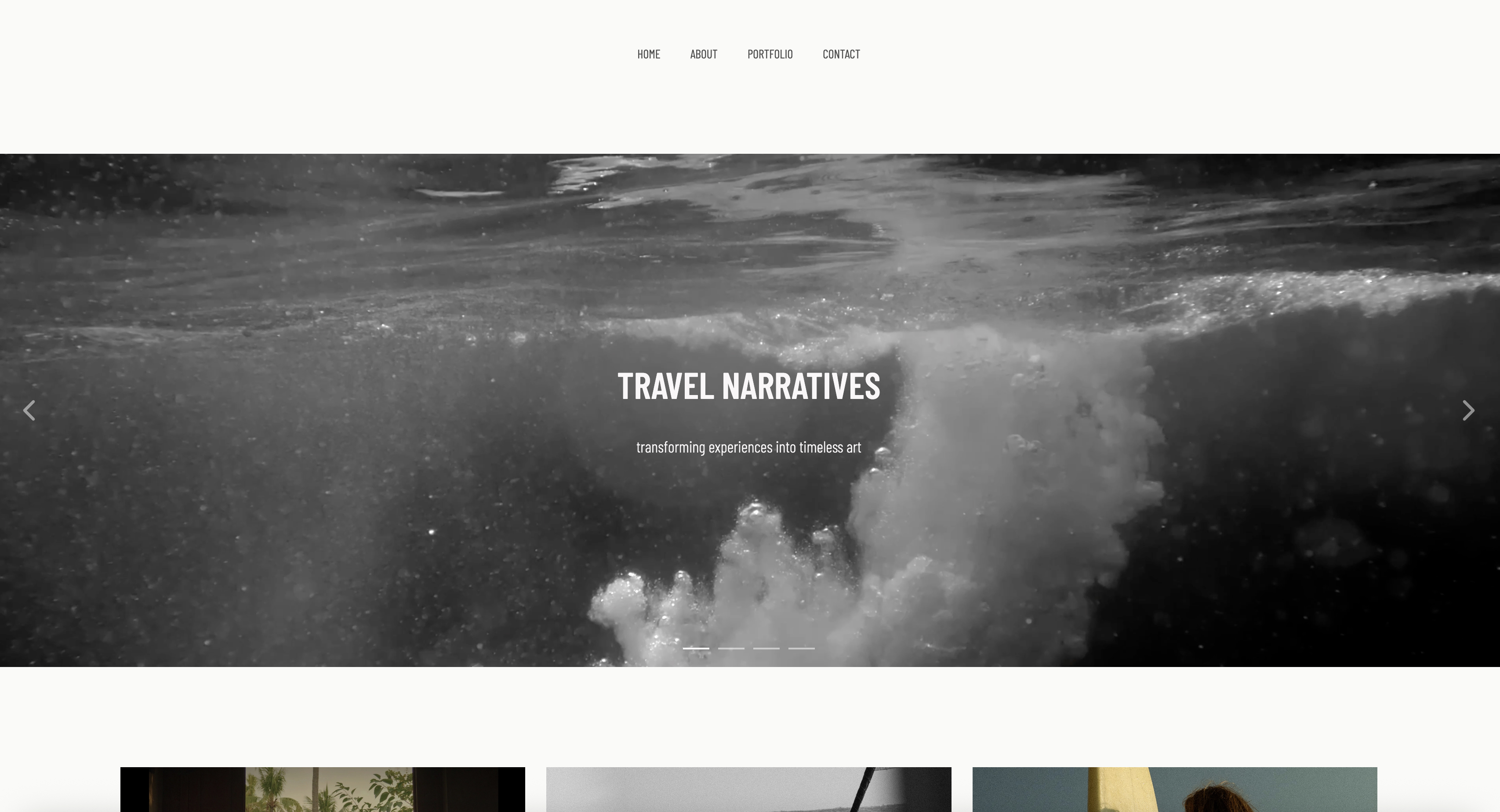
The real numberthe free plan is $0 and publishes at a framekit.ai subdomain with a small badge.
Removing the website badge and adding your own domain is $9 a month, or $108 a year, which is the cheapest full-site upgrade in this comparison after Carrd's single page at $19.
Compared with Adobe Portfolio's roughly $240 first-year Creative Cloud requirement, the free plan is the point.
PricingFree $0, Starter $9 a month, Pro $19 a month, Business $39 a month.
Pros:
- The free plan publishes a real site rather than a trial
- No ads, which several free plans here cannot say
- The AI can structure project pages as brief, process and outcome, which improves most student portfolios
Cons:
- A framekit.ai subdomain and a badge until you upgrade
- No free custom domain, which Google Sites and GitHub Pages both offer
- Newer than the established builders, so fewer tutorials to follow
Skip it ifa custom domain at zero cost is non-negotiable. That is a legitimate position on a student budget, and Google Sites meets it while we do not.
Verdict: Framekit is the strongest free option for a student who wants the site to look like it was designed, and it loses on the one thing a broke student might care about most, which is a free custom domain. Start free at framekit.ai, or see the wider field in our best free website builders comparison.
2. Carrd: One page, nineteen dollars
Our rating: 8.8/10
If your work fits on one page, and for a lot of students in their second year it genuinely does, Carrd is the most sensible thing on this list.
It publishes up to three sites free, it is quick to set up, and the paid tier that adds your own domain is $19 a year, which is roughly one week of coffee.
The constraint is the product. It is a one-page tool and every attempt to make it more than that fights the design.
Best forStudents with a handful of projects, a link hub, or a single strong piece to show.
The real numberthe free plan publishes up to three sites at $0 on a carrd.co subdomain, and Pro Standard is $19 a year billed annually. That is 18% of Framekit Starter and 9% of a Wix plan, which for a student paying out of a part-time job is a genuinely different order of decision.
Pricingfree for up to three sites, Pro Standard $19 a year, Pro Plus $49 a year.
Pros:
- The cheapest paid upgrade anywhere in this comparison
- Three free sites, so you can keep a scratch version
- Very hard to make ugly
Cons:
- One page, by design
- No project pages, so long-form case studies do not fit
- The design ceiling is deliberately low
Skip it ifyour course expects process work. A one-page site cannot show how you got there, and for design, architecture, and film courses that is most of the assessment.
Verdict: Carrd is the right answer for a student with a few strong pieces and the wrong one for a portfolio that needs to show process. Visit Carrd
3. Google Sites: The only genuinely free custom domain
Our rating: 8.5/10
Google Sites is the plainest option here and it wins the single fact that matters most to a student with no money: it will connect a domain you own, free, with no advertising and no upgrade path. If you have bought yourname.com, this puts it online at zero ongoing cost.
What you give up is design. Google Sites looks like Google Sites, and for a design or art student that is a real cost in front of a reviewer.
Best forStudents who own a domain, need it live at no cost, and are not being judged on visual design.
The real numberGoogle Sites is free, carries no advertising, and supports mapping a custom domain at no additional charge, so the total cost of a professional URL is the $10 to $15 a year you pay a registrar.
Every other builder here charges between $19 and $204 a year on top of that for the same outcome.
Pricingfree, including custom domain mapping.
Pros:
- A custom domain at genuinely zero platform cost
- No advertising at all
- Nothing to learn and nothing to break
Cons:
- Very limited design control, and it shows
- Build it on a personal Google account, not your university one, or it disappears at graduation
- Weak for image-heavy work
Skip it ifyou are applying for design, illustration, or art direction roles. The site will undersell the work.
Verdict: Google Sites wins the free-domain question outright and loses almost everything else, which makes it excellent for engineering, science, and writing students and a poor choice for visual ones. Visit Google Sites
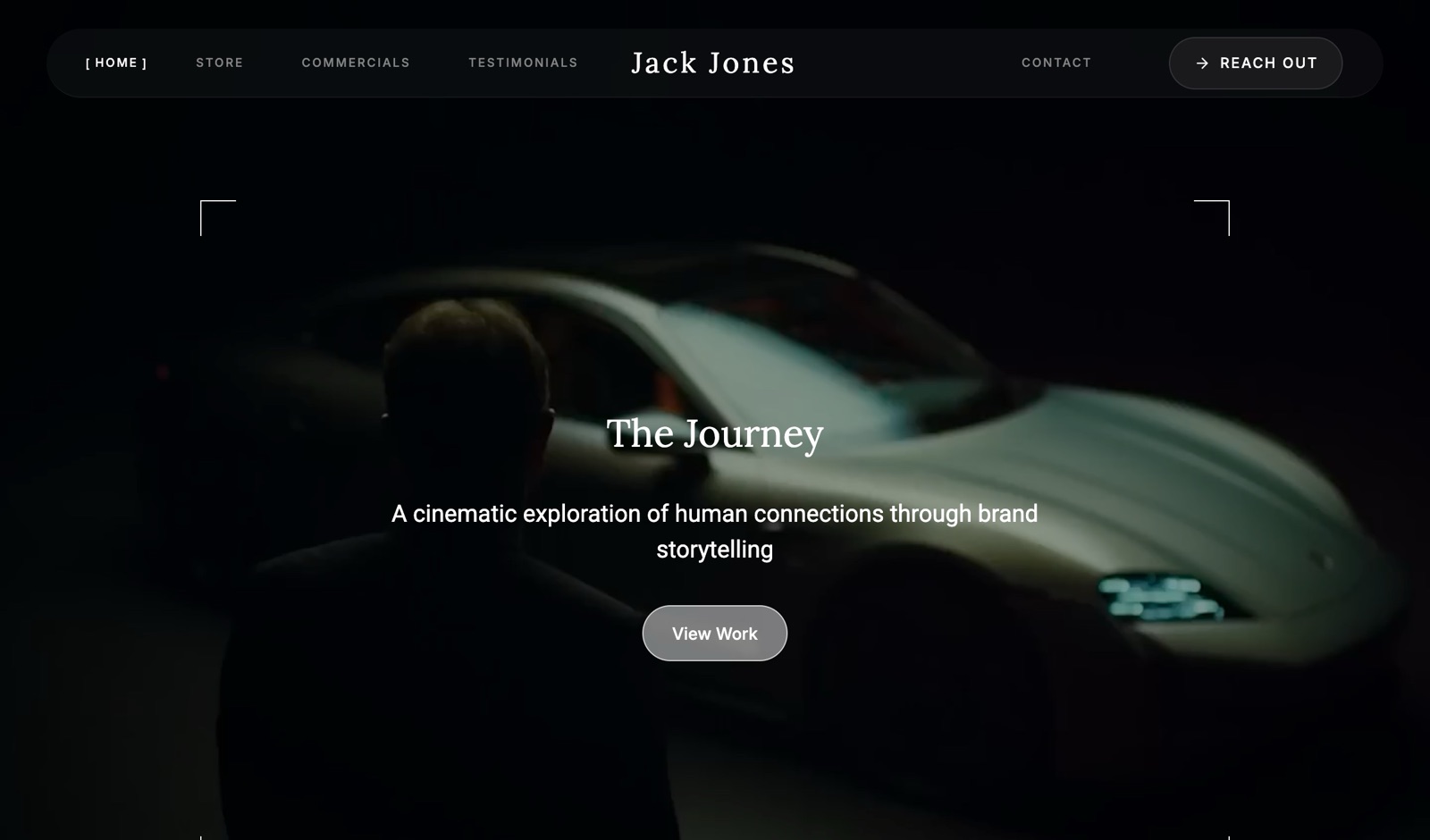
4. Adobe Portfolio: Free, if you are already paying Adobe
Our rating: 8.2/10
If your course requires Creative Cloud, you already have a website and most students do not know it.
Adobe Portfolio is included with any paid Creative Cloud plan, connects a custom domain with no upcharge, and syncs with Behance, so a decent portfolio site needs little extra work.
The arithmetic is where students should be careful, because "free" is doing a lot of work in that sentence.
Best forStudents already required to pay for Creative Cloud by their course.
The real numberAdobe Portfolio adds $0 to a Creative Cloud subscription and includes a custom domain, per Adobe's Portfolio pricing page.
Creative Cloud for students is $19.99 a month in the first year and rises to roughly $34.99 after it, so the website is free only in the sense that it is bundled with about $240 in year one and about $420 in year two.
If Portfolio is the only reason you would keep the subscription after graduating, it is the most expensive site in this comparison.
Pricingincluded with paid Creative Cloud plans; student Creative Cloud is $19.99 a month in year one, then about $34.99.
Pros:
- Genuinely no extra cost if Creative Cloud is already required
- Custom domain included, unlike most builders here
- Syncs with Behance, so one update covers both
Cons:
- Disappears when the Creative Cloud subscription lapses, which for most students is shortly after graduation
- The renewal price nearly doubles after the first year
- A small template set with a low customisation ceiling
Skip it ifyou plan to cancel Creative Cloud when you graduate. Your portfolio goes with it, at exactly the moment you need it most. See our best Adobe Portfolio alternatives guide.
Verdict: Adobe Portfolio is excellent value while you are paying Adobe anyway and a trap the month you stop, which for students is a predictable and avoidable problem. Visit Adobe Portfolio
5. Behance: The free profile that brings an audience
Our rating: 8.0/10
Behance costs nothing, takes an afternoon, and puts your work in front of people who were not looking for you, which no website on this list does.
For a student, that discovery is worth more than it is for an established professional, because you have no audience of your own at all.
It is a profile rather than a website, so the URL belongs to Adobe and your project pages end with a grid of other people's work. For a student that trade is usually worth making, provided it is not your only address.
Best forStudents who want their work seen by strangers as well as by application reviewers.
The real numberBehance is free with no plan and no upgrade, which makes it the cheapest source of genuine discovery available to a student.
The cost is structural: your strongest work sits at a behance.net address, so the search authority accrues to Adobe rather than to your name, and your project page recommends other designers to the person reading it.
Pricingfree.
Pros:
- Free, with a real audience of creative professionals and recruiters
- Fast to set up and familiar to reviewers
- Full multi-image, long-form project pages
Cons:
- A profile, not a site: the URL is not yours
- Project pages end by showing your competition
- No control over layout or presentation
Skip it ifyou need a single link that is unambiguously yours. Use it alongside a site rather than instead of one. See our best Behance alternatives comparison.
Verdict: Behance is the best free discovery a student can get and a poor substitute for an address you own, which is why the answer is usually both. Visit Behance
6. GitHub Pages: Free hosting for technical students
Our rating: 7.8/10
For computer science, engineering, and technically-minded design students, GitHub Pages hosts a site from a repository for free, with a custom domain and HTTPS included, and there is no upgrade path because there is nothing to upgrade.
It also demonstrates the exact skill a technical employer is looking for.
It is not a website builder. There is no editor, and every change is a commit.
Best forStudents who write code and want free hosting on their own domain.
The real numberGitHub Pages is $0 including custom domains and HTTPS, so a professional site costs only the $10 to $15 a year for the domain.
That is the same total as Google Sites with a far higher ceiling and a far higher skill requirement, and for a CS student the repository itself is part of the application.
Pricingfree, including custom domains and HTTPS.
Pros:
- Free hosting with your own domain and HTTPS
- The build itself demonstrates relevant skill to technical employers
- Nothing to outgrow and nothing to pay
Cons:
- No editor, so every edit is a code change
- Static only, with no CMS
- Useless if you do not write HTML
Skip it ifyou do not code. There is no way around that here. See our guide on whether to code your portfolio or use a builder.
Verdict: GitHub Pages is the best free option for technical students and irrelevant to everyone else, which is a clean division. Visit GitHub Pages
7. Canva Websites: If you already design in Canva
Our rating: 7.5/10
An enormous number of students already do every poster, deck and social graphic in Canva, and Canva Websites publishes those designs as a site with no new tool to learn. The free plan allows up to five websites, which is unusually generous, and the output looks good.
What it produces is a published design rather than a structured website, which matters less for a portfolio than for most other uses.
Best forStudents already working in Canva who want their design online without learning another tool.
The real numberthe free plan publishes up to five sites on a my.canva.site address with no advertising, and a custom domain requires Canva Pro at $119.99 a year, per Canva's documentation.
Note that students can often access Canva Pro free through an educational programme, which changes that calculation entirely and is worth checking with your institution.
Pricingfree with five sites on a Canva subdomain; custom domain requires Pro at $119.99 a year.
Pros:
- Zero learning curve if you already use Canva
- Five free sites, more than most free plans
- Attractive output with no design skill required
Cons:
- A published design rather than a structured site, so weaker for search
- Custom domain needs the full Pro subscription
- Limited project-page structure for process work
Skip it ifyour course expects long-form process documentation.
Verdict: Canva Websites is a genuinely good shortcut for students already living in Canva, and worth checking whether your institution provides Pro before paying for it. Visit Canva
8. Notion Sites: Free, if you accept the address
Our rating: 7.2/10
Plenty of students already keep their coursework, notes and project documentation in Notion, and publishing a page as a website means the portfolio updates itself as the work does. For a research-heavy or writing-heavy course, that is a real advantage.
The pricing structure around domains is where it becomes awkward.
Best forStudents whose work already lives in Notion, particularly on research or writing-led courses.
The real numberthe free plan publishes to a notion.site address and does not support custom domains at all.
Connecting one requires a paid plan plus a custom-domain add-on at $10 a month, or $8 monthly on annual billing, per Notion's documentation, so at least $96 a year for the domain alone.
Notion does offer free education plans to students, which is worth checking, though the domain add-on is separate.
Pricingfree on a notion.site address; custom domain add-on $10 a month, or $8 annually, on top of a paid plan.
Pros:
- The portfolio updates as your working notes do
- Free to publish immediately with no build step
- Strong for research and writing-led work
Cons:
- The custom-domain add-on costs $96 a year on top of a plan
- It looks like Notion, which reads as documentation rather than design
- Weak presentation for visual work
Skip it ifyou are applying for visual roles. It will read as a document, because it is one.
Verdict: Notion Sites suits research and writing students and is an expensive way to get a custom domain, which is an odd combination for a student budget. Visit Notion
9. Format: Image-first, but a trial
Our rating: 7.0/10
Format handles photography and image-led work better than most general builders, with gallery layouts that respect aspect ratios and sensible image handling. For a photography student it presents work properly in a way Google Sites never will.
The problem for students is that it is a trial rather than a free plan, so the site goes dark unless you pay.
Best forPhotography and image-led students who can afford a small subscription.
The real numberBasic is $10 a month on annual billing, per Format pricing, which is $120 a year and among the cheapest own-domain routes here, and there is no permanent free plan.
Format has historically offered student discounts, so ask before paying full price, because the difference matters at this budget.
Pricing (annual billing)Basic $10 a month; trial rather than a permanent free plan.
Pros:
- Excellent image handling and gallery presentation
- Cheap for a custom-domain site at $120 a year
- Client proofing included, useful if you start shooting paid work
Cons:
- No permanent free plan, so the site depends on paying
- Templates assume images carry the story
- Overkill for non-visual courses
Skip it ifyou cannot commit to a subscription. A portfolio that goes offline mid-application is worse than a plain one that stays up.
Verdict: Format presents photography well and asks for money to keep doing it, which for a student is the deciding factor rather than the features. Visit Format
10. Cargo: For students whose site is the work
Our rating: 6.9/10
For a graphic design, art direction, or fine art student whose portfolio site is itself assessed, Cargo offers layout and typography freedom that nothing else at this price approaches, and among tutors and studios a Cargo site reads as intent rather than convenience.
It assumes design skill, which is fine for the students it suits and punishing for everyone else.
Best forDesign and art students whose site will be judged as a piece of design.
The real numberCargo has a free tier to build and try, and its single paid plan is $14 a month billed yearly with a custom domain included, per Cargo's rates page.
At $168 a year it is more than Framekit Starter and far more than Carrd, so it is a considered purchase for students whose course makes it worthwhile rather than a default.
Pricingfree tier available; $14 a month billed yearly, $19 monthly.
Pros:
- Layout and type freedom well beyond the other options here
- A custom domain included in the single plan
- Signals design literacy to tutors and studios
Cons:
- Assumes taste, and punishes its absence
- $168 a year is significant on a student budget
- Small ecosystem and fewer tutorials
Skip it ifyou are not confident art directing a page from scratch.
Verdict: Cargo is right for the student whose site is part of the assessment and wrong for the student who just needs a link by Friday. Visit Cargo
11. Wix: Capable, and it advertises on your work
Our rating: 6.2/10
Wix's free plan gives students the whole editor, hundreds of templates, and a large app market, which is genuinely a lot for nothing. It also places Wix advertising on every page and gives you a wixsite.com address with your site name appended.
For a portfolio you are submitting with a job application, that is the wrong impression to make in the first two seconds.
Best forPractice, coursework that nobody external will see, or students who will pay to remove the ads immediately.
The real numberthe free plan carries Wix advertising on every page with 500MB of storage, and removing the ads and adding a domain starts at roughly $17 a month, about $204 a year, which is the most expensive route in this comparison and nearly double Framekit Starter.
Pricingfree with ads and a Wix subdomain; paid plans from about $17 a month.
Pros:
- The most complete free editor and the largest template library here
- No page limit on the free plan
- A large app market if you need something unusual
Cons:
- Wix advertising on every page of a free student portfolio
- 500MB of storage, which eight image-heavy projects will strain
- The most expensive upgrade path here
Skip it ifan employer or admissions tutor will see it. See our best Wix alternatives comparison.
Verdict: Wix gives students the most features and the worst first impression, and the ads decide it for anything application-facing. Visit Wix
The Thing Nobody Tells Students: Your University Site Disappears
In one lineinstitutional web space and student email are usually deactivated within months of graduation, which breaks every portfolio link on every application you have ever sent.
This is the most expensive mistake in this whole category and it is completely avoidable.
The link rot problem. Many universities provide student web space, and many students use it because it is free and already there.
Retention periods after graduation vary widely by institution, and the pattern is consistent: the account goes, and so does the URL.
Every CV in circulation, every application form, every email signature and every LinkedIn profile then points at nothing, and you have no way to redirect it.
Your student email is the second failure point. If you signed up for your portfolio platform with a university address, you can lose access to the account itself when the mailbox closes, including password resets.
Use a personal email address for anything you intend to keep, and change it now if you did not.
The fix costs $10 to $15 a year. Register yourname.com at a registrar, point it at whatever platform you are using, and put that address on everything.
When you switch platforms later, and you will, the link on three hundred applications keeps working because you change a DNS setting rather than a URL. It is the single highest-return purchase available to a student in this category.
Check your own institution's policy. Retention periods differ, some universities offer alumni email indefinitely and others close accounts within ninety days, and your IT service will tell you if you ask. Do that before you decide where to host anything.
What Actually Goes in a Student Portfolio
In one linereviewers spend seconds per portfolio, judge you by the weakest piece you chose to include, and want to see how you think rather than only what you produced.
Show four to eight projects, not everything. Every tutor says this and every student includes fourteen anyway.
A reviewer forms their impression from the weakest thing on the page, so cutting your two weakest projects raises your average more than adding a new one does.
Include process, not just outcomes. For design, architecture, and film courses in particular, the brief, the rejected directions, and the reasoning are what distinguish a portfolio from a gallery. Two projects shown properly beat six shown as finished images.
Label what was coursework, what was live, and what was speculative. Reviewers can tell, and being straight about it reads as confidence rather than as a weakness. A well-executed self-directed project is not worth less than a brief you were handed.
Say what you did on group work. If four people made it, say which part was yours. Ambiguity here is read unfavourably and it is trivially avoidable.
Put contact details on it, and not your home address. An email address you will still read in two years, plus a city rather than a street. Test the contact form once by submitting it yourself.
Make the URL your name. yourname.com beats a subdomain, and it is worth $10 to $15 a year from the day you start applying.
How to Choose a Student Portfolio Website: A Decision Tree
Three questions in order. The first branch that fits you is the answer.
Start here: will an employer, admissions tutor or client see this site?
- Yes. Rule out Wix's free plan and anything else that advertises on your pages, and do not host it on university web space. Go to the next question.
- No, it is practice or an internal submission. Any of these will do, and Wix's free plan is the most feature-complete.
Can you spend anything at all?
- Nothing whatsoever, and I need my own domain: Google Sites, or GitHub Pages if you code. These are the only genuinely free routes to a professional URL.
- Nothing whatsoever, and a subdomain is acceptable: Framekit's free plan for a full site, Carrd's free plan for one page, or Behance for a profile with an audience attached.
- $10 to $20 a year: buy the domain first. Then Carrd at $19 if one page covers it, or point the domain at Google Sites for free.
- Around $100 a year: Framekit Starter at $108 for a full designed site, or Format at $120 if your work is photography.
What are you studying?
- Graphic design, illustration, art direction: Framekit or Cargo, and keep a Behance profile for discovery.
- Photography or film: Format for presentation, or Framekit if you want the site to do more than galleries.
- Computer science or engineering: GitHub Pages, where the repository is part of the application.
- Architecture: Framekit or Cargo for the site, and check whether your course expects a PDF portfolio as well, because most do.
- Writing, humanities, or research: Google Sites or Notion, where structure matters more than styling.
Frequently Asked Questions
What is the best portfolio website for students in 2026?
The best portfolio website for students in 2026 is Framekit, because its free plan publishes a complete multi-page site with no advertising and no time limit, which is what an application link actually needs.
Carrd is the better pick if one page covers your work, at $19 a year for your own domain, and Google Sites is the only builder here that connects a custom domain at zero cost.
Avoid free plans that place advertising on your pages, which rules out Wix for anything application-facing.
Are there genuinely free portfolio websites for students?
Yes, five in this comparison publish a permanent free site rather than a trial: Framekit, Carrd, Google Sites, GitHub Pages, and Canva. Behance is free as a profile.
The distinction that matters is between free plans and free trials, because Format and several others go offline when the trial ends, and a portfolio that disappears mid-application is worse than a plain one that stays up.
Will my university portfolio website disappear when I graduate?
Usually yes, if it is hosted on institutional web space.
Retention periods after graduation vary by university and are frequently measured in months, and when the account closes the URL stops working, which breaks the link on every application, CV, and profile you have already sent.
Check your own institution's policy with its IT service, host anywhere but there, and register your own domain so that future moves are a DNS change rather than a dead link.
Do students get Adobe Portfolio for free?
Adobe Portfolio is included with any paid Creative Cloud plan at no extra cost, including a custom domain, so it is free only in the sense that it is bundled.
Student Creative Cloud is $19.99 a month in the first year and rises to roughly $34.99 after it, which is about $240 in year one and $420 in year two.
If you plan to cancel Creative Cloud after graduating, your portfolio goes offline with it at exactly the wrong moment.
How many projects should a student portfolio have?
Four to eight, shown properly. Reviewers form their impression from the weakest piece you chose to include, so removing your two weakest projects raises your average more than adding a ninth does.
For design, architecture, and film courses, showing the brief, the rejected directions, and the reasoning matters more than the number of projects, because process is what separates a portfolio from a gallery.
Should a student buy a custom domain?
Yes, and it is the highest-return $10 to $15 a year available in this category.
A domain in your own name works with almost every platform here, looks materially more professional than a subdomain on an application, and means that when you change platforms later the link on every application you have already sent keeps working.
Buy it from an independent registrar rather than through a builder, so you control it regardless of where the site lives.
Can I use Instagram or Behance instead of a portfolio website?
As a supplement, yes; as your only address, no. Behance and Instagram bring you an audience that no personal site does, which matters more for a student than for anyone else.
What they do not give you is a URL you control, a layout you decide, or a page that survives the platform changing, and application forms asking for a portfolio URL are not expecting a social profile.
Run a profile for discovery and a site as the address.
What should a student portfolio website include?
Four to eight projects with process rather than only outcomes, a short about section that says what you are looking for, clear labelling of what was coursework versus live or speculative work, your specific contribution on any group project, and a contact route with an email you will still read in two years.
Include a city rather than a street address, and test the contact form by submitting it to yourself once before you start applying.
Is Wix free good enough for a student portfolio?
Not for anything an employer or admissions tutor will see, because Wix's free plan places Wix advertising on every page of your site alongside a wixsite.com address, and that is the first impression a reviewer gets.
It is a capable editor and fine for practice or internal coursework. Removing the ads starts at roughly $17 a month, about $204 a year, which is the most expensive route in this comparison.
What is the cheapest way for a student to get a portfolio online?
Free, in several ways. Framekit's free plan publishes a full multi-page site at $0, Carrd publishes up to three one-page sites at $0, Google Sites is free including a custom domain you own, and GitHub Pages is free if you write code.
The only unavoidable cost if you want a professional URL is the domain itself at $10 to $15 a year, which is worth paying from the day you start applying.
Do I need a PDF portfolio as well as a website?
For architecture, interior design, and many fine-art courses, yes, because studios and course applications frequently ask for one specifically.
For graphic design, illustration, film, and photography a website is usually sufficient, though some employers still ask for a PDF.
The practical answer is to keep both in sync from a single source of work rather than maintaining two separate collections, and to lead with whichever the specific application asks for.
How long does it take to build a student portfolio website?
The site itself takes minutes to hours: an AI builder produces a first draft from a description, and a template-based builder usually takes longer because you place every block.
The work that actually takes time is the content, which is photographing or exporting the projects properly, writing the briefs and process notes, and cutting the weakest pieces.
Budget a weekend in total, and spend most of it on the writing rather than the layout.
Is Framekit's free plan enough for a student portfolio?
For most students, yes. The free plan is $0, publishes up to 10 pages, and holds the work on a framekit.ai subdomain with a small badge, which covers a course portfolio and a couple of case studies with room left over.
What it does not include is your own domain: that is Starter at $9 a month, or $108 a year, which is the cheapest full-site upgrade here after Carrd's single page at $19.
If a custom domain at zero cost is non-negotiable on a student budget, that is a fair position and Google Sites meets it while Framekit does not.
Final Verdict: The Best Portfolio Website for Students in 2026
After comparing eleven builders against the same eight-project student portfolio, the two things that decide this are simpler than the feature lists suggest: does the free plan actually publish, and does the site survive graduation.
Framekit is the best portfolio website for students in 2026 for anyone who needs a real, complete, ad-free site online this week at no cost, with project pages the AI can lay out the way tutors keep asking for.
Where Framekit loses, plainly: we do not offer a custom domain on the free plan, and Google Sites and GitHub Pages both do. If a professional URL at genuinely zero cost is your requirement, use one of those instead, and we will not pretend a subdomain competes.
Carrd is unbeatable at $19 a year for one page, Google Sites wins the free-domain question, Behance brings an audience no site can, GitHub Pages suits technical students, Adobe Portfolio is free until the Creative Cloud bill is not, and Wix advertises on your work.
But whichever you choose, do two things this week: host it somewhere your university cannot switch off, and buy the domain with your name on it.
For more, read our best free website builders comparison, our guide to a free portfolio website with no subscription, the best Behance alternatives, the best website builders for writers if you write rather than design, and when you start looking for work, how to get clients from your website.
_All free-plan limits and upgrade prices re-verified against each vendor's published documentation, July 2026. Institutional web-space retention periods vary by university; check with your own IT service._
A student portfolio is usually a personal site first, and the best personal website builders covers what each one costs once the free first year ends.