Framekit templates
Start from a designer-made template
 Use template
 Use template
 Use template
 Use template
 Use template
 Use template
 Use template
 Use template
Most Webflow versus Framer comparisons are written by people who prefer one of them and have decided the other is for beginners.
The useful version is duller and more specific: these are two professional tools with different mental models, different billing traps, and a difference in what you own at the end that almost nobody mentions.
Here is the one that should be at the top of every comparison and never is. Webflow lets you export your site's code on the appropriate plan. Framer does not.
If your site is a business asset rather than a campaign, that single fact outranks every animation feature either of them advertises.
A visual website builder is a tool that produces production websites through a graphical interface rather than a text editor, aimed at designers who want control over layout and motion without writing the markup by hand.
Recently updated, 12 October 2026: both pricing pages were re-read, Webflow's figures now follow its restructured Basic and Premium plans, and the build-based measurements and designer-sentiment claims in the earlier version are gone.
Framekit, which we make, sits deliberately on the other side of that definition.
It generates the site from a prompt and a reference screenshot instead of handing you a canvas, which gets a designer to a finished portfolio far faster and is the wrong tool entirely if manual control over layout and motion is the whole point of the exercise.
That is why it is not in the head-to-head below.
Webflow is the better choice for client work, structured content, and anything you might need to move later, because its CMS models real data properly and it lets you export your code.
Framer is the better choice for a portfolio or a marketing site you want to look contemporary and move beautifully, especially if you already work in Figma, because its canvas and transitions are faster to build in.
The honest trade: Webflow's learning curve is steep and it bills on two axes at once, while Framer meters CMS collections and bandwidth above the plan and locks your site in.
Full disclosure: Framekit is our product and it competes with both of these at the simpler end of the market, so we have confined our own pitch to one clearly marked section. Both of these tools do things we deliberately do not: they hand a designer full manual control over layout and motion, and our AI-generated approach trades exactly that control for speed. If control is what you want, this comparison is the right place to be and we are not in it.
How We Compared Webflow and Framer
We planned the same site on both rather than comparing feature matrices, working from each platform's pricing, documentation and templates without building it: a designer's portfolio with a homepage, a CMS-driven case study collection of twelve projects, an about page, a written article, and a contact form.
Judged from documentation, not measured. How each handles responsive behaviour when a layout gets awkward, how each CMS models a case study with mixed media, and how each hands a site to a non-designer to update afterwards; we timed no builds.
Verified from published sources. All plan prices and metering rules, re-read on 12 October 2026 on Webflow pricing and Framer pricing.
Both bill on more than one axis, which is the part that makes published prices misleading.
The carried example. A freelance designer running one portfolio site plus two client sites, with a twelve-project CMS on the portfolio. Every cost figure below is that same setup.
The Comparison Table
These are two genuinely professional tools with overlapping capabilities, so the differences that matter are structural rather than a checklist of features one has and the other lacks. Read the last three rows first.
| Webflow | Framer | |
|---|---|---|
| Mental model | The CSS box model in a visual interface | A design canvas that publishes |
| Learning curve | Steep, weeks to fluency | Gentle if you use Figma, moderate otherwise |
| Entry price | $15 a month, Basic, billed yearly | $10 a month, Basic, billed yearly |
| Mid tier | Premium, the CMS tier, $25 a month; then Team at $2,500 | Pro, $30 a month |
| Second billing axis | Workspace seats, charged separately | CMS collections, bandwidth, and seats metered above plan |
| CMS strength | Strong relational modelling | Good, with collection limits to watch |
| Motion and transitions | Powerful, built from interactions | Excellent, faster to author |
| Code export | Yes, on the appropriate plan | No |
| Best for | Client work and structured content | Portfolios and marketing sites |
Prices re-read on both vendors' pricing pages on 12 October 2026. Both charge on a second axis, so the entry price is a floor rather than an estimate.
In one lineFramer is faster to a beautiful result and Webflow is safer to build a business on, and code export is the reason that sentence is not just a matter of taste.
Learning Curve: Framer Wins, and It Is Not Close
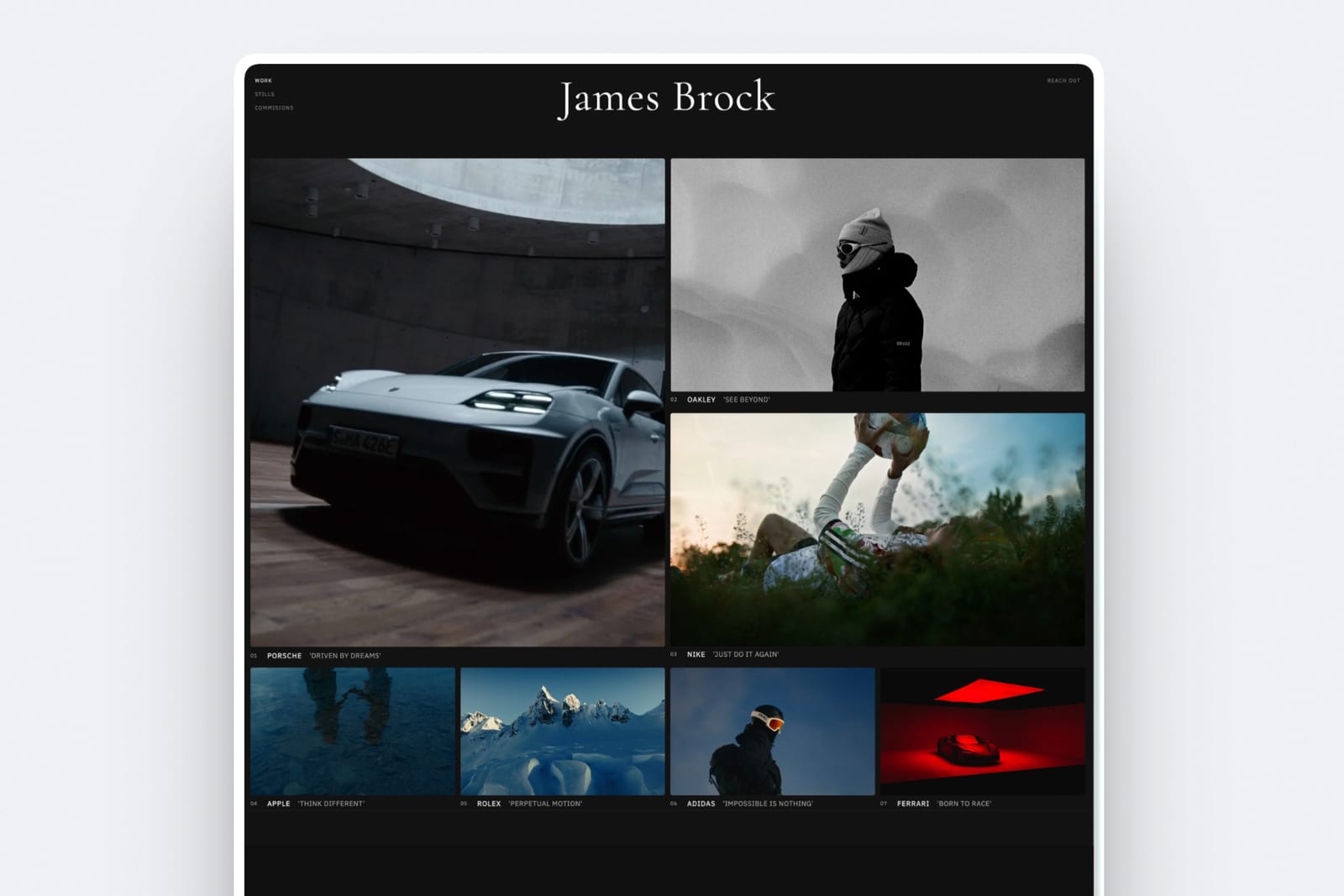
Framer is dramatically faster to get productive in, particularly if you have spent any time in Figma.
The canvas behaves the way a design tool behaves, components work the way components work, and you can produce a good-looking, well-behaved page in an afternoon without understanding how the web lays things out.
Webflow asks you to learn the CSS box model through a graphical interface. Flexbox, grid, positioning, inheritance, and the cascade are all there, exposed rather than abstracted.
That is genuinely powerful and genuinely slow, and Webflow's own Webflow University teaches those ideas before it teaches layouts, which tells you where the first weeks go.
The thing that decides it for most peoplewhat happens when the layout does not do what you expected. In Framer you nudge the canvas. In Webflow you look at the style panel and reason about why a child element is not filling its parent.
If that second sentence sounds interesting, you will like Webflow. If it sounds like work you did not sign up for, you will like Framer.
The consequence nobody plans forWebflow's learning curve is a one-time cost and Framer's abstraction is an ongoing one. Once you are fluent in Webflow, nothing on the web is out of reach.
In Framer, the moments where you want something the canvas does not express are moments you cannot resolve by learning harder.
In one lineFramer gets you to good in a day and Webflow gets you to anything in a month, and which is better depends entirely on how many sites you expect to build.
Billing: Both Charge on Two Axes and Neither Advertises It
This is where the published pricing stops being useful for both tools, in two different ways that catch two different kinds of user. Webflow's second axis is people; Framer's is usage. Neither is hidden and both are easy to miss.
Webflow separates site plans from workspace seats. A site plan hosts one site at Basic $15 or Premium, which carries the CMS, at $25 a month billed yearly.
Workspace seats are charged separately: reviewers are free, limited seats are $15 and full seats $39 a month each, billed yearly. A solo designer pays one site plan per site and little else.
A three-person studio running client sites pays a site plan for every site plus seats for every person who opens the Designer, and the invoice stops resembling the pricing page.
Framer meters what sits above the plan rather than who uses it. CMS collections, bandwidth, and seats all have plan limits, and exceeding them moves you up a tier or adds a charge.
The pattern to plan for is a site that costs $10 a month at launch and considerably more once the blog has real traffic and the CMS has grown past its included collections.
For the carried example of one portfolio plus two client sites, both land in a similar range, and both land above the entry price.
| Setup | Webflow | Framer |
|---|---|---|
| One portfolio with a 12-project CMS | Premium, $300 a year | Pro, $360 a year |
| Plus two simple client sites | Two Basic plans, $360 a year | Two Basic plans, $240 a year |
| Total, one designer | $660 a year | $600 a year |
| Same, with a second person editing | Add a seat charge | Add a seat charge |
Figures use yearly billing as both pricing pages showed it on 12 October 2026 and exclude domains. Confirm current seat and metering rules directly, because both vendors adjust them.
In one linethe entry prices are close enough to ignore, and the axis that gets you is seats on Webflow and usage on Framer.
Code Export: The Difference That Outlives the Project
Webflow lets you export your site's HTML, CSS, and JavaScript on the appropriate plan. Framer does not offer an equivalent. This is the most consequential difference between the two products and it appears in almost no comparison.
Why it matters is not that you will export. Almost nobody exports. It matters because it changes what the platform is. A tool you can export from is a tool you are choosing to stay with.
A tool you cannot export from is a tool you have to stay with, and every future pricing decision, feature deprecation, or policy change happens with you holding no alternative.
For a portfolio, that risk is small and survivable. For a client site you built and handed over, it is a commitment you made on someone else's behalf. For a business whose leads come through the site, it is the kind of dependency worth pricing.
The nuance, because this cuts both waysexported Webflow code is static output, not a maintainable codebase, and the CMS content does not come with it in a form that runs itself. Export is an escape hatch, not a migration path. It is still an escape hatch, and having one is meaningfully different from not having one.
In one lineFramer produces a site you rent and Webflow produces a site you can leave with, and that difference does not show up until the day it is the only thing that matters.
The CMS: Webflow Models Data, Framer Presents It
Both tools ship a content management system and they are not the same kind of thing at all, which is the difference that decides most agency projects before a single page is designed.
Webflow's CMS models relationships. A case study can reference a client, a service, and three team members, and those references work as real fields you can filter and sort on.
For an agency site, a directory, or a portfolio that needs to be sliced by industry and discipline, this is the reason to be on Webflow.
Framer's CMS is competent and simpler, aimed at collections of similar items: blog posts, projects, changelog entries.
It does the common case well and starts to strain when the content model has genuine structure, and its collection limits are part of the metering discussed above.
The practical testwrite down your content model before choosing. If it is "projects" and "posts", either tool is fine and Framer will be faster. If it contains the word "and" more than twice, Webflow.
In one linemost portfolios never outgrow Framer's CMS, and every agency site does.
Motion, and Why It Is Less Decisive Than It Looks
Both tools handle motion better than any mainstream website builder, which is a large part of why designers end up comparing these two specifically rather than either against Squarespace or Wix.
Framer authors transitions faster. Page transitions, scroll effects, and component states are close to what you would prototype in a design tool, and the gap between the prototype and the published site is small.
Webflow's interactions are more granular and more work. You build them from triggers and timelines rather than from presets, which means anything is possible and nothing is quick.
Here is the uncomfortable part. On a portfolio or a marketing site, motion is rarely what wins the client.
A studio site that loads a striking image and states plainly what the studio does converts better than a site that reveals the same information through three scroll-linked animations.
Both tools will let you overdo it, and Framer will let you overdo it faster.
In one linepick on the CMS, the billing, and the export, and treat motion as the tiebreaker rather than the criterion.
Where Framekit Fits, Since We Make It
We have kept this to one clearly marked section, because a vendor inserting itself into someone else's comparison is only fair if the section is easy to identify and easy to skip. Here is the honest positioning.
Framekit is an AI website builder that generates a designed site from a description of your work, aimed at photographers, filmmakers, designers, and other visual creatives who want a professional result without operating a professional tool.
Plans are free, $9, $19, and $39, and it includes client galleries and a digital store that neither Webflow nor Framer offers in a form a solo creative would use.
The honest positioning is that we are not competing for the reader who has got this far into a Webflow versus Framer comparison.
If you want to control the box model or author your own page transitions, an AI that makes those decisions for you is the wrong tool and we would rather you use one of these two.
Where we are a better answer is the designer who has realised, halfway through comparing these two, that they are choosing between two professional tools in order to publish six pages about themselves.
That is a lot of learning curve for a portfolio.
Our best Webflow alternatives and best Framer alternatives guides cover the simpler end of the category properly.
How to Choose: A Decision Tree
Work down these questions in order and stop at the first branch that is genuinely true of the work in front of you, because the earlier questions should override anything further down the list.
Are you building sites for clients who will own them afterwards?
- Yes. Webflow. Code export and a CMS that models real content are both things you owe a client, and locking someone else's business into a platform they did not choose is a decision you should not make for them.
- No, this is my own site. Continue.
Does your content have real structure, with relationships between things?
- Yes, categories that filter, references between collections, more than two content types. Webflow.
- No, it is projects and posts. Continue.
Do you already work in Figma every day?
- Yes. Framer, comfortably. You will be productive immediately and the canvas will feel like home.
- No. Continue.
How many websites will you build in the next two years?
- One. Neither of these, honestly. A professional tool's learning curve is a poor investment for a single site, and a simpler builder will get you there in an afternoon.
- Several. Webflow, because the learning curve amortises and the ceiling is higher.
Frequently Asked Questions
Is Webflow or Framer better in 2026?
Webflow is better for client work, structured content, and any site you might need to move later, because its CMS models relationships properly and it allows code export.
Framer is better for portfolios and marketing sites where speed to a contemporary, well-animated result matters most, particularly for designers who already work in Figma.
The deciding factors are usually the CMS model and code export rather than the visual features either tool advertises.
Is Framer easier than Webflow?
Yes, substantially. Framer's canvas behaves like a design tool, so a designer can publish a good-looking, responsive page in an afternoon without understanding how CSS lays out a document.
Webflow exposes the box model, flexbox, grid, and inheritance through its interface, which takes weeks to become fluent in and then makes almost anything on the web achievable.
Framer is faster to good; Webflow is the one that gets you to anything.
Can you export your site from Framer?
No. Framer does not offer code export, so a site built there stays on Framer.
Webflow does allow exporting HTML, CSS, and JavaScript on the appropriate plan, though the export is static output rather than a maintainable codebase and CMS content does not transfer in a runnable form.
The practical significance is not that you will export but that having the option changes the platform from one you must stay on to one you choose to stay on.
Which is cheaper, Webflow or Framer?
They are close at the entry level, around $15 a month for Webflow Basic and about $10 for Framer, and both bill on a second axis that makes the published price a floor.
Webflow charges workspace seats separately from site plans, so cost scales with team size. Framer meters CMS collections, bandwidth, and seats above the plan, so cost scales with traffic and content.
For one designer running one portfolio and two client sites, both land between $600 and $660 a year.
Which has the better CMS, Webflow or Framer?
Webflow, clearly, for anything with structure. Its CMS supports references between collections, so a case study can relate to a client, a service, and a team member as real fields you can filter and sort on.
Framer's CMS handles collections of similar items such as blog posts and projects well and strains once the content model has genuine relationships, with collection limits that also affect your plan tier.
Is Webflow worth learning for a designer in 2026?
Yes, if you will build more than a handful of sites, because the learning curve is a one-time cost that permanently removes the ceiling on what you can build and makes you employable on a platform agencies use.
It is not worth it for a single personal portfolio, where you would spend weeks learning a professional tool to publish six pages. In that case a simpler builder finishes the job in an afternoon and the difference in result is small.
Webflow vs Framer for a design portfolio specifically?
Framer, for most designers. A portfolio is a small, unstructured, visually driven site, which is exactly what Framer is fastest at, and the CMS limits and export restriction that count against it elsewhere barely apply.
Choose Webflow instead if your portfolio needs to filter projects by discipline and industry, or if you expect to reuse what you learn on client work, where the CMS and export matter far more.
Do Webflow or Framer handle selling digital products?
Neither does it well for a solo creative. Webflow has commerce capabilities aimed at physical retail and priced accordingly, and Framer's selling features are basic.
If part of the plan is selling presets, templates, or ebooks from your site, both are the wrong shape and you will end up embedding a third-party checkout or running a separate store.
Our guide to the best website builders to sell digital products covers the tools built for that job.
Which is better for SEO, Webflow or Framer?
Both produce technically sound, crawlable sites with editable metadata, and neither has an advantage that will decide a ranking.
Webflow gives more granular control over markup and structure, which matters for large content sites where semantic precision compounds.
For a portfolio or a marketing site, what you publish determines your ranking far more than either platform's output, and the difference between them is not measurable at that scale.
Can a non-designer maintain a Webflow or Framer site after launch?
Both offer editor and content-only access so a client can update text and images without touching the design, and both work reasonably well for that.
Webflow's editor experience around the CMS is more mature for structured content, while Framer's is simpler and more approachable for basic edits.
In either case, decide before you build who will maintain the site, because a design system a client cannot safely edit is a support obligation you have given yourself.
Is Framer good for client work?
It is good for client work where the client wants a beautiful marketing site and is comfortable staying on Framer indefinitely.
It is a harder recommendation for client work in general, because you cannot export, which means you are committing another business to a platform they did not evaluate.
If a client asks what happens if they want to move, the honest answer on Framer is that they rebuild, and that answer should be given before the project starts rather than after.
What is the simplest alternative if I do not want to learn either?
A generated or template-based builder finishes a portfolio in an afternoon rather than a month, at the cost of the fine control that makes Webflow and Framer worth learning.
Squarespace is the established option with a decade of templates, and AI builders including Framekit generate the design from a description instead.
The honest trade in every case is control: you get a professional-looking site quickly and you give up the ability to decide exactly how it behaves.
Final Verdict: Webflow or Framer in 2026
Framer is the better tool for the site you want to build this week. Webflow is the better tool for the sites you will build over the next three years.
Choose Framer if this is your own portfolio or a marketing site, if you work in Figma, and if the value is a contemporary result that moves well without a month of learning. It is faster, more pleasant, and for most designers' personal sites it is the right answer.
Choose Webflow if you build for clients, if your content has real structure, or if the possibility of leaving matters to you. The CMS is the reason most agencies are there and code export is the reason more of them should be.
Where Framekit loses to both: neither of these hands its layout decisions to an AI, and we do, which means we will never give a designer the control these tools do. If you are comparing Webflow and Framer, you probably want that control, and this is not a close call.
What we would add is that a surprising number of people comparing these two are choosing between two professional tools in order to publish a six-page portfolio, which is a lot of learning curve for a site about yourself.
Related reading: our best Webflow alternatives and best Framer alternatives rankings, the best website builder for graphic designers, and code your portfolio or use a builder if you are still weighing whether to build it by hand.
Plan prices, seat charges, and metering rules in this comparison were re-verified against both vendors' published pricing pages on 12 October 2026.
The third comparison most people run alongside this one is Wix vs Webflow, which covers the gap above Webflow's Premium plan.