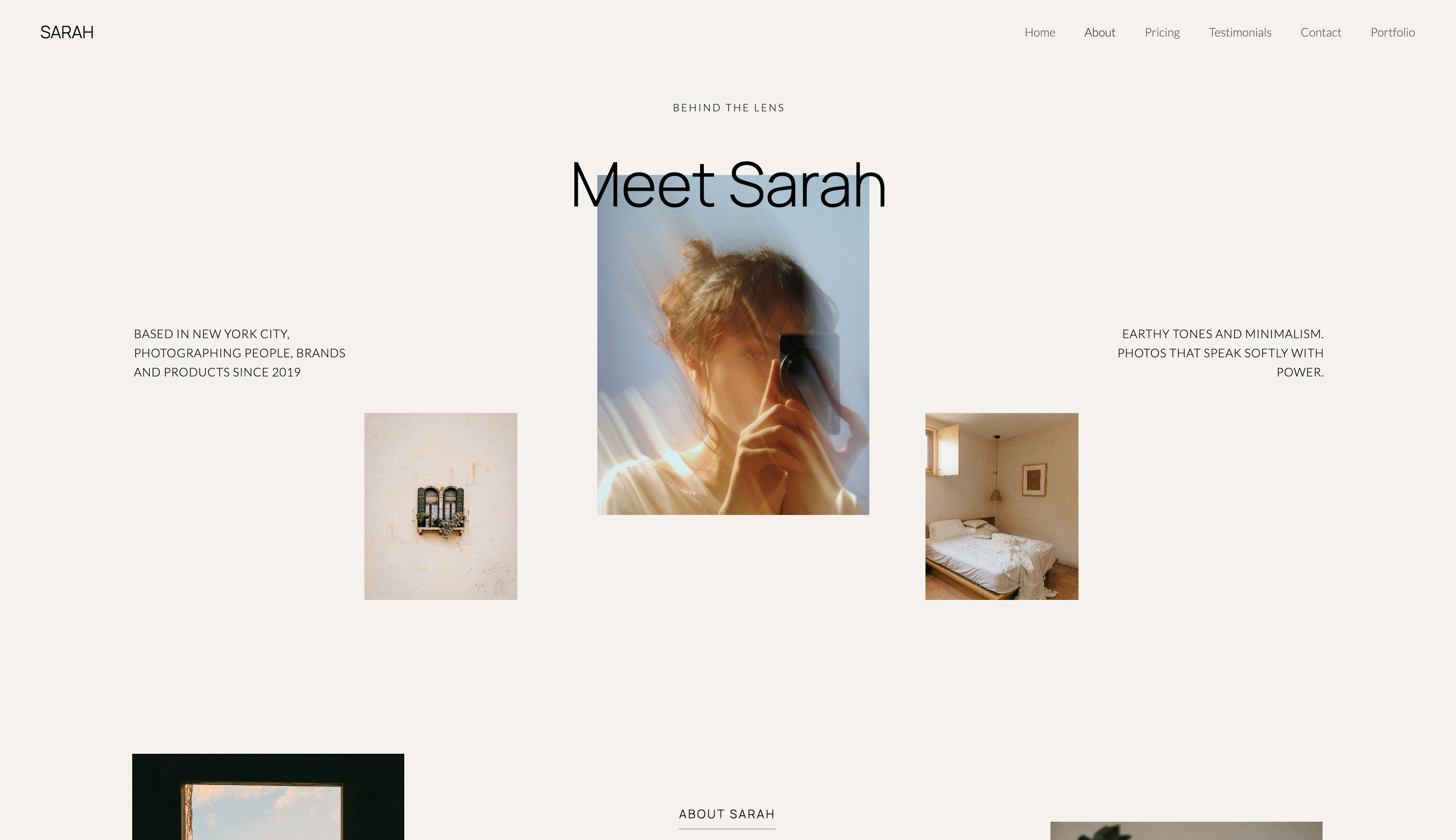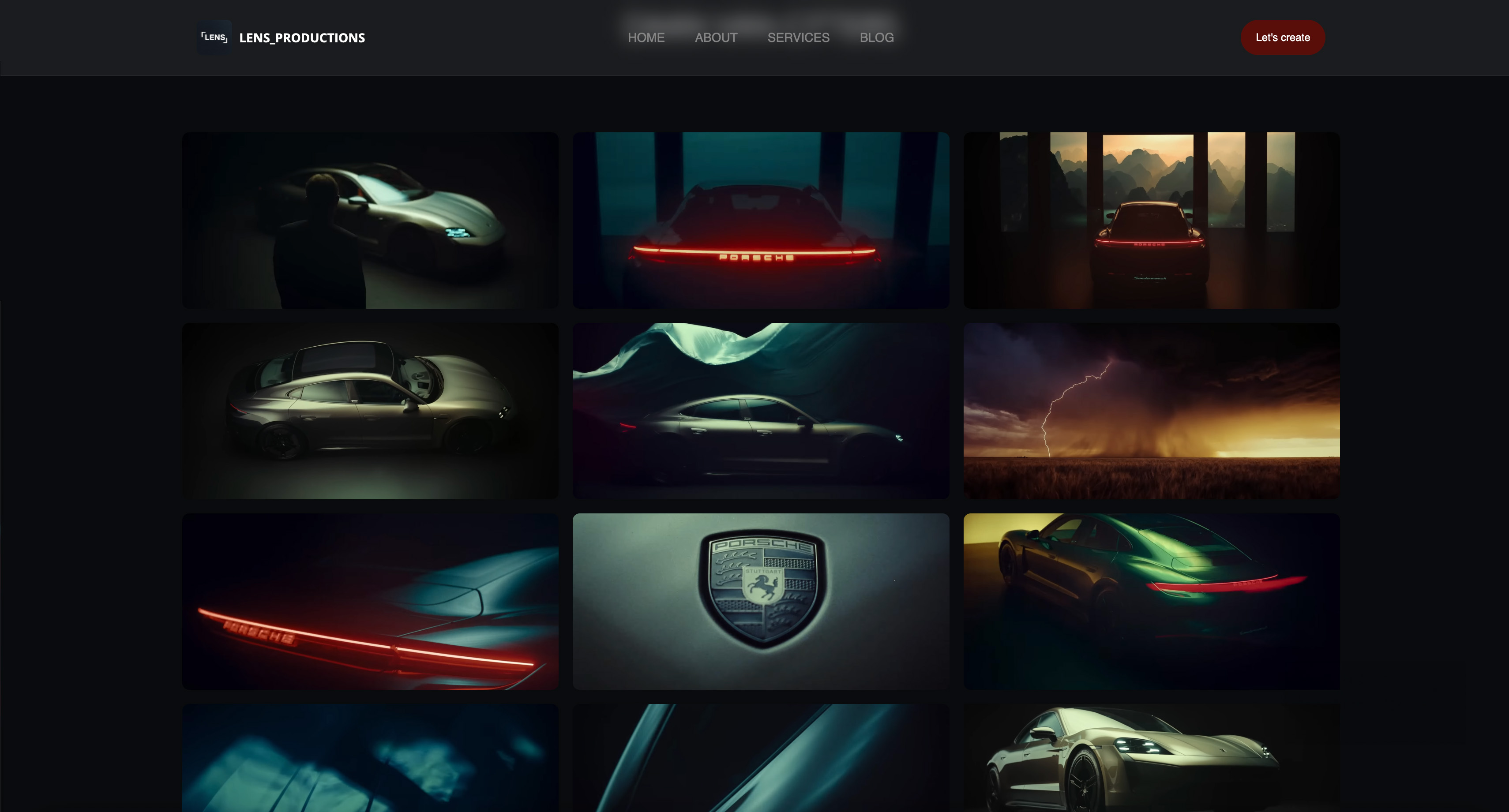
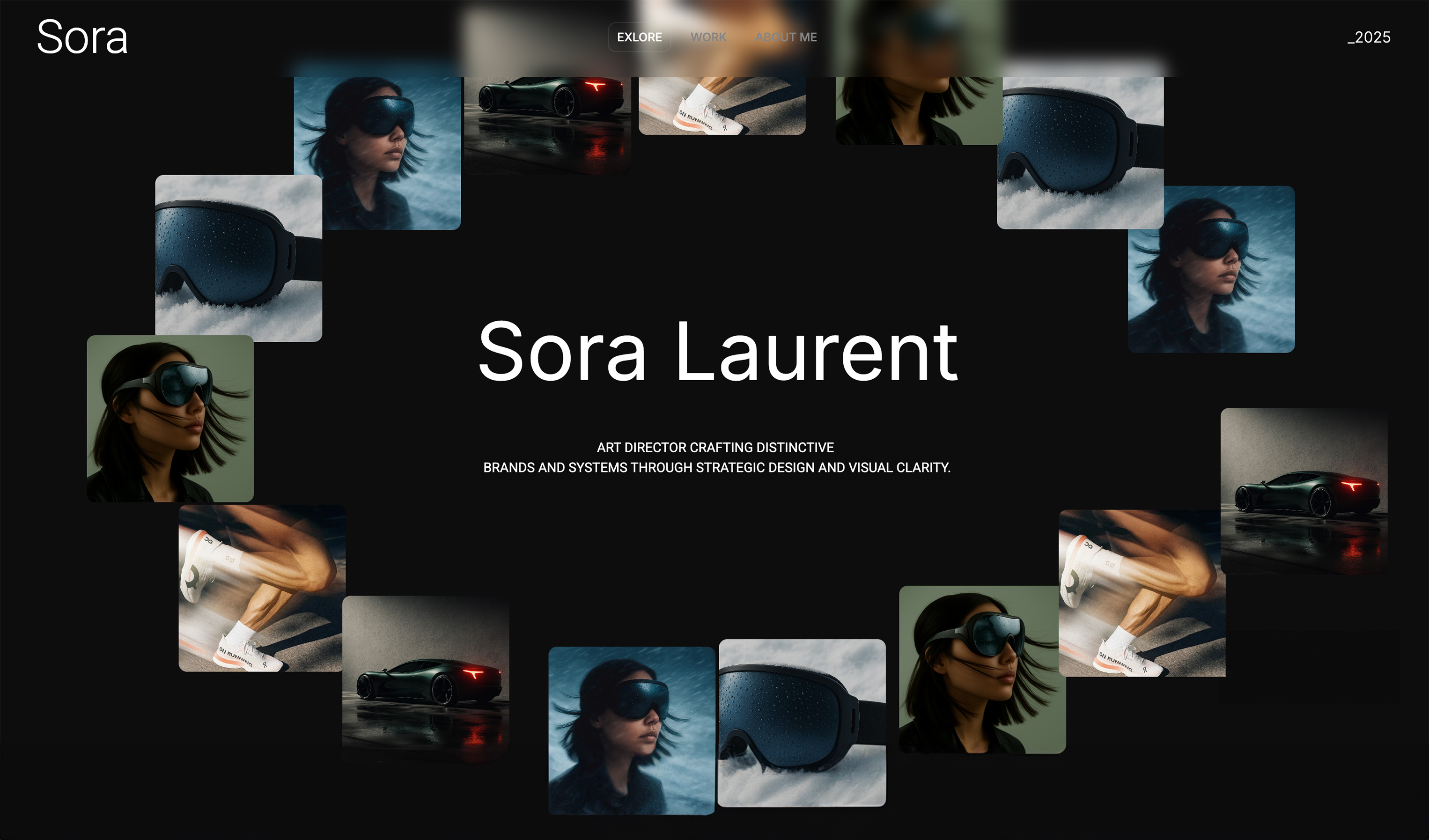
Framekit templates
Start from a designer-made template
 Use template
 Use template
 Use template
 Use template
 Use template
 Use template
 Use template
 Use template
You have spent years training your eye: the teal-shadow, warm-skin look you reach for on every travel edit, the bleach-bypass grade a client keeps asking for, the highlight roll-off that makes digital footage feel like film.
Those looks live in a folder on your drive and earn nothing between paid jobs. Packaged as a $29 LUT pack and sold twenty times a month, that folder is $580 a month in sales from grading you have already done.
The grading is the easy part.
The work is everything around it: exporting files that load in someone else's editor, deciding what to charge, choosing where to sell without handing a platform a large cut, delivering the download the moment a stranger pays, and knowing what happens with tax, refunds and updates.
This guide walks through how to sell LUTs online step by step, with the numbers attached to each.
A LUT, or look-up table, is a file that remaps the colours of a video clip to a specific look, and it is one of the most sellable things a filmmaker or colourist can make because one .cube file works across editors, projects and cameras. StudioBinder's guide to LUTs covers the technical side; this guide is about turning those files into income.
To sell LUTs online, export three to eight related looks as 33-point .cube files, bundle them with an install guide and a licence note in one ZIP, price the pack between $15 and $60 (a focused pack usually sells best at $25 to $35), and sell it from a store beside your reel.
On Framekit's free plan a $29 pack leaves you $26.41 after the 5% fee and Stripe's processing, and $27.86 on the $39 Business plan at 0%, against $24.46 on Gumroad.
If you have no audience yet, Etsy's search traffic can make first sales; if you want VAT filed for you, Lemon Squeezy or Gumroad will do it as merchant of record.
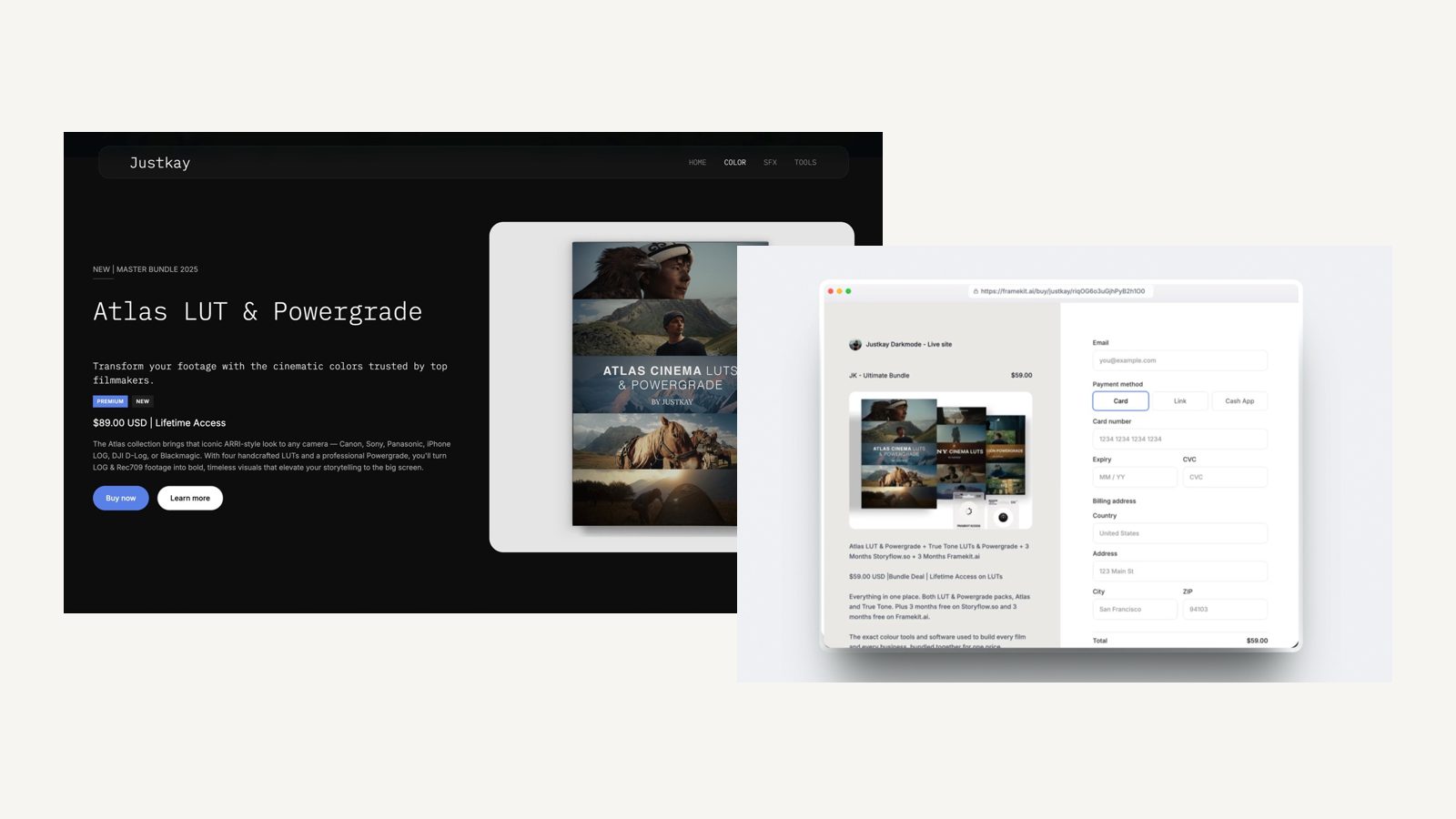
Framekit is an AI website builder with a digital-download store in the same account, so the site that plays your reel can sell your looks without a separate checkout tool.
Its plans, store fees and checkout behaviour were re-verified against its pricing page and shipped checkout on 12 October 2026, along with every competitor figure on this page.
Why LUTs Sell, and What They Earn
A LUT pack sells because editors on deadline, content creators who want a consistent feed and filmmakers without a colourist would rather buy a finished look than build one, and every copy after the first costs you nothing to produce, store or ship.
The demand is specific. A well-made pack aimed at one clear look, such as moody documentary, warm wedding or punchy travel, outsells a generic "50 cinematic LUTs" bundle, because the buyer is paying to skip a decision, not to receive more decisions.
The economics. A LUT pack has no per-unit cost, so the only costs after you make it are the platform's fee and card processing. On a $29 pack, those take $2.59 on a 5% free plan, $1.14 on a 0% plan and $4.54 on Gumroad.
The realistic range. For most filmmakers a LUT store is side income: a few hundred to a few thousand dollars a month, scaling with how recognisable your grade is and how many people already watch your work.
The filmmakers who do well are usually the ones whose reel makes people ask "what LUT is that?"
Step 1: Build Three to Eight Looks That Travel
Build a pack of three to eight related looks that work on footage you did not shoot, because a LUT that only looks right on your own camera and your own lighting will produce refund requests from buyers on other cameras.
Pick one theme. "Nordic Overcast" or "Sun-Faded Super 8" tells a buyer what the pack does and gives them something to search for. Three to eight looks is enough to feel like a product; more than ten usually means some are filler.
Decide what the LUT expects as input. Most creative LUTs sold to a broad audience are designed to go on footage that has already been corrected to Rec.709.
If yours are built for a log profile, say which one, and consider shipping versions for the two or three log profiles your buyers most often use.
Test across cameras. Apply every look to clips from at least three different camera families and to at least three lighting situations: daylight exteriors, mixed indoor light and night. Watch skin tones and highlights, which is where creative LUTs usually break.
Make intensity optional. Include a full-strength and a softer version of each look where you can. Many buyers want to dial a look down, and some editors apply LUTs at reduced opacity anyway.
Step 2: Export Files That Load in Any Editor
Export each look as a 33-point 3D .cube file, the format DaVinci Resolve, Premiere Pro, Final Cut Pro and Photoshop all accept, and bundle the files with an install guide and a licence note in one ZIP so the buyer gets everything in a single download.
| File | What it is for | Typical size |
|---|---|---|
| 33-point .cube per look | The default for most editors, balancing accuracy and size | About 1MB each |
| 65-point .cube per look (optional) | Higher-precision version for finishing work | About 7MB each |
| Install guide PDF | Applying a .cube in Resolve, Premiere and Final Cut | 1 to 5MB |
| Licence note | Personal or commercial use; no reselling the files | A few kilobytes |
| Preview stills | Before-and-after frames for each look | 1 to 3MB each |
| Sample clip (optional) | A short graded clip to test on | 50MB to several GB |
Keep the ZIP light unless you mean it. Without sample footage, a pack of eight looks at both resolutions plus a guide is well under 100MB.
With 4K sample clips it can run into gigabytes, which matters on some platforms: Etsy caps digital listings at 5 files of 20MB each, Gumroad allows 20GB per file on paid products, Payhip 5GB per file, Lemon Squeezy 5GB per product, and Framekit publishes no per-file ceiling or bandwidth allowance.
Write the guide for the editor your buyer uses. One page per editor, with a screenshot of where the LUT goes. Add one line saying the LUT should go after basic correction, on Rec.709 unless the file name says otherwise.
That single line answers most support emails.
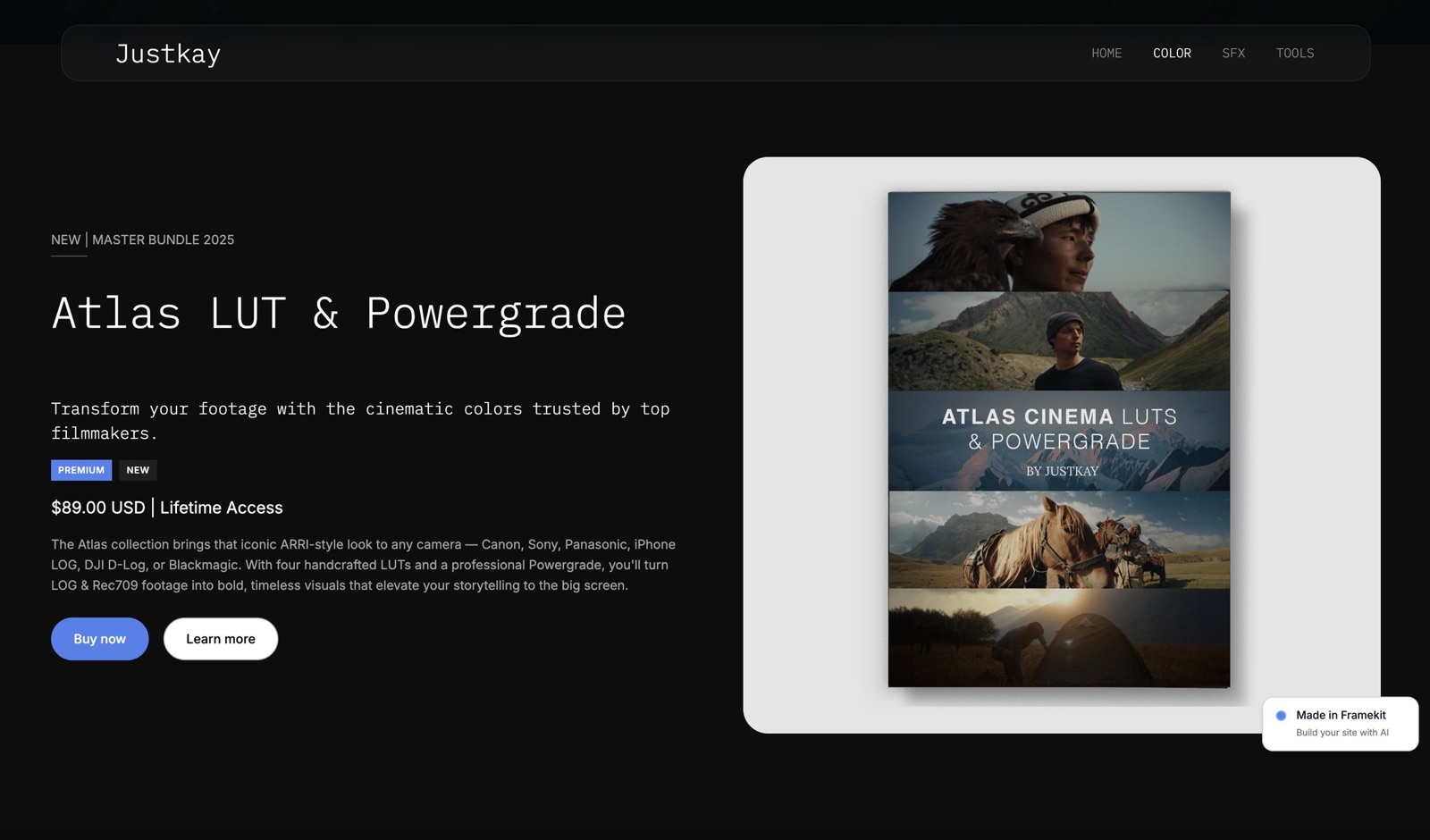
Step 3: Price the Pack With the Fees in View
Price most LUT packs between $15 and $60, with $25 to $35 the usual sweet spot for a focused pack from a working filmmaker, then check what each platform leaves you, because the fixed per-order fees matter more on cheaper packs.
Below $15 you signal hobby; above $60 you compete with full course bundles and subscription colour tools. A recognisable signature look can hold more, but a first pack from a new name should sit mid-range and earn reviews before you raise it.
Run a launch discount rather than a permanently low price.
What each platform keeps from one $29 pack, with card processing at 2.9% plus 30 cents wherever it is charged separately:
| Where you sell a $29 pack | Platform fee | Processing | You keep |
|---|---|---|---|
| Framekit Free ($0 a month) | 5%, $1.45 | About $1.14 | $26.41 |
| Framekit Pro ($19 a month) | 3%, $0.87 | About $1.14 | $26.99 |
| Framekit Business ($39 a month) | 0% | About $1.14 | $27.86 |
| Lemon Squeezy | 5% + $0.50, processing included | Included | $27.05 |
| Etsy, no Offsite Ads | $0.20 listing, 6.5% | 3% + $0.25 | $25.79 |
| Gumroad, direct sale | 10% + $0.50 | About $1.14 | $24.46 |
And over a year. Total cost of selling the $29 pack, with Framekit's paid plans billed yearly:
| Monthly sales | Framekit, cheapest plan | Lemon Squeezy | Payhip, cheapest plan | Etsy, no ads | Gumroad |
|---|---|---|---|---|---|
| $500 (about 17 packs) | $536 (Free) | $403 | $536 | $663 | $940 |
| $2,000 (about 69 packs) | $1,316 (Business) | $1,614 | $1,772 | $2,652 | $3,758 |
| $5,000 (about 172 packs) | $2,733 (Business) | $4,034 | $3,549 | $6,631 | $9,395 |
Lemon Squeezy is cheapest at $500 a month because its rate includes processing and it files your tax as merchant of record.
Framekit Business at $31 a month billed yearly becomes cheaper than Lemon Squeezy at about $1,111 a month in sales, and cheaper than Framekit's own 5% free plan at $780 a month.
Step 4: Choose Where to Sell
Sell from a store beside your reel once you have any audience, because you keep more of each sale and the buyer's email; use a marketplace only while you need its built-in browsers, and a merchant of record if you want VAT and sales tax filed for you.
Your own store. The product page sits on the same site as the work that shows the look, the order email is yours for the next pack, and the fee can fall to 0%.
The trade is that you bring the traffic: your reel, your social following and the search visibility your product pages earn over time.
A merchant of record. Lemon Squeezy, Gumroad and Polar sell in their own name and handle sales tax and VAT worldwide.
Lemon Squeezy and Polar's free Starter plan charge 5% plus 50 cents with processing included; Gumroad charges 10% plus 50 cents plus processing and can surface products on its Discover marketplace, at 30% for sales it brings.
A marketplace. Etsy brings shoppers who search for LUTs, which helps when nobody knows your name, but it keeps the customer relationship and adds Offsite Ads at 15%, or 12% for shops over $10,000 a year, on sales those ads bring.
Most sellers end up doing two. A marketplace or Gumroad listing for discovery, and an owned store for the buyers you want to keep.
Our ranking of the best platforms to sell LUTs compares the field in more detail.
Step 5: Build a Product Page That Shows the Grade
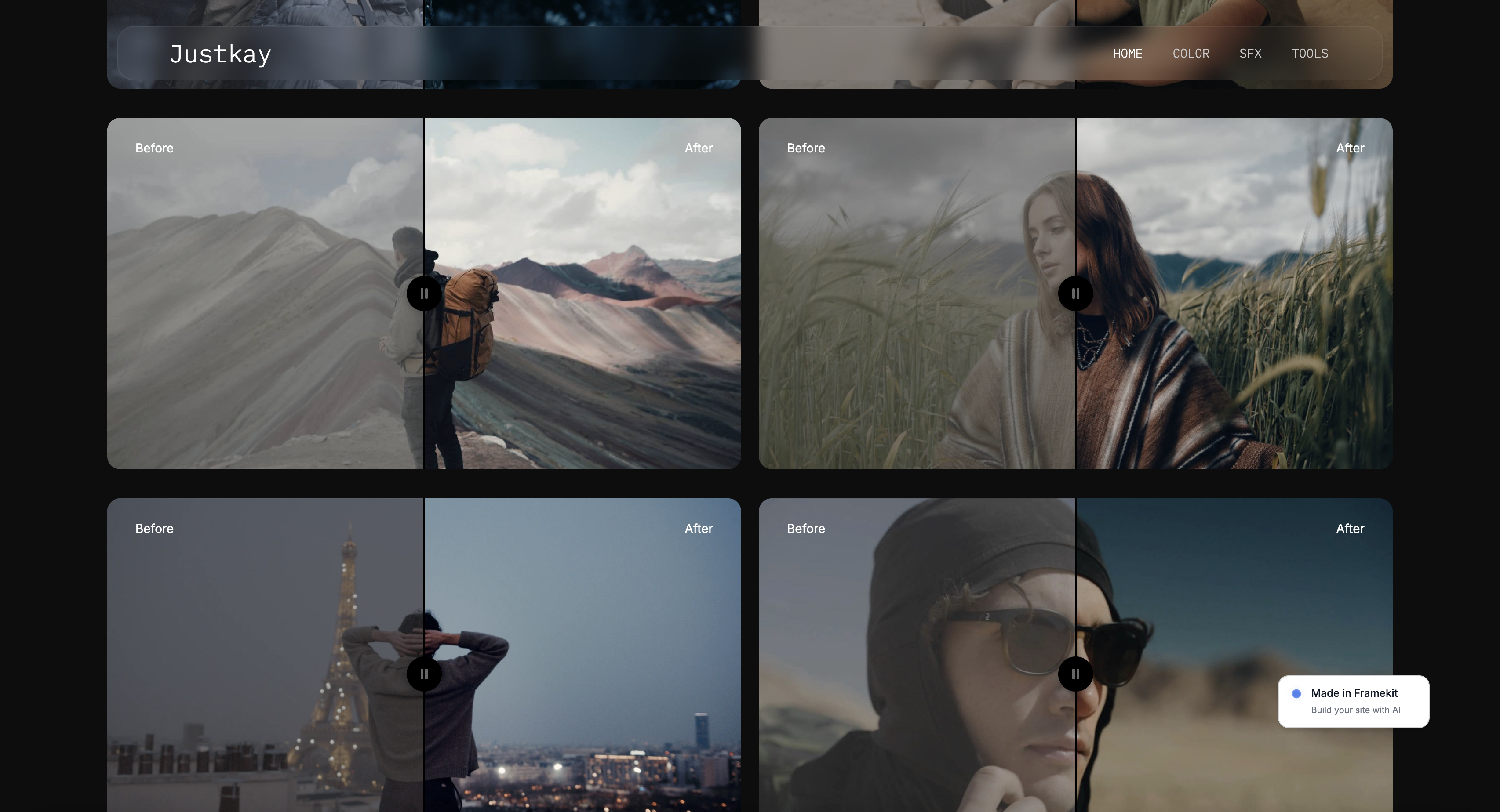
The product page sells a LUT pack with proof rather than adjectives, so lead with before-and-after frames or a short split-screen clip on footage in your buyer's genre, then list exactly what is in the ZIP and which editors it works with.
Proof first. Four to six before-and-after pairs per pack, or a 20 to 30 second split-screen clip, on footage your buyer recognises: a wedding couple at golden hour, a street at night, a drone shot over water. Show the ungraded clip first so the change is obvious.
Mind video limits on your site. On Framekit, video uploaded directly to site pages is capped at 15MB on Free and 100MB on paid plans, so longer demos belong on Vimeo or YouTube and play on the page through the embed block.
A 20-second 1080p split-screen clip usually fits under 100MB; a 4K reel does not.
List the contents. "Eight looks as 33-point .cube files, softer versions of each, an install guide for Resolve, Premiere and Final Cut, and a licence note. Designed for Rec.709 footage." Name the editor versions you tested.
Put the store one click from the reel. A producer who admires your work should be able to buy the look that made it without searching.
On Framekit the product is a section you can place under a project page, inside the portfolio grid or on a dedicated "Colour" page in the main navigation, and each product also gets a direct buy link at framekit.ai/buy for video descriptions and bios.
Step 6: Set Up Checkout and Getting Paid
Checkout comes down to three questions, which payment methods buyers see, where the money lands, and when it reaches your bank, and on a Framekit store each one is a setting on your own Stripe account rather than the platform's.
Where the money goes. Each Framekit sale is a direct charge on your connected Stripe account, with Framekit's percentage taken as an application fee.
The money is in your Stripe balance at the moment of sale; Stripe typically makes your first payout 7 to 14 days after your first live payment and can pay daily after that.
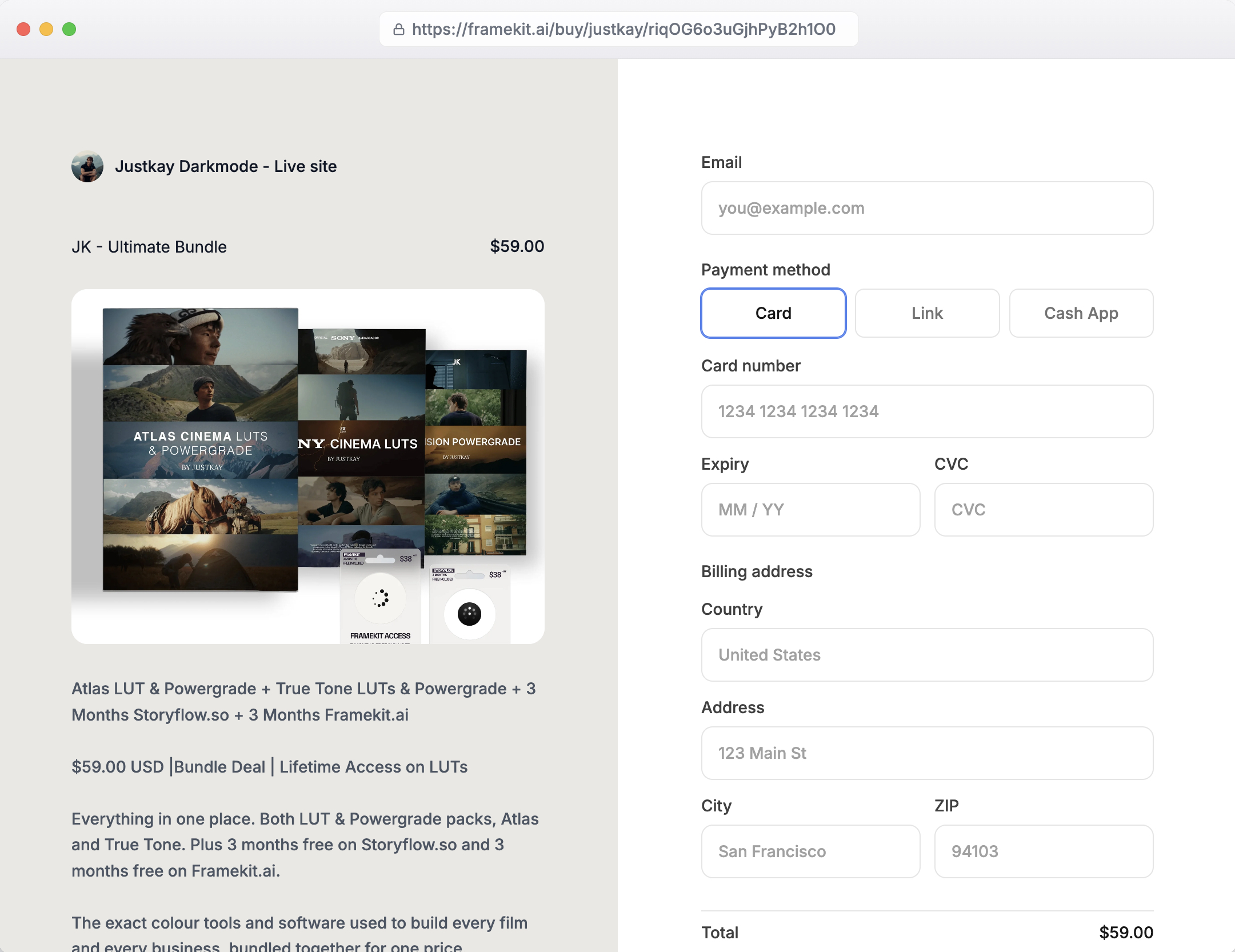
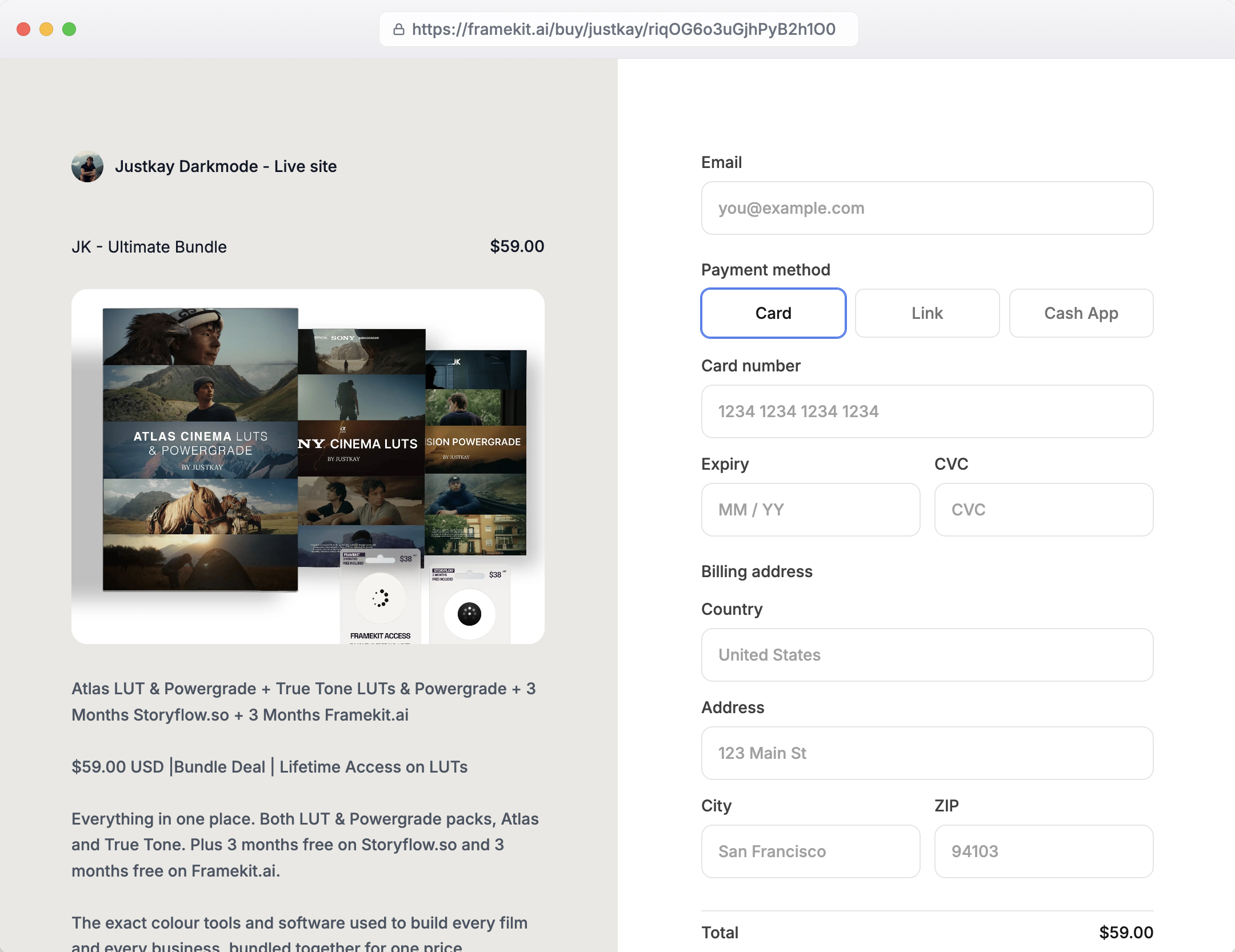
What the buyer sees. The hosted checkout at framekit.ai/buy shows your name and logo, the pack, the price and the payment methods you have enabled in Stripe, which for a US buyer typically means card, Link and Cash App Pay.
It carries a "Powered by Framekit" line on every plan and does not run on your own domain, even when the rest of your site does.
Discounts. Discount codes are on Framekit's Pro and Business plans, and the fee is charged on the amount after the discount, so a $29 pack at 25% off pays 3% of $21.75 on Pro and nothing on Business.
How others pay out. Gumroad holds weekly payouts for at least 7 days and needs a $100 balance; Lemon Squeezy pays twice a month after a 13-day hold with a $50 minimum; Etsy makes new shops' funds eligible 14 days after a sale.
Step 7: Deliver, Protect and Update the Files
Delivery should put the ZIP in the buyer's hands the moment payment clears, give them a way back to the files later, and leave you a plan for sending a version 2, because LUT buyers come back when an editor update changes how looks are applied.
Delivery on Framekit. The download appears on the confirmation page straight after payment, and the order email carries links valid for 7 days. A buyer who loses the files later emails you and you resend fresh links from the order.
Updates. Framekit does not push updated files to past buyers, so when you release a new version, email past buyers from the list your orders built.
Lemon Squeezy shows new files in buyers' My Orders pages automatically, and Gumroad lets you resend receipts or post an update, so if you plan quarterly updates, weigh that.
Protection that works. You cannot watermark a .cube file, so protect the business around it: show previews rather than raw files, include a clear licence that forbids reselling the LUTs themselves, and make the official version the convenient one with updates and support.
Heavy copy protection frustrates honest buyers more than it stops the few who share. Our piracy protection guide covers what each platform offers.
Licence tiers. If production companies buy your looks, sell a personal and a commercial version as two products at two prices. On Framekit, products are unlimited on every plan, so a second listing costs nothing.
Step 8: Handle Tax, Refunds and Chargebacks
Selling from your own store makes you the seller of record, so before the first sale decide how you will handle VAT and sales tax, write a refund policy, and know what a dispute costs and who answers it.
Tax. Framekit does not calculate, add, collect or remit VAT or sales tax; it charges buyers through your own Stripe account, so any tax you owe comes out of your price.
A seller outside the EU owes VAT on digital sales to EU consumers from the first sale, usually through the EU's One Stop Shop; a non-UK seller owes UK VAT on digital sales to UK consumers from the first sale; EU-based sellers get a €10,000 a year threshold for cross-border digital sales; and most US states require registration only past an economic nexus threshold, commonly $100,000 a year.
LUT buyers are often international, so if Europe is a big share of yours, Lemon Squeezy, Gumroad or Polar will file it for you, and Payhip collects and remits EU and UK VAT.
Our VAT on digital products guide goes further.
Refunds. A common LUT policy is a refund within 14 days if the files will not load, with a screenshot of the error.
On Framekit you refund from Stripe; Framekit keeps its fee ($1.45 on a $29 sale on Free, $0.87 on Pro, nothing on Business) and Stripe keeps its processing of about $1.14. Gumroad and Lemon Squeezy return their own fees on a refund.
Chargebacks. On your own Stripe account a dispute costs $15 for US accounts, plus $15 more if you counter, returned if you win.
Framekit emails you and marks the order disputed, and you submit the order record, the delivery email and your refund policy as evidence.
Our refunds and chargebacks guide covers what wins a download dispute.
Step 9: Market the Pack With Your Own Footage
LUTs sell through demonstration, so post a short before-and-after on the platforms your buyers already watch at least once a week for the first month, link every post to your own product page, and let your reel do the rest.
A four-week plan for a first pack:
- Week 1: a 15 to 30 second split-screen demo of the strongest look, with the pack named and the link in the description.
- Week 2: one look per post on different footage, showing it works beyond your own camera.
- Week 3: a short tutorial applying the LUT in Resolve or Premiere, which doubles as the install guide.
- Week 4: a buyer's result, with permission, and a reminder to anyone who saved the earlier posts.
Search does the long tail. A product page titled for the look and the use, such as "warm wedding LUTs for Premiere Pro", can bring buyers for months in a way a single post cannot, and on Framekit it lives under your own domain from the Starter plan.
The same approach works for selling Lightroom presets to photographers.
Selling LUTs on Framekit

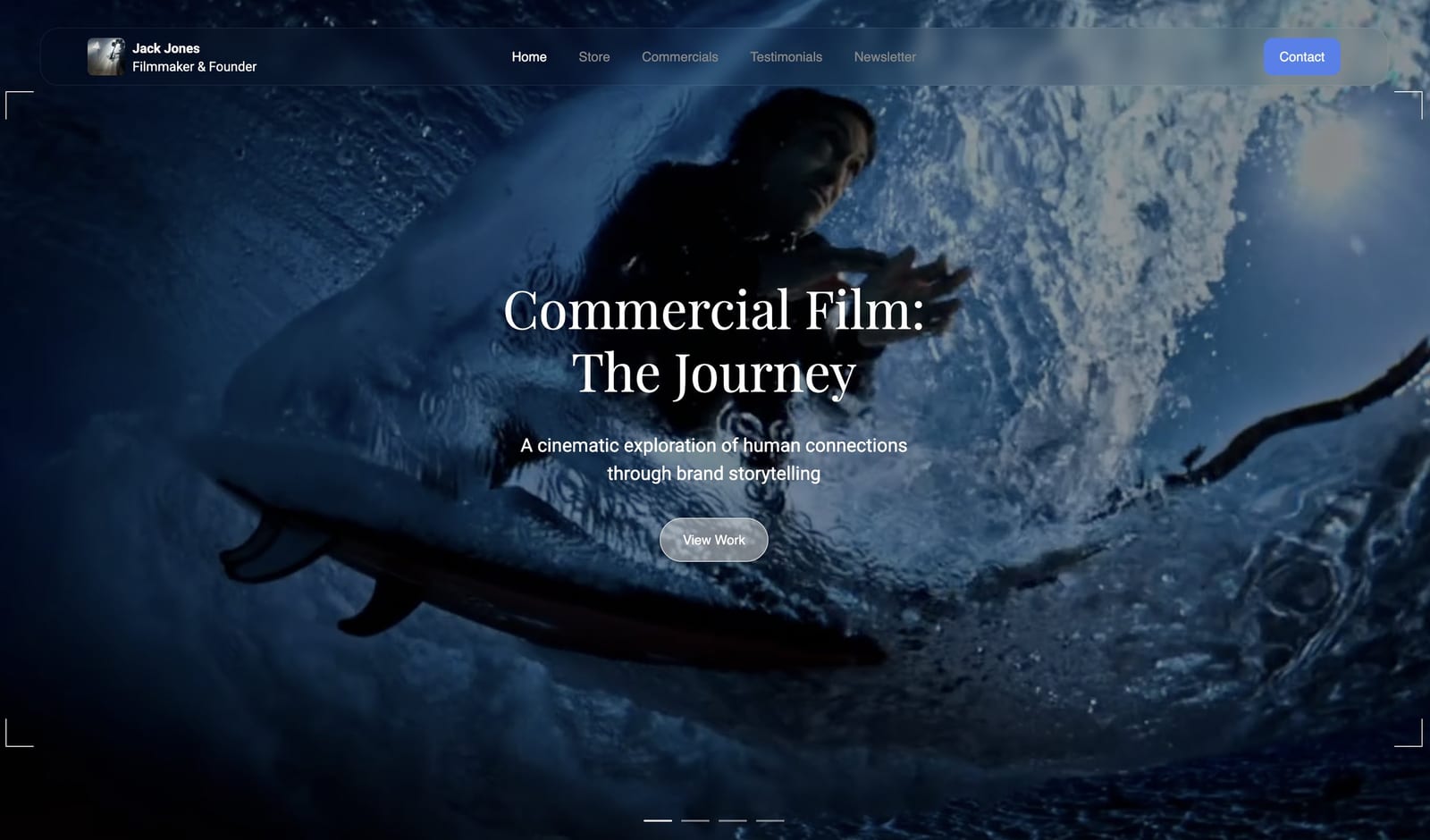
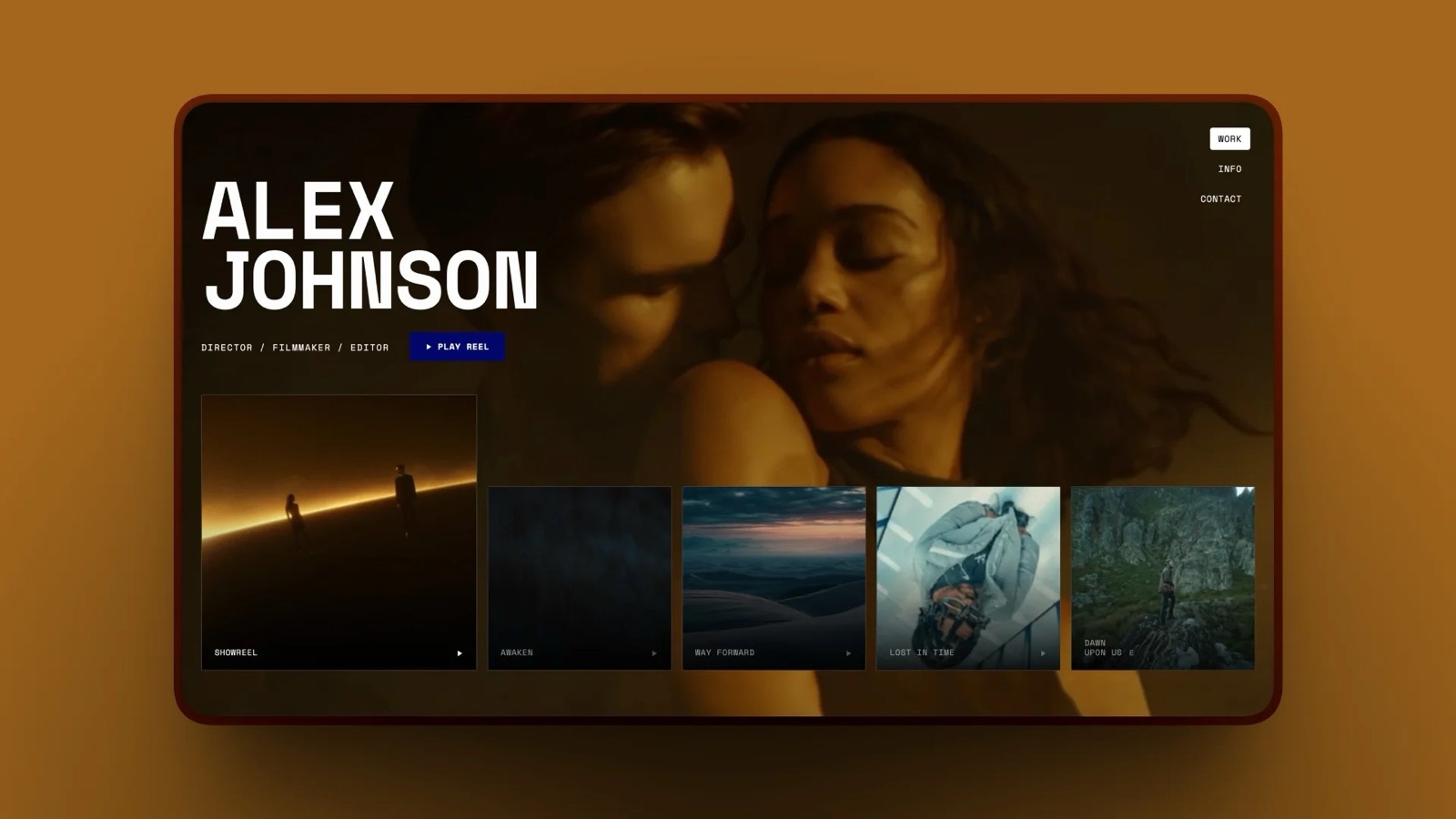
Framekit suits filmmakers and colourists who want the LUT store to sit beside the reel, because the site, the store, client galleries for delivering finished films, and Frame.io-style review links all live in one account with storage pooled across them.
What it costs. Free at 5% per sale with no card needed; Starter at $9 a month ($7 yearly) for your own domain and no website badge (checkout keeps a small Powered by Framekit line); Pro at $19 ($15 yearly) for a 3% fee and discount codes; Business at $39 ($31 yearly) for 0%.
Storage is 10GB, 50GB, 300GB or 2TB, shared with your galleries and review uploads.
What it does well. Unlimited products on every plan, so separate personal and commercial licences cost nothing extra; free products for a sample LUT; a direct buy link for every product; money straight into your own Stripe account; and a fee charged after discounts.
Where it falls short. It is not a merchant of record and adds no tax at checkout. It has no subscriptions for a monthly LUT club, no licence keys, no pay-what-you-want, affiliates, upsells or abandoned-cart emails.
It keeps its fee on refunds, sends 7-day download links rather than a buyer account, does not push updates to past buyers, and checkout always opens at framekit.ai/buy.
Who should pick something elsea filmmaker with no audience yet (Etsy or Gumroad Discover), one whose buyers are mostly in Europe and who will not register for VAT (Lemon Squeezy, Polar or Payhip), or one planning a LUT subscription (Gumroad or Lemon Squeezy).
Run the Numbers on Your Own Pack
You can decide where to sell in five minutes with three inputs, your price, the packs you expect to sell a month and the share of buyers outside your country, and the result tells you which plan to start on.
- Monthly sales: a $29 pack selling 20 times is $580.
- Framekit Free: 7.9% of sales plus 30 cents a pack: $45.82 plus $6.00, about $51.82 a month.
- Framekit Business: $39 plus 2.9% plus 30 cents a pack: $39 plus $16.82 plus $6.00, about $61.82. Stay on Free until sales pass $780 a month.
- Lemon Squeezy: 5% plus 50 cents a pack: $29.00 plus $10.00, $39.00 a month, with tax filed for you.
- Gumroad: 12.9% plus 80 cents a pack: $74.82 plus $16.00, about $90.82 a month.
- Add the tax line. If many buyers are in the EU and you live outside it, add VAT registration and quarterly returns to the Framekit column before comparing.
At 20 packs a month Lemon Squeezy is the cheapest and files your tax; an own store wins once you want the buyer list, the site beside the reel, or pass about $1,111 a month in sales.
Frequently Asked Questions
What format should I sell LUTs in?
Sell LUTs as 33-point 3D .cube files, the format DaVinci Resolve, Premiere Pro, Final Cut Pro and Photoshop all accept, with an optional 65-point version for finishing work.
Bundle them in one ZIP with an install guide and a licence note, and say whether each look expects Rec.709 or a specific log profile.
How much should I charge for a LUT pack?
Most LUT packs sell for $15 to $60, and a focused pack of three to eight looks from a working filmmaker usually sells best at $25 to $35.
On Framekit's free plan a $29 pack leaves you $26.41 after fees and processing; on Gumroad it leaves $24.46. Use a launch discount rather than a permanently low price.
Your own site vs Gumroad for LUTs: which keeps more?
Your own site keeps more. A $29 LUT sale leaves $26.41 on Framekit's free plan and $27.86 on Business, against $24.46 on Gumroad after its 10% plus 50 cents and processing.
At $2,000 a month that is $1,316 a year on Framekit Business against $3,758 on Gumroad. Gumroad's advantages are that it files your sales tax and VAT and can bring buyers through Discover.
Where is the best place to sell LUTs online?
The best place to sell LUTs online is a store beside your reel once you have any audience, because you keep the buyer's email and more of each sale; Framekit drops to a 0% fee on its $39 Business plan.
Etsy is better while you have no audience, and Lemon Squeezy, Polar or Gumroad are better if you want sales tax and VAT filed for you as merchant of record.
Do I have to charge VAT on LUT sales?
If you sell from your own store and live outside the EU, you owe VAT on LUT sales to EU consumers from the first sale, and non-UK sellers owe UK VAT on sales to UK consumers from the first sale.
Framekit does not calculate or add tax, so it comes out of your price. A merchant of record such as Lemon Squeezy, Gumroad or Polar files it for you, and Payhip collects and remits EU and UK VAT.
How do I send updated LUTs to people who already bought?
On Framekit, updated files are not pushed to past buyers, so email them from the list your orders built with the new version or a fresh link.
Lemon Squeezy shows new files in buyers' My Orders pages automatically, and Gumroad lets you resend receipts or post an update to past customers.
How do I stop people from sharing my LUTs?
You cannot fully protect a .cube file, so protect the business around it: show before-and-after previews rather than raw files, include a licence that forbids reselling the LUTs, and keep the official version the convenient one with updates and support.
Framekit's 7-day download links limit casual link sharing, but no platform stops someone from sharing files they have already downloaded.
Does Framekit refund its fee if I refund a LUT buyer?
No. Framekit keeps its fee when you refund: $1.45 on a $29 sale on Free, $0.87 on Pro and nothing on Business, and Stripe keeps its processing fee of about $1.14. Gumroad and Lemon Squeezy return their own fees on a refund, so a refund costs slightly less there.
Can I show a before-and-after video on a Framekit product page?
Yes, within the site's video limits. Video uploaded directly to Framekit site pages is capped at 15MB on Free and 100MB on paid plans, which fits a short 1080p split-screen clip, and longer or 4K demos can play on the page through the Vimeo or YouTube embed block.
Can I sell personal and commercial licences separately?
Yes. List the personal and commercial versions as two products at two prices, each with its own licence note in the ZIP.
Framekit allows unlimited products on every plan, so the second listing costs nothing; it does not generate licence keys, so the licence is a document rather than an enforced key.
How fast do I get paid for LUT sales?
On a Framekit store the money is in your own Stripe balance at the moment of sale, and Stripe typically makes the first payout 7 to 14 days after your first live payment, then follows your schedule, which can be daily.
Gumroad holds weekly payouts for 7 days with a $100 minimum, and Lemon Squeezy pays on the 14th and 28th after a 13-day hold.
Is the LUT checkout on my own domain?
On Framekit, no. Your site and LUT product pages can use your own domain from the Starter plan, but the payment page always opens at framekit.ai/buy with your name, your logo and a "Powered by Framekit" line, on every plan.
The Bottom Line
Selling LUTs is one of the few ways a filmmaker can earn from grading already done, and the business comes down to a handful of choices: build three to eight looks that travel across cameras, export 33-point .cube files with a guide and a licence, price the pack around $29, sell it beside your reel, decide your tax and refund policy before launch, and keep showing the look on real footage.
On Framekit that means a free start at 5%, a 0% fee on Business above $780 a month, and money in your own Stripe account, with the store on the same site as your reel, galleries and review links.
It also means handling your own VAT, emailing updates yourself and sending buyers to a checkout at framekit.ai/buy.
If you have no audience yet, a marketplace will make your first sales faster; if tax filing is the part you never want to touch, Lemon Squeezy or Gumroad is the better home, and their fee is what that service costs.
Related readingthe best platforms to sell LUTs, how to start selling digital products, Gumroad vs Framekit and where video editors should host their work.