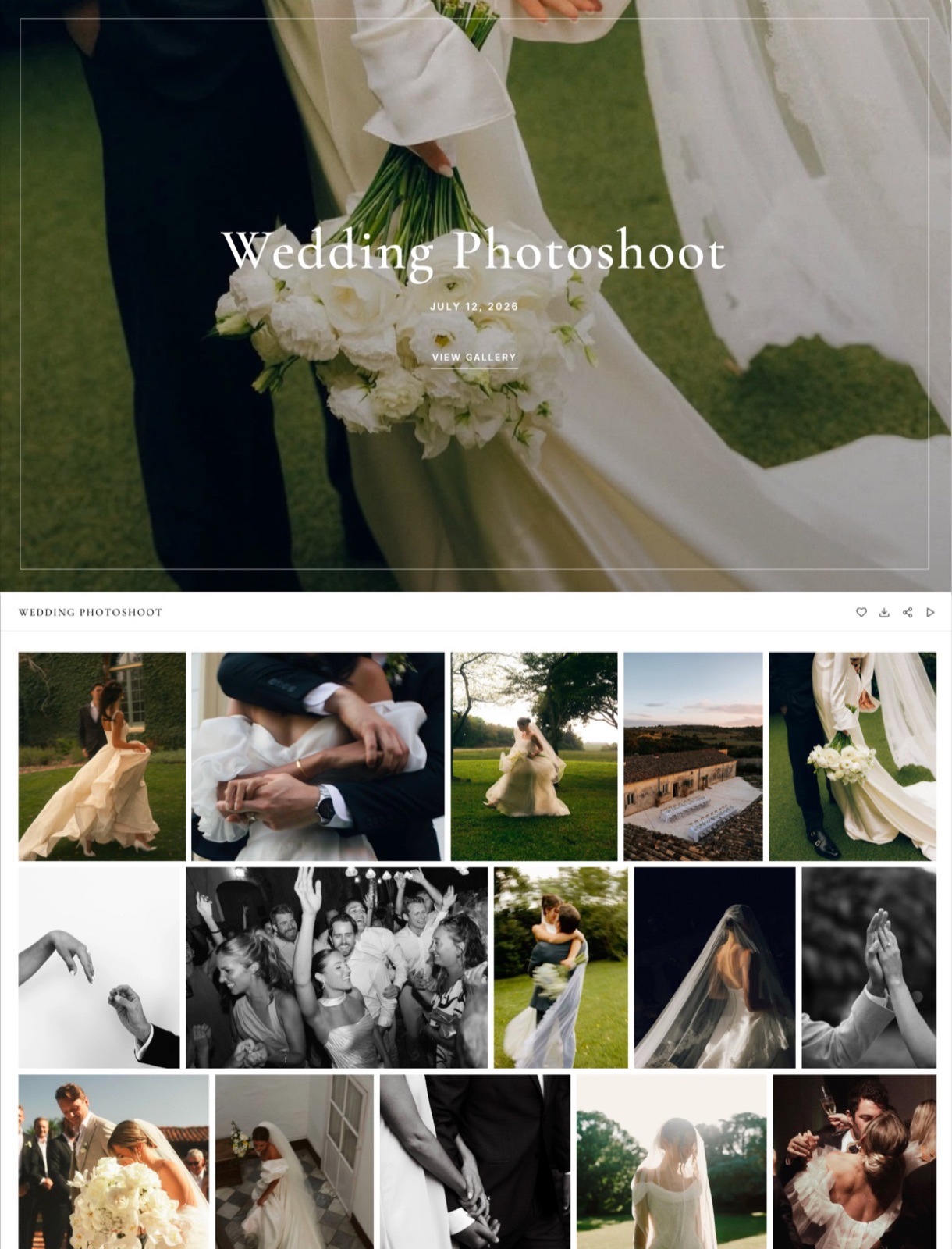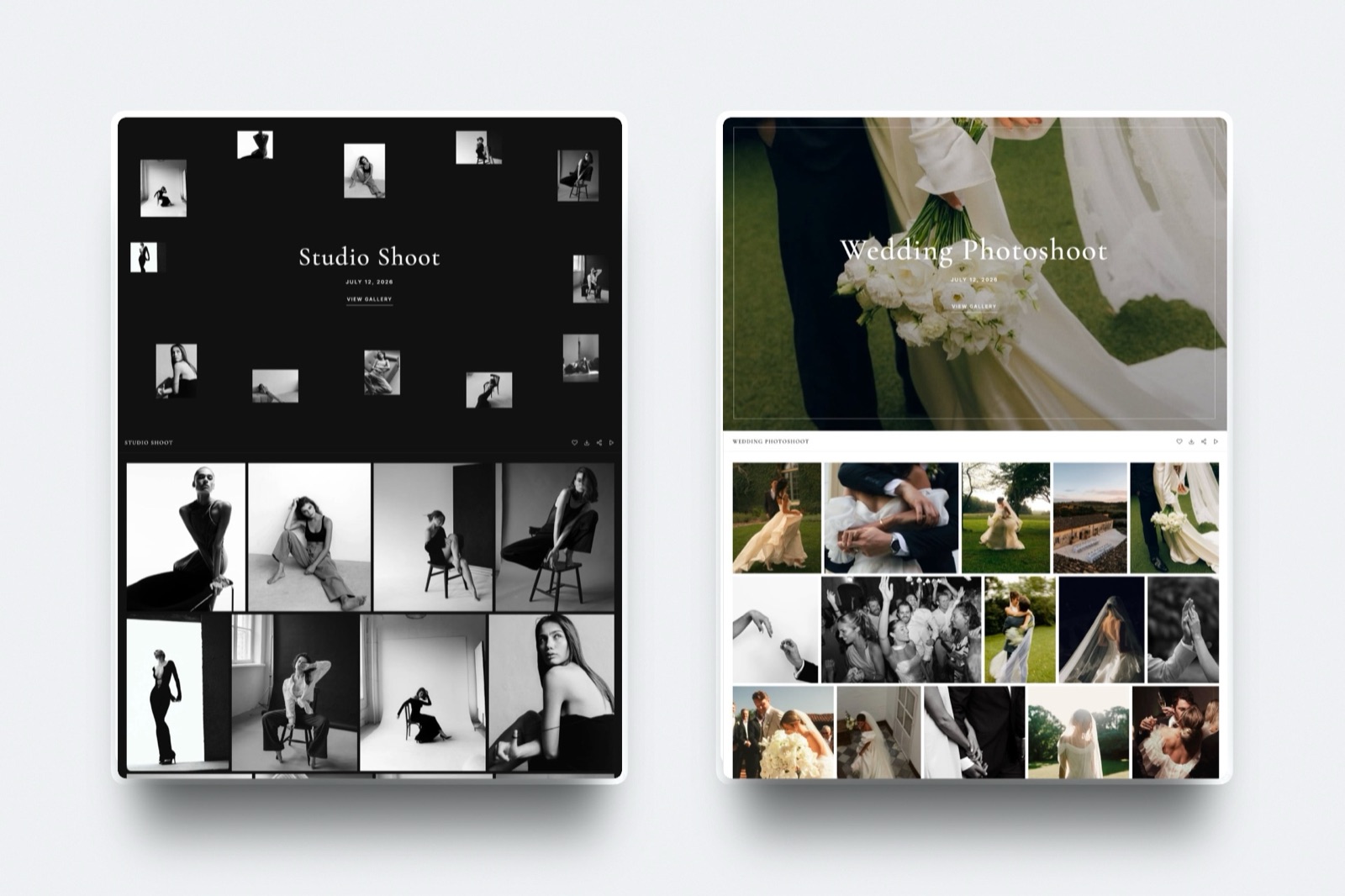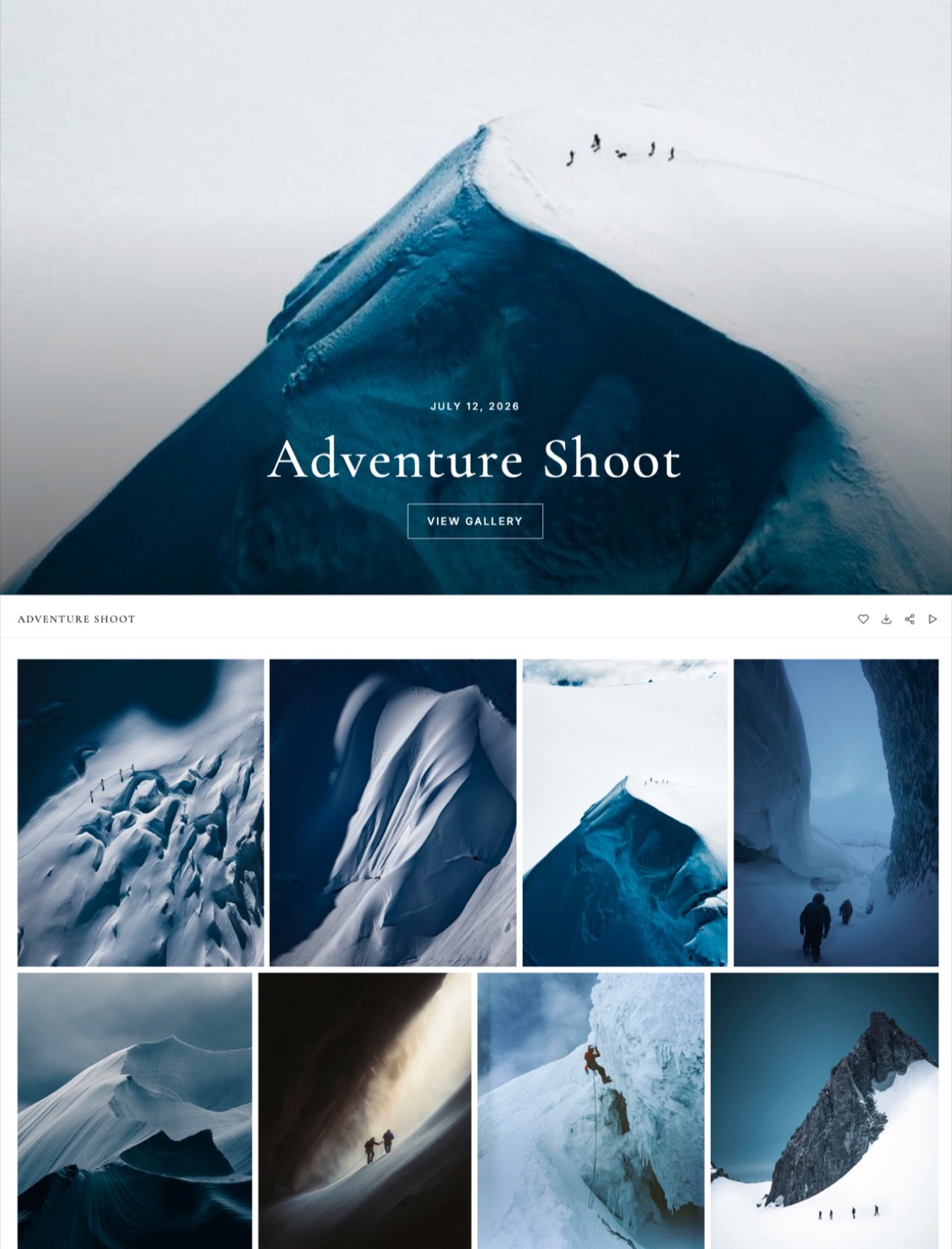
Framekit templates
Start from a designer-made template
 Use template
 Use template
 Use template
 Use template
 Use template
 Use template
 Use template
 Use template
Framekit vs PicDrop is a comparison between two tools that photographers reach for at different hours of the same job, which is why so many people end up running both.
PicDrop is for choosing. We are for handing over.
PicDrop exists to let a professional mark selects from a large take without being taught anything first, and its deliberate plainness is the feature rather than an oversight.
Framekit is an AI website builder whose client galleries are built for the other end of the job: the branded delivery a paying client opens, forwards and comes back to.
A proofing tool is software for narrowing a take down to a selection, usually between professionals, while a client gallery is software for presenting finished work to the person who commissioned it.
Framekit is the better tool for delivering finished work, because galleries carry your own domain and branding, do not expire, gate viewing and downloading separately with a password and a PIN, and sit on the same plan as your portfolio site and video review.
PicDrop is the better tool for a fast professional selects round, because it is deliberately unbranded and instantly usable by an art director with no instructions, and its free tier covers a surprising amount of real work.
Most working photographers should run both, and for many that is one paid subscription plus a free one.
Full disclosure: Framekit is our own product. This comparison recommends keeping PicDrop, which is the honest conclusion given the two tools do different jobs. Figures were verified in September 2026.
How We Compared Them
We ran the same commercial job through both at the two stages it actually has: a 600-frame selects round with an art director, then a 40-image finished delivery to the client who paid for it.
The honesty split:
- Measured hands-on: both stages, what each recipient had to learn before they could act, and what the delivery page said about the photographer.
- Verified from primary sources: PicDrop's plan structure from PicDrop's pricing, read September 2026. Framekit's from the shipped plan configuration.
- Not tested: PicDrop's integrations with capture and editing software.
Neither tool is described here in terms of speed, because we do not publish those numbers.
Framekit vs PicDrop at a Glance
The weighting to read this with: the branding and persistence rows decide the delivery stage, and the selects rows decide the proofing stage. Almost nobody needs one tool to win both.
| Framekit | PicDrop | |
|---|---|---|
| Delivery carries your brand and domain | Yes | No, deliberately unbranded |
| Gallery link expires | No | Varies by plan |
| Password plus separate download PIN | Yes, every plan | Password |
| Fast professional selects on a large take | Favourites | Yes, this is the product |
| Usable with no explanation | Mostly | Yes, by design |
| Portfolio site on your own domain | Yes | No |
| Video review with timecoded comments | Yes | No |
| Digital store | Yes | No |
| Print store | No | No |
| Free tier | 10GB pooled, unlimited galleries | Generous for selects work |
| Entry paid plan, a year | $84 | Lower, proofing only |
In one linePicDrop is plain on purpose and Framekit is branded on purpose, and those are the right answers to different questions.
Where PicDrop Wins
PicDrop beats us in two areas, and both of them come from the same design decision: it removed everything that is not choosing. That constraint is why professionals like it and why it is not a delivery tool.
Selects at volume, with no learning curve. An art director opening 600 frames wants to mark keepers and nothing else.
PicDrop's absence of covers, stores and upsells is exactly what makes that fast, and our galleries, which are built to present, are a slightly heavier surface for that job.
A genuinely useful free tier for professional work. PicDrop's free plan covers a real amount of selects work rather than being a trial, which means many photographers pair it with one paid delivery tool and never pay PicDrop anything.
The thing it costs you is on the other side of the job: because PicDrop is deliberately unbranded, a delivery through it says nothing about your studio, which is a lost marketing touchpoint on every job.
Where Framekit Wins
Framekit wins on three points, and all three matter at the delivery stage rather than the proofing one. If your only need is selects, none of them will move you.
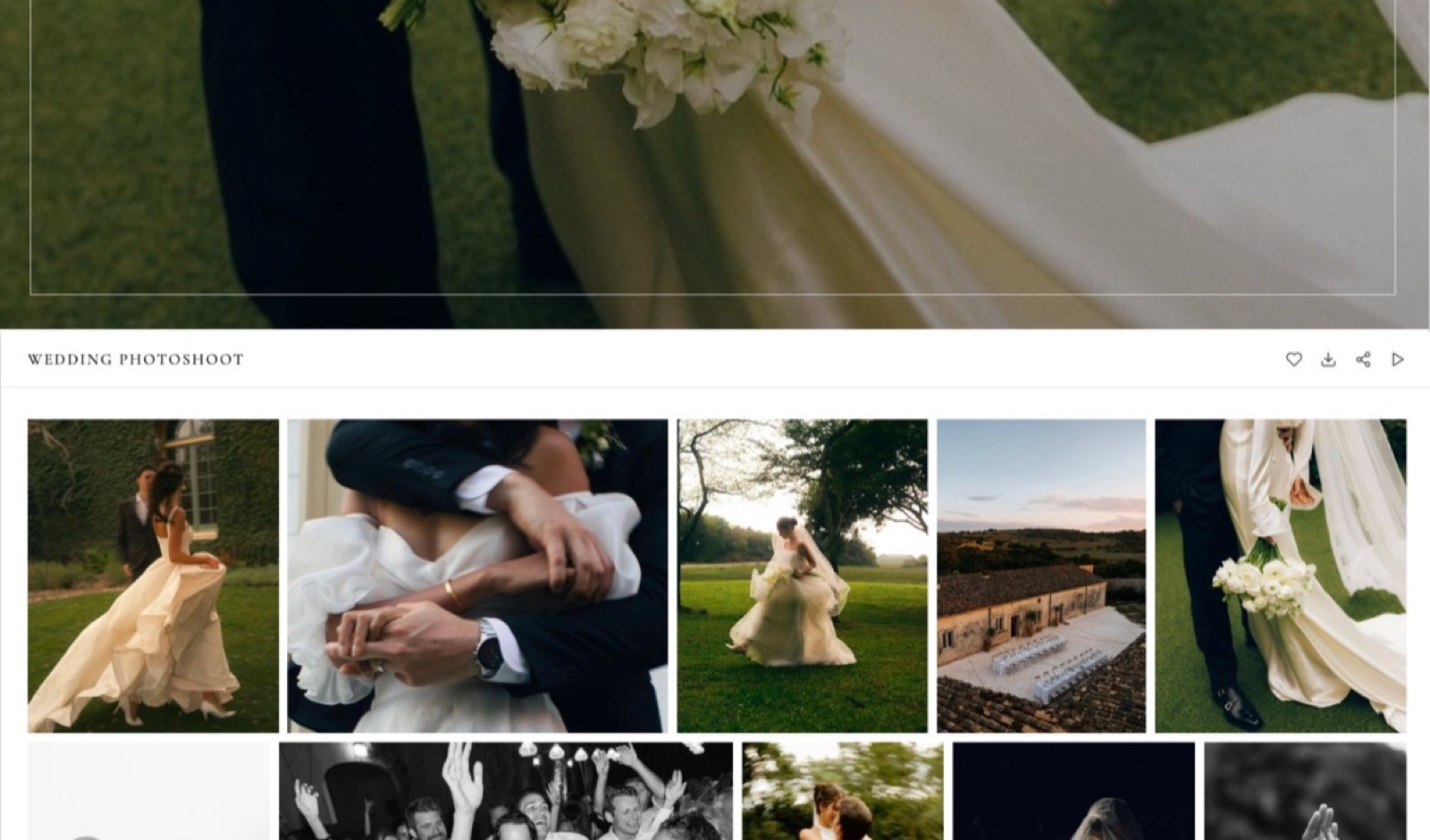
The delivery is yours. The gallery sits on your own domain with your name on it, so when a client forwards the link to a partner, a planner or a brand contact, that person sees your studio rather than a neutral proofing page.
On a wedding gallery opened by forty people, that is forty impressions you currently give away.
It does not expire and it cannot be reorganised. Galleries stay live as long as the account does, and they are read-only, so the delivery you sent in March is the delivery that exists in November.
Two gates rather than one. A password controls who gets in and a separate download PIN controls who takes files out, on every plan including free, which is what makes it practical to forward a gallery to guests who can look but not download.
In one lineeverything Framekit wins here is about the client's experience of receiving work, which is a different problem from narrowing a take.
The Two-Stage Workflow, Written Down
Most working photographers already run some version of this split without ever naming it, so here it is written out as a sequence rather than offered as a recommendation. The point is that each stage has a different recipient with a different need.
- Shoot, cull roughly, upload the take to PicDrop. The art director or editor marks selects with no instructions and no account friction.
- Retouch the selects.
- Deliver the finished set through a Framekit gallery, on your own domain, with a password if the work is private and a download PIN so the client controls who takes files.
- Keep the gallery live. When the client returns nine months later, the link still works and you do not spend an afternoon re-uploading.
The cost of that split is one paid subscription plus a free one for most photographers, which is less than the gallery-plus-website pair a lot of people are already paying for.
In one linethe stages are genuinely different and the tools should be too.
What This Costs Against the Usual Stack
The comparison worth running is not tool against tool, since they do not overlap much. It is your current stack against the split above, priced across a year.
| Setup | A year | What it covers |
|---|---|---|
| PicDrop free plus a gallery platform plus a website | $350 to $580 | Selects, delivery and a portfolio, three tools |
| PicDrop free plus Framekit Starter | $84 | Selects, branded delivery, portfolio, decks, store |
| PicDrop free plus Framekit Pro | $180 | The above plus 300GB, video review, three members |
| Framekit alone | $84 to $180 | Delivery and portfolio, selects via favourites |
The row most photographers are actually on is the first one, and the saving comes from collapsing the gallery platform and the website subscription rather than from dropping PicDrop.
In one linethe redundant subscription is rarely the proofing tool.
How to Choose: A Decision Guide
Take these in order and act on the first yes you reach, because the first two describe different stages of a job rather than competing products.
- Is the recipient a professional narrowing a large take? Yes: PicDrop, and its free tier probably covers it.
- Is the recipient the paying client receiving finished work? Yes: Framekit, on your own domain with your name on it.
- Do you need the delivery to still work next year? Yes: Framekit, where galleries do not expire.
- Do you need to forward a gallery to viewers who must not download? Yes: Framekit, for the separate download PIN.
- Do you also need a portfolio site, video review or a store? Yes: Framekit, which carries all three on one plan.
- Doing both stages, like most photographers? Both, and keep PicDrop free.
Frequently Asked Questions
Is Framekit a PicDrop alternative?
Only partly, and the honest answer is that they are complements more often than alternatives.
Framekit galleries support client favourites, which covers a light selects round, but PicDrop is purpose-built for a professional marking keepers from hundreds of frames with no explanation.
Where Framekit is the clear replacement is the delivery stage, which PicDrop deliberately does not compete for.
Can I do selects in a Framekit gallery?
Yes, through client favourites, which works well for a client choosing twenty images from forty.
It is a lighter surface than PicDrop for a 600-frame professional take, because our galleries are designed to present work attractively rather than to move through it at speed.
For a commercial job with an art director, most photographers will still find PicDrop faster.
Does PicDrop brand the delivery with my studio name?
No, and that is a deliberate design decision rather than a missing feature.
PicDrop is unbranded so that nothing distracts from choosing, which is exactly right for a professional selects round and exactly wrong for the moment a client shows their photographs to someone else.
A Framekit gallery carries your own domain and name, which turns each forward into a marketing impression.
Do Framekit gallery links expire?
Not by default. A gallery stays live for as long as your account does, so a client who returns months later finds their photographs rather than emailing you to re-send them.
You can set an expiry deliberately if you want a selection window to create urgency. Clearing old galleries is a storage decision rather than something the platform forces.
Which is cheaper?
They are priced for different jobs, so the useful comparison is the whole stack. PicDrop's free tier covers a lot of real selects work, and Framekit Starter is $84 a year for delivery plus a portfolio site, decks and a store.
A photographer running PicDrop free alongside Framekit Starter is at $84 a year total, against $350 to $580 for the proofing tool, gallery platform and website subscription many are currently paying.
Can I deliver RAW files through either?
Framekit galleries accept JPEG, PNG, WebP and GIF only, and refuse RAW, DNG, TIFF, PSD and HEIC at upload, so camera originals move through cloud storage regardless of which delivery tool you pick.
This matters most for jobs where the client contracts for the negatives, and it is worth planning before the shoot rather than discovering it on delivery day.
Does either platform sell prints?
Neither does. PicDrop is a proofing tool with no store, and Framekit sells digital products only with no print lab on any plan.
If print or album sales are part of your income, both of these are the wrong comparison and you should be pricing Pixieset, Pic-Time or ShootProof instead, which our client gallery platform guide does properly.
How many galleries can I have on Framekit?
Unlimited on every plan including the free one, because galleries are limited by storage rather than by count.
Budget roughly 1GB per delivered job of 40 images, which puts about ten live deliveries inside the free plan's 10GB, fifty inside Starter's 50GB and three hundred inside Pro's 300GB.
Clearing galleries after clients download extends any of those considerably.
Should I stop using PicDrop if I move delivery to Framekit?
No, and we would not suggest it. PicDrop is genuinely better at the selects round and its free tier means keeping it costs most photographers nothing.
Move the client-facing delivery so it carries your brand and persists, and leave the professional proofing where it works. The subscription worth re-examining is a separate website builder, not the proofing tool.
Which is better for a wedding photographer?
Framekit, for the part that matters most in wedding work, because the gallery is opened and forwarded by dozens of guests and every one of those is a marketing impression a neutral proofing page wastes.
The download PIN separate from the password is also built for exactly this: guests view, the couple downloads. PicDrop remains useful if you run a selects round with an album designer or a second shooter.
Final Verdict
These two tools sit at different hours of the same job and comparing them as rivals misses the point.
PicDrop strips everything away so a professional can choose quickly, and that plainness is why it works and why it cannot be your delivery.
Framekit puts the finished work on your own domain with your name on it, keeps it there, and gates viewing and downloading separately.
Who should not use Framekit for this. Anyone whose only need is a fast professional selects round on a large take, where PicDrop is better and probably free.
Anyone whose income is print or album sales, since neither tool sells them. Anyone delivering RAW or layered files, which our galleries refuse.
Who should. Photographers whose clients receive finished work and forward it to other people. The delivery is the last thing a client experiences from you, and it should have your name on it rather than nobody's.
Related readingPicDrop vs Pixieset, the best client gallery platforms, and the best free client galleries.
PicDrop plan structure read from its published pricing in September 2026. Our gallery limits and accepted file types come from the shipped plan configuration, checked the same month.