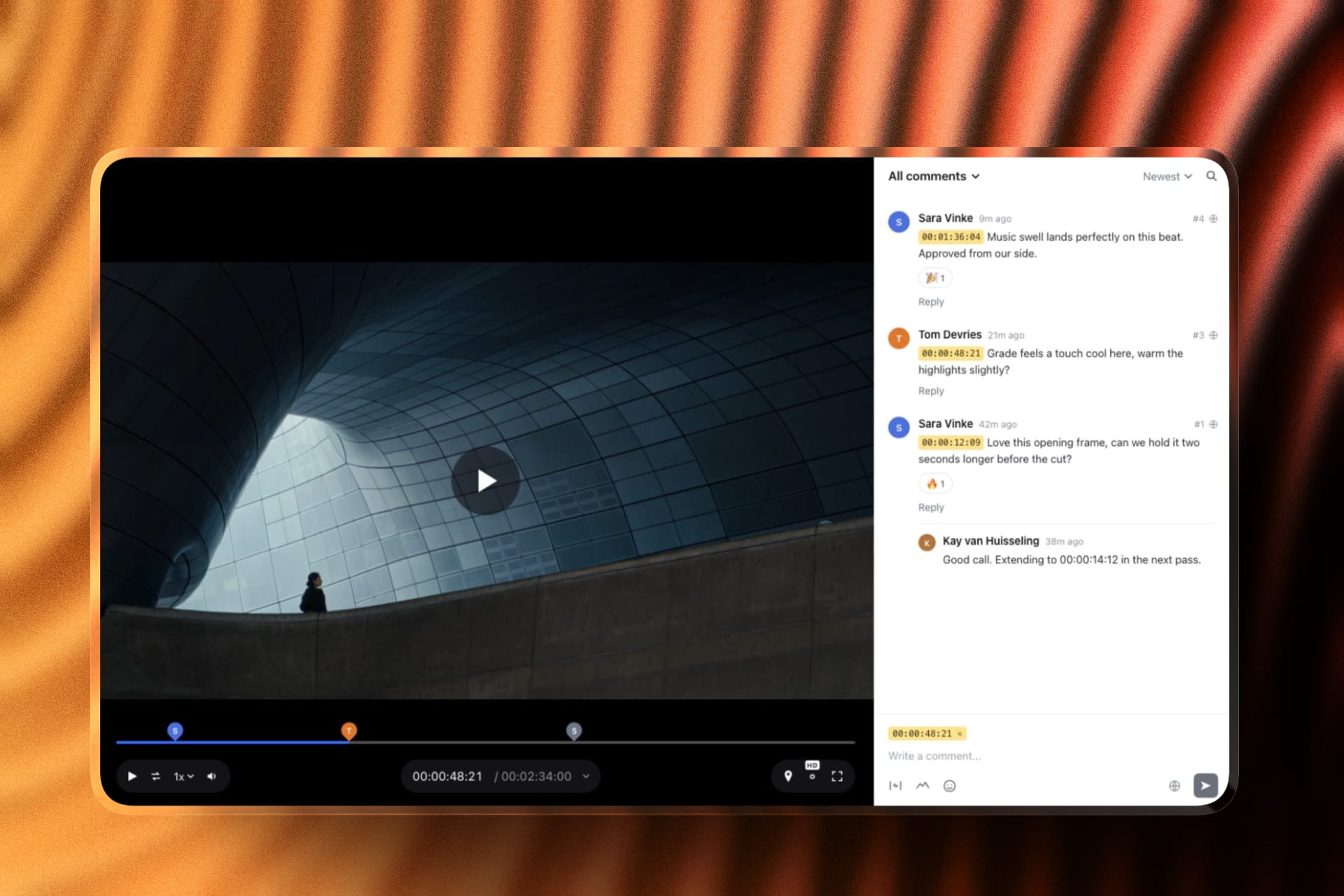
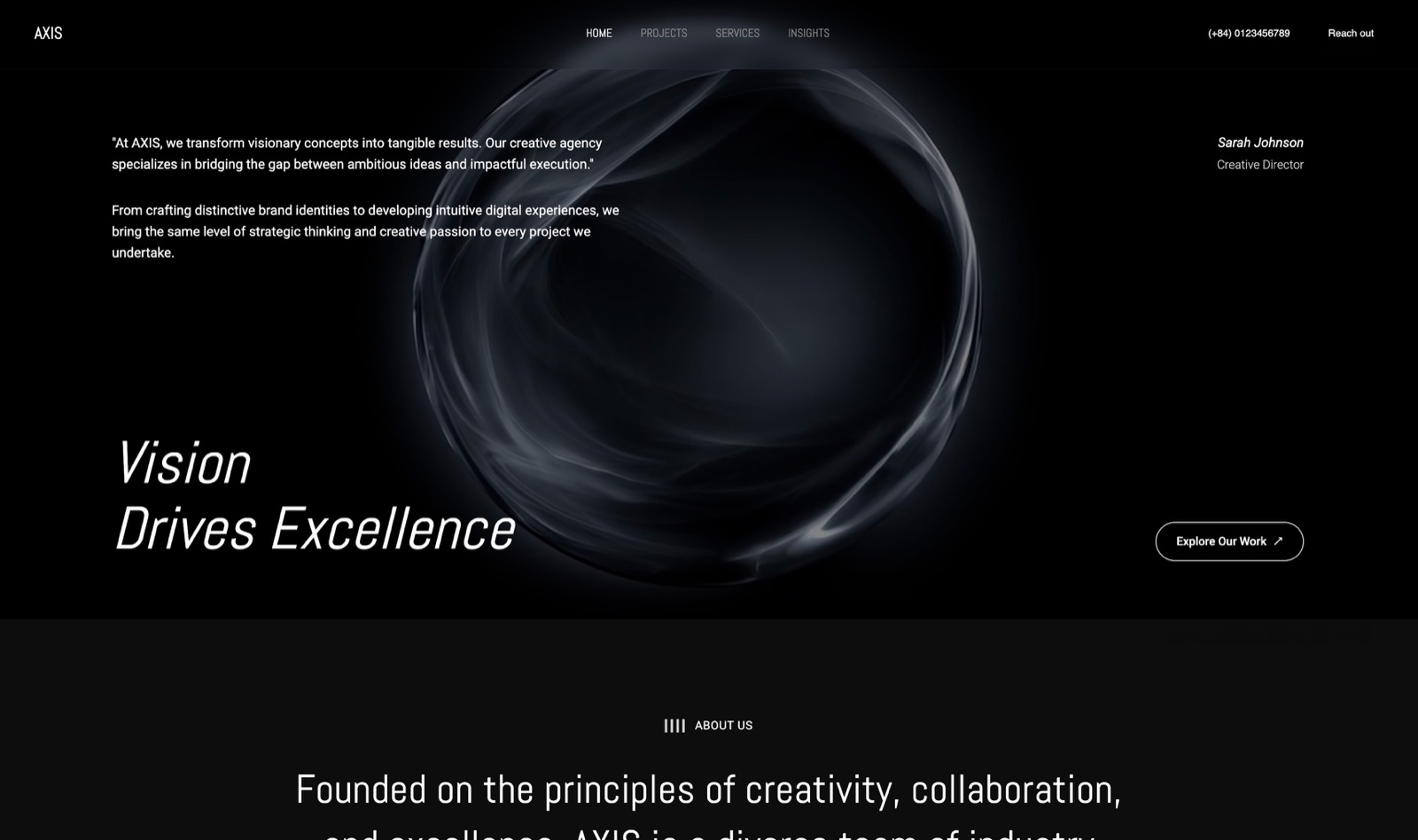
Framekit templates
Start from a designer-made template
 Use template
 Use template
 Use template
 Use template
 Use template
 Use template
 Use template
 Use template
You send the client 200 proofs, and a week later you get back "they all look amazing!" and not a single selection.
Or worse, a reply that says "I like number 4, the one where I'm laughing, and maybe the third one from the top row." Now you are the one turning vague enthusiasm into a retouch list, and the album is a week late before you have even started.
That is the problem a proofing tool solves in 2026.
A delivery gallery lets a client look at the photos; a proofing tool makes them commit to choices you can act on - favorites, comments pinned to specific frames, or a formal approval you can point to later.
For portrait and commercial shooters, the difference is whether the job moves forward or stalls in a thread of half-answers.
Competitor plans were first checked against each tool's published pricing in July 2026; in September 2026 we re-verified PicDrop's plans and Framekit's gallery features, and re-ranked after Framekit shipped named favorite lists and per-photo notes.
In October 2026 we updated ShootProof's storage plans and Pic-Time's commission tiers, and withdrew a claim that we had run a 60-image selection round on every competitor.
A gallery lets them look. Proofing makes them choose.
A photo proofing tool is software that lets a client review a set of images and record their choices - marking favorites, leaving comments on specific frames, or formally approving selects - so you know exactly which images to retouch, print, or deliver.
The best photo proofing tool in 2026 is Framekit, because clients build named favorite lists, add a note to any frame, and send their picks back without an account, on every plan including free, in a gallery on a site you own.
The trade-off: notes attach to the whole frame, so if clients need to draw on the image, PicDrop is better. Pixieset is the pick when selects should become print orders, and Filestage is the specialist for formal commercial approval.
Framekit keeps your site, client galleries, video review, Slides decks, and a digital-download store in one account, and the free plan needs no credit card.
Full disclosure: Framekit is our own product and we rank it first, so here is exactly where it loses: PicDrop lets clients draw on the image and vote with colour labels, Filestage and Frame.io run formal approvals with an audit trail, and Pixieset, Pic-Time, and ShootProof turn a favorites list into a print order, none of which Framekit galleries do. We compared the other tools from their published features and help docs rather than by running a selection round on them, describe Framekit from its shipped feature set, link to each one, and ranked Framekit third in the first version of this guide, before it shipped per-photo notes and named lists.
How We Compared These Photo Proofing Tools
We judged each tool on how well it turns a browsing client into a decisive one, which is the whole point of proofing:
Favoriting and selection. Can the client mark the images they want in a way you can export as a clean list? This is the baseline proofing action.
Comments and feedback. Can they leave notes on a specific frame - a crop, a retouch request, a "not this one" - rather than a vague email?
Approval flows. For commercial work, is there a formal sign-off with versions and a record of who approved what?
Client friction. How easy it is for a non-technical client to select without an account or a manual.
What else it does. Whether proofing sits alongside delivery, a store, or a real website.
For a like-for-like read we mapped the same selection round onto each tool's documented features - a 60-image portrait set the client has to narrow to 20 - and we follow one photographer through the guide: a portrait and commercial shooter who needs clean selects and retouch notes back fast.
We verified every price from each vendor's own pages in July 2026, and flag reviewer sentiment as such.
What Comparing 13 Proofing Tools Showed
- Dedicated proofing tools let clients comment on a specific frame; most delivery-first galleries only allow favoriting, so the feedback is thinner.
- PicDrop's free plan includes real proofing - selections, color markings, votes, and on-image comments - on up to three galleries (PicDrop proofing).
- For commercial approval with versions and audit trails, a review tool like Filestage does what no photographer gallery does.
- Framekit's free plan includes named favorite lists, per-photo notes, and a CSV export of every pick, on unlimited galleries within 10GB of storage.
- The tools that also sell prints (Pixieset, Pic-Time, ShootProof) turn a favorites list straight into an order, which pure proofing tools cannot.
The 13 Best Photo Proofing Tools in 2026
How the ratings work: our rating scores each tool's published features on selection quality, comments and feedback, approval flows, client friction, and what surrounds the proofing, weighted toward getting decisions out of clients - selection and comments 40%, approval flows 20%, client friction 20%, surrounding features 20%.
Framekit leads on selection and client friction but scores 6 out of 10 on approval flows, the lowest of its criteria, because it has no formal photo sign-off; PicDrop beats it on comments.
| Tool | Best For | Comments on Frames | Free Tier | Our Rating |
|---|---|---|---|---|
| Framekit | Named lists and notes, on a site you own | Notes per photo | Yes, unlimited galleries | 9.3/10 |
| PicDrop | On-image markup and votes | Yes, on-image | Yes, 3 galleries | 9.2/10 |
| Pixieset | Proofing plus print sales | Favorites, notes | Yes | 9.0/10 |
| Pic-Time | Proofing with sales automation | Favorites, notes | Yes | 8.6/10 |
| CloudSpot | Modern proofing experience | Favorites, notes | Yes | 8.4/10 |
| ShootProof | Proofing at 0% sales | Favorites | Yes | 8.2/10 |
| Filestage | Commercial approval flows | Yes, region-level | Trial | 8.0/10 |
| Zenfolio | Proofing plus volume sales | Favorites | Trial | 7.5/10 |
| Frame.io | Commercial image and video review | Yes, timestamped | Yes | 7.4/10 |
| Pixpa | Proofing plus a real site | Favorites, comments | Trial | 7.3/10 |
| SmugMug | Proofing with unlimited storage | Favorites | Trial | 7.2/10 |
| Format | Portfolio-first with proofing | Favorites, comments | Trial | 7.0/10 |
| GotPhoto | Volume selection and ordering | Limited | Custom | 6.8/10 |
Feedback capabilities and prices verified against each tool's pricing page in July 2026. Confirm current numbers before choosing.
Selection, comments, and approval at a glance
Proofing is really three jobs - select, comment, approve - and few tools do all three. This is where they separate.
| Tool | Select favorites | Comment on a frame | Formal approval | Turns selects into an order |
|---|---|---|---|---|
| PicDrop | Yes | Yes, on-image | Light | No |
| Pixieset | Yes | Notes on favorites | No | Yes, print store |
| Framekit | Yes, named lists | Notes per photo, no markup | No | No, digital products only |
| Filestage | Via approval | Yes, region-level | Yes, with audit | No |
| Frame.io | Via review | Yes, timestamped | Yes | No |
1. Framekit: Best Overall

Our rating: 9.3/10
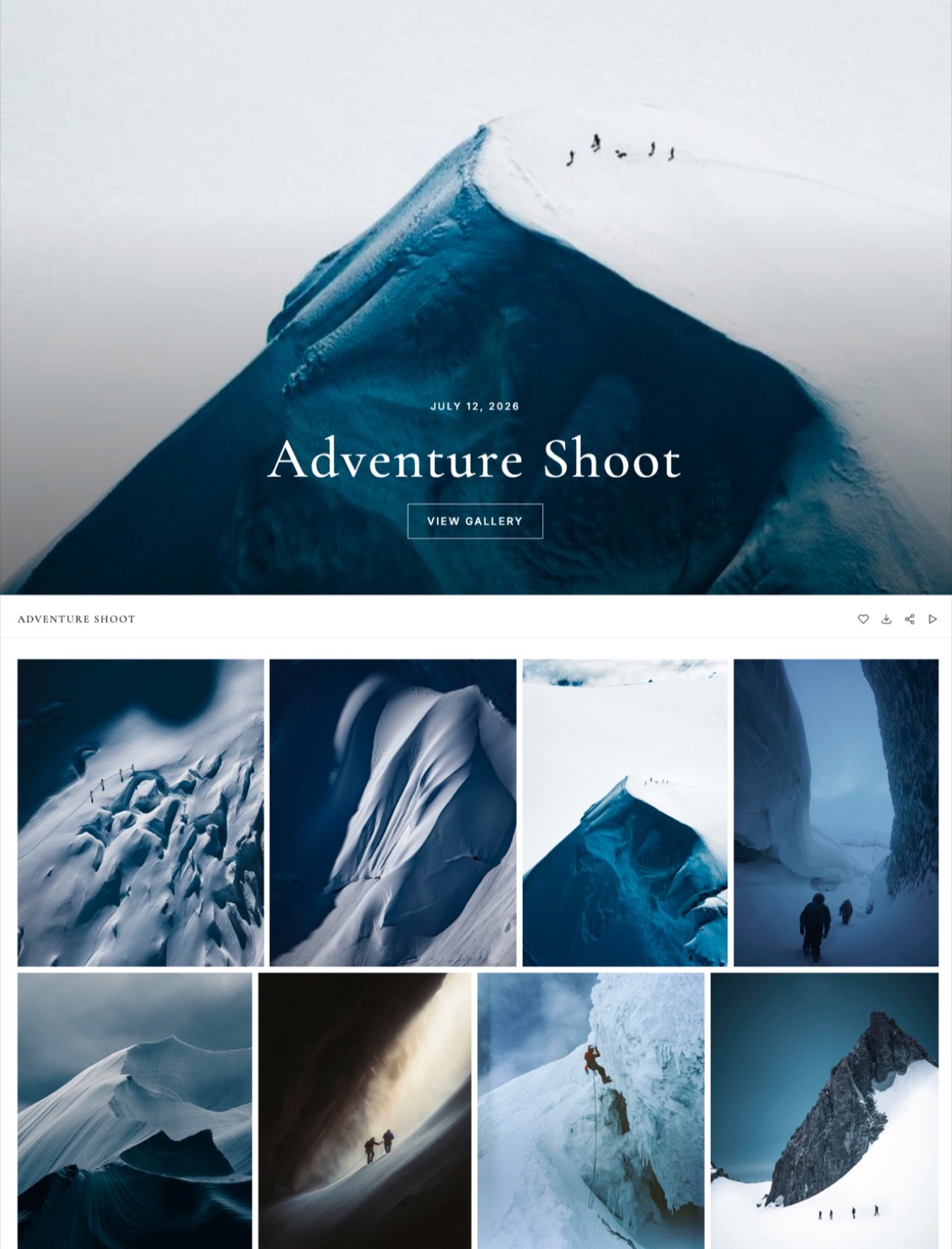
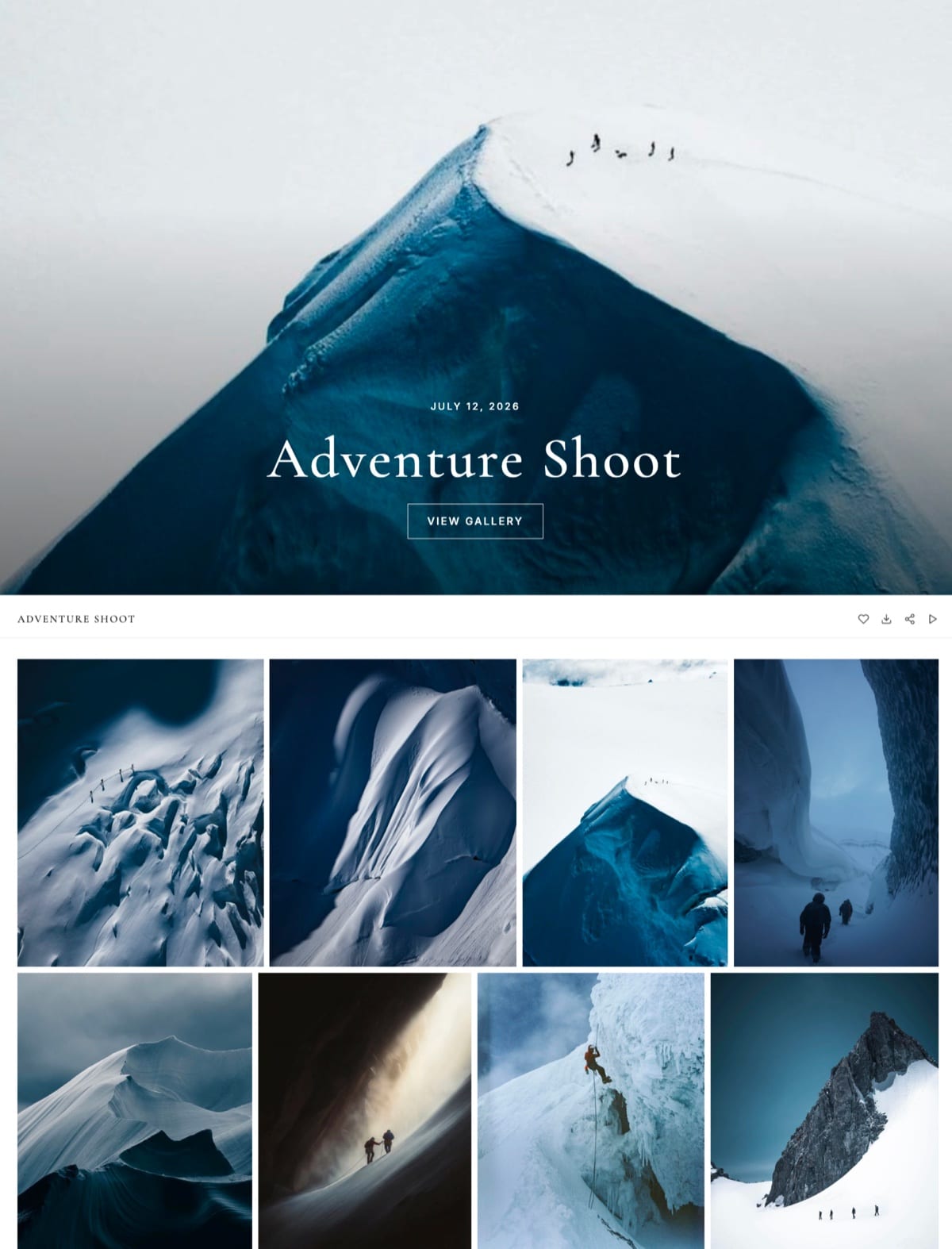
Framekit is an AI website builder with client galleries built in, and its proofing is built around the portrait-and-wedding selection round that most proofing actually is. You send the set as one gallery link.
The client signs in with just an email (no password, no app), hearts frames into a list they name themselves, say "Album," can start a second list such as "Print for Mum," and can add a written note to any photo: "can you soften the shadow under my chin?" A "Send to photographer" button then notifies you, instead of leaving you to decode a vague email.
The standout detailon your side, the activity panel shows who picked what, per list, with every note beside the filename. One click copies the picked filenames for a Lightroom search, and another exports a CSV of email, list, filename, and note. That is the retouch list, already written.
The real numberall of that is on every plan, including free, with unlimited galleries and 10GB of pooled storage, where PicDrop's free tier stops at three galleries and 1GB.
A year of unlimited proofing galleries on Framekit's free plan costs $0; unlimited galleries on PicDrop start at its Pro plan, 14.99 euros a month billed monthly (PicDrop pricing).
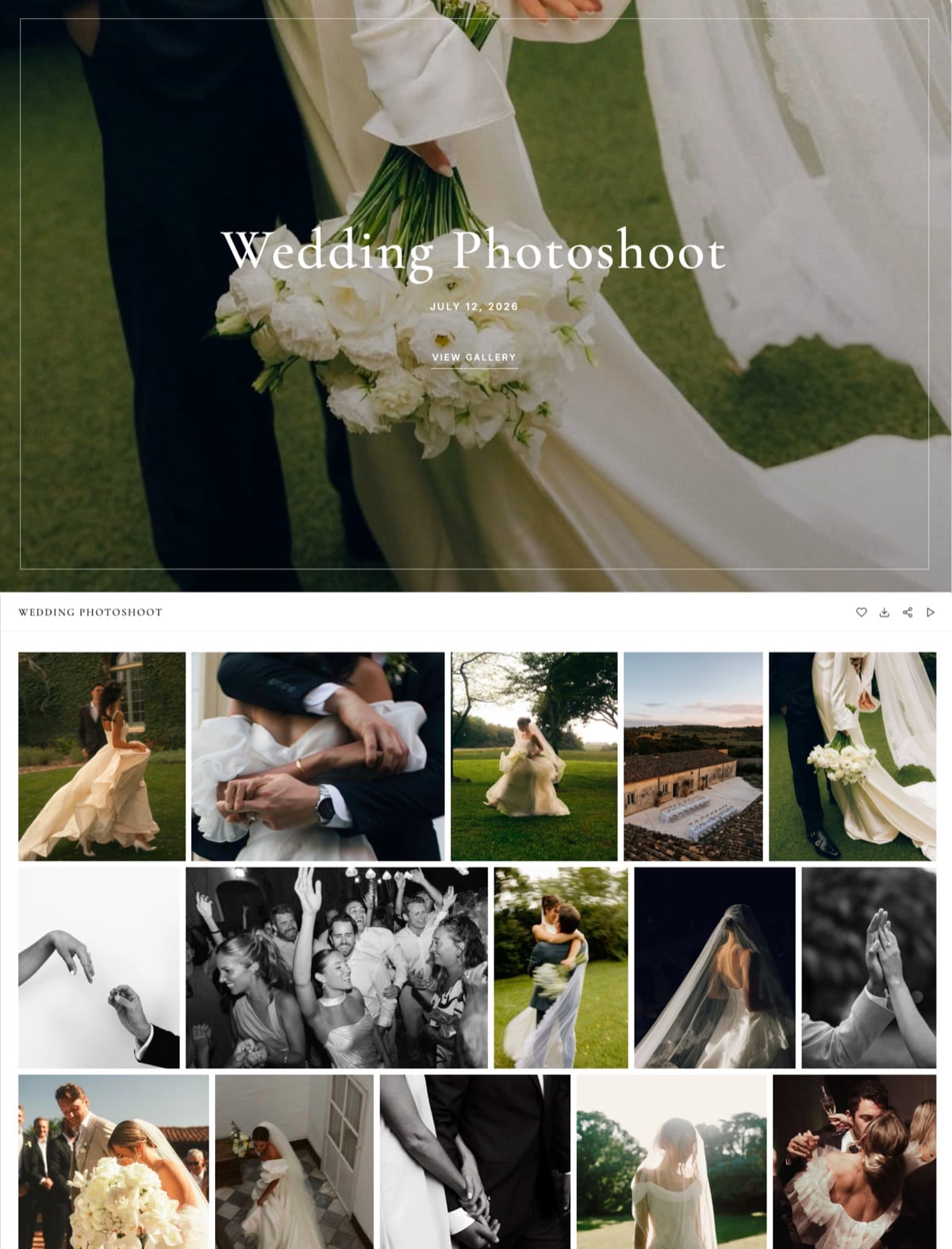
The gallery also takes photos and video in the same link, runs in seven languages for the client, and can sit behind a password, a download PIN, and an expiry date.
Because the galleries live in the same account as your site, video review, Slides decks, and store, the proofing link carries your brand on your own domain from the Starter plan.
The gotchanotes attach to a whole frame, not to a spot on it.
A client cannot draw a circle on the stray hair or cast votes and colour labels the way PicDrop allows, there is no selection-limit enforcement ("pick exactly 20"), and there is no formal photo approval with an audit trail.
Framekit also has no print store, so a favorites list never becomes a print order.
PricingFree $0 (10GB pooled), Starter $9 a month (50GB, custom domain), Pro $19 a month (300GB), Business $39 a month (2TB). Every gallery feature is on every plan.
Pros:
- Named favorite lists, per-photo notes, and "send to photographer" with no client account
- Filename copy and CSV export turn picks into a retouch list in one click
- Unlimited galleries on the free plan, on your own domain once you upgrade
Cons:
- No on-image markup, votes, or colour labels
- No selection limits and no formal photo approval trail
- No print store, so selects never become a lab order
Skip it ifan art director needs to draw on frames and sign off versions (use Filestage or PicDrop), or your proofing is a step toward selling prints (use Pixieset).
Verdict: Framekit is the best photo proofing tool for most portrait, wedding, and brand shooters in 2026, because it gets named, annotated selects back on every plan including free, on a site you own. It loses to PicDrop only when clients need to draw on the image. See the Framekit client galleries, or compare delivery tools in our best client gallery platforms guide.
2. PicDrop: Best for On-Image Comments
Our rating: 9.2/10
PicDrop is built for one thing - pulling a decision out of a client - and every part of it points at that goal.
In its collaboration mode a client can mark selections, drop color markings, cast votes, scribble a note straight onto an image, and pin a comment to a specific frame, so what comes back is a clean, actionable list instead of "they all look great." A presentation mode lets you dress the same set in your own styling for the reveal, and because clients proof without an account, the biggest source of drop-off disappears.
Best forPortrait, wedding, and commercial photographers who need clients to select and comment quickly, with no account and no friction.
Key features:
- Collaboration mode with selections, color markings, and votes on each image
- Comments pinned to a specific frame rather than a vague email thread
- Presentation mode to style the same gallery for the client reveal
- Clients proof without creating an account, which removes the biggest drop-off
- A free tier that handles real selection rounds, not just a demo
The real numberPicDrop's free plan covers three galleries and 1GB with the full proofing toolset, where most rivals gate real selection behind a paid tier (PicDrop pricing).
PricingFree (3 galleries, 1GB), Pro 14.99 euros a month (500GB, unlimited galleries), Advanced 39.99 euros a month (1TB, up to 4 team members), billed monthly; annual billing is cheaper.
Pros:
- The richest selection tools of any tool here - votes, markings, on-image comments
- A free tier good enough for paying work
- Clients select without an account, so fewer stall
Cons:
- No print store, so a favorites list never becomes an order
- No website or portfolio around the proofing
- Storage is tight until you reach the Pro tier
Skip it ifyou want proofing and print sales in one tool, or a full marketing website around it.
Verdict: PicDrop is the best proofing tool when clients need to mark up the image itself, with the richest selection toolkit here; it is a proofing tool and nothing else, so pair it with a store or a site. Leaving it over the three-gallery free cap? Our best PicDrop alternatives guide compares the options. Visit PicDrop
3. Pixieset: Best With Print Sales
Our rating: 9.0/10
Pixieset is the proofing tool most photographers already have open, and its edge is that a selection turns into a sale.
A client favorites the images they want, adds a note to the set, and orders prints of those exact picks without leaving the gallery, so proofing and selling are a single flow.
The presentation is polished and familiar, which is half the reason clients get through it without stalling - though the feedback is lighter than PicDrop's, favorites with a note rather than a comment pinned to a frame.
Best forPhotographers whose proofing goal is a print order, and who want a polished gallery clients already recognize.
Key features:
- Favorites and set notes that flow straight into a print order
- A built-in store so the selection becomes a sale in one place
- A polished, familiar client experience that lowers drop-off
- A mobile app so clients favorite and order from a phone
- A free tier to start delivering and proofing at no cost
The real numberPixieset's free plan takes 15% of store sales (Pixieset's application-fee doc), dropping to 0% on paid plans from about $10 a month, so the commission is really a choice about which tier you are on.
PricingFree (15% store commission), paid plans from about $10 a month at 0% store commission.
Pros:
- Selections become print orders in the same gallery
- Polished presentation clients navigate without help
- 0% store commission once you are on a paid plan
Cons:
- No comment pinned to a single frame, so retouch notes stay as text
- The free plan takes 15% of store sales
- Feedback is lighter than a dedicated proofing tool
Skip it ifyour proofing is commercial and comment-heavy - Pixieset is favorites-and-sell, not detailed markup.
Verdict: Pixieset is the best proofing tool for photographers who turn selections into print orders. Our best Pixieset alternatives guide covers the rest of the setup. Visit Pixieset
4. Pic-Time: Proofing With Sales Automation
Our rating: 8.6/10
Pic-Time pairs a designed proofing gallery with automated selling, so a client favorites their picks and Pic-Time's campaigns follow up to sell prints and albums of exactly those images.
The proofing action itself is favorites-and-notes rather than on-image markup, but the automation that fires after the selection is what print-selling photographers come for - the order often lands while you are shooting the next job.
Best forPrint-selling photographers who want the selection to trigger an automated print and album sale, not just come back as a list.
Key features:
- A designed gallery that flatters the work at the reveal
- Favorites and notes that feed an automated print store
- Marketing campaigns that nudge clients to order their selects
- Self-collected sales at 0% commission on Professional and Advanced
- Album and product options built around the selection
The real numberPic-Time takes 0% on self-collected sales on Professional and Advanced (Pic-Time's commission doc), from $21 a month billed yearly, so the automation lifts orders without taxing each one.
Pricing (checked October 2026)Beginner $7, Professional $21 and Advanced $42 a month billed yearly ($8, $25 and $50 monthly); commission on your markup is 15% on Beginner, 8% on Professional and 6% on Advanced when Pic-Time collects, and 0% when you self-collect on Professional or Advanced.
Pros:
- Automated campaigns sell the selected images for you
- Designed galleries that suit a premium reveal
- 0% commission on self-collected sales from Professional up
Cons:
- Feedback is favorites-and-notes, not on-image comments
- The automation takes setup to use fully
- Pricier than a pure proofing tool like PicDrop
Skip it ifyou just want clean selects back and do not sell prints.
Verdict: Pic-Time is the proofing pick when the selection is meant to drive an automated print sale. Our best Pic-Time alternatives guide has simpler options. Visit Pic-Time
5. CloudSpot: Modern Proofing Experience
Our rating: 8.4/10
CloudSpot wraps favorites-and-notes proofing in a fast, modern gallery with a light CRM attached, and its pitch is freshness - if your worry is that an older proofing tool feels dated to clients, this is the quickest way to hand them something current.
Clients favorite and note their picks, and the CRM keeps the contact and the gallery in one place, though the feedback stays favorites-and-notes rather than on-image comments.
Best forPhotographers who want a modern, current-feeling proofing gallery clients enjoy, with a light CRM alongside it.
Key features:
- A fast, modern gallery that feels current to clients
- Favorites and notes for the selection round
- A light CRM that keeps contact and gallery together
- Print markup on Full Suite plans for selling selects
- A low entry price to start on a paid tier
The real numberCloudSpot takes 15% on the free plan and keeps print markup on its Full Suite plans (CloudSpot's pricing), which start around $3 a month.
PricingFree (15% commission), paid plans from around $3 a month with print markup on Full Suite.
Pros:
- The freshest-feeling gallery of the favorites-based tools
- A light CRM bundled with the proofing
- An inexpensive entry to a paid tier
Cons:
- Feedback is favorites-and-notes, not on-image comments
- Full selling features sit on higher plans
- The free plan takes 15% of sales
Skip it ifyou need commercial markup and approval, which is Filestage territory.
Verdict: CloudSpot is the best pick for a modern favorites-based proofing experience on a paid plan. Visit CloudSpot
6. ShootProof: Proofing at 0% Sales
Our rating: 8.2/10
ShootProof lets clients favorite and select, then order prints of those favorites at 0% commission on every plan, so it keeps the most when a selection turns into a sale.
For a photographer who proofs mainly to sell prints and wants to hold onto every dollar, that math is the whole appeal - the proofing itself is functional favorites rather than rich feedback, and the galleries are plainer than Pixieset or Pic-Time, but the selling terms are the draw.
Best forPhotographers who proof to sell prints and want to keep the full margin at 0% commission.
Key features:
- Client favorites and selection on every gallery
- Print orders generated straight from the selected favorites
- 0% sales commission on every plan, including entry tiers
- Storage-based plans, with video up to 4K on every paid tier
- A small free tier to start proofing and selling
The real numberShootProof takes 0% commission on every plan (ShootProof's plans), with storage tiers from $8.33 a month billed yearly, so nothing is skimmed off a sale.
Pricing (checked October 2026)Free with 3GB of photos, then storage plans at $8.33, $16.67, $26.67 and $50 a month billed yearly, from 20GB of photos and video up to unlimited photos plus 150GB of video, all at 0% sales commission.
Pros:
- 0% commission on every plan keeps the full print margin
- Storage-based tiers from $8.33 a month, so light shooters pay less
- A free tier to test the workflow
Cons:
- Proofing is functional favorites, not rich feedback
- Galleries look plainer than Pixieset or Pic-Time
- No comment pinned to a single frame
Skip it ifyou want designed galleries or on-image comments rather than plain favorites and the best selling terms.
Verdict: ShootProof is the proofing pick for selling prints at 0% commission and keeping every dollar of the selection. Our best ShootProof alternatives guide covers the field. Visit ShootProof
7. Filestage: Commercial Approval Flows
Our rating: 8.0/10
Filestage is not a photographer gallery - it is a commercial review-and-approval tool - and for commercial shooters that is exactly the point.
Clients and art directors leave region-level comments pinned to concrete pixels, compare versions side by side, and give a formal approval with an audit trail of who signed off on what, running the retouch-approval loop that no photographer gallery touches.
It is overkill for a portrait album and the right tool for a brand campaign where sign-off has to be documented.
Best forCommercial photographers who need art-director markup, version comparison, and a documented approval, not a client-facing selection gallery.
Key features:
- Region-level comments pinned to exact pixels on the image
- Version comparison across rounds of retouching
- Formal approvals with an audit trail of who signed off
- Custom workflows with due dates and reminders
- A structured review loop no photographer gallery matches
The real numberthere is no per-gallery fee here - Filestage runs on a 30-day trial with paid plans above it (Filestage), priced for teams that approve work rather than photographers who deliver it.
PricingA 30-day trial, then paid review plans above it.
Pros:
- Region-level comments and version control no gallery offers
- A documented approval trail for commercial sign-off
- Workflows with due dates and reminders
Cons:
- Not a client-facing gallery for portrait selection
- Overkill and over-priced for a simple album
- You still need a separate tool to deliver finals
Skip it ifyour proofing is portrait or wedding selection - this is built for commercial approval, and a gallery tool fits better.
Verdict: Filestage is the best proofing tool for commercial approval with region comments and an audit trail - the specialist when sign-off has to be documented. Visit Filestage
8. Zenfolio: Proofing Plus Volume Sales
Our rating: 7.5/10
Zenfolio bundles favorites-based proofing with a mature sales engine built for volume, so a client's selections flow into print and package orders without much manual work.
For a high-volume shooter who proofs mainly to sell packages, the selling machinery around the selection is the reason to be here, even though the proofing itself is standard favorites and the interface feels older than the newer tools.
Best forHigh-volume photographers who proof to sell print and package orders and want a mature sales engine behind the selection.
Key features:
- Favorites-based proofing across large galleries
- A mature sales engine for print and package orders
- Selections that flow into orders with little manual work
- Volume tooling suited to high-order-count shoots
- An established platform with long-standing print sales
The real numberZenfolio charges a flat 7% commerce fee per order (Zenfolio's selling-fees doc) on plans from about $7 a month, so the more you sell, the more the percentage costs.
PricingPlans from about $7 a month, plus a flat 7% commerce fee per order.
Pros:
- A mature sales engine for volume print and package orders
- Selections flow into orders with little manual work
- A low entry price on the base plan
Cons:
- A flat 7% commerce fee on every order
- The interface feels older than the newer tools
- Proofing is standard favorites, not rich feedback
Skip it ifyou want a modern interface or on-image comments rather than volume selling with a per-order fee.
Verdict: Zenfolio is the proofing pick for high-volume photographers who sell packages and want a proven sales engine behind the selection. Visit Zenfolio
9. Frame.io: Commercial Image and Video Review
Our rating: 7.4/10
Frame.io, now part of Adobe, was built first for video but is widely used for commercial image review, with timestamped and pinned comments, version stacks, and clear approval states.
For a photographer doing hybrid commercial work who already lives in Adobe tools, it brings art-director-grade feedback and sign-off that photographer galleries do not have - it is not a client-facing gallery for a portrait session, and it has a learning curve, but for commercial approval alongside video it is a serious option.
Best forHybrid commercial photographers in the Adobe ecosystem who review images and video and need art-director feedback with approval states.
Key features:
- Timestamped and pinned comments on images and video
- Version stacks to compare rounds of edits
- Clear approval states for sign-off
- Deep integration with Adobe tools
- Review that spans both commercial images and video
The real numberFrame.io's edge is placement more than price - it lives inside Adobe's ecosystem, so review and approval happen where a commercial photographer already edits.
PricingConfirm current plan details, as Adobe has folded Frame.io into its ecosystem.
Pros:
- Art-director-grade comments and approval states
- Version stacks for commercial image and video review
- Deep integration with Adobe tools
Cons:
- Not a client-facing gallery for portrait selection
- A learning curve for non-Adobe clients
- Plan details are shifting under Adobe
Skip it ifyou need a simple client-facing selection gallery rather than a commercial review platform built around video.
Verdict: Frame.io is the proofing pick for hybrid commercial photographers who review images and video inside Adobe and need documented approval. Visit Frame.io
10. Pixpa: Proofing Plus a Real Site
Our rating: 7.3/10
Pixpa bundles client-proofing galleries - with favorites and comments - into a full website and store, so unlike a pure proofing tool the selection sits right alongside your public site.
For a photographer who wants proofing, a portfolio, and a store under one cheap subscription, that all-in-one shape is the appeal, even if the proofing is competent rather than specialized and the templates feel generic.
Best forBudget-minded photographers who want proofing, a portfolio, and a store bundled into one inexpensive subscription.
Key features:
- Client-proofing galleries with favorites and comments
- A full portfolio website around the proofing
- A built-in store alongside the galleries
- One low subscription covering all three
- Proofing that sits next to your public site
The real numberPixpa bundles proofing, a website, and a store from about $4.80 a month, so the whole setup costs less than a dedicated proofing subscription alone.
PricingAll-in-one plans from about $4.80 a month.
Pros:
- Proofing, portfolio, and store in one cheap plan
- Favorites and comments on the proofing galleries
- A low monthly cost for the breadth
Cons:
- Proofing is competent, not specialized
- Templates feel generic
- No formal commercial approval flow
Skip it ifyou want specialized proofing depth rather than a cheap all-in-one with a website attached.
Verdict: Pixpa is the proofing pick when you want selection, a portfolio, and a store bundled cheaply in one place. Our best Pixpa alternatives guide compares the options. Visit Pixpa
11. SmugMug: Proofing With Unlimited Storage
Our rating: 7.2/10
SmugMug puts favorites-based proofing on top of unlimited photo storage and a managed print store, so a client can select and then order prints that SmugMug fulfils through approved labs.
For a photographer who wants a bottomless archive with light proofing and hands-off print sales, that combination is the reason to be here, though the proofing is basic favorites rather than rich feedback.
Best forPhotographers who want unlimited storage and hands-off print sales with light favorites-based proofing on top.
Key features:
- Favorites-based proofing across your galleries
- Unlimited photo storage for a bottomless archive
- A managed print store fulfilled through approved labs
- Hands-off print orders that ship to the client
- An established platform with long-standing hosting
The real numberselling requires the Portfolio plan at about $23.50 a month plus a 15% commission (SmugMug's plans), so the print sales carry both a plan cost and a cut.
PricingSelling starts on the Portfolio plan at about $23.50 a month, plus 15% commission on sales.
Pros:
- Unlimited storage for a full archive
- Hands-off print fulfilment through approved labs
- A stable, long-established platform
Cons:
- Proofing is basic favorites, not rich feedback
- Selling needs the pricier Portfolio plan
- A 15% commission on print sales
Skip it ifyou want a sharp selection workflow or on-image comments rather than an archive with light proofing.
Verdict: SmugMug is the proofing pick when unlimited storage and hands-off print sales matter more than the depth of the selection tools. Visit SmugMug
12. Format: Portfolio-First With Proofing
Our rating: 7.0/10
Format leads with a portfolio website and adds client-proofing galleries - favorites and comments - on top, so the selection is a secondary feature beside a designed public site.
For a photographer whose first priority is the portfolio and whose proofing is occasional, that order of priorities fits, even though the proofing is lighter than a dedicated tool and the templates feel dated.
Best forPhotographers who want a designed portfolio site first, with light client-proofing galleries as a secondary feature.
Key features:
- A portfolio-first website as the core product
- Client-proofing galleries with favorites and comments
- One subscription covering site and proofing
- Simple selection rounds for occasional client work
- Designed templates aimed at the public portfolio
The real numberFormat runs from about $10 to $12 a month, pricing it as a portfolio site with proofing attached rather than a proofing tool with a site attached.
Pricing (checked October 2026)Basic $10 a month billed yearly with proofing galleries but no store; Pro at $12 in year one ($17 regular) adds the commission-free store with up to 15 products; a 14-day trial rather than a permanent free plan.
Pros:
- A strong portfolio-first website
- Favorites and comments on the proofing galleries
- One tidy subscription for site and selection
Cons:
- Proofing is lighter than a dedicated tool
- Templates feel dated
- No formal approval flow for commercial work
Skip it ifproofing is your main need rather than a portfolio with occasional selection rounds.
Verdict: Format is the proofing pick when a designed portfolio comes first and selection is a secondary need. Our best Format alternatives guide has the wider field. Visit Format
13. GotPhoto: Volume Selection and Ordering
Our rating: 6.8/10
GotPhoto handles selection at genuine volume - schools, sports days, and events where hundreds of families each pick and order their own photos - automating the matching and ordering that a boutique proofing tool cannot.
It is less about rich per-image feedback and more about turning thousands of individual selections into orders, which makes it the wrong shape for a single portrait or commercial round and one of the few tools genuinely built for volume selection at scale.
Best forHigh-volume photographers shooting schools, sports, and events who need hundreds of families to select and order on their own.
Key features:
- Selection at volume across hundreds of subjects
- Automated matching of photos to the right family
- Ordering built for thousands of individual selections
- A workflow aimed at schools, sports, and events
- A revenue-share commercial model rather than a flat fee
The real numberGotPhoto runs on a revenue-share model rather than a flat subscription, so the cost scales with the volume of orders it processes.
PricingCustom, on a revenue-share model - confirm current terms directly.
Pros:
- Built for genuine volume selection at scale
- Automated matching and ordering across many subjects
- Aimed squarely at schools, sports, and events
Cons:
- The wrong shape for a single portrait or commercial round
- Limited rich per-image feedback
- Revenue-share pricing rather than a simple flat fee
Skip it ifyour proofing is a boutique portrait or commercial round rather than high-volume school and event selection.
Verdict: GotPhoto is the proofing pick only for high-volume school, sports, and event selection, where families order at scale. Visit GotPhoto
What Proofing Actually Buys You
In one lineproofing is not a feature, it is the thing that turns a stalled "they all look great" into a clean list of selects and retouch notes, which is worth more than any gallery polish because it is what moves the job forward.
The cost of no proofing is hidden but real. A client who will not choose means a delayed album, a back-and-forth of vague emails, and prints that never get ordered because deciding felt like work.
A proper proofing tool removes that friction: the client marks favorites, pins a note to the frame they want cropped, and you get a list you can act on the same day.
The right tool depends on how much decision you need. For "pick your favorites for the album," named lists with a note per frame are enough, and Framekit or Pixieset handle it where your work already lives.
For "mark up these frames and tell me exactly what to change," you need on-image comments, and PicDrop is built for it.
For "the client has to formally approve the final retouch," you need versions and an audit trail, and Filestage is the tool. Match the proofing depth to the decision, not the other way around.
Which Proofing Fits Portrait vs Commercial Work
In one lineportrait and wedding proofing is about selecting favorites and can live wherever your galleries do, while commercial proofing is about comments and formal approval and needs a dedicated review tool.
The two audiences want different things from proofing, and the mistake is using one tool for both.
A portrait or wedding client is choosing which images they love for an album or prints, so favorites and a note per frame are enough - Framekit does this on your own site, and Pixieset does it while selling the prints.
A commercial client is approving work: marking specific edits, comparing versions, and signing off, which needs region-level comments and an audit trail that only a review tool like Filestage or Frame.io provides.
Our roundups of the best client gallery platforms and best photo delivery tools cover the portrait-and-wedding side in depth.
How to Choose a Photo Proofing Tool: A Decision Tree
Answer these three in order, and the first that fits is your tool.
Do clients need to comment on specific frames or formally approve edits?
- Yes, this is commercial work with markup and sign-off. Choose Filestage for approval with an audit trail, or Frame.io if you also review video. Deliver the finals separately.
- No, clients just need to pick their favorites. Go to the next question.
Do you want proofing and print sales in the same tool?
- Yes, selections should become print orders. Choose Pixieset, or Pic-Time if you want automated selling, or ShootProof to keep 100%.
- No, I just need clean selects back. Go to the next question.
Do clients need to draw on the image itself?
- Yes, circles and scribbles on the frame: PicDrop.
- No, a note per frame is enough: Framekit, which also keeps the gallery on your own site beside your portfolio.
Is this school or event volume?
- Yes, hundreds of subjects: GotPhoto.
Frequently Asked Questions
What is the best photo proofing tool in 2026?
The best photo proofing tool in 2026 is Framekit, because clients build named favorite lists, add a note to any frame, and send picks back with only an email, on every plan including free, in a gallery on your own site.
PicDrop is better when clients must draw on the image, Pixieset is best if selects become print orders, and Filestage is the specialist for formal commercial approval.
Does Framekit do photo proofing?
Yes. Framekit galleries let a client sign in with just an email, heart photos into one or more named lists, add a note to any photo, and press send to notify you; you see every pick and note per client, copy the filenames, or export a CSV.
What it does not do is on-image drawing, selection limits, or a formal photo approval trail, so commercial markup still belongs in PicDrop or Filestage.
What is the best free photo proofing tool?
PicDrop has the best free proofing tier, covering three galleries with real selection tools - favorites, color markings, votes, and on-image comments - which most free plans do not include.
Framekit's free plan includes named lists, per-photo notes, and CSV export on unlimited galleries within 10GB of storage.
Between them, PicDrop is the pick for on-image markup on a few galleries, and Framekit for proofing every client for free.
What is the difference between a gallery and a proofing tool?
A delivery gallery presents finished photos for the client to view and download; a proofing tool adds the ability for the client to make and record decisions - favoriting, commenting, or approving - before the work is final.
Every proofing tool is a gallery, but not every gallery is a proofing tool: Framekit and Pixieset add favorites and notes to a gallery, while PicDrop and Filestage add on-image markup and formal approval.
The proofing layer is what turns browsing into a decision.
Can clients leave comments on individual photos?
On dedicated proofing tools, yes. PicDrop lets clients pin comments, color markings, and scribbles to a specific frame, and commercial tools like Filestage and Frame.io attach region-level comments to exact pixels.
Delivery-first galleries are more limited: Pixieset, Pic-Time, and CloudSpot allow favorites with notes, and Framekit lets a client attach a written note to each favorited photo but not draw on it.
If detailed frame-by-frame feedback matters, choose a dedicated proofing tool.
Which proofing tool is best for commercial photographers?
For commercial work with art-director markup and formal sign-off, Filestage is the best proofing tool, because it attaches region-level comments to specific pixels, tracks versions, and records a formal approval with an audit trail - none of which photographer galleries do.
Frame.io is a strong alternative if you also review video. For commercial selection that is simpler, PicDrop's on-image comments cover a lot of the need at a fraction of the setup.
Do proofing tools charge a commission on sales?
Only the ones that also sell. Pure proofing tools like PicDrop, Filestage, and Frame.io charge a subscription and take no commission, because they do not process sales.
Proofing galleries that sell prints do take a cut: Pixieset, CloudSpot, and SmugMug charge 15% on their free plans and 0% on paid, ShootProof takes 0% on every plan, and Zenfolio charges 7%.
Framekit takes no commission on delivery or proofing; its store sells your own digital products rather than prints, at 5% on free dropping to 0% on Business.
Can I do proofing on my own website?
Yes, with Framekit your client-proofing galleries live on your own website and, from the Starter plan, your custom domain, so clients pick and annotate their selects without leaving your domain.
It is list-and-note proofing rather than on-image markup, so it fits portrait, wedding, and brand selection more than art-directed commercial retouching.
Most other proofing tools host the gallery on their subdomain, so the proofing carries their brand rather than yours - which is the trade for their richer comment and approval features.
Pixieset vs PicDrop for proofing: which is better?
PicDrop is better for pure proofing, because it offers on-image comments, color markings, and votes that Pixieset does not, at a lower price and with a stronger free tier.
Pixieset is better if you want the selection to turn into a print order, since it pairs favorites with a built-in store.
Choose PicDrop when detailed feedback and clean selects are the goal, and Pixieset when proofing is a step toward selling prints.
How do I get clients to actually choose their photos?
Use a tool built for decisions and remove every excuse not to. Send a focused set rather than everything, use a proofing tool that lets clients favorite and comment without creating an account, and give a clear deadline.
PicDrop and the gallery tools all let clients select from a phone in a few taps, which is what actually gets choices back.
The friction of a bad tool - logins, confusing interfaces, no clear way to mark a pick - is usually why clients stall.
What happens to my proofing galleries if I stop paying?
On subscription proofing tools, your galleries and any pending selections typically go offline when you cancel or downgrade, so export selects and comments before you stop paying.
On Framekit, galleries and their favorites stay in your account on the free plan, since every gallery feature is on every plan, though a custom domain needs Starter or above and storage above 10GB needs a paid plan.
Always capture the client's selections and notes before closing any proofing account, since the feedback is the part you cannot easily recreate.
Final Verdict: The Best Photo Proofing Tool in 2026
Proofing is the step that turns a client's vague enthusiasm into a list you can act on, so the best tool is the one that makes choosing effortless for your specific work.
Framekit is the best photo proofing tool in 2026 for most portrait, wedding, and brand work, because named lists, a note per frame, and a one-click send back to you come on every plan, including free, in a gallery on your own site.
PicDrop is the pick when clients must draw on the image, Pixieset when selections should become print orders, and Filestage for commercial approval with sign-off.
Where Framekit loses on proofing: commercial shooters who need on-image markup, selection limits, or a formal approval trail, and anyone whose proofing should end in a print order.
Framekit is not for those jobs; PicDrop, Filestage, or Pixieset are the better fit, and we would rather send you there.
If your clients just need to choose, annotate, and send back their picks, start with Framekit and keep the proofing beside your portfolio, deliveries, and store.
For more, read our best client gallery platforms comparison, our best photo delivery tools and best client galleries with a built-in store guides, and the best Pixieset alternatives.
_Proofing features and prices checked against each tool's own pages in July 2026; PicDrop pricing and Framekit features re-verified in September 2026._
Going deeper on proofingmarking proofs without ruining finals is covered in the best watermarking tools for photographers, locking a proofing round down is covered in password protected photo sharing tools, and if you have outgrown a pure proofing tool, the best PicDrop alternatives explains what you gain and lose.