Framekit templates
Start from a designer-made template
 Use template
 Use template
 Use template
 Use template
 Use template
 Use template
 Use template
 Use template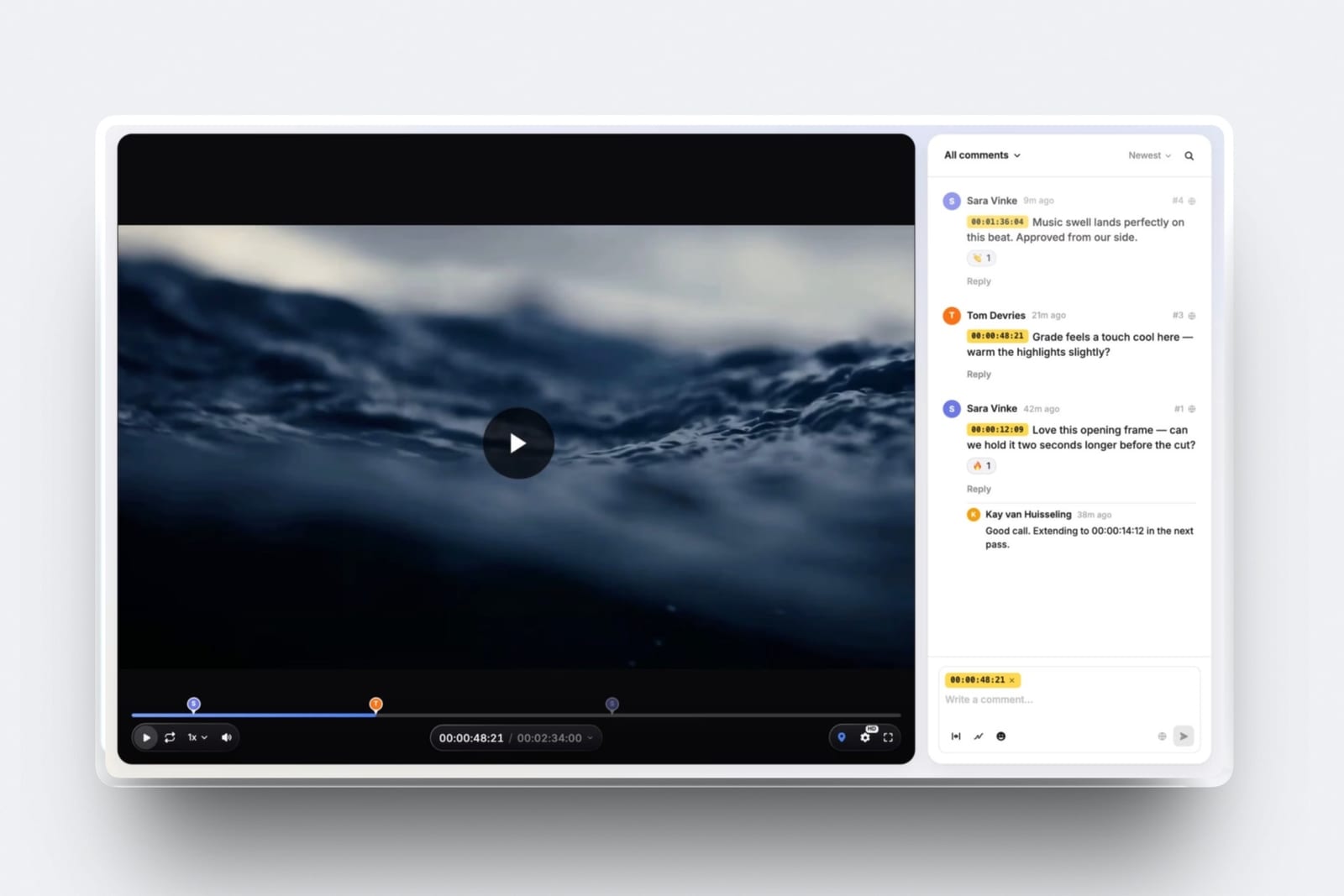
Most people comparing Framekit vs Frame.io are not running a post house. They are one or two people who cut video, send it to a client, and got tired of a comment thread that says "around the 40 second mark, the bit with the car".
Frame.io solved that problem first and solved it properly. The question is whether you need the version of it built for a fifteen-person team.
Frame.io is the professional standard for video review and it earns that on capability.
It is also priced per member with storage attached to each seat, which makes it excellent value for a footage-heavy team and expensive for a solo editor who mostly needs a link.
Framekit is an AI website builder for photographers, filmmakers, designers and creators, with video review, client galleries, a portfolio site and a store on one account.
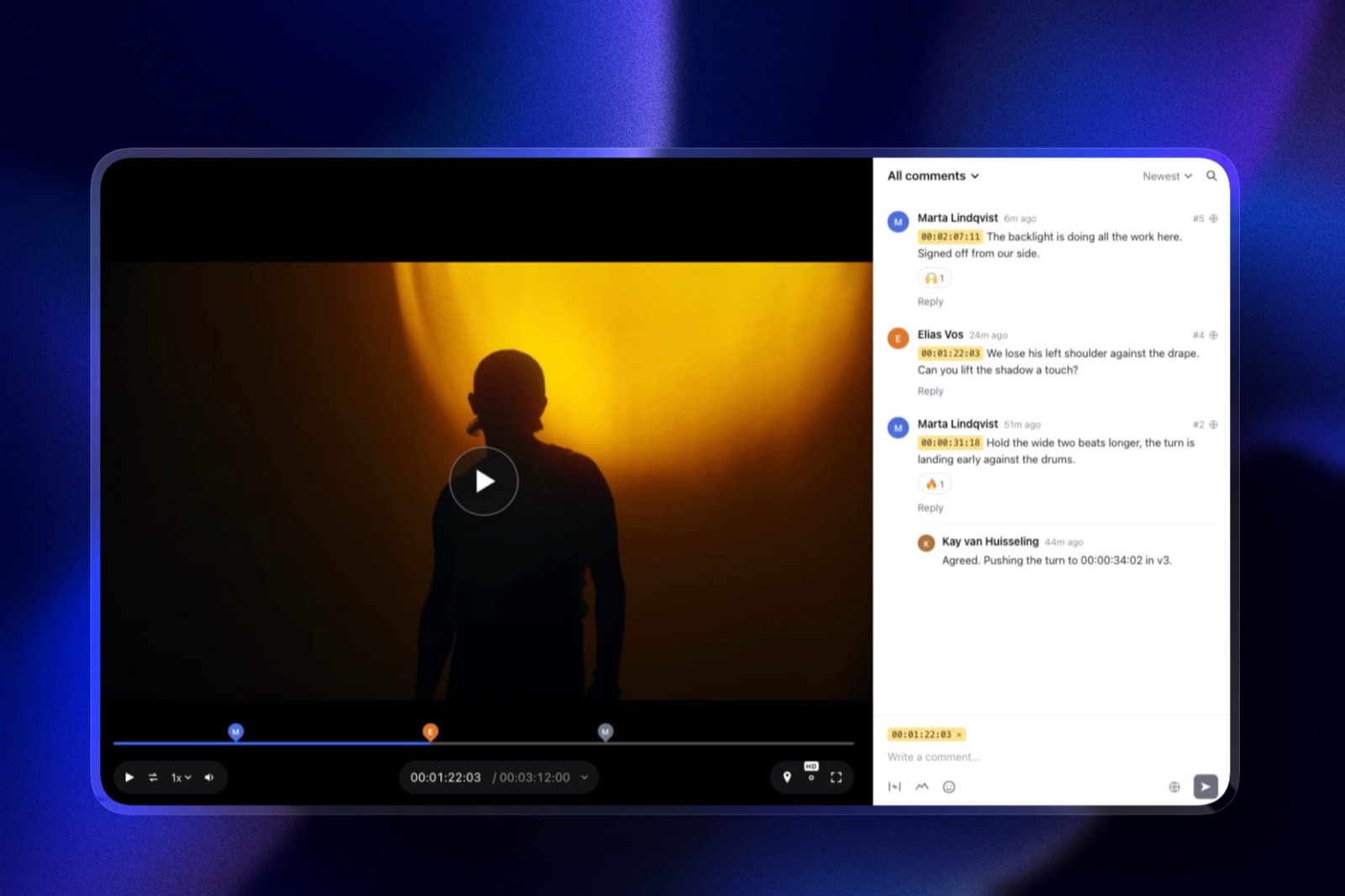
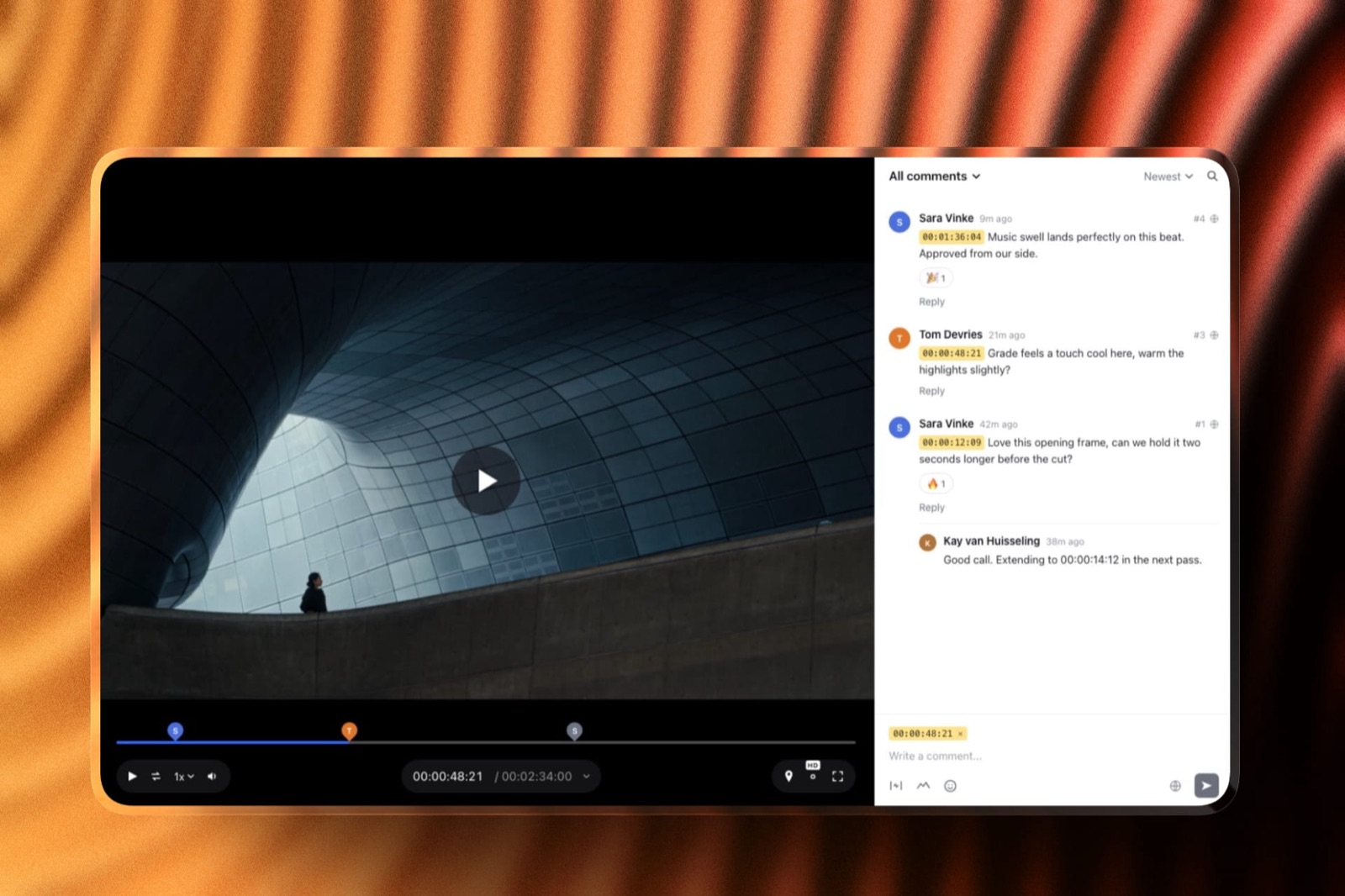
A video review tool is software that hosts a cut, collects timecoded comments from people who did not make it, and keeps the versions straight.
Framekit is the better tool for solo editors and small studios who need review links beside a portfolio site, client galleries and a store, on one account with no per-seat billing.
Frame.io is the better tool if you work inside Premiere or After Effects, shoot Camera to Cloud, need internal comments the client cannot see, or store terabytes of footage, because it is genuinely cheaper per terabyte than we are.
The honest dividing line is file size: Frame.io takes feature-length cuts and Framekit caps a review file at 500MB on Free, 1GB on Starter, 2GB on Pro and 3GB on Business.
Full disclosure: Framekit is our own product and Frame.io is the incumbent we are comparing ourselves against, so read the ranking knowing it. The section on where Frame.io wins is longer than the one where we do, because that is the honest shape of this particular comparison. Frame.io figures come from its published pricing and help centre, read September 2026.
How We Compared Them
We ran the same review round in both: a two-minute 1080p commercial cut at about 380MB, sent to two clients who left timecoded notes, then a version two after changes. Then we did the same with a 90-minute documentary assembly, which is where the comparison stops being close.
The honesty split:
- Measured hands-on: both review rounds, what each tool does when a reviewer has no account, and where each one refuses a file.
- Verified from primary sources: Frame.io's plans, per-seat storage and member limits from Frame.io's pricing page and its help centre, read September 2026. Framekit's caps from the shipped plan configuration.
- Not tested: Frame.io's Camera to Cloud hardware integrations, which Framekit has no equivalent of, so there is nothing to compare.
No load times or performance figures appear for either tool.
Framekit vs Frame.io at a Glance
The weighting: rows one to three decide this for most people, and the storage row is where Frame.io is straightforwardly better value than us. Feature parity below that is close enough to be a preference.
| Framekit | Frame.io | |
|---|---|---|
| Billing | Per account | Per member |
| Entry paid plan | $9 a month, $84 a year | $15 a member a month, $156 a year |
| Free plan | 10GB pool, unlimited galleries, site and store | 2 members, 2GB, 2 projects |
| Storage at the paid tier | 50GB on Starter, 300GB on Pro | 2TB on Pro, plus 2TB per extra member |
| Review file size cap | 500MB Free, 1GB Starter, 2GB Pro, 3GB Business | Feature-length cuts |
| Reviewers need an account | No | No |
| Timecoded comments | Yes | Yes |
| Internal comments hidden from the client | No | Yes, on Team |
| Premiere and After Effects panels | No | Yes |
| Camera to Cloud | No | Yes |
| Per-user access controls and audit trail | No | Yes |
| Portfolio site, client galleries, store | Yes, same account | No |
In one lineFrame.io is a better video review tool, and Framekit is a better account for a creative business that also reviews video.
Where Frame.io Wins, and It Is Not Close
There are five areas where Frame.io is simply the better product, and a solo editor weighing the price difference should read this section before the one that follows it. Three of the five are capabilities Framekit does not have on any plan.
It takes the whole film. Our per-file review ceiling is 3GB at the very top. Frame.io handles feature-length cuts without a conversation.
If a reviewed deliverable is a 90-minute assembly, a full ceremony film or a documentary rough cut, Framekit will refuse the upload and that is the end of the comparison.
It lives inside your NLE. The Premiere Pro and After Effects panels mean uploading a version without leaving the timeline, and comments coming back as markers. Framekit has no NLE integration at all, so uploading is an export-and-upload round trip.
Camera to Cloud. Footage going from the camera to the review platform during the shoot is a Frame.io capability with no Framekit equivalent, and for commercial and episodic work it is a genuine workflow rather than a feature.
Internal comments. On Frame.io Team, staff can discuss a cut without the client seeing the conversation. We have one comment stream, so an internal note is a message you send somewhere else.
Storage economics at scale. This is the one people get backwards. Frame.io Pro is $156 a member a year and starts at 2TB, with another 2TB for each additional paid member.
Framekit Business is $372 a year for 2TB shared across everything. Per terabyte of video, Frame.io is cheaper, and any comparison that says otherwise is not counting properly.
Where Framekit Wins
Framekit wins on three points, and all three are really about what a one or two person business pays across a year rather than about what either tool can do. None of them will matter to a post house, and all of them matter to a freelancer.
Price at small scale. Frame.io's free plan is feature-rich and capacity-poor: 2 members, 2GB of storage and 2 projects, which breaks the week a second client arrives.
Framekit's free plan has a 10GB pool covering review, galleries, a site and a store, and the review side handles files up to 500MB. For a solo editor delivering two-minute cuts, the free plan is a working setup rather than a trial.
No per-seat billing. Frame.io bills per member. Framekit includes three team members on Pro at $19 a month for the account and unlimited on Business.
Clients and reviewers are free on both, so this only matters when your own team grows, but when it does the curves diverge fast.
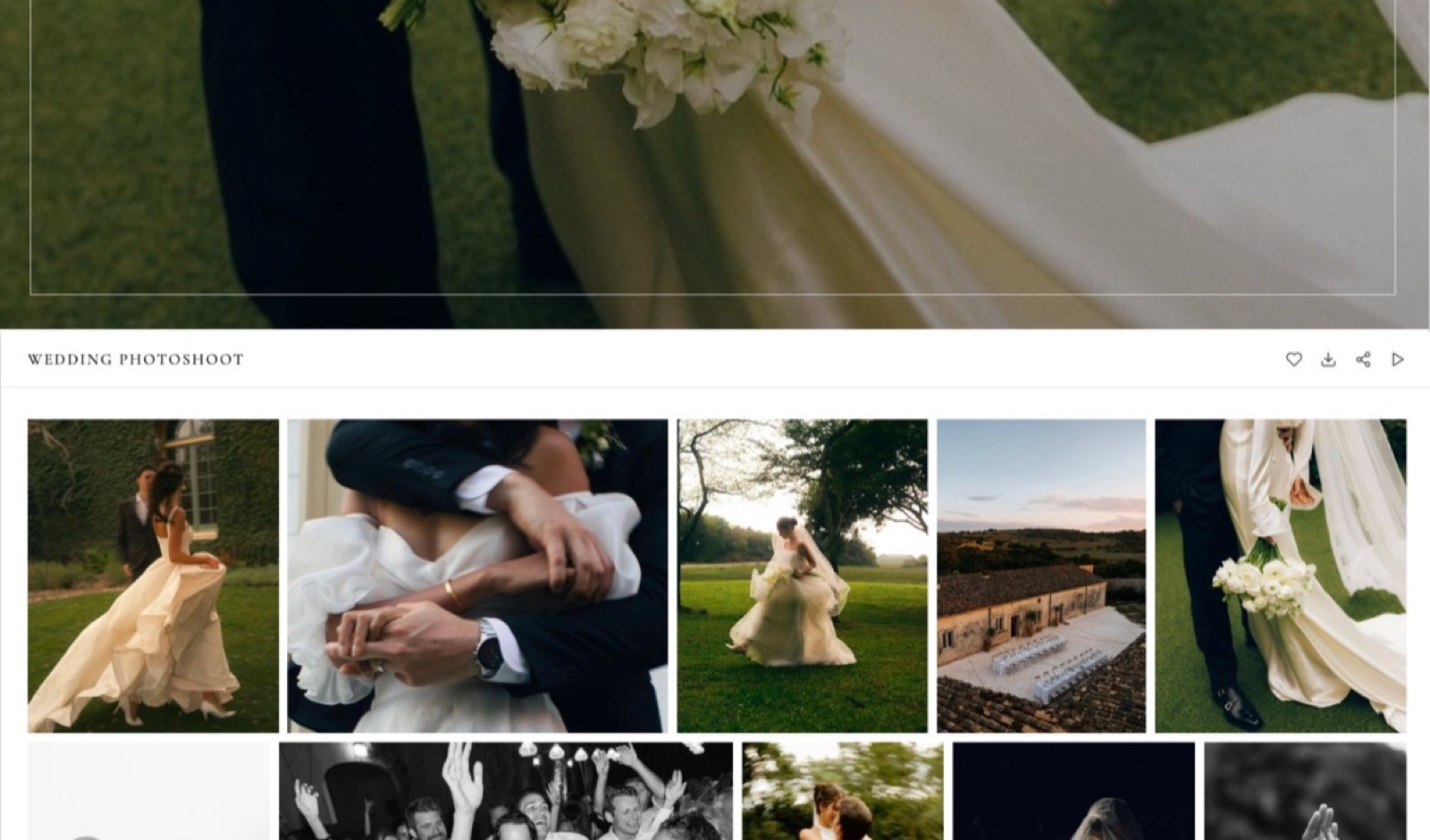
The rest of the business is on the same account. This is the actual argument. A freelance editor pays for review, a portfolio site, and somewhere to deliver finished files.
On Framekit those are one subscription: review links, a portfolio on your own domain, client galleries with a password and download PIN, and a store for selling LUTs or presets. Frame.io does the first of the four.
In one lineFrame.io is the better tool and Framekit is often the better bill, and which sentence matters depends entirely on the length of your cuts.
The File Size Question, Answered Properly
File size decides this comparison more often than price does, and it decides it absolutely rather than on balance, so here it is in numbers rather than adjectives. Find the row that matches what you usually export:
| Deliverable | Typical size | Framekit | Frame.io |
|---|---|---|---|
| 60-second social cut, 1080p | 80 to 150MB | Free plan | Yes |
| Two-minute commercial, 1080p | 250 to 500MB | Free plan | Yes |
| Five-minute brand film, 1080p | 600MB to 1.2GB | Starter or Pro | Yes |
| Wedding highlight film | 1 to 2.5GB | Pro or Business | Yes |
| Full ceremony film | 4 to 15GB | No | Yes |
| Feature or long documentary assembly | 10GB and up | No | Yes |
The honest reading: Framekit covers everything a commercial, social, UGC, real estate or highlight-film editor sends for review, and stops at long-form. If your reviewed deliverables are consistently above 3GB, we are the wrong tool and no plan changes that.
In one linecheck your usual export size before you check either price list, because it disqualifies one of these tools outright.
What a Year Actually Costs, Two Ways
A solo editor delivering two-minute cuts. Framekit Starter is $84 a year on yearly billing and carries the review links, the portfolio site, the client galleries and a store.
Frame.io Pro is $156 a year for one member and carries review with 2TB. If you need the 2TB, Frame.io is the better purchase.
If you need a portfolio site and a way to deliver finished files as well, the Framekit plan is doing four jobs for half the money.
A three-person studio cutting long-form. Frame.io Pro at three members is $468 a year and 6TB. Framekit cannot do this job at any price, because the files exceed our ceiling. This is not a pricing comparison, it is a capability one, and Frame.io wins it.
Using Both, Which Some People Should
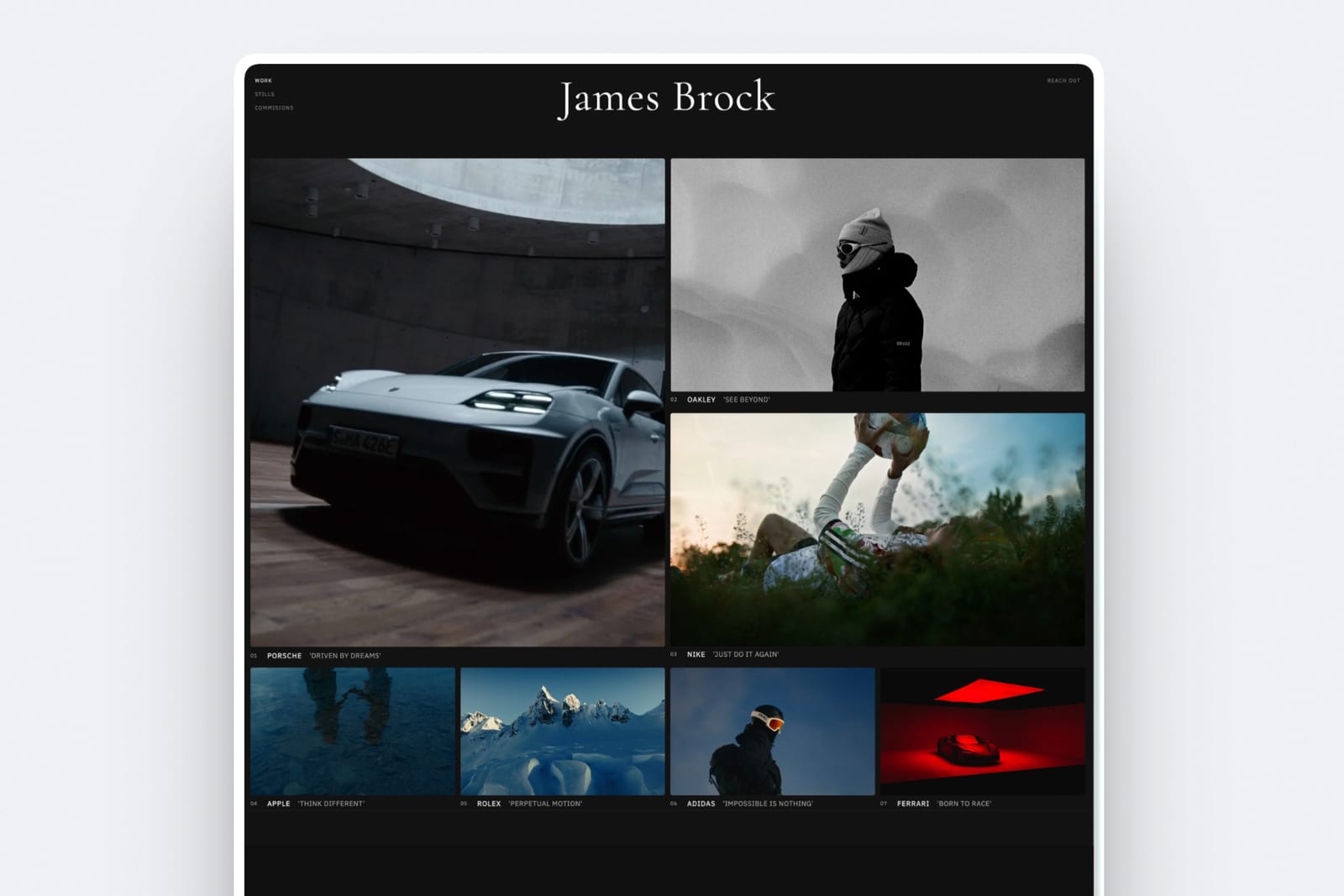
A division that works, and which we would suggest to a friend who pays us nothing: Frame.io for the review rounds on long-form work where its file handling and NLE panels earn the money, and Framekit for the portfolio site, client galleries, finished-file delivery and the store.
The overlap is only the review link, and if your cuts are long you should keep paying Frame.io for it. What is worth auditing is the other three subscriptions, because those are the ones quietly duplicating each other.
How to Choose: A Decision Guide
Answer these in order and act on the first yes you reach. The first two are disqualifying rather than preferential, which means no amount of price difference further down the list should change your answer.
- Are your reviewed cuts routinely over 3GB? Yes: Frame.io. We refuse the upload and no plan fixes it.
- Do you need Premiere or After Effects panels, Camera to Cloud, internal comments or per-user audit trails? Yes: Frame.io. We have none of them.
- Do you also need a portfolio site, client galleries or a store? Yes: Framekit, which covers all three on the same plan as review.
- Is your team more than a handful of people with terabytes of footage? Yes: Frame.io, which gets cheaper per terabyte as members are added.
- Are you one or two people sending short cuts to clients? Yes: Framekit, where the free plan is a working setup and Starter is $84 a year.
- Still unsure? Both free plans cost nothing. Send one real cut through each and see which one your client finds easier.
Frequently Asked Questions
Is Framekit a real Frame.io alternative?
For short-form work, yes. It does the core job, which is a shareable link with timecoded comments from clients who never make an account, plus version handling.
It is not an alternative for long-form: the review file ceiling is 3GB at the highest plan, against Frame.io handling feature-length cuts.
It is also not an alternative for anyone who needs the Premiere and After Effects panels or Camera to Cloud, neither of which Framekit has.
How big a video file can Framekit review handle?
500MB per file on the free plan, 1GB on Starter at $9 a month, 2GB on Pro at $19 and 3GB on Business at $39.
A two-minute 1080p commercial cut is comfortably inside the free plan, a wedding highlight film usually needs Pro, and a full ceremony film or a feature assembly exceeds every tier.
Check a recent export before choosing, because this is the single limit most likely to rule us out.
Is Frame.io cheaper than Framekit?
For storage, yes, which surprises people.
Frame.io Pro is $156 per member a year and includes 2TB, with another 2TB per additional paid member, where Framekit Business is $372 a year for 2TB shared across review, galleries, the site and the store.
For a solo creative who needs review plus a portfolio site plus client delivery, Framekit Starter at $84 a year is doing several jobs Frame.io does not do at all, which is the comparison that usually matters.
Do clients need an account to leave comments?
No, on either tool. Framekit reviewers open a link and leave timecoded comments without signing up, and Frame.io reviewers are free and do not count as billed members.
This is worth confirming because it is the single biggest source of friction in a client review round, and any tool that requires your client to register is adding a step that costs you revisions.
Does Framekit work inside Premiere Pro?
No. There is no Premiere Pro or After Effects panel, so putting a new version up means exporting and uploading rather than publishing from the timeline.
Frame.io's panels are a genuine workflow advantage for editors who live in Adobe tools, and if you cut all day in Premiere the round trip will annoy you. Framekit's review is built for the hand-off rather than for the edit.
Can I hide comments from my client on Framekit?
No. There is one comment stream and the client sees it, so an internal note about a shot has to happen somewhere else.
Frame.io Team at $264 per member a year adds internal comments that staff can see and clients cannot, along with restricted projects and folders. For a studio whose review threads include candid notes, that is a real reason to pay Frame.io.
Which is better for a wedding videographer?
Framekit, if the reviewed deliverable is the highlight film, which usually lands between 1GB and 2.5GB and fits Pro or Business. Frame.io, if couples review the full ceremony film, which exceeds every Framekit tier.
The other consideration is the rest of the job: a wedding videographer also delivers finished files and needs a portfolio, and Framekit carries those on the same plan while Frame.io does not.
Does Framekit have version comparison?
Framekit keeps versions of a cut with their own comment threads and lets you hide previous versions from the reviewer, so a client sees the current one rather than a history.
Frame.io's version stack and side-by-side comparison are more developed, and for a project going through many rounds with a picky client that difference shows. For a two or three round turnaround, both are adequate.
What happens to Frame.io's free plan when a second client arrives?
It stops being usable, which is the honest shape of that tier. The free plan gives 2 members, 2GB of storage and 2 projects, and those are hard ceilings rather than soft ones.
It is excellent for one short project with one collaborator and it breaks the week a second client or a long cut turns up, at which point the decision is Pro at $156 a year.
Can I use Framekit just for review and keep my website elsewhere?
You can, and some people do, but it is the weakest version of the argument for us.
Framekit's review is competitive on price and adequate on features, and the reason to choose it over Frame.io is normally that the site, the galleries and the store come with it.
If your website is somewhere you are happy with and your cuts are long, Frame.io is the better standalone review tool and we would rather say so.
Final Verdict
Frame.io is the better video review product. It takes files we refuse, lives inside the NLE, moves footage from the camera during the shoot, separates internal from client comments, and gets cheaper per terabyte as a team grows.
If review is the job and the job is long-form, pay Frame.io and do not think about it again.
Who should not use Framekit for review. Anyone whose cuts routinely exceed 3GB. Anyone who needs the Premiere or After Effects panels or Camera to Cloud. Anyone who needs internal comments or a per-user audit trail.
Anyone storing terabytes, where our pricing is genuinely worse value than Frame.io's.
Who should. Solo editors and small studios delivering short-form cuts who are also paying for a portfolio site and a way to deliver finished files.
For them the comparison is not review tool against review tool, it is one $84-a-year account against three subscriptions, and the review link is the part that happens to be included.
Related readingFrame.io's full pricing and storage rules, the best Frame.io alternatives, and the best free video review tools.
Frame.io pricing and storage rules read from its published pricing page and help centre in September 2026. Framekit caps read from the shipped product the same month.