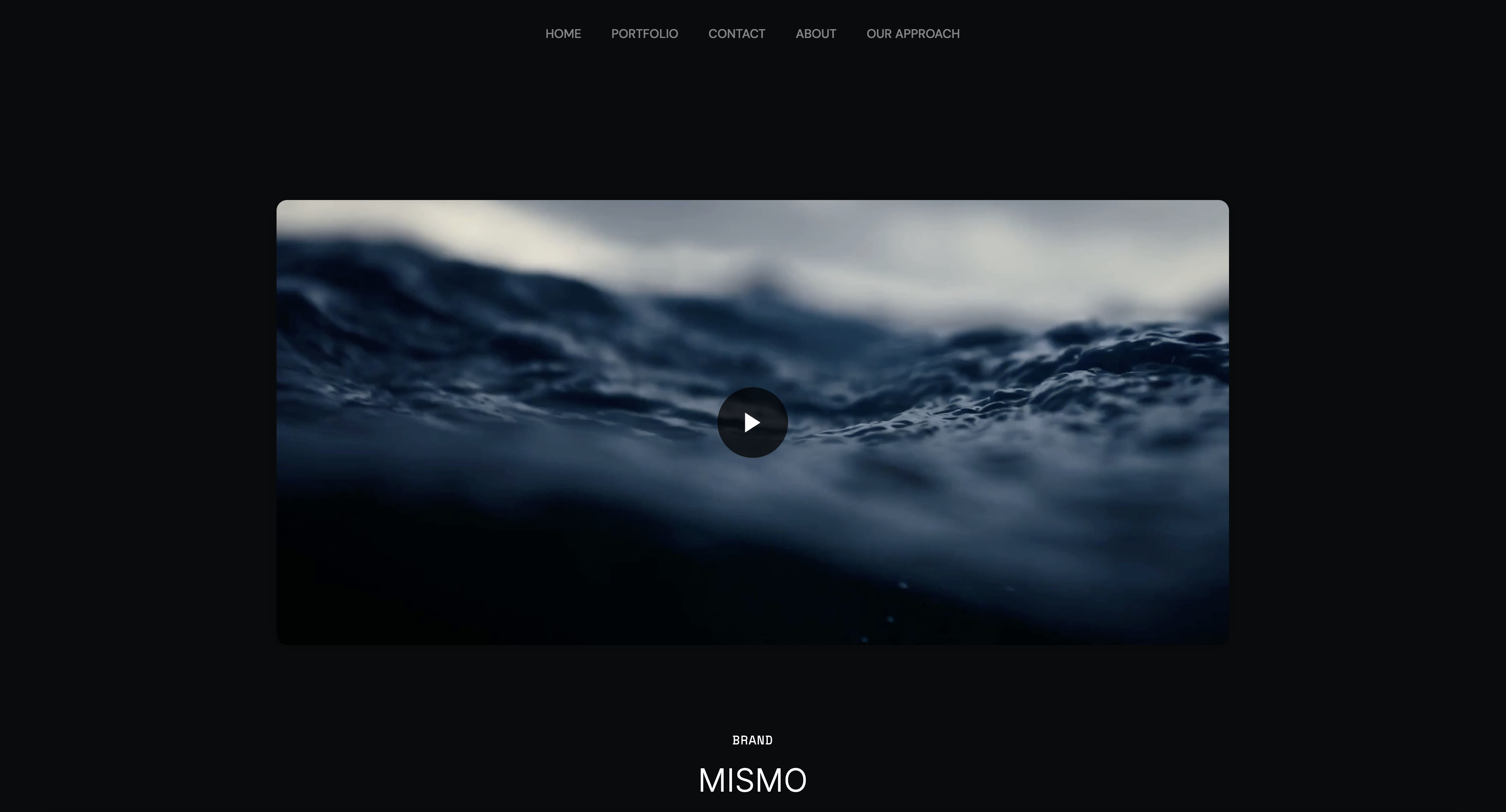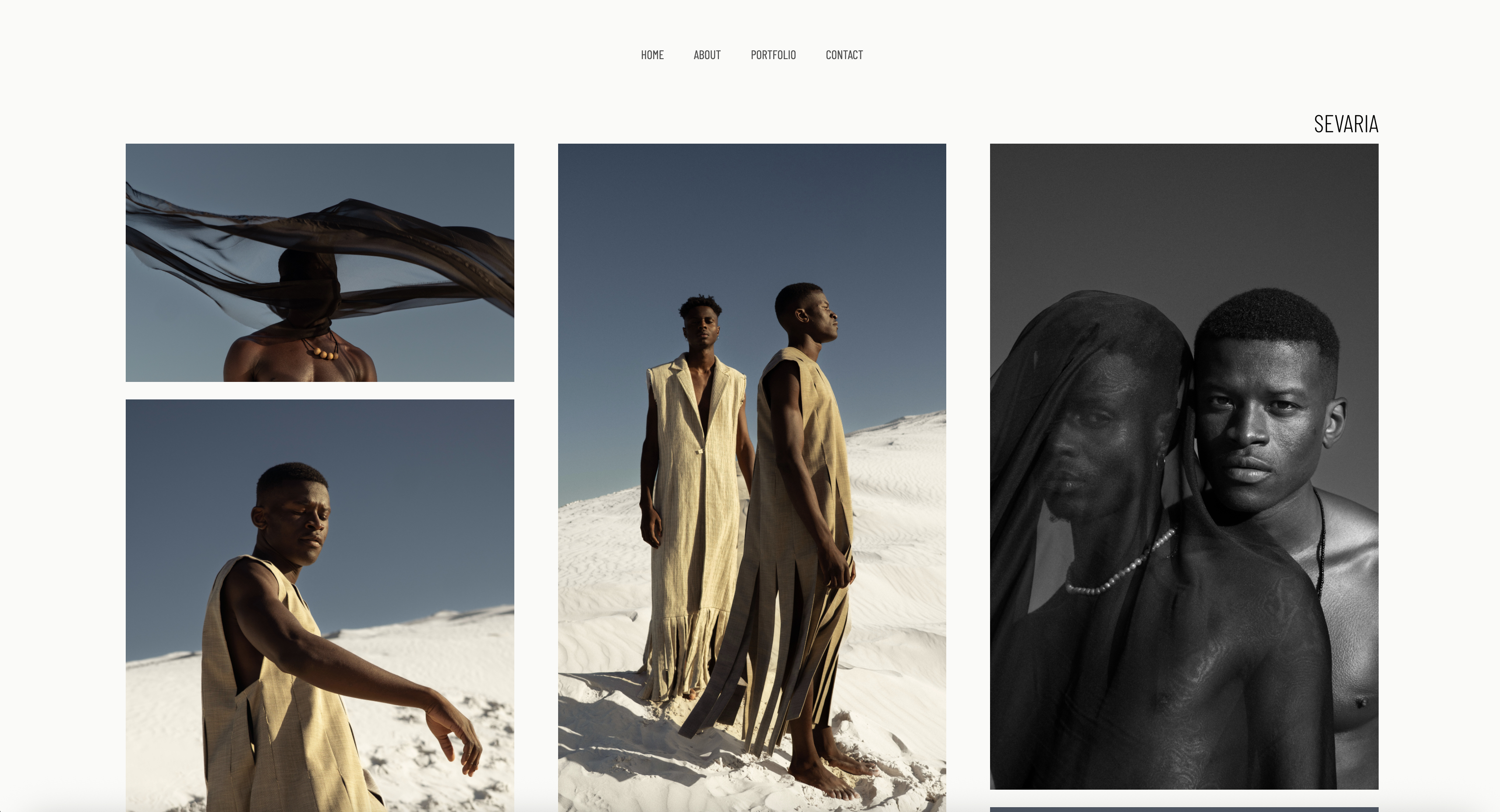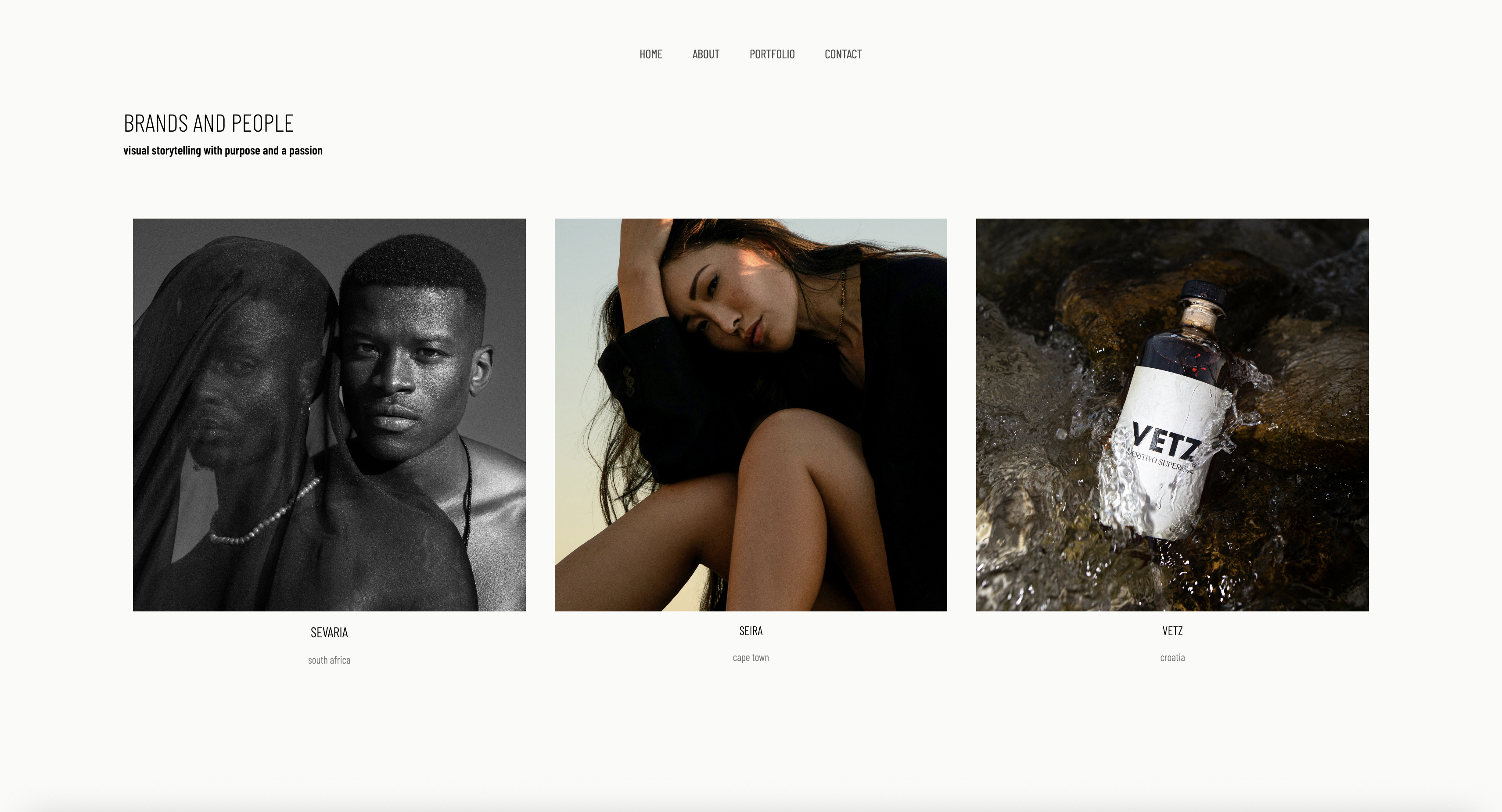
Framekit templates
Start from a designer-made template
 Use template
 Use template
 Use template
 Use template
 Use template
 Use template
 Use template
 Use template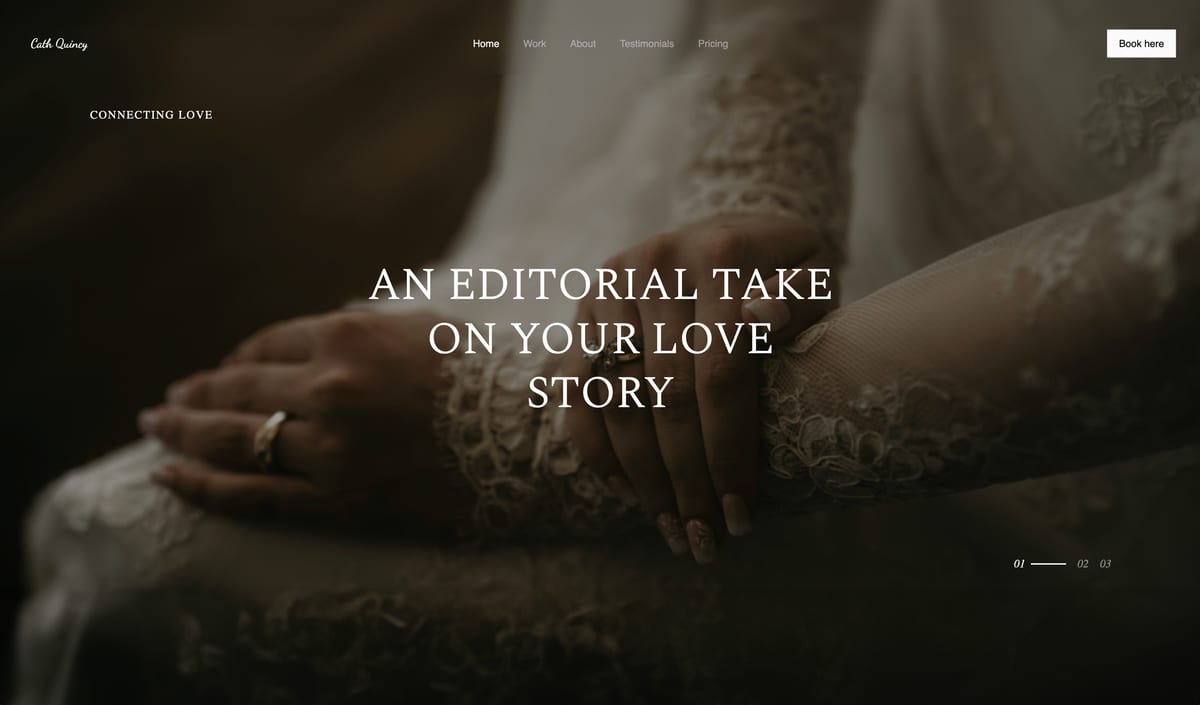
A couple is standing in the back of a dim reception venue, phones out, deciding whether to book you. They tap the link from your Instagram bio. The hero image is gorgeous on your laptop at home.
On their phone, on venue Wi-Fi, it takes six seconds to paint, the gallery stutters as they scroll, and the contact form is buried three taps deep. They go back to Instagram. You never hear from them.
That moment is the real test of a wedding photography website, and most builders fail it. Your portfolio is strong. The problem is that the site carrying it is slow on a phone, vague about how to inquire, and quietly costing you a thousand dollars over three years.
Here is the reframe most roundups skip. A wedding photographer does not need one website.
You need two distinct things: a marketing website, the public site that shows your style, packages, and contact form and books the wedding, and a client gallery, the private, password-protected space where couples proof, favorite, and download photos after the day.
One tool rarely nails both.
We tested 7 builders on the criteria that decide a wedding photographer's income: how fast an image-heavy gallery loads on a phone, how directly the site turns a visitor into a booked inquiry, the proofing workflow, and the honest cost over three years.
Framekit, the AI website builder trained by senior designers, was our pick for the marketing site that books the wedding, and the free plan needs no credit card to try.
The best website builder for wedding photographers in 2026 is Framekit for your marketing site, because its designer-trained AI builds a fast-loading, booking-focused portfolio on performance-optimized hosting.
Pair it with Pixieset for client proofing galleries. Squarespace is the strongest all-in-one runner-up.
Full disclosure: Framekit, ranked #1 below, is our own product, and it is missing something a lot of wedding businesses depend on. Pixieset sells albums and prints, which for many photographers is the larger half of a booking, and we have no print lab at any tier. Squarespace carries booking and invoicing tooling we do not offer, and every alternative here is linked.
How This Ranking Was Weighted
Wedding work is won on the portfolio and paid on the package, so the criteria were ordered to reflect both halves.
How the portfolio converts an enquiry carries the most weight, then whether client galleries are included rather than billed separately, then cost, then album and print revenue.
Under the opposite weighting, where album sales are the business model, Pixieset wins and Framekit does not place, since there is nothing physical to sell here.
Quick Comparison: Wedding Photography Website Builders
These four tools cover what most wedding photographers weigh first. The split between marketing site and client gallery is the whole decision.
| Tool | Best For | Client Galleries | Starting Price |
|---|---|---|---|
| Framekit | The marketing site that books weddings | No, pair with Pixieset | Free / $19 mo |
| Squarespace | Template-first all-in-one | Basic, not true proofing | $19 mo |
| Pixieset | Proofing and photo delivery | Yes, this is its core job | Free / paid tiers |
| Wix | App marketplace add-ons | Via third-party apps | $17 mo |
How We Tested These Wedding Photography Website Builders
A wedding photography site lives or dies on a phone.
Couples browse from venues, on the couch, between vendor meetings, almost never at a desk. Google's mobile speed benchmark data puts a hard number on it: more than half of mobile visitors leave a page that takes longer than three seconds to load.
For a portfolio that is mostly large images, that is not a vanity metric. It is lost inquiries. We judged every tool on five criteria.
Mobile gallery experience. We built image-heavy portfolio pages and scrolled long galleries by hand on a phone to feel the stutter, judging how smoothly each builder handles heavy image pages.
A wedding gallery is the heaviest page you will ever publish, so this is where builders separate.
Booking flow. We measured how many taps it takes a visitor to go from landing on the homepage to submitting an inquiry, and whether the contact path is obvious or buried. A site that hides the form loses weddings.
Proofing and delivery workflow. We checked whether the tool offers private, password-protected client galleries, favoriting, print or download fulfillment, and store-style print sales. This is the after-the-wedding job, and it is a real workflow, not a checkbox.
Design quality. We judged whether the output looks like considered design work, with real typography and spacing, or like a filled-in template. Couples judge your taste by your site before they judge your photos.
Real 3-year cost. Headline pricing is rarely the number you pay. We calculated total cost over 36 months on the plan a working wedding photographer actually ends up on, and we name that plan so you can check the math.
We built in each tool ourselves rather than scoring it from a feature list. Competitor prices are linked to the source pricing page and quoted as we saw them while writing.
If you shoot more than weddings, our wider guide to the best website builders for photographers covers general portfolio use.
The 7 Best Wedding Photography Website Builders: Full Comparison
Here is how all 7 tools compare. We weighted mobile gallery experience and booking flow heaviest, because those two decide whether a visitor becomes a wedding.
| Tool | Best For | Client Proofing | Starting Price | Our Rating |
|---|---|---|---|---|
| Framekit | Booking-focused marketing site | No | Free / $19 mo | 9.5/10 |
| Squarespace | Template-first all-in-one | Basic | $19 mo | 8.4/10 |
| Pixieset | Proofing and delivery | Yes | Free / paid tiers | 8.3/10 |
| Format | Photographer portfolios | Yes | $10 mo | 8.0/10 |
| Pixpa | Budget all-in-one | Yes | $5 mo | 7.8/10 |
| Wix | App marketplace | Via apps | $17 mo | 7.6/10 |
| Webflow | Technical control | No | $15 mo | 7.7/10 |
The Framekit free plan includes full AI generation, so you can build a real wedding portfolio and see the speed for yourself in minutes, with no credit card.
1. Framekit: Is It the Best Website Builder for Wedding Photographers?

Our rating: 9.5/10
Framekit is an AI website builder for creative professionals, and for a wedding photographer it is the strongest pick for one specific job: the marketing website that books the wedding.
Its AI was trained by senior designers, so the portfolio it generates arrives with real typography, spacing, and visual hierarchy instead of a template filled with your photos.
Best forWedding photographers who want a fast, design-led booking site without hiring a designer or fighting a builder.
What stands out. The output looks considered, not generated.
Couples decide whether your taste matches theirs in the first few seconds on your homepage, and Framekit gives that homepage a designer's sense of scale and rhythm.
You can also design from a reference: drop in a screenshot or a Pinterest board whose mood you want, and Framekit generates a starting direction in that style.
The booking flow earns its place here. Framekit keeps the contact path direct instead of burying it.
The site holds together as you add to it: a packages section or testimonials block inherits your existing fonts, colors, and spacing automatically.
The platform is genuinely all-in-one for the marketing side, with hosting, SSL, a Cloudflare CDN, SEO with server-side rendering and sitemaps, and the ability to sell digital products like print credits straight from the site.
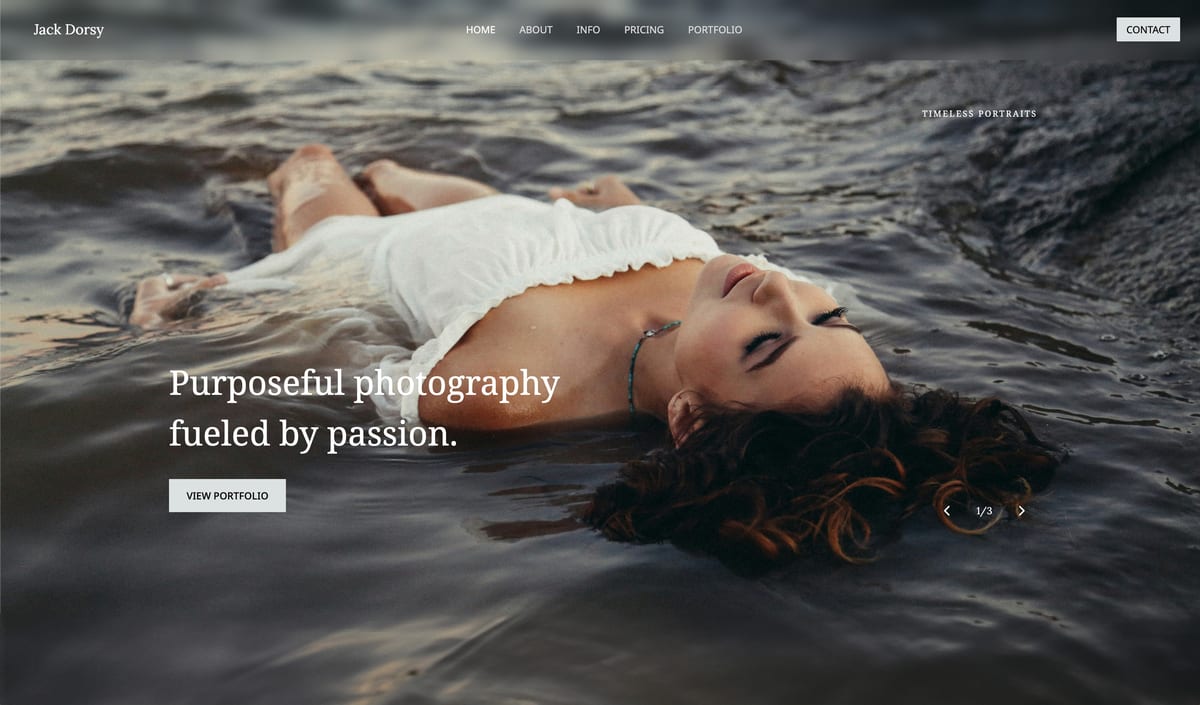
Speed is not something you tune after the fact on Framekit. Fast hosting, a global CDN, and optimized image output are handled for you, so an image-heavy wedding gallery stays quick.
For a couple deciding on venue Wi-Fi, that is the line between scrolling your work and bouncing back to Instagram.
Pricing:
- Free: $0, no credit card, with Framekit branding
- Pro: $19 per month, custom domain, no branding, all components
- Business: $39 per month
Run the cost over three years. A working wedding photographer needs a custom domain and the branding gone.
The cheapest Framekit tier that does both is Starter at $9 a month, about $324 across 36 months; Pro at $19 a month ($684 over three years) adds the storage a heavy wedding archive tends to need.
Either way, the tiers wedding photographers settle on with Squarespace or Wix clear $1,000 over those three years, and Framekit's prices are flat.
The caveat: the marketing site is separate from a proofing gallery, which is its own line item covered below.
Pros:
- Designer-trained AI produces a portfolio that looks designed, not generated
- Built for fast-loading, performance-optimized sites that hold up on heavy gallery pages
- Direct, obvious inquiry path that is built to book weddings
Cons:
- No print lab. Framekit delivers private client galleries with passwords, watermarking, favorites and full-resolution downloads on every plan, but it sells digital files rather than physical prints, so print sales still need Pixieset or Pic-Time.
- No built-in booking, scheduling, or CRM. Contract signing, invoicing, and questionnaires need a separate tool like HoneyBook or Dubsado.
- The third-party plugin ecosystem is smaller than Wix's, so a niche integration may not exist as a one-click add-on.
Verdict: Framekit is the best tool for the half of the job that actually books weddings, the fast, design-led marketing site. It will not deliver galleries to your couples, and it does not pretend to. Use it for the site that wins the inquiry, pair it with a dedicated gallery tool for delivery, and you have a setup built around a fast, design-led booking site. Our Framekit vs Squarespace for photographers comparison goes deeper on the design and speed gap. The free plan takes about 10 minutes to produce a first draft at framekit.ai.
2. Squarespace: Is It Good for Wedding Photographers?

Our rating: 8.4/10
Squarespace is the closest thing to a true all-in-one for a wedding photographer who wants one login. Its templates are genuinely well-designed, and it bundles a website, basic image galleries, and Squarespace Scheduling for consultation calls.
Best forPhotographers who want site, simple galleries, and booking calls under one roof and will accept slower pages for that convenience.
What stands out. The template library is the real draw. If a Squarespace template matches your aesthetic, you get an elegant site quickly, and the blogging and gallery presentation are solid for showing recent weddings.
Scheduling for discovery calls is built in rather than a separate subscription.
Pricing (USD, annual billing) from Squarespace pricing: Basic $19 per month, Core $29 per month, Plus $49 per month. A wedding photographer typically lands on Core or above, which is past $1,000 over three years.
Pros:
- Genuinely well-designed templates that are safe aesthetic choices
- Built-in scheduling for consultation calls
- Reliable, widely supported, easy to learn
Cons:
- Its galleries do client delivery rather than print fulfilment. Passwords, watermarking, favorites and full-resolution downloads are all there, but there is no print lab, so print packages still need Pixieset or Pic-Time.
- Pages can feel slower on heavy image pages, which is exactly the kind of page a wedding portfolio is.
- Design flexibility falls off sharply once you push past what the template intended.
Verdict: Squarespace is the strongest runner-up and a reasonable single pick if convenience outweighs speed for you. Just know its galleries will not replace a proofing tool. If you like the template-first idea but want it faster, see our best Squarespace alternative for creatives guide.
3. Pixieset: Is It the Best Tool for Client Galleries?
Our rating: 8.3/10
Pixieset is the other half of a wedding photographer's stack, and it does that half exceptionally well. It is built around client galleries: private, password-protected spaces where couples and their guests view, favorite, and download photos, with a print store attached.
Best forPhoto proofing, delivery, and print sales. This is the gallery tool to pair with your marketing site, not a replacement for it.
What stands out. The proofing workflow is the cleanest here. Couples favorite their selects, you see the list, guests can buy prints, and digital delivery is smooth on a phone.
Pixieset also offers a basic website builder, but that is the lesser product. Its galleries are the reason wedding photographers use it.
Pricing from Pixieset pricing: Pixieset has a free starter tier with limited storage and paid tiers that scale with storage and store features.
Frame the exact figure against your shooting volume, since galleries grow fast. Check its pricing page before committing.
Pros:
- Deep client proofing, favoriting, and photo delivery
- Integrated print store with fulfillment
- A usable free tier to start
Cons:
- Its website builder is basic, with weaker design and templates than a dedicated site tool. Do not expect it to carry your marketing site.
- Storage-based pricing climbs as your gallery archive grows wedding after wedding.
- It solves delivery, not booking. It will not win you the inquiry in the first place.
Verdict: Pixieset is the proofing and delivery layer, full stop. Pair it with Framekit, where Framekit books the wedding and Pixieset delivers the photos, and each tool does the job it is genuinely best at.
4. Format: Is It a Good Website Builder for Wedding Photographers?
Our rating: 8.0/10
Format is a portfolio builder that serves photographers and nobody else, and the narrow focus pays off. It pairs clean, gallery-first portfolio templates with built-in client proofing, so it covers both jobs in one tool, if at a lower ceiling than the specialists.
Best forPhotographers who want a simple portfolio plus proofing from one photographer-built platform.
What stands out. Format's templates put the images first without clutter, and proofing galleries are included rather than bolted on. For a wedding photographer who values simplicity over customization, having site and proofing in one login is a real convenience.
Pricing (USD, annual billing) from Format pricing: Basic $10 per month, with higher tiers for more pages, storage, and proofing volume.
Pros:
- Photographer-built, with proofing included in one platform
- Clean, image-first templates that need little fiddling
- Affordable entry price
Cons:
- Less design flexibility and a smaller feature set than Squarespace or Framekit.
- Marketing and SEO tooling is thinner, so the site is less of an inquiry engine.
- The proofing workflow is competent but not as deep as a Pixieset.
Verdict: Format is a fair middle-ground pick if you want one tool and value simplicity, but it is a jack-of-both rather than a master of either. For ease of use specifically, compare it against the field in our easiest portfolio website builder to use guide.
5. Pixpa: Is It Worth It for Wedding Photographers?
Our rating: 7.8/10. Pixpa is the budget all-in-one for photographers, bundling a portfolio site, client galleries with proofing, a store, and blogging from $5 per month.
For a photographer who wants everything in one cheap subscription, it covers the checklist. The trade-offs are real: the design output and templates feel dated next to Framekit or Squarespace, and the editing experience is clunkier.
It is the value pick when budget is the deciding factor, not the pick when your site needs to look like your photography.
6. Wix: Is It a Good Choice for Wedding Photography Websites?
Our rating: 7.6/10. Wix's draw is its 500-plus app marketplace, so if you need a specific booking widget, CRM, or gallery integration, it probably exists as an add-on, and the drag-and-drop editor is friendly to first-timers.
Pricing starts at $17 per month. The weakness is the one that hurts most for a wedding photographer: performance can lag on a heavy wedding gallery, which means visible stutter on a phone.
Choose Wix only if a niche integration outweighs raw speed.
7. Webflow: Is It Right for a Wedding Photographer?
Our rating: 7.7/10. Webflow is a visual development platform with near-total control over layout, motion, and responsive behavior, and it can build a genuinely distinctive site that loads fast when built carefully.
Pricing starts at $14 per month. The catch is the learning curve: expect 20-40 hours before it feels comfortable, and it has no client proofing.
It suits a wedding photographer with a design or development background who wants full control, and it is overkill for everyone else.
How to Choose the Right Wedding Photography Website Builder for You
The right tool depends less on a feature list than on where you are starting from and how you split the two jobs.
If you want the site that books the most weddings, the marketing site has to be fast and design-led, because couples judge your taste and your site speed before they ever submit a form.
That points to Framekit for the public site, paired with Pixieset for proofing. This two-tool setup beats any single all-in-one on the metric that decides inquiries, which is mobile gallery speed.
If you want one login and will trade speed for simplicity, an all-in-one is the honest pick.
Squarespace is the strongest if you want polish and built-in scheduling, and Pixpa is the budget version if cost is the deciding factor. Accept that the galleries are basic and the pages load slower than a dedicated fast builder.
If you are switching from a slow builder and losing mobile visitors, your real problem is performance on heavy gallery pages.
Framekit is built for fast-loading, performance-optimized sites, and its low, flat pricing exists for exactly that switch. Run the three-year math before you renew anything.
If you have design or development skills and want full control, Webflow gives you near-total command of every breakpoint and interaction, provided you can spend 20-40 hours learning it.
Most working photographers would rather shoot than learn a layout engine, which is the honest reason it ranks lower here.
Frequently Asked Questions
What is the best website builder for wedding photographers in 2026?
The best website builder for wedding photographers in 2026 is Framekit for your marketing site, because its designer-trained AI builds a fast-loading, booking-focused portfolio on performance-optimized hosting.
Pair it with Pixieset for client proofing galleries. Squarespace is the strongest all-in-one runner-up if you prefer one login over speed.
Do I need a separate tool for client galleries and proofing?
For most wedding photographers, yes. A marketing site and a client gallery are two different jobs. Squarespace and Webflow are marketing-site tools with no gallery system at all.
Framekit, Pixieset, Format, and Pixpa all include client galleries, though only Pixieset, Format, and Pixpa add a print store on top.
The common professional setup is a fast marketing builder for the public site plus a dedicated gallery tool like Pixieset or Pic-Time for delivery.
Framekit has no print lab, so why recommend it for wedding photographers?
Framekit does deliver photos to couples: private galleries with passwords, watermarking, favorites and full-resolution downloads ship on every plan including the free one.
What it has no equivalent for is a print lab, and it has no booking or CRM.
Its strength is the job that books the wedding, a fast, well-designed marketing site that beats the all-in-ones on speed and look, and it now delivers the wedding too.
If print sales are a real revenue line for you, pair it with Pixieset for the lab. If one login for booking and CRM outranks everything, Squarespace with an add-on is the more honest choice.
Should I list wedding package prices on my photography website?
It is a judgment call. Some couples filter you out without a number, others inquire to start a conversation.
A common middle path is a starting-from figure or a price range plus a clear contact step, which qualifies leads without locking you into a rate. Whichever you choose, the inquiry path has to stay obvious.
How far ahead do couples book, and what does that mean for my site?
Many couples book their photographer twelve to eighteen months out, often before other vendors. Your site is doing its work long before the wedding date, which is why a slow or vague homepage costs you so much.
A site that loads fast and makes the inquiry step plain captures that long-lead booking instead of letting it drift to a competitor.
What does a wedding photography website cost across three years?
It varies by tool and tier. With Framekit, Starter is $9 monthly (about $324 over 36 months) and Pro is $19 ($684 over the same period). The plans wedding photographers typically need on Squarespace or Wix pass $1,000 in that window.
Set aside a separate budget for proofing: Pixieset offers a free tier and paid plans that scale with how much gallery storage your wedding archive uses.
If I move off Squarespace mid-season, do I lose my booking inquiries or SEO?
No. You rebuild on the new platform and repoint your existing domain, so your URL and search history carry over, and inquiries keep arriving at the same address.
An AI builder like Framekit regenerates the portfolio quickly rather than making you rebuild page by page. Your proofing galleries are unaffected: a Pixieset or Pic-Time account stays exactly where it is whatever marketing builder you run.
Is Framekit's flat pricing a safe bet for a wedding photographer?
For most working wedding photographers, yes.
A subscription builder on a realistic tier passes $1,000 within three years, while Framekit's $9 Starter plan runs about $324 over the same period and its prices are flat, so they do not rise at renewal.
A Framekit site is also a standard, fast, exportable website, so your domain and your wedding portfolio stay yours regardless.
Summary: Wedding Photography Website Builders Compared
| Tool | What it is | Best for | Key feature | Starting price |
|---|---|---|---|---|
| Framekit | AI marketing-site builder | The site that books weddings | Designer-trained AI, performance-optimized | Free / $19 mo |
| Squarespace | Template all-in-one | One-login convenience | Built-in scheduling | $19 mo |
| Pixieset | Client gallery platform | Proofing and delivery | Polished client galleries | Free / paid tiers |
| Format | Photographer portfolio builder | Simple site plus proofing | Photographer-built templates | $10 mo |
| Pixpa | Budget all-in-one | Lowest-cost full stack | Galleries plus store | $5 mo |
| Wix | App-marketplace builder | Niche integrations | 500-plus app marketplace | $17 mo |
| Webflow | Visual development platform | Full technical control | Total design freedom | $15 mo |
Final Verdict
After testing 7 builders, the pattern is clear. A wedding photographer is not choosing one website, you are assembling two jobs: the marketing site that books the wedding and the gallery that delivers the photos.
The roundups that treat it as one decision send you to a tool that is mediocre at the one you actually care about.
Framekit is the best builder for the marketing site that books weddings. Its designer-trained AI produces a fast-loading, polished portfolio on performance-optimized hosting, with a direct inquiry path and flat pricing from $9 a month.
It delivers client galleries with passwords, favorites and full-resolution downloads on every plan, and here is where Framekit loses: it does not sell physical prints and does not include a booking calendar, so a print-led studio still pairs it with Pixieset for the lab and a scheduler for the diary.
Do that and you have a fast, design-led setup that both books the wedding and delivers it.
Squarespace is the strongest all-in-one runner-up if one login matters more to you than speed. Format and Pixpa suit photographers who want site and proofing bundled simply or cheaply. Wix wins only on its app marketplace, and Webflow suits the rare photographer with the time to learn it.
If you are starting today, build your booking site in Framekit, free, and add a gallery tool when your first wedding wraps.
For the wider field, see our best website builders for creative professionals guide.
_Re-verified July 2026: plan prices and gallery limits confirmed on each platform's pricing page._