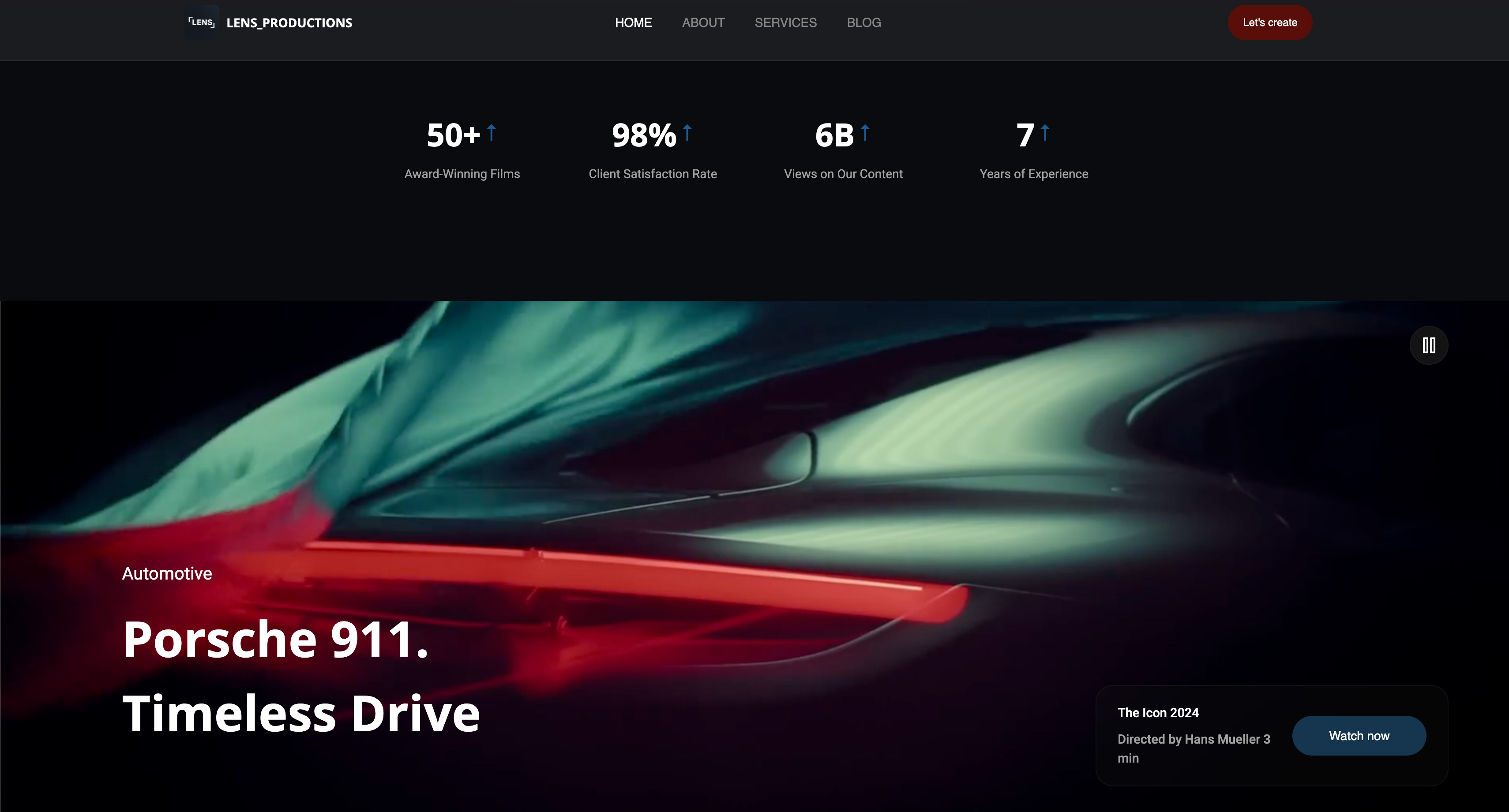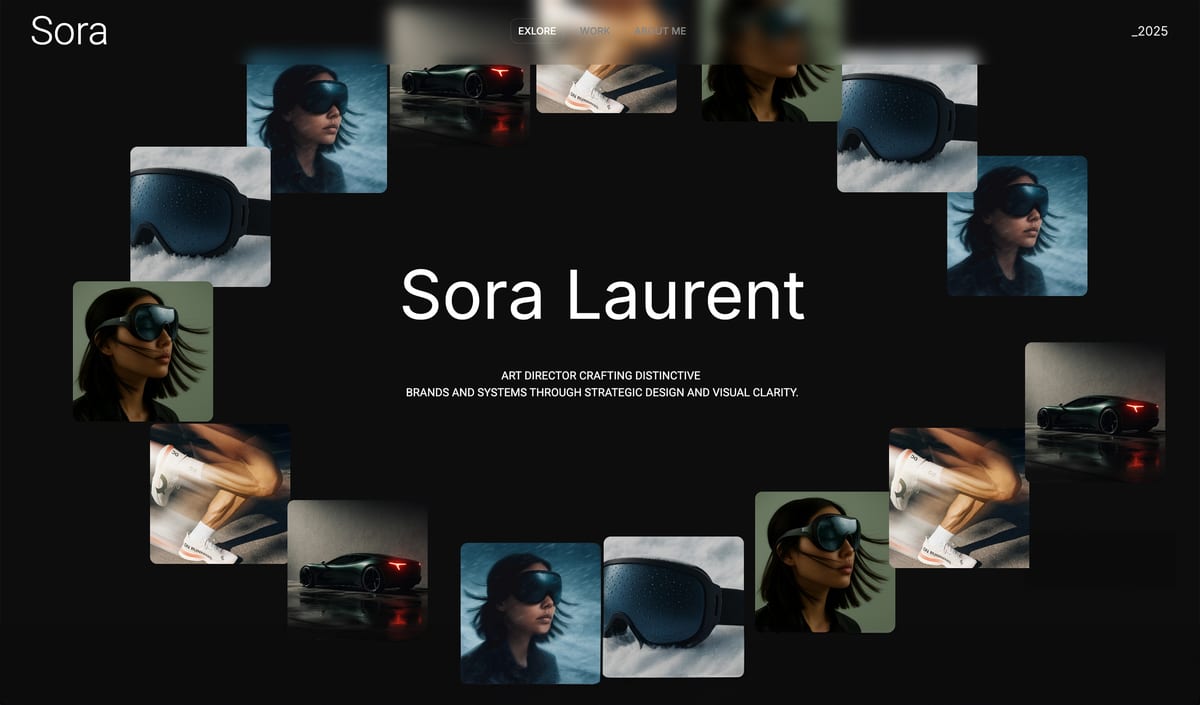
Framekit templates
Start from a designer-made template
 Use template
 Use template
 Use template
 Use template
 Use template
 Use template
 Use template
 Use template
A property developer has a blank three-story wall and a budget, and they are trying to find the artist for it. They saw one of your murals in person, remembered your name, and typed it into Google.
What loads decides whether they email you or the next muralist: a professional portfolio of your walls with scale, location, and a clear way to commission you, or a grid of phone photos on a feed that resets every week and buries your contact behind a bio link.
As a muralist, the website builder you choose is what turns a wall someone admired into the commission that pays for the next one.
Mural work is a commission business, and commissions go to the artist who is easiest to trust and easiest to hire. A feed proves you can paint; an owned site proves you can be booked.
The wall gets you noticed. The site gets you the commission.
A website builder for muralists is the platform you use to build a professional mural portfolio - your painted walls, your process, and a way for clients to commission you - ideally on a domain you own, so a developer, a city, or a brand finds a hireable artist instead of a social feed.
This guide compares the best website builders for muralists on those jobs.
Recently updated, 12 October 2026: we dropped the claim that we built a mural site on every tool, since no record of those builds exists, and corrected what Framekit's store sells: digital files of your designs, never printed or shipped ones.
The Creative Cloud price attached to Adobe Portfolio is now Adobe's US$11.99 Lightroom plan.
The best website builder for muralists in 2026 is Framekit, because it turns a prompt into a mural portfolio on your own domain, with galleries for full projects and a commission inquiry flow - and you can add a store for digital files of your designs (physical prints need a print service).
So the wall a client admired leads to a professional site that books you, not a feed that loses you. The honest trade-off: Instagram brings discovery a new site does not, so keep posting there and make your own site the home. For a single cheap page, Carrd is simpler.
Framekit builds a mural portfolio and commission page from a prompt, on your own domain from the $9 Starter plan, and the free plan needs no credit card.
Full disclosure: Framekit, ranked #1 below, is our own product, so we have a stake in this. We compared each tool's published plans, gallery features and contact tools, confirmed every price against each platform's published pricing in July 2026, and we say plainly where each beats us: Instagram brings a discovery audience we do not, Carrd is cheaper for one page, and Adobe Portfolio is free with Creative Cloud. Read the ranking knowing that.
How We Compared These Muralist Website Builders
A muralist's site has to do a few specific things: show finished walls at scale, tell the story of a project, and make commissioning obvious to a serious client. We judged each tool on the five things that decide a mural business, with a section for each below.
Portfolio and scale. How well the site presents large murals, in-progress shots, and full projects in a way that conveys size and impact.
Commission flow. How easily a developer, city, or brand can understand your process and reach you to commission a wall.
Galleries and process. Whether you can present full projects and process shots as considered stories, with private galleries for client proposals if needed.
Ownership. Whether the site is yours on your own domain, so it ranks for your name when a client searches you.
Cost and extras. What the plan you need costs, and whether you can also sell prints of your designs.
The reference site we priced on each: a mural portfolio, a commissions page, and one design offered for sale.
The muralist we follow through this guide paints commissioned walls for businesses and developers and sells the occasional print, and wants one professional site for all of it.
Two kinds of finding, kept separate. Confirmed from each platform's own pages: every plan, price and feature, read in July 2026 and linked inline, with Framekit checked against its shipped product.
Community sentiment, and we flag it: recurring reviewer themes. We did not build the reference site on each tool, so nothing below is a build result.
What Comparing 6 Muralist Builders Showed
The figures behind the ranking, confirmed in July 2026.
- 1 of 6 turns a prompt into a mural portfolio with galleries and a commission flow, and can add a store for digital files of your designs (Framekit).
- 2 of 6 include a real gallery system for presenting full projects rather than plain image blocks (Framekit and Format).
- 3 of 6 put your site on the platform's subdomain until you pay for a custom domain, which is what a client finds when they search your name.
- Adobe Portfolio is free with a paid Creative Cloud plan, so a muralist already paying for photo editing can build an owned portfolio for nothing more.
- None of these is a discovery platform - Instagram brings the eyeballs, and an owned site turns them into commissions, so the two work together.
For the pick that fits how you land commissions, jump to the decision tree. First, the full comparison.
The 6 Best Website Builders for Muralists in 2026: Full Comparison
How the ratings work: each is our rating of a tool's published features on the five criteria above, weighted for a commission business - ownership 25%, portfolio and scale 25%, commission flow 20%, galleries and process 15%, cost and extras 15%.
Ownership and portfolio share half the score because a muralist is hired on how the walls look and whether the site reads as a professional you can book.
So Framekit's 9.0 takes a 10 on ownership and portfolio but only a 7 on cost at the low end, because a single-page tool like Carrd is cheaper if all you need is a card. No tool won every column.
| Tool | Best For | Free Plan | Starting Price | Our Rating |
|---|---|---|---|---|
| Framekit | An owned portfolio that books commissions | Yes | $9/mo | 9.0/10 |
| Squarespace | A polished all-in-one | Trial | $19/mo | 8.5/10 |
| Format | A gallery-forward portfolio | Trial | $10/mo | 8.1/10 |
| Wix | Flexible drag-and-drop | Yes | $17/mo | 7.9/10 |
| Adobe Portfolio | Free with Creative Cloud | With CC | Free with CC | 7.6/10 |
| Carrd | A cheap single-page card | Yes | $19/yr | 7.3/10 |
Prices confirmed on each platform's own pages in July 2026; check the latest before buying.
What a commissioning client sees at a glance
A serious client wants three things fast: can you paint at scale, what have you done, and how do I hire you. This is how the tools handle them.
| Tool | Presents murals at scale | Full-project galleries | Commission inquiry | Own your name |
|---|---|---|---|---|
| Framekit | Yes, AI-drafted | Yes, gallery system | Yes, built in | Yes (paid plan) |
| Squarespace | Yes, templates | Image blocks | Yes, forms | Yes |
| Format | Yes, gallery-forward | Yes | Basic | Yes |
| Adobe Portfolio | Yes | Yes | Basic | Yes |
| Carrd | One page | Basic | Contact link | Yes (Pro) |
See your walls as a site that books you. The free plan turns a prompt into a mural portfolio with full-project galleries and a commission page - the professional home your feed should point to.
1. Framekit: Best Overall

Our rating: 9.0/10
Framekit is an AI website builder that turns a prompt into a muralist's portfolio - projects, process, and a commission inquiry flow - on a domain you own.
Instead of leaving your work on a feed, you describe yourself as a muralist and Framekit generates the pages - a portfolio of walls, project galleries, an about-and-process section, and a commissions page - which you then edit and connect to your own name.
Describe yourself as a muralist and the AI drafts an image-led site with a gallery for full projects, a commissions page and, if you want one, a store section for digital files of your designs.
Because the galleries present full projects rather than lone photos, a wall reads at the scale and impact it has in person - which is exactly what convinces a developer or a brand you can handle theirs.
Best forMuralists who want a professional portfolio that lands commissions and lives on a domain they own.
Key features:
- Generate a mural portfolio and commission page from a prompt or a reference screenshot
- A gallery system for full projects and process shots, with private galleries for client proposals
- A commission inquiry flow so serious clients can reach you and understand your process
- An optional store for digital downloads of your designs, at 5% dropping to 0% plus Stripe's processing (no printed or shipped goods)
- Sites are generated by Cadence, Framekit's model for creative work, with a faster option called Score

The difference from a feed is trust and booking.
On Instagram your walls prove you can paint, but the commission path is a bio link and a DM; on your Framekit site the same walls sit in a professional portfolio with a clear commission page, at your own domain, so a client who searched your name finds an artist they can confidently hire.
The real numbera mural commission is worth far more than a print, so the site's job is landing the booking, not selling merch - and an owned, professional portfolio wins bigger commissions than a feed.
If you do sell digital files of your designs, Framekit takes 5% on the free plan and 0% on Business, with Stripe's card processing on top either way, but the real value is the commission the site books.
Pricing:
- Free: $0 (Framekit subdomain, 10GB of pooled storage, 5% product fee)
- Starter: $9 per month (custom domain, site badge removed, 50GB, 5% fee)
- Pro: $19 per month (300GB, 3% fee)
- Business: $39 per month (2TB, 0% product fee)
Pros:
- A professional mural portfolio and commission page generated from a prompt
- Real galleries that present full projects at scale
- On your own domain, so it wins the search for your name
Cons:
- No built-in discovery audience - Instagram brings the eyeballs a new site has to earn
- No physical print fulfillment, so prints of your designs need a separate print service
- A custom domain starts on the $9 Starter plan
Skip it ifall you want is a single static card with a few photos and a phone number. Carrd does that for less, and if you already pay for Creative Cloud, Adobe Portfolio is free. Framekit wins when you want a real, owned portfolio that books commissions.
Verdict: Framekit is the best pick for a muralist who wants the walls to lead to commissions through a professional site they own. Keep posting your murals to Instagram for reach, and make your Framekit site the home it points to. See how to get clients from your website, or start free at framekit.ai.
2. Squarespace: A polished all-in-one

Our rating: 8.5/10
Squarespace is the tasteful, low-effort choice for a muralist who wants a finished-looking portfolio with a commission form, without designing one.
The templates present large imagery well, a contact form handles commission inquiries, and a store can sell prints, all under one subscription - a polished home for the whole business.
There is no permanent free plan, only a trial, and design control is template-level, per its published pricing. For a muralist who wants polish over control, that trade is fair.
Best forMuralists who want a polished all-in-one portfolio and will pay annually.
The real numberSquarespace runs from about $19 a month (Basic) on annual billing, with forms and a store on the mid tiers - a polished site for the whole commission-and-prints business, priced yearly.
PricingBasic about $19 a month, Core about $29, Plus about $49 (annual); trial only.
Pros:
- Templates that present large murals well
- Commission forms and a store built in
- Forgiving, all-in-one editor
Cons:
- No free plan
- Template-level design control
- Pricier than a bare page
Skip it ifyou want a free start or a distinctly art-directed site. Squarespace trades control for a polished finish.
Verdict: Squarespace is the pick for a muralist who wants polished and all-in-one and will pay yearly. If you want that on a site an AI drafts for you and you own, that is Framekit's lane. See our best Squarespace alternatives for creatives. Visit Squarespace

3. Format: A gallery-forward portfolio
Our rating: 8.1/10
Format is a portfolio builder made for visual work, so it presents mural projects with real care - clean, gallery-forward layouts that let a large wall fill the frame and a full project read as a story.
For a muralist whose portfolio is the pitch, that presentation focus is worth something.
Its commission and store features are lighter than an all-in-one, so it leans portfolio-first, and there is no permanent free plan. For a muralist who wants the walls to lead, it is a strong, focused choice.
Best forMuralists who want their projects in a tasteful, gallery-forward portfolio.
The real numberFormat runs from about $10 a month, a low price for gallery-forward presentation and a custom domain - the trade is lighter commission and store tools than an all-in-one.
PricingBasic $10 a month billed annually, with no store; Pro $12 a month in year one, then $17, billed annually; trial rather than a permanent free plan.
Pros:
- Gallery-forward, tasteful presentation of large work
- Real project galleries
- Simple and affordable
Cons:
- Lighter commission and store tools
- Portfolio-first
- No free plan
Skip it ifyou want strong commission flows or a real store. Format is a gallery-forward portfolio.
Verdict: Format is the pick for a muralist who wants the projects to lead in a tasteful portfolio. For commission tools and a store on the same site, an all-in-one wins. See our best Format alternatives. Visit Format
4. Wix: Flexible drag-and-drop
Our rating: 7.9/10
Wix is the flexible generalist, so a muralist can arrange a portfolio, a commissions page, and a print store however they picture it, with a big template library and an AI generator to start. It does nearly anything, which suits a muralist with a specific vision for the site.
The Wix trade-offs are familiar: the free tier carries Wix ads on a Wix subdomain, and a clean custom-domain site with a proper store needs a premium plan from about $17 a month.
Best forMuralists who want maximum flexibility over the site.
The real numberWix premium plans start around $17 a month for a clean, ad-free site, so the usable version is a mid-teens monthly cost rather than the free tier.
Pricingfree plan on a Wix subdomain with ads; premium from about $17 a month.
Pros:
- Very flexible layout and a store
- An AI generator to start
- A free tier to try
Cons:
- Free plan carries ads
- The ecosystem upsells
- Can look busy without care
Skip it ifyou want the cleanest ownership or a restrained portfolio. Wix is capable but rarely minimal.
Verdict: Wix is a flexible pick for a muralist who wants to design the site their way. If the ads and upsells wear on you, a cleaner builder helps - see our best Wix alternatives. Visit Wix
5. Adobe Portfolio: Free with Creative Cloud
Our rating: 7.6/10
Adobe Portfolio is the value pick for a muralist already paying for Creative Cloud - it is included free, gives a clean custom-domain portfolio, and imports from Lightroom and Behance. For presenting your walls at no extra cost, it is a clean, free option.
It is presentation only, with limited commission tools and no store, so it shows your murals and stops there - the commission and print sides are lighter or live elsewhere.
Best forMuralists on Creative Cloud who want a free, clean portfolio.
The real numberPortfolio rides on a Creative Cloud plan you may already have; bought fresh, the entry ticket Adobe listed in September 2026 was the US$11.99 Lightroom plan - so the portfolio is effectively free for subscribers, with light commission tools and no store.
Pricingincluded with any paid Creative Cloud plan; not sold separately.
Pros:
- Free with Creative Cloud
- Clean, custom-domain portfolio
- Lightroom and Behance import
Cons:
- Light commission tools, no store
- Limited templates
- Tied to a Creative Cloud subscription
Skip it ifyou want strong commission flows or to sell prints, or you do not subscribe to Creative Cloud. Adobe Portfolio is a clean, free presentation site.
Verdict: Adobe Portfolio is the easy free pick for a muralist already in Adobe who only needs to present the work. When you want commission tools or a store, you will move on - see our best Adobe Portfolio alternatives. Visit Adobe Portfolio
6. Carrd: A cheap single-page card
Our rating: 7.3/10
Carrd is the honest pick for a muralist who wants the simplest possible thing - one clean page with a few standout walls, a short bio, and a way to get in touch - for about $19 a year. If a professional landing page is all you need to point people to, nothing here is cheaper.
Its limit is the point: one page, with a basic contact link rather than real project galleries or a store, so it is a calling card rather than a full portfolio.
Best forMuralists who want a single, cheap, professional page.
The real numberCarrd's Pro Standard is about $19 a year for a custom-domain single page - cheaper than any monthly builder, but a card rather than a full portfolio of projects.
Pricingfree tier; Pro plans from about $19 a year, billed annually.
Pros:
- By far the cheapest owned page
- Fast and simple
- A usable free tier
Cons:
- One page, no real galleries
- Basic contact, no store
- Not built for a growing portfolio
Skip it ifyou want full-project galleries or a store. Carrd is a calling card, not a portfolio.
Verdict: Carrd is the pick when a single professional page is all you need. The moment you want project galleries or a store, you have outgrown it - see our best Carrd alternatives. Visit Carrd
Why a Muralist Needs an Owned Site, Not Just Instagram
In one lineInstagram is where clients discover your walls, and an owned site is where they decide to hire you - the feed proves the work and the site closes the commission, which is why the strongest setup uses both.
Concede the real point first: Instagram is genuine, important work for a muralist - it is where a photo of a wall travels, where a brand's marketing team first sees you, and where word of mouth lands. Keep posting.
But a feed is a shop window you rent, and three things only an owned site can do for a commission business.
The name search. When a developer, a city arts board, or a brand decides to commission a mural, someone searches your name to vet you.
An owned site at your own domain is the result you control - a professional portfolio and a clear way to hire you - above the tagged photos and reposts.
It is the difference between reading as a hireable professional and a hobbyist with a nice feed.
The commission path. A feed hides your contact behind a bio link and a DM inbox full of spam; an owned site puts a real commission inquiry, your process, and past clients front and center, so a serious lead becomes an email rather than a lost scroll.
The permanence and scale.
Instagram compresses a three-story mural into a square and resets it below newer posts; your own site can show the wall at scale, with process shots and the story of the project, permanently - which is what convinces a client you can handle their wall.
See how to move from Instagram to your own website for the full move.
How to Choose a Muralist Website Builder: A Decision Tree
This is one question, with a follow-up, and the first fit is your answer.
Start here: do you want a full portfolio with project galleries and a commission page, or just a single card?
- A full portfolio. Choose Framekit for an AI-built mural portfolio with galleries and a commission flow on your own domain, or Squarespace for a polished all-in-one you build from a template. Go no further; you want a real home for the work.
- Just a clean single card. Choose Carrd for about $19 a year, or Adobe Portfolio if you already pay for Creative Cloud. Stop here.
If you chose a full portfolio, one more: do you also want to sell prints of your designs?
- Yes, as digital files. Choose Framekit - the store is built in, so a fan buys a high-resolution file or wallpaper on your own site, alongside the commission page.
- Yes, as physical prints. Choose Squarespace or Wix, whose stores sell shipped products, or link a print-on-demand service from your Framekit site.
- No, commissions are the whole business. Choose Framekit or Squarespace for the portfolio and commission flow, or Format if the galleries should lead.
Frequently Asked Questions
What is the best website builder for muralists in 2026?
The best website builder for muralists in 2026 is Framekit, because it turns a prompt into a professional mural portfolio on your own domain, with galleries for full projects and a commission inquiry flow, and you can add a store for prints of your designs.
So a client who admired one of your walls finds a site that books you rather than a feed that loses you.
The honest trade-off is discovery: Instagram brings the eyeballs a new site has to earn, so keep posting there and make your own site the home. For a single cheap page, Carrd is the value pick.
Do muralists need a website?
Yes, as the professional home that turns discovery into commissions.
Instagram is where clients first see your walls, but it hides your contact, compresses your scale, and resets your work - so a developer or brand ready to commission a mural needs a real site to vet and hire you.
An owned website at your domain ranks for your name, presents your projects at scale, and makes commissioning obvious.
The strongest setup is both: an active Instagram for reach and an owned site as the place it points to, where the commission actually happens.
How should a muralist show their work online?
A muralist should show finished walls at scale, ideally with a wide establishing shot, detail shots, and in-progress or before-and-after images that tell the project's story, plus the location and client where relevant.
Present full projects as galleries rather than single photos, since scale and context are what convince a commissioning client. Framekit and Format both include real gallery systems for this; a feed or plain image blocks flatten the impact.
Lead with your most impressive, most relevant walls for the clients you want, and keep a clear commission path beside the work.
How much does a muralist website cost?
In 2026 a muralist site costs from about $19 a year for Carrd's single page, or nothing on Adobe Portfolio if you already pay for Creative Cloud, up to about $10 a month (Format), $9 (Framekit Starter), $19 (Squarespace), and $17 (Wix), with free tiers on Framekit and Wix.
Because a muralist's income is commissions, the site is a marketing cost, not a store - so the cheapest plan that gives you a custom domain, real galleries, and a clear commission page is the right one.
A single commission usually pays for years of the subscription.
Is a website or Instagram better for muralists?
Both matter and do different jobs. Instagram is where your walls are discovered and shared, so keep posting - it drives awareness a new site cannot.
A website is where a serious client vets and hires you: it ranks for your name, presents your projects at scale, and makes commissioning clear, none of which a feed does well.
The strongest setup is an active Instagram that points to an owned site as the professional home. If you had to prioritize one for winning commissions, the owned site is where the booking actually happens.
Can I take mural commissions through my website?
Yes. Framekit sites include a commission inquiry flow, and Squarespace and Wix handle commission requests through forms, so a developer, brand, or homeowner can describe their wall and reach you directly on your own domain.
A dedicated commissions page with your process, past projects, rough pricing or a range, and a simple inquiry form converts more serious leads than a bio link and a DM.
Owning the site means the whole commission conversation starts on your brand, which reads as more professional to a client with a real budget.
Can I sell prints of my murals from my website?
Yes, if you choose a builder with a store, but check what kind.
Squarespace and Wix stores sell physical prints you ship or have a print partner fulfil; Framekit's store sells digital files only, such as high-resolution design files or wallpapers, at a fee that starts at 5% and drops to 0%, plus Stripe's processing.
Adobe Portfolio and a bare Carrd page cannot run a real store.
For most muralists, commissions are the main income and prints are a bonus, so prioritize the commission portfolio first and treat the store as an add-on - but a builder that includes both keeps everything on one owned site.
Can I use a free website builder as a muralist?
Yes. Framekit and Wix have free plans, Adobe Portfolio is free with any Creative Cloud subscription, and Carrd has a free single-page tier, so a muralist can get online for nothing.
The catch is the custom domain: free plans put you on the platform's subdomain, and a custom domain at your own name is what wins the search a commissioning client runs.
Start free to build the portfolio, then move to the entry paid plan for the domain when you are ready to pitch for real commissions under your own name.
Does a muralist need Framekit's store, or just the portfolio?
Just the portfolio, for most muralists, and we would rather say so than sell you a plan you will not use.
A single mural commission is worth more than a year of print sales, so the site's job is landing the booking: a clear body of completed walls, the scale of each one, and an enquiry route that does not depend on a social feed.
If you do sell digital files of your designs alongside that, the Framekit store takes 5 percent on the free plan and nothing on Business at $39 a month, with Stripe's card processing on top in both cases; printed copies need a print service.
But the commission is the revenue and the portfolio is what wins it.
Final Verdict: The Best Website Builder for Muralists in 2026
After comparing six tools, the pattern is clear: a muralist is hired on how the walls look and how easy it is to commission them, so presenting projects at scale and owning a professional site matter most, and none of these tools replaces Instagram for discovery.
Framekit is the best website builder for muralists in 2026 who want a professional portfolio that turns admirers into commissions - full-project galleries, a clear commission flow, and an optional store for digital files, on a domain they own that wins the search for their name.
Who should not use Framekit: if all you want is a single static card with a photo and a phone number, Carrd does it for about $19 a year, and Adobe Portfolio is free if you already pay for Creative Cloud - for that, Framekit is more site than you need, and we will not pretend otherwise.
And whatever you build, it works with Instagram rather than replacing it.
Squarespace is the polished all-in-one, Format the gallery-forward pick, Adobe Portfolio the Creative Cloud freebie, and Carrd the cheap card. But if you want a mural portfolio that books commissions and stays yours, build it and point your feed at it.
For more, read our best website builder for illustrators, the best website builders for creative professionals, our best website builder for tattoo artists, and website vs Instagram for creatives.