Framekit templates
Start from a designer-made template
 Use template
 Use template
 Use template
 Use template
 Use template
 Use template
 Use template
 Use template
You built a Notion system that finally made your work make sense - a content calendar, a client CRM, a second brain that other people keep asking you to share. That system is a product.
People who use Notion but do not want to spend a weekend building from a blank page will happily pay for a setup that already works, and you can sell the same template a thousand times without touching it again.
The mechanics are a little different from selling a file, because a Notion template is not a download - it is a link the buyer duplicates into their own workspace.
Get that delivery right, sell it from a store you own rather than handing a marketplace a cut, and a template you made once becomes income that arrives while you sleep.
A Notion template is a pre-built Notion page or workspace that a buyer duplicates into their own account with one click, and selling one online means charging for access to that duplicate link, ideally from a store you own so you keep the margin and the customer.
This guide covers the whole path, and the pricing figures were verified against the platforms' own pages in July 2026.
To sell Notion templates online, build the template as a clean duplicable page, write a short setup guide, price it between $9 and $49 by depth, and sell it from a storefront you own that delivers the duplicate link automatically on purchase.
The best home is Framekit, because your store, your buyer list, and your template's page stay yours, and its fee starts at 5% and drops to 0% on a flat plan rather than a marketplace percentage that never falls.
The trade-off: Notion's own template gallery and marketplaces bring browsing traffic, so if you want built-in discovery and will not market, list there too.
Sell from your own store to keep the margin and the relationship.
Framekit is an AI website builder that also gives you a product store, so the same site that shows your design work can sell your templates and deliver the link without a separate checkout tool.
Selling planners rather than Notion templates? The best platforms to sell digital planners works out why the usual advice to leave a marketplace does not hold in that category, using repeat-purchase rate rather than fee percentages.
Why Notion Templates Are Worth Selling
Notion templates sell because they convert a buyer's dread of a blank page into a working system in one click, and that shortcut is worth real money to people who value their time over the tinkering.
Millions of people use Notion and only a fraction enjoy building in it, so a setup that hands them a finished CRM, planner, or dashboard sells a result, not a file.
The economics are as good as digital products get. You build the system once, and every sale after that is pure margin - no inventory, no shipping, no per-copy cost.
A system priced at $19 that sells fifteen times a month is nearly $300 in mostly-profit income from work you already finished, and a genuinely useful one keeps selling for years as long as it stays current.
The real numbera Notion template has effectively no cost per sale, so what you keep is decided almost entirely by your platform's fee.
On a $15 template you keep about $13.52 on Framekit's free plan after fee and processing, versus about $12.27 on a hosted tool charging 10%. Small per sale, but it compounds across hundreds of copies.
In one lineyou build the system once and sell the same duplicate link forever, so the whole game is delivery, pricing, and where you sell.
Step 1: Build a Template People Can Actually Use
Build the template so a stranger can understand it in two minutes without you there to explain it, because the single biggest cause of refunds and bad reviews is a buyer who duplicates your page and cannot tell where to start. Everything else follows from that test.
Design for a clear job. A setup that does one thing well - a content calendar, a freelance client tracker, a habit system - sells better than a sprawling "ultimate life OS" that overwhelms on first open.
Name it for the job and the person, so the buyer recognizes themselves in it.
Make it duplicate cleanly
Strip your personal data before you sell. Duplicate your own system into a fresh page, remove real client names, private notes, and half-finished experiments, and leave clean example entries that show how each section is meant to be used.
Add a short "Start here" callout at the top with three or four steps, because that one block prevents most confused-buyer messages.
Then generate the shareable duplicate link from Notion's share menu and test it in a separate account to confirm it copies exactly what you expect.
In one lineship a focused, self-explaining template with example data and a "Start here" block, and always test the duplicate link in a clean account first.
Step 2: Price Your Notion Template
Price most Notion templates between $9 and $49, set by depth and audience: a simple single-page tracker sits near $9, a full multi-database system with automations and a setup video can hold $29 to $49, and free templates work as lead magnets rather than income.
What you charge matters, but where you sell decides how much of it you keep.
Here is the take-home on a $15 template, holding payment processing at the standard 2.9% plus $0.30, across Framekit's tiers:
| Where you sell a $15 Notion template | Sales fee | Processing | You keep |
|---|---|---|---|
| Framekit Free ($0/mo) | 5% ($0.75) | ~$0.73 | ~$13.52 |
| Framekit Pro ($19/mo) | 3% ($0.45) | ~$0.73 | ~$13.82 |
| Framekit Business ($39/mo) | 0% ($0.00) | ~$0.73 | ~$14.27 |
| Hosted tool at 10% | 10% + $0.50 ($2.00) | ~$0.73 | ~$12.27 |
The lesson repeats across every digital product: a flat marketplace percentage never falls, while Framekit's fee drops from 5% toward 0% as you move up, reaching 0% on the $39 Business plan once your sales clear about $780 a month.
On low-priced templates the fixed part of a fee bites hardest, so a per-sale charge like 10% plus $0.50 takes a bigger real percentage on a $15 template than on a $50 one - worth remembering if your catalog is cheap and high-volume.
In one lineprice by depth from $9 to $49, and pick a platform on what it lets you keep, because fixed per-sale fees hurt most on cheap templates.
Step 3: Choose Where to Sell Your Templates
Sell from a store you own to keep the margin and the buyer's email, and use Notion's template gallery or a marketplace as a discovery channel rather than your only shelf. Notion template creators almost all run this hybrid, and it works because the two channels do different jobs.
A marketplace or the official gallery brings people who are already searching for a template like yours, which is genuine discovery you cannot easily manufacture alone.
The cost is the usual one: a cut of each sale, and a buyer whose email you often never see.
Your own store keeps the full price minus a small fee, hands you the customer for your next template, and gives your product page search authority for your name.
For Notion creators specifically, an owned store has an extra edge: you can bundle, upsell, and offer a paid version beside a free lead-magnet template, all on one page you control.
Lead with a free template to build an audience, then sell the paid builds to the people it attracts.
If you also design for clients, the same site can hold your portfolio, the way our guides for graphic designers and other creators describe.
In one lineown the store for margin, upsells, and the customer; use the gallery or a marketplace for the discovery it genuinely provides.
Step 4: Deliver the Template Link Automatically
Deliver the duplicate link the instant payment clears, because a Notion template is access, not a file, and the buyer expects that link in their inbox within seconds.
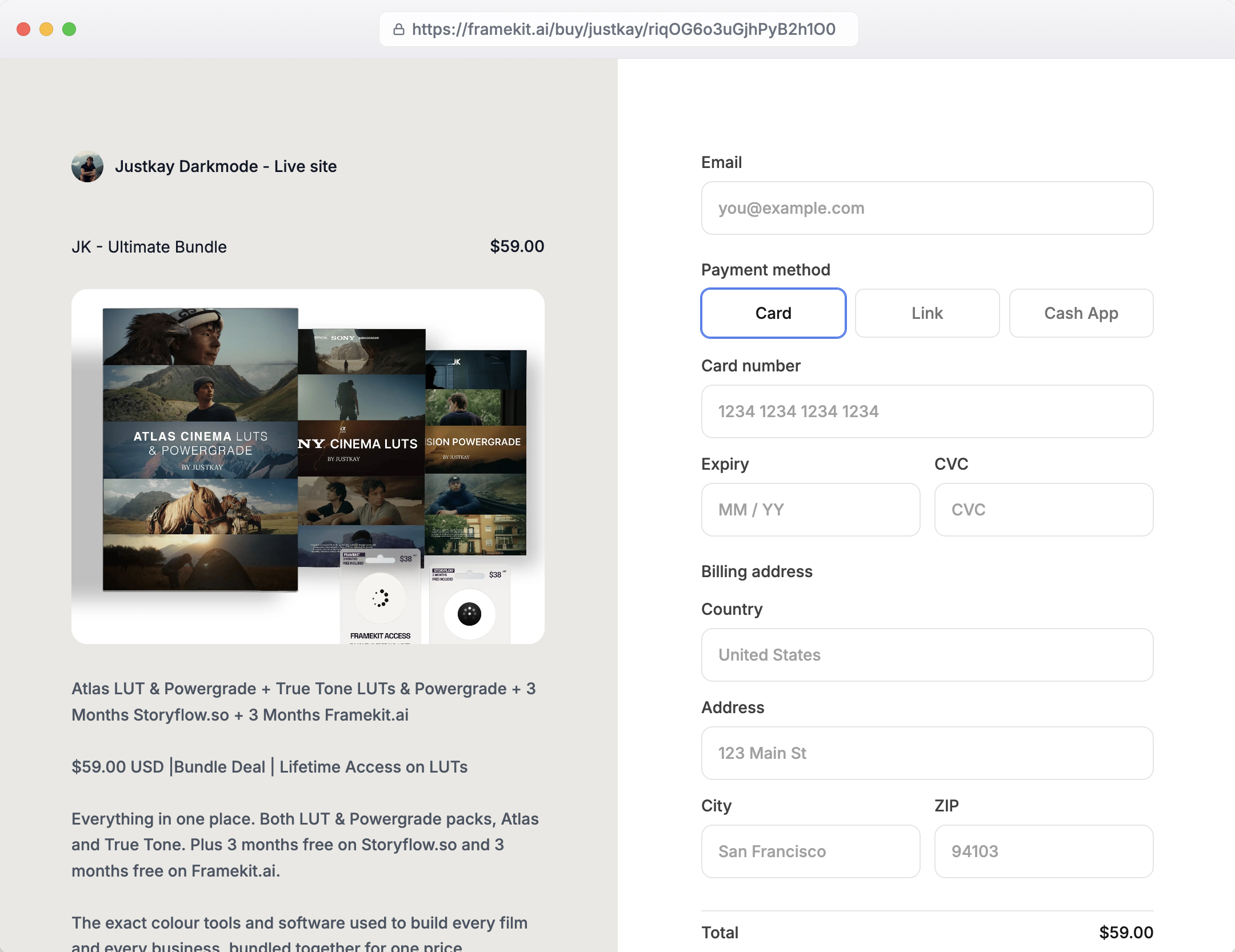
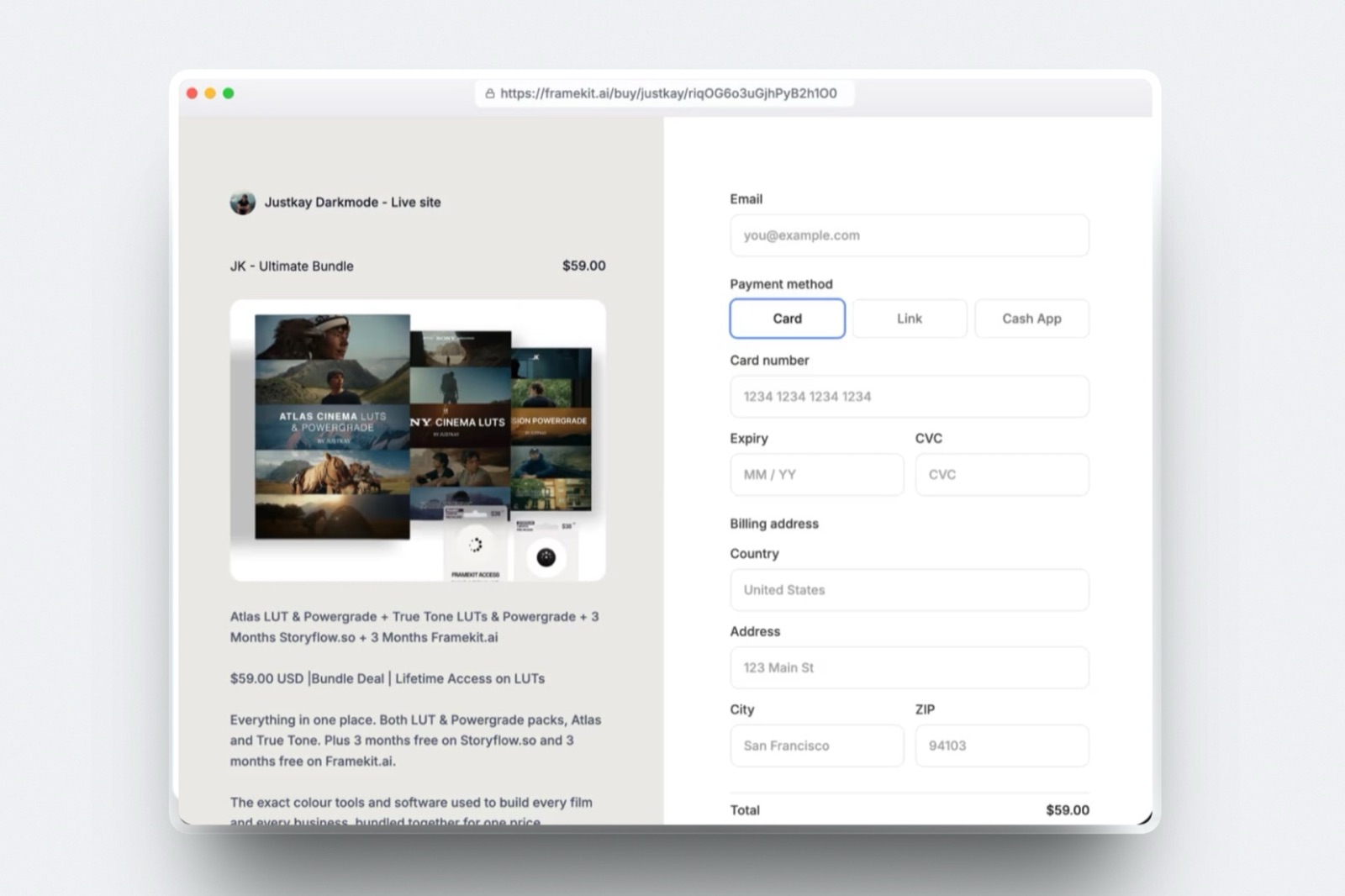
A store that handles digital products automatically will send the duplicate URL and any bonus files the moment the sale completes, so you are never pasting links by hand.
Protect the link sensibly.
Anyone with the URL can duplicate the template, so treat the delivery like a key: send it only after purchase, keep the public preview as read-only screenshots or a short walkthrough rather than the live editable page, and version the link if you ever need to revoke and reissue.
Bundle a one-page setup guide and, for higher-priced systems, a short video walkthrough, since those cut support questions and lift your reviews.
Keep templates current as Notion evolves. When Notion ships a feature that improves your system, update the master template and let buyers re-duplicate the new version.
That upkeep is what turns a one-time buyer into someone who buys your next three templates.
The same delivery approach works for selling Lightroom presets and other digital goods.
In one linesend the duplicate link automatically on purchase, keep the live page private, and re-issue updated versions to past buyers.
Step 5: Market Your Notion Templates
Market Notion templates by showing the system working, not by describing it, because the buyer needs to picture their own mess turned into your order.
A short screen recording of the template in use, or a clean before-and-after of a chaotic workspace becoming your dashboard, sells better than any feature list.
Give each template its own page on a site you own, written for what buyers search - "Notion content calendar template," "freelance client CRM for Notion" - so it can rank and bring buyers for months.
Publish a free template as a lead magnet to grow an email list, then sell the paid systems to that list.
Share build-in-public threads and short videos on the platforms where Notion users gather, and point every one of them back to your own store.
Your existing audience is the warmest traffic you have.
A designer, creator, or productivity writer can put the template store one click from their portfolio, newsletter, or profile, so the people who already trust your taste are the first to buy.
Selling templates sits naturally beside selling ebooks and other products from a store you own.

A Simple Path to Your First Template Sale
If you want the fastest route from a working Notion setup to your first paid duplicate, follow this order instead of polishing forever. A template on sale beats a perfect one that is not.
First, duplicate your system into a fresh page, strip personal data, and add a "Start here" block. Second, generate and test the shareable duplicate link in a clean account.
Third, write a one-line description and a short setup guide, and price it - $15 to $19 is a sensible first number. Fourth, put it on a store you own with automatic link delivery and read-only preview screenshots.
Fifth, post a short demo of the template in action and link it to your store, and publish one free template to start building a list. That is a real product and a marketing funnel in an afternoon.
For a wider look at the tools, our best free product-selling tools roundup compares them on fees and ownership.
Frequently Asked Questions
How do I deliver a Notion template to buyers?
You deliver a Notion template as a shareable duplicate link, not a file: in Notion's share menu you enable public access and copy the link, and anyone who opens it can click Duplicate to copy the template into their own workspace.
Sell it through a store that sends that link automatically the moment payment clears, so buyers get instant access.
Keep the live page private and share only screenshots or a walkthrough as the public preview, since anyone with the URL can duplicate it.
How much should I charge for a Notion template?
Most Notion templates sell for $9 to $49, set by depth: a single-page tracker sits near $9, while a full multi-database system with automations and a setup video can hold $29 to $49.
Free templates work as lead magnets that build an email list rather than direct income.
What you keep depends on where you sell - on a $15 template you keep about $13.52 on a low-fee owned store versus about $12.27 on a hosted tool charging 10% plus a fixed fee.
Where is the best place to sell Notion templates?
The best place is a storefront you own, because you keep the buyer's email, the full price minus a small fee, and the search traffic your product page earns.
Notion's official template gallery and marketplaces bring browsing discovery, which is valuable early, but they take a cut and often keep the customer.
Framekit is a strong owned-store option because it delivers the duplicate link automatically, lets you bundle free and paid versions on one page, and its fee falls to 0% on a flat plan.
Can I sell templates in Notion's official template gallery and my own store?
Yes, and running both is the common approach.
Notion's template gallery gives you discovery from people already searching for templates, while your own store keeps the margin and the customer relationship for the buyers you can reach directly.
Many creators list a free template in the gallery to attract an audience and sell their paid systems from their own store.
Keep pricing and the template itself consistent across channels, and lead gallery visitors back to your store where you can upsell.
Do I need a website to sell Notion templates?
You do not strictly need a full website, but a store on your own site is the strongest way to sell, because it keeps the buyer's email, lets you pair free and paid templates, and earns search traffic for each product page.
Hosted tools let you sell from a link without a site, which is faster to start.
Framekit gives you the site and the store together, delivering the duplicate link automatically, so your templates sit alongside your portfolio and brand rather than on a page you do not own.
How do I stop people from sharing my Notion template link?
You cannot fully stop link sharing, because anyone with the duplicate URL can copy the template, so protect the business around it rather than the link itself: send the link only after purchase, keep the public preview to read-only screenshots or a video, and version the link so you can revoke and reissue if a paid link leaks widely.
Most creators rely on fair pricing, good support, and regular updates to keep buyers honest, since heavy restriction tends to cost more goodwill than it saves.
What makes a Notion template sell well?
The products that sell well solve one clear problem for one clear person, open in a state a stranger can understand in two minutes, and include a short "Start here" guide.
Focus beats breadth - a sharp freelance CRM outsells a vague all-in-one workspace - and clean example data plus a demo video do more for conversion than a long feature list.
Keeping it updated as Notion adds features turns first-time buyers into repeat customers for your next release.
Is selling Notion templates actually profitable?
It can be, because a template has no cost per sale, so nearly all of the price after fees is profit, and a good one keeps selling for years.
The catch is discovery: profit depends on volume, and volume depends on marketing or a marketplace's traffic.
A product priced at $19 selling fifteen times a month is close to $300 in mostly-profit income, and creators with a free lead-magnet template feeding an email list tend to compound that over time.
It rewards a real system and steady promotion, not a one-off upload.
The Bottom Line
Selling Notion templates turns a system you built for yourself into a product with almost no cost per copy: build a clean, self-explaining template, price it by depth, deliver the duplicate link automatically, and sell it from a store you own.
Do that and one good setup becomes income that arrives for years.
The one honest caveat is discovery. Notion's template gallery and marketplaces put your work in front of people already searching, and if you have no audience yet, that reach sells templates you could not sell alone.
The strongest setup for most creators is both - list where the browsers are, and run your own store for margin, upsells, and the customer relationship - shifting weight to your store as your list and search presence grow.
Framekit is our own product, and it fits template sellers because the store, the automatic link delivery, and your portfolio live in one place; if you only want the gallery's traffic and none of the ownership, listing there alone is a fair choice too.
_Framekit's plan prices and fees were verified against its published pricing in July 2026._