Framekit templates
Start from a designer-made template
 Use template
 Use template
 Use template
 Use template
 Use template
 Use template
 Use template
 Use template
You wrote the book. Maybe it is a 120-page guide to a thing you know cold, maybe a novel, maybe a set of worksheets your audience keeps asking for.
You could upload it to Amazon and take what they give you, or you could sell ebooks online from a store of your own and keep most of the price instead of a sliver of it.
The difference is not small. Amazon's Kindle store pays a 70% royalty only inside a set price band, and 35% outside it, so on a $19 guide priced above that band you keep about $6.65 per copy.
Sell the same file direct and you keep closer to $18. Multiply that gap by every copy you will ever sell, and the case for owning the sale makes itself.
This guide is the practical version of that case: how to format your ebook, what to charge, where to sell it, how to deliver it the instant someone pays, and how to get readers to it in the first place.
An ebook is a digital book you sell as a downloadable file, usually a PDF or an ePub, and selling it online means letting readers buy and download it directly, ideally from a store you own rather than a marketplace that takes a large cut and keeps the reader's details.
Every price and royalty figure below was verified against the platforms' own pages in July 2026.
To sell ebooks online, export your book as a PDF for design-heavy titles or an ePub for reflowable text, price it between $9 and $30 depending on depth, and sell it from a storefront you own so you keep most of the sale and the reader's email.
The best home for it is Framekit, because your store, your reader list, and your book's page stay yours, and its sales fee starts at 5% and drops to 0% on a flat plan, unlike Amazon's 35% royalty on higher-priced ebooks.
The trade-off: Amazon's Kindle store brings its own enormous browsing audience, so if you want discovery above all and never plan to market, publish there too. Sell direct to keep the margin and the reader.
Framekit is an AI website builder that also gives you a product store, so the same site that holds your author bio and your blog can sell your book without a separate checkout tool.
Why Sell Ebooks Direct Instead of Only on Amazon
Selling direct matters because the royalty math on marketplaces is brutal at exactly the prices a serious ebook commands.
Amazon's Kindle Direct Publishing pays a 70% royalty only for ebooks listed between $2.99 and $12.99, and 35% outside that band, and it deducts a delivery fee even from the 70% option.
Price a specialized $19 guide, and you drop to 35%, keeping about $6.65 while Amazon keeps the rest and the reader.
Direct selling flips both halves of that.
On your own store you keep most of the price, and the buyer's email is yours, which for an author is the whole game: your next book, your course, your launch all depend on being able to reach the people who already bought from you.
On Amazon, those readers are Amazon's, and you cannot email them.
The real numberon a $19 ebook, selling direct on Framekit's free plan nets about $17.20 after fee and processing, against roughly $6.65 on Amazon at 35%. That is more than ten dollars a copy, or a thousand dollars for every hundred sales, going to you instead of the store.
In one linemarketplaces pay a sliver on higher-priced ebooks and keep your reader; selling direct keeps most of the price and the relationship.
Step 1: Format Your Ebook So It Works Everywhere
Format your ebook as a PDF when the layout matters and as an ePub when the text should reflow, and when in doubt, offer both in the same download, because the format decides whether a reader finishes the book or fights it.
A cookbook, a workbook, or a design-heavy guide belongs in PDF, where your page layout is preserved exactly. A novel or a long-form nonfiction book belongs in ePub, which reflows to any screen and font size.
Make the file feel finished. A clickable table of contents, a cover image, consistent typography, and your name and a link on the last page turn a document into a book.
Readers judge a self-published ebook in the first two pages, so the polish is not vanity - it is what earns the review and the word of mouth.
PDF or ePub: which should you sell?
Sell PDF for fixed layouts and ePub for flowing text, and offer both when you can, since it costs you nothing extra and removes the buyer's guesswork.
PDF opens on every device and preserves your design, but it does not reflow, so long passages can be awkward on a phone. ePub reflows beautifully and works in Apple Books, Google Play Books, and most e-readers, but it gives up precise layout control.
Bundling both in one zip, with a short note on which to use where, is the move that generates the fewest support emails.
Keep the files DRM-free. Heavy copy protection frustrates honest readers - who cannot move the book to their preferred app - far more than it stops the rare pirate, and DRM-free is increasingly what buyers expect from an independent author.
In one linePDF for design, ePub for text, both when possible, DRM-free always.
Step 2: Price Your Ebook
Price most ebooks between $9 and $30, with the level set by depth and audience: a short lead-magnet-style guide sits near $9, a substantial nonfiction book or a professional resource can hold $19 to $30, and fiction usually sits lower to compete on impulse.
The number matters less than where you sell, because the same price nets wildly different take-home on a marketplace versus your own store.
Here is what you keep on a $19 ebook, holding payment processing at the standard 2.9% plus $0.30:
| Where you sell a $19 ebook | Cut taken | You keep |
|---|---|---|
| Framekit Free ($0/mo) | 5% + processing | ~$17.20 |
| Framekit Pro ($19/mo) | 3% + processing | ~$17.58 |
| Framekit Business ($39/mo) | 0% + processing | ~$18.15 |
| Gumroad (direct) | 10% + $0.50 + processing | ~$15.75 |
| Amazon Kindle (above $12.99) | 65% royalty cut | ~$6.65 |
The gap between the top and bottom rows is the entire argument. Amazon's audience is real and worth using, but its 35% royalty on a $19 book means you are selling three copies to earn what one direct sale gives you.
On Framekit the fee even falls to 0% once you are on the $39 Business plan, which pays for itself once your sales clear about $780 a month, the point where 5% would exceed the flat fee.
In one lineset the price by depth, but choose where to sell by take-home, because the same $19 keeps you $17 direct and under $7 on Amazon.
Step 3: Choose Where to Sell Your Ebook
Sell from your own store to keep the margin and the reader, and use Amazon or another marketplace as a discovery channel rather than your only shelf.
The two are not mutually exclusive, and the smartest authors run both: the marketplace for readers who would never have found them, the owned store for everyone they can reach directly.
A marketplace like Kindle brings a massive browsing audience, which genuinely sells books to strangers. The price is the royalty and the anonymity - you rarely learn who bought your book, so you cannot tell them about the next one.
Your own store reverses that: you keep most of the price, you keep the email, and your book's page builds search authority for your name.
For an author planning a second book or a mailing list, that ownership compounds in a way a Kindle rank never will.
If you already have any audience - a newsletter, a following, a blog - lead with your own store and treat the marketplace as overflow.
If you are starting from zero, a marketplace's discovery is worth more early, but open your own store in parallel so you begin keeping the readers you earn.
Our guide to selling art online from your own website makes the same owned-store case for visual work.
In one lineown the store for margin and readers, use the marketplace for discovery, and run both rather than betting everything on either.
Step 4: Deliver Your Ebook and Keep It Current
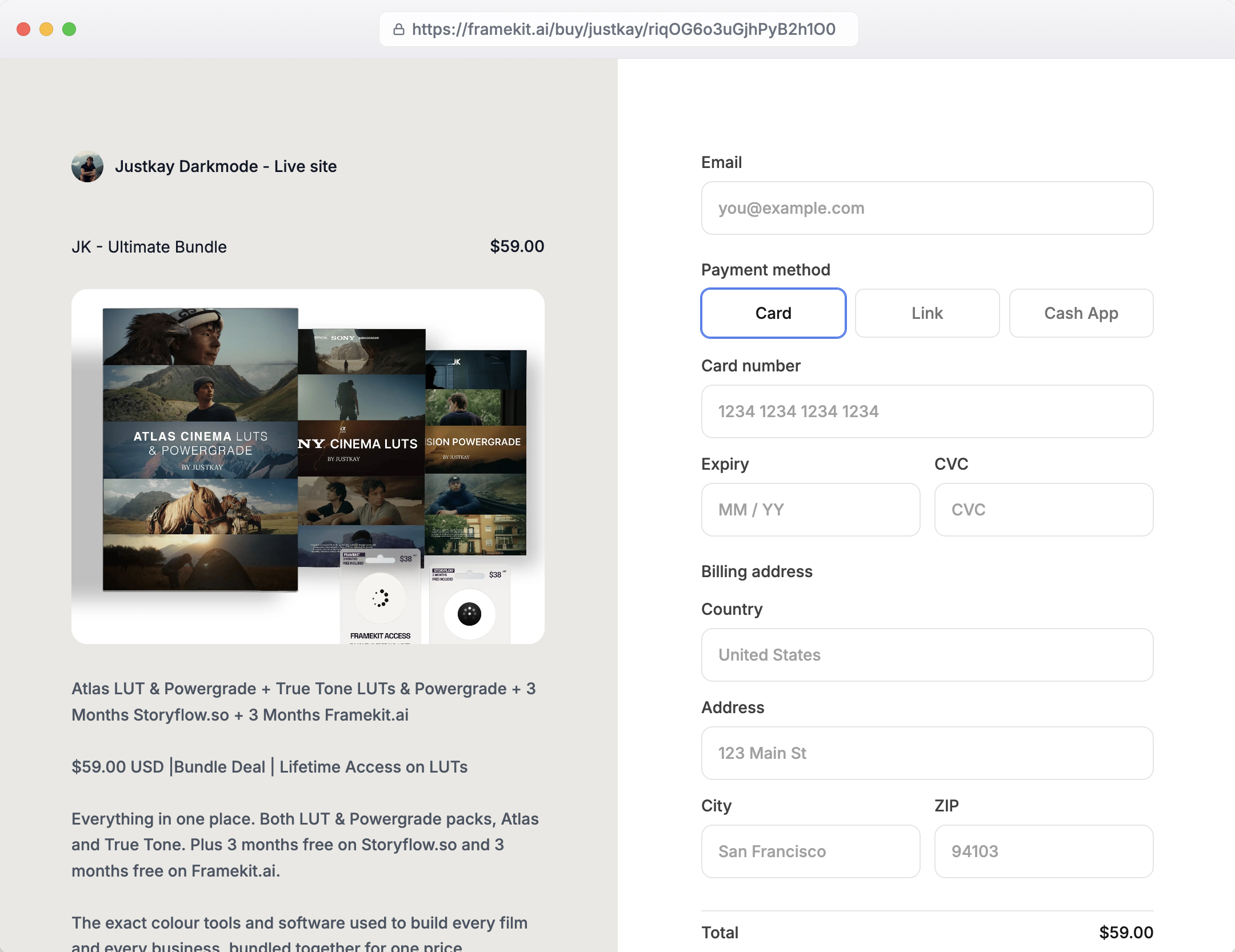
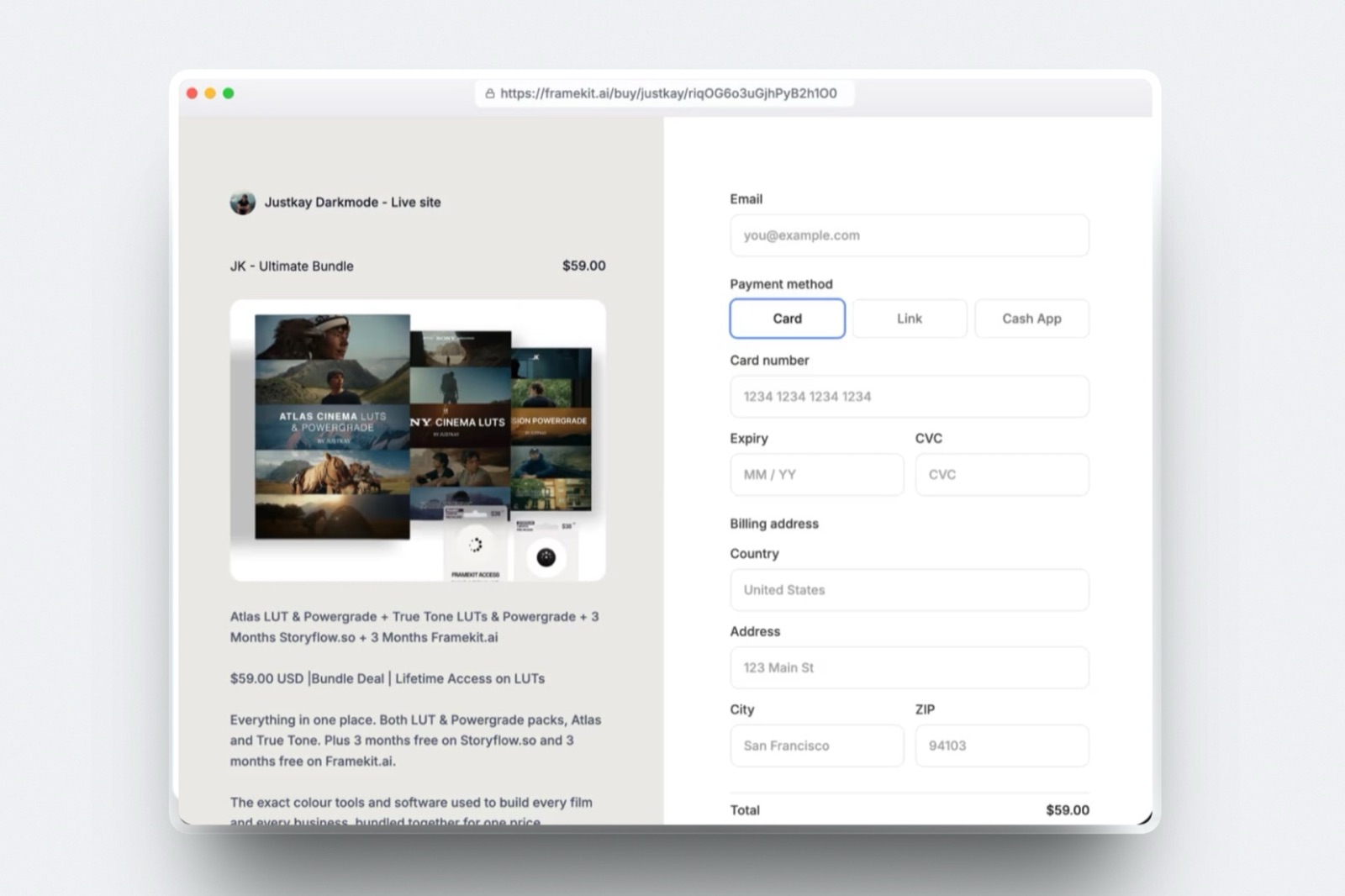
Deliver the ebook as an automatic, instant download the moment payment clears, because a reader who buys a book expects it in their inbox within seconds, not a manual email from you an hour later.
Any real store handles this: the buyer pays, the file arrives, and you are not copying attachments by hand at midnight.
Bundle thoughtfully. A single zip containing the PDF, the ePub, and a short read-me naming which is which covers every device and preempts the most common question.
Include your name, your site, and an invitation to join your list on the final page, so the book itself becomes a channel to your next one.
Update and re-deliver. When you fix a typo, add a chapter, or refresh a resource, push the new version to past buyers. That after-sale care is what turns a one-time reader into someone who buys everything you publish next, and it is something a marketplace makes far harder to do.
In one lineinstant automatic delivery of a PDF-plus-ePub bundle, with free updates to past buyers, does more for a author's long game than any single launch.
Step 5: Market Your Ebook So Readers Find It
Market an ebook to an audience you are building, not to strangers you hope to reach, because the reliable engine of direct ebook sales is an email list and a search-friendly book page, not a viral moment.
Start collecting emails before the book is done - a free sample chapter in exchange for an address is the classic, effective trade - so you have people to sell to on launch day.
Give the book its own page on a site you own, written for the search terms a reader would type, and it can bring buyers for years the way a social post cannot.
Pair the launch with the channels you already have: your newsletter, your community, a short thread or video on the idea at the book's core.
The book's own back page, pointing to your list and your next work, quietly compounds every copy into future readers.
Your existing work is your best advertisement. An author or creator with a blog, a portfolio, or a following can put the book one click from all of it, so the people who already trust your work are the first to buy.
The same playbook powers selling Lightroom presets and other digital products from a site you own.
A Simple Path to Your First Ebook Sale
If you want the shortest route from finished manuscript to first paid download, work in this order rather than trying to perfect everything at once. A book that is on sale and imperfect earns more than a flawless one that is not.
First, export a clean PDF and, if the text reflows, an ePub, and bundle them in a zip with a one-line read-me. Second, write a book page for your own store with a clear cover, a description written for search, and a sample.
Third, price it - $19 is a sensible default for a substantial guide - and turn on automatic delivery. Fourth, offer a free sample chapter to start collecting emails.
Fifth, announce it to whatever audience you have and list it on a marketplace for extra discovery. That is a real launch in a weekend, and everything after is iteration on a book that already sells.
For a broader look at the tools, our best free product-selling tools roundup compares them on fees and ownership.
Frequently Asked Questions
What format should I sell my ebook in?
Sell your ebook as a PDF when layout matters, such as workbooks, cookbooks, and design-heavy guides, and as an ePub when the text should reflow, such as novels and long-form nonfiction.
The simplest approach is to offer both in one download with a short note on which to use, since it costs nothing extra and removes the buyer's guesswork.
Keep the files DRM-free, because copy protection frustrates honest readers more than it stops pirates.
How much should I charge for an ebook?
Most ebooks sell for $9 to $30, set by depth and audience: a short guide sits near $9, a substantial nonfiction book or professional resource holds $19 to $30, and fiction usually prices lower to compete on impulse.
What you charge matters less than where you sell it, because a $19 ebook nets about $17 on your own store and only about $6.65 on Amazon's 35% royalty band. Test a couple of price points and watch conversion before settling.
Is it better to sell ebooks on Amazon or my own website?
It is better to sell on your own website for margin and reader ownership, and to use Amazon for discovery.
Amazon pays a 70% royalty only between $2.99 and $12.99 and 35% outside that band, and it keeps the reader's details, so on a $19 book you keep about $6.65 and cannot email the buyer.
On your own store you keep most of the price and the email. Most authors run both: the marketplace for strangers, the owned store for readers they can keep.
How do I deliver an ebook to buyers automatically?
Use a store that sends the file automatically the moment payment clears, so the buyer gets an instant download rather than waiting for you to email it.
Bundle the PDF and ePub in a single zip with a short read-me, and include your name and a link to join your list on the last page.
A platform like Framekit handles automatic delivery as part of the checkout, so you are never manually sending attachments, and you can push updated versions to past buyers when you revise the book.
Do I need a website to sell ebooks?
You do not strictly need a full website, but a store on your own site is the strongest way to sell direct, because it keeps the reader's email and earns search traffic for your book's page.
Hosted tools let you sell from a link without a site, which is faster to set up, but an owned store means the book sits alongside your author bio, blog, and future titles.
Framekit gives you both the site and the store together, so you are not bolting a checkout onto a page hosted elsewhere.
Can I sell the same ebook on Amazon and my own store?
Yes, in most cases you can sell the same ebook on Amazon and your own store at once, and many authors do exactly that to combine discovery with margin.
The main exception is if you enroll the book in Amazon's KDP Select program, which requires Kindle exclusivity in exchange for extra promotion, so read those terms before committing.
Selling wide - your own store plus multiple marketplaces - keeps the most options open and the most revenue in your hands.
How do I stop people from sharing my ebook for free?
You cannot fully prevent an ebook from being shared, and heavy DRM tends to annoy paying readers more than it stops determined pirates, so most independent authors rely on fair pricing, a fair license note, and a good relationship with their audience instead.
Include a simple line granting personal use and forbidding redistribution, deliver DRM-free files so honest buyers can read on any device, and focus your energy on selling to more readers rather than policing the few who would not have paid.
How do I get people to find my ebook?
Build an email list before launch by offering a free sample chapter, give the book its own search-friendly page on a site you own, and announce it to the audience you already have.
Direct ebook sales come from owned channels - your list, your blog, your community - and from a book page that ranks for what readers search, far more than from any single viral post.
A marketplace listing adds discovery from strangers, but the readers you keep come from a store and a list that are yours.
The Bottom Line
Selling ebooks online comes down to owning the sale: format the book as PDF or ePub, price it for its depth, sell it from a store you control, deliver it instantly, and market it to an audience you are building.
Do that and a $19 book keeps you about $17 a copy and a reader you can reach again, instead of $6.65 and a stranger.
Be honest about the one place a marketplace wins: discovery. Amazon's Kindle store puts your book in front of millions of browsing readers, and if you have no audience of your own, that reach sells copies you could not sell alone.
The right move for most authors is both - list on the marketplace for discovery, and run your own store for margin and readers - shifting weight to your own store as your list and your search presence grow.
Framekit is our own product, and it suits authors because the store lives inside a real site with your bio and blog; if all you want is Kindle's audience and none of the ownership, publishing only there is a fair choice too.
_Amazon KDP royalty bands and Framekit's plan prices were verified against their published pages in July 2026._
Once you know how you want to sell, the best platforms to sell ebooks compares eleven of them on what actually reaches you from one $29 sale.