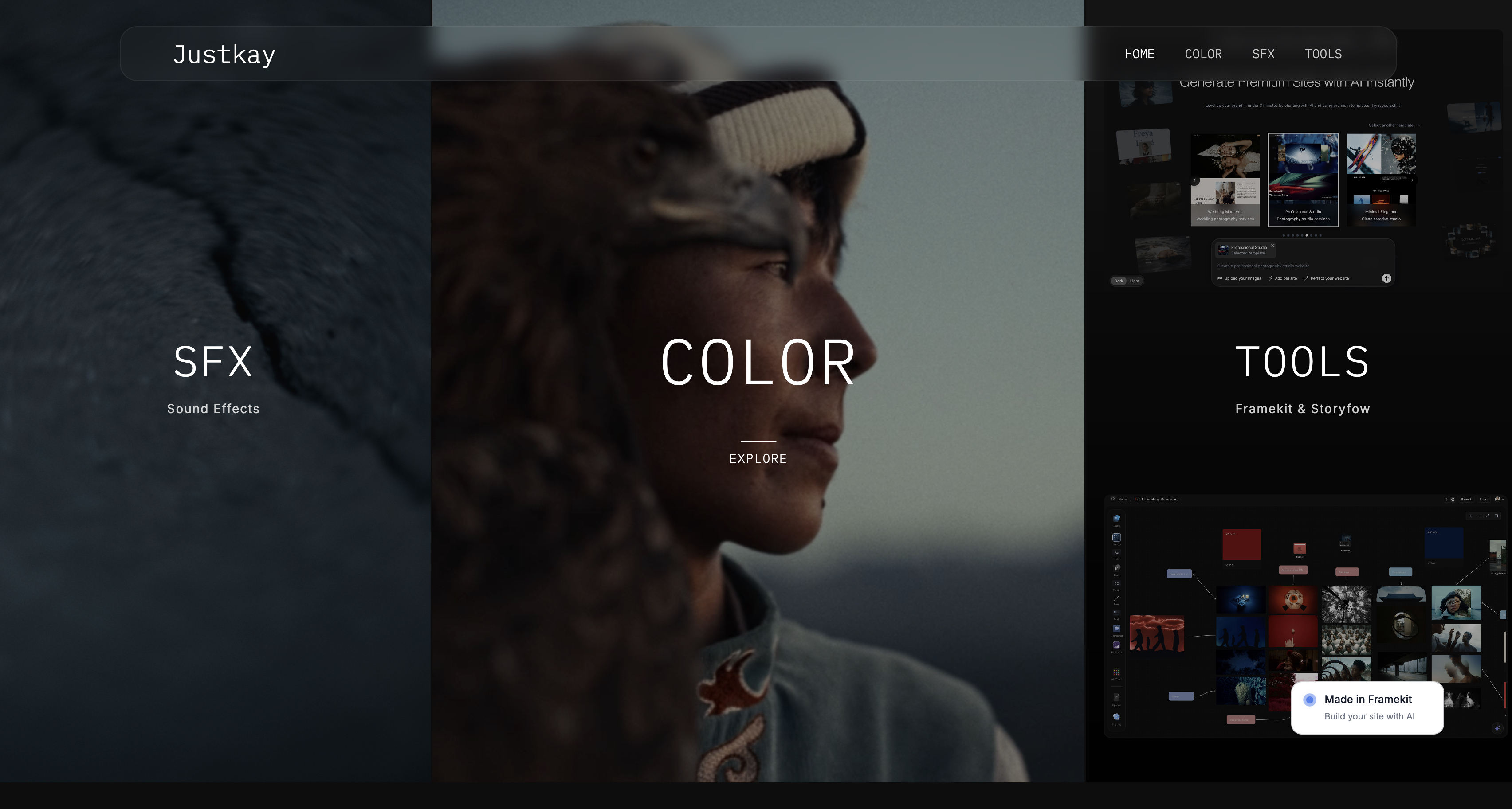
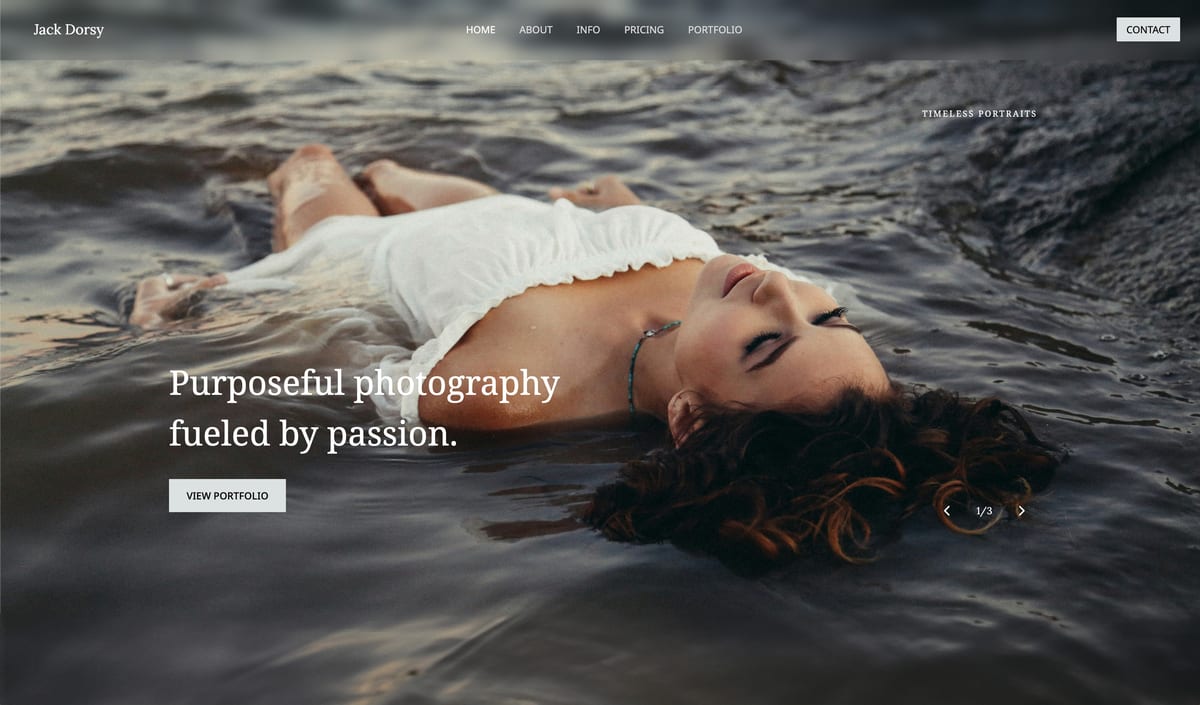
Framekit templates
Start from a designer-made template
 Use template
 Use template
 Use template
 Use template
 Use template
 Use template
 Use template
 Use template
Ask what a photography website costs and you get a sticker price - "$19 a month" - that answers almost nothing.
The real cost is the annual total for a site that does what a photographer actually needs: a professional portfolio, client galleries to deliver shoots, room to sell a preset pack or prints, on a domain that looks like yours.
Add those up and the honest range runs from $0 a year, on a genuinely usable free plan, to over $300 a year once you are paying for commerce tiers you may not need.
The gap between those numbers is not quality - it is knowing which costs are real for you and which you are being upsold.
This guide breaks the cost down to the pieces that actually move it, so you can price your own site instead of guessing from a headline number.
We cost a real photographer's website - portfolio, galleries, and a small store - across every route, and we are honest about where the cheapest answer is not our own product.
Some routes we make cost less than people expect; one, self-hosted WordPress, can be the cheapest of all or the most expensive, depending entirely on you.
Every price was re-verified in July 2026, and on 12 October 2026 we corrected the Squarespace fee on presets and guides, which its help centre puts under the 2% store fee rather than the digital products fee.
The sticker price is the smallest part of what a photography website costs.
A photography website is a photographer's online home - a portfolio, client galleries, and often a small store - and its cost is the annual total of everything it takes to run one: a domain, the builder or hosting subscription, gallery storage, any selling fees, and one-time setup, ranging from $0 on a free plan to a few hundred dollars a year depending on what the site must do.
A professional photography website costs $0 to start and typically $100 to $300 a year once paid.
The cheapest professional route is a free plan, and Framekit's free plan is the standout because it uniquely includes both a real portfolio website and client galleries at no cost, where most free builders give you a site with no galleries or a trial only.
If you outgrow free, Framekit Starter at $84 a year billed yearly is the cheapest paid route here with your own domain, galleries and a store, Pixieset and Format follow at roughly $96 to $144 in the first year, Framekit Pro adds 300GB and a lower 3% sale fee at $180 a year, and Squarespace and Wix cost more.
Self-hosted WordPress can be cheaper still if you have the skills, or pricier if you pay someone.
Framekit builds a professional photography website with client galleries on a free plan that needs no credit card, so you can start for $0.
Full disclosure: Framekit, which we rank as the cheapest professional starting point below, is our own product, so weigh that. We give it the free-tier crown because it genuinely includes a website and galleries for $0, which competitors do not - but we are honest that on paid plans, Pixieset undercuts our Pro price and Format does in its offer year, and that a self-hosted WordPress site you build yourself can be cheaper than any of us if you have the skills and time. We re-verified every price in July 2026 and rechecked Format's plans in October 2026. Where a cheaper route exists for your situation, this guide names it rather than steering you to us.
How We Costed a Photography Website
We priced a real photographer's website - a professional portfolio, client galleries to deliver shoots, and a small store for presets or prints - and added up every piece that costs money:
The domain. The yearly cost of a custom web address, often free the first year on an annual plan.
The builder or hosting. The subscription for a website builder, or hosting for a self-built site.
Galleries and storage. Whether client galleries are included and how much storage you get before paying more.
Selling fees. Any transaction or commission fee on sales, on top of the subscription and payment processing.
One-time costs. A logo, a premium template, or setup help, paid once rather than yearly.
We follow one photographer through the guide: someone who wants a portfolio, client galleries, and a small preset store, and we total the real annual cost of each route. Every price was re-verified in July 2026.
What Pricing a Photography Website Showed
- The sticker price is a fraction of the real cost - domain, galleries, storage, and selling fees decide the total, and they vary more than the headline plan price does.
- You can run a professional photography website for $0 a year on a free plan good enough to book clients, if you accept branding and a storage cap.
- Client galleries are the cost most photographers forget - many general builders do not include them, so you pay a separate gallery tool on top.
- Selling fees quietly matter: a 2% or transaction fee on every sale can cost more over a year than the difference between two subscription tiers.
- The cheapest paid photographer routes are specialist tools like Format and Pixieset, not the big general builders - and self-hosted WordPress ranges from cheapest to priciest depending on your skills.
Photography Website Costs Compared: 7 Routes
How to read this: the real annual cost assumes a photographer's full need - portfolio, client galleries, and a small store - not a bare one-page site. Framekit leads on the free tier; Pixieset and Format are among the cheapest paid specialist routes.
| Route | Client Galleries? | Real Annual Cost | Best For |
|---|---|---|---|
| Framekit | Yes, built in | $0 free, $84 Starter, $180 Pro (yearly) | Cheapest professional start, owned |
| Format | Yes, plus proofing | ~$144 year one, ~$204 after (Pro) | A photographer builder with a commission-free store |
| Pixieset | Yes, galleries-first | ~$96 (Basic, billed yearly) | Cheap galleries plus a light site |
| Squarespace | Not native | ~$348 (Core) | A polished general site |
| SmugMug | Yes | ~$282 (Portfolio) | Unlimited storage archives |
| Wix | Not native | ~$348 (Core) | A flexible general builder |
| WordPress | Via plugins | ~$70-300+ (DIY) | Skilled builders wanting full control |
Prices re-verified July 2026, annual billing. Costs assume portfolio plus galleries plus a small store; add roughly $12-15 a year for a domain after any free first year. Confirm current pricing before deciding.
The Domain: A Small, Real Yearly Cost
In one linea custom domain costs roughly $12 to $15 a year and is worth every cent for looking professional, though most builders include it free for the first year on an annual plan, so it is often $0 to start and a small line thereafter.
The domain is the cheapest part of a photography website and the one you should never skip.
A custom address - yourname.com - costs about $12 to $15 a year from a registrar or your builder, and it is the difference between looking like a business and looking like a hobby, since a free-plan subdomain with a builder's name in the URL quietly signals amateur.
Most website builders include a free custom domain for the first year when you pay annually, so the real domain cost is often $0 up front and a small renewal after that.
The only route where the domain is unavoidable from day one is self-hosted WordPress, where you buy it separately.
For every builder route, budget the domain as a minor recurring cost, not a barrier - it is the last place to try to save money, because the professionalism it buys is worth far more than its price.
Our best free tools for photographers guide covers where free genuinely works and where, like the domain, a small spend pays off.
The Builder Subscription: The Biggest Lever
In one linethe builder subscription is the largest recurring cost and where routes diverge most, from $0 on a free plan to about $29 a month for a general builder's commerce tier - and the trap is paying a general builder's high tier for features a specialist photographer tool includes cheaper.
The subscription is the main event in a photography website's cost, and it ranges more than any other line.
At the bottom is $0 - a free plan like Framekit's or Pixieset's, usable for a professional portfolio with client galleries if you accept branding and a storage cap.
In the middle sit the specialist photographer builders: Format from $10 a month billed yearly, or $12 to $17 on Pro once you want its store, and Pixieset's paid galleries from about $10 a month, both including the galleries and selling a photographer needs.
At the top are the big general builders: Squarespace's Core at $29 a month and Wix's Core at $29 a month, polished but pricier, and often needing a workaround for client galleries they do not natively provide.
The common overspend is paying a general builder's commerce tier for capabilities a specialist tool bundles for less.
A photographer on Wix Core at $29 a month, adding a separate gallery tool on top, pays more than one on Format or Framekit that includes galleries in a lower price.
Match the subscription to a photographer's actual needs - portfolio, galleries, a small store - and a specialist tool usually costs less than a general builder configured to do the same job.
Our best photography business tools guide maps where each tool fits.
Galleries and Storage: The Cost Most Photographers Forget
In one lineclient galleries and their storage are the cost general builders hide - Squarespace and Wix do not include real client galleries, so you add a separate tool, while photographer-specific builders bundle galleries, and storage caps are what push you from a free to a paid plan.
Here is the line item that catches photographers out. A general website builder gives you a portfolio, but not client galleries - the password-protected, downloadable delivery galleries a working photographer needs for every shoot.
So a photographer on Squarespace or Wix typically adds a separate gallery tool like Pixieset on top, turning one subscription into two.
Photographer-specific routes - Framekit, Format, Pixieset, SmugMug - include galleries in the price, which is why their real cost for a photographer is often lower than a general builder's despite a similar sticker.
Storage is the other half of this, and it is what actually moves you from free to paid.
Galleries of full-resolution shoots fill space fast, so a free tier's 3GB is a starting runway, not a permanent home, and the first upgrade most photographers make is to lift the storage cap.
When comparing routes, look at what storage each plan includes and how galleries are priced, because a cheap plan with tiny storage can cost more than a dearer one once you add gallery space.
Our best client gallery platforms guide compares the delivery side in depth.
Selling and Transaction Fees: The Quiet Yearly Cost
In one lineif you sell prints or presets, transaction and commission fees are a recurring cost that can exceed a subscription difference - Squarespace's cheapest tier charges 2% per sale, SmugMug takes 15% on prints, and the fee you keep or pay compounds over a year.
If your site sells anything - a preset pack, prints, a digital guide - the selling fees are a real annual cost that the subscription price hides.
Squarespace's entry Basic plan charges a 2% transaction fee on every sale, waived only on its higher Core plan and up. SmugMug takes a 15% commission on print sales. A standalone tool like Gumroad charges 10% plus a fixed fee per sale.
These stack on top of the standard payment processing every route pays, and over a year of sales they can add up to more than the gap between two subscription tiers.
This is where an owned store with a low or zero fee pays back.
Framekit's product-sale fee is 5% on Free and Starter, 3% on Pro, and 0% on Business, so a photographer selling steadily keeps more per sale than on a percentage-heavy marketplace or a builder's fee-bearing tier.
When you cost a site that sells, model the fee against your expected sales volume, not just the monthly price - a lower subscription with a higher per-sale cut can lose to a slightly dearer plan that takes nothing.
Our best ways to sell photos online guide breaks down the fee math by selling model.
One-Time Costs: Logo, Template, and Setup
In one lineone-time costs - a logo, a premium template, or paid setup help - are optional and range from $0 to a few hundred dollars, and a photographer can skip nearly all of them, since the portfolio images are the real design and AI builders remove the template and setup cost entirely.
Beyond the recurring bills, a photography website has optional one-time costs, and the honest news is you can skip almost all of them.
A logo can cost nothing if you set your name in a clean typeface, or a few hundred dollars from a designer if you want a mark.
A premium template runs $0 to $60 depending on the builder, though many include good templates free, and an AI builder generates the design for you at no template cost.
Paid setup or a hired developer is the biggest one-time expense, and it is entirely optional for a builder route - it only becomes near-mandatory on a fully custom self-hosted build.
For a photographer, the portfolio images are the real design, so spending on elaborate templates or custom development is usually the least valuable place to put money.
The site's job is to present the work cleanly and deliver galleries reliably, which a good builder does out of the box.
Keep the one-time costs near zero, put the saved money into the recurring pieces that matter - storage, a custom domain - and let the photography carry the design.
Our best website builders for photographers guide covers the routes that need no setup spend.
What Each Route Really Costs
Below is the honest annual total for each route, for a photographer wanting a portfolio, client galleries, and a small store.
Framekit: $0 Free, $84 to $180 a Year Paid
Framekit is an AI website builder with client galleries and a store built in, and it is the cheapest professional starting point because its free plan uniquely includes both a real website and client galleries at $0, with no credit card.
That free tier is genuinely usable to book clients, accepting Framekit branding and 10GB of storage.
Paid, Starter is $84 a year billed yearly ($108 monthly) for your own domain, no site badge and 50GB; Pro is $180 a year billed yearly ($228 monthly) for 300GB and a 3% sale fee; and Business is $372 a year billed yearly at a 0% sale fee.
Starter is the cheapest paid photographer route in this guide, while Pro costs more than Pixieset's and Format's entry plans, and a small Made with Framekit line stays in the gallery footer on every plan.

Format: About $144 to $204 a Year
Format is a photographer-specific builder whose Pro plan costs $12 a month billed yearly in its offer year and $17 after - $144, then $204 a year - including unlimited pages, 100GB of storage, client proofing, and a commission-free store with up to 15 products; Basic, at $10, has no store.
For a photographer who wants a low, simple paid price with galleries and proofing included, it is genuinely hard to beat on cost, and its photographer focus shows.
It has no permanent free plan, only a 14-day trial, which is the main gap against Framekit's free tier.
Pixieset: About $96 a Year
Pixieset is galleries-first, with a free 3GB tier and paid galleries from $8 a month billed yearly - about $96 a year - including a store, plus a lighter website builder.
For a photographer whose priority is gallery delivery with a simple site attached, it is among the cheapest paid routes.
Its website is lighter than a dedicated builder's and lives on a Pixieset subdomain unless you pay more, which is the trade for the low price.
Squarespace: About $348 a Year
Squarespace's Core plan is about $29 a month - roughly $348 a year - for a polished general site with commerce and no transaction fee on physical or download store sales, though courses and memberships still carry a 5% fee.
It is a strong general builder, but it does not include native client galleries, so a photographer typically adds a separate gallery tool, raising the real cost.
You pay for design polish and a general-purpose platform rather than photographer-specific delivery.
SmugMug: About $282 a Year
SmugMug's Portfolio plan is about $23.50 a month - roughly $282 a year - with unlimited storage and print selling through partner labs, taking a 15% commission on prints.
The unlimited storage is its standout, valuable for a photographer archiving years of shoots, but the dated interface and 15% print cut are the trade against cheaper, more modern routes.
Wix: About $348 a Year
Wix's Core plan is about $29 a month - roughly $348 a year - for a flexible general builder with e-commerce.
Like Squarespace, it does not natively provide client galleries, so a photographer adds a tool on top, and its real cost for photography work lands at the higher end.
You pay for flexibility and a large template range rather than photographer-specific features.
WordPress: About $70 to $300+ a Year
Self-hosted WordPress is the wild card: a domain plus hosting from about $5 to $15 a month, a theme from free to $60, and plugins for galleries and e-commerce, some free and some paid.
Built yourself, it can be the cheapest route of all, around $70 a year. Paid out to a developer, or loaded with premium plugins, it climbs past $300 a year plus your time.
It offers total control and the widest features, at the cost of doing the assembly and maintenance yourself.

How to Budget a Photography Website: A Decision Tree
Start from what your site must do, then add only the cost each capability needs.
What does your site need to do right now?
- A professional portfolio to get started, on any budget. Use a free plan - Framekit includes a site and galleries at $0 - and upgrade only when a limit blocks you.
- Deliver client galleries and grow. Pick a photographer-specific route that includes galleries: Framekit, Format, or Pixieset, roughly $84 to $204 a year.
- Sell prints or presets meaningfully. Weigh the selling fee, not just the plan - an owned store with a low or 0% fee like Framekit Business can beat a cheaper fee-bearing tier at volume.
On the cheapest possible route?
- Free, professional, with galleries: Framekit's free plan.
- Cheapest paid, photographer-specific: Pixieset, or Format in its offer year.
- Cheapest of all if you have the skills: self-hosted WordPress you build yourself.
Have real development skills and want full control?
- Yes: WordPress can be cheapest and most flexible, if you value control over convenience and will maintain it.
- No: a builder route saves money once you count your time and avoided developer fees.
Frequently Asked Questions
How much does a photography website cost in 2026?
A photography website costs $0 to start on a free plan and typically $100 to $300 a year once paid, depending on what it does.
The cheapest professional route is a free plan like Framekit's, which includes a portfolio and client galleries at no cost.
Paid photographer-specific routes run from $84 a year on Framekit Starter to about $96 to $144 on Pixieset and Format at first, with Format Pro rising to $204 after its offer year and Framekit Pro at $180, and general builders like Squarespace and Wix roughly $348 or more once you account for adding galleries.
Self-hosted WordPress ranges from about $70 to over $300 a year depending on how you build it.
Is a free photography website good enough for professionals?
A free photography website can be good enough to start a professional business, particularly one like Framekit's free plan that includes a real portfolio and client galleries.
The limits are branding - a free plan usually shows the builder's name and uses a subdomain rather than your own - and a storage cap that fills as galleries grow.
Many photographers launch on free, book their first clients, and upgrade only when the branding or storage starts costing them. For a beginner with no budget, a free plan is a genuine, professional starting point, not a toy.
Do I need to pay for a domain name?
You should have a custom domain, but you often do not pay for it separately at first. Most website builders include a free custom domain for the first year when you pay annually, after which it renews for about $12 to $15 a year.
A custom domain matters because a free subdomain with the builder's name signals amateur, while yourname.com looks like a business. The only route where you always buy the domain separately from day one is self-hosted WordPress.
Budget the domain as a small, worthwhile recurring cost, not a barrier.
What is the cheapest way to build a photography website?
The cheapest professional way is a free plan that includes galleries, and Framekit's free tier is the standout because it provides both a website and client galleries at $0.
For a paid route, Framekit Starter at $84 a year, Pixieset at about $96 and Format Pro at $144 in its offer year ($204 after) are the cheapest photographer-specific options.
The absolute cheapest, if you have the skills, is a self-hosted WordPress site you build and maintain yourself, which can run around $70 a year - but it costs you time and technical work that a builder removes.
Match cheap to your skills and needs.
How much does Squarespace cost for photographers?
Squarespace's plans in 2026 are Basic at $19 a month, Core at $29, Plus at $49, and Advanced at $99, on annual billing.
Most photographers need at least Core at about $29 a month - roughly $348 a year - to sell physical products without a transaction fee, since Basic charges 2% per sale, presets and other downloads included; courses, video pages and memberships carry a separate fee of 7% on Basic, 5% on Core, 1% on Plus, and 0% only on Advanced, per Squarespace's transaction fees help article.
The hidden cost for photographers is that Squarespace does not include native client galleries, so you typically add a separate gallery tool like Pixieset on top, raising the real total.
It is a polished general builder, but photographer-specific routes often cost less for the same job.
How much does a WordPress photography website cost?
Self-hosted WordPress costs from about $70 to over $300 a year, depending entirely on how you build it.
The core pieces are a domain at about $12 to $15 a year, hosting at roughly $5 to $15 a month, a theme from free to about $60, and plugins for galleries and e-commerce, some free and some paid.
Built yourself, it is among the cheapest routes; built with premium plugins or by a hired developer, it climbs past $300 a year plus your time.
WordPress offers the most control and the widest features, at the cost of assembling and maintaining it yourself.
Does a photography website need e-commerce, and what does it add?
A photography website needs e-commerce only if you sell - prints, presets, digital guides, or products. If you do, it adds two costs: sometimes a higher subscription tier, and almost always a selling fee.
Squarespace waives its 2% transaction fee only above the Basic tier, SmugMug takes 15% on prints, and marketplaces like Gumroad take 10% plus a fee. An owned store with a low or 0% fee, such as Framekit's, keeps more per sale.
If you do not sell, you can skip e-commerce entirely and use a cheaper portfolio-only plan.
What are the hidden costs of a photography website?
The hidden costs are the ones the sticker price omits: client galleries, which general builders make you add as a separate tool; storage, which pushes you from a free to a paid plan as galleries fill; selling fees, which take a cut of every sale on top of the subscription; and the domain renewal after a free first year.
One-time costs like a logo or paid setup are optional and skippable. The sticker plan price is often the smallest part of the total, so cost a photography website by adding galleries, storage, and any selling fees, not just the headline.
How much should client galleries cost?
Client galleries should cost little or nothing extra if you choose a route that includes them. Photographer-specific builders like Framekit, Format, and Pixieset bundle galleries into the subscription, so there is no separate gallery bill.
The cost appears when you use a general builder like Squarespace or Wix that lacks native galleries, forcing you to add a dedicated gallery tool at roughly $10 to $20 a month on top.
The cheapest approach is a single tool that includes both your website and galleries, rather than paying two subscriptions to cover one photographer's need.
Is it cheaper to build my own photography website or hire someone?
Building your own is far cheaper in money, especially with a modern builder that needs no code - you pay only the subscription, from $0 to a few hundred dollars a year.
Hiring a developer for a custom build adds a one-time cost that often runs into the hundreds or thousands, plus ongoing maintenance.
For nearly all photographers, a builder route you set up yourself is the right call, since the design work is really your photography, and an AI builder removes the technical assembly.
Hiring out makes sense only for complex, bespoke needs a builder cannot meet.
How much do Format and Pixieset cost for photographers?
Format's plans run from $10 a month billed yearly for Basic, which has no store, to $15 for Pro Plus in year one ($26 regular), with Pro at $12 in year one and $17 after - $144 to $204 a year - including unlimited pages, 100GB, proofing, and a commission-free store with up to 15 products.
Pixieset has a free 3GB tier and paid galleries from $8 a month billed yearly - about $96 a year - with a store and a lighter website.
Both are among the cheapest paid photographer-specific routes, bundling galleries a general builder would charge extra for. The main gap against Framekit is that neither offers a permanent free plan with a full website and galleries.
Do I pay transaction fees when selling from my photography website?
Usually yes, in some form.
Many routes charge a platform transaction fee on top of standard payment processing: Squarespace's Basic plan takes 2% per sale, SmugMug takes 15% on prints, and marketplaces like Gumroad take 10% plus a fixed fee.
Some routes reduce or remove the platform fee on higher tiers - Framekit charges 5% on free plans down to 0% on Business, and Squarespace waives its fee above Basic.
Always separate the platform fee from payment processing, and model both against your sales volume, since fees can cost more over a year than a subscription difference.
Should a beginner photographer pay for a website?
Not at first.
A beginner photographer can start on a free plan that includes a professional portfolio and client galleries, like Framekit's, book initial clients, and pay nothing until a real limit - storage filling or branding costing a client - forces an upgrade.
Paying from day one for a general builder's commerce tier is a common early overspend.
Start free, prove the business, then pay to remove the specific limit that starts blocking you, usually storage and branding on a photographer-specific plan around $9 to $19 a month. Let the business fund the upgrade.
What is the total annual cost of a professional photography website?
For a photographer wanting a portfolio, client galleries, and a small store, the total annual cost ranges from $0 on a capable free plan to about $84 to $204 a year on a photographer-specific paid route like Framekit, Pixieset or Format, to roughly $350 or more on a general builder like Squarespace or Wix once you add galleries.
Self-hosted WordPress runs about $70 to over $300 depending on your approach. Add roughly $12 to $15 a year for a domain after any free first year.
The real total depends far more on galleries, storage, and selling fees than on the headline plan price.
If you decide to host WordPress yourself rather than use a builder, the hosting line in this budget behaves very differently, and we priced the same 50GB portfolio at ten providers in our guide to web hosting for photographers.
Final Verdict: What a Photography Website Really Costs
A photography website costs far less than the headline plans suggest, and far more than the sticker if you forget galleries, storage, and selling fees.
The honest range is $0 a year to start, and about $100 to $300 a year for a paid professional site, with the total driven by what the site must do, not by one plan's price.
The cheapest professional route is a free plan, and Framekit's is the standout because it uniquely includes a real portfolio website and client galleries at $0.
For paid, Framekit Starter at $84 a year is the cheapest photographer route with your own domain, Pixieset and Format follow at roughly $96 to $144 in year one, and Framekit Pro adds 300GB and a 3% sale fee at $180, and Squarespace and Wix cost more once galleries are added.
Who should not default to a builder like Framekit: a photographer with real development skills who wants a bespoke, fully-controlled site and will maintain it - self-hosted WordPress can be cheaper and more flexible for them.
For everyone else, a builder that includes galleries is cheaper once you count your time and the tools you would otherwise stack.
Cost your own site by adding the pieces that matter - domain, subscription, galleries, storage, and any selling fees - and start on a free plan you can grow out of, rather than paying for capacity before you need it.
For more, read our best free tools for photographers guide, our best photography business tools overview, our guide to how to build a photography website, and the best website builders for photographers comparison.
_Website and builder pricing checked against each provider's plans in July 2026; plans and fees change often, so confirm current rates before deciding._
Plan prices were verified against Squarespace pricing, Format pricing, and Pixieset's published plans.
The domain is the line item most budgets get wrong, and the best website builders with a free domain prices the bundled offers against what a registrar charges.