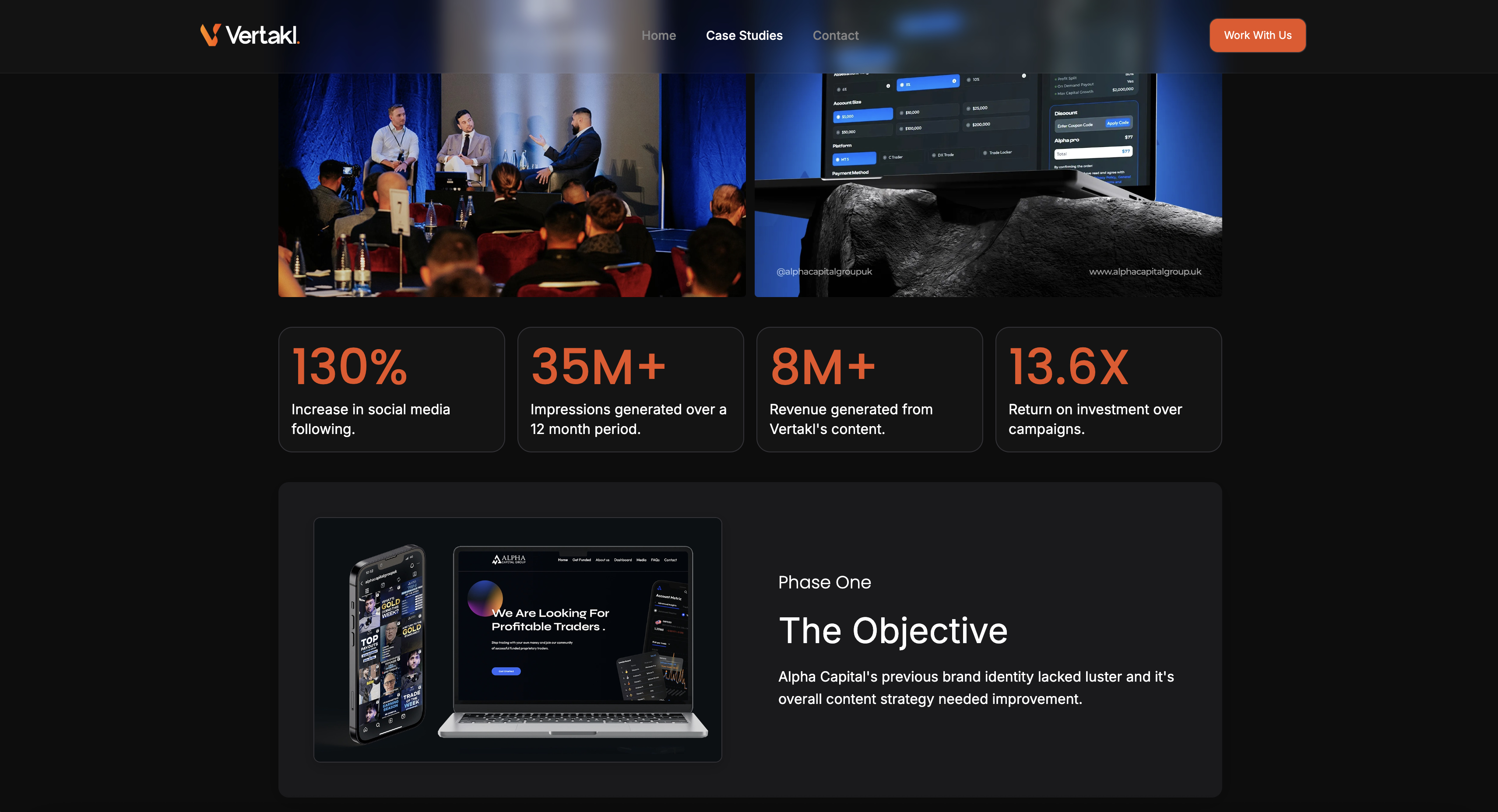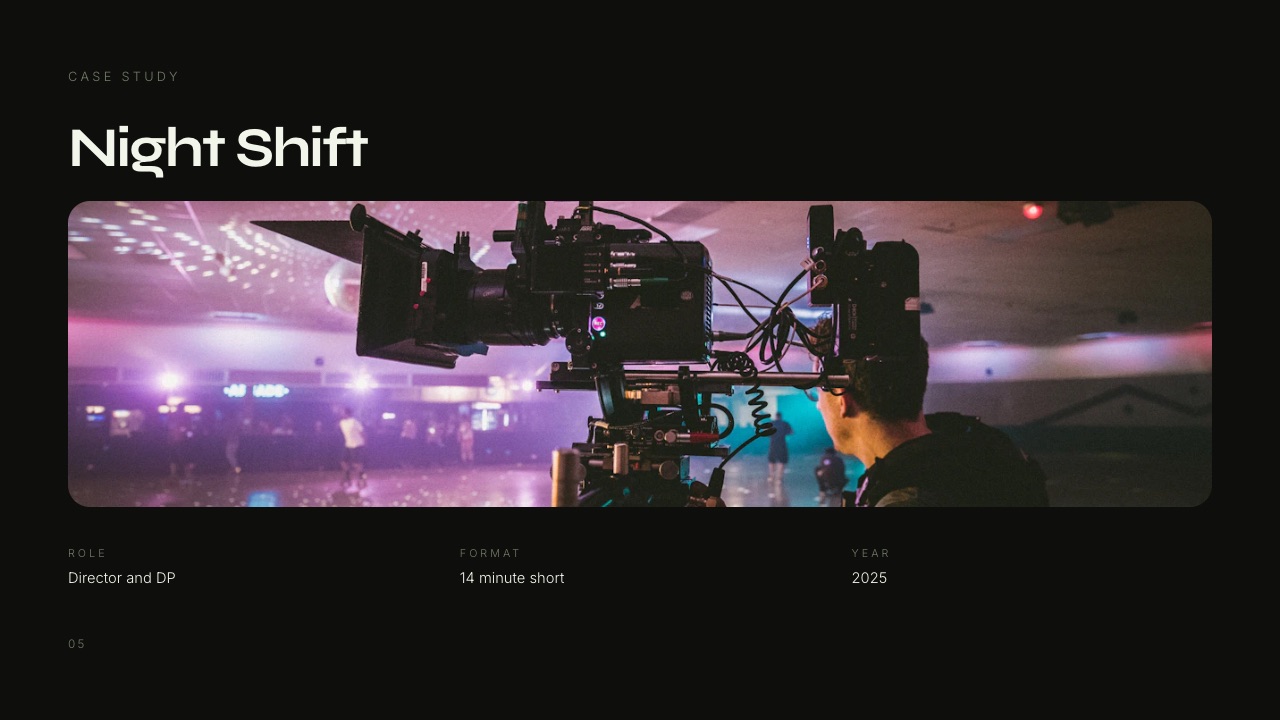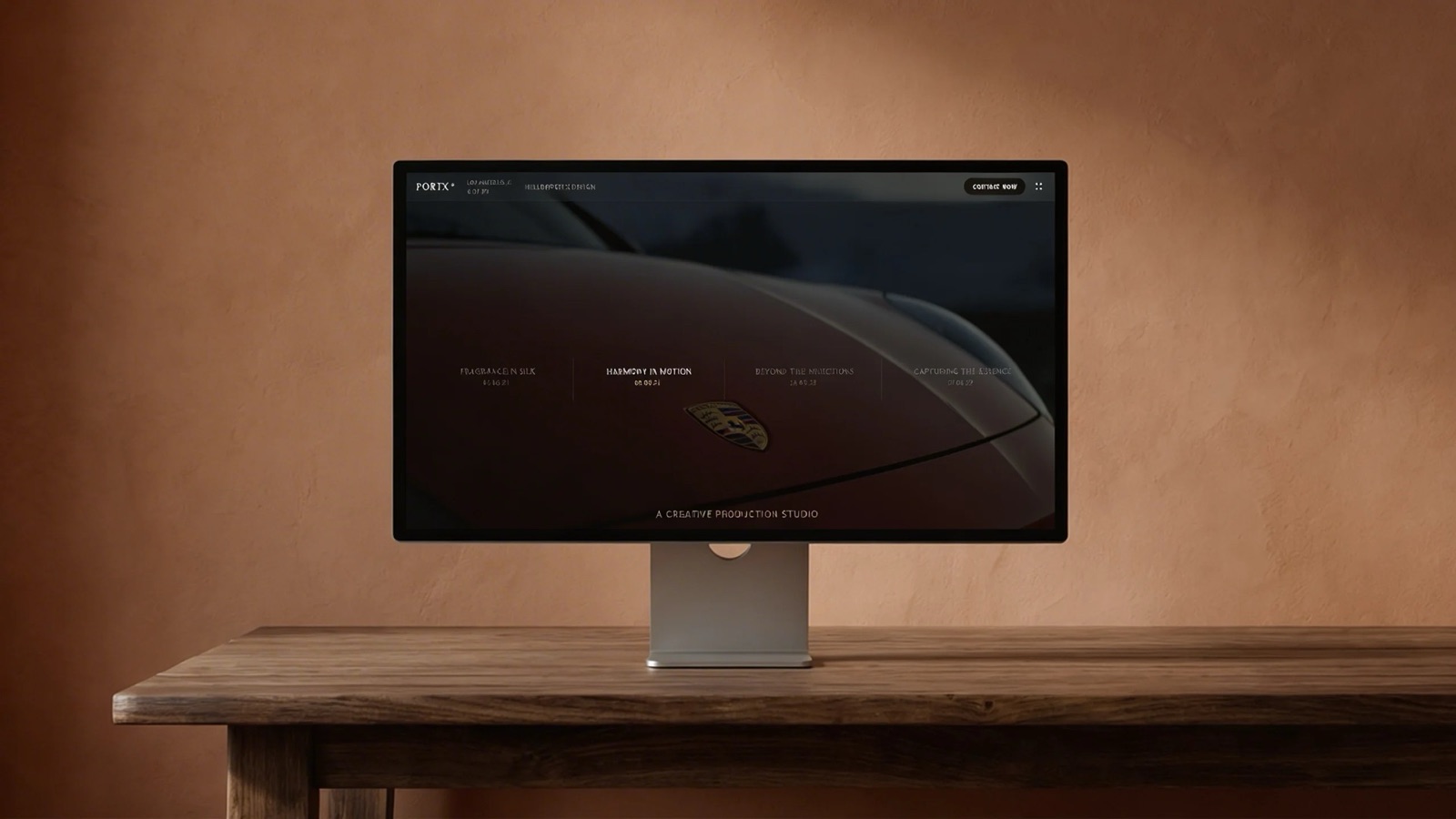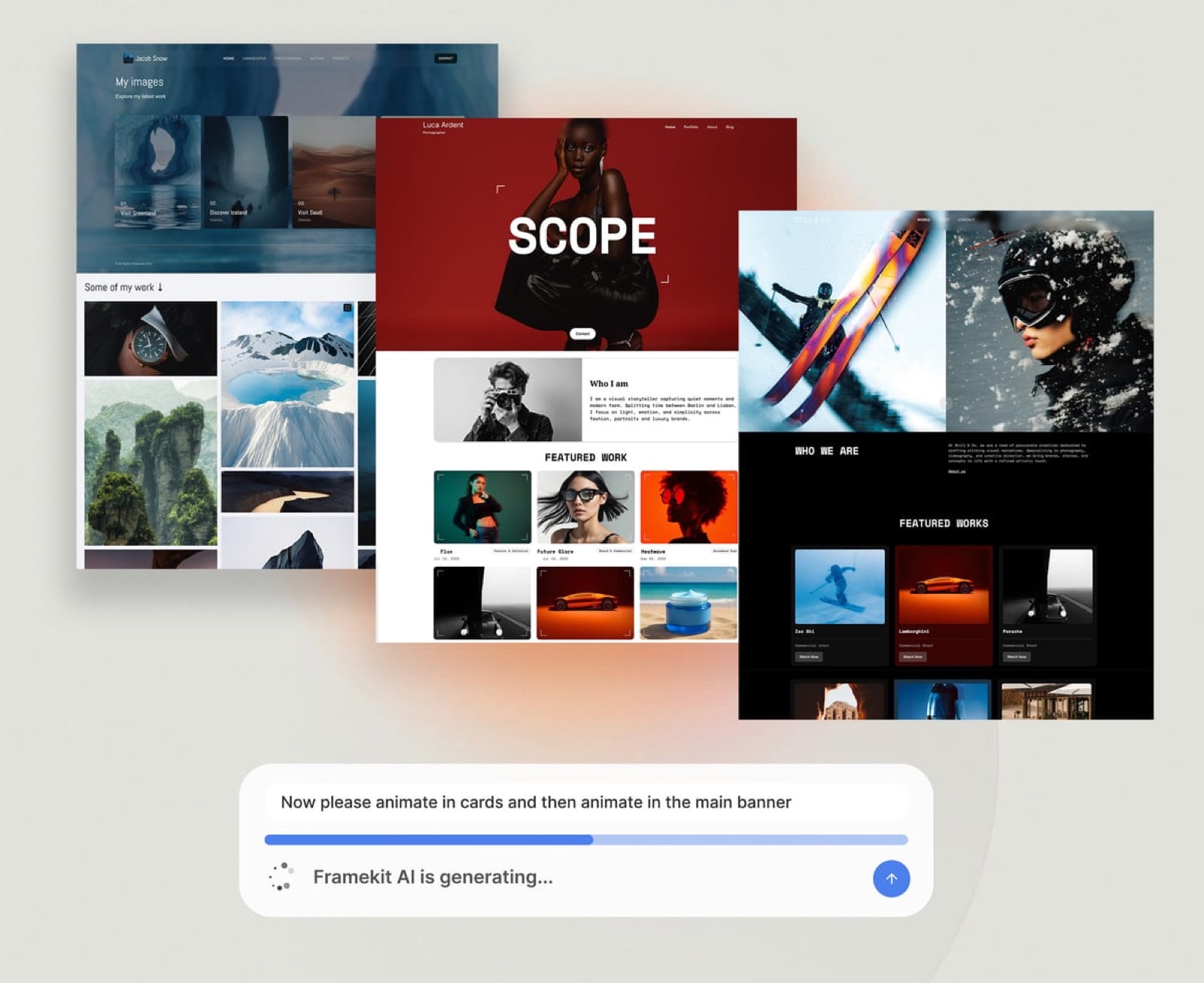
Framekit templates
Start from a designer-made template
 Use template
 Use template
 Use template
 Use template
 Use template
 Use template
 Use template
 Use template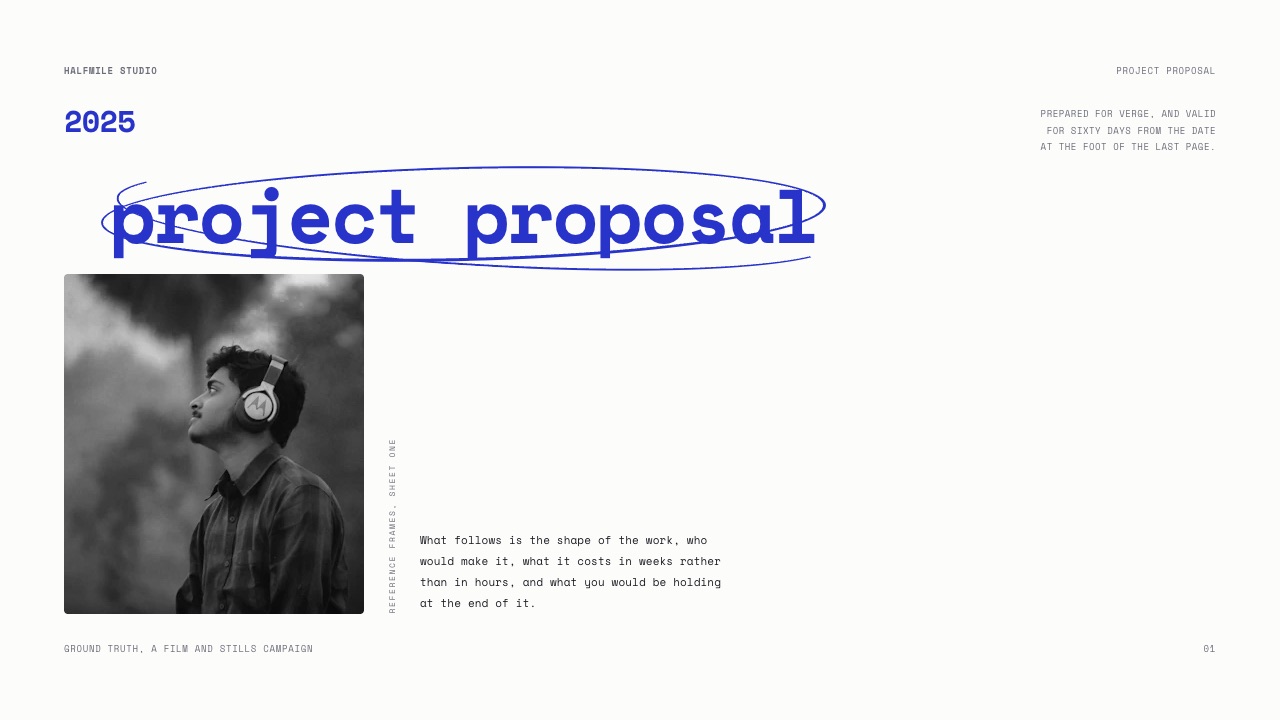
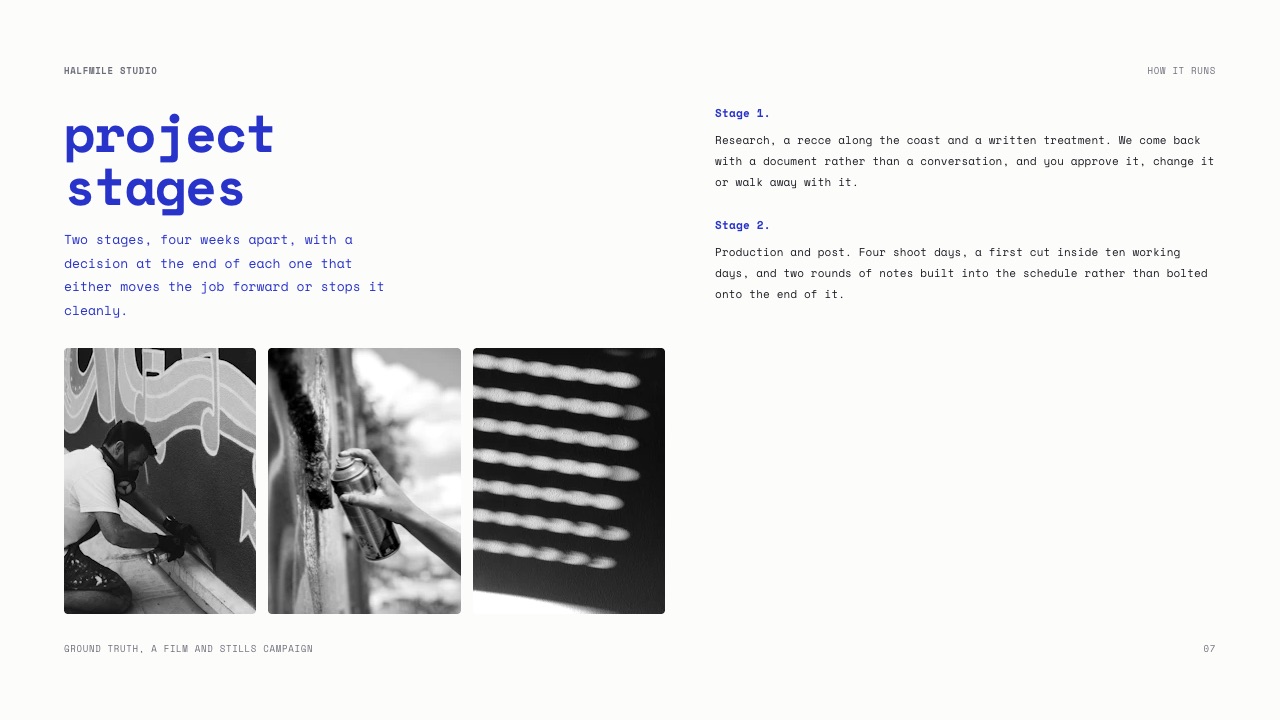
A freelance director finishes a brand job in September and totals the subscriptions it took: a board tool for the moodboard, a review tool for the cut, a gallery for the stills, a file locker for the deliverables, a site to put the finished film on.
Five bills, five brands on five links, and a client who replied to the wrong one twice.
The work was fine. Three of those five subscriptions alone come to $34.99 a month, or $419.88 a year, and what they bought was a client experience assembled out of other companies' logos.
Creative workflow software is a tool, or in practice a small group of tools, that moves a creative project from brief to delivery: planning what gets made, tracking who is doing it, and getting the result in front of the person paying for it.
Almost every ranking of creative workflow software covers the first two jobs and stops, which is why the reader ends up buying four more tools for the third.
This list covers both halves and is explicit about which half each tool wins. Scope note before anything else: Framekit is ranked first here for the client-facing half only.
It has no tasks, no dependencies, no Gantt chart and no time tracking, so if what you want is a project manager, the honest answer is Notion, ClickUp or Asana and you can skip to number two.
For the client-facing half of a creative workflow, Framekit ranks first because the pitch deck, the video review link, the photo gallery, the portfolio site and the digital-download store sit on one account and one bill, and your client never creates an account to use any of them.
Frame.io is the better answer when your review has to live inside Premiere Pro or start at the camera, Pixieset is the better answer when you sell prints, and Notion or ClickUp own the internal half that Framekit does not touch at all.
- 1FramekitTop pickBest for the half of the workflow your client sees
- 2NotionBest for the workspace you actually think in
- 3ClickUpBest for one person running tasks, docs and time in one place
- 4Frame.ioBest for review that starts at the camera or lives in Premiere
- 5PixiesetBest for stills delivery that ends in a print sale
Full disclosure: Framekit is our product, which is a good reason to open all twelve pricing links below before believing any of it. Competitor prices were read on each vendor's own pricing page in September 2026 and linked inline; four of those pages served European pricing and are labelled that way instead of converted at an invented rate. Frame.io, Pixieset, Notion and ClickUp each beat Framekit on something named in their own sections.
How this comparison was put together
Every number in this guide belongs to one of three buckets, and keeping them apart is the difference between a comparison you can argue with and a comparison you have to trust.
Read at the source. Plan names, prices, storage figures and feature gates come from each vendor's own published pricing page, read in September 2026, linked inline so you can check the page yourself.
Where a page served European pricing to us, the figure is quoted in euros and labelled, because converting at a guessed rate would invent a number.
Calculated. The stack arithmetic is ours, shown in full so you can redo it with your own tools, and it rests on three monthly prices: $9.99, $15.00 and $10.00.
The carried scenario is one freelance creative running four client projects a month, where each project needs a proposal the client reads, a rough cut the client comments on, a gallery of roughly 400 stills, and a portfolio site the finished work lands on.
Not claimed. Nobody here ran a stopwatch on these products, so there are no timings, no benchmark scores and no review-site ratings in this post.
Canva and Gamma both refuse automated requests to their pricing pages, so neither is priced here. Aftershoot builds its plan table client-side, so an automated read of the page returned no figure and none is quoted.
Creative workflow software by the numbers
These six figures are the whole argument compressed, and each one is checkable against a page linked later in this guide instead of against an opinion.
- 2 halves. Internal workflow (tasks, notes, files) and client-facing workflow (pitch, review, delivery, site, checkout). Almost no tool does both well.
- $34.99 a month is the smallest credible USD stack for the client-facing half using three separate specialists at their monthly rates, which is $419.88 a year.
- $19 a month is Framekit Pro, which covers those same three surfaces plus a site and a store, and drops to $15 a month billed yearly.
- 0 client accounts are required by Framekit: video review guests comment without signing up, galleries open with a password or a download PIN, and decks are a link.
- 3 team members are included on Framekit Pro and unlimited on Business, which is where a per-seat tool like Asana or monday.com starts to win on features and lose on price.
- 15% commission is what Pixieset takes on store sales on its free tier, which is the single largest percentage anyone in this list charges.
The quick comparison table
The table below is sorted the way the list is ranked, and the last column is the one most comparisons leave out: the thing you will still be paying someone else for after you buy this tool.
| Tool | Entry paid price | Half it owns | What it will not do |
|---|---|---|---|
| Framekit | $9/mo (Starter) | Client-facing | Tasks, invoicing, print lab, NLE panels |
| Notion | EUR 9.50/member/mo | Internal | Client review, galleries, checkout |
| ClickUp | $7/user/mo yearly | Internal | Client review, galleries, checkout |
| Frame.io | $15/member/mo | Client-facing (video) | Stills delivery, decks, a website |
| Pixieset | $8/mo yearly | Client-facing (stills) | Video review, decks |
| Asana | $10.99/user/mo yearly | Internal | Anything a client sees |
| Milanote | $9.99/mo yearly | Internal (thinking) | Review, delivery, checkout |
| Trello | $5/user/mo yearly | Internal | Anything a client sees |
| monday.com | EUR 9/seat/mo | Internal | Client review, galleries |
| Dropbox | EUR 9.99/mo | Files | Comments on a timecode, galleries |
| HoneyBook | $29/mo yearly | Back office | Review, galleries, decks |
| Dubsado | $335/yr | Back office | Review, galleries, decks |
The three euro prices in that table were served by those vendors and are reproduced, not converted. Every figure is sourced in the relevant section below.
What the client-facing half actually costs
In one lineThree separate specialists for decks, video review and stills delivery come to $34.99 a month at their monthly rates, which is $419.88 a year before you have paid for a website, a file locker or a checkout.
Here is the arithmetic, using the cheapest paid tier of each tool that a working freelancer could actually live on.
Free tiers are excluded from the stack column because Frame.io Free caps you at two projects and Pixieset Free carries a 15% commission, and neither survives four client projects a month.
| Client-facing surface | Separate tool | Monthly | Framekit equivalent |
|---|---|---|---|
| Board or deck the client reads | Milanote Pay Per Person | $9.99 | Slides, unlimited decks on every plan |
| Rough cut with timecoded notes | Frame.io Pro | $15.00 | Video Review, included from Free |
| Stills delivery | Pixieset Basic | $10.00 | Client Galleries, unlimited on every plan |
| Portfolio site | not in the stack above | extra | Website, 200 pages on Pro |
| Digital product checkout | not in the stack above | extra | Store, unlimited products on every plan |
| Total | three subscriptions | $34.99 | $19.00 on Pro |
The gap is $15.99 a month, or $191.88 a year, and that is the conservative version because the site and the checkout are missing from the left column entirely. Add a site builder and the left column grows again.
Run it on your own stack instead of ours.
List the tools a client of yours has clicked in the last ninety days, write their monthly prices next to them, multiply by twelve, and then count the separate brands that appeared in that client's inbox.
The dollar figure is the part you already knew. The brand count is the part nobody prices.
The number nobody puts in a comparison table: destinations
In one lineA client on the three-tool stack receives three different links from three different companies with three different sign-in behaviours, and every one of those is a place where a reply can go missing or a download can fail.
Count destinations, not features. On the stack above, a single project sends the client to a Milanote board, a Frame.io review page and a Pixieset gallery. Three domains, three sets of branding, three different ideas of what a download button looks like.
On Framekit the same project produces a deck link, a review link and a gallery link, all from one account, and on any paid plan all of them sit on your own domain with the Framekit badge removed. The client still gets three links, but they are three of your links.
The mechanic underneath matters more than the branding.
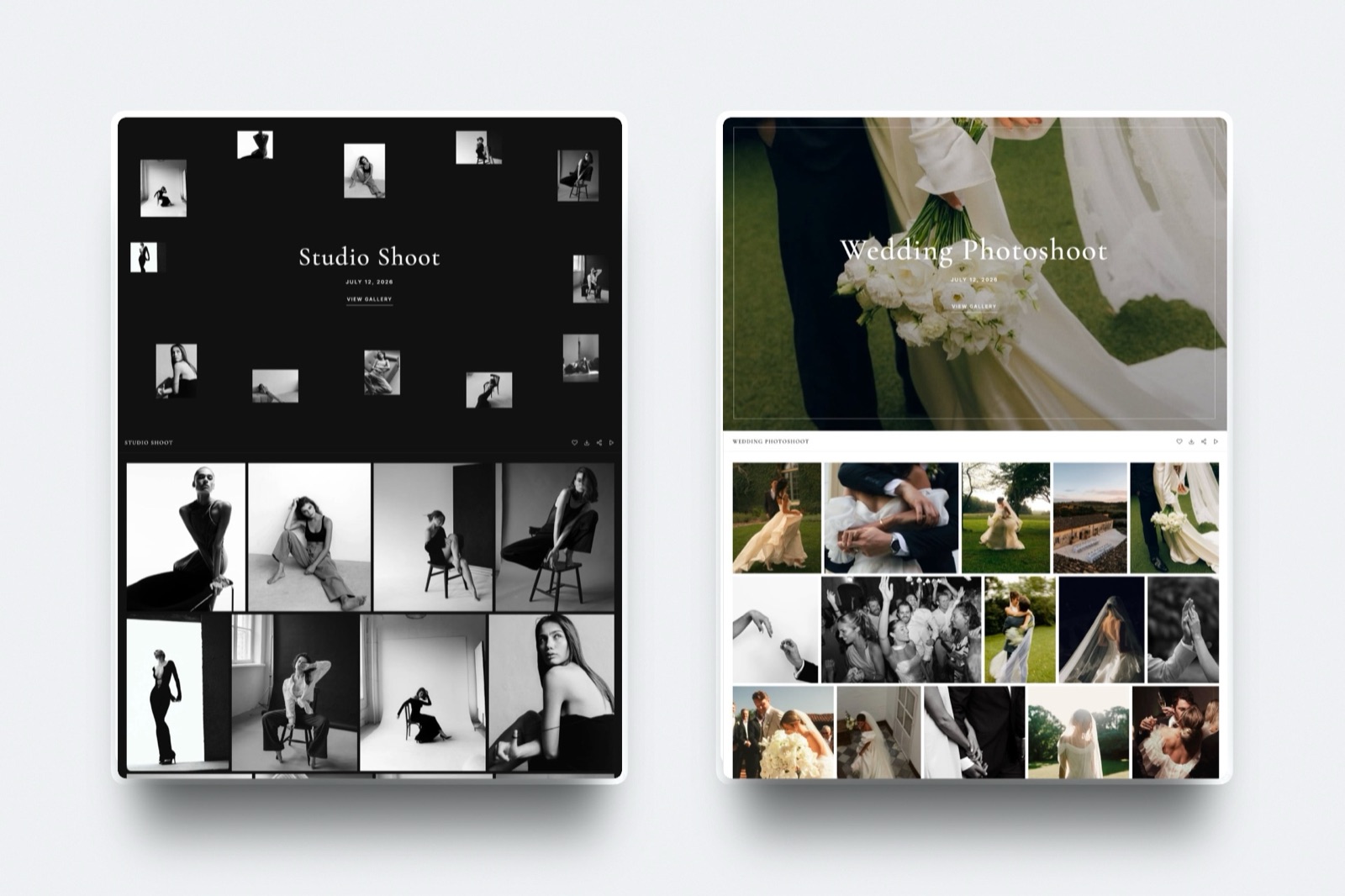
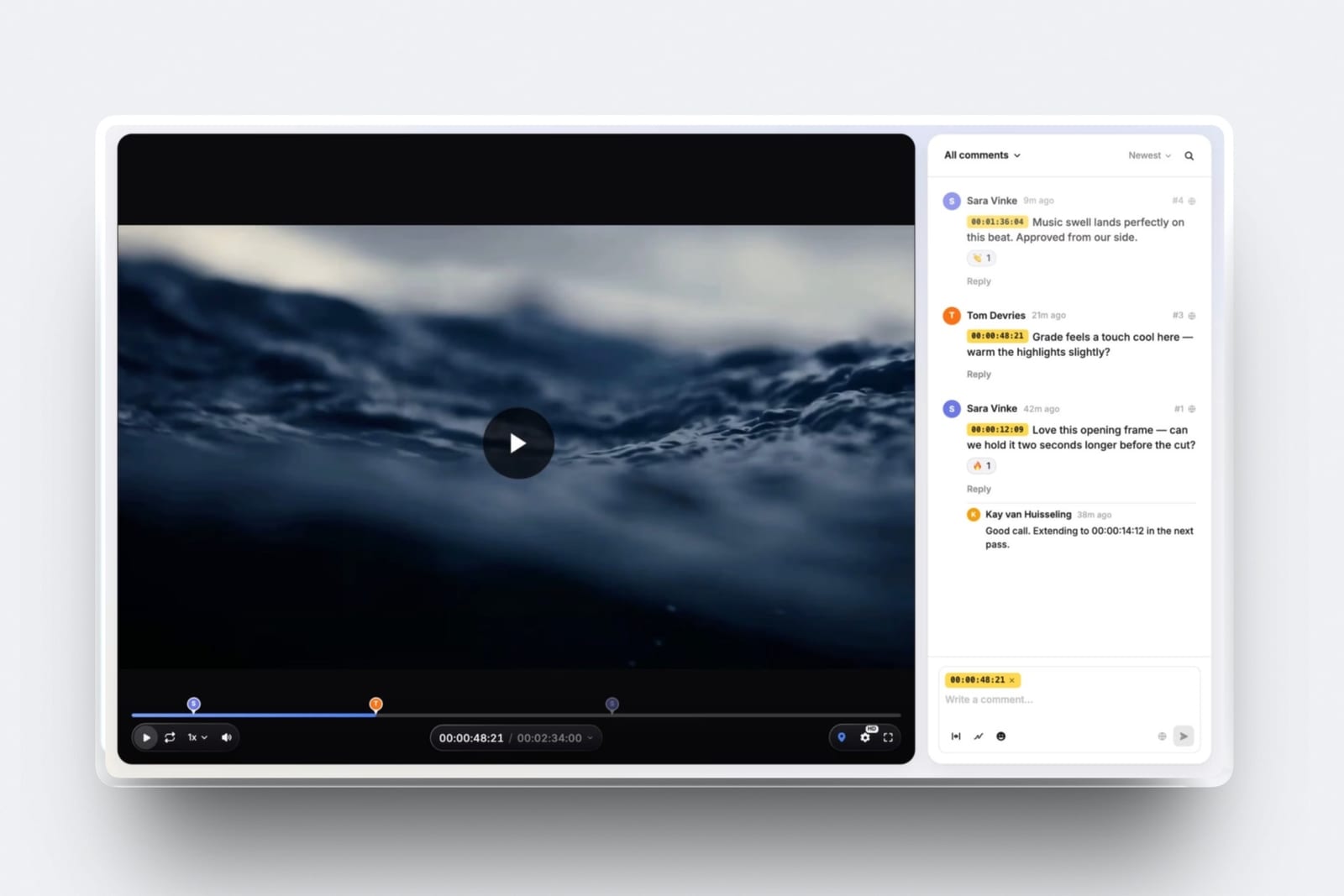
Framekit video review guests leave timecoded comments without creating an account, galleries open behind a gallery password with a separate download PIN, and you can require an email before viewing if you want the address.
That is zero accounts for the client on every plan, including Free.
1. Framekit: Best for the half of the workflow your client sees

Framekit is an AI website builder that also carries the four other surfaces a client project touches, which is why it wins a list about workflow and not a list about websites: the proposal, the review link, the gallery and the checkout all belong to the same login and the same bill.
What you get on every plan, including Freeunlimited client galleries that take photos and video, unlimited decks in Slides with an AI slide writer, video review with timecoded comments, unlimited products in the store, hosting, SSL and a CDN.
The paid tiers add your own domain, remove the Framekit badge and raise the pooled storage: 10GB on Free, 50GB on Starter at $9 a month, 300GB on Pro at $19, and 2TB on Business at $39. Billed yearly those become $7, $15 and $31.
The number worth rememberingthe store fee is 5% on Free and Starter, 3% on Pro and 0% on Business, so a flat $39 plan beats the 5% tier once you clear $780 a month in digital sales, because $39 divided by 5% is $780.
Against Starter the crossover is lower, at $600 a month, because you are only closing a $30 gap.
The detail that does not show up in a feature gridstorage is one pool, 300GB of it on Pro, shared by the website, the galleries and the video reviews.
That is generous when a month is stills-heavy and awkward when it is not, because a single 2GB cut on Pro eats the same pool your gallery archive lives in.
Video is capped per file at 500MB on Free, 1GB on Starter, 2GB on Pro and 3GB on Business, with a two-hour maximum length on any plan.
The gotcha that bites in week threedeck share links have no password and no per-viewer analytics, only a total view count.
If your work involves sending a rate card to eleven agencies and knowing which three opened it, that is a real miss, and Pitch or Storydoc are built for exactly that.
Pitch lists advanced links that track visits, slide views and time on slide from its Team tier, which its pricing page showed us at EUR 15 per member per month on annual billing when we read it in September 2026.
Who should skip itanyone whose main pain is scheduling and accountability instead of client delivery.
There are no tasks, no dependencies, no Gantt chart, no time tracking and no workload view, and there is no invoicing, no contract signing and no CRM either.
Framekit does not try to be your project manager or your back office, so if the thing keeping you up at night is an unpaid invoice, buy HoneyBook or Dubsado first and a workflow tool second.
Verdict: Framekit is the right first purchase for a solo creative whose problem is that clients see five brands and you pay five bills, and the wrong first purchase for a studio whose problem is that nobody knows who is doing what on Thursday.
If you are weighing this against a gallery-only tool, the head to head is in Framekit vs Pixieset, and the wider category piece is the best all-in-one platforms for photographers.
2. Notion: Best for the workspace you actually think in
Notion is the most flexible internal workspace in this list and the reason a freelancer can stop paying for a separate wiki, notes app and database: a single page can be a brief, a shot list, a database of clients and a wiki about your own file naming, and it holds all of that without a template.
The pricing page served us euros in September 2026: Free at EUR 0 per member per month, Plus at EUR 9.50, Business at EUR 19.50, and Enterprise on request, with a note that yearly billing saves up to 20%.
A USD toggle exists on the page but USD figures were not served to us, so those are the numbers we can honestly quote.
What Notion gets right for a creative business is the shape of the container.
A film job is not a list of tasks, it is a brief with references attached, a schedule that changes, a list of people and a pile of half-decisions, and Notion is one of the few tools that does not force that into a board.
The gotchathe flexibility is the cost. A Notion workspace that nobody maintains turns into an archive of abandoned pages inside 90 days, and the failure is quiet, because nothing breaks and nobody gets an alert.
Notion is also the wrong place for a client to leave feedback on a video, because a comment on a page cannot point at 00:01:14.
Who should skip itanyone who wants the tool to have an opinion. If you want to open an app and see a plan already shaped for you, Asana at $10.99 a user or monday.com at EUR 9 a seat will make you happier than a blank page will.
Verdict: the best internal half of a creative workflow if you enjoy building the system, and a slow-motion mess if you do not.
3. ClickUp: Best for one person running tasks, docs and time in one place
ClickUp is the densest tool in this comparison and the best value if you genuinely use what it includes, because tasks, docs, goals, whiteboards and native time tracking arrive in one $7 subscription instead of four.
Its published pricing in September 2026 is Free Forever at $0, Unlimited at $7 per user per month billed yearly or $10 monthly, Business at $12 per user per month billed yearly or $19 monthly, and Enterprise on request.
AI is a separate line: Brain AI is listed at $9 per user per month on annual billing and Everything AI at $28.
Native time tracking inside the $7 tier is the underrated part for a freelancer.
If you quote day rates but suspect one client costs you two unbilled days a month, that is 24 days a year, and a tool that records time against a task is the only thing in this guide that will tell you so.
The gotchadensity has a tax.
ClickUp's settings surface is large enough that two freelancers using it will not have set it up the same way, and the AI add-on is priced per user on top of a per-user plan, so a two-person studio on Business plus Everything AI is paying $40 a month per person before anything the client sees.
Who should skip ita solo creative with four clients and no staff. The feature you would actually use is the task list, and Trello does that for $5 a user a month.
Verdict: the strongest internal pick in this list on features per dollar, and the easiest one to over-buy.
4. Frame.io: Best for review that starts at the camera or lives in Premiere
Frame.io is the reference implementation of video review and the only one of the twelve tools here whose $0 tier includes Camera to Cloud, which means footage can reach a reviewer before anyone has opened an edit timeline.
The Frame.io pricing page in September 2026 lists Free at $0 with 2GB of storage, up to two members and up to two projects; Pro at $15 per member per month with 2TB included plus 2TB per additional member and up to five members; Team at $25 per member per month with 3TB included and up to fifteen members; and Enterprise on request with advanced watermarking and digital rights management.
Annual billing is shown as saving 13%. Free includes Camera to Cloud plus transcription and captions, and the paid tiers list Premiere Pro, Final Cut Pro and Lightroom integrations.
The panel is the part that actually changes a working day. If your editor can see comments inside Premiere Pro without alt-tabbing to a browser, review stops being a context switch and becomes part of the edit, and that panel is on every paid tier from $15 a member upward.
The gotchaa 2-project cap on Free is not a soft limit against four client projects a month, and storage on Pro is expressed per member, so the maths stops being friendly the moment a producer and an assistant need logins of their own.
Frame.io is also single-purpose: it will not deliver 400 stills to a bride or host your portfolio.
Who should skip ita photographer who shoots video occasionally. You will pay $15 a month for a review tool that sits idle in the months you only shot stills.
Verdict: the best video review tool in the category at $15 a member a month, and a poor fit as the centre of a mixed photo and video business.
Already on Frame.io and wondering what else clears the bar?
The alternatives round-up is here, and the freelance-editor angle is in video review tools for freelance editors.
5. Pixieset: Best for stills delivery that ends in a print sale
Pixieset is the default client gallery for a large part of the wedding and portrait world, and the reason is not the gallery design, it is the print store attached to it, which turns a delivery into a second invoice.
Its Client Gallery pricing in September 2026 reads Free at $0 with 3GB and a 15% commission on store sales; Basic at $10 a month or $8 billed annually with 10GB; Plus at $20 a month or $16 annually with 100GB; Pro at $30 a month or $24 annually with 1000GB; and Ultimate at $50 a month or $40 annually with unlimited storage.
All four paid tiers are commission-free on store sales.
The number worth rememberingthat 15% free-tier commission is the highest percentage any tool in this comparison charges on a sale. On $600 of print orders in a month it is $90, which is nine months of Basic at the annual rate.
The gotchastorage is the pressure point and it arrives without warning. 10GB on Basic is a couple of weddings at full resolution, so the plan you signed up for is rarely the plan you finish the year on, and Basic to Plus doubles the monthly price from $10 to $20.
Who should skip ita filmmaker. Pixieset is built around photographs and print products, and a rough cut with timecoded comments is not what it is for.
Verdict: if print margin clears the $96 a year that Basic costs, Pixieset earns its place and no all-in-one tool replaces it, including ours.
The switch case is covered in the best Pixieset alternatives and the print question specifically in how to sell prints from a client gallery.
6. Asana: Best for handing work to somebody else
Asana is the tool in this list built for work you are not doing yourself, and it shows in the defaults: an assignee and a due date are not optional extras, they are the unit.
Asana's pricing in September 2026 is Personal at $0, Starter at $10.99 per user per month billed annually or $13.49 monthly, Advanced at $24.99 per user per month billed annually or $30.49 monthly, and Enterprise on request.
For a studio of three, Starter is the sweet spot at $395.64 a year, because timeline views and custom fields arrive there and that is enough to run a shoot schedule where a producer, a first AC and an editor all need to see the same dates.
The gotchaAsana bills $10.99 per user, and creatives collaborate with people who will never be users. Your colourist, your composer and your client are all outside the subscription, so the plan that looks like $10.99 becomes $10.99 plus a separate way to talk to everyone else.
Who should skip ita solo freelancer. Assigning tasks to yourself is a to-do list, and a to-do list does not need $131.88 a year.
Verdict: excellent at the job it names, and $131.88 a year to assign tasks to yourself.
7. Milanote: Best for the messy front end of a project
Milanote is the only tool here that is comfortable with a project before the project has a shape, which is exactly the state a treatment or a campaign concept is in for its first 14 days.
The plans page in September 2026 shows a free tier capped at 100 notes, images or links plus 10 file uploads with unlimited shared boards, a Pay Per Person plan at $9.99 a month billed annually or $12.50 billed monthly, and a team plan at $49 a month billed annually.
That 100-item free cap is the most honest free tier in this comparison, because it tells you exactly when it ends. One serious moodboard is 50 images, so the free plan is two boards and a decision.
The gotchaa Milanote board is a thinking surface, not a deliverable. Sending a client a board means sending them your working mess, and clients read mess as indecision, so the same references get rebuilt as a deck before the meeting anyway.
Who should skip itanyone who already thinks in a deck. If your first move on a new job is to open a slide tool, Milanote is a second place to put the same images.
Verdict: the best $119.88 a year a director can spend on the stage before the pitch, and not a client-facing tool no matter how shareable the board is.
8. Trello: Best cheap board for a two-person studio
Trello is the tool everyone in this category learned on, and the reason it survives is that 3 columns and one card per job is enough structure for a studio of two.
Trello's pricing in September 2026 lists Free at $0, Standard at $5 per user per month billed annually or $6 monthly, Premium at $10 per user per month billed annually or $12.50 monthly, and Enterprise at $17.50 per user per month billed annually, which the page also states as $210.00 per user per year.
Standard at $5 is the cheapest paid seat of any internal tool in this list, and for a studio of two that is $120 a year for a shared board that nobody has to be trained on.
The gotchaTrello does not scale with ambition, it scales with cards. The moment you want a timeline, a dependency or a report, you are looking at Premium, and at $10 a user you are within a dollar of tools that were built for that from the start.
Who should skip itanyone who needs to answer the question "what is late". Trello will show you a card, not a critical path.
Verdict: the correct answer for a small studio that wants a board and nothing else, and a trap for anyone expecting it to grow into a planning tool at $10 a seat.
9. monday.com: Best when a client wants a dashboard
monday.com is the most presentable tool in this list, which sounds shallow until you are the agency whose client asks for a status view and you have to show them something that does not look like a personal to-do list.
The pricing page served us euros in September 2026: Free at EUR 0 for up to two seats, Basic at EUR 9 per seat per month, Standard at EUR 12, Pro at EUR 19, and Enterprise on request, with annual billing shown at an 18% saving.
The free tier capping at 2 seats is the detail to plan around, because it is not a feature limit you can work past, it is a headcount limit that stops the moment you bring in a producer.
The gotchaseat minimums. The paid tiers are illustrated in blocks that start well above one person, so a freelancer reading EUR 9 a seat is reading a number that does not apply to them.
Who should skip ita solo creative. The whole value is showing work to people who are also inside the tool, and each of them is another EUR 9 a month.
Verdict: the right call for a small agency with a reporting relationship, and overbuilt for anyone invoicing under their own name.
10. Dropbox: Best for the raw files nobody should be streaming
Dropbox remains the most boring and most reliable part of a creative stack, and the job it does is the one that never appears in a workflow diagram: holding the camera originals and the project files that are too big to live anywhere clever.
The plans page served us euros in September 2026: Basic free with 2GB, Plus at EUR 9.99 a month with 2TB, a Standard team plan at EUR 12 per user per month with team storage starting at 3TB, and an Advanced team plan at EUR 18 per user per month with storage starting at 15TB.
2TB at EUR 9.99 a month is still the cheapest bulk storage a freelancer can buy with a sync client attached, and sync is the feature, not the sharing.
The gotchaDropbox is a file system pretending to be a delivery tool. A shared folder gives a client every file at once, in a folder view, with no favourites, no watermark, no expiry and no way to leave a note on a frame.
Clients also routinely rename or move things inside shared folders, and sync then does exactly what you told it to.
Who should skip itnobody, honestly, but do not let it be your gallery. Use it for originals and back-ups and let something built for clients handle the client.
Verdict: essential infrastructure, wrong front door.
If delivery is the actual problem, how to deliver photos to clients is the practical version of that argument.
11. HoneyBook: Best for the paperwork half nobody enjoys
HoneyBook covers the part of a creative workflow that is not creative at all: enquiries, proposals with a signature on them, contracts and invoices that chase themselves.
Read in September 2026, its pricing page puts Starter at $29 a month on yearly billing, Essentials at $49 and Premium at $109, with a 30-day trial that asks for no card.
Starter at $29 a month is $348 a year, which is more than most of the tools above and is still the cheapest way to stop writing contracts in a word processor and invoices in a spreadsheet.
The gotchait is a client-management tool that also wants to be a scheduling tool and a payment tool, and the $29, $49 and $109 tiers are where that ambition shows up.
Essentials at $49 a month becomes Premium at $109, which is $720 more a year for features aimed at a team, not at a soloist.
Who should skip itanyone with three long-running retainer clients. Contracts and invoices you write four times a year do not need a subscription.
Verdict: the right purchase when unsigned contracts and unpaid invoices are costing you more than tool sprawl is.
The comparison shopping is in the best HoneyBook alternatives and the best invoicing tools for freelance creatives.
12. Dubsado: Best for a workflow that runs itself after the enquiry
Dubsado sits next to HoneyBook and differs in temperament: it is the one you choose when you want to build the automation yourself instead of accepting somebody else's idea of a client journey.
Dubsado's pricing in September 2026 is Starter at $335 a year and Premier at $525 a year, with a free trial that opens full Premier access for 21 days and asks for no card.
Priced annually only, Starter works out at about $27.92 a month and Premier at about $43.75, which puts Premier above every other subscription in this guide except HoneyBook Premium.
The gotchathe set-up is the product. Dubsado rewards an afternoon spent building forms, canned emails and workflows, and punishes a casual sign-up, so the sign-ups that fail, fail in week one.
Who should skip itanyone who has not written their client process down yet. Automating a process you have not defined produces automated confusion.
Verdict: the strongest back-office automation for a solo creative who will actually sit down and configure it, and dead weight for anyone who will not.
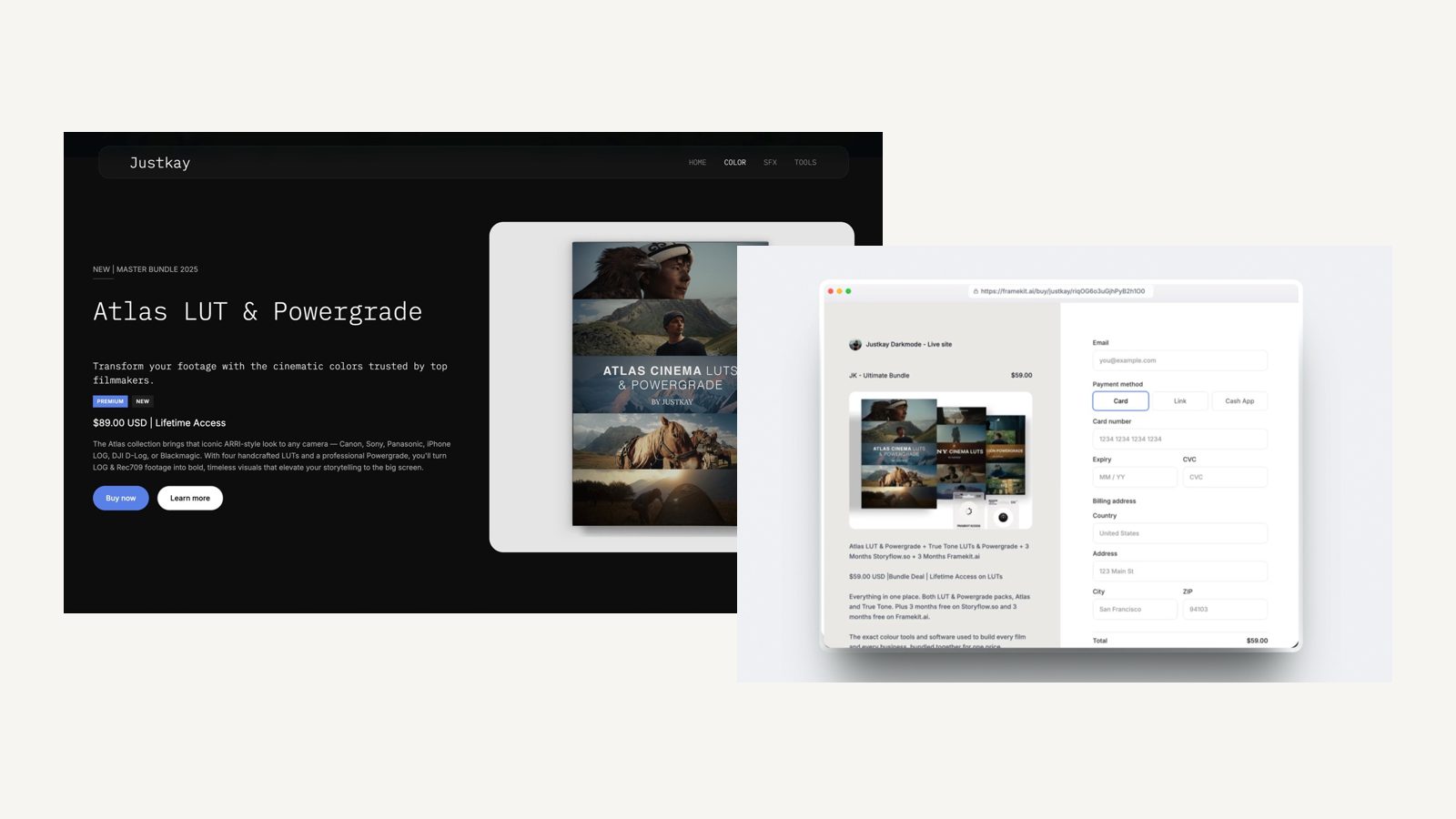
Why the internal half and the client half almost never merge
In one lineInternal tools are priced per seat and built for people who log in every day, while client-facing tools are priced per account and built for people who visit once, and those two business models pull the products apart.
All five internal tools here charge per user, and the USD-priced ones run from $5 on Trello Standard to $24.99 on Asana Advanced, because their value grows with the number of people inside the workspace.
That is a coherent model for a team and a bad model for a creative business, because the people you most need to reach, the client and the freelance colourist, will never be seats.
Client-facing tools take the opposite shape. Frame.io guests, Pixieset gallery visitors and Framekit review guests all arrive with 0 accounts, so those products charge the creator and treat the audience as free.
The moment a tool tries to be both, one of the two pricing models has to lose.
That is the real reason the all-in-one workspace never swallowed the gallery, and why the honest advice is to buy one tool from each half instead of waiting for a product that does both.
Pick the internal tool that matches how you think and the client-facing tool that matches what you deliver.
What changes when the client-facing half is one account
In one lineConsolidating the client-facing half changes three things that are easy to measure, which are the monthly bill, the number of companies branded on your delivery, and the number of places a client can get lost between approving a cut and downloading the files.
The bill is the obvious one and the smallest. Going from the $34.99 three-tool stack to Framekit Pro at $19 saves $191.88 a year, which is real but not life-changing.
The branding is the second, and it compounds.
Every link a client opens that carries another company's logo is a small hint that you are a hobbyist buying tools, not a studio with a process, and on a paid Framekit plan the site, the galleries, the review pages and the decks all sit on your own domain with no badge.
The third is the one that actually causes lost afternoons.
A project that lives on one account has one place to look when a client says they cannot find the files, and a project spread across three subscriptions has three, each with its own expiry settings, its own password behaviour and its own idea of what happens when a link goes stale.
There is a cost to consolidation and it is worth stating plainly: you are putting more of your business in one place. Framekit commits to 99.9% uptime and offers data export on every plan, which is the answer to that concern and not a dismissal of it.
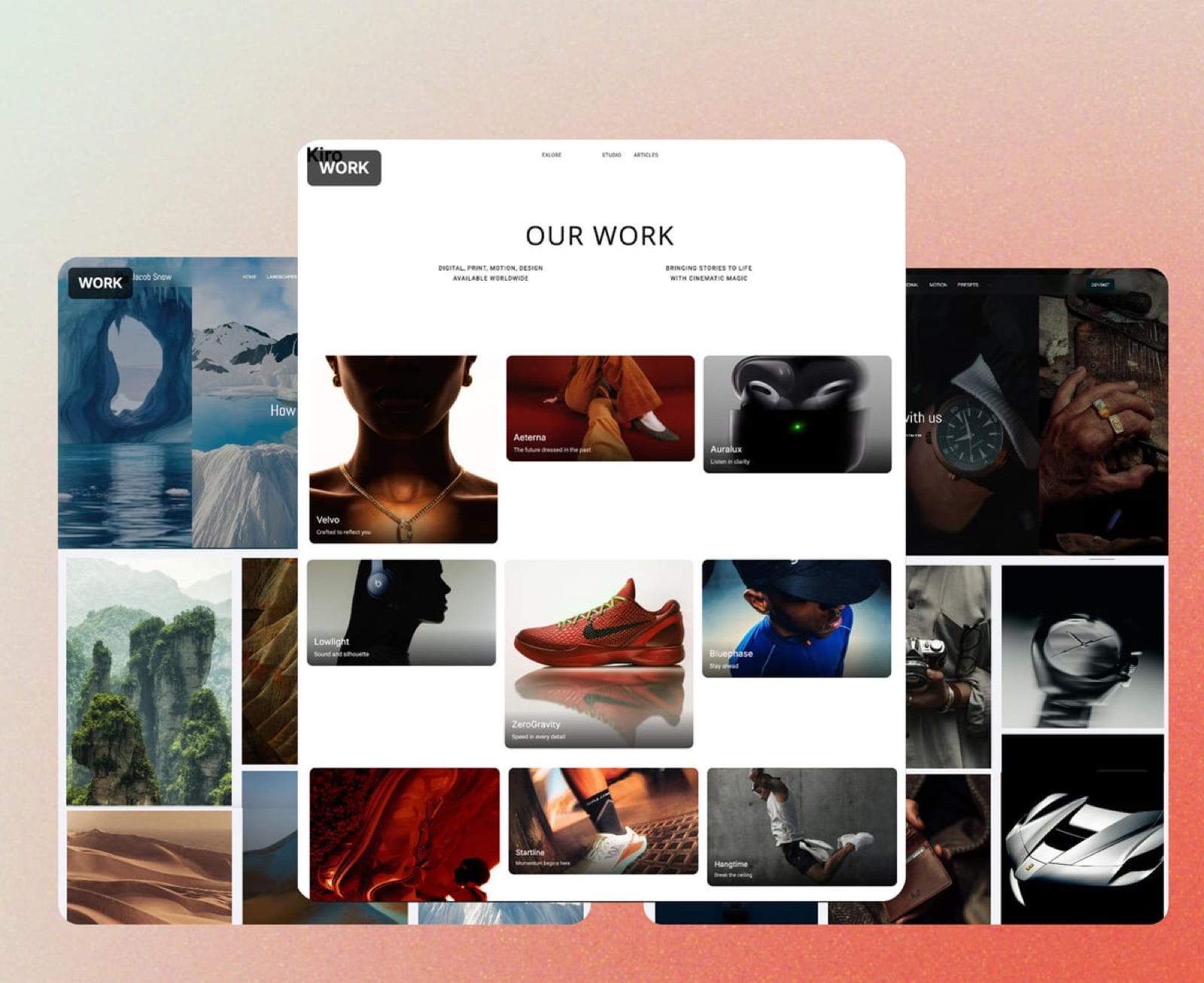
How to choose, as a branching set of questions
In one lineWork down these questions in order and stop at the first yes, because the correct first purchase depends on which failure is costing you the most money this quarter, not on which of the twelve tools has the longest feature list.
Is money sitting in unsigned contracts or unpaid invoices? If yes, buy HoneyBook or Dubsado first. No workflow tool fixes cash flow, and neither of them is in the client-delivery business.
If no, does more than one person need to know what is due this week? If yes, the internal half is your bottleneck.
Pick ClickUp if you want time tracking included, Asana if you are assigning work to other people, Trello if you want a board for $5 a seat, and monday.com if a client will be looking at it.
If no, do clients touch your work in more than two places? If yes, the client-facing half is your bottleneck, and consolidating it is the cheapest change available. Count the links first, then the bills.
If yes, does print margin clear the $96 a year Pixieset Basic costs? If yes, keep Pixieset for stills and put everything else in one place, because no all-in-one tool in this category runs a print lab.
If no, does your review have to live inside Premiere Pro or start at the camera? If yes, Frame.io is the answer and the rest of your stack should be built around it.
If no, Framekit covers review, galleries, decks, a site and a store on one account, starting at $0 and reaching $19 a month on Pro.
If none of that applies and you are still thinking in a blank page, buy Notion or Milanote, write the process down, and come back to this list when a client complains about a link.
Frequently Asked Questions
What is the best creative workflow software in 2026?
There is no single answer because the category is two categories.
For the client-facing half, which is the proposal, the video review, the gallery, the site and the checkout, Framekit covers all five on one account from a free plan, with paid tiers at $9, $19 and $39 a month.
For the internal half, which is tasks, notes and scheduling, Notion is the most flexible and ClickUp the best value per feature. Most working creatives end up owning one tool from each half.
Can Notion or ClickUp replace a client gallery and a video review tool?
No. Notion and ClickUp can both hold files and collect comments on a page, but neither can pin a client's note to 00:01:14 of a cut, apply a watermark, require a download PIN, or expire a delivery link on a date.
Those are gallery and review features, and the workspace tools do not have them. If you have been sending clients Notion pages, the friction you are feeling is not a configuration problem.
Is Framekit a project management tool?
No. Framekit has no tasks, no dependencies, no Gantt chart, no workload view and no time tracking, and it does not do invoicing, contracts or CRM either.
It covers the surfaces a client sees: an AI-built website, client galleries for photos and video, video review with timecoded comments, Slides for decks and treatments, and a store for digital downloads.
If you need a project manager, this list has five better answers than Framekit.
How much does a full creative workflow stack cost per year?
Using the monthly rates on each vendor's own page in September 2026, a minimal client-facing stack of Milanote at $9.99, Frame.io Pro at $15 and Pixieset Basic at $10 is $34.99 a month, or $419.88 a year, before a website, a file locker or a checkout.
Add an internal tool such as ClickUp Unlimited at $7 a user billed yearly and you are at about $504 a year for one person.
Which tool takes the biggest cut of a sale?
Pixieset's free Client Gallery tier takes 15% commission on store sales, which is the largest percentage in this comparison, and all of its paid tiers are commission-free.
Framekit's digital store fee is 5% on Free and Starter, 3% on Pro and 0% on Business at $39 a month, so the flat plan overtakes the 5% tier at $780 a month in sales and overtakes the 3% Pro tier at about $666.67 a month.
Frame.io vs Framekit: which is the better review tool?
Frame.io is the better review tool and Framekit is the better account. Frame.io has Camera to Cloud on its free plan, transcription and captions, and panels for Premiere Pro and Final Cut Pro, none of which Framekit has or claims.
Framekit's video review is included on every plan alongside galleries, decks, a site and a store, so it wins when review is one of five things you need instead of the whole job.
Do my clients need to create an account?
Not with Framekit. Video review guests leave timecoded comments without signing up, galleries open with a gallery password and use a separate download PIN, and decks are shared as a link.
You can optionally require an email address before someone views a gallery if you want to collect it. Frame.io and Pixieset also let clients view without full accounts, while Notion, Asana and monday.com are built around people who log in.
What happens to my work if I stop paying for one of these tools?
The answer differs by tool, so check before you commit. Framekit offers data export on every plan including Free, so your site content, galleries and files can come out. Dropbox keeps files in a read-only state under its 2GB free tier.
The practical rule is to keep your camera originals somewhere you control regardless of which workflow tool you buy.
Is a free plan enough to run a freelance creative business?
For a few months, yes, and the limits are specific.
Frame.io Free caps you at two projects and 2GB, Pixieset Free gives 3GB and takes 15% of store sales, Milanote Free stops at 100 notes, images or links, and Framekit Free gives 10GB pooled storage with unlimited galleries and decks but keeps a Framekit badge and no custom domain.
The first thing that breaks is storage, at 2GB on Frame.io Free, 3GB on Pixieset Free and 10GB on Framekit Free.
Should I buy the internal tool or the client-facing tool first?
Buy the one that is currently losing you money. If clients are confused about where their files are, or you are paying three subscriptions to deliver one job, fix the client-facing half.
If work is slipping because nobody knows what is due, fix the internal half. If invoices are unpaid, neither half is your problem and you should be looking at HoneyBook or Dubsado.
Final Verdict
For a solo creative or a studio of two or three whose clients touch the work in more than two places, Framekit is the best first purchase in this list, because the deck, the review link, the gallery, the site and the store come on one account and one bill, starting at $0 and reaching $19 a month on Pro, against $34.99 a month for the three separate specialists that cover three of those five surfaces.
Where Framekit loses is not subtle.
It does not manage projects: there are no tasks, no dependencies and no time tracking, so Notion, ClickUp, Asana, Trello and monday.com all beat it on the internal half and this guide ranks them for exactly that.
It does not run a print lab, which is a trade-off that decides the question the moment print margin clears the $96 a year Pixieset Basic costs, and Pixieset stays the better fit there.
It has no Camera to Cloud, no NLE panels and no transcription, so a team living inside Premiere Pro will be happier on Frame.io. It will not send an invoice or hold a signed contract, which is what HoneyBook and Dubsado are for.
And deck links carry no password and no per-viewer analytics, only a view count, so if you need to know which investor opened your deck, buy a deck tool built for that.
Buy from both halves, pick the client-facing tool by counting destinations, not features, and re-run the arithmetic on your own subscriptions once a year.
Related readingthe cost side of this argument is broken down in what a creative business software stack costs, the delivery side in the complete client workflow for filmmakers and how to create a client gallery, and the two product deep dives in the best video review and approval tools and the best client gallery platforms.