Framekit templates
Start from a designer-made template
 Use template
 Use template
 Use template
 Use template
 Use template
 Use template
 Use template
 Use template
You make a sale on a marketplace. A buyer loves a piece, pays the listed price, and the order lands in your dashboard. Then you look at the payout. The listed price was $80. The number that reaches your bank is closer to $68.
A listing fee, a transaction fee, a payment fee, all skimmed off before the money is yours. And the thing that would actually grow your art practice, the buyer's email address, never reaches you at all. The marketplace keeps it.
This guide is how to sell art online from your own website instead, and keep what the marketplace was taking.
This is the quiet cost of selling art on someone else's platform. It is not that marketplaces do not work. They do. They put your work in front of people who are already shopping.
The problem is what they keep in exchange: a slice of every sale, the customer relationship, and the brand.
You end up as one of thousands of similar shops, ranked by an algorithm you do not control, renting an audience you can never take with you.
Here is the reframe. Your own website is the only storefront where you keep the full price a collector pays, own their email so you can sell to them again, and control how your work is presented. A marketplace is a place you visit.
A website is a place you own. Most artists default to Etsy or Saatchi Art because building a site feels hard. In 2026, it is not.
This guide walks you from nothing to a live art store, step by step, and shows where Framekit makes each step fast.
To sell art online from your own website, decide what to sell and price it, build a site with a built-in store, connect Stripe for payments, write product pages that show the work clearly, set up digital delivery or shipping, then launch and drive your first traffic.
Framekit builds the site and store with a low platform fee that drops to 0% on the Business plan. Start free at https://framekit.ai.
Framekit is an AI website builder with a store for digital files built in, so an artist can sell downloads from the same site that shows the work.
A website to sell art online is a site you own that hosts your portfolio and a checkout, so collectors buy directly from you instead of through a third-party marketplace.
Most artists pair it with one delivery method, either automatic digital download for files and print-on-demand for physical pieces, because hosting the work and fulfilling the order are two separate jobs.
What You Will Need
You do not need a developer, a design background, or a big budget. You need a few things ready before you start:
- A clear idea of what you are selling: original pieces, open-edition prints, or digital files like downloadable art, wallpapers, or procreate brushes.
- 8 to 20 high-resolution images of your work, photographed or scanned cleanly, exported for web.
- A free Framekit account at framekit.ai. No credit card required to build and preview.
- A Stripe account, or willingness to create one during setup. This is how you get paid.
- A short positioning line: what you make, in what style, for whom.
- For physical pieces: a relationship with a print lab or a print-on-demand service, or a plan to ship originals yourself.
- About a day of focused work to build, review, and launch.
One honest note before you start. Framekit sells digital products directly with a low platform fee that drops to 0% on the Business plan, a genuine edge for downloadable art.
It is not a print-on-demand fulfillment service, and it is not built to run a 500-SKU physical catalog. If you sell physical prints, you will pair Framekit with a print partner. The next sections show exactly how.
Step 1: Decide What to Sell and How to Price It
Before you touch a website builder, decide what you are actually selling, because the answer changes how you build everything else.
The cleanest starting point for most artists is digital products: downloadable art files, phone and desktop wallpapers, coloring pages, or brush and texture packs. They have no shipping, no inventory, and the buyer gets them instantly.
There are three product types worth knowing. Digital products are files a buyer downloads. Print-on-demand means a partner prints and ships a physical piece only after someone orders it, so you hold no stock.
Originals are one-of-one physical works you ship yourself. Most artists start with one type and add the others later. Digital is the easiest to launch this week, which is why this guide leans on it, then notes where physical fits.
Pricing is where artists undersell hardest. A marketplace trains you to price low because you are competing on a crowded grid. On your own site you are not. Price for the value of the work, then add back the fee you used to lose.
If a print sold for $40 on a marketplace and the platform kept roughly $5 to $6 of it, you can list it at $40 on your own site and keep the whole amount, or price slightly higher because the buyer is choosing you, not browsing a feed.
In Framekit, you do not need to lock pricing before you build. Generate the site, add products, and edit prices freely as you go. What matters in this step is the decision: pick your first product type and write down a price for each piece.
A site with five well-priced products beats a site with fifty you priced in a panic.
Step 2: Set Up Your Site and Store
Your website does two jobs at once: it shows the work like a gallery, and it sells it like a shop. Pick a tool that does both natively, because stitching a separate store onto a portfolio is where most artists stall.
A website to sell art online should have a built-in store, fast hosting, and a design that puts the art first, not a generic business template.
Tool-agnostic, the requirements are the same everywhere. You want a clean portfolio layout, a working cart and checkout, mobile-friendly pages, and hosting that loads fast so a collector does not bounce before the image renders.
Squarespace and Shopify both do this.
Squarespace Basic starts at $19 per month and Core at $29 per month, per Squarespace pricing, with the 2% store transaction fee on Basic dropping to 0% from Core up.
Shopify starts at $39 per month on its Basic plan, per Shopify pricing, and is built for larger catalogs.
In Framekit, this is one step instead of three. Open the AI editor and describe your store: the kind of art you sell, the mood you want, and that you need a shop with product pages.
The AI was trained by senior designers, so the first draft arrives with real layout, type hierarchy, and spacing, not a flat template.
Hosting, SSL, and a global Cloudflare CDN are included on every plan, and Framekit is built for fast-loading, performance-optimized sites, so the art loads before the visitor loses patience.
The store is built in, so you are not bolting commerce onto a portfolio.
If you want a wider look at store-capable tools first, our guide to the best free product-selling software in 2026 compares the options.
Framekit Free is $0 with Framekit branding, which is enough to build and test your store. Starter is $9 per month and adds a custom domain and branding removal, Pro is $19 per month, and Business is $39 per month.
For an artist selling regularly, a custom domain on Pro is worth it: yourname.com reads as a real studio, a builder subdomain reads as a hobby.
Step 3: Set Up Payments So You Actually Get Paid
A storefront with no payment processor is a catalog, not a shop. Connecting payments is the step that turns browsing into income, and on most modern platforms it takes a few minutes.
The standard processor is Stripe, which handles cards, Apple Pay, and Google Pay, and deposits money to your bank on a rolling schedule.
Be precise about fees here, because "no marketplace fee" does not mean "no fees at all." Every platform on earth pays a payment processor.
Stripe's standard rate is roughly 2.9% plus 30 cents per transaction, per Stripe's pricing page. That fee is unavoidable wherever you sell, including a marketplace.
What you avoid by selling on your own site is the extra marketplace cut stacked on top: Etsy, for example, charges a $0.20 listing fee plus a 6.5% transaction fee plus its own payment processing, per Etsy's fees policy, which lands many sellers at an effective 11% or more before optional ad fees.
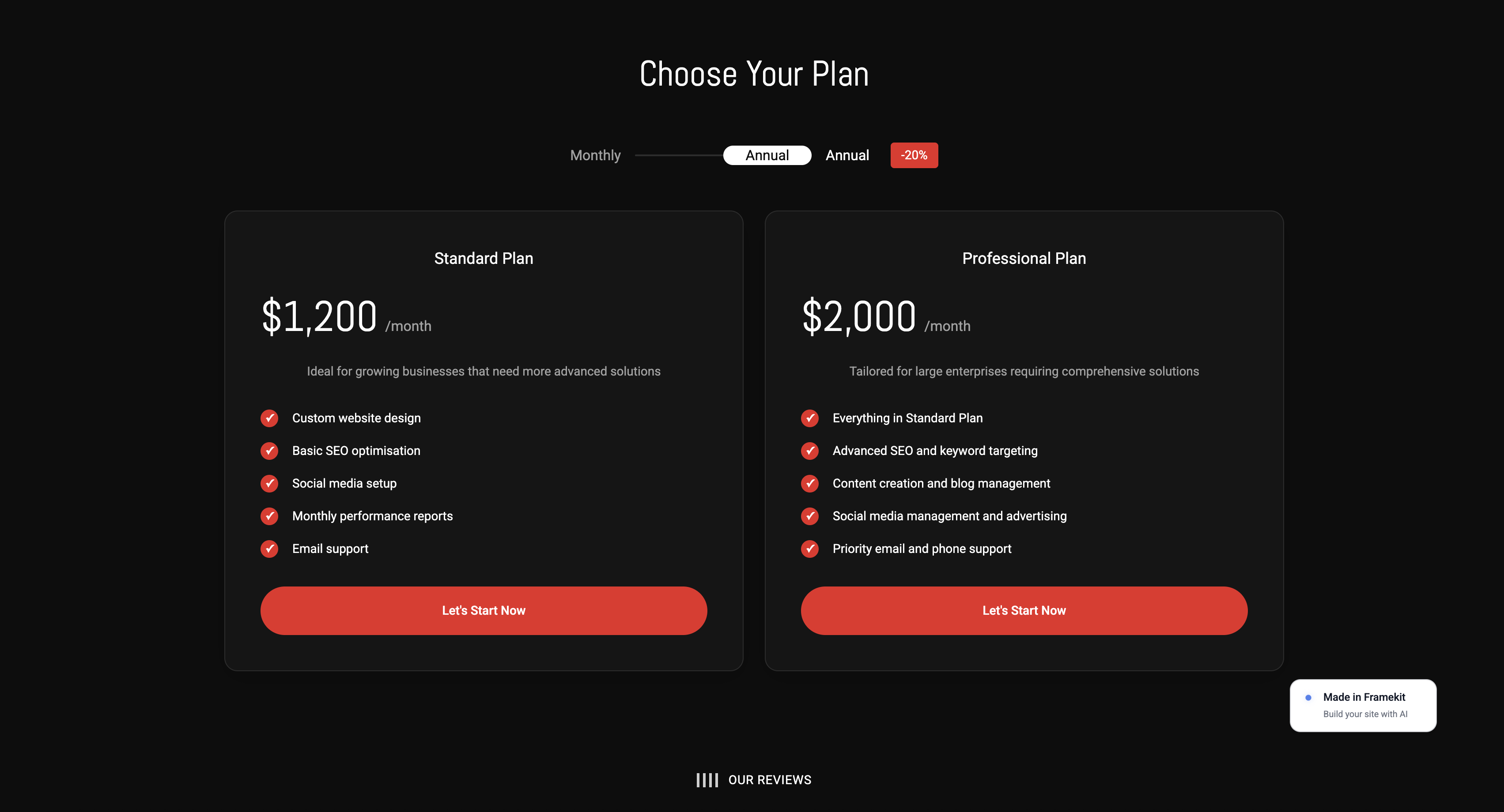
On your own site you pay the processor plus Framekit's platform fee, which is 5% on Free and Starter, 3% on Pro, and 0% on the Business plan - still well below a marketplace's stacked cut.
In Framekit, connect Stripe from the store settings. If you do not have a Stripe account, you create one in the same flow; it asks for your bank details and basic identity verification.
Once connected, your product pages have a real checkout. Test it before you launch by buying one of your own products with a real card, then refunding yourself.
A checkout that silently fails is worse than no checkout, because the buyer assumes the problem is your art.
Step 4: Write Product Pages That Sell the Work
A product page is where the sale is won or lost, and most artists treat it as an afterthought. The buyer cannot hold the piece, so the page has to do the holding for them.
Every product page needs a clear, large image, a short description that gives the work context, the exact dimensions or file specs, and a single obvious buy button.
Write the description like a gallery card, not a sales pitch. Name the medium, the size, the edition, and one or two sentences on the idea behind the piece.
For a digital download, state the file format, resolution, and what the buyer can do with it: print at home, set as a wallpaper, use commercially or not. Ambiguity kills digital sales, because the buyer is guessing what they get.
For a physical print, state the paper stock, the print size, and whether it ships framed or unframed.
The image matters more than the words. Show the work clean and full-bleed, then add a context shot if you have one: a print framed on a wall, a wallpaper on an actual phone screen. Context shots help a buyer picture the piece in their life, which is the moment they decide to buy.
In Framekit, add products from the store panel and upload your images; the AI keeps type, spacing, and color consistent across every product page, so page twelve looks as composed as page one.
That consistency is the difference between a site that feels like a studio and one that feels assembled.
For more on presenting image-heavy work well, see our guide to the best website builder for product photographers in 2026.
Step 5: Set Up Delivery, Digital or Physical
How the buyer receives the work depends on what you sell, and this is the step where the digital and physical paths split. Get it right and the buyer's experience after checkout feels as considered as the art.
Get it wrong and you spend your week answering "where is my order" emails.
For digital products, delivery should be automatic. The moment payment clears, the buyer gets a download link. No manual emailing, no delay.
Framekit handles digital delivery directly: upload the file to the product, and the buyer receives it on purchase, with only a low platform fee that drops to 0% on the Business plan. This is the genuine edge for downloadable art.
On the Business plan you keep the full price minus only the Stripe fee.
For physical prints, you have two routes. Print-on-demand means you connect a print lab or POD service that prints and ships each order for you; you never touch inventory. Be clear-eyed here: Framekit is not a POD fulfillment service.
You pair it with a print partner, list the product on your Framekit site, and route the fulfillment through the partner, or you take the order on your site and place it with your lab manually.
The second route is selling originals, where you pack and ship each piece yourself. For originals, set honest shipping costs and processing times on the product page, and use tracked shipping for anything valuable.
If you sell mostly physical pieces at volume across a large catalog, a dedicated commerce platform like Shopify will serve you better than any portfolio-first builder, Framekit included.
Framekit is strongest for an artist whose catalog is digital downloads plus a focused set of prints, not a 500-SKU operation. That is the honest line.
Step 6: Launch and Drive Your First Traffic
A live store with no visitors sells nothing, so launch day is really traffic day. Before you announce anything, walk your own site on a phone: every image loads, the checkout completes, the confirmation email arrives. Then publish and start sending people to it.
Your first traffic comes from audiences you already have. Post the store link in your Instagram bio and stories, not buried in a caption. Email anyone who has ever bought from you or asked about your work.
If you have been selling through Instagram DMs, message those buyers directly with the link, because they already trust you.
The marketplace's strength is that strangers find you; your site's strength is that the people who already love your work can buy without a middleman.
Then build the channel marketplaces never gave you: your own email list. Add a simple signup form to your site offering something small, an occasional new-work email or a discount on a first order.
Framekit includes forms on every plan, so you can collect emails from day one. Every subscriber is a buyer you can reach again for free, forever, which is the asset a marketplace structurally prevents you from owning.
Over time, layer in SEO so your product pages rank for searches like your name plus "art" or a specific style, and your store earns traffic on its own.
Your Own Website vs Art Marketplaces
Both have a place. The honest comparison is not "websites good, marketplaces bad," it is understanding the trade you make on each.
| Factor | Your own website | Art marketplaces (Etsy, Saatchi Art) |
|---|---|---|
| Fees per sale | Processing (2.9% + 30c) plus Framekit's fee, 5% down to 0% on Business | Listing + transaction + payment fees, often 11%+ |
| Customer email | Yours, you keep it | Owned by the marketplace |
| Built-in traffic | None at first, you drive it | High, shoppers already browsing |
| Brand control | Full, the site is yours | Limited, a shop inside their template |
| Discoverability | Earned via SEO and your channels | Algorithm decides your ranking |
| Best for | Repeat buyers, full margin, owning the relationship | Reaching new strangers who are already shopping |
The realistic answer for many artists is both: a marketplace as a discovery channel that brings new eyes, and your own website as the home base where you send repeat collectors and keep the full price. The marketplace finds the buyer once. Your site keeps them.
Common Mistakes Artists Make Selling Online
The mistakes below cost sales quietly rather than loudly, which is what makes them dangerous. Nobody emails to tell you your prices are wrong or your photos are too dark. They simply leave.
Each mistake here is easy to fix once you know to look for it, and fixing them is usually faster than finding new traffic.
Pricing for the marketplace, not the work. Artists carry marketplace-trained low prices onto their own site, then wonder why the income did not change. On your own site there is no crowded grid forcing a race to the bottom. Price for the value of the piece.
Burying the buy button. A beautiful portfolio with no obvious way to purchase is a gallery, not a store. Every product page needs one clear buy button above the fold.
Skipping the checkout test. Launching without buying one of your own products with a real card is the most common silent failure. A broken checkout looks, to the buyer, like an artist who does not have it together.
Vague digital file descriptions. For downloads, not stating the format, resolution, and usage rights makes the buyer guess, and a guessing buyer does not buy. Spell out exactly what they receive.
Treating launch as the finish line. Publishing the site is the start. The store that sells is the one whose owner sends traffic to it every week and grows an email list, not the one that goes live and goes quiet.
Never collecting emails. The whole point of leaving a marketplace is owning the customer. A site with no email signup form throws that advantage away. Add the form on day one.
Frequently Asked Questions
What is the best website to sell art online in 2026?
The best website to sell art online in 2026 is one you own with a built-in store, fast hosting, and an art-first design.
Framekit is a strong pick because it builds the site and the store together, sells digital products with a low platform fee that drops to 0% on the Business plan, and is built for fast-loading, performance-optimized sites.
Pair it with a print lab for physical prints.
How much does it cost to sell art on my own website?
Framekit Free is $0 to build and test your store, Starter is $9 per month with a custom domain, Pro is $19, and Business is $39.
On top of the platform you pay a payment processor, around 2.9% plus 30 cents per sale with Stripe, per Stripe's pricing page.
Framekit's own product-sale fee is 5% on Free and Starter, 3% on Pro, and 0% on Business, so higher-volume sellers can move to Business and keep the rest of the sale.
Is selling art on my own website better than Etsy or Saatchi Art?
For repeat buyers and full margin, yes. On your own site you keep the full price minus only the payment fee and Framekit's low platform fee (0% on the Business plan), you own the buyer's email, and you control the brand.
The honest trade-off is traffic: marketplaces bring strangers who are already shopping, and your new site does not. Many artists use both, a marketplace for discovery and their own site as home base.
Won't I lose the built-in traffic that marketplaces give me?
You will lose it at first, and that is the real cost of moving. A marketplace puts your work in front of active shoppers; a new site starts at zero.
The counter is that you can drive traffic from channels you already own, your Instagram, your past buyers, your email list, and then earn search traffic over time. The traffic you build this way is yours and free, not rented.
Can I sell digital art downloads without any marketplace fees?
Yes. Framekit sells digital products, downloadable art files, wallpapers, and brush packs, directly from your site with a low platform fee that drops to 0% on the Business plan. The buyer gets an automatic download after payment.
You still pay the standard payment-processing fee on any platform, around 2.9% plus 30 cents with Stripe, and Framekit's platform fee on top is low and reaches 0% on Business, far below a marketplace's listing and transaction cut.
Can Framekit print and ship physical art for me?
No. Framekit is a website and store builder, not a print-on-demand fulfillment service.
For physical prints, you pair your Framekit site with a print lab or a POD service that handles printing and shipping, or you sell originals and ship them yourself.
Framekit hosts the storefront and takes the payment; the print partner handles fulfillment.
What happens to my store if Framekit shuts down?
It is a fair question. A website builder is a service, not an escrow, so no platform can promise it will exist forever.
What protects you is portability: your domain is yours, your images are yours, and your customer email list, the asset a marketplace never lets you keep, exports with you.
If you ever needed to move, you would point your domain elsewhere and rebuild, which is far easier than recovering a customer base locked inside a marketplace.
How long does it take to build an art store on my own website?
With an AI builder, a focused day. Generating the site and store in Framekit takes minutes; the real time goes into photographing work, writing product pages, connecting Stripe, and testing checkout.
Plan a half-day for setup and a half-day for content and testing. The work is front-loaded, then the store runs.
You Can Have This Live Today
Selling art from your own website is not the hard, expensive project it used to be. Decide what to sell, build the site and store, connect payments, write honest product pages, set up delivery, then launch and send your first traffic.
That is a single focused day of work, and at the end you have a store where you keep the full price, own every buyer, and answer to no algorithm.
The first sale through your own site feels different from a marketplace sale. The full amount lands in your account, and the buyer's email lands in your list. That is the difference between renting a shop and owning one.
For more, see our roundup of the best free product-selling software in 2026, our comparison of Lemon Squeezy vs Framekit for selling digital products, the best ways to sell photos online across every model, the wider field in our best Lemon Squeezy alternatives guide, and if you want the simplest possible setup, the easiest portfolio website builder to use.
_Re-verified July 2026: platform fees and print-fulfilment terms re-checked against each provider._