Framekit templates
Start from a designer-made template
 Use template
 Use template
 Use template
 Use template
 Use template
 Use template
 Use template
 Use template
Most creators price their first digital product by feel, land too low, and never find out how much money walked out the door.
It is an easy trap, because a digital file has almost no cost to make a copy of, so the usual instinct - add up your costs and mark them up - gives you a number close to zero.
Cost-plus pricing, the method that works for physical goods, quietly falls apart the moment your marginal cost is a fraction of a cent.
The result is a market full of underpriced presets, templates, and ebooks whose makers assume cheaper means more sales, when often it just means less money for the same work.
Pricing a digital product well is less about a magic number and more about understanding what you are actually selling: not a file, but the time, skill, and result it saves the buyer.
Pricing a digital product is the practice of setting the amount you charge for a downloadable item based on the value it delivers to the buyer rather than what it cost you to make, because a digital file has near-zero marginal cost.
This guide walks through how to do it - the methods that work, the fee math that eats cheap prices, and sensible ranges by product type.
Marketplace fee figures were verified against the platforms' own pages in July 2026, and Framekit's own fee tiers were re-verified against its live pricing page in September 2026.
Framekit is an AI website builder that also gives you a product store, so you can set your prices, run tiers, and test them on a site you own rather than inside a marketplace.
Its fee is 5% on the free and Starter plans, 3% on Pro and 0% on Business, with no flat per-sale amount on top, which is what makes the cheap-product maths below behave differently on your own store than on a marketplace.
To price a digital product, ignore your near-zero cost and price on value: what the buyer saves in time or gains in results.
Anchor to that value, use a small tiered range so buyers self-select, and remember that fixed per-sale fees take a bigger bite of cheap products, so very low prices can lose money after fees.
Sell from a store you own so more of each sale is yours - Framekit's fee starts at 5% and drops to 0% on a flat plan, unlike a marketplace percentage that never falls.
When in doubt, price higher than feels comfortable and test, because most creators underprice.
Why Cost-Plus Pricing Fails for Digital Products
Cost-plus pricing fails for digital products because the cost of producing one more copy is effectively zero, so any markup on that cost gives you a price with no relationship to what the product is worth.
A preset pack you spent forty hours perfecting costs the same to deliver on copy one and copy ten thousand: nothing. Marking up nothing gives you nothing.
The number that matters is not your production cost but the buyer's alternative.
Someone buying your Notion CRM is comparing your price against the weekend they would spend building it themselves, or the generic tool they would otherwise settle for.
Someone buying your LUT pack is weighing it against hours of color grading. Your price should live in the space between "cheaper than doing it themselves" and "expensive enough to signal it is good," not in the space defined by your costs.
In one linewith near-zero marginal cost, cost-plus pricing points at zero, so price on the buyer's alternative - the time, money, or frustration your product saves them.
How to Price on Value Instead of Cost
Price on value by starting from the outcome your product delivers and working backward to a number that captures a fair slice of it.
Ask what the buyer gets - hours saved, a skill they skip, a result they could not produce alone - and price so the product is an obvious yes against that value while still leaving them clearly ahead.
Three levers make value pricing concrete. First, anchoring: show the value or a higher-priced option first, so your price reads as reasonable by comparison - a $200 course makes a $39 template look small.
Second, tiering: offer a small range, such as a single item, a bundle, and a premium version with extras, so buyers self-select and your average order value rises without pushing anyone away.
Third, positioning: a product aimed at professionals who earn from it can charge far more than the same file aimed at hobbyists, because the buyer's return is higher.
Avoid the underpricing reflex. Cutting your price rarely multiplies sales the way creators hope, and it signals low quality, attracts refund-prone bargain hunters, and leaves money on the table on every sale.
If you are unsure, price at the top of your comfortable range and let the market correct you down, which is easier than raising a price you anchored too low.
In one linestart from the buyer's outcome, use anchoring and tiers to frame the number, and resist the reflex to underprice, because low prices signal low value and cap your income.
The Fee Trap: Why Cheap Prices Lose More Than You Think
Cheap prices lose a surprising share to fees, because most platform fees include a fixed per-sale amount that becomes a large percentage of a small price.
A fee of 10% plus $0.50 sounds like 10%, but on a $5 product the fixed $0.50 alone is another 10%, and after payment processing of about 2.9% plus $0.30 you can lose a quarter of a $5 sale before you see it.
Here is the effect across price points, on a fee of 10% plus $0.50 plus roughly 2.9% plus $0.30 processing:
| Product price | Total fees | You keep | Effective rate |
|---|---|---|---|
| $5 | ~$1.45 | ~$3.55 | ~29% |
| $15 | ~$2.74 | ~$12.26 | ~18% |
| $30 | ~$4.39 | ~$25.61 | ~15% |
| $50 | ~$6.59 | ~$43.41 | ~13% |
The lesson is twofold. Very cheap products are punished hardest by fixed fees, so a $5 price often is not worth it once fees are counted - bundle small items into a $15 or $20 pack instead.
And the platform you choose matters more at low prices: an owned store like Framekit, where the fee starts at 5% and falls to 0% on the Business plan, keeps far more of a cheap sale than a marketplace percentage that never drops.
Our Gumroad alternatives guide compares those fees in detail.
In one linefixed per-sale fees take a much bigger percentage of cheap products, so avoid rock-bottom prices, bundle small items, and choose a platform whose fee falls as you grow.
What to Charge: Price Ranges by Product Type
Use these ranges as starting points, then adjust up for a professional audience or a standout product. They reflect where each product type actually sells, not a hard rule, and the honest move is usually to test toward the top of the range rather than the bottom.
| Product type | Typical range | Notes |
|---|---|---|
| Lightroom presets | $10 to $40 | Packs sell better than singles |
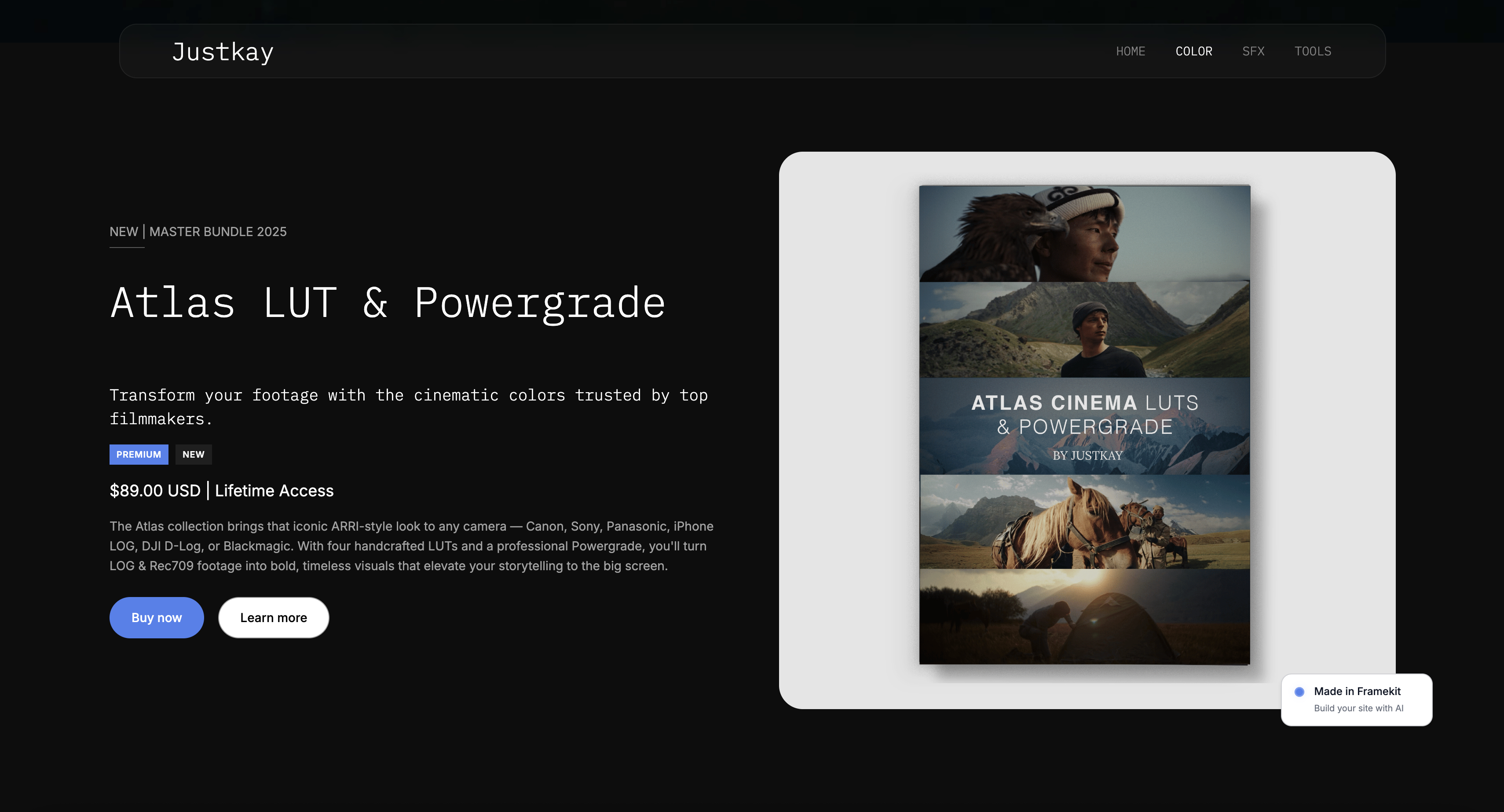
| LUTs for video | $15 to $60 | Signature looks command more |
| Ebooks and guides | $9 to $30 | Depth and niche raise the ceiling |
| Notion templates | $9 to $49 | Systems price above single pages |
| Canva template sets | $5 to $30 | Bundles beat single layouts |
| Online courses | $49 to $500 | Priced on outcome, not length |
The pattern across all of them: focused, professional-grade products aimed at people who earn from them sit at the top of each range, while beginner-oriented single items sit at the bottom.
If you are just starting, a mid-range price with a clear, specific promise outperforms both the cheapest and the most expensive option.
Our guides to selling ebooks and selling LUTs go deeper on each.
How to Test and Adjust Your Prices
Test prices by changing one thing at a time and watching what happens to total revenue, not just to the number of sales, because more sales at a lower price often means less money.
Raise a price and watch whether revenue holds; if ten sales at $30 beat fifteen at $15, the higher price wins even though fewer people bought.
Use launches and bundles to test without whiplash. Introduce a new tier or a bundle at a higher price rather than raising your core product repeatedly, and use time-limited launch pricing to gauge demand before settling.
A free lead-magnet product feeding an email list gives you an audience to test new prices on, and it costs you nothing per copy to give away.
Owning your store makes this painless, because you control the prices, the tiers, and the checkout rather than working within a marketplace's constraints.
In one linechange one price at a time and judge by total revenue, use new tiers and launches to test upward, and let a free lead magnet build the audience you test on.
Frequently Asked Questions
How do I price a digital product?
Price a digital product on the value it delivers, not what it cost you to make, because a digital file has near-zero cost per copy.
Start from what the buyer saves in time or gains in results, anchor your price against that value or a higher-priced option, and offer a small range of tiers so buyers self-select.
Then account for fees, since fixed per-sale charges take a big bite of cheap products, and when in doubt price at the top of your comfortable range and test, because most creators underprice.
Why can't I just price based on my costs?
Because a digital product costs almost nothing to reproduce, so cost-plus pricing points at a number near zero that has no relationship to the product's worth.
Physical goods have real per-unit costs to mark up; a downloadable file does not.
The right anchor is the buyer's alternative - the hours they would spend doing it themselves or the money they would pay for a substitute - not your production cost.
Value-based pricing captures a fair share of what the product saves the buyer.
How do fees affect how I should price?
Fees with a fixed per-sale component take a much larger percentage of cheap products, so they should push you away from very low prices.
A fee of 10% plus $0.50 plus processing costs roughly 29% of a $5 sale but only about 13% of a $50 sale, because the fixed part shrinks as a share of a bigger price.
That is a reason to bundle small items into a larger pack and to choose a store whose fee falls as you grow, like Framekit's 5% down to 0%, rather than a flat marketplace percentage.
Is it better to price low for more sales or high for more profit?
Usually higher, because lower prices rarely multiply sales enough to make up the lost margin, and they signal lower quality. Ten sales at $30 beat fifteen at $15, and the higher price often attracts better customers with fewer refunds.
Test it directly: raise the price and watch whether total revenue holds or grows. Most creators discover they were underpriced, not overpriced, so the safer bet when unsure is to price higher and let the market correct you.
How much should I charge for presets, templates, or ebooks?
As starting ranges: Lightroom presets $10 to $40, LUTs $15 to $60, ebooks and guides $9 to $30, Notion templates $9 to $49, Canva template sets $5 to $30, and courses $49 to $500.
Within each range, professional-grade products aimed at people who earn from them sit at the top, and beginner single items at the bottom.
Bundles almost always outperform single items, and testing toward the top of the range usually reveals more room than creators expect.
Should I offer different pricing tiers?
Yes, a small set of tiers usually raises your average order value without losing budget buyers.
A common structure is a single item, a bundle at a middle price, and a premium version with extras like a video walkthrough or commercial license.
Tiers let buyers self-select by budget and need, and the middle option often becomes the most popular because it looks like the sensible choice between too little and too much. Keep it to two or three tiers so the choice stays simple.
How do I test my prices without annoying customers?
Test by introducing new tiers, bundles, or launch prices rather than repeatedly changing your core product's price in front of existing buyers.
Time-limited launch pricing gauges demand for something new, and a free lead-magnet product gives you an email list to test offers on. Change one variable at a time and measure total revenue, not just unit sales.
Owning your store makes this easy, since you control every price and tier rather than working within a marketplace's rules.
Does where I sell affect how I should price?
Yes, because the platform's fee structure changes what a given price actually nets you.
On a marketplace that takes a flat percentage or a large commission, you may need to price higher to keep the same take-home, while an owned store with a low or falling fee lets a lower price still work.
It also affects strategy: an owned store lets you run tiers, bundles, and price tests freely, whereas a marketplace constrains them.
For the same product, you often keep more at a lower price on your own store than at a higher price on a marketplace.
What you keep after tax is the number that matters, and our comparison of eight tax software options for freelance creatives covers why filing digital product income costs more at most vendors than filing a salary.
The Bottom Line
Pricing digital products well starts with abandoning cost-plus thinking, because your cost per copy is essentially zero.
Price on the value you deliver - the time saved, the result unlocked - anchor and tier that value, and respect the fee math that punishes very cheap prices.
Then test upward, since the most common pricing mistake creators make is charging too little for work that is worth more.
Where you sell shapes all of it. A store you own lets you set prices freely, run tiers, test launches, and keep more of each sale as your fee falls toward zero, rather than pricing around a marketplace's fixed cut.
Framekit is our own product, and it fits this way of pricing because you control every price and tier on a site you own; if you would rather a marketplace set the terms and bring the traffic, that is a fair trade to make with open eyes.
For the tools themselves, our best free product-selling tools roundup compares them on fees and ownership.
_Fee figures were verified against the platforms' own pricing pages, and Framekit's plans against its published pricing, in July 2026._
Client services price differently from products, and how much to charge for graphic design works through the floor calculation most freelancers have never done.
Your price also decides which plan you should be on, because the crossover moves with it. We show the arithmetic in when to upgrade your creator platform.
If some of that income comes from client work, the fundraising and pitching side is covered in our best pitch deck software comparison.