Framekit templates
Start from a designer-made template
 Use template
 Use template
 Use template
 Use template
 Use template
 Use template
 Use template
 Use template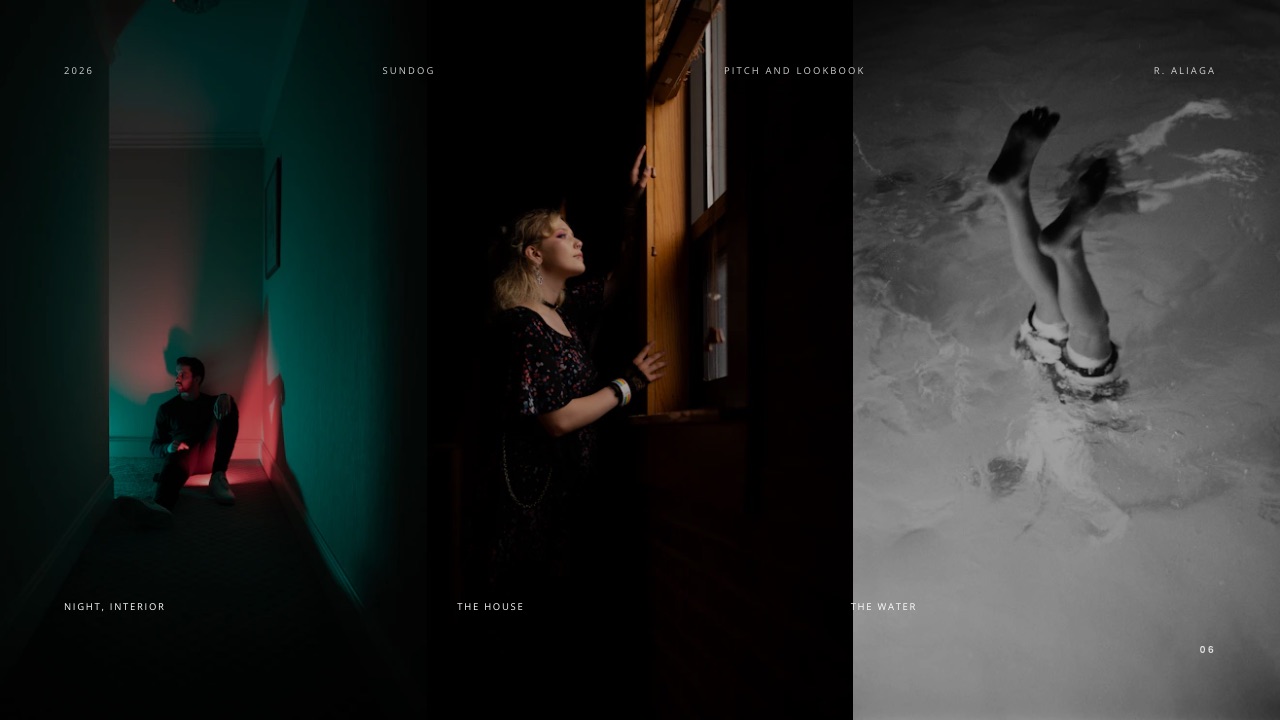
Mari runs a two-person knitwear label. 14 finished pieces are hanging in the studio, a photographer shot them over two days, and six buyer meetings are booked inside a three-week window. What she has is 340 images in a folder.
What the buyers need is a document that makes them want the collection and tells them the wholesale price of a cardigan before they leave the room.
That gap is the whole job. Learning how to make a lookbook is mostly learning to cut 340 images down to about 22 pages that move in one direction, and then adding the one page everybody forgets, which is the page with the numbers on it.
A lookbook is a short image-led document of 12 to 30 pages that presents one collection or one body of work in a deliberate sequence so that a buyer, client or editor can see the whole idea and act on it before a stated date.
Build the lookbook backwards from the thing you need to happen: pick the outcome and the deadline first, cut to 10 to 20 looks, sequence them so the strongest piece opens and the second strongest closes, then add a spec page with wholesale and retail prices and a credits page.
Framekit Slides is the pick for building it, with unlimited decks, your own fonts and colours, a share link and PDF export on every plan including Free, so a seasonal lookbook costs nothing to produce.
Canva is the faster route if you want a familiar template library, InDesign is still the right tool when the file goes to a commercial printer, and Gamma is worth a look if you want the layout generated from a prompt.
Full disclosure: Framekit is our product and this guide ranks it first for the digital lookbook, so check the claims rather than trust them. Canva and Gamma pricing pages both refused to serve a figure to us, so their prices below are the European listings the lead read in a browser in September 2026 rather than numbers we could link. Framekit cannot take a wholesale order, cannot password-protect a share link and cannot tell you which buyer opened the file, and all three are named again at the end. The film-lookbook guide this page hands you when it separates the four document types is published by Storyflow, which is a sister product to Framekit rather than a third-party source.
How the numbers in this guide were checked
Everything below is either something you can verify at a source, something worked out in front of you, or something explicitly not claimed, and separating the three is what makes a guide like this usable rather than decorative.
Read at the source. Print costs come from Blurb's own published pricing, read in September 2026 and linked. The email attachment ceiling comes from Google's own help documentation.
Where a vendor's pricing page refused to load for us, the figure is either given as the European listing read in a browser or left out entirely.
Calculated. The print-run arithmetic and the page-count maths are worked with one carried example: Mari's 14-look Autumn/Winter knitwear collection, wholesale EUR 92 and retail EUR 245 on the heaviest piece, with 25 printed copies for buyer appointments.
Not claimed. There is no credible published benchmark for how many looks a lookbook should contain or what proportion of them convert to orders, so none is quoted here.
The page-count ranges below are tied to purpose and deadline, and the money sections give you arithmetic to run on your own collection instead of a market average.
The lookbook by the numbers
Six figures set the shape of the document, and each one settles a question that otherwise gets decided at two in the morning the night before a buyer meeting.
- 10 to 20 looks is the working range for a seasonal collection; below 10 it reads as a sample, above 20 a buyer stops distinguishing between pieces.
- 12 to 30 pages total, once the cover, spec page and credits are counted.
- 20 pages is the minimum for a printed Blurb magazine, which starts at US $7.00 for a single copy.
- 10 copies is where Blurb's magazine volume discount starts, at 10% off, rising to 15% from 20 copies and 20% from 50.
- 25 MB is the attachment ceiling on a personal Gmail account, above which Gmail strips the file and substitutes a Drive link, which is why a print-resolution PDF should never be an attachment.
- Unlimited decks on every Framekit plan including Free, with PDF export and a share link on all of them, so a lookbook you reshoot every season does not cost more each season.
In one linea lookbook is judged on the first three spreads and bought from the spec page, which means the work splits cleanly into sequencing the images at the front and being unambiguous about numbers at the back.
Step 1. Decide what the lookbook has to make happen, and by when
A lookbook with no outcome attached becomes a portfolio, and a portfolio is a document nobody has to respond to. Before you place a single image, write one sentence that names the action and the date, because that sentence decides the length, the tone and what the last page says.
The 3 common outcomes are genuinely different documents, and the table below shows them diverging by 8 pages and an entirely different last page. Treating them as one is the most common reason a lookbook feels slightly off.
| Outcome | Looks | Pages | What the last page does |
|---|---|---|---|
| Wholesale order from a buyer | 12 to 20 | 20 to 30 | Wholesale prices, minimum order, delivery window, order contact |
| Booking from a client or brand | 8 to 14 | 12 to 18 | Day rate or package, availability, a single reply-to address |
| Press or editorial placement | 10 to 16 | 14 to 22 | Sample loan contact, credits, a link to download images at print resolution |
Mari's sentence is: "Six buyers should place Autumn/Winter orders before 14 November." That one line tells her the lookbook needs wholesale prices in it, needs to exist as both a printed object for the meetings and a link for the follow-up, and needs a delivery window on the last page.
Everything else is negotiable.
What goes wrongbuilding one lookbook to do all three jobs. A press version with wholesale prices in it will end up forwarded to someone who should never see your margins, and a buyer version without them wastes the meeting.
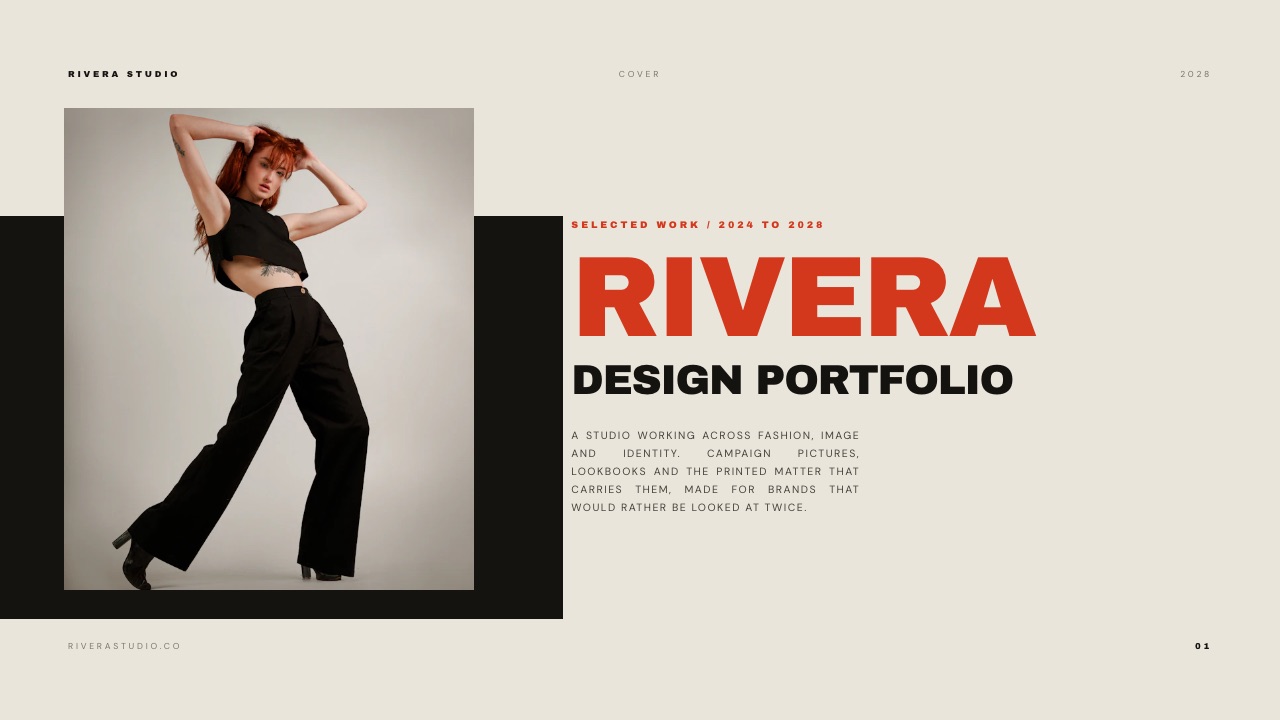
Step 2. Cut to the number of looks, before you start laying out
Most lookbooks are too long, and they are too long because the cut happened in the layout tool instead of before it. Print contact sheets or put every frame on one screen, choose the looks first, then open the layout.
Cut in two passes. In the first pass, keep one hero frame per finished piece, which for Mari is 14 frames from 340.
In the second pass, ask a harder question of each: would you be happy if a buyer only saw this one image from the collection? Anything that fails becomes a detail shot or gets dropped.
The rule that does the workone look per page, one page per look, no exceptions until you have a complete draft. For Mari's 14 looks that is 14 pages before the cover, the spec page and the credits are counted.
Grids and pairings are a decision you make later, on purpose, and a lookbook that starts life as a collage never recovers a rhythm.
What goes wrongkeeping a look because the garment matters commercially rather than because the photograph is good. A weak image sells nothing and drags the two pages either side of it down.
If a piece has to be in the collection but the image is poor, put it on the spec page as a line item with a product shot and keep it out of the sequence.
The concrete versionMari cuts 14 looks to 11 full-page looks plus three pieces that appear only on the spec page. Her lookbook is now 22 pages: cover, three-page opening, 11 look pages, two detail spreads, spec page, credits page, back cover.
Step 3. Sequence the looks so the document moves
A lookbook is read in order, which makes it closer to an edit than a gallery, and the single biggest difference between a lookbook that feels expensive and one that does not is whether the sequence has a shape.
Use positions, not preferences. Assign each slot a job and then choose the image that does that job best.
| Position | Job | What to put there |
|---|---|---|
| Cover | Make one promise | The single strongest frame, cropped tight, minimal type |
| Pages 2 to 3 | Set the world | A location or texture spread with no garment in focus |
| First look | Prove the promise | The piece a buyer would name if asked what the season is |
| Looks 2 to 5 | Build variety | Alternate long and close frames so the eye does not settle |
| Middle spread | Break the rhythm | A detail spread, a fabric close-up or a flat lay |
| Looks 6 to 10 | Show range | The commercial pieces, the ones that pay the rent |
| Final look | Land it | The second strongest frame in the collection |
| Spec page | Convert | Prices, sizes, minimums, delivery |
| Credits | Close politely | Everyone who made it, with handles |
The reason the strongest frame opens and the second strongest closes is that those are the two images a buyer remembers in the taxi.
Putting both in the middle is the most common sequencing mistake in independent labels' lookbooks and it is entirely fixable in 10 minutes of reordering.
What goes wrongalternating colour and black and white to create variety. It reads as indecision. If the collection has two distinct stories, split them into two titled sections rather than interleaving them.
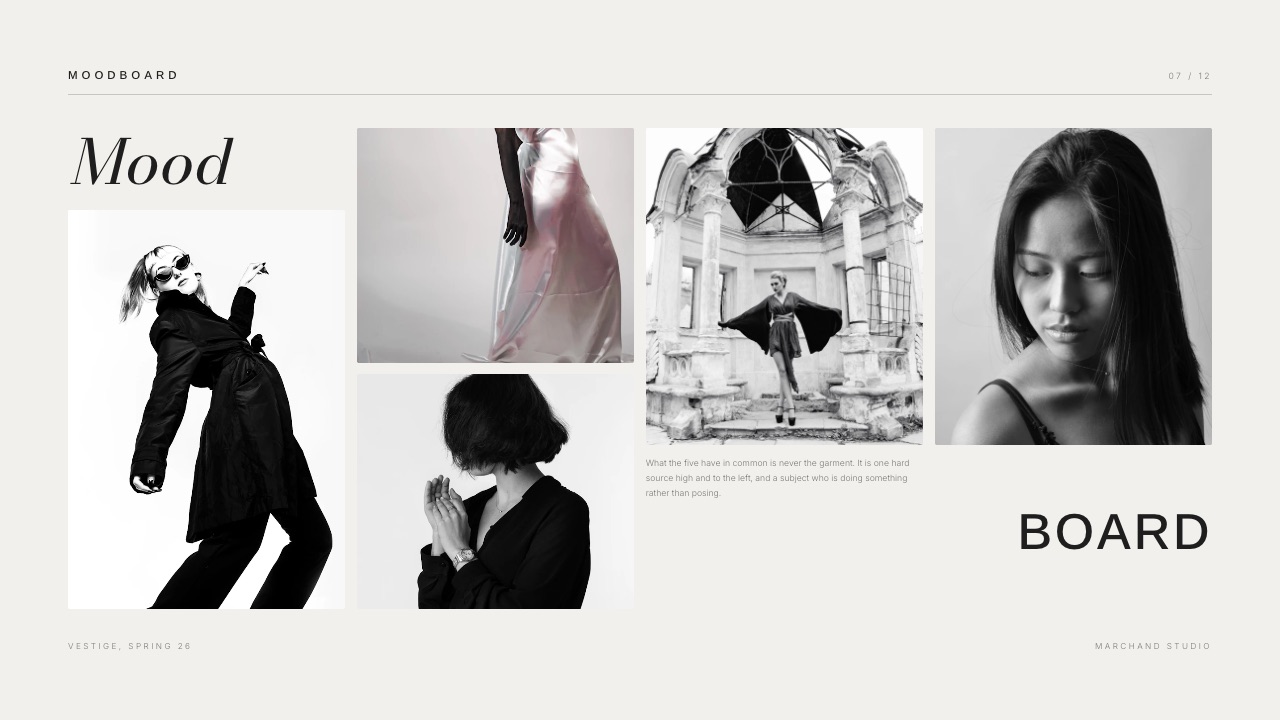
If you are still at the stage of deciding what the collection looks like rather than presenting it, that is a moodboard, not a lookbook, and it is a genuinely different exercise covered in how to make a mood board.
Step 4. Fix the spread grammar and keep it for the whole document
Once the order is right, every page should be built from the same small set of layouts, because a lookbook that changes its layout rules every spread reads as amateur even when each individual page is good.
Pick four layouts and use nothing else. A full-bleed single image. A full-bleed image with a caption block in one fixed corner. A two-image spread where both images share a margin. A type-only page for the spec and credits.
That is the entire grammar of most good lookbooks and it is enough for 30 pages.
Then fix 3 things and never move them: the margin, the caption position, and the type size for look titles. If the look title sits bottom left at 11 point on page four, it sits bottom left at 11 point on page 18.
Consistency here is what people are describing when they say a document feels considered.
What goes wrongcropping every image differently to fit a layout. Decide on one crop ratio for full-page looks, the ratio the photographer shot in, and let the detail shots be the only place where the ratio changes.
The concrete versionMari's grammar is a full-bleed portrait crop for looks, a 12-millimetre margin on type pages, look titles bottom left in 11 point, and colourway swatches in a fixed row under each detail spread. Four rules, 22 pages, no arguments with herself at midnight.
Step 5. Write the spec page, which is where liking turns into ordering
This is the page that separates a lookbook from a portfolio, and it is the page independent labels leave out most, because they intend to send prices separately and then a buyer forwards the file to a colleague who never receives the second email.
A wholesale spec page carries eight fields per piece. A booking lookbook carries a simpler version of the same idea, which is a package and a price.
| Field | Example from Mari's collection | Why a buyer needs it |
|---|---|---|
| Style code | AW26-KN-04 | So an order can be written without describing the garment |
| Name | Ferry Cardigan | So the meeting has a shared vocabulary |
| Fabric | 70% lambswool, 30% alpaca | Answers the first question a buyer asks |
| Colourways | Bracken, Slate, Bone | Decides how much rail space they will give it |
| Sizes | XS to XL | Rules out a fit range they cannot sell |
| Wholesale | EUR 92 | The number the order is written against |
| Suggested retail | EUR 245 | Shows the margin without them calculating it |
| Delivery window | 15 January to 1 February | Tells them which season it lands in |
Add two lines under the table: the minimum order value, and the order deadline. "Minimum first order EUR 900. Orders for the January delivery close 14 November." Those two lines are the entire reason this document exists on a schedule.
What goes wrongputting prices in a separate PDF. Every forward of the lookbook then arrives without them, and the person who actually approves the budget sees a pretty document with no numbers in it.
The honest limit on our sidea Framekit lookbook can show that table and link to a contact form on your site, but it cannot take the wholesale order.
Framekit's store sells digital files only, with no physical goods, no shipping, no inventory and no variants, so a knitwear order goes through email, a wholesale platform or your own accounting tool.
If what you are selling is a digital file rather than a garment, that is a different post: selling art from your own website covers it.
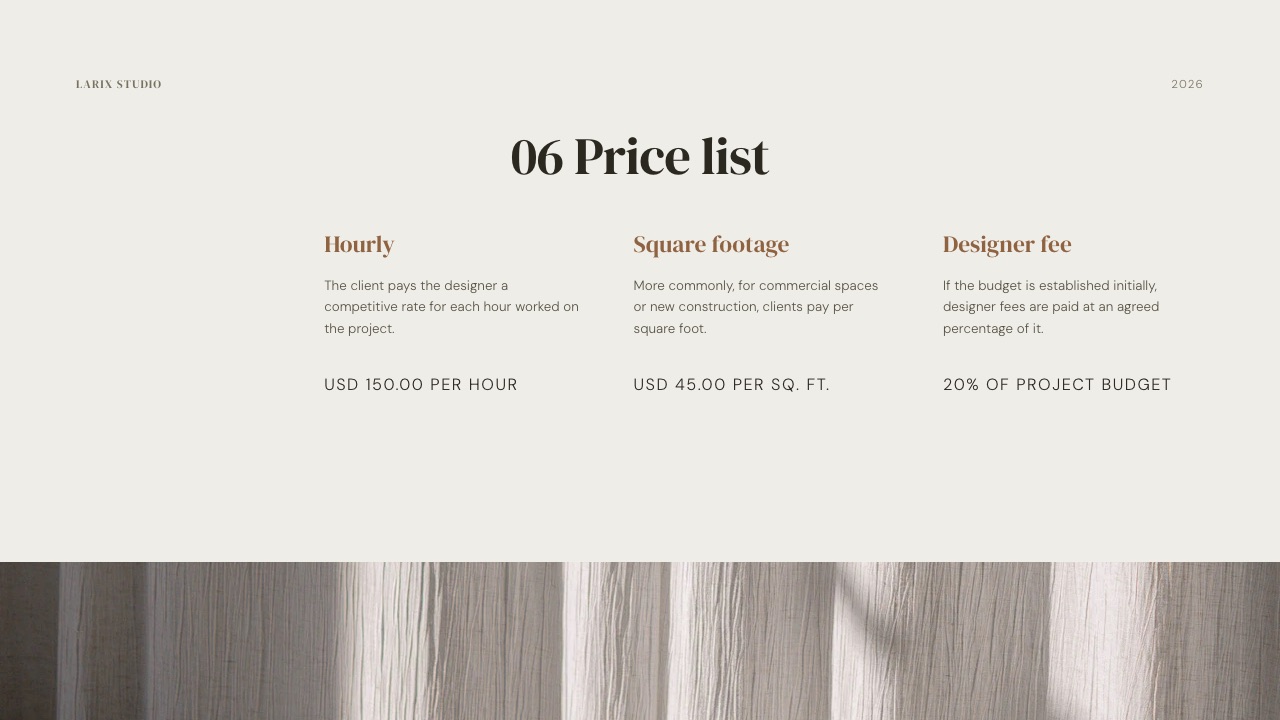
In one linethe spec page is the difference between a document people admire and a document people order from, and the fix for most lookbooks is nothing more elaborate than moving the price list from a separate email into page 20.
Step 6. Credit everyone, and make the credits useful
The credits page costs you 5 minutes and is the cheapest professional signal in the document, and more practically it is the page that gets screenshotted and posted, which is free distribution you would otherwise pay for.
List the roles in a fixed order: photographer, stylist, hair, make-up, models, set, location, retouching, and the label itself. Put a handle next to each name, because a credits page without handles cannot be tagged and therefore cannot travel.
Add your own line at the bottom with one contact route, not four.
A single email address beats 4 contact routes competing on one page, an email, a phone number, a form link and 3 social handles, because a buyer forwarding the document to a colleague needs one unambiguous next step.
What goes wrongcrediting only the photographer. Stylists and make-up artists share lookbooks with their own audiences, and a collection lookbook that travels through 4 creative networks reaches more buyers than one that travels through yours alone.
Step 7. Choose print, digital, or both, with the costs in front of you
Print and digital are not the same document dressed differently, and deciding which you need is a budget question with real numbers attached rather than a taste question.
| Format | What it costs | Best at | What it cannot do |
|---|---|---|---|
| Digital PDF | Nothing beyond the tool | Forwarding, attaching to an email, reading on a phone | Changing after you send it, unless you resend |
| Share link | Nothing on a Framekit Free plan | Updating after a meeting, keeping one live address | Working offline, or telling you which buyer opened it |
| Printed magazine | From US $7.00 a copy at Blurb, 8.5 by 11 inches, 20 pages minimum | Leaving behind after a meeting; a buyer keeps it on the desk | Being corrected, and it is dead the moment a price changes |
Blurb's magazine volume discounts start at 10% for 10 to 19 copies, rise to 15% from 20 copies and 20% from 50, so Mari's 25 printed copies land in the 15% band.
The arithmetic to run is simple: base price per copy, times the run, less the discount band, plus shipping, divided by the number of meetings it will actually be handed out at.
For Mari that is $7.00 times 25, less 15%, which is $148.75 before shipping, or $24.79 for each of her 6 buyer meetings. If that number is larger than what an extra sample costs you, print fewer copies and send the link.
The version most independent labels should usedigital as the primary document, a small print run only for the meetings you will physically attend. Mari prints 25 copies for six buyer meetings and two trade appointments, keeps the rest as press mailers, and sends the link to everyone else.
What goes wrongprinting before the prices are final. A printed lookbook with a superseded wholesale price is worse than no printed lookbook, because it contradicts the document you are emailing.
Step 8. Send it so it arrives, and make the last page do something
A lookbook that lands in a spam folder or arrives as a 180 megabyte attachment has failed at the last metre, and the sending step is where more independent labels lose meetings than at any earlier stage.
Export two files. A screen PDF, images at 150 pixels per inch on the long edge, under about 15 megabytes, which is what you attach or link. A print-resolution file, which goes to the printer and nowhere else.
Never send the print file to a buyer: Google's own documentation puts the personal Gmail attachment ceiling at 25 MB and says anything larger is stripped and replaced with a Drive link, which is a broken-looking email in a meeting.
For anything above that, send a link rather than a file. Dropbox's Basic tier is free with 2 GB and its Plus tier was listed at EUR 9.99 a month for 2 TB for European buyers in September 2026, At 8MB per full-resolution frame, Mari's 340-image shoot is 2.7GB, so 2 TB is room for roughly 700 more seasons and the free 2 GB is not room for one.
A Framekit Slides share link is the other route and it has one advantage that matters here: you can fix a typo or a price after sending without asking 6 people to delete the old file.
Then write the email in three lines. What the collection is, when orders close, and one question that can be answered with a yes.
"Can I book 20 minutes on the 4th or the 6th?" outperforms "let me know what you think", because it asks for a decision the recipient can make in four seconds.
The last page, concretelyorder deadline, delivery window, minimum order, one email address, and the printed price list repeated. Not a thank-you slide.
Lookbook, moodboard, linesheet and catalogue are four different documents
These four words get used interchangeably and they name four documents with different readers, which is why advice written for one of them reads as wrong the moment you apply it to another.
A moodboard is a reference document made before the work exists, assembled to agree on a direction with a photographer, a client or yourself.
A lookbook is made after the work exists and presents one collection in sequence to make someone act.
A linesheet is the spec page on its own, a dense grid of product shots with codes and prices, sent to buyers who already know the collection.
A catalogue is a lookbook and a linesheet fused, built to be browsed by end customers rather than trade.
The practical consequence is what you cut. A moodboard can contain other people's images because it is about direction. A lookbook cannot, because it is about what you made.
A linesheet keeps every piece including the commercially necessary and visually dull ones. A lookbook keeps only what photographs well and moves the sequence.
If the lookbook is for a film rather than a collection, the sequence logic is different again and our sister product's guide to the film lookbook covers that variant.
For the tool ranking rather than the procedure, the blog keeps a separate page on lookbook software and another on mood board tools.
In one linethe difference between these four documents is when they are made and who has to act after reading them, and getting that wrong is why a beautifully made lookbook sometimes produces admiration and no orders.
Which tool should build the lookbook
An image-led document has an unusual requirement profile: you need full-bleed images, tight typographic control, a PDF that does not degrade the photography, and a price low enough that reshooting every season is not a budget line.
| Tool | Price read or listed in September 2026 | Good at | What it will not do |
|---|---|---|---|
| Framekit Slides | Free plan with unlimited decks; Starter $9/mo, $7 billed yearly | Full-bleed images, your own fonts and colours, share link and PDF on every plan | No password on a share link, no per-viewer analytics, and the template library plus custom fonts are paid |
| Canva | Free; Pro listed at EUR 110 a year for one person for European buyers | A very large template library and quick assembly | Fine typographic control, and the pricing page would not serve a figure to us |
| Gamma | Free with 400 one-time credits; Plus listed at EUR 8 per seat per month billed annually | Generating a full layout from a prompt, then editing it | Precise image cropping, and credits are consumed per action |
| Adobe InDesign | Price not published in a form readable to us | Print production, bleed, PDF/X output for a commercial printer | Sharing as a live link, and there is no free tier |

Which I would useFramekit Slides for the digital lookbook and InDesign for anything going to a commercial press.
Framekit is an AI website builder whose Slides tool builds the lookbook on the same account as the portfolio site the buyer is going to visit afterwards, and unlimited decks on the Free plan means a spring lookbook, an autumn lookbook and a press variant cost the same as one.
The AI slide writer will draft the copy blocks, the ready-made moodboard and storyboard elements handle the reference spreads, and PDF export is on every plan including Free.
The trade-off, stated plainlyif your lookbook is going to a printer with bleed, crop marks and a colour profile specified by the print house, Framekit is not the tool and InDesign is.
And if you need to know which of six buyers opened the file, Framekit reports a total view count and nothing per viewer, so a deck platform with analytics is the better fit.
How to refresh a lookbook every season without rebuilding it
A lookbook is a seasonal object, which means the real cost is not making the first one, it is making the ninth one, and labels that treat every season as a fresh design project quietly spend a week a year on layout.
Build the first one as a template you can gut. Keep the grammar, the margin, the type sizes, the spec page structure and the credits layout; replace only the images, the style codes and the dates.
That turns a 4-day job into an afternoon and, as a side effect, gives your label a recognisable house style across seasons, which is worth more than any individual layout decision.
Two things should change every season on purpose: the cover crop, so the new collection is visually distinct on a buyer's desk next to last season's, and the opening spread, which sets the world the collection lives in. Everything else can stay.
Version the files properly. "AW26 lookbook v3 final FINAL.pdf" is how a superseded price reaches a buyer.
Name files by season and date, keep one live link as the canonical version, and delete old PDFs from your shared folders when a price changes rather than letting them circulate.
In one linethe compounding win in lookbooks is the template, because seasons 2 through 9 cost almost nothing once the grammar is fixed, and the house style you accumulate is a brand asset you did not have to design separately.
A decision guide for the version you actually need
Work through these in order and stop at the first that fits, because the fastest way to waste a week is to build a 30-page wholesale lookbook when what the situation needed was 12 pages and a day rate.
Does someone need to place a paid order from this document? If yes, the spec page with wholesale prices, minimum order and delivery window is mandatory and the document is 20 to 30 pages. If no, go to the next question.
Is this going to a brand or client to win a booking? If yes, cut to 8 to 14 looks, replace the spec page with a package and a price, and put availability on the last page. If no, go to the next question.
Is this for press? If yes, strip the prices, add a sample loan contact and a link to print-resolution images, and keep the credits page generous with handles.
Will you hand it to anyone in a room? If yes, print a short run and take the volume band into account; Blurb's magazine discount starts at 10 copies. If no, do not print at all, and spend the money on the photography instead.
Does the collection change during the selling window? If yes, lead with a share link you can update rather than a PDF that gets forwarded in its wrong version. If no, a PDF is simpler and works offline in a basement showroom with no signal.
Do you need to know who opened it? If yes, Framekit will not tell you, and a deck platform with per-viewer analytics is the right tool for that job.
Frequently Asked Questions
How many looks should a lookbook have?
A lookbook should show 10 to 20 looks for a seasonal collection, 8 to 14 for a booking-focused portfolio lookbook, and 10 to 16 for a press version.
There is no published benchmark behind those ranges; they come from the constraint that a reader stops distinguishing between pieces after about 20 and doubts the collection is finished below about eight.
If a piece must be in the range for commercial reasons but photographs badly, list it on the spec page rather than giving it a full look page.
How many pages should a lookbook be?
A lookbook runs 12 to 30 pages including the cover, the spec page and the credits. A wholesale lookbook sits at the top of that range because it carries a full price table; a booking lookbook sits at the bottom.
If you intend to print with Blurb, note that its magazine format has a 20-page minimum, so a 14-page digital lookbook needs padding or a different print product before it can go to press.
What is the difference between a lookbook and a moodboard?
A moodboard is made before the work exists and collects references to agree a direction, so it can contain other people's images.
A lookbook is made after the work exists and presents one finished collection in a deliberate sequence to get an order, a booking or a placement, so every image in it should be yours.
Sending a moodboard when a buyer asked for a lookbook reads as a collection that is not ready.
Should a lookbook include prices?
A wholesale lookbook should include prices, on a spec page inside the document rather than in a separate attachment, because the file gets forwarded and the second email does not.
Include the style code, wholesale price, suggested retail, sizes, colourways and delivery window for every piece, plus the minimum order value and the order deadline.
A press lookbook should not include wholesale prices at all, which is one reason to build two versions.
How do I send a lookbook to a buyer?
Send a screen-resolution PDF under about 15 MB, or a share link if the file is bigger or the prices may still change.
Google's documentation puts the personal Gmail attachment limit at 25 MB and says larger files are stripped and replaced with a Drive link, so a print-resolution export should never be attached.
Write 3 lines in the email: what the collection is, when orders close, and one question that can be answered yes or no.
Can I make a lookbook for free?
You can make a lookbook for free in Framekit Slides, which includes unlimited decks, the AI slide writer, a share link and PDF export on every plan including the Free one.
The Free plan shows a Framekit byline and does not include the full template library or custom uploaded fonts; removing the byline and uploading your own typeface start on Starter at $9 a month, or $7 a month billed yearly.
Canva and Gamma also have free tiers with their own limits.
Is a lookbook the same as a linesheet?
A lookbook and a linesheet are different documents that travel together in the same email. A lookbook is image-led and sequenced, built to make a buyer want the collection.
A linesheet is a dense product grid with style codes, fabrics, sizes and wholesale prices, built so a buyer who already wants the collection can write an order.
Small labels fold a one-page linesheet into the back of the lookbook as the spec page, which holds up to about 20 pieces before the grid gets too dense to read.
How much does it cost to print a lookbook?
Blurb's published pricing starts at US $7.00 for a single magazine at 8.5 by 11 inches, with a 20-page minimum, and its volume discounts run 10% for 10 to 19 copies, 15% for 20 to 49 and 20% from 50 copies.
Add shipping and any paper upgrade on top.
The useful test is cost per meeting: divide the total run cost by the number of appointments where you will physically hand one over, and if that figure looks uncomfortable, print fewer and send the link.
Does Framekit have lookbook templates?
Framekit Slides includes a deck template library covering lookbooks, treatments, portfolios and proposals, along with ready-made elements for moodboards, shot lists and storyboards.
The full template library is a paid feature starting on the Starter plan at $9 a month, or $7 billed yearly; building a lookbook from scratch, exporting a PDF and sharing a link are available on the Free plan with unlimited decks.
Can I password-protect a lookbook link?
Framekit deck share links do not support passwords and report only a total view count, so a Framekit lookbook link is not the right choice for a collection you need to keep confidential before a launch date.
For a password-protected, per-viewer-tracked document, DocSend, Pitch and Storydoc are the better fit.
If the material is photography you need to deliver privately rather than a designed document, Framekit client galleries do have a gallery password and a separate download PIN on every plan.
How often should I remake a lookbook?
Remake the lookbook once per collection, which for most labels is twice a year, and change only the cover crop, the opening spread, the images, the style codes and the dates.
Keeping the margin, type sizes, spec-page structure and credits layout from season to season turns a multi-day design job into an afternoon and builds a recognisable house style.
Version files by season and date, and delete superseded PDFs from shared folders whenever a price changes.
Final Verdict
Build the lookbook backwards from an outcome with a date on it, cut to 10 to 20 looks before you open a layout tool, sequence with the strongest frame on the cover and the second strongest at the end, fix four layouts and never break them, and put the prices inside the document rather than in a follow-up email.
Framekit Slides is the recommendation for the digital version because unlimited decks, your own fonts and colours, a share link and PDF export are on every plan including Free, which means the second, fifth and ninth seasonal lookbook cost the same as the first.
Where Framekit loses is print and privacy. If your lookbook goes to a commercial printer with bleed, crop marks and a specified colour profile, Framekit does not do that and InDesign does, so use it and do not pretend otherwise.
Framekit also cannot password-protect a deck link or tell you which buyer opened which page, and it cannot take the wholesale order, since its store sells digital files only with no physical goods, shipping or inventory.
If confidentiality before a launch date is the whole point, or if the order has to be placed inside the document, this is not the tool for that part of the job.
Related readingfor the tool comparison rather than the method, see lookbook software and mood board tools for creatives.
For the PDF-specific version of this problem, how to make a portfolio PDF covers export and file size in more depth.
If the lookbook is going to live on a site rather than in an inbox, website builders for fashion designers and client galleries for fashion photographers cover the two places the images end up after the buyer meeting.
For work that needs an argument rather than a mood, how to present a design concept to a client covers the reasoning-first order, and if the lookbook sells a digital product, how to write a sales page for a digital product handles the page it points at.