Framekit templates
Start from a designer-made template
 Use template
 Use template
 Use template
 Use template
 Use template
 Use template
 Use template
 Use template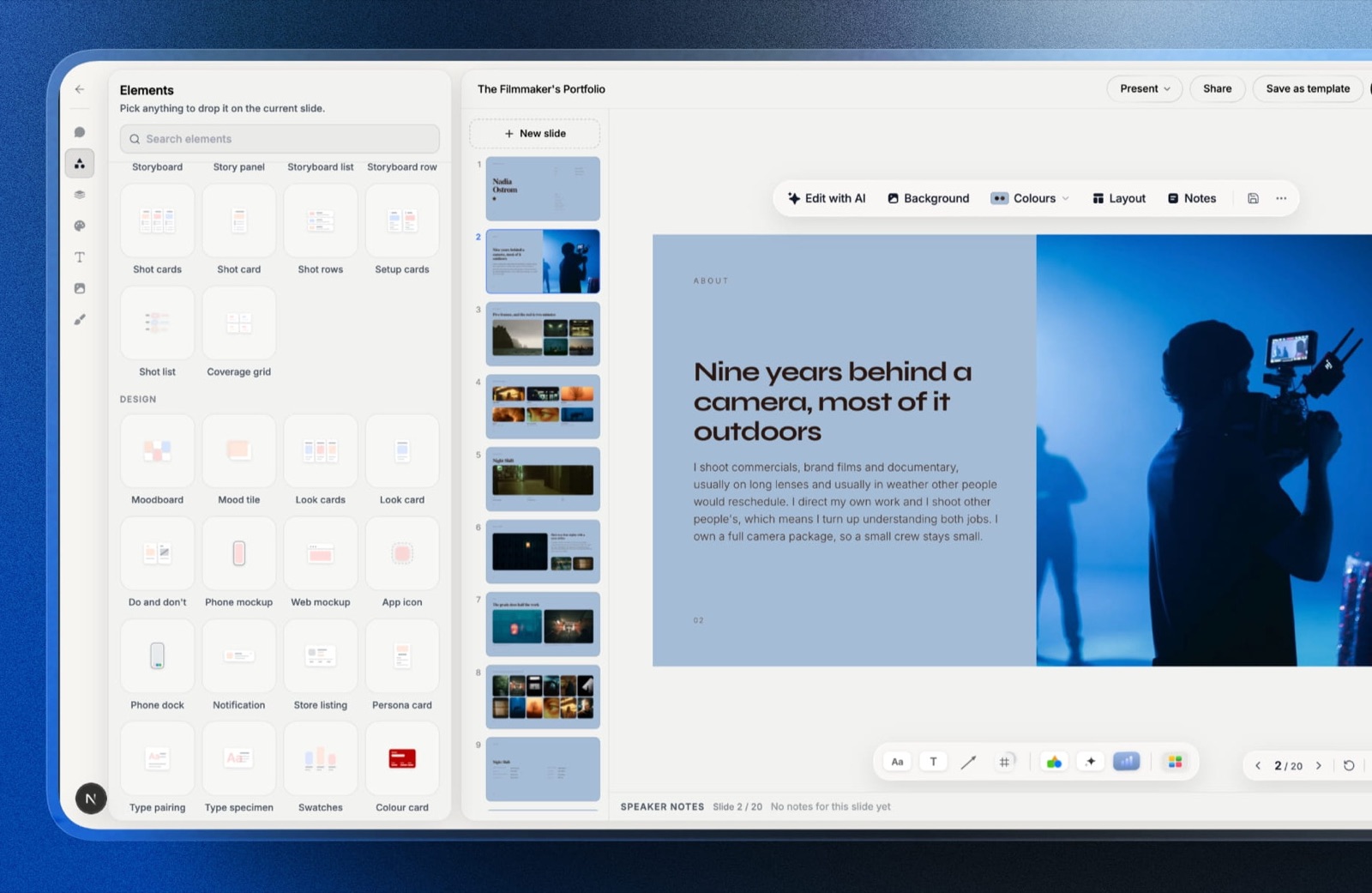
On 16 September 2026 Anthropic began rolling Claude Slides out to Pro and Max conversations, and a question that had been theoretical became practical: Claude vs Gamma for presentations, which one should build the 12-slide pitch you owe a client on Friday?
Both will draft it from a paragraph of notes. Both will let you present it and download it as PowerPoint.
The difference shows up when you paste the link into an email. A Gamma link opens for anyone.
A Claude Slides link asks each of your three reviewers to sign in to a Claude account first, because that is how Anthropic's help centre says every Slides, Design and Docs artifact is shared.
Where the deck lives, and who has to log in to see it, decides more of this comparison than any layout engine.
An AI presentation maker is a tool that turns a prompt, a document or rough notes into a designed slide deck you can edit, present and share, and in 2026 the category splits into two shapes: assistants that make decks as one of many jobs (Claude) and deck tools that exist to make and publish decks (Gamma).
If you already pay for Claude Pro, Claude Slides is the better first draft, because the deck is built inside the conversation that already holds your files, notes and context, and it draws on the usage you pay $20 a month for instead of a per-slide credit meter.
Gamma is the better finished deck whenever outsiders must open it: its links need no account, Pro adds viewer analytics, passwords and custom domains, and its free plan actually makes decks.
The trade-off is that Claude Slides is a beta still rolling out to Pro and Max accounts first, with nothing on the Free plan.
Claude Design is the pick for decks that must follow a company design system, and Framekit Slides is the better fit for creative treatments, lookbooks and portfolio decks.
Full disclosure: Framekit is our product, and Framekit Slides appears in this comparison as a third option for one specific kind of deck, not as the winner of Claude vs Gamma. Nothing below comes from our own sessions in Claude Slides or Gamma; every claim about them comes from Anthropic's and Gamma's own pricing pages, help centres and launch posts, linked where it matters. Claude beats us on drafting from context and Gamma beats us on shareable-link analytics, and both sections below say so.
How This Comparison Was Put Together
Claude Slides is three days old at the time of writing, so this comparison leans on what Anthropic and Gamma publish about their own products in September 2026 rather than on impressions, and it separates what was read, what was calculated and what users say.
Read at the source. Anthropic's pricing page, the launch post for Claude Slides and Docs, the help centre articles on sharing artifacts and Claude Design, and the original Claude Design announcement.
For Gamma: its pricing page, its help centre articles on credits, exports, sharing, analytics and refunds, and the per-card and per-image credit rates Gamma publishes in its developer documentation.
All read on 19 September 2026.
Calculated. One carried example runs through every section: a 12-slide client pitch with 6 AI-generated images, sent as a link to 3 outside reviewers, presented once on a call, then downloaded as PowerPoint for the client's archive.
Credit ranges come from multiplying Gamma's published per-card and per-image rates, and the arithmetic is shown so you can redo it with your own slide count.
Reported by users. Claude Slides is too new for a meaningful body of user reports, so none are quoted here. Where a limitation is stated, it comes from the vendor's own documentation, including the parts vendors usually bury.
Prices are in US dollars as Anthropic and Gamma display them to US visitors. Gamma's page shows the annual rate by default; its month-to-month dollar rate did not render in our read, so the annual figure is the one quoted.
Claude vs Gamma by the Numbers
These are the six figures that decide most Claude vs Gamma presentation choices, each taken from the vendor's own page or calculated from it in September 2026.
- 1 Claude account per viewer. Anthropic's help centre says everyone who opens a shared Claude Slides, Design or Docs artifact needs a Claude account. A Gamma link opens with none.
- 400 credits. Gamma's free plan starts with 400 credits that never refresh, and up to 10 slides per prompt.
- 24 to 126 credits. What the carried 12-slide, 6-image deck should consume on Gamma at its published standard-image rates.
- $200 a year. Claude Pro billed annually ($17 a month), the cheapest plan that includes Claude Slides and Claude Design. Monthly it is $20.
- $108 a year. Gamma Plus billed annually ($9 a seat a month), the cheapest plan that removes the Made with Gamma badge.
- $216 a year. Gamma Pro billed annually ($18 a seat a month), the plan that adds viewer analytics, password-protected links and custom domains.
Where the Deck Lives Decides Everything
The single most important difference between Claude and Gamma for presentations is not the quality of the slides but where the finished deck sits afterwards, because that decides who can open it, whether it updates in place, and what you can learn about who read it.
Every deck ends up in one of three places. It lives in the tool that made it, as a link. It lives as a file, a PDF or PPTX sitting in somebody's inbox.
Or it lives inside a presentation app that someone else controls, like the client's PowerPoint. Claude and Gamma both do all three, but they put different weight on the first one.
| Where the deck lives | Who can open it | Does it update after sending | What you learn about readers |
|---|---|---|---|
| Claude Slides link | Anyone with the link who signs in to a Claude account (Pro and Max can share with "Anyone with the link") | Yes, if you share the latest version rather than a fixed one | Nothing documented yet |
| Claude Design link | Same rule: a Claude account is required on Pro, Max and Team | Yes | Nothing documented yet |
| Gamma link | Anyone with the link, no account; a password is available on Pro and up | Yes | Slide views, time per slide and unique viewers on Pro |
| PPTX or PDF file | Anyone who has the file | No, it is a copy | Nothing |
Read the first two rows again if your audience is outside your company. A producer, a brand manager or a festival programmer who has never used Claude will hit a sign-in screen before seeing slide one. Some will make an account.
Some will ask you for a PDF, which puts you back in the fourth row, with a static copy that goes stale the moment you fix a typo.
Gamma was built around the opposite assumption. A gamma is a web page first and a slide deck second, which is why its sharing settings, analytics and custom domains all assume a reader who has never heard of Gamma.
In one lineClaude Slides is an excellent place to make a deck and a gated place to send one, while Gamma is built for sending to strangers, so choose by who opens the deck, not by who writes it.
Claude vs Gamma at a Glance
This table sets Claude Slides, Claude Design and Gamma side by side on the fourteen things people actually ask about when choosing an AI presentation tool, using only what each vendor documents in September 2026.
| Claude Slides | Claude Design | Gamma | |
|---|---|---|---|
| What it is | Decks made in a normal Claude conversation | A canvas for designs, prototypes, one-pagers and decks | A dedicated AI deck, doc and site builder |
| Status | Beta since 16 Sep 2026 | Launched 17 Apr 2026, still labelled beta | Generally available |
| Cheapest plan with it | Pro, $17 a month billed annually or $20 monthly | Pro, same price | Free, with 400 one-time credits |
| Not available on | Free (rolling out to Pro and Max first) | Free | Nothing, all plans make decks |
| How AI use is metered | Shared plan usage limits, no per-deck count published | Shared plan usage limits | Credits per card and per image |
| Slides per prompt | Not published | Not published | 10 on Free, 100 on Plus and up |
| Export formats | PowerPoint, PDF | PDF, PPTX, standalone HTML, zip; Google Slides only at claude.ai/design; send to Canva, Gamma and others | PDF, PPTX, PNG, Google Slides |
| Link needs viewer account | Yes, a Claude account | Yes, a Claude account | No |
| Viewer analytics | Not documented | Not documented | Pro and up |
| Password on link | Not documented | Not documented | Pro and up, docs only |
| Custom domain | Not documented | Not documented | 10 on Pro, 100 on Ultra |
| Branding badge | None documented | None documented | Made with Gamma on Free exports |
| Brand system | Your instructions and reference files | A design system built from your codebase or design files | Custom themes; custom branding on Pro |
| Collaboration | View, comment or edit access on the link | View, comment or edit; multi-person editing still basic | View, comment or edit, plus workspace roles |
Two rows deserve a note. "Not documented" means exactly that: Anthropic's help pages do not mention analytics or link passwords for Slides, and a three-day-old beta may add them. And "no per-deck count published" is not the same as free.
Anthropic's Claude Design page says larger requests, like a full deck, use more of your limit than a typical message.
Claude for Presentations: Slides, Design and the PowerPoint Add-in
Claude now has three separate ways to produce a presentation, and they are easy to confuse because Anthropic has shipped them over five months under overlapping names, so it is worth pinning down which one does what before comparing any of them with Gamma.
Claude Slides: the deck inside the conversation
Claude Slides is the newest and the one most people mean when they ask whether Claude can make slides.
Anthropic's launch post describes it plainly: ask for a presentation, Claude drafts the slides, and you can edit directly, present straight from Claude, or download as PowerPoint or PDF.
It launched in beta on 16 September 2026 alongside Claude Docs, rolling out to Pro and Max on web, desktop and mobile over the following weeks, with Team and Free "to follow".
The strength is context.
The example Anthropic chose for its launch is telling: a weekly report and a five-slide leadership summary produced from the same conversation, so "the slides already match the report." If the material for your deck already lives in Claude, in a project, an uploaded brief, a connected Google Drive, a spreadsheet you analysed an hour ago, Claude Slides starts from that material rather than from a blank prompt box.
No dedicated deck tool can see what you discussed with Claude yesterday.
The number that matters$0 extra. Slides is part of Claude Pro at $17 a month billed annually ($200 up front) or $20 month to month, and every deck draws on the same usage pool as your chats, code and research.
There is no separate deck allowance to run out of, and no published figure for how much of that pool a deck consumes.
The detail most write-ups missa shared Slides link gives each person view, comment or edit access, and you choose whether they see the latest version or a fixed one.
That is closer to a shared document than to a sent file, which matters when a client wants to leave a note on slide 7 rather than reply to an email.
The gotcha that bites in week threeevery viewer needs a Claude account. Anthropic's help centre states it without qualification: people without a Claude account cannot open or interact with a shared artifact, even with the link.
Public publishing without sign-in exists only for artifacts made in chat on the previous experience, not for Slides. For internal decks inside a company that already runs Claude, this is invisible.
For a pitch to a stranger, it is a sign-in screen standing between you and the meeting.
Skip it ifyour deck goes mostly to people outside your organisation who will not have a Claude login, or you are on the Free plan, where Slides is not included.
Verdict: Claude Slides is the fastest route from "I have the material" to "I have a draft deck" for anyone who already works in Claude, and a weak final destination for decks sent to outsiders. Draft here, deliver as a file or somewhere open.
Claude Design: the deck that follows a design system
Claude Design came first.
Anthropic Labs announced it on 17 April 2026 as a way to make "designs, prototypes, slides, one-pagers, and more" from conversation, and it now runs inside ordinary Claude conversations as well as at claude.ai/design.
Anthropic's own help article now says "to make presentations, use Claude Slides", which positions Design as the tool for on-brand visual work rather than the default deck maker.
What Design does that nothing else here does is read a company's design system. During onboarding it can build one from your codebase and design files, and every project after that uses your colours, typography and components.
For a startup whose pitch deck must look exactly like its product, that is a real advantage over both Claude Slides and Gamma.
Its export list is the widest of the three: a zip, PDF, PPTX, standalone HTML, Google Slides (only at claude.ai/design), and a "send to" list that includes Canva, Adobe, Miro, Lovable, Vercel, Wix and, notably, Gamma.
Sharing follows the same Claude-account rule as Slides, and the help centre lists two limitations that matter for decks: multi-person editing "is still basic and may not work reliably", and there is no version history yet.
Verdict: Claude Design is the right Claude tool when brand consistency outranks speed, and it is overkill for a one-off deck with no design system behind it.
Claude for PowerPoint: the one people forget
The third option skips the question of where the deck lives entirely. Claude for PowerPoint is an add-in, generally available on Pro, Max, Team and Enterprise, that works inside PowerPoint itself.
If your client or employer insists on native .pptx files built on their own master template, this is the Claude route that keeps the deck in the format they already use, rather than exporting into it afterwards.
Gamma for Presentations in 2026
Gamma is a dedicated AI tool for presentations, documents, websites and social posts, and its entire product assumes that the finished thing will be opened by someone who does not use Gamma, which is exactly the assumption Claude Slides does not make.
Its flow is prompt first. Describe the deck, pick a theme, and Gamma generates cards (its word for slides) with text and images, which you then edit by hand or with its AI agent.
Free accounts can generate up to 10 slides per prompt; every paid plan raises that to 100.
Imports matter too: Gamma's help centre says its current version rebuilt PowerPoint import so decks "land faithfully", keeping layouts editable, which makes Gamma a plausible home for a deck that started somewhere else.
The number that matters1 to 3 credits per card, plus 2 to 15 credits per image on the standard image model.
Those are the rates Gamma publishes for generations in its developer documentation, and Gamma's help centre confirms that decks made in the app are "metered per slide and per image" too.
Advanced image models cost 20 to 33 credits each and premium ones 34 to 75, so the image model you pick moves the bill far more than the number of slides.
The detail most write-ups missGamma's free-plan badge follows the workspace, not the document.
Its export article says the Made by Gamma badge is stamped on PDF and PPTX exports whenever the workspace is on Free at the moment of export, so a deck made during a paid month picks the badge up again if the subscription lapses.
The same article notes that printing from the browser while signed in adds no badge on any plan.
The gotcha that bites in week threecredits on the free plan do not refresh. You get 400 at sign-up, and once they are spent the only ways to more are referrals (200 credits each) or a paid plan.
Paid plans refill monthly and roll over up to twice the monthly amount, and extra credits cost $6 per 1,500 on paid plans, but a free user who regenerates a deck four or five times can empty the balance in a week.
Where Gamma is stronger than Claudeeverything that happens after sending. Links open without an account.
On Pro ($18 a seat a month billed annually), Gamma's analytics show time per slide, the share of views each slide gets, how far readers got and unique viewers over 30 days.
Pro also adds password-protected links for documents, search-engine indexing if you want it, and up to 10 custom domains.
Skip it ifyour deck depends on material that already lives in Claude, a company design system, or a strict corporate PowerPoint master.
Gamma's themes are good, but its export is a translation of a web-native card into a slide, and Gamma itself notes that PowerPoint does not support its rounded table corners.
Verdict: Gamma is the better tool for any deck whose real audience is outside your organisation, and the only one of the two with a free plan that makes decks at all. Pay for Plus if the badge bothers you and for Pro only if you will use the analytics.
Already weighing Gamma against other deck tools? The best Gamma alternatives guide covers eight of them, and Gamma vs Canva is the other head-to-head readers ask about most.
What a 12-Slide Deck Costs on Claude and on Gamma
In one lineOn Gamma the carried 12-slide deck costs between 24 and 486 credits depending almost entirely on the image model, while on Claude it costs an unpublished slice of a flat $20 subscription, so Gamma is easier to predict and Claude is easier to forget about.
Gamma's per-unit rates make its side of the comparison calculable. At 1 to 3 credits per card, the 12 slides cost 12 to 36 credits before a single picture.
The 6 images are where the range opens up, because Gamma charges per image by model tier. Here is the whole calculation, with the number of such decks each plan's allowance covers.
| Image model (Gamma's tier) | 12 cards | 6 images | Deck total | Decks from Free's 400 | Decks per month on Plus (1,000) | Decks per month on Pro (4,000) |
|---|---|---|---|---|---|---|
| Standard, 2 to 15 per image | 12 to 36 | 12 to 90 | 24 to 126 | 3 to 16, once | 7 to 41 | 31 to 166 |
| Advanced, 20 to 33 per image | 12 to 36 | 120 to 198 | 132 to 234 | 1 to 3, once | 4 to 7 | 17 to 30 |
| Premium, 34 to 75 per image | 12 to 36 | 204 to 450 | 216 to 486 | 0 to 1, once | 2 to 4 | 8 to 18 |
Two caveats keep this honest.
Gamma publishes these rates in its developer documentation and says consumption "can vary based on what you're doing, which AI model is used, and the length or complexity of the generation", so treat the ranges as the published envelope, not a quote.
And every regeneration or agent edit spends more, so a deck you rebuild three times costs three decks.
What happens at zero differs by plan.
Gamma's credits article says paid users who run out keep every non-AI feature and can edit by hand, then buy more in blocks of 1,500 credits for $6, so even the most expensive premium-image version of the carried deck (486 credits) uses about a third of one top-up.
Free users cannot buy credits at all.
Claude's side cannot be priced per deck, because Anthropic does not publish one.
Its help centre says everything you do counts toward your plan's usage limits and that longer tasks that create files "generally use more than a quick question".
In practice that means a heavy week of deck work can push you toward your limit and slow the rest of your Claude use, rather than producing a separate bill.
A year of decks: the carried example, four times a month
If you build the carried deck four times a month, the annual bill looks like this. Claude and Gamma prices are their annual rates; Framekit's are its yearly-billed rates for comparison.
| Setup | Cost per year | What it covers |
|---|---|---|
| Claude Pro (annual) | $200 | Slides and Design inside all your other Claude work; viewers need Claude accounts |
| Claude Pro (monthly) | $240 | The same, without the upfront payment |
| Gamma Free | $0 | 400 credits in total, roughly 3 to 16 standard-image decks, then stop; badge on exports |
| Gamma Plus | $108 | About 500 credits a month at the top of the standard range, inside the 1,000 allowance; no badge |
| Gamma Pro | $216 | Analytics, link passwords, custom domains and 4,000 credits a month |
| Claude Pro plus Gamma Plus | $308 | Draft with Claude's context, deliver as an open Gamma link |
| Framekit Starter | $84 | Unlimited decks, the full treatment template library, no Framekit byline |
| Framekit Pro | $180 | Adds PowerPoint export and 3 team members |
The fourth row is the one to take seriously, because it is what many people will actually end up paying: Claude for the thinking, Gamma for the link. At $308 a year it is still less than one Gamma Ultra seat at $1,080.
Editing, Brand Control and Collaboration
In one lineClaude edits by conversation and lets you nudge elements by hand, Gamma edits like a document with an AI agent on the side, and only Claude Design can hold a real company design system, so brand-strict teams and quick drafters want different tools.
The editing model shapes how a deck gets finished.
In Claude Slides you can select an element and move it, edit text yourself, or tell Claude what to change, and Anthropic's launch post shows the same pattern for feedback: leave a comment for Claude on a slide and it acts on it.
That makes iteration feel like briefing a colleague, which is lovely for content and slower for pixel-level alignment.
Gamma behaves like a flexible document. You type into cards, drag blocks, swap layouts, and call the agent when you want a rewrite.
Its presenting tools are more mature: presenter view with speaker notes and a timer, spotlight mode, and a quick-edit shortcut (press E) that lets you fix a typo mid-presentation without leaving present mode.
| Claude Slides | Claude Design | Gamma | |
|---|---|---|---|
| Primary editing | Conversation, plus direct edits and element moves | Conversation, inline comments, direct canvas edits, adjustment knobs | Manual editing, plus an AI agent |
| Brand control | Instructions and reference files | Design system built from a codebase or design files | Custom themes with colours, fonts and logos; custom branding on Pro |
| Sharing roles | View, comment, edit | View, comment, edit | View, comment, edit, plus workspace permissions |
| Present from the tool | Yes | Not its main job | Yes, with presenter view, speaker notes, timer and follow mode |
| Known limitation | Beta; viewers need Claude accounts | Multi-person editing still basic; no version history yet | Credits for AI actions; badge on Free exports |
Exports: What Survives the Trip to PowerPoint
In one lineBoth Claude and Gamma export to PowerPoint and PDF, Gamma adds PNG and Google Slides and keeps tables editable in PPTX, and Claude Design reaches furthest with HTML and a send-to list that includes Canva and Gamma itself.
Exports matter because most decks end up as files eventually, whatever tool made them. The client wants it for their archive, the festival wants a PDF, the agency wants to drop two of your slides into their master deck.
| Export | Claude Slides | Claude Design | Gamma |
|---|---|---|---|
| PowerPoint (PPTX) | Yes | Yes | Yes, tables export as editable tables |
| Yes | Yes | Yes | |
| PNG images | Not documented | Not listed | Yes, whole deck or single slide |
| Google Slides | Not documented | Only from claude.ai/design | Yes, via PPTX |
| Standalone HTML | Not documented | Yes | No |
| Send to another app | Not documented | Canva, Adobe, Gamma, Miro, Lovable, Vercel, Wix and others | LinkedIn post |
| Branding on export | None documented | None documented | Made by Gamma badge when the workspace is on Free |
What this table cannot tell you is how faithful each PowerPoint file is once opened, because neither vendor publishes that and this comparison did not open the files.
Gamma is candid about one gap: rounded table corners become square in PowerPoint. If the deck will be edited heavily in PowerPoint afterwards, the Claude for PowerPoint add-in avoids the translation step altogether.
Can You Use Claude and Gamma Together?
In one lineYes, and the two companies have built the bridge themselves in both directions, so for many people the real answer to Claude vs Gamma is to draft with Claude's context and publish with Gamma's open link.
The first bridge runs from Claude to Gamma.
Gamma appears in the list of apps Claude Design can send work to, and Gamma is quoted on Anthropic's Claude Design page saying that anything designed in Claude "can move straight into Gamma, fully editable." A deck drafted with a design system in Claude Design can therefore finish life as an open Gamma link with analytics.
The second runs the other way. Gamma's developer documentation lists connectors for ChatGPT and Claude on every plan, including Free and Plus, so you can ask Claude to generate a gamma without leaving the conversation.
Those generations spend Gamma credits exactly like its API does, so the credit arithmetic above still applies.
The practical workflow for the carried example is short.
Write the brief and gather the numbers in Claude, draft the 12 slides in Claude Slides, send it to Gamma (or regenerate it there through the connector), then share the Gamma link with the 3 reviewers, who open it without an account.
You pay for both, $308 a year at the annual rates, and you get context on the way in and an open door on the way out.
When Neither Is the Right Tool: Treatments, Lookbooks and Portfolio Decks
Claude and Gamma are both generalists, which is exactly why a director's treatment, a photographer's lookbook or a production company's credentials deck often ends up looking like a quarterly business review with nicer photos, and that is the one job where a specialist is the better fit.
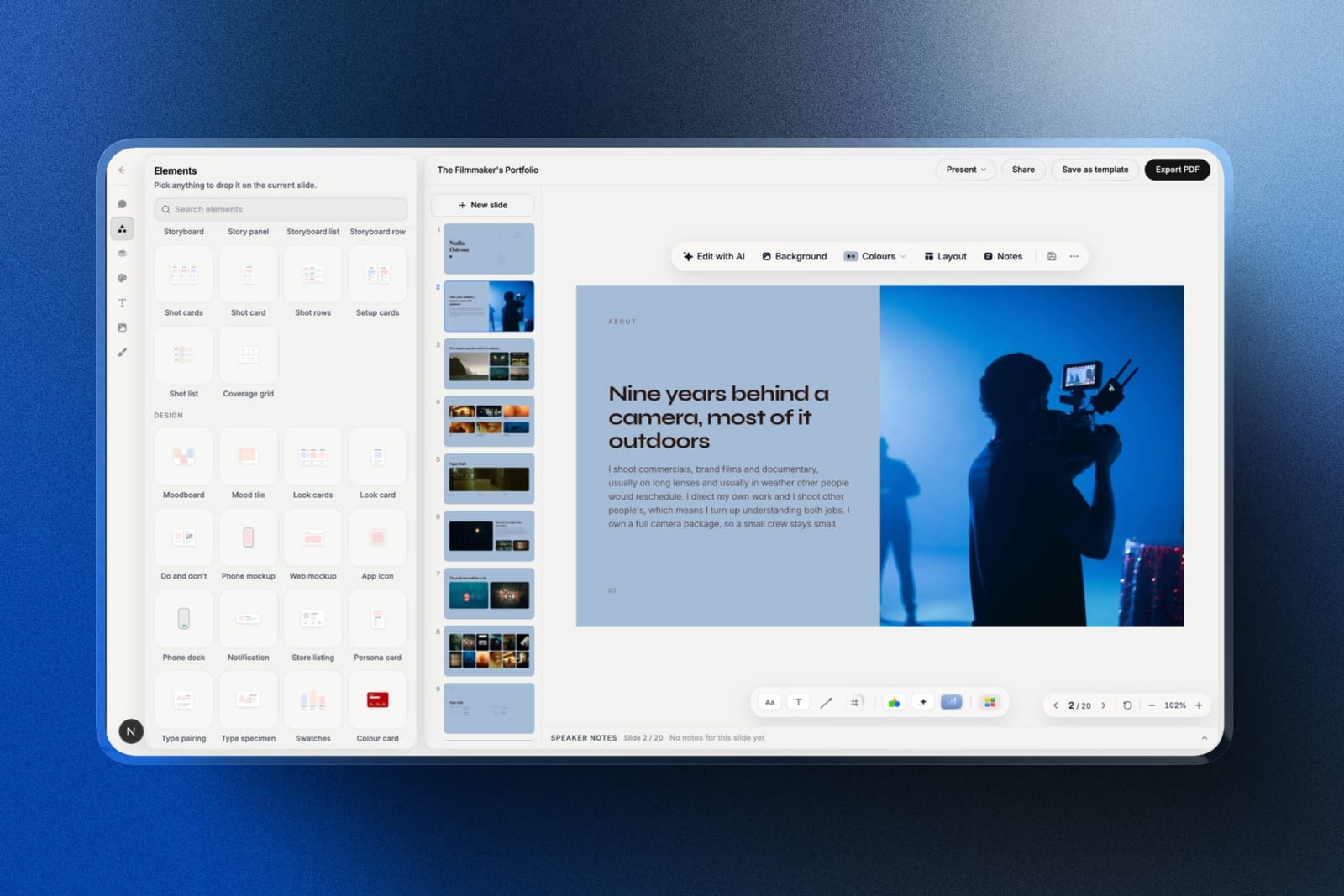
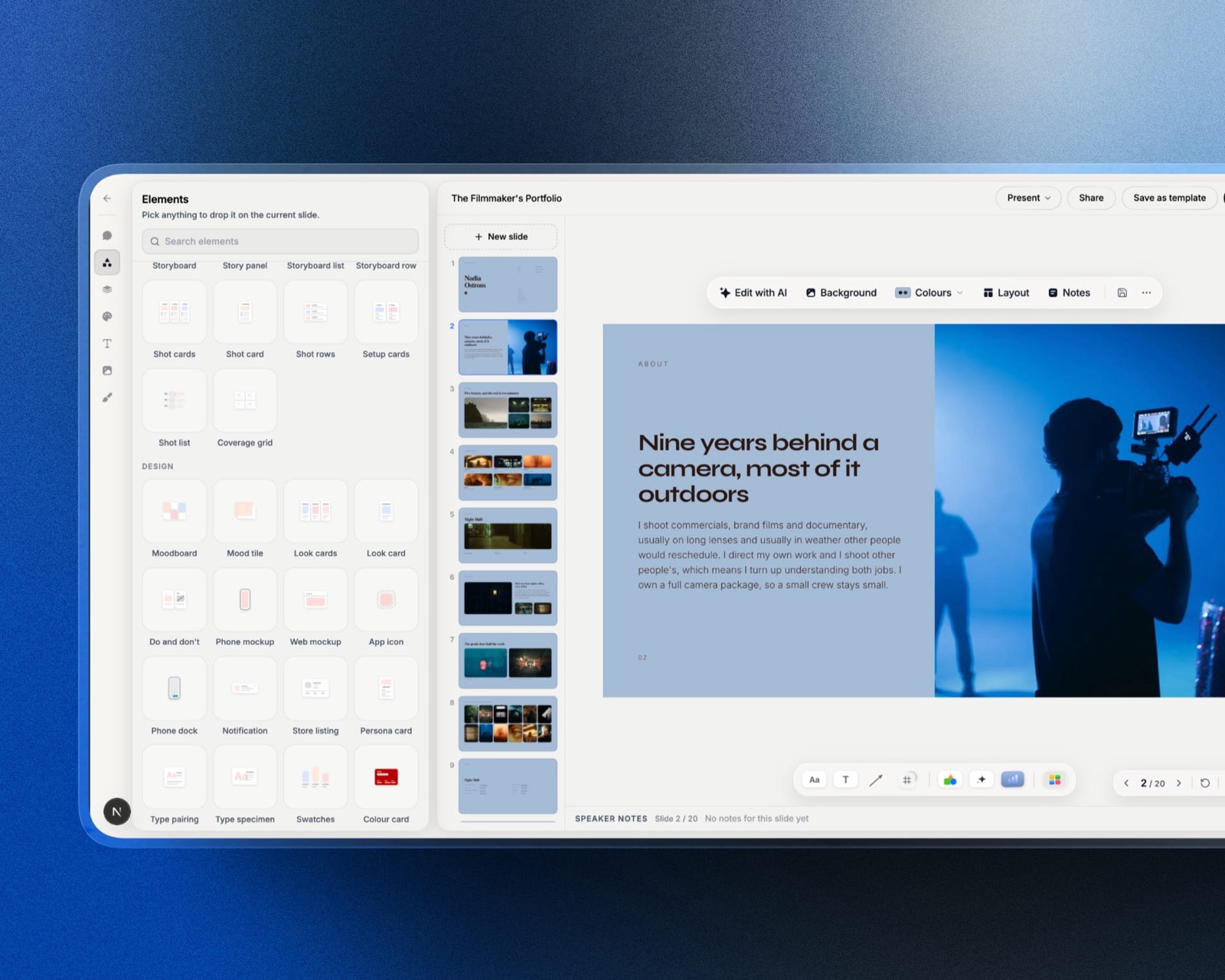
Framekit is an AI website builder whose Slides tool keeps a director's treatment on the same account as the showreel site, the client gallery and the review link that treatment points to.
That shared account is the reason it belongs in this comparison at all. A treatment is rarely sent alone; it travels with a reel, a portfolio and, once the job is won, a cut for review.

What Framekit Slides does differently, stated only as far as it ships today:
- Templates built for creative documents. The library includes a 20-slide Director's Treatment for a Commercial, a 12-slide Pitch Deck and Lookbook for a First Feature, a 10-slide Photography Portfolio Book and a 20-slide Wedding Film Client Proposal, among others. The full template library is a paid feature, from Starter at $7 a month billed yearly.
- Film and photo elements. Ready-made elements for shot lists, moodboards, storyboards and charts, plus YouTube and Vimeo embeds on a slide, so a reference clip plays where a still would otherwise sit.
- An AI writer per slide. Describe the slide and the AI writes and lays it out, on every plan including Free. It works a slide at a time, which suits a treatment that is written section by section; it is not a one-prompt whole-deck generator in the way Gamma is.
- Unlimited decks on every plan, with speaker notes, full-screen presenting, a share link and PDF export included on Free.

Where Framekit loses to bothGamma's Pro plan shows time per slide and named or anonymous viewers; Framekit shows only a total view count per deck and has no password on deck links.
Claude drafts from everything already in your conversation; Framekit's AI works from what you type into the slide.
And Framekit's PowerPoint export, on Pro and up, is picture-based: each slide arrives as a full-bleed image with speaker notes kept as real notes, up to 60 slides, so the text is not editable in PowerPoint.
If a client needs to rewrite your slides in their own master, use Gamma's export or Claude for PowerPoint instead.
Verdict: for business decks, reports and anything a finance team will open, choose between Claude and Gamma and ignore Framekit. For a treatment, lookbook, credentials deck or portfolio that has to feel like the work, Framekit Slides is the better fit, and more so if your site and client deliveries already live there. Filmmakers comparing specialists should also read the best presentation tools for filmmakers and the best film treatment software.
How to Choose Between Claude and Gamma
This decision guide walks through the questions in the order they actually eliminate options, starting with who will open the deck, because that single answer settles the Claude vs Gamma question for most readers before price comes up.
1. Will people outside your organisation open the deck as a link? If yes, and they are not Claude users, go to Gamma, or plan to send a PDF. If the audience is internal and your company already runs Claude, go to question 2.
2. Does the material for the deck already live in Claude? If your brief, data, research or earlier drafts are in Claude conversations or projects, draft in Claude Slides; nothing else starts with that context.
If you are starting from a blank page, Gamma's prompt-to-deck flow is just as quick, so go to question 3.
3. Must the deck follow a strict company design system? If yes, use Claude Design, which can build the system from your codebase or design files. If the deck must live in your client's PowerPoint master, use Claude for PowerPoint. If neither, go to question 4.
4. Do you need to know who read it and for how long? If yes, Gamma Pro at $216 a year is the only option of the three with documented viewer analytics. If not, go to question 5.
5. Are you paying for anything yet? If you already pay for Claude Pro, Slides costs nothing extra; start there.
If you pay for nothing and want to keep it that way, Gamma Free makes real decks until its 400 credits run out, then Plus at $108 a year is the cheapest refill.
6. Is it a treatment, lookbook or portfolio rather than a business deck? If yes, look at a creative specialist such as Framekit Slides before either generalist.

Frequently Asked Questions
Is Claude better than Gamma for presentations?
Claude is better than Gamma for drafting a presentation from material you already have in Claude, and Gamma is better for publishing a deck that outsiders will open.
Claude Slides builds the deck inside the conversation that holds your files and context, at no extra cost on Claude Pro. Gamma links open without an account, and Gamma Pro adds viewer analytics, passwords and custom domains.
Many people will use Claude to draft and Gamma to share.
Can Claude make PowerPoint presentations?
Yes, Claude can make PowerPoint presentations in three ways as of September 2026. Claude Slides, in beta since 16 September 2026, drafts a deck in a normal conversation and downloads it as PowerPoint or PDF.
Claude Design exports PPTX, PDF and HTML. And the Claude for PowerPoint add-in, available on Pro, Max, Team and Enterprise, works directly inside PowerPoint on your own templates.
Do people need a Claude account to view a Claude Slides deck?
Yes. Anthropic's help centre says everyone who opens an artifact shared from the Share dialog, which includes Claude Slides, Claude Design and Claude Docs, needs a Claude account, even when the link is set to "Anyone with the link".
If your audience will not have Claude accounts, download the deck as PDF or PowerPoint, or publish it from a tool whose links open without sign-in, such as Gamma.
Is Claude Slides free?
No, Claude Slides is not on the Free plan.
Anthropic's pricing page lists Claude Design, Slides and Docs from the Pro plan up, at $17 a month billed annually ($200 a year) or $20 month to month, and the beta is rolling out to Pro and Max accounts first.
Anthropic says Team and Free plans will follow, without a date. Deck work counts toward your plan's normal usage limits rather than a separate allowance.
How many Gamma credits does a presentation use?
A 12-slide Gamma presentation with 6 standard AI images uses roughly 24 to 126 credits, based on the rates Gamma publishes: 1 to 3 credits per card and 2 to 15 per standard image.
Advanced image models cost 20 to 33 credits per image and premium ones 34 to 75, which pushes the same deck to 132 to 486 credits. Regenerating or editing with the AI agent spends more.
Is Claude Slides or Gamma cheaper?
Gamma is cheaper if all you need is decks: Gamma Free costs nothing and Plus is $108 a year, against $200 a year for Claude Pro.
Claude Slides is cheaper if you already pay for Claude Pro for other work, because the deck costs nothing extra. If you want Claude's drafting and Gamma's open links, both together cost $308 a year at annual rates.
What is the difference between Claude Slides and Claude Design?
Claude Slides is Anthropic's tool for presentations inside a normal Claude conversation, launched in beta on 16 September 2026.
Claude Design, launched on 17 April 2026, is a canvas for designs, prototypes, one-pagers and decks that can apply a company design system built from a codebase or design files.
Anthropic's own help centre now points people to Claude Slides for presentations and to Claude Design for on-brand visual work.
Can I move a Claude deck into Gamma?
Yes. Gamma is one of the apps Claude Design can send work to, and Gamma describes the result as fully editable once it arrives.
Gamma also offers a connector that lets Claude generate a gamma from inside a conversation, available on every Gamma plan and billed in Gamma credits. Claude Slides itself downloads as PowerPoint, which Gamma can import.
Does Gamma put a watermark on exported presentations?
Gamma adds a Made by Gamma badge to PDF and PPTX exports whenever the workspace is on the Free plan at the moment of export, including decks created during an earlier paid period.
Any paid plan, from Plus at $108 a year billed annually, removes it from future exports. Gamma's help centre notes that printing from the browser while signed in adds no badge on any plan.
Is Gamma or Claude better for a film treatment or lookbook?
Neither is built for film treatments or lookbooks, and a creative specialist is usually the better fit.
Framekit Slides has treatment, lookbook and portfolio templates with shot list, moodboard and storyboard elements, and keeps the deck on the same account as your site and client galleries.
It lacks Gamma's viewer analytics and link passwords, and its PowerPoint export is picture-based.
Final Verdict
Choose Claude Slides if you already pay for Claude Pro and your decks are built from material that lives in Claude, because it drafts from that context at no extra cost.
Choose Gamma if your decks go out to people who do not use Claude, because its links open for anyone and Pro tells you who read them. Choose Claude Design only when a real design system has to govern the result.
The trade-off in one sentence: Claude is the better writer's room and Gamma is the better front door. The combination, $308 a year, is sensible rather than wasteful for anyone who pitches outsiders every week.
Where Framekit loses is everything a business deck needs from its link: Framekit Slides does not show per-viewer analytics, does not password-protect deck links, and exports PowerPoint as pictures.
It is not for board decks or sales reports. It is the better fit for treatments, lookbooks and portfolio decks that travel with a website, a gallery or a cut for review.
Related reading: the 11 best AI presentation makers ranks the wider field, the best presentation software covers the non-AI tools, how to share a presentation online goes deeper on links versus files, and the best lookbook software is the next stop for photographers and stylists.
If Gamma is still on your shortlist, Gamma's pricing in credits and dollars shows what a 12-slide deck really costs, and the Claude Design alternatives guide covers what to use when neither tool fits the job.