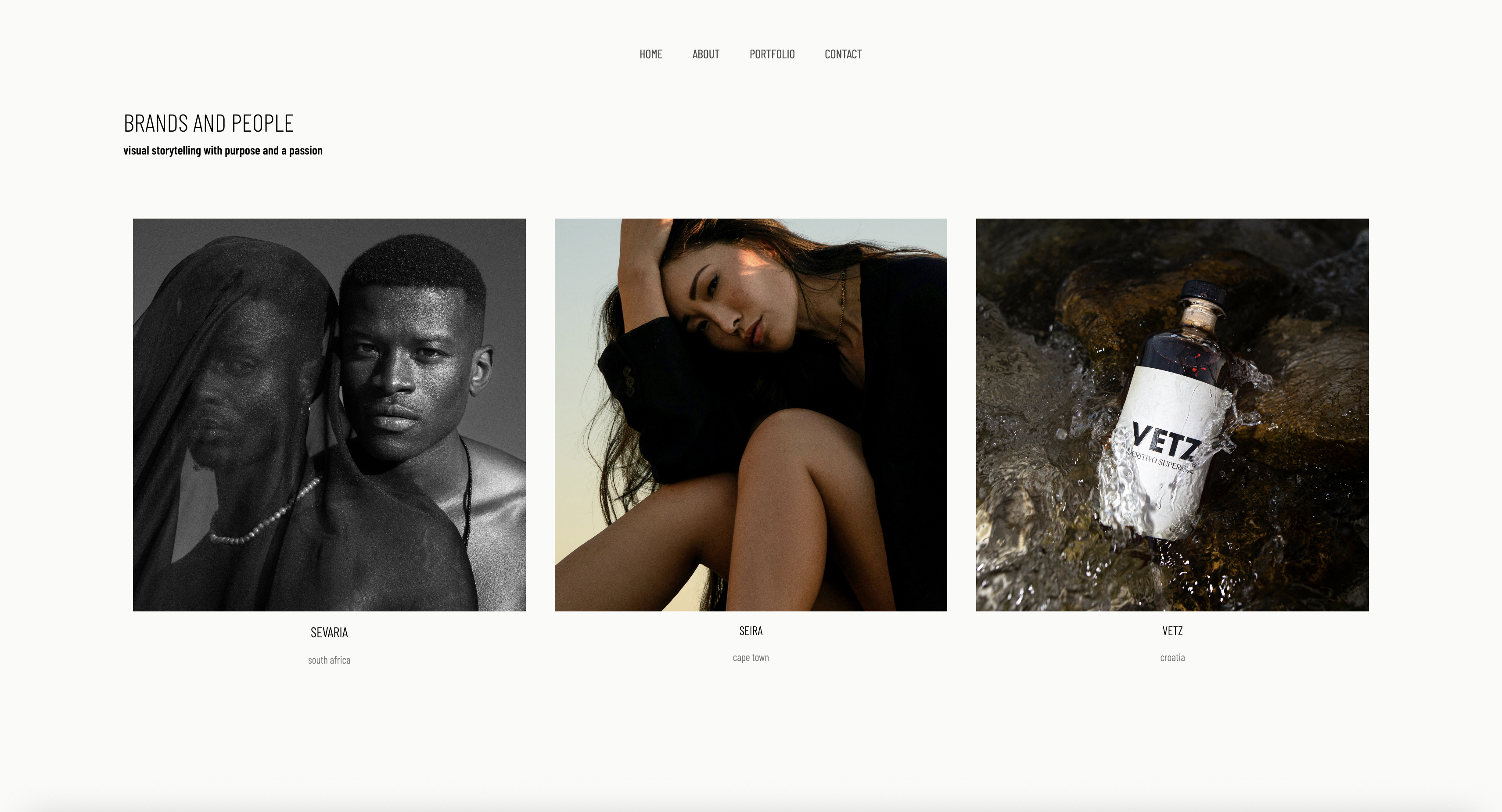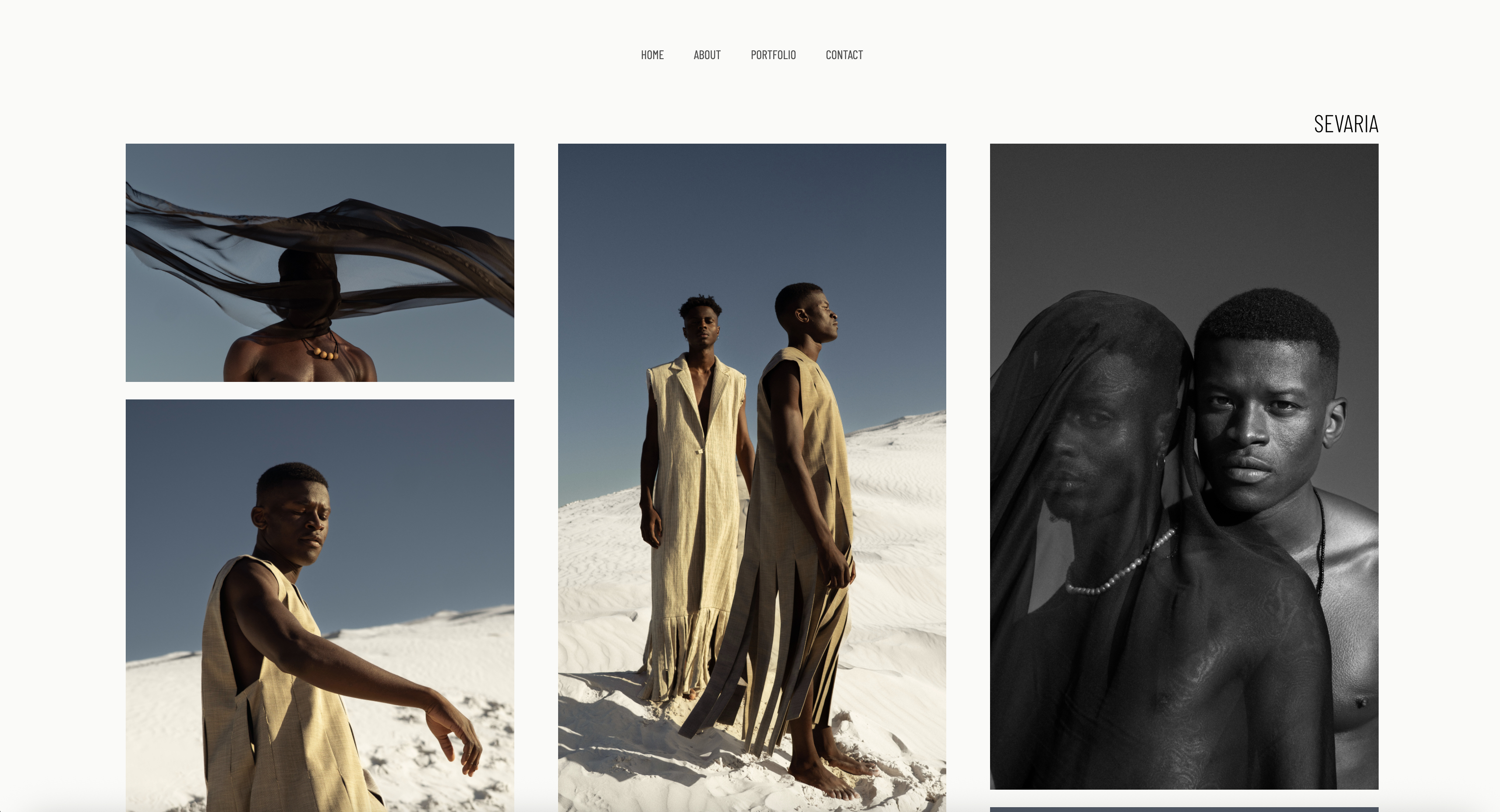
Framekit templates
Start from a designer-made template
 Use template
 Use template
 Use template
 Use template
 Use template
 Use template
 Use template
 Use template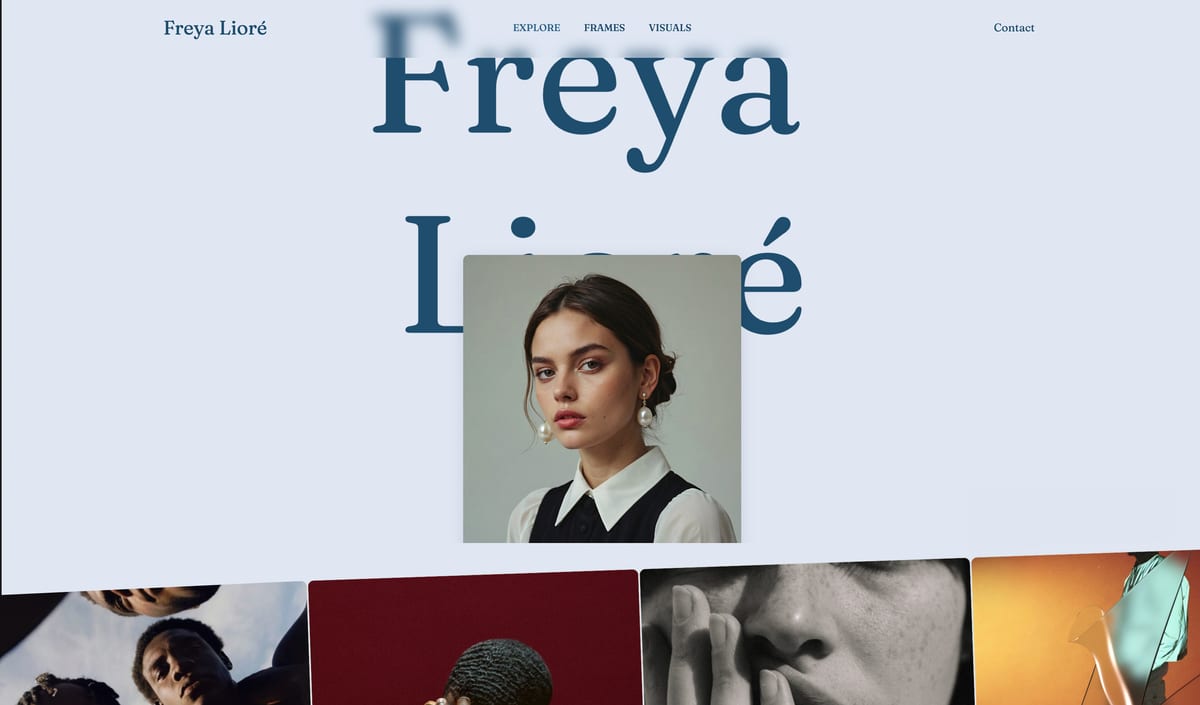
"My photos are good, but my website makes me look like every other photographer in town." Some version of that sentence shows up in photography forums every week, usually from someone who just went full-time and cannot work out why a strong portfolio is not converting into booked sessions.
It is the right worry, and it is rarely about the photos.
The problem is the site carrying the work. A portrait client is choosing you on a feeling, the sense that your particular look, warm or editorial or soft, is the one she wants for her own face or her family.
When a builder pours that work into a stock template, the look that should set you apart gets sanded down to the same grid the last three photographers used, and the one action that turns a browser into a paying session, the booking, ends up buried under it.
Here is the reframe most roundups skip. A portrait photographer is not selling pixels. You are selling a recognizable personal style and the promise of a comfortable hour in front of your lens.
A stranger decides within seconds whether they trust you with their face, their family, their newborn, and whether booking you is going to be easy or a hassle. So the question is not which builder has the most features.
It is which builder lets your distinctive look survive intact instead of diluting it into a stock template, and which one gets a nervous first-time client from landing to booked with the fewest taps.
We tested 7 builders on the four criteria that actually decide a portrait photographer's calendar: style fidelity, whether your look carries through or gets sanded into a generic grid; booking and inquiry friction, how fast a hesitant client goes from homepage to a confirmed session; mobile speed, because that client is on a phone; and the honest cost over three years rather than the headline monthly price.
Portrait photography itself, paid sessions of individuals, families, newborns, and personal branding shot in a studio or on location, is the broadest photography niche there is, and the tooling around it has never agreed on what a portrait site is for.
Framekit, the AI website builder trained by senior designers, was our pick for a style-led site that books sessions, and the free plan needs no credit card to try.
Framekit is the website builder portrait photographers should pick in 2026.
Where template tools flatten your look, its designer-trained AI carries your distinctive style into a fast, booking-focused site.
Choose Squarespace instead if a template already matches your aesthetic, or Zenfolio for a client-heavy proofing business. Pair Framekit with Pixieset for proofing galleries.
Full disclosure: Framekit, ranked #1 below, is our own product, and for portrait photographers one gap matters more than usual. Zenfolio and Pixieset both sell prints and wall art, which for many portrait businesses is a meaningful share of each session, and Framekit sells no physical products at any tier. Every alternative is linked and Squarespace carries booking tooling we do not offer.
How This Ranking Was Weighted
Portrait work makes money in two places, and which one you prioritise changes the answer entirely.
How the portfolio converts an enquiry carries the most weight, then whether client delivery is included rather than a second bill, then cost, then print revenue.
Under the opposite weighting, where wall art and album sales are how a session actually pays, Pixieset or Zenfolio wins outright and Framekit does not place at all.
Quick Comparison: Portrait Photography Website Builders
These four tools cover what most portrait photographers weigh first. Style fidelity and booking friction are the whole decision.
| Tool | Best For | Style Fidelity | Starting Price |
|---|---|---|---|
| Framekit | A style-led site that books sessions | High, AI carries your look | Free / $19 mo |
| Squarespace | Template-first editorial polish | Medium, strong but preset templates | $19 mo |
| Format | Image-first photographer portfolios | Medium, clean but template-bound | $10 mo |
| Zenfolio | Client-heavy proofing workflows | Lower, platform-styled | Look up current pricing |
How We Tested These Portrait Photography Website Builders
A portrait photography site is judged by a stranger on a phone, often late in the evening, who is one tap from leaving. Google's published mobile-speed benchmarks show that most mobile visitors give up on a page that needs more than three seconds to load.
We judged every tool on four criteria.
Style fidelity. This is the one most reviews never measure. A portrait photographer wins clients on a recognizable look, the warm grain, the muted palette, the editorial spacing.
We dropped reference moodboards into each tool and judged how close the result stayed to the intended style, rather than forcing your photos into a stock template.
Booking and inquiry friction. We measured how many taps it takes a nervous first-time client to go from the homepage to a submitted inquiry, and whether that path is obvious or buried under a portfolio grid.
Mobile speed. We built image-heavy portrait portfolio pages and scrolled long galleries by hand on a phone to feel the stutter.
Real 3-year cost. We calculated total cost over 36 months on the plan a working portrait photographer actually ends up on, and we name that plan.
We built a real portrait portfolio in each tool rather than judging it from a feature page.
If you shoot more than portraits, our wider guide to the best website builders for photographers covers general portfolio use.
The 7 Best Portrait Photography Website Builders: Full Comparison
Here is how all 7 tools compare. We weighted style fidelity and booking friction heaviest, because those two decide whether a stranger becomes a booked client.
| Tool | Best For | Booking Friction | Starting Price | Our Rating |
|---|---|---|---|---|
| Framekit | Style-led booking site | Low, direct path | Free / $19 mo | 9.5/10 |
| Squarespace | Template-first polish | Medium | $19 mo | 8.4/10 |
| Format | Image-first portfolios | Medium | $10 mo | 8.1/10 |
| Zenfolio | Client proofing workflows | Medium | Look up current pricing | 7.9/10 |
| Pixieset | Proofing and delivery | Medium | Free / paid tiers | 7.8/10 |
| Pixpa | Budget all-in-one | Medium | $5 mo | 7.6/10 |
| Wix | App marketplace | High, busy layouts | $17 mo | 7.4/10 |
The Framekit free plan includes full AI generation, so you can build a real portrait portfolio and see how your style carries in minutes, with no credit card.
1. Framekit: Is It the Best Website Builder for Portrait Photographers?

Our rating: 9.5/10
Framekit is an AI website builder for creative professionals, and for a portrait photographer it is the strongest pick for the job that actually fills the calendar: a fast, style-led site that turns a stranger into a booked session.
Its AI was trained by senior designers, so the portfolio it generates arrives with real typography, spacing, and visual hierarchy instead of a template filled in with your headshots.
Best forPortrait photographers who want a site that looks like their own style, with an obvious booking path, without hiring a designer or fighting a builder.
What stands out. Style fidelity is where Framekit separates from every template-first tool.
A portrait client chooses you because your look feels like the photographer they want, so a builder that flattens that look into a stock grid is costing you work.
Drop in a screenshot or a Pinterest moodboard of the mood you shoot, warm and grainy, clean and editorial, soft and pastel, and Framekit generates a starting direction in that style.
Add a sessions section or about page later and it inherits your existing fonts, colors, and spacing automatically.
The booking friction is the other half of the job. Framekit keeps that path direct instead of burying it under a portfolio grid, so you can put a clear inquiry or session-request call to action where a nervous visitor will see it.
The platform is genuinely all-in-one for the marketing side, with hosting, SSL, a Cloudflare CDN, SEO with server-side rendering and sitemaps, and the ability to sell digital products like print credits or gift vouchers straight from the site.
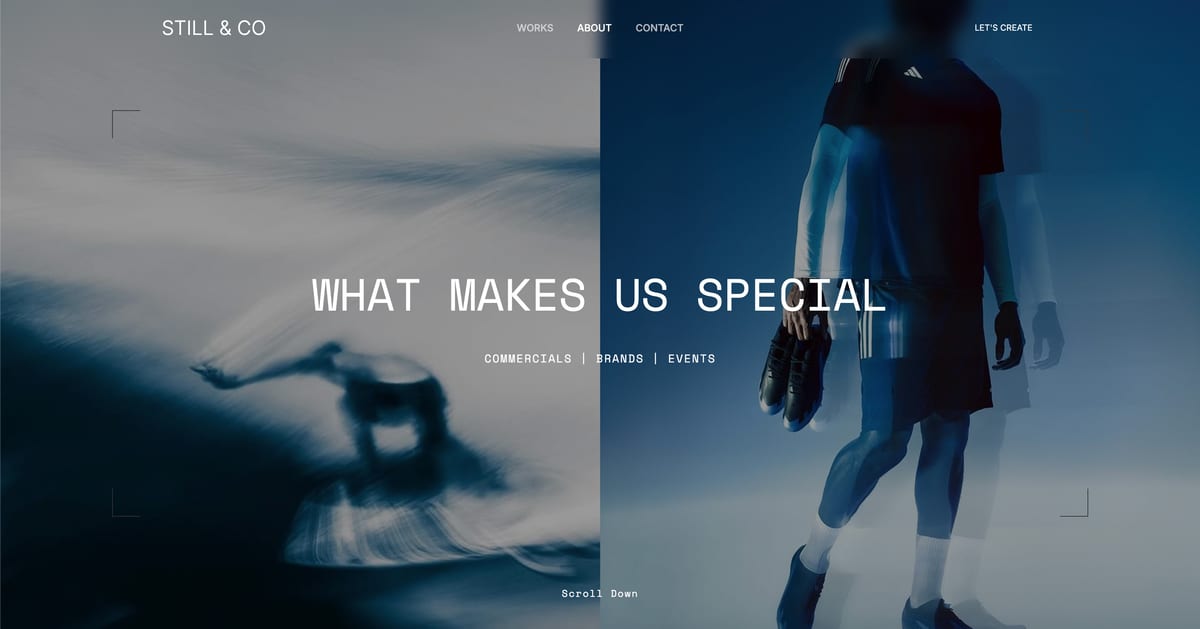
Speed is built into the platform. Fast hosting, a global CDN, and optimized image output come on every plan, so an image-heavy portrait gallery stays quick even viewed on a phone in the evening.
For a hesitant client one tap from leaving, that responsiveness decides whether she keeps scrolling your sessions.
Pricing:
- Free: $0, no credit card, with Framekit branding
- Pro: $19 per month, custom domain, no branding, all components
- Business: $39 per month
Look at the cost over three years. A working portrait photographer needs a custom domain and the branding removed.
The cheapest Framekit tier that does both is Starter at $9 a month, about $324 across 36 months; Pro at $19 ($684 over three years) adds more storage.
The Squarespace and Wix tiers a portrait photographer lands on go past $1,000 over those three years, and Framekit's prices are flat.
The caveat: the marketing site is separate from a proofing gallery or scheduler, which are their own line items covered below.
Pros:
- Designer-trained AI carries your distinctive style instead of flattening it into a stock template
- A direct, obvious booking path built to convert a hesitant first-time client
- Built for fast-loading, performance-optimized sites that hold up on heavy portrait galleries
Cons:
- No print lab. Private galleries with passwords, watermarking, client favorites and full-resolution downloads are on every plan, but Framekit sells digital files rather than physical prints, so print revenue still needs Pixieset or Pic-Time.
- No built-in booking, scheduling, or CRM. Framekit makes the booking path obvious, but the actual calendar, contracts, and intake forms need a separate tool like Calendly, HoneyBook, or Dubsado.
- The third-party plugin ecosystem is smaller than Wix's, so a niche integration may not exist as a one-click add-on.
Verdict: Framekit is the best tool for the job that books sessions: the fast, style-led marketing site that looks like your own photography and makes booking easy to find. It delivers private client galleries but has no print lab and no scheduling calendar. Use it for the site that wins the session and delivers the files, and add a print lab and a scheduler if you need them. Our Framekit vs Squarespace for photographers comparison goes deeper on the design and speed gap. The free plan takes about 10 minutes at framekit.ai.
2. Squarespace: Is It Good for Portrait Photographers?

Our rating: 8.4/10
Squarespace built its reputation on beautiful, curated templates, and that remains its real strength for a portrait photographer.
Its templates have a genuine editorial polish, and it bundles a website, basic image galleries, and Squarespace Scheduling for booking consultation calls.
Best forPhotographers whose style happens to match a Squarespace template closely, and who want site and scheduling under one login.
What stands out. The template library is the real draw. If a Squarespace template lines up with your aesthetic, you get an elegant portrait site quickly, and the gallery presentation is solid.
Squarespace Scheduling for discovery calls is built in rather than a separate subscription.
Pricing (USD, annual billing) from Squarespace pricing: Basic $19 per month, Core $29 per month, Plus $49 per month. A portrait photographer who sells prints or sessions online typically lands on Core or above.
Pros:
- Genuinely well-designed templates with real editorial polish
- Built-in scheduling for consultation calls
- Reliable, widely supported, easy to learn
Cons:
- Style fidelity is preset, not personal. You adapt your photos to the template, so two photographers on the same Squarespace template look related, which works against the recognizable style portrait clients book.
- Pages can feel slower on heavy image pages, which is exactly what a portrait portfolio is.
- Its galleries deliver sessions but do not sell prints, so a print-led portrait business still needs Pixieset or Pic-Time for the lab.
Verdict: Squarespace is the strongest runner-up and a reasonable pick if one of its templates closely matches your style and you want scheduling under one login. Just know the template will shape your look as much as you shape it. If you like the template-first idea but want it faster, see our best Squarespace alternative for creatives guide.
3. Format: Is It a Good Website Builder for Portrait Photographers?
Our rating: 8.1/10
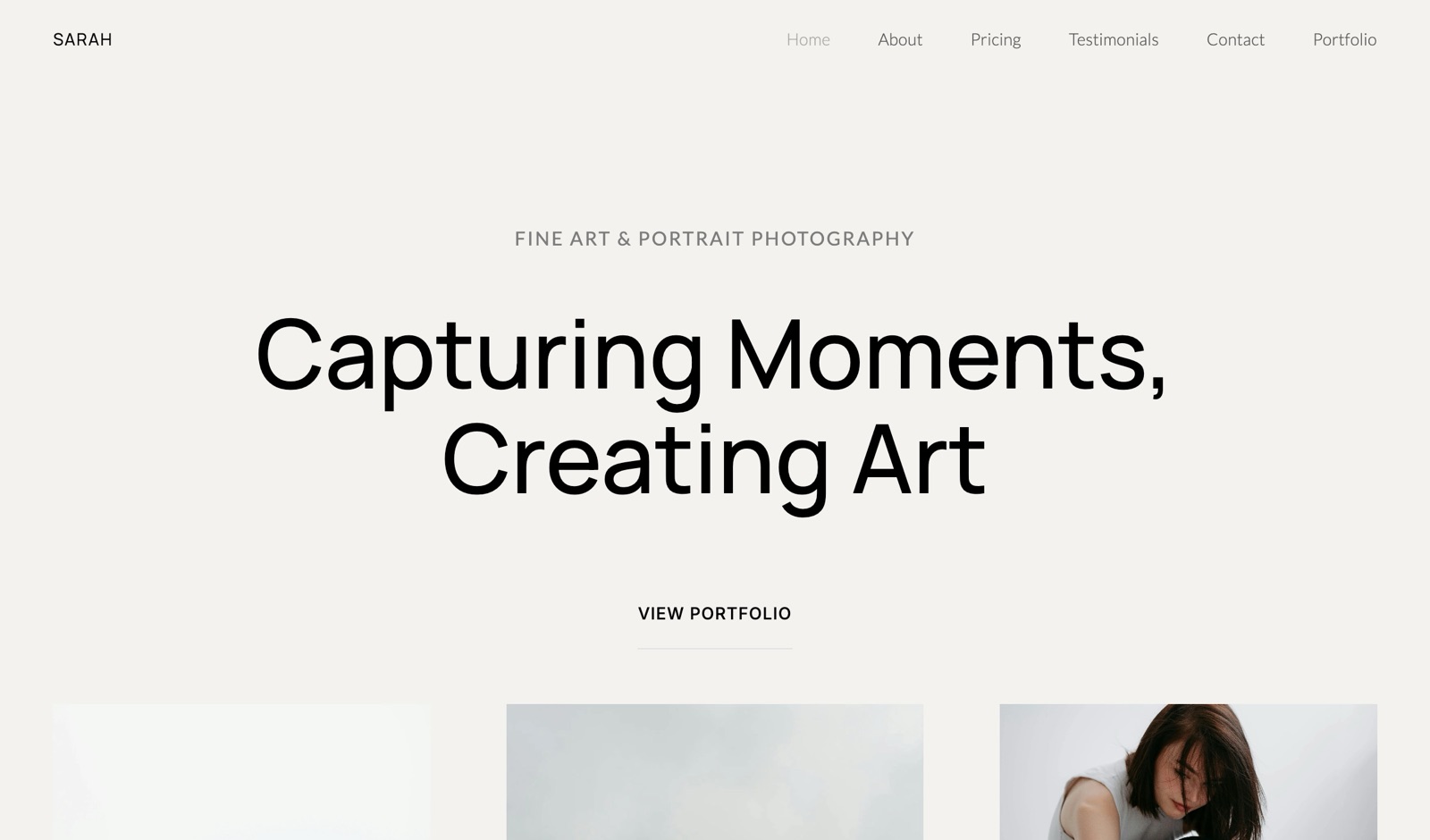
Format is a portfolio tool built by a company that works with photographers and no one else, and the narrow remit shows. It pairs clean, image-first portfolio templates with built-in client proofing in a single platform.
Best forPortrait photographers who want a simple, gallery-forward portfolio plus proofing from one photographer-built platform.
What stands out. Format's templates put the images first without clutter, which suits portrait work where the faces carry the page.
Proofing galleries are included rather than bolted on, so a photographer who wants a portfolio and session delivery in one login gets a genuine convenience.
Pricing (USD, annual billing) from Format pricing: Basic $10 per month, with higher tiers for more pages, storage, and proofing volume.
Pros:
- Photographer-built, with proofing included in one platform
- Clean, image-first templates that need little fiddling
- Affordable entry price
Cons:
- Style fidelity is template-bound. The templates are tasteful but limited, so your distinctive look bends toward Format's house style.
- Marketing and SEO tooling is thinner than Framekit or Squarespace, so the site is a weaker booking engine.
- Design flexibility is limited compared with a general builder.
Verdict: Format is a fair middle-ground pick if you want one simple photographer-built tool with proofing baked in. It is a master of neither style fidelity nor booking conversion, but it is honest and clean. For ease of use specifically, compare it against the field in our easiest portfolio website builder to use guide.
4. Zenfolio: Is It Good for Portrait Photographers?
Our rating: 7.9/10
Zenfolio is a long-running photography platform, and for a portrait photographer with a client-heavy workflow it is the most complete proofing-and-sales option in this roundup.
It pairs a portfolio site with client galleries, downloads, and a print store, all under one subscription.
Best forPortrait photographers who shoot a high volume of sessions and want galleries, client downloads, and print sales bundled with the site.
What stands out. The proofing and print-sales workflow is the reason to choose Zenfolio. Clients view a private gallery, favorite their selects, and order prints, all managed in one place.
For a family or newborn photographer running dozens of sessions a month, having delivery and store built in saves real admin.
Pricing from Zenfolio pricing: Zenfolio is priced as a photographer platform with tiers that scale by storage and selling features. Check its pricing page before committing.
Pros:
- Strong client proofing, downloads, and an integrated print store
- One platform for a portrait business built around session delivery
- Long-running and stable, with photographer-specific tooling
Cons:
- Style fidelity is platform-styled. The site templates feel more dated than Framekit or Squarespace, so your distinctive look is harder to land.
- The portfolio site is the weaker half of the product. It exists to support the galleries, not to be a booking-focused marketing site.
- The booking path is not its strength, so a first-time client still has friction finding how to inquire.
Verdict: Zenfolio is a fair pick if your portrait business runs on proofing and print sales and you want that bundled with the site. If your priority is winning the new client with a distinctive, fast site, a marketing builder paired with a proofing tool will serve you better.
5. Pixieset: Is It Worth It for Portrait Photographers?
Our rating: 7.8/10. Pixieset is built around client galleries: private, password-protected spaces where portrait clients view, favorite, and download their session photos, with a print store attached, and it has a free starter tier plus paid plans on its pricing page.
For session proofing and delivery it is excellent, and it is the natural tool to pair with a marketing builder.
The trade-off is that its own website builder is basic, with weaker templates and far less style control than a dedicated site tool, so it will not carry the distinctive look that wins the booking.
Treat Pixieset as the proofing-and-delivery layer, not the marketing site, and pair it with Framekit.
6. Pixpa: Is It Worth It for Portrait Photographers?
Our rating: 7.6/10. Pixpa is the budget all-in-one for photographers, bundling a portfolio site, client galleries with proofing, a store, and blogging from $5 per month.
For a portrait photographer who wants every checkbox in one cheap subscription, it covers the list.
The trade-offs are real: the design output and templates feel dated next to Framekit or Squarespace, the editing experience is clunkier, and the booking path is no more obvious than anyone else's.
It is the value pick when budget is the deciding factor, not the pick when your site needs to look like your photography.
7. Wix: Is It a Good Choice for Portrait Photography Websites?
Our rating: 7.4/10. Wix's draw is its 500-plus app marketplace, so if you want a specific booking widget, CRM, or gallery integration, it probably exists as an add-on, and the drag-and-drop editor is friendly to first-timers.
Pricing starts at $17 per month. Two weaknesses hurt a portrait photographer most. Performance can lag on a client's phone, with visible stutter on heavy galleries.
And its layouts tend to come out busy, so the clean style that lets your portraits breathe takes manual cleanup to reach. Choose Wix only if a niche integration outweighs raw speed and a distinctive look.
How to Choose the Right Portrait Photography Website Builder for You
Which builder fits you depends on how much your style is doing the selling.
If your style is the thing that books clients, the site has to carry that look intact. That points to Framekit, whose designer-trained AI builds from your moodboard rather than a preset.
Squarespace is the fallback only if one of its templates already lines up closely with how you shoot.
If you run a high-volume proofing and print business, Zenfolio bundles galleries, client downloads, and a print store in one place, and Pixpa does the same on a budget. Accept that the marketing site is the weaker half.
If you are switching from a slow builder and losing clients on mobile, your real problem is performance on heavy portrait galleries. Framekit's low, flat pricing exists for exactly that switch.
If you want one simple photographer-built tool, Format gives you clean image-first templates with proofing included, and Pixieset gives the deepest proofing if you treat it as the delivery layer behind a stronger marketing site.
Frequently Asked Questions
What is the best website builder for portrait photographers in 2026?
The best website builder for portrait photographers in 2026 is Framekit, because its designer-trained AI carries your distinctive style into a fast-loading, booking-focused portrait photographer website on performance-optimized hosting.
Squarespace is the strongest template-first runner-up if one of its templates matches your look, and Zenfolio suits client-heavy proofing workflows.
Why does style fidelity matter so much for a portrait photography website?
Because a portrait client chooses you on a feeling, not a feature list. They look at your work and decide whether your style, warm or editorial or soft, is the photographer they want for their own face or family.
A builder that forces your photos into a stock template makes you look like every other photographer on that template, which removes the exact reason a client would book you over someone else.
How fast does a portrait photography website need to load on a phone?
Quickly enough that a hesitant client never has a reason to leave.
Google's mobile research shows most visitors abandon a page that passes three seconds, and a portrait portfolio of large face-filled images is exactly the kind of page that lags.
Framekit handles speed at the platform level through fast hosting and a global CDN, so the builder you choose directly shapes how many sessions you lose before your work even appears.
Does Framekit handle client proofing galleries for portrait sessions?
Yes.
Private, password-protected client galleries ship on every Framekit plan including the free one, with watermarking, client favorites and slideshows, full-resolution and ZIP downloads, and email sharing, and plans differ only in gallery storage.
What Framekit does not have is a print lab, so photographers whose revenue depends on selling physical prints still pair it with Pixieset or Pic-Time for that half.
Framekit has no built-in scheduling, so why recommend it for booking-focused sites?
Framekit has no calendar, contracts, or CRM, so it does not replace a scheduler like Calendly or HoneyBook. What it does is the part most builders get wrong: making the booking path obvious instead of burying it.
A clear booking call to action that links straight to your scheduler removes the friction that loses sessions.
If you want the calendar inside the website itself, Squarespace Scheduling is the more honest fit, and you trade speed and style control for it.
If I move my portrait site off Squarespace, do I keep my domain and search ranking?
Yes. Rebuilding on a new platform and repointing your existing domain keeps the URL and the search history intact.
With an AI builder like Framekit, the portrait portfolio regenerates quickly from a moodboard instead of being rebuilt page by page. Your proofing galleries sit apart: a Pixieset account for session delivery stays exactly where it is.
Is Framekit's flat pricing worth it for a portrait photographer?
For most, yes. Subscription builders typically cost more than $1,000 over three years on the tier a working photographer ends up on.
Framekit's $9 Starter plan runs about $324 over the same period, with flat pricing that removes future price increases. A Framekit site is also a standard, fast, exportable website, so your domain and content remain yours.
Should a portrait photographer show clients' faces on the homepage?
Yes, and fewer of them than instinct suggests.
A portrait homepage works when a visitor can tell within two frames whether you photograph people the way they want to be photographed, and a wall of twenty faces makes that harder rather than easier.
Lead with six to eight images that share a consistent light and mood, and move the rest into galleries. If you photograph several very different styles, split them into named galleries rather than mixing them on one page.
Summary: Portrait Photography Website Builders Compared
| Tool | What it is | Best for | Key feature | Starting price |
|---|---|---|---|---|
| Framekit | AI marketing-site builder | A style-led site that books sessions | Designer-trained AI, performance-optimized | Free / $19 mo |
| Squarespace | Template all-in-one | Template-first editorial polish | Built-in scheduling | $19 mo |
| Format | Photographer portfolio builder | Simple image-first site with proofing | Photographer-built templates | $10 mo |
| Zenfolio | Photographer platform | Client-heavy proofing workflows | Galleries and print store | Look up current pricing |
| Pixieset | Client gallery platform | Session proofing and delivery | Polished client galleries | Free / paid tiers |
| Pixpa | Budget all-in-one | Lowest-cost portfolio stack | Galleries plus store | $5 mo |
| Wix | App-marketplace builder | Niche integrations | 500-plus app marketplace | $17 mo |
Final Verdict
After testing 7 builders, the pattern is clear. A portrait photographer is choosing the builder that keeps a recognizable style intact and makes booking effortless, because a stranger decides in seconds whether to trust you with their face.
Framekit is the best website builder for portrait photographers. Its designer-trained AI builds from your moodboard, so the site looks like your photography rather than a stock template, it keeps the booking path obvious, and it is built for fast-loading sites.
It delivers private client galleries, and here is where Framekit loses: it does not sell physical prints and does not include a scheduler, so pair it with Pixieset if print revenue matters and a calendar tool like Calendly for bookings.
Squarespace is the strongest runner-up if one of its templates already matches your style. Format suits photographers who want a simple image-first tool with proofing built in. Zenfolio fits a client-heavy proofing business, Pixpa is the budget pick, and Wix wins only on its app marketplace.
If you are starting today, build your portrait site in Framekit, free, and add a proofing tool when your first session wraps.
For the wider field, see our best website builder for wedding photographers and best website builder for real estate photographers guides on closely related niches.
_Re-verified July 2026: pricing for every builder in this guide checked at the vendor._