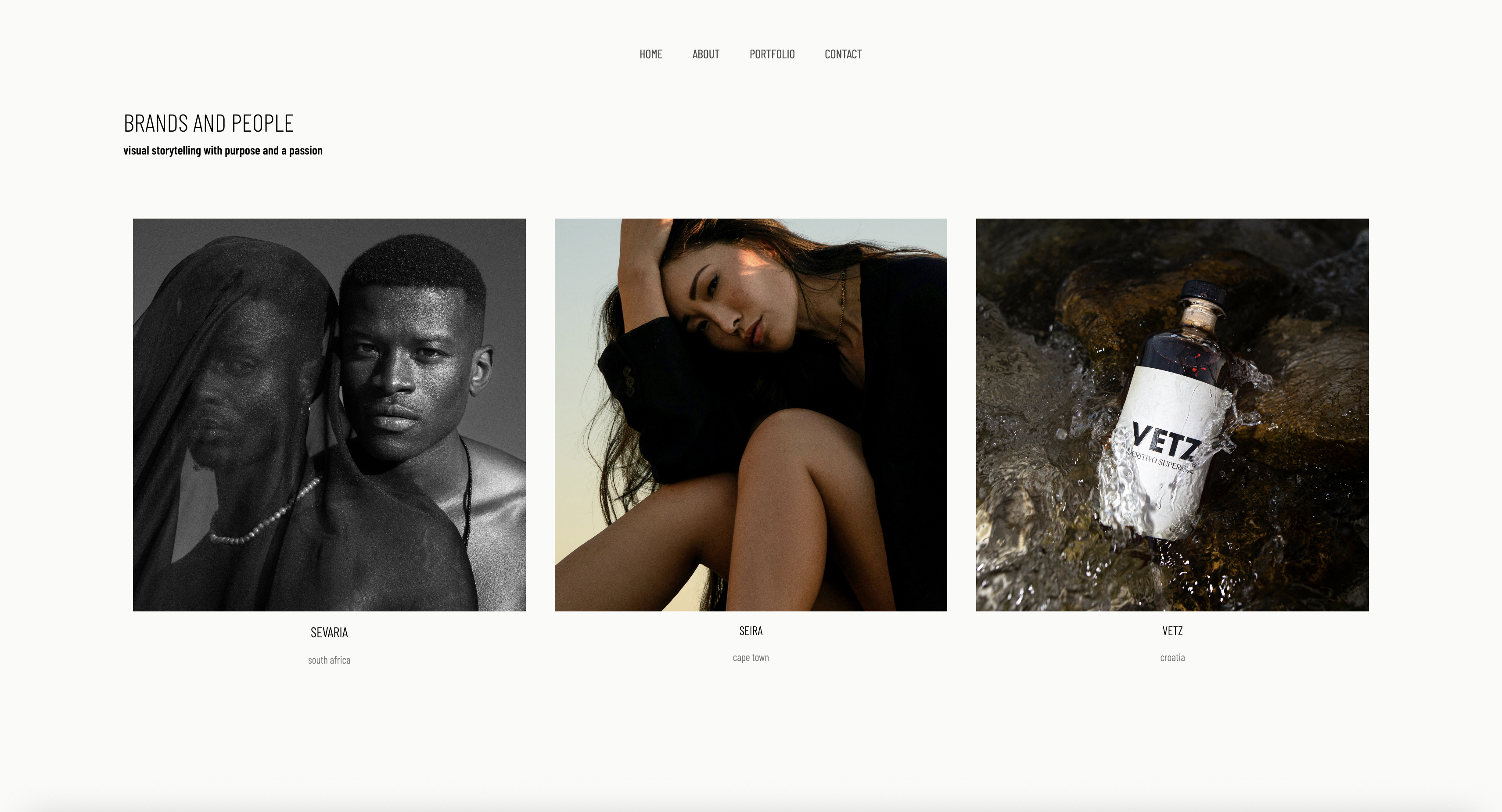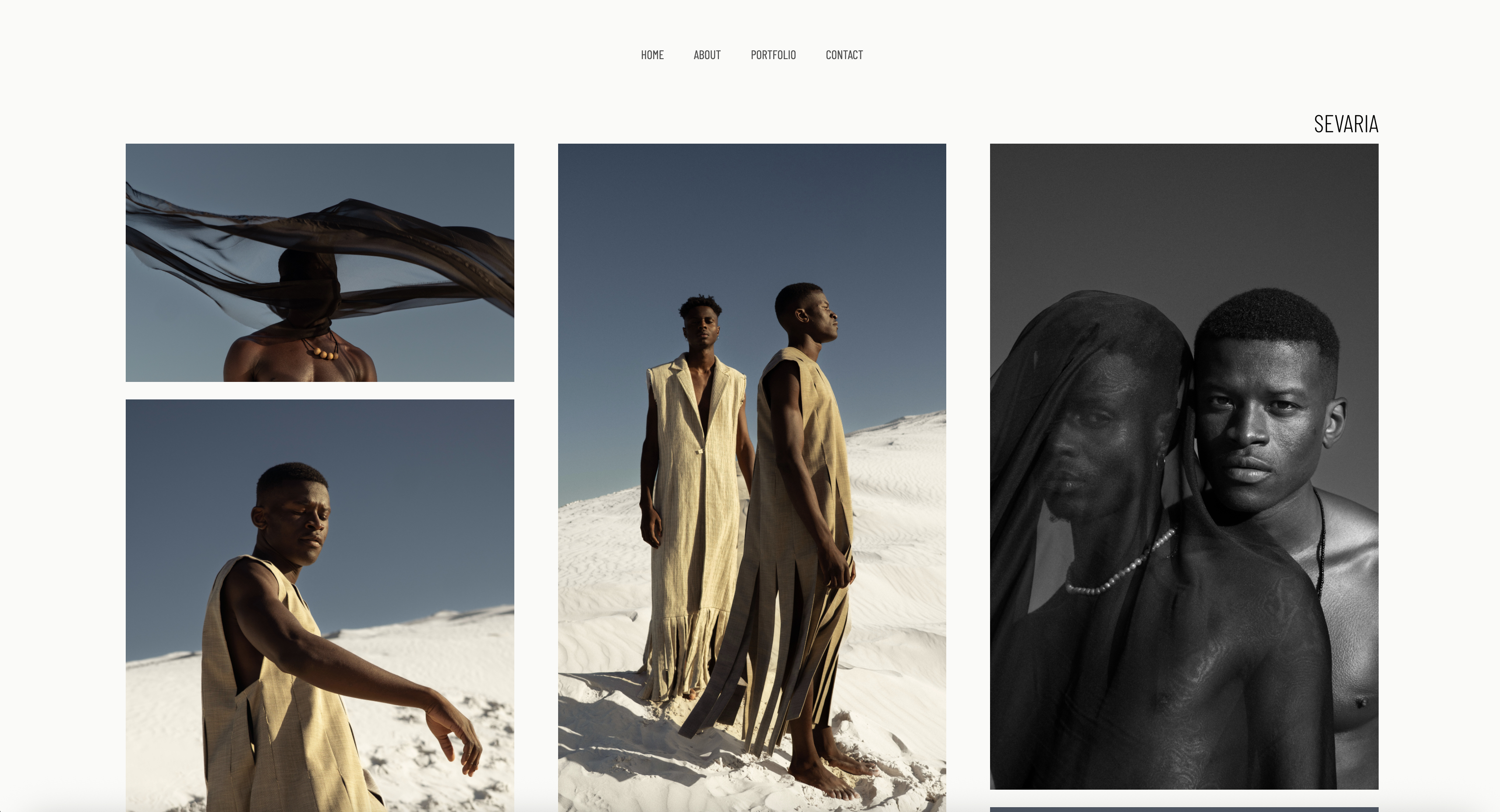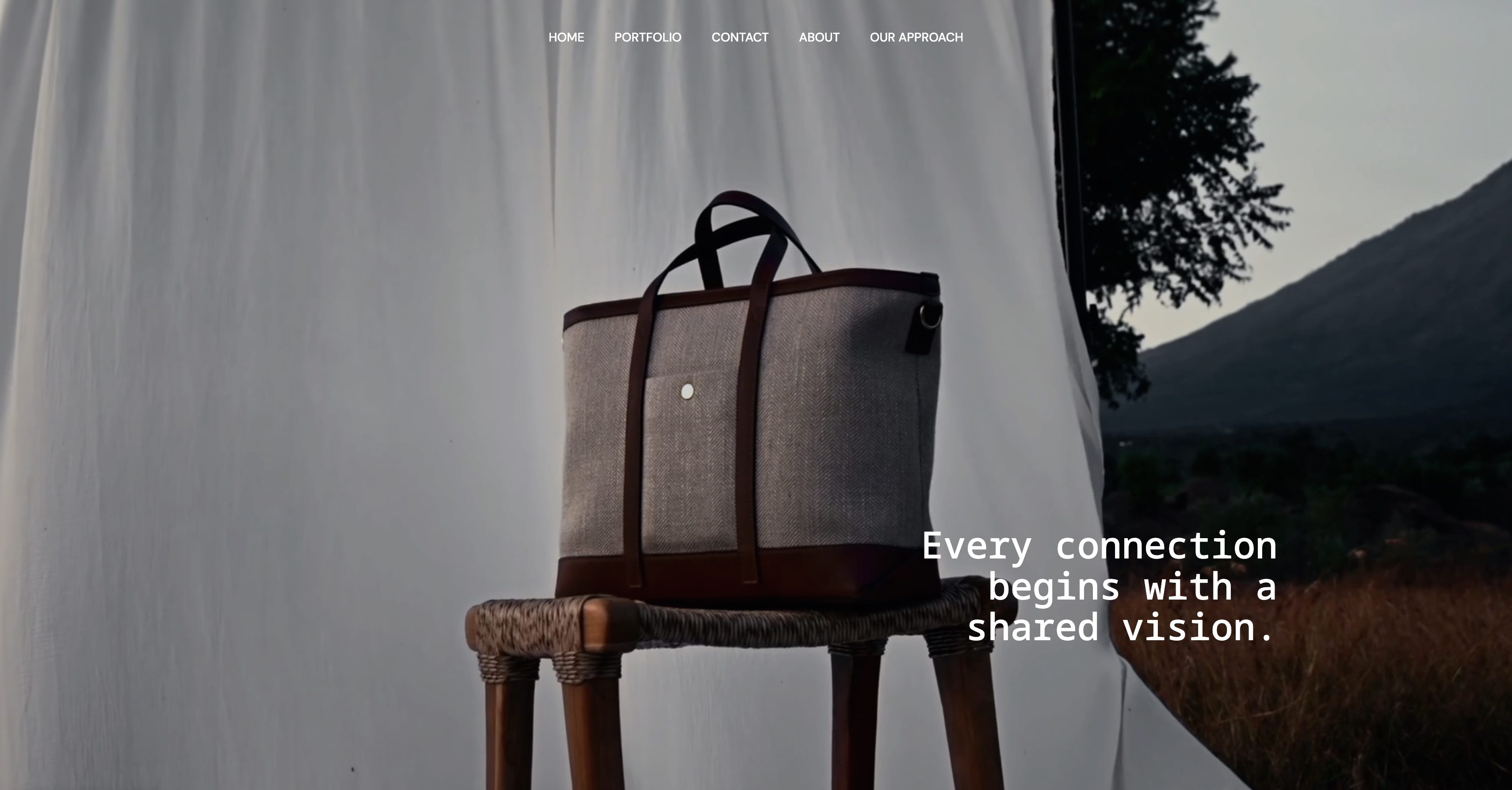
Framekit templates
Start from a designer-made template
 Use template
 Use template
 Use template
 Use template
 Use template
 Use template
 Use template
 Use template
A photo editor at a magazine has twenty portfolio links open before lunch. She is not reading. She is flicking, four seconds a site, and she has done this for nine years.
On the seventh link the hero fades in over a stock template, the navigation sits in a rounded pill the way it does on a thousand small-business sites, and the type is the friendly geometric sans every builder ships by default.
She has not looked at a single photograph yet. She already knows this photographer is not current, and she closes the tab. The work inside might have been the best in the stack.
That is the real test of a fashion photographer's website, and almost every builder fails it for a reason most roundups never name. The work is rarely the problem.
Your edit is sharp, your light is yours, your taste is the reason a brand would book you. The problem is the site wrapping that work.
It carries a recognizable made-on-a-website-builder look, and to the most visually literate audience in any creative industry, that look is a verdict before the images load.
Here is the reframe. Fashion is judged by people who read images for a living: photo editors, art directors, agency bookers, brand creative leads.
They clock taste, edit, and whether you feel current within seconds, because spotting it fast is literally their job. So a fashion photographer's website is not a container for art direction. It is a piece of art direction.
The failure mode is specific. Most builders impose their own template aesthetic, and that aesthetic signals exactly the wrong thing to the people you most need to impress.
The best fashion-photography site is the one nobody notices is a website. It disappears, and the work becomes the entire experience.
We tested 9 builders on the four things that decide whether a fashion site reads as current: whether the site disappears, meaning full-bleed imagery and restrained editorial typography instead of a builder's house style; the strength of a tight curated edit over an everything-dump; mobile speed, because editors flick on phones; and the honest cost over three years rather than the headline price.
Fashion photography, the editorial, campaign, lookbook, and e-commerce work shot for magazines, brands, and agencies, is the niche where the website is held to the highest visual bar there is.
Framekit, the AI website builder trained by senior designers, was our pick for an editorial site that gets out of the way, and the free plan needs no credit card to try.
A fashion site has to disappear behind the work, and of the 9 builders tested, Framekit does that best in 2026: its designer-trained AI produces a full-bleed editorial site with no recognizable builder look, and it loads fast.
Squarespace is the template-first runner-up; Cargo suits photographers who can art-direct their own site. Pair Framekit with Pixieset for client galleries.
A website builder for fashion photographers is a hosted platform that publishes an image-led portfolio without code, and in this genre it is judged on how completely it disappears behind the pictures.
Full disclosure: Framekit, ranked #1 below, is our own product. Every alternative is linked and we name where each beats us: Cargo art-directs further than a generated site will, which matters in a genre judged on taste, Webflow gives hand-built control, Adobe Portfolio is free alongside Creative Cloud, and Pixieset's client delivery experience is more polished than ours.
How This Ranking Was Weighted
Fashion is the one genre where the site itself is read as a taste signal rather than as a container for the work, and that changes the order these criteria were applied in more than it would for any other kind of photography.
How art-directed the finished site looks carries the most weight, then how images read at large sizes, then whether client delivery is included, then cost.
Under the opposite weighting, where hand-built layout is itself part of the work you are selling, Cargo or Webflow wins and Framekit places third, since a generated starting point is not the point for that buyer.
Quick Comparison: Fashion Photography Website Builders
These four tools cover what most fashion photographers weigh first. Whether the site disappears is the whole decision.
| Tool | Best For | The Site Disappears | Starting Price |
|---|---|---|---|
| Framekit | An editorial site that gets out of the way | Yes, AI builds full-bleed and restrained | Free / $9 mo |
| Squarespace | Template-first editorial polish | Mostly, within a preset look | $19 mo |
| Cargo | Art-world and editorial portfolios | Yes, if you bring the design skill | Look up current pricing |
| Webflow | A fully custom editorial site | Yes, if you can build it | $15 mo |
How We Tested These Fashion Photography Website Builders
A fashion site is judged by a professional flicker on a phone, and judged fast. Google's mobile-speed benchmark research found that most mobile visitors abandon a page once it takes longer than three seconds to load.
We judged every tool on four criteria.
Does the site disappear. A fashion site succeeds when a viewer forgets they are on a website.
We tested whether each builder supports true full-bleed imagery edge to edge, restrained editorial typography, and chrome that recedes, or whether it stamps a recognizable builder aesthetic over everything.
Strength of the edit. A fashion portfolio is a curated argument, not an archive. We tested whether each builder encourages a tight, sequenced edit or pushes you toward an everything-dump.
The ability to re-cut quickly matters too, because fashion photographers rebuild their portfolio constantly.
Mobile experience. We built image-heavy fashion portfolio pages and scrolled long editorial sequences by hand to feel the stutter. An editor flicks on a phone, so a slow full-bleed gallery loses the booking.
Real 3-year cost. We calculated total cost over 36 months on the plan a working fashion photographer actually ends up on, and we name that plan.
Every builder here was used directly to build a fashion portfolio. If you shoot across niches, our wider guide to the best website builders for photographers covers general portfolio use.
The 9 Best Fashion Photography Website Builders: Full Comparison
Here is how all 9 tools compare. We weighted whether the site disappears and the strength of the edit heaviest, because those two decide whether a professional viewer reads you as current.
| Tool | Best For | Site Disappears | Starting Price | Our Rating |
|---|---|---|---|---|
| Framekit | An editorial site that disappears | High | Free / $9 mo | 9.5/10 |
| Squarespace | Template-first polish | Medium | $19 mo | 8.4/10 |
| Format | Image-first portfolios | Medium | $10 mo | 8.2/10 |
| Cargo | Art-world expressive canvas | High, if you can design | Look up current pricing | 8.1/10 |
| Adobe Portfolio | Free with Creative Cloud | Medium | Included with CC plan | 7.9/10 |
| Webflow | Fully custom editorial site | High, if you can build it | $15 mo | 8.0/10 |
| Pixieset | Client gallery delivery | Medium | Free / paid tiers | 7.7/10 |
| Pixpa | Budget all-in-one | Low | $5 mo | 7.5/10 |
| Wix | App marketplace | Low | $17 mo | 7.3/10 |
The Framekit free plan includes full AI generation, so you can build a real fashion portfolio and see how cleanly the platform disappears, with no credit card.
1. Framekit: Is It the Best Website Builder for Fashion Photographers?

Our rating: 9.5/10
Framekit is an AI website builder for creative professionals, and for a fashion photographer it is the strongest pick for the job that decides bookings: an editorial site that disappears so the work becomes the experience.
Its AI was trained by senior designers, so the portfolio arrives with real editorial typography, full-bleed image handling, and visual hierarchy.
Best forFashion photographers who want a site that reads as art direction, not as a website builder, without hiring a designer.
What stands out. A photo editor reads a default builder aesthetic in seconds, so a builder that stamps its house style over your work is costing you the booking before the images load.
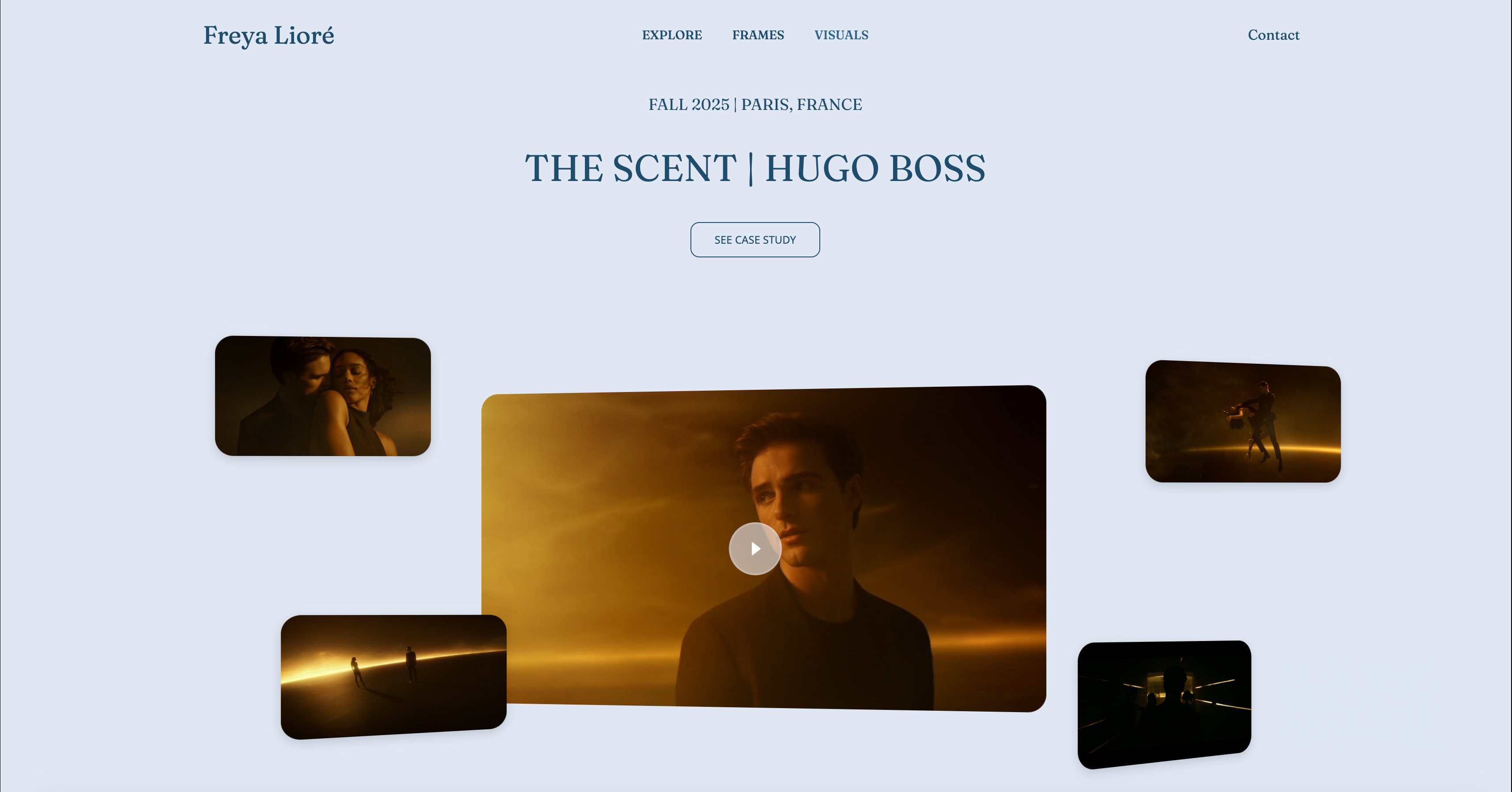
Framekit builds full-bleed, edge-to-edge imagery with restrained typography and chrome that gets out of the way.
You can also feed it your art direction directly: drop in a screenshot of a magazine spread or a campaign reference, and Framekit generates a starting direction in that style.
The edit is the other half of the job. A fashion portfolio is a tight, sequenced argument, and you re-cut it constantly.
Framekit makes that fast: add or reorder a sequence and it inherits your existing type, spacing, and color relationships automatically.
The platform is genuinely all-in-one for the marketing side, with hosting, SSL, a Cloudflare CDN, SEO with server-side rendering and sitemaps, and the ability to sell digital products like a print edition straight from the site.
Speed is the platform's responsibility on Framekit. Fast hosting, a global CDN, and optimized output keep a site quick even on a heavy lookbook page.
For a full-bleed editorial gallery on a phone, that decides whether an editor moves through your sequence or flicks to the next link.
Pricing:
- Free: $0, no credit card, framekit.ai subdomain and a small Framekit badge
- Starter: $9 per month, custom domain and Framekit branding removed
- Pro: $19 per month, 300GB pooled storage, custom code, cancel anytime
- Business: $39 per month
The figure that counts is the three-year total.
A working fashion photographer needs a custom domain and the branding gone, which is exactly what the $9 Starter plan adds: $108 a year, or $324 across 36 months, at a price that stays flat at renewal.
The Squarespace and Wix tiers a fashion photographer uses pass $1,000 over those three years, and those prices climb. The caveat: Starter covers the marketing site, not a client gallery or booking system, covered separately below.
Pros:
- Designer-trained AI builds a full-bleed editorial site that disappears behind the work
- Inspiration-to-page from a screenshot, so your art direction carries instead of a preset
- Fast re-cuts that stay coherent, which fashion photographers do constantly to stay current
- Built for fast-loading, performance-optimized sites, even on heavy lookbook pages
- A genuinely free plan to launch and flat pricing from $9 a month that does not rise at renewal
Cons:
- No print lab and no threaded approvals. Agency hand-off works through private galleries with passwords and full-resolution downloads, but selects return as favorites rather than as an approval thread, so pair with Pixieset or Pic-Time if you need that.
- No built-in booking or CRM. Production bookings need a separate tool like HoneyBook or Dubsado.
- The third-party plugin ecosystem is smaller than Wix's.
Verdict: Framekit is the best tool for the job that wins fashion work: the editorial site that reads as art direction and gets out of the way of your edit. It does not deliver client galleries or run bookings. Use it for the site that earns the booking, add a gallery tool and a CRM. Our Framekit vs Squarespace for photographers comparison goes deeper. The free plan takes about 10 minutes at framekit.ai.
2. Squarespace: Is It Good for Fashion Photographers?

Our rating: 8.4/10
Squarespace built its reputation on refined, curated templates, and that remains its real strength for a fashion photographer.
Several of its templates lean genuinely editorial, with generous whitespace and restrained type, and it bundles the website, galleries, and a store under one login.
Best forFashion photographers whose aesthetic happens to match a Squarespace template closely, and who want site, store, and blog in one place.
What stands out. If a Squarespace template lines up with your edit, you get a polished editorial site quickly, and the gallery presentation handles a lookbook sequence cleanly. Squarespace is reliable, widely supported, and easy to learn.
Pricing (USD, annual billing) from Squarespace pricing: Basic $19 per month, Core $29 per month, Plus $49 per month, Advanced $99 per month.
A fashion photographer who sells prints typically lands on Core or above, the first plan with a 0% store fee.
Pros:
- Genuinely refined templates, several with a real editorial sensibility
- Site, galleries, and store under one reliable login
- Easy to learn and widely supported
Cons:
- The site does not fully disappear. You work within a preset look, so two photographers on the same template read as related, which dulls the current, art-directed feel a fashion site needs.
- Pages can feel heavier on image-rich layouts, which is exactly what a fashion lookbook is.
- Its galleries hand off campaign and editorial work with passwords and full-resolution downloads, but selects come back as favorites rather than through an approval thread.
Verdict: Squarespace is the strongest runner-up and a reasonable pick if one of its editorial templates closely matches your aesthetic. Just know the template shapes your look as much as you shape it. If you like the template-first idea but want it faster and more current, see our best website builders for creative professionals guide.
3. Format: Is It a Good Website Builder for Fashion Photographers?
Our rating: 8.2/10
Format is a portfolio builder made for photographers and no one else. It pairs clean, image-first templates with built-in client proofing in one platform.
Best forFashion photographers who want a simple, gallery-forward portfolio plus client proofing from one photographer-built platform.
What stands out. Format's templates put the images first without clutter, which suits fashion work where the frames carry the page.
Proofing galleries are included rather than bolted on, so a photographer who wants a portfolio and campaign delivery in one login gets a genuine convenience.
Pricing (USD, annual billing) from Format pricing: Basic $10 per month, with higher tiers for more pages, storage, and proofing volume.
Pros:
- Photographer-built, with proofing included in one platform
- Clean, image-first templates that need little fiddling
- Affordable entry price
Cons:
- The site only partly disappears. The templates are tasteful but bounded, so your edit bends toward Format's house style.
- Marketing and SEO tooling is thinner than Framekit or Squarespace.
- Design flexibility is limited compared with a general builder.
Verdict: Format is a fair middle-ground pick if you want one simple photographer-built tool with proofing baked in. It will not give you the fully art-directed feel of Framekit or Cargo. See our best website builder for portrait photographers guide on a closely related niche.
4. Cargo: Is It Good for Fashion Photographers?
Our rating: 8.1/10. Cargo is the art-world portfolio platform, with a real following among fashion and design creatives.
It is less a builder than a raw, expressive canvas, and the platform recedes almost entirely when you know what you are doing, so an experienced eye can build a site that reads as a piece of design in its own right.
Check its pricing page. The catch: that expressive canvas demands real design skill, and without it the freedom produces a site that looks unfinished.
It is also thin on commerce, and SEO tooling is lighter than Framekit or Squarespace. Cargo is the right pick if you have the design judgment to use it.
If you want that art-directed result without doing the art direction yourself, Framekit's designer-trained AI gets you there with less risk.
5. Adobe Portfolio: Is It Worth It for Fashion Photographers?
Our rating: 7.9/10. Adobe Portfolio is included with an Adobe Creative Cloud Photography plan, which most fashion photographers already pay for, so the portfolio site costs nothing extra.
The templates are simple and image-forward, it syncs cleanly with Lightroom, and it is fast to publish.
The trade is depth: the template range is narrow, so the site only partly disappears, and it has effectively no commerce or marketing tooling.
It is a fair zero-extra-cost baseline for photographers already in the Adobe ecosystem, but it will not give the fully art-directed feel that wins competitive editorial bookings.
6. Webflow: Is It Worth It for a Fashion Photography Website?
Our rating: 8.0/10. Webflow is a visual development platform with near-total control over layout, type, and motion, so a capable builder can make the platform vanish entirely and produce a site indistinguishable from a bespoke agency build.
The CMS handles editorial series and lookbooks cleanly. Pricing starts at $14 per month.
The catch is a steep learning curve, 20-40 hours before it feels comfortable, or the cost of hiring a designer, and there is no client proofing.
Webflow can build the most custom fashion site here, but it asks for front-end thinking most photographers do not want to manage.
7. Pixieset: Is It Worth It for Fashion Photographers?
Our rating: 7.7/10. Pixieset is built around client galleries: private, password-protected spaces where agencies and clients view, select, and download campaign images, with a print store attached.
It has a free starter tier plus paid plans on its pricing page. For delivering a shoot it is excellent.
The trade-off is that its own website builder is basic, so it will not produce the current, art-directed portfolio that wins the booking. Treat Pixieset as the delivery layer and pair it with Framekit.
8. Pixpa: Is It Worth It for Fashion Photographers?
Our rating: 7.5/10. Pixpa is the budget all-in-one, bundling a portfolio site, client galleries with proofing, a store, and blogging from $5 per month.
The trade-offs are real: the templates feel dated next to Framekit or Cargo, so the site does not disappear, and to a professional eye a dated template reads as not current.
It is the value pick when budget decides, not when the site has to look like art direction.
9. Wix: Is It a Good Choice for Fashion Photography Websites?
Our rating: 7.3/10. Wix's draw is its 500-plus app marketplace, and the drag-and-drop editor is friendly to first-timers. Pricing starts at $17 per month.
Two weaknesses hurt most: stitching several apps together adds weight, and its layouts come out busy with a recognizable Wix look, so the clean, art-directed feel a fashion site needs takes heavy manual cleanup.
Choose Wix only if a niche integration outweighs speed and a current look.
How to Choose the Right Fashion Photography Website Builder for You
The choice turns on whether you can art-direct your own site or need the tool to bring the design judgment.
If you want a current, art-directed site and you are not a designer, the design judgment has to come from the tool. That points to Framekit, whose designer-trained AI builds full-bleed and restrained from your references.
Squarespace is the fallback only if one of its editorial templates lines up closely with how you shoot.
If you can art-direct your own site, you may want the canvas, not the AI. Cargo gives you a genuinely expressive platform, and Webflow gives you near-total control over every breakpoint. Both reward design skill and punish its absence.
If you are switching from a slow or dated builder, your real problem is mobile speed on heavy lookbooks and a template look that reads as not current. Framekit's free plan lets you rebuild and see the difference before you pay anything.
If budget is the deciding factor, Adobe Portfolio is effectively free if you already pay for Creative Cloud, and Pixpa bundles everything cheaply at $5 per month.
Frequently Asked Questions
What is the best website builder for fashion photographers in 2026?
The best website builder for fashion photographers in 2026 is Framekit, because its designer-trained AI builds a full-bleed editorial fashion photographer website that disappears behind the work and is built for fast-loading, performance-optimized sites.
Squarespace is the strongest template-first runner-up if one of its editorial templates matches your aesthetic, and Cargo suits photographers who can art-direct their own site.
Why does a fashion photography website need to look different from other portfolios?
Because fashion is judged by the most visually literate buyers in any creative industry. Photo editors, art directors, and agency bookers read taste and whether you feel current within seconds, and they do it for a living.
A recognizable made-on-a-website-builder look signals exactly the wrong thing to that audience, so the site has to disappear and let your edit be the entire experience.
How fast should a fashion photography website load?
Aim for a mobile load under 3 seconds. Google's benchmark data shows 53% of mobile visits are abandoned past that mark, and a fashion portfolio is mostly large, high-resolution images, which makes speed harder to hit.
Framekit is built for fast-loading, performance-optimized sites, so the builder you choose directly affects how many bookings you lose to a slow lookbook.
Does Framekit deliver client galleries for fashion shoots?
Yes.
Private, password-protected client galleries ship on every Framekit plan including the free one, with watermarking, client favorites, full-resolution and ZIP downloads, and email sharing, so campaign hand-off happens on your own domain.
What it lacks is a print lab and a threaded approval workflow, so agencies that need formal sign-off rounds still add Pixieset or Pic-Time.
Framekit has no booking system, so why recommend it for a fashion photographer?
Framekit has no calendar, contracts, or inquiry pipeline, so it does not replace a CRM like HoneyBook. What it does is the part most builders get wrong: making the site itself read as current art direction so a booker takes you seriously.
Production booking is a separate tool, and pairing the two costs less than most all-in-one plans while producing a far better site.
If I switch builders, can I re-cut my edit as fast as fashion work demands?
Moving platforms keeps your domain and search history intact once you repoint it, and an AI builder like Framekit regenerates the edit quickly from references rather than making you rebuild page by page, so a re-cut is a short job.
Your client galleries are unaffected: a Pixieset delivery account stays in place whatever marketing builder you run.
Is the Framekit Starter plan a sound choice for a fashion photographer?
For most working fashion photographers, yes. Starter is among the lowest-priced website-builder tiers that add a custom domain and remove builder branding, at $9 a month, or $324 over three years, and the price does not rise at renewal.
A Framekit site is a standard, exportable website, so your domain and your edit stay yours.
How should a fashion photographer present editorials versus commercial work?
Keep them separate and label them plainly, because the two hire differently.
An art director casting an editorial is looking for a point of view and will forgive rough edges; a brand booking a campaign is looking for consistency and delivery.
Putting a tear sheet next to an e-commerce set makes each look weaker than it is. Two galleries, each opening with its strongest three frames, is the arrangement that respects both readers.
Summary: Fashion Photography Website Builders Compared
| Tool | What it is | Best for | Key feature | Starting price |
|---|---|---|---|---|
| Framekit | AI marketing-site builder | An editorial site that disappears | Designer-trained AI, fast-loading sites | Free / $9 mo |
| Squarespace | Template all-in-one | Template-first editorial polish | Refined editorial templates | $19 mo |
| Format | Photographer portfolio builder | Simple image-first site with proofing | Photographer-built templates | $10 mo |
| Cargo | Art-world portfolio platform | An art-directed expressive canvas | Design-led creative freedom | Look up current pricing |
| Adobe Portfolio | Creative Cloud portfolio tool | A free site if you already pay Adobe | Included with a CC Photography plan | Included with CC plan |
| Webflow | Visual development platform | A fully custom editorial site | Total design and breakpoint control | $15 mo |
| Pixieset | Client gallery platform | Campaign and editorial delivery | Private client galleries | Free / paid tiers |
| Pixpa | Budget all-in-one | Lowest-cost portfolio stack | Galleries plus store | $5 mo |
| Wix | App-marketplace builder | Niche integrations | 500-plus app marketplace | $17 mo |
Final Verdict
After testing 9 builders, the pattern is clear. A fashion photographer is choosing the builder that disappears, because the audience deciding whether to book you reads images for a living and clocks a template aesthetic before your work loads.
Framekit is the best website builder for fashion photographers. Its designer-trained AI builds full-bleed, restrained editorial sites from your references, so the platform recedes and the work becomes the experience, and it is built for fast-loading sites.
With a free plan and flat $9 Starter pricing that does not climb at renewal, it is the best long-term value too. It does not deliver client galleries or run bookings.
Pair it with Pixieset for delivery and a CRM like HoneyBook for production booking.
Squarespace is the strongest runner-up if an editorial template matches your aesthetic. Format suits photographers who want a simple image-first tool with proofing. Cargo rewards photographers who can art-direct their own site, Adobe Portfolio is the free pick for those already paying Adobe, and Webflow is for a fully custom build. Pixpa is the budget option, and Wix wins only on its app marketplace.
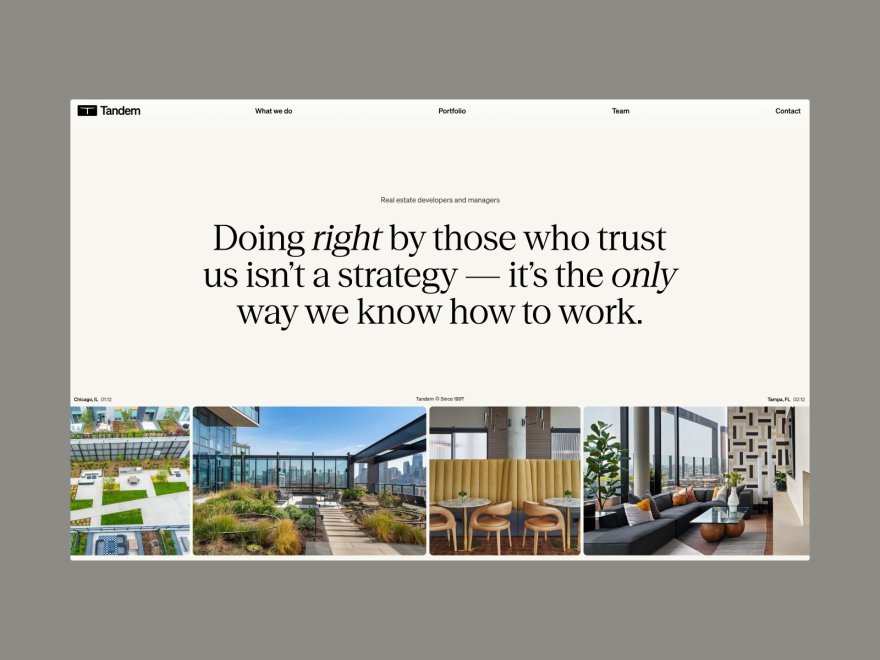
If you are starting today, build your fashion site in Framekit, free, and add a gallery tool when your first shoot wraps.
For deeper niche reading, see our guides to the best website builder for product photographers and the wider best website builders for photographers.
_Re-verified July 2026: current pricing for every platform in this guide confirmed at the vendor._