Framekit templates
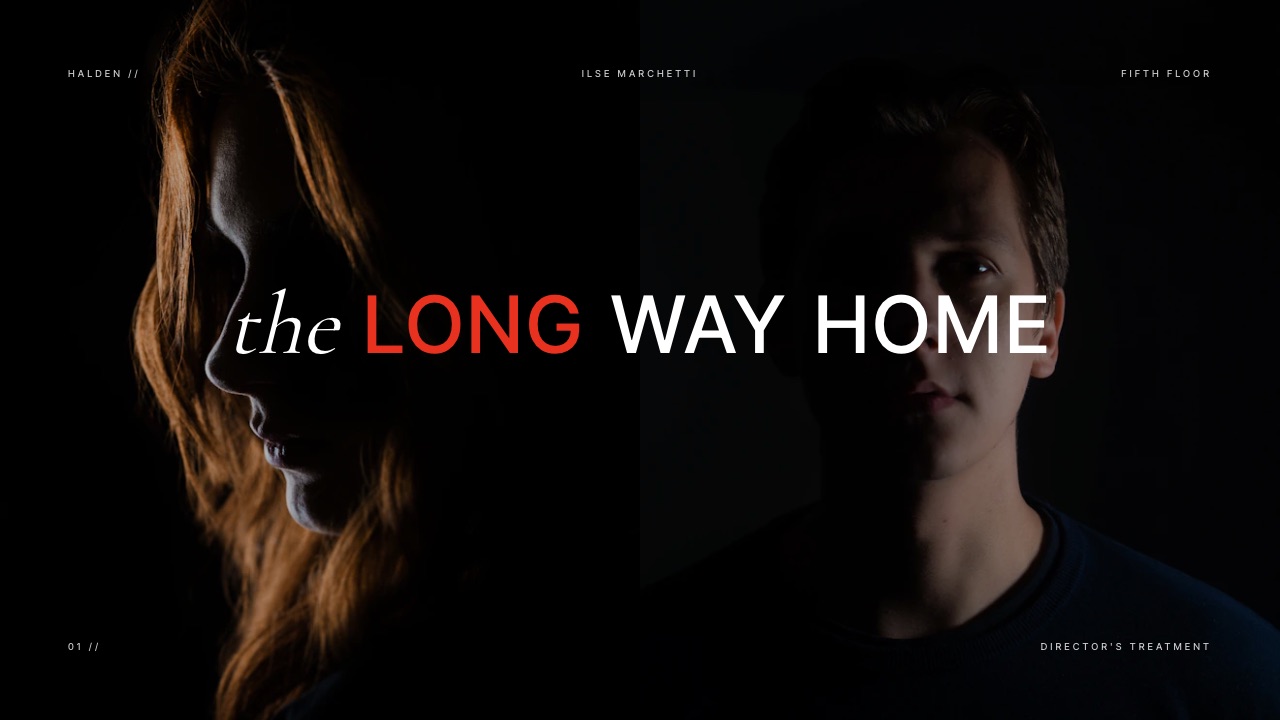
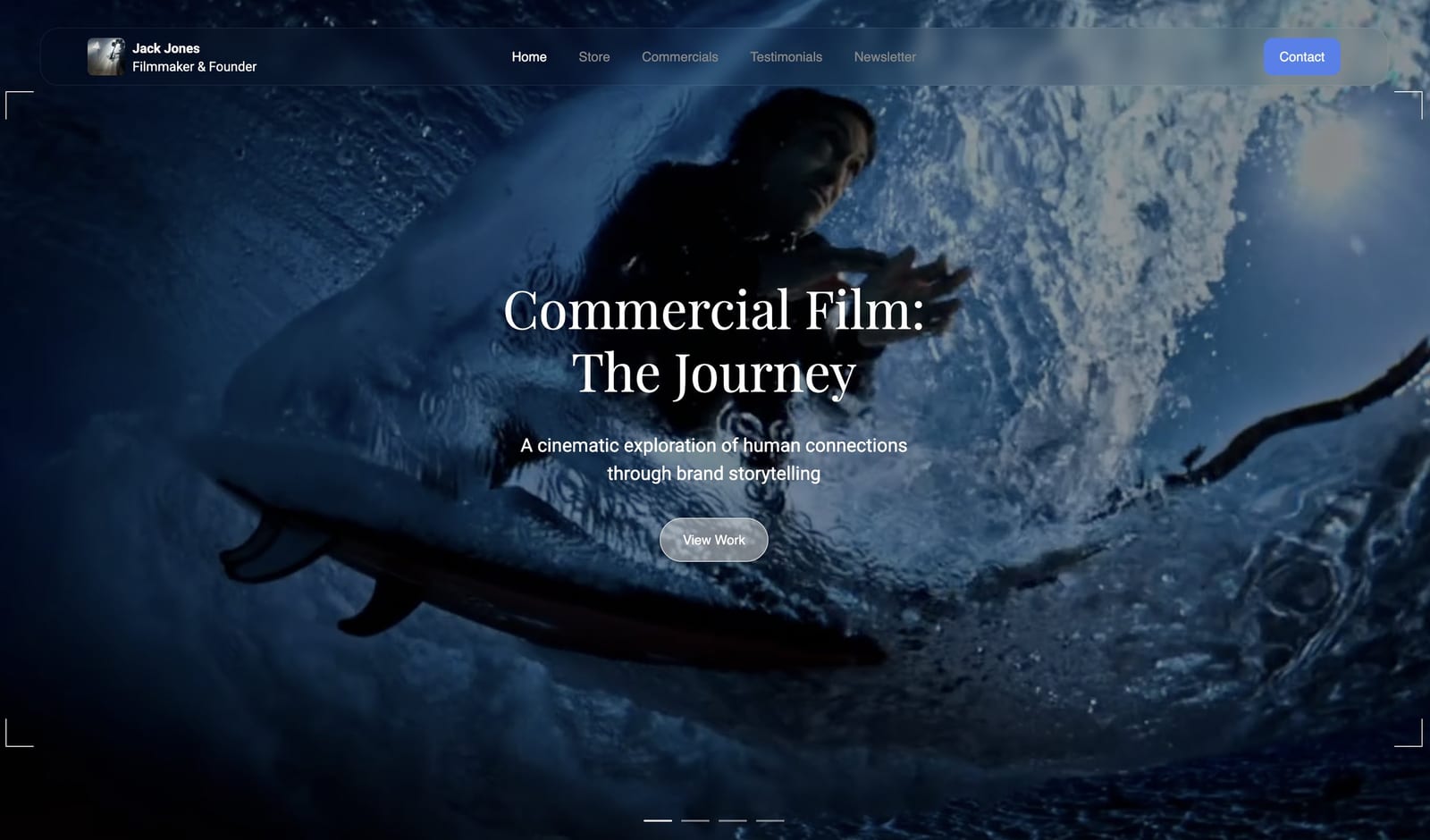
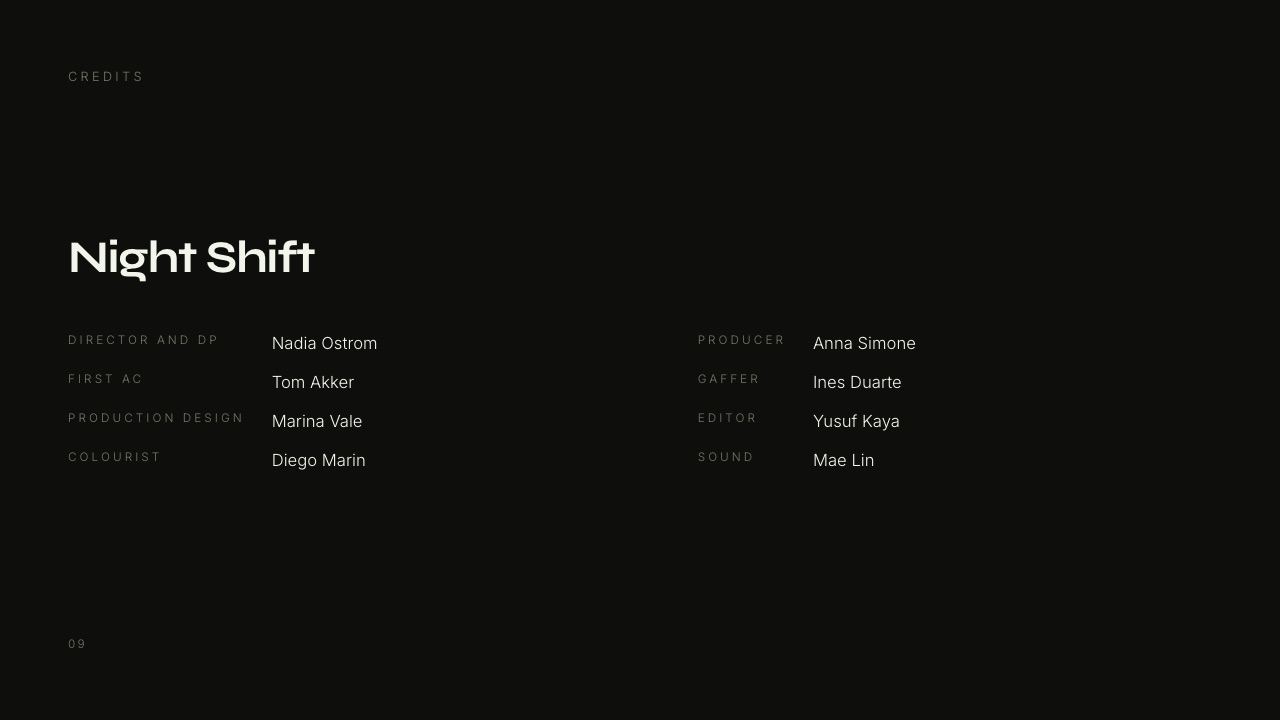
Start from a designer-made template
 Use template
 Use template
 Use template
 Use template
 Use template
 Use template
 Use template
 Use template
A freelance director bills $62,000 in a year across fourteen projects.
Fourteen contracts get signed, twenty-eight invoices go out, fourteen galleries or review links get sent, and roughly nine pitch decks get written for the jobs that never happened. None of that is the work.
All of it decides whether the work gets paid for.
The tools to run a freelance creative business split cleanly into two halves that almost nothing spans: the client-facing half, where you pitch, review, deliver and host, and the back office, where you contract, sign, invoice, schedule and account.
Pick one tool for each half and a processor to sit under both, and the whole operation costs less than one client's deposit.
The trouble starts when a vendor pretends to cover both. We are a vendor, so let us be blunt about it first: Framekit does the client-facing half and nothing at all of the back office.
A freelance creative business stack is the set of subscriptions and accounts that carry a project from a pitch to a paid invoice: a presentation tool, a delivery surface, a signing tool, an invoicing or accounting tool, a scheduler and a payment processor.
That is six jobs, and the three stacks priced further down this page cover all six from either two or four accounts.
Split the stack in two and buy one tool per half.
For the client-facing half, Framekit ranks first because a pitch deck, a video review link, a client gallery, a portfolio site and a digital store sit on one account and one bill from $0, with unlimited galleries and unlimited decks even on the free plan.
For the back office, HoneyBook at $29 a month billed yearly is the single strongest pick because contracts, invoices, payments and a client portal arrive together, with Dubsado at $335 a year for automation-heavy workflows and Wave free for invoicing alone.
Framekit has no invoicing, no contracts, no e-signature, no CRM and no scheduling calendar, so it cannot be the whole answer and this guide does not pretend otherwise.
Full disclosure: Framekit is our product and it covers roughly half the jobs on this page, which is why eleven of the twelve tools ranked below belong to somebody else. Every price here was read on that vendor's own published page in September 2026 and linked at the point of use, except where a vendor's page refuses to serve figures to an automated reader, in which case the tool is named without numbers and the gap is stated. HoneyBook, Dubsado, Bonsai, Wave, FreshBooks, Docusign, Calendly and Stripe all do things Framekit does not do at all, and Pixieset beats us outright on print sales.
How this comparison was put together, and what it deliberately leaves out
Three kinds of claim appear below and they carry very different weight, so each one is labelled where it is used instead of being blurred into a single confident voice that a reader has no way to audit.
Read at the source. Every plan price, processing rate, envelope allowance and storage figure was read on the vendor's own published pricing page in September 2026 and linked where it is used.
Where a page served European pricing to this session, the figure is given in euros and labelled as such, never converted at an invented rate.
Calculated. All arithmetic here is ours and shown in full so you can rerun it against your own billing.
The carried example is a freelance creative who bills $62,000 across fourteen projects in a year, an average project of $4,430, two invoices and one signed contract per project, one delivery per project and one pitch deck for roughly every other enquiry.
Not claimed. Nobody here ran a controlled trial of twelve products, and no post that says it did should be believed without a receipt.
There are no ratings, no scores and no benchmark timings in this guide, because the honest version of a vendor comparison is verified prices plus arithmetic you can check.
Two vendors would not serve figures. PandaDoc returned a rate-limit response to this session and Canva returned a block, so neither is quoted with a price.
Canva's published European pricing was read in a browser in September 2026 at 110 euros a year for one Pro user, and it is mentioned nowhere else in this guide because design software is not the subject.
A freelance creative business by the numbers
These are the figures that decide what a year of running the business costs before a single frame is shot, and each one is checkable against the linked source.
- $29 a month, billed yearly: HoneyBook Starter, which is the cheapest way to get contracts, invoices, payments and a client portal in one place.
- $335 a year: Dubsado Starter, which is $13 a year less than HoneyBook Starter but has no scheduling and no automated workflows until you pay $525.
- $0: Wave Starter, which sends unlimited invoices for nothing and charges 2.9% plus $0.60 when a client pays by card.
- 2.7% plus 10 cents versus 1.5%: HoneyBook's card rate against its bank-transfer rate, which on $62,000 of billing is a difference of $746.80 a year.
- 5 envelopes a month: what the $11 Docusign Personal plan allows, which is 60 a year and comfortably more than fourteen contracts.
- $0 for unlimited galleries and unlimited decks: Framekit's free plan, which includes 10GB of pooled storage and puts a Framekit badge on what you send.
- $180 a year: Framekit Pro billed yearly, which is the plan that removes the badge, adds your own domain and raises pooled storage to 300GB.
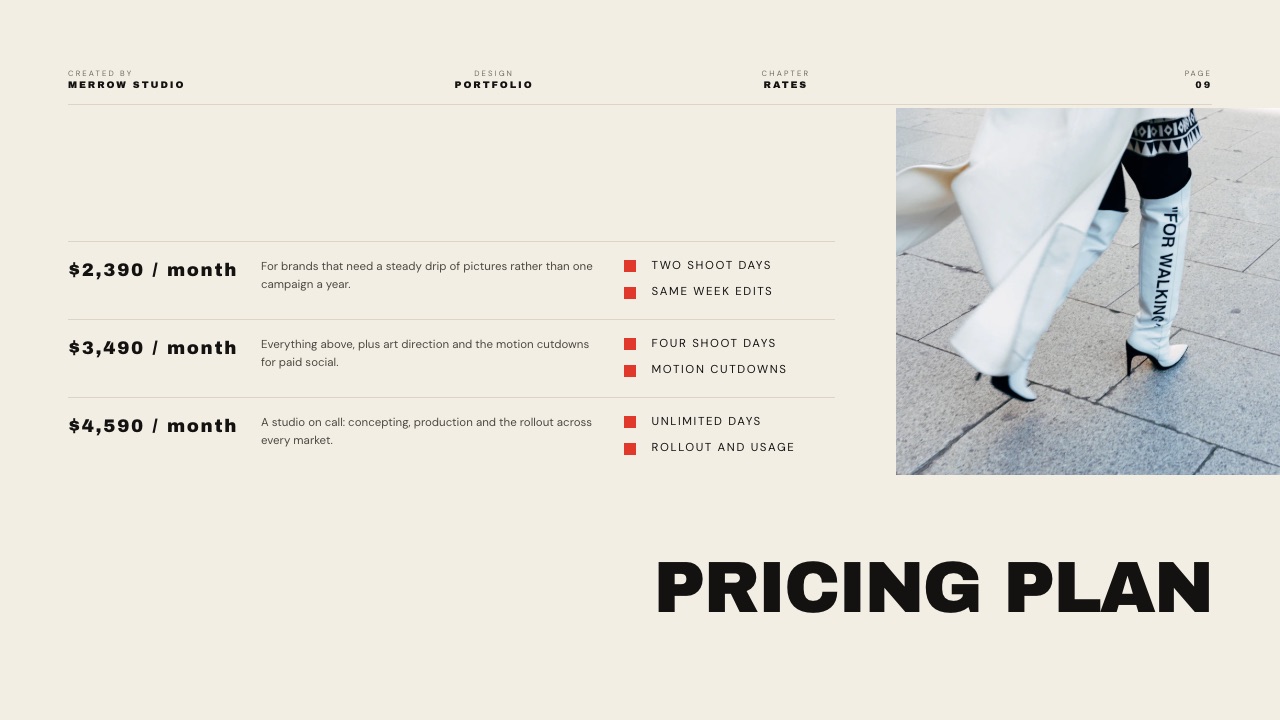
The two halves of a creative business, and which tool owns each job
Every job a freelance creative business generates falls into one of two columns, and the fastest way to stop overbuying software is to write the columns out and notice that no product in this guide fills both.
| The job | Which half | Tool that owns it | What it costs |
|---|---|---|---|
| Pitch deck or treatment | Client-facing | Framekit Slides | $0, unlimited decks |
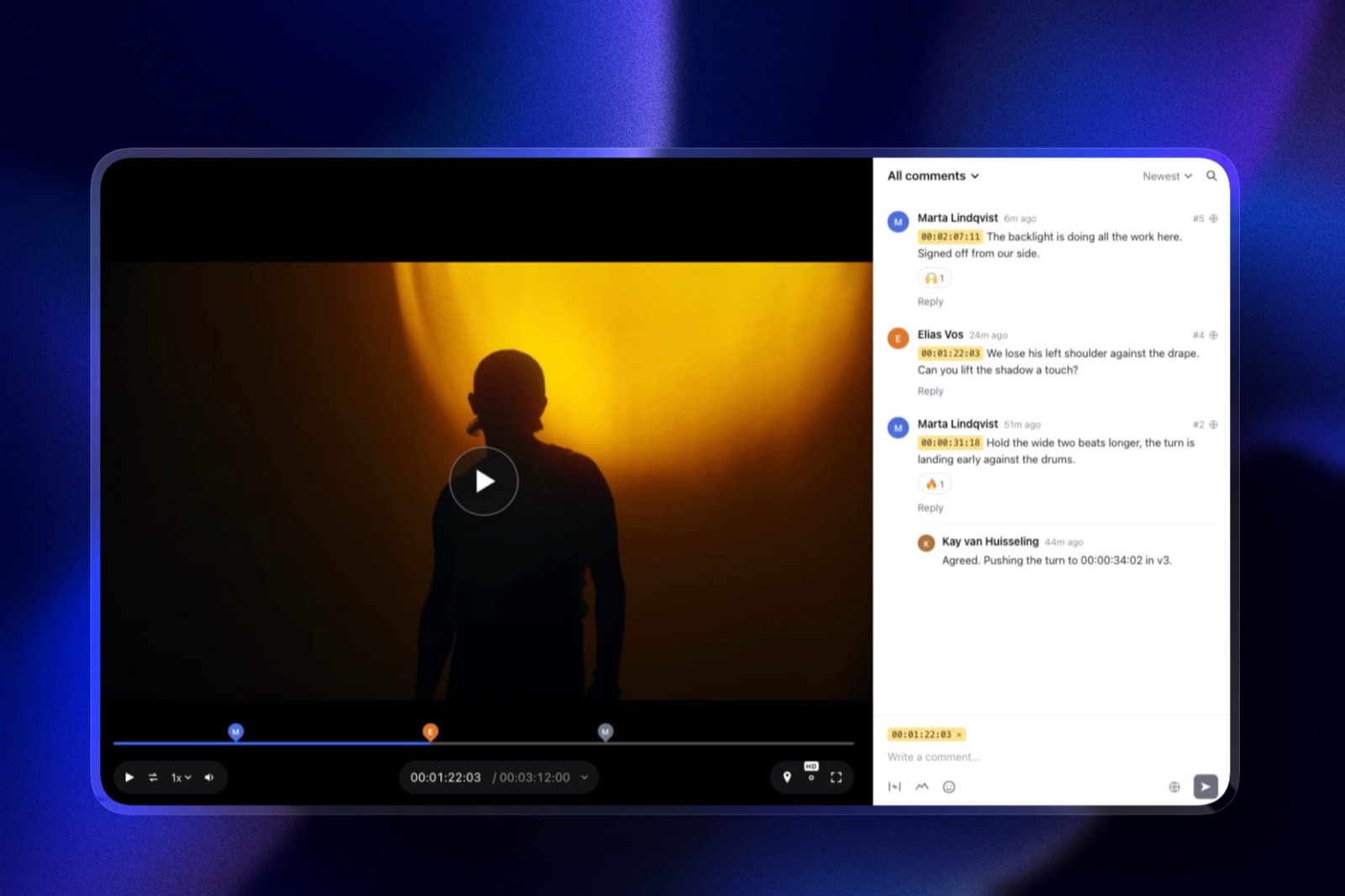
| Sending a cut for notes | Client-facing | Framekit Video Review | $0, 500MB per video free |
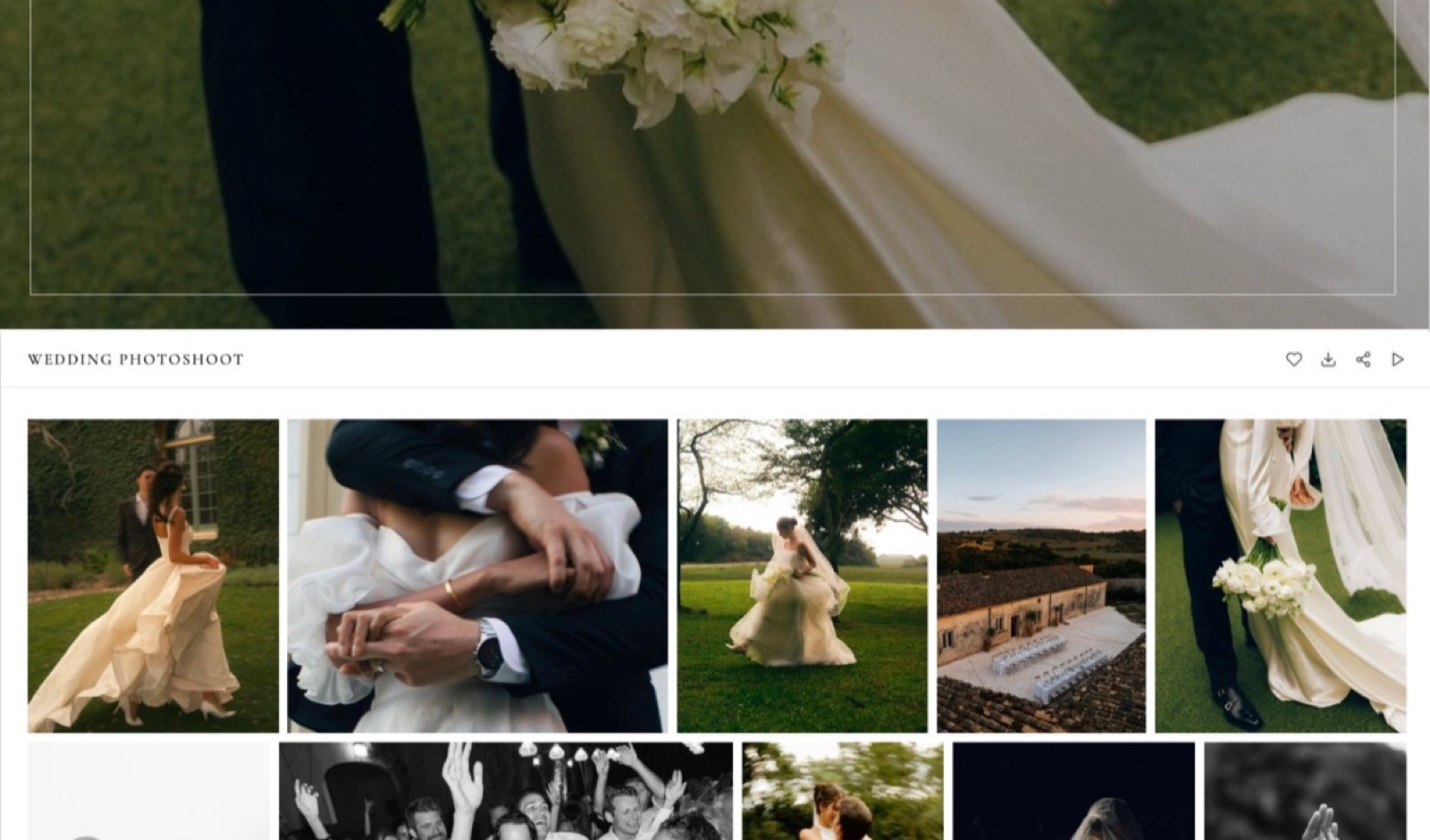
| Delivering stills | Client-facing | Framekit Client Galleries | $0, unlimited galleries |
| Selling prints from a gallery | Client-facing | Pixieset or Pic-Time | $0 at 15% commission, or $8/mo |
| Portfolio site and domain | Client-facing | Framekit Website | $0, domain on paid plans |
| Contract and e-signature | Back office | Docusign or HoneyBook | $11/mo or $29/mo |
| Invoicing and payments | Back office | Wave, HoneyBook or FreshBooks | $0, $29/mo or $23/mo |
| Bookkeeping and tax prep | Back office | Wave Pro or FreshBooks | $190/yr or $276/yr |
| Booking calls | Back office | Cal.com or Calendly | $0 or $10/seat/mo |
| Taking the money | Both | Stripe | Per transaction |
| Everything you must remember | Back office | Notion | Free for one person |
In one lineThe column on the right is the whole argument of this guide, because a freelance creative who buys one tool per half spends $528 a year on software while the same person buying a specialist for every row spends $708 and signs into five dashboards instead of two.
1. Framekit: Best for the Client-Facing Half of the Business

Framekit is an AI website builder for photographers and filmmakers that also carries the four other client-facing jobs a freelance creative generates: private galleries, timecoded video review, digital-download sales and presentation decks, all on one subscription and one bill.
Best forA solo creative who pitches, delivers and hosts, and who already has an accountant or an invoicing tool for the rest.
The reason it sits first in this half is arithmetic, not opinion.
Four client-facing jobs bought separately from specialists run to a gallery subscription, a review subscription, a site subscription and a deck subscription, each with its own renewal date and its own client-facing link.
Framekit Pro is $19 a month, $15 if you pay for the year, and covers all four with 300GB of pooled storage shared between the site, the galleries and the review pages.
The number worth rememberingunlimited galleries and unlimited decks exist on the free plan, not just the paid ones. A freelancer with three jobs a month can run the whole client-facing half at $0 until the 10GB of free pooled storage fills, then step up to Starter at $9 a month for 50GB.
The detail nobody writes abouta Framekit gallery has two locks, not one. The gallery password controls who can look, and a separate download PIN controls who can take the files.
That distinction matters when the wedding couple wants to show their mother the gallery on a phone while the full-resolution set stays behind a second code, and both locks are on every plan including free.
The gotcha that bites in week threethe deck share link has no password and no per-viewer analytics. You get a total view count and nothing else.
If knowing that the producer opened your treatment twice and stopped on slide four is how you run follow-ups, that is a real loss and Pitch or DocSend is the better buy for that one job.
The PowerPoint export is also picture-based, so a client who wants to edit your slides in PowerPoint cannot.
Who should skip itanyone whose business runs on print sales. Framekit has no print lab, no fulfilment and no print pricing, so a portrait photographer who makes a third of revenue from wall art should be on Pixieset, Pic-Time or ShootProof and should stop reading this entry.
Verdict: The strongest single purchase for the half of a freelance creative business the client actually sees, and irrelevant to the half your accountant sees. Buy it for delivery and presentation, buy something else for paperwork, and do not let any vendor tell you one product does both.
2. HoneyBook: Best All-in-One Back Office
HoneyBook is the tool most freelance creatives should buy for the paperwork half, because it is the cheapest place where a contract, an invoice, a payment and a client portal live in the same project record instead of four unrelated apps.
Best forA freelancer who signs eight or more contracts a year and is tired of reconciling a signing tool against an invoicing tool.
Starter is $29 a month billed yearly and includes unlimited clients and projects, invoices, payments, proposals, contracts, a calendar, templates, a client portal and up to two lead forms.
Essentials is $49 a month billed yearly, up from a $59 list price, and adds the scheduler, automations, QuickBooks Online, up to two team members, up to ten lead forms and the removal of the "Powered by HoneyBook" line from what your clients see.
Premium is $109 a month billed yearly.
The number worth rememberingcard fees start at 2.7% plus 10 cents, and bank transfer is 1.5%. On the carried $62,000 of billing that is $1,676.80 a year on cards against $930 on ACH, a gap of $746.80 that goes unnoticed because it arrives as a hundred small deductions and never as one bill.
The gotcha that bites in week threethe Starter plan keeps HoneyBook's own branding on client-facing pages.
If the thing you are buying is a professional impression, the plan that actually removes that line is Essentials at $49 a month billed yearly, which is $588 a year and nearly double what you thought you were spending.
Price the tier you will end up on, not the one on the ad.
Who should skip ita freelancer who sends four invoices a year. At that volume $348 buys you very little that a free Wave account does not, and the client portal is not worth $87 per invoice.
Verdict: The default back office for a working freelance creative, priced as though it knows that. It is not a delivery tool and it is not a portfolio, so it pairs with something in the other column instead of replacing it. If you are weighing it against a dedicated contract tool, our guide to contract and proposal tools for creatives covers the narrower option.
3. Dubsado: Best for Workflow Automation and Forms
Dubsado earns its place with the part of the job HoneyBook charges more for, which is the automated sequence that fires a questionnaire, a contract and a reminder without you touching the project again.
Best forA freelancer with a repeatable client journey, especially wedding and portrait work where every job runs the same twelve steps.
Starter is $335 a year and covers email integration, unlimited projects and clients, invoicing, form templates, client portals, a calendar connection and one lead capture form.
Premier is $525 a year and is where scheduling, automated workflows, public proposals, Zapier and unlimited lead capture forms live.
The free trial runs 21 days with full Premier access and no card required, which is unusually generous for this category.
The trap in the pricing tablethe plan people quote as the cheap option is the one without automation, and automation is the reason people choose Dubsado.
If the workflow builder is why you are here, your real price is $525 a year, or $43.75 a month, which is more than HoneyBook Essentials. Extra brands are $10 a month and users four to ten are $25 a month each.
Who should skip itanyone whose projects are all different. Dubsado repays its setup weekend only when the same sequence runs on job after job, and a commercial director doing bespoke work will build workflows that fire once.
Verdict: The best automation in the category and the worst first week, because the configuration is real work. Buy it if your business is a repeated process, not if every job is a one-off.
4. Bonsai: Best per-Seat Back Office for Someone Who Bills Time
Bonsai approaches the same paperwork from the consultant's side and not the photographer's, which shows in what it puts on the cheapest plan: time tracking, tasks and a CRM before it gives you an invoice.
Best forA freelance designer, editor or strategist who bills hours or retainers and needs the timesheet and the invoice in one place.
Basic is $9 per user a month on annual billing with time tracking, task management, unlimited projects, CRM and unlimited clients.
Essentials at $19 per user a month is the plan that adds invoices, payments, proposals, contracts, forms, scheduling, the client portal and expense tracking. Premium is $29 and removes Bonsai branding.
Elite is $49 with a three-user minimum. Monthly billing runs $15, $25, $39 and $59.
The number worth rememberingthe plan that matches HoneyBook Starter feature for feature is Essentials at $19 a month, which is $228 a year against HoneyBook's $348. If you do not need a client portal with a polished front end, that is $120 a year saved for the same contracts and invoices.
The gotcha that bites in week threeBonsai branding stays on your documents until the $29 Premium tier, two steps above the plan most freelancers buy. That is the same trap HoneyBook sets one tier lower, and it is worth checking on any tool whose output a client reads.
Verdict: The best value in the back-office column if you bill by time and do not need the client experience to look designed. A photographer delivering galleries will find the client-facing surfaces thin.
5. Wave: Best Free Invoicing and Bookkeeping
Wave is the honest answer to the question every new freelance creative asks, which is whether invoicing has to cost anything at all, and the answer on their published pricing page is no.
Best forA freelancer under roughly twenty invoices a year who wants bookkeeping that an accountant can read at the end of the tax year.
The Starter plan is free and sends unlimited estimates, invoices and bills with unlimited bookkeeping records behind them.
Pro is $19 a month or $190 a year and adds bank-transaction import and categorisation, unlimited receipt capture, automatic late-payment reminders, brand colours and logo, and the removal of Wave branding.
The number worth rememberingcard processing on the free plan is 2.9% plus $0.60 per transaction, with American Express at 3.4% plus $0.60. On Pro the per-transaction 60 cents drops to zero for the first ten card transactions each month.
For our carried example, twenty-eight invoices a year at $0.60 is $16.80, so the fee structure is not what decides this purchase. The $190 Pro subscription is.
The gotcha that bites in week threeWave has no contracts and no e-signature. It is an accounting product with invoices attached, so a freelancer choosing Wave is also choosing to buy Docusign or to sign contracts some other way. Budget for both or you will be pasting a signature image into a PDF at 11pm.
Who should skip itanyone who needs contracts, a client portal and a proposal in the same product. Wave will not get you there at any price, and $348 for HoneyBook is cheaper than the hours you will spend stitching.
Verdict: The best free tool in this guide and the one most likely to be enough for a first year of freelancing. Pair it with a signing tool and a delivery tool and you have a working business for $312 a year. More on the alternatives in our invoicing tools for freelance creatives roundup.
6. FreshBooks: Best When an Accountant Is Already Involved
FreshBooks is the tool to buy when someone else does your books, because the reports it produces are the ones bookkeepers ask for and the client limits are the thing that catches people out.
Best forA freelance creative billing steadily enough that an accountant is worth paying, and who wants the accountant looking at the same ledger.
Lite is $23 a month for five billable clients, Plus is $43 a month for fifty, Premium is $70 a month for unlimited, and Select is quoted.
Card payments run 2.9% plus $0.30 and bank transfers are 1%. The five-client ceiling on Lite is the figure to check before you buy, because a wedding photographer hits six clients by March.
The honest comparisonat $276 a year, Lite costs less than HoneyBook Starter and gives you fewer of the things a creative business needs, with no contracts and no proposals. FreshBooks wins on accounting depth and loses on everything client-facing, which is exactly what it says on the box.
Verdict: A good accounting product that is not a creative-business product. Choose it because of who does your taxes, not because of how your clients experience you.
7. Stripe: Best Way to Actually Take the Money
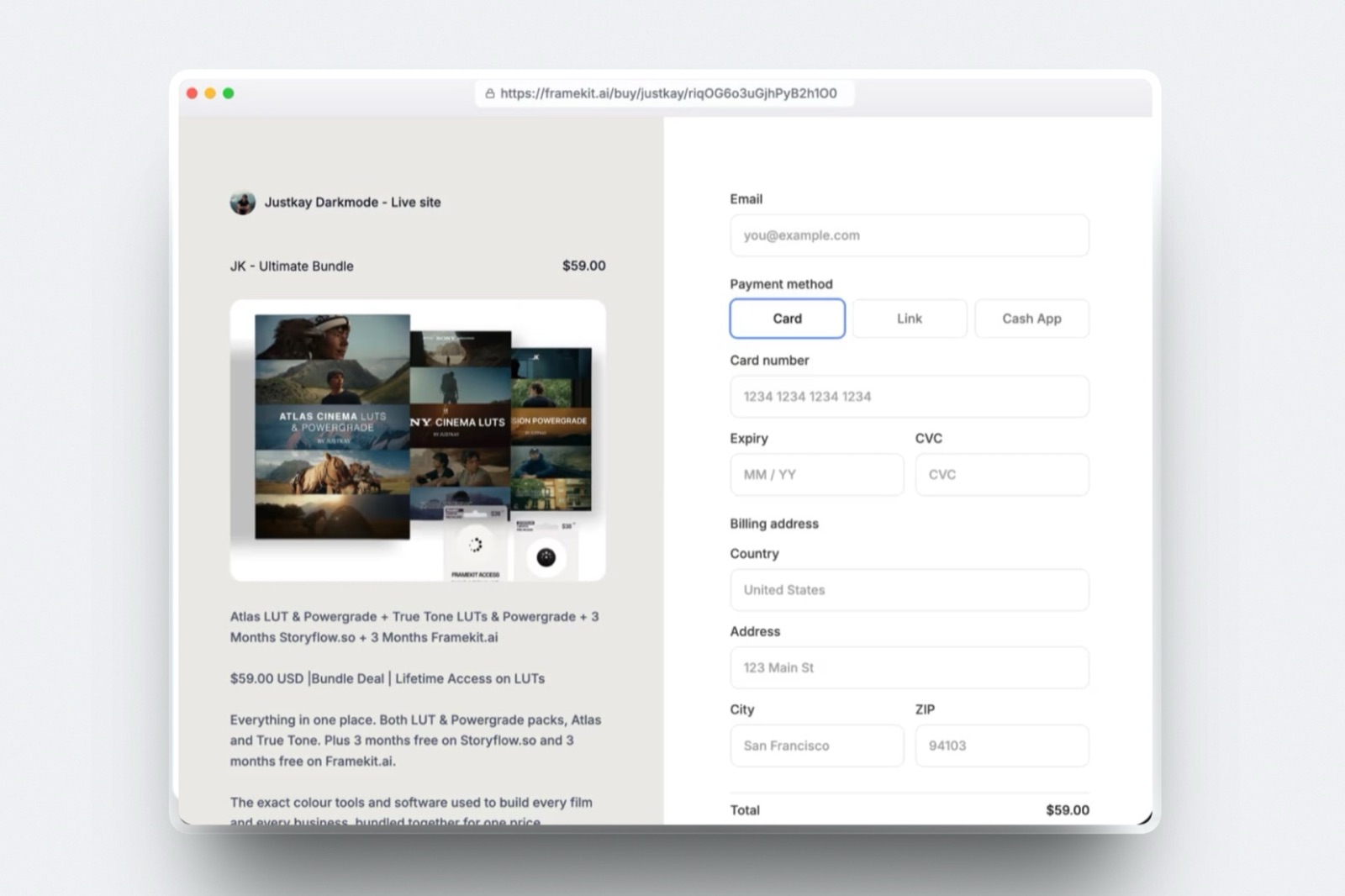
Stripe is not optional so much as invisible, because a Framekit store charge runs straight through it and it is the account that decides what a payment costs you and who carries the risk on a dispute.
Best forEvery freelance creative, whether or not they realise they are already using it.
Stripe served European pricing to this session in September 2026, listing 1.5% plus 25 euro cents on standard EEA cards, 2.8% plus 25 cents on premium cards, 2.5% plus 25 cents on UK cards, and 3.15% plus 25 cents on international cards with a further 2% for currency conversion.
Disputes cost 20 euros each.
The line that costs freelancers moneyStripe's published terms state that the payment processing, Connect and currency conversion fees from the original transaction are not returned when you refund. Refund a $4,430 project fee and the processing charge is gone.
That is the single most common surprise in freelance finance and it is written plainly on the pricing page that nobody reads.
The detail nobody writes aboutwhen you sell digital products through a Framekit store, the charge runs on your own Stripe account as a direct charge.
That makes you the merchant of record, which means the tax is yours to handle and Framekit neither calculates nor remits it. It also means the money lands in your account on your own payout schedule, not a platform's.
Verdict: The rails, not a choice. Read the refund and dispute clauses once, price them into your deposit terms, and never argue with a client about a chargeback without knowing the 20 euro fee lands on you either way.
8. Docusign: Best When You Only Need Signatures
Docusign is the right answer for the freelancer who has invoicing sorted and needs exactly one more thing, which is a legally recognisable signature that a client can complete on a phone.
Best forSomeone running Wave or an accountant's system and refusing to pay $348 a year for features they will not use.
Personal is $11 a month, $132 a year, with five envelopes a month. Standard is $30 per user a month, $360 a year, with 100 envelopes per user per year.
Business Pro is $45 per user a month, $540 a year, with the same 100 envelopes.
The number to check against your calendarfive envelopes a month is 60 a year, which covers our fourteen-contract example four times over, but it does not roll over. A photographer signing eleven contracts in wedding season and none in February is capped at five in July whatever the annual total says.
Who should skip itanyone whose contracts already arrive inside HoneyBook, Dubsado or Bonsai. Paying $132 for a second signing tool is the most common piece of duplicated spend in a freelance stack.
Verdict: Precise, boring and correctly priced for what it does. Buy it as a component, never as a platform.
9. Calendly: Best Scheduling When You Book Calls All Week
Calendly is worth its price only at a volume of meetings most freelance creatives do not reach, which is a useful thing to know before you add another $120 a year to the stack.
Best forFreelancers whose sales process is discovery calls, and anyone whose availability is spread across more than one calendar.
The free plan gives one event type, one calendar connection and one-to-one scheduling only.
Standard is $10 per seat a month billed monthly with unlimited event types and a 17% saving on yearly billing. Teams is $16 per seat a month billed monthly with round-robin and a 20% yearly saving.
Enterprise starts at $15,000 a year with a 50-seat minimum.
The limit that pushes people to payone event type. A freelancer who wants a 20-minute intro call and a 60-minute creative call as separate links is already outside the free plan, which is a well-designed paywall, not an accident.
Verdict: Excellent at what it does and easy to over-buy. If your event types number two, look at the free alternative in the next entry before paying.
10. Cal.com: Best Free Scheduling for One Person
Cal.com exists because Calendly's free plan is deliberately narrow at one event type, and its individual tier answers that by removing the limits instead of tightening them, which is the whole pitch and the reason it belongs in a solo stack.
Best forA solo creative who wants a 20-minute intro call and a 60-minute creative call on separate links, and no subscription.
The free individual plan covers one user with unlimited event types and calendars, email and SMS notifications, more than 100 app integrations and payment collection through Stripe and PayPal.
Teams is $12 per user a month on annual billing and Organizations is $28.
The comparison that decides itunlimited event types for $0 against one event type for $0 is not a close call for a single freelancer. Calendly's advantages start when there are seats, round-robin routing and a sales team, none of which describes a one-person creative business.
Verdict: The free scheduler a freelance creative should try first. If it fails for you, Calendly Standard is $120 a year and worth it, but start where the money is not.
11. Notion: Best Place to Keep Everything You Must Remember
Notion is not a business system and it is not pretending to be one, but it is where most working freelancers keep the things that would otherwise live in eleven browser tabs and a phone note.
Best forProject notes, client briefs, shot lists, a rate card you update twice a year and a pipeline of enquiries.
Notion served European pricing to this session at zero euros a member for Free, 9.50 euros a member a month for Plus with about 7.60 on yearly billing, and 19.50 euros for Business with about 15.60 yearly.
For one person, the free plan is genuinely usable and the paid step buys unlimited file uploads and custom sites, neither of which a solo creative needs in year one.
The gotcha that bites in week threeNotion will happily become the place where your invoicing lives as a table, and that table is not accounting. It has no ledger, no reconciliation and nothing your accountant can import, so keep the money in an accounting tool and the thinking in Notion.
Verdict: Free, flexible and dangerous in equal measure. Use it as the memory of the business and never as its books.
12. Pixieset: Best Client-Facing Tool if You Sell Prints
Pixieset is the strongest competitor to Framekit in the half of this guide we actually compete in, and on one job it simply wins, which is selling physical prints out of a delivery gallery.
Best forPortrait, wedding and family photographers whose clients buy wall art, albums and reprints from the gallery.
The free plan gives 3GB and unlimited galleries with a storefront attached, charging a 15% commission on sales. Basic is $8 a month billed annually with 10GB and commission-free sales.
Plus is $16 a month with 100GB. Pro is $24 a month with 1,000GB and RAW support. Ultimate is $40 a month with unlimited storage.
The number worth rememberingthe free plan's 15% commission means $1,000 of print sales costs you $150, while the $96 a year Basic plan takes nothing. Print sales above roughly $640 a year make the paid plan the cheaper option, which is a calculation you can run on last year's numbers in about a minute.
Where it beats us plainlyFramekit has no print lab, no print pricing and no fulfilment, so a photographer whose revenue depends on album sales should buy Pixieset or Pic-Time and not think twice about it.
Pic-Time's Beginner tier is $7 a month billed annually.
Where it does notPixieset is stills and short video, not a deck tool, not a portfolio site with a store for digital files, and not a timecoded review surface for a two-hour cut. A filmmaker gets much less out of it than a portrait photographer does.
Verdict: The right buy for a print-led photography business and the wrong one for a motion-led business. If you are weighing gallery platforms specifically, our client gallery platforms comparison goes tool by tool.
What a working stack costs against what you bill
In one lineA freelance creative billing $62,000 can run a complete, professional stack for between $312 and $708 a year in software, which is between half a percent and 1.14% of revenue, and the spread is entirely about how much of the back office you buy pre-assembled.
Here are three stacks a real freelancer might run, priced on published figures and held to the same fourteen-project year. Processing fees are excluded because they depend on how clients pay, and they get their own section below.
| Stack | Client-facing | Back office | Signing | Scheduling | Annual software |
|---|---|---|---|---|---|
| Lean | Framekit Pro, $180 | Wave Starter, $0 | Docusign Personal, $132 | Cal.com free, $0 | $312 |
| Assembled | Framekit Pro, $180 | HoneyBook Starter, $348 | Included | Included | $528 |
| Specialist | Pixieset Basic, $96 plus Framekit Starter, $84 | FreshBooks Lite, $276 | Docusign Personal, $132 | Calendly Standard, $120 | $708 |
The lean stack is $216 a year cheaper than the assembled one and costs you the client portal, the proposal templates and one place where a project's contract and invoice sit together.
Whether that is worth $18 a month depends on what an hour spent hunting for a signed contract costs you.
The specialist stack is the one most freelancers drift into without deciding to. It happens because each purchase was sensible on its own day, and the total only becomes visible when four renewals land in the same month.
If your current spend looks like the third row, the useful exercise is not switching tools but writing down which of the four subscriptions handled a job in the last ninety days.
What card processing takes out of $62,000, and how to get some of it back
In one linePayment processing is the largest line in this business at every stack price on the page, larger than all the software put together, and the single decision that moves it most is whether your invoices default to card or to bank transfer.
Run the arithmetic on the carried example of fourteen projects, twenty-eight invoices and $62,000 collected, and the choice between a card rate and a bank rate turns out to be worth more than every subscription in this guide.
| How the client pays | Published rate | Percentage cost | Per-transaction cost | Total on $62,000 |
|---|---|---|---|---|
| HoneyBook card | 2.7% + 10c | $1,674.00 | $2.80 | $1,676.80 |
| HoneyBook bank transfer | 1.5% | $930.00 | $0 | $930.00 |
| Wave Starter card | 2.9% + 60c | $1,798.00 | $16.80 | $1,814.80 |
| FreshBooks card | 2.9% + 30c | $1,798.00 | $8.40 | $1,806.40 |
| FreshBooks bank transfer | 1% | $620.00 | $0 | $620.00 |
The spread between the dearest row, Wave's card rate at $1,814.80, and the cheapest, FreshBooks bank transfer at $620, is $1,194.80 a year, more than twice the cost of the entire assembled software stack. Nothing else on this page moves that much money.
The test you can run in five minutesopen last year's invoices, add up what was paid by card, multiply by the difference between your card rate and your bank rate, and you have the annual cost of not asking. For a freelancer at $62,000 with everything on HoneyBook cards, that number is $746.80.
Two caveats keep this honest. Bank transfer takes longer to clear and gives you no chargeback protection to argue about, and some corporate clients simply cannot pay a freelancer by ACH without a vendor onboarding process.
Ask, take the win where it lands, and stop treating card fees as weather.
The paperwork Framekit does not do, named plainly
In one lineFramekit has no invoicing, no contracts, no e-signature, no CRM and no scheduling calendar, and anyone selling you a creative stack that claims to replace six subscriptions should be asked which six, because ours are not those six.
This is worth spelling out because the gap is structural and not a missing feature waiting on a roadmap. Framekit's site builder includes contact and booking forms, and the submissions land in your dashboard and inbox.
A form is not a calendar. It cannot see your availability, it cannot hold a slot, and it will not stop two clients booking the same Saturday.
| What the business needs | Does Framekit do it? | What to use instead |
|---|---|---|
| Send an invoice | No | Wave free, HoneyBook, FreshBooks |
| Sign a contract | No | Docusign, HoneyBook, Dubsado, Bonsai |
| Track leads in a CRM | No | HoneyBook, Dubsado, Bonsai |
| Offer bookable time slots | No, forms only | Cal.com free, Calendly |
| Calculate or remit sales tax | No, you are merchant of record | Your accountant, a tax tool |
| Sell and ship a physical print | No | Pixieset, Pic-Time, ShootProof |
| Track billable hours | No | Bonsai, a time tracker |
On the store side there is one more thing to know before you plan around it. Framekit's checkout runs as a Stripe direct charge on your own Stripe account, so you are the merchant of record and the sales tax obligation is yours.
Framekit does not calculate it and does not remit it. On a refund, Framekit keeps its platform fee, which is 5% on Free and Starter, 3% on Pro and 0% on Business.
If tax handling is the thing you most want to outsource, a merchant-of-record marketplace is the better fit and we are not it.
Verdict: Half a stack, honestly labelled. If a comparison page tells you one subscription runs an entire freelance creative business, count the rows in the table above and ask which ones it fills.
Which tools to buy, in the order the decisions actually arrive
In one lineThe order matters because buying the back office first is how freelancers end up paying $588 a year for a client portal they use twice, so work down these questions and stop at the first one that describes you.
Work down these questions in the order a real year presents them, because the answer to each one removes options from the next, and the freelancer who buys in this order never pays for a tier that solves a problem they do not have yet.
Do you have a way to get paid that is not a bank transfer typed into an email? If no, that is the only purchase that matters this week. Wave is free and sends unlimited invoices, so start there and revisit in six months.
Do clients sign something before you shoot? If yes and you send fewer than five contracts a month, Docusign Personal at $11 a month is the cheapest correct answer.
If you send more, or you want the contract attached to the invoice, go to the next question instead.
Do you run the same sequence on most projects? If yes, Dubsado Premier at $525 a year pays for itself in a season of wedding work.
If every project is different, HoneyBook Starter at $29 a month billed yearly gives you the same documents without the setup weekend.
Do you bill by the hour or by the project? If by the hour, Bonsai Essentials at $19 per user a month puts the timesheet and the invoice in one record. If by the project, the timer is a distraction.
Does more than a fifth of your revenue come from prints or albums? If yes, your client-facing tool is Pixieset, Pic-Time or ShootProof and nothing in this guide changes that.
If no, Framekit covers galleries, review, decks, a site and digital sales on one account.
Do you send video cuts for client notes? If yes, check whether your files fit: Framekit caps a single video at 500MB on Free, 1GB on Starter, 2GB on Pro and 3GB on Business, with a two-hour ceiling per video.
If you need Camera to Cloud, an NLE panel or transcription, Frame.io is the product that has them and we do not.
Do you need to know who opened your pitch deck and for how long? If yes, buy Pitch or DocSend for that job specifically. Framekit decks share as a link with a view count and no password, which is fine for a treatment and wrong for a fundraise.
Frequently Asked Questions
What is the cheapest complete stack to run a freelance creative business?
The cheapest complete stack for a freelance creative business in 2026 is Wave Starter for invoicing at $0, Docusign Personal for contracts at $132 a year, Cal.com free for scheduling at $0, and Framekit Pro for galleries, video review, decks, a site and digital sales at $180 a year, for a total of $312.
Every one of those figures comes from the vendor's published pricing page. You can go lower by staying on Framekit's free plan, which keeps a Framekit badge on client-facing pages and gives you 10GB of pooled storage.
Does Framekit do invoicing or contracts?
No. Framekit does not do invoicing, contracts, e-signature, CRM or scheduling, and it has no plans you can buy that add them.
Framekit covers the client-facing half of a freelance creative business: a portfolio website, private client galleries for photos and video, timecoded video review, a store for digital downloads and Slides for decks and treatments.
For the money and paperwork half, use HoneyBook, Dubsado, Bonsai, Wave, FreshBooks or Docusign, all of which are ranked in this guide.
HoneyBook or Dubsado: which is better for a freelance creative?
HoneyBook is better for a freelance creative who wants contracts, invoices, payments and a client portal working on day one, at $29 a month billed yearly.
Dubsado is better for one who runs the same process on every project and will invest a weekend building automated workflows, at $525 a year for the Premier plan where that automation lives.
Dubsado's Starter at $335 has no scheduling and no automated workflows, so comparing it to HoneyBook Starter on price alone is misleading.
How much does payment processing cost a freelancer on $62,000 of billing?
At HoneyBook's published card rate of 2.7% plus 10 cents, a freelancer collecting $62,000 across twenty-eight invoices pays $1,676.80 a year in processing.
At the same platform's 1.5% bank-transfer rate the figure is $930, a difference of $746.80. FreshBooks publishes 2.9% plus $0.30 on cards and 1% on bank transfers, which on the same billing is $1,806.40 against $620.
On $62,000 of billing, processing costs more than every software subscription in this guide put together.
Do I get processing fees back if I refund a client?
No. Stripe's published pricing states that the payment processing, Connect and currency conversion fees from the original transaction are not returned when a payment is refunded, and most platforms built on Stripe inherit that behaviour.
Framekit also keeps its own platform fee on a refunded product sale, which is 5% on Free and Starter, 3% on Pro and 0% on Business. Price a cancellation clause into your contract instead of assuming a refund is cost-free.
Can I run a freelance creative business entirely on free tools?
Almost. Wave sends unlimited invoices free, Cal.com schedules free for one user, Notion holds the notes free, and Framekit runs unlimited galleries, unlimited decks, a site and a store on its free plan with 10GB of pooled storage.
The gap is e-signature: no tool in this guide signs contracts for nothing at a professional standard, so budget $132 a year for Docusign Personal. A completely free stack also leaves vendor badges on what clients see.
Who handles sales tax when I sell digital products from my own site?
You do. Framekit's store runs on Stripe Connect direct charges against your own Stripe account, which makes you the merchant of record, so the sales tax or VAT obligation is yours and Framekit neither calculates nor remits it.
That is the opposite of a marketplace such as a merchant-of-record storefront, where the platform takes the tax burden in exchange for a larger cut. If never touching tax is your priority, choose a merchant-of-record platform instead.
What does an all-in-one tool remove from my workflow that is actually worth paying for?
The thing an all-in-one such as HoneyBook, Dubsado or Bonsai genuinely removes is reconciliation: the contract, the invoice, the payment record and the client's messages sit in one project, so nothing has to be matched up later.
On fourteen projects a year that is perhaps two hours saved and one missed deposit avoided. Whether $348 buys two hours depends on your rate, and at $60 an hour it does not.
Does Framekit replace a client portal?
Partly, and the honest answer depends on what you mean by portal.
Framekit gives a client a password-protected gallery with a separate download PIN, a review page with timecoded comments and approval statuses, and a deck link, all of which can sit on your own domain on paid plans.
What it does not give is anywhere a client can see a contract, an invoice or a payment history, because Framekit holds none of those records. If the portal is a billing portal, buy HoneyBook.
Should I buy scheduling software as a solo freelancer?
Not at first. Cal.com's free individual plan gives one user unlimited event types and calendars, email and SMS notifications and payment collection through Stripe or PayPal, which covers a solo creative's booking needs entirely.
Calendly's free plan caps you at one event type, so the $10 per seat a month Standard plan is the realistic paid tier there. Buy scheduling when you are losing bookings to email tennis, not before.
Final Verdict
The best tools to run a freelance creative business in 2026 are one client-facing tool, one back-office tool and a processor underneath both.
For the client-facing half, Framekit is the strongest single purchase because five surfaces the client actually sees run on one subscription and one bill, from $0 with unlimited galleries and unlimited decks.
For the back office, HoneyBook at $29 a month billed yearly is the most complete pick, Dubsado at $525 a year wins on automation, and Wave at $0 is enough for a first year.
Where Framekit loses is everything a bookkeeper touches. It does not invoice, it does not produce contracts, it has no e-signature, no CRM and no scheduling calendar, and it will not calculate your tax.
It is also the wrong tool for a photographer whose revenue leans on prints, because there is no print lab and Pixieset or Pic-Time will simply do that job better.
If you need per-viewer analytics or a password on a pitch deck, Pitch is the better fit, and if you need Camera to Cloud or an NLE panel for review, Frame.io is.
Buy the half each tool actually covers. A freelance creative business that costs $528 a year to run and $930 a year to get paid into is a well-run business, and the numbers above are the ones to check it against.
Related readingIf the paperwork half is where you are stuck, start with contract and proposal tools for creatives and accounting software for freelance creatives, then price the whole thing with our creative business software stack cost breakdown.
For the first week of a new project, how to onboard a new client as a freelance creative walks through the sequence, and client portal tools for creatives covers the surfaces your clients are sent to.
If you are still finding the work, how to get clients as a freelance designer is the companion piece.