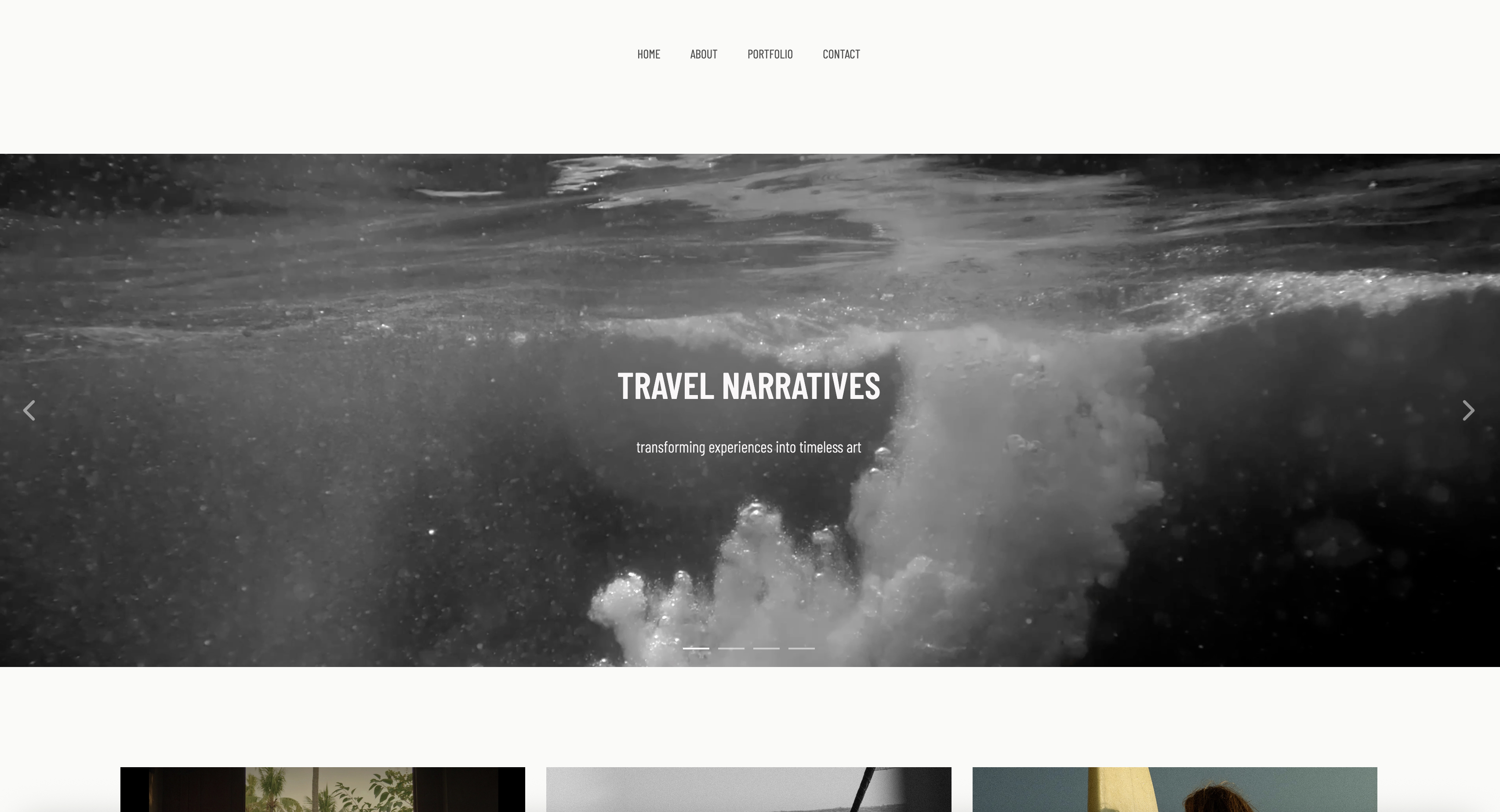
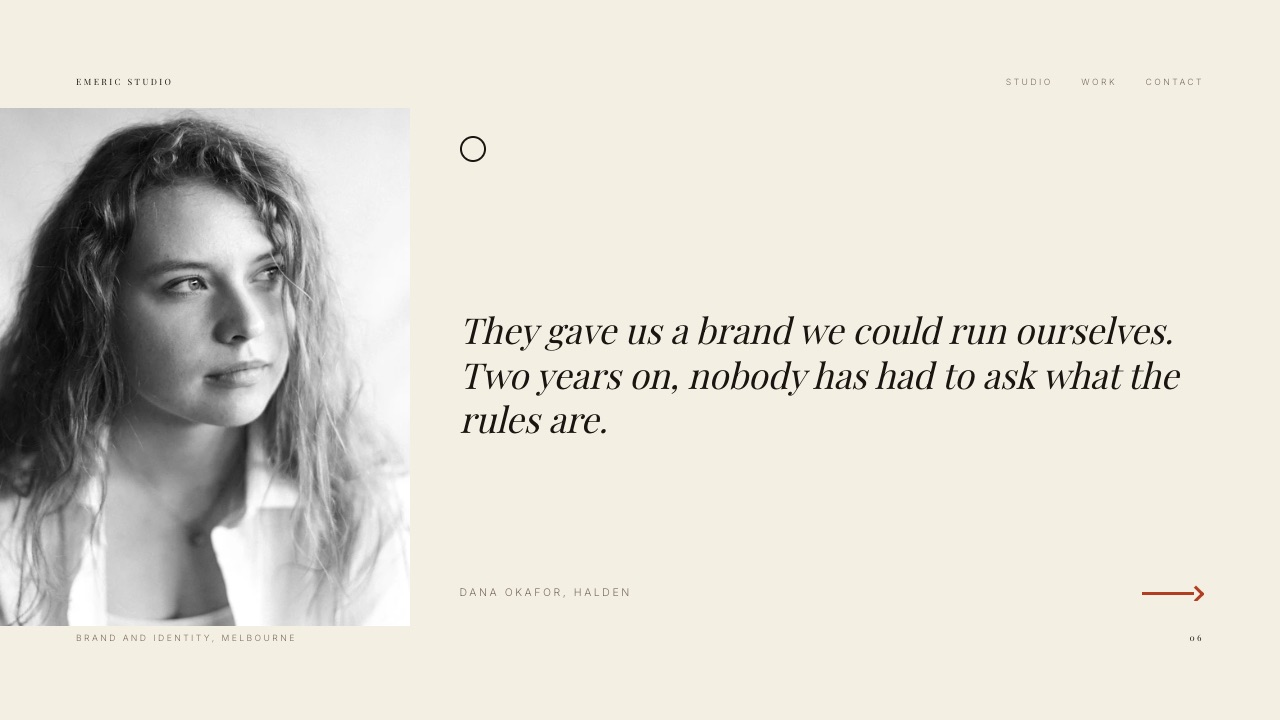
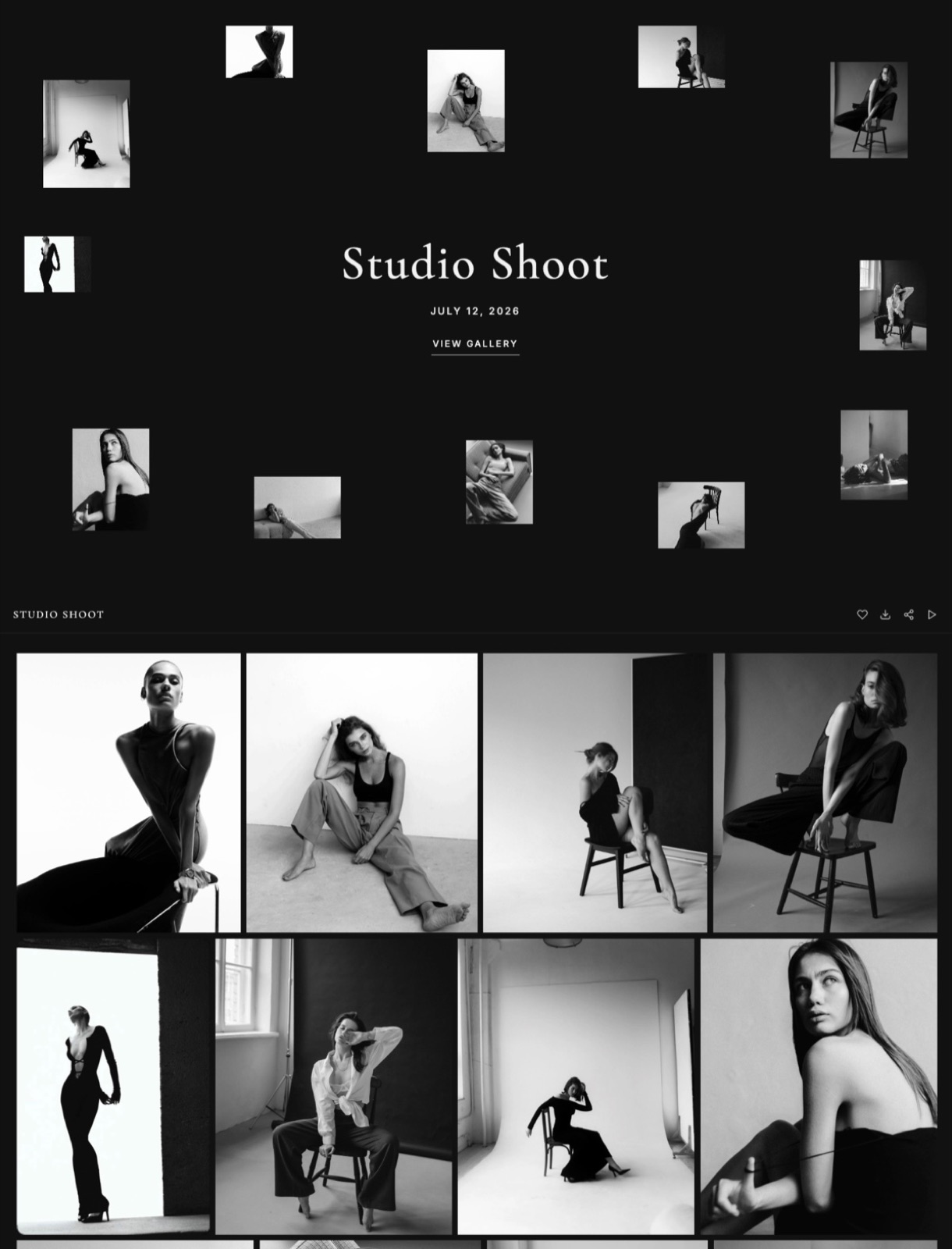
Framekit templates
Start from a designer-made template
 Use template
 Use template
 Use template
 Use template
 Use template
 Use template
 Use template
 Use template
The moment a client logs in to collect their finished work is the moment your professionalism is on display.
If they land on a branded page carrying your name, download the deliverables cleanly, and see exactly where the project stands, you look like a studio.
If they get a bare file link in an email thread, a shared folder named "Final_v3_REAL," and a separate message asking them to pay, you look like a freelancer improvising.
The client portal is where the handover happens, so it is where you either look like a business or look like a mess - and creatives lose repeat work on that impression more often than they realize.
But "client portal" means two different things, and choosing well starts with knowing which you need.
For a photographer, designer, or video editor, the portal is mostly about visual delivery: a branded place clients view, approve, and download galleries and files.
For an agency or freelancer juggling projects, it is a full client-management hub: a login with invoicing, messaging, tasks, and files in one white-label space.
Those are different tools, and this guide ranks the 10 best across both, honest about which wins for which. It includes our own product, and about where it is the right and wrong pick.
Every tool was re-verified in July 2026, including one that shut its portal down, and ShootProof's storage-based plans were updated in October 2026.
The portal is where the work changes hands - so it is where you look like a studio or look like a mess.
A client portal is a branded, secure place where a creative shares deliverables, files, galleries, proofs, and updates with clients in one login, so the work and the communication live in one professional space instead of scattered across email threads and expiring links.
The best client portal for creatives delivering visual work in 2026 is Framekit, because your galleries and deliverables live on a branded page on a domain you own, so clients view and download finished work in a space that reinforces your studio rather than a platform's.
For a full white-label client-management portal - invoicing, messaging, tasks, and files behind one client login - SuiteDash is the best, and for freelancers who want contracts and a portal together, Bonsai.
The honest split: Framekit wins the visual-delivery portal on your own brand, while SuiteDash and Bonsai win the full back-office portal, which Framekit does not do.
Framekit gives clients a branded place to view and download their work on a domain you own, and the free plan needs no credit card.
Full disclosure: Framekit, ranked #1 below, is our own product, and "client portal" spans two jobs. Framekit wins the visual-delivery portal - branded galleries and downloads on a site you own - and we rank it first for that. But it is not a full client-management portal: it does not run invoicing, client messaging, task tracking, or a white-label login with a back office, which is what SuiteDash, Bonsai, and HoneyBook do. We re-verified every tool in July 2026. If you need a portal that runs the whole client relationship, not just delivery, one of those beats us, and we say so.
How We Compared These Client Portal Tools
We set up the same handover - deliver files and galleries, share project status, and get a client to approve and pay - in each tool and scored it on what makes a portal feel professional:
Branding and ownership. Whether the portal carries your brand on a domain you own, or the platform's on a subdomain.
What it carries. Visual deliverables only, or files plus invoicing, messaging, and tasks.
Client experience. How simple it is for a non-technical client to log in, find their work, and act.
Portal type. Whether it is built for visual delivery, full client management, or is a do-it-yourself workaround.
Real cost. The monthly price and any per-user or storage limits, checked in July 2026.
We follow one creative through the guide: a designer-photographer delivering project files, galleries, and proofs who wants one branded place clients log in to. We re-verified every tool in July 2026 and flag one whose portal feature closed.
What Comparing 10 Client Portal Tools Showed
- "Client portal" splits into two jobs - visual delivery and full client management - and the best tool depends entirely on which you need.
- For creatives delivering visual work, a portal on a domain you own beats a platform subdomain, because the handover is a branding moment that drives repeat bookings.
- For full client management, white-label tools like SuiteDash carry invoicing, messaging, and tasks that a delivery gallery does not, from $19 a month with unlimited users.
- Do-it-yourself portals in Notion, Dropbox, or Google Drive are cheap and flexible but unbranded and manual, which shows to the client.
- WeTransfer shut its Portals feature down at the end of 2025, a reminder that a portal on a platform can disappear while one on a site you own does not.
The 10 Best Client Portal Tools for Creatives in 2026
How the ratings work: each tool is scored on branding and ownership, what it carries, client experience, and cost, weighted toward how professional the handover feels.
Framekit leads for the visual-delivery portal on your own brand; SuiteDash leads for the full client-management portal.
| Tool | Portal Type | On Your Domain? | Our Rating |
|---|---|---|---|
| Framekit | Visual delivery | Yes, your domain | 9.0/10 |
| Pixieset | Visual delivery | No, subdomain | 8.5/10 |
| SuiteDash | Full client management | White-label domain | 8.4/10 |
| ShootProof | Visual delivery + invoicing | No, subdomain | 8.3/10 |
| HoneyBook | Client management portal | No, in-CRM | 8.2/10 |
| Bonsai | Freelance client portal | Partial white-label | 8.1/10 |
| Notion | DIY shared pages | No, Notion domain | 7.9/10 |
| Milanote | Visual concept sharing | No, subdomain | 7.7/10 |
| Dropbox | DIY file portal | No | 7.6/10 |
| Google Drive | DIY file portal | No | 7.3/10 |
Tools re-verified July 2026. Full-management portals add invoicing and messaging at a higher price; delivery portals focus on galleries and files. Confirm current pricing before deciding.
1. Framekit: Best Visual Delivery Portal

Our rating: 9.0/10
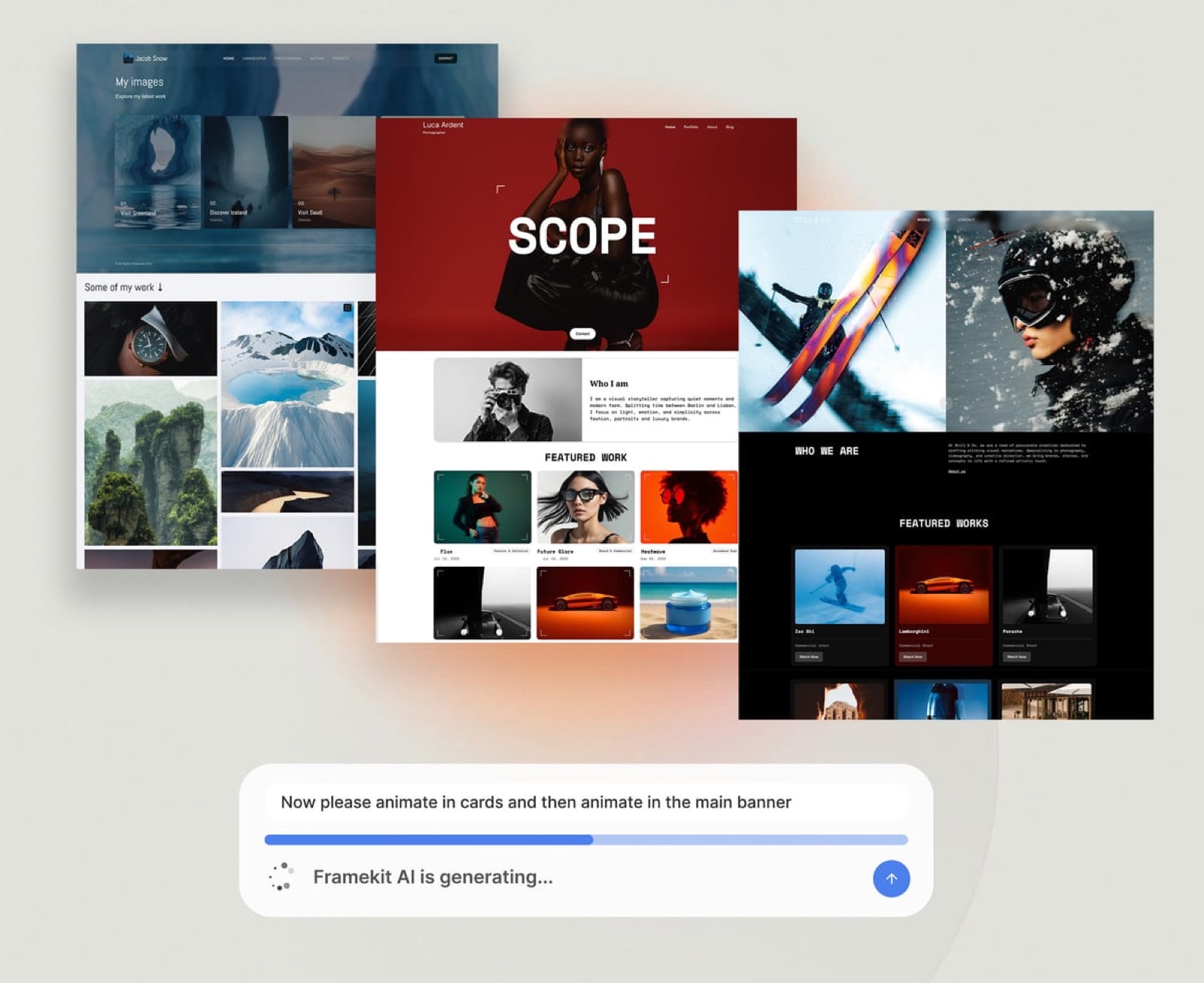
Framekit is an AI website builder with client galleries built in, and for creatives delivering visual work it functions as a branded client portal on a domain you own.
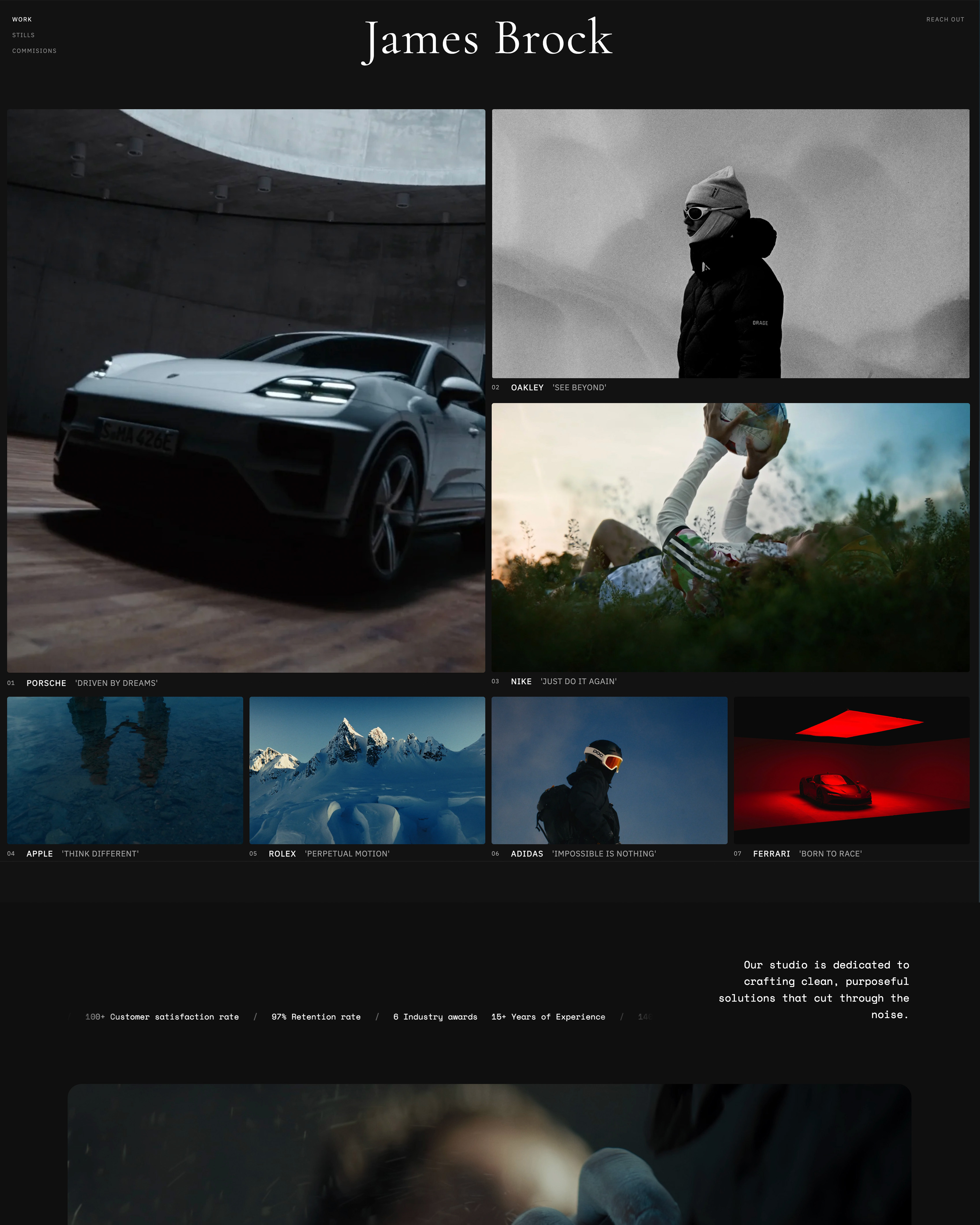
Clients land on a page carrying your studio name, view their galleries or project deliverables, and download the finished files - all in a space that carries your studio name and, from the Starter plan, your domain, with only a small Made with Framekit line in the footer.
Because it lives on the same domain as your portfolio, the handover reinforces your brand, though the gallery page has no navigation back to the site, so rebooking still comes from your own follow-up.
Best forPhotographers, designers, and video creatives who want a branded place to deliver visual work on a domain they own.
Key features:
- Client galleries and deliverables on a branded page on your own domain
- Clean downloads for clients with no account friction
- Galleries share your portfolio's domain from the $9 Starter plan, so clients see your studio name, though the gallery page does not link to your booking form
- Unlimited galleries on every plan for delivering to many clients
- One account for the site and the delivery, on your own domain rather than a platform subdomain

Now the honest boundary. Framekit is a visual-delivery portal, not a full client-management portal.
It does not run invoicing inside the portal, host threaded client messaging, track project tasks, or provide a white-label login with a back office behind it.
If your idea of a client portal is a single login where clients see invoices, messages, project status, and files together, that is SuiteDash, Bonsai, or HoneyBook, not Framekit.
What Framekit does better than any of those is the delivery itself, branded and owned - so for a creative whose portal need is handing over visual work professionally, it leads, and for a creative who needs the whole back office in the portal, it does not.
The real numberFramekit delivers a branded client portal on your own domain from $0 on the free plan to $39 a month on Business, with unlimited galleries - versus a full-management portal like SuiteDash at $19 to $99 a month, which does more back office but delivers visual work less elegantly and on its subdomain, not yours.
PricingFree $0 (10GB pooled across site and galleries), Starter $9 per month (50GB), Pro $19 per month (300GB), Business $39 per month (2TB).
Pros:
- Branded delivery portal on a domain you own
- Clients see your studio, not a platform, at handover
- Unlimited galleries and a real website in one place
Cons:
- Not a full client-management portal - no in-portal invoicing or messaging
- No white-label client login with a back office
- No task or project tracking for clients
Skip it ifyou need a single client login with invoicing, messaging, and tasks - that is SuiteDash or Bonsai, not a delivery portal.
Verdict: Framekit is the best visual-delivery client portal for creatives, branded and on a domain you own. For the full back-office portal, pair it with or choose a management tool below. See the delivery field in our best client gallery platforms guide, or start free at framekit.ai.
2. Pixieset: Polished Visual Delivery
Our rating: 8.5/10
Pixieset is a refined client gallery portal for photographers, and as a visual-delivery portal few match its polish.
Clients land on a clean, well-designed page to view, favorite, and download their photos, with print sales built in, and the presentation makes a session feel premium at the moment it matters most.
A genuinely useful free tier lets a newer photographer start delivering at no cost, and paid plans drop the store commission to 0%, so the tool grows with the studio.
The trade-off is ownership and scope.
Pixieset lives on a Pixieset subdomain rather than a domain you fully own, so the handover carries a shared brand rather than only yours, and it is built for photo galleries specifically rather than the mixed project files a designer or video editor hands over.
For photographers whose portal need is delivering images beautifully, that is a fair trade. Our best Pixieset alternatives guide covers the ownership question in depth.
Best forPhotographers who want a polished, gallery-first delivery portal with print sales and a strong free tier.
Key features:
- Refined client galleries clients view, favorite, and download
- Print and product store, with 0% commission on paid plans
- A genuinely usable free tier to start delivering at no cost
- Password and email controls on client galleries
- Clean mobile viewing for clients on any device
Pricingfree tier (3GB); Basic $10 per month (10GB), Plus $20 per month (100GB), Pro $50 per month (1TB); free-tier store sales carry a 15% commission, paid plans 0%.
Pros:
- Among the most polished visual-delivery experiences
- Print store built in, with 0% commission on paid plans
- Free tier lets you start with no cost
Cons:
- Lives on a Pixieset subdomain, not a domain you own
- Built for photo galleries, not mixed project deliverables
- Store commission applies on the free tier
Skip it ifyou want the delivery portal on a domain you own beside your website, or you hand over mixed files rather than photo galleries - Framekit fits both better.
Verdict: Pixieset is the most polished standalone visual-delivery portal for photographers, with print sales and a free tier that makes it easy to start. Visit Pixieset
3. SuiteDash: Best Full Client-Management Portal
Our rating: 8.4/10
SuiteDash is the most complete client-management portal here, and it does what the delivery tools do not: one branded login where clients see invoices, proposals, contracts, messages, project tasks, and files together.
For an agency or freelancer running the whole client relationship, it replaces a pile of separate apps with a single white-label hub.
It is fully white-labeled even on the entry plan, so clients see only your brand, and a branded mobile app is part of the offering.
Its pricing is the other draw.
SuiteDash is flat-rate, so unlimited team members and clients are included at every tier (SuiteDash pricing), which is unusual in a category that usually charges per user.
That makes it scale cheaply as a studio grows, where per-user tools get expensive fast. The cost is complexity: it is broad and business-oriented, so it takes real setup before clients see a finished portal.
Best forAgencies and freelancers who want a full white-label portal - invoicing, messaging, contracts, tasks, and files - behind one client login.
Key features:
- One client login for invoices, proposals, contracts, messages, tasks, and files
- Full white-labeling on every plan, plus a branded mobile app
- Flat-rate pricing with unlimited team members and clients
- Custom domain so the portal carries your brand
- Automations and client onboarding flows for repeat work
PricingStart $19 per month, Thrive $49 per month, Pinnacle $99 per month, flat-rate with unlimited users and clients, 14-day trial.
Pros:
- The most complete white-label management portal in this guide
- Flat pricing with unlimited clients and team members
- Fully branded to your studio, even on the entry plan
Cons:
- Broad and business-oriented, so it takes real setup
- Visual delivery is functional, not a polished gallery
- Overkill for a creative who only hands over files
Skip it ifyour portal need is simply delivering visual work beautifully - a gallery portal like Framekit or Pixieset does that better and with far less setup.
Verdict: SuiteDash is the best full client-management portal for creatives running the whole client relationship behind one white-label login, at a flat rate that does not punish growth. Visit SuiteDash
4. ShootProof: Delivery With Invoicing
Our rating: 8.3/10
ShootProof sits between the two portal types, which is its whole appeal.
Clients get a gallery to view and download their photos, and the same tool carries invoicing and contracts, so a photographer can deliver the work and collect the payment in one client-facing place without standing up a full CRM.
It takes 0% commission on sales on every plan and includes unlimited galleries on paid plans, so the money side stays clean and the margin stays yours.
The limits are the usual ones for a specialist. It lives on a ShootProof subdomain rather than a domain you own, and it is photography-oriented rather than built for mixed project files.
But the pairing of gallery delivery and billing makes it more than a pure delivery portal, and for a photographer who wants the handover and the invoice behind one login, that combination is the reason to choose it.
Best forPhotographers who want gallery delivery and client invoicing in one tool, without a separate CRM.
Key features:
- Client galleries for viewing and downloading photos
- Invoicing and contracts alongside delivery
- 0% commission on sales across all plans
- Unlimited galleries on paid plans
- Professional-lab print fulfillment for print orders
Pricing (checked October 2026)Free with 3GB of photos, then storage plans at $8.33, $16.67, $26.67 and $50 a month billed yearly, from 20GB of photos and video up to unlimited photos plus 150GB of video, all at 0% sales commission.
Pros:
- Delivery and invoicing in one client-facing tool
- 0% commission on every plan
- Print fulfillment for photographers who sell prints
Cons:
- Lives on a ShootProof subdomain, not your domain
- Photography-oriented, not for mixed deliverables
- Paid tiers are priced by storage, from 20GB to unlimited photos
Skip it ifyou hand over non-photo project files, or you want the portal on a domain you own - Framekit fits both better.
Verdict: ShootProof is the best portal for a photographer who wants gallery delivery and client billing in one place at 0% commission. Visit ShootProof
5. HoneyBook: Client-Management Portal
Our rating: 8.2/10
HoneyBook builds its client portal into a full CRM, so the portal is really the client-facing side of a booking-to-paid system.
Clients get a branded space to view proposals, sign contracts, pay invoices, and message you, and behind it you get pipelines, automations, and scheduling.
For a creative who wants the whole client relationship - inquiry to final payment - in one tool, the portal comes along as part of the package rather than as a standalone product.
The trade-off runs the opposite way from a gallery tool.
HoneyBook's strength is management, not visual handover: its file and gallery delivery is basic next to a dedicated gallery, so it fits a creative who prioritizes running the business over a polished delivery moment.
There is no free plan, and payment fees apply on top of the subscription. Our best studio management tools guide covers HoneyBook in depth.
Best forCreatives who want a client portal as part of a full booking-to-paid CRM, not a standalone delivery gallery.
Key features:
- Client portal inside a full CRM, branded to you
- Proposals, contracts, and invoices clients act on in one place
- Client messaging and a booking-to-paid pipeline
- Scheduling and automations for inquiries and follow-ups
- Payment collection built into the portal
PricingStarter $36 per month, Essentials $59 per month, Premium $129 per month, plus 2.9% + 25c per card payment; no free plan (HoneyBook pricing).
Pros:
- Full client management with a branded portal included
- Contracts, invoices, and messaging in one client-facing space
- Strong for the booking-to-paid side of a creative business
Cons:
- File and gallery delivery is basic versus a dedicated tool
- No free plan, and payment fees apply on top
- More than a creative who only needs visual handover requires
Skip it ifyour main need is delivering visual work well - a gallery portal does the handover far better than HoneyBook's basic file delivery.
Verdict: HoneyBook is the best portal for creatives who want it inside a full booking-to-paid CRM rather than as a delivery gallery. Visit HoneyBook
6. Bonsai: Freelance Client Portal
Our rating: 8.1/10
Bonsai is a freelancer-focused all-in-one, and its client portal is the client-facing layer over its contracts, invoicing, and CRM.
From the Essentials tier up, clients get a login to track projects, view and sign contracts, pay invoices, and share files, so the paperwork and the portal live in the same tool.
For a solo freelancer who has been stitching together a contract app, an invoicing app, and a file link, that consolidation is the appeal.
In 2026 Bonsai moved to per-user pricing, which changes the math for teams.
The portal starts on Essentials, and white-label branding plus client messaging arrive on the higher tiers (Bonsai pricing), so a freelancer who wants clients to see only their brand pays up for it.
The portal is management-oriented rather than a visual gallery, so it suits paperwork-heavy client work more than image-heavy delivery.
Best forSolo freelancers who want contracts, invoicing, and a client portal in one per-user tool.
Key features:
- Client portal for projects, contracts, invoices, and files
- Contracts and e-signatures built in
- Invoicing with automatic payment reminders
- White-label branding and client messaging on higher tiers
- CRM and project tracking alongside the portal
Pricingper user - Basic $15 (no portal), Essentials $25 (portal included), Premium $39 (white-label and client messaging), Elite $59 a month; 7-day free trial.
Pros:
- Contracts, invoicing, and a portal in one tidy tool
- Purpose-built for solo freelance client work
- White-label branding available on higher tiers
Cons:
- Per-user pricing adds up for teams
- Portal is management-oriented, not a visual gallery
- White-label and client messaging need a higher tier
Skip it ifyou mainly deliver visual work, or you want a branded portal on a domain you own rather than inside a freelance suite.
Verdict: Bonsai is the best portal for a solo freelancer who wants contracts, invoicing, and a client login in one package. Visit Bonsai
7. Notion: DIY Shared Pages
Our rating: 7.9/10
Notion turns a shared page into a do-it-yourself client portal.
A creative who already lives in Notion can build a genuinely useful client hub - project details, files, links, timelines, and status in one structured page - and share it for free or close to it.
For people who like to build their own systems, it is the most flexible option in this guide, and the free plan covers a surprising amount of client work.
The catch is that it is a workaround, not a portal product. The page lives on a Notion domain rather than your brand, every client needs the page set up by hand, and Notion is not built to host large files or photo galleries.
It works best for information-heavy client relationships - status, docs, links - rather than delivering finished visual work, and the polish a client sees is only as good as what you build.
Best forCreatives who want to build their own flexible client hub for free or cheap and do not need branded delivery.
Key features:
- Structured shared pages for project details, files, and status
- Highly flexible layout you design yourself
- Free plan usable for basic client hubs
- Links, embeds, and databases for organizing a project
- Guest sharing so clients can view or comment
PricingFree $0; Plus $10 per user per month billed annually ($12 monthly); Business $20 per user per month.
Pros:
- Extremely flexible and cheap to run
- Free plan works for a basic client hub
- Great for information-heavy client relationships
Cons:
- Unbranded on a Notion domain
- Manual setup for each client
- Not built for large file or gallery delivery
Skip it ifyou want a branded, ready-made portal, or you deliver large files and galleries - a purpose-built delivery portal handles both without the manual build.
Verdict: Notion is the best do-it-yourself client portal for creatives who would rather build a flexible hub than buy a branded one. Visit Notion
8. Milanote: Visual Concept Sharing
Our rating: 7.7/10
Milanote is a visual workspace of boards and notes, and creatives use it as a portal for the front half of a project rather than the handover.
Moodboards, direction, concepts, and work-in-progress go on a clean visual board a client can view and react to, which beats trying to convey creative direction over email.
For the align-on-concepts stage, it gives clients a considered place to engage that a file link cannot match.
It is not a full delivery or management portal, and it does not pretend to be. It lives on a Milanote subdomain, it is about collaboration rather than final files, and it will not host your deliverables or run your invoicing.
Think of it as the portal for agreeing on direction before the work is made, paired with a delivery tool for the finished result.
Best forCreatives who want a clean visual space to share moodboards and concepts with clients early in a project.
Key features:
- Visual boards for moodboards, concepts, and direction
- Notes, images, and links arranged spatially
- Client sharing and comments for approvals
- Free tier to start, an affordable paid plan to scale
- Templates for briefs and creative planning
Pricingfree tier; Pro $12.50 per month ($9.99 per user per month billed annually); Team $49 per month for up to 50 users.
Pros:
- The cleanest way to share creative direction visually
- Free tier and an affordable Pro plan
- Better than email for concept approval
Cons:
- Not a delivery or management portal
- Lives on a Milanote subdomain
- Does not host finished deliverables or invoicing
Skip it ifyou need to deliver finished files or run the client relationship - Milanote is for the concept stage, not the handover.
Verdict: Milanote is the best portal for sharing moodboards and concepts with clients before the deliverables are ready, paired with a delivery tool for the final work. Visit Milanote
9. Dropbox: DIY File Portal
Our rating: 7.6/10
Dropbox is the default do-it-yourself file portal, and its strength is that it simply works.
Shared folders move files to clients reliably, sync is solid, and nearly every client already knows how to use it, so there is no learning curve on either side.
For straightforward handover - send the folder, client downloads - it is dependable, which is why so many creatives keep it in the workflow for years.
As a client portal in the fuller sense, though, it does very little. The client sees Dropbox, not your studio, so the handover carries no brand.
There is no gallery experience, no project status, and nothing for the client to do but download. It is excellent plumbing and a poor storefront, so it fits raw file delivery rather than a delivery moment you want to feel professional.
Best forCreatives who want simple, reliable file delivery and do not need branding or a portal experience.
Key features:
- Shared folders that reliably deliver files to clients
- Solid sync across devices
- Universal client familiarity, no learning curve
- Large-file support and version history
- File requests to collect files back from clients
Pricingfree tier with limited storage; Plus $9.99 per month billed annually ($11.99 monthly) for 2TB.
Pros:
- Reliable and familiar to every client
- Solid sync and large-file handling
- No setup or learning curve
Cons:
- Unbranded - the client sees Dropbox, not your studio
- No gallery experience or project status
- Nothing for the client to do but download
Skip it ifthe handover matters to your brand, or you want clients to view galleries and see project state - a branded portal does far more.
Verdict: Dropbox is the best portal for creatives who only need to move files reliably and do not care about branding the handover. Visit Dropbox
10. Google Drive: DIY File Portal
Our rating: 7.3/10
Google Drive is the budget do-it-yourself portal.
It shares project folders cheaply, nearly everyone already has an account, and clients can reach files without installing anything, so for a creative watching every dollar it is the path of least resistance.
The generous free tier is the main draw - for light delivery it can cost nothing at all.
The experience shows its DIY roots. Like Dropbox it is unbranded, so the client sees Google rather than your studio, and permission settings trip up non-technical clients more often than any other option here.
There is no gallery, no project status, and no sense of a handover - a shared Drive folder looks like a file dump, not a studio delivery. It is free and functional, and that is the whole pitch.
Best forCreatives on a tight budget who need to share files at little or no cost and do not mind an unbranded experience.
Key features:
- Shared folders clients can open without an install
- Near-universal client familiarity
- Generous free tier for light delivery
- Works across the Google Workspace tools
- Simple link-based sharing
Pricingfree tier (15GB shared across a Google account); Google One paid storage from $1.99 per month (100GB) and $9.99 per month (2TB).
Pros:
- Genuinely free for light use
- Nearly every client already has access
- No install or account creation to view files
Cons:
- Unbranded - the client sees Google, not your studio
- Permission settings confuse non-technical clients
- No gallery, project status, or sense of handover
Skip it ifyou want the handover to look like a studio delivery - a branded portal makes a far stronger impression for little more cost.
Verdict: Google Drive is the best portal when cost is the only concern, accepting an unbranded, file-dump handover. Visit Google Drive
Two Kinds of Portal: Delivery Versus Management
In one linea client portal is either a visual-delivery space or a full client-management hub, and picking the wrong type is the most common mistake - a photographer does not need SuiteDash's invoicing to hand over galleries, and an agency does not get project management from a gallery tool.
The single most useful thing to settle before choosing a portal is which of the two jobs you actually need. A visual-delivery portal exists to hand over finished work beautifully: galleries, files, proofs, downloads, under your brand.
A photographer, designer, or video editor mostly needs this, and a tool like Framekit or Pixieset does it well while a management-heavy platform makes it clunky.
A full client-management portal exists to run the whole relationship: invoicing, messaging, contracts, tasks, and files behind one login. An agency or busy freelancer needs this, and SuiteDash or Bonsai does it while a gallery tool cannot.
Picking the wrong type is where creatives waste money and effort. Paying for SuiteDash to deliver a wedding gallery is overkill and a worse delivery experience; trying to run agency project management through a photo gallery is impossible.
The honest starting question is not "which portal is best" but "am I mainly delivering visual work, or managing a full client relationship," because the answer sends you to a completely different tool.
Many creatives end up with both - a delivery portal for handover and a light management tool for billing - rather than forcing one to do the other's job.
Our best photography business tools guide maps how the pieces fit.
Why Owning the Portal Matters at Handover
In one linethe handover is a branding moment that drives repeat work, so a portal on a domain you own beats a platform subdomain or a bare file link - and it also cannot be shut down under you, as WeTransfer's Portals users learned at the end of 2025.
There is a reason a delivery portal on your own domain is worth more than a subdomain or a folder, and it is the same reason the handover matters at all: it is a branding moment.
When a client logs in to a page carrying your studio name to collect work they are thrilled with, that positive feeling attaches to your brand, and it is exactly when they are most likely to book again or refer you.
When they collect it from a generic platform subdomain or a file link, the feeling attaches to nothing, and the platform - not you - owns that touchpoint. Owning the portal turns your best moment with a client into brand equity.
There is also a durability point that 2026 made concrete. WeTransfer shut its Portals feature down permanently in December 2025, and everyone who had built their client delivery around it had to migrate.
A portal that lives on a platform can be discontinued, repriced, or degraded at the platform's choosing; a portal on a site you own cannot be taken from you.
For a creative whose client handover is a core part of the business, that ownership is not a nice-to-have but a real hedge.
Our best photo delivery tools guide covers the delivery layer across tools.
How to Choose a Client Portal: A Decision Tree
Decide which job the portal does first, then pick within that type.
Is your main need delivering visual work or managing the whole client relationship?
- Delivering visual work - galleries, files, proofs. Go to the delivery question.
- Managing invoicing, messaging, tasks, and files behind one login. Choose SuiteDash for a full white-label portal, or Bonsai if you are a freelancer wanting contracts too.
For visual delivery, what matters most?
- A branded portal on a domain I own: Framekit.
- A polished photo gallery specifically: Pixieset, or ShootProof if you want invoicing alongside.
- Sharing concepts and moodboards early: Milanote.
On a tight budget or already in an ecosystem?
- Do-it-yourself and cheap: Notion for structured pages, Dropbox or Google Drive for plain file delivery - accepting they are unbranded and manual.
Frequently Asked Questions
What is the best client portal for creatives in 2026?
It depends on which job you need. For delivering visual work - galleries, files, proofs - under your brand, Framekit is best because the portal lives on a domain you own and reinforces your studio at handover.
For a full client-management portal with invoicing, messaging, and tasks behind one white-label login, SuiteDash is best, and Bonsai suits freelancers wanting contracts and a portal together.
The key is deciding whether you mainly deliver visual work or manage the whole client relationship, because that sends you to a completely different tool.
What is a client portal and why do creatives need one?
A client portal is a branded, secure place where clients access their work, files, and project updates in one login, instead of hunting through email threads and expiring links.
Creatives need one because the handover is where professionalism shows: a branded portal makes a studio look organized and premium, while scattered file links and folders look improvised.
It also centralizes delivery and communication, reducing the back-and-forth.
Whether you need a simple visual-delivery portal or a full management hub depends on your work, but some form of portal makes every client interaction look more professional.
Visual delivery or full client-management portal - which do I need?
If you mainly hand over finished visual work - a photographer, designer, or video editor - you need a visual-delivery portal like Framekit or Pixieset, which does galleries and downloads beautifully.
If you run the whole client relationship with invoicing, messaging, contracts, and tasks - an agency or busy freelancer - you need a full client-management portal like SuiteDash or Bonsai.
Picking the wrong type is a common mistake: a delivery gallery cannot run project management, and a management platform delivers visual work clumsily. Decide which job dominates your work, and choose within that type.
What is the best white-label client portal?
SuiteDash is the best white-label client portal, fully branded to your studio even on its $19-a-month entry plan, including a branded mobile app, with one login where clients see invoices, proposals, contracts, messages, tasks, and files.
Its flat-rate pricing allows unlimited team members and clients at any tier, which suits growing studios. Bonsai offers white-label branding on higher tiers for freelancers.
For a creative who wants clients to see only their own brand across a full management portal, SuiteDash is the strongest and most complete option in this guide.
Is Framekit a client portal?
Framekit is a visual-delivery client portal: it gives clients a branded place on a domain you own to view and download galleries and deliverables, which is what most photographers, designers, and video creatives mean by a portal.
It is not a full client-management portal - it does not run in-portal invoicing, client messaging, or task tracking behind a white-label login, which SuiteDash, Bonsai, and HoneyBook do.
So Framekit is the right client portal if your need is delivering visual work professionally under your brand, and the wrong one if you need to manage the whole client relationship inside the portal.
What is the best free client portal for creatives?
Framekit's free plan offers a branded delivery portal on a framekit.ai address at no cost, moving to your own domain on the $9 Starter plan, and Notion, Dropbox, and Google Drive all have free tiers usable as do-it-yourself portals, though unbranded and manual.
For visual delivery, Framekit's free tier is the most professional free option because it carries your brand; for structured project pages, free Notion works if you build it; for plain file sharing, Google Drive is free for light use.
The catch with free tiers is storage caps and, for the do-it-yourself options, no branding or portal experience, which shows to the client.
Can I put a client portal on my own domain?
Yes, and it is worth doing. Framekit delivers a branded client portal on a domain you own, so clients view and download work on your studio's site rather than a platform subdomain.
SuiteDash offers white-label branding on a custom domain for full management portals. Most delivery tools like Pixieset and ShootProof, by contrast, live on their own subdomains.
Putting the portal on your own domain matters because the handover is a branding moment, and owning that touchpoint builds your studio rather than the platform's, while also protecting you if a platform discontinues its service.
SuiteDash vs Bonsai vs HoneyBook - which portal is best?
SuiteDash is the most complete white-label portal, best for studios wanting unlimited users and full branding at a flat rate from $19 a month.
Bonsai suits solo freelancers who want contracts, invoicing, and a client portal in one per-user tool. HoneyBook's portal comes as part of its booking-to-paid CRM, best if you want client management centered on bookings.
All three are management portals rather than visual-delivery tools, so choose based on whether you want maximum white-label breadth, a freelancer all-in-one, or a booking-focused CRM.
None replaces a dedicated gallery for polished visual delivery.
Is Notion good as a client portal?
Notion works as a do-it-yourself client portal for creatives who already use it: you share a structured page with project details, files, links, and status, and it is flexible and cheap.
Its limits are that it is unbranded on a Notion domain, needs manual setup for each client, and is not built for large file or gallery delivery.
It suits creatives who value flexibility and building their own system over a polished, branded experience.
For visual-heavy handover or a professional branded feel, a dedicated portal beats it, but for a lightweight custom hub, Notion is capable and inexpensive.
Do I need a client portal or is Dropbox enough?
Dropbox is enough if all you need is to move files to a client reliably, but it is not a client portal in the fuller sense: it is unbranded, shows no project status, offers no gallery experience, and gives clients nothing to do but download.
If the handover matters to your brand, or you want clients to view galleries, approve work, or pay, a real portal does more.
Many creatives outgrow Dropbox once they realize the delivery moment is a branding opportunity, and move to a branded portal while keeping Dropbox for internal file storage.
What happened to WeTransfer Portals?
WeTransfer shut down its Portals feature permanently on December 22, 2025, stopping new portals in October, uploads in November, and deleting all files and comments by late December.
Portals had let users create a named delivery workspace per client, and its closure left those users migrating to other tools.
It is a useful cautionary example: a portal that lives on a platform can be discontinued at the platform's choosing, while a portal on a domain you own cannot be taken from you.
Creatives who relied on Portals now use delivery portals like Framekit or Pixieset instead.
How much does a client portal cost?
Visual-delivery portals range from free - Framekit's free plan, Pixieset's free tier - to around $20 to $40 a month for higher storage and features.
Full client-management portals cost more: SuiteDash is $19 to $99 a month flat with unlimited users, Bonsai is per user from about $25 a month for the portal tier, and HoneyBook is $36 to $129 a month.
Do-it-yourself options in Notion or Google Drive are free or a few dollars. Budget by type: a delivery portal is cheap or free, while a full management portal with invoicing and messaging costs more.
What is the best client portal for a photographer specifically?
For a photographer, the portal need is almost always visual delivery, so Framekit or Pixieset is the best fit: branded galleries clients view, favorite, and download.
Framekit puts that portal on a domain you own alongside your website, while Pixieset is a polished standalone gallery. ShootProof adds invoicing if you want to bill through the portal.
A full management portal like SuiteDash is usually overkill for a photographer whose main job is handing over photos beautifully. Choose a gallery-based delivery portal, and add light invoicing only if you need to bill in the same place.
Can a client portal replace email with clients?
Largely, for the structured parts.
A good portal centralizes deliverables, files, project status, and - in management portals - invoicing and messaging, which removes much of the scattered email back-and-forth and the risk of lost attachments or expired links.
Clients get one place to find everything, which is more professional and less error-prone than email threads.
It will not replace all informal communication, and clients still get notified by email, but for delivery, approvals, and payments, a portal is a cleaner system of record than an inbox, and it makes the whole relationship look more organized.
Final Verdict: The Best Client Portal for Creatives
A client portal is where the work changes hands, so it is where you look like a studio or look improvised - and the right choice starts with knowing whether you need visual delivery or full client management.
Framekit is the best visual-delivery portal for creatives, because your galleries and deliverables live on a branded page on a domain you own, turning every handover into a moment that builds your studio.
For most photographers, designers, and video creatives, that is the portal they actually need.
Where Framekit loses on this job: a creative who needs a single client login with invoicing, messaging, tasks, and files - the full back office.
For that, SuiteDash is the best white-label management portal and Bonsai the best freelancer one, and Framekit does not compete there. We rank them where they genuinely win.
Decide which job your portal does, deliver visual work from a portal you own, and add a management tool only if you need the back office too. Start with the handover clients see.
For more, read our best client gallery platforms comparison, our best photo delivery tools guide, and the best photography business tools overview of the whole stack.
_Client-portal tools checked against each provider's plans and features in July 2026; portal features and pricing change, so confirm current details before deciding._