Framekit templates
Start from a designer-made template
 Use template
 Use template
 Use template
 Use template
 Use template
 Use template
 Use template
 Use template
Framekit vs Podia is a comparison where the right answer depends almost entirely on one word in your business plan: whether what you sell is a file or a course.
If it is a course, stop reading and buy Podia. We do not make one.
That is the shortest honest version, and putting it first saves a creator with a curriculum from reading two thousand words to reach the same place.
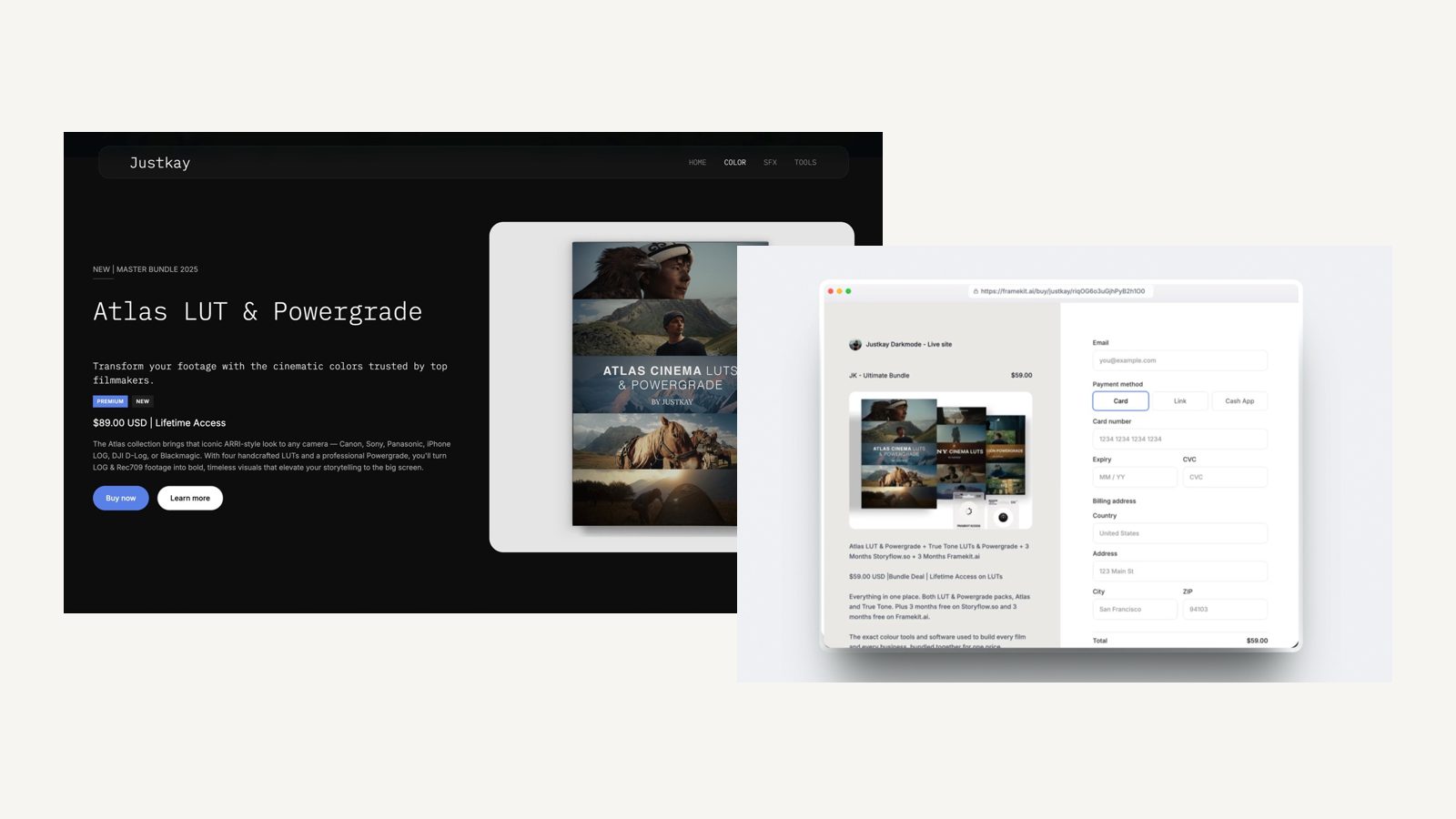
Framekit is an AI website builder that sells one-off digital products from a store attached to your portfolio, with client galleries, video review and decks on the same account.
A creator platform is software that hosts courses, memberships and digital products together, usually with email marketing bundled in.
Framekit is the better choice if you sell files rather than curriculum, because it reaches 0 percent commission at $39 a month where Podia's no-fee tier starts at $84, and the store sits inside a portfolio site with client galleries and review links on the same plan.
Podia is the better choice for courses, memberships or a creator business that needs email marketing built in, because Framekit has no course player, no subscription billing and no email sending at any tier.
Full disclosure: Framekit is our own product. Podia beats it outright on three capabilities we do not have, and those are the first section rather than the last. Figures were verified against each vendor's published pricing in September 2026.
How We Compared Them
We sold the same $29 preset pack through both at three monthly volumes, then tried to build the thing Podia exists for: a $199 course with a small membership attached, which is where the comparison stops being a comparison.
The honesty split:
- Measured hands-on: both stores, the checkout, automatic file delivery, and what each platform does when you try to sell something recurring.
- Verified from primary sources: Podia's plan tiers, transaction fees and subscriber limits from Podia's pricing, read September 2026. Framekit's from the shipped plan configuration.
- Not tested: Podia's webinar and coaching tools, which Framekit has no equivalent of.
We publish no speed or performance numbers for either platform, here or anywhere else.
Framekit vs Podia at a Glance
The weighting to read this with: the first three rows are capability questions that settle the choice outright, and the cost-to-zero row only matters once you know you are selling files rather than curriculum.
| Framekit | Podia | |
|---|---|---|
| Courses with a player | No | Yes |
| Memberships and recurring billing | No | Yes |
| Email marketing built in | No | Yes |
| Cost to reach 0% transaction fee | $39 a month on Business | $84 a month on Shaker |
| Entry paid plan | $9 a month, $84 a year | $42 a month, $504 a year |
| Free plan that publishes | Yes, 10 pages and a store | Limited |
| Multi-page portfolio site | Yes, 10 pages free | Storefront and course pages |
| Client galleries with password and PIN | Yes | No |
| Video review with timecoded comments | Yes | No |
| Decks, treatments and proposals | Yes | No |
| Automatic file delivery | Yes | Yes |
In one linePodia sells knowledge and Framekit sells files, and the fee comparison only applies inside the overlap.
Where Podia Wins
Podia beats us in three areas that are not close and not closing, and every one of them is a capability rather than a price. If your income depends on any of the three, the rest of this comparison is academic.
Courses. A real course player with lessons, modules, drip scheduling and student progress. Framekit has none of it, and describing a downloadable PDF bundle as a course would be dishonest.
Memberships and recurring revenue. Podia bills subscriptions and gates content behind them. Framekit's store handles one-off purchases only, with no subscription billing anywhere in the product, so a creator whose income is monthly cannot run it here.
Email marketing in the same tool. Podia includes email with subscriber tiers on each plan. Framekit collects signup entries, 500 a month on the free plan and unlimited on Business, and does not send campaigns.
That means a second tool for anyone running an email business.
Where Framekit Wins
Framekit wins on three points, and all three assume you have already answered the course question with a no. Inside that narrower category the gaps are large rather than marginal.
Reaching zero costs less than half. Podia's Mover plan at $42 a month still carries a 5 percent transaction fee, and the fee only disappears on Shaker at $84 a month, or $1,008 a year.
Framekit reaches 0 percent on Business at $39 a month, or $372 on yearly billing. For a seller doing $2,000 a month in files, that is a difference of $636 a year for the same zero.
The store lives inside a portfolio. Ten pages free, 200 on Pro, with project pages that can each rank separately.
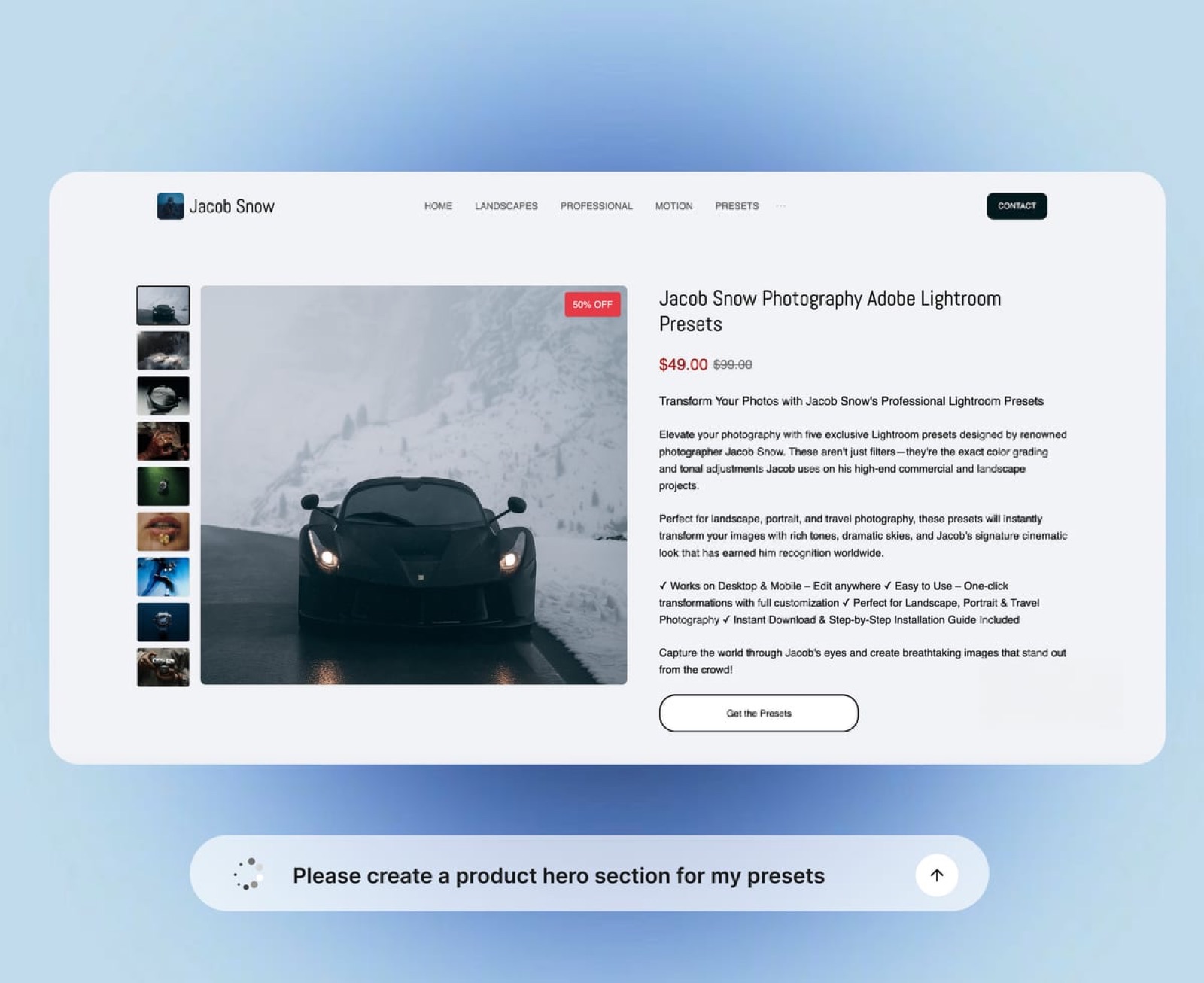
Podia gives you a storefront and course pages, which is the right shape for a course business and the wrong one for a photographer selling presets to people who found the photography first.
Client work on the same plan. Password-protected galleries with a download PIN, timecoded video review and proposal decks. A creative selling files alongside commissioned work gets all of it on one subscription instead of three.
In one linefor file sellers, Framekit reaches zero commission at less than half the price and carries a portfolio and client delivery with it.
The Fee Ladder, Side by Side
Both platforms charge a percentage at the entry tier and remove it higher up, so the useful comparison is what the zero costs. Here is one $29 product at three monthly volumes, with card processing excluded because it is identical on both.
| Monthly sales | Podia Mover ($42/mo, 5%) | Podia Shaker ($84/mo, 0%) | Framekit Starter ($9/mo, 5%) | Framekit Business ($39/mo, 0%) |
|---|---|---|---|---|
| $500 | $504 plan plus $300 | $1,008 a year | $84 plan plus $300 | $372 a year |
| $2,000 | $504 plan plus $1,200 | $1,008 a year | $84 plan plus $1,200 | $372 a year |
| $5,000 | $504 plan plus $3,000 | $1,008 a year | $84 plan plus $3,000 | $372 a year |
Read the bottom row: at $5,000 a month in file sales, Podia Shaker costs $1,008 a year for zero commission and our Business plan costs $372 for the same thing.
What that table does not price is the course business Podia's $1,008 also runs. If you have one, the comparison is meaningless and Podia is cheap. If you do not, you are paying for a course platform to sell a PDF.
In one linethe crossover on our side is $780 a month in sales, which is $39 divided by 5 percent, and Podia's is considerably higher because its zero costs more.
Which One Fits Which Creator
Rather than a feature verdict, here is the split we would give a friend who pays neither of us, sorted by where the money comes from.
- Selling a course or a cohort programme: Podia. We do not make one.
- Running a paid membership: Podia. We have no subscription billing.
- Running an email business with a list you send to weekly: Podia, or a dedicated email tool beside us.
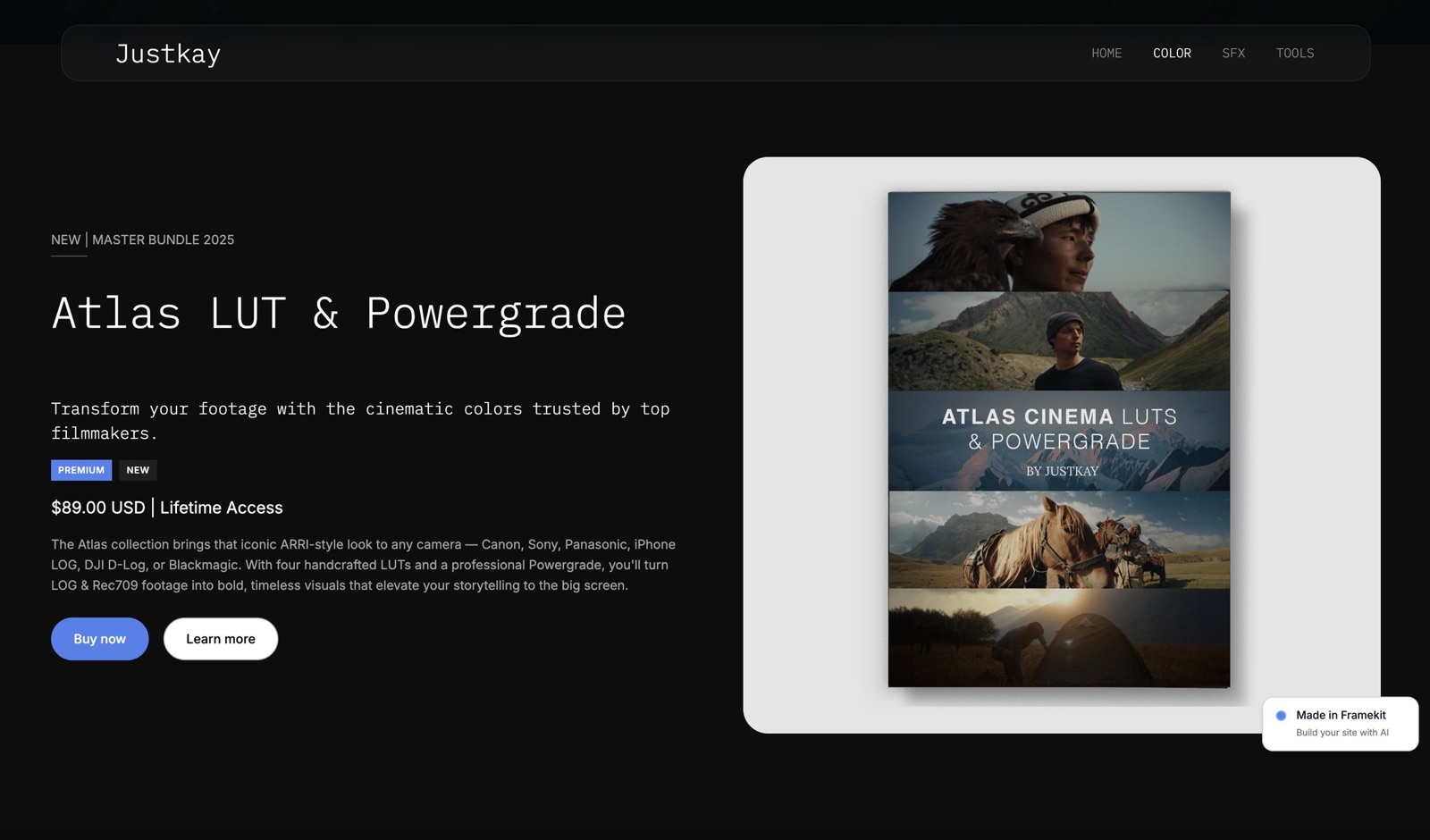
- Selling presets, LUTs, templates or project files: Framekit, at less than half the cost to reach zero.
- Selling files alongside client work: Framekit, because the galleries and review come with it.
- Under roughly $780 a month in sales: our free or Starter plan, and revisit when you cross it.
How to Choose: A Decision Guide
Take these in order and stop at the first yes. The first three are capability questions, so if any applies then no price difference should move you.
- Do you sell a course? Yes: Podia. There is no version of Framekit that runs one.
- Do you sell a membership or anything recurring? Yes: Podia. We have no subscription billing.
- Do you need email campaigns in the same tool? Yes: Podia, or a separate email platform alongside us.
- Do you sell files and want 0 percent? Yes: Framekit at $39 a month against Podia's $84.
- Do you also need a portfolio, client galleries or review links? Yes: Framekit, which carries all three.
- Under $780 a month in sales? Either free or entry tier. Do not pay for zero yet.
Frequently Asked Questions
Can I sell a course on Framekit?
No.
The Framekit store sells one-off digital products such as presets, LUTs, templates, ebooks and project files, with automatic delivery, and there is no course player, no lesson structure, no drip scheduling and no student progress tracking.
A creator with a curriculum needs Podia, Teachable or something built for it, and packaging lessons as a downloadable bundle is not a substitute.
Which is cheaper for selling digital downloads?
Framekit, and by a large margin at the point where it matters. Podia's transaction fee disappears on Shaker at $84 a month, or $1,008 a year. Framekit reaches 0 percent on Business at $39 a month, or $372 on yearly billing.
Below roughly $780 a month in sales, our Starter plan at $84 a year plus 5 percent is cheaper than either zero-fee tier, and we would rather you stayed there.
Does Framekit have email marketing?
No. Framekit collects signup form entries, 500 a month on the free plan, 1,000 on Starter, 5,000 on Pro and unlimited on Business, and those contacts are yours to export.
What it does not do is send campaigns, run sequences or segment a list. Podia bundles email with subscriber tiers on each plan, which for a creator whose business is a list is a genuine reason to choose it.
Can I run a membership on Framekit?
No, because there is no subscription billing anywhere in the product. Every sale is a one-off purchase with a file delivered afterwards.
If recurring reader or client support is a meaningful part of your income, Podia, Patreon or a membership platform is the right category, and we would rather say so than describe a bundle of downloads as a membership.
Does Podia give me a portfolio website?
Podia gives you a storefront and course pages, which is a site of a sort and not a portfolio with individual project pages. For a course creator that shape is correct.
For a photographer, filmmaker or designer whose buyers arrive because of the work rather than the curriculum, a multi-page portfolio matters, and Framekit publishes ten pages free and 200 on Pro.
What does Framekit's transaction fee apply to?
Product sales through the Framekit store only. It does not apply to client work you invoice elsewhere, and delivering client galleries carries no commission on any plan including the free one.
The rate is 5 percent on Free and Starter, 3 percent on Pro at $19 a month and 0 percent on Business at $39, so it falls as you grow rather than holding at one number.
Can I move my Podia products to Framekit?
There is no importer, so moving means recreating the product pages and re-uploading the files, which for a small catalogue is an afternoon. Export your customer list before you close anything.
The important caveat is that courses and memberships do not move at all, because Framekit cannot host them, so a partial migration usually means keeping Podia for the curriculum and moving only the one-off products.
Which is better for a photographer selling presets?
Framekit, in most cases, and not primarily because of the fee. Presets sell to people who found you through your photography, so the product page benefits from sitting on the same domain as the portfolio and the client galleries.
Podia is the better answer if those presets are really a course in disguise, or if you plan to add a teaching business on top of them.
Do both platforms deliver files automatically?
Yes, both handle the product page, checkout and automatic file delivery with no extra tooling, which is the baseline for this category.
The difference is what surrounds it: a Podia product page sits in a creator storefront alongside courses, and a Framekit product page sits inside your portfolio site next to the work that convinced someone to buy.
Should I use both?
Some creators should, and it is a reasonable split rather than a fudge. Keep courses and memberships on Podia, where we have nothing to offer, and run one-off digital products, the portfolio and client galleries on Framekit.
Both have entry tiers cheap enough that testing the split costs very little beyond the time to set it up.
Final Verdict
Podia is a creator platform and Framekit is a creative business platform, and the word "course" decides between them. Podia hosts courses, bills memberships and sends email, none of which we do at any tier.
If your income depends on any of those three, it is the correct purchase and the fee tables above do not apply to you.
Who should not use Framekit. Anyone selling a course or a cohort programme. Anyone running a paid membership or anything recurring. Anyone whose business is an email list they send to weekly. Those are three capability gaps rather than pricing differences.
Who should. Creatives selling files, particularly alongside commissioned work.
Reaching zero commission costs $39 a month here against $84 there, and the same plan carries a portfolio, unlimited client galleries, video review and proposal decks that Podia does not offer at any price.
Related readingthe best Podia alternatives, the best platforms to sell ebooks, and Framekit's full pricing.
Podia plan tiers and transaction fees read from its published pricing in September 2026. Our fee ladder and store limits come from the shipped plan configuration, checked the same month.