Framekit templates
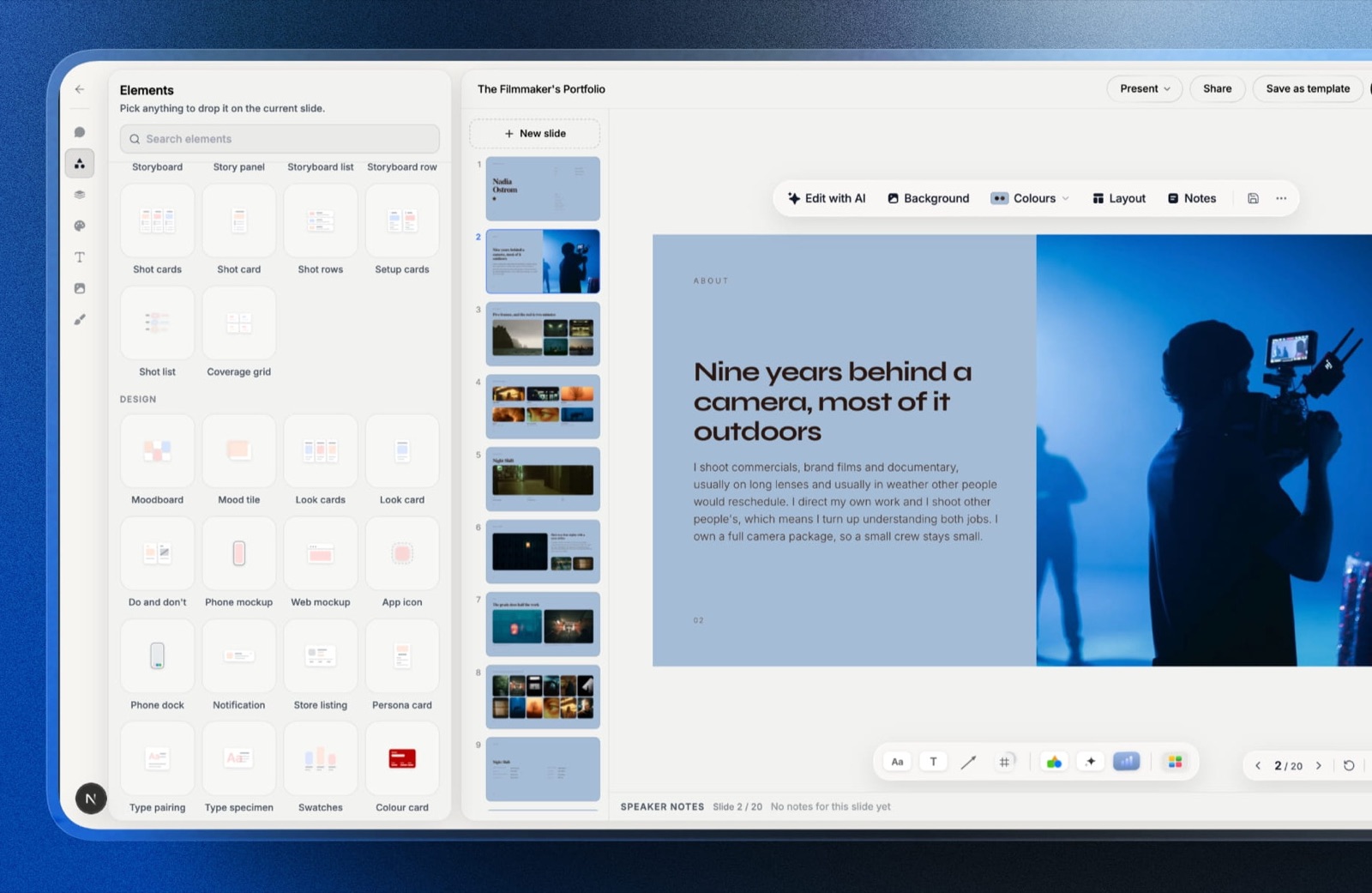
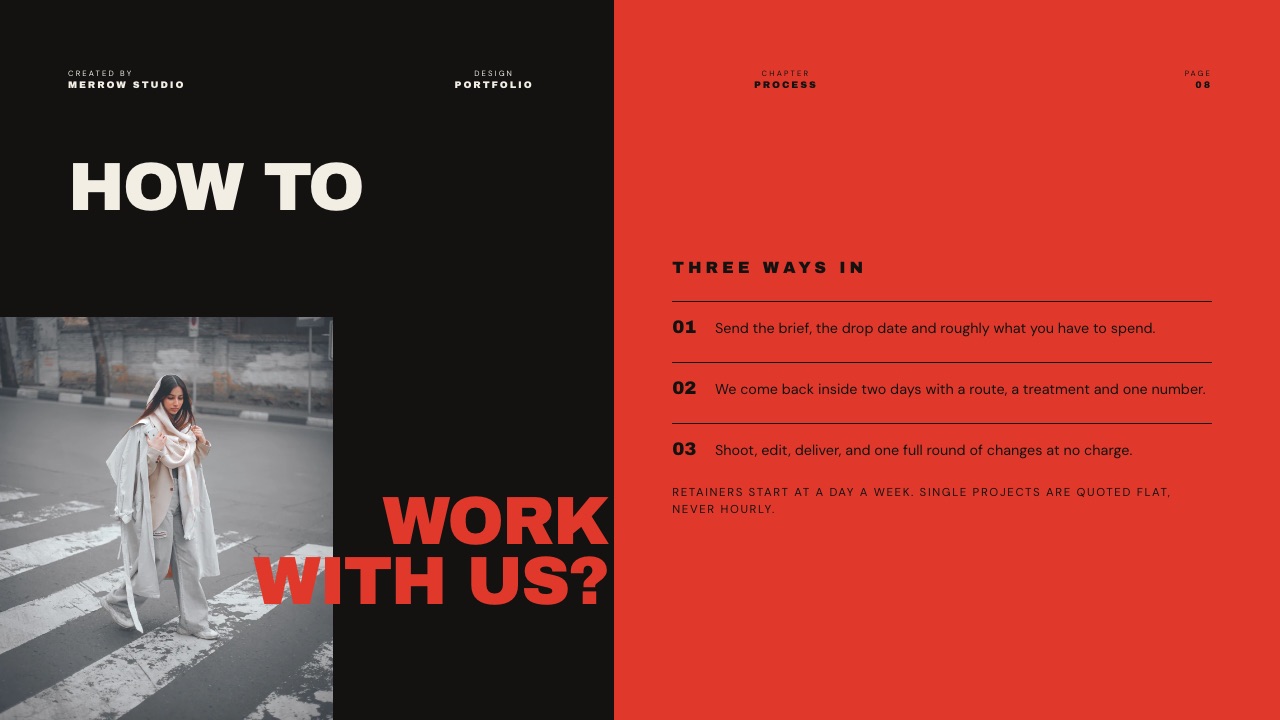
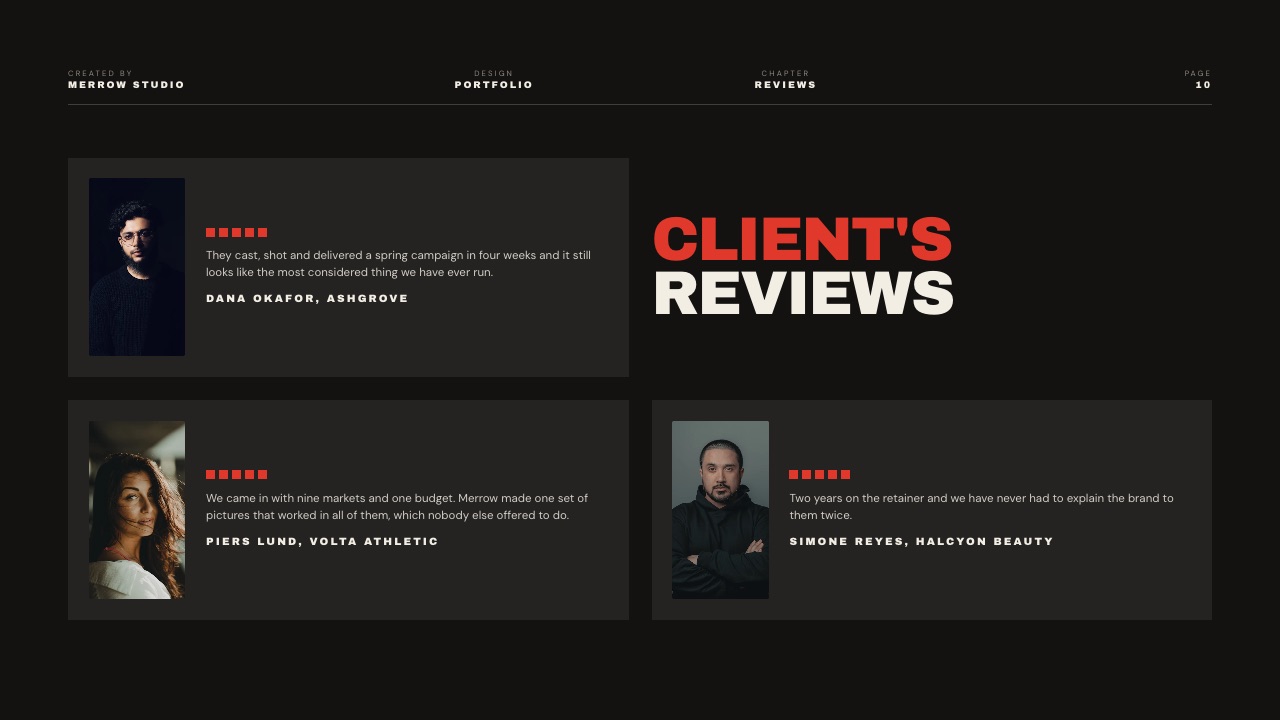
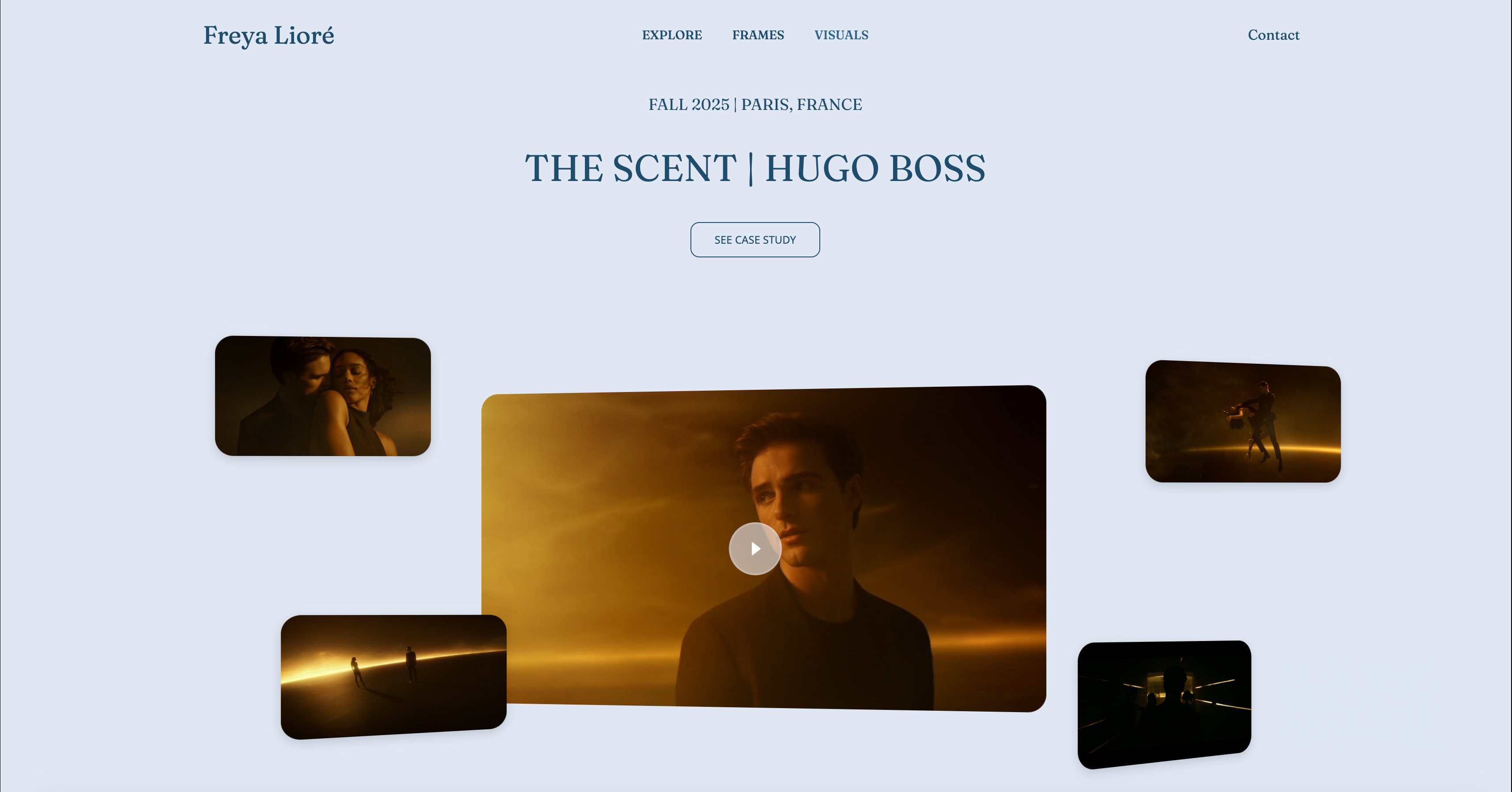
Start from a designer-made template
 Use template
 Use template
 Use template
 Use template
 Use template
 Use template
 Use template
 Use template
A brand replies to your pitch. They are interested. They ask one short thing: "Can you send your media kit?" And there is the gap.
You either have nothing to send, or you have a Canva PDF you made four months ago, when your numbers were different and you had not done the collaboration you most want to show.
That gap costs creators real deals. Not because the work is not good enough, but because the moment a brand asks to be sold to, the creator cannot do it cleanly.
A media kit is the tool for that exact moment, and in 2026 the strongest version of it is not a PDF at all. It is a web page.
This guide walks through how to build a content creator media kit website: what it must include, how to present your stats honestly, how to show your work and rates, and why a live page beats a PDF every time.
It is written for UGC creators, influencers, and content creators who are pitching brands and want to look like a professional, not a hopeful.
Framekit is an AI website builder that turns a description of what you make into a live page you can update in minutes, which is the whole point of a media kit that lives on the web rather than in a file somebody downloaded six months ago.
To build a content creator media kit website, put your niche and positioning, your honest audience stats, your best content and past brand work, and a clear contact method on one page you can update in minutes.
A media kit website beats a PDF because it is always current, looks professional, and a brand can open it in one click.
A media kit is the document a creator sends a brand to show who they are, who their audience is, and what they can deliver.
A media kit website is that same information built as a live web page instead of a PDF, so it is always current and a brand can open it instantly from a single link. The rest of this guide is how to build one that actually lands deals.
Why a Media Kit Website Beats a PDF
A PDF media kit has one fatal flaw: it is out of date the moment you send it. Your follower count, your reach, your latest collaboration, all of it changes constantly, and a PDF freezes the version from the day you exported it.
Updating means re-designing, re-exporting, and re-sending, so most creators just do not, and brands receive stale numbers. A media kit website fixes every part of that.
It updates in minutes, every brand always sees the current version at the same link, it opens instantly with no download, and it looks like the work of a professional rather than an attachment.
For UGC creators specifically, our roundup of the best website builders for UGC creators covers the tools.
1. Decide What Your Media Kit Must Show
A media kit answers four questions a brand has before they will pay you: who are you, who is your audience, what have you made, and how do we work with you. Everything on the page should serve one of those four.
The temptation is to add more, a long life story, every post you have made, but a brand partnerships manager skims for those four answers, and a cluttered kit hides them.
Decide your four answers first, in a notes app, before you build anything. The kit is then just those answers, presented clearly and well.
2. Lead With Your Niche and Positioning
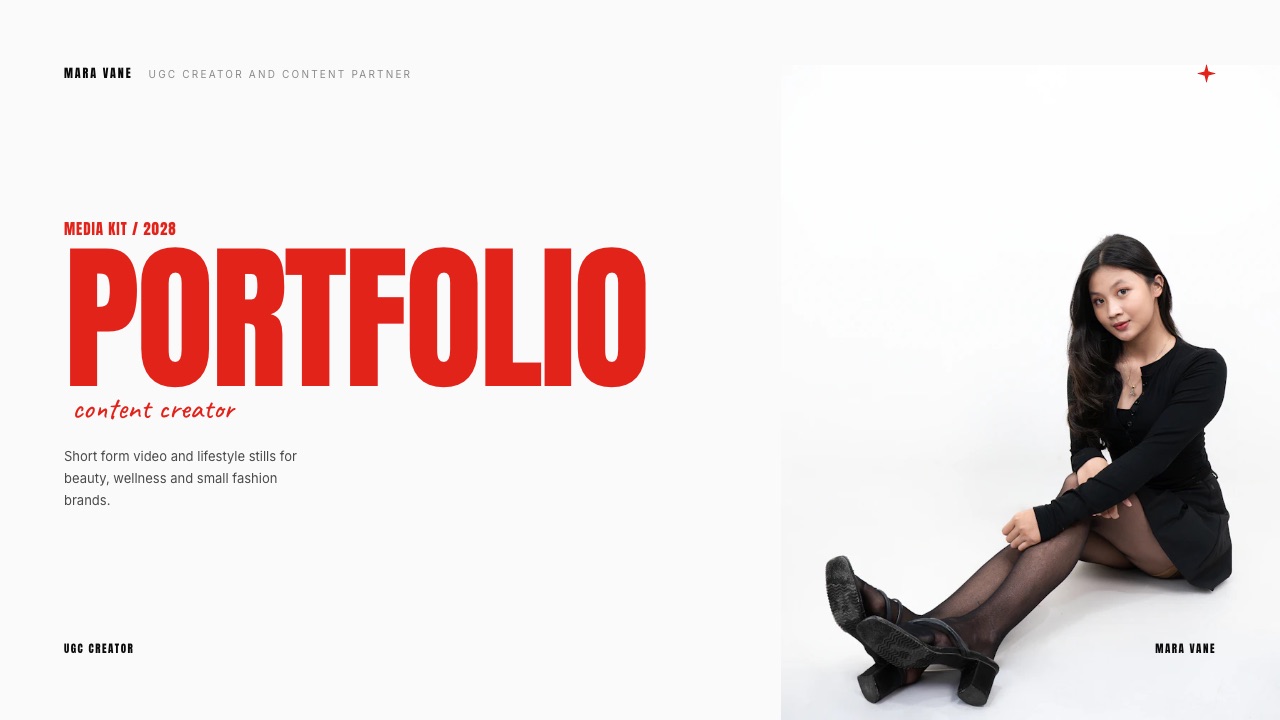
A brand is not looking for a creator in general. It is looking for a creator who fits a specific audience and a specific feel. So the top of your media kit must say, plainly, what you make and who watches it.
"Skincare and clean-beauty content for women in their twenties" tells a brand in one line whether you are a fit. A vague "lifestyle creator" makes them guess, and a manager with fifty kits to get through does not guess, they move on.
Your niche is not a limit on your opportunities. It is the thing that makes the right brand stop scrolling.
3. Present Your Stats Honestly
Stats are where media kits go wrong, in both directions. Inflating numbers gets you dropped the moment a brand checks their own analytics. Hiding numbers looks evasive.
The honest move is to show the metrics that genuinely matter, framed truthfully: follower counts by platform, average views or reach, engagement rate, and an audience breakdown by age, location, and gender.
If your following is small, lead with engagement and audience quality, which brands often value more than raw size. A niche creator with a small, engaged, on-target audience is genuinely sellable.
Honesty here is not only ethics, it is what survives the brand's own check.

4. Show Your Best Work and Past Partnerships
A brand wants proof you can make content that performs, so show it. Feature a handful of your strongest pieces, the ones that best match the kind of work you want more of, with a line on each about what it was and how it did.
If you have worked with brands before, name them, because past partnerships are the strongest trust signal a media kit carries. If you have not yet, show your best organic content and frame it as what a paid collaboration would look like.
Quality and relevance beat volume here. Five strong, on-niche examples sell harder than twenty scattered ones.
5. Make Rates and Contact Clear
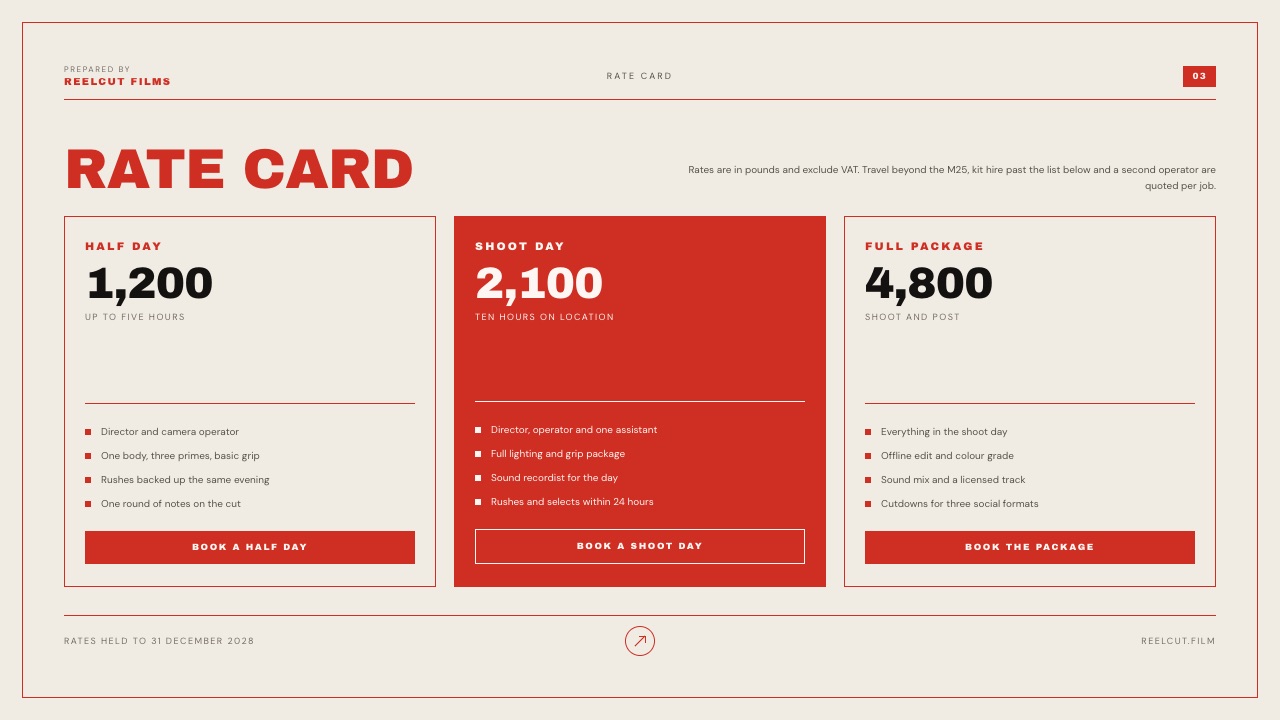
End the kit with the practical part: how a brand actually works with you. List what you offer, a single post, a content set, a full campaign, and decide whether to show rates or a starting-from figure.
Showing a rate or a range filters out brands with no budget and speeds up the serious ones, though some creators prefer to quote per deal. Either way, make the contact step unmissable: one clear email or form, never a buried link.
A brand that has read this far is interested, so do not lose them at the final step by making the next move unclear.
6. Build It as a Page You Update in Minutes
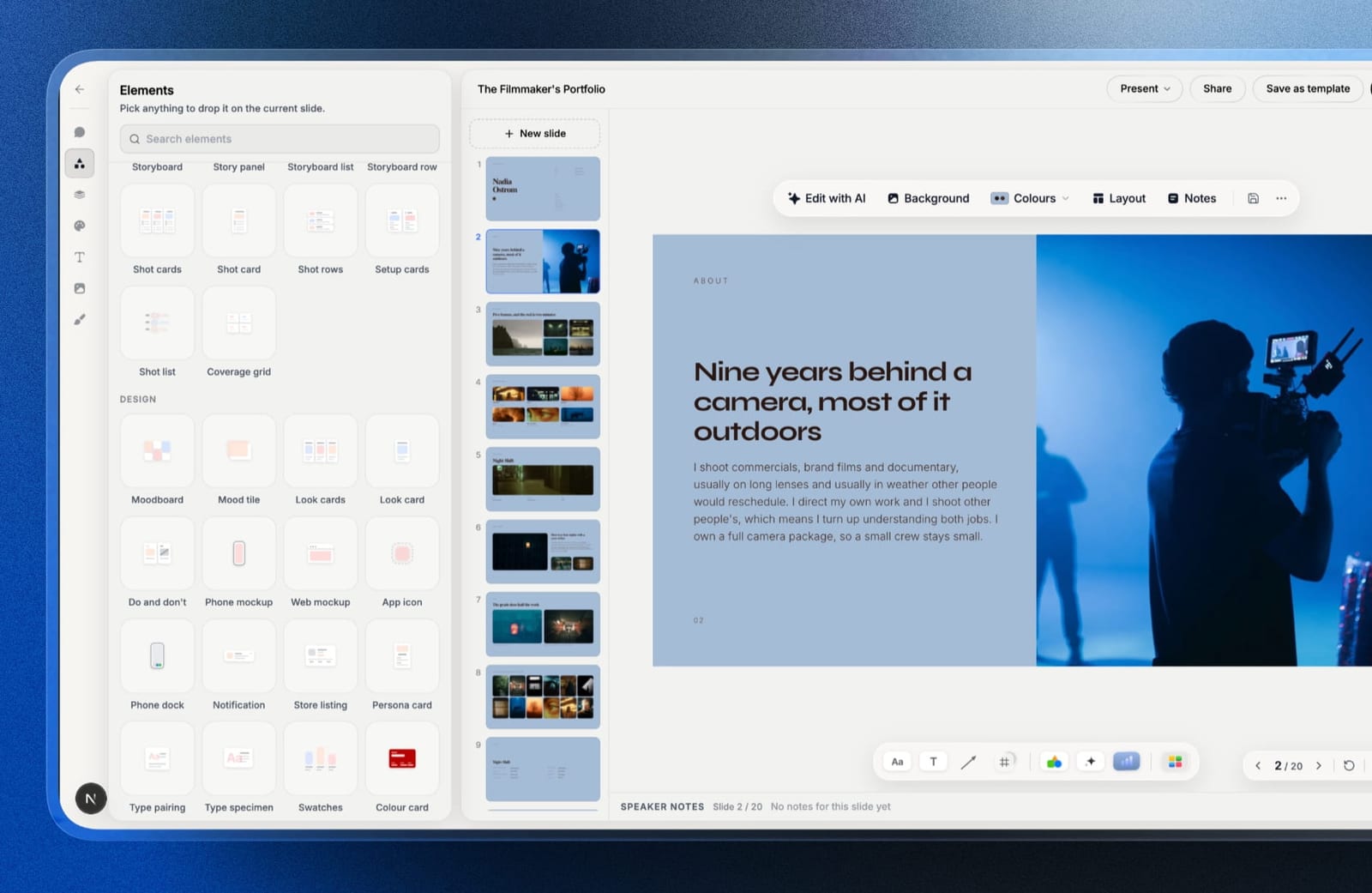
This is the step that makes a media kit website worth it. Build the kit on a website builder so it is one page you can edit in minutes whenever your numbers or your work change, and so every brand always sees the current version.
A builder also makes the page fast, mobile-friendly, and able to live on your own domain, which reads as far more professional than a file attachment.
You can keep the kit as a standalone one-pager or add it as a section of a fuller creator website. Framekit builds either, free to start, with no credit card.
What Creators Actually Charge in 2026
In one linethe published ranges for any given follower tier span roughly ten times from bottom to top, which is the most useful fact here, because it means follower count is close to worthless as a pricing input and your media kit should not lead with it.
These are the ranges that appear consistently across current 2026 rate guides. Treat them as the shape of the market rather than as a price list, because no two of these sources agree closely and that disagreement is the point.
| Tier and platform | Hootsuite's 2026 ranges | Ranges across other 2026 guides |
|---|---|---|
| Nano on Instagram | $20 to $200 | $100 to $500 |
| Nano on TikTok | $20 to $500 | $150 to $400 |
| Nano on YouTube | $100 to $500 | $200 to $600 for Shorts |
| Micro on Instagram | $200 to $2,000 | $500 to $5,000 |
| Micro on TikTok | $500 to $2,000 | $500 to $3,000 |
| Micro on YouTube | $500 to $5,000 | $1,000 to $10,000 |
We have put two columns here rather than averaging them, because the disagreement is more informative than any single number would be. Hootsuite's influencer pricing guide puts a nano Instagram post at $20 to $200 while other current guides start at $100 and run to $500.
Those are not small differences in emphasis; the bottom of one range is a tenth of the bottom of another.
What the spread is telling you. A nano creator can defensibly charge $50 or $500 for the same nominal deliverable, and the published sources will support either.
Premium niches such as finance and B2B technology push the top of the nano band toward $1,000. If a single variable moved price by that much, every rate guide would name it, and none of them do, because it is not one variable.
Anyone quoting you a single confident number for your tier is selling something.
What actually moves the number. Niche demand, engagement quality, audience location, content format, and usage rights, roughly in that order.
Video formats command 25% to 50% more than static content within any tier, which is the one adjustment nearly every creator underprices.
How to use this in your media kit. Publish a starting rate rather than a rate card, phrased as what a project starts at and what moves it.
That filters out the brands with no budget, anchors the conversation above zero, and leaves you room on the variables that actually justify a higher number.
A media kit with no rate at all invites a lowball opening offer, because the brand has to start somewhere.
The Metrics to Lead With When Your Following Is Small
In one lineengagement rate falls as follower count rises, which means a small account has a genuine structural advantage to lead with rather than a weakness to apologise for.
This is the most useful thing a small creator can understand about their own media kit.
The benchmarks by tier. Across 2026 reporting, nano accounts between 1,000 and 10,000 followers run roughly 5% to 10% engagement, micro accounts between 10,000 and 100,000 run about 3% to 6%, mid-tier accounts run 1.5% to 4%, macro accounts 1% to 2.5%, and accounts above two million often sit between 0.5% and 1.5%.
Above 1% is generally considered good and above 3% excellent.
The format caveat that makes most comparisons wrong. Instagram's overall average in 2026 sits near 1.2% for static posts against about 3.8% for Reels.
Comparing your Reels number to a benchmark built from static posts flatters you, and comparing your static number to a Reels benchmark does the opposite. State which you are measuring, because a brand's analyst will notice if you do not.
What to put in the media kit instead of follower count. Lead with engagement rate against the benchmark for your tier, then saves and shares rather than likes, then audience geography and age split, then watch-through if you make video.
A brand is buying a specific audience paying attention, and every one of those numbers describes that better than a follower total does.
If your numbers are genuinely small, say so and reframe. Two thousand followers in a defined niche with 8% engagement is a better proposition than twenty thousand general followers at 1%, and it is worth stating the comparison explicitly rather than hoping the brand does the arithmetic.
What you must not do is omit the follower count entirely, because that reads as concealment and a brand will assume worse than the truth.
The Two Lines That Protect Your Rate
In one lineusage rights and exclusivity move a fee more than follower count does, and a media kit that does not mention them is an invitation to scope creep that arrives after the price is agreed.
Almost no media kit guide covers this, though the rate guides themselves do: Hootsuite names both usage rights and exclusivity as things that push a fee up, on the reasoning that exclusivity costs a creator other opportunities. It is where creators quietly lose money.
Usage rights. The default assumption should be that the brand may use the content on the channel it was made for, for a defined period.
Anything beyond that, paid advertising, their own social channels, their website, print, or perpetual use, is a separate line with a separate fee.
A brand running your face as a paid ad for a year has bought something far larger than a post, and if your media kit is silent on this, they have bought it for the price of the post.
Exclusivity. If a brand wants you not to work with their competitors, that has a cost, because it removes future income. Name the category and the duration.
Three months of category exclusivity is a normal ask and a normal thing to charge for; twelve months unpaid is a mistake people make once.
The sentence to put in your media kit. Something close to: rates cover organic use on the platform the content was made for, for ninety days, with paid usage, whitelisting and exclusivity quoted separately.
That single line does more to protect your income than any amount of stat presentation, and it signals that you have done this before.
Why it belongs on the site rather than in the negotiation. Raising it after a price is agreed feels like moving the goalposts, and creators avoid the awkwardness by absorbing the cost. Publishing it up front makes it a standard term rather than a demand.
Media Kit Website vs PDF vs Link in Bio
| Media kit website | PDF media kit | Link in bio | |
|---|---|---|---|
| Always current | Yes | No, freezes on export | Partly |
| Opens instantly for a brand | Yes | Needs a download | Yes |
| Shows full work and stats | Yes | Yes | No, too limited |
| Updates in minutes | Yes | No, re-export needed | Yes |
| Looks professional to a brand | Yes | Depends | Reads as casual |
| Lives on your own domain | Yes | No | No |
The pattern is clear: a PDF can hold the information but cannot stay current, and a link in bio stays current but cannot hold the information. A media kit website does both.
Common Media Kit Mistakes
A few mistakes quietly cost creators deals. Inflated or vague stats that collapse under a brand's check. A niche so broad the brand cannot tell if you fit. Burying the contact details or leaving off rates entirely, so a keen brand stalls.
Showing volume instead of your best, most relevant work. And letting the whole thing go stale, which a live website prevents and a PDF almost guarantees.
Many of these overlap with the wider portfolio mistakes that cost creatives clients.
If you want to compare the tools rather than build the page yourself, we tested eleven of them in the best media kit makers, including the only one that updates your follower counts automatically.
Frequently Asked Questions
What should a content creator media kit include?
A content creator media kit should include your niche and positioning, your audience stats by platform, your best content examples, any past brand partnerships, the collaboration types you offer, and a clear way to contact you.
Those answer the four questions a brand has: who you are, who your audience is, what you have made, and how to work with you. Everything else is optional.
Should my media kit be a PDF or a website?
A website is the stronger choice in 2026. A PDF freezes your stats on the day you export it and has to be re-made and re-sent to stay current, so most creators send outdated numbers.
A media kit website updates in minutes, always shows the current version at one link, opens instantly with no download, and looks more professional to a brand.
Do I need a media kit to get brand deals?
You do not strictly need one to get a first deal, but you need one to look professional and to convert brand interest efficiently. When a brand asks to be sold to, a media kit is how you answer cleanly.
Creators without one tend to lose momentum at exactly the moment a brand is ready to talk. It is a core tool, not a nice-to-have.
Should I put my rates on my media kit?
It is a genuine choice. Showing a rate or a starting-from range filters out brands with no budget and speeds up serious conversations, which many creators prefer. Others quote per deal to stay flexible on scope. Either approach works.
What does not work is leaving rates and the conversation about money completely unaddressed, which slows every promising deal down.
How do I show my stats if my following is small?
Lead with engagement and audience quality rather than raw follower count. A small, highly engaged, tightly on-niche audience is genuinely valuable to the right brand, often more than a large, scattered one.
Show your engagement rate, your average reach, and a clear audience breakdown. Frame the kit around being the precise fit for a specific brand, not the biggest creator available.
How often should I update my media kit?
Update it whenever your numbers shift meaningfully or you finish work worth showing, which for an active creator is roughly monthly.
This is the core argument for a media kit website: updating a live page takes minutes, so you actually do it. A PDF that needs re-exporting tends to be updated once and then left to quietly go stale.
Where do I host a media kit website?
Host it on a website builder, either as a standalone one-page kit or as a section of a fuller creator site. A builder keeps the page fast, mobile-friendly, and on your own domain, all of which read as professional to a brand.
Many builders, Framekit included, let you start free, so a media kit website costs nothing to put online.
How much should a content creator charge for a sponsored post?
Published 2026 ranges disagree enough that the disagreement is the answer.
Hootsuite puts a nano Instagram post at $20 to $200 and a micro one at $200 to $2,000, while other current guides put the same nano post at $100 to $500 and the micro one at $500 to $5,000.
The spread inside each tier is about tenfold, which tells you follower count is a weak pricing input. Niche, engagement quality, format and usage rights move the number far more, and video commands 25% to 50% over static.
What is a good engagement rate for a media kit?
It depends on your tier, and smaller is genuinely better here. Nano accounts commonly run 5% to 10%, micro accounts 3% to 6%, mid-tier 1.5% to 4%, and accounts above two million often 0.5% to 1.5%.
Above 1% is generally good and above 3% excellent. State which format you measured, because Instagram's 2026 average sits near 1.2% for static posts against about 3.8% for Reels, and comparing across those two makes any number meaningless.
Should I put my rates on my media kit website?
Publish a starting figure rather than a full rate card. A media kit with no price at all forces the brand to open the negotiation, and they will open low because they have nothing to anchor against.
One line saying what a collaboration starts at and what moves it filters out the brands with no budget before they cost you an email thread, and leaves you room on the variables that justify more.
What should a media kit say about usage rights?
That rates cover organic use on the platform the content was made for, for a defined period such as ninety days, and that paid usage, whitelisting and exclusivity are quoted separately.
This matters more than it sounds: a brand running your content as a paid advertisement for a year has bought something far larger than a post, and a media kit silent on the point has sold it at post prices.
Publishing the term up front makes it standard rather than a late demand.
The Bottom Line
A content creator media kit website is the tool for the moment a brand asks to be sold to.
Build it around four answers, who you are, who watches you, what you have made, and how to work with you, present your stats honestly, show your strongest and most relevant work, and make the contact step obvious.
Then build it as a live page, not a PDF, so it is always current and always one click away.
If you are still weighing whether a creator website is worth it at all, our guide on whether your creative business needs a website is the place to start.
_Re-verified July 2026: rate and engagement ranges compiled from current published benchmarks, and presented as ranges because the sources disagree with each other by more than most guides admit._
Choosing where that media kit lives is its own decision, and the 9 best website builders for YouTubers compares the options on selling fees and list ownership.
If the media kit is going to live next to a link page, the best link in bio tools covers which of them charge a seller fee and at what point it stops.