Framekit templates
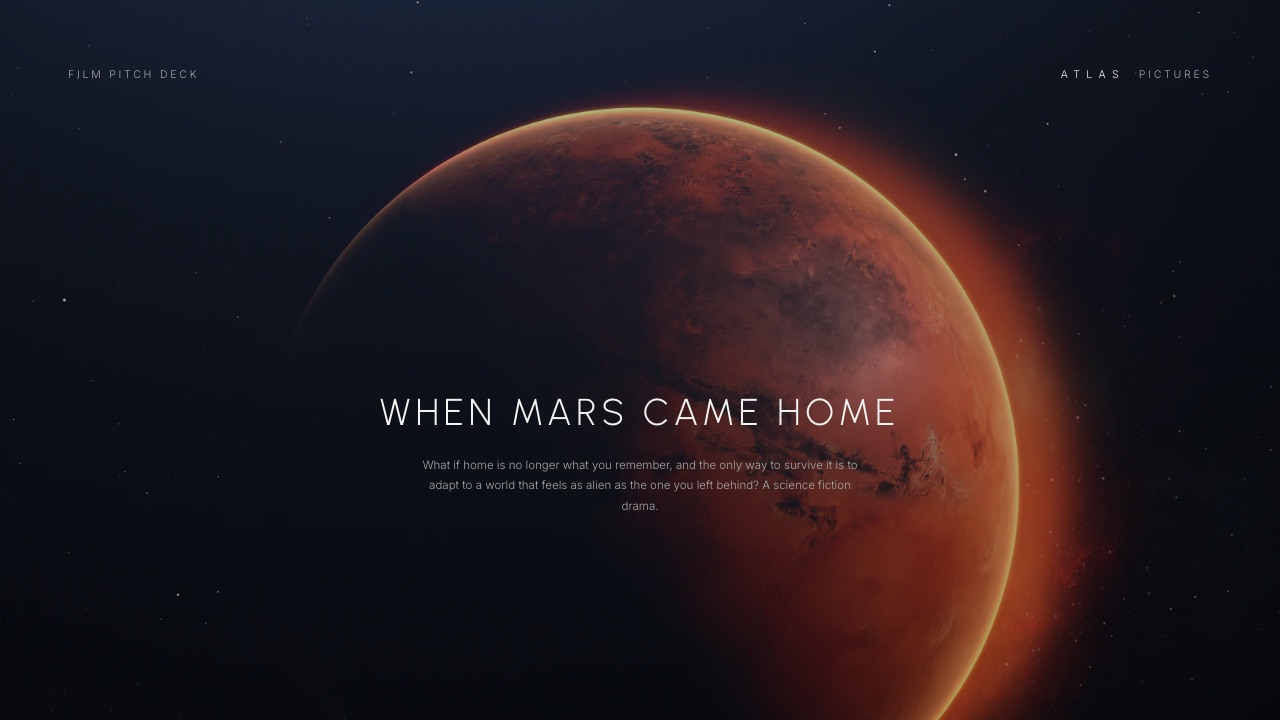
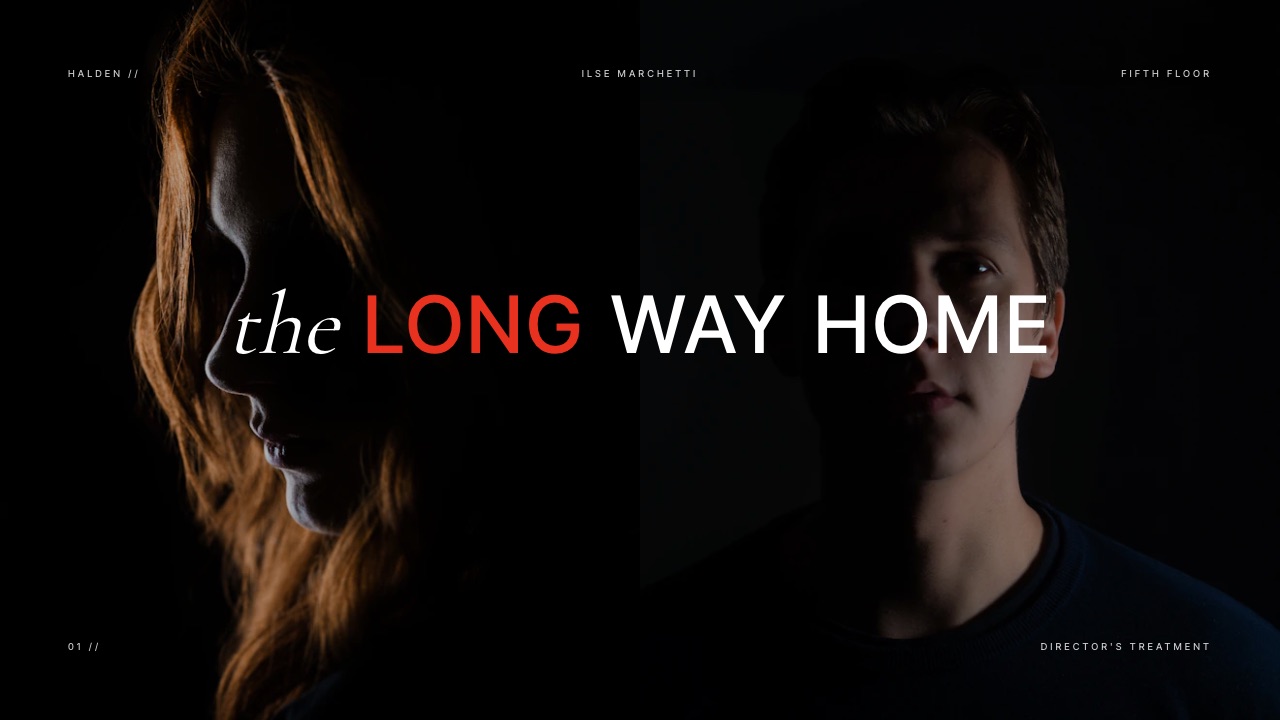
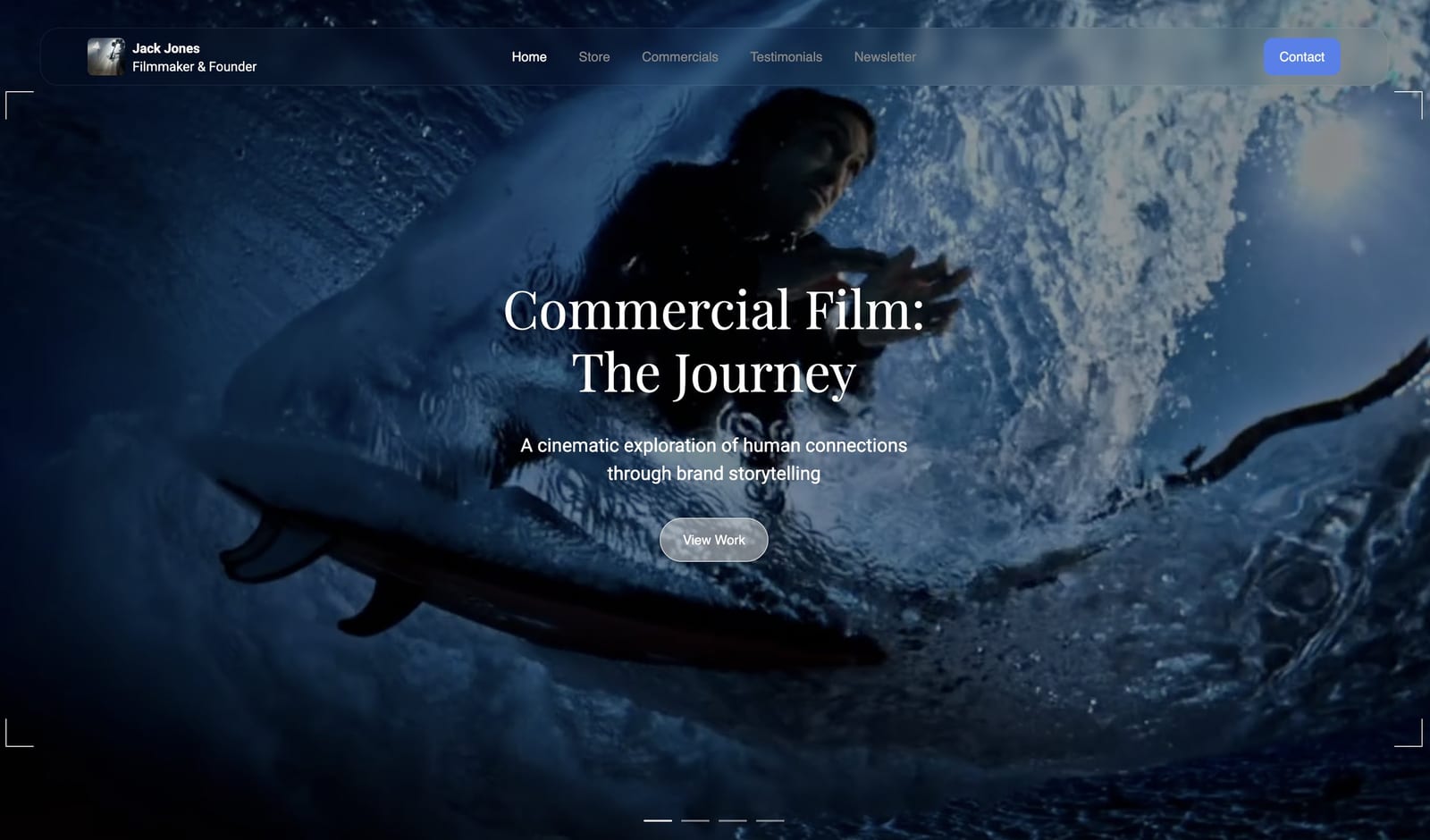
Start from a designer-made template
 Use template
 Use template
 Use template
 Use template
 Use template
 Use template
 Use template
 Use template
A potential sponsor messages you. They like the show and they ask, reasonably, "Where's the podcast's website?" You pause. There is a Spotify link. An Apple Podcasts link. Maybe a Linktree holding both.
But a website, an actual home for the show that you own and control? There isn't one.
That is the position most podcasters are in, and it is not a small gap.
Your show lives entirely on platforms you rent, scattered across listening apps, with no single place a new listener, a sponsor, or a potential guest can go to understand what the show is and decide to be part of it.
The episodes are everywhere. The show has no home.
This guide fixes that. It covers how to build a website for your podcast in 2026: the crucial difference between podcast hosting and a podcast website, the specific pages a podcast site needs, how to make episodes findable, and how to build the whole thing in an afternoon.
To build a website for your podcast, use a website builder to create the show's branded home: an about page, an episodes page with embedded players, clear subscribe links, and an email signup.
Keep your podcast host for the RSS feed and distribution. The website is the show's home base, not a replacement for hosting.
A podcast website is the branded home of your show on the open web, separate from the apps people listen in. It is where a new listener decides to subscribe, a sponsor sizes you up, and your episodes live somewhere you actually own.
It is not the same thing as podcast hosting, and a podcast needs both, doing two different jobs.
Framekit is an AI website builder that generates that home from a description of the show, with an embed block for the player your host already gives you, and a digital store in the same account if the show ever sells a guide or a bonus episode pack.
Podcast Hosting vs a Podcast Website
This is the distinction that confuses most podcasters, and getting it straight makes everything else simple.
Podcast hosting is the service that stores your audio files and generates the RSS feed that pushes new episodes out to Spotify, Apple Podcasts, and every other listening app.
Tools like Buzzsprout and Transistor do that job, and you need one, so if the show has not settled on a host yet our comparison of podcast hosting platforms is the decision to make first.
A podcast website is something different: the show's branded home on the open web, where a person can learn what the show is, play episodes, decide to subscribe, and where a sponsor can assess you. Hosting feeds the apps.
The website is the home.
| Podcast hosting | Podcast website | |
|---|---|---|
| Core job | Stores audio, generates the RSS feed | The show's branded home on the web |
| Sends episodes to listening apps | Yes | No |
| Found on Google | No | Yes |
| About, sponsor, and contact pages | No | Yes |
| You control the design and brand | No | Yes |
They are not competitors, and the mistake is thinking one replaces the other. You keep your host, and you add a website.
Step 1: Be Clear What the Website Is For
A podcast website that tries to do everything ends up doing nothing well. Its job is focused: convert a curious visitor into a subscriber, give existing listeners a home, and make the show look credible to sponsors and guests.
It is not where most people will actually listen, since that happens inside apps, and it is not your podcast host. Decide that scope up front.
A site built around converting visitors into subscribers and looking professional to sponsors is a useful site. One that tries to also be a hosting platform, a blog, and a store on day one is a stalled project.
If you are still unsure a site is worth it, our take on whether your creative business needs a website applies directly.
Step 2: Cover the Pages a Podcast Site Needs
A podcast website needs a small, specific set of pages, and no more. A homepage that says, in one line, what the show is and who it is for, with the latest episode ready to play.
An episodes page or archive, with each episode embedded and easy to scan. An about page covering both the show and the host, written for a new listener and a potential sponsor at once.
A subscribe section with clear links to every major listening app. And a contact page for guest pitches, sponsor inquiries, and listener mail. That is a complete podcast website. Resist adding more until the show genuinely needs it.

Step 3: Make Every Episode Easy to Play and Find
Episodes are the heart of the site, so handle them well. Embed a player on each episode, pulled from your podcast host or from Spotify or Apple, so a visitor can listen without leaving the page.
Give every episode its own page with a real title, a written description, and show notes or links, because that text is what lets Google send searchers to a specific episode.
Make the archive easy to scan, and if the show has range, easy to filter. A podcast website that makes episodes findable on the open web reaches people the listening apps alone never would.
Step 4: Add the Things That Grow the Show
A few additions turn a podcast website from a brochure into a growth tool. An email signup is the most important: an email list is an audience you own, unlike followers on any app, and it lets you tell listeners about new episodes directly.
Add clear sponsor information, or a short media kit section, so a potential sponsor can assess the show without having to message you first. Include guest information if you take guests. And make the subscribe links impossible to miss.
The website's quiet job is to convert attention into a subscriber and a sponsor, and these are the parts that do it.
Our guide on building a media kit website covers the sponsor-facing side in depth.
Step 5: Build It Fast With an AI Website Builder
None of this requires a designer or a developer. An AI website builder generates a real first draft of a podcast website from a few prompts and your show's details, with the pages above already structured, in well under an hour.
You then add your episodes and embeds, write your about page, and connect a custom domain. Framekit builds this kind of site, free to start, and handles hosting and performance for the website itself.
The point is that the website should take an afternoon, so your real time goes back into making the show.
What a Podcast Website Should Not Try to Be
One honest caveat keeps this whole thing simple. A podcast website is not a podcast host, and you should not try to make it one.
It does not generate your RSS feed or distribute episodes to listening apps, and a website builder like Framekit is not designed to do that job. Keep your dedicated podcast host for the feed and distribution.
The website embeds and showcases your episodes and serves as the show's home. Trying to collapse hosting and website into a single tool is how podcasters end up frustrated. Two tools, each doing its own job well, is the clean setup.
Common Podcast Website Mistakes
A few mistakes turn a podcast site from an asset into a chore. The first is trying to make it a podcast host, fighting a tool to do RSS distribution it was never built for.
The second is the opposite extreme: a single page with three platform buttons and nothing else, which is a link list, not a home.
The third is treating episodes as an afterthought, dumping in embeds with no titles, descriptions, or show notes, so Google has nothing to index and no episode is findable on its own.
There are quieter ones too. Forgetting an email signup, and so leaving every listener relationship on platforms that can change the rules overnight. Hiding the subscribe links instead of making them the most obvious thing on the page.
And letting the site go stale, with a latest episode three months old, which tells a sponsor the show may be inactive.
The fix for all of these is the same discipline that gets clients from any creative site: be clear, make the next step obvious, and keep it current.
Our guide on how to get clients from your website covers that conversion logic, and if your audience currently lives only on social platforms, moving them onto something you own is the same move a podcast needs.
A podcast site does not need to be elaborate. It needs to be a clear, current, owned home that does the few jobs listening apps cannot.
Frequently Asked Questions
Do podcasters need a website?
Most podcasters benefit from a website. Without one, the show has no home you own, no presence on Google, and nowhere for sponsors, guests, or new listeners to learn about it properly. Listening apps host the audio but cannot do those jobs.
A podcast website is worth building for any show that wants to grow, attract sponsors, or look credible.
What is the difference between podcast hosting and a podcast website?
Podcast hosting stores your audio and generates the RSS feed that sends episodes to listening apps like Spotify and Apple Podcasts.
A podcast website is the show's branded home on the open web, with an about page, an episodes archive, subscribe links, and a contact page. Hosting distributes the show. The website is its home. A podcast needs both.
What pages should a podcast website have?
A podcast website needs a homepage with the latest episode, an episodes page or archive with embedded players, an about page covering the show and host, a subscribe section linking every major listening app, and a contact page for guests and sponsors.
That focused set is a complete podcast site. Adding more pages before the show needs them usually just slows the project down.
Can I host my podcast episodes on my website?
You should not rely on a website to host the audio files and generate your RSS feed. That is the job of a dedicated podcast host, which distributes episodes to listening apps.
Your website embeds players from that host, or from Spotify or Apple, so visitors can listen on the site. Keep hosting and the website as two separate tools.
How do I add podcast episodes to my website?
Add episodes by embedding a player on each episode page, using the embed code from your podcast host or from Spotify or Apple Podcasts. Give each episode its own page with a title, description, and show notes, so it can be found on Google.
Most website builders support these embeds directly, so adding a new episode is a quick, repeatable task.
Do I need a website if my podcast is already on Spotify and Apple?
Yes.
Spotify and Apple distribute your episodes from the RSS feed your host generates (Apple's own podcast requirements set out what that feed must contain), but those listings are not yours, they cannot be found through a Google search by name, and they offer no real space for an about page, sponsor information, or an email signup.
A website gives the show a home you own and control, and a place that converts curious visitors into subscribers.
How much does a podcast website cost?
A podcast website can cost very little. Many website builders have a free plan; Framekit's is permanent and needs no card, and its cheapest paid plan with a custom domain is $9 a month, plus roughly $10 to $20 a year for the domain itself.
That is separate from podcast hosting, which has its own cost. For most shows, the website is the inexpensive part of the setup.
The Bottom Line
A podcast deserves a home, not just a scatter of links across apps you do not own.
Building a website for your podcast is straightforward once the core distinction is clear: your podcast host handles the feed and the apps, and your website is the show's branded home on the open web, where listeners subscribe and sponsors decide.
Build the focused set of pages, make every episode easy to play and find, add an email signup, and use an AI builder so the whole thing takes an afternoon. Then put your time back into the show.
_Host pricing and Framekit's plan prices re-verified against the published pages in September 2026._