Framekit templates
Start from a designer-made template
 Use template
 Use template
 Use template
 Use template
 Use template
 Use template
 Use template
 Use template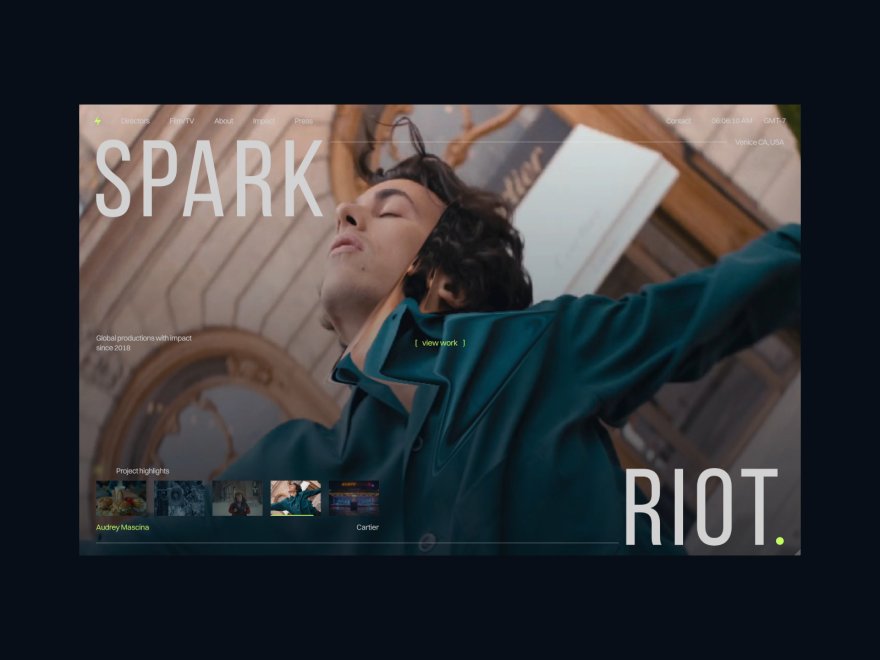
A potential client opens your portfolio. They are ready to hire someone this week. Fifteen seconds later they close the tab and message the next name on their list. You never knew they came, and you never found out why they left.
That is how most lost work actually happens. Not because the competition was more talented, but because something on the portfolio made a ready-to-hire visitor hesitate, get confused, or give up.
The frustrating part is that these mistakes are almost always invisible to the person who made them. You know what you do and how good you are, so you cannot see the spots where a stranger gets lost.
This guide is the outside eye. Below are 11 portfolio mistakes that quietly cost creatives clients in 2026, grouped by the stage where they lose the booking: getting found, building trust, and closing the inquiry.
Each one comes with the fix, and most of those fixes take an afternoon.
Framekit is an AI website builder that generates the structure most of these mistakes come from missing, so if you are rebuilding rather than patching, several of the fixes below arrive as defaults instead of jobs on a list.
The portfolio mistakes that cost creatives clients in 2026 are rarely about taste.
They are practical: work Google cannot find, no clear niche, a bloated gallery, missing prices and process, and no obvious way to get hired. Most are fixable in an afternoon, and fixing them moves your inquiry count more than new work does.
A portfolio mistake is any choice on your site that quietly costs you a booking. It is not a design flaw you would notice. It is the gap between what you meant and what a stranger experiences in their first fifteen seconds.
Your portfolio, your social profiles, and your listing pages each play a part, but the portfolio is the one you fully control and the one a serious client studies before they reach out, so its mistakes are the expensive ones.
Mistakes That Make You Hard to Find
The best portfolio in the world earns nothing if the right person never reaches it. These first three mistakes happen before a client ever sees your work.
1. You only have a link in bio, not a website
A Linktree or an Instagram bio is a list of links, not a portfolio. It cannot rank on Google, it cannot hold a real body of work, and it makes a paying client quietly wonder whether you are a business or a side project.
In 2026, a client looking for someone in your field types the service into Google, not into Instagram. If your work lives only in a bio link, you are invisible at the exact moment someone is ready to spend.
The fix is the smallest one with the biggest return: a real website on your own domain. It does not need to be elaborate. It needs to exist, rank, and be yours.
If you are still unsure whether your work warrants a full site, here is the honest version of that question.
2. Your homepage does not say what you do
A visitor should know what you do, who you do it for, and roughly where, within five seconds of landing. Many creative homepages open with a moody full-screen image and a one-word name, and nothing else. That is a mood, not a message.
The client who needs a brand designer cannot tell that you are a brand designer, so they leave to find someone clearer.
The fix is one plain line near the top: "Brand and packaging design for food and drink startups, based in Lisbon." Specific beats clever. The client who reads that line and nods is the client who keeps scrolling.
3. Your work is trapped on a platform you do not own
Behance, Dribbble, Instagram, and Vimeo are good for reach and bad for ownership.
When your entire body of work lives on a platform, that platform decides who sees it, how it looks, and whether it still exists next year, and it sits your work directly beside every competitor's.
A serious client reads a profile on someone else's platform as less committed than a real site.
Keep the profiles for discovery, but make your own website the home base they all point toward. Moving your work across is faster than it sounds.
Mistakes That Make You Look Less Trustworthy
A visitor arrived and your work loaded. Now they are deciding, in seconds, whether you are a professional or a hobbyist. These five mistakes tip that judgment the wrong way.
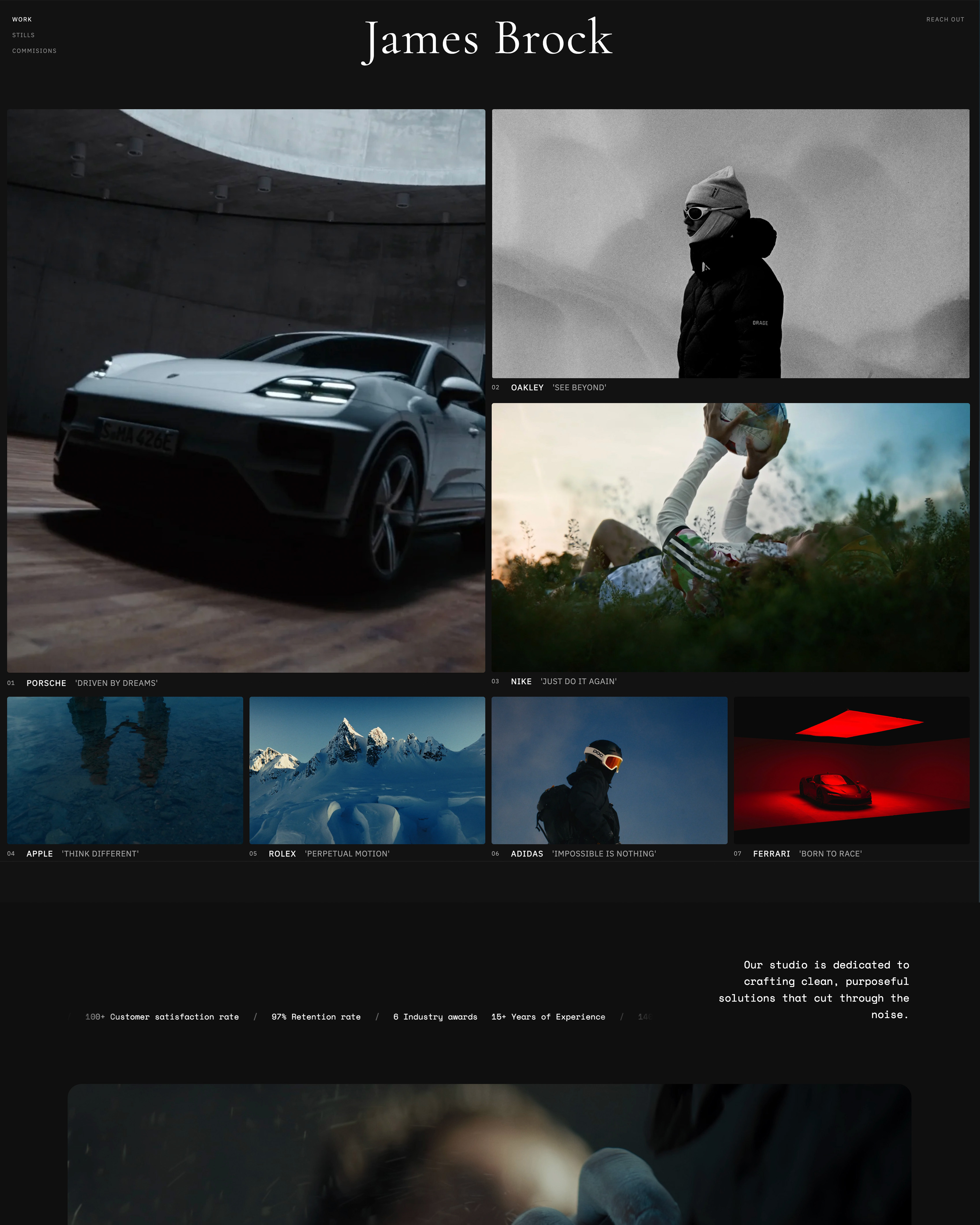
4. You show everything you have ever made
More work does not read as more skill. It reads as no judgment. A portfolio with 40 projects forces the client to do the editing you should have done, and the weak pieces drag down the average.
Curation is the skill you are actually demonstrating. Cut to the 8 to 12 pieces that are genuinely your strongest and most aligned with the work you want more of. A tight, confident portfolio always beats a sprawling one.
If you are unsure what to keep, the rule is simple: every piece should be work you would be glad to be hired to do again.
5. You lead with old or weak work
The first project a visitor sees sets their expectation for everything after it. Many creatives order the portfolio by date, which means the oldest, least representative work greets every new client. Order by strength, not chronology.
Lead with the single piece that best represents the work you want to be hired for, follow it with your next strongest, and never let a weak project hold a prime position out of sentiment.
Most visitors never reach the bottom of the page, so put your best foot first, literally.
6. Your work has no context
A wall of images with no words tells a client what you made but not whether you can solve their problem. A photo or a render is the outcome. The client is buying the thinking behind it.
Each key project needs three short lines: what it was, who it was for, and what it achieved or solved. You do not need a full case study on everything, but a project with zero context is decoration, not evidence.
Context is what turns "nice work" into "I should hire this person."
7. Your gallery is slow and heavy on a phone
Most clients open your portfolio on a phone, often in a gap between other things. A gallery stuffed with enormous, unoptimized images makes them wait, and a waiting visitor leaves. This is not about chasing a score.
It is about respecting the few seconds of attention you were given.
The fix is partly discipline, which means exporting images at sensible sizes, and partly platform: a website builder that handles performance for you, with fast hosting and a global CDN, removes the problem without you having to think about it.
8. Your About page is a resume, not a reason to trust you
The About page is the most-visited page on most portfolios after the homepage, and the most wasted. A list of software you know and clients you have had does not build trust.
It is a resume, and a resume answers a question the client did not ask. What they want to know is why you, why this work, and what it is like to work with you.
Write the About page as a reason to trust you: the kind of problems you like to solve, how you actually work, and one honest, human detail. People hire people.
Mistakes That Lose the Booking at the Finish Line
The visitor found you and likes your work. They still do not become a client, because of these last three.
9. You hide your prices, process, and scope
A client who cannot find any signal of price, process, or scope has to start the conversation completely blind, and many simply will not start it. You do not have to publish a full price list.
But a starting-from figure, a short description of how a project runs, or a typical budget range filters out mismatches and reassures the right people. Silence on price does not read as exclusive.
It reads as a guessing game, and busy clients skip guessing games.
10. There is no clear call to action
A visitor decided they like your work. Now what? On too many portfolios, nothing. There is no button, no inquiry link, no obvious next step, and the moment of interest quietly passes.
Every portfolio needs an unmissable, repeated call to action: a clear way to start an inquiry, on the homepage, again after the work, and on the About page. A client should never have to hunt for how to hire you.
Make the next step the easiest thing on the page.
11. Your portfolio is visibly out of date
A copyright line that says 2023. A "latest work" that is two years old. A dead link. A service you no longer offer. Each one tells a client the same thing: this person may not be active, or may not be careful.
An out-of-date portfolio is worse than a small one, because it signals neglect rather than modesty. Set a recurring reminder to review the site every quarter, refresh the work, fix dead links, and update the year.
A portfolio is not a thing you finish. It is a thing you keep.
The 11 Mistakes at a Glance
| # | Mistake | Why it costs you | The fix |
|---|---|---|---|
| 1 | Only a link in bio | Invisible on Google | Build a real site on your own domain |
| 2 | Homepage does not say what you do | Visitor cannot place you | One plain line: what, who, where |
| 3 | Work trapped on rented platforms | No ownership, sat beside rivals | Make your own site the hub |
| 4 | Showing everything you have made | Reads as no judgment | Cut to your 8 to 12 strongest pieces |
| 5 | Leading with old or weak work | Sets a low first expectation | Order by strength, not date |
| 6 | Work shown with no context | Looks nice but does not convince | Add what, who, and result to each |
| 7 | Slow, heavy gallery on mobile | Waiting visitors leave | Optimize images; let the platform handle speed |
| 8 | About page is a resume | Builds no real trust | Write a reason to trust you |
| 9 | No prices, process, or scope | Clients skip the guessing game | Share a starting point or a range |
| 10 | No clear call to action | Interest fades with no next step | Repeat one obvious "hire me" step |
| 11 | Visibly out of date | Signals neglect | Review and refresh every quarter |
How to Audit Your Own Portfolio in 20 Minutes
Open your portfolio on your phone, not your laptop, and pretend you are a client who has never met you. Start a timer. In the first fifteen seconds, can you tell what this person does and who they do it for?
Can you find their best work without scrolling past weaker work? Can you find a price signal and an obvious way to make contact? Note every spot where you hesitated. Those hesitations are your mistakes, already in priority order.
Then fix the cheapest ones first. Several items on this list, like a clear homepage line, a visible call to action, and a current year, take only minutes.
If the audit shows the deeper problem is the site itself being slow, scattered, or stuck on a platform you do not own, rebuilding is far less work than it used to be.
A modern AI website builder like Framekit generates a real first draft from your existing work in well under an hour, and it handles hosting and performance for you, which quietly fixes mistake seven.
For a shortlist of tools, see our guide to the best website builders for creative professionals, and if you want the simplest possible path, start with the easiest portfolio website builder to use.
Frequently Asked Questions
What is the most common portfolio mistake?
The most common portfolio mistake is showing too much work. Creatives fear leaving something out, so they include everything, and the weaker pieces drag down the strong ones. A client reads a large, unedited portfolio as a lack of judgment.
Cutting down to your 8 to 12 best and most relevant pieces is the single highest-return change most portfolios can make.
How many pieces should a portfolio have?
For most creative fields, 8 to 12 strong, relevant pieces is the right range: enough to show range and consistency, few enough that every piece is genuinely good. The exact number matters less than the rule behind it.
Every piece should be work you would happily be hired to do again. If a project does not clear that bar, it is padding, and padding costs you.
Does my portfolio need its own website, or is Instagram enough?
A social profile is good for reach, but it cannot rank on Google, you do not own it, and it sits your work beside every competitor. For anyone who wants to be found and booked by new clients, a real website is worth building.
We walk through the full decision in our guide on whether your creative business needs a website.
How often should I update my portfolio?
Review it every quarter. Refresh the work so your strongest recent project leads, fix any dead links, and update the copyright year. A visibly stale portfolio signals neglect to a client, which is worse than a small one.
A fifteen-minute check every three months keeps the site from quietly aging without you noticing.
Should I show prices on my portfolio website?
You do not have to publish a full price list, but you should give some signal: a starting-from figure, a typical budget range, or a description of how you scope a project.
Total silence on price turns the first contact into a guessing game, and busy clients skip guessing games. A price signal also filters out mismatches before they ever reach your inbox.
Can a portfolio mistake really cost me clients if my work is good?
Yes, and that is exactly why these mistakes are dangerous. A client cannot judge the quality of work they have not understood or never found.
If your homepage is unclear, your gallery is slow, or there is no way to contact you, strong work never gets its chance. The mistakes on this list lose clients before your talent is ever assessed.
How do I know which mistakes my portfolio is making?
Audit it the way a stranger would. Open the site on a phone, start a timer, and note every moment where you would hesitate or get confused if you were a client seeing it for the first time. Those hesitations are your mistakes.
The 20-minute audit in this guide walks through exactly what to check, and in what order to fix what you find.
The Bottom Line
None of these 11 portfolio mistakes is about talent, and that is the good news. They are practical, visible once you look for them, and fixable, most in a single afternoon.
The creatives who win more work in 2026 are rarely the ones who simply made more of it. They are the ones whose portfolio gets out of the way and lets a ready-to-hire client say yes.
Audit yours this week, fix the cheapest mistakes first, and watch your inquiries, not your compliments.
_Re-verified July 2026: the fixes and cost figures in this guide re-checked against current builder pricing._
For a wider view of how people judge a site before they read a word of it, Google's Think with Google research on mobile experience is the standard reference.
Fixing the portfolio is only one channel of four, and how to get clients as a freelance designer ranks them by how much explaining each one requires.
Most of these failures start with a template whose demo structure was left intact, which we go into in portfolio website templates and what they really cost.
_Every fix above was re-checked against live portfolios, and Framekit's plans re-verified against its pricing page, in September 2026._