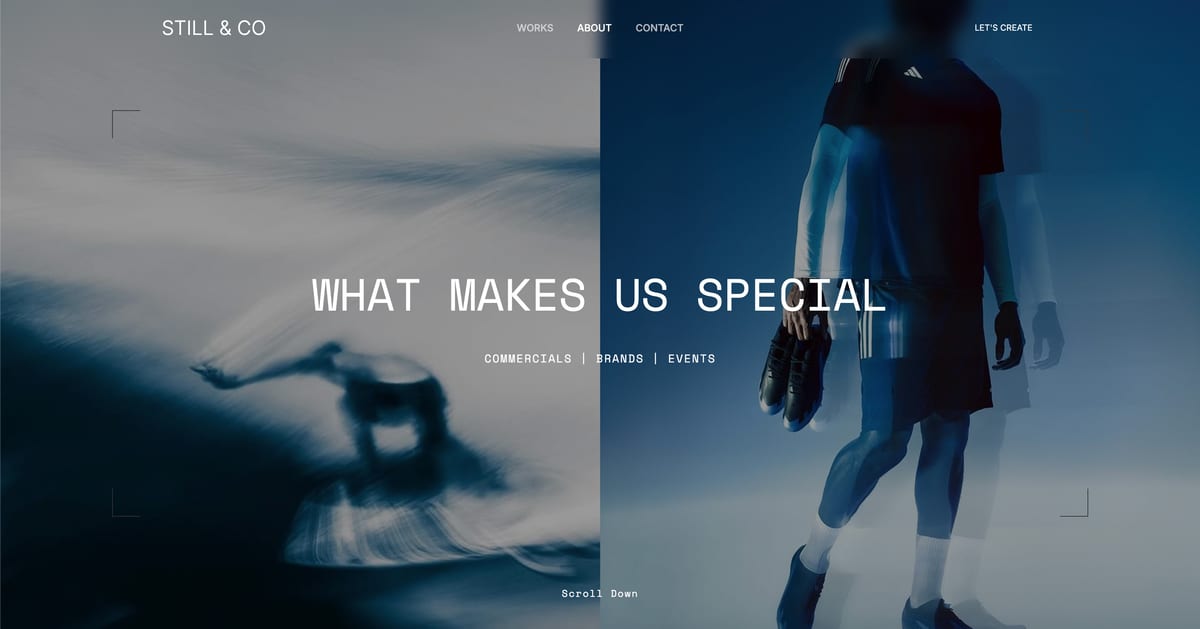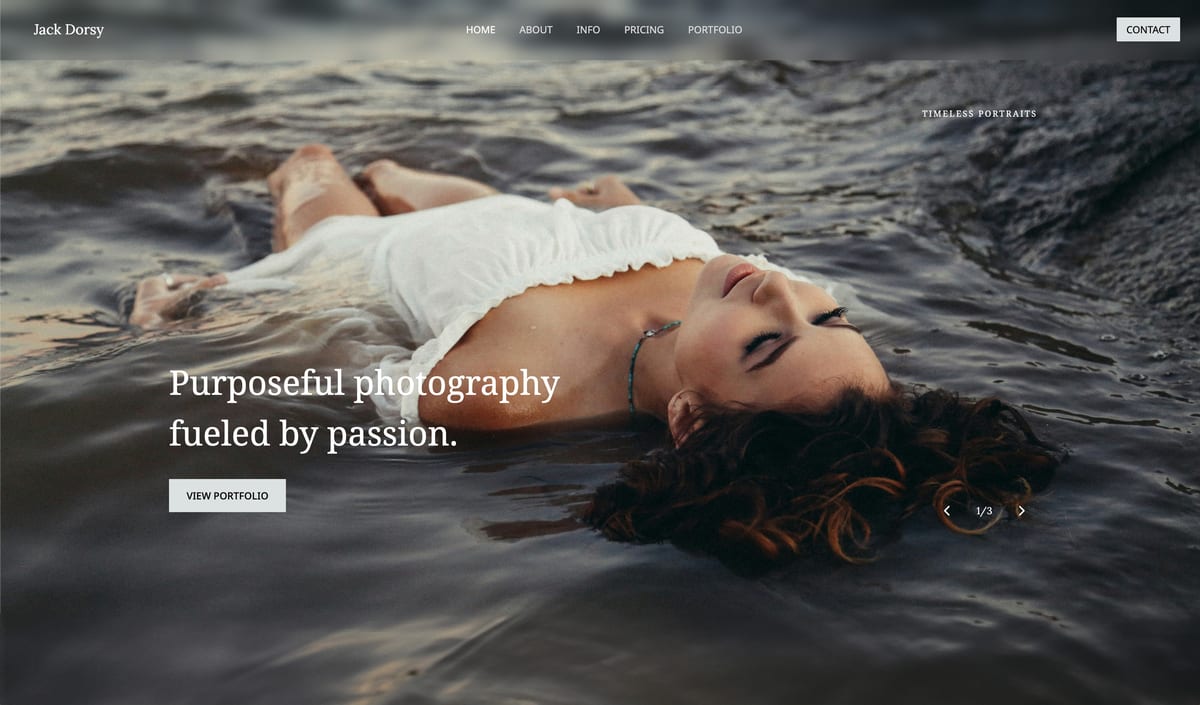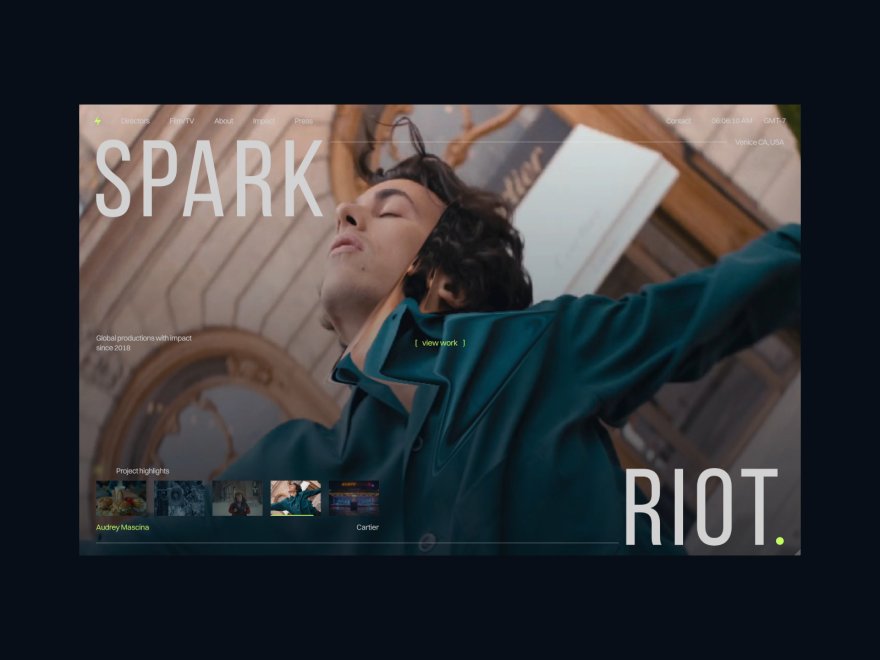
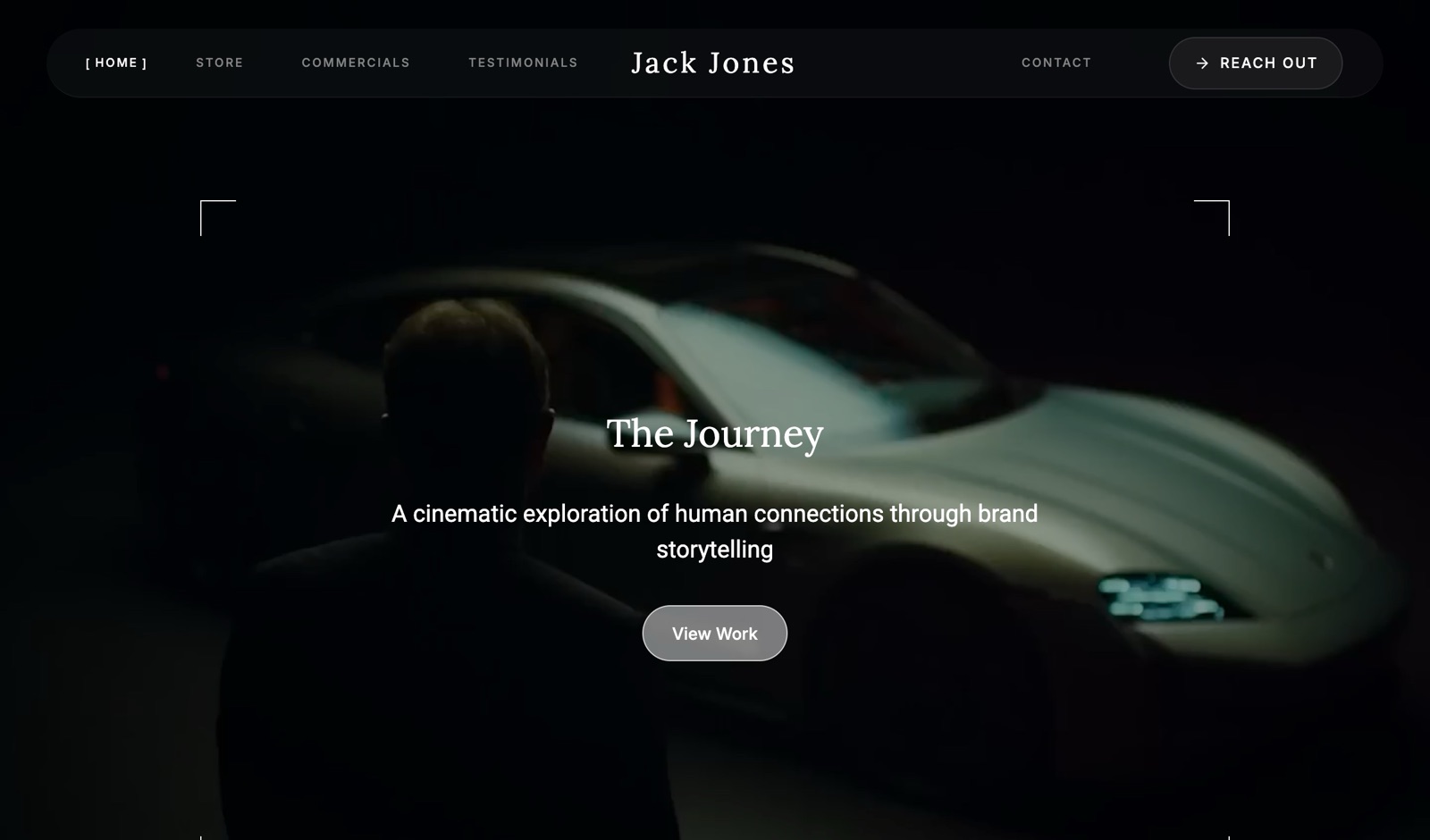
Framekit templates
Start from a designer-made template
 Use template
 Use template
 Use template
 Use template
 Use template
 Use template
 Use template
 Use template
You see a design you love. Maybe it is a website, maybe a layout on Pinterest, maybe a concept a designer once sent you. You screenshot it, save it to a folder, and think some version of: I wish my site looked like that.
Then the screenshot sits there, because the distance between a look you admire and a site you can actually build has always been wide.
In 2026, that distance got a lot shorter. AI website builders can now take a reference image and generate a real site in that direction, which means the screenshot in your folder can become a starting point instead of a wish.
But there is a right way to do this and a wrong way, and the wrong way, cloning someone else's live site, is both an ethical problem and a creative dead end.
This guide covers the right way: how to build a website from a screenshot with AI, what AI can and cannot take from an image, and how to turn a reference into a site that is genuinely yours rather than a copy of someone else's.
Framekit is an AI website builder that recreates a design from a reference image and turns it into a live site with real pages, a gallery, and a store attached, so the screenshot in your folder becomes a starting direction rather than something to trace.
To build a website from a screenshot with AI, choose a reference image of a design you have the right to use, feed it to an AI website builder that supports image-to-site generation, and let it recreate the layout, hierarchy, and color direction.
Then replace the placeholder content with yours and refine. The AI matches a direction, not a pixel-perfect copy.
An image-to-site AI builder is a tool that turns a reference image into a working website.
You give it a screenshot of a design you like, and it generates a site that captures that layout, spacing, hierarchy, and color direction, as a real, editable starting point.
It does not produce a pixel-perfect clone, and it should not, which is the most important thing to understand before you start.
What Building a Website From a Screenshot Actually Means
It helps to be precise about what this is. Building a website from a screenshot does not mean an AI photographs a site and copies it exactly.
It means the AI reads the design language of a reference image, the way the layout is structured, how space and hierarchy are used, the color mood, the personality of the type, and generates a new site that speaks that same language.
It is closer to "design something with this feel" than to "clone this." That distinction is not a limitation to work around.
It is the point, because a pixel-perfect copy of someone else's website is not something you want or are entitled to.
Our honest look at whether AI website builders are any good covers how well the better tools handle this.
1. Choose the Right Reference Image
The result starts with the screenshot you choose, and the most important rule here is ethical, not technical. Do not screenshot a competitor's live website and ask AI to clone it.
That is copying someone's design work, and it is both a legal risk and a bad look.
Use references you have a genuine right to draw from: a moodboard you assembled yourself, Pinterest pins saved as broad inspiration, a design concept you commissioned, or an earlier version of your own site.
Then, within those, pick a reference whose layout and feel actually match what you want, not just one that looks impressive in isolation. The AI follows what you give it, so give it an honest, rightful direction.
2. Know What AI Can and Cannot Take From an Image
Setting expectations correctly is what separates a good result from a disappointing one.
From a reference image, an AI website builder reads the things that make a design feel a certain way: the layout structure, the spacing and hierarchy, the color mood, and the general personality of the type.
What it does not do is produce a pixel-perfect clone, lift exact fonts and assets, or invent your content for you. And it should not do those things, because an exact copy is what you are trying to avoid.
Treat the screenshot as a direction, not a blueprint. The AI captures the structure and the mood. You bring everything that makes the site genuinely yours.

What a reference reliably survives, and what it does not
| From the screenshot | Does it carry over? | Why |
|---|---|---|
| Layout and section order | Reliably | Structure is the easiest thing to read from an image |
| Spacing rhythm and hierarchy | Reliably | Relative sizes and gaps are visible and reproducible |
| Colour mood | Usually | The palette is sampled, though exact brand hexes are not |
| Type personality | Roughly | Serif versus sans and weight carry; the exact licensed face does not |
| Specific fonts | No | Font files are licensed assets, not visual information |
| Images and illustrations | No | These belong to whoever made them |
| Copy and wording | No | And you would not want it, since it describes another business |
| Interactions and animation | No | A static image contains no motion information |
The pattern is worth internalising, because it also happens to be the line the law draws in roughly the same place: what carries over is structure, and what does not is everything that belongs to somebody.
3. Generate Your Site From the Reference
With the right reference and the right expectations, generating the site is the fast part. Point the AI website builder at your reference image and let it produce a first draft.
A strong tool returns a real, editable site, the layout interpreted, the palette pulled, the hierarchy in place, in well under an hour.
Framekit's inspiration-to-page flow is built for exactly this: give it a screenshot of a design direction and it generates a matching site you can then edit freely. Treat the output as a starting point, not a finished product.
It is the first 70 percent delivered in minutes instead of days, and the remaining 30 percent is where the site becomes yours.
4. Make It Yours, Not a Copy
This step is the difference between inspired-by and copied-from, and it matters both ethically and practically. Practically, a site that echoes a reference too closely will not fit your actual brand, your work, or your audience.
So change things on purpose. Move the palette toward your own colors. Adjust the type to your voice. Reorder sections to match your priorities. Cut whatever the reference had that you do not need.
The reference handed you a strong starting structure. Your job now is to bend it around your own brand until it stops looking like the inspiration and starts looking unmistakably like you.
5. Add Your Real Content and Refine
A generated site arrives full of placeholder structure, and placeholder structure does not get anyone hired. Replace it with the real thing: your actual work, your real copy, your genuine bio, your true services and prices.
This is usually the step that takes the most time, and it is also the one that matters most, because a visitor judges your content, not the cleverness of how the layout was generated.
Once your content is in, do a final pass on a phone: check that nothing is broken, that the site loads quickly, and that the design still holds up carrying your real material instead of the placeholders.
What You Can and Cannot Take From Someone Else's Site
In one linethe structure of a page is broadly free to learn from, the things on the page are not, and the risk rises sharply the moment a visitor could mistake your site for the one you referenced.
This is the question everyone actually has and most guides answer with a blanket no, which is both wrong and unhelpful. The real framework is more useful.
What follows is a general description of how these rules work rather than legal advice, and anything commercially significant is worth putting in front of a lawyer in your own jurisdiction.
Copyright covers the things, not the arrangement. The code, the photographs, the illustrations, the icons somebody drew, and the written copy are protected expression, and lifting any of them from a site you do not own is straightforward infringement.
This is the clear case, and it is also the one people are most tempted by, because those are the assets that make the reference look finished.
Copyright covers overall look and feel poorly. A claim over a general layout is weak, because of the idea and expression distinction: a two-column hero with a centred headline is an idea, and ideas are not protected.
Liz Brown's survey of the problem in the NYU Journal of Intellectual Property and Entertainment Law, Bridging the Gap: Improving Intellectual Property Protection for the Look and Feel of Websites, notes that the Copyright Office discourages registering a website as a whole and registers individual elements instead, which tells you where the office thinks the protectable material sits.
She argues trade dress fits look and feel better than copyright does, because the harm at stake is consumer impression rather than expression. This is why the design world can have conventions at all.
Trade dress is where the real risk sits. Distinctive visual identity can be protected as trade dress, and the test has three parts: the look must be distinctive or have acquired secondary meaning, it must be non-functional, and there must be a likelihood that customers are confused about who they are dealing with.
That third element is the one to hold in your head. The question is not whether you used a similar grid. It is whether somebody landing on your page could think it belongs to the company you referenced.
Trademarks are absolute and obvious. The logo, the name, the wordmark. Nobody needs a framework for this one.
The practical rule, in one sentence. Take the structure, never the assets, and never the identity. A reference that taught you how to sequence a page has done its job. A reference a visitor can recognise has done something else entirely.
Where this bites in practice. The highest-risk references are the most distinctive sites, because distinctiveness is precisely what trade dress protects. Referencing a widely-copied template layout carries almost no risk.
Referencing a famously recognisable brand site carries real risk even if you change the colours, because recognisability is the thing that creates confusion.
The safest references, and the ones that produce better work anyway, are your own moodboard, a design you commissioned, an older version of your own site, or a genre convention rather than a specific company's expression of it.
Which Tools Accept an Image as Input
Not every AI builder takes a reference image, and the ones that do handle it differently. Prices checked at each vendor in July 2026.
Framekit. Describe the practice you run and, where you have a reference, use it to steer the direction rather than to dictate a copy.
The output is a real site with your pages, your gallery, and a store attached, which matters because the reference is the beginning of the job rather than the end of it.
v0. Vercel's generator accepts an image and is unusually good at turning a screenshot into clean React and Tailwind components. It is also the most developer-shaped option here: what comes out is component code somebody then assembles into a site, not a site.
Bolt.new. Builds and previews in the browser, which makes the loop from reference to something-you-can-look-at very short.
It prices by token, so cost grows with the size of the project rather than the number of attempts, which is worth knowing before you iterate hard on a design.
Lovable. Takes a reference and produces a working project with a database behind it, priced by credit rather than by token, which makes the cost of iterating legible in a way the token-priced tools do not.
General-purpose vision models. Any of the large assistants will read a screenshot and produce HTML from it.
This is the cheapest route and the one that leaves you with the most work: you get markup, and you still need hosting, a domain, a content structure, and a way to change it next year.
The choice, honestly. If you want components, v0. If you want a prototype fast, Bolt or Lovable.
If you want a portfolio that has a gallery, a shop, and pages you can edit in a year without reading code, a builder is the right shape of tool, and that is the case we make for Framekit rather than a claim that it generates better markup than a code generator does.
What Building From a Screenshot Is Good For
This approach is genuinely excellent for some situations and the wrong move for others. The table makes the line clear.
| Good for | Not for |
|---|---|
| Capturing a design direction fast | Cloning a competitor's live site |
| Skipping the blank-page problem | Expecting a pixel-perfect match |
| Turning a moodboard into a real site | Replacing your own content and brand |
| Non-designers who know what they like | A finished design that needs no edits |
Used for the left column, building from a screenshot is one of the most useful things AI brings to web design. Used for the right column, it leads to either a legal problem or a disappointed afternoon.
This is a different workflow from generating raw code, which we cover in our guide on whether you can vibe-code a website.
Frequently Asked Questions
Can you really build a website from a screenshot?
Yes. AI website builders that support image-to-site generation can take a reference screenshot and produce a real, editable website in that design direction, usually in under an hour.
The result captures the layout, hierarchy, and color mood of the reference. It is not a pixel-perfect copy, and it still needs your real content added, but the starting point is genuine and fast.
How does AI build a website from an image?
The AI analyzes the reference image for its design language: how the layout is structured, how space and hierarchy are used, the color palette, and the personality of the typography.
It then generates a new website that expresses that same design direction, as an editable site rather than a static copy. You then refine it and add your real content.
Can I screenshot another website and copy it?
Not the way most people mean it, though the accurate answer is more useful than a flat no. Copyright protects the specific assets on a page, the images, illustrations, icons, code, and copy, so taking any of those is infringement.
It covers overall look and feel poorly, because a general layout is an idea rather than protected expression.
The real exposure is trade dress, which protects a distinctive visual identity where customers could be confused about who they are dealing with, and that risk rises with how recognisable the reference is.
Take the structure, never the assets, never the identity. This is a description of how the rules generally work rather than legal advice.
Will the AI-built site look exactly like the screenshot?
No, and it should not. AI captures the direction of a reference, the layout, hierarchy, and color mood, not an exact pixel copy. That is intentional. An exact clone would fail to fit your brand and could copy work you do not own.
Expect a strong starting point in the right style, which you then bend toward your own brand.
What kind of screenshot works best?
A reference works best when its layout and feel genuinely match what you want, not just when it looks impressive. Clear, full-page references give the AI more to read than a tight crop.
Most importantly, use references you have a right to use: your own moodboards, broad inspiration, or commissioned concepts, rather than a competitor's finished website.
Do I still need to edit a site built from a screenshot?
Yes, always. A generated site is a starting point of roughly 70 percent: the structure and direction are there, but it arrives with placeholder content and a look borrowed from the reference.
You need to add your real work and copy, and adjust the colors, type, and sections so the site fits your brand. The editing is what makes it yours.
Which AI tools can build a website from a screenshot?
Some AI website builders include an image-to-site or inspiration-to-page feature that does this directly. Framekit's inspiration-to-page flow is one: you give it a screenshot of a design direction and it generates a matching, editable site.
Tool support varies, so check for an explicit image or inspiration input. Our roundup of the best AI website builders for creatives covers the options.
Is it legal to build a website inspired by another website?
Broadly yes for structure and broadly no for content, with the real risk sitting between them. A layout convention is an idea and not protected expression, which is why the whole industry shares patterns.
The assets on the page are protected, so images, illustrations, icons, code, and copy are off limits.
Trade dress then protects a distinctive identity where a visitor could be confused about whose site they are on, so the more recognisable the reference, the more carefully you should diverge.
Treat this as background rather than legal advice.
What does AI actually extract from a screenshot?
Layout and section order reliably, spacing rhythm and hierarchy reliably, colour mood usually, and type personality only roughly.
What it does not extract is the licensed font file, the images, the copy, or any interaction or animation, because a static image contains no motion information and the assets belong to whoever made them.
That boundary is close to the legal one, which is a convenient coincidence: the things that carry over are broadly the things you are free to learn from.
The Bottom Line
Building a website from a screenshot with AI is genuinely one of the more useful things the technology brought to web design, as long as you use it correctly.
Choose a reference you have the right to use, understand that AI captures a direction rather than a pixel copy, generate your starting point, then do the real work of bending it around your own brand and filling it with your own content.
Done that way, the screenshot in your inspiration folder stops being a wish and becomes the first hour of a real site.
_Re-verified July 2026: the intellectual-property framing checked against published legal commentary on website look and feel, and every tool's pricing model checked at the vendor._