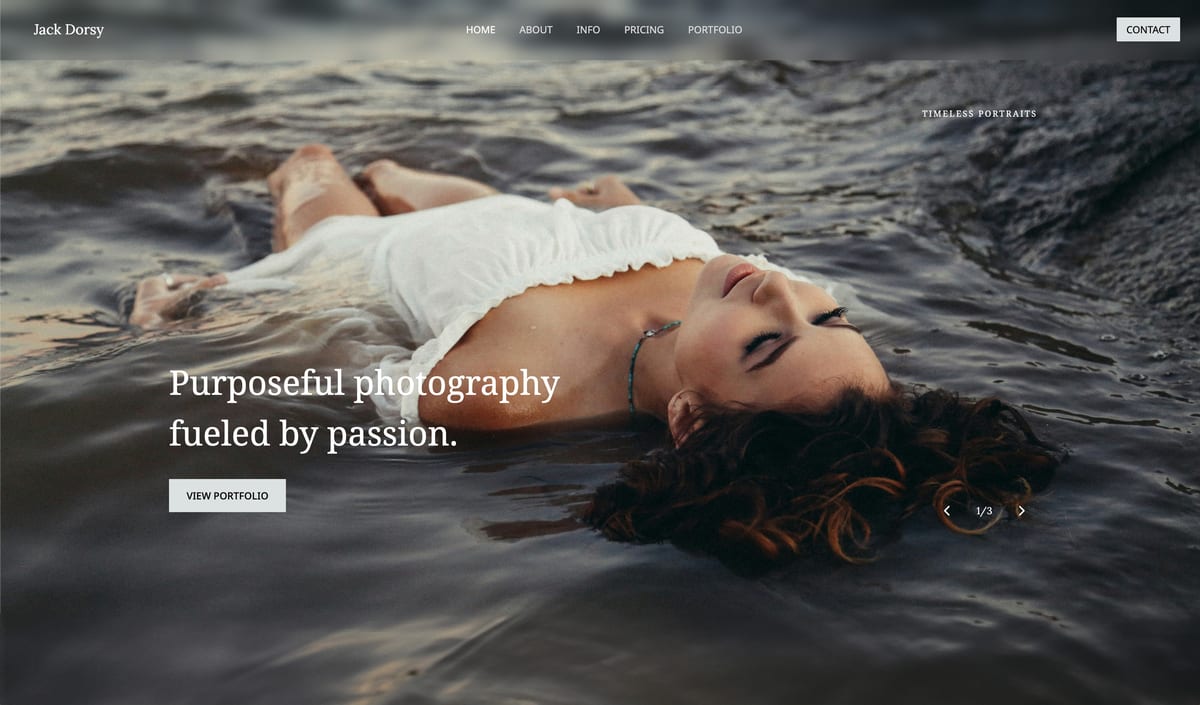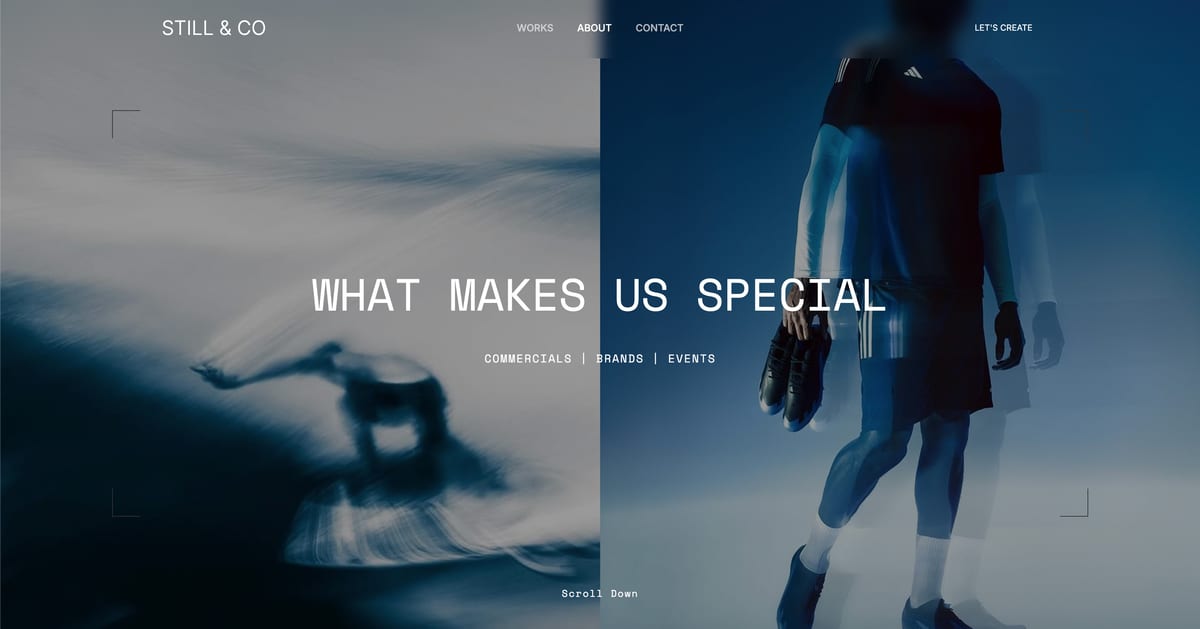
Framekit templates
Start from a designer-made template
 Use template
 Use template
 Use template
 Use template
 Use template
 Use template
 Use template
 Use template
You typed "build me a portfolio website" into an AI chat tool, watched it generate something that genuinely looked real, and felt a small thrill. Then you tried to change the font. Or move a section. Or fix one line of copy.
That is usually the moment vibe coding a website stops being fun and starts being a project.
The term "vibe coding" went from niche to everywhere across 2025. The promise is intoxicating: describe what you want, let the AI write the code, never learn to program. For some people and some projects, that promise holds up.
For a creative who just wants a portfolio or a marketing site online, it quietly does not, and almost no one tells you why before you are three hours deep.
This guide is the honest version. It explains what vibe coding actually is, whether you can vibe-code a website, where it genuinely works, where it falls apart, and the no-code path that gives most creatives the same speed without the wall.
Framekit is an AI website builder rather than a code generator, which is the distinction this whole guide turns on: you describe the site and get something you edit in an editor, not a repository you have to host, deploy, and maintain.
You can vibe-code a website, but for most creatives it is the wrong tool.
Vibe coding generates raw code from prompts, which is powerful for apps and prototypes and frustrating for a portfolio once you need to edit, host, and maintain it. A no-code AI website builder gives the same speed without the editing wall.
Vibe coding is the practice of building software by describing it to an AI in plain language and accepting the code it writes, with little or no manual coding.
Applied to a website, it means an AI tool generates the site's actual underlying code from your prompts.
That is different from a website builder, which generates an editable site rather than a codebase, and the difference is the whole story.
What Vibe Coding Actually Is
Vibe coding is a building method, not a single product. You tell an AI what you want, it writes the code, you run it, and you describe the next change instead of editing the code by hand.
Tools like Lovable, Bolt, v0, Cursor, and Replit popularized the approach through 2025. The appeal is real and worth respecting: you can get from an idea to something that runs without knowing a programming language.
For a developer prototyping an app, or a technical founder testing a concept over a weekend, it is a genuinely fast new way to work.
Can You Vibe-Code a Website? The Honest Answer
Yes, technically. Prompt one of these tools to build a portfolio or a marketing site and it will generate one, and the first result is often impressive enough to make you think the problem is solved.
The honest answer has a "but," though, and the "but" is this whole article. A website is not a one-time output. It is something you edit for years: new work added, prices changed, a section reworked, a typo you spot at midnight.
Vibe coding is excellent at the first generation and awkward at nearly everything after it. For a creative who wants a website, not a coding project, that gap is exactly where the approach breaks down.
The Tools People Mean by Vibe Coding
When someone says they vibe-coded a site, they used one of these. Prices checked at each vendor in July 2026, and the thing they share matters more than the differences: all of them meter usage, so what you pay depends on how much you iterate rather than on a plan you can budget.
1. Lovable
Describe an app, get a working React project with a database behind it. Lovable is the most polished of these for someone who is not a developer, and the output is a real codebase rather than a mock-up.
Pricingper Lovable's pricing, a free tier with roughly 30 credits a month, Pro at $25 a month with around 100 credits plus a small daily allowance, Team at $30 a user, Business at $100 a user.
One credit is one prompt-and-generation cycle, which makes the cost unusually predictable for this category.
2. Bolt.new
Bolt builds and runs the project in the browser, which makes the loop from prompt to preview very short. For a landing page or a prototype it is quick and genuinely impressive.
Pricinga free tier with around 1 million tokens a month, Pro at $25 a month with 10 million-plus tokens and rollover.
The caveat worth reading before you commit a project: because it prices by token rather than by prompt, cost scales with how large the codebase gets, and users have reported bills running into the hundreds in a single month once a project grows past prototype size.
We flag that as reported experience rather than published pricing.

3. v0
Vercel's generator, strongest at producing clean React and Tailwind components that a developer then assembles. It is the most developer-shaped of the three, and the least likely to hand a non-coder something finished.
Pricingfree with a small monthly credit allowance and a daily message limit, Team at $30 a user, Business at $100 a user.
4. Replit
Replit is a full development environment with an agent that builds inside it, plus hosting, so it covers more of the path from idea to live site than the others.
Pricingper Replit's pricing, a free Starter tier, Core at $25 a month or $20 annually, and Pro at $100 a month introduced in February 2026, with usage credits charged on top of whichever plan you are on.
That last clause is the one that surprises people.
5. Cursor
Cursor is a code editor with AI built into it, aimed at people who already write software. It is not a website builder and does not pretend to be; it makes an experienced developer faster.
Pricinga free tier, a base plan at $20 a month, and individual plans reaching up to $200 a month for heavy use.
6. Claude Code and similar terminal agents
Command-line coding agents work directly against a repository on your own machine. Like Cursor, they are developer tools rather than site builders, and they assume you can read and review the code being written on your behalf.
Pricingincluded with paid Claude plans or billed by API usage, depending on how you run it. For a non-developer building a portfolio, the relevant point is not the price but the assumption: these tools expect you to be the reviewer.
Where Vibe Coding a Website Genuinely Works
Vibe coding earns its reputation in specific situations, and it is worth being fair about them.
If you are a developer, or comfortable reading and editing code, the generated codebase is yours to extend without limits, and that freedom is real.
If you want something genuinely custom that no template covers, an interactive tool, an unusual one-off layout, or a small web app bolted onto a site, vibe coding can build what a website builder structurally cannot.
And if the site is a throwaway prototype you need live for a week, the raw speed is hard to beat.
The common thread: vibe coding fits people who can handle code, or projects where the output is meant to be custom or temporary. If that is you, vibe coding is a reasonable choice and the rest of this guide is not aimed at you.
Where It Falls Apart for a Portfolio Site
For a normal creative portfolio or marketing site, three walls show up fast. The first is the editing wall.
Once the AI has generated the code, changing a font, moving a section, or fixing a sentence means either re-prompting the AI and hoping it does not break something else, or editing code you may not fully understand. The second is hosting.
A vibe-coded site is a codebase, and a codebase has to be deployed somewhere, which means accounts, build settings, and a domain wired together by hand. The third is maintenance.
Dependencies, security updates, and the occasional broken build are now your responsibility.
None of these is difficult for a developer. All of them are friction for a photographer or illustrator who simply wanted a portfolio online. The tool that felt magical in minute one becomes a part-time job by week two.

The Pricing Difference Nobody Mentions
In one lineevery tool in this category meters usage, so the cost of a vibe-coded site depends on how many times you change your mind, while a website builder charges the same whether you edit it once or fifty times.
This is the structural difference and it matters more than output quality for most creatives.
Consumption pricing punishes iteration. Credits and tokens are consumed by attempts, not by successes.
A section you regenerate eight times because the spacing is not right costs eight times what it would if you had got it first go, and design work is iterative by nature.
The people who report the largest bills are not building the largest sites, they are the ones revising the most.
Flat pricing punishes nothing. A builder at $9 or $19 a month costs the same in a month where you rebuild the homepage four times as in a month where you touch nothing.
For a portfolio, which is a thing you fiddle with, that difference compounds quietly in the builder's favour.
The honest comparison over a year. A vibe-coding subscription at $25 a month is $300, plus hosting, plus whatever the overages come to in the months you iterate hard.
A builder is $108 to $228 a year with no overages and no surprises. If the site is a portfolio rather than a product, the second column is both cheaper and more predictable.
Where the arithmetic reverses. If you are building something a builder genuinely cannot do, a booking system with unusual logic, a members area with custom rules, an internal tool, then $300 a year for a tool that can produce it is excellent value, and no builder on the market competes.
What Breaks in Month Three
In one linea vibe-coded site is easy to create and hard to change, and the difficulty arrives later, when you no longer remember what the code does and the model that wrote it has moved on.
The failure mode is not that the site does not work. It is that you cannot safely edit it.
You did not read the code. That is the point of the method, and it is fine until something needs changing.
Editing code you never read means either re-prompting and hoping the change is surgical, or learning the codebase after the fact, which is the work you were trying to avoid.
Dependencies age. A generated project pulls in packages, and packages get updates, deprecations, and occasionally security advisories. A hosted builder absorbs all of that invisibly. A repository on your account does not, and nobody sends you a reminder.
The context is gone. Six months later the conversation that produced the site has scrolled away, and the reasoning behind the structure with it. Re-prompting into a codebase whose decisions you cannot reconstruct produces drift rather than fixes.
Nobody else can pick it up. Handing a generated codebase to a developer is not a gift. They have to read an unfamiliar structure written by a model to a brief they never saw, which is often slower than starting again.
The mitigation, if you do this anyway. Keep the prompts that produced the site in a document alongside the repository, pin your dependency versions, and write down in plain English what each page is supposed to do.
Twenty minutes at the end of the build saves the month-three problem, and almost nobody does it.
Vibe Coding vs an AI Website Builder
An AI website builder gives you most of the speed of vibe coding without the three walls.
It generates a real first draft from your prompts, but the output is an editable site in a visual editor rather than raw code, and hosting, security, and maintenance are handled for you.
You get the "describe it and watch it appear" moment, then you keep a tool you can actually run yourself.
| Vibe coding (Lovable, Bolt, v0) | AI website builder (e.g. Framekit) | |
|---|---|---|
| Best for | Developers, custom apps, prototypes | Portfolios and marketing sites |
| Output | Raw code you own | Editable site in a visual editor |
| Editing after generation | Re-prompt or edit code | Click and change, no code |
| Hosting | You deploy and manage it | Included |
| Maintenance | Yours to handle | Handled for you |
| Suits | People comfortable with code | Creatives who want a site, not a project |
Framekit, the AI website builder this blog runs on, sits firmly in the right-hand column.
Its AI is trained by senior designers, so the generated first draft has real layout and hierarchy, and everything after generation happens in a visual editor with hosting built in.
For a wider look at this category, see our roundup of the best AI website builders for creatives and our tested guide to the easiest AI website builders.
Who Should Vibe-Code and Who Should Use a Builder
The decision is cleaner than the hype makes it sound. Vibe-code your website if you can read code, you want something genuinely custom, or the site is a short-lived prototype.
Use a no-code AI website builder if you want a portfolio or marketing site that you, personally, can update for years without a developer on call. Most creatives are squarely in the second group. The goal was never to write code.
It was to have a site that shows the work and gets out of the way, and to never be locked out of editing your own pages.
Frequently Asked Questions
What does it mean to vibe-code a website?
Vibe-coding a website means using an AI tool to generate the site's actual code from plain-language prompts, instead of writing the code yourself or using a visual builder.
You describe what you want, the AI writes it, and you refine by describing changes. The output is a codebase, which is powerful for developers and a source of friction for non-technical creatives.
Can a non-coder vibe-code a website?
A non-coder can generate a website by vibe coding, and the first result often looks convincing. The difficulty is not generation, it is everything after: editing, hosting, and maintaining a codebase.
Those steps assume some comfort with code. A non-coder who wants a site they can keep updating themselves is usually better served by a no-code AI website builder.
Is vibe coding a website free?
It depends on the tool. Most vibe-coding tools work on credits or tokens, and complex projects or repeated re-prompting consume them quickly, so "free" often means a limited starting allowance. Hosting the result can add further cost.
An AI website builder with a genuine free plan is often the more predictable choice for a simple portfolio site.
What is the difference between vibe coding and an AI website builder?
Vibe coding generates raw code that you then own, host, and maintain. An AI website builder generates an editable website inside a visual editor, with hosting and maintenance handled for you. Both start from prompts.
The difference is what you are left holding: a codebase versus a site you can keep editing without touching code.
Why is a vibe-coded website hard to edit later?
Because the editable thing is code. Changing a font, moving a section, or fixing copy means re-prompting the AI and hoping nothing else breaks, or editing the code directly.
Small visual tweaks that take seconds in a visual editor can become a careful, uncertain process in a vibe-coded project, especially for someone who does not read code.
Can I host a vibe-coded website easily?
Hosting a vibe-coded site means deploying a codebase, which involves a hosting account, build configuration, and connecting a domain by hand. Developers do this routinely. For everyone else it is real friction.
A website builder includes hosting, so publishing is a single click and there is nothing to configure.
Should creatives vibe-code their portfolio?
For most creatives, no. A portfolio is a long-lived site you will edit for years, and vibe coding optimizes for the first generation rather than the years of editing after it.
Unless you are comfortable with code or need something genuinely custom, a no-code AI website builder delivers the same fast start and stays editable.
We cover the full category in our guide to the best AI website builder for creators.
How much does it cost to vibe-code a website?
More than the sticker price, because every tool in this category meters usage.
Lovable and Bolt.new are $25 a month, Replit is $25 or $20 annually with usage credits charged on top, Cursor is $20 and up, and v0 and the others sell credit packs.
The variable is iteration: credits and tokens are spent on attempts rather than results, so a month of design revisions costs far more than a month of leaving it alone. A website builder at $108 to $228 a year has no equivalent variable.
Which vibe-coding tool is best for a non-developer?
Lovable, of the ones here, because it produces a working project from a plain description and prices by prompt rather than by token, which makes the cost legible.
Bolt.new is faster to a preview and its token pricing scales with project size. v0, Cursor, and terminal agents like Claude Code all assume you can read and review code, so they make an existing developer faster rather than replacing the skill.
None of them removes the month-three maintenance problem.
Is a vibe-coded website better than one from a website builder?
For a portfolio, usually not, and the reason is maintenance rather than quality. Both can produce a good-looking site; only one of them can be edited a year later by someone who did not build it.
Vibe coding wins clearly when you need something a builder genuinely cannot do, such as custom application logic, and loses on the ordinary case of a portfolio, a shop, and a contact form, where a builder is cheaper, flat-priced, and maintained for you.
Can I hand a vibe-coded website to a developer later?
You can, and expect them to charge for the reading rather than just the change.
A generated codebase is an unfamiliar structure written to a brief the developer never saw, so the first task is comprehension rather than editing, and some will quote to rebuild instead.
If you think a developer will inherit it, keep the prompts that produced it and a plain-English description of what each page does, because that documentation is worth more than the code.
The Bottom Line
Can you vibe-code a website? Yes. Should most creatives? No. Vibe coding is a real advance, and for developers, custom builds, and prototypes it is genuinely useful.
For a portfolio or marketing site that has to stay editable, hosted, and maintained by a non-coder, it trades a magical first minute for months of friction.
A no-code AI website builder gives you the same prompt-driven speed and leaves you with a site you can actually run. If you want a site, not a coding project, that is the honest pick.
If you are still budget-conscious, you can even start one for free with no subscription.
_Re-verified July 2026: pricing for every tool named here checked against the vendor, and the reported overage experiences flagged as community reports rather than published rates._