Framekit templates
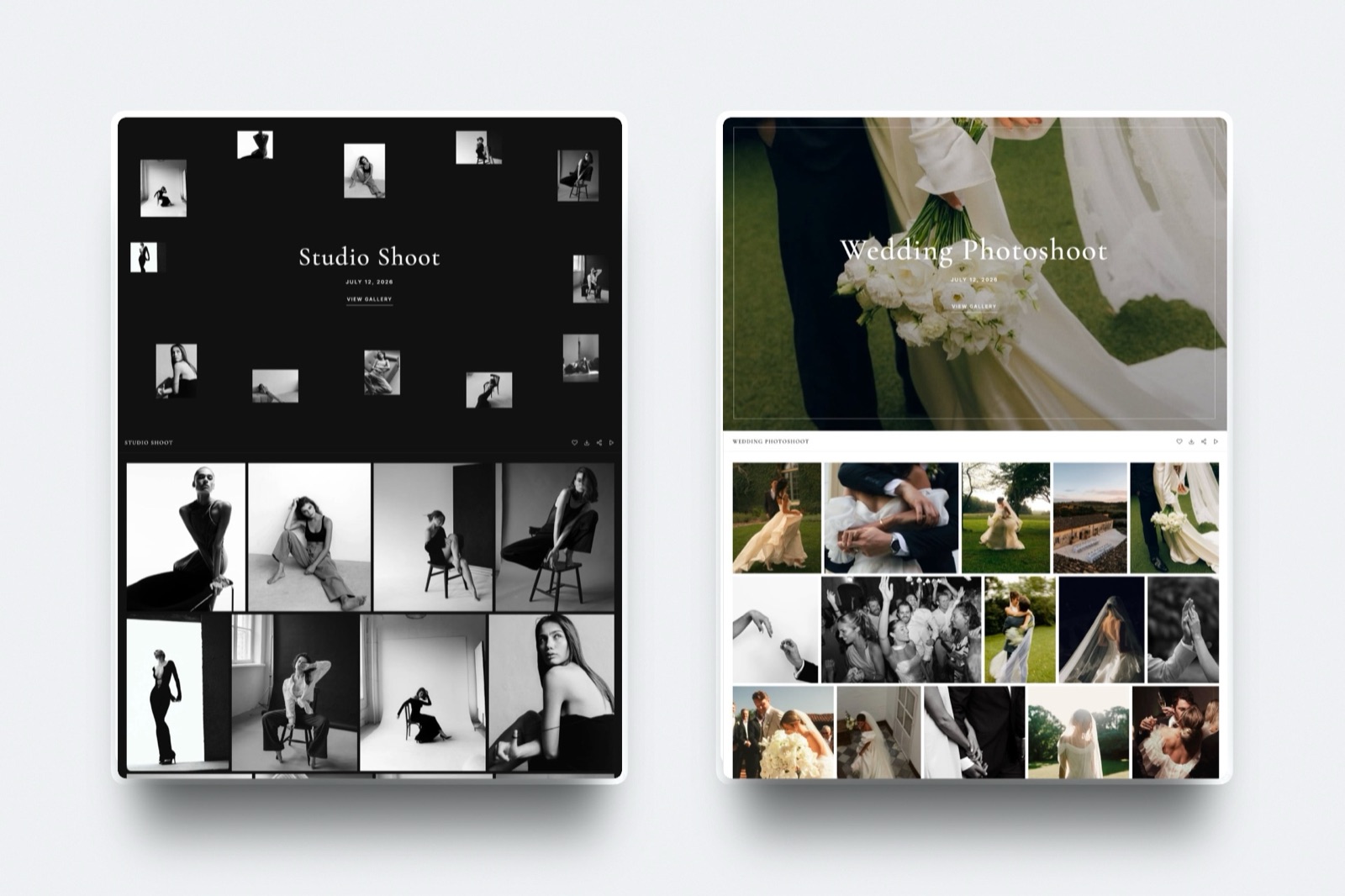
Start from a designer-made template
 Use template
 Use template
 Use template
 Use template
 Use template
 Use template
 Use template
 Use template
Anyone comparing Framekit vs WeTransfer is usually not choosing software. They are noticing, somewhere around the third client who asks for the link again, that the free thing they have always used has a cost after all.
That cost is not money. It is the expired link, and the email you write because of it.
WeTransfer is an excellent tool for the job it was built for, which is moving a large file from one person to another right now.
Delivering finished work to a client is a related but genuinely different job, and the differences only show up later.
Framekit is an AI website builder whose client galleries are built for exactly this job: handing finished work to the person who commissioned it.
A file transfer service is software that moves files from a sender to a recipient and then, by design, forgets about them.
Framekit is better for delivering finished work to a client, because galleries do not expire, carry your own domain and branding, support favourites, passwords and download PINs, and cost nothing on the free plan.
WeTransfer is better for one-off sends of any file type, including RAW, PSD and multi-gigabyte folders, with no account needed at either end.
The honest split: if the recipient is a retoucher or a collaborator receiving working files, use WeTransfer. If the recipient is the client receiving the work they paid for, a gallery is the right shape.
Full disclosure: Framekit is our own product. WeTransfer is not a competitor we are trying to displace, and the section on what it does better than us is specific rather than polite. Pricing was checked in September 2026.
How We Compared Them
We delivered the same 40-image portrait session and the same 6GB folder of working files through both, then waited a fortnight and asked for the link again, which is the test that actually separates them.
The honesty split:
- Measured hands-on: both deliveries, the expiry behaviour, what each recipient sees, and which file types each tool refuses.
- Verified from primary sources: WeTransfer's plan structure and link-life rules from WeTransfer's pricing page, read September 2026. Framekit's from the shipped plan configuration.
- Not tested: WeTransfer's Paste and Collect products, which have no Framekit equivalent.
No transfer speed figures appear for either tool, ours or theirs.
Framekit vs WeTransfer at a Glance
The weighting: rows one and two decide this for almost everyone, and they are not really feature differences, they are differences in what the product is for. File type is the row that disqualifies us for a specific job.
| Framekit | WeTransfer | |
|---|---|---|
| Link expires | No | Yes, by design |
| Delivery is branded as yours | Yes, your domain | No, WeTransfer's page |
| File types | JPEG, PNG, WebP, GIF in galleries | Any file, including RAW, PSD, TIFF |
| Recipient needs an account | No | No |
| Single send size | Per-file caps by plan | Very large, multi-gigabyte |
| Client favourites and selects | Yes | No |
| Password protection | Yes, every plan | On paid plans |
| Download PIN, separate from the password | Yes | No |
| You see who opened it | Gallery activity | Send notifications |
| Portfolio site and store included | Yes | No |
| Free tier | 10GB pooled, unlimited galleries | Yes, single sends |
| Entry paid plan, a year | $84 | About $144 |
In one lineWeTransfer is built to forget the file and a gallery is built to keep it, which is the whole comparison.
What WeTransfer Does Better Than Us
WeTransfer beats us on three counts, and the first rules Framekit out of an entire half of a working photographer's week. These are not gaps we are planning to close, they are a different product category doing its job.
Any file type, at size. WeTransfer moves RAW, DNG, PSD, TIFF, ProRes, project folders, anything. Framekit galleries accept JPEG, PNG, WebP and GIF only, and refuse everything else at upload.
Sending a retoucher layered masters or a colourist a folder of camera originals is simply not a job we do, and no plan changes that.
No account, no setup, no thought. A WeTransfer send takes under a minute with no product to learn and nothing to configure. Creating a gallery is a small amount more work, and for a one-off favour to a colleague that overhead is not worth it.
Genuinely huge single sends. Multi-gigabyte transfers are the product's core competence, where our per-file ceilings run from 500MB to 3GB depending on plan.
In one linefor working files, collaborators and one-off sends, WeTransfer is the correct tool and we are not going to argue otherwise.
What a Gallery Does Better
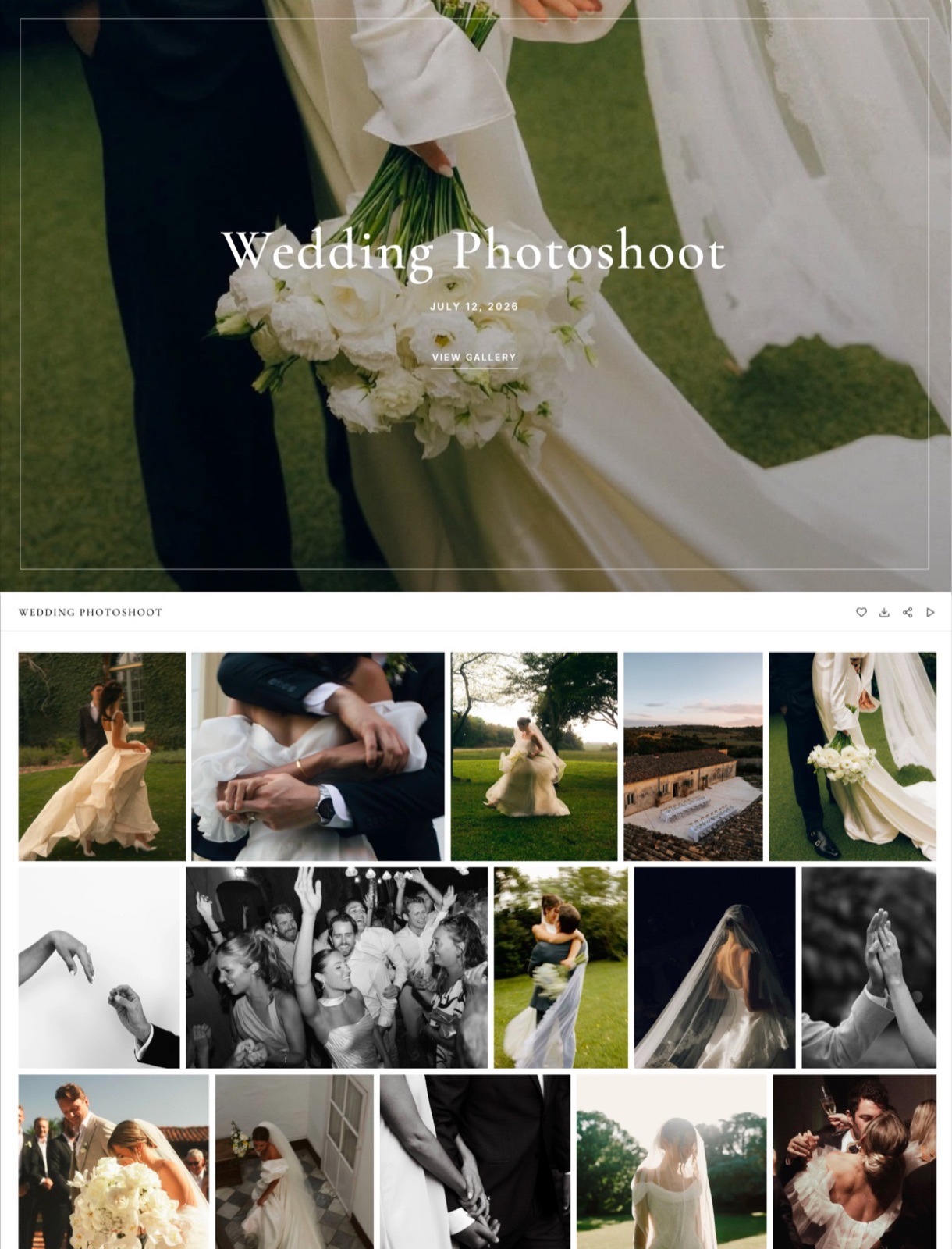
A gallery wins on four counts, and every one of them is something that happens after the send rather than during it. That is why the difference is invisible on delivery day and obvious three months later.
The link does not expire. This is the whole argument in one sentence. A client who comes back in eight months for the photos finds them, rather than emailing you.
Every photographer who has re-uploaded a wedding because a link died knows exactly what that costs in time and in how it reads.
It is yours. A gallery lives on your own domain with your name on it, so the moment a client shows the photos to a friend, the friend sees your brand rather than a transfer service. That is free marketing you are currently giving away.
Favourites and selects. Clients pick images inside the gallery instead of sending a list of filenames in an email, which is the single biggest source of back-and-forth in a delivery.
Two independent gates. A password controls who gets in and a separate download PIN controls who can take files out, both on every plan including free. You can forward a gallery to forty wedding guests who can look but not download, while the couple holds the PIN.
In one linea transfer ends a conversation and a gallery continues one.
The Cost Comparison, Done Honestly
WeTransfer's paid tier runs around $144 a year for longer link life, password protection and more storage. Framekit Starter is $84 a year on yearly billing with 50GB pooled across galleries, the site and a store, and the free plan gives 10GB with unlimited galleries.
The comparison people actually need is not these two against each other, though, because most photographers paying for WeTransfer are also paying for a website. Against that pair, one Framekit plan replaces both and adds galleries that do not expire.
| Setup | A year | What you get |
|---|---|---|
| WeTransfer paid alone | About $144 | Sends with longer link life, no gallery, no site |
| WeTransfer paid plus a website | $340 to $430 | Sends and a portfolio, still no gallery |
| Framekit free | $0 | Unlimited galleries, 10GB pooled, site with our badge |
| Framekit Starter | $84 | Unlimited galleries, 50GB, your domain, store |
| Framekit Pro | $180 | 300GB pooled, review links, three members |
In one lineif you pay WeTransfer and pay for a website, you are spending more than a plan that does both plus galleries.
Use Both, Which Is What We Actually Recommend
The sensible division of labour is clean enough to write on a sticky note, and it is what we would tell a photographer who pays us nothing. Neither tool is trying to do the other one's job, so there is no reason to pick a side:
- WeTransfer for working files: RAWs to a retoucher, ProRes to a colourist, a project folder to an editor, and any one-off send where the recipient is a collaborator rather than a client.
- Framekit galleries for the finished work the client paid for: the delivery that should persist, carry your name, collect favourites and still be there next year.
The free tiers of both cover a surprising amount of this, so the pairing costs nothing until your volume demands otherwise.

How to Choose: A Decision Guide
Work down this list and stop at the first question you answer yes to. The first two settle it for the overwhelming majority of deliveries, and the rest are for the cases that sit on the boundary between the two tools.
- Are you sending RAW, PSD, TIFF or a project folder? Yes: WeTransfer. Our galleries refuse those file types.
- Is the recipient a client receiving finished work? Yes: a gallery. It should not expire and it should have your name on it.
- Do you need the client to pick favourites? Yes: a gallery. WeTransfer has no selects.
- Is this a one-off favour to a colleague? Yes: WeTransfer. Setting up a gallery is more effort than it is worth.
- Do you pay for a website as well as WeTransfer? Yes: look at Framekit Starter, which is less than either and does both.
- Most working photographers: both, and the free tiers go a long way.
Frequently Asked Questions
Is WeTransfer good enough for delivering client photos?
It works, and a lot of photographers deliver with it for years.
What it costs you is not obvious on the day: the link expires, so returning clients email you instead of finding the files, and the delivery page carries WeTransfer's brand rather than yours at the exact moment your client is showing the work to someone else.
For a one-off send it is fine, and for repeat client delivery a gallery is the better shape.
Can I send RAW files through a Framekit gallery?
No. Galleries accept JPEG, PNG, WebP and GIF only, and RAW, DNG, TIFF, PSD and HEIC are refused at upload.
That makes us the wrong tool for the half of a photographer's workflow that involves collaborators rather than clients, and WeTransfer or cloud storage is the right one. Framekit galleries are for finished, client-facing deliveries.
Do Framekit gallery links expire?
Not by default. A gallery stays live as long as your account does, which is the main behavioural difference from a transfer service.
You can set an expiry deliberately if you want to create urgency around a selection window, but nothing disappears on a timer you did not choose.
Clearing delivered galleries once clients have downloaded is a storage habit rather than something the platform forces on you.
Is WeTransfer cheaper than Framekit?
WeTransfer's free tier is free and Framekit's free plan is free, so at entry neither costs anything. Paid, WeTransfer runs around $144 a year against Framekit Starter at $84 on yearly billing.
The comparison only becomes decisive when you count everything: a photographer paying for WeTransfer and a website is spending more than one Framekit plan that covers both plus unlimited galleries.
Can clients download everything in one go from a gallery?
Yes. Clients can download individual images or the whole gallery as a ZIP, gated by a download PIN that is separate from the gallery password if you set one.
That separation is useful in practice: you can forward the gallery to wedding guests who view but cannot download, while the couple holds the PIN and takes the full-resolution set.
How much storage do I need for client delivery?
Budget roughly 1GB per delivered job of 40 images, and 1GB to 2GB per wedding. That puts about ten live deliveries inside the free plan's 10GB, fifty inside Starter's 50GB, and three hundred inside Pro's 300GB.
The habit that extends any of those is clearing galleries a fortnight after the client has downloaded, which frees the storage immediately.
Does WeTransfer have password protection?
On its paid tiers, yes, and it also offers longer link life than the free tier's short window.
What it does not offer is a second independent gate: Framekit separates the gallery password from the download PIN, so viewing and downloading are controlled separately.
For wedding delivery, where guests should see but not take the files, that distinction does most of the work.
Which looks more professional to a client?
A gallery on your own domain, by a margin that matters more than photographers expect.
The delivery is often the last thing a client experiences from you and the thing they forward to family, so a branded page with your name on it is doing quiet marketing that a transfer page cannot.
The exception is the collaborator send, where nobody is judging the page and speed is the only virtue.
Can I collect favourites or selects in WeTransfer?
No. Selects have to come back as a list of filenames in an email, which is where most of the back-and-forth in a delivery comes from.
Framekit galleries let clients mark favourites inside the gallery, so the selection arrives as a set rather than as prose you have to interpret. For albums and retouch lists that is the difference between one round and three.
Should I stop using WeTransfer entirely?
No, and we would not suggest it. Keep it for working files, large one-off sends and anything going to a collaborator rather than a client, because our galleries will not accept RAW or layered files at all.
Move the client-facing deliveries to galleries so they persist and carry your name. Both have free tiers, so running the pair costs nothing until your volume grows.
Final Verdict
These tools are built for different halves of the same day. WeTransfer moves a file now, accepts any format, needs no account and then forgets about it, which is exactly right for collaborators and working files.
A client gallery keeps the delivery alive on your own domain, collects favourites, gates viewing and downloading separately, and is still there when the client comes back next spring.
Who should not use Framekit for delivery. Anyone sending RAW, PSD, TIFF or project folders, which our galleries refuse outright. Anyone whose sends are one-off favours where setup time outweighs everything.
Anyone routinely moving files above our per-file ceilings, which top out at 3GB.
Who should. Photographers and filmmakers delivering finished work to paying clients, particularly anyone who has ever re-uploaded a job because a link died.
The free plan covers ten live deliveries at $0, which is enough to find out whether the difference matters to your clients.
Related readingclient gallery vs WeTransfer in detail, the best free client galleries, and how to deliver photos to clients.
WeTransfer plan structure read from its published pricing page in September 2026. Our own gallery limits and file-type rules come from the shipped plan configuration, checked the same month.