Framekit templates
Start from a designer-made template
 Use template
 Use template
 Use template
 Use template
 Use template
 Use template
 Use template
 Use template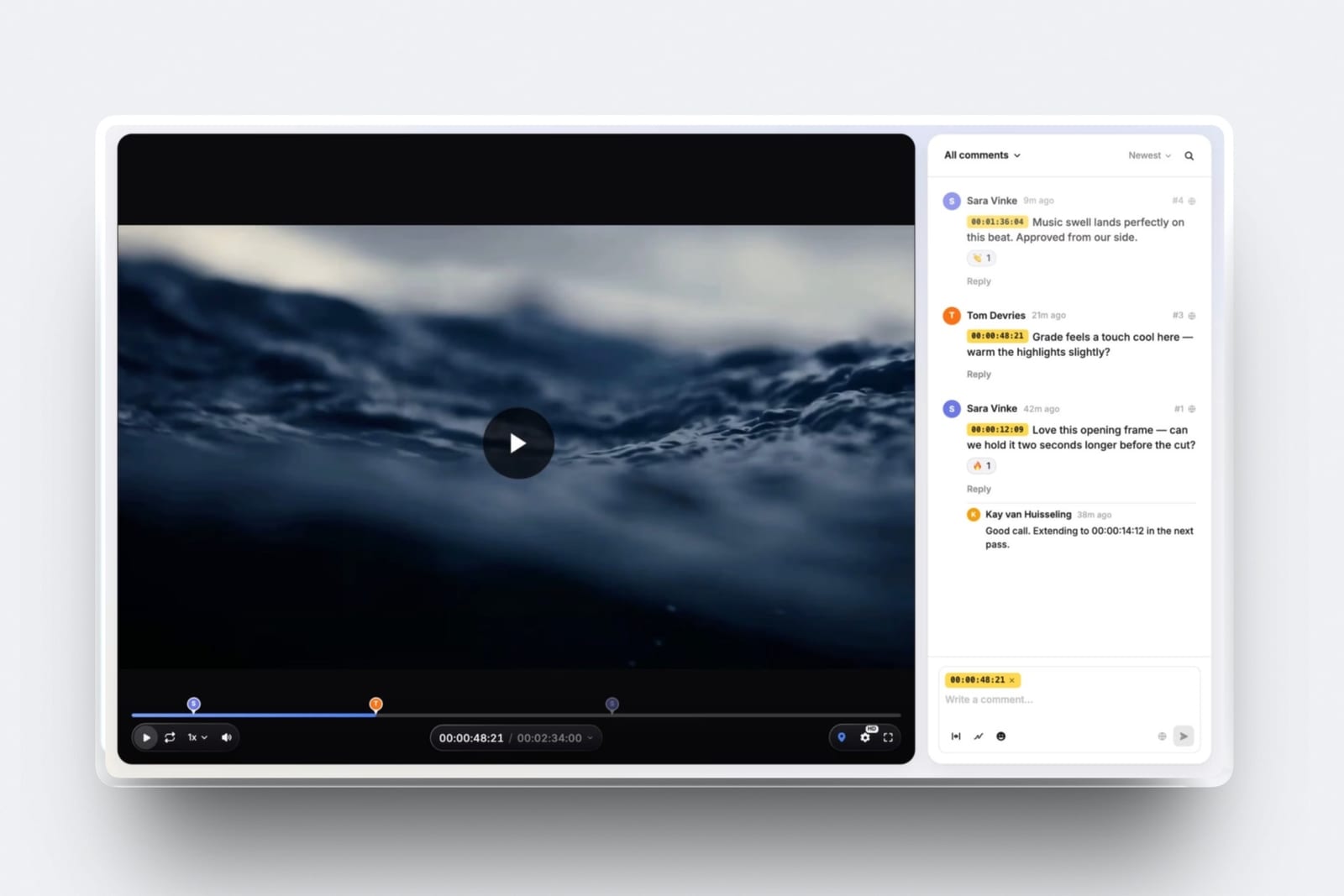
Filmmakers get sold video review tools built for marketing teams. Approval chains, brand compliance, multi-format proofing, seats for a legal reviewer who will never open the link.
A director needs one thing: a note attached to a frame.
The rest is overhead someone else is paying for, and the seat pricing that comes with it is how a three-person crew ends up spending more on review than on hard drives.
This guide covers software and apps for filmmakers specifically, tested on the files filmmakers actually send.
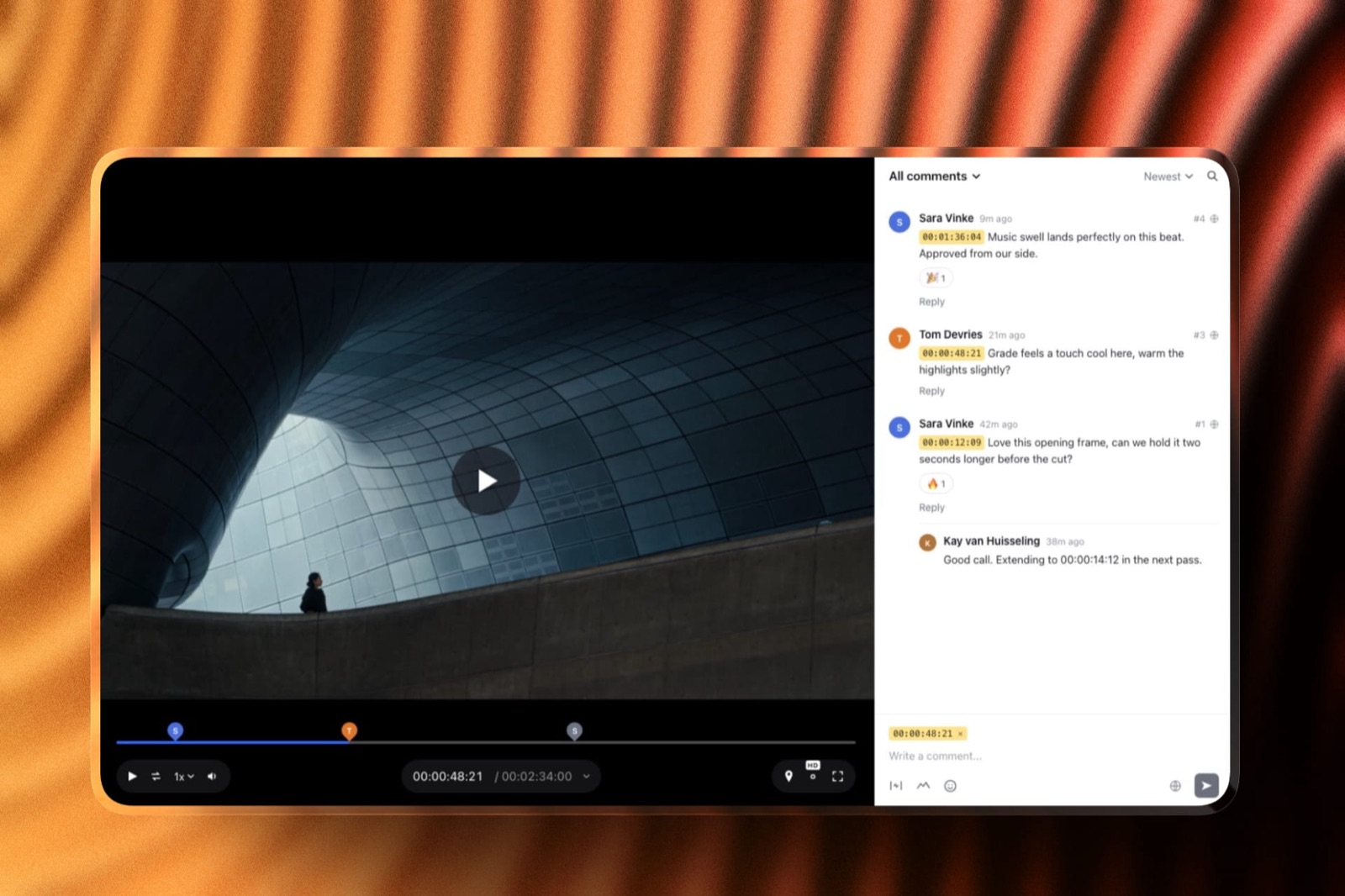
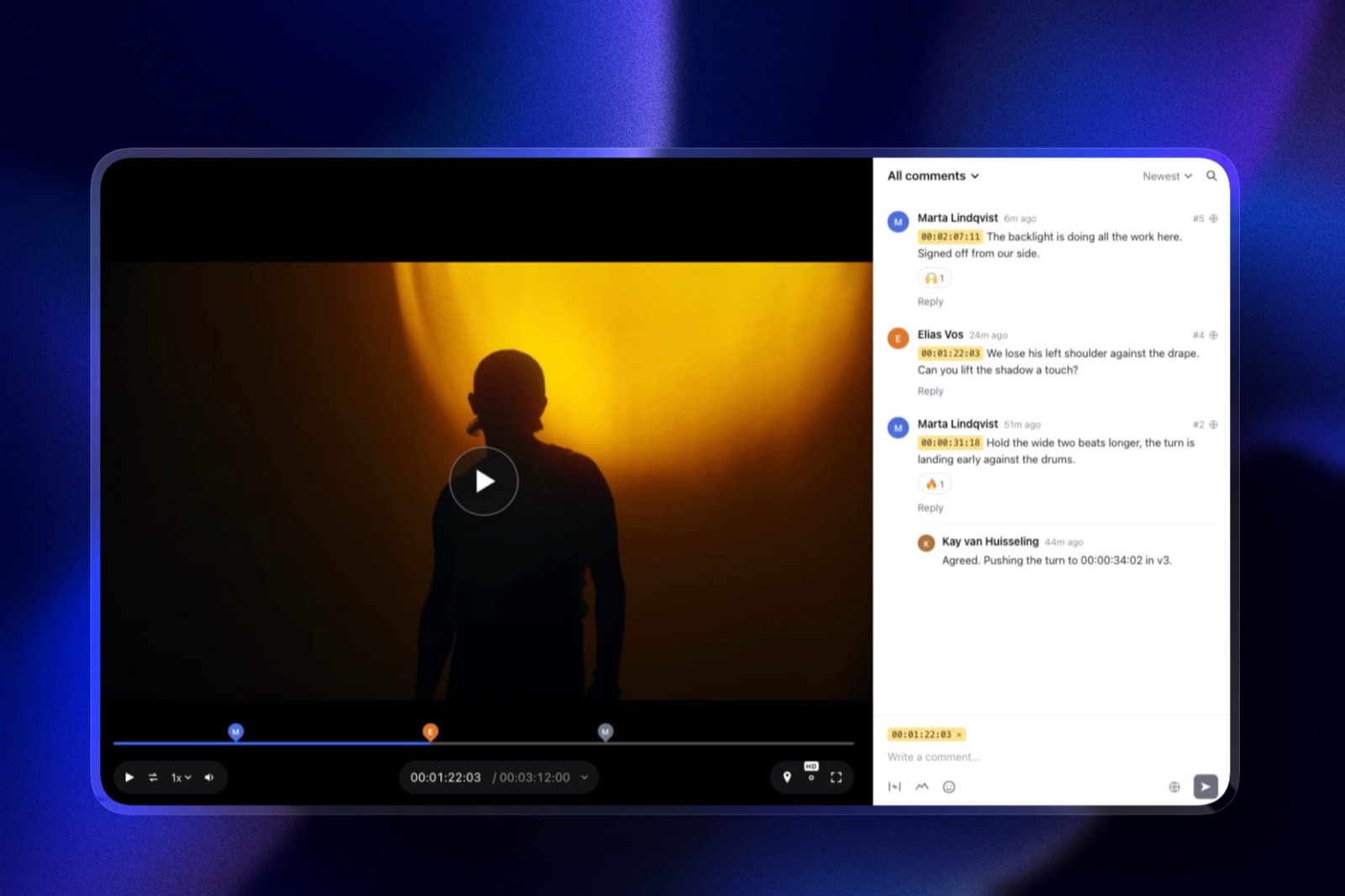
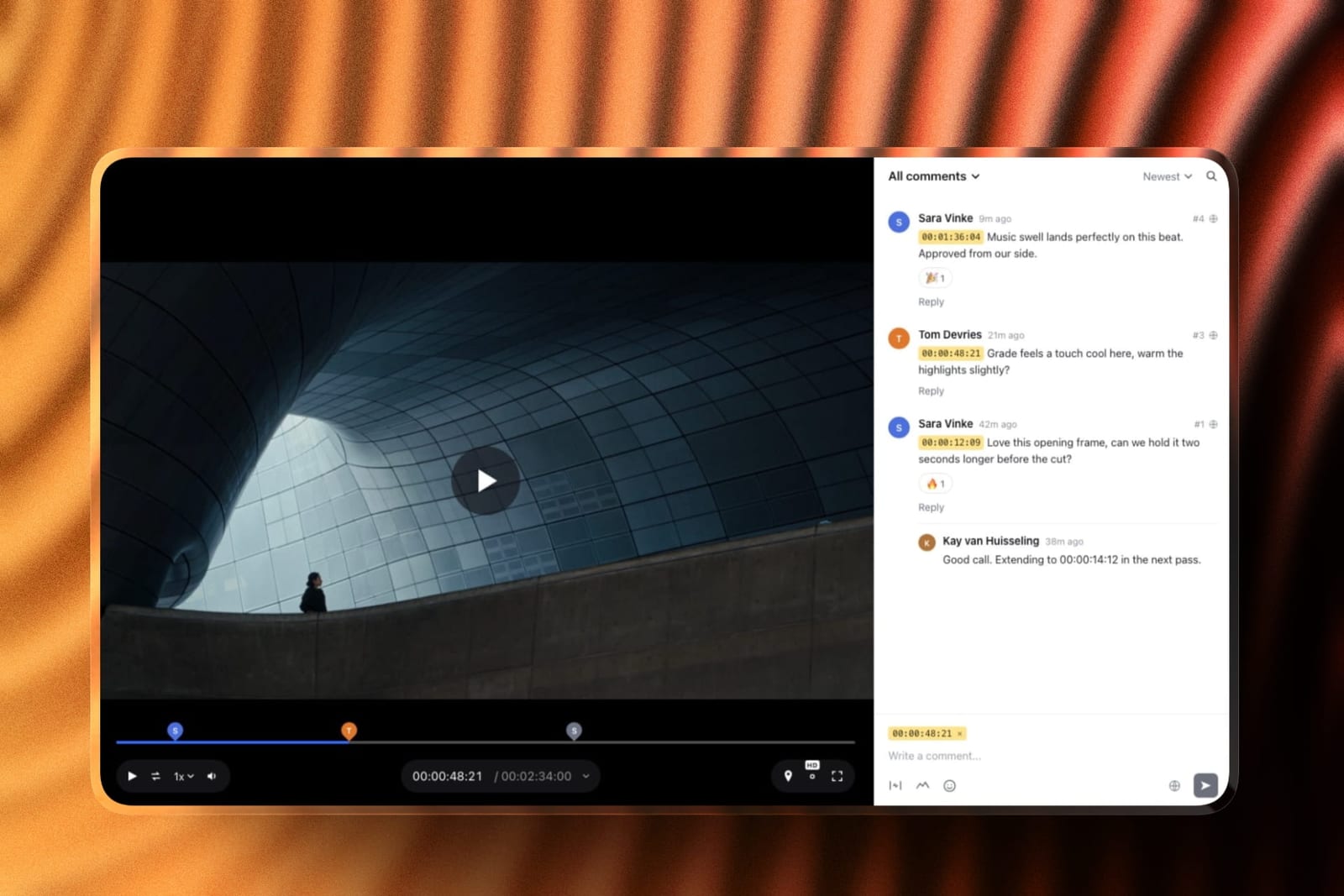
Video review software is a tool that hosts a cut, collects timecoded comments from people who did not make it, and keeps versions straight.
Framekit is an AI website builder that includes video review alongside client galleries and a portfolio site.
Framekit is the best video review tool for filmmakers working short-form, because review sits on the same account as the portfolio and the client galleries, seats are included rather than sold, and the free plan handles files to 500MB.
Frame.io is the better pick the moment your reviewed cuts run long, since it takes feature-length files, lives inside Premiere and After Effects, and is cheaper per terabyte than we are. The line between them is 3GB, which is our ceiling at every tier.
Full disclosure: Framekit, ranked first below, is our own product. We ran the same two-round review through every tool on this list, verified prices against published pricing in September 2026, and link to all of them. Where they beat us: Frame.io on file size, NLE panels and storage cost, SyncSketch on frame drawing for animation, and Vimeo on hosting the finished film afterwards.
How We Tested These Tools for Filmmakers
We ran an identical review round through each: a 4-minute brand film at 1.8GB sent to two reviewers who left timecoded notes, then a version two, then the same exercise with a 38-minute documentary assembly at 9GB to find where each tool stops.
The honesty split, so you know what each claim rests on:
- Measured hands-on: both rounds on each tool, what reviewers had to do before they could comment, and exactly which file each platform refused.
- Verified from primary sources: prices and limits from each vendor's published pricing in September 2026, including Frame.io pricing.
- Community sentiment: flagged as sentiment where used, never presented as measurement.
No load times, upload speeds or performance figures appear anywhere in this guide.
What Testing Them on Real Footage Showed
Four numbers carry the findings, and the second is the one that quietly decides most filmmakers' choice before any feature does, because it is a hard refusal rather than a degraded experience.
- 9GB the documentary assembly that four of these tools refused outright
- 3GB Framekit's per-file ceiling on its highest plan
- $0 what reviewers and clients cost on every tool here, since none charge for them
- $540 to $1,200 a year, what a three-person crew pays on per-seat tools
The Tools Compared
The weighting, stated before the table: file handling for the cuts you actually send is weighted highest, then what a reviewer has to do before commenting, then cost for a small crew.
Depth of approval workflow is weighted lowest because filmmakers rarely need it. Under the opposite weighting, where approval chains and compliance matter most, Filestage or Ziflow wins and we do not place.
| Tool | Max file | Reviewer account | Seats | NLE panel | From |
|---|---|---|---|---|---|
| Framekit | 3GB on Business | Not needed | Included, 3 on Pro | No | $84/yr |
| Frame.io | Feature-length | Not needed | Per member | Yes, Adobe | $156/yr per member |
| Vimeo | Large | Not needed | Per seat | No | $144/yr |
| SyncSketch | Large | Not needed | Per seat | Yes, several | Varies |
| Wipster | Large | Not needed | Single-person plan | No | Varies |
| ReviewStudio | Large | Not needed | Five-seat minimum | No | About $1,200/yr for 5 |
| Dropbox Replay | Large | Dropbox account helps | Per seat | No | With Dropbox |
1. Framekit: Best for Filmmakers Working Short-Form

Framekit puts the review link on the same account as the portfolio the client found you through and the gallery the finished film gets delivered from, which for a solo filmmaker or a small crew removes two subscriptions rather than improving one.
The 1.8GB brand film went up on the Pro plan without incident and both reviewers commented without making an account, which is the single largest source of friction in a client review round. The 9GB documentary assembly was refused, as expected.
The real number$180 a year on Pro, covering review to 2GB a file, 300GB of pooled storage with a 150GB video sub-pool, three team members, the portfolio site and client galleries.
The equivalent stack of a review tool, a gallery platform and a website subscription commonly runs $45 to $70 a month.
The standout detailseats are in the plan rather than sold per head. A three-person crew on Pro pays $180 for the account, where per-member tools charge three times.
The gotcha, stated plainlythe per-file ceiling is 500MB free, 1GB on Starter, 2GB on Pro and 3GB on Business. There is no Premiere or After Effects panel, no Camera to Cloud, no internal comments hidden from the client, and no frame drawing. Any of those rules us out.
Skip it ifyour reviewed deliverable is the long cut. A documentary rough, a full ceremony film or a feature assembly exceeds every tier and no plan changes it.
Verdict: the right answer for commercial, branded, social and highlight work where review is a step rather than the centre of the job, and the wrong one for long-form.
2. Frame.io: Best for Long-Form and Adobe Workflows
Frame.io is the professional standard and the honest answer for most filmmakers whose cuts run past a few minutes, because it takes the files we refuse and it lives where editors already work.
The real number$156 a year per member on Pro, including 2TB, with another 2TB per additional paid member. Reviewers are free.
The standout detailCamera to Cloud moves footage from the camera during the shoot, which is a workflow rather than a feature and has no equivalent anywhere else here.
The gotchaper-member pricing, so a three-person crew is $468 a year before anyone opens a project.
Skip it ifyou are one person sending short cuts, where the storage you are paying for goes unused.
Verdict: the better tool, and the more expensive one for a small crew that does not need the ceiling.
Weighing the two directly? Our Frame.io comparison publishes the file-size table.
3. Vimeo: Best If You Already Host There
Vimeo's review is bundled with hosting most filmmakers already pay for, which makes it close to free at the margin and better on share controls than we are.
The real number$144 a year on Starter with 2TB.
The standout detailpassphrases and expiry dates on share links, neither of which Framekit offers at any tier.
The gotchareview is lighter than a dedicated tool, with no frame drawing and less developed version handling.
Skip it ifreview is the centre of your workflow rather than a step.
Verdict: the cheapest adequate option for anyone already paying Vimeo, and rarely worth buying for review alone.
4. SyncSketch: Best for Animation and VFX Notes
SyncSketch is built for drawing on the frame, which is how animation and VFX notes are actually given, and it integrates with several DCC tools.
The real numberper-seat pricing that varies by tier.
The gotchait is specialised. For live-action commercial work most of what you are paying for goes unused.
Skip it ifyour notes are about pacing and grade rather than what is drawn in frame 412.
Verdict: the correct tool for animation and a poor fit for everything else.
5. Wipster: Best True Single-Person Plan
Wipster is one of the few tools here with a genuine one-person tier rather than a team plan with a discount, which suits a freelance editor working alone.
The real numbera single-user plan at a price well below the per-member tools.
The gotchathe ecosystem around it is smaller, and it adds nothing beyond review.
Skip it ifyou need galleries or a portfolio on the same account.
Verdict: a clean single-purpose choice for solo editors who already have a site elsewhere.
6. ReviewStudio: Best Free Plan for Unlimited Reviewers
ReviewStudio's free tier allows unlimited reviewers, which is genuinely unusual in this category and useful when a client team is large, undefined, or likely to grow halfway through the job without anyone telling you first.
The real numberfree at the entry tier, with paid plans carrying a five-seat minimum that costs about $1,200 a year for a three-person crew.
The gotchathat five-seat minimum is the trap. A trio pays for five.
Skip it ifyou will ever outgrow the free tier, where the pricing jumps badly for small teams.
Verdict: an excellent free plan attached to pricing built for larger teams.
7. Dropbox Replay: Best If Your Files Already Live in Dropbox
Dropbox Replay adds timecoded review to the cloud storage a great many filmmakers already pay for anyway, which means adopting it removes a subscription from the stack rather than adding one to it. That is a rare thing in this category.
The real numberbundled with or added to an existing Dropbox plan.
The gotchareviewers have a smoother time with a Dropbox account, which reintroduces the friction other tools removed.
Skip it ifyour clients are non-technical and you want zero setup on their side.
Verdict: convenient for Dropbox-centric shops and a step back on the client experience.
What a Three-Person Crew Pays
Per-seat pricing is the reason most filmmakers go looking for an alternative in the first place, so here is the same three-person crew costed across a full year at each tool's own published rates, with reviewers excluded because none of these charge for them.
| Setup | A year | What it covers |
|---|---|---|
| Frame.io Pro, three members | $468 | Review, 6TB, NLE panels, long-form |
| ReviewStudio Advanced, five-seat minimum | About $1,200 | Review for three people, billed for five |
| Vimeo, three seats | Varies by tier | Hosting plus light review |
| Framekit Pro | $180 | Review to 2GB, galleries, portfolio, store, three members |
| Framekit Pro plus a video host | About $324 | The above, with long films hosted elsewhere |
In one linethe cheapest correct answer depends entirely on your file sizes, and below 2GB a crew saves several hundred a year by not buying seats.
How to Choose: A Decision Tree
Work down this list and act on the first question you answer yes to. The first two are hard refusals rather than preferences, which means a tool either takes your files or it does not, and nothing further down the list changes that.
- Are your reviewed cuts routinely over 3GB? Yes: Frame.io. We refuse the upload at every tier.
- Do you need Premiere or After Effects panels, or Camera to Cloud? Yes: Frame.io.
- Do your notes involve drawing on the frame? Yes: SyncSketch, or Frame.io.
- Do you already pay for Vimeo? Yes: its review is close to free at the margin.
- Are you one to three people sending short-form cuts? Yes: Framekit, where seats are included.
- Do you also need a portfolio site and client galleries? Yes: Framekit, which carries both on the same plan.
Frequently Asked Questions
What is the best video review tool for filmmakers in 2026?
Framekit for short-form work, because review sits on the same account as the portfolio and client galleries, seats are included rather than sold, and the free plan handles files to 500MB.
Frame.io for long-form, because it takes feature-length cuts, lives inside Premiere and After Effects, and is cheaper per terabyte. The dividing line is 3GB, which is Framekit's ceiling on its highest plan.
How big a file can each tool handle?
Framekit caps a single video at 500MB on the free plan, 1GB on Starter, 2GB on Pro and 3GB on Business. Frame.io, Vimeo, SyncSketch, Wipster and ReviewStudio all handle substantially larger files, including feature-length assemblies.
In our test the 1.8GB brand film went through everything and the 9GB documentary assembly was refused by four of the tools compared here.
Do clients need an account to leave comments?
On every tool in this comparison except Dropbox Replay, no. Reviewers open a link and leave timecoded notes without signing up, and none of these platforms bills for them.
That matters more than any feature, because an account wall is where feedback stalls for two days, and on a delivery week those days come out of your edit rather than the client's schedule.
What does video review cost for a three-person crew?
Between $180 and about $1,200 a year depending on the pricing model.
Frame.io Pro is $468 for three members, ReviewStudio's five-seat minimum means a trio pays roughly $1,200, and Framekit Pro is $180 for the account with three members included.
Reviewers and clients are free everywhere, so the cost is entirely about how many of your own people need a login.
Can I draw on the frame in Framekit?
No. Framekit collects timecoded comments pinned to the frame but has no drawing or annotation on the image itself.
For animation and VFX notes, where the note is about what is in the frame rather than when, SyncSketch and Frame.io both support drawing and are the right tools. For pacing, structure and grade notes, timecodes carry the information.
Is there a free video review tool worth using?
Several. Framekit's free plan handles files to 500MB with unlimited reviewers and no expiry, ReviewStudio's free tier allows unlimited reviewers, and Frame.io's free plan is feature-rich at 2GB with two projects.
Each fails in a different direction: ours on file size, ReviewStudio on the jump to paid pricing, and Frame.io on capacity the week a second client arrives.
Does Framekit work with Premiere Pro?
No. There is no Premiere Pro or After Effects panel, so posting a new version means exporting and uploading rather than publishing from the timeline.
Frame.io's panels are a genuine workflow advantage for editors who work in Adobe tools all day, and if you cut in Premiere the round trip will irritate you. Framekit's review is built for the handoff rather than the edit.
Can I hide internal notes from the client?
Not on Framekit, which has one comment stream that the client sees. Frame.io's Team plan at $264 per member a year adds internal comments visible to staff but not clients, along with restricted projects.
For a studio whose review threads include candid notes about a client's own footage, that separation is worth paying for.
Should I use the same tool for review and delivery?
They are different jobs and benefit from different surfaces: a review link is temporary and working, a delivery should persist and carry your name.
On Framekit both sit on the same account, so the client never receives a link from a platform they have not seen, which is the practical argument for consolidating.
Sending a finished film through a review page works and wastes the last impression you make.
What happens to my review links if I stop paying?
On every hosted tool here, links stop working when the account lapses or drops below the tier that hosted the file. On Framekit the account reverts to free-plan limits, so anything above 10GB or 500MB per file is no longer served.
Keep local masters of everything, and give clients notice before cancelling a plan that is hosting live review rounds.
Final Verdict
Filmmakers should choose a review tool on file size first and everything else second, because that is the only criterion that produces a hard refusal rather than an inconvenience.
Below 3GB the question is what else the subscription carries; above it, the question is already answered.
Who should not use Framekit. Anyone whose reviewed cuts run past 3GB, which covers documentary assemblies, full ceremony films and features. Editors who need Premiere or After Effects panels or Camera to Cloud.
Animation and VFX teams who draw on frames. Studios needing internal comments the client cannot see. Framekit does not do any of these and will not.
Who should. Filmmakers working commercial, branded, social and highlight-length material who are also paying for a portfolio site and a way to deliver finished films.
Review, galleries, the site and a store are one plan at $84 to $180 a year with seats included, and the free tier holds a real commercial cut while you test it.
Related readingthe full video review tools comparison, Framekit vs Frame.io, and how to send a video to a client for review.
Competitor pricing and file limits read from each vendor's published pages in September 2026. Framekit ceilings come from the shipped plan configuration, checked the same month.