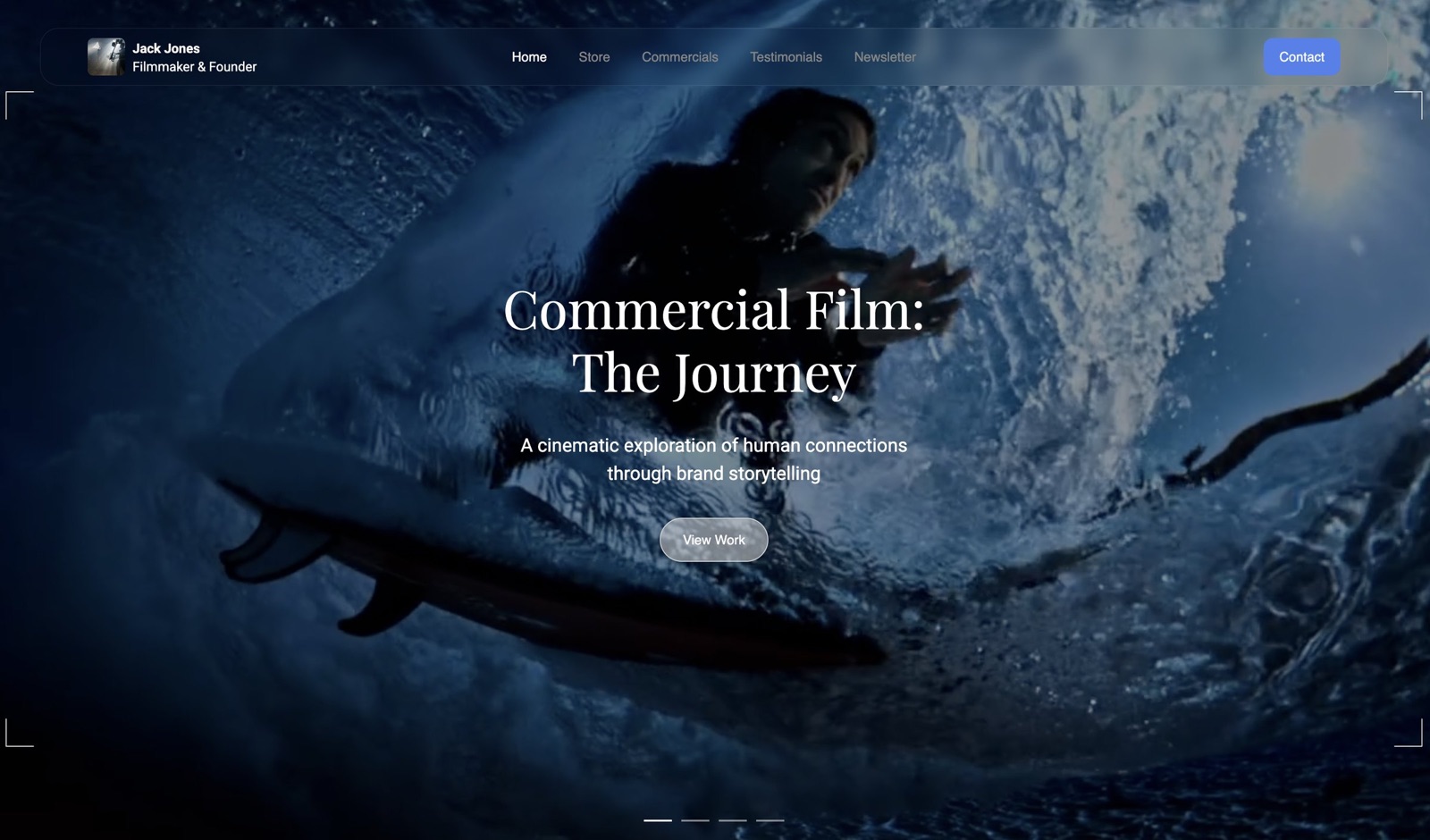
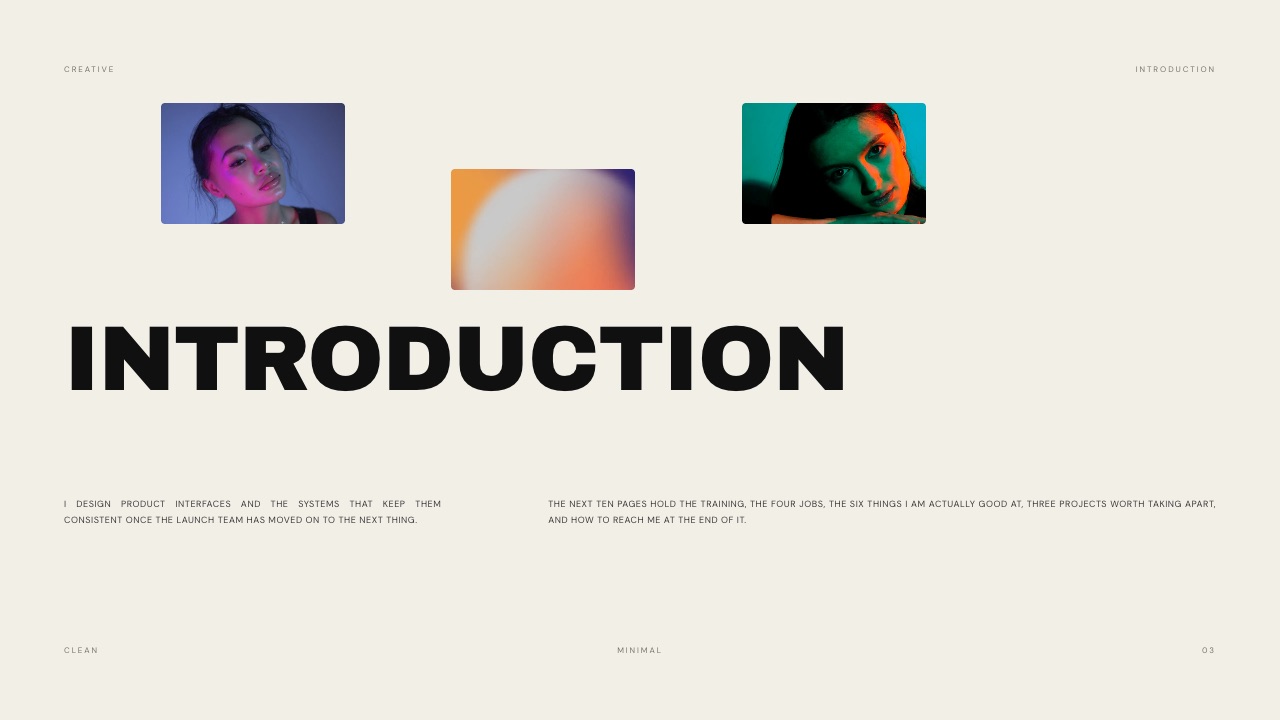
Framekit templates
Start from a designer-made template
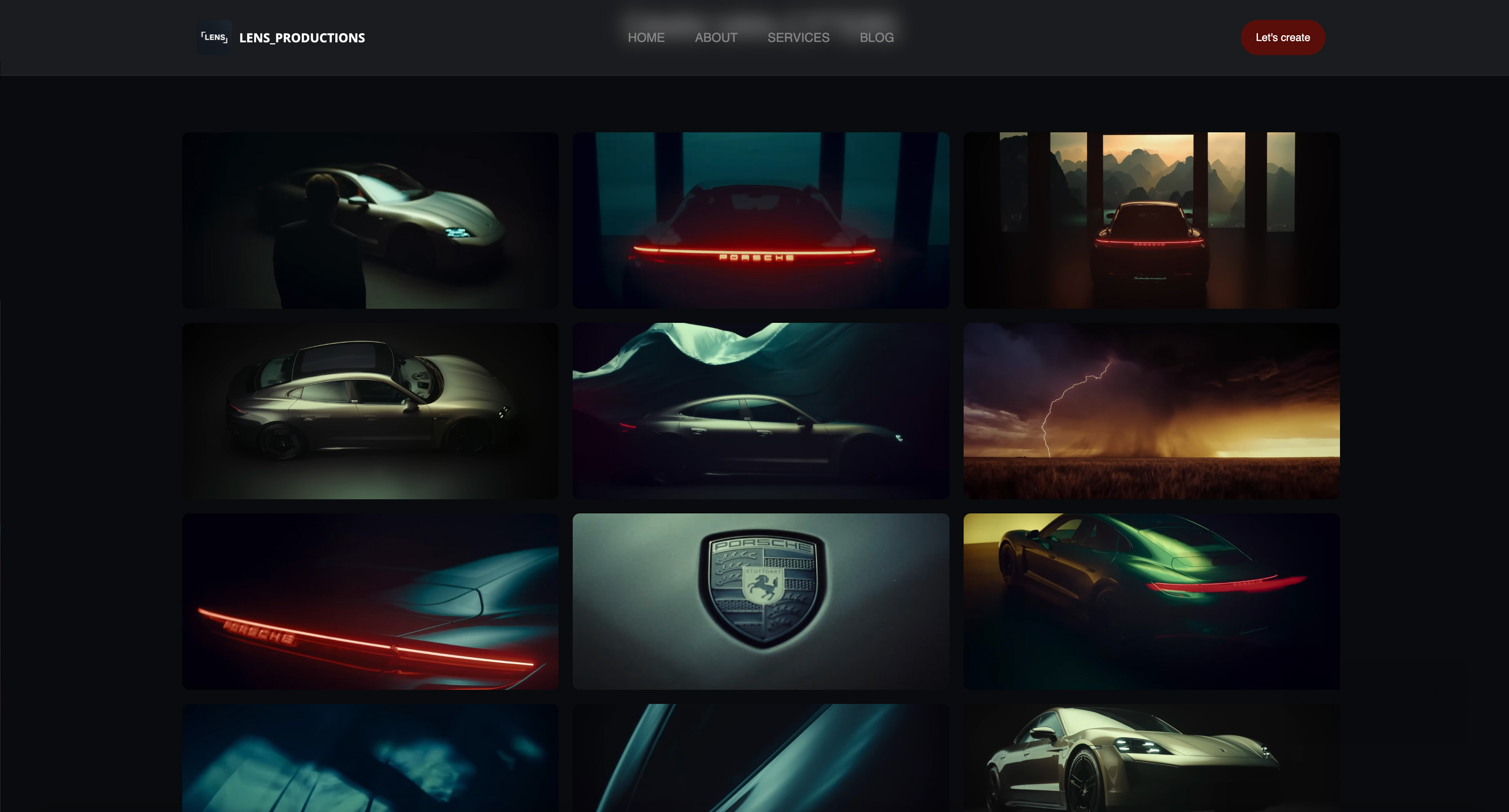 Use template
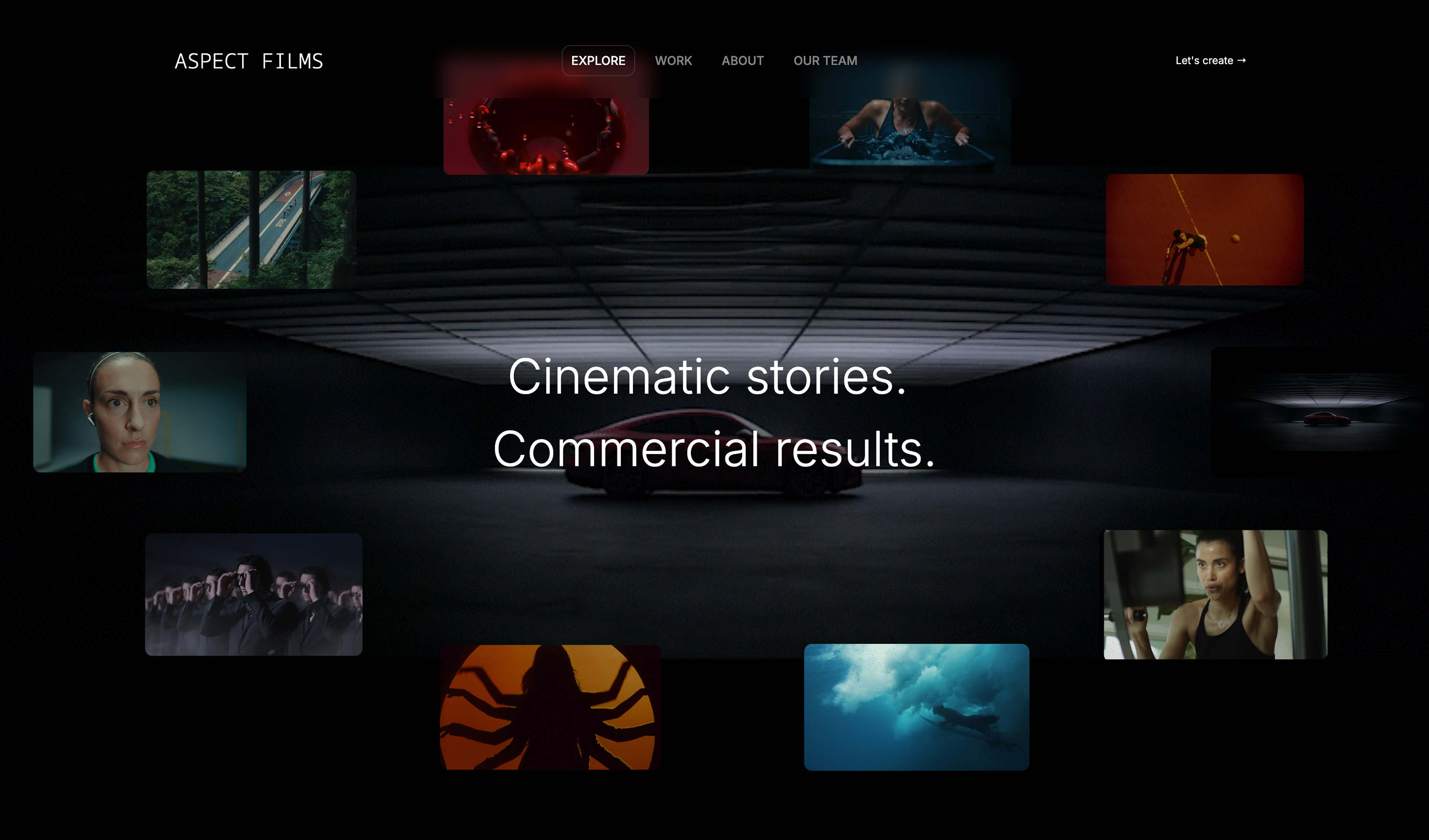 Use template
 Use template
 Use template
 Use template
 Use template
 Use template
 Use template
A grant officer has forty applications and one afternoon. They reach yours, click the link to your work, and land on a slow page where the trailer will not load and the festival laurels are a blurry image three scrolls down.
They cannot tell what the film is about, where it has screened, or why it matters. They move on. The film deserved better. This guide ranks the best website builder for documentary filmmakers, so the film gets the page it deserves.
That is the specific pressure a documentary filmmaker's site carries. It is not a portfolio in the usual sense.
It has to convince a festival selector you are a serious filmmaker, give a funder the impact case for a grant, host trailers that play instantly, and give an audience a reason to care.
A scattered set of Vimeo links and a Dropbox press kit cannot do all of that.
A documentary filmmaker website pulls it together: a trailer-led homepage, festival laurels displayed as credibility markers, an impact or campaign page, a press and downloads section, and clear contact for distributors and funders.
We tested seven website builders on that job, and Framekit, the AI website builder trained by senior designers, is the one we recommend first. The free plan needs no credit card.
A website builder for documentary filmmakers is a platform for presenting trailers, projects, and impact as a real website. It is the home a documentary's audience, funders, and festivals can find.
The best website builder for documentary filmmakers in 2026 is Framekit, because its designer-trained AI builds a fast, trailer-led site with room for laurels and impact pages; Squarespace is the runner-up for template-led sites and Webflow is best for full manual control.
Start free at framekit.ai.
Full disclosure: Framekit, ranked #1 below, is our own product. Every alternative is linked and we name where each beats us: WordPress and Webflow both scale to the multi-language impact platform a funded documentary sometimes needs, Squarespace carries the broader ecosystem, Pixpa is cheaper as a bundled all-in-one, and none of us hosts the film itself, which belongs on a video host.
How This Ranking Was Weighted
Documentary sites live for years across production, festivals and distribution, so the criteria were ordered for longevity rather than launch.
Cost stability across a multi-year arc carries the most weight, since a self-funded film can least afford a bill that climbs, then how festival laurels and a trailer are presented, then how easily the site is updated between milestones.
Under the opposite weighting, where a funded impact campaign needs multi-language content and custom integrations, WordPress or Webflow wins and Framekit places third.
What to Look For in a Documentary Filmmaker Website Builder
A documentary site has more jobs than a standard portfolio. These criteria separate a site that wins support from one that does not.
Room for festival laurels and official selections
Laurels are instant credibility. A selector or funder reads them in a second. The builder needs to display laurels and official-selection badges crisply, near the top of the page, without them turning into a blurry afterthought.
Trailers that play fast and an impact section
A documentary lives on its trailer and its impact case. The builder must embed trailers that play instantly and give you the structure for an impact or campaign page that explains why the film matters, who it serves, and what change it seeks.
A press and downloads section for funders
Funders and distributors want a press kit: stills, a synopsis, a director statement, and contact details. The builder should make a clean press and downloads page easy, so a grant officer or programmer can get what they need without emailing you.
Fast, professional design that holds up on any screen
Festival and grant deadlines mean people review your site on phones, tablets, and laptops at all hours. A trailer-heavy site that loads slowly loses attention. The builder should produce a fast, designer-quality layout without you tuning every asset.
Quick Comparison: Website Builders for Documentary Filmmakers
| Builder | Best For | Laurels and Press | Free Plan | Starting Price |
|---|---|---|---|---|
| Framekit | Designer-quality trailer-led site | Strong, AI-built | Yes, no card | Free / $19 mo |
| Squarespace | Template-led documentary sites | Good | No | $19 mo |
| Wix | Flexibility and video apps | Good, app-based | Yes, branded | $17 mo |
| Webflow | Full manual control | Manual | No | $15 mo |
| Pixpa | Budget all-in-one sites | Decent | No | $5 mo |
| Format | Budget portfolio-style sites | Decent | No | $10 mo |
| WordPress | Maximum extensibility | Plugin-dependent | Yes, limited | Varies |
How We Tested These Documentary Filmmaker Website Builders
We built a documentary film site on each platform from the same brief: a trailer-led homepage, a laurels and selections strip, an impact page, a press and downloads section, and a contact for funders and distributors.
We judged design quality, how fast a trailer-heavy page loaded, how easily laurels and press content fit, and real annual cost.
According to Google research on mobile speed, most visitors leave a page that takes more than three seconds, so a slow site loses funders and audiences alike.
Competitor prices link to current pricing pages.
1. Framekit: Best Overall Website Builder for Documentary Filmmakers

Our rating: 9.2/10
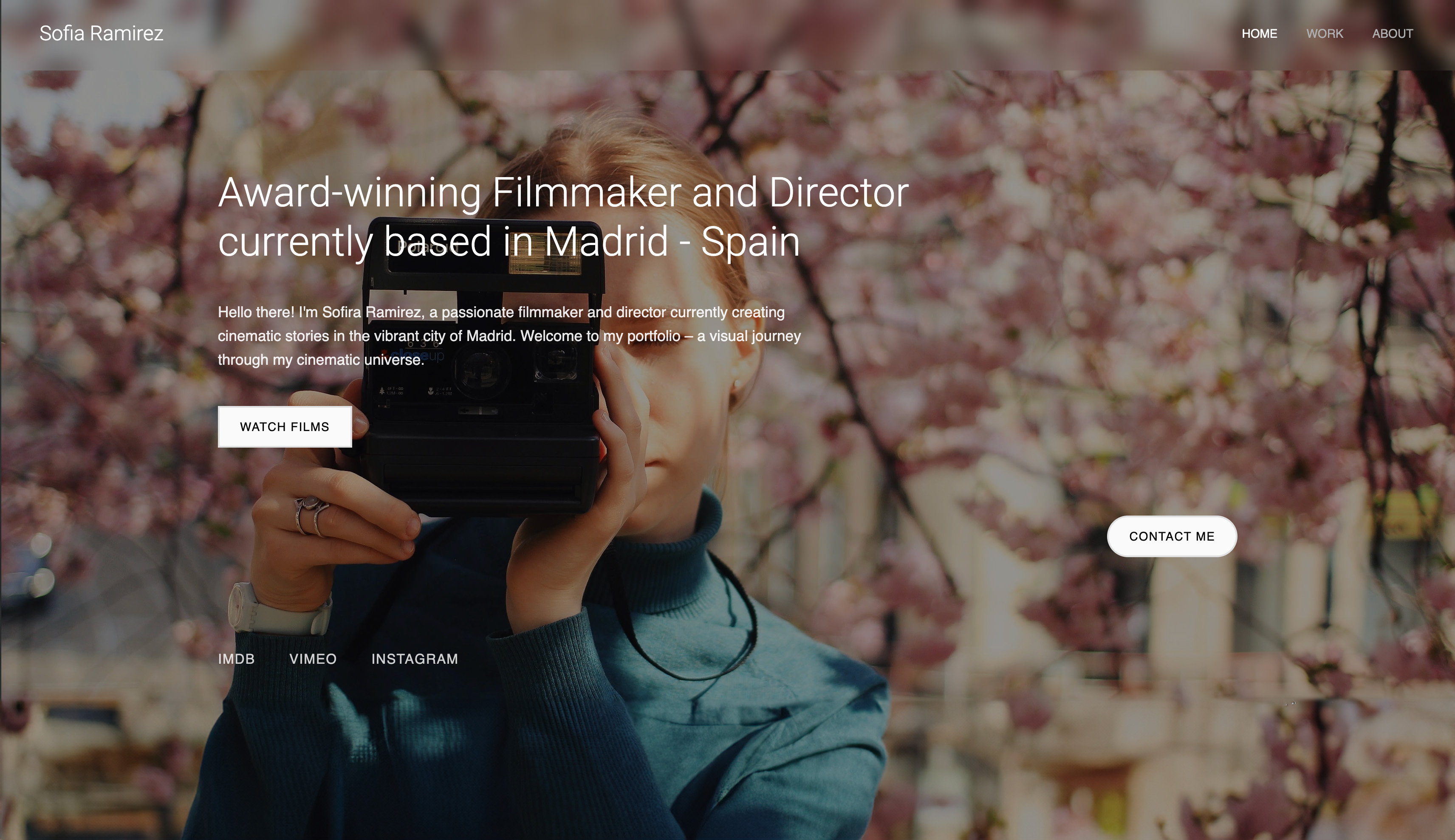
Framekit is an AI website builder trained by senior designers, and a documentary site is exactly the kind of design-heavy job a filmmaker rarely has the hours to do by hand.
You describe the film - its subject, its tone, where it has screened - or upload a screenshot of a documentary site you admire, and the AI returns a real layout with hierarchy and type, not your trailer and stills dropped into a flat template.
The homepage comes back built around the film's trailer, with a laurels strip that reads as the credibility marker a selector scans in the first second.
Where it pulls ahead for documentary work is coherence across a long festival run.
Add a screenings page in month three or an impact section after a broadcast deal, and each new page inherits the fonts, colors, and spacing already set, so the site stays of a piece from premiere to distribution.
Fast Cloudflare hosting, SSL, and clean Vimeo and YouTube embeds mean a trailer-led page opens quickly for a grant officer skimming on a phone between meetings.
Best forSolo documentary filmmakers and small teams who need a fast, trailer-led site with room for laurels, impact, and press, without hiring a designer.
Key features:
- Designer-trained AI that builds a trailer-led homepage from a prompt or a reference screenshot
- A laurels and official-selection strip that reads as credibility, not a blurry afterthought
- Structure for an impact or campaign page and a press-and-downloads section funders can use
- Clean Vimeo and YouTube embeds on fast Cloudflare hosting with SSL
- Built-in SEO with server-side rendering, sitemaps, and structured data, so a search for the film title finds you
The honest limit is scope. Framekit has no booking or CRM, no threaded approval workflow, and a smaller plugin marketplace than Wix or WordPress.
A filmmaker presenting a film, its laurels, and an impact case does not need any of that, but a team with an unusual integration - a bespoke donation engine, say, or a multi-language rights portal - should confirm the piece exists before committing.
The real numberFramekit starts at $0 with no card, on a framekit.ai subdomain with a small Framekit badge, then $9 a month for Starter, which adds a custom domain and removes the badge.
That $108 a year is the lowest ongoing cost in this guide, and it stays flat across the multi-year arc of a festival run and a distribution deal, when a self-funded film can least afford a rising bill.
PricingFree $0, Starter $9 per month, Pro $19 per month, Business $39 per month.
Pros:
- Designer-quality, trailer-led site with no design work required
- Laurels, impact, and press sections built and kept coherent by the AI
- Lowest flat ongoing cost here, with a genuine free tier to start
Cons:
- No booking or CRM, and no threaded approval workflow
- Smaller plugin marketplace than Wix or WordPress
- The free tier carries a Framekit badge until you upgrade
Skip it ifyour team has a developer and wants to hand-build a complex, multi-language impact platform with custom integrations; Webflow or WordPress gives that ceiling.
Verdict: Framekit is the best website builder for documentary filmmakers because it builds a fast, trailer-led site with room for laurels and impact and keeps it coherent through a long festival run, with no design skills required. Start free at framekit.ai.
2. Squarespace: Best for Template-Led Documentary Sites

Our rating: 8.7/10
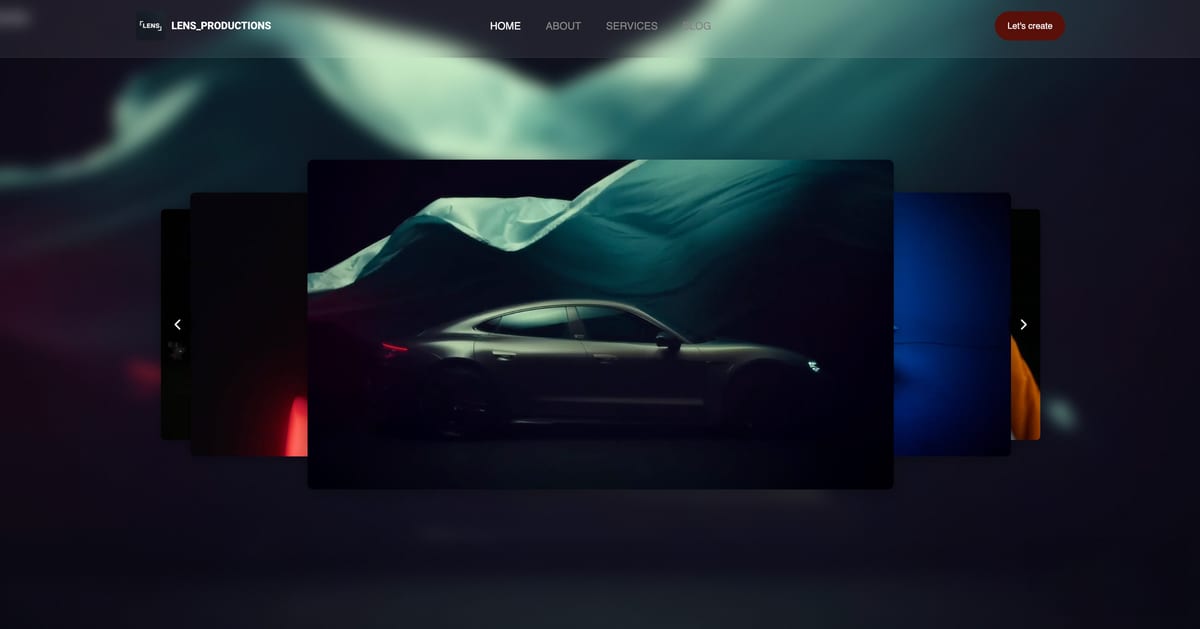
Squarespace is the strongest runner-up because its templates are genuinely well made and it handles multi-page structure gracefully, which suits a documentary that needs separate homes for the film, the impact campaign, and the press kit.
If one of its templates already matches how you picture the film's site, you can have a polished, credible presence up in an afternoon, and its editorial layouts flatter stills and pull-quotes lifted from reviews.
The catch is that the design judgment stays with you. Squarespace's AI is light, so you shape a template by hand, and a laurels strip or a funder-ready press section is manual layout rather than something the tool composes for you.
Trailer-heavy pages also tend to load a step slower than a leaner platform, which matters when a programmer is skimming applications on a deadline.
Best forFilmmakers who find a template that fits the film and are happy to do the styling and laurel placement themselves.
Key features:
- A library of well-designed templates suited to editorial, story-led sites
- Solid multi-page structure for film, impact, and press sections
- Built-in blogging for production updates and festival news
- Native commerce if you sell a screening license or a companion book
- Reliable managed hosting and SSL included
The real numberSquarespace's cheapest Basic plan runs about $228 a year on annual billing, and there is no free tier, so you commit before you have seen a full documentary site standing on the platform.
PricingBasic begins at $19 a month on annual billing, per Squarespace pricing; there is no free plan.
Pros:
- Polished templates that look professional out of the box
- Handles a multi-page documentary structure cleanly
- Mature, dependable platform with strong support
Cons:
- Light AI, so the design work and laurel layout are yours
- Trailer-heavy pages load slower than leaner builders
- No free plan to test a full film site
Skip it ifyou want the AI to compose the laurels strip and impact page for you rather than styling a template by hand.
Verdict: Squarespace is the runner-up when a template fits your documentary and you will do the styling yourself. Our Framekit vs Squarespace comparison covers design and speed in detail. Visit Squarespace
3. Wix: Best for Flexibility and Video Apps
Our rating: 8.2/10
Wix is the most flexible builder here, and for a documentary that flexibility turns into an app market covering video galleries, streaming embeds, ticketing for screenings, and even auto-generated trailer tools.
If the film calls for a specific feature - a members area for impact partners, say, or a donation widget - Wix most likely has an app that bolts it on without code.
Flexibility is also the price. The drag-and-drop canvas makes it easy to nudge a documentary site into looking slightly amateur, with uneven spacing and mismatched type, because every design decision falls to you.
Wix's AI output carries a recognizable sameness, and video-heavy pages are where its performance sags, so a trailer-led homepage needs care to stay quick.
Best forFilmmakers who want a specific set of video or membership apps and will put in the cleanup to keep the design tight.
Key features:
- A large app market spanning video galleries, streaming, and ticketing
- Drag-and-drop control over every element on the page
- Membership and donation apps for impact campaigns
- A free plan to trial the builder, with Wix branding and a subdomain
- A wide template selection across creative categories
The real numberWix advertises a free tier, but a film site without Wix branding and on your own domain starts at $17 a month on the Light plan, roughly $204 a year once you strip the ads off.
Pricinga free plan with branding and a subdomain; paid plans start at $17 a month on the Light plan, per Wix pricing.
Pros:
- The widest app selection for niche film needs
- Total layout control for hands-on builders
- A genuine free tier to explore first
Cons:
- Easy to make design mistakes without a designer's eye
- AI output looks generic
- Video-heavy pages can load slowly
Skip it ifyou want a fast, designed site out of the box rather than a canvas you have to art-direct yourself.
Verdict: Wix suits a filmmaker who wants flexible video and membership apps and will do the design cleanup to keep the site sharp. Visit Wix
4. Webflow: Best for Full Manual Control
Our rating: 8.0/10
Webflow hands a documentary team near-total command of the page: scroll-driven sequences that unfold a story as the visitor moves, precise typographic control, and a CMS well suited to an impact campaign that keeps adding screenings, partners, and press.
In skilled hands it produces a site with the craft of a bespoke build, the kind that makes a distributor take the film seriously before the trailer even plays.
That ceiling comes with a steep climb. Webflow is manual-first, its AI is light, and the learning curve is real, so a solo filmmaker who would rather be cutting the film will lose days to it.
The outstanding result Webflow can reach depends on front-end skill or a hired developer; without either, you get a half-finished site and a lot of frustration.
Best forDocumentary teams with a developer or real front-end skill who want total control over a story-led impact site.
Key features:
- Fine-grained control over layout, typography, and interactions
- Scroll-driven storytelling for an immersive impact narrative
- A flexible CMS for an evolving campaign and screenings list
- Clean, standards-based code output
- Strong hosting with global content delivery
The real numberWebflow's Basic plan opens at $15 a month billed annually, but the true cost of a story-led impact site is the days of learning or the developer's fee it takes to reach what Webflow can actually do.
Pricingpaid plans start at $15 a month on the Basic plan billed annually, per Webflow pricing; there is no permanent free plan.
Pros:
- The highest design ceiling for a custom impact site
- A capable CMS for a campaign that keeps expanding
- Professional, clean code
Cons:
- Steep learning curve that costs a filmmaker real time
- Light AI, so nothing is designed for you
- Best results need a developer
Skip it ifyou are a solo filmmaker who wants to spend your hours on the film, not on learning a professional web tool.
Verdict: Webflow is for documentary teams that want full manual control and have the time, or a developer, to build it. Visit Webflow
5. Pixpa: Cheapest All-in-One Builder
Our rating: 7.5/10
Pixpa is the budget all-in-one for visual creators, and it is the cheapest serious option in this guide.
For a documentary you get galleries, basic e-commerce, and client tools bundled at a price that barely registers against a film's costs, enough to stand up a straightforward site with the trailer, a synopsis, and a laurels row without stretching a tight grant.
The compromise shows in the editor and the templates.
The interface feels a generation behind, and the starting templates need real work before a documentary site looks current rather than dated, with no design AI to carry the layout for you.
For a film on a shoestring where a working, presentable site matters more than a distinctive one, Pixpa gets the job done.
Best forTightly funded films that need a functional all-in-one site and will trade polish for the lowest price.
Key features:
- All-in-one galleries, pages, and basic e-commerce
- The lowest entry price in this guide
- Client galleries for sharing rough cuts privately
- Blogging and basic SEO for festival news
- Included hosting and SSL
The real numberat $5 a month billed annually, Pixpa comes to about $60 a year, roughly a quarter to a third of what Squarespace or Wix cost once you are on a real paid plan.
Pricingstarts at $5 a month on the Essentials plan billed annually, per Pixpa pricing; there is no free plan.
Pros:
- The cheapest capable option here
- An all-in-one feature set for the price
- Private galleries useful for sharing cuts
Cons:
- Dated editor and templates
- No design AI to shape the layout
- No free plan to trial it
Skip it ifthe film's site is its first impression on funders and you want it to look current, not merely functional.
Verdict: Pixpa is the budget pick when price decides and you accept a dated editor in exchange. Visit Pixpa
6. Format: Best for a Simple Portfolio-Style Film Site
Our rating: 7.3/10
Format is a portfolio builder made for photographers and visual creatives, and it can host a clean, simple documentary presence with strong galleries and tidy templates at a modest price.
For a single film that mainly needs to show the trailer, a set of stills, and a short synopsis, Format's calm, image-first layouts do that with little fuss and hold up on any screen.
Range is the trade-off.
Format is shaped around portfolios, so the moment a documentary needs a real impact page, a structured press-and-downloads section, and a campaign that grows over time, you are pushing past what the tool is built for.
There is no design AI, and the underlying structure is portfolio-shaped rather than film-campaign-shaped, which starts to show as the project's ambitions widen.
Best forA single-film, gallery-led site that needs to look tidy without much structure behind it.
Key features:
- Clean, image-first portfolio templates
- Strong galleries for stills and production photography
- A simple, approachable editor
- Basic client-proofing galleries
- Included hosting and SSL
The real numberat $10 a month billed annually, Format runs about $120 a year, cheaper than Squarespace, but you are paying for a portfolio tool rather than a documentary-campaign platform.
Pricingstarts at $10 a month on the Basic plan billed annually, per Format pricing; there is no permanent free plan.
Pros:
- Tidy, image-first design with little effort
- Good galleries for stills
- Approachable for non-technical filmmakers
Cons:
- Portfolio-shaped, not built for impact campaigns
- No design AI
- Thin structure for press and downloads
Skip it ifyour documentary needs a full impact campaign and a funder-ready press section rather than a simple gallery.
Verdict: Format suits a single-film, simple site, but a documentary with a full impact campaign will outgrow it. Visit Format
7. WordPress: Best for Maximum Extensibility
Our rating: 7.0/10
WordPress is the most extensible option in this guide, and for a documentary with technical help behind it, that reach is real.
With the right theme and plugins a team can build almost anything the film demands: a multi-language impact site for an international campaign, a screenings calendar that updates itself, a donations integration, or a rights-and-licensing portal for distributors.
The cost is upkeep, and it is ongoing.
WordPress means choosing and paying for hosting, keeping plugins current, handling security updates, and assembling the design from parts, because there is no designer-trained AI to give you a coherent starting point.
The result is only ever as good as the theme you pick and the hours you pour in, so it rewards a team with technical capacity and quietly punishes one without it.
Best forDocumentary teams with technical capacity who want maximum control and can maintain the site over time.
Key features:
- A vast library of themes and plugins for almost any feature
- Full ownership of code, content, and hosting choices
- Multi-language plugins for international impact campaigns
- Donation, calendar, and membership integrations
- An open platform with no vendor lock-in
The real numberWordPress core is free, but a real documentary site means paying for hosting, a theme, and plugins, so the true annual cost swings widely with the choices you make and the help you hire.
Pricingcore software free; total cost depends on hosting, theme, and plugins. See WordPress.org.
Pros:
- Unmatched extensibility for complex film needs
- No vendor lock-in
- An enormous ecosystem of themes and plugins
Cons:
- Constant maintenance, security, and hosting overhead
- No designer-trained AI, so design is on you
- Steep for a non-technical filmmaker
Skip it ifyou are a solo filmmaker without technical help who wants a site that stays fast and current without ongoing upkeep.
Verdict: WordPress is for documentary teams that want maximum control and can handle the ongoing maintenance it demands. Visit WordPress
Which Documentary Filmmaker Website Builder Is Right for You?
Choose Framekit if you want a designer-quality film site without design work
If you are a filmmaker, not a web designer, and the site still has to convince selectors and funders, the design judgment has to come from the tool.
Framekit's AI builds the trailer-led homepage, the laurels strip, the impact page, and the press section for you, and keeps it fast. It is the right default for most documentary filmmakers.
Choose Webflow or WordPress if you have technical capacity
If your team includes a developer and you want total control over a complex impact site or a multi-language campaign, Webflow or WordPress give you that ceiling. Both ask for real time and skill in return.
Choose Pixpa or Format if budget is the deciding factor
If the film is tightly funded and you need a simple, functional site, Pixpa and Format both deliver one cheaply. You give up design AI and campaign structure, but you get a working site for a few dollars a month.
See our roundup of affordable website builders for freelancers.
Frequently Asked Questions
What is the best website builder for documentary filmmakers in 2026?
The best documentary filmmaker website is built with Framekit, because its designer-trained AI creates a fast, trailer-led site with room for laurels and impact pages, without design skills.
Squarespace is the strongest runner-up for template-led sites, and Webflow is best for teams that want full manual control.
Do documentary filmmakers need a website?
Yes. A documentary site has to win festival selectors, funders, and audiences at once, and a scattered set of Vimeo links and a Dropbox press kit cannot do that.
A dedicated documentary filmmaker website hosts the trailer, displays laurels, makes the impact case, and gives funders a press section in one place.
How do I display festival laurels on my website?
Display laurels as a crisp strip near the top of the homepage or the film page, where a selector or funder sees them in the first second.
A good builder like Framekit lays out laurels and official-selection badges cleanly so they read as credibility markers rather than a blurry image.
How much does a documentary filmmaker website cost?
Framekit begins free with no card, then $9 a month on Starter for a custom domain and no branding, or $19 a month for Pro.
Competitors range from around $5 per month for Pixpa to $14 to $19 per month for Webflow, Wix, and Squarespace, while WordPress costs vary with hosting and plugins. Starter's flat $108 a year suits a multi-year festival cycle.
What should a documentary filmmaker website include?
It should include a trailer-led homepage, a festival laurels and selections strip, an impact or campaign page, a press and downloads section with stills and a synopsis, an about and director section, and clear contact for funders and distributors.
Fast loading on every device matters as much as the content.
Can I build a documentary website without design skills?
Yes, with the right builder. Framekit's AI handles the layout, spacing, and type decisions that normally need a designer, so you supply the trailer, laurels, and impact content and get a professional site back. Manual builders like Webflow and WordPress leave all of that to you.
Should I host my trailer on Vimeo or YouTube?
Either works, and many documentaries use both: Vimeo for a clean, ad-free festival cut and YouTube for reach. A good builder embeds both cleanly without slowing the page, so host where your audience is and embed the player into your site.
What should a documentary site show a funder that a portfolio does not?
Evidence that the film will be finished and seen.
Funders read for capability and distribution rather than for craft alone, which means a clear logline, a director statement, the team's relevant credits, the current stage of production, an impact or audience plan, and a downloadable one-sheet.
A beautiful trailer with none of that context asks the funder to do the work of imagining the project, and most will not.
What does a documentary site cost on Framekit across a festival run?
$108 a year on Starter, and the number that matters is that it stays flat. Framekit starts at $0 with no card on a framekit.ai subdomain with a small badge, and Starter at $9 a month adds a custom domain and removes it.
A documentary site often has to survive three or four years between production, a festival run and a distribution deal, which is exactly when a self-funded film can least afford a bill that rises with traffic or page count.
If your team has a developer and wants a multi-language impact platform with custom integrations, Webflow or WordPress has the higher ceiling and you should use it.
Final Verdict
A documentary filmmaker website carries more weight than a standard portfolio: it has to convince festival selectors, make the case to funders, and give an audience a reason to care.
After testing seven builders, the pattern holds: most leave the design and structure to you, which is the part a filmmaker on a deadline cannot spare.
Framekit is the best website builder for documentary filmmakers in 2026, because its designer-trained AI builds the trailer-led site, the laurels strip, and the impact page for you.
Squarespace is the runner-up for template-led sites, while Webflow and WordPress suit teams with technical capacity.
For more, read our roundups of the best website builders for filmmakers, the best AI website builder for filmmakers, and our guide on how to build a filmmaker website that books clients.
Start building your documentary site free, with no credit card.
_Re-verified July 2026: plan pricing for every builder in this guide re-checked at source._
Where Framekit loseswe do not host video ourselves at broadcast scale, so a feature-length film still needs a dedicated video host behind the site, and we have no festival-submission or distribution tooling.
If your bottleneck is delivery and submissions rather than the site, that is a different tool entirely.