Framekit templates
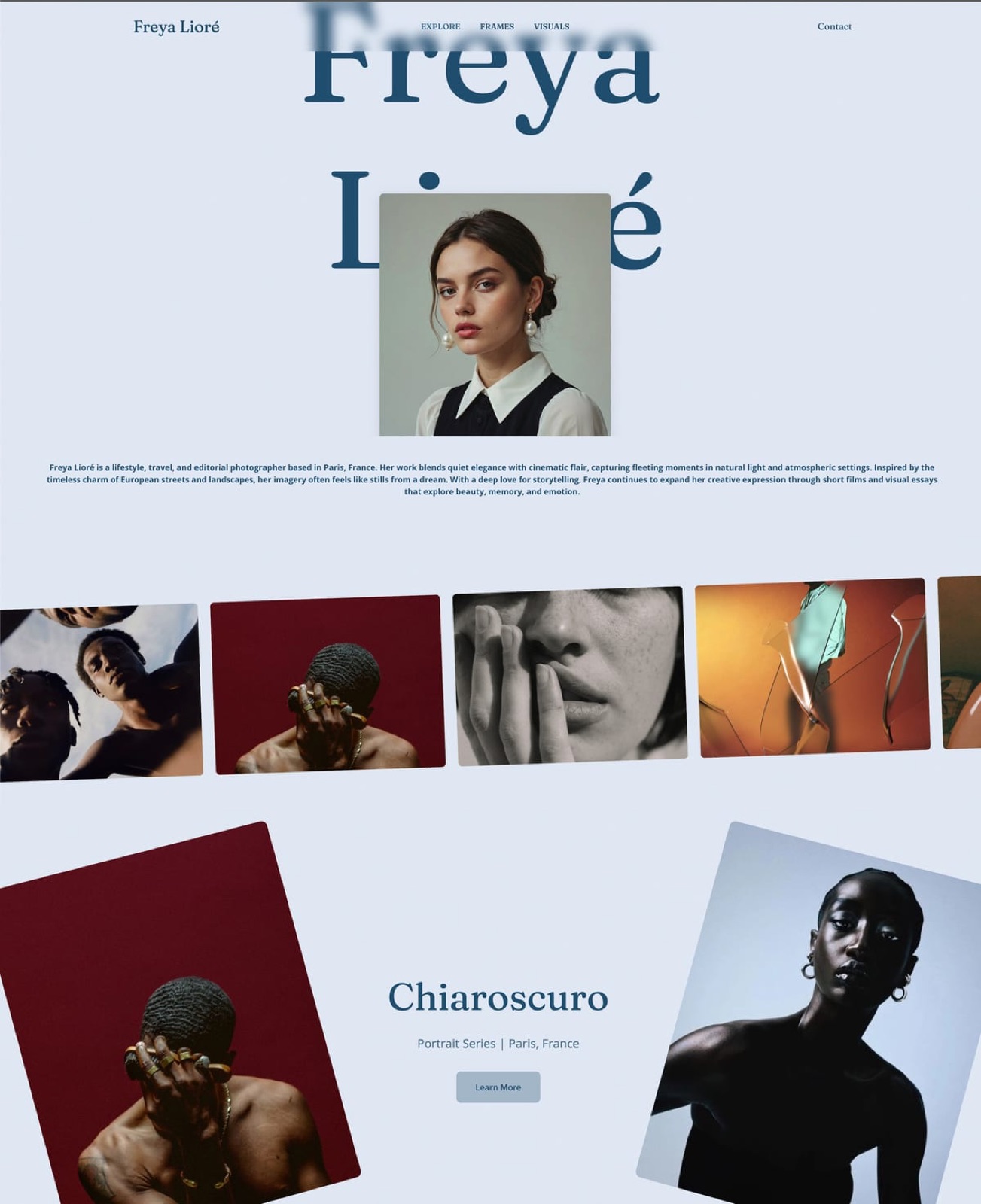
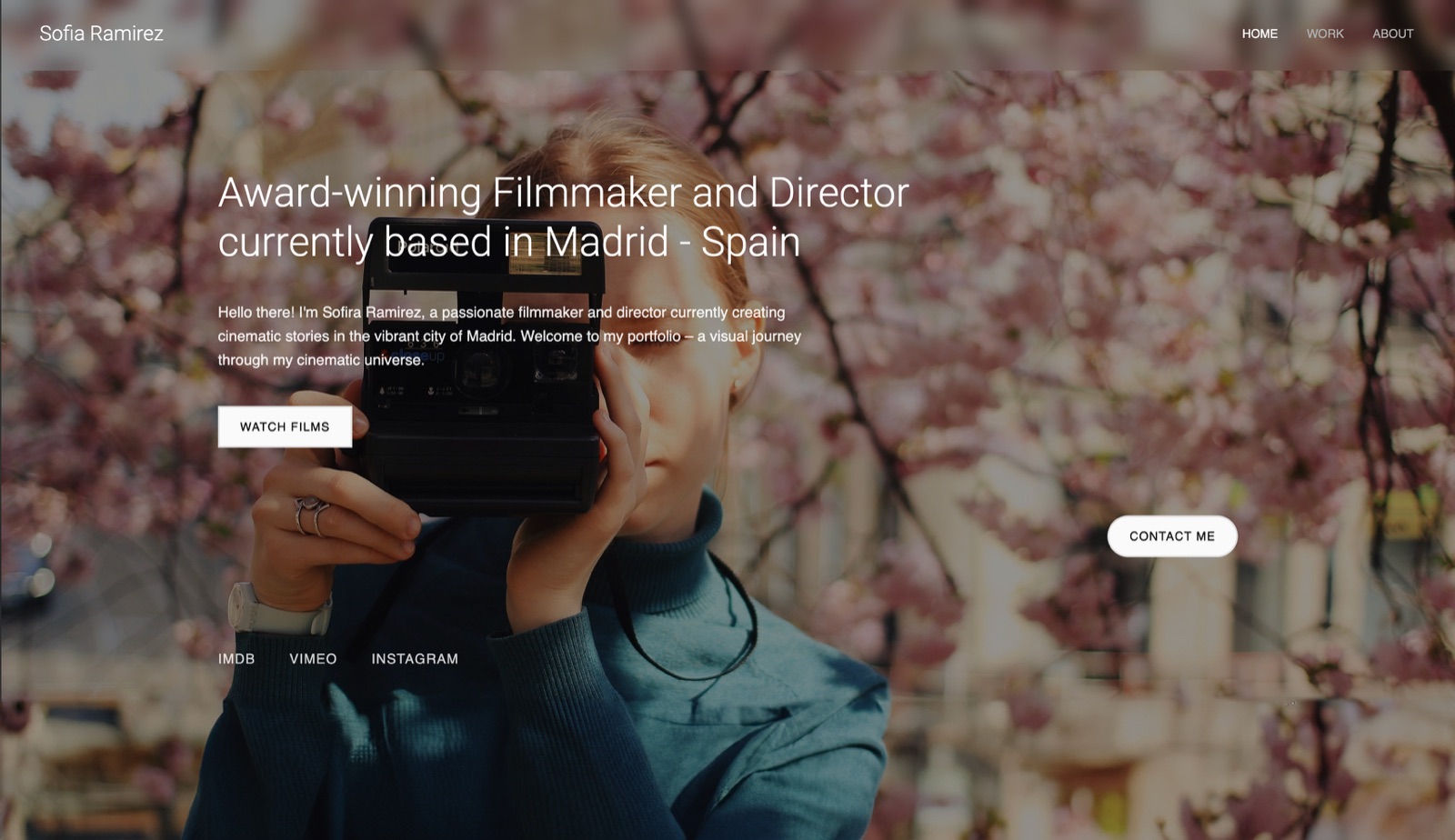
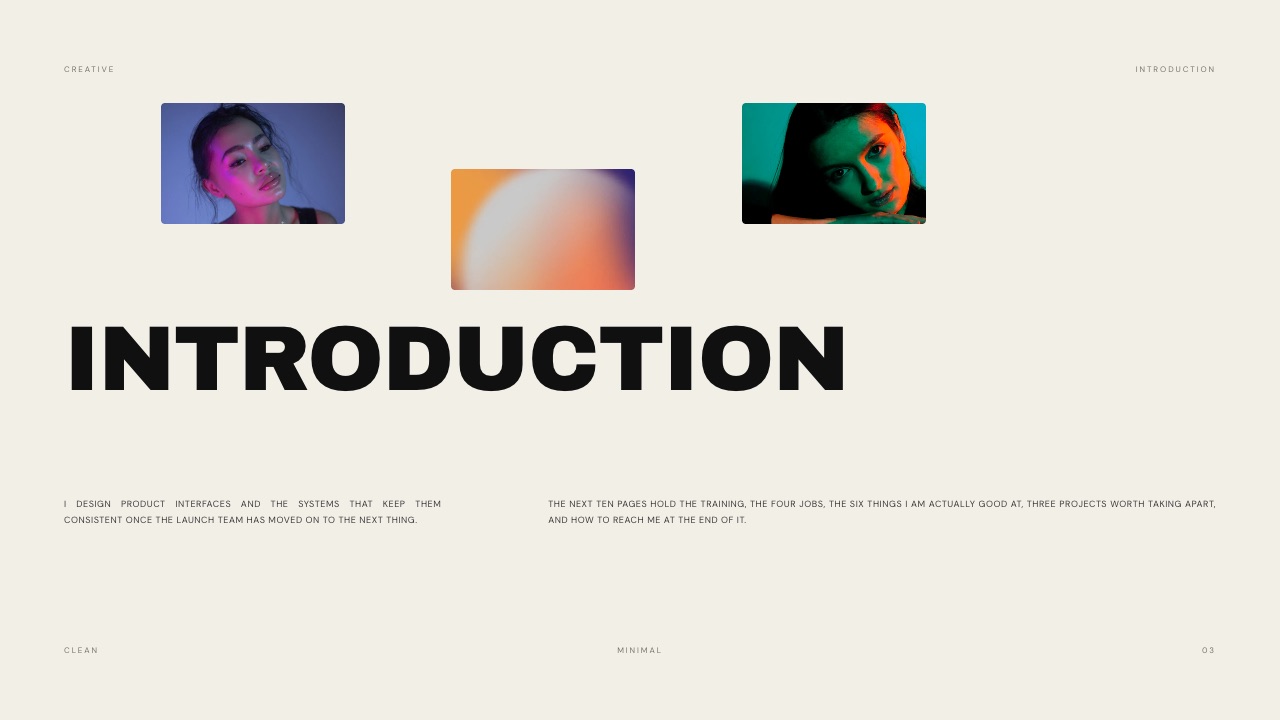
Start from a designer-made template
 Use template
 Use template
 Use template
 Use template
 Use template
 Use template
 Use template
 Use template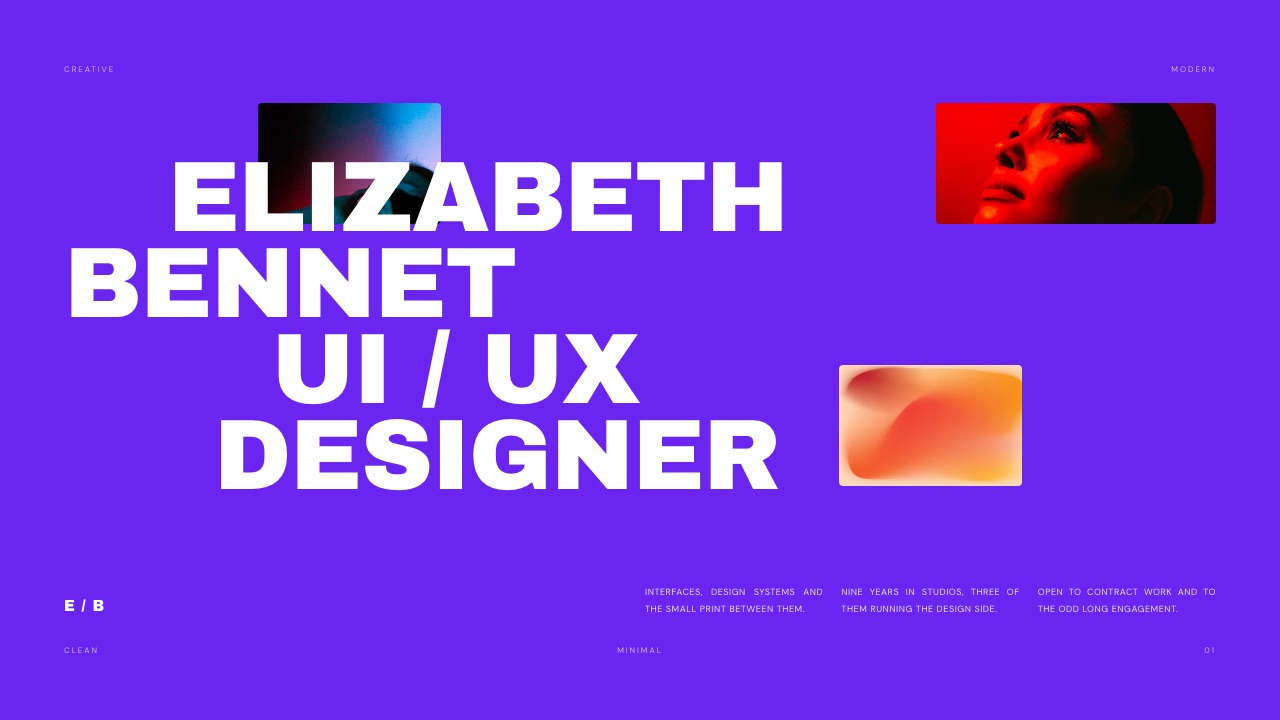
Designers present more than almost any other creative discipline and are given the worst tools to do it with. A deck app built for quarterly reviews, a template library designed for people who do not design, and a layout engine that fights every decision you make.
Then you are judged on the result, by other people who design.
This guide covers presentation software and apps for designers specifically, tested on the documents designers actually send: case study decks, client presentations, brand guidelines and proposals.
A presentation tool is software for building a sequence of pages that argue a case, and for a designer the output is also a work sample whether you intended it that way or not.
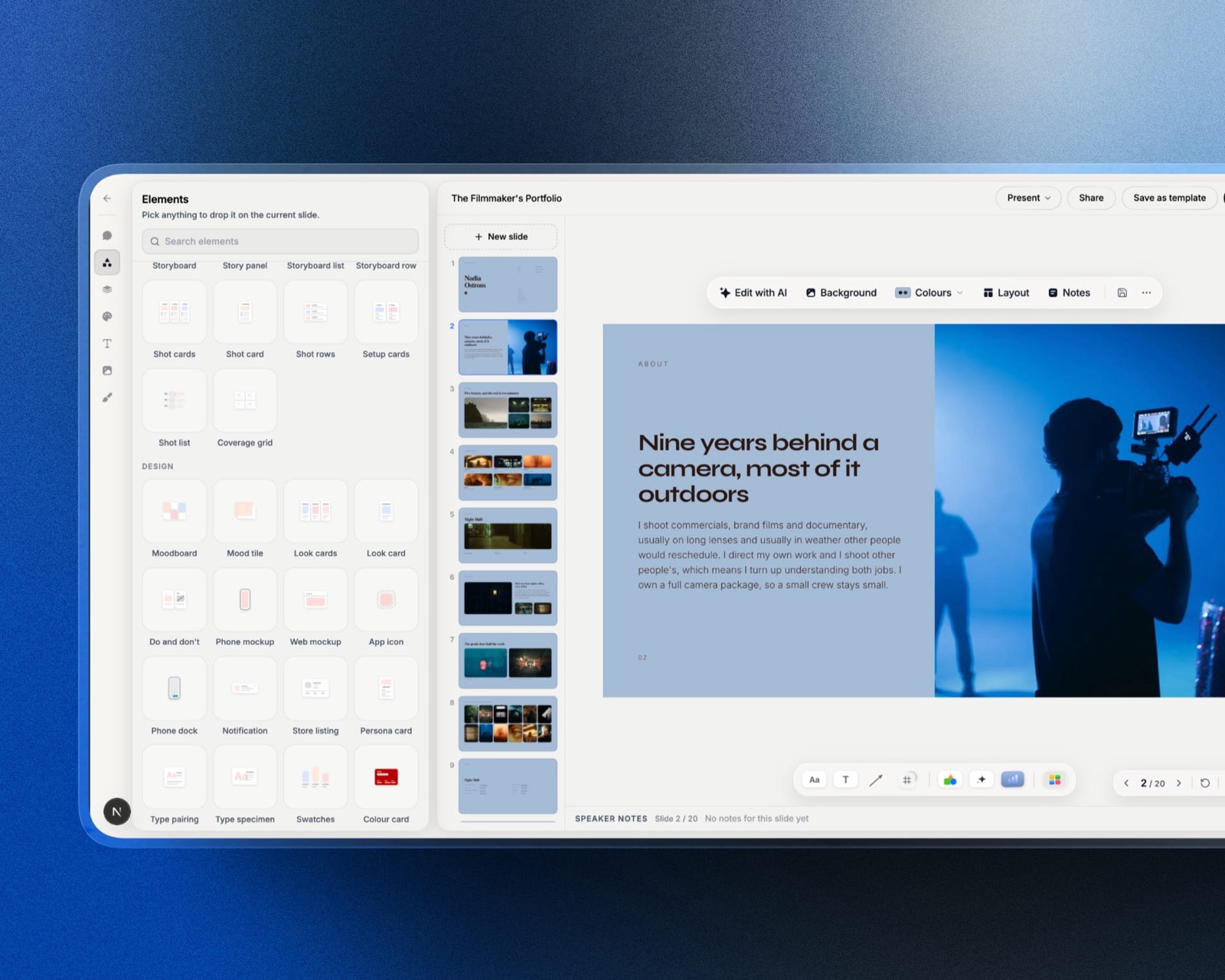
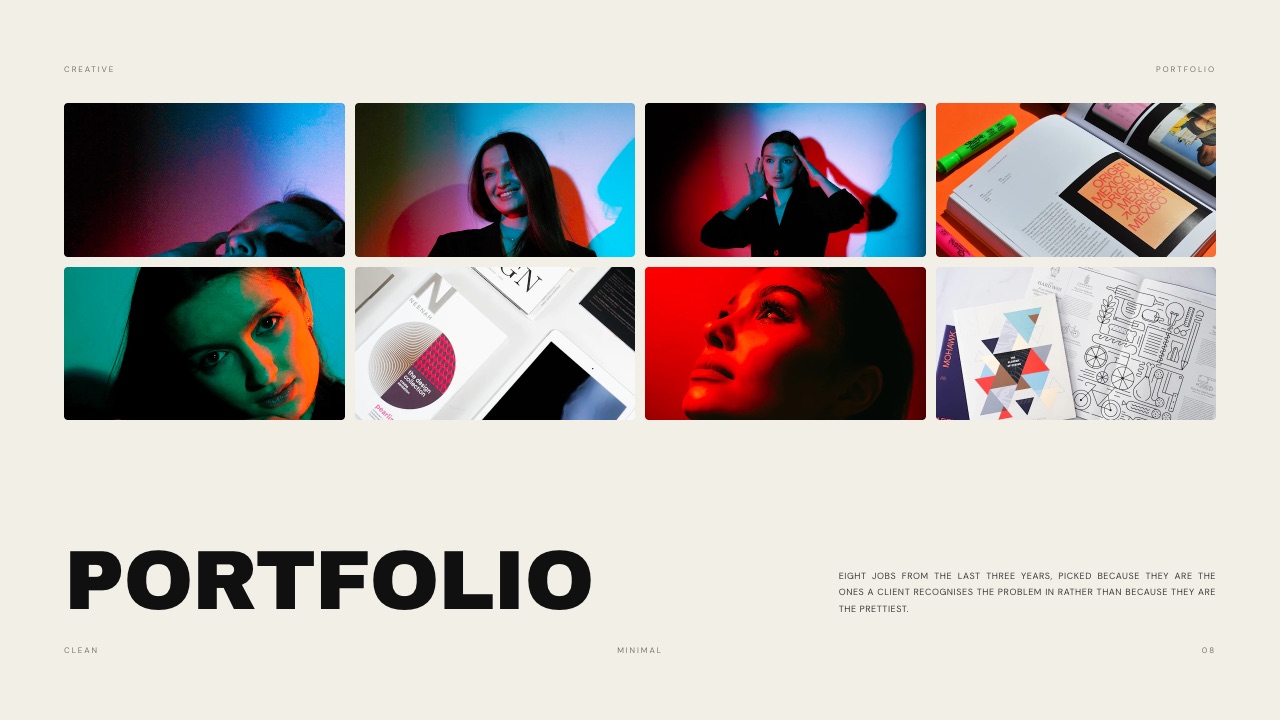
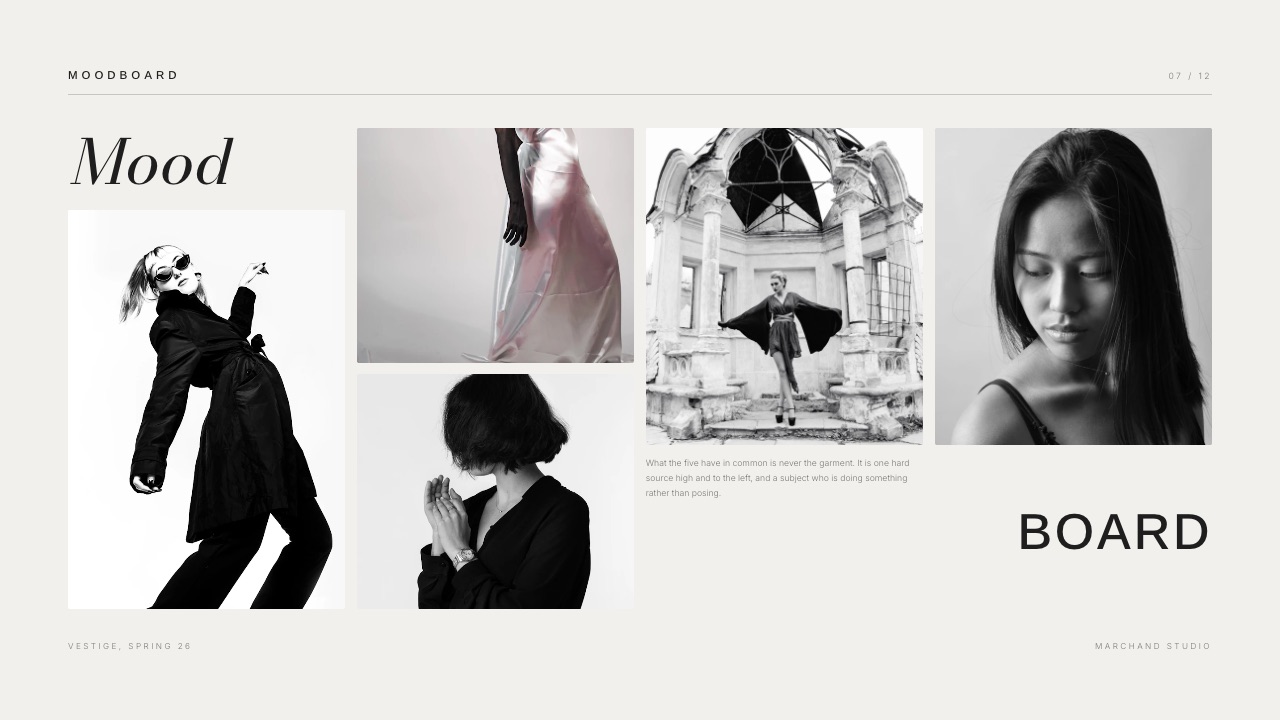
Framekit is an AI website builder whose deck tool carries portfolio, proposal and moodboard templates with your own fonts across every page.
Framekit is the best presentation tool for designers whose deck is also a portfolio piece, because templates are built for case studies and proposals rather than business updates, your own uploaded fonts apply across every page from the $9 Starter plan, and the deck sits on the same account as your site.
Figma Slides is the better pick if you already live in Figma and want components. Canva wins on breadth and on handing a client an editable file, and Keynote remains the strongest free option on a Mac.
Full disclosure: Framekit, ranked first below, is our own product. We built the same case study deck and client proposal in every tool here, verified prices against published pricing in September 2026, and link to all of them. Where they beat us: Figma on component reuse and real-time collaboration, Canva on template breadth and editable exports, Pitch on knowing who read it, and Google Slides on being free and universal.
How We Tested These Tools
We built two documents in every tool: an eight-page case study with a problem statement, process and results, and a twelve-page client proposal with scope, timeline and pricing. Then we exported each and sent them to a recipient on Windows.
The honesty split, so you know what each claim rests on:
- Measured hands-on: both builds in each tool, what survived export, and how much fighting the layout engine required.
- Verified from primary sources: prices read from each vendor's published pricing in September 2026, including Figma's pricing.
- Aesthetic judgement: flagged as judgement, because "looks designed" is not a measurement and we are not pretending otherwise.
No speed or performance numbers appear here for any tool.
What Building the Same Two Decks Showed
Four findings carry this comparison, and the second is the one designers underestimate until a client opens the file on a machine they do not control.
- 2 of 8 tools let you upload and use your own licensed fonts on every page
- 5 of 8 degrade typography or layout on export to another format
- $0 what the best free option costs, on a Mac
- 8 pages the case study we built, which is the length most design portfolios land on
The Eight Tools Compared
The weighting, stated before the table: whether the finished document looks designed is weighted highest, because for this audience the deck is a work sample. Then font control, then collaboration, then cost.
Under the opposite weighting, where a team editing simultaneously matters most, Figma Slides or Google Slides wins and we place fourth.
| Tool | Own fonts | Looks designed | Real-time co-edit | Editable export | From |
|---|---|---|---|---|---|
| Framekit | Yes, from Starter | Yes | No | Picture-based | $84/yr |
| Figma Slides | Yes | Yes, with effort | Yes | Figma only | About $144/yr |
| Canva | Pro | Template-dependent | Yes | Yes | Free to $120/yr |
| Keynote | Yes | Yes | Limited | Degrades | $0 on Mac |
| Pitch | Yes | Yes | Yes | Yes | Per seat |
| Google Slides | Limited | No | Yes | Yes | $0 |
| Beautiful.ai | Yes | Rule-driven | Yes | Limited | About $144/yr |
| PowerPoint | Yes | With effort | Yes | Yes | With Office |
1. Framekit: Best When the Deck Is a Work Sample

Framekit is first here for designers because the templates were built for creative documents, case studies, portfolios, proposals and moodboards, rather than adapted from a business format with the bullets removed.
Building the eight-page case study, the useful surprise was the structure: the template arrived with a problem statement, a process section and a results block already in place, which is the shape most designers know they should use and skip because a blank page is intimidating.
The real number$84 a year on Starter, which unlocks the full template library, your own uploaded fonts across every page, and removes the Framekit byline. The free plan makes unlimited decks with PDF export and a small credit on each page.
The standout detailthe case study written for the deck and the one on your portfolio site are the same content on the same account, so a client proposal reuses the work rather than rebuilding it in a second tool.
The gotcha, stated plainlyno real-time co-editing, so two designers cannot work the same page at once. The PowerPoint export from Pro renders each page as a picture with speaker notes preserved, so a client can present it and cannot edit it. And a share link has no password or per-viewer analytics.
Skip it ifyour studio drafts decks together simultaneously, or your clients contractually receive editable source files.
Verdict: the right tool when the deck has to demonstrate taste, and the wrong one when it has to be edited by someone else.
2. Figma Slides: Best If You Already Live in Figma
Figma Slides puts presentations inside the application most designers already have open on a second monitor, with components, auto-layout and genuine real-time collaboration carried over from the main product. That context is the entire argument for it.
The real numberabout $144 a year for collaboration seats, on top of whatever Figma you already pay for.
The standout detailcomponents mean a change to your case study template propagates everywhere, which nothing else here offers.
The gotchait expects Figma fluency, and presentation-specific niceties lag behind dedicated deck tools.
Skip it ifyou are not already a Figma user, where the learning curve buys you nothing.
Verdict: the obvious choice inside a Figma-native studio and an odd one outside it.
3. Canva: Best Breadth and Editable Handoff
Canva's template library is far larger than anything else here and it hands a client a file they can genuinely edit, which is a real contractual requirement on some accounts.
The real numberfree, or about $120 a year on Pro, where brand kit and font upload live.
The gotchaa Canva deck often looks like a Canva deck, which for a designer being judged on craft is the wrong kind of recognisable.
Skip it ifthe deck is a portfolio piece rather than a working document.
Verdict: unbeatable for breadth and editable handoff, and a compromise when taste is the point.
4. Keynote: Best Free Option on a Mac
Keynote handles typography and full-bleed imagery noticeably better than any other free tool in this comparison, and on Apple hardware it costs nothing at all, which makes it the strongest free craft option a designer has access to.
The real number$0 on Apple hardware.
The gotchathe export degrades. Send a client on Windows a Keynote file and either the fonts or the layout give way.
Skip it ifyour clients are not on Macs, which most are not uniformly.
Verdict: the best free craft in this comparison, inside a walled garden.
5. Pitch: Best for Knowing Who Read It
Pitch combines a capable editor with per-viewer analytics and locked brand templates, which suits a studio where several people send client decks to a house standard.
The real numberper-seat pricing in euros, which scales with headcount.
The gotchait is priced as sales software and most design studios never open the analytics.
Skip it ifyou send decks to named clients you can simply ask.
Verdict: the only tool here that reports engagement, at a price built for revenue teams.
6. Beautiful.ai: Best Automated Consistency
Beautiful.ai applies layout rules automatically so a deck stays consistent without anyone arranging it, which is useful for non-designers and an odd purchase for designers.
The real numberabout $144 a year for one user.
The gotchathe rules that guarantee consistency also prevent the deliberate irregularity that makes a design deck look designed.
Skip it ifyou want control over the page.
Verdict: an excellent tool for people who are not the audience of this article.
7. Google Slides: The Free Universal Floor
Google Slides is free, opens on any machine without a download, and collaborates in real time more reliably than any paid tool in this comparison, which is why it survives in studios that own better software.
The real number$0.
The gotchalimited font control and a visual default that reads as a document rather than a designed artefact.
Skip it ifthe deck is going to a client who is choosing between studios.
Verdict: the best collaborative drafting surface and the weakest sending surface.
8. PowerPoint: The Format Clients Expect
PowerPoint remains the format corporate clients ask for by name, and with sufficient effort it produces a genuinely good-looking deck with complete font control. The effort is the whole story, and it is larger than designers expect.
The real numberincluded with an Office subscription most agencies already hold.
The gotchathe effort is real, and the defaults actively work against a designer's instincts.
Skip it ifnobody is asking for a .pptx file.
Verdict: the compatibility answer rather than the craft answer.
What a Designer's Deck Setup Costs
The tool is rarely the expensive part, and two of the strongest options here are free, which is worth seeing before assuming a subscription is required.
| Approach | A year | Best for |
|---|---|---|
| Framekit free | $0 | Unlimited decks, PDF export, small page credit |
| Framekit Starter | $84 | Own fonts, case study templates, no byline |
| Keynote | $0 | Best free craft, Mac only |
| Canva Pro | $120 | Breadth and an editable handoff |
| Figma Slides | About $144 | Components and real-time collaboration |
In one linea designer can produce a genuinely good deck for nothing, and the paid tiers buy font control and time rather than capability.
How to Choose: A Decision Tree
Begin at the first question and stop as soon as one applies, since the opening two are requirements a client imposes rather than preferences you hold.
- Must the client receive an editable file? Yes: Canva, Pitch or PowerPoint. Our export is picture-based.
- Do two designers edit the same page at once? Yes: Figma Slides, Google Slides or Canva.
- Do you already work in Figma every day? Yes: Figma Slides, for components.
- Is the deck a portfolio piece a client will judge you on? Yes: Framekit, for case study templates and your own fonts.
- Mac only, no budget? Keynote.
- Corporate client asking for .pptx? PowerPoint, and accept the effort.
Frequently Asked Questions
What is the best presentation tool for designers in 2026?
Framekit for decks that double as portfolio pieces, because its templates are built for case studies, proposals and moodboards rather than business updates, and your own licensed fonts apply across every page from the $9 Starter plan.
Figma Slides is better inside a Figma-native studio, Canva wins on breadth and editable handoff, and Keynote is the strongest free option on a Mac.
Can I use my own fonts in a presentation?
On Framekit from the Starter plan at $9 a month, on Canva Pro, on Figma, on Keynote and on PowerPoint. Google Slides is limited to its own library plus Google Fonts.
This matters more for designers than for any other audience, because a licensed brand typeface is frequently the thing separating a deck that looks designed from one that looks assembled.
Which presentation tools let a client edit the file?
Canva, Pitch, PowerPoint and Google Slides hand over genuinely editable files.
Framekit's PowerPoint export, available from the Pro plan, renders each page as a full-bleed picture with speaker notes preserved, so a recipient can present it but cannot rewrite it.
If an editable handoff is written into your contract, that difference decides the comparison on its own.
Is Figma Slides good enough to replace a deck tool?
Inside a studio that already works in Figma every day, yes, and the component model is genuinely better than anything else here for maintaining a house template.
Outside that context the learning curve buys nothing, and presentation-specific features lag dedicated tools. The honest test is whether Figma is already open on your second monitor.
Can two designers work on the same deck at once?
On Figma Slides, Canva, Google Slides, Pitch and PowerPoint, yes. Not on Framekit, which has no real-time multi-cursor editing anywhere in the product, so a deck written by two people gets passed back and forth.
For a studio that genuinely drafts together that is a daily friction and a fair reason to choose something else.
How long should a design case study deck be?
Eight to twelve pages for a single project, structured as problem, process and results rather than as a gallery of final screens. The results section is the one most designers skip and the one clients read first.
Longer decks are usually several case studies stapled together, which works better as separate documents or as pages on a portfolio site.
What is the best free presentation software for designers?
Keynote on a Mac, for typography and image handling that no other free tool matches. Framekit's free plan makes unlimited decks with PDF export and a small credit on each page, with case-study templates included.
Google Slides is free and best for collaborative drafting. All three are genuinely usable, and the paid tiers mostly buy font control rather than capability.
Will my deck look right when the client opens it?
Only if you send a PDF or a link. Every editable format in this comparison degrades on a machine that lacks your fonts, which is the most common way a carefully typeset deck arrives looking wrong.
Export a PDF for sending and keep the editable file for yourself, or send a link where the rendering is not the recipient's responsibility.
Does Framekit track who opened my deck?
No. A Framekit share link reports a total view count and nothing per recipient, so there is no way to see which client opened it or which page they stopped on. Pitch reports per-viewer analytics and Gamma Pro does too.
If your follow-up depends on that signal, one of those is the correct tool and we are not.
Can I reuse my portfolio content in a client proposal?
On Framekit, yes, and it is the main practical reason designers consolidate: the case study on your site and the case study in the proposal deck are the same content on the same account, so a proposal assembles from existing work rather than being rebuilt.
In a separate deck tool, the same case study gets written twice and diverges the first time you update one.
Final Verdict
For designers, a deck is a work sample whether or not it was meant to be, which changes the criteria. Font control and template intent matter more than feature count, and the tools built for quarterly business reviews are the wrong starting point however capable they are.
Who should not use Framekit. Studios where two people edit the same deck simultaneously, since Framekit does not offer real-time co-editing at any tier.
Designers whose clients contractually receive editable source files, because our export is picture-based. Anyone who needs to know who opened the deck. Anyone deep in Figma already, where Figma Slides reuses what you have built.
Who should. Designers whose decks are case studies, proposals and portfolio pieces, particularly those already paying for a portfolio site, since the deck and the site share content on one plan.
The free tier makes unlimited decks with PDF export, so producing a real client proposal in it costs nothing.
Related readingthe best case study templates for designers, how to present design work to clients, and the best Figma Slides alternatives.
Competitor pricing taken from each vendor's published pricing during September 2026. Our deck limits and font handling come from the shipped plan configuration, checked the same month.