Framekit templates
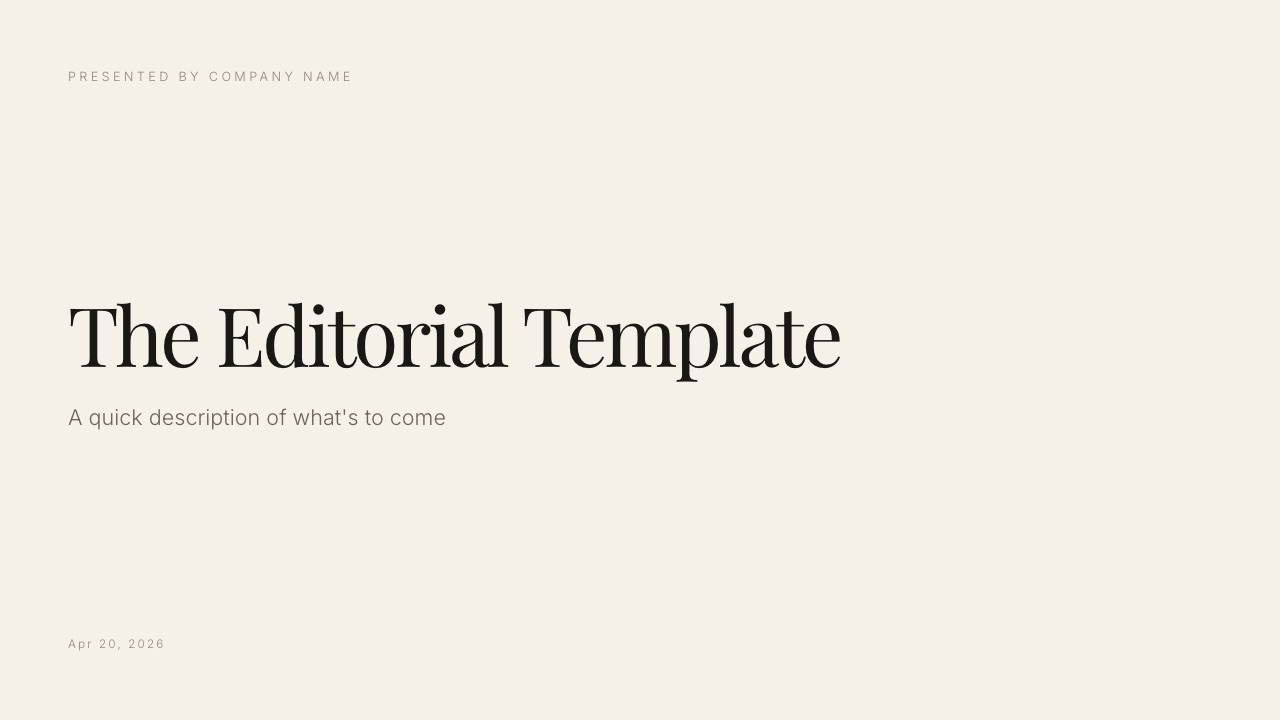
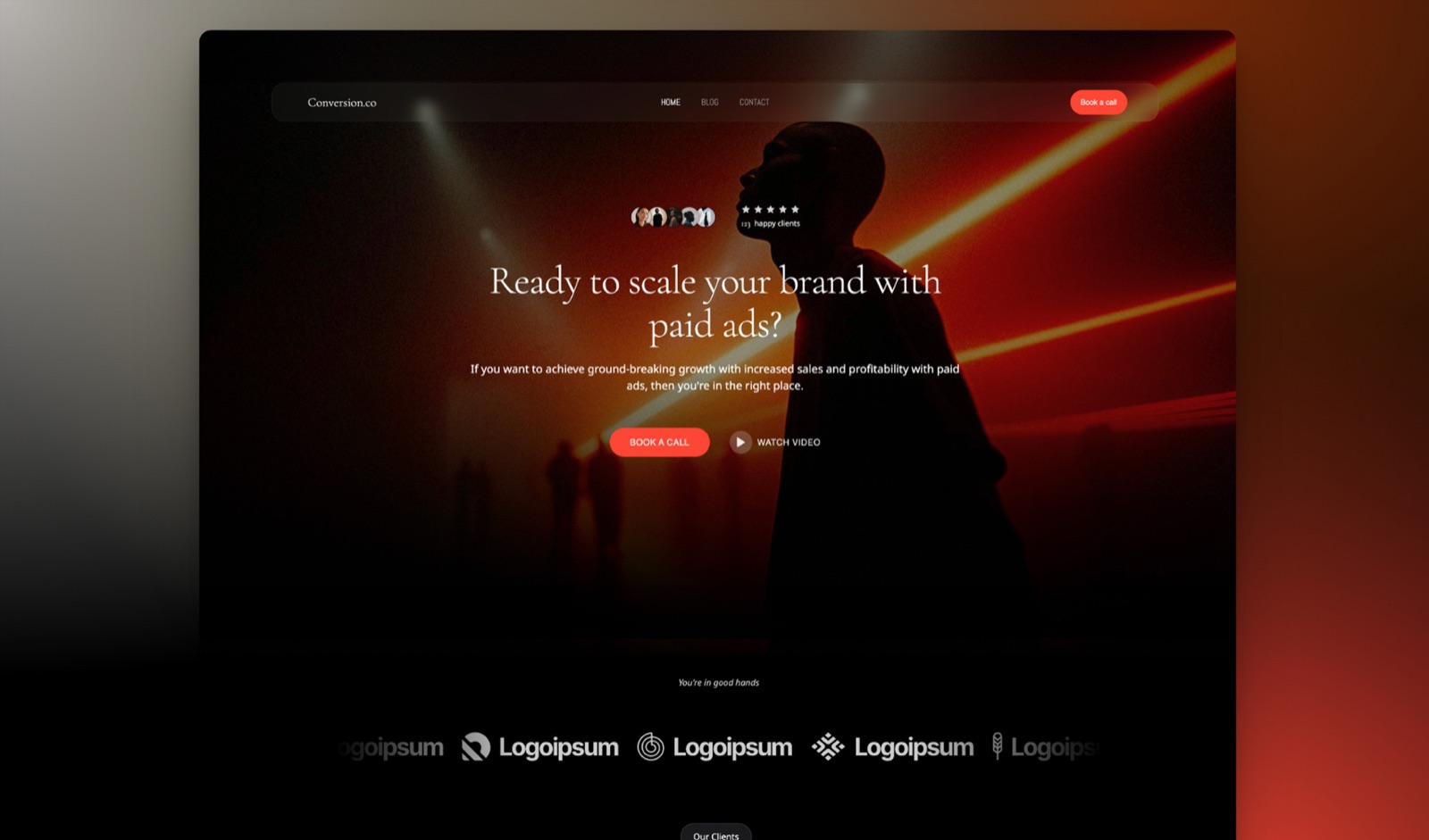
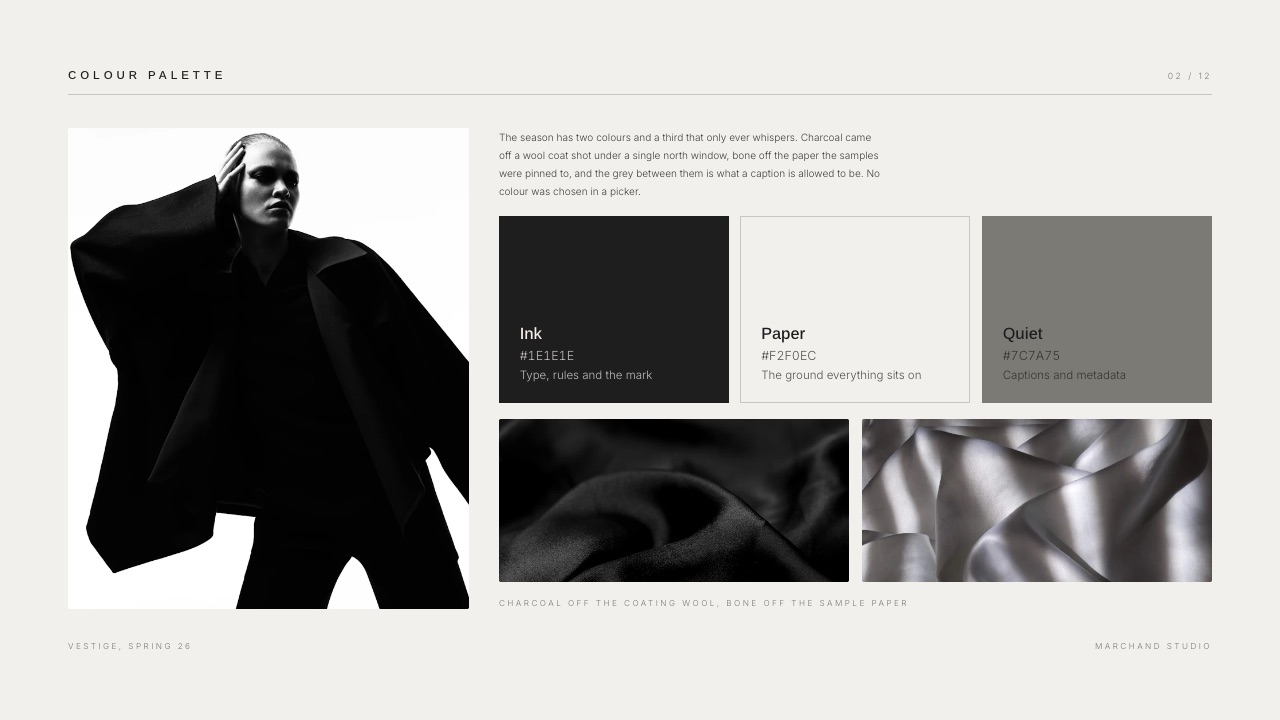
Start from a designer-made template
 Use template
 Use template
 Use template
 Use template
 Use template
 Use template
 Use template
 Use template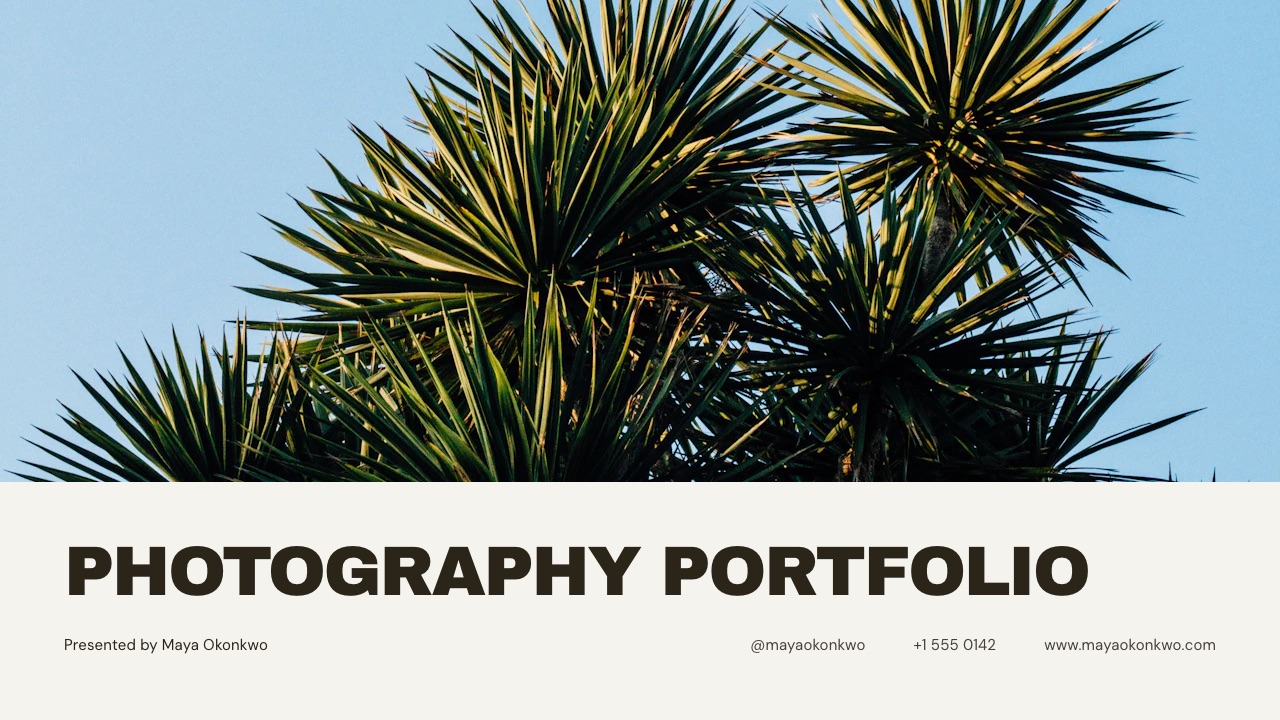
A director sends a 14-page treatment to an agency producer. 11 of the 14 pages are full-bleed stills.
It opens on the producer's laptop with the type substituted, 2 frames letterboxed inside white margins, and the reel on page 9 showing as a grey rectangle with a play icon that does nothing.
Nothing was wrong with the taste. The deck tool did not carry the 4 things that made the deck work, which is the entire reason deck tools for photographers and filmmakers need judging differently from deck tools for quarterly reviews.
A deck tool for photographers and filmmakers is presentation software judged on how well it holds large images, full-bleed pages, your own typefaces and embedded video from the moment you build it to the moment somebody else opens it.
Framekit Slides is the pick for image-led decks, because your own fonts and colours apply across every slide, pages can run full-bleed, YouTube and Vimeo embeds sit on the slide itself, and both PDF export and a share link are on the free plan with no cap on the number of decks you make; the trade-off is that its PowerPoint export is Pro and up, picture-based and capped at 60 slides, so nothing is editable on the other side.
Keynote is the better free choice if everyone involved is on Apple hardware, Google Slides wins when the recipient will edit the file, and InDesign at US$22.99 a month is still the answer for a print-grade portfolio book.
Full disclosure: Framekit is our product, so the sensible way to read this page is to check the claims against the links instead of taking the order on trust, and 2 of the 12 vendors here would not answer an automated request at all. Vendor prices were read on each company's own published page in September 2026 and linked where that page answered an automated request; Canva's and Gamma's refused, and their numbers are labelled as a browser reading and not quietly filled in. All 3 of Google Slides, PowerPoint and Keynote beat Framekit on editable handover, which is stated again in the verdict. Storyflow, which turns up in the Milanote entry as the place the planning happens, is a sister product to Framekit from the same team and holds no position in this ranking.
What this comparison checked and what it cannot
The distinction between what was read, what was calculated and what nobody can honestly claim matters more in this category than in most, because all 4 of the things that break a visual deck break only on somebody else's machine.
Read at the source. Plans, prices, export formats and file limits come from each vendor's own published page in September 2026, fetched directly and linked wherever the page answered.
Where a page served euro amounts, euros are what appear here, unconverted. 2 of the 12 vendors blocked automated reads and are flagged in place.
Calculated. The cost arithmetic below is shown in full, not summarised.
The carried example is the same throughout: a 14-page director's treatment for a beverage commercial, eleven pages full-bleed, two carrying an embedded reel, sent to one agency producer and two brand marketers.
Not claimed. No one here opened 12 accounts and ran the same file through each. Where a behaviour could only be confirmed by exporting from a paid tier, this guide says what the vendor documents and stops.
Framekit's entries are stated from what ships today, including the 60 slide export cap that costs it a criterion in the ranking.
Image-led decks by the numbers
6 numbers do more work in this decision than any template count, because each is a specific place where a visual deck either survives the handover or quietly stops being yours.
- 60 slides is the cap on Framekit's PowerPoint export, which is Pro and up and picture-based.
- 3 Figma Slides files is the whole free allowance on Figma's Starter plan outside drafts.
- $0 is what Keynote, Google Slides, PowerPoint on the web and Framekit Slides cost to make a deck.
- 5 GB is the OneDrive storage behind Microsoft's free web apps, which fills fast with stills.
- US$22.99 a month is InDesign's single-app price, and it remains the print answer.
- 11 of 12 tools here will put video on a slide in some form, and InDesign is the only one that will not.
The twelve tools on what actually breaks
Read this table by the last 2 of its 5 columns and not the price column, because a deck that loses its typeface or its video on arrival has failed at the only job it had.
| Tool | Your own fonts | Video on the slide | Free plan builds a real deck | Published entry price |
|---|---|---|---|---|
| Framekit Slides | Yes, uploads are paid | Yes, YouTube and Vimeo | Yes, unlimited decks | $0, paid from $9/mo |
| Keynote | Yes, system fonts | Yes, local files | Yes | Not published separately |
| Canva | Pro fonts and uploads | Yes | Yes, smaller library | EUR 110/yr Pro |
| Google Slides | Google Fonts only | Yes, YouTube and Drive | Yes | $0 |
| PowerPoint | Yes, on desktop | Yes, on desktop | Web version only | $9.99/mo for Personal |
| Pitch | Paid plans | Paid video uploads | Limited | EUR 10/mo yearly |
| Gamma | Paid plans | Yes | Signup credits only | EUR 8/seat/mo yearly |
| Figma Slides | Yes | Yes | 3 Slides files | $16/mo full seat |
| Beautiful.ai | Paid themes | Yes | Trial only | $14.50/mo annually |
| InDesign | Yes, anything | No, print format | No | US$22.99/mo |
| Storydoc | Paid plans | Yes | Trial only | $19.80/mo annually |
| Milanote | No | Embeds | 100 items total | $9.99/mo annually |
In one lineOnly 4 of the 12 let a broke photographer build a genuinely good-looking, unlimited number of image-led decks without paying anything, and 3 of those 4 have a handover limitation you need to know about before you send the first one.
How the ranking is weighted and where Framekit comes fourth
Four weights, published so you can disagree: image and type fidelity at 35 percent, what it costs to run at 25 percent, handover and export at 25 percent, and speed to a first draft at 15 percent.
Framekit takes 1st on fidelity and on cost, and 4th on handover behind Google Slides, PowerPoint and Keynote.
Its PowerPoint export is Pro and up, capped at 60 slides, and picture-based, which means the receiving agency gets images they cannot retype.
If handover were weighted at 40 percent instead of 25, Google Slides wins this list and the order above is wrong.
Fidelity carries 35 percent because the deck is the work sample. A quarterly business review survives a substituted typeface; a director's treatment does not, because across 11 full-bleed pages the type is part of what you are claiming to be good at.
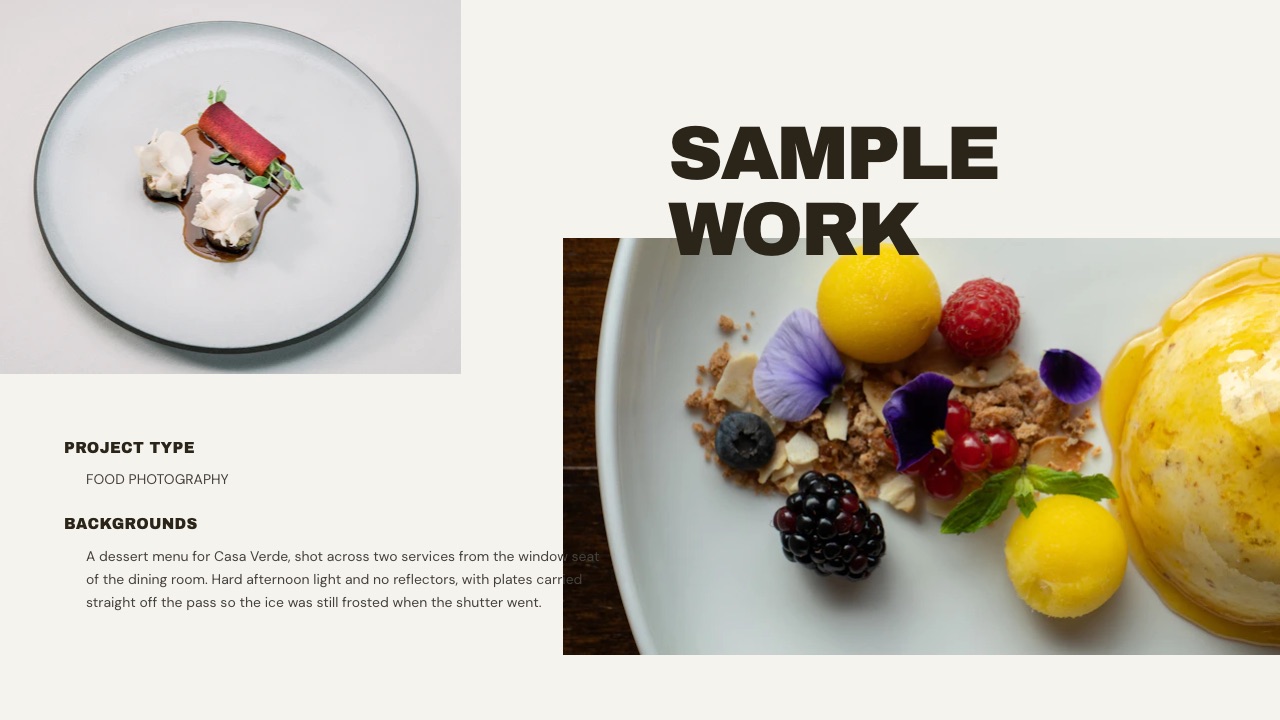
1. Framekit Slides: Best for Image-Led Decks You Send as a Link or PDF

Framekit is an AI website builder that grew a Slides tool because the same people who need a portfolio site need a treatment, a lookbook and a rate deck, and all 4 are the same problem: photographs at full size with type that does not get in their way.
The real numberunlimited decks on all 4 plans, including Free, with the AI slide writer, speaker notes, full-screen presenting, a share link and PDF export also on Free.
A 14-page treatment and the nine versions of it that preceded it cost the same as one. Paid starts at $9 a month, $7 billed yearly, and buys the full template library, uploaded fonts and removal of the Framekit byline.
The detail nobody writesthe elements panel treats 4 things as real blocks and not decoration, shot lists, moodboard grids, storyboards and charts, and YouTube and Vimeo embeds sit on the slide.
On the carried treatment that means page 9 plays the reference reel inside the deck instead of sending the producer to a browser tab they may not come back from.
InDesign is the 1 tool here that takes no video at all, and a PDF export of any of the other 11 turns page 9 back into a still.
The gotcha that bites in week threePowerPoint export is Pro and up, capped at 60 slides, and picture-based. All 60 slides leave as full-bleed images, the text is not editable in PowerPoint, and speaker notes do come across as real notes.
For a treatment a producer reads that is fine, and for a deck an agency has to rebrand it is useless, which is a real reason to build that version somewhere else.
The second gotchadeck share links carry 0 passwords and 0 per-viewer analytics, just 1 total view count. A treatment containing your rates and a client's unreleased campaign has no lock on it, and you will not know who forwarded it.
Skip it ifthe receiving side needs an editable file, or the deck is destined for print at trim size with bleed marks. Google Slides answers the first and InDesign answers the second, and neither is a weakness Framekit is about to fix.
Verdict: the strongest free tool here for a deck whose job is to look like your work, and the wrong tool for a file somebody else has to take apart. On fidelity and cost it wins outright; on handover it is 4th of 12, and both of those are true at once.
2. Keynote: Best Free Deck Tool if Everyone Is on Apple Hardware
Keynote has quietly been the photographer's default for 15 years, and the reason is unglamorous: it handles large images without visibly degrading them, its default type is restrained, and it exports a PDF that looks like the screen.
Apple's support page confirms the practical part, that Keynote runs on Mac, iPad and iPhone and that you can "create, edit, and collaborate on shared presentations from a web browser on your Mac or Windows computer".
Apple does not publish a separate price for Keynote on that page, so none is quoted here.
The gotchathe moment a collaborator is on Windows, the good version of Keynote is gone. The browser version is real but reduced, and a .key file is not something an agency producer will open. Exporting to PowerPoint moves the deck but not always the layout.
Skip it ifyour clients are agencies with mixed hardware, or your deck has to be co-edited instead of sent.
Verdict: the best $0 deck tool on this page, as long as the whole chain is Apple. Keynote alternatives is the comparison if half your clients are not.
3. Canva: Best Template Library for a Fast Lookbook
Canva's advantage for visual creatives is the sheer number of layouts that already solve the grid problem, which matters when you are making a lookbook at 11 at night and the shoot is Thursday.
We could not read Canva's pricing page automatically in September 2026; it refused the request.
The figures used here came from a browser that week and were European: EUR 0 on Free, EUR 110 a year for one Pro seat, EUR 170 a year per person on Business, with Pro listing 3.6 million templates against 1.6 million on Free.
The gotcha for image-led workbrand fonts and premium elements live on Pro at EUR 110 a year, and a lapsed subscription can leave an archived deck with substituted type.
For a photographer whose lookbooks are a living archive, that is a slow problem and not an immediate one, and it is the reason to export a PDF of every deck you care about on the day you finish it.
Skip it ifyou are pitching design-led clients who read template familiarity as a production-value signal.
Verdict: the fastest route to a competent lookbook, chosen from 3.6 million templates, and a ceiling on how distinctive that lookbook can be. How to make a lookbook covers the structure whichever tool you use, and Canva against Google Slides covers the other common default.
4. Google Slides: Best for a Deck the Agency Will Edit
Google Slides is the correct answer to a question photographers hate: what do you send when the client's team will rewrite 2 captions and add their logo before it goes upstairs.
Google's page states the entry condition plainly, that anyone with a Google Account can create in Slides, with live editing, comments, offline access and PowerPoint import.
The real number$0 for a personal account, or EUR 6.80 per user a month for Workspace Starter with 30 GB of pooled storage per person, from Google's published pricing, which served euros to our fetch.
The gotcha for visual worktypography is limited to the 1 library Google Fonts offers, and large images are recompressed on upload, which is invisible on a chart and very visible on a gradient sky at full-bleed.
That is a specific, checkable reason it sits below Keynote and Framekit on fidelity while beating both on handover.
Skip it ifthe deck is a work sample. Send the PDF instead and keep the editable file for the client's version.
Verdict: the best handover format here and a mediocre place to make something beautiful. PowerPoint against Google Slides is the read if you are choosing between the two office defaults.
5. PowerPoint: Best When the Client Hands You Their Template
PowerPoint is on this list for 1 scenario that recurs constantly in commercial work: the brand sends their own deck template and expects the treatment back inside it. Refusing that is a choice you can make once with a client you already have.
Microsoft publishes a free web version of Word, Excel and PowerPoint with 5 GB of OneDrive storage, which is enough for a short deck and not enough for an archive of full-resolution stills.
The desktop apps come with Microsoft 365 Personal at $9.99 a month or $99.99 a year with 1 TB of OneDrive, Family at $12.99 a month or $129.99 a year, and Premium at $19.99 a month.
The gotchaPowerPoint will happily compress your images on save, and the setting that controls it is not where anyone looks. A photographer who hands over a .pptx without checking the default has shipped a lower-resolution version of their own work to a client who will judge it.
Verdict: an obligation and not a choice for the commercial photographers whose clients hand over a template, and the only tool here that guarantees the client's template survives. Build the beautiful version elsewhere and keep this for the file they asked for.
6. Figma Slides: Best for Designers Whose Assets Already Live There
Figma Slides suits designers and stills photographers who already keep their colour, type and layouts in Figma, because the deck is then 1 more file beside the assets instead of a re-import of them.
The free ceiling is specific and worth knowing before you start: Figma's Starter plan documentation lists 3 Figma Slides files, 3 design files and 3 FigJam files, with unlimited drafts, where drafts are files you have not filed into a folder.
A full seat on Professional is $16 a month and a collaborator seat is $3.
The gotchapresenting a Figma Slides deck to a client who is not a Figma user means sending a link into an interface they have never seen. For a design review that is fine; for a treatment going to a producer and 2 brand marketers it introduces a step you did not need.
Verdict: excellent for designers and awkward for filmmakers, which is an honest place for it to sit in a list aimed at both. Figma Slides alternatives covers the way out if the file cap is what bit you.
7. Gamma: Best for Turning a Rough Idea Into a Structure
Gamma is most useful before any of the 11 full-bleed images exist. Describe the treatment in a paragraph and it returns a sequence with headings in a sensible order, which is a real help when the hard part is deciding what page 4 is for.
Gamma's pricing page blocked our automated request in September 2026.
A browser that week showed euro pricing: Free at EUR 0 with 400 credits granted at signup, a limit of 10 slides per prompt and exports to PDF, PPTX, PNG and Google Slides; Plus at EUR 8 per seat a month billed annually, or EUR 96 a year, with 1,000 monthly credits, 100 slides per prompt and Gamma branding removed; Pro at EUR 18 per seat a month billed annually with 4,000 credits.
The gotcha for visual workthe generated layouts are built around text hierarchy, and a treatment is built around pictures. You end up fighting the system to give an image the whole page, which is the opposite of the fight you want to be having.
Verdict: a genuinely good outliner wearing a deck tool's interface, and a poor finishing tool for image-led work. Gamma alternatives covers where people move the draft to.
8. Pitch: Best for Sending a Deck You Want Tracked
Pitch is the tool to reach for when the question is not how the deck looks but whether the producer actually opened it before the call, which in commercial bidding is a question worth money.
Its published pricing quoted euros to our fetch in September 2026: Free at EUR 0 with two external guests and no PowerPoint export or custom fonts, Plus at EUR 10 a month billed yearly adding custom fonts and unbranded PowerPoint export, Team at EUR 15 with 25 advanced links that record visits and engagement, and Business at EUR 20 with unlimited advanced links.
Yearly billing is stated as a 17 percent saving, and pricing varies by region.
The gotcha for photographerscustom fonts start on Plus at EUR 10 a month billed yearly, so the free tier cannot carry a studio's typeface, and video uploads are a paid feature too. A free Pitch deck for a visual creative is a demo, not a deliverable.
Verdict: the best tracked sender in this list and a middling image tool, which is a fair trade if the tracking is what you came for. Pitch alternatives is worth reading before committing to a year.
9. Adobe InDesign: Best for a Portfolio Book That Gets Printed
InDesign is the only tool here that was built for pages, not slides, and for photographers making a portfolio book, a zine or a properly typeset PDF it remains the correct answer and not a nostalgic one.
Adobe's product page lists the single app at "US$22.99/mo for the Annual, billed monthly plan", with a seven-day free trial that converts to a paid subscription unless you cancel.
The real number$275.88 over a year for the single app, which is more than every other tool on this page except the team tiers. For a photographer producing two books a year that is $138 a book, and for one producing twelve it is $23.
The gotchanothing about InDesign helps you send a link, present live or embed a reel. It makes a file. Everything after that is your problem, which is exactly why it sits 9th of 12 in a list about decks.
Verdict: irreplaceable for print and irrelevant for a treatment that has to play video. How to make a portfolio PDF covers the cheaper routes to the same artifact.

10. Beautiful.ai: Best for Decks That Refuse to Go Crooked
Beautiful.ai builds slides that re-arrange themselves as you add content, which keeps a deck tidy without a designer in the room. For a production company with an office manager assembling credentials decks, that is a real benefit.
Its pricing page lists Pro at $14.50 a month billed annually for one seat, including PowerPoint import and export, custom brand styling and viewer analytics; Team at $40 per user a month billed annually or $50 monthly for 2 to 20 users; and a single month at $45.
The 14-day trial asks for a card.
The gotcha for this audienceauto-layout and full-bleed photography are opposed ideas. The system exists to prevent the asymmetry and the edge-to-edge crops that make a treatment look like a treatment, so you spend your time negotiating with it.
Verdict: a sensible tool for structured decks and a bad fit for the work this list is about. Beautiful.ai alternatives is the next read if the constraint is what pushed you away.
11. Storydoc: Best for a Scrolling Version of the Same Deck
Storydoc converts the deck into a scrolling web document with embedded media and read analytics, which fits a lookbook better than a slide sequence does, since the reader is already scrolling on a phone.
Its published plans put Starter at $19.80 a month billed annually, which comes to $237.60 a year for 5 active documents and basic analytics, and Pro at $36 a month billed annually, or $432 a year, for 30 active documents and extended analytics.
Team is quote-only.
The gotchathe unit is active documents, not sends, and a director bidding on 6 jobs a quarter with a bespoke treatment for each will be on Pro quickly. Price it at $432 a year, not at the $19.80 headline.
Verdict: a strong format for a lookbook that lives online and a weak one for a treatment that has to be archived as it was sent. Storydoc alternatives covers the cheaper scrolling options.
12. Milanote: Best for the Board Before the Deck
Milanote is not a deck tool and is here because half the people searching for one actually want the step before: a loose board where references, frames and notes can sit next to each other while the idea is still moving.
Its published plans cap the free tier at "100 notes, images or links" and 10 file uploads, with Individual at $9.99 a month billed annually or $12.50 monthly, and Team at $49 a month billed annually. 100 items sounds generous until you drop a reference folder into it.
The gotchaa board is not a document. Sending a client a Milanote board reads as sharing your desk, which is charming once and unprofessional twice, so the board should become a deck before it goes out.
That planning step is also what our sister product Storyflow is built for, and the difference between a moodboard, a lookbook and style frames is worth settling before you build either.
Verdict: the right place to think and the wrong place to present, which makes it a companion to everything above and not a competitor.
What actually breaks between your screen and theirs
Every failure in the opening scene of this post is a specific, preventable mechanism, and knowing the 4 of them changes how you choose a tool more than any feature comparison will.
Font substitution. If your typeface is not embedded in the file or hosted by the tool, the recipient's machine picks something else, and your careful type becomes Arial.
Exporting a PDF embeds the fonts, which is why PDF is the safe send even when a link is available. Framekit applies your own fonts and colours across every slide, with uploaded fonts from $9 a month, and the PDF carries them.
Image recompression. Most of these 12 resample on upload, and again on export. That is invisible on a chart and obvious on a sky, a skin tone or a night exterior. If a tool offers an export quality setting, find it before your first client send, not after.
Aspect ratio mismatch. A 16:9 deck opened in a 4:3 template is letterboxed, and a full-bleed page becomes a picture with margins. Set 16:9 once at the start and never let a template change it mid-deck.
Video that does not play. A linked video inside a PDF is a screenshot. If the reel has to play, send a link instead of a file, or accept that page 9 is a still with a play icon on it.
In one line3 of the 4 failures are solved by exporting a PDF on the day you finish and keeping it as the version of record, which costs $0 on every tool in this list that has a free plan.
PDF, link or PowerPoint: what to send and when
Choosing the send format is a separate decision from choosing the tool, and getting it wrong wastes the work you did on the deck, so here is the whole rule in 3 cases.
Send a PDF when the deck is the work sample. It embeds fonts, opens everywhere, survives a forwarded email thread and freezes what you offered on the day. Framekit exports one on all 4 plans including Free, as do Keynote, Canva, Google Slides and PowerPoint.
Send a link when the reel matters or the deck will change. Video plays, and you can fix a typo after sending.
The cost is that most link tools tell you very little about who read it, and Framekit tells you exactly 1 number, a total view count, with no password on the link.
Send a .pptx only when the client will edit it. This is the case where Framekit is the wrong tool: its PowerPoint export is Pro and up, caps at 60 slides and exports each slide as a picture, so the text is not editable.
Build that version in Google Slides or PowerPoint and keep the beautiful version separate.
In one lineMost photographers and filmmakers should send a PDF as the default, a link when a reel is load-bearing, and a .pptx only on request, which means the editable-handover weakness of the house pick applies to a minority of sends and not to most of them.
What a year of deck-making costs for four working setups
Price the year, not the month, because deck tools are bought in a panic before a bid and then paid for quietly for 11 months afterwards.
| Setup | Tools | Year one | What it cannot do |
|---|---|---|---|
| Broke and good | Framekit Slides Free | $0 | No uploaded fonts, Framekit byline stays |
| Working freelancer | Framekit Slides at $7/mo yearly | $84 | No PowerPoint export until Pro |
| Commercial bidder | Framekit Pro at $15/mo yearly | $180 | Export is picture-based, 60 slides |
| Print and pitch | Framekit at $7/mo yearly plus InDesign | $359.88 | Two tools, two file formats |
In one lineThe gap between a free setup and a commercial bidding setup is $180 a year, which is less than a single day of a stills assistant, so the real cost of choosing badly in this category is the bid you lose and not the subscription you pay.
Run this test on your own last 4 sends. Open each deck on a device you did not build it on, count the pages where the type changed, the crops changed or a video did not play, and multiply by what the job was worth.
That number, not the monthly price, is what your deck tool is actually costing you.
Where Framekit is the wrong tool for a visual deck
Ranking our own product first is only worth reading if the limits are as specific as the claims, so here are the 4 places to use something else, each with the replacement named.
Editable handover. PowerPoint export is Pro and up, picture-based and capped at 60 slides, with speaker notes carried across as real notes but text locked into the image. If the agency has to retype anything, build that copy in Google Slides or PowerPoint.
A locked, tracked send. Deck links have 0 passwords and 0 per-viewer analytics, only 1 total view count. If a treatment contains an unreleased campaign, Pitch or DocSend control the document in ways Framekit does not.
Print. There are 0 of the 4 things a printer asks for: no bleed, no trim size, no CMYK, no imposition. A portfolio book going to a printer is an InDesign job at $22.99 a month, and no amount of PDF export changes that.
Free uploaded fonts. Your own colours are free, but uploading a licensed typeface is a paid feature from $9 a month, so a free Framekit deck uses the fonts the tool provides.
In one lineFramekit wins this list on how the deck looks and what it costs to make 40 of them, and it loses on what happens when the file has to leave your control, which is a trade you should make deliberately and not discover in week three.
Decision guide: stop at the first yes
Work down these in order, because the first constraint that applies should decide the tool, and in visual work that constraint is almost never the template count.
Will it be printed and bound? If yes, InDesign, and use a deck tool for the version you email.
Must the recipient edit the text? If yes, Google Slides, or PowerPoint if they sent their template. Accept the fidelity loss as the price of the format.
Is everyone in the chain on Apple hardware? If yes and the budget is zero, Keynote is excellent and costs nothing extra.
Does a reel have to play inside the deck? If yes, Framekit Slides takes a YouTube or Vimeo URL on the page, and send a link and not a PDF, because a video in a PDF is a screenshot.
Do you need to know who opened it? If yes, Pitch, and accept that its free tier cannot carry your typeface.
Is the deck a work sample with your own type and full-bleed frames? If yes, and you want 40 of them without a per-document cap, Framekit Slides, with a PDF exported the day you finish it.
Frequently Asked Questions
What is the best deck tool for photographers and filmmakers in 2026?
Framekit Slides is the best deck tool for photographers and filmmakers who need image-led decks, because your own fonts and colours apply across every slide, pages run full-bleed, YouTube and Vimeo embeds play on the slide, and PDF export plus a share link are on the free plan with unlimited decks.
Keynote is the better free option when everyone involved uses Apple hardware, Google Slides wins when the client will edit the file, and InDesign at US$22.99 a month remains the answer for a printed portfolio book.
Can you make a director's treatment without paying for software?
Yes.
A complete director's treatment can be built and sent for $0 using Framekit Slides on its free plan, which includes unlimited decks, the AI slide writer, speaker notes, a share link and PDF export, or using Keynote on Apple hardware, or Google Slides with any Google account.
The free versions cost you in specific ways: Framekit keeps its byline and reserves uploaded fonts for paid plans, Keynote is awkward the moment a collaborator is on Windows, and Google Slides recompresses large images.
Does Framekit export to PowerPoint?
Yes, on the Pro plan at $19 a month and above, with two limits that matter before you promise a client a .pptx.
The export is picture-based, meaning each slide arrives as a full-bleed image and the text cannot be edited in PowerPoint, and it caps at 60 slides. Speaker notes do come across as real PowerPoint notes.
If the receiving side needs to change wording, build that version in Google Slides or PowerPoint and keep Framekit for the version you control.
Keynote vs Framekit Slides for a photography deck: which is better?
Keynote is better if your whole chain runs on Apple hardware and you want a polished deck at $0 extra, since it handles large images well and exports a faithful PDF.
Framekit Slides is better if your recipients are mixed, if a reel needs to play inside the deck, or if you want the deck to share fonts and colours with a portfolio site.
The practical split: Keynote is a desktop file you send, Framekit is a link you can also export as a PDF, and only one of them works the same way for a producer on Windows.
Why do images look worse after uploading to a presentation tool?
Most presentation tools resample images on upload and again on export, which reduces file size at the cost of detail in gradients, skies and skin tones.
It is invisible on a chart and obvious on a full-bleed frame, which is why photographers notice it and finance teams do not. Google Slides is the most commonly reported case in this list.
The practical defence is to check any export quality setting before your first client send and to keep a PDF exported at the highest available setting as your version of record.
Should a treatment be sent as a PDF or a link?
Send a PDF when the treatment is the work sample and a link when a reference reel has to play.
A PDF embeds your fonts, opens on any device, survives forwarding into an inbox with no internet and freezes exactly what you proposed on the day, which matters when a scope argument arrives 3 weeks later.
A link plays video and can be corrected after sending. Framekit produces both on all 4 plans including Free, so the decision costs $0 either way.
What size should an image-led deck be?
Set the aspect ratio once at the start, use 16:9 for anything presented on a screen or a television, and do not change it mid-deck, because a mismatch is what turns a full-bleed page into a picture with white margins.
For a printed portfolio book the question is different and the answer is a trim size with bleed, which means InDesign and not a deck tool.
For page count, a director's treatment runs 10 to 16 pages and a portfolio deck 10 to 20, because attention and not content is the binding limit.
Is Canva good enough for a professional photography deck?
Canva is good enough for most client-facing photography decks and is not good enough when the deck is competing against other creatives for the same job.
The templates solve layout quickly and the free tier is genuinely usable, but the layouts are widely recognised, brand fonts and premium elements sit on the EUR 110 a year tier, and a lapsed subscription can leave archived decks with substituted type.
Export a PDF of anything you care about on the day you finish it, whichever plan you are on.
Can you put a showreel inside a presentation?
Yes, in 11 of the 12 tools here, and InDesign is the only one that will not.
Framekit Slides takes a YouTube or Vimeo URL and plays it on the slide, Canva supports video on the page, Google Slides embeds YouTube and Drive video, and PowerPoint and Keynote play local files on the desktop.
The rule that catches people is format, not tool: a video embedded in a deck does not survive PDF export, so if the reel is load-bearing, send the link version of the deck and keep the PDF as the backup.
What does a deck tool cost a working filmmaker per year?
A working filmmaker spends between nothing and about $360 a year on deck software.
Framekit Slides is $0 on Free, $84 a year at $7 a month billed yearly for the template library and uploaded fonts, and $180 a year at $15 a month billed yearly on Pro, which is the tier that adds PowerPoint export.
Adding InDesign for print takes a $84 setup to $359.88. Everything above that is either a team plan or a tracking tool, and neither is necessary to make a good treatment.
Do you need a separate tool for moodboards and treatments?
Not necessarily, and the answer depends on whether you are thinking or presenting.
A loose board for collecting references is a different job from a document you send a client, and tools like Milanote are built for the first while deck tools are built for the second.
Framekit Slides includes moodboard, shot list and storyboard elements, so a small team can do both in 1 place. Film treatment software and lookbook software go deeper on each artifact.
Final Verdict
Framekit Slides is the recommendation for photographers and filmmakers whose deck is a work sample, because it holds full-bleed pages, applies your own fonts and colours across every slide, plays a reel inside the deck instead of sending the reader to a browser tab, and puts PDF export and a share link on the $0 plan with no limit on the number of decks you make.
Where Framekit loses is the handover.
PowerPoint export is Pro and up, capped at 60 slides and picture-based, so the text arrives as an image and nobody can edit it, which makes Google Slides and PowerPoint the better answer whenever the client's team has to change a word.
It is not for print either, since there is no bleed, no trim size and no CMYK, and InDesign at US$22.99 a month is still the correct tool for a portfolio book.
It also puts 0 passwords on a deck link and reports exactly 1 number, so Pitch and DocSend win when a treatment contains something confidential.
On the carried example, a 14-page beverage treatment with eleven full-bleed pages and two embedded reels going to a producer and two marketers, the setup this guide would run is Framekit Slides at $7 a month billed yearly, a link for the producer so the reels play, and a PDF exported the same day as the version of record.
That is $84 for the year, and the only thing missing is the ability to tell which of the three opened it.
Related readingpresentation tools for photographers, presentation tools for filmmakers, portfolio presentation templates, pitch deck templates and how to make a portfolio PDF.

If the next document is a treatment and not a portfolio, film treatment software is the closer comparison, and presentation templates covers the starting points for both.