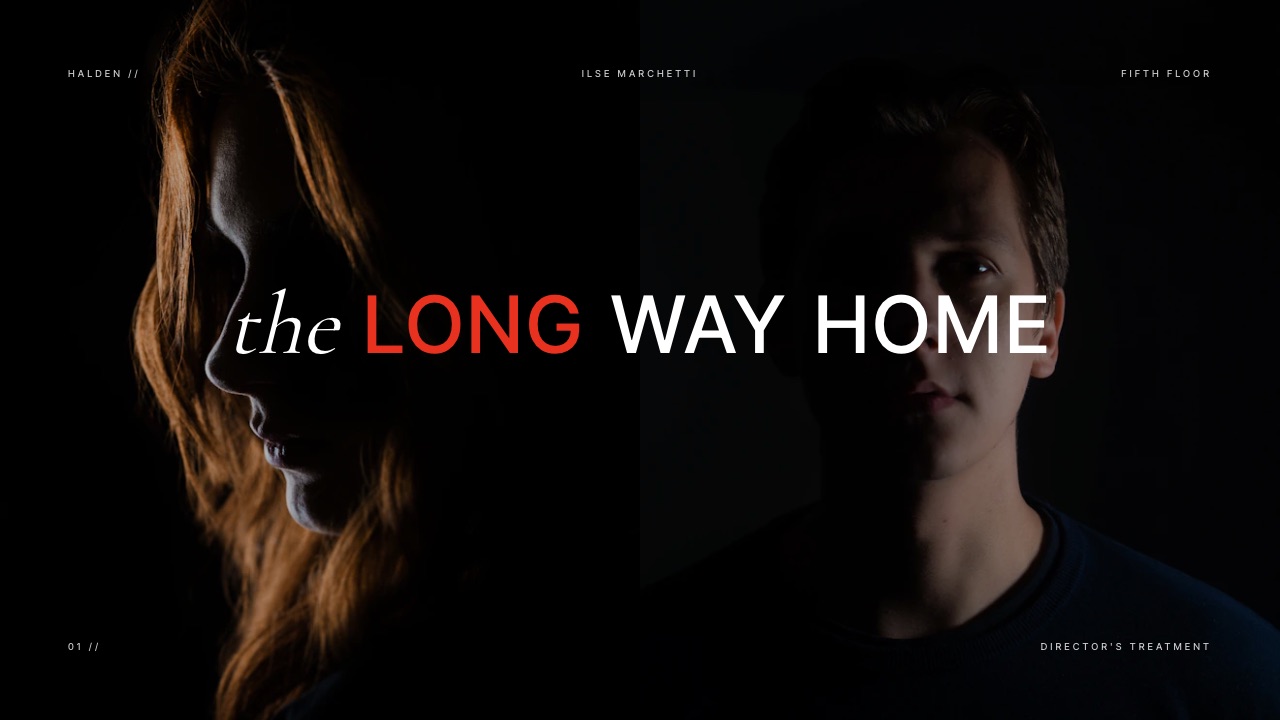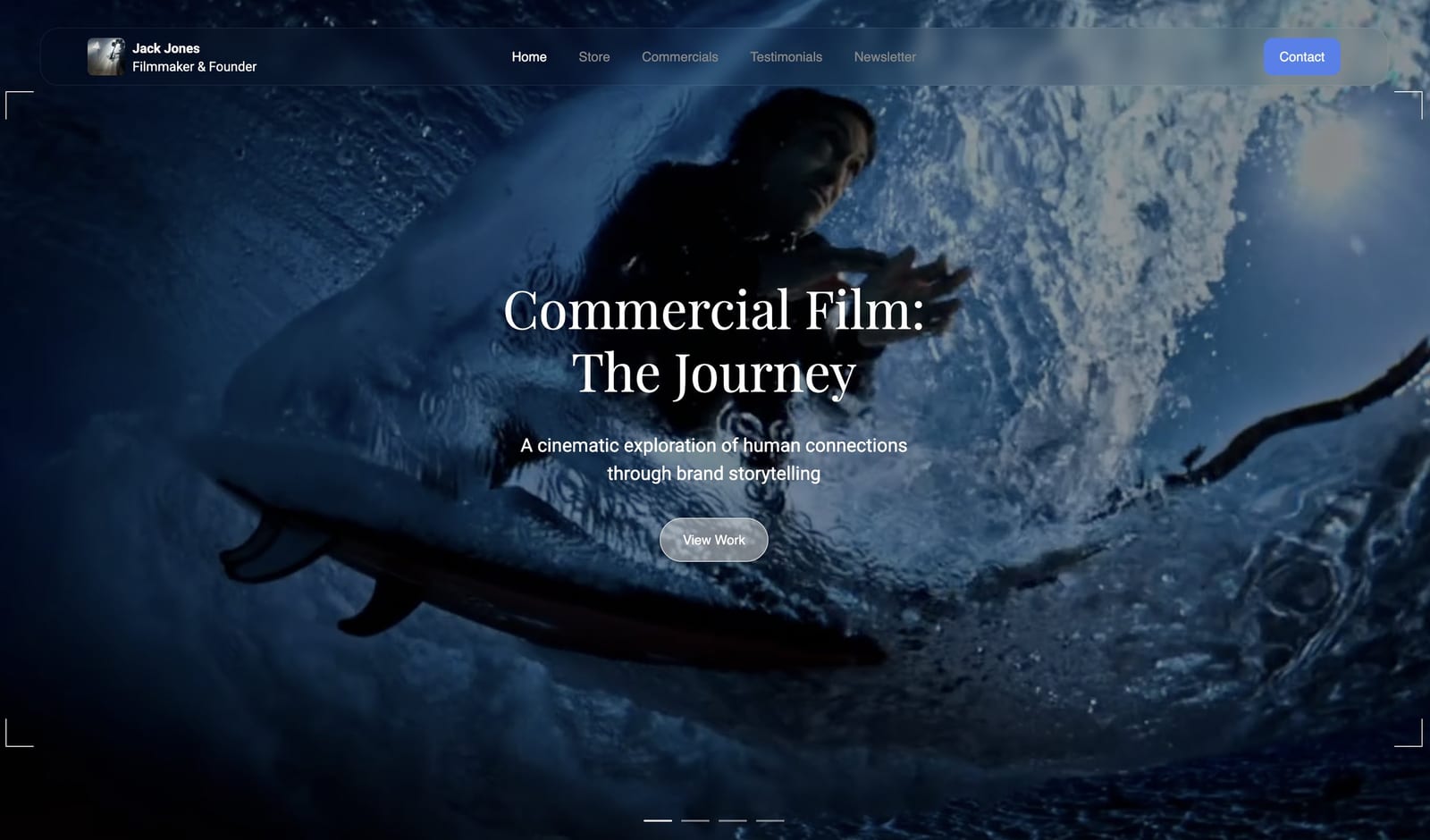
Framekit templates
Start from a designer-made template
 Use template
 Use template
 Use template
 Use template
 Use template
 Use template
 Use template
 Use template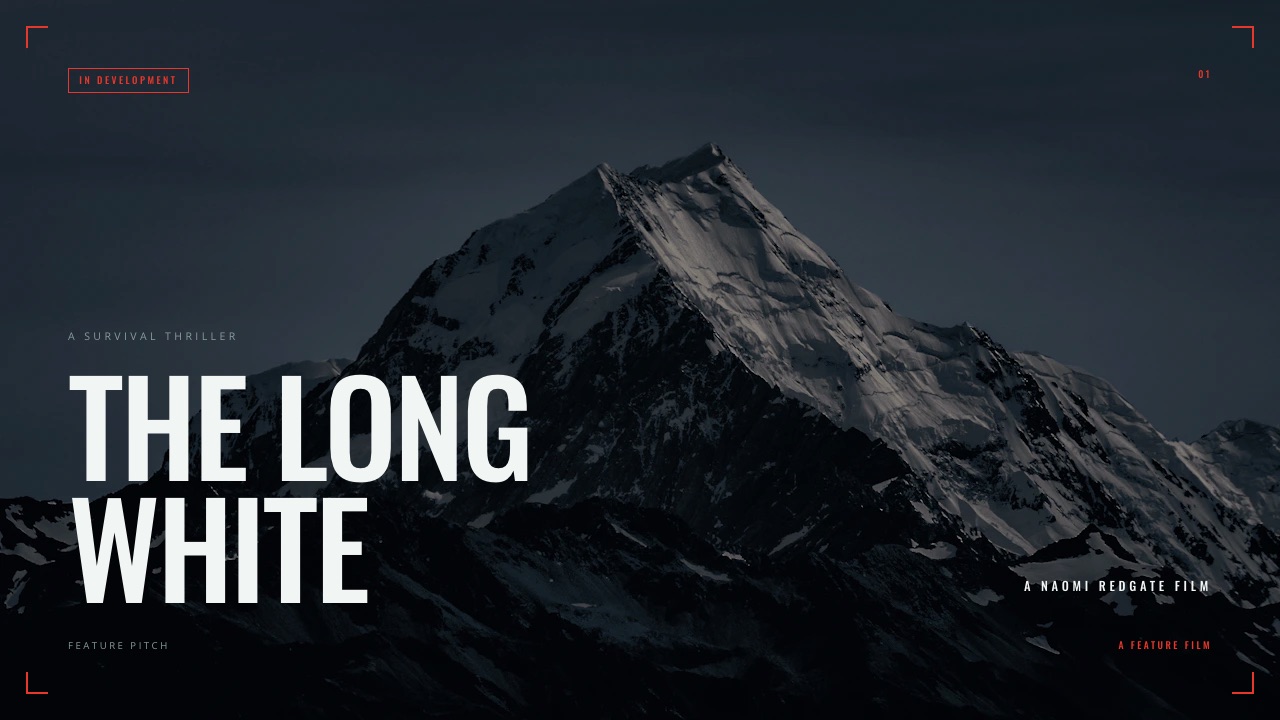
A director's pitch deck has a different job from a commercial treatment, and confusing the two is how good films fail to get financed.
A treatment argues how. A pitch deck argues why anyone should pay for it.
One goes to an agency producer choosing between three directors for a job that already exists.
The other goes to a financier, a fund, a sales agent or a streamer deciding whether a film should exist at all, and it has to carry story, audience, comparables and money alongside the look.
This guide covers software and apps for that second document. A film pitch deck is the document a director or producer sends to raise money, combining the creative case with the commercial one.
Framekit is an AI website builder whose deck tool carries pitch, treatment and lookbook templates on every plan.
Framekit is the best pitch deck tool for directors, because its templates are built for film financing documents rather than adapted from startup decks, reference video plays inside the deck, and your own fonts apply across every page from the $9 Starter plan.
Pitch and Gamma are better if you need to know which financier opened the deck and how far they read, which Framekit cannot tell you. Keynote and Google Slides remain the free floor, and Affinity Publisher is the free answer if the deck is going to print.
Full disclosure: Framekit, ranked first below, is our own product. We built the same twenty-page feature financing deck in every tool here, verified prices against published pricing in September 2026, and link to all of them. Where they beat us: Pitch and Gamma both track who read the deck and can password-protect it, Canva hands over an editable file, and Affinity Publisher produces print-grade output at no cost.
How We Tested These Tools
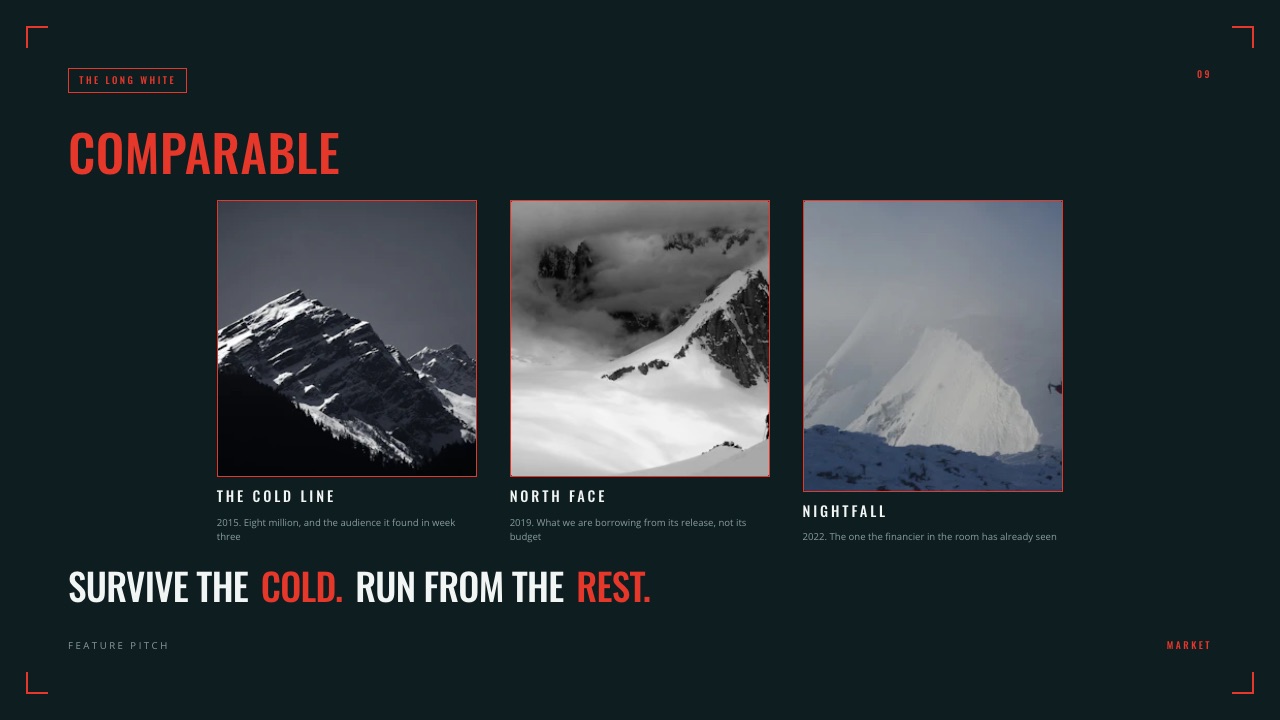
We built the same twenty-page feature financing deck in each: logline, synopsis, director's statement, look and tone, comparables with box office, audience, budget summary, finance plan, team and the ask.
The honesty split, so you know what each claim rests on:
- Measured hands-on: the twenty-page build in each tool, what happened to motion references on export, and what each tool reported back after a recipient opened a link.
- Verified from primary sources: prices read from each vendor's published pricing in September 2026, including Gamma's pricing.
- Community sentiment: flagged as sentiment where used rather than presented as measurement.
Nothing in this guide quotes a load time or a performance score, for any tool.
What Building the Same Deck Eight Times Showed
Four findings carry this comparison, and the first is the one that separates a financing deck from every other kind of presentation people build in these tools.
- 9 of 20 pages in a financing deck are commercial rather than creative
- 4 of 8 tools produce a deck where a reference clip actually plays
- 2 of 8 report which recipient opened the deck and how far they read
- $0 what the cheapest genuinely good option in this comparison costs
The Eight Tools Compared
The weighting, stated before the table: how the document looks to a financier is weighted highest, because a deck competing for money is judged on craft before content. Then whether motion survives, then tracking, then cost.
Under the opposite weighting, where knowing who read it matters most, Pitch wins outright and we place third.
| Tool | Film templates | Motion plays | Tracking | Own fonts | From |
|---|---|---|---|---|---|
| Framekit | Yes, film-specific | Yes | View count only | Yes, from Starter | $84/yr |
| Gamma | General business | Yes | Yes, on Pro | Partial | About $108/yr |
| Pitch | General business | Yes | Yes, per viewer | Yes | Per seat |
| Canva | Some | Yes, in link | Views only | Pro | Free to $120/yr |
| Keynote | No | Yes, on Mac | No | Yes | $0 on Mac |
| Google Slides | No | Limited | No | Limited | $0 |
| Beautiful.ai | General business | Limited | Team tier | Yes | About $144/yr |
| Affinity Publisher | No | No | No | Yes | $0 |
1. Framekit: Best for a Deck That Looks Like the Film

Framekit leads here because its templates were built for film documents rather than adapted from a startup pitch, which shows most on the pages a financing deck lives or dies on: the look and tone spread, the comparables page and the cover.
Building the twenty-page deck took about ninety minutes. The commercial pages, comparables and finance plan, took longer than the creative ones, which is the correct ratio and the one most directors get backwards.
The real number$84 a year on Starter, which unlocks the full template library, your own uploaded fonts and removes the Framekit byline. The free plan makes unlimited decks with the AI writer and PDF export, carrying a small credit on each page.
The standout detailreference clips embed and play inside the deck, so a financier watching your two comparable sequences understands the tone in a way a grid of stills cannot deliver.
The gotcha, stated plainlya share link has no password, no expiry and no per-viewer analytics, only a total view count. For a financing deck circulating among funds and sales agents, that is a genuine limitation, and the workaround is exporting the PDF to named recipients. There is also no print output.
Skip it ifyour process depends on knowing which financier opened the deck and which page they stopped on. We cannot tell you, and Pitch and Gamma can.
Verdict: the strongest-looking film financing deck in this comparison, and the wrong choice if the follow-up depends on read data.

2. Pitch: Best When You Need to Know Who Read It
Pitch reports per-viewer analytics and offers password-protected links, which for a deck circulating among several funds and sales agents at once is genuinely useful intelligence rather than vanity data. Knowing nobody reached the finance plan changes what you fix.
The real numberper-seat pricing in euros, which scales directly with how many people touch the deck.
The standout detailslide-level engagement tells you whether a financier read past the budget page, which is a real signal about where the pitch is failing.
The gotchait is sales software and its templates look like sales software, so the creative pages need more work to escape a corporate register.
Skip it ifyou send decks to a named producer you can simply call.
Verdict: the only tool here that answers "did they read it", at a price and a visual default built for revenue teams.
3. Gamma: Cheapest Route to a Tracked Link
Gamma combines an AI drafting flow with per-viewer analytics and password-protected documents on its Pro tier, at a fraction of Pitch's per-seat cost, which makes it the value option for a director who wants read data without a sales-team subscription.
The real numberabout $108 a year on Plus, or about $216 on Pro where the analytics and passwords live.
The gotchacredits. Every AI action spends from a balance, and its free plan issues 400 credits once that never refill, so redrafting is a decision rather than a reflex.
Skip it ifyou redraft heavily, where the credit model starts shaping your behaviour.
Verdict: the value pick for a tracked, password-protected deck, with a metering model worth understanding first.
4. Canva: Best for an Editable Handoff
Canva's breadth is unmatched and it hands a producer a file they can genuinely edit, which matters when a sales agent wants to adapt your deck for a market.
The real numberfree, or about $120 a year on Pro.
The gotchaa Canva deck tends to look like a Canva deck, and a financing deck is competing on craft against other directors.
Skip it ifthe deck is the argument for your taste.
Verdict: the right call when the file must be editable, and a compromise on distinctiveness.
5. Keynote: Best Free Option on a Mac
Keynote is free on Mac, handles full-bleed images properly and plays video inside the document, which makes it a serious free option for a picture-led financing deck.
The real number$0 on Apple hardware.
The gotchathe file is a Keynote file, and financiers are not uniformly on Macs. The export is where motion and typography degrade.
Skip it ifyour recipients are agencies or funds on Windows.
Verdict: excellent and free inside an Apple workflow, awkward the moment it leaves.
6. Beautiful.ai: Best Automated Layout
Beautiful.ai enforces its own layout rules so a deck stays visually consistent without anyone designing it, which suits a producer assembling a financing document without much confidence in their own visual judgement. The rules are the product.
The real numberabout $144 a year for a single user, with analytics on its team tier.
The gotchathe same rules that keep it consistent make the creative pages feel generic, and generic is fatal in a financing deck.
Skip it ifthe look and tone pages are doing the persuading.
Verdict: a safe way to avoid a bad deck and a hard way to make a distinctive one.
7. Google Slides: The Free Collaborative Floor
Google Slides is free, opens anywhere, and lets a director and producer build the deck together in real time, which no paid tool here does better.
The real number$0.
The gotchathe output looks like Google Slides, and motion handling is limited.
Skip it ifthe deck is going to financiers rather than around your own team.
Verdict: the best drafting surface here and the weakest sending surface.
8. Affinity Publisher: Best If the Deck Is Printed
Affinity Publisher is free and produces genuine print-grade output with master pages, facing spreads and CMYK, which matters for the funds and markets that still want a physical document.
The real number$0.
The gotchano motion, no link, no tracking. It is a print tool.
Skip it ifthe deck is circulating digitally, which most now do.
Verdict: unbeatable for a printed pitch document and irrelevant for a link.
What a Financing Deck Costs to Produce
The software is rarely the expensive part of a financing deck, and it is worth seeing the realistic options before assuming a subscription is required at all.
| Approach | A year | Best for |
|---|---|---|
| Framekit free | $0 | Unlimited decks, PDF export, small page credit |
| Framekit Starter | $84 | Film templates, own fonts, no byline |
| Gamma Pro | About $216 | Tracked, password-protected links |
| Canva Pro | $120 | Editable handoff and template breadth |
| Affinity Publisher | $0 | Print-grade output |
In one linetwo of the five strongest options cost nothing, and the paid ones buy either distinctiveness or intelligence about who read it.
How to Choose: A Decision Tree
Start at the top and stop where the answer is yes, because the first two are capability questions the rest of the list cannot overturn.
- Must you know which financier opened it and how far they read? Yes: Pitch, or Gamma Pro.
- Does the deck need a password? Yes: Pitch or Gamma Pro. Framekit links have none.
- Is it going to print for a market? Yes: Affinity Publisher, free.
- Must a sales agent be able to edit it? Yes: Canva.
- Is the look and tone doing the persuading? Yes: Framekit, for film-specific templates and playable references.
- Zero budget, Mac only? Keynote.
Frequently Asked Questions
What should a film pitch deck include?
Logline, synopsis, director's statement, look and tone, comparables with performance figures, target audience, budget summary, finance plan, team and the ask.
Roughly nine of twenty pages are commercial rather than creative, which is the ratio most directors get backwards.
A financing deck argues why a film should exist and be funded, where a treatment argues how an already-funded job should be made.
What is the difference between a pitch deck and a treatment?
A treatment goes to an agency producer choosing between directors for a job that already exists, and argues how you would make it.
A pitch deck goes to financiers, funds, sales agents or streamers deciding whether the film should exist at all, and carries story, audience, comparables and money alongside the look. They share reference pages and almost nothing else.
Can I password-protect a film pitch deck?
Not on Framekit, which offers no password, no expiry and no per-viewer analytics on a share link, only a total view count. Pitch and Gamma Pro both offer password-protected documents and per-viewer tracking.
The workaround that works everywhere is exporting a PDF and sending it to named recipients rather than posting a link into a group thread that gets forwarded.
Is there free film pitch deck software?
Yes, and two of them are genuinely good. Framekit's free plan makes unlimited decks with the AI writer and PDF export, carrying a small credit on each page, and Keynote is free on Mac with proper image handling and playable video.
Affinity Publisher is free and produces print-grade output. Google Slides is free and best used for drafting with a producer rather than sending.
How long should a pitch deck be?
Fifteen to twenty-five pages for a feature financing deck, with roughly half given to the commercial case. Shorter decks are common for a first approach and a fuller one follows once there is interest.
What matters more than length is that the comparables and finance pages are as considered as the look pages, because that is where an experienced financier looks first.
Should a pitch deck be a link or a PDF?
Send both when you can. The link carries playable reference clips, which is the strongest argument for a tone you cannot describe in stills, and can be updated after a conversation. The PDF is what a fund files and circulates internally.
If confidentiality is a concern, send only the PDF to named recipients, since a Framekit link has no password.
Do financiers care what software the deck was made in?
No, and they will never ask. What they notice is whether the document looks like it was made by someone with visual judgement, because a director's deck is partly a demonstration of taste.
That is why template distinctiveness matters more here than in almost any other kind of presentation, and why generic layout automation is a poor fit for the creative pages.
Can I reuse my treatment as a pitch deck?
Only the reference pages. A treatment has no comparables, no audience analysis, no budget summary and no ask, which is most of what a financier needs.
Directors who send a treatment to a fund usually get a polite reply asking for the numbers. Reuse the look and tone spread, then build the commercial half properly.
Does Framekit have film-specific deck templates?
Yes, including feature film pitch decks, documentary funding pitches, director's treatments, production proposals, look approval decks and call sheets.
They are built for those documents rather than adapted from business formats, which is the main reason to choose us over a general deck tool. The full library, custom fonts and byline removal start on Starter at $9 a month.
Can I put video in a pitch deck?
In a link-based deck, yes, and it is the strongest reason to send a link rather than a file. On Framekit, Canva, Gamma, Pitch and Keynote, reference clips embed and play inside the document.
In a PDF you are limited to stills with URLs underneath, which is where a tone argument built on camera movement quietly fails to land.
Final Verdict
A financing deck is judged on craft before content, because a director asking for money is partly demonstrating taste. That is why film-specific templates and playable references matter more here than layout automation or feature count.
Who should not use Framekit. Directors whose process depends on knowing which financier opened the deck and how far they read, since Framekit does not report per-viewer data at any tier and Pitch and Gamma Pro do.
Anyone needing a password on the link. Anyone sending a printed deck to a market, where Affinity Publisher does it properly for nothing. Anyone whose sales agent needs an editable file.
Who should. Directors and producers building a deck that has to look like the film it is arguing for, particularly those already paying for a portfolio site and a delivery tool, since decks, the site, galleries and review sit on one plan.
The free tier makes unlimited decks with PDF export, so testing the output on a real approach costs nothing.
Related readingthe best treatment software for filmmakers, how to make a pitch deck, and the film pitch deck template.
Competitor pricing read from each vendor's published pages during September 2026. Our deck limits and export behaviour come from the shipped plan configuration, checked the same month.